


SEMINAR
PRESENTED BY :
APARAJEETA
Origin and meaning of the term
"Wi-Fi"
• The term "Wi-Fi" suggests "Wireless
Fidelity", comparing with the long-
established audio recording term
"High Fidelity" or "Hi-Fi", and
"Wireless Fidelity" has often been
used in an informal way, even by the
Wi-Fi Alliance itself, but officially the
term does not mean anything.
History
• The precursor to Wi-Fi was invented in 1991
by NCR Corporation/AT&T (later Lucent &
Agere Systems) in Nieuwegein, the
Netherlands.The first wireless products were
brought on the market under the name
WaveLAN with speeds of 1 Mbit/s to 2 Mbit/s.
Vic Hayes, who held the chair of IEEE 802.11
for 10 years and has been named the 'father
of Wi-Fi,' was involved in designing standards
such as IEEE 802.11b, and 802.11a.
Wi-Fi is one of the wireless technologies
based on IEEE 802.11
Wi-Fi is a global set of standards. Unlike
mobile telephones, any standard Wi-Fi
device will work anywhere in the world.
What Is Wi-Fi ?
Types of Wireless
Network
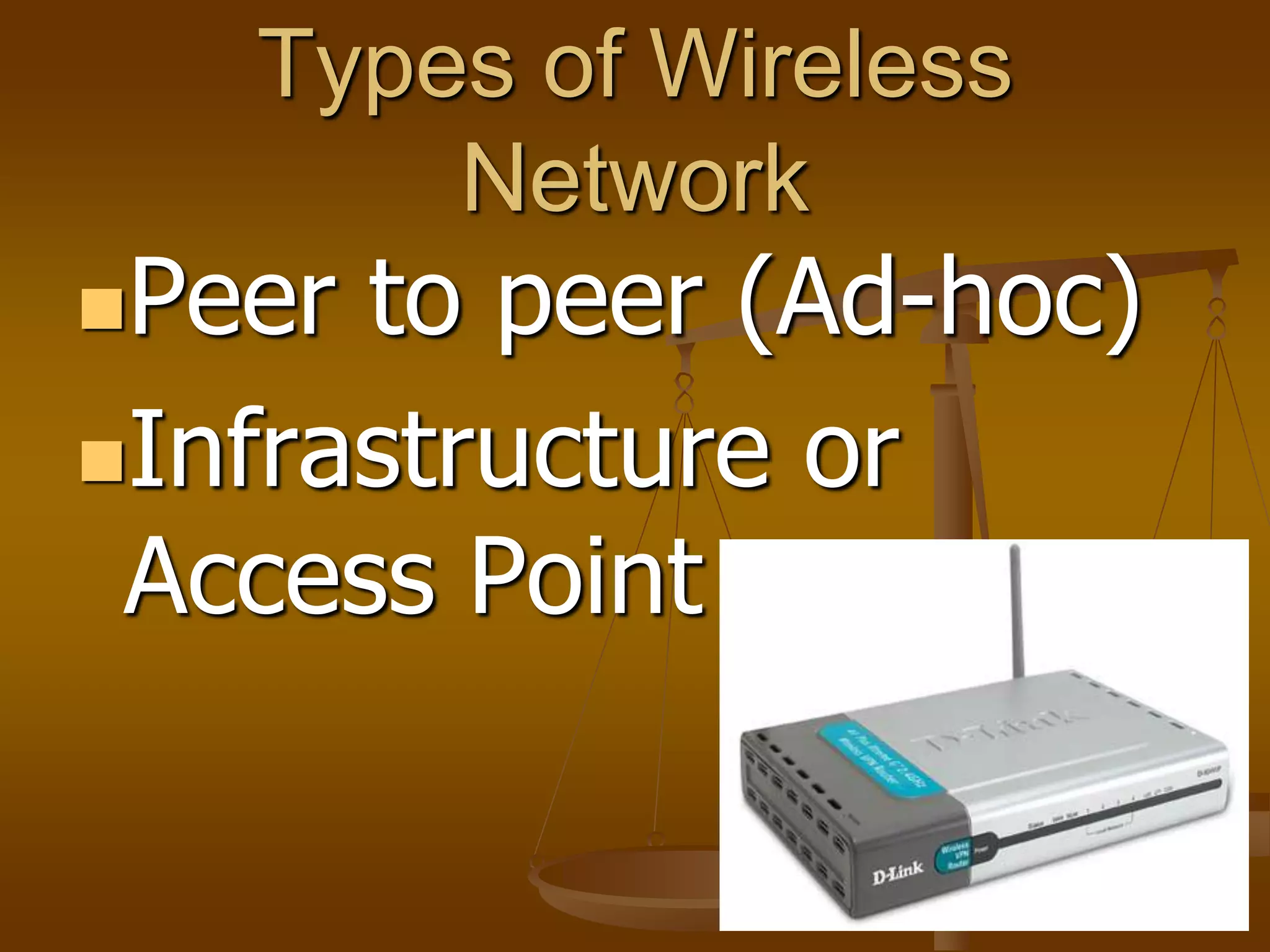
Peer to peer (Ad-hoc)
Infrastructure or
Access Point
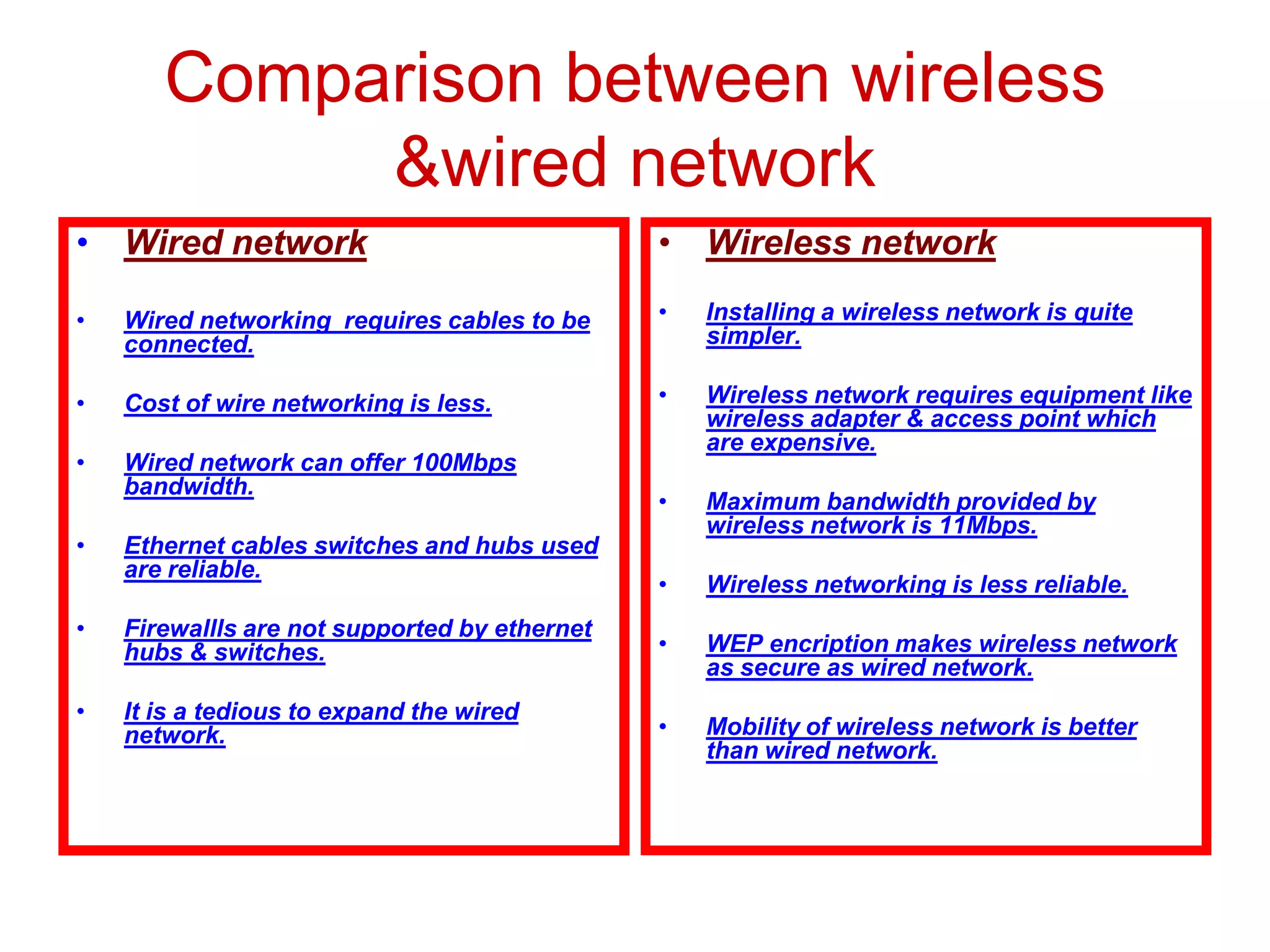
Comparison between wireless
&wired network
• Wired network
• Wired networking requires cables to be
connected.
• Cost of wire networking is less.
• Wired network can offer 100Mbps
bandwidth.
• Ethernet cables switches and hubs used
are reliable.
• Firewallls are not supported by ethernet
hubs & switches.
• It is a tedious to expand the wired
network.
• Wireless network
• Installing a wireless network is quite
simpler.
• Wireless network requires equipment like
wireless adapter & access point which
are expensive.
• Maximum bandwidth provided by
wireless network is 11Mbps.
• Wireless networking is less reliable.
• WEP encription makes wireless network
as secure as wired network.
• Mobility of wireless network is better
than wired network.
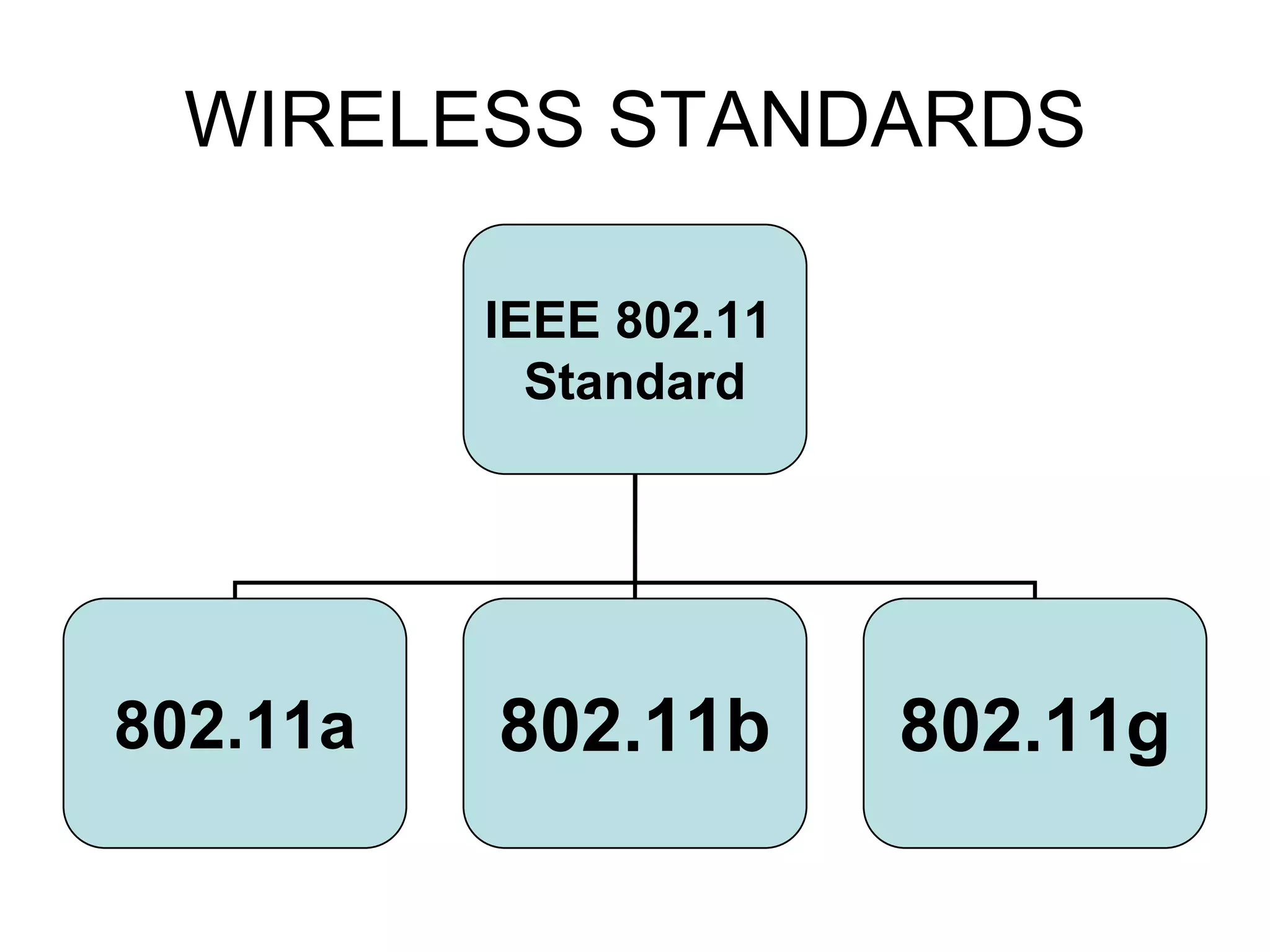
WIRELESS STANDARDS
IEEE 802.11
Standard
802.11a 802.11b 802.11g
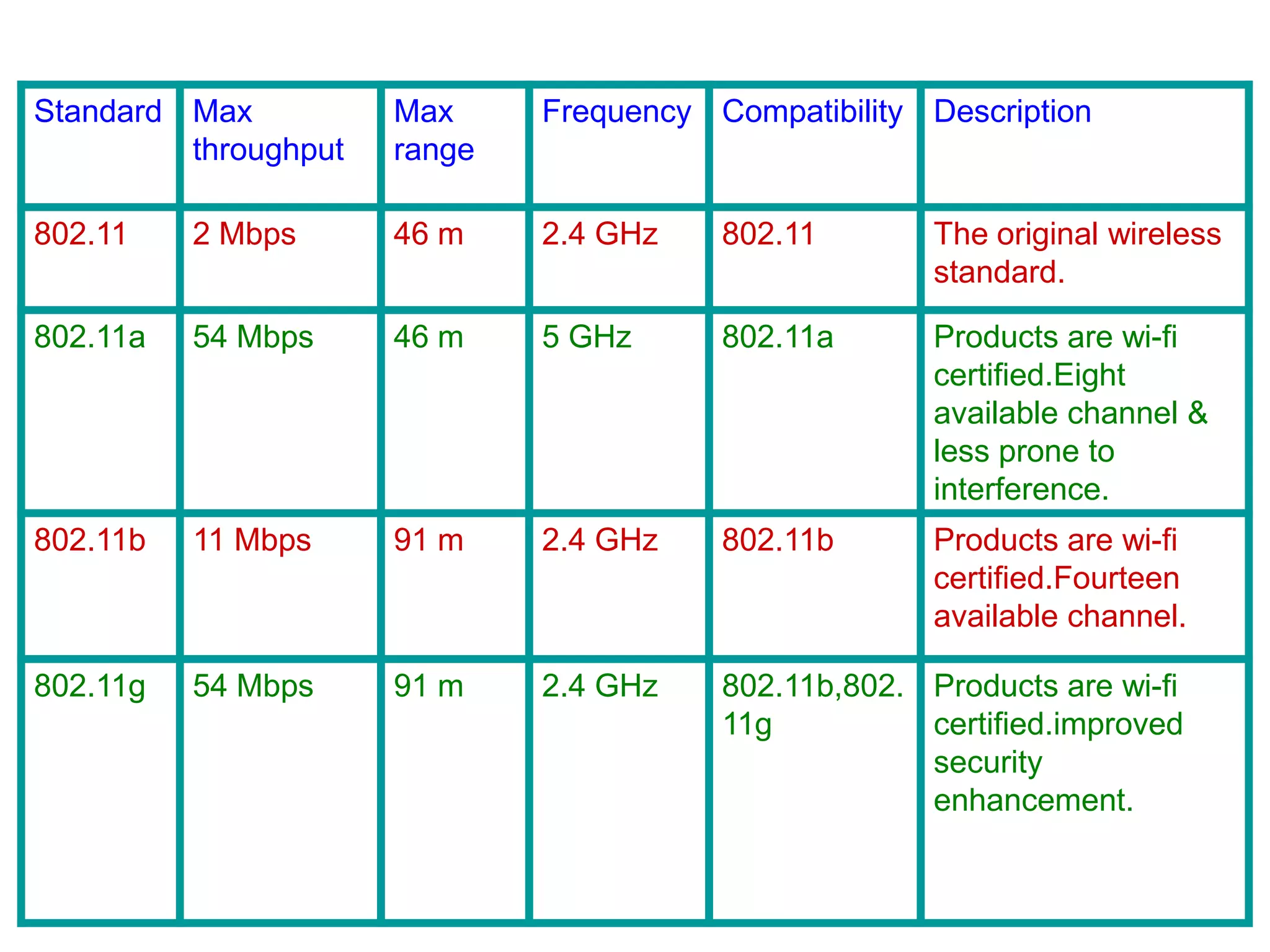
Standard Max
throughput
Max
range
Frequency Compatibility Description
802.11 2 Mbps 46 m 2.4 GHz 802.11 The original wireless
standard.
802.11a 54 Mbps 46 m 5 GHz 802.11a Products are wi-fi
certified.Eight
available channel &
less prone to
interference.
802.11b 11 Mbps 91 m 2.4 GHz 802.11b Products are wi-fi
certified.Fourteen
available channel.
802.11g 54 Mbps 91 m 2.4 GHz 802.11b,802.
11g
Products are wi-fi
certified.improved
security
enhancement.
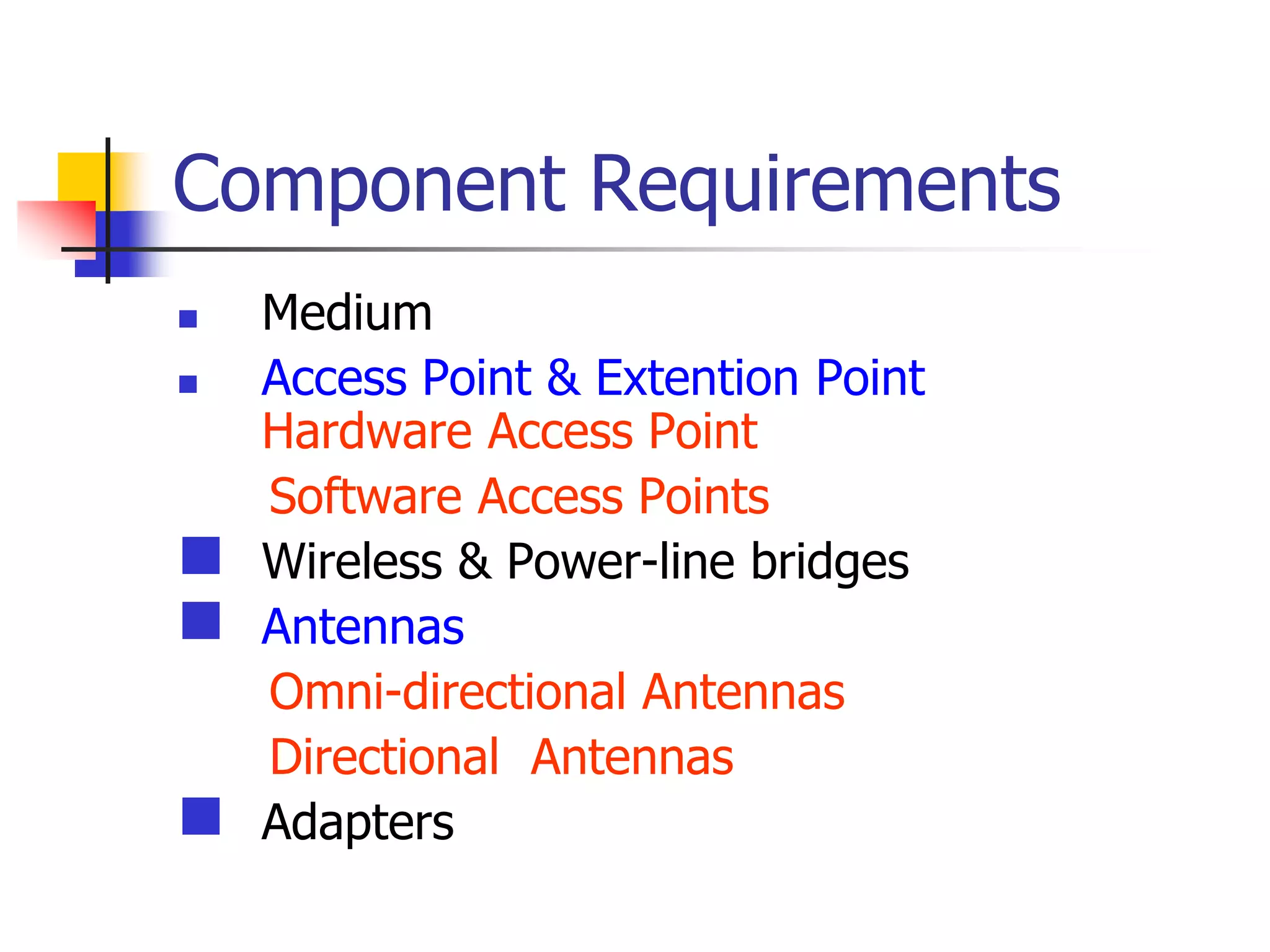
Component Requirements
 Medium
 Access Point & Extention Point
Hardware Access Point
Software Access Points
 Wireless & Power-line bridges
 Antennas
Omni-directional Antennas
Directional Antennas
 Adapters
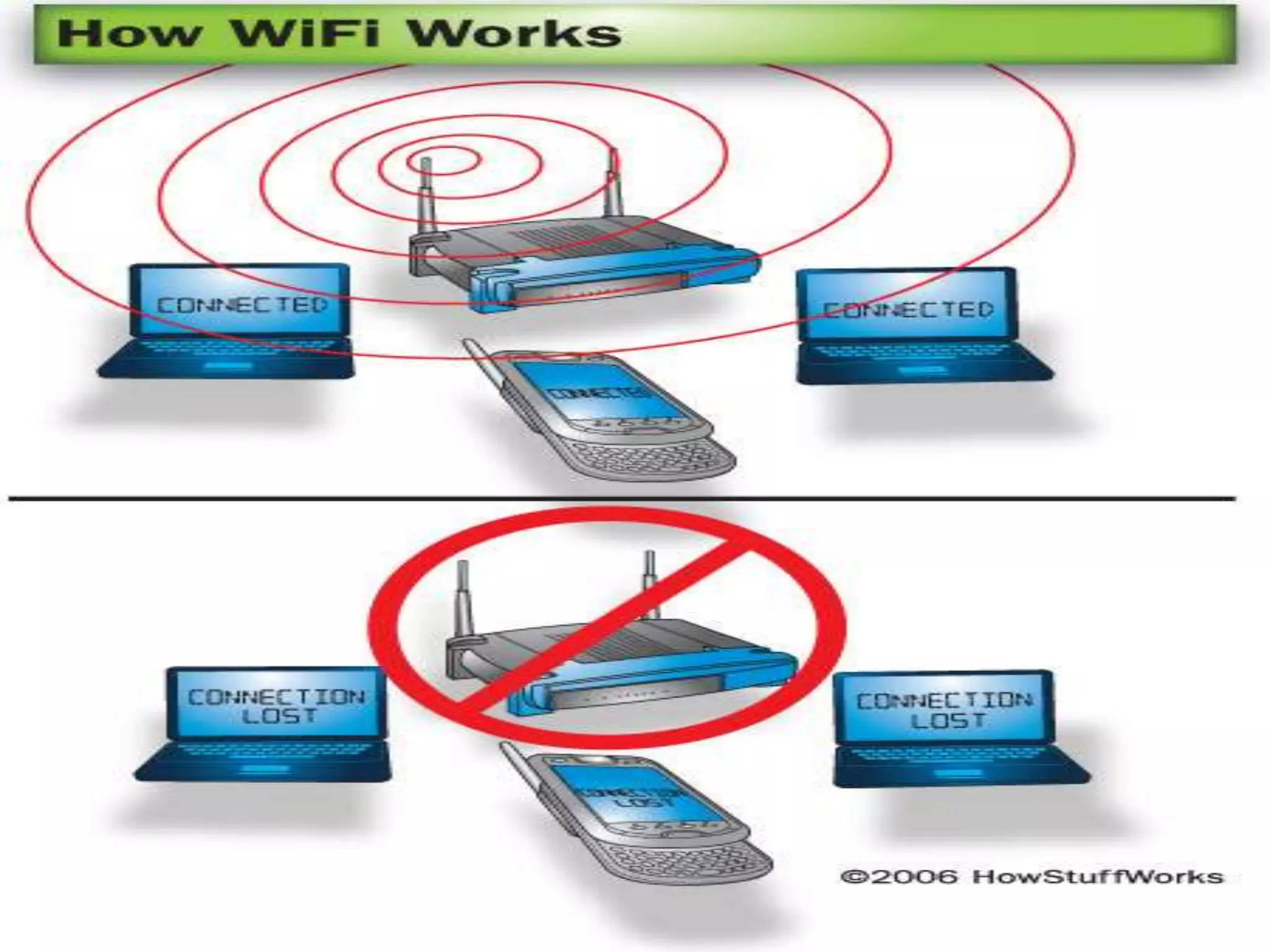
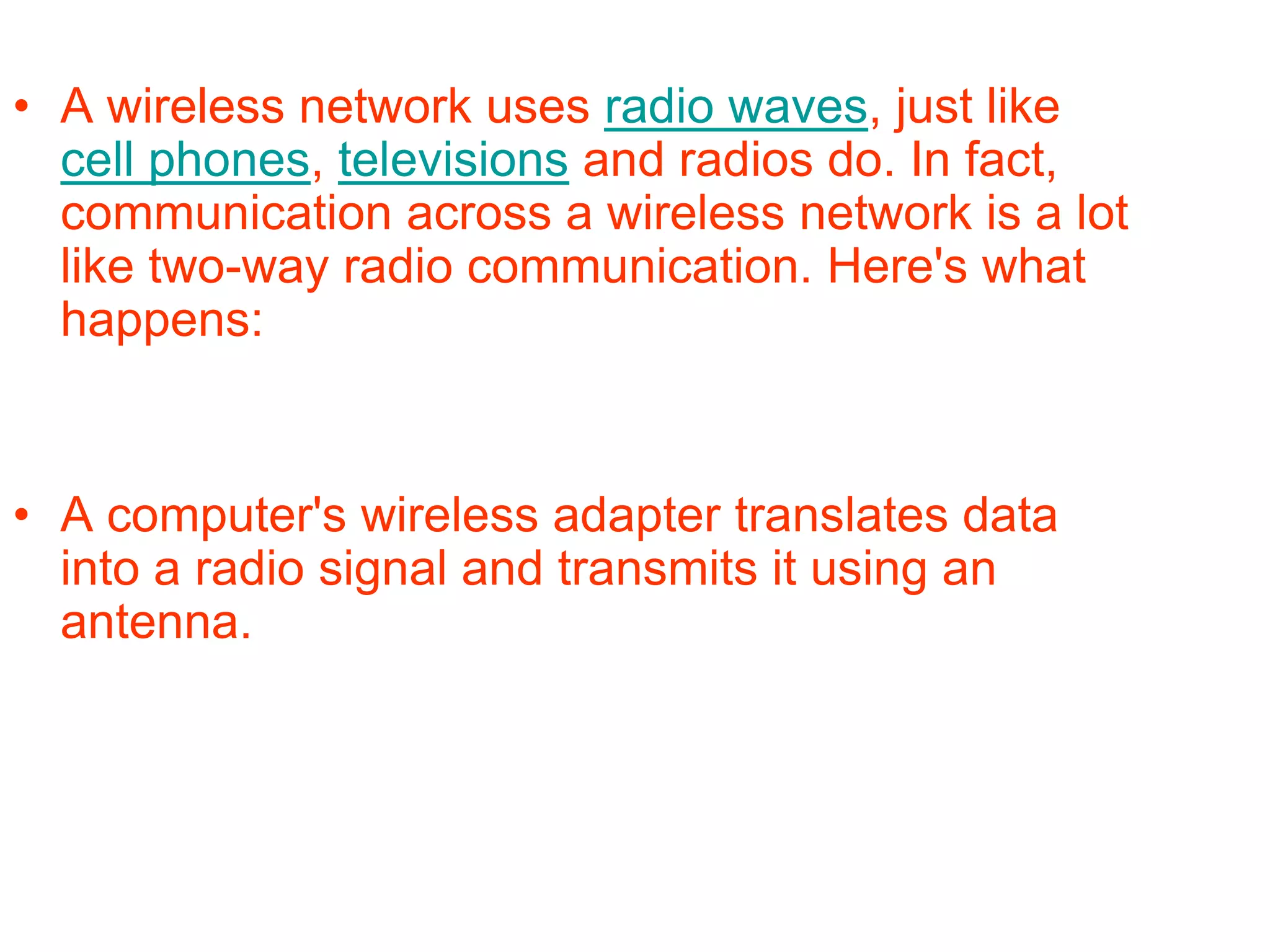
• A wireless network uses radio waves, just like
cell phones, televisions and radios do. In fact,
communication across a wireless network is a lot
like two-way radio communication. Here's what
happens:
• A computer's wireless adapter translates data
into a radio signal and transmits it using an
antenna.
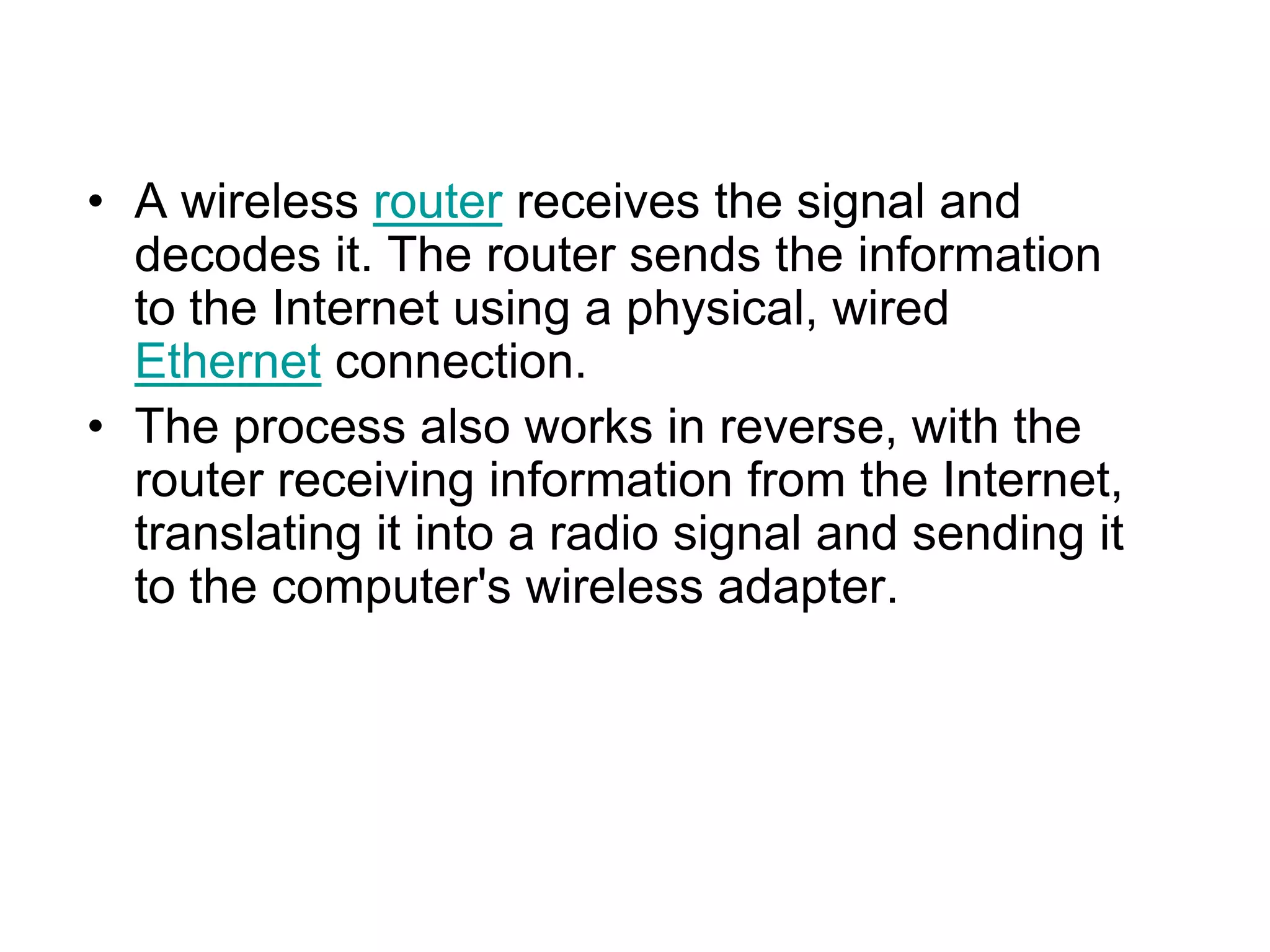
• A wireless router receives the signal and
decodes it. The router sends the information
to the Internet using a physical, wired
Ethernet connection.
• The process also works in reverse, with the
router receiving information from the Internet,
translating it into a radio signal and sending it
to the computer's wireless adapter.
 WiFi Hotspots
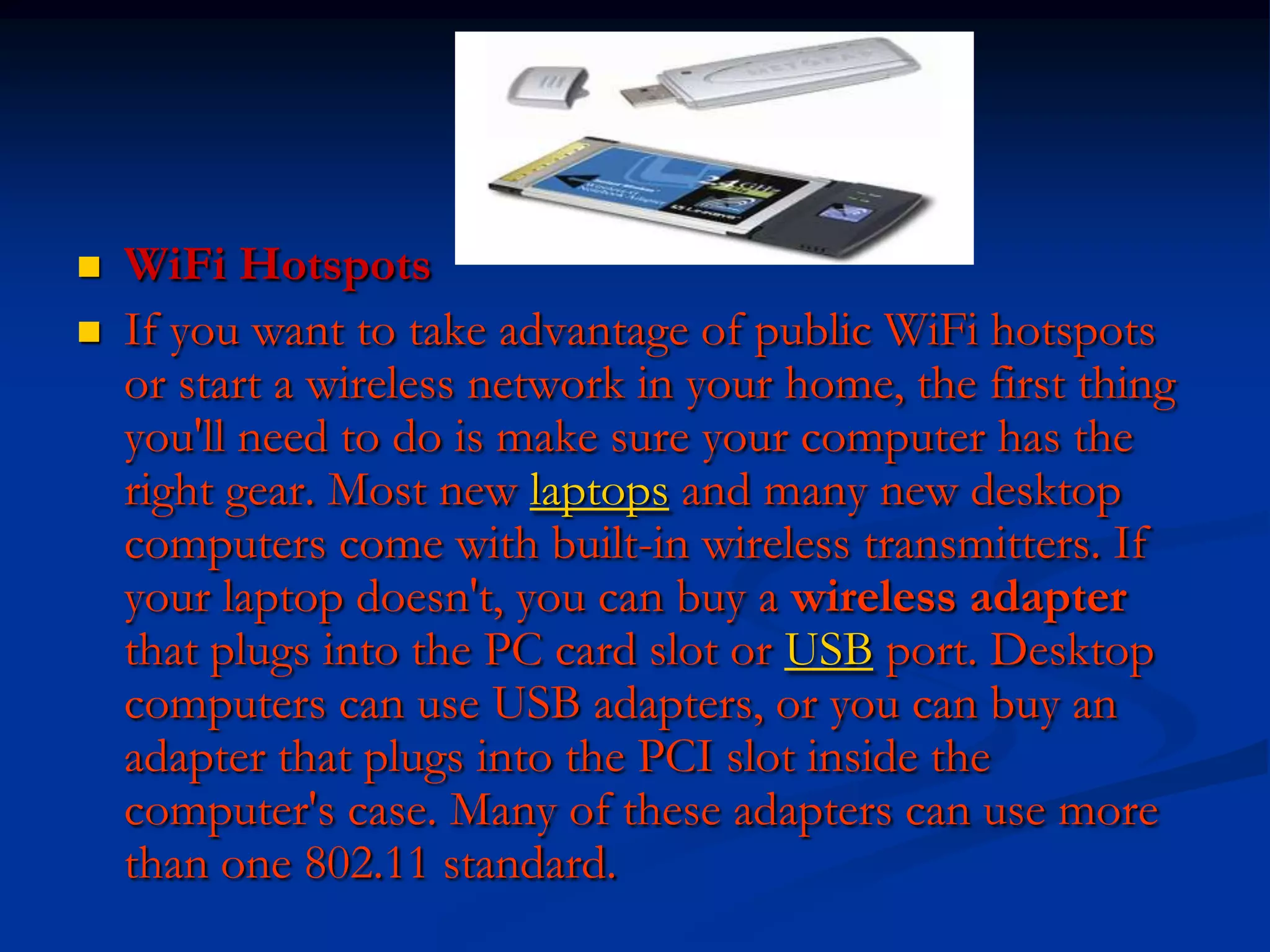
 If you want to take advantage of public WiFi hotspots
or start a wireless network in your home, the first thing
you'll need to do is make sure your computer has the
right gear. Most new laptops and many new desktop
computers come with built-in wireless transmitters. If
your laptop doesn't, you can buy a wireless adapter
that plugs into the PC card slot or USB port. Desktop
computers can use USB adapters, or you can buy an
adapter that plugs into the PCI slot inside the
computer's case. Many of these adapters can use more
than one 802.11 standard.
Purpose
 The purpose of Wi-Fi is to provide
interoperable wireless access to
digital content. This content may
include applications, audio and visual
media, Internet connectivity, or
other data. Wi-Fi generally makes
access to information between
devices from different manufacturers
easier, as it can eliminate some of
the physical restraints of wiring; this
can be especially true for mobile
devices. The meaning of Wi-Fi was
originally "wireless-fireless" because
of it's speed, but this is seldom used
now.
Uses
• A Wi-Fi enabled device such as a PC, game
console, mobile phone, MP3 player or PDA
can connect to the Internet when within
range of a wireless network connected to the
Internet. The coverage of one or more
interconnected access points — called a
hotspot — can comprise an area as small as
a single room with wireless-opaque walls or
as large as many square miles covered by
overlapping access points. Wi-Fi technology
has served to set up mesh networks, for
example, in London. Both architectures can
operate in community networks.
SECURITY
 Data Encryption:-
1> Wired Equivalent Privacy (WEP)
2>Wi-Fi Protected Access (WPA)
 Service Set Identifier (SSID)
 Media Access Control (MAC) address
filtering
 Port Based Access Control
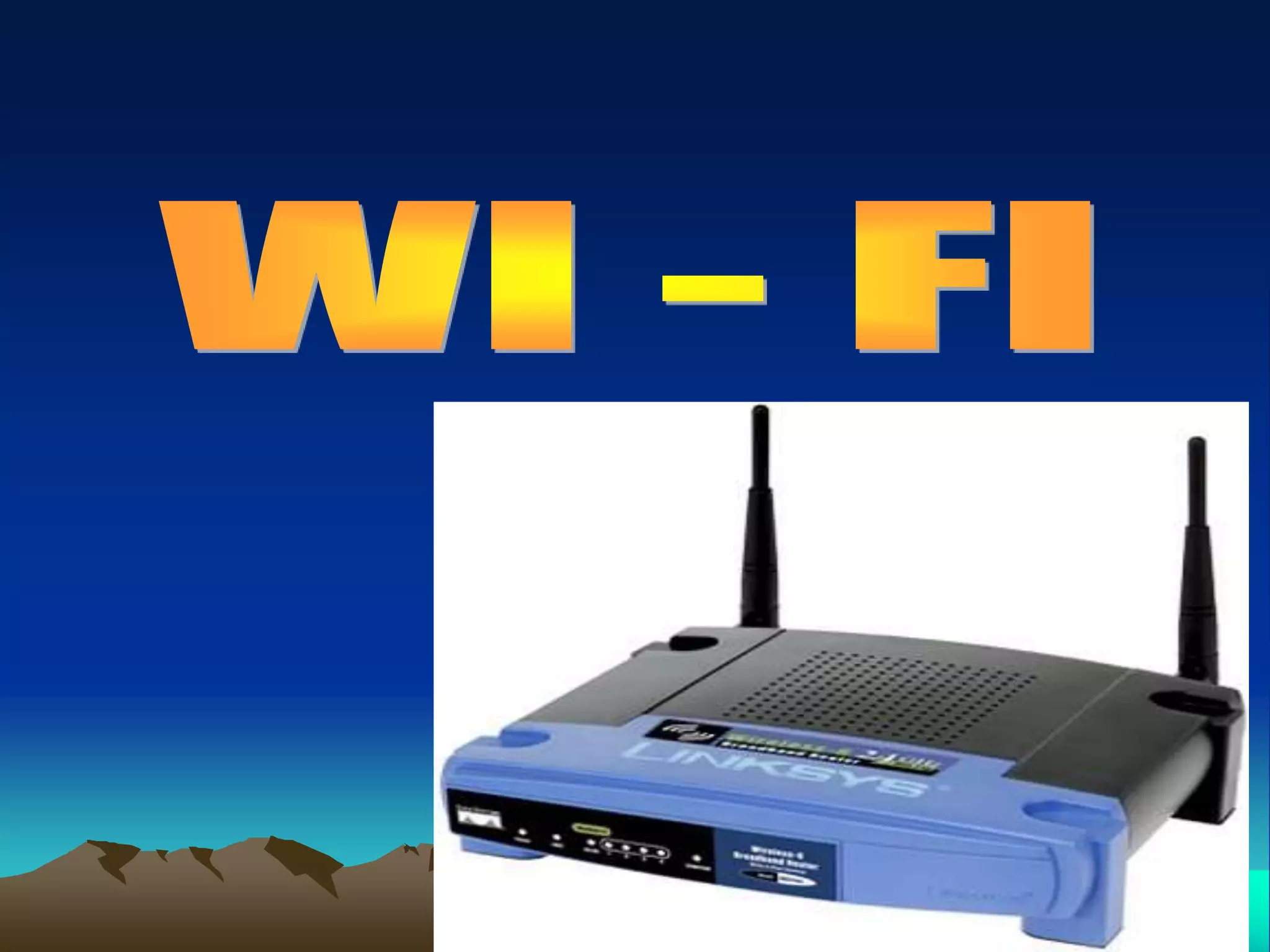
wi-fi

wi-fi

  • 3.
  • 4.
    Origin and meaningof the term "Wi-Fi" • The term "Wi-Fi" suggests "Wireless Fidelity", comparing with the long- established audio recording term "High Fidelity" or "Hi-Fi", and "Wireless Fidelity" has often been used in an informal way, even by the Wi-Fi Alliance itself, but officially the term does not mean anything.
  • 5.
    History • The precursorto Wi-Fi was invented in 1991 by NCR Corporation/AT&T (later Lucent & Agere Systems) in Nieuwegein, the Netherlands.The first wireless products were brought on the market under the name WaveLAN with speeds of 1 Mbit/s to 2 Mbit/s. Vic Hayes, who held the chair of IEEE 802.11 for 10 years and has been named the 'father of Wi-Fi,' was involved in designing standards such as IEEE 802.11b, and 802.11a.
  • 6.
    Wi-Fi is oneof the wireless technologies based on IEEE 802.11 Wi-Fi is a global set of standards. Unlike mobile telephones, any standard Wi-Fi device will work anywhere in the world. What Is Wi-Fi ?
  • 7.
    Types of Wireless Network Peerto peer (Ad-hoc) Infrastructure or Access Point
  • 8.
    Comparison between wireless &wirednetwork • Wired network • Wired networking requires cables to be connected. • Cost of wire networking is less. • Wired network can offer 100Mbps bandwidth. • Ethernet cables switches and hubs used are reliable. • Firewallls are not supported by ethernet hubs & switches. • It is a tedious to expand the wired network. • Wireless network • Installing a wireless network is quite simpler. • Wireless network requires equipment like wireless adapter & access point which are expensive. • Maximum bandwidth provided by wireless network is 11Mbps. • Wireless networking is less reliable. • WEP encription makes wireless network as secure as wired network. • Mobility of wireless network is better than wired network.
  • 9.
  • 10.
    Standard Max throughput Max range Frequency CompatibilityDescription 802.11 2 Mbps 46 m 2.4 GHz 802.11 The original wireless standard. 802.11a 54 Mbps 46 m 5 GHz 802.11a Products are wi-fi certified.Eight available channel & less prone to interference. 802.11b 11 Mbps 91 m 2.4 GHz 802.11b Products are wi-fi certified.Fourteen available channel. 802.11g 54 Mbps 91 m 2.4 GHz 802.11b,802. 11g Products are wi-fi certified.improved security enhancement.
  • 11.
    Component Requirements  Medium Access Point & Extention Point Hardware Access Point Software Access Points  Wireless & Power-line bridges  Antennas Omni-directional Antennas Directional Antennas  Adapters
  • 13.
    • A wirelessnetwork uses radio waves, just like cell phones, televisions and radios do. In fact, communication across a wireless network is a lot like two-way radio communication. Here's what happens: • A computer's wireless adapter translates data into a radio signal and transmits it using an antenna.
  • 14.
    • A wirelessrouter receives the signal and decodes it. The router sends the information to the Internet using a physical, wired Ethernet connection. • The process also works in reverse, with the router receiving information from the Internet, translating it into a radio signal and sending it to the computer's wireless adapter.
  • 15.
     WiFi Hotspots If you want to take advantage of public WiFi hotspots or start a wireless network in your home, the first thing you'll need to do is make sure your computer has the right gear. Most new laptops and many new desktop computers come with built-in wireless transmitters. If your laptop doesn't, you can buy a wireless adapter that plugs into the PC card slot or USB port. Desktop computers can use USB adapters, or you can buy an adapter that plugs into the PCI slot inside the computer's case. Many of these adapters can use more than one 802.11 standard.
  • 16.
    Purpose  The purposeof Wi-Fi is to provide interoperable wireless access to digital content. This content may include applications, audio and visual media, Internet connectivity, or other data. Wi-Fi generally makes access to information between devices from different manufacturers easier, as it can eliminate some of the physical restraints of wiring; this can be especially true for mobile devices. The meaning of Wi-Fi was originally "wireless-fireless" because of it's speed, but this is seldom used now.
  • 17.
    Uses • A Wi-Fienabled device such as a PC, game console, mobile phone, MP3 player or PDA can connect to the Internet when within range of a wireless network connected to the Internet. The coverage of one or more interconnected access points — called a hotspot — can comprise an area as small as a single room with wireless-opaque walls or as large as many square miles covered by overlapping access points. Wi-Fi technology has served to set up mesh networks, for example, in London. Both architectures can operate in community networks.
  • 18.
    SECURITY  Data Encryption:- 1>Wired Equivalent Privacy (WEP) 2>Wi-Fi Protected Access (WPA)  Service Set Identifier (SSID)  Media Access Control (MAC) address filtering  Port Based Access Control