Kataria Arvind P.
 Wi-Fi, or Wireless Fidelity, is freedom: it
allows a person to connect to the Internet
 Wi-Fi is a wireless technology. Wi-Fi
enabled computers send and receive data
indoors and out; anywhere within the range of
a base station.
 Its just as fast as a cable modem
connection.
 Allows you to access the Internet while on
the move ; you can remain online while
moving from one area to another, without a
disconnection or loss in coverage.
 Wireless Technology is commonly
used for connecting devices in wireless
mode.
Wi-Fi (Wireless Fidelity) is a generic
term that refers to the IEEE 802.11
communications standard for Wireless
Local Area Networks (WLANs).
Wi-Fi Network connect computers to
each other, to the internet and to the
wired network.
it is possible to create high-speed
wireless local area networks
Why Wi-Fi?
 Setup Cost – Reduced cabling required
 Flexibility – Quick and easy to setup in
temp or permanent space
 Scaleable – Can be expanded with
growth
 Freedom – You can work from any
location that you can get a signal
 Lower total cost of ownership – Because
s of affordability and low install cost
Additionally
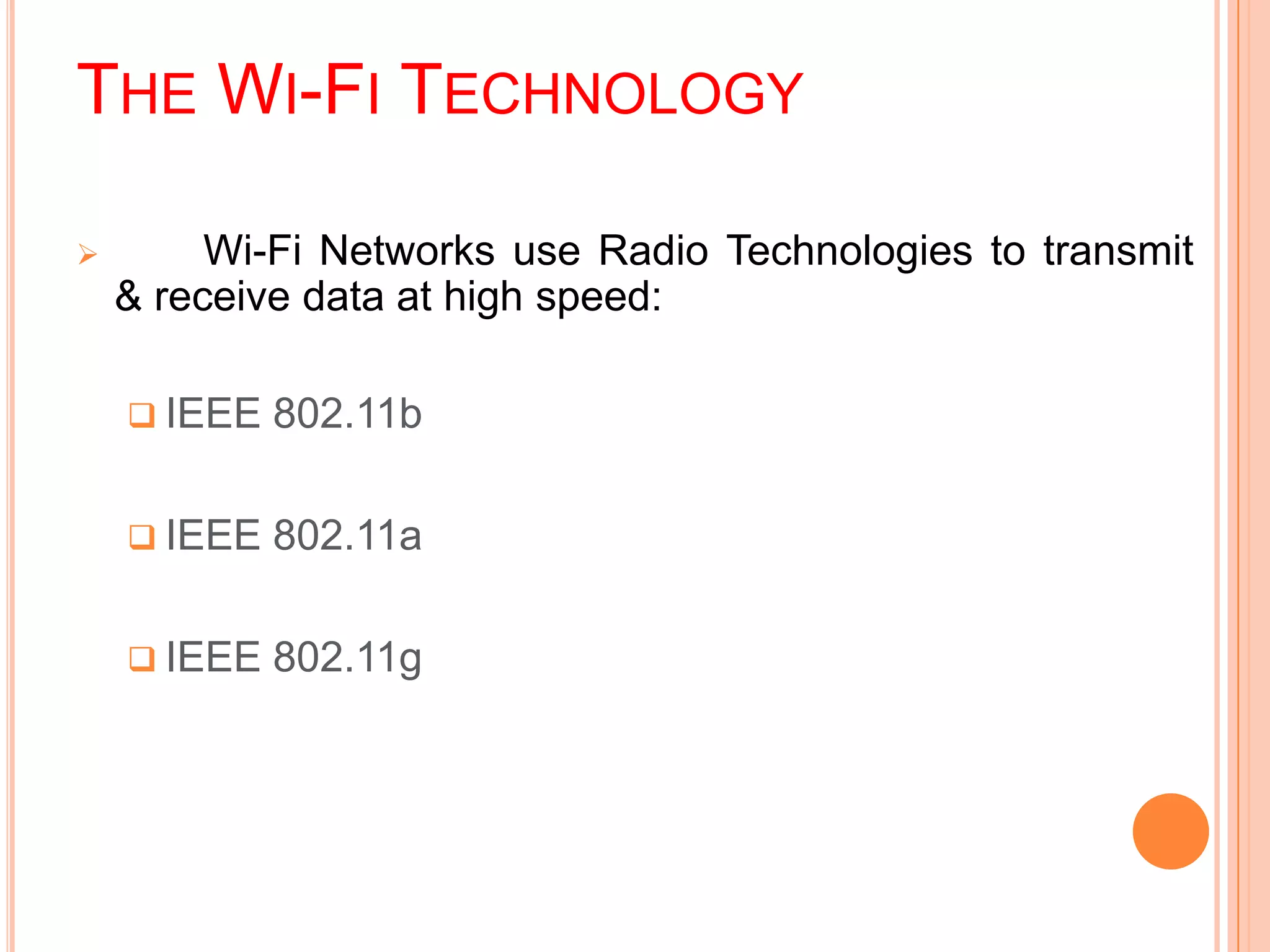
THE WI-FI TECHNOLOGY
 Wi-Fi Networks use Radio Technologies to transmit
& receive data at high speed:
 IEEE 802.11b
 IEEE 802.11a
 IEEE 802.11g
IEEE 802.11B
 Appear in late 1999
 Operates at 2.4GHz radio spectrum
 11 Mbps (theoretical speed) - within 30 m Range
 4-6 Mbps (actual speed)
 100 -150 feet range
 Most popular, Least Expensive
 Interference from mobile phones and Bluetooth devices
which can reduce the transmission speed.
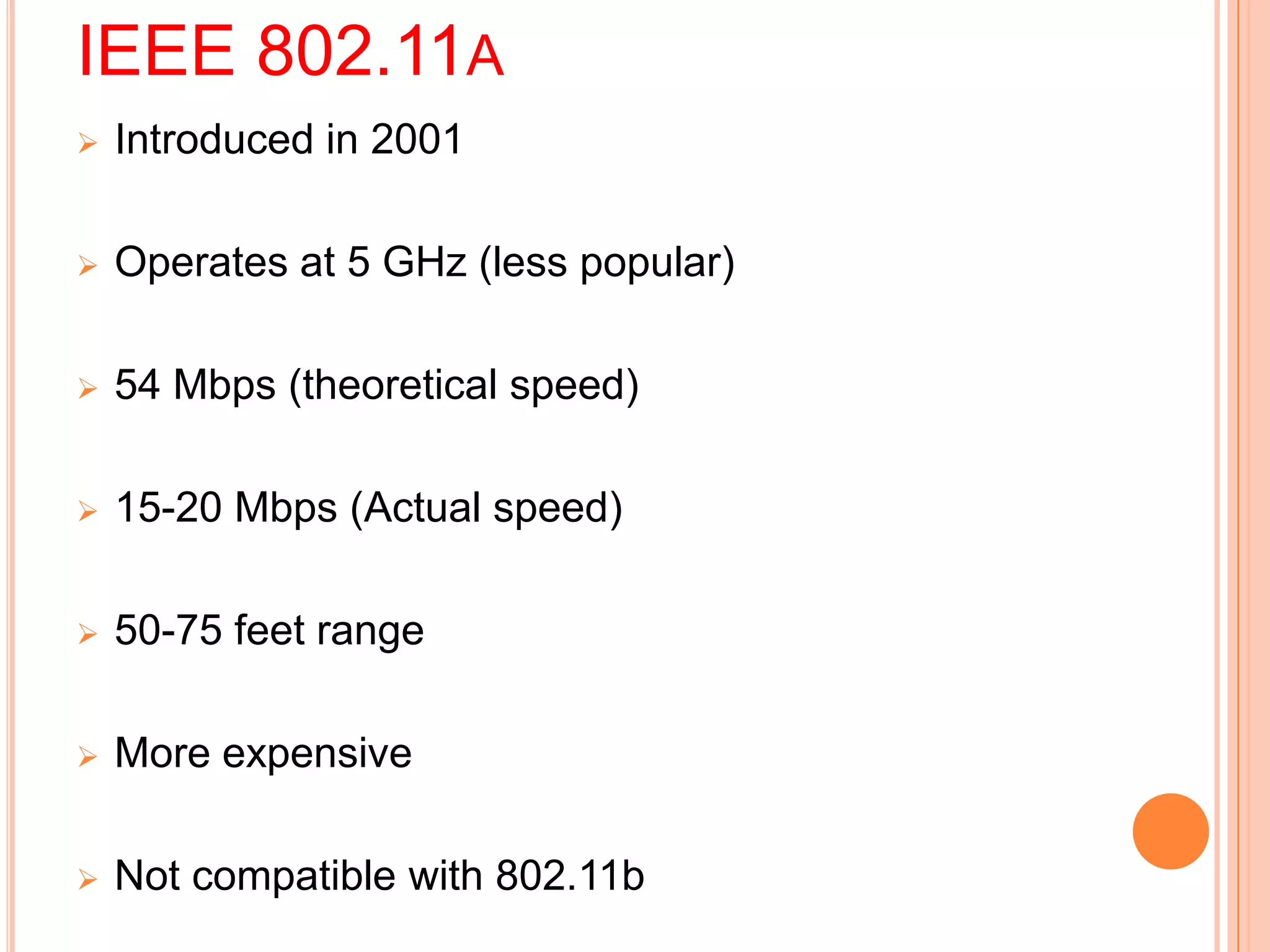
IEEE 802.11A
 Introduced in 2001
 Operates at 5 GHz (less popular)
 54 Mbps (theoretical speed)
 15-20 Mbps (Actual speed)
 50-75 feet range
 More expensive
 Not compatible with 802.11b
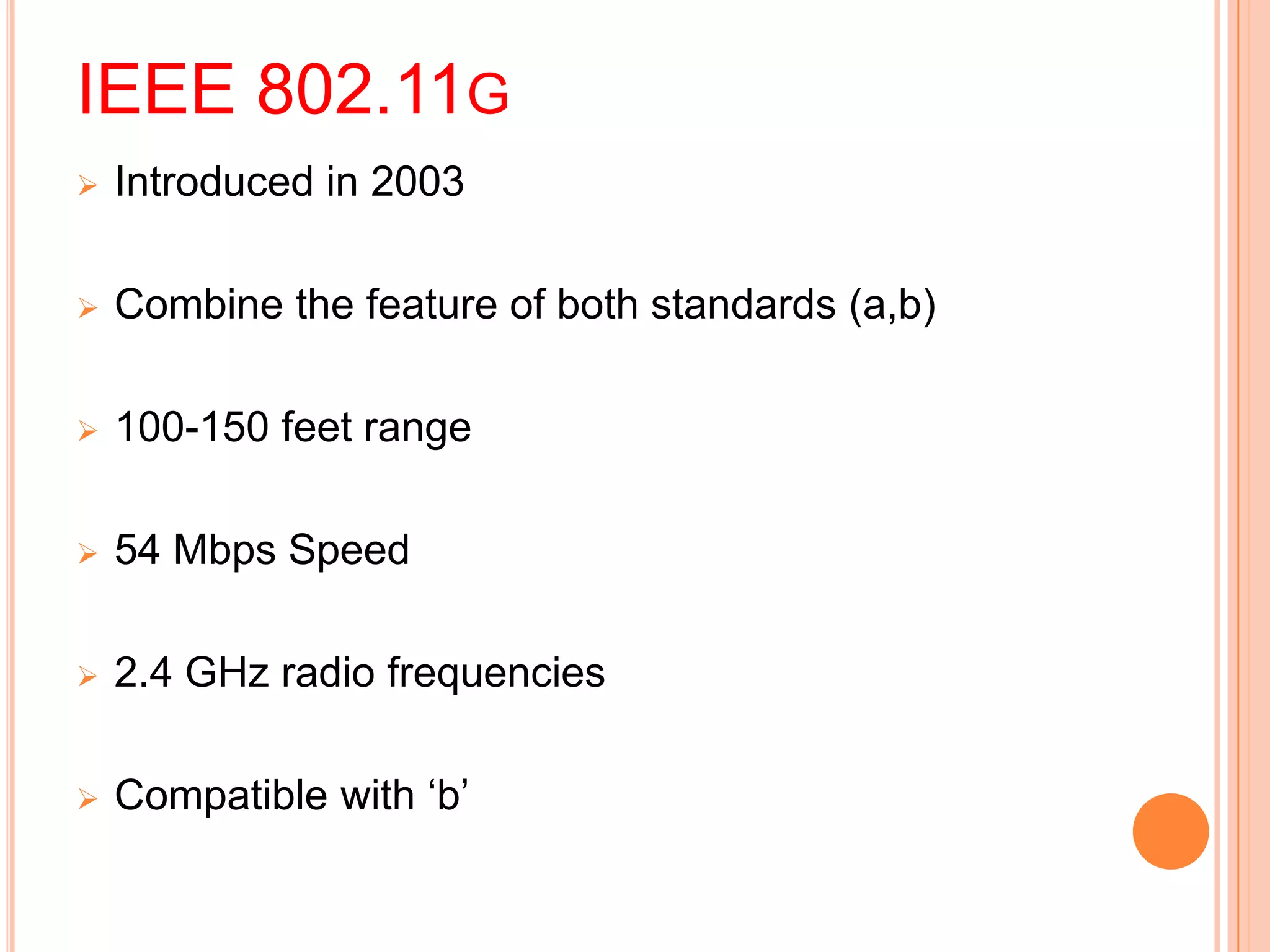
IEEE 802.11G
 Introduced in 2003
 Combine the feature of both standards (a,b)
 100-150 feet range
 54 Mbps Speed
 2.4 GHz radio frequencies
 Compatible with ‘b’
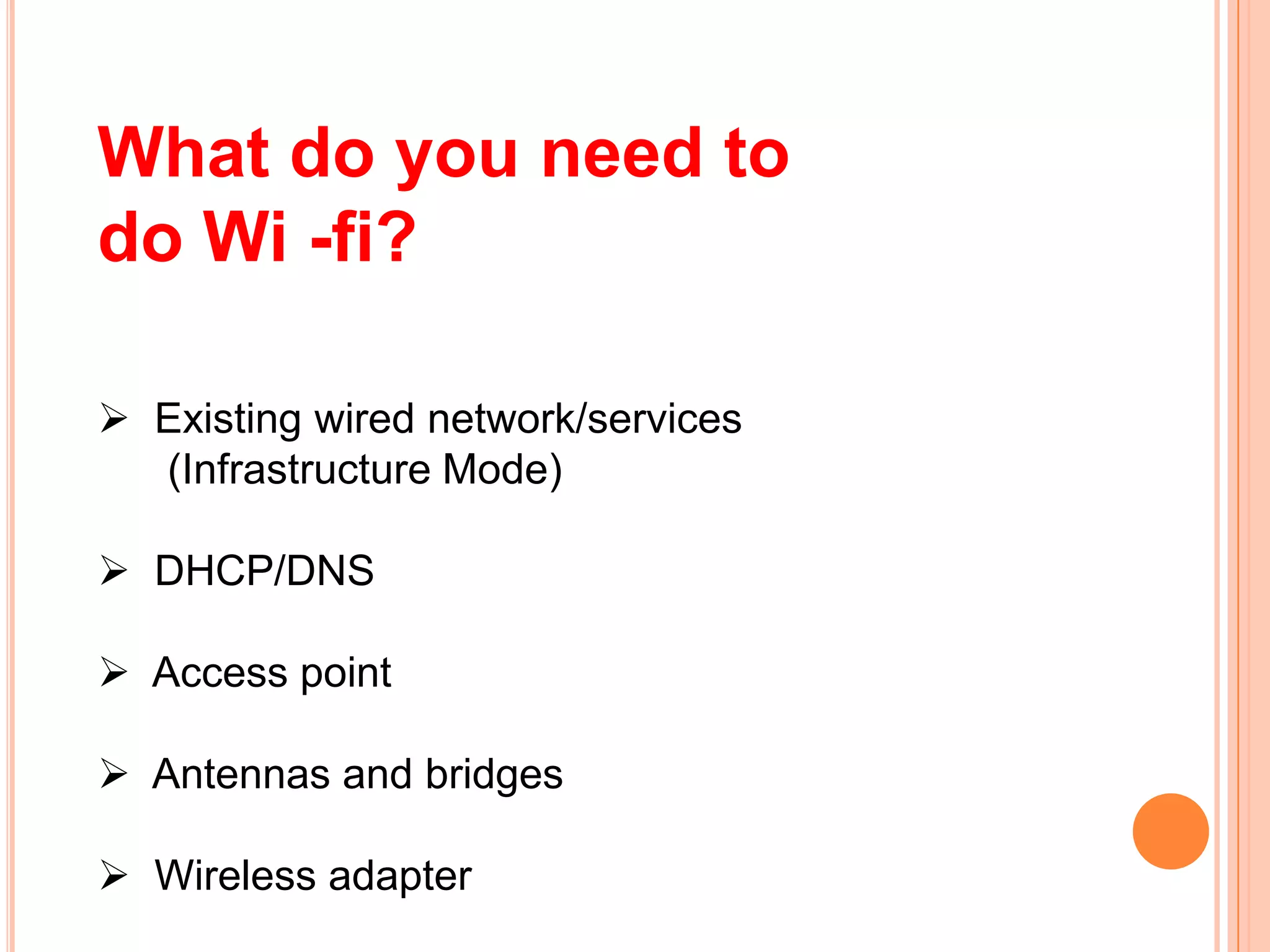
What do you need to
do Wi -fi?
 Existing wired network/services
(Infrastructure Mode)
 DHCP/DNS
 Access point
 Antennas and bridges
 Wireless adapter
How Wi-Fi works
 If you've been in an airport, coffee
shop, library or hotel recently chances are you've
been right in the middle of a wireless network.
 Many people also use wireless networking, also
called Wi-Fi to connect their computers at home , and
some cities are trying to use the technology to provide
free or low-cost internet access to residents.
ELEMENTS OF A WI-FI NETWORK
 Access Point (AP) - The AP is a
wireless LAN transceiver or “base
station” that can connect one or many
wireless devices simultaneously to the
Internet.
 Wi-Fi cards - They accept the wireless
signal and relay information. They can be
internal and external.(e.g PCMCIA Card
for Laptop and PCI Card for Desktop PC)
 Safeguards - Firewalls and anti-virus
software protect networks from uninvited
users and keep information secure.
WI-FI NETWORK TOPOLOGIES
Point-to-point topology
Point-to-multipoint topology
Mesh topology
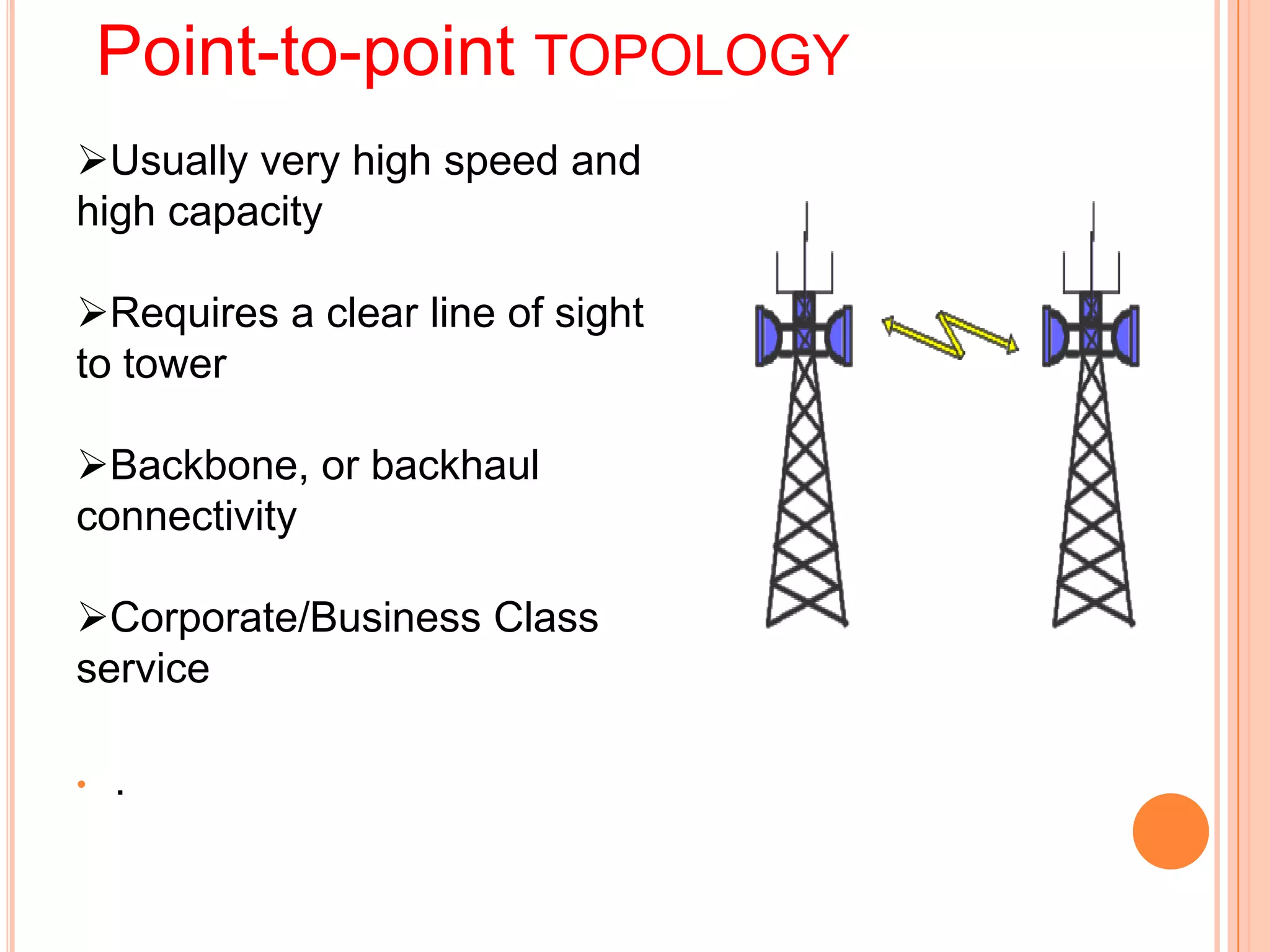
Point-to-point TOPOLOGY
Usually very high speed and
high capacity
Requires a clear line of sight
to tower
Backbone, or backhaul
connectivity
Corporate/Business Class
service
• .
Point-to-multipoint
 Similar technology to point-
to-point network
 This is used to connect a LAN
in one building to a LANs in
other buildings even if the
buildings are miles apart
Mesh
Distributed gateway devices
Self healing network
Uses multiple radios in tight
formation
“Micro cell” concept
Relatively easy to deploy
WI-FI CONFIGURATIONS
WI-FI APPLICATIONS
• Home
• Small Businesses
• Large Corporations & Campuses
Health Care
• Wireless ISP (WISP)
• Travellers
WI-FI SECURITY THREATS
 Eavesdropping
 Man-in-the-middle attacks
 Denial of Service
EAVESDROPPING
• Easy to perform, almost impossible to detect
• By default, everything is transmitted in clear text
• Usernames, passwords, content ...
• No security offered by the transmission medium
• Different tools available on the internet
• Network sniffers, protocol analysers . . .
• Password collectors
• With the right equipment, it’s possible to
eavesdrop traffic from few kilometers away
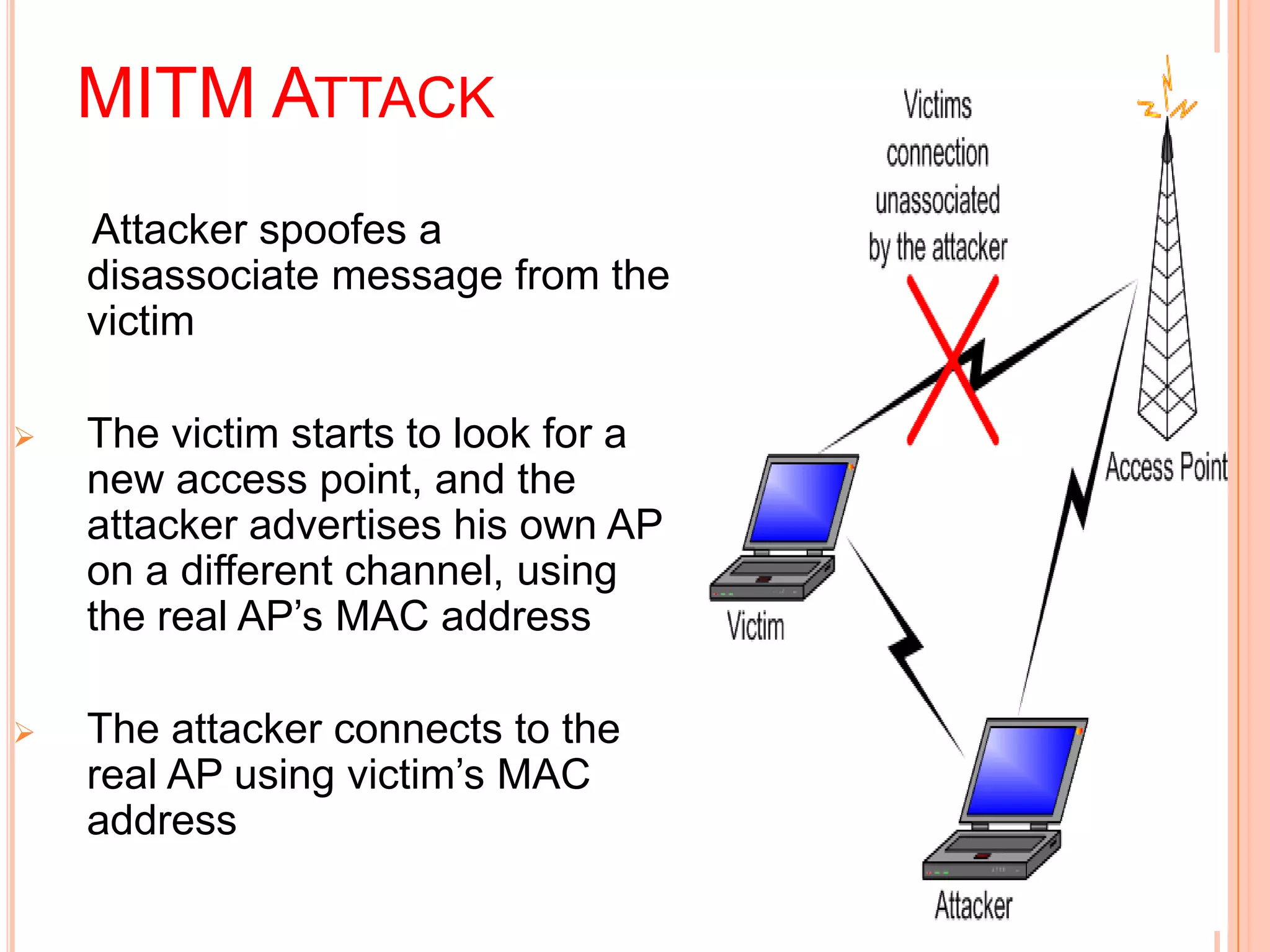
MITM ATTACK
Attacker spoofes a
disassociate message from the
victim
 The victim starts to look for a
new access point, and the
attacker advertises his own AP
on a different channel, using
the real AP’s MAC address
 The attacker connects to the
real AP using victim’s MAC
address
DENIAL OF SERVICE
 Attack on transmission frequecy used
 Frequency jamming
 Not very technical, but works
 Attack on MAC layer
 Spoofed deauthentication / disassociation messages
 can target one specific user
 Attacks on higher layer protocol (TCP/IP protocol)
 SYN Flooding
ADVANTAGES
 Mobility
 Ease of Installation
 Flexibility
 Cost
 Reliability
 Security
 Use unlicensed part of the radio spectrum
 Roaming
 Speed
DISADVANTAGE
 To no longer The use of
WiFi band that is 2.4 GHz
does not require a license in
most countries provided that
is stays below limit of
100mW.
 And one accepts
interference from other
sources; including
interference which causes
the users devices function.
LIMITATIONS
 Interference
 Degradation in performance
 High power consumption
 Limited range

Wi-Fi Tecnology

  • 1.
  • 2.
     Wi-Fi, orWireless Fidelity, is freedom: it allows a person to connect to the Internet  Wi-Fi is a wireless technology. Wi-Fi enabled computers send and receive data indoors and out; anywhere within the range of a base station.  Its just as fast as a cable modem connection.  Allows you to access the Internet while on the move ; you can remain online while moving from one area to another, without a disconnection or loss in coverage.
  • 3.
     Wireless Technologyis commonly used for connecting devices in wireless mode. Wi-Fi (Wireless Fidelity) is a generic term that refers to the IEEE 802.11 communications standard for Wireless Local Area Networks (WLANs). Wi-Fi Network connect computers to each other, to the internet and to the wired network. it is possible to create high-speed wireless local area networks
  • 4.
    Why Wi-Fi?  SetupCost – Reduced cabling required  Flexibility – Quick and easy to setup in temp or permanent space  Scaleable – Can be expanded with growth  Freedom – You can work from any location that you can get a signal  Lower total cost of ownership – Because s of affordability and low install cost Additionally
  • 5.
    THE WI-FI TECHNOLOGY Wi-Fi Networks use Radio Technologies to transmit & receive data at high speed:  IEEE 802.11b  IEEE 802.11a  IEEE 802.11g
  • 6.
    IEEE 802.11B  Appearin late 1999  Operates at 2.4GHz radio spectrum  11 Mbps (theoretical speed) - within 30 m Range  4-6 Mbps (actual speed)  100 -150 feet range  Most popular, Least Expensive  Interference from mobile phones and Bluetooth devices which can reduce the transmission speed.
  • 7.
    IEEE 802.11A  Introducedin 2001  Operates at 5 GHz (less popular)  54 Mbps (theoretical speed)  15-20 Mbps (Actual speed)  50-75 feet range  More expensive  Not compatible with 802.11b
  • 8.
    IEEE 802.11G  Introducedin 2003  Combine the feature of both standards (a,b)  100-150 feet range  54 Mbps Speed  2.4 GHz radio frequencies  Compatible with ‘b’
  • 9.
    What do youneed to do Wi -fi?  Existing wired network/services (Infrastructure Mode)  DHCP/DNS  Access point  Antennas and bridges  Wireless adapter
  • 10.
    How Wi-Fi works If you've been in an airport, coffee shop, library or hotel recently chances are you've been right in the middle of a wireless network.  Many people also use wireless networking, also called Wi-Fi to connect their computers at home , and some cities are trying to use the technology to provide free or low-cost internet access to residents.
  • 11.
    ELEMENTS OF AWI-FI NETWORK  Access Point (AP) - The AP is a wireless LAN transceiver or “base station” that can connect one or many wireless devices simultaneously to the Internet.  Wi-Fi cards - They accept the wireless signal and relay information. They can be internal and external.(e.g PCMCIA Card for Laptop and PCI Card for Desktop PC)  Safeguards - Firewalls and anti-virus software protect networks from uninvited users and keep information secure.
  • 12.
    WI-FI NETWORK TOPOLOGIES Point-to-pointtopology Point-to-multipoint topology Mesh topology
  • 13.
    Point-to-point TOPOLOGY Usually veryhigh speed and high capacity Requires a clear line of sight to tower Backbone, or backhaul connectivity Corporate/Business Class service • .
  • 14.
    Point-to-multipoint  Similar technologyto point- to-point network  This is used to connect a LAN in one building to a LANs in other buildings even if the buildings are miles apart
  • 15.
    Mesh Distributed gateway devices Selfhealing network Uses multiple radios in tight formation “Micro cell” concept Relatively easy to deploy
  • 16.
  • 17.
  • 18.
  • 19.
    WI-FI APPLICATIONS • Home •Small Businesses • Large Corporations & Campuses Health Care • Wireless ISP (WISP) • Travellers
  • 20.
    WI-FI SECURITY THREATS Eavesdropping  Man-in-the-middle attacks  Denial of Service
  • 21.
    EAVESDROPPING • Easy toperform, almost impossible to detect • By default, everything is transmitted in clear text • Usernames, passwords, content ... • No security offered by the transmission medium • Different tools available on the internet • Network sniffers, protocol analysers . . . • Password collectors • With the right equipment, it’s possible to eavesdrop traffic from few kilometers away
  • 22.
    MITM ATTACK Attacker spoofesa disassociate message from the victim  The victim starts to look for a new access point, and the attacker advertises his own AP on a different channel, using the real AP’s MAC address  The attacker connects to the real AP using victim’s MAC address
  • 23.
    DENIAL OF SERVICE Attack on transmission frequecy used  Frequency jamming  Not very technical, but works  Attack on MAC layer  Spoofed deauthentication / disassociation messages  can target one specific user  Attacks on higher layer protocol (TCP/IP protocol)  SYN Flooding
  • 24.
    ADVANTAGES  Mobility  Easeof Installation  Flexibility  Cost  Reliability  Security  Use unlicensed part of the radio spectrum  Roaming  Speed
  • 25.
    DISADVANTAGE  To nolonger The use of WiFi band that is 2.4 GHz does not require a license in most countries provided that is stays below limit of 100mW.  And one accepts interference from other sources; including interference which causes the users devices function.
  • 26.
    LIMITATIONS  Interference  Degradationin performance  High power consumption  Limited range