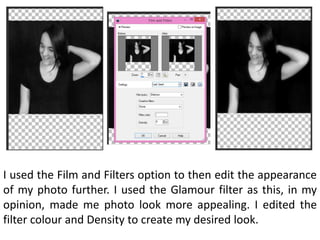
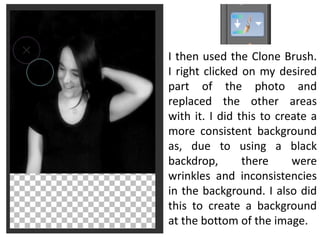
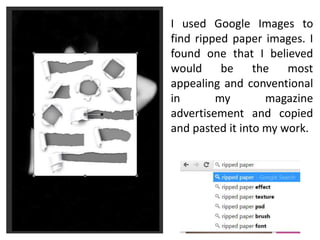
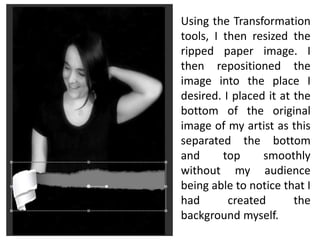
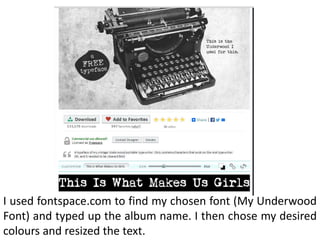
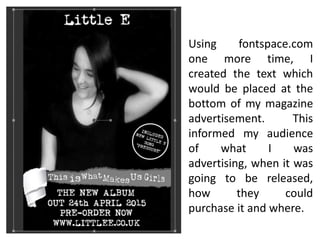
The document describes the process of designing a magazine advertisement in Corel Paint Shop Pro X2. First, an image was imported and resized, then effects were added to convert it to black and white and add a glamour filter. Next, the clone brush and ripped paper image were used to create a consistent background. Text was added identifying the artist and album, and positioning all elements. Social media icons were also included to complete the advertisement design.