Using iPads in a playful
and intentional way in
the Early Years:
with the ICT General Capability
Jemima Saunders
Digital Learning Consultant
Jemima Saunders
Digital Learning Consultant CEWA
saunders.jemima@cathednet.wa.edu.au
@mimasaunders
Where are you on your digital
technology integration journey?
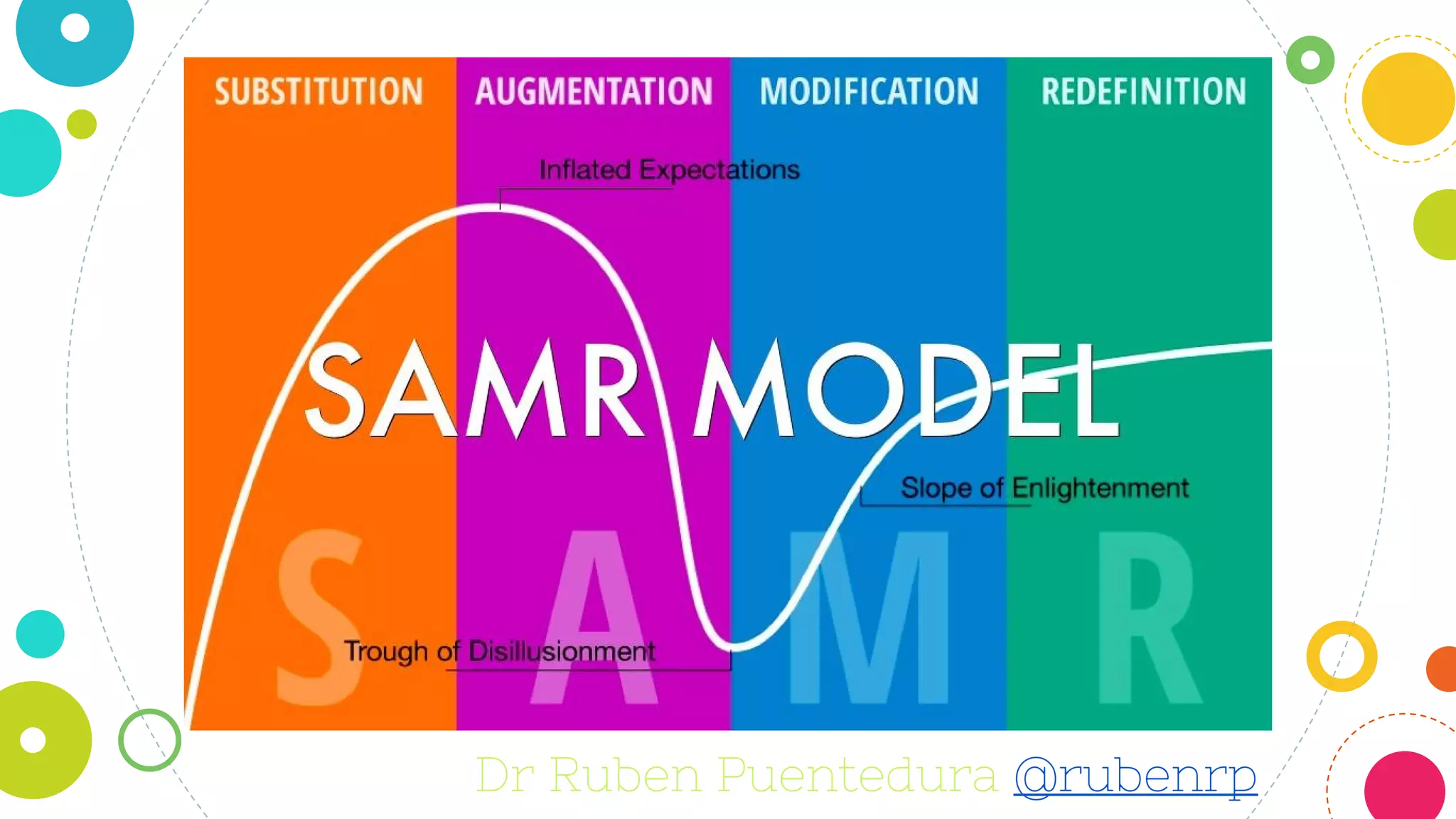
Dr Ruben Puentedura @rubenrp
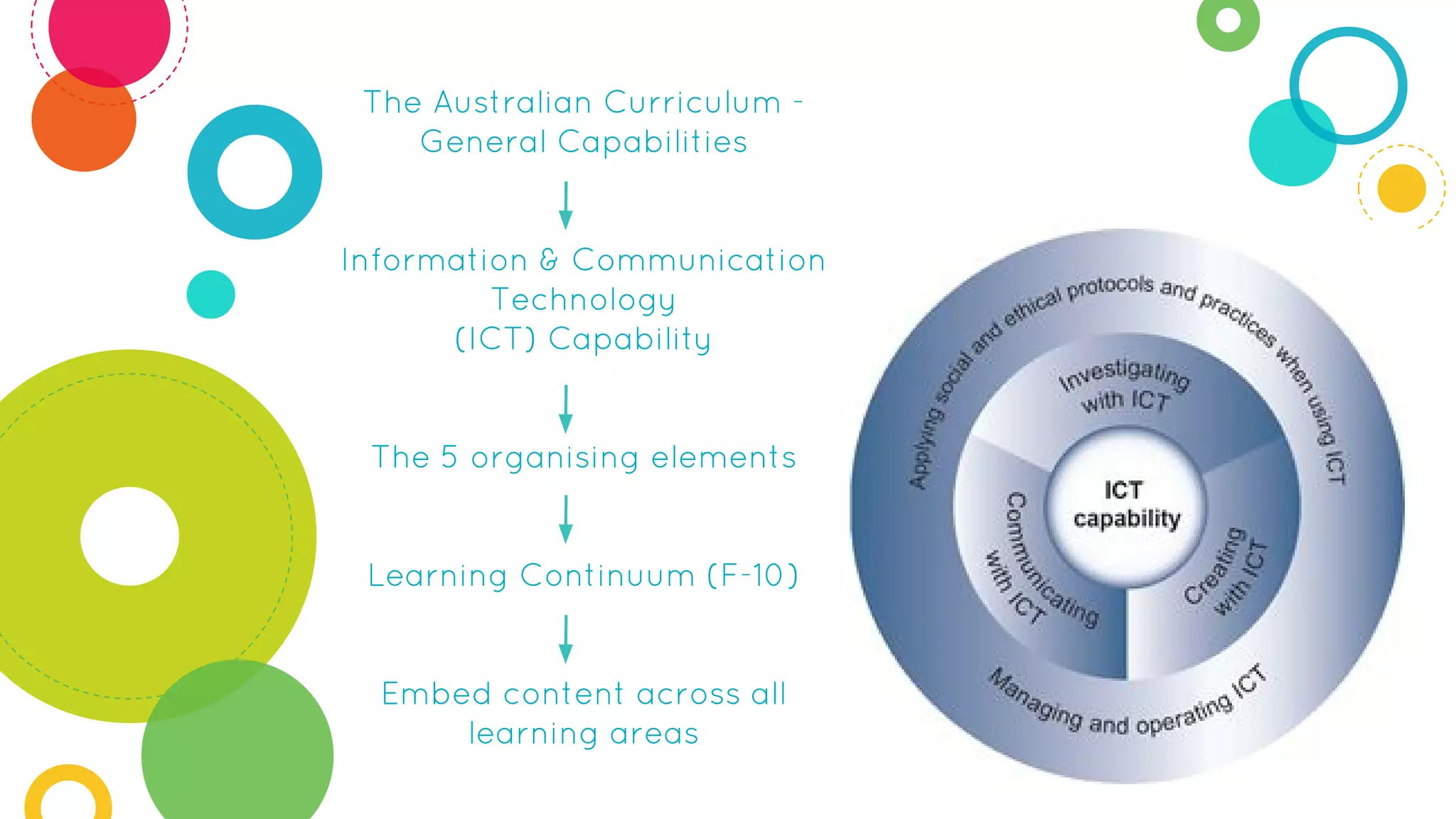
The Australian Curriculum -
General Capabilities
Information & Communication
Technology
(ICT) Capability
The 5 organising elements
Learning Continuum (F-10)
Embed content across all
learning areas
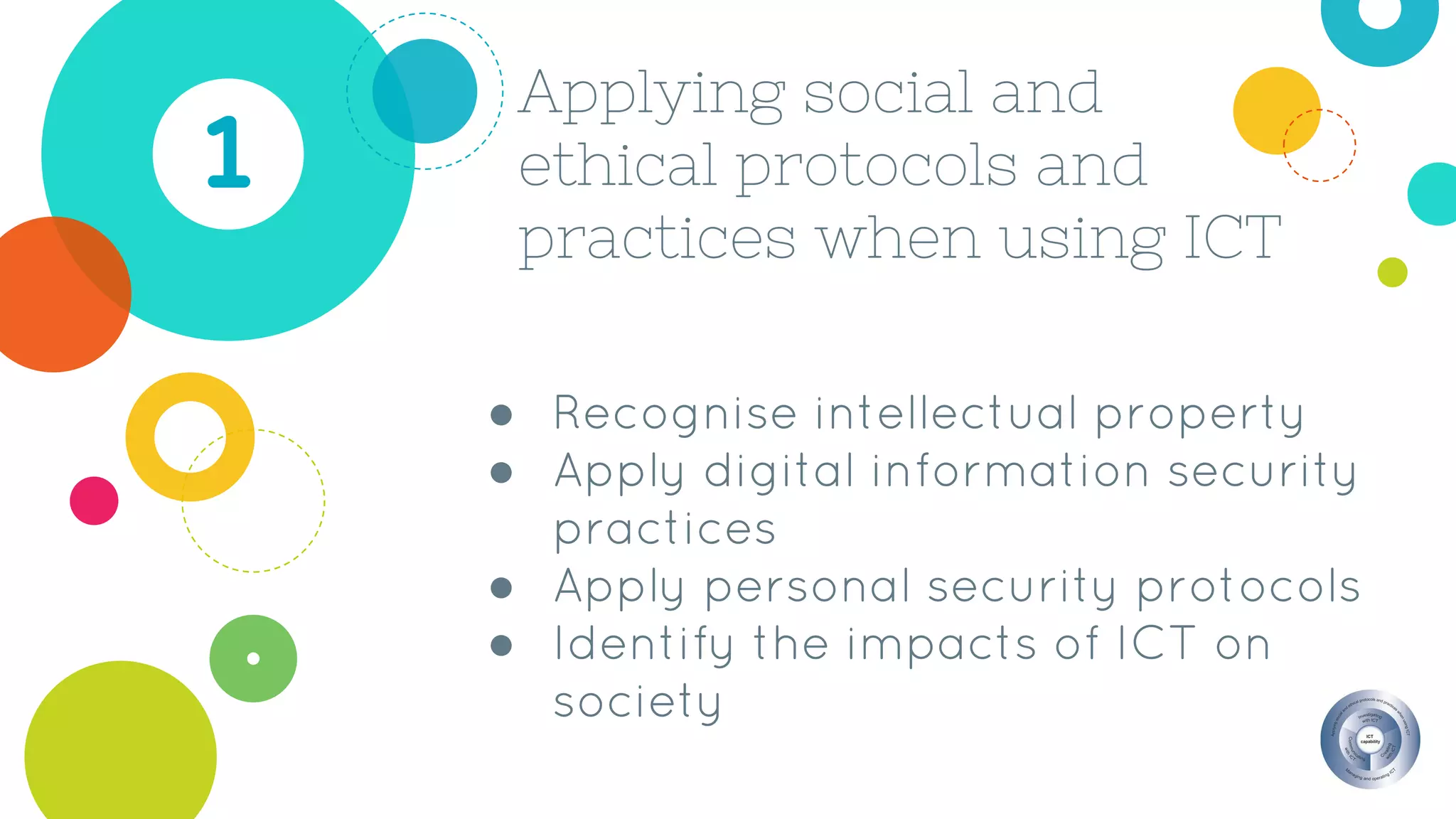
Applying social and
ethical protocols and
practices when using ICT
1
● Recognise intellectual property
● Apply digital information security
practices
● Apply personal security protocols
● Identify the impacts of ICT on
society
If you are in need of digital citizenship resources...
Australian Government Office of Children’s eSafety Commissioner
https://esafety.gov.au/education-resources/classroom-resources
Australian Government Department of Education & Training
http://www.education.gov.au/cybersafety-schools
Catholic Network Australia: Digital Citizenship Resources
http://cnadigitalcitizenship.weebly.com/digital-citizenship.html
Safe Schools Hub
http://www.safeschoolshub.edu.au/
Jemima’s Pinterest Collection of Digital Citizenship Resources
https://www.pinterest.com/jemimasaunders/digital-citizenship-in-education/
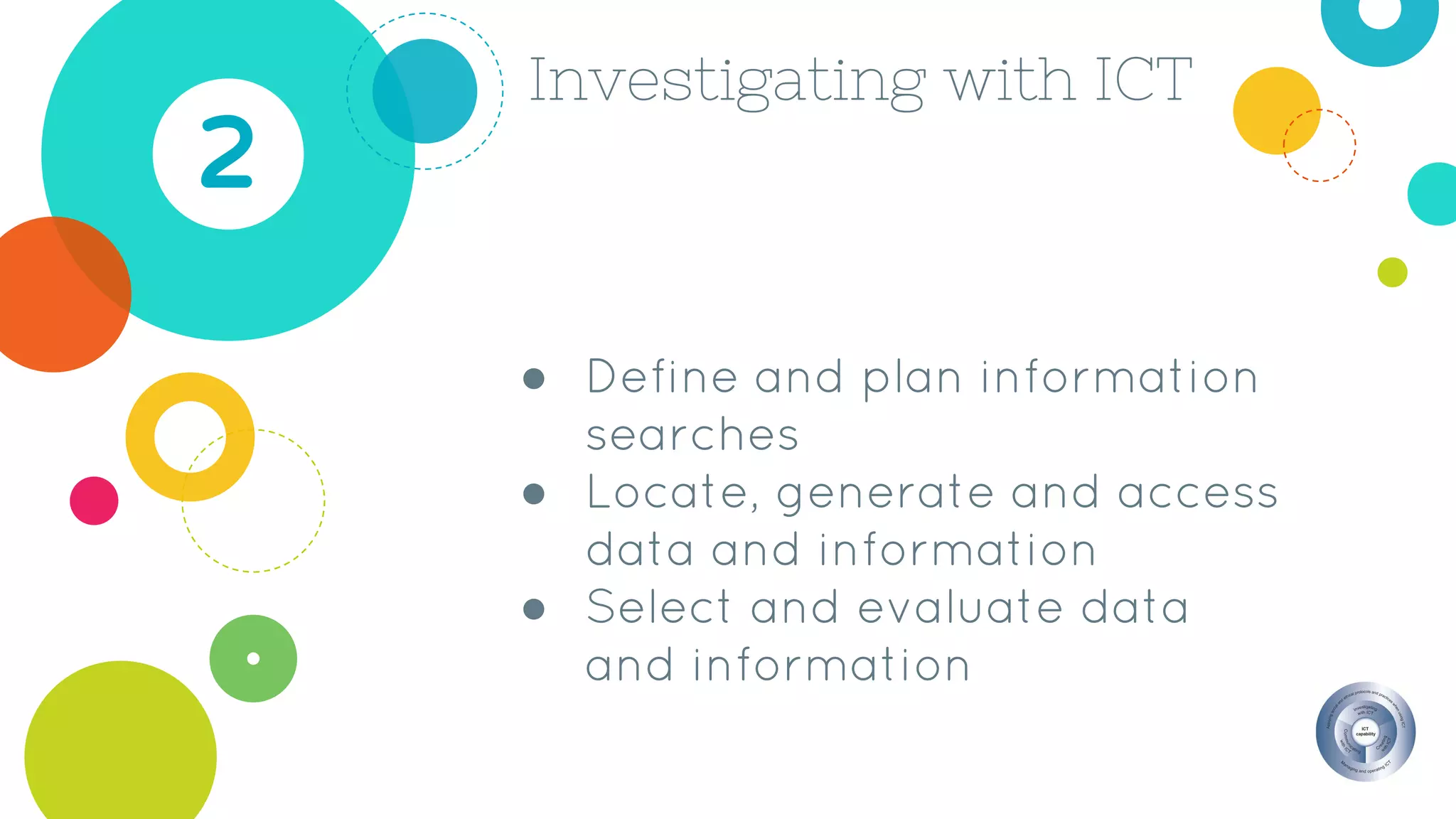
Investigating with ICT
2
● Define and plan information
searches
● Locate, generate and access
data and information
● Select and evaluate data
and information
Pic Collage
❏ Choose images with purpose
❏ Classroom activities
❏ Maximise the use of your
camera roll (don’t limit
yourself to only photos!)
Popplet
❏ Create visual mind maps
using images or text
❏ Organise information
❏ Show what you know/learned
❏ Retell stories, Family Bios etc.
Creating with ICT
3
● Generate ideas, plans and
processes
● Generate solutions to
challenges and learning area
tasks
Doodle Buddy
❏ Make creative images
❏ Use in other apps
❏ Use as backgrounds or in
place of photos
❏ Demonstrate learning
Book Creator
❏ Best and easiest app for creating
and collating students digital
and print work
❏ Export the book with images,
text, drawings, recordings etc.
Communicating with
ICT4
● Collaborate, share and
exchange
● Understand computer
mediated communications
Screenchomp
❏ Record voice
❏ Draw to explain, instruct, tell
❏ Use background images to
stimulate recordings
❏ Share the video link easily
Tellagami Edu
❏ Make short avatar videos
❏ 90 second limit
❏ Use or create backgrounds
❏ Speak aloud and record
❏ Use in conjunction with
other apps
iMovie
❏ Edit video footage easily
❏ Add titles, themes, and sound
❏ Use video or still images
❏ Sequence whole class work
❏ Share to web (YouTube etc)
Managing and
operating ICT5
● Understand ICT systems
● Manage digital data
QRafter
❏ Scans Quick Response codes
❏ Creates QR codes
❏ Able to export codes for
printing or emailing
❏ Direct online searches for st’s
ECE alternative
i-nigma
Chirp
❏ Sends information from
device to device using a
sound code (a chirp)
❏ Works only when Chirp app
is open
Drive
❏ Allows you to easily access
content from devices
❏ Storage and organisation
❏ Has share or export features
in many apps
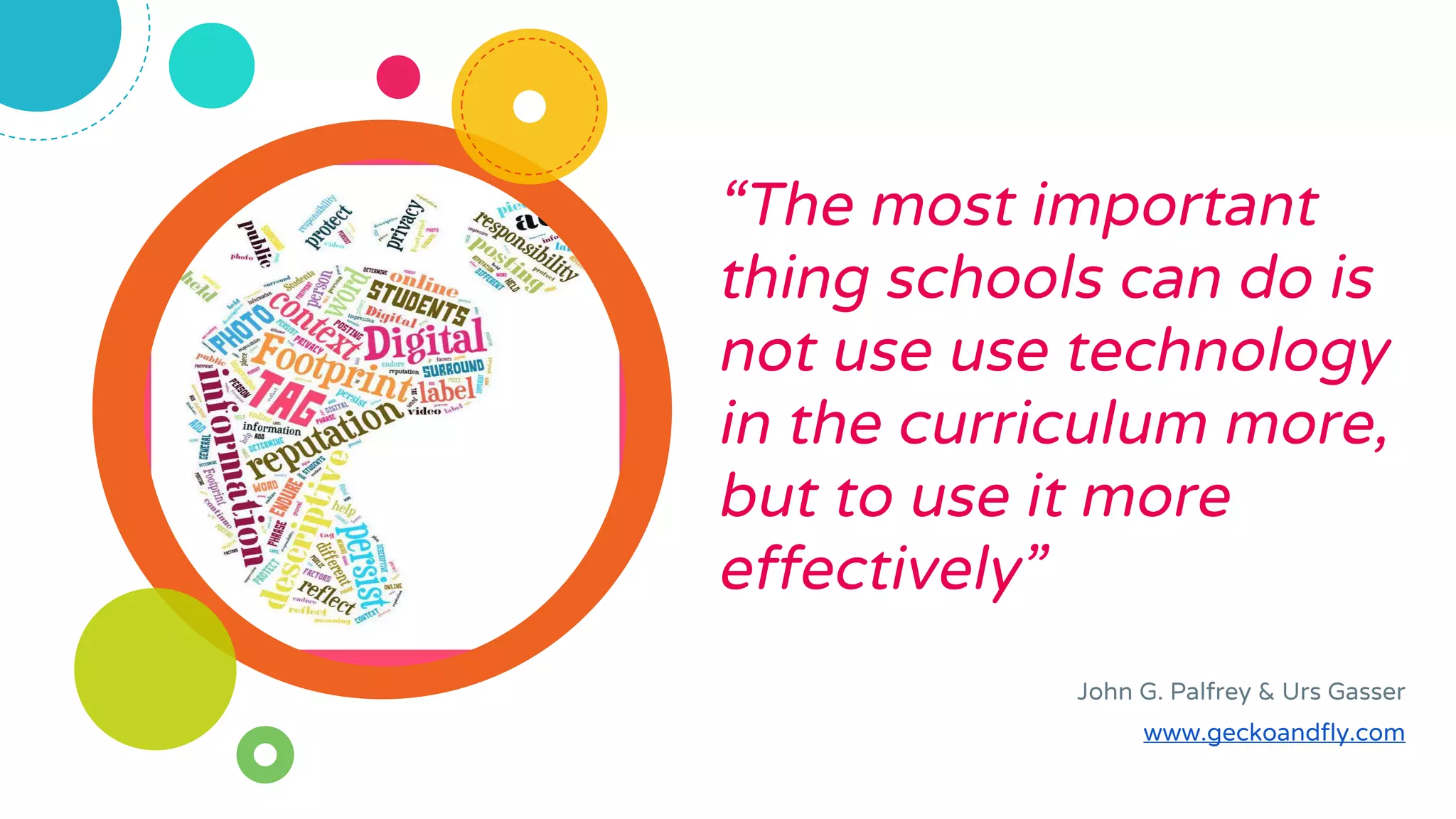
“The most important
thing schools can do is
not use use technology
in the curriculum more,
but to use it more
effectively”
John G. Palfrey & Urs Gasser
www.geckoandfly.com
Place your screenshot here
Thank you
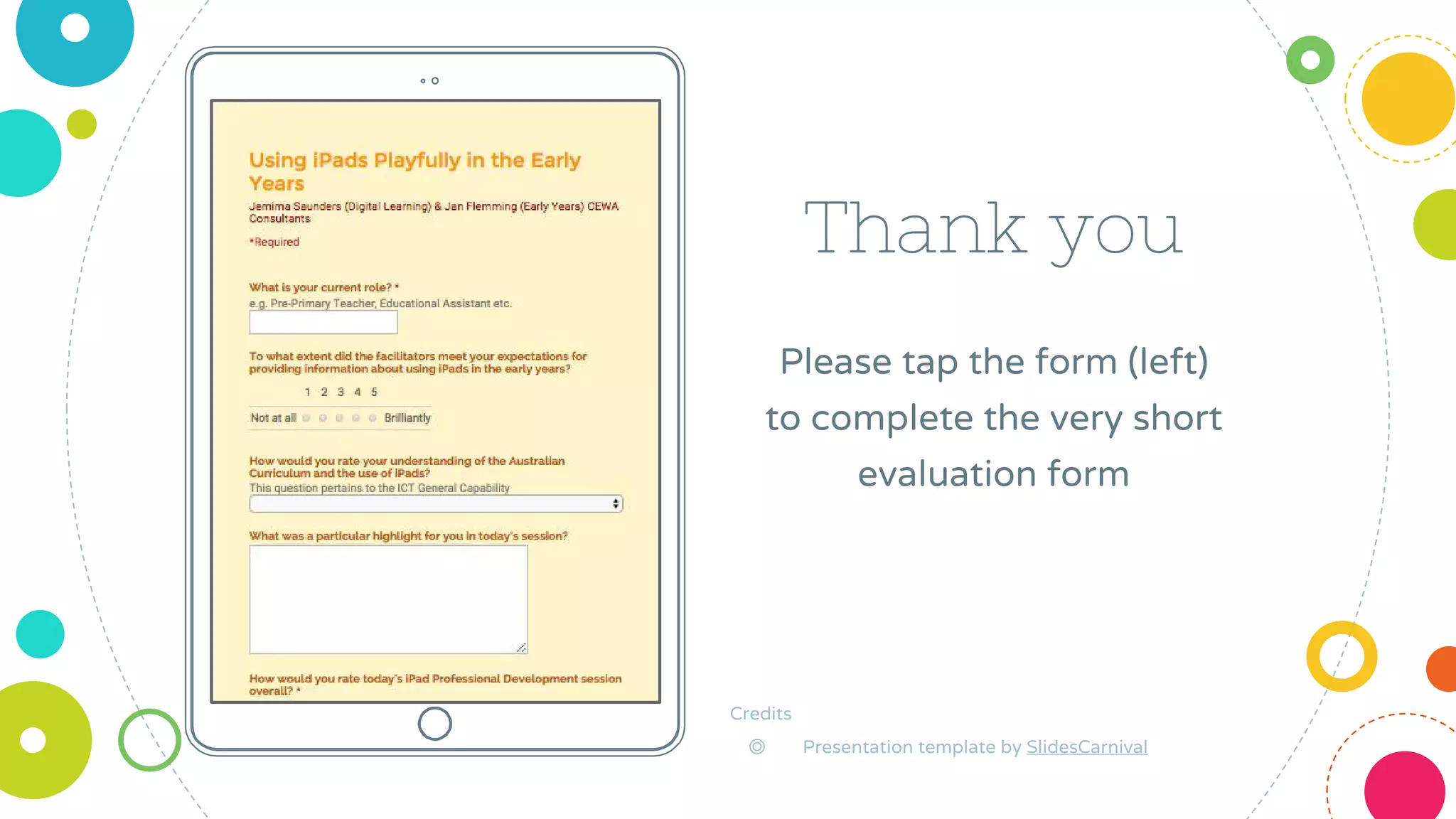
Please tap the form (left)
to complete the very short
evaluation form
Credits
◎ Presentation template by SlidesCarnival

Playful ways to include the ICT General Capability using the iPad

  • 1.
    Using iPads ina playful and intentional way in the Early Years: with the ICT General Capability Jemima Saunders Digital Learning Consultant
  • 2.
    Jemima Saunders Digital LearningConsultant CEWA saunders.jemima@cathednet.wa.edu.au @mimasaunders
  • 3.
    Where are youon your digital technology integration journey?
  • 4.
  • 5.
    The Australian Curriculum- General Capabilities Information & Communication Technology (ICT) Capability The 5 organising elements Learning Continuum (F-10) Embed content across all learning areas
  • 6.
    Applying social and ethicalprotocols and practices when using ICT 1 ● Recognise intellectual property ● Apply digital information security practices ● Apply personal security protocols ● Identify the impacts of ICT on society
  • 7.
    If you arein need of digital citizenship resources... Australian Government Office of Children’s eSafety Commissioner https://esafety.gov.au/education-resources/classroom-resources Australian Government Department of Education & Training http://www.education.gov.au/cybersafety-schools Catholic Network Australia: Digital Citizenship Resources http://cnadigitalcitizenship.weebly.com/digital-citizenship.html Safe Schools Hub http://www.safeschoolshub.edu.au/ Jemima’s Pinterest Collection of Digital Citizenship Resources https://www.pinterest.com/jemimasaunders/digital-citizenship-in-education/
  • 8.
    Investigating with ICT 2 ●Define and plan information searches ● Locate, generate and access data and information ● Select and evaluate data and information
  • 9.
    Pic Collage ❏ Chooseimages with purpose ❏ Classroom activities ❏ Maximise the use of your camera roll (don’t limit yourself to only photos!)
  • 10.
    Popplet ❏ Create visualmind maps using images or text ❏ Organise information ❏ Show what you know/learned ❏ Retell stories, Family Bios etc.
  • 11.
    Creating with ICT 3 ●Generate ideas, plans and processes ● Generate solutions to challenges and learning area tasks
  • 12.
    Doodle Buddy ❏ Makecreative images ❏ Use in other apps ❏ Use as backgrounds or in place of photos ❏ Demonstrate learning
  • 13.
    Book Creator ❏ Bestand easiest app for creating and collating students digital and print work ❏ Export the book with images, text, drawings, recordings etc.
  • 14.
    Communicating with ICT4 ● Collaborate,share and exchange ● Understand computer mediated communications
  • 15.
    Screenchomp ❏ Record voice ❏Draw to explain, instruct, tell ❏ Use background images to stimulate recordings ❏ Share the video link easily
  • 16.
    Tellagami Edu ❏ Makeshort avatar videos ❏ 90 second limit ❏ Use or create backgrounds ❏ Speak aloud and record ❏ Use in conjunction with other apps
  • 17.
    iMovie ❏ Edit videofootage easily ❏ Add titles, themes, and sound ❏ Use video or still images ❏ Sequence whole class work ❏ Share to web (YouTube etc)
  • 18.
    Managing and operating ICT5 ●Understand ICT systems ● Manage digital data
  • 19.
    QRafter ❏ Scans QuickResponse codes ❏ Creates QR codes ❏ Able to export codes for printing or emailing ❏ Direct online searches for st’s ECE alternative i-nigma
  • 20.
    Chirp ❏ Sends informationfrom device to device using a sound code (a chirp) ❏ Works only when Chirp app is open
  • 21.
    Drive ❏ Allows youto easily access content from devices ❏ Storage and organisation ❏ Has share or export features in many apps
  • 22.
    “The most important thingschools can do is not use use technology in the curriculum more, but to use it more effectively” John G. Palfrey & Urs Gasser www.geckoandfly.com
  • 23.
    Place your screenshothere Thank you Please tap the form (left) to complete the very short evaluation form Credits ◎ Presentation template by SlidesCarnival