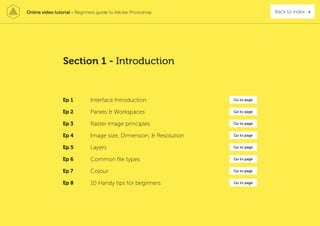
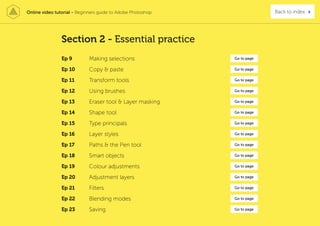
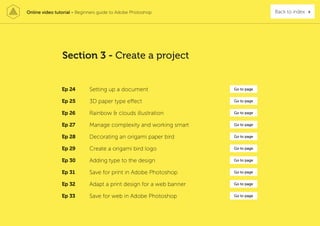
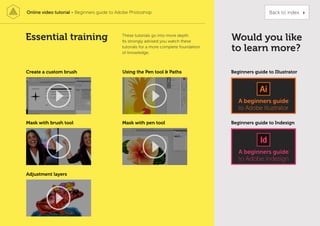
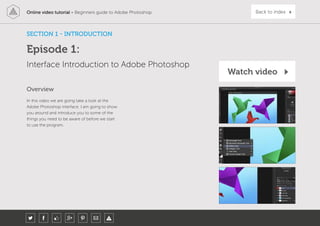
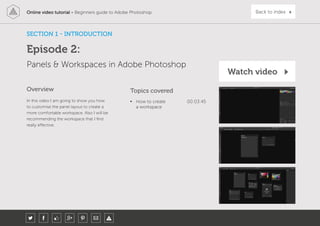
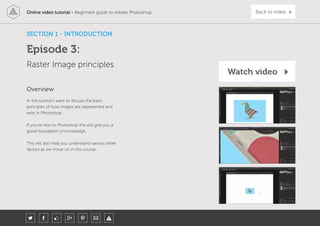
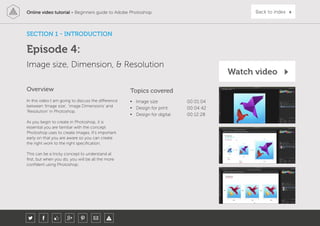
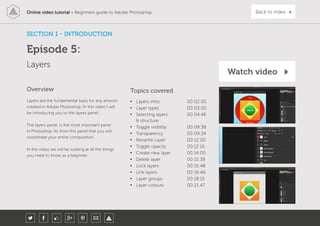
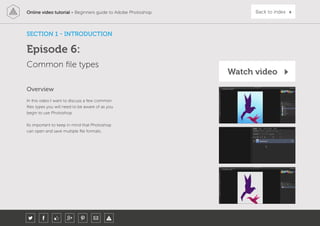
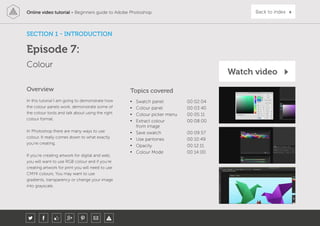
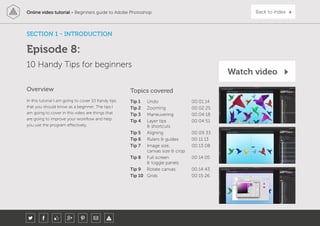
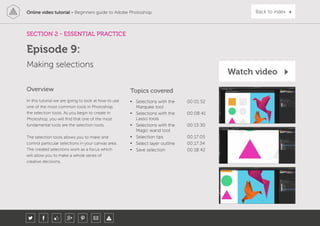
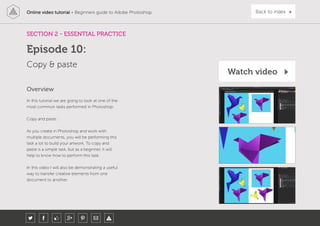
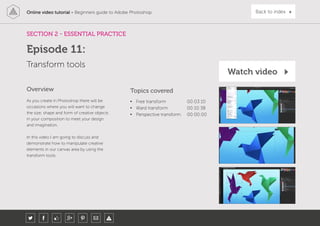
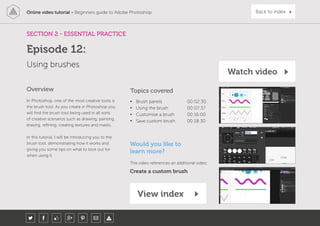
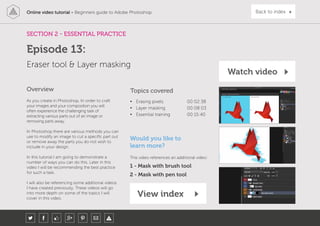
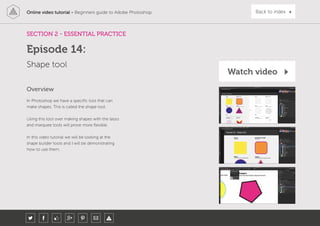
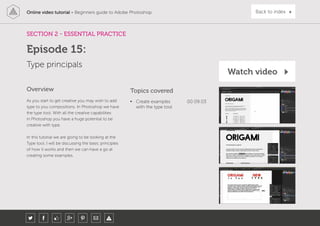
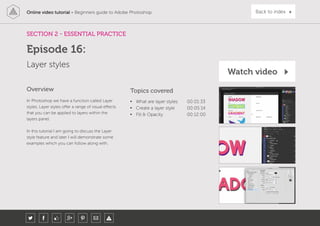
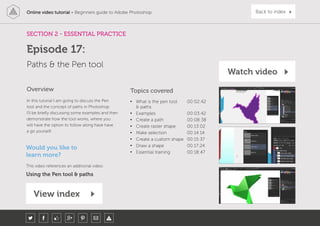
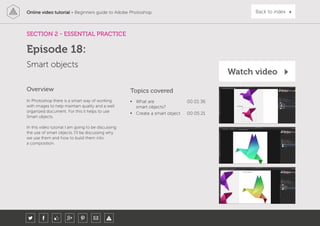
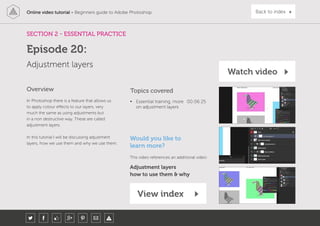
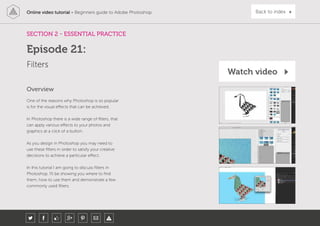
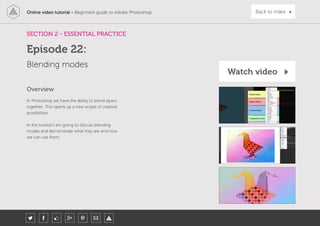
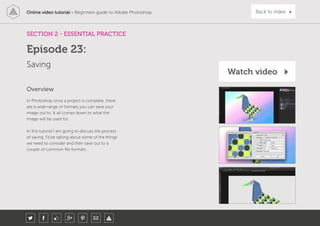
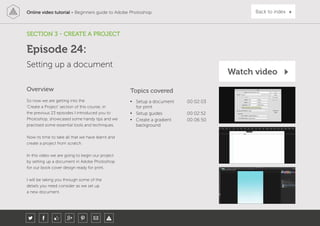
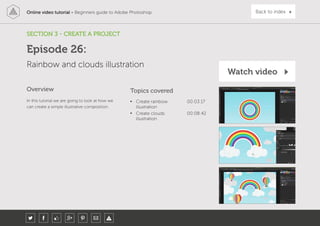
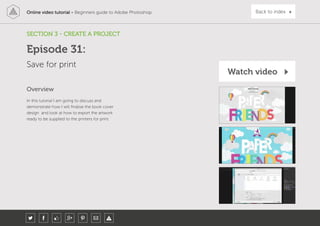
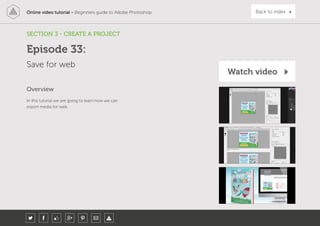
This document provides an overview of a 33-episode online video tutorial course about the basics of Adobe Photoshop. The course is divided into three main sections: Introduction, Essential Practice, and Create a Project. In the Introduction section, the videos cover topics such as the Photoshop interface, panels and workspaces, raster images, image size and resolution, layers, file types, color, and shortcuts. The Essential Practice section focuses on skills like selections, transformations, brushes, masks, adjustments and more. Finally, the Create a Project section guides students through designing assets for a children's book cover and web banner.
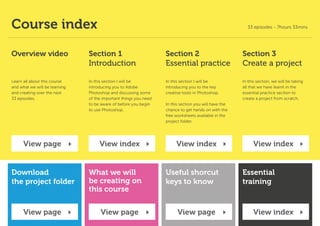

![[Approx 242MB]
[Approx 261MB]
Download
project folder:
00 - BOOK COVER COMPLETE.psd
01 - BOOK COVER PRINT.psd
02 - PAPER FRIENDS.psd
03 - RAINBOW AND CLOUDS.psd
04 - PAPER BIRD 1.psd
05 - PAPER BIRD 2.psd
06 - PAPER BIRD 3.psd
07 - PURPLE BIRD BOOKS LOGO.psd
08 - WEB BANNER.psd
FONT INSTRUCTIONS.rtf
04 - FINAL ARTWORK
01 - INTERFACE INTRODUCTION
INTERFACE INTRODUCTION.psd
03 - RASTER IMAGES
RASTER IMAGE.psd
04 - IS_D_R
01 - IMAGE EXAMPLE.jpg
02 - PRINT EXAMPLE.psd
03 - DIGITAL EXAMPLE.psd
05 - LAYERS
LAYERS.psd
06 - COMMON FILES TYPES
01 - EXAMPLE.psd
02 - EXAMPLE.jpg
03 - EXAMPLE.png
04 - EXAMPLE.pdf
07 - COLOUR
COLOUR.psd
08 - 10 HANDY TIPS
HANDY TIPS.psd
09 - MAKING SELECTIONS
MAKING SELECTIONS.psd
10 - COPY AND PASTE
COPY PASTE.psd
11 - TRANSFORM
TRANSFORMING.psd
12 - BRUSHES
BRUSHES.psd
ESSENTIAL TRAINING.rtf
13-ERASERTOOLANDLAYERMASKING
ERASER TOOL AND LAYER MASKING.psd
ESSENTIAL TRAINING.rtf
14 - SHAPE TOOL
SHAPE TOOL.psd
15 - TYPE TOOL
TYPE TOOL.psd
FONT INSTRUCTIONS.rtf
16 - LAYER STYLES
LAYER STYLES.psd
FONT INSTRUCTIONS.rtf
17 - PEN TOOL AND PATHS
PEN & PATHS.psd
ESSENTIAL TRAINING.rtf
18 - SMART OBJECTS
01 - SMART OBJECTS .psd
BIRD HD.psd
19 - ADJUSTMENTS
ADJUSMENTS.psd
20 - ADJUSTMENT LAYERS
ADJUSMENT LAYERS.psd
ESSENTIAL TRAINING.rtf
21 - FILTERS
FILTERS.psd
22 - BLENDING MODES
BLENDING MODES.psd
23 - SAVING
SAVING.psd
Folder structure:
01 - INTRODUCTION 02 - ESSENTIAL PRACTICE 03 - CREATE A PROJECT
00 - ASSETS FOLDER
01 - CLOUD SKETCH.jpg
02 - PAPER AIR BALLOONS.psd
03 - PAPER BIRDS
PAPER BIRD 1.jpg
PAPER BIRD 2.jpg
04 - TEXTURES
TEXTURE 1.jpg
TEXTURE 2.jpg
TEXTURE 3.jpg
TEXTURE 4.jpg
05 - BIRD EYE SKETCH.psd
06 - GRASS.psd
07 - LOGO SKETCH.jpg
08 - BOOK WEB.psd
00 - PROJECT BRIEF
BRIEF.rtf
25 - 3D PAPER TYPE
COLOUR-SWATCH.jpg
FONT INSTRUCTIONS.rtf
29 - ORIGAMI BIRD LOGO
COLOUR-SWATCH.jpg
FONT INSTRUCTIONS.rtf
30 - ADD TYPE
FONT INSTRUCTIONS.rtf
05 - FONTS
06 - MY PROJECT
Place all your work files in this folder
Download
Download
Mac [.zip]
PC [.rar]
Back to index](https://image.slidesharecdn.com/photoshopforbeginnerstastytuts-170328051118/85/Photoshop-5-320.jpg)
![Online video tutorial - Beginners guide to Adobe Photoshop Back to index
Photoshop short cut keys
X Path selection tool
B Brush tool
C Crop tool
D Set colours to default
[Black & White]
E Eraser tool
F Full screen
G Paint bucket tool
I Eyedropper tool
L Lasso tool
R Rotate canvas
T Type tool
V Move tool
W Magic wand tool
X Swap foreground
& background colour
Z Zoom tool
cmd (Ctrl PC) + A Select all
cmd (Ctrl PC) + C Copy
cmd (Ctrl PC) + D Deselect selection
cmd (Ctrl PC) + G Group layers
cmd (Ctrl PC) + J Duplicate layer
cmd (Ctrl PC) + N New document
cmd (Ctrl PC) + R Show Rulers
cmd (Ctrl PC) + S Save document
cmd (Ctrl PC) + T Free transform
cmd (Ctrl PC) + V Paste
cmd (Ctrl PC) + W Close document
cmd (Ctrl PC) + X Cut
cmd (Ctrl PC) + Z Undo
cmd (Ctrl PC) + 0 Zoom to fit document
to workspace area
cmd (Ctrl PC) + 1 Zoom to 100%
cmd (Ctrl PC) + ; Show guides
cmd (Ctrl PC) + ‘ Show grid
cmd (Ctrl PC) + shift + N New layer
cmd (Ctrl PC) + shift + I Invert selection
cmd (Ctrl PC) + alt + Z Undo multiple steps
cmd (Ctrl PC) + alt + I Image size
cmd (Ctrl PC) + D + press enter Deselect type (with type tool active)
cmd (Ctrl PC) + click Select multiple individual layers
cmd (Ctrl PC) + click & drag Distort transform
(with free transform tool active)
Press & hold shift + click Select multiple layers
Press & hold shift + click or drag Add to selection (with marquee tools active)
Press & hold shift + click & drag Scale selection (with marquee tool active)
Press & hold shift + click & drag Scale object (with free transform tool active)
Press & hold shift + click & drag Rotate in increments of 15°
(with free transform tool active)
Press & hold shift + click Draw straight line (with brush tool active)
Press & hold shift + click + drag Draw straight line (with line shape tool active)
Press & hold alt + click Zoom out (with zoom tool active)
Press & hold alt + click & drag Quick duplicate object (with selection tool active)
Press & hold alt + click & drag Scale object (with free transform tool active)
Press & hold alt + shift + click & drag Scale object (with free transform tool active)
Press & hold alt + click or drag Remove from selection (with marquee tools active)
Tab Toggle visibility of interface panels
Press & hold spacebar + click & drag Maneuver around document
Press & hold cmd (Ctrl PC) + Shift + V Paste in place
Press & hold cmd (Ctrl PC)
+ click layer thumbnail
Select layer outline
Press ‘ [ ‘ to increase brush size,
press ‘ ] ‘ to decrease brush size
Toggle brush size (with brush tool active)
Press ‘ [ ‘ to increase brush size,
press ‘ ] ‘ to decrease brush size
Toggle brush size (with eraser tool active)](https://image.slidesharecdn.com/photoshopforbeginnerstastytuts-170328051118/85/Photoshop-6-320.jpg)