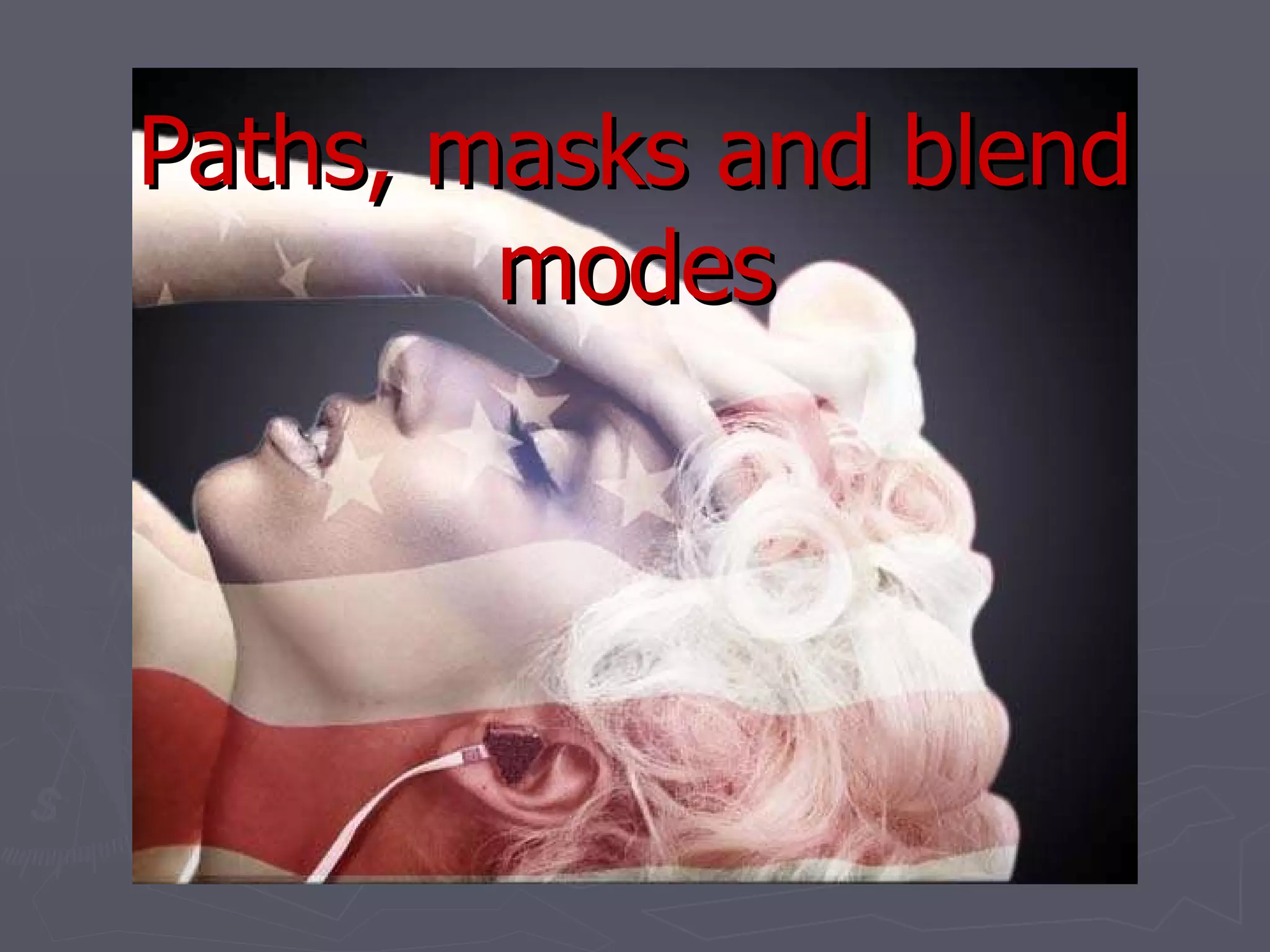
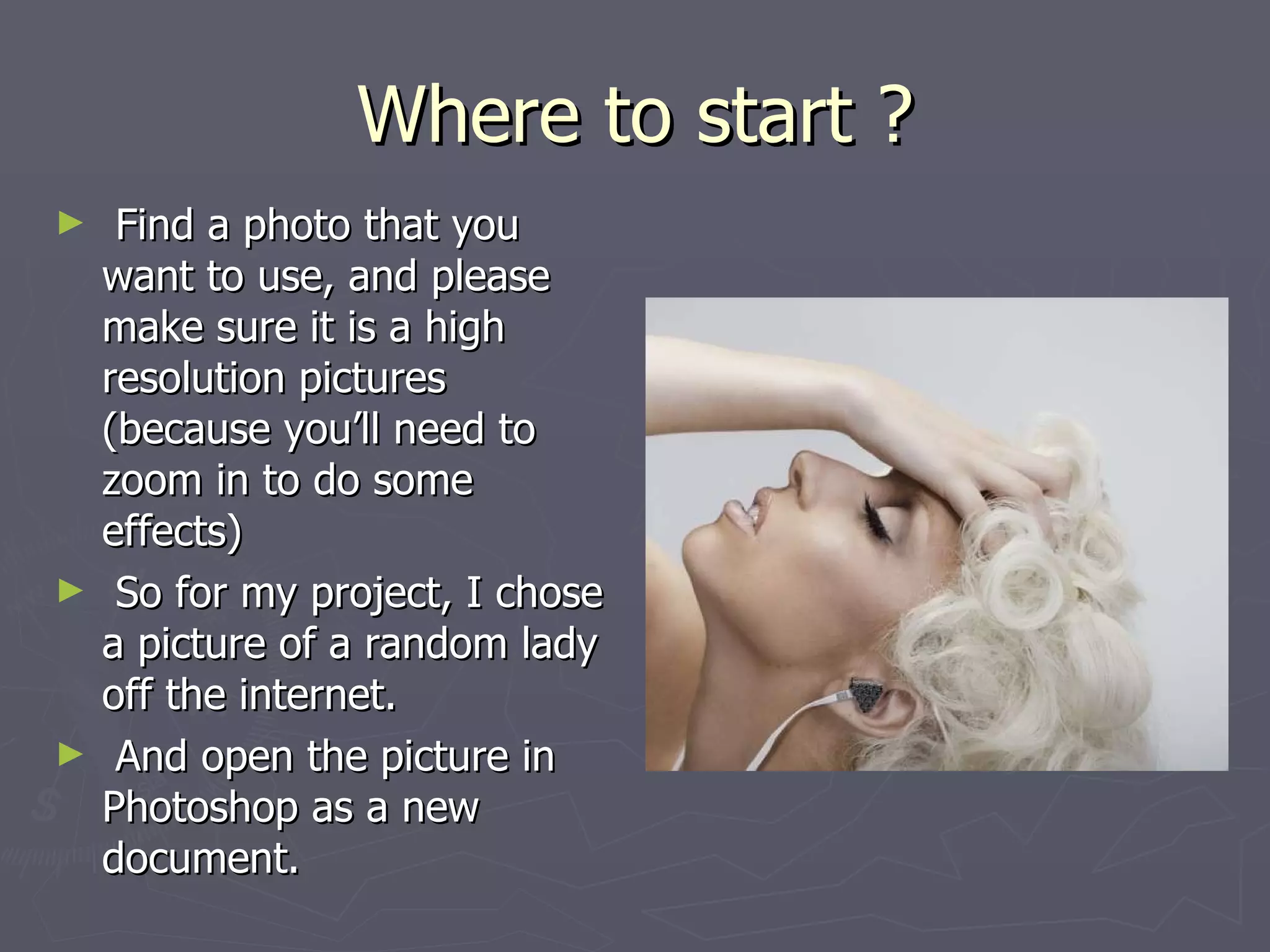
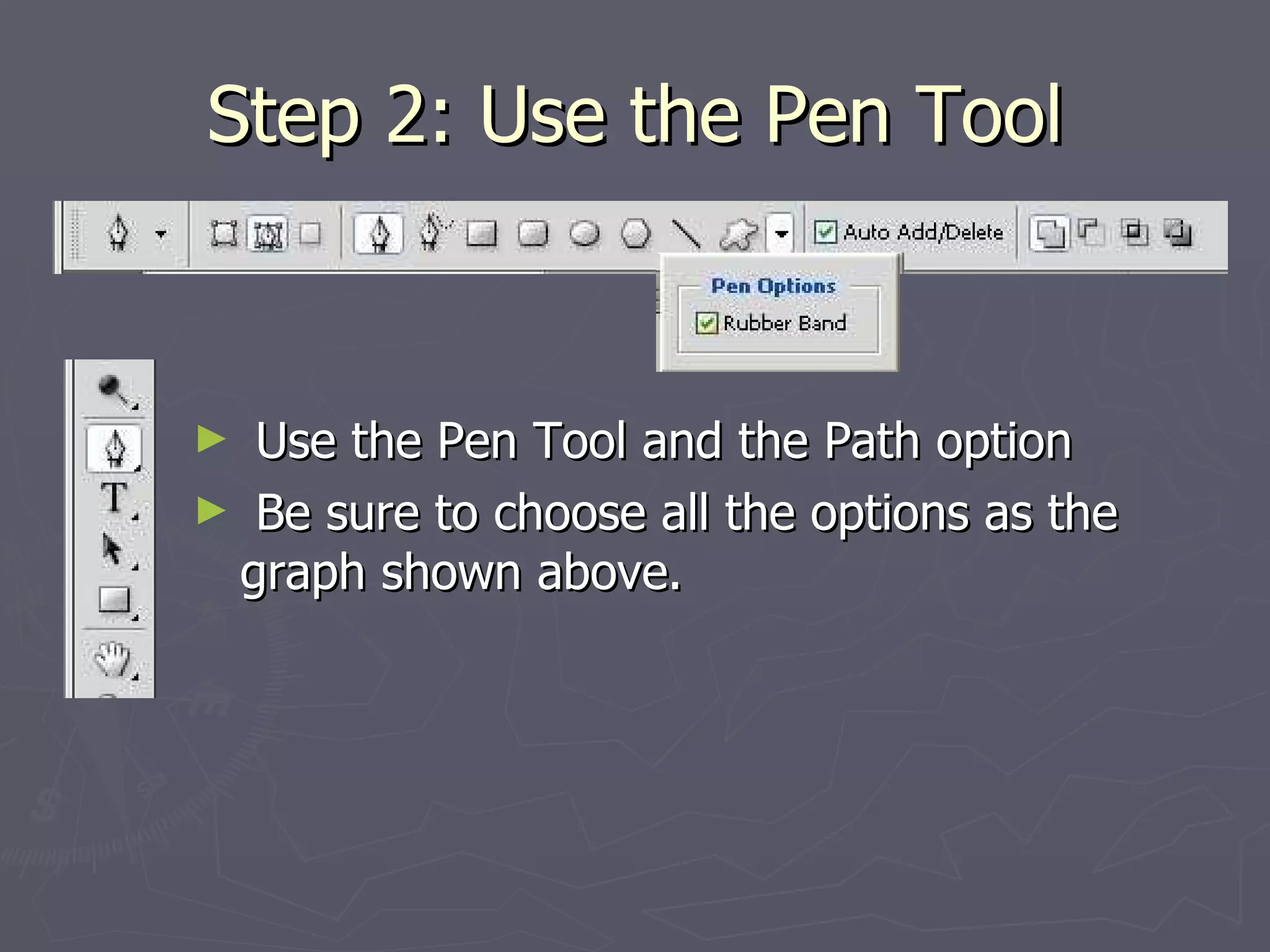
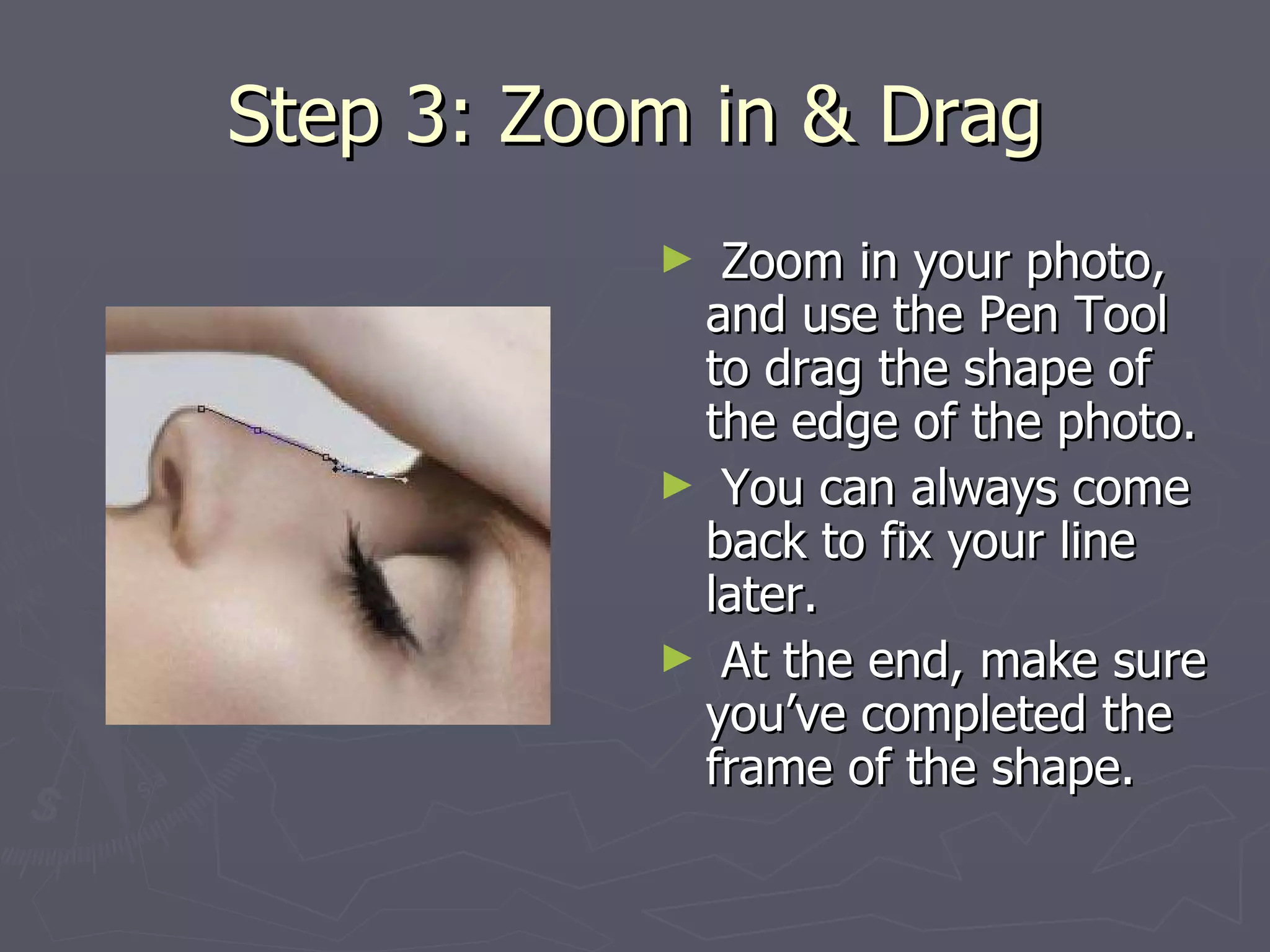
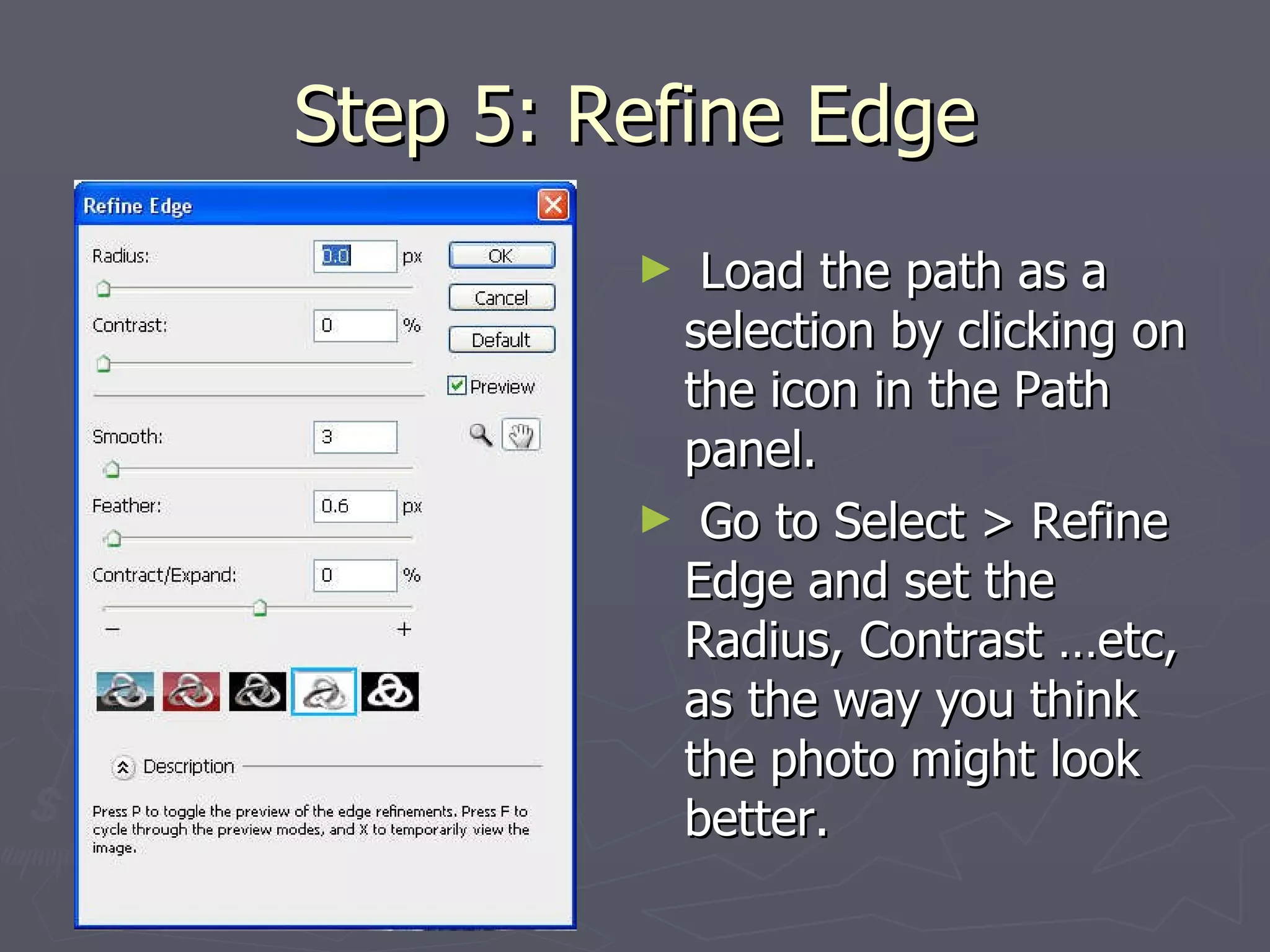
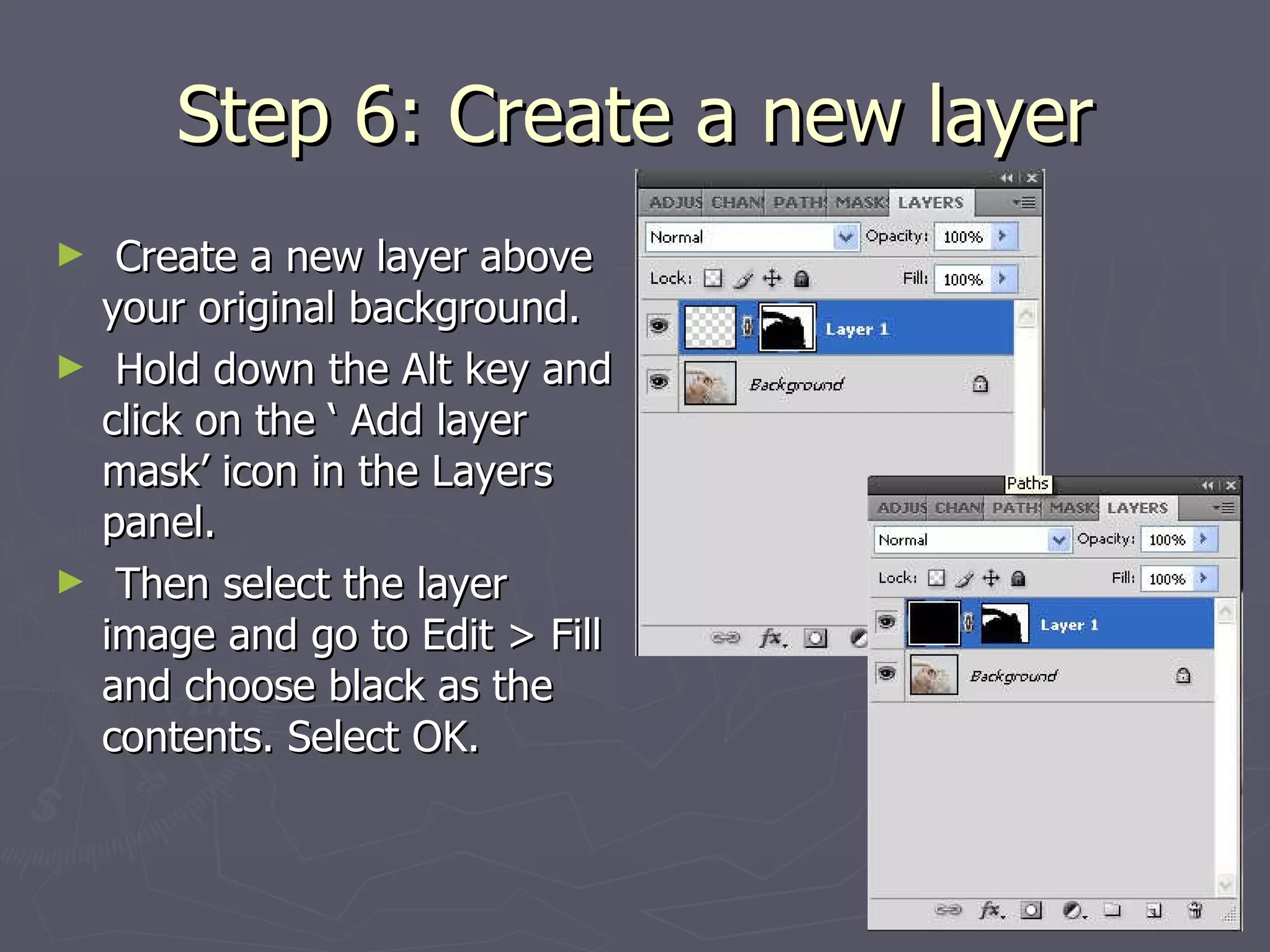
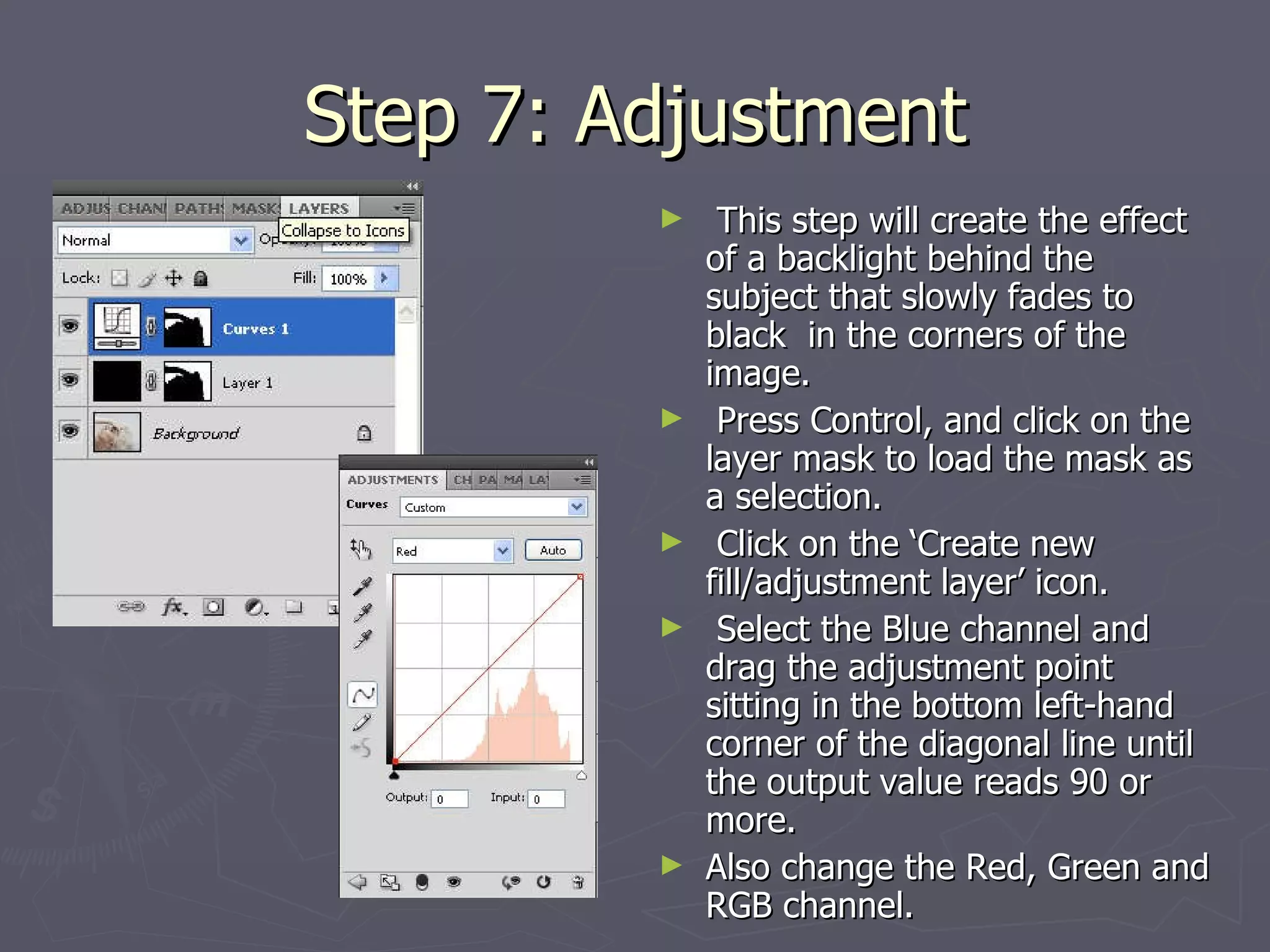
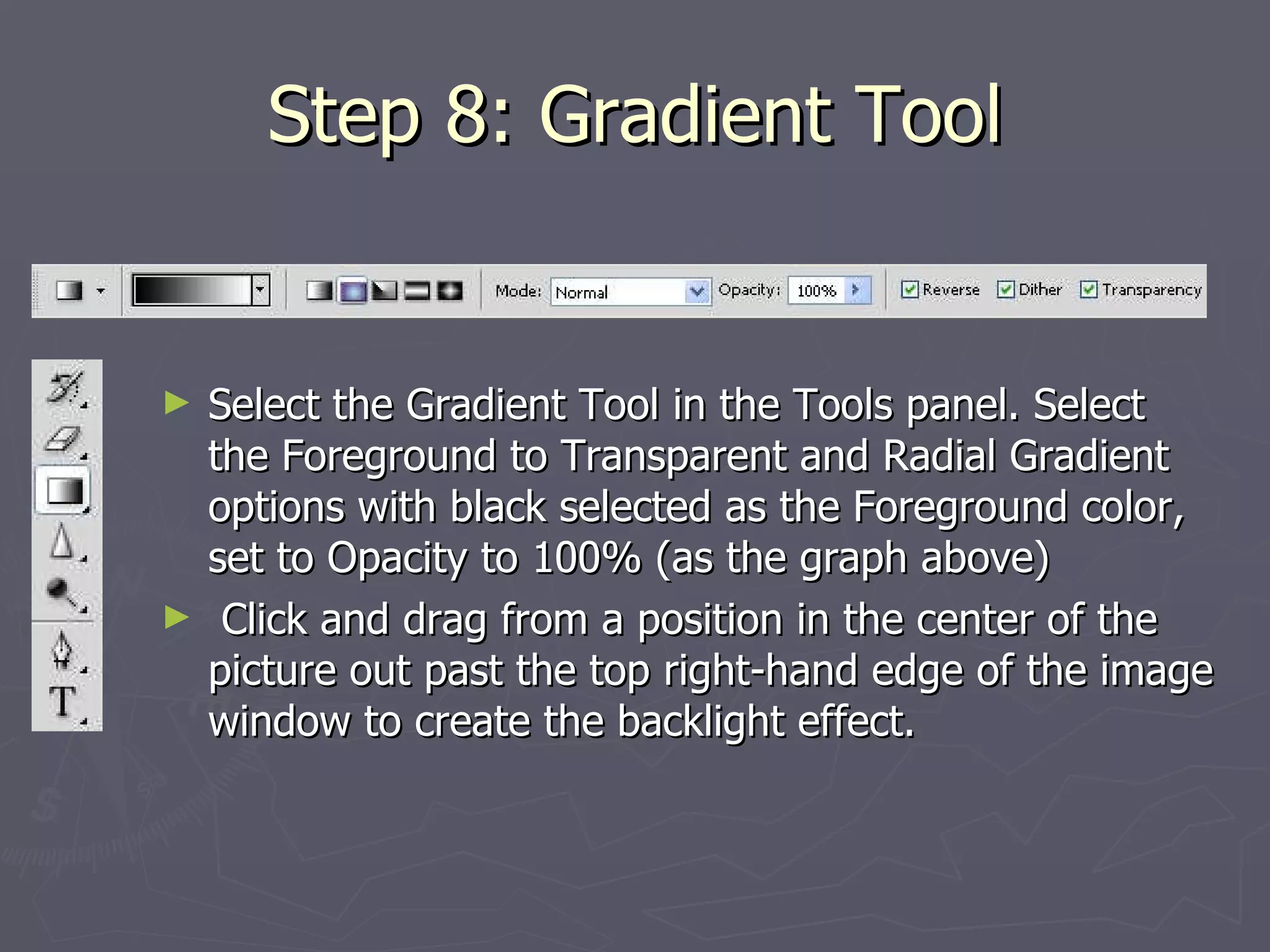
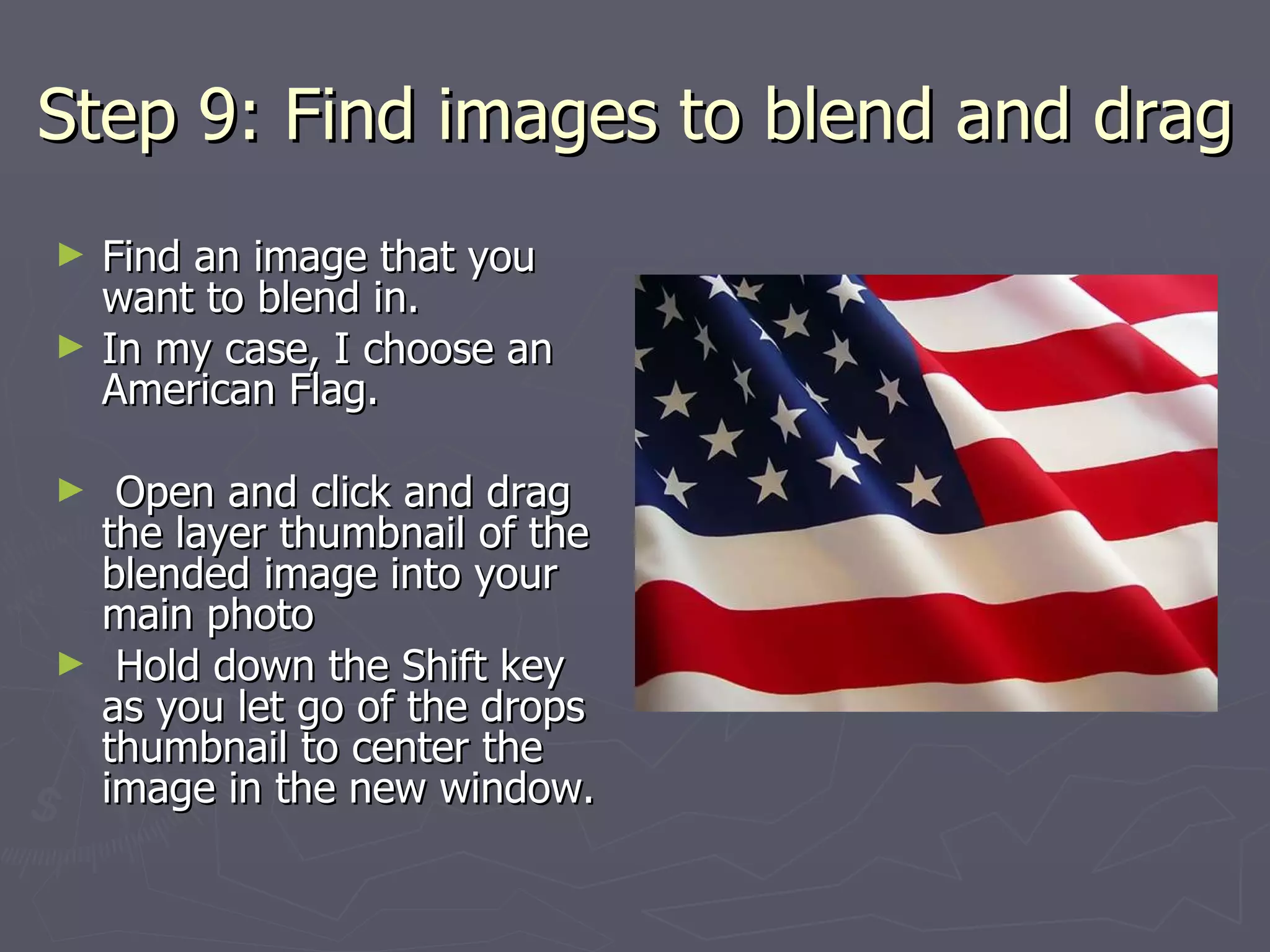
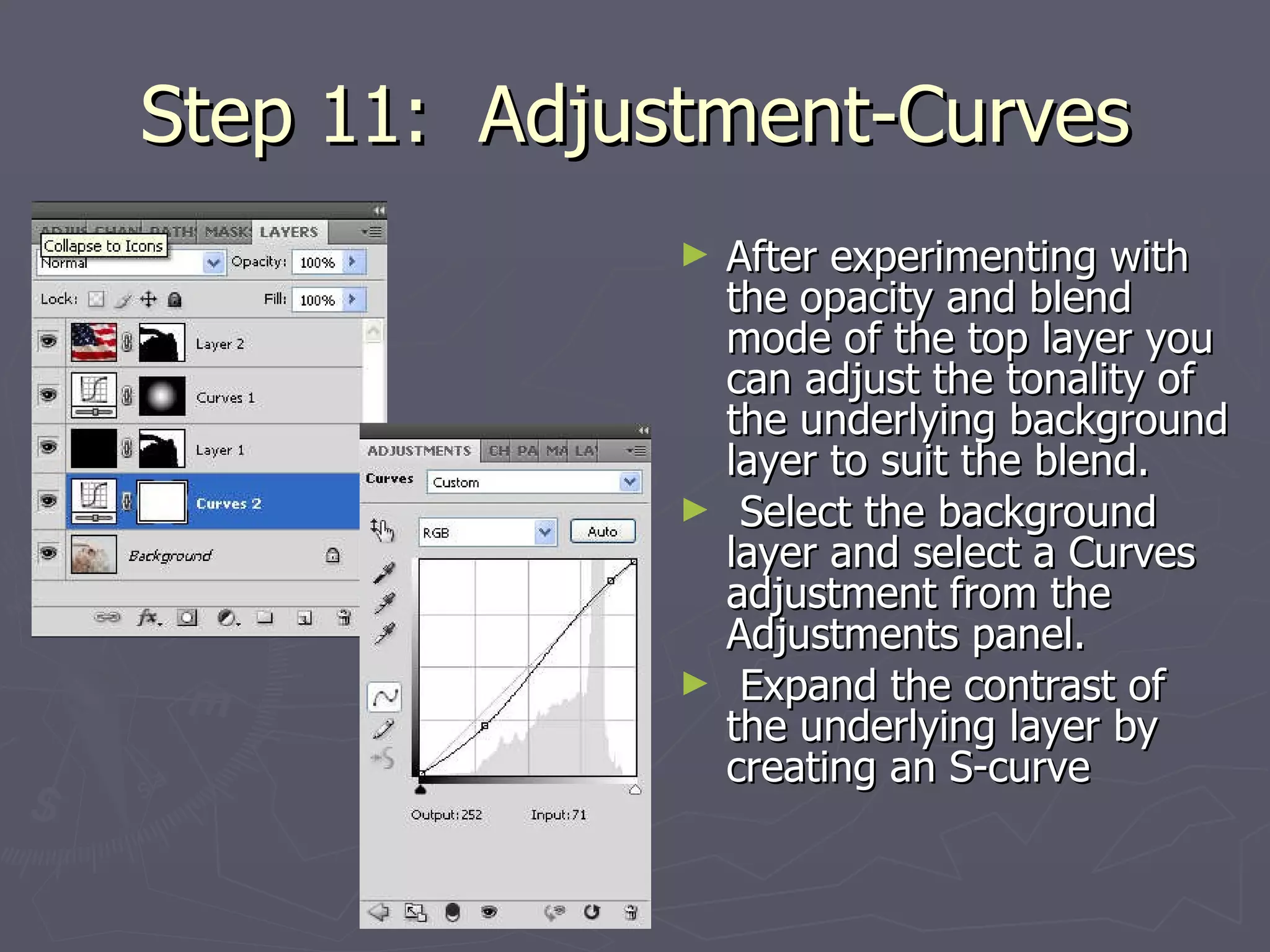
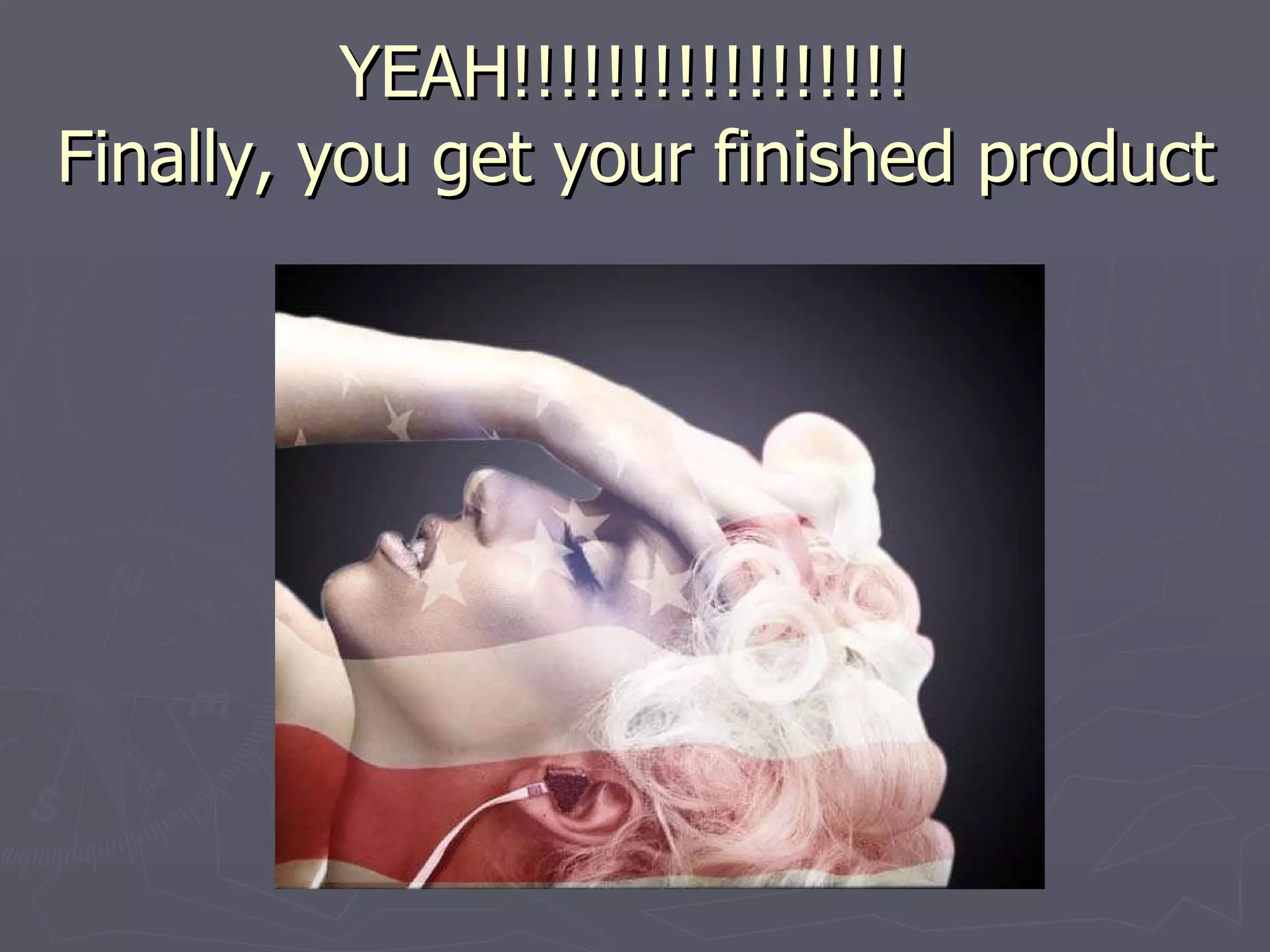
The document provides instructions for creating a composite image using paths, layer masks, and blend modes in Photoshop. The 11 step process involves: 1) selecting a high resolution photo, 2) using the pen tool to create a path around the photo, 3) refining the edge selection, 4) creating a layer mask filled with black, 5) adding a gradient overlay to create a fading backlight effect, 6) blending additional images using blend modes and opacity adjustments, and 7) fine tuning the blend using curves adjustments.