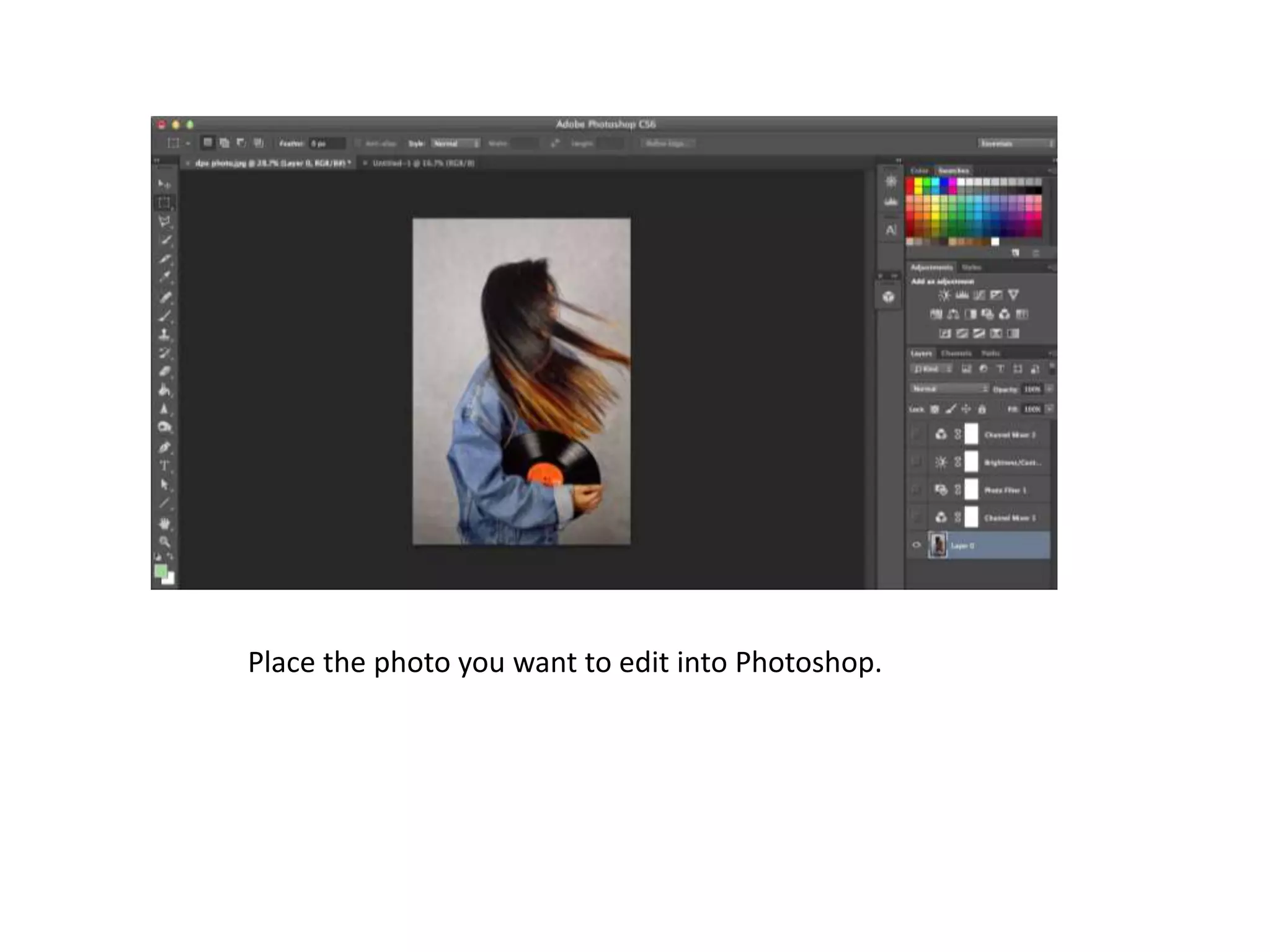
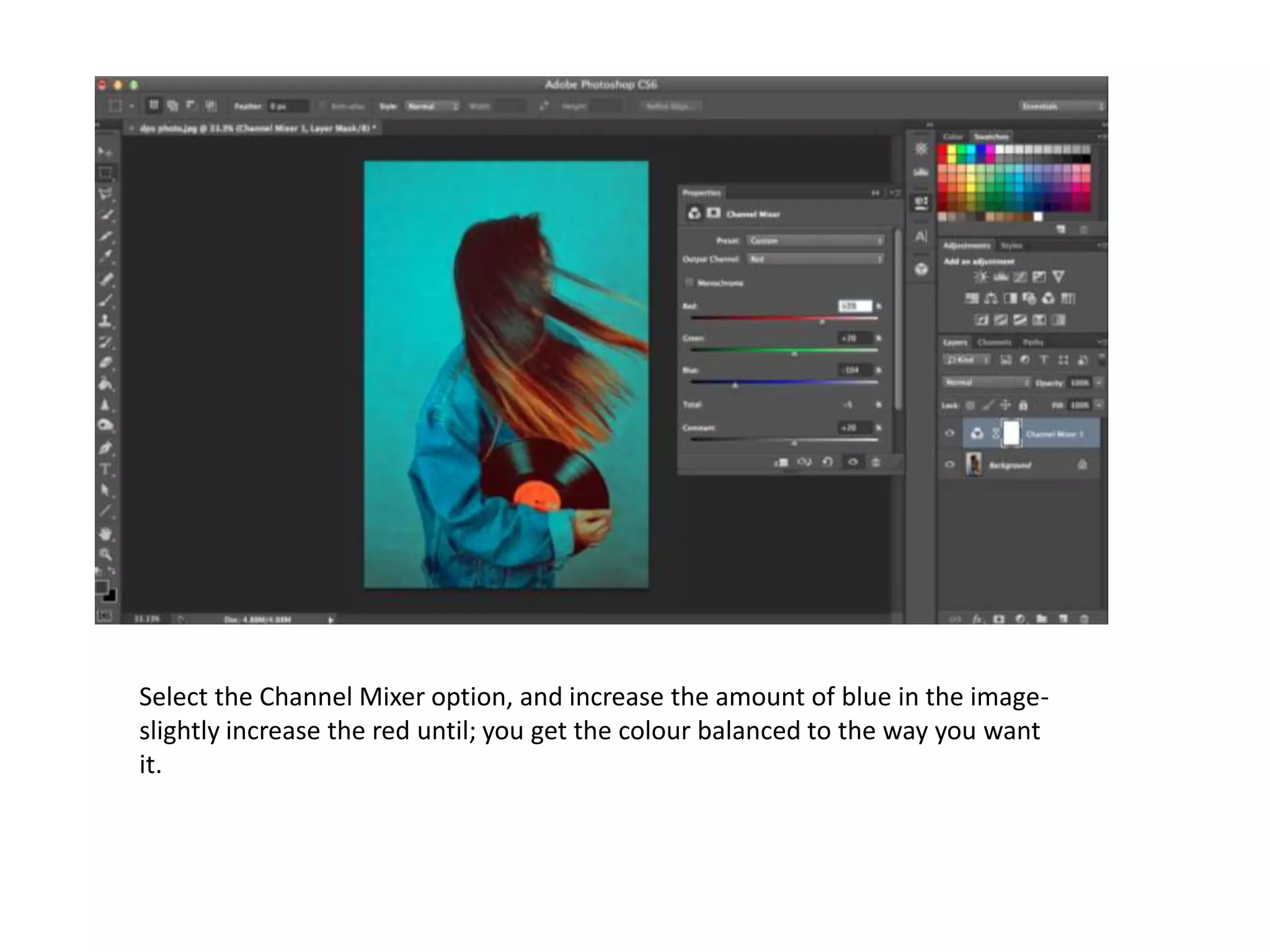
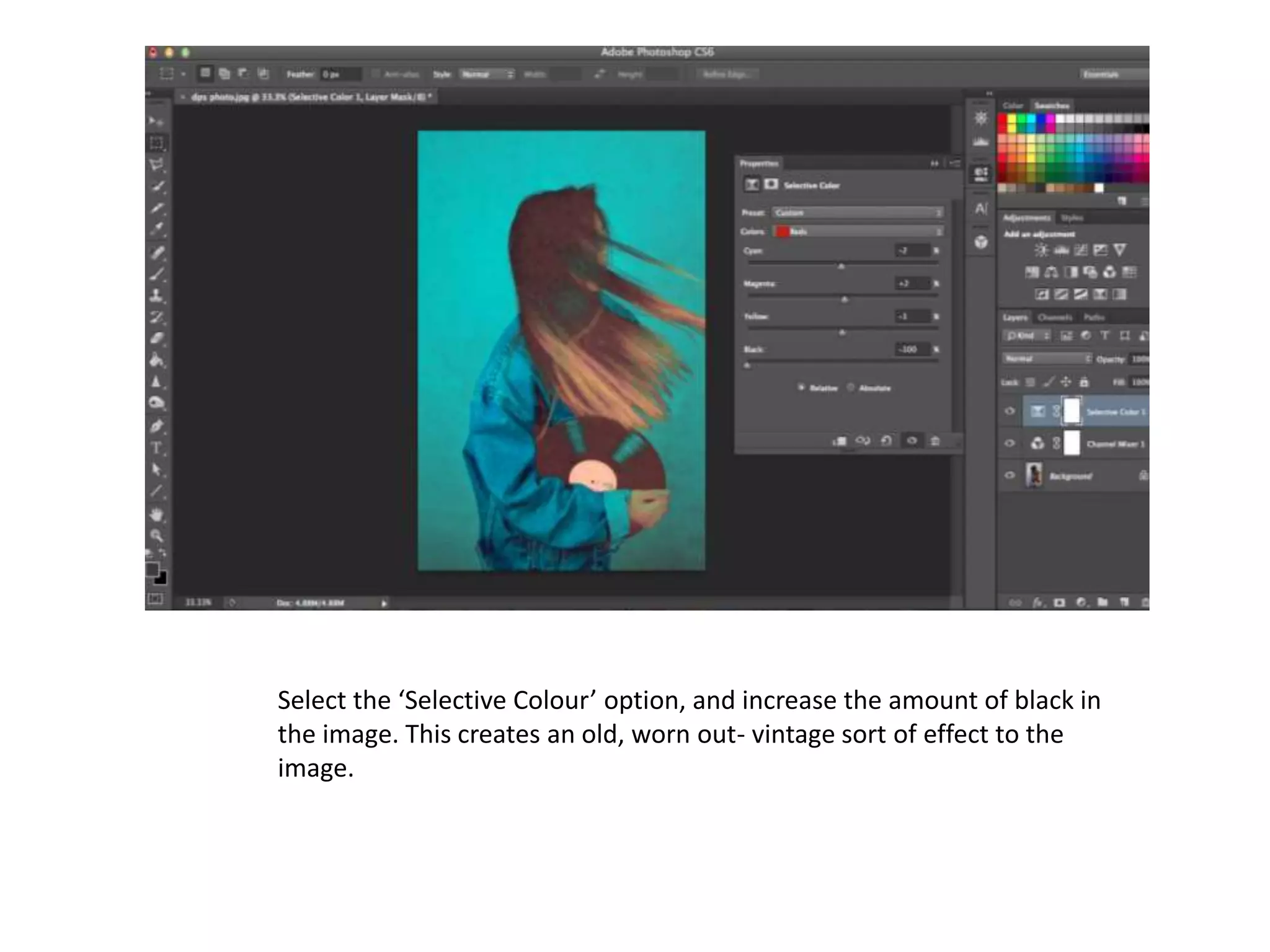
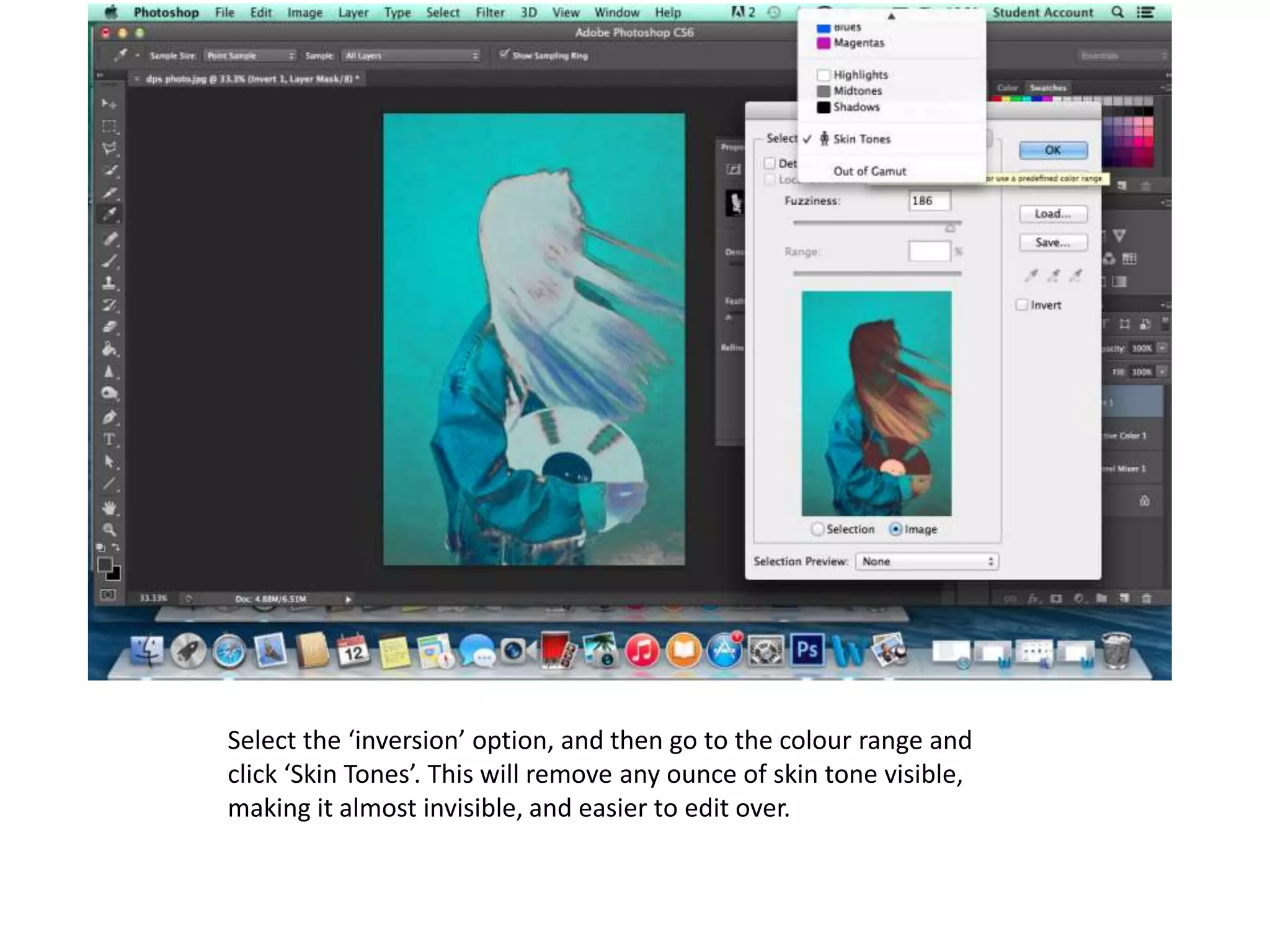
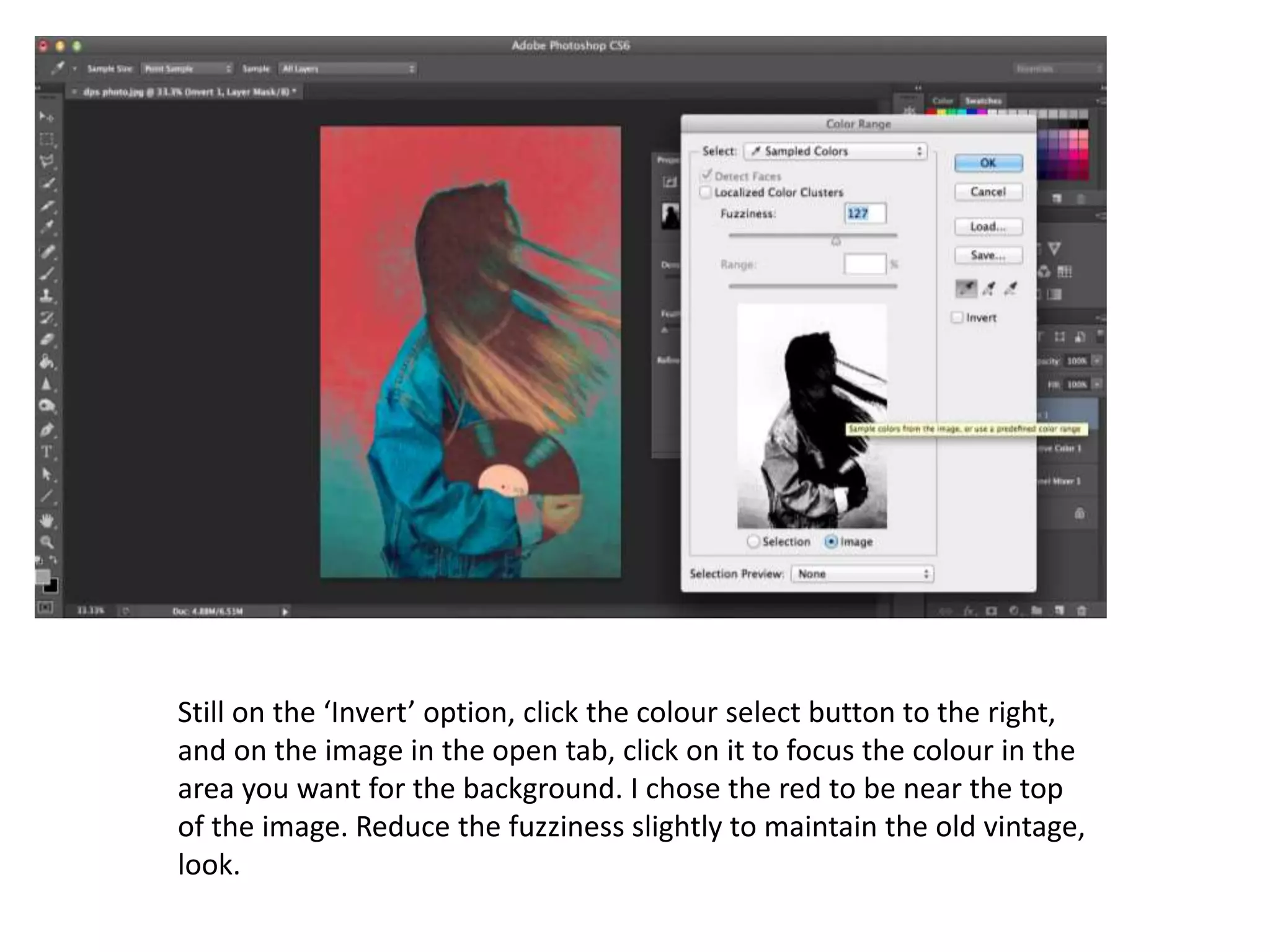
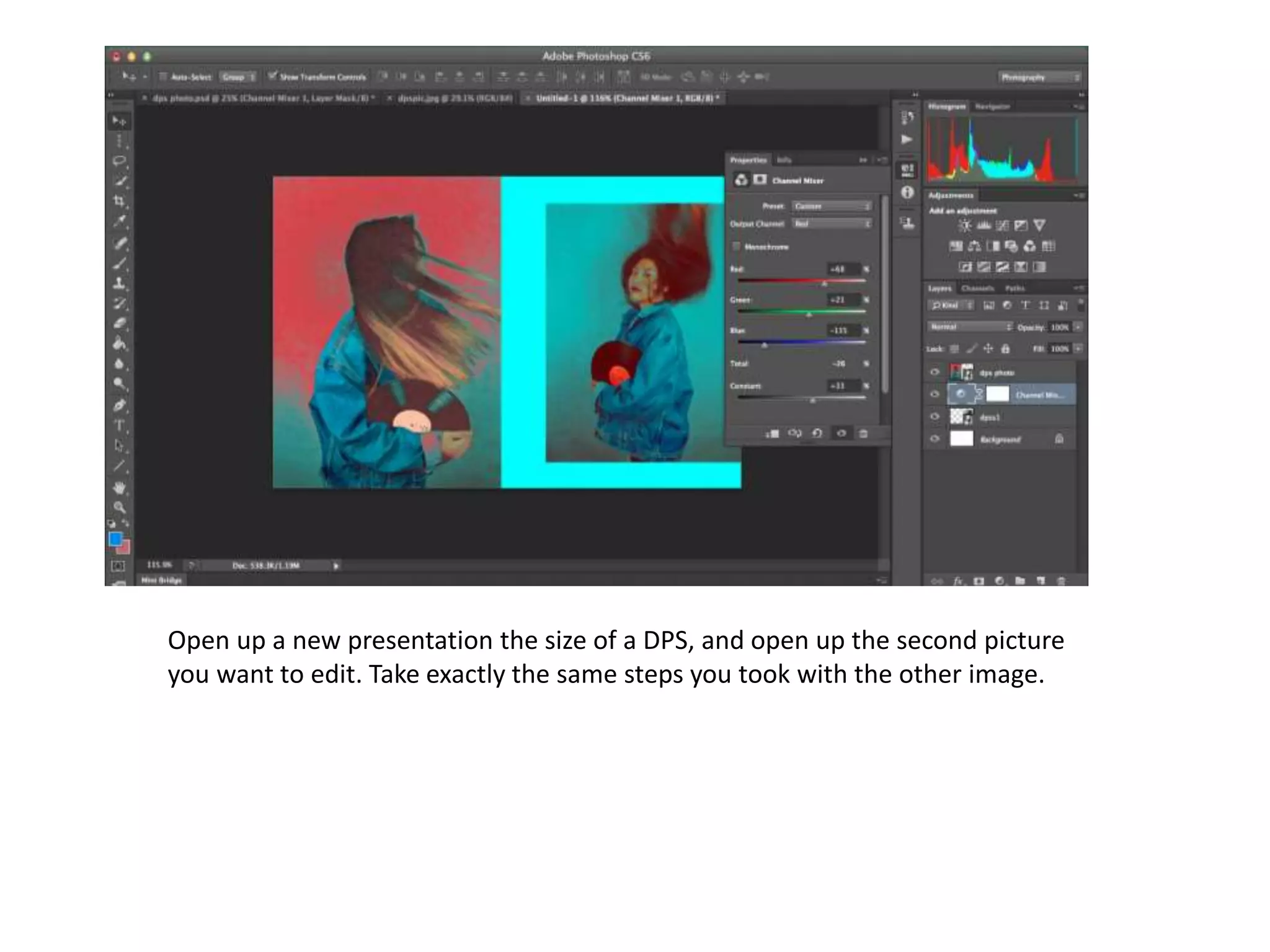
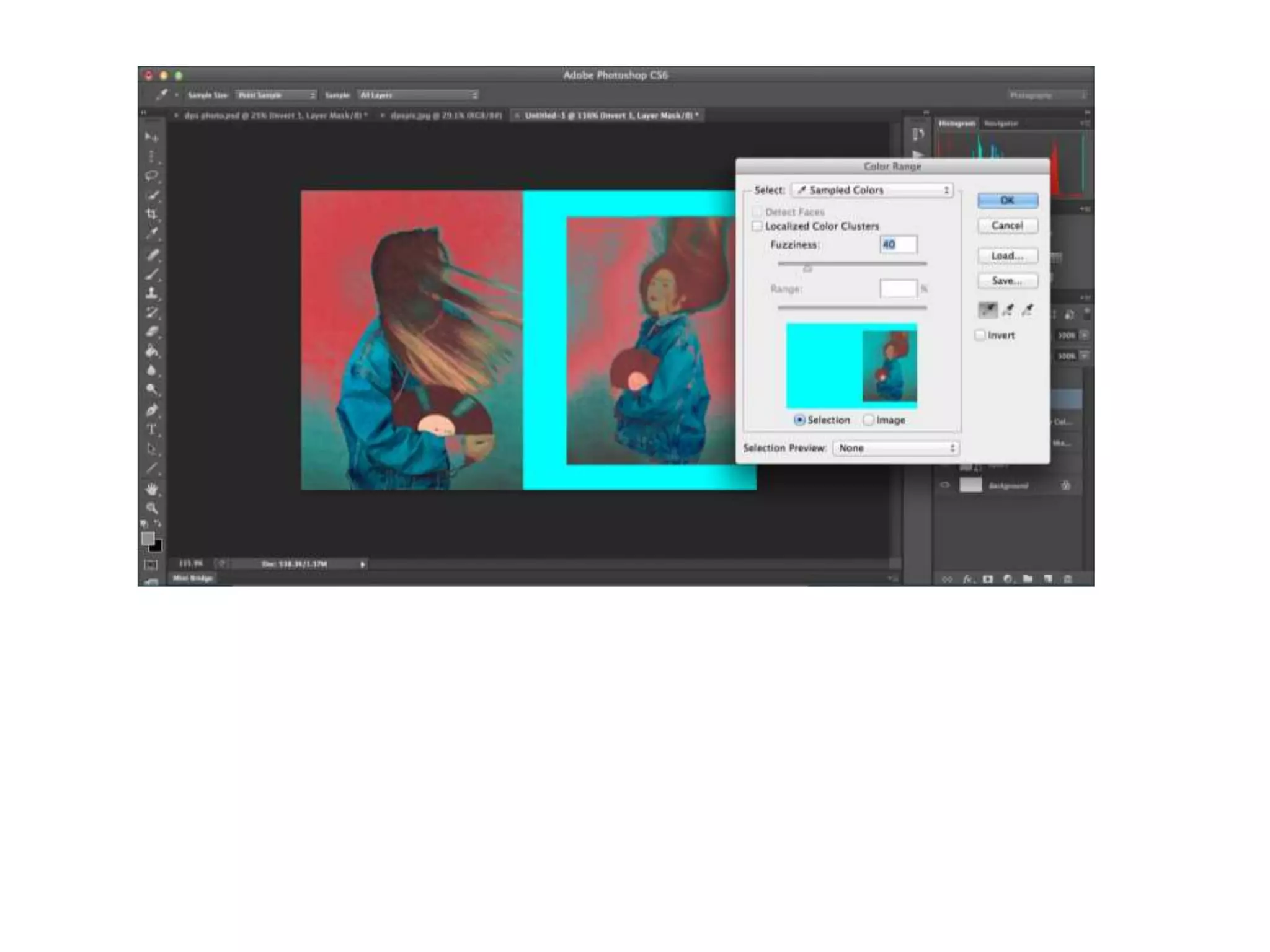
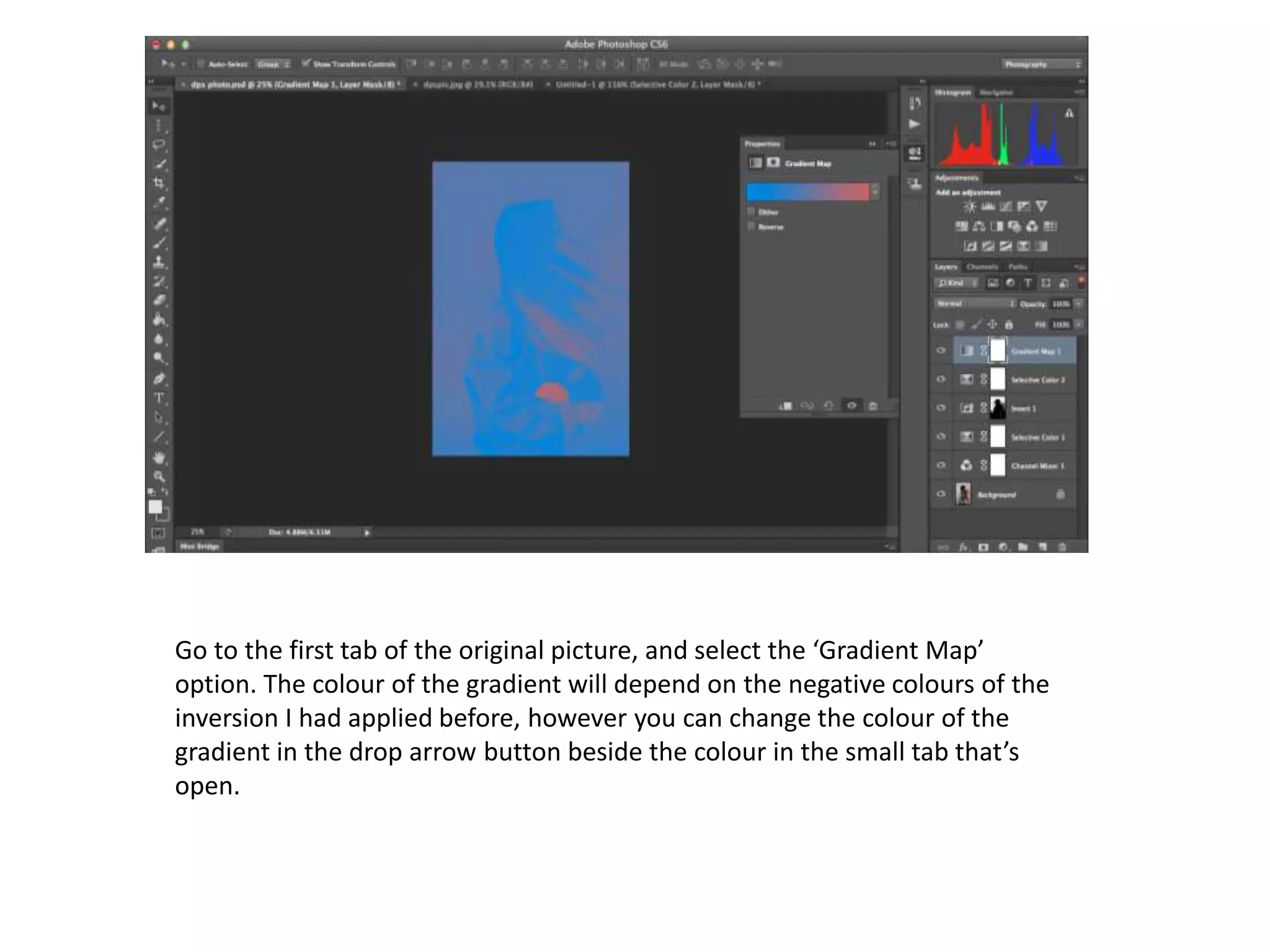
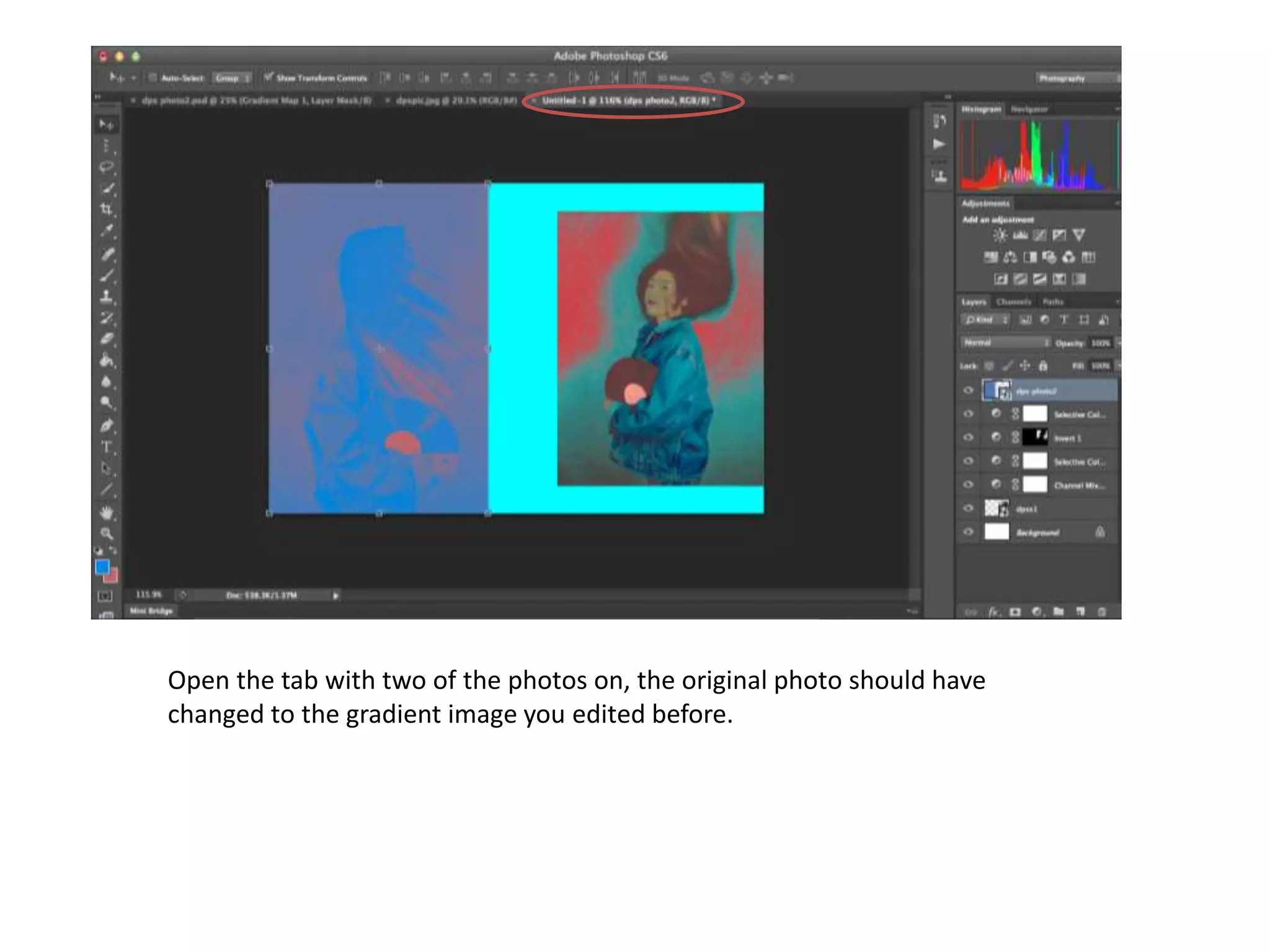
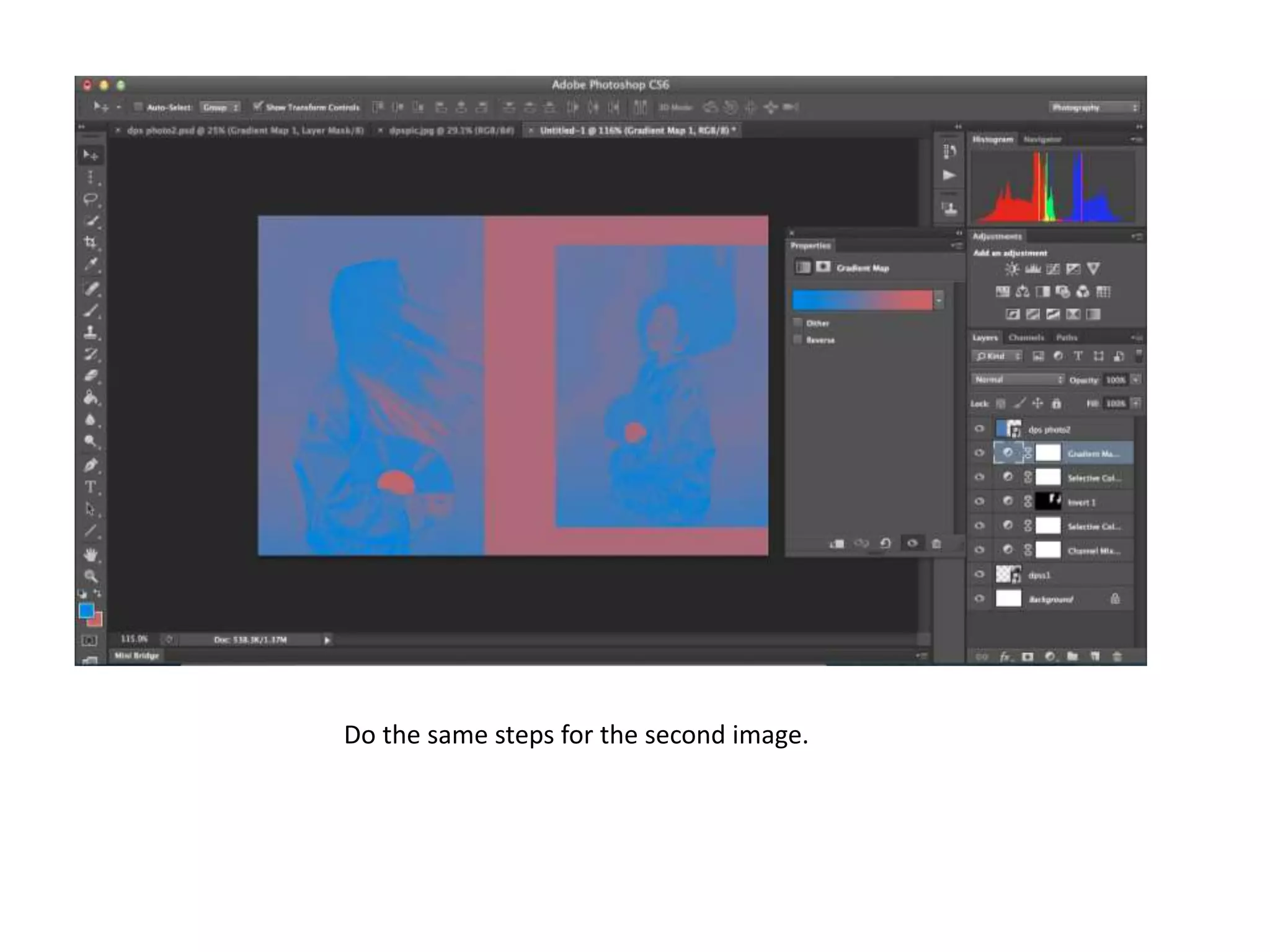
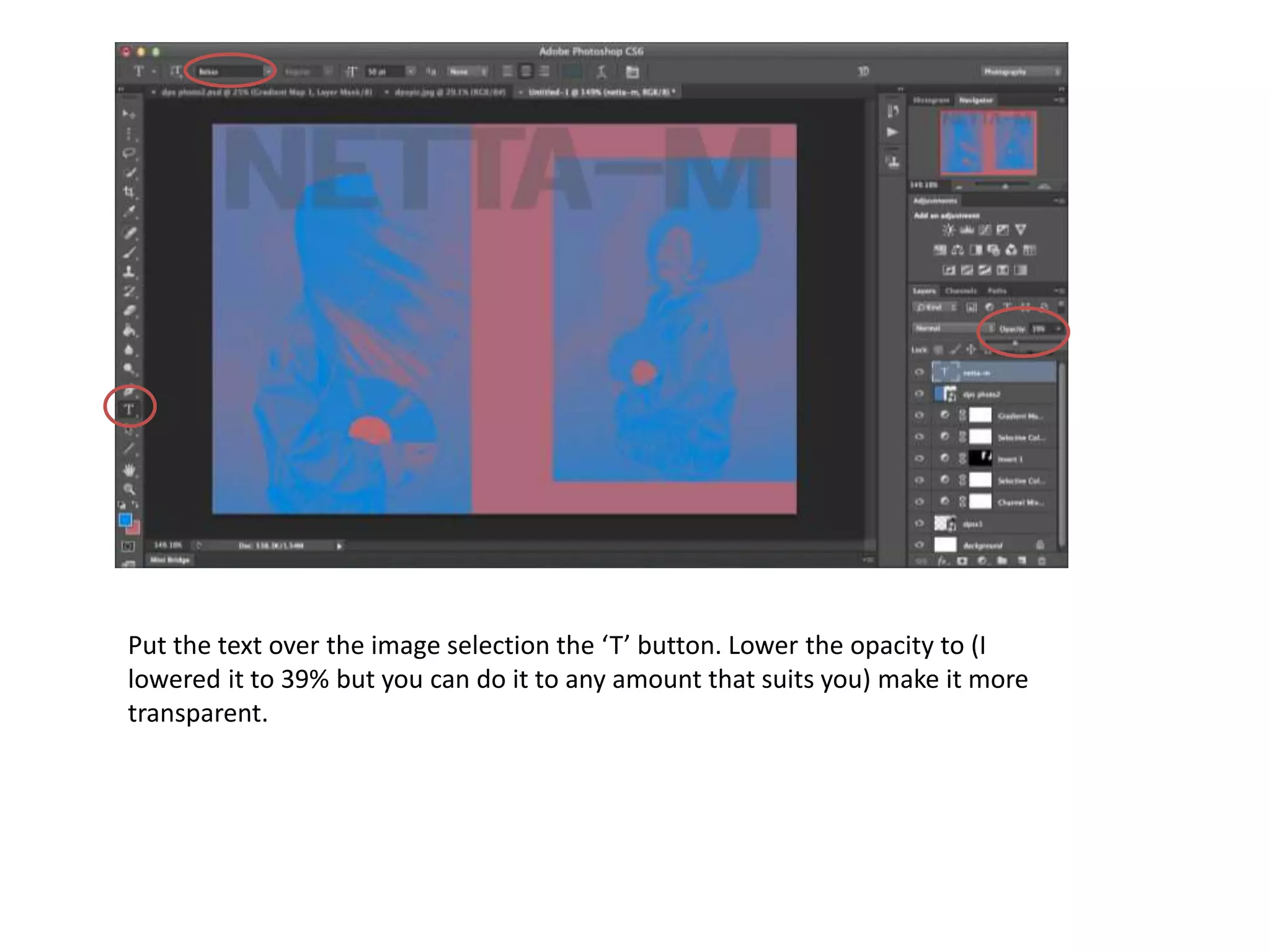
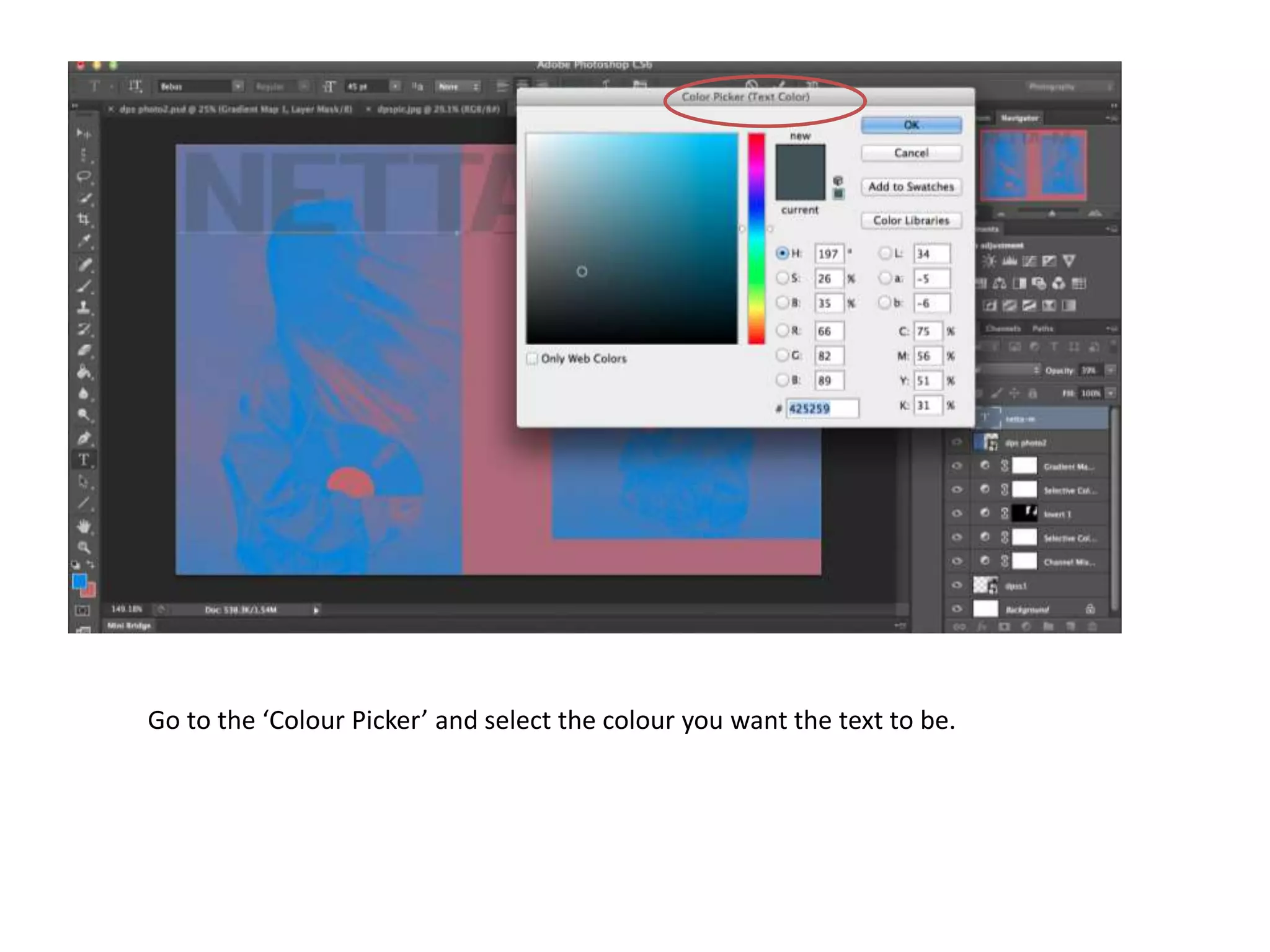
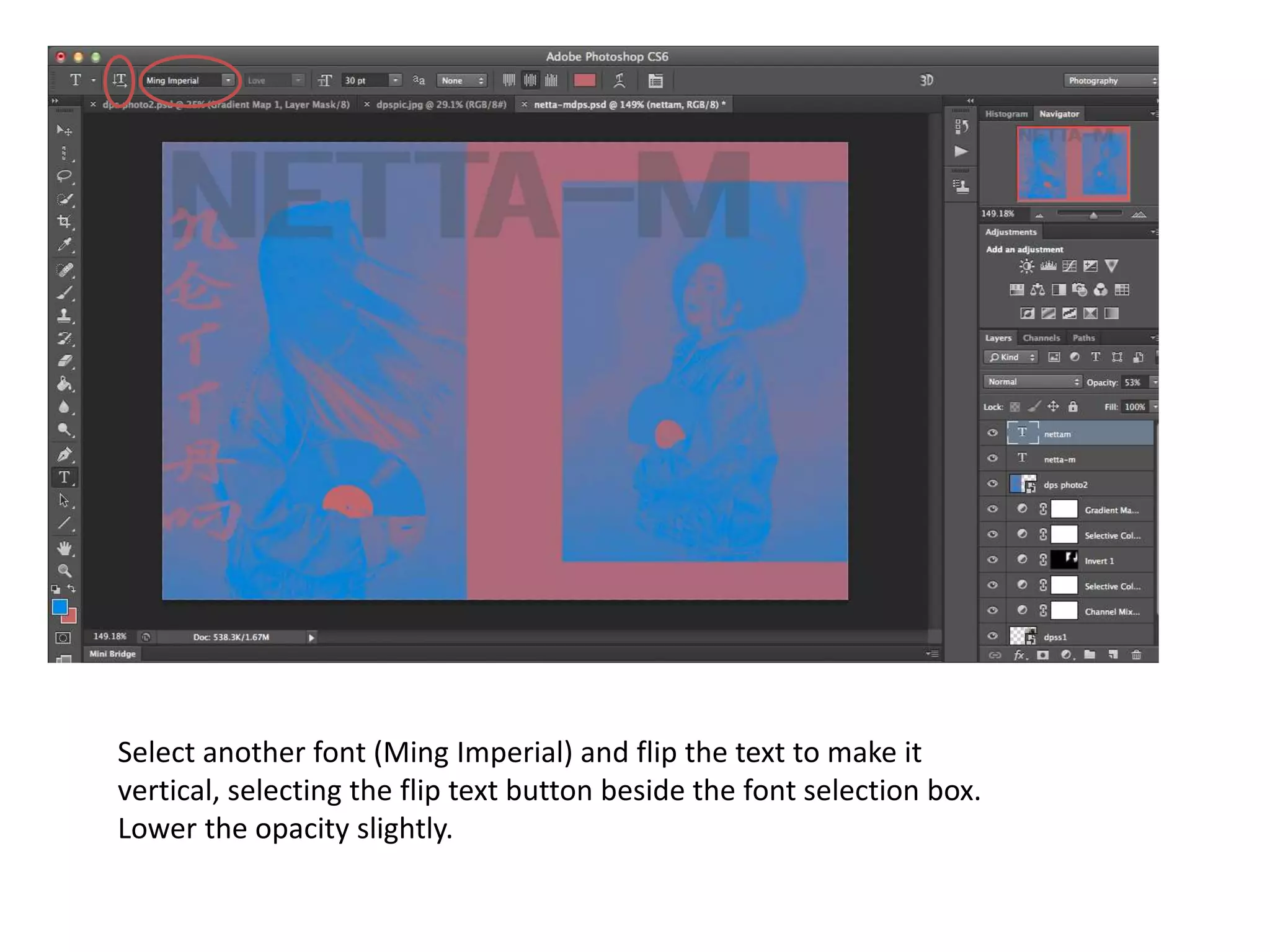
The document provides instructions for editing photos in Photoshop to give them an old, vintage look using various tools and effects. The key steps are to adjust the channel mixer and selective color to balance colors and add black, invert images to remove skin tones, use the gradient map and color picker to add overlay colors and textures, and add vertical text over images at a lowered opacity.