Downloaded 17 times
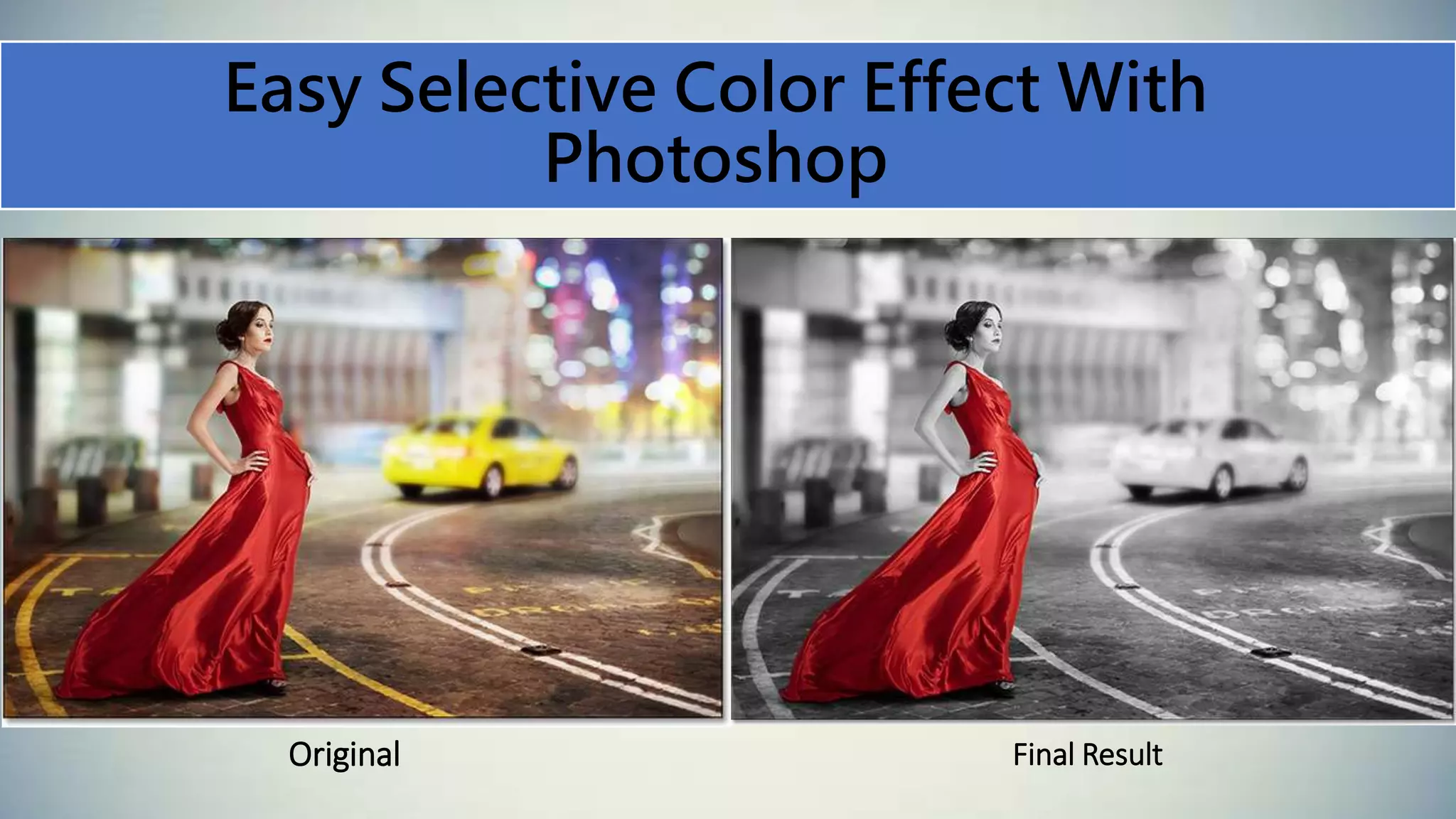
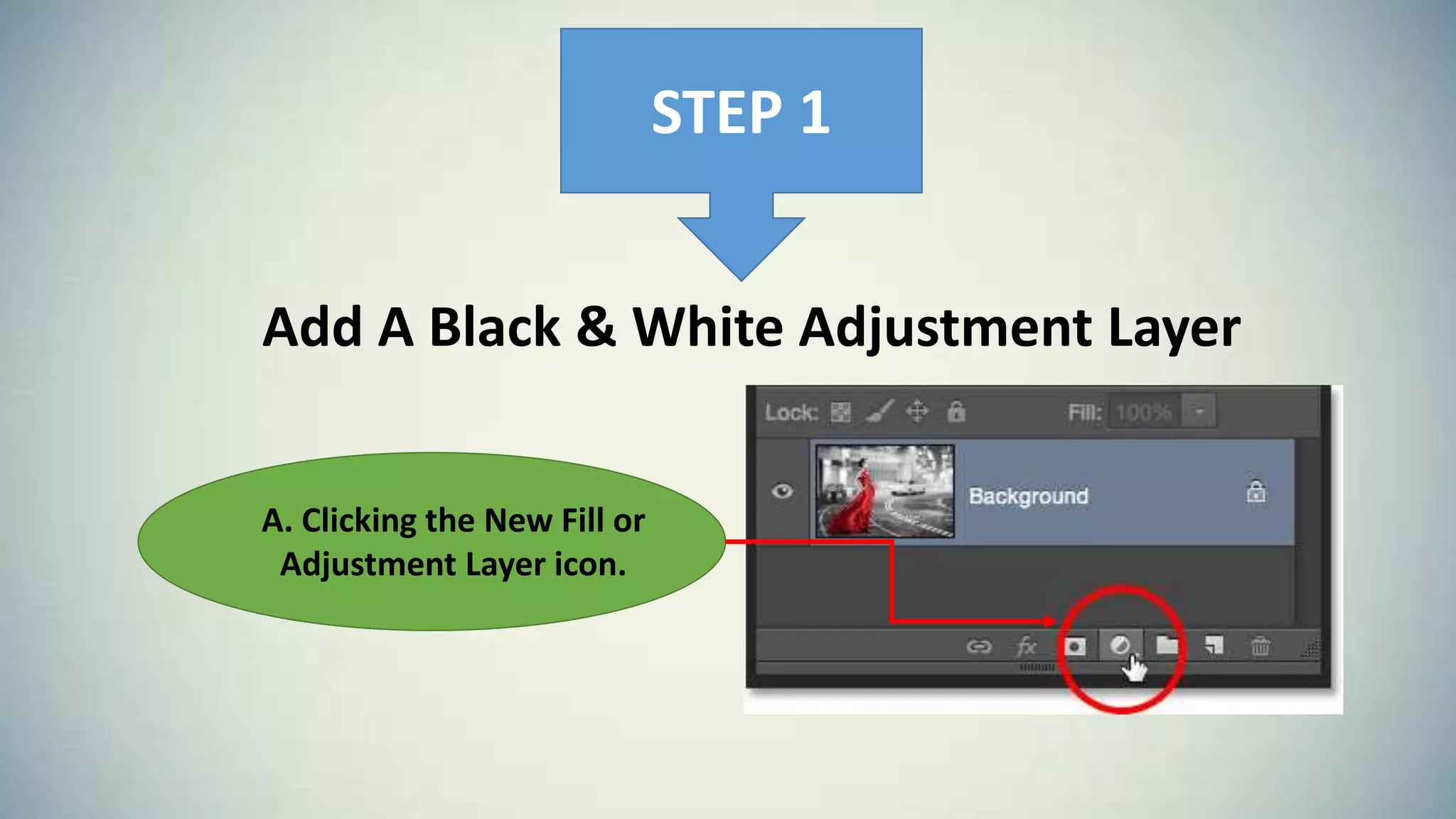
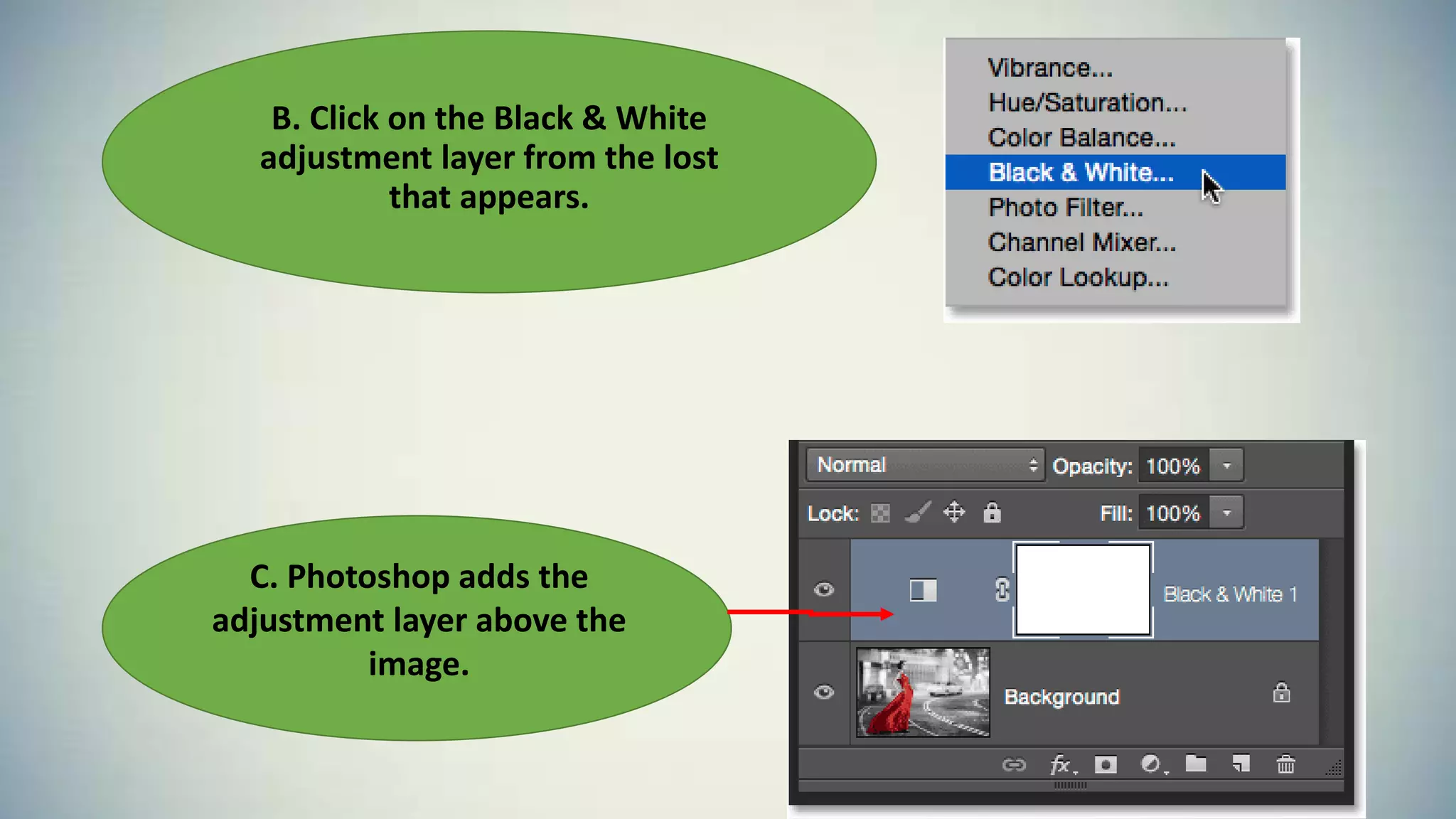
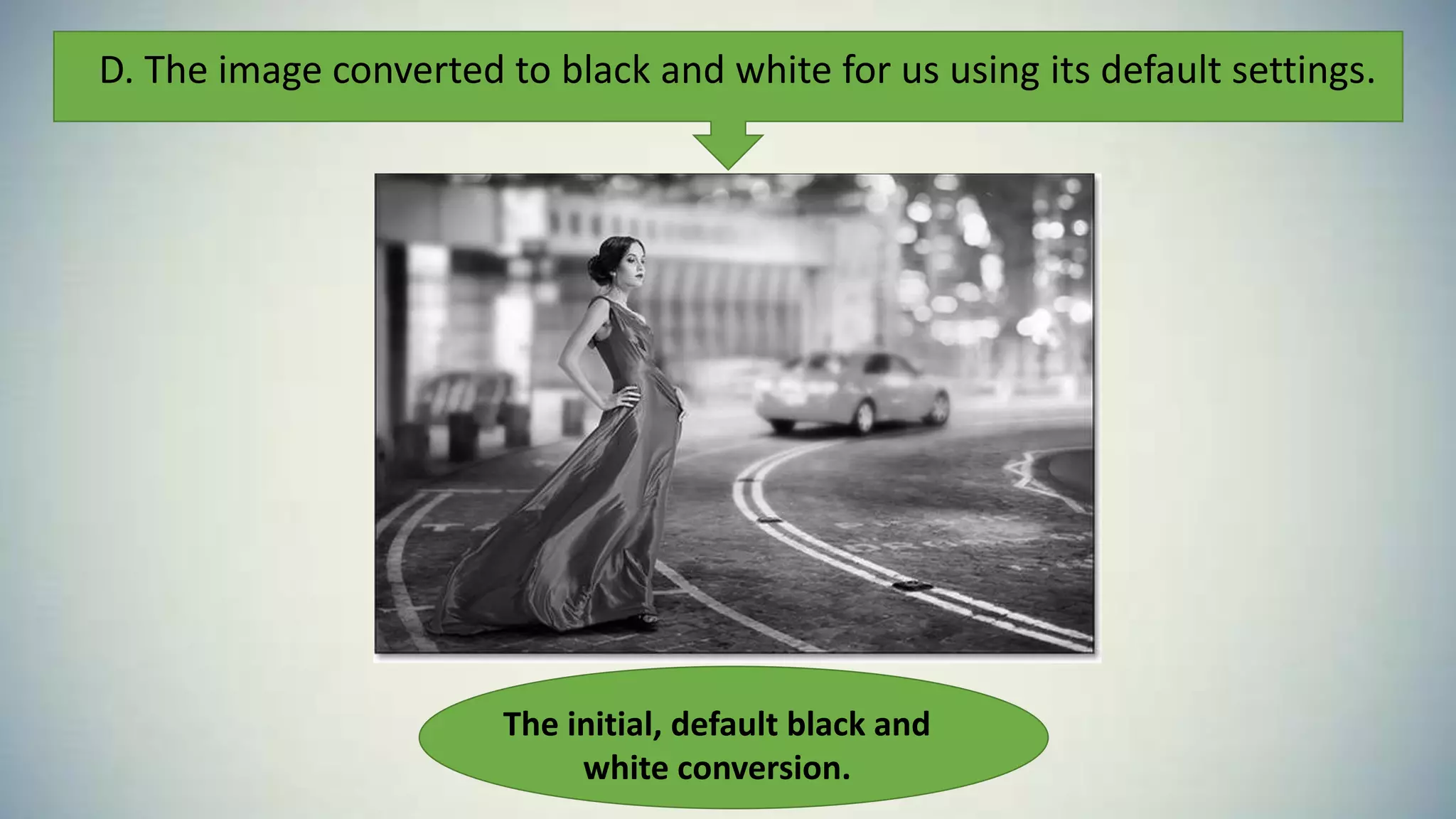
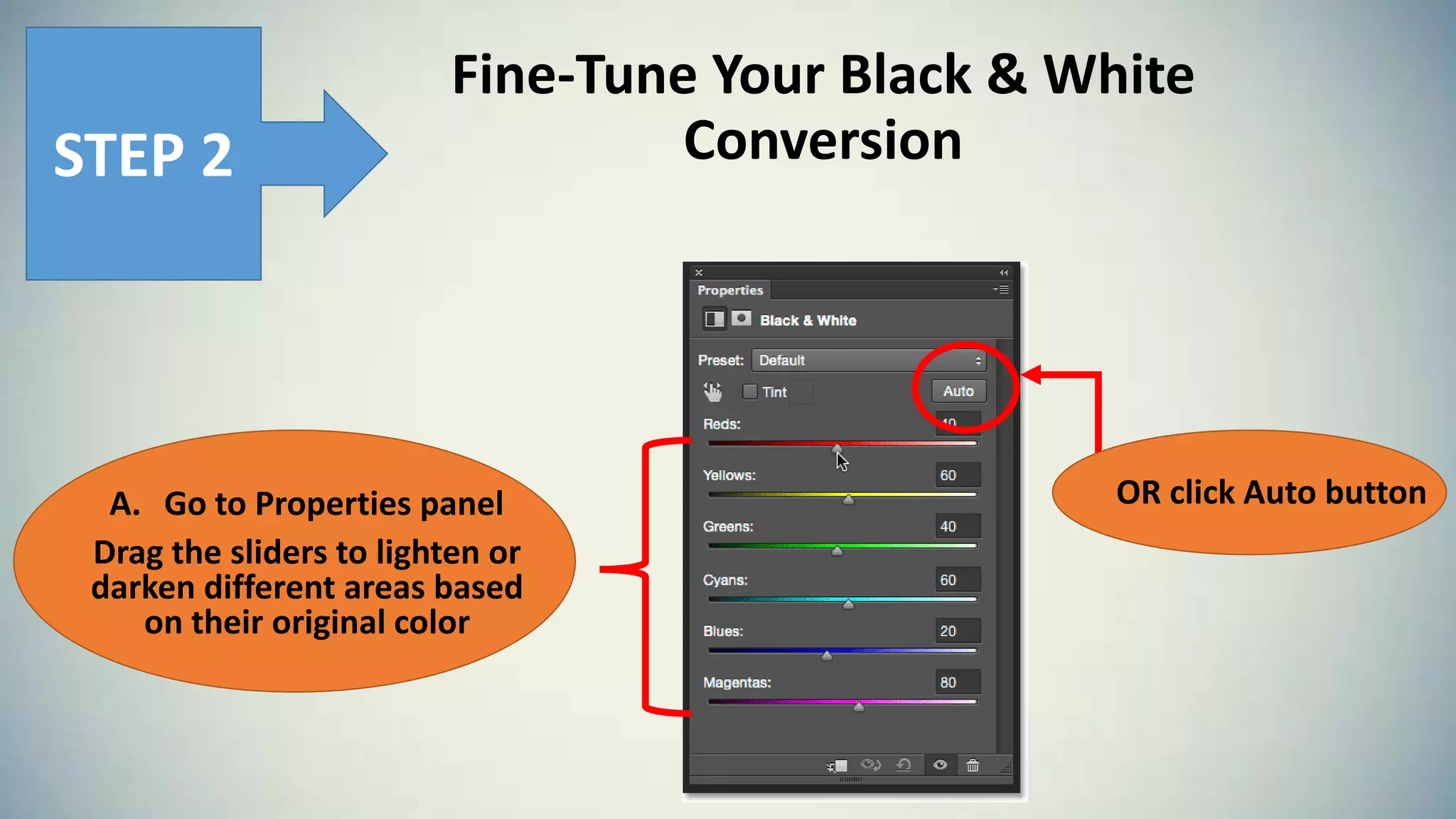
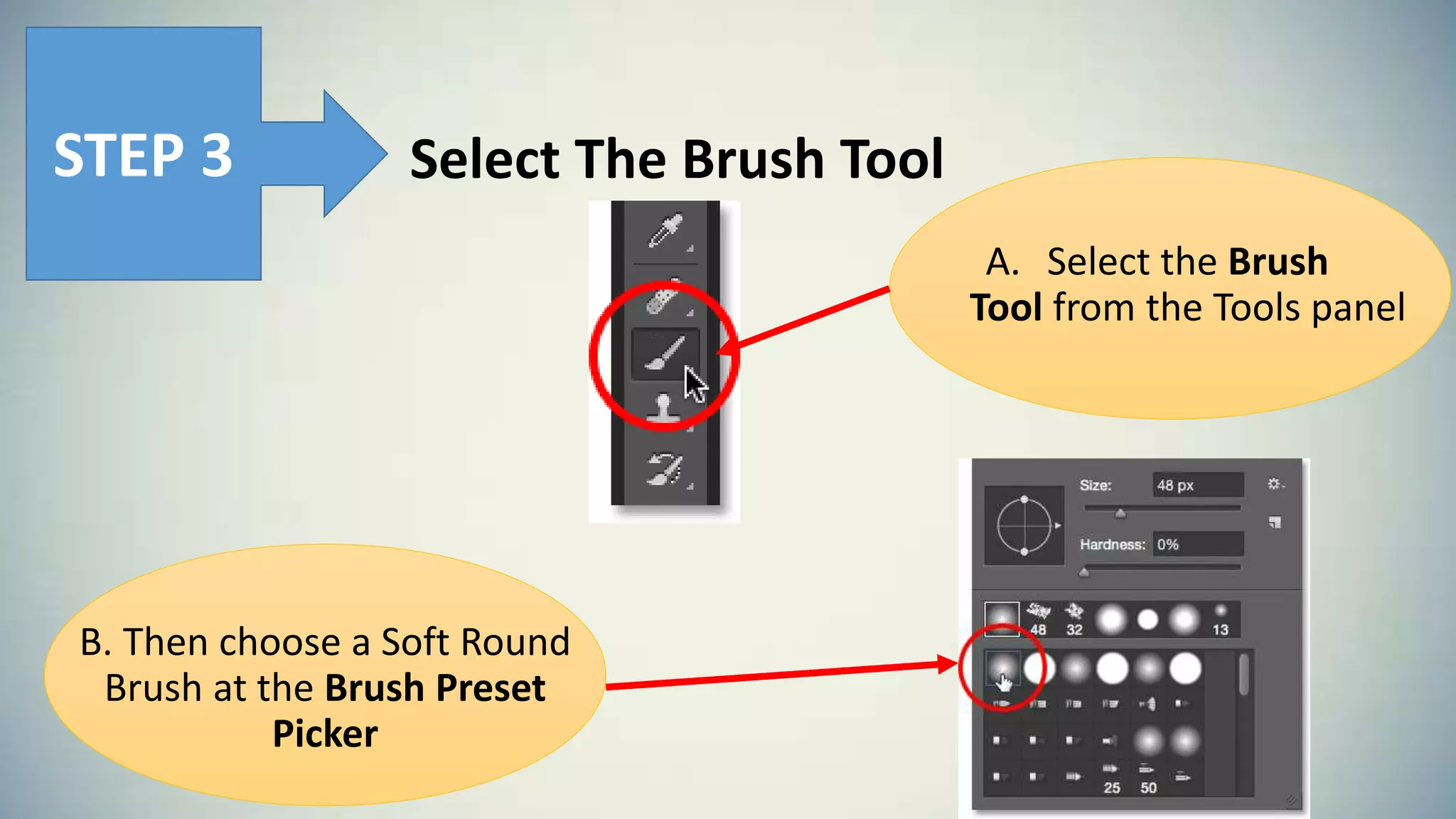
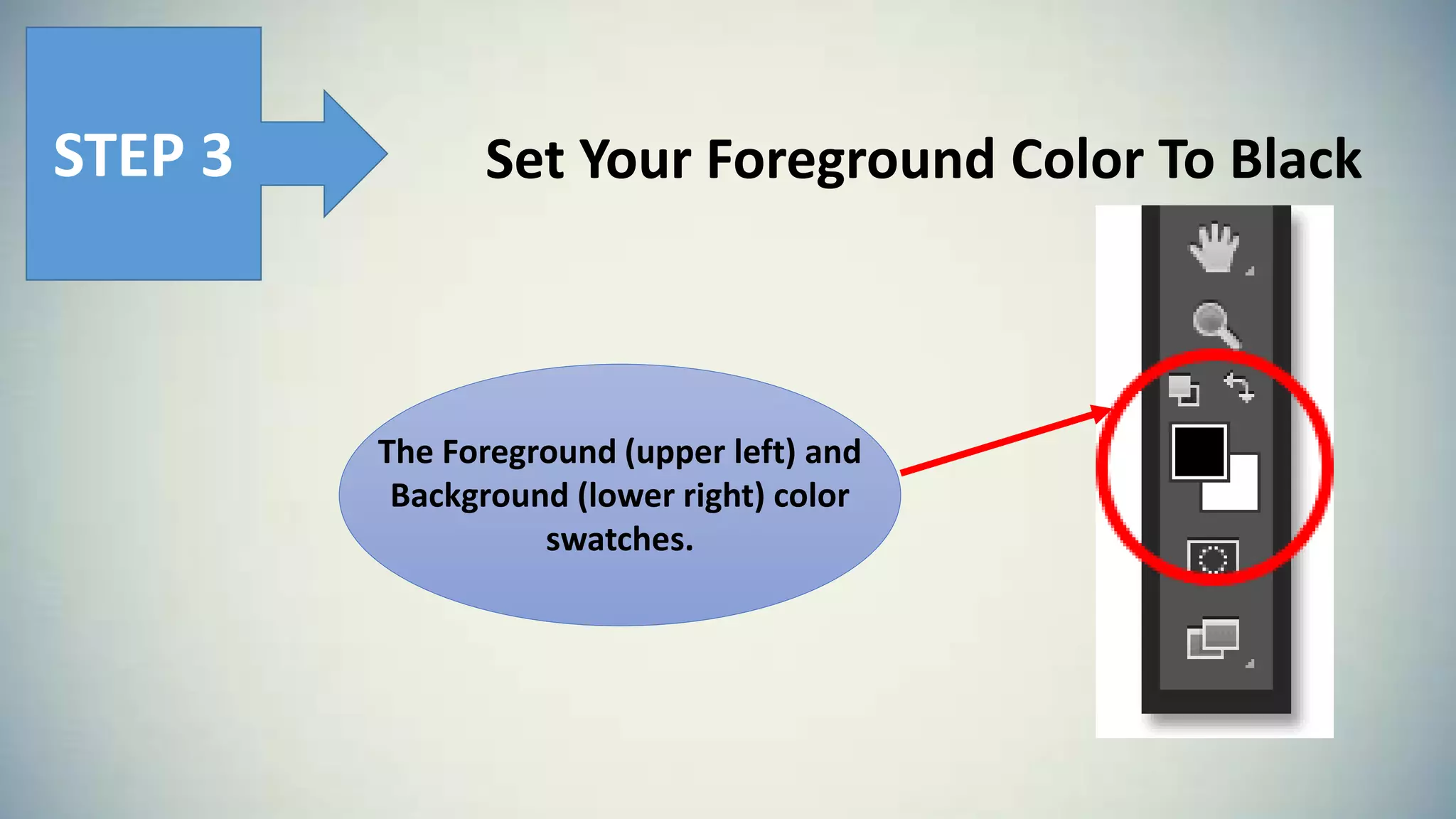
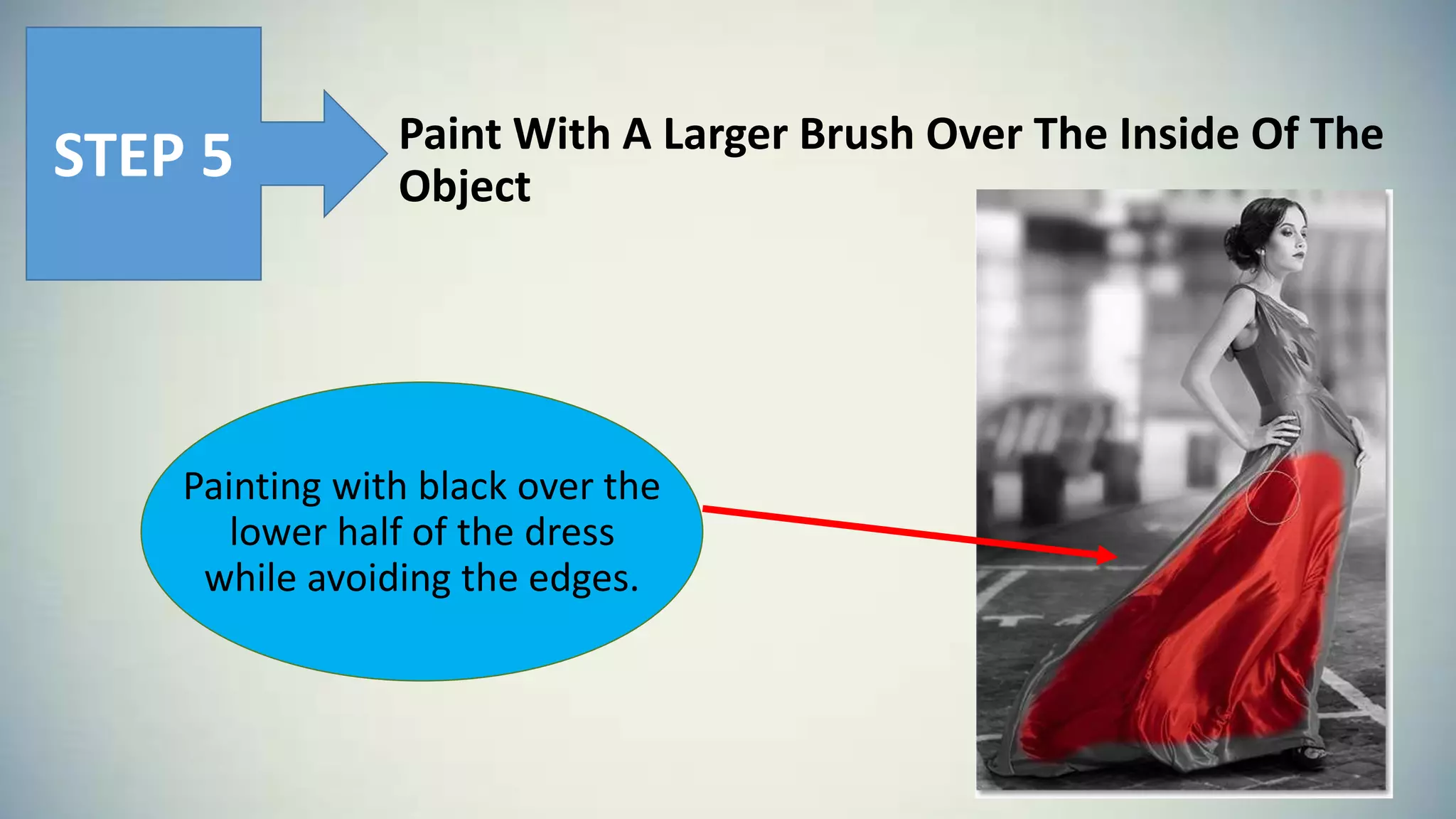
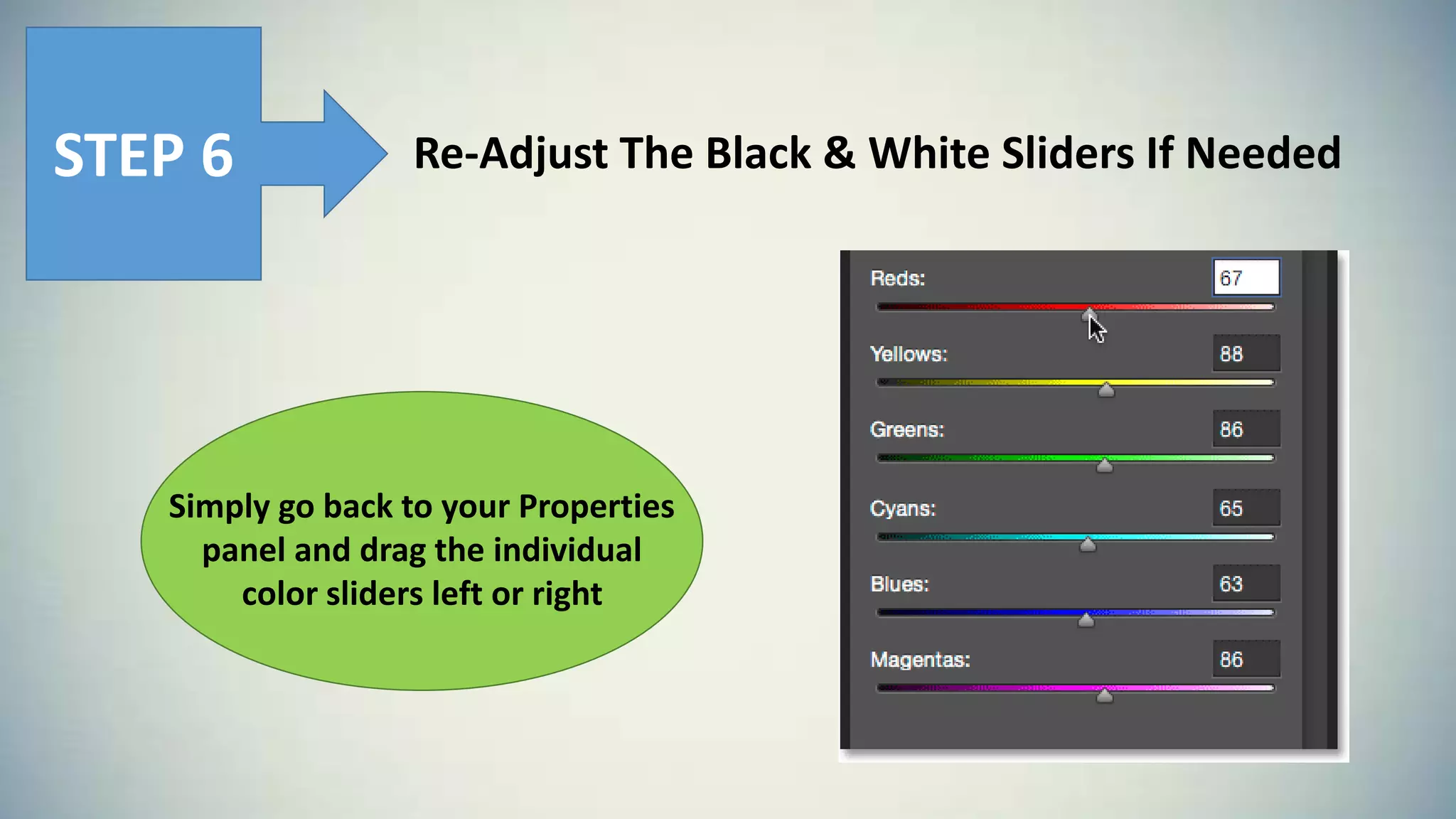

This Photoshop tutorial explains how to create a selective color effect by adding a black and white adjustment layer, fine-tuning the black and white conversion, selecting the brush tool and painting with black over parts of the image while avoiding edges, and readjusting the black and white sliders if needed. The tutorial converts an image to black and white using an adjustment layer, then selectively colors parts of the image by painting with the brush tool.


![Photoshop Tools [2305843009230638214].pptx](https://cdn.slidesharecdn.com/ss_thumbnails/photoshop2305843009230638214-250215120133-341c0df4-thumbnail.jpg?width=640&height=640&fit=bounds)


