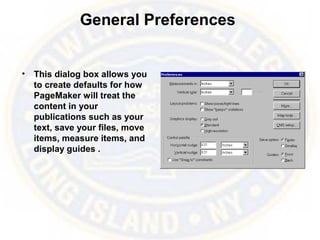
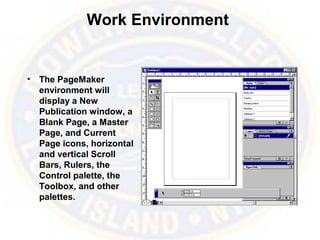
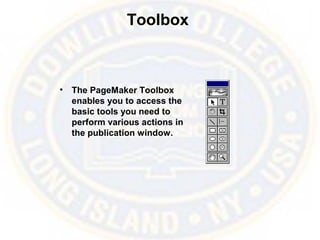
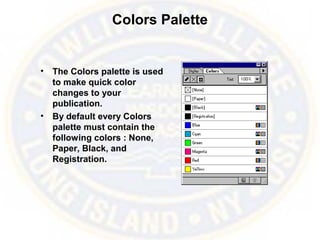
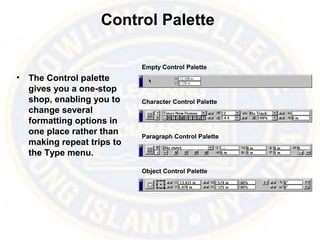
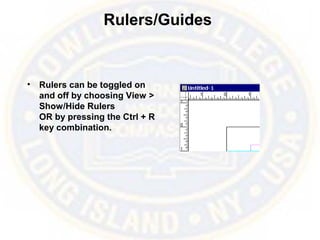
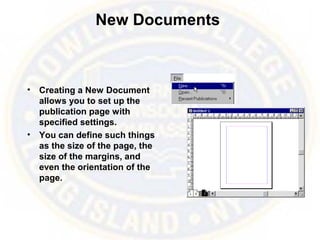
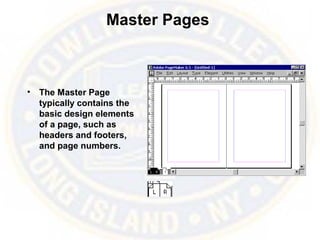
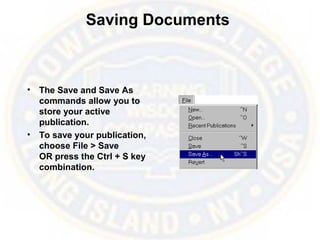
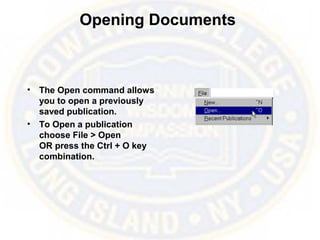
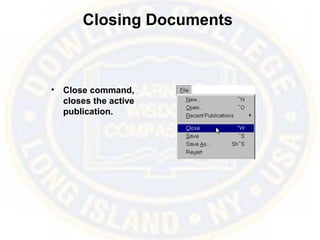
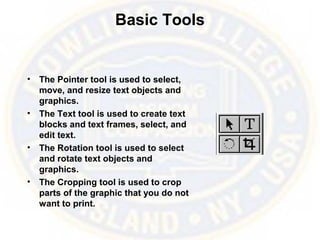
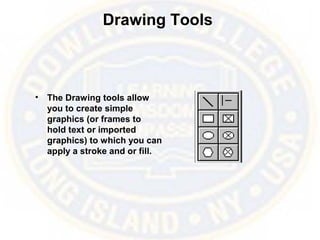
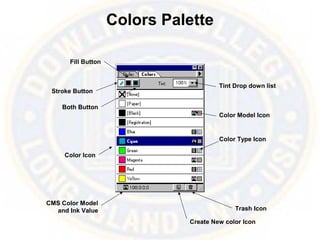
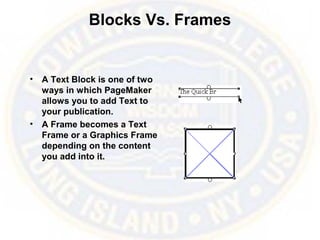
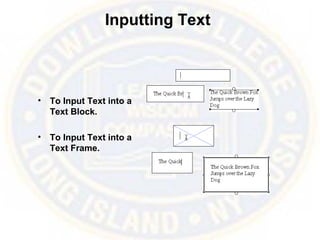
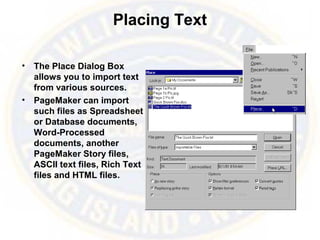
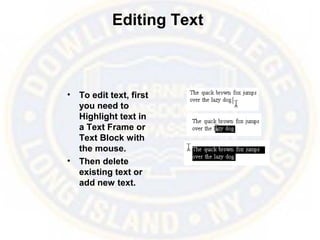
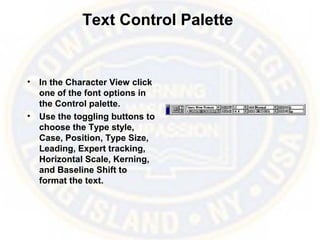
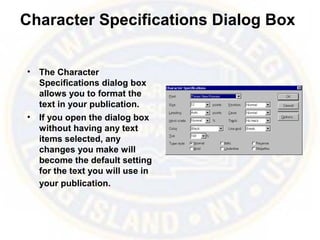
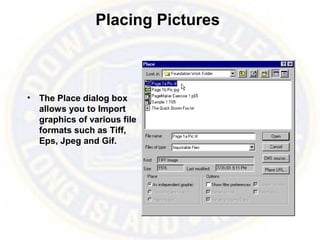
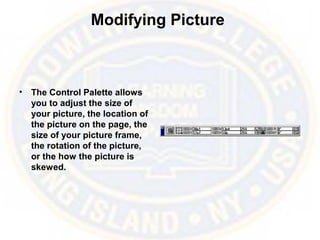
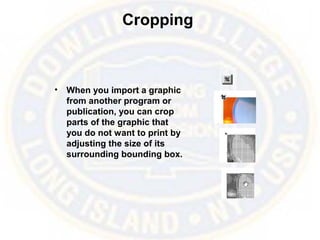
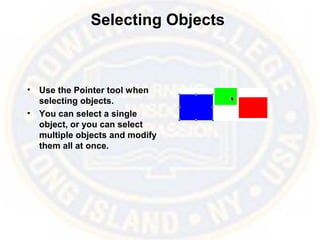
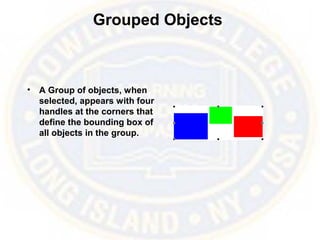
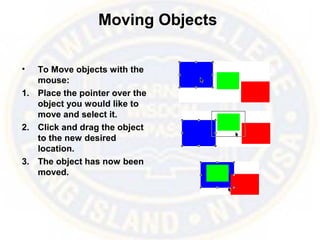
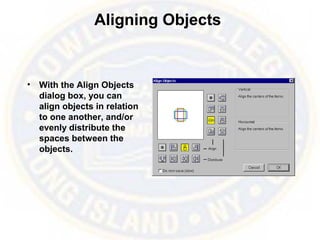
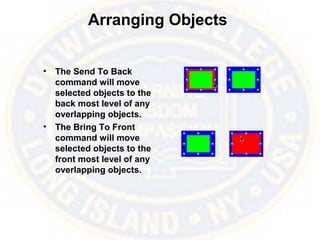
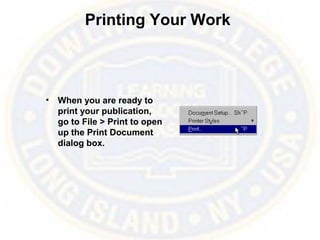
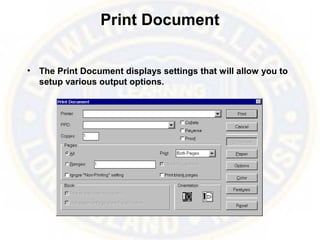
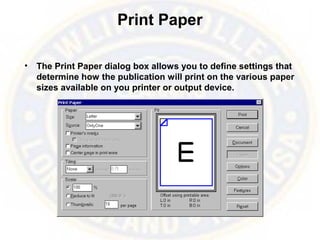
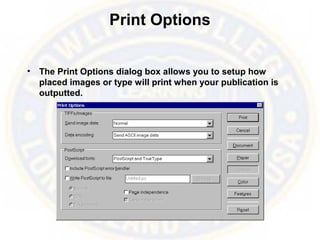
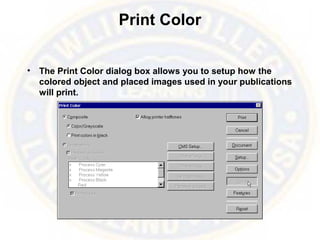
This document provides an overview of Adobe PageMaker 6.5, covering topics such as its interface elements like rulers, palettes, and tools; working with text, pictures, and objects; and printing publications. Key aspects of PageMaker covered include using templates and publications, preferences, the toolbox, colors palette, control palette, rulers and guides, creating and modifying documents, master pages, and basic functions for inputting, editing, and formatting text and images. The document also discusses selecting, arranging, aligning, and modifying objects as well as options for printing publications.