

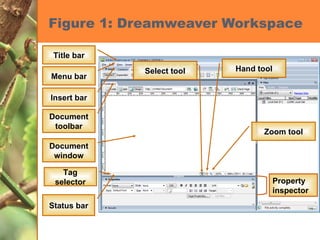
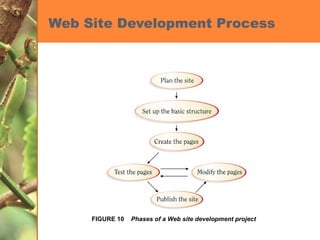
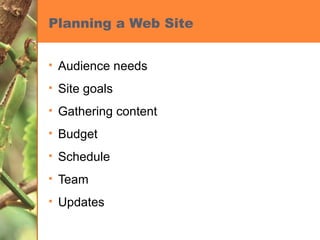
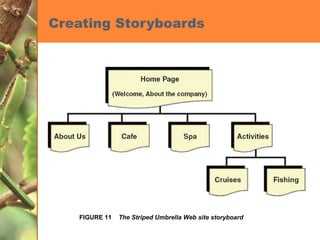
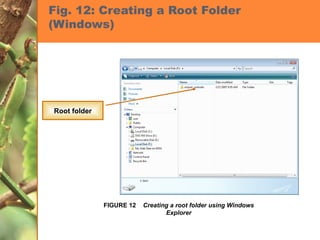
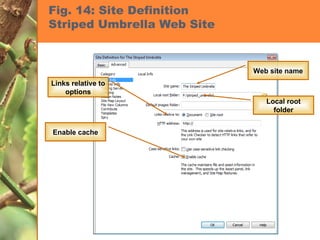
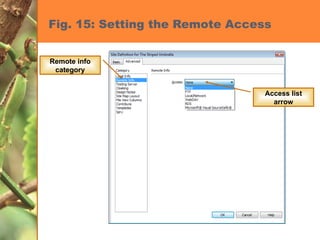
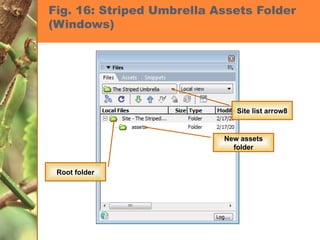
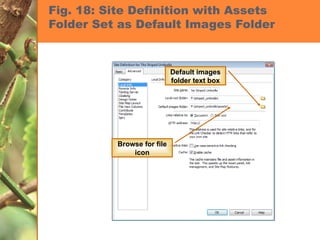
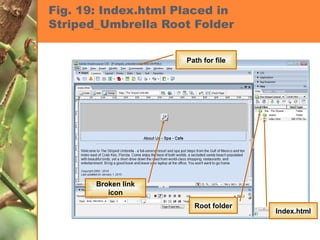
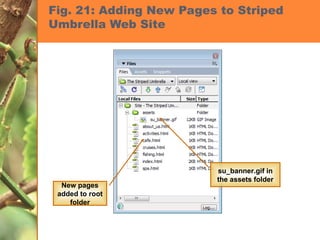
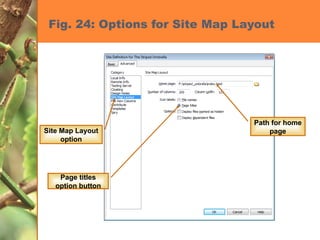
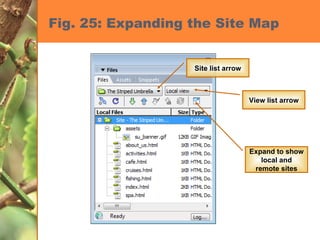

This chapter introduces Dreamweaver and discusses getting started with building a basic website. It covers exploring the Dreamweaver workspace and views, planning a website by defining goals and content, adding folders and pages to organize the site structure, and creating a site map to visualize how pages are linked. The document provides screenshots to demonstrate setting up a root folder, adding assets, setting the home page, and viewing site maps in Dreamweaver.


