CSS (Cascading Style Sheets) is a stylesheet language used to describe the presentation of a document written in HTML or XML. CSS saves lots of work as formatting elements only need to be applied to one CSS file rather than individually formatting every HTML page. CSS rules consist of selectors that point to the HTML element to style paired with a declaration block containing CSS properties and values to determine how that element will look. Common CSS properties include those to control text formatting, background effects, borders, lists, links and positioning.
CSS stands for Cascading Style Sheets, a language used for defining the style and layout of HTML and XML pages.
CSS allows for unified styling across multiple web pages, reducing repetitive formatting work over individual HTML elements.
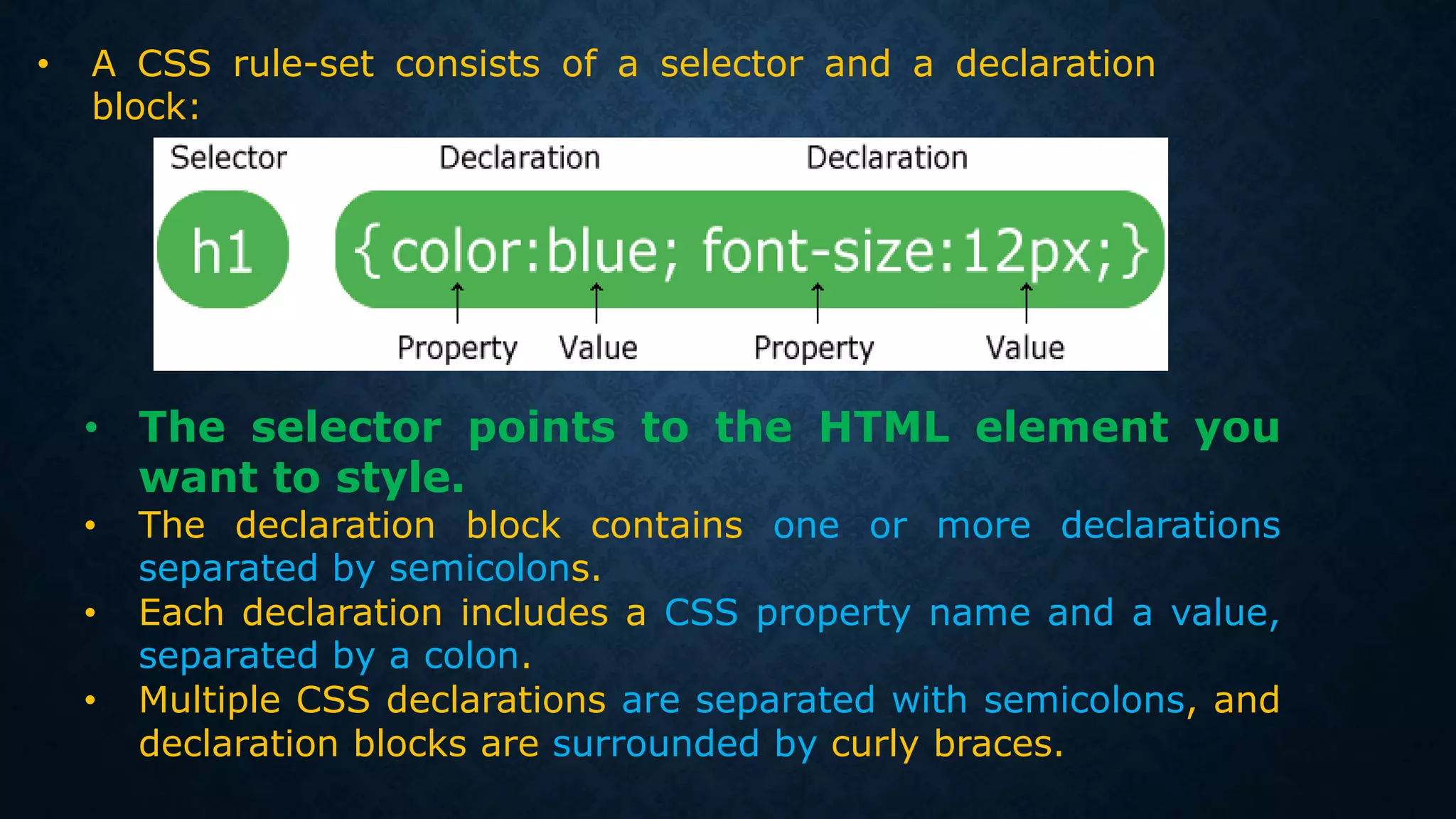
CSS rules consist of selectors and declaration blocks, describing how to style HTML elements with properties and values.
Examples illustrate how to center-align text and group selectors to minimize code repetition.
Three methods for applying CSS: inline styles, internal styles (in the head section), and external stylesheets.
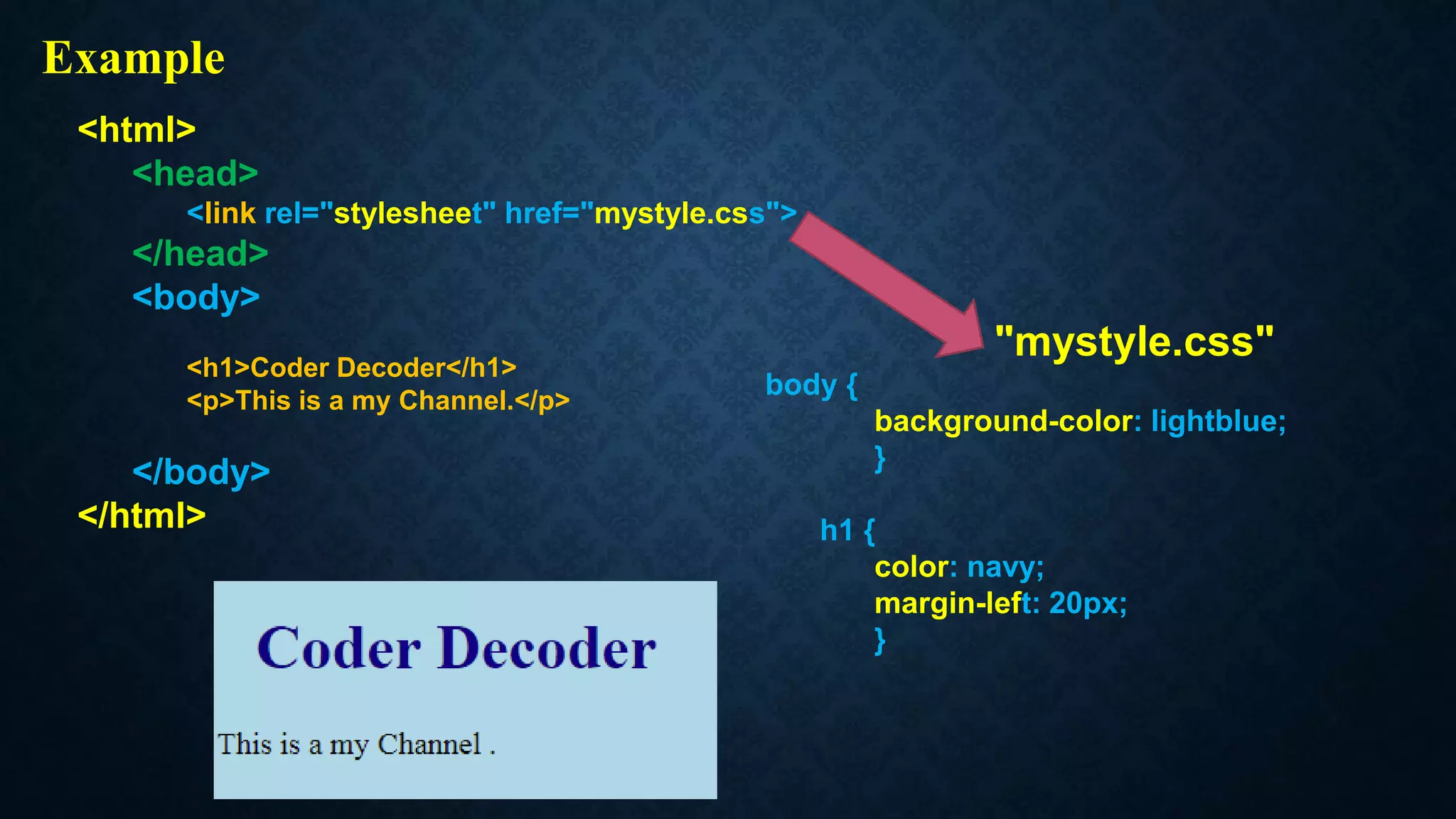
External CSS is stored in separate files, allowing for easy management of styling using link elements.
Defines background effects for elements, including colors and images, with properties related to background positioning.
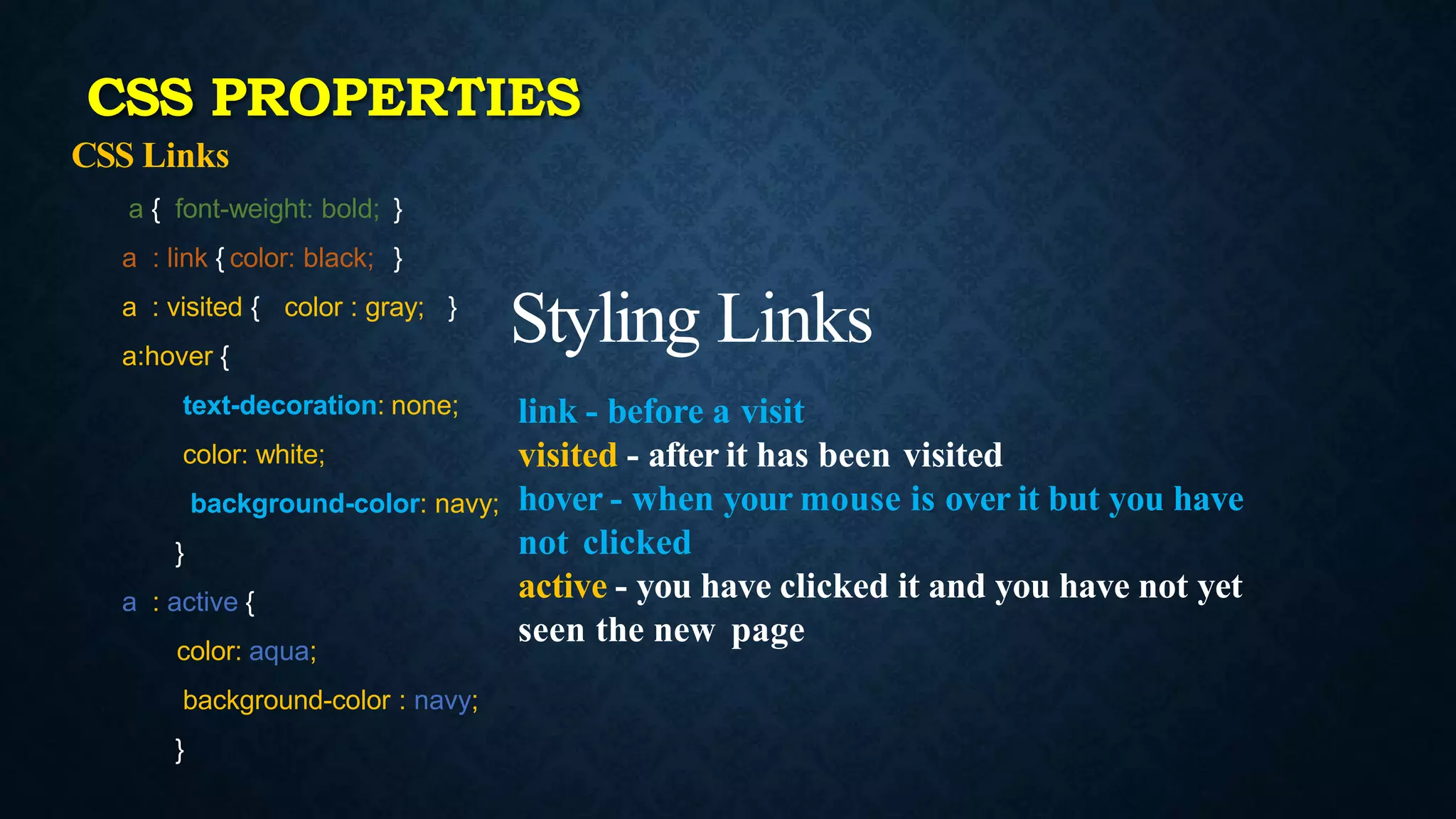
Various properties to format text including alignment, color, decoration, transformation, and size settings.Defines how to style links in different states like unvisited, visited, hover, and active with distinct properties.
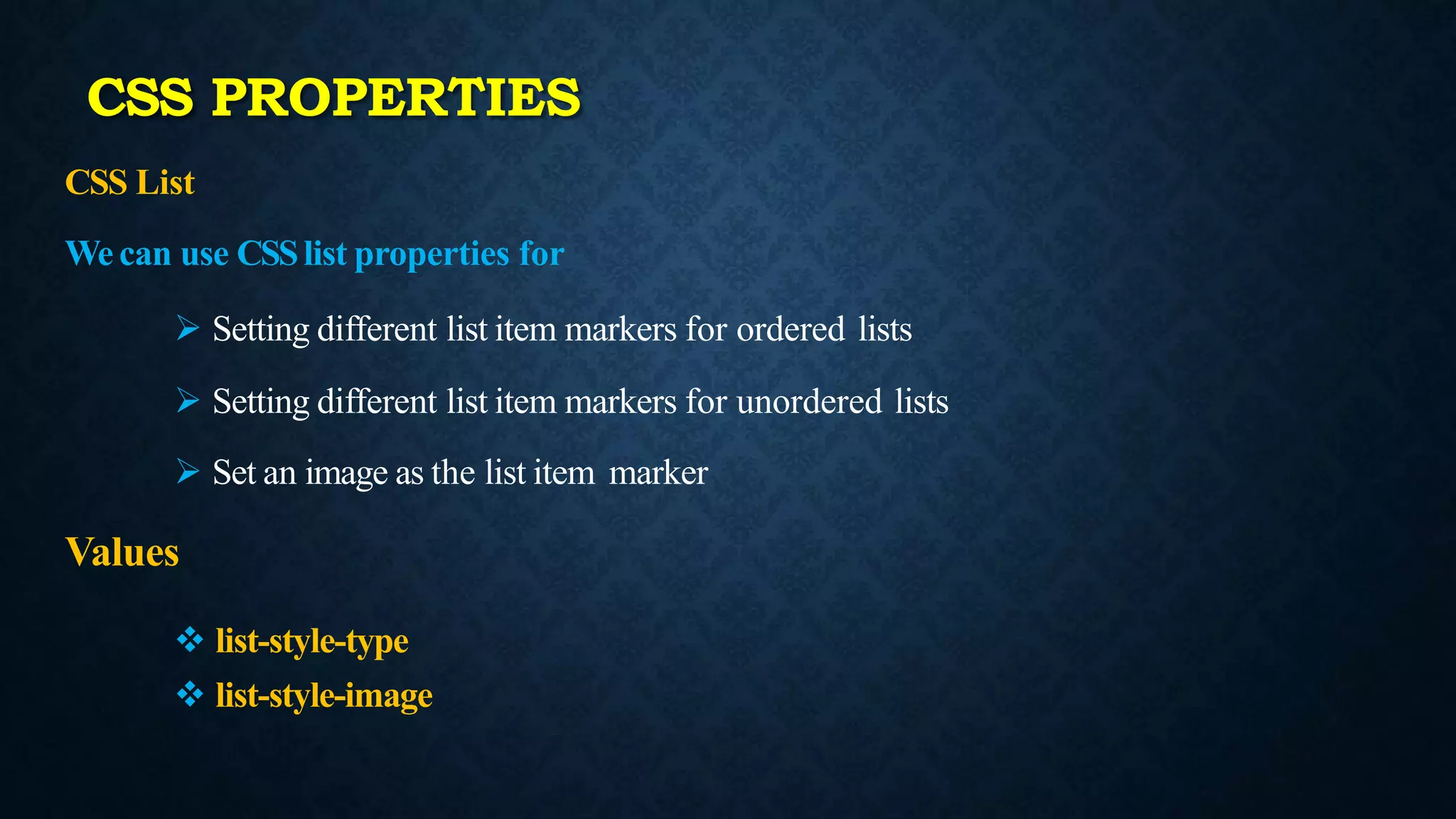
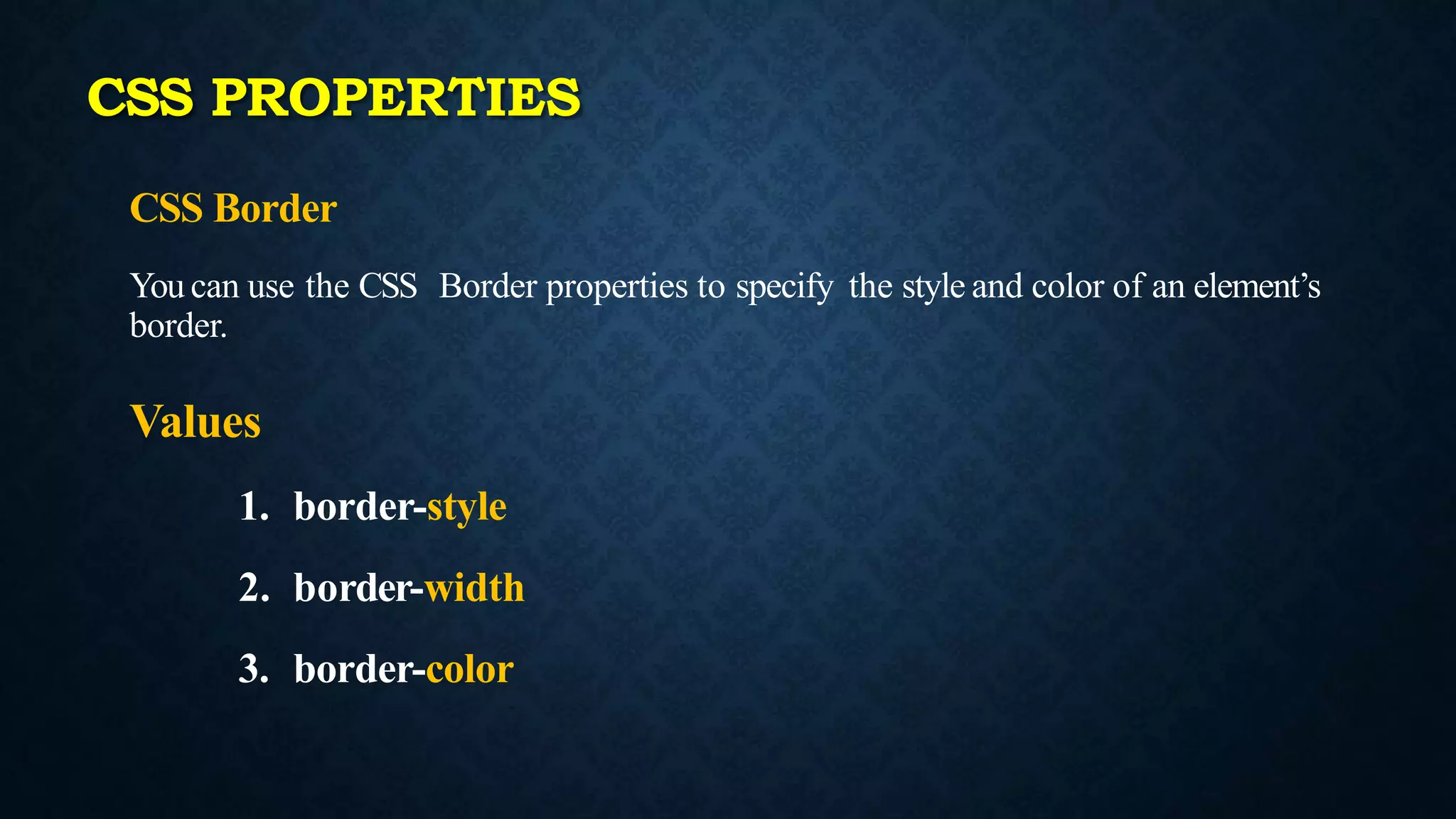
Properties to style list items and borders. Different types of list markers and border styles, widths, and colors.
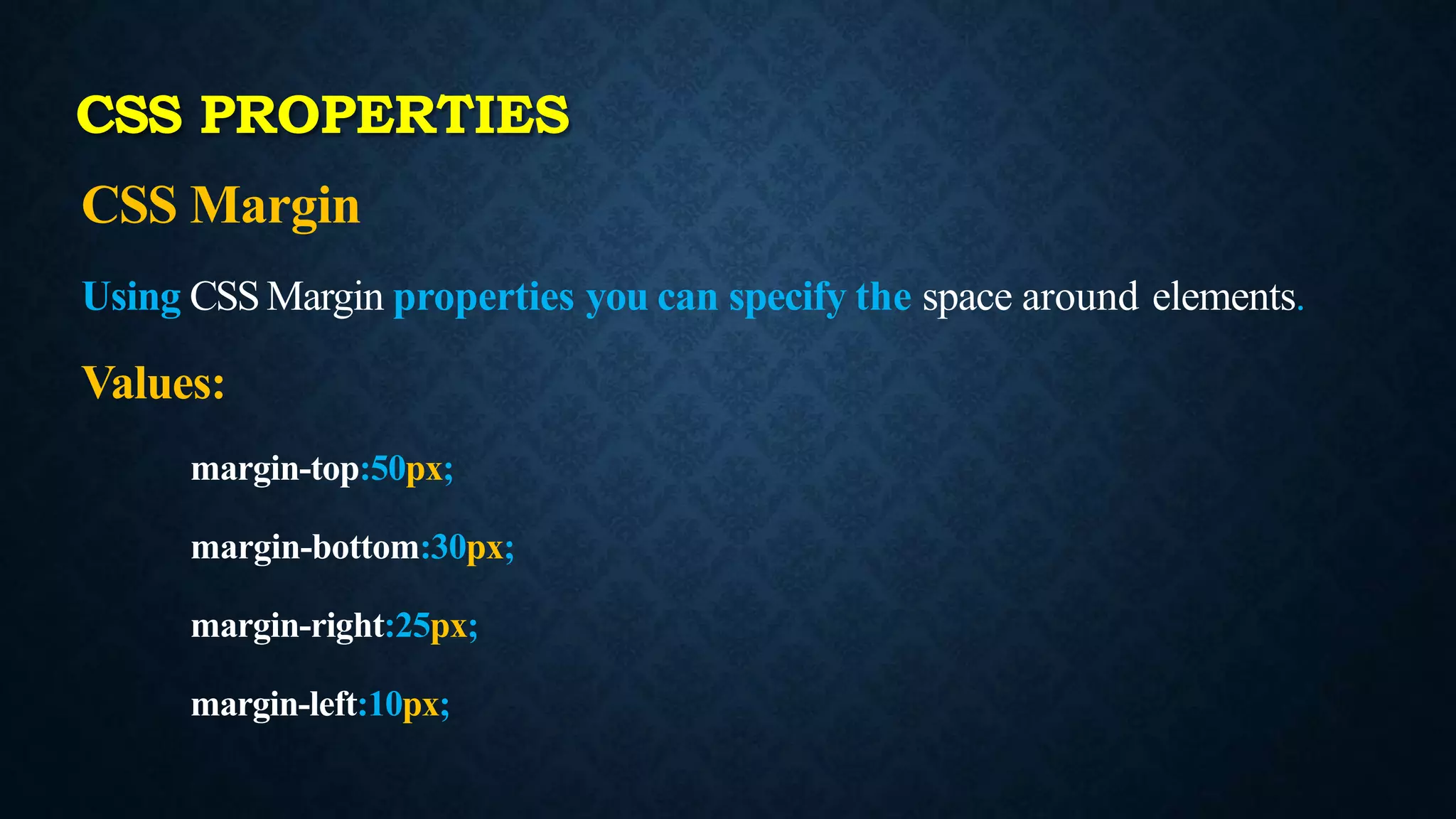
CSS margin properties allow users to define space around elements using specific pixel values.
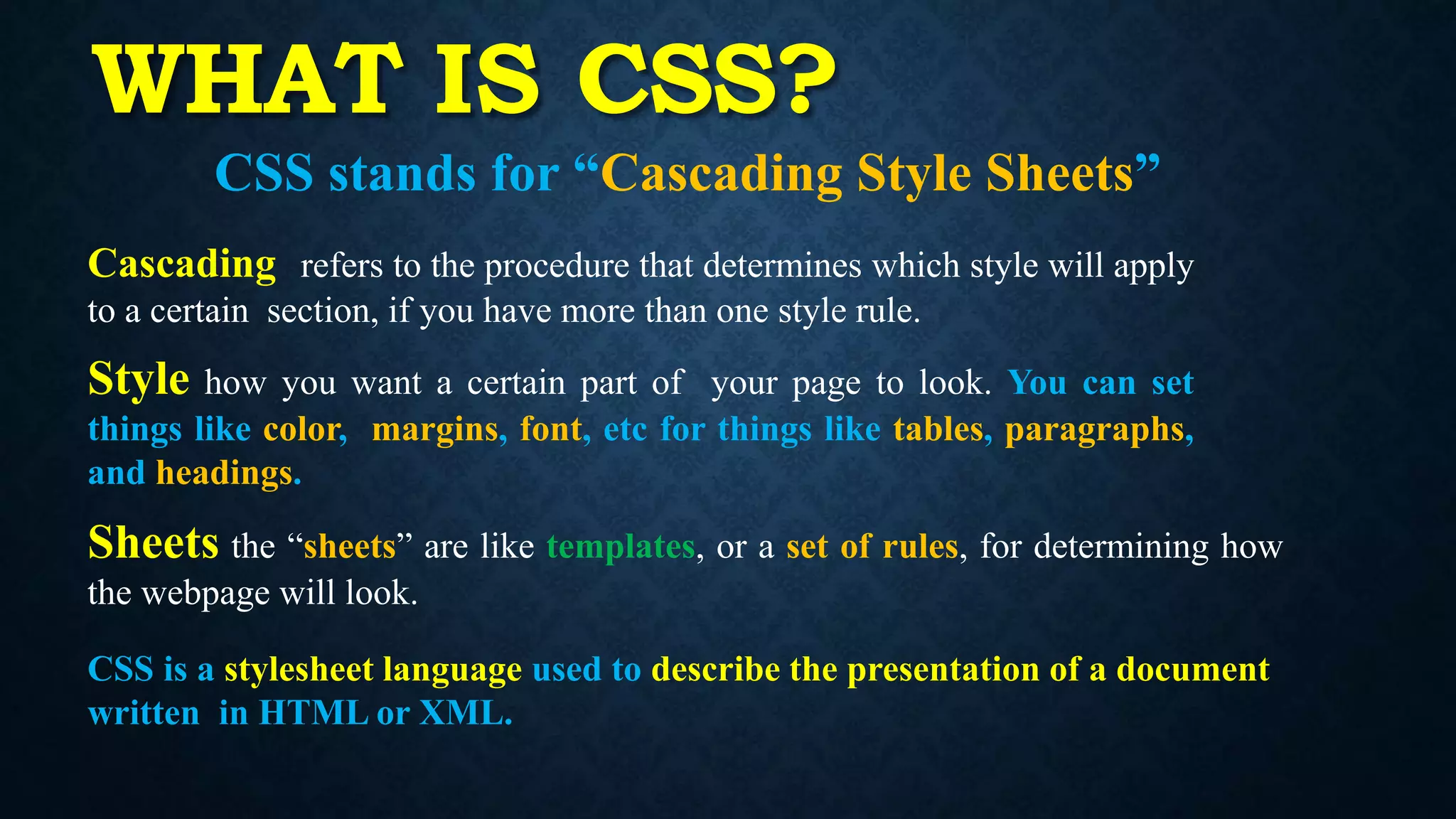
WHAT IS CSS?
CSSstands for “Cascading Style Sheets”
Cascading refers to the procedure that determines which style will apply
to a certain section, if you have more than one style rule.
Style how you want a certain part of your page to look. You can set
things like color, margins, font, etc for things like tables, paragraphs,
and headings.
Sheets the “sheets” are like templates, or a set of rules, for determining how
the webpage will look.
CSS is a stylesheet language used to describe the presentation of a document
written in HTML or XML.
3.
Why Use CSS?
•CSS is used to define styles for your web
pages, including the design, layout and
variations in display for different devices
and screen sizes.
4.
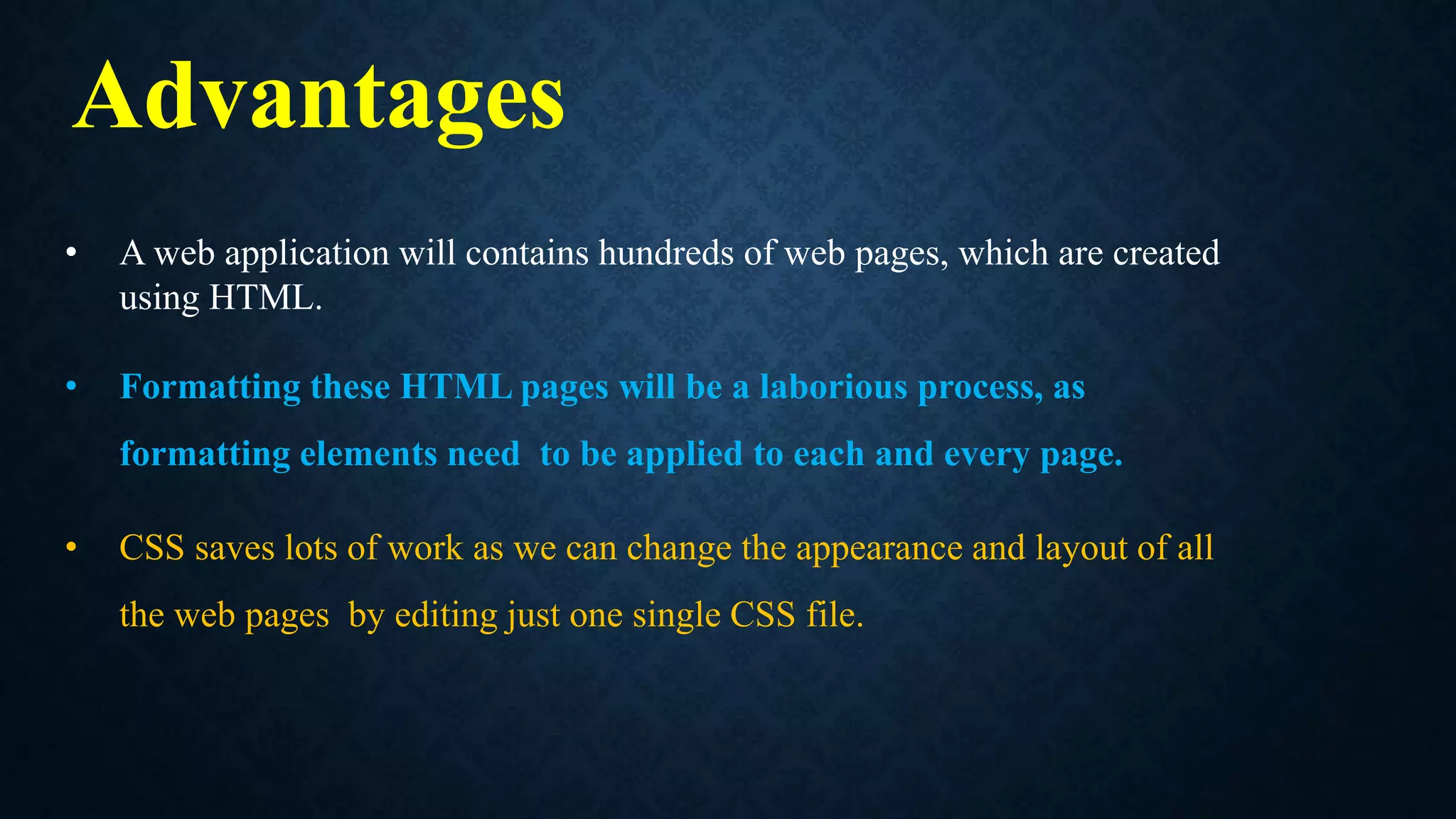
• A webapplication will contains hundreds of web pages, which are created
using HTML.
• Formatting these HTML pages will be a laborious process, as
formatting elements need to be applied to each and every page.
• CSS saves lots of work as we can change the appearance and layout of all
the web pages by editing just one single CSS file.
Advantages
• A CSSrule-set consists of a selector and a declaration
block:
• The selector points to the HTML element you
want to style.
• The declaration block contains one or more declarations
separated by semicolons.
• Each declaration includes a CSS property name and a value,
separated by a colon.
• Multiple CSS declarations are separated with semicolons, and
declaration blocks are surrounded by curly braces.
7.
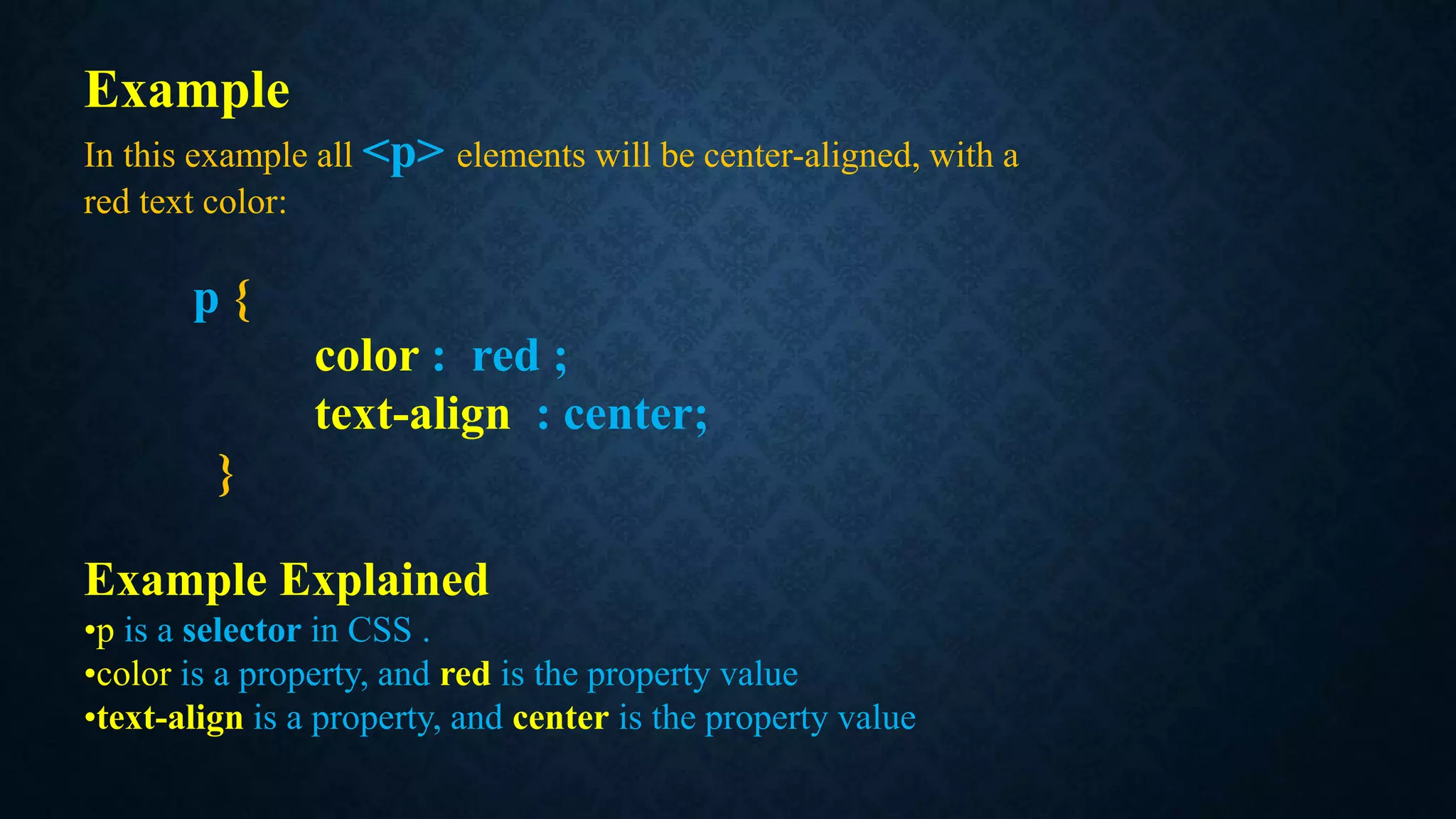
Example
In this exampleall <p> elements will be center-aligned, with a
red text color:
p {
color : red ;
text-align : center;
}
Example Explained
•p is a selector in CSS .
•color is a property, and red is the property value
•text-align is a property, and center is the property value
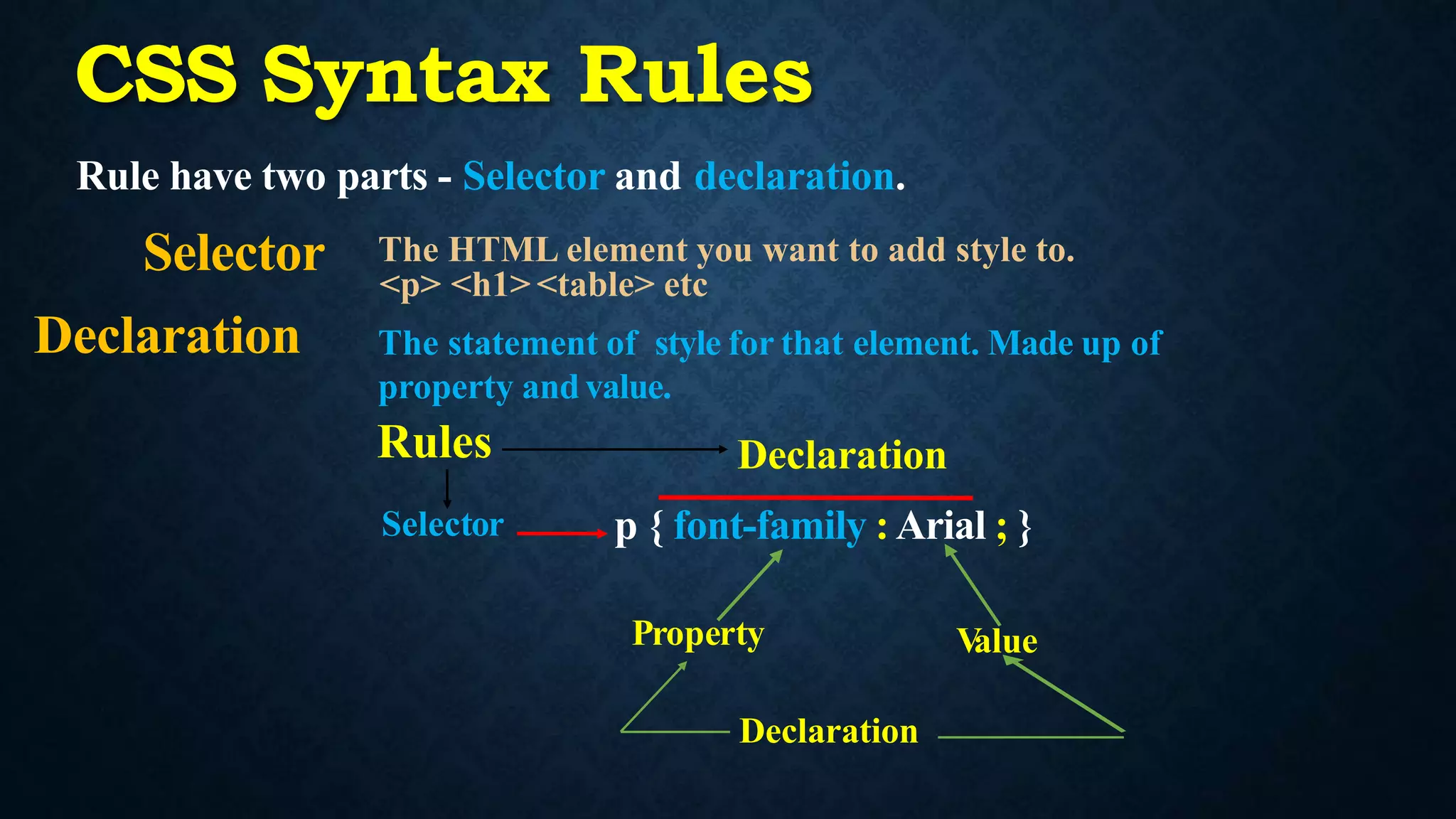
CSS Syntax Rules
Rulehave two parts - Selector and declaration.
Selector The HTML element you want to add style to.
<p> <h1> <table> etc
Declaration The statement of style for that element. Made up of
property andvalue.
Property
Declaration
V
alue
Rules
Selector
Declaration
p { font-family : Arial ; }
10.
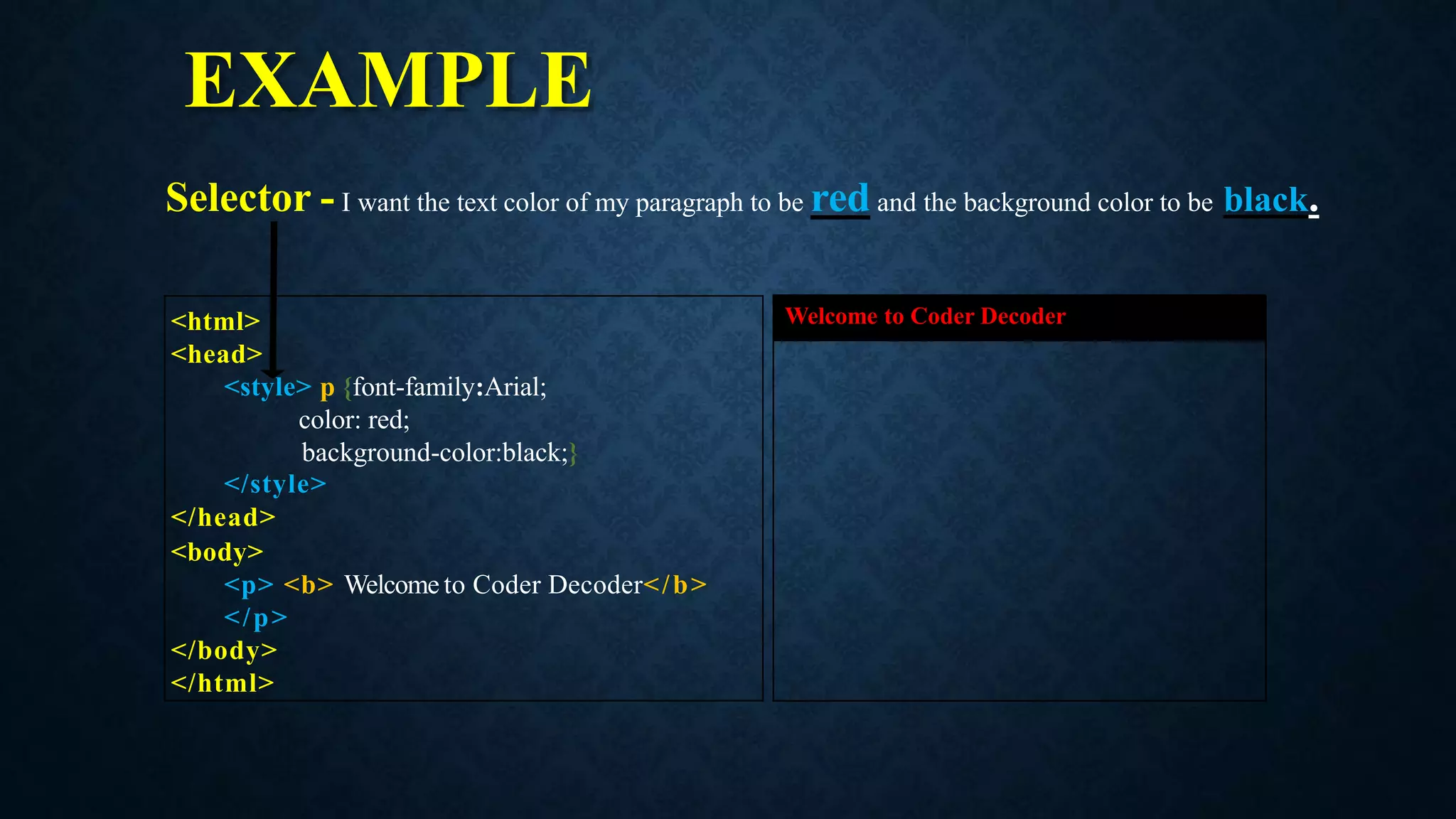
EXAMPLE
<html>
<head>
<style> p {font-family:Arial;
color:red;
background-color:black;}
</style>
</head>
<body>
<p> <b> Welcome to Coder Decoder</b>
</p>
</body>
</html>
Welcome to Coder Decoder
Selector - I want the text color of my paragraph to be red and the background color to be black.
11.
CSS SELECTORS
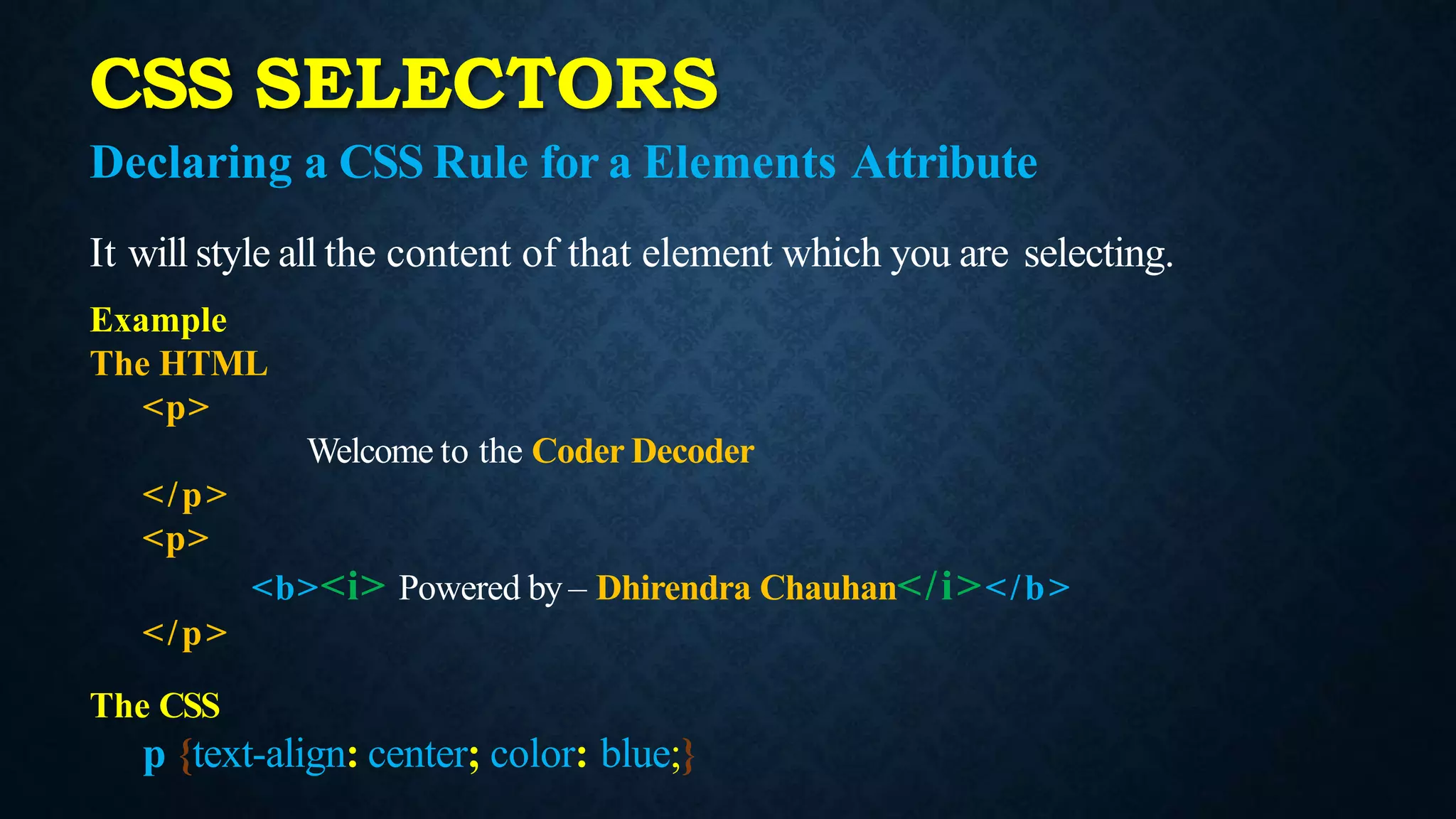
Declaring aCSS Rule for a Elements Attribute
It will style all the content of that element which you are selecting.
Example
The HTML
<p>
Welcome to the Coder Decoder
</p>
<p>
<b><i> Powered by – Dhirendra Chauhan</i></b>
</p>
The CSS
p {text-align: center; color: blue;}
12.
CSS SELECTORS
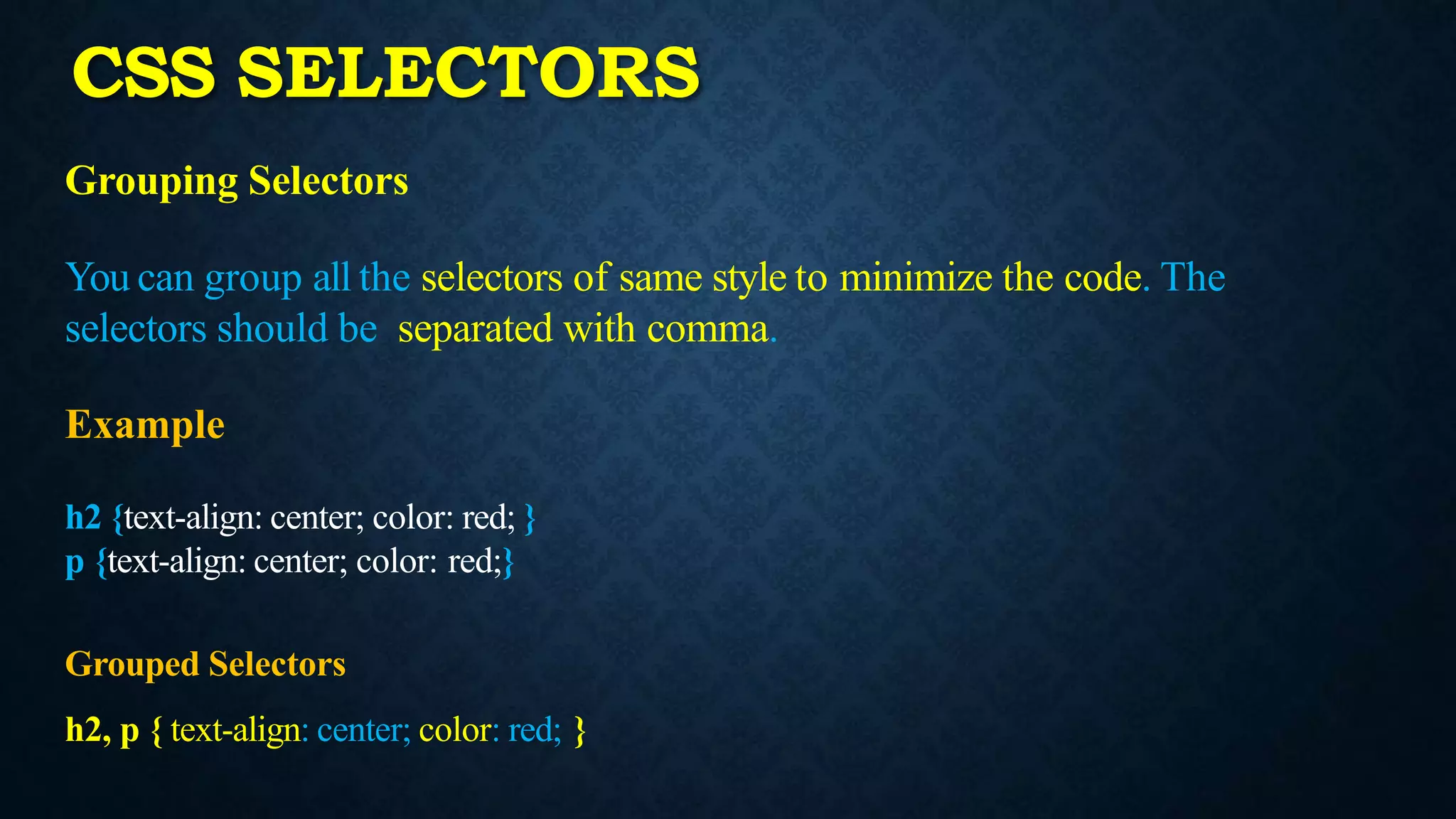
Grouping Selectors
Youcan group all the selectors of same style to minimize the code. The
selectors should be separated with comma.
Example
h2 {text-align: center; color: red; }
p {text-align: center; color: red;}
Grouped Selectors
h2, p { text-align: center; color: red; }
Inline CSS
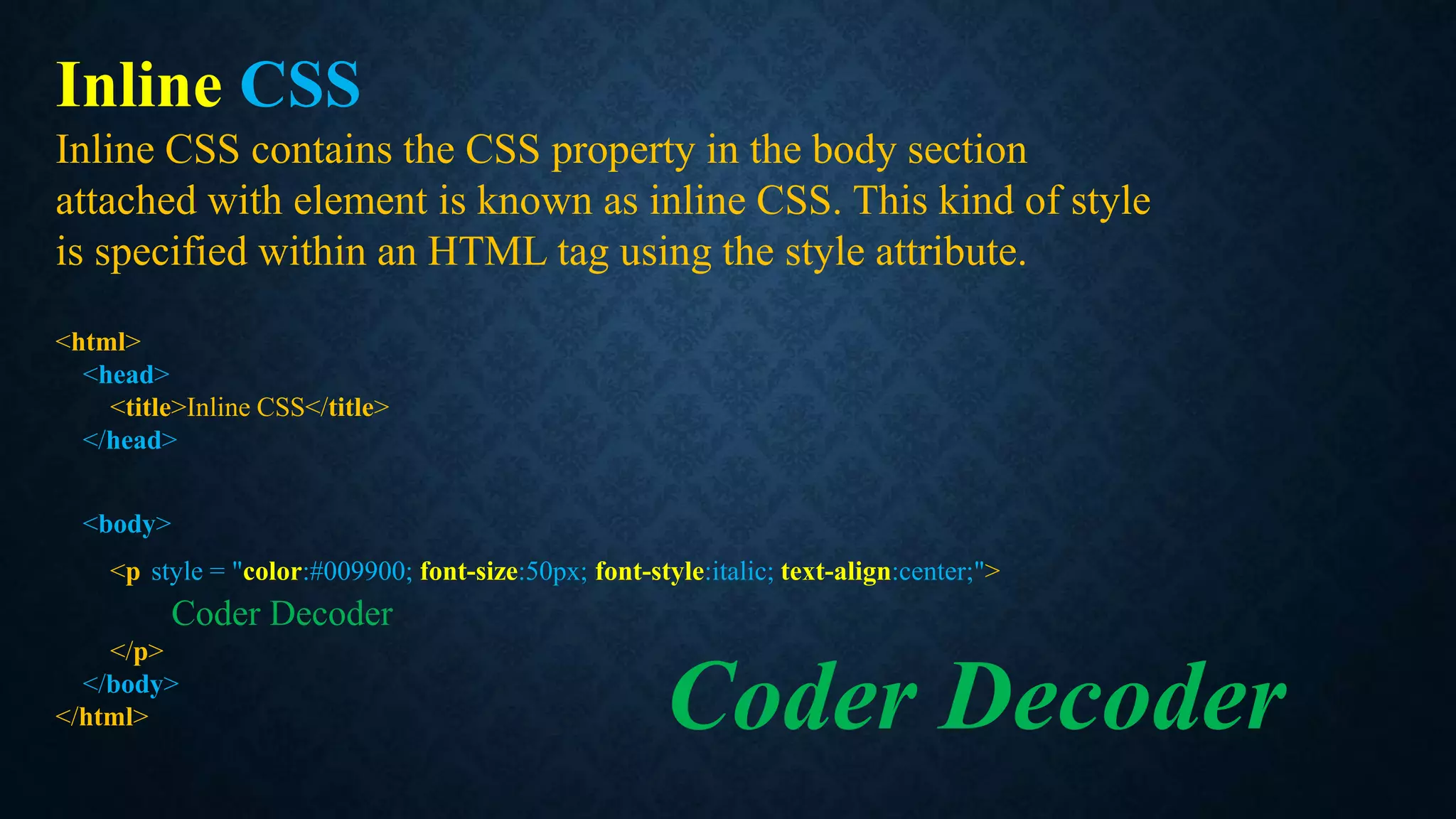
Inline CSScontains the CSS property in the body section
attached with element is known as inline CSS. This kind of style
is specified within an HTML tag using the style attribute.
<html>
<head>
<title>Inline CSS</title>
</head>
<body>
<p style = "color:#009900; font-size:50px; font-style:italic; text-align:center;">
Coder Decoder
</p>
</body>
</html> Coder Decoder
15.
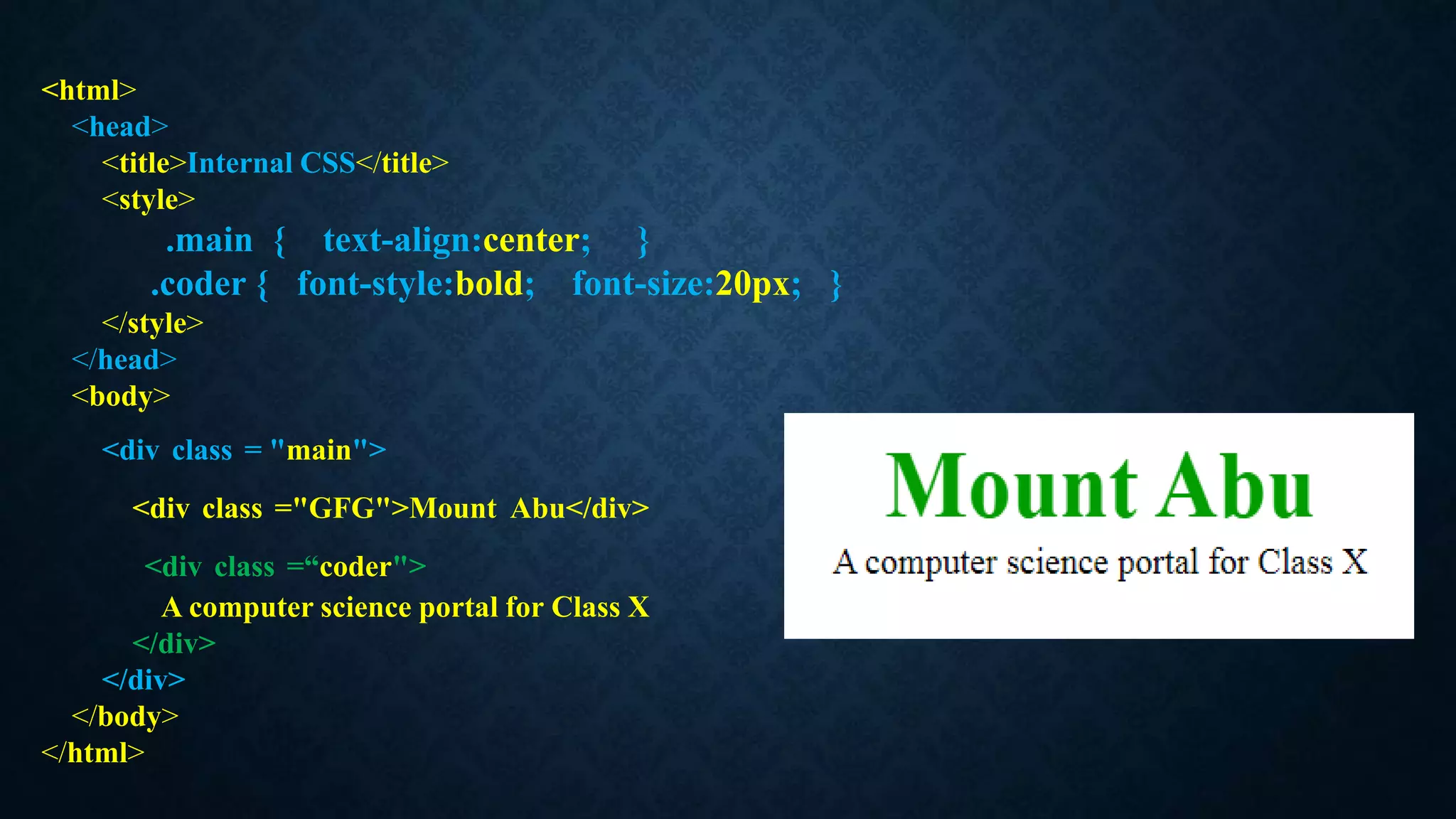
Internal or EmbeddedCSS
An internal stylesheet holds CSS rules for the page in the
head section of the HTML file. The rules only apply to that
page, but we can configure CSS classes and IDs that can be used
to style multiple elements in the page code.
<html>
<head>
<title>Internal CSS</title>
<style>
.main {text-align:center; }
.coder { font-style:bold; font-size:20px; }
</style>
</head>
<body>
<div class = "main">
<div class ="GFG">Mount Abu</div>
<div class =“coder">
A computer science portal for Class X
</div>
</div>
</body>
</html>
18.
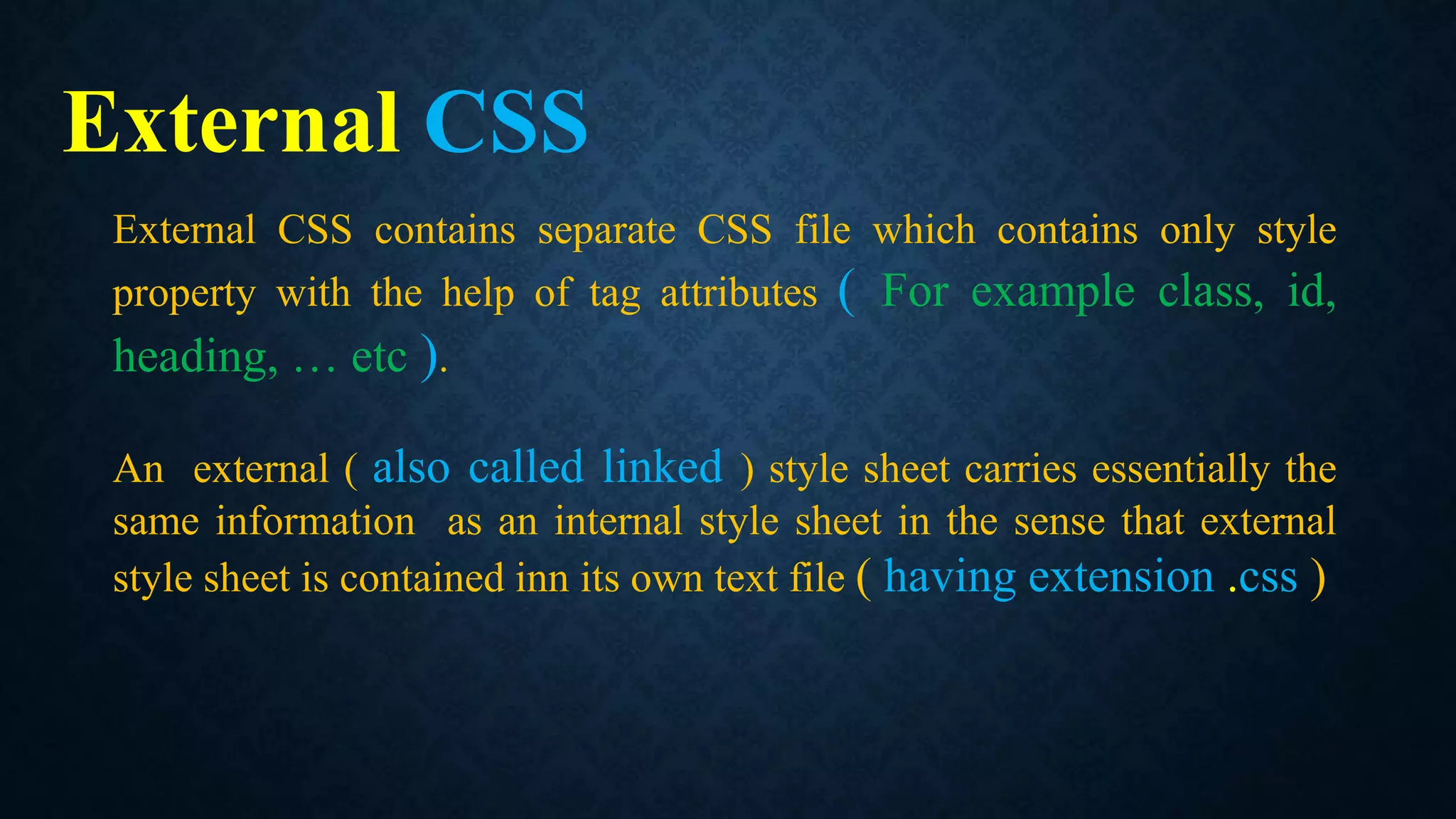
External CSS
External CSScontains separate CSS file which contains only style
property with the help of tag attributes ( For example class, id,
heading, … etc ).
An external ( also called linked ) style sheet carries essentially the
same information as an internal style sheet in the sense that external
style sheet is contained inn its own text file ( having extension .css )
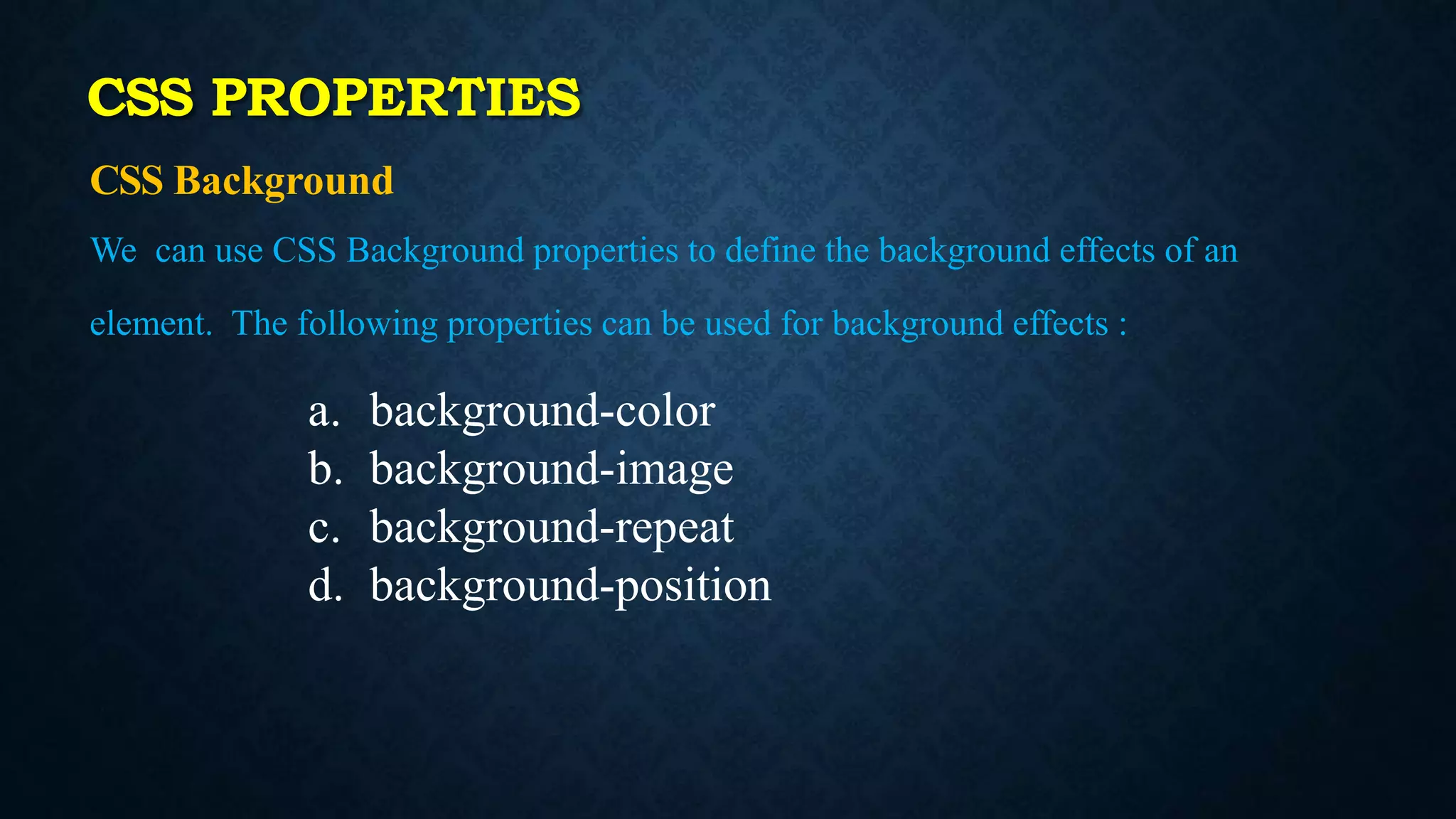
CSS PROPERTIES
CSS Background
Wecan use CSS Background properties to define the background effects of an
element. The following properties can be used for background effects :
a. background-color
b. background-image
c. background-repeat
d. background-position
21.
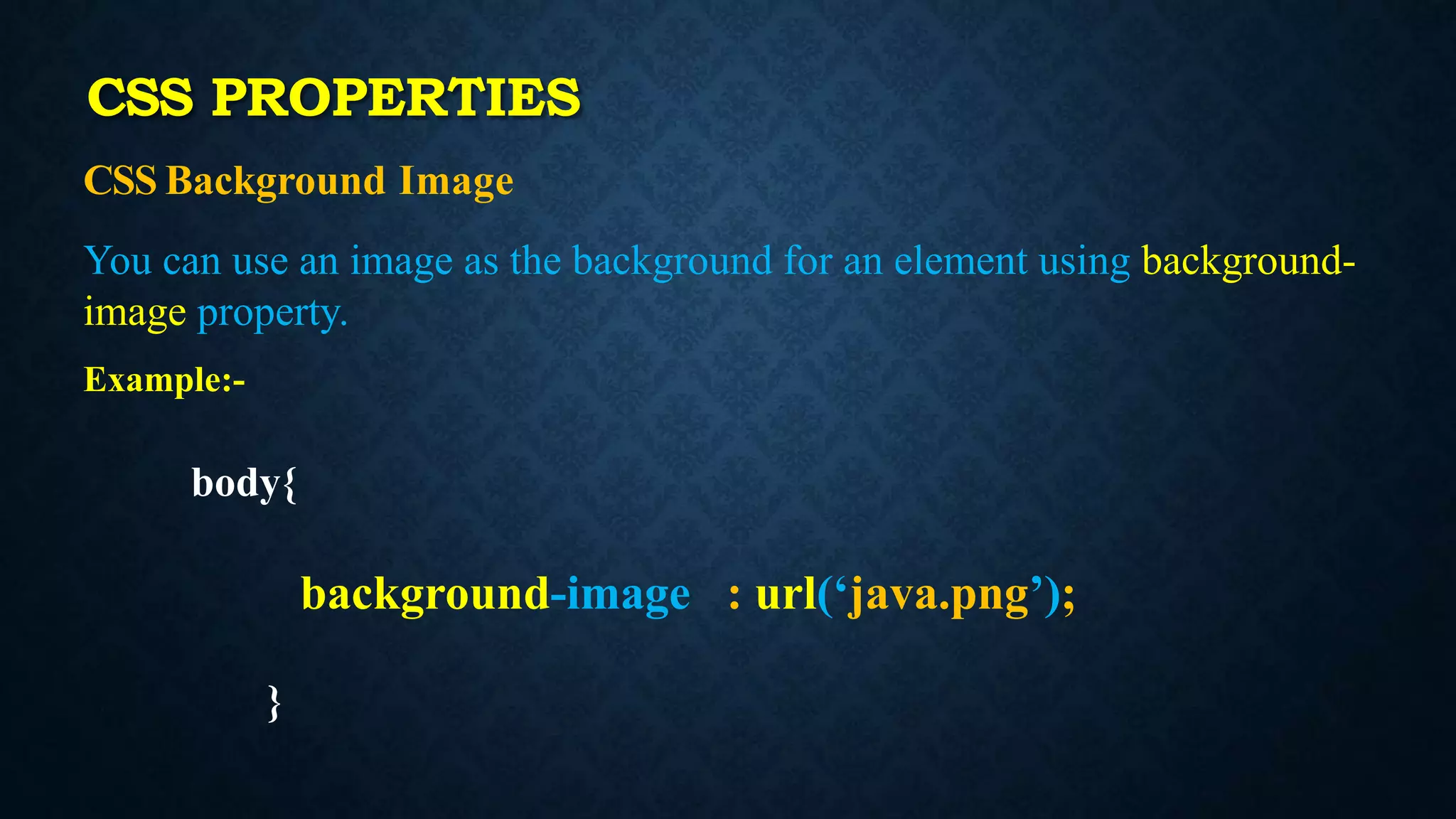
CSS Background Image
Youcan use an image as the background for an element using background-
image property.
Example:-
body{
background-image : url(‘java.png’);
}
CSS PROPERTIES
22.
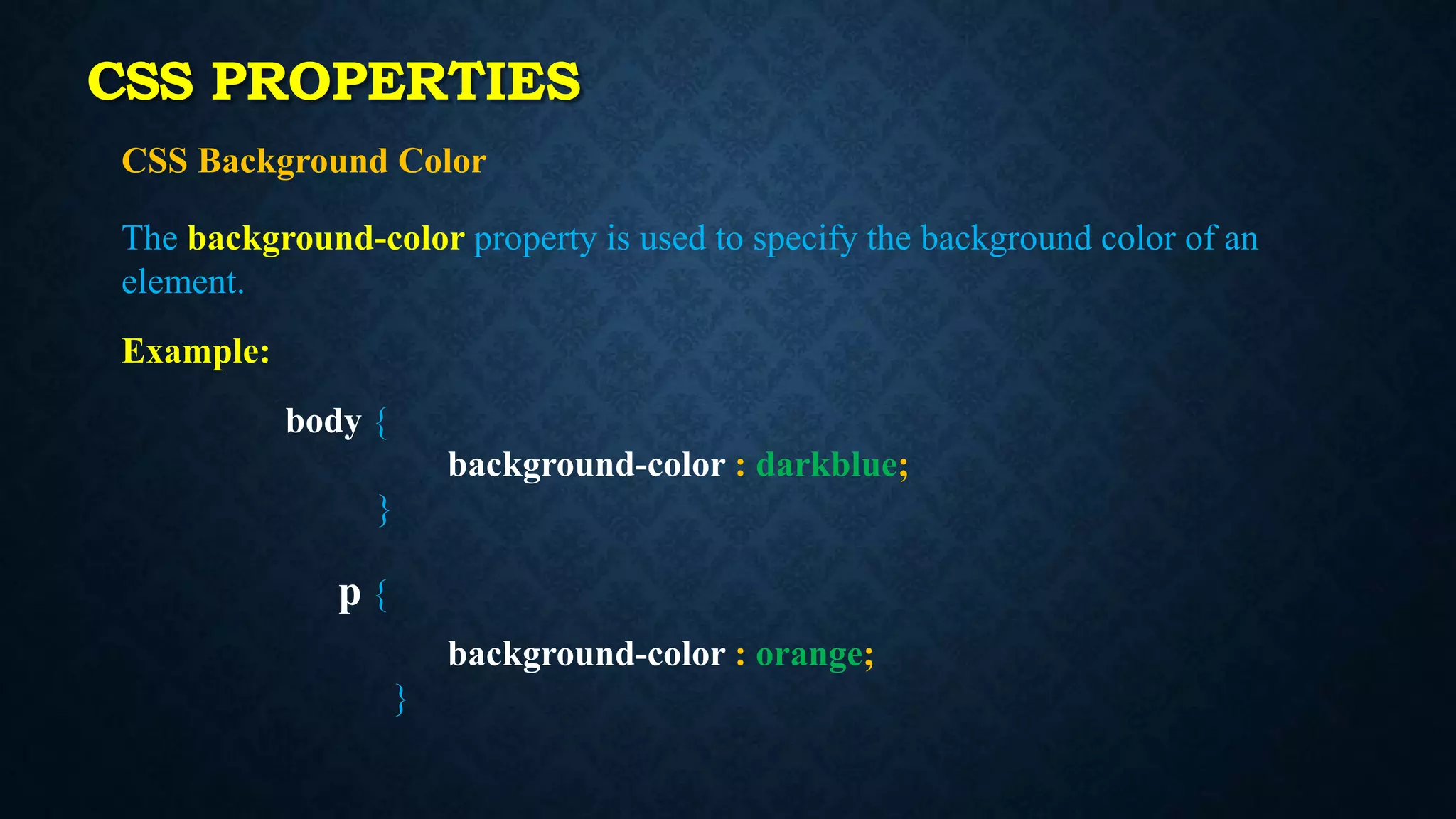
CSS Background Color
Thebackground-color property is used to specify the background color of an
element.
Example:
body {
background-color : darkblue;
}
p {
background-color : orange;
}
CSS PROPERTIES
23.
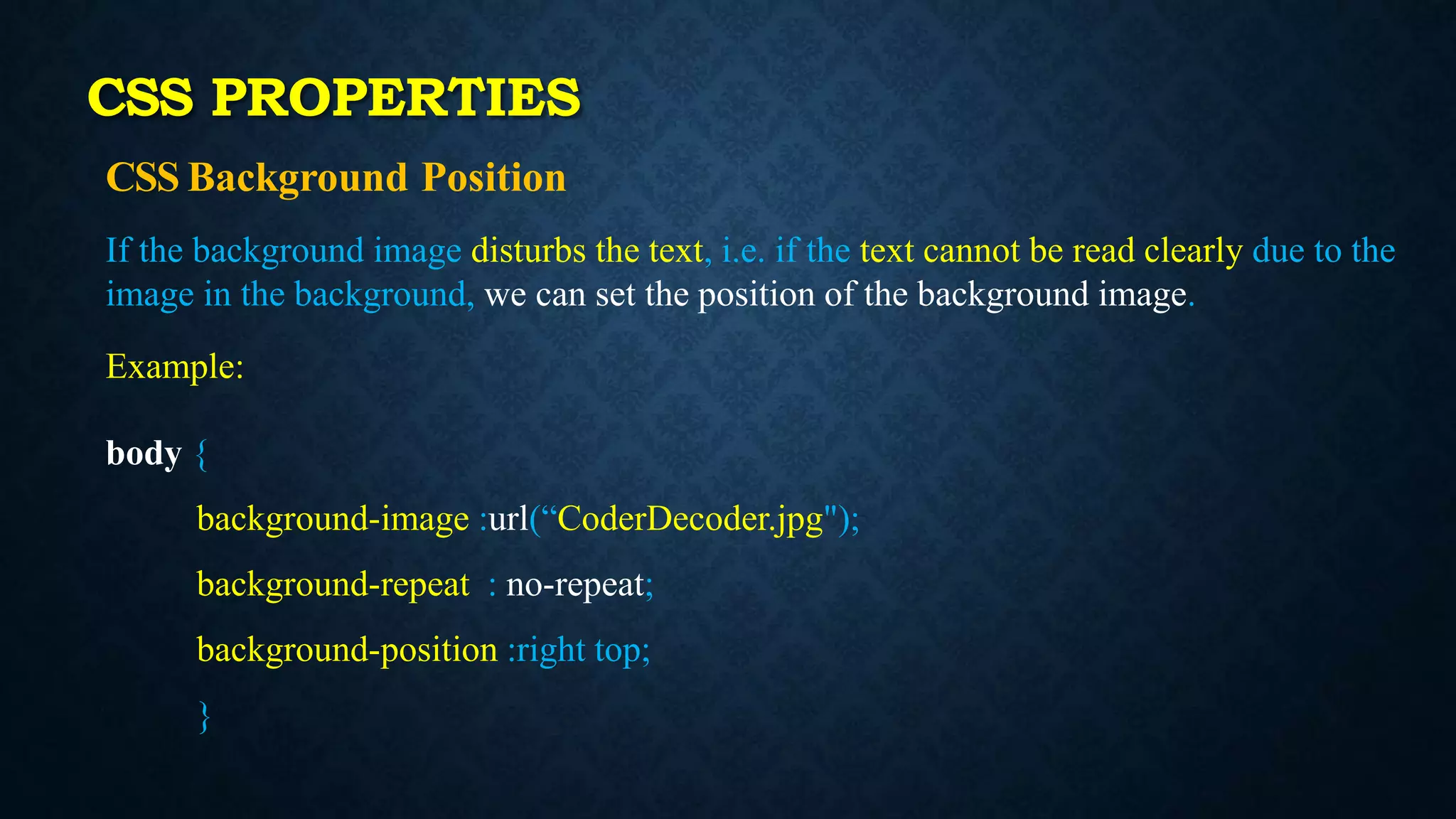
CSS Background Position
Ifthe background image disturbs the text, i.e. if the text cannot be read clearly due to the
image in the background, we can set the position of the background image.
Example:
body {
background-image :url(“CoderDecoder.jpg");
background-repeat : no-repeat;
background-position :right top;
}
CSS PROPERTIES
24.
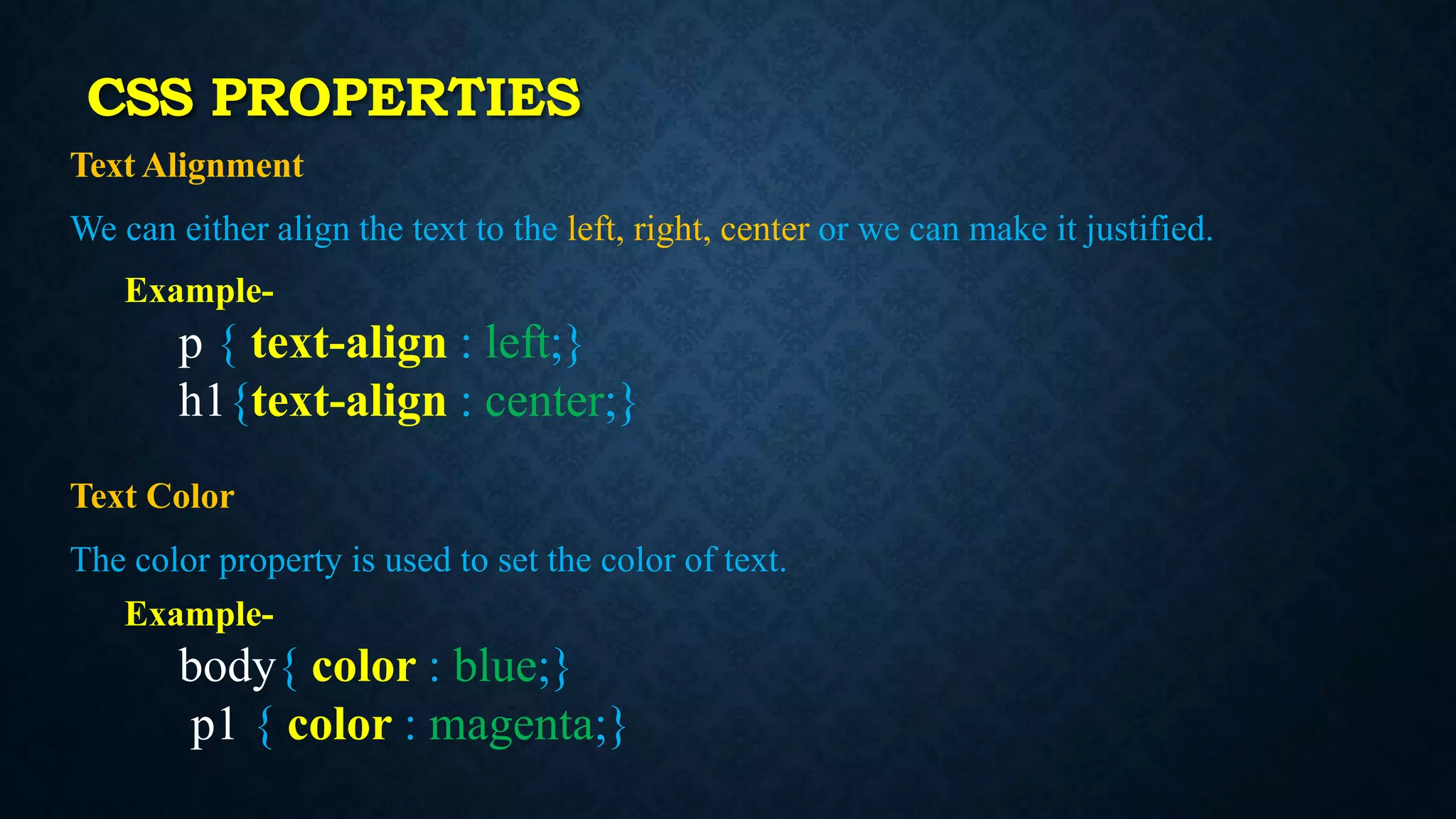
Text Alignment
We caneither align the text to the left, right, center or we can make it justified.
Example-
p { text-align : left;}
h1{text-align : center;}
Text Color
The color property is used to set the color of text.
Example-
body{ color : blue;}
p1 { color : magenta;}
CSS PROPERTIES
25.
Text Formatting
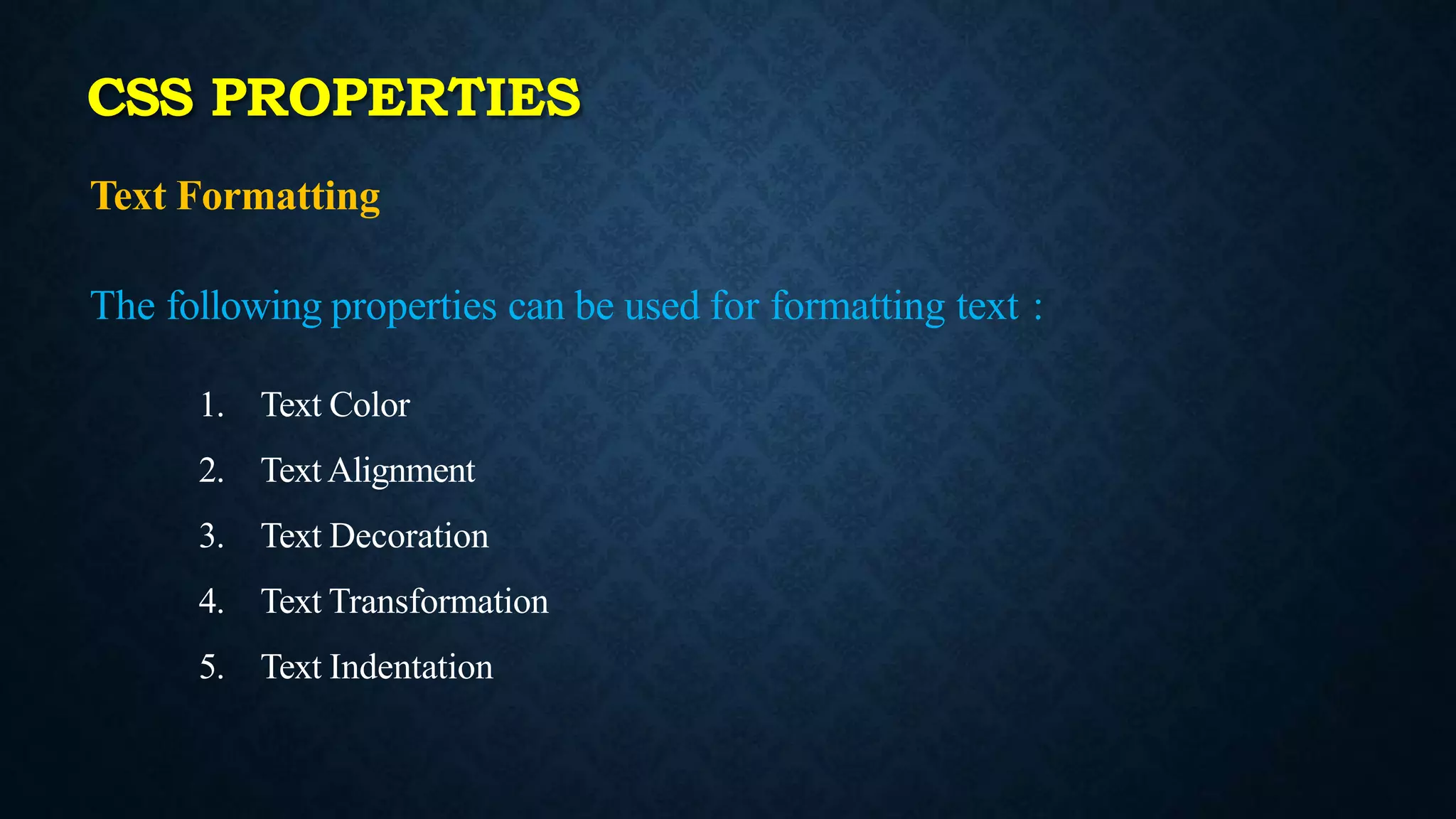
The followingproperties can be used for formatting text :
1. Text Color
2. Text Alignment
3. Text Decoration
4. Text Transformation
5. Text Indentation
CSS PROPERTIES
26.
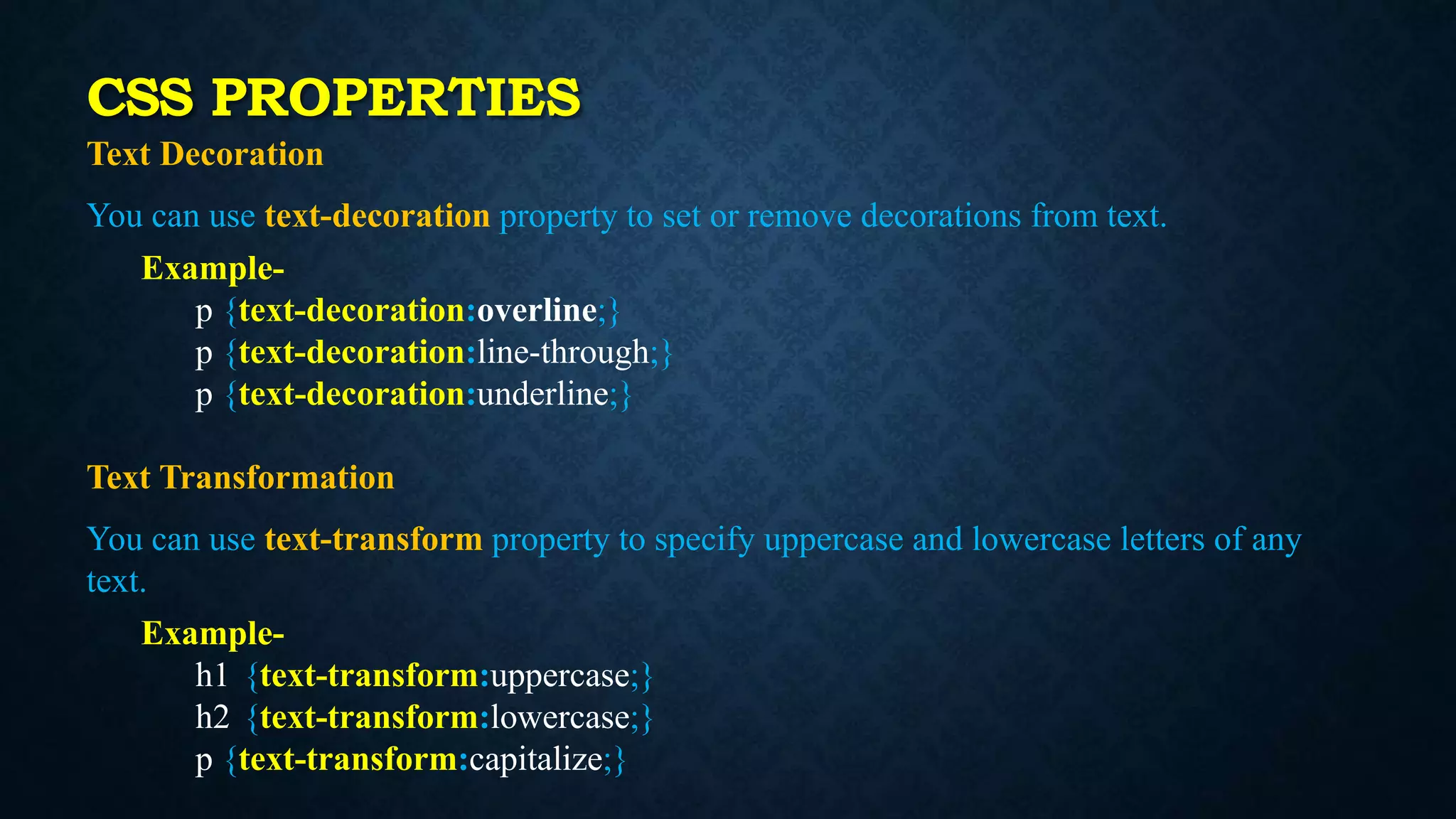
Text Decoration
You canuse text-decoration property to set or remove decorations from text.
Example-
p {text-decoration:overline;}
p {text-decoration:line-through;}
p {text-decoration:underline;}
Text Transformation
You can use text-transform property to specify uppercase and lowercase letters of any
text.
Example-
h1 {text-transform:uppercase;}
h2 {text-transform:lowercase;}
p {text-transform:capitalize;}
CSS PROPERTIES
27.
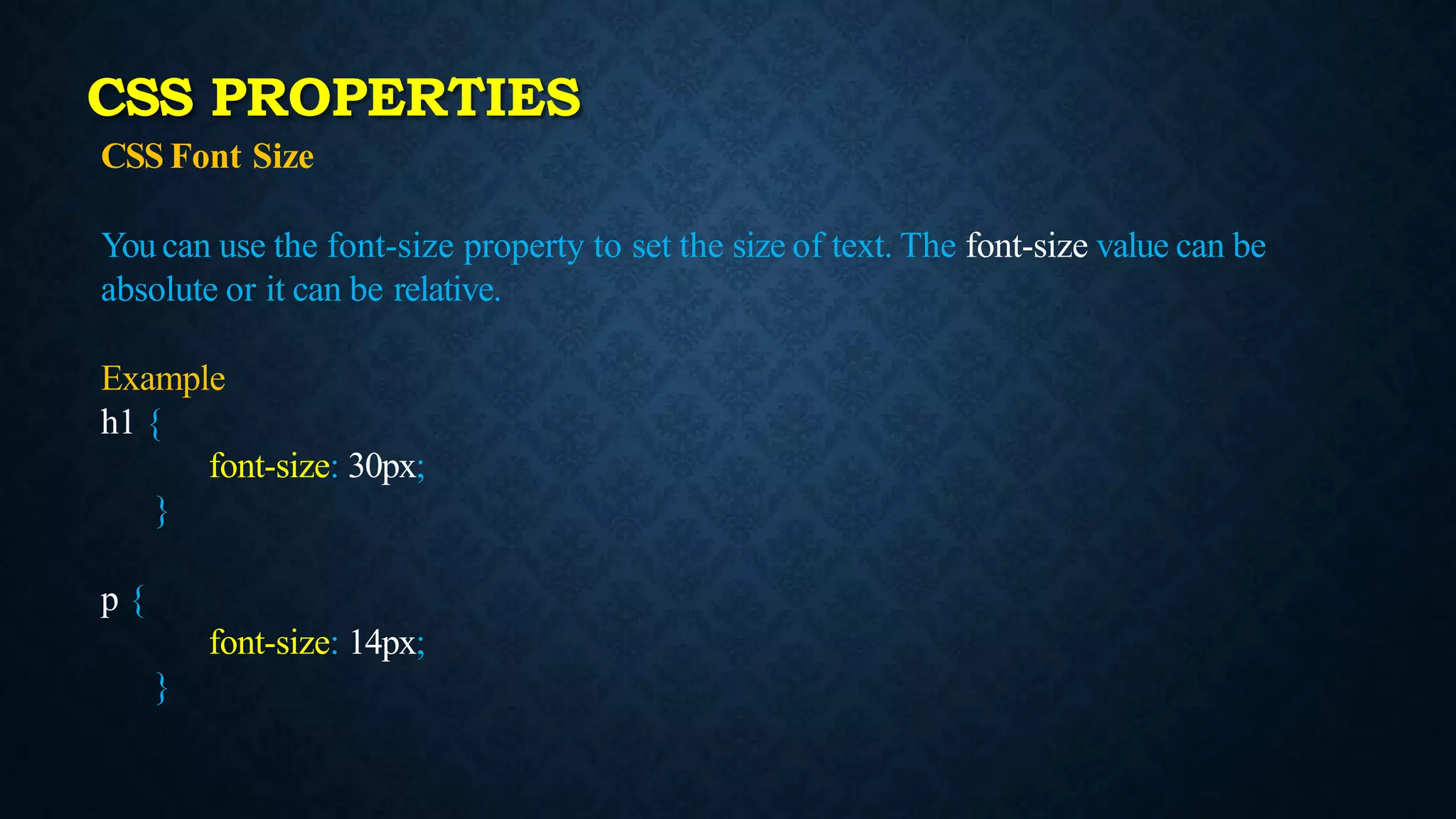
CSS Font Size
Youcan use the font-size property to set the size of text. The font-size value can be
absolute or it can be relative.
Example
h1 {
font-size: 30px;
}
p {
font-size: 14px;
}
CSS PROPERTIES
28.
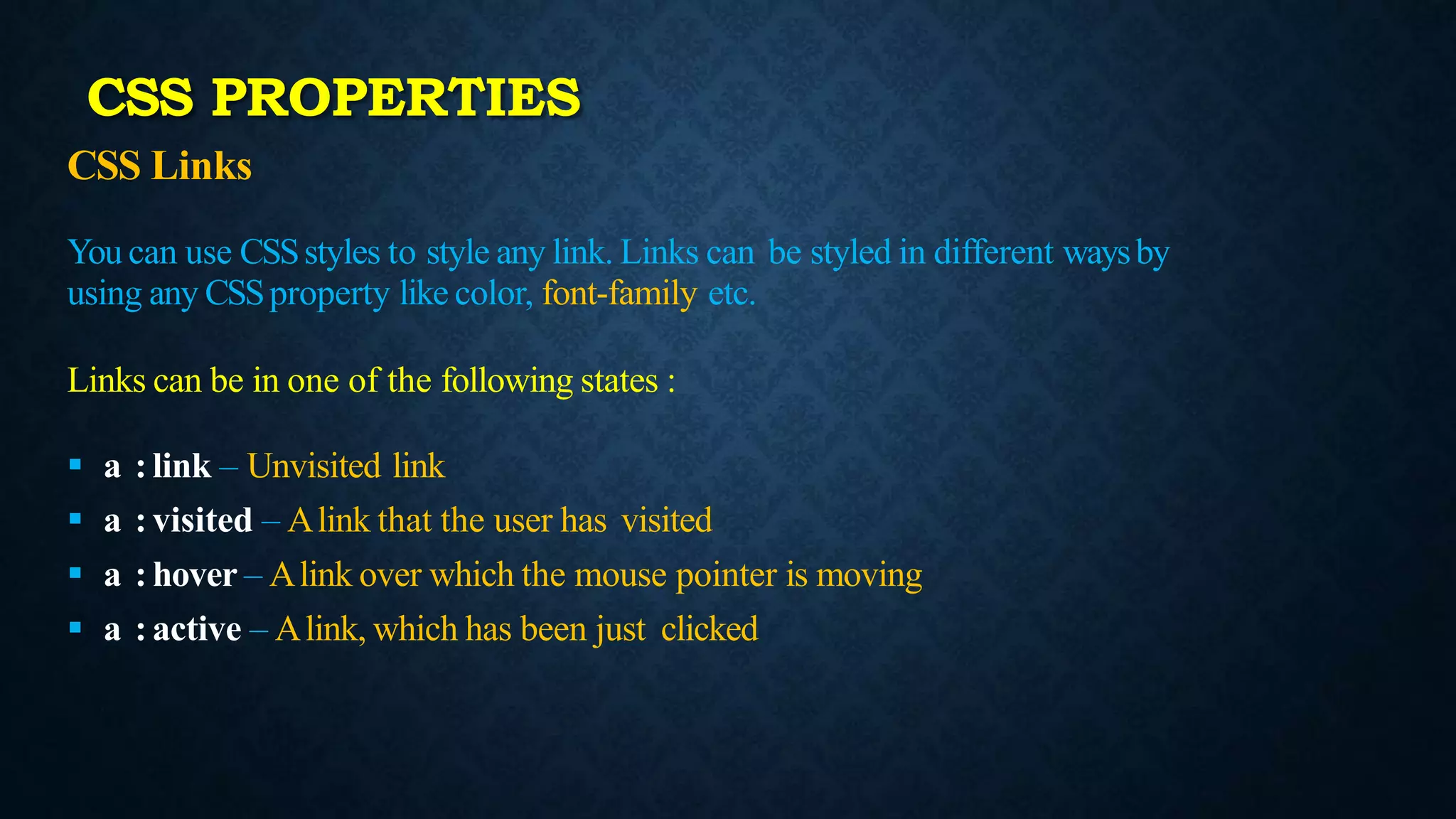
CSS Links
You canuse CSSstyles to style any link. Links can be styled in different waysby
using any CSSproperty like color, font-family etc.
Links can be in one of the following states :
a : link – Unvisited link
a : visited – Alink that the user has visited
a : hover – Alink over which the mouse pointer is moving
a : active – Alink, which has been just clicked
CSS PROPERTIES
29.
CSS Links
a {font-weight: bold; }
a : link { color: black; }
a : visited { color : gray; }
a:hover {
text-decoration: none;
color: white;
background-color: navy;
}
a : active {
color: aqua;
background-color : navy;
}
Styling Links
link - before a visit
visited - after it has been visited
hover - when your mouse is over it but you have
not clicked
active - you have clicked it and you have not yet
seen the new page
CSS PROPERTIES
30.
CSS List
We canuse CSSlist properties for
Setting different list item markers for ordered lists
Setting different list item markers for unordered lists
Set an image as the list item marker
Values
list-style-type
list-style-image
CSS PROPERTIES
31.
CSS Border
You canuse the CSS Border properties to specify the style and color of an element’s
border.
Values
1. border-style
2. border-width
3. border-color
CSS PROPERTIES
32.
CSS Margin
Using CSSMarginproperties you can specify the space around elements.
Values:
margin-top:50px;
margin-bottom:30px;
margin-right:25px;
margin-left:10px;
CSS PROPERTIES