Download to read offline
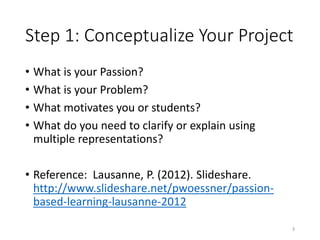
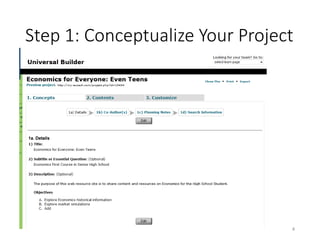
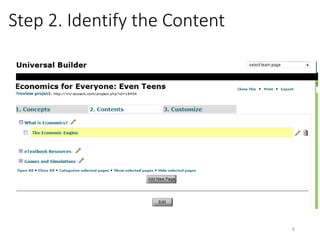
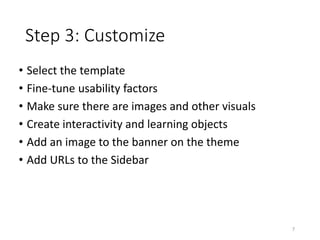
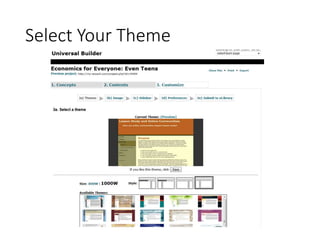
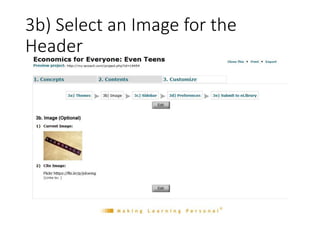
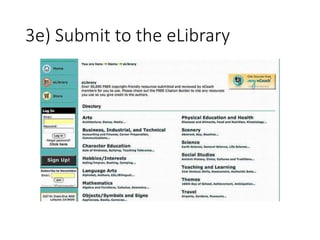
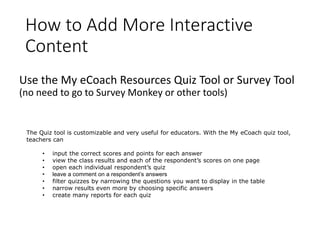
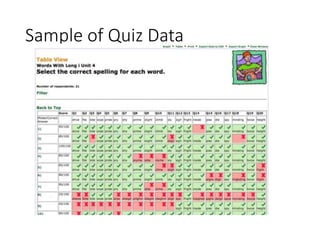

The document provides instruction on creating a project using the My eCoach Project Builder. It outlines a 3-step process: 1) Conceptualize the project by identifying a passion, problem, or topic to clarify; 2) Identify the necessary content for learners; 3) Customize the project template by selecting a theme, adding images, interactivity, and external links. Step 3 further explains how to select a theme, add a header image, and submit the project to the eLibrary for sharing. Interactive tools like quizzes and surveys can be added using the My eCoach resources, which allow for customization and reporting of results.


