Unit - 1


Multimedia Hardware
   Mac vs. PC
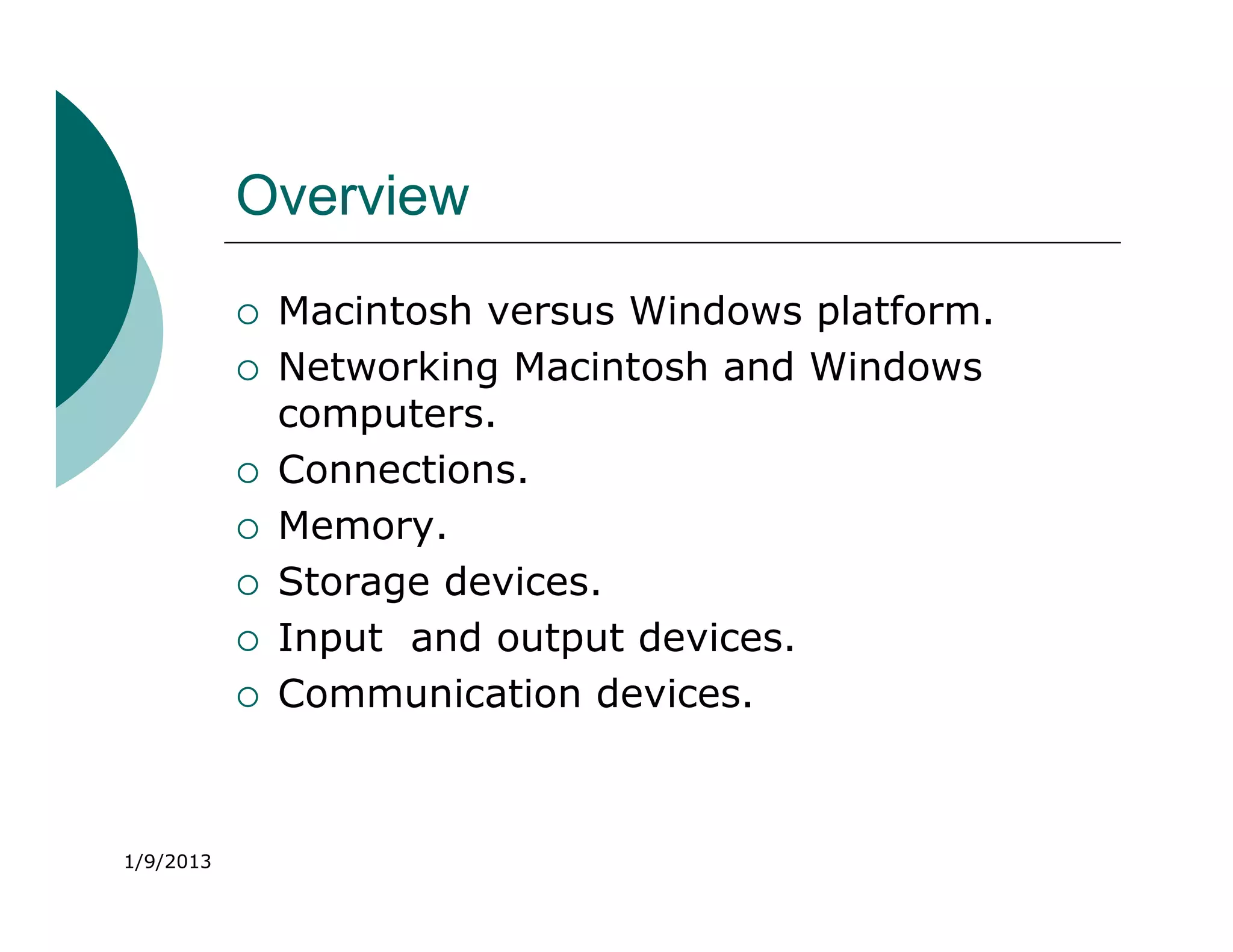
Overview
              Macintosh versus Windows platform.
              Networking Macintosh and Windows
               computers.
              Connections.
              Memory.
              Storage devices.
              Input and output devices.
              Communication devices.


1/9/2013
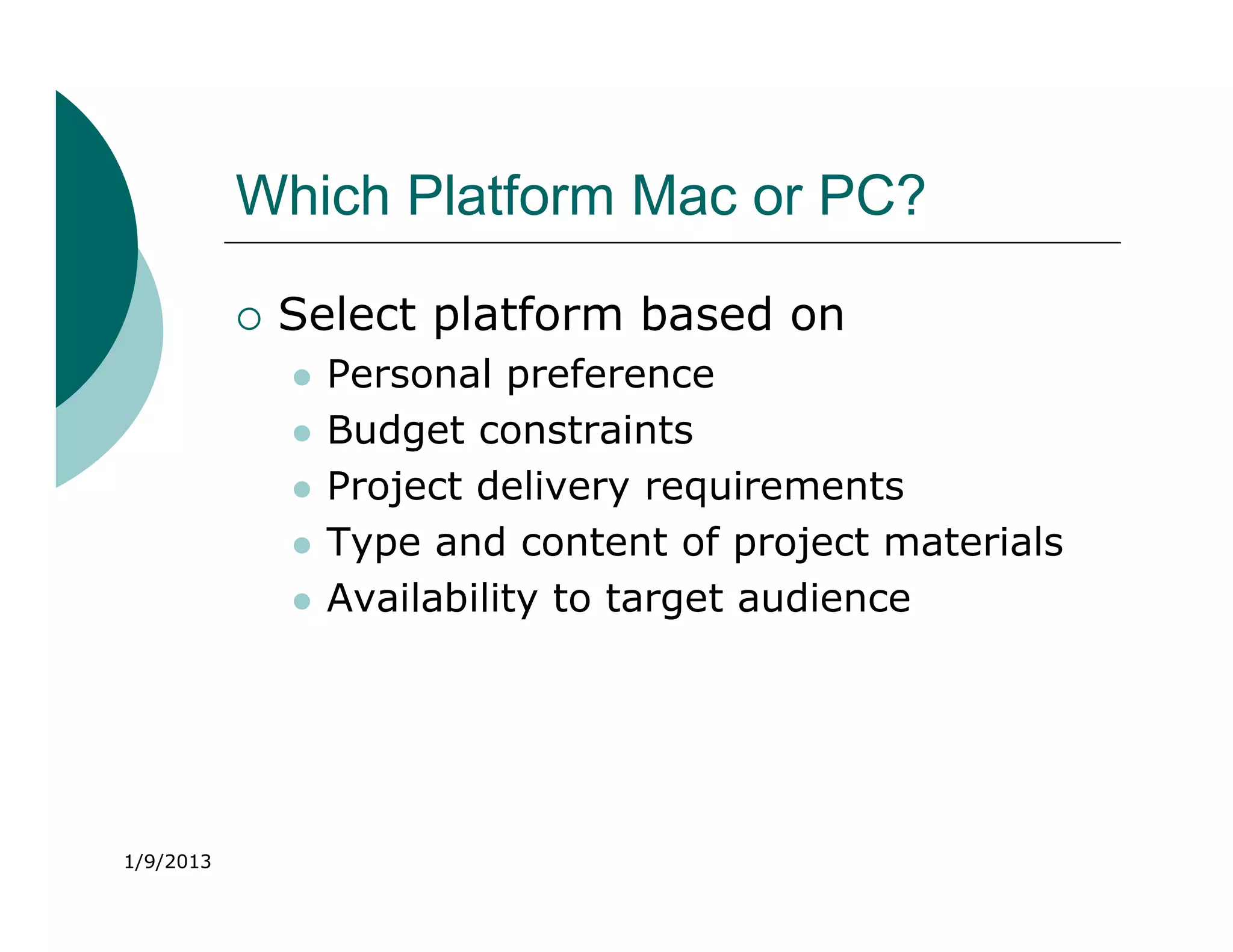
Which Platform Mac or PC?

              Select platform based on
                  Personal preference
                  Budget constraints
                  Project delivery requirements
                  Type and content of project materials
                  Availability to target audience


1/9/2013
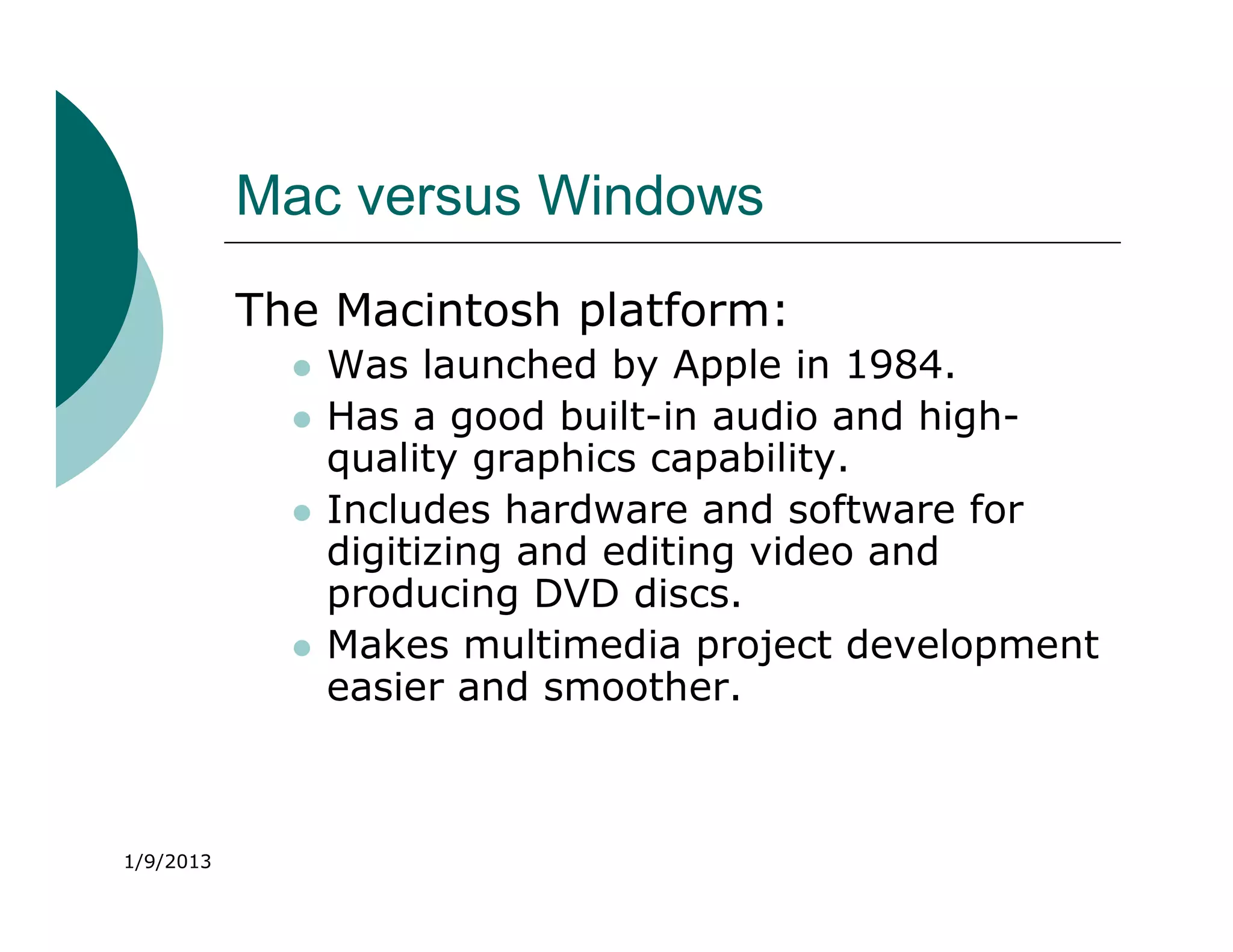
Mac versus Windows
           The Macintosh platform:
                Was launched by Apple in 1984.
                Has a good built-in audio and high-
                 quality graphics capability.
                Includes hardware and software for
                 digitizing and editing video and
                 producing DVD discs.
                Makes multimedia project development
                 easier and smoother.


1/9/2013
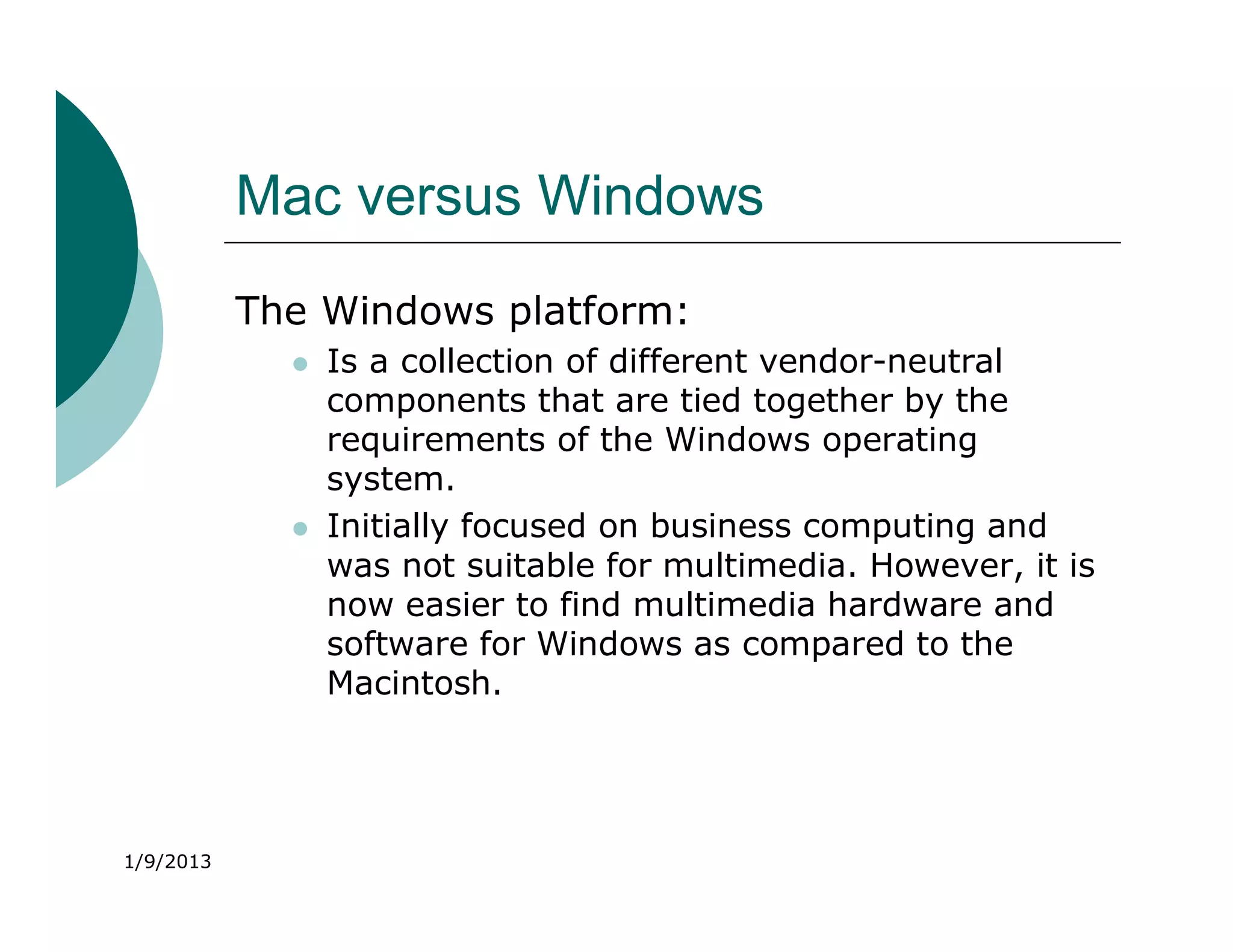
Mac versus Windows
           The Windows platform:
                Is a collection of different vendor-neutral
                 components that are tied together by the
                 requirements of the Windows operating
                 system.
                Initially focused on business computing and
                 was not suitable for multimedia. However, it is
                 now easier to find multimedia hardware and
                 software for Windows as compared to the
                 Macintosh.


1/9/2013
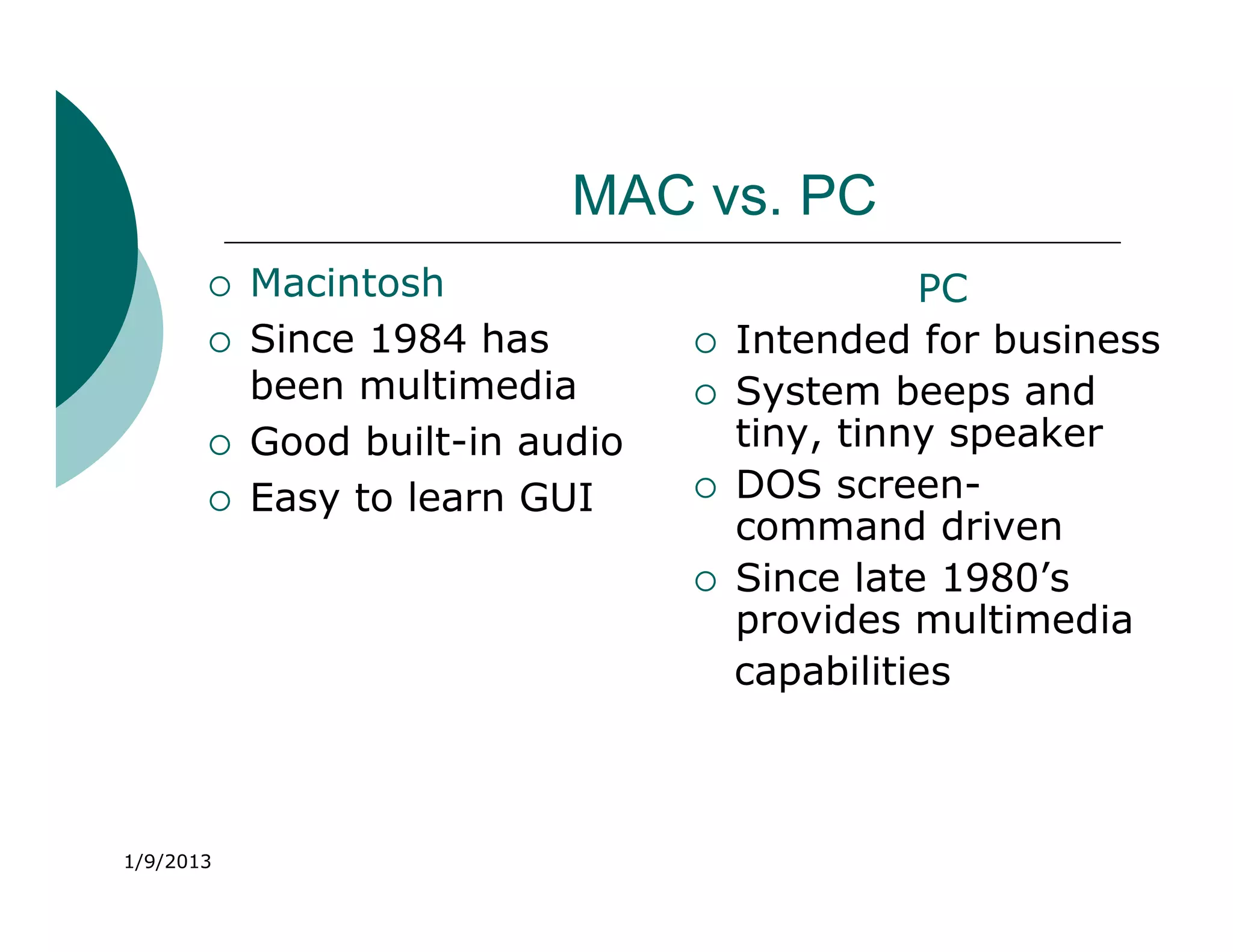
MAC vs. PC
          Macintosh                           PC
          Since 1984 has           Intended for business
           been multimedia          System beeps and
          Good built-in audio       tiny, tinny speaker
          Easy to learn GUI        DOS screen-
                                     command driven
                                    Since late 1980’s
                                     provides multimedia
                                     capabilities


1/9/2013
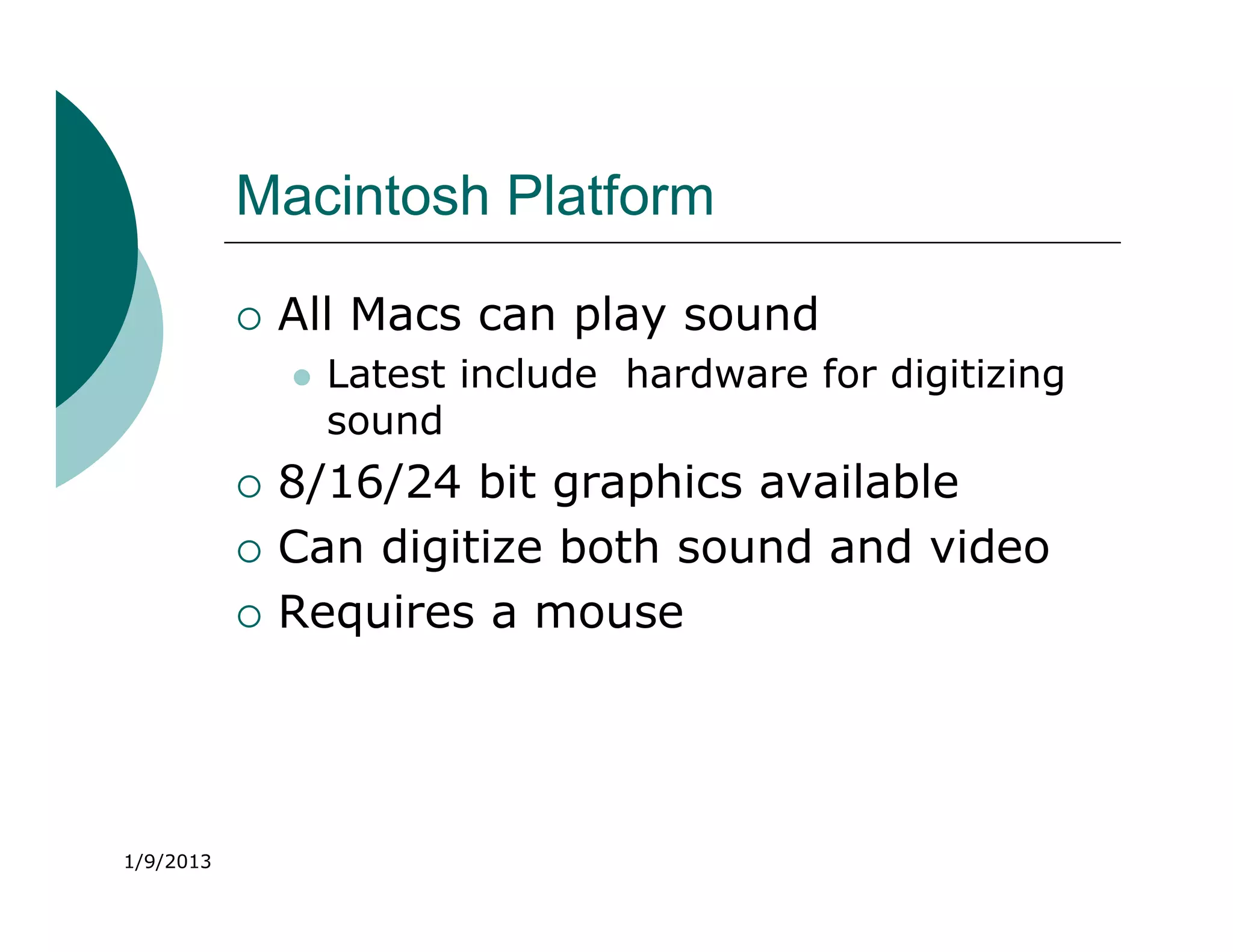
Macintosh Platform

              All Macs can play sound
                  Latest include hardware for digitizing
                   sound
              8/16/24 bit graphics available
              Can digitize both sound and video
              Requires a mouse


1/9/2013
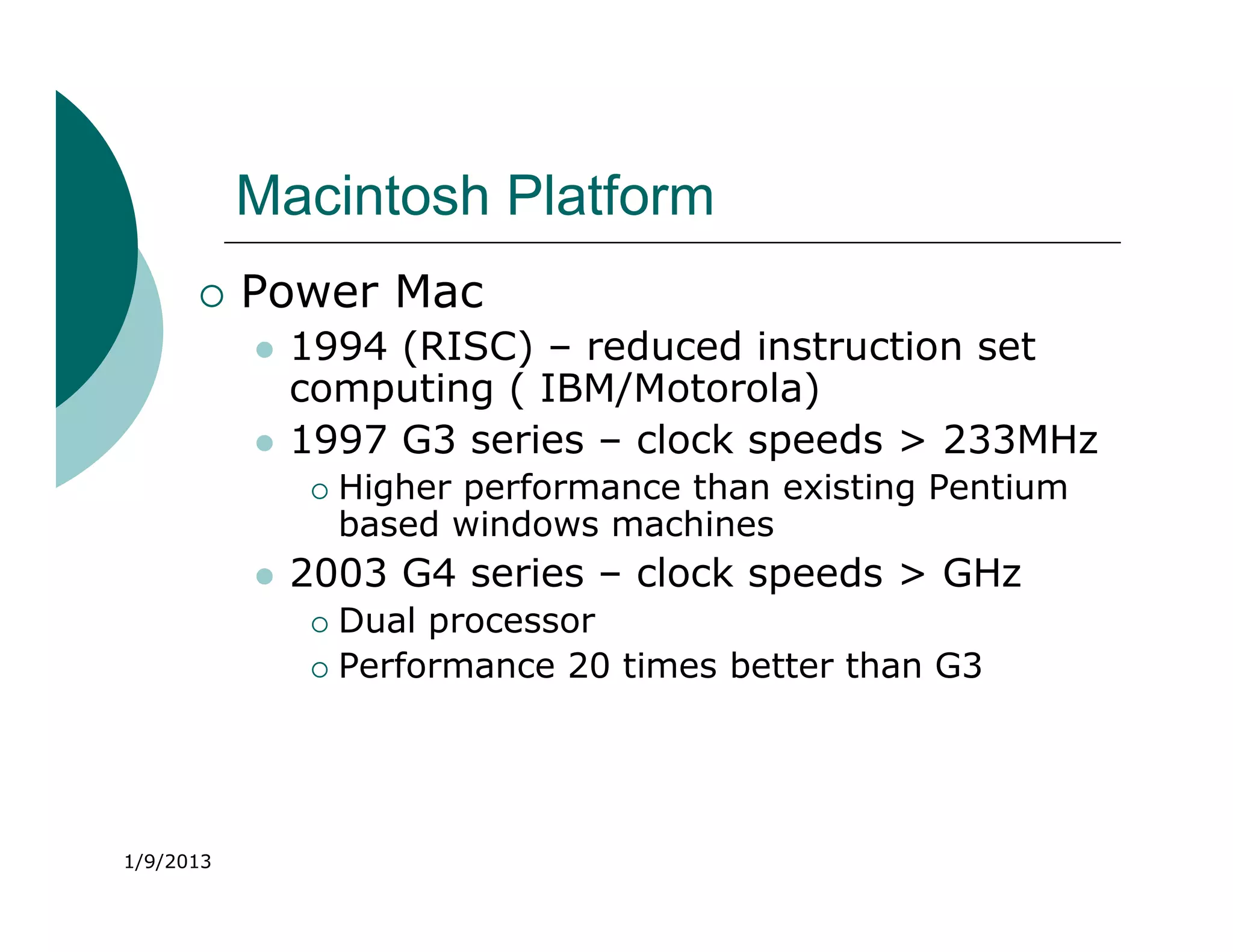
Macintosh Platform
          Power Mac
              1994 (RISC) – reduced instruction set
               computing ( IBM/Motorola)
              1997 G3 series – clock speeds > 233MHz
                  Higher performance than existing Pentium
                   based windows machines
              2003 G4 series – clock speeds > GHz
                Dual processor
                Performance 20 times better than G3


1/9/2013
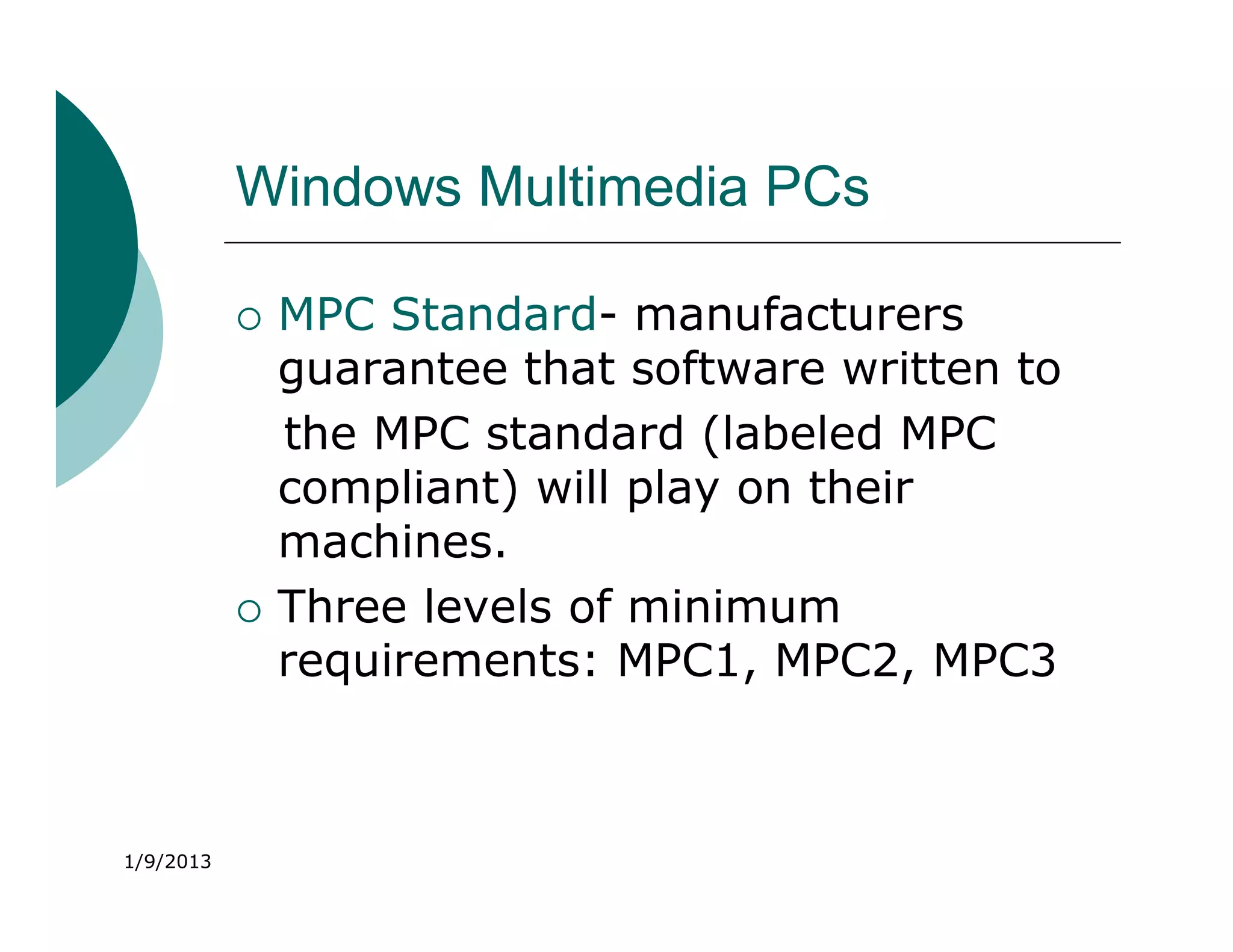
Windows Multimedia PCs

              MPC Standard- manufacturers
               guarantee that software written to
               the MPC standard (labeled MPC
               compliant) will play on their
               machines.
              Three levels of minimum
               requirements: MPC1, MPC2, MPC3


1/9/2013
Windows Multimedia PCs
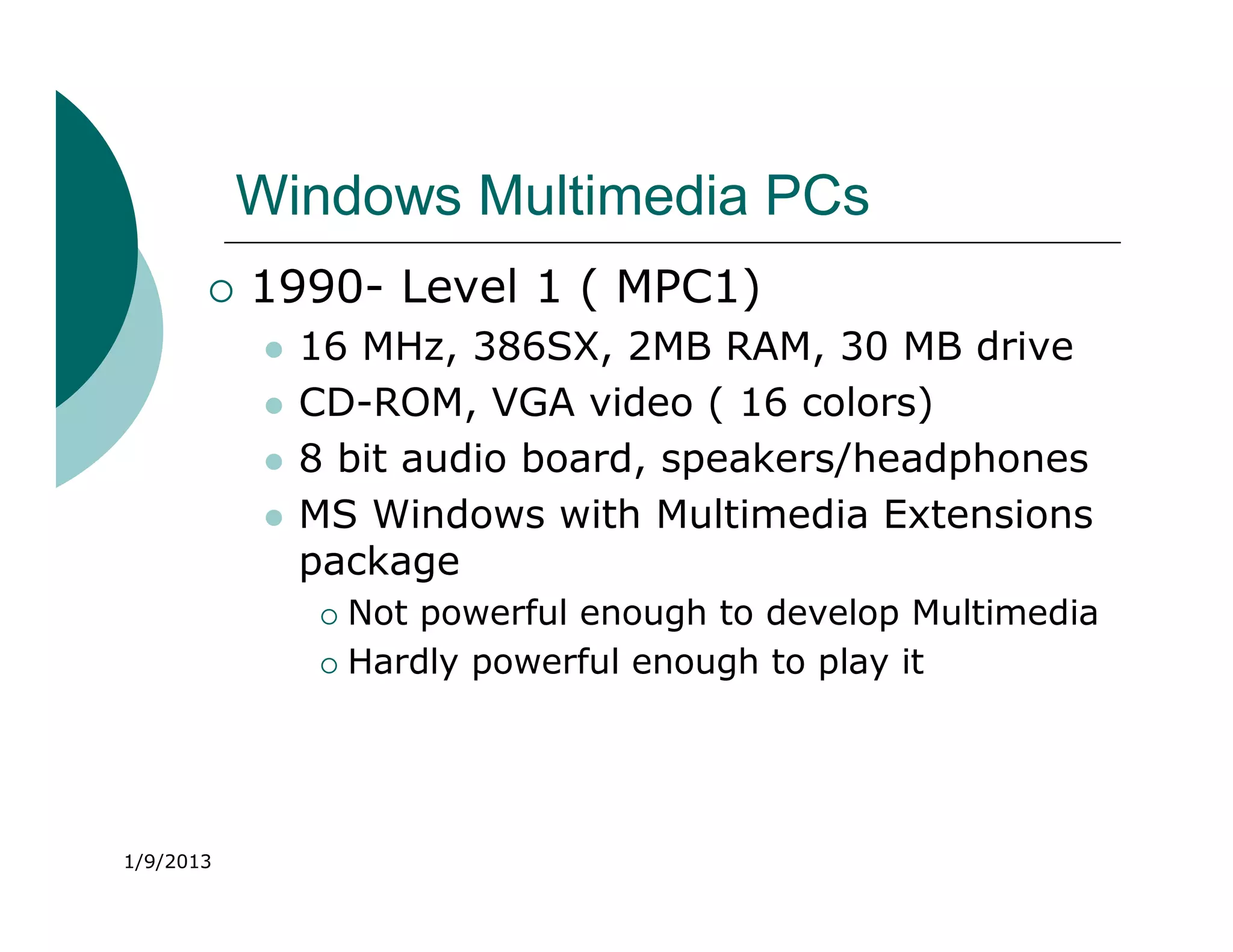
          1990- Level 1 ( MPC1)
              16 MHz, 386SX, 2MB RAM, 30 MB drive
              CD-ROM, VGA video ( 16 colors)
              8 bit audio board, speakers/headphones
              MS Windows with Multimedia Extensions
               package
                 Not powerful enough to develop Multimedia
                 Hardly powerful enough to play it


1/9/2013
Windows Multimedia PCs

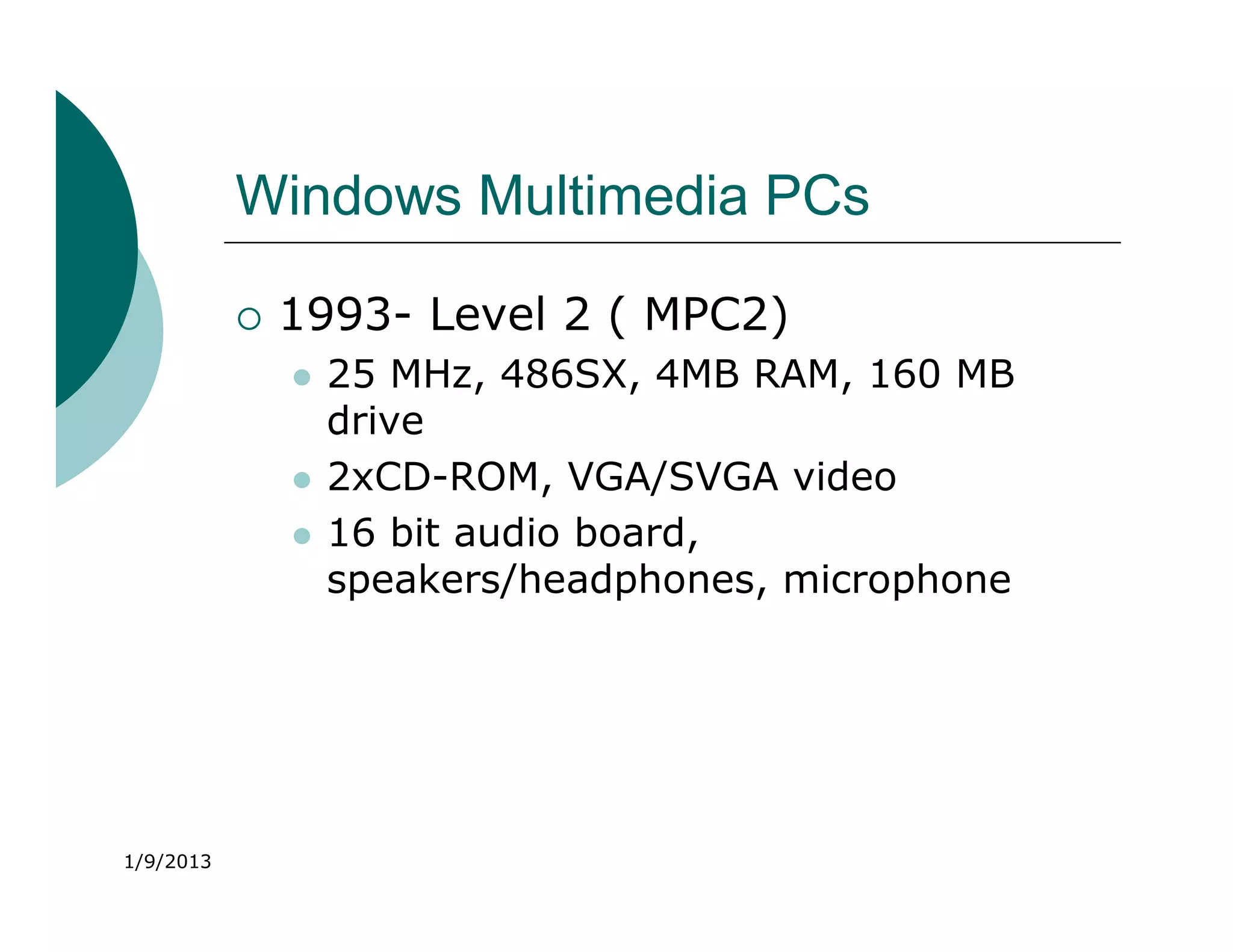
              1993- Level 2 ( MPC2)
                  25 MHz, 486SX, 4MB RAM, 160 MB
                   drive
                  2xCD-ROM, VGA/SVGA video
                  16 bit audio board,
                   speakers/headphones, microphone


1/9/2013
Windows Multimedia PCs

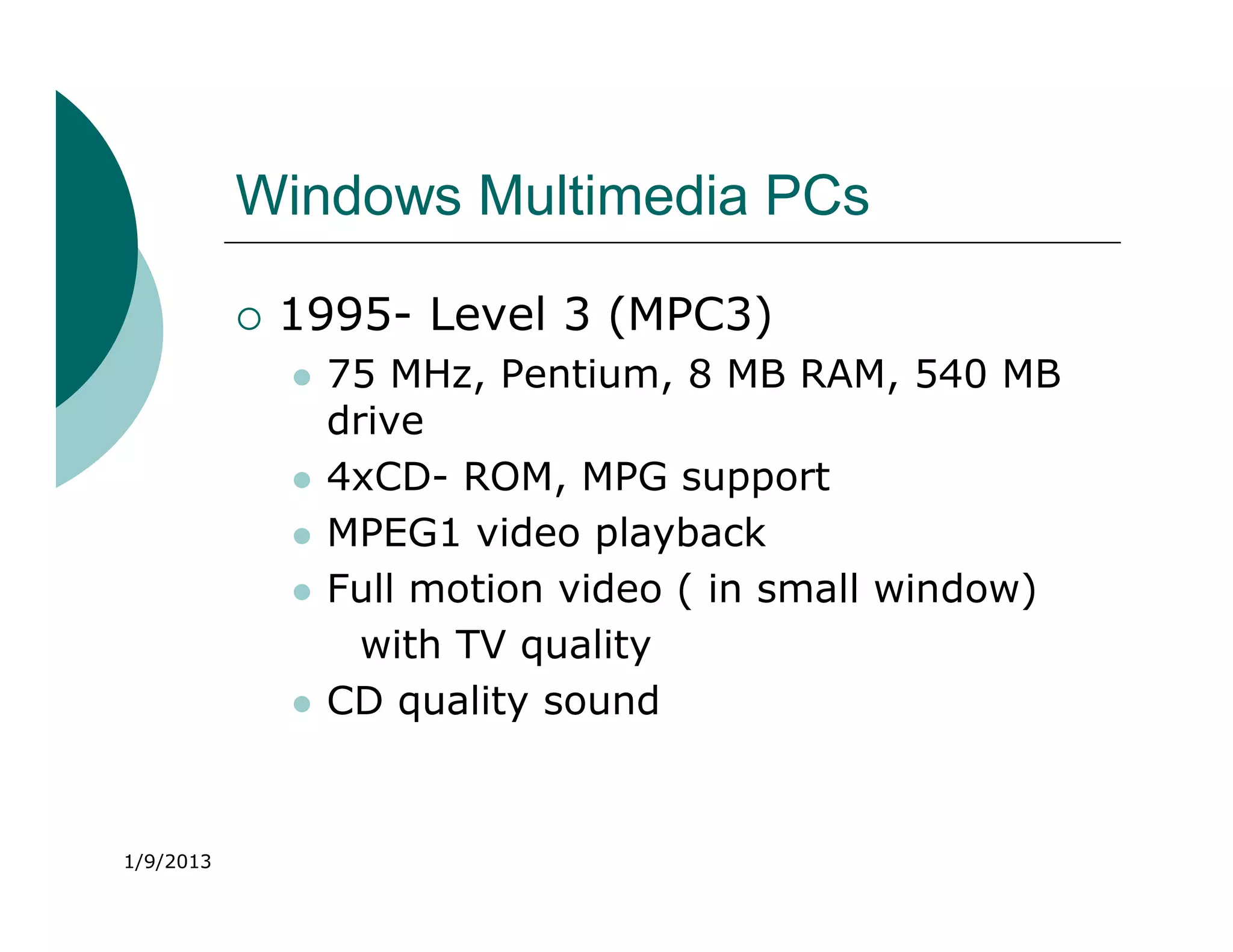
              1995- Level 3 (MPC3)
                  75 MHz, Pentium, 8 MB RAM, 540 MB
                   drive
                  4xCD- ROM, MPG support
                  MPEG1 video playback
                  Full motion video ( in small window)
                     with TV quality
                  CD quality sound


1/9/2013
Networking
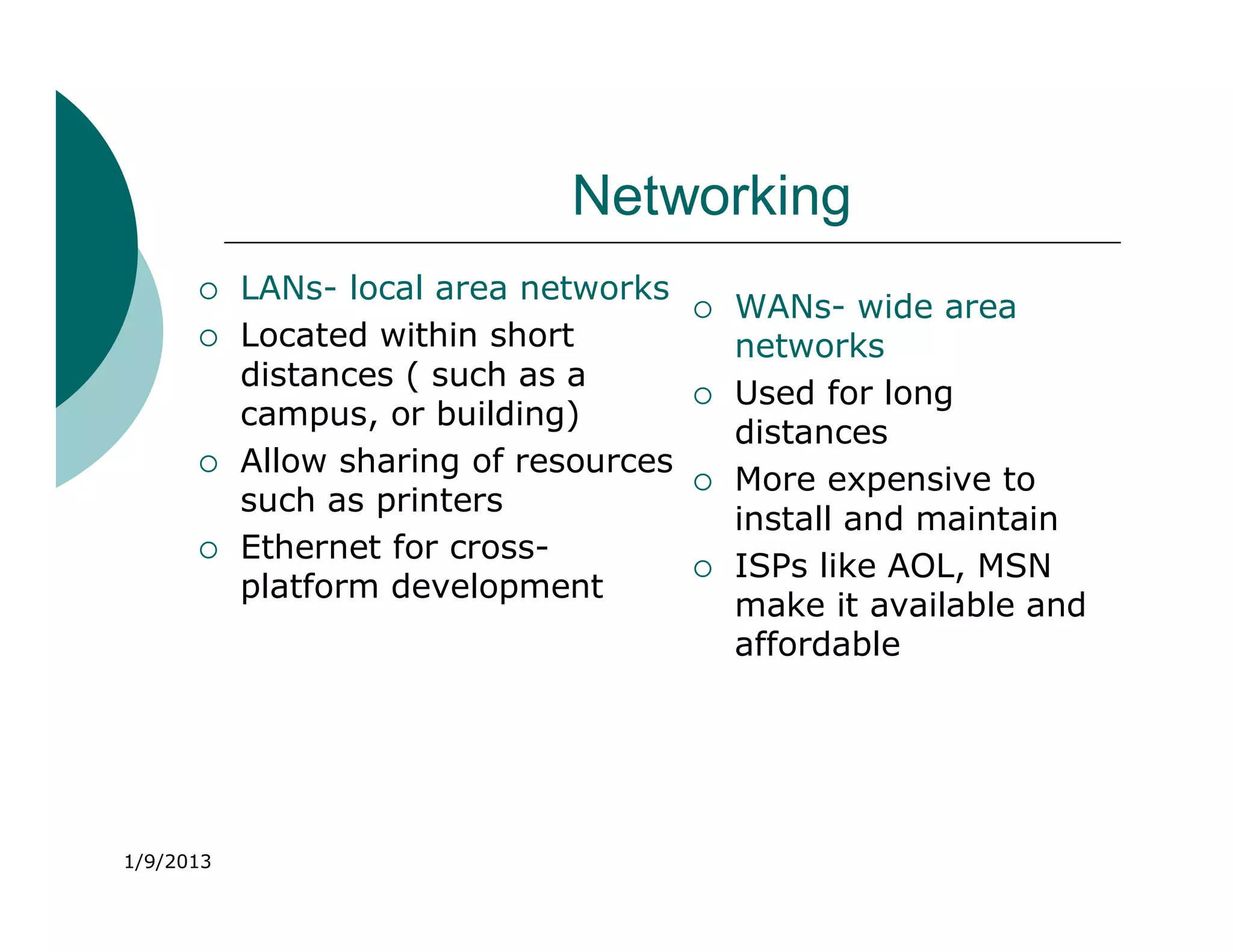
          LANs- local area networks
                                           WANs- wide area
          Located within short             networks
           distances ( such as a
                                           Used for long
           campus, or building)
                                            distances
          Allow sharing of resources
                                           More expensive to
           such as printers
                                            install and maintain
          Ethernet for cross-
                                           ISPs like AOL, MSN
           platform development
                                            make it available and
                                            affordable


1/9/2013
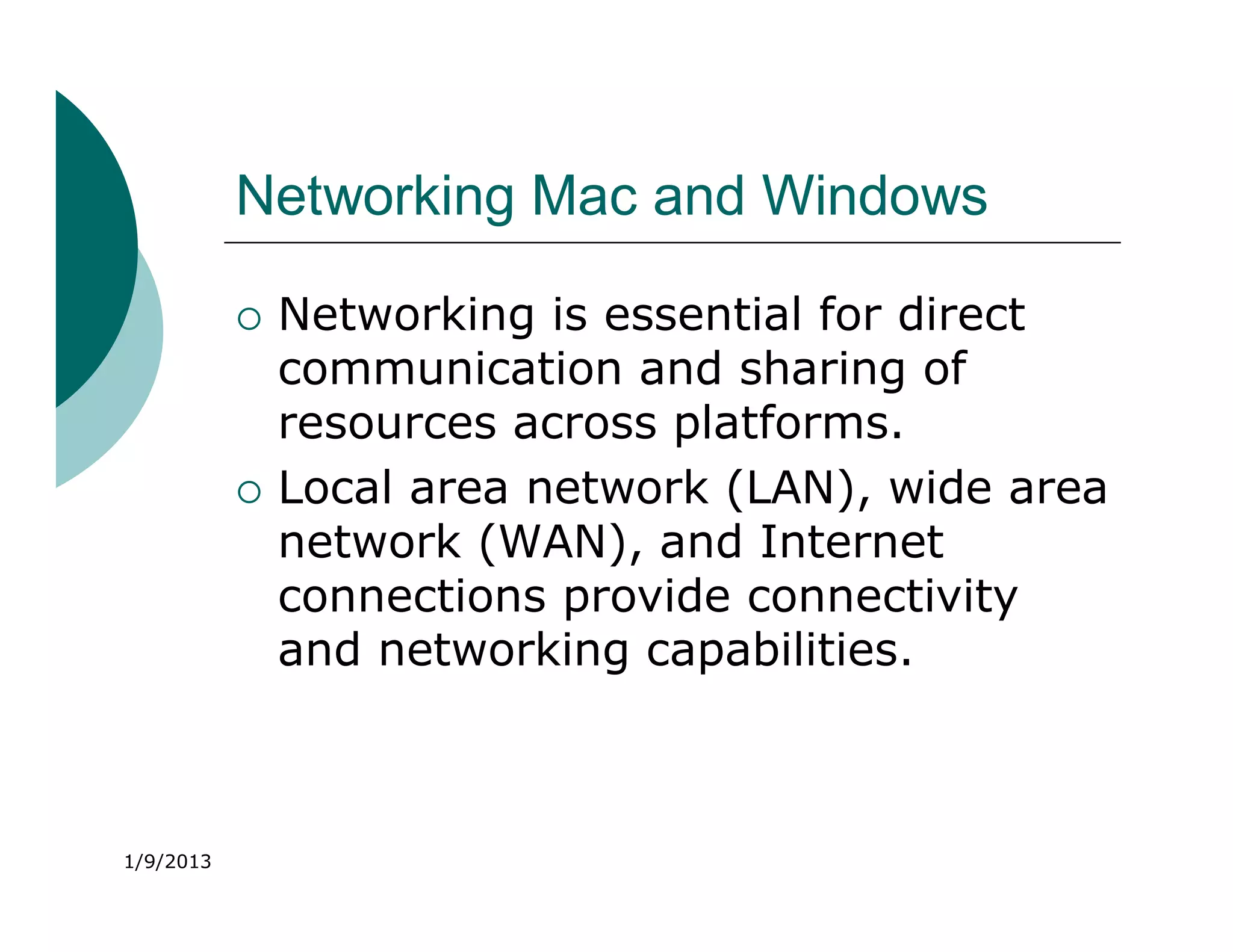
Networking Mac and Windows

              Networking is essential for direct
               communication and sharing of
               resources across platforms.
              Local area network (LAN), wide area
               network (WAN), and Internet
               connections provide connectivity
               and networking capabilities.


1/9/2013
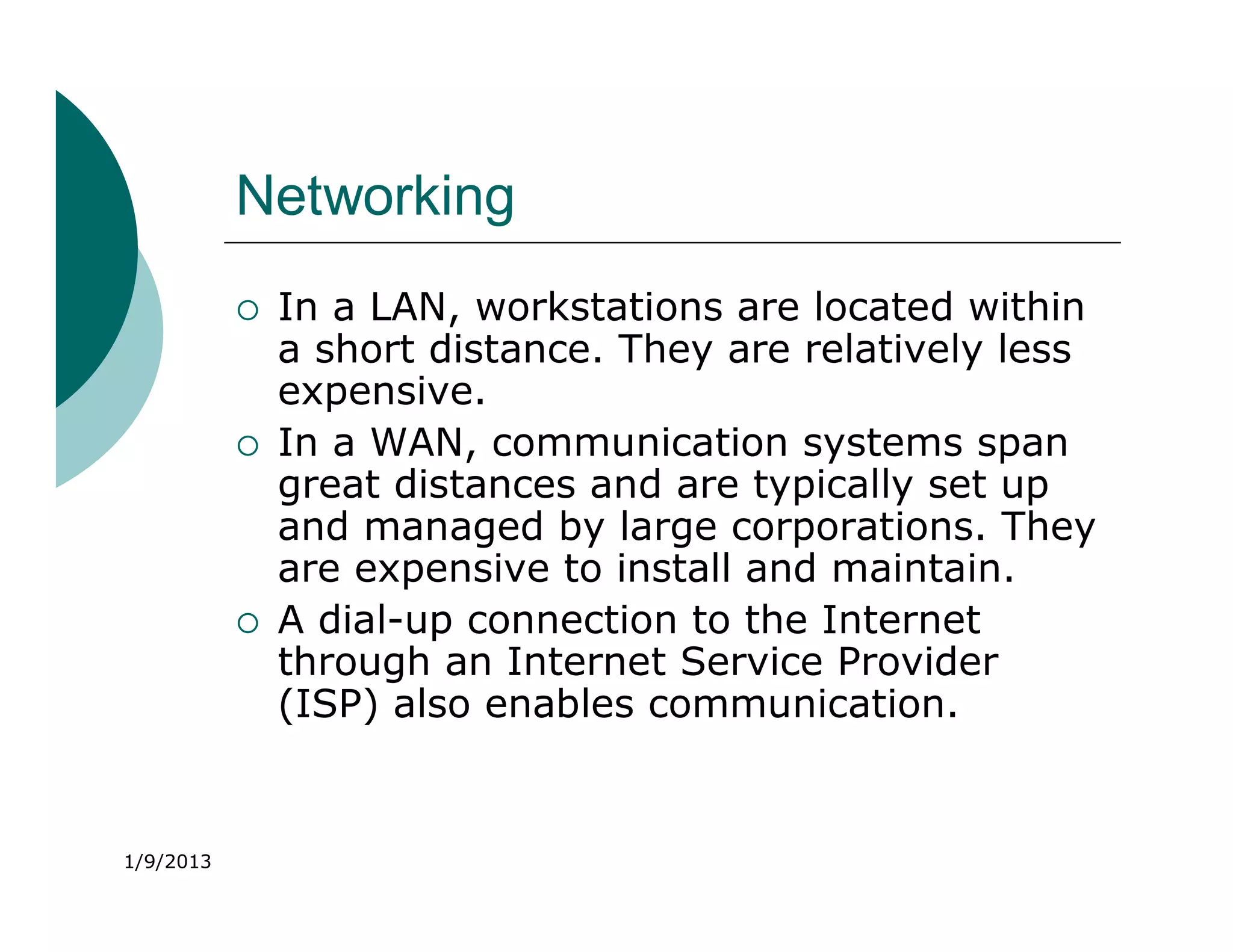
Networking
              In a LAN, workstations are located within
               a short distance. They are relatively less
               expensive.
              In a WAN, communication systems span
               great distances and are typically set up
               and managed by large corporations. They
               are expensive to install and maintain.
              A dial-up connection to the Internet
               through an Internet Service Provider
               (ISP) also enables communication.


1/9/2013
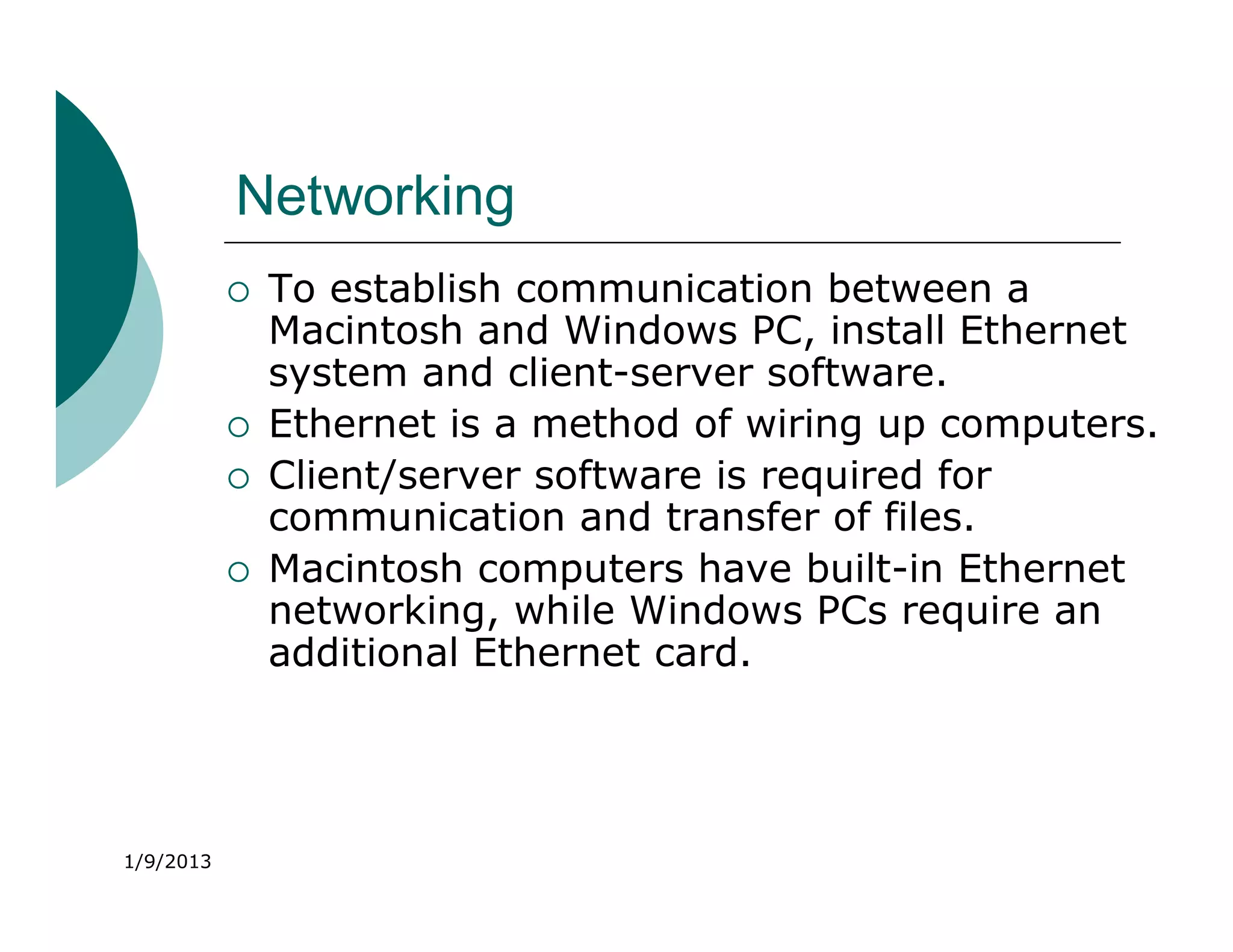
Networking
              To establish communication between a
               Macintosh and Windows PC, install Ethernet
               system and client-server software.
              Ethernet is a method of wiring up computers.
              Client/server software is required for
               communication and transfer of files.
              Macintosh computers have built-in Ethernet
               networking, while Windows PCs require an
               additional Ethernet card.


1/9/2013
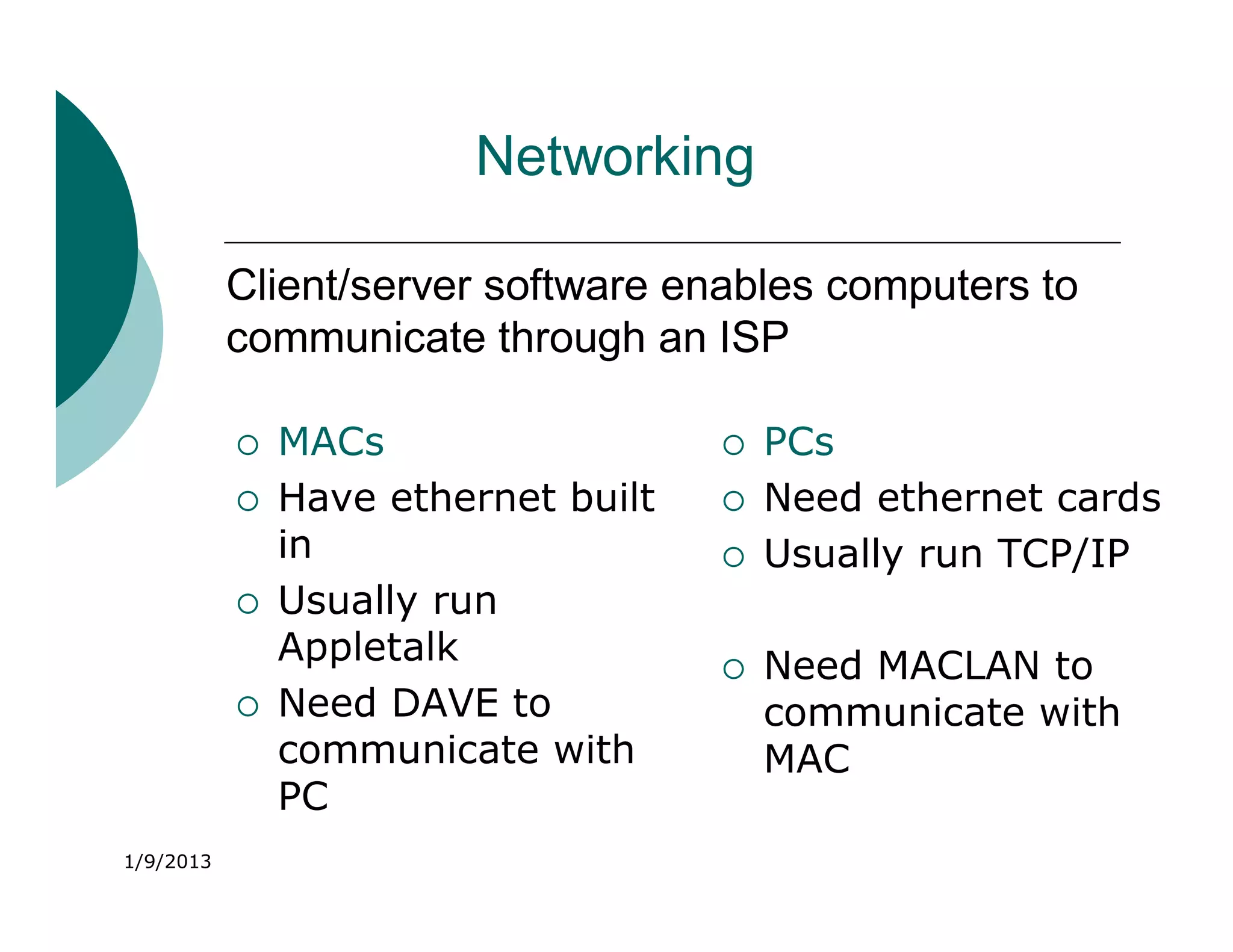
Networking

           Client/server software enables computers to
           communicate through an ISP

              MACs                     PCs
              Have ethernet built      Need ethernet cards
               in                       Usually run TCP/IP
              Usually run
               Appletalk                Need MACLAN to
              Need DAVE to              communicate with
               communicate with          MAC
               PC
1/9/2013
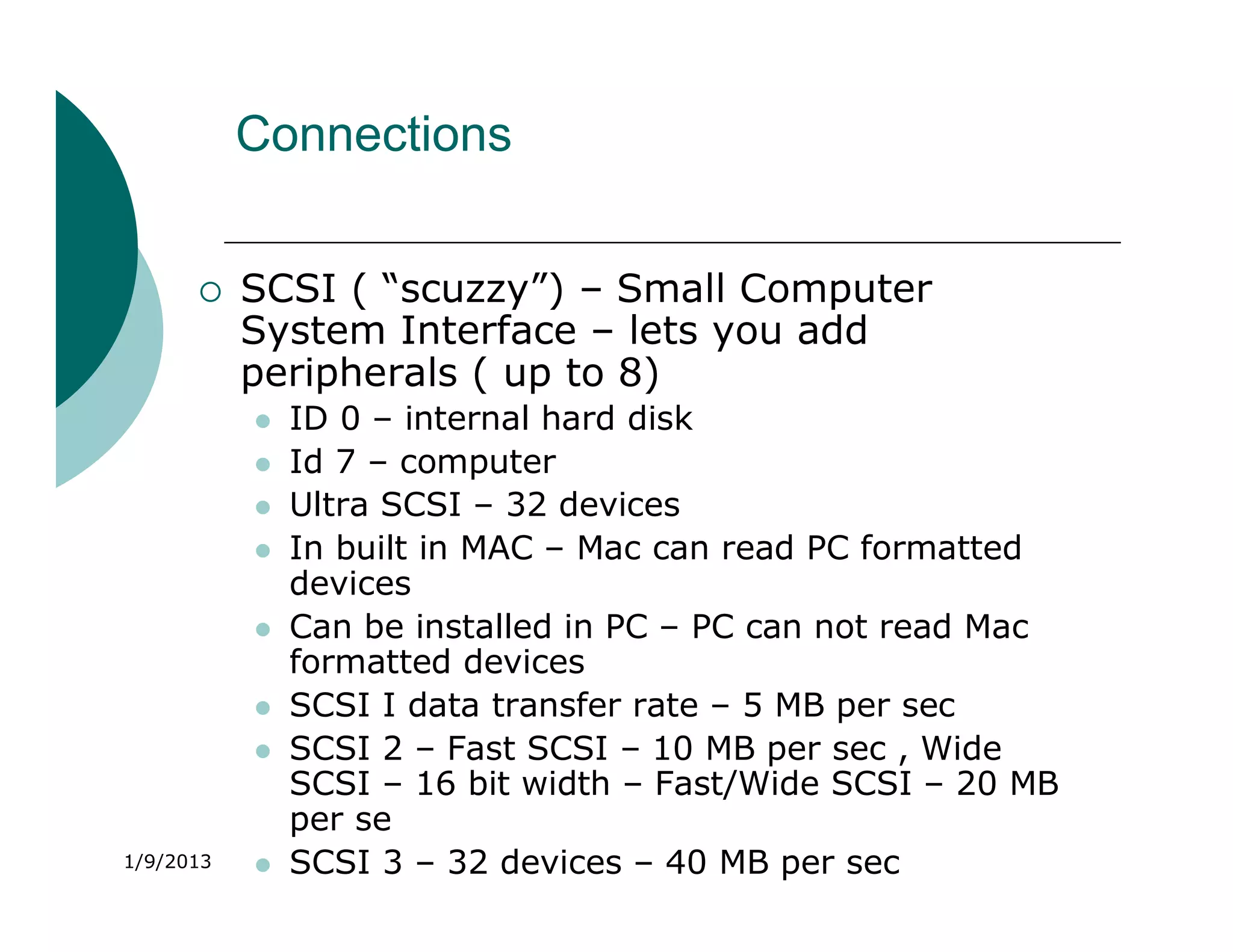
Connections


          SCSI ( “scuzzy”) – Small Computer
           System Interface – lets you add
           peripherals ( up to 8)
              ID 0 – internal hard disk
              Id 7 – computer
              Ultra SCSI – 32 devices
              In built in MAC – Mac can read PC formatted
               devices
              Can be installed in PC – PC can not read Mac
               formatted devices
              SCSI I data transfer rate – 5 MB per sec
              SCSI 2 – Fast SCSI – 10 MB per sec , Wide
               SCSI – 16 bit width – Fast/Wide SCSI – 20 MB
               per se
1/9/2013      SCSI 3 – 32 devices – 40 MB per sec
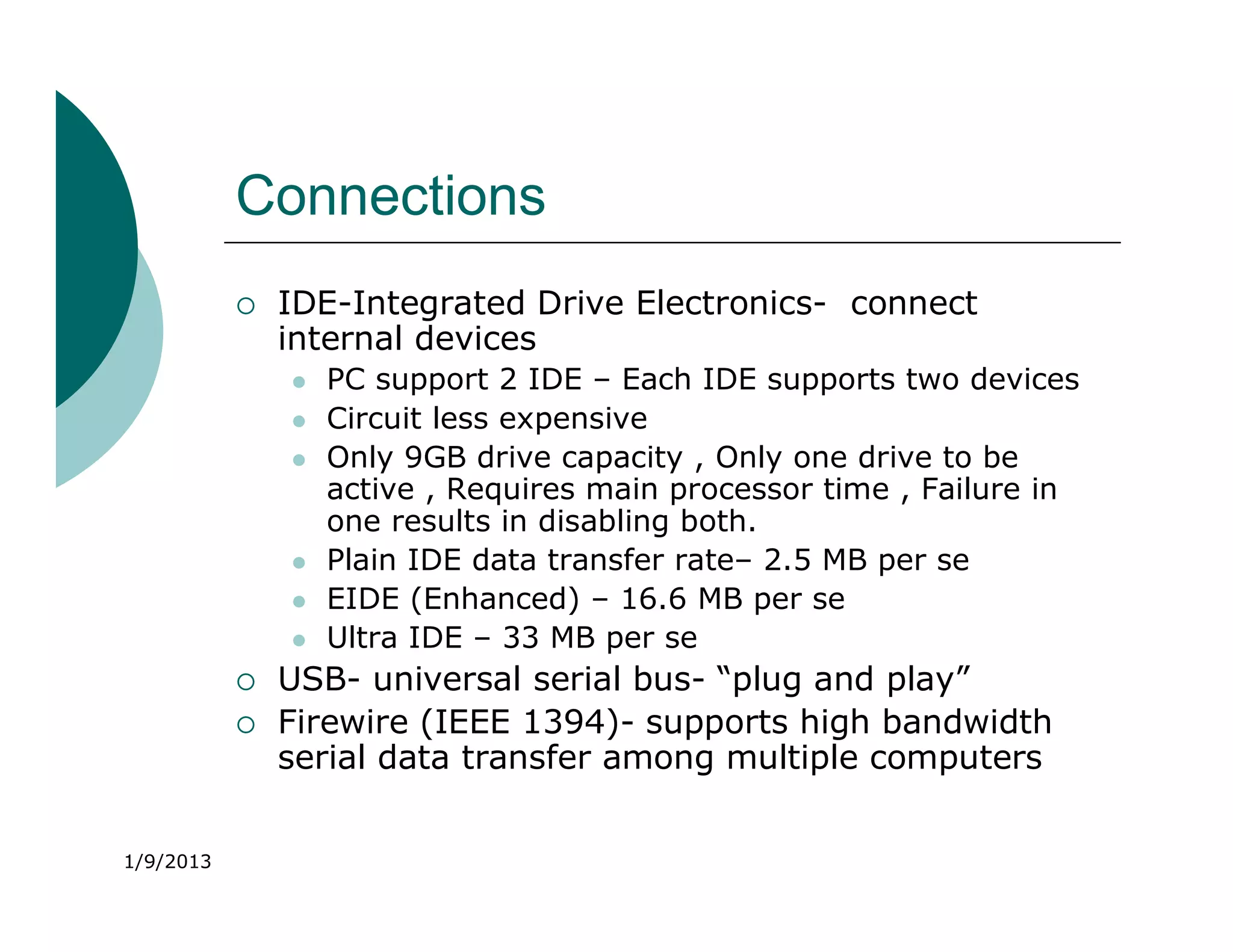
Connections
              IDE-Integrated Drive Electronics- connect
               internal devices
                  PC support 2 IDE – Each IDE supports two devices
                  Circuit less expensive
                  Only 9GB drive capacity , Only one drive to be
                   active , Requires main processor time , Failure in
                   one results in disabling both.
                  Plain IDE data transfer rate– 2.5 MB per se
                  EIDE (Enhanced) – 16.6 MB per se
                  Ultra IDE – 33 MB per se
              USB- universal serial bus- “plug and play”
              Firewire (IEEE 1394)- supports high bandwidth
               serial data transfer among multiple computers


1/9/2013
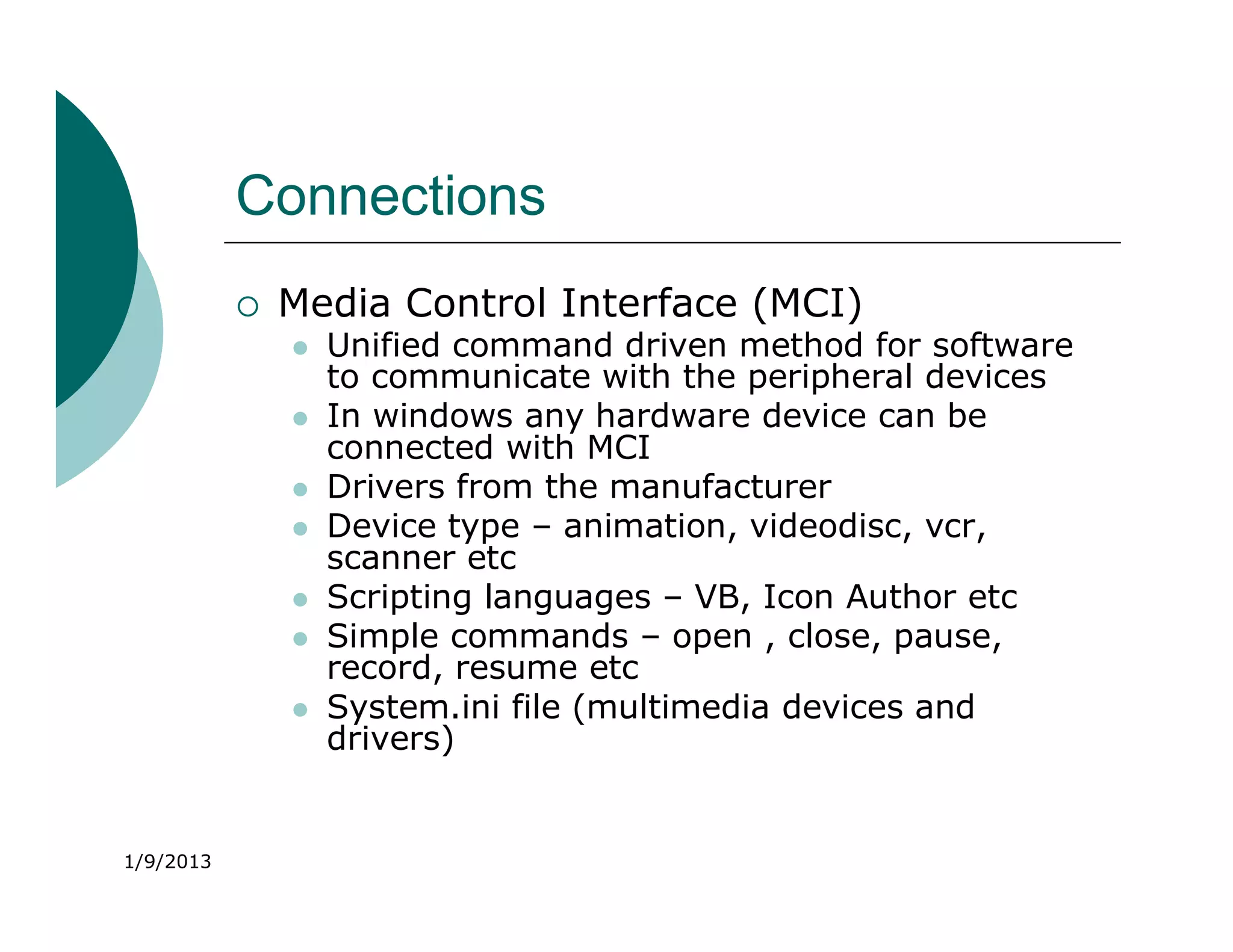
Connections
              Media Control Interface (MCI)
                  Unified command driven method for software
                   to communicate with the peripheral devices
                  In windows any hardware device can be
                   connected with MCI
                  Drivers from the manufacturer
                  Device type – animation, videodisc, vcr,
                   scanner etc
                  Scripting languages – VB, Icon Author etc
                  Simple commands – open , close, pause,
                   record, resume etc
                  System.ini file (multimedia devices and
                   drivers)


1/9/2013
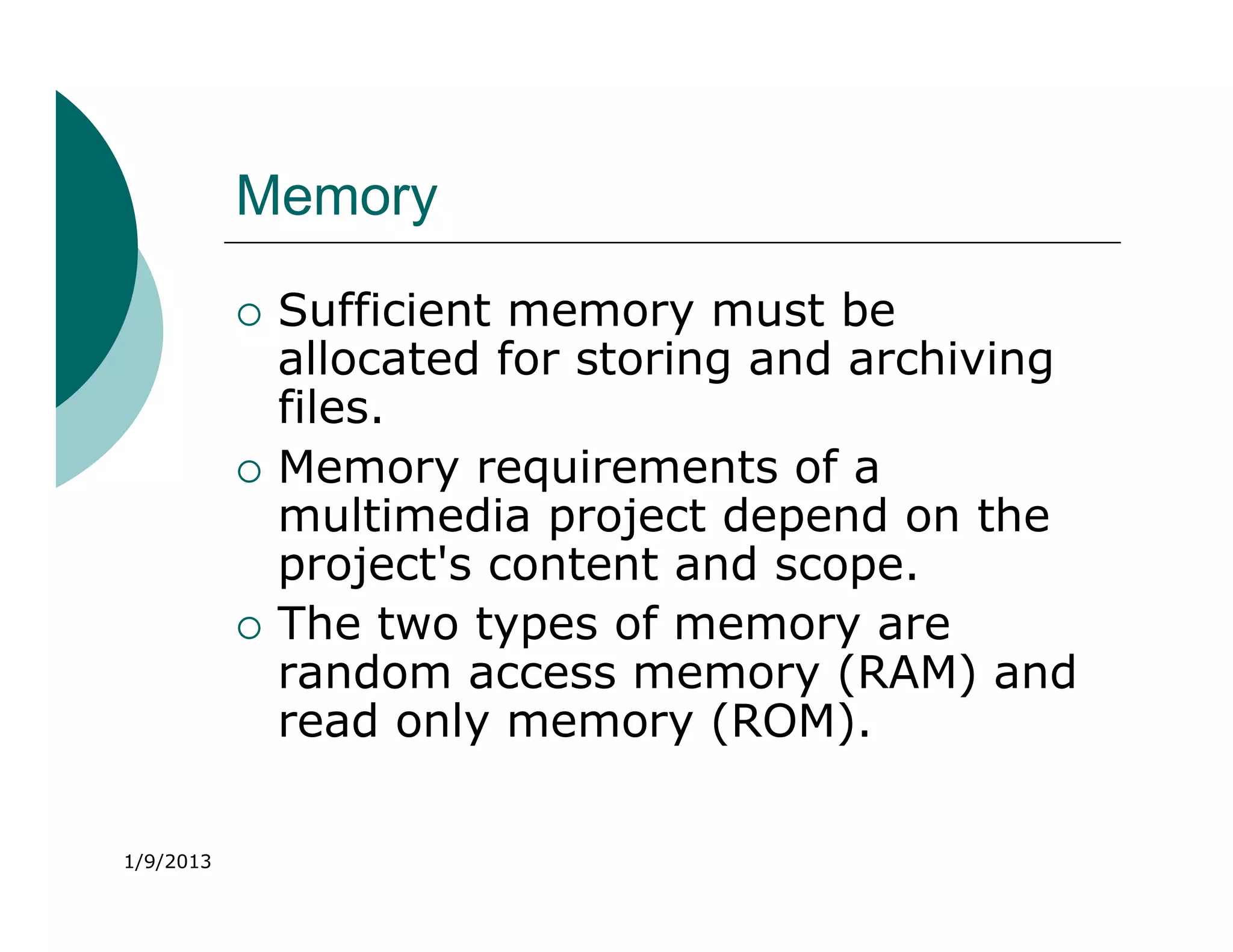
Memory
              Sufficient memory must be
               allocated for storing and archiving
               files.
              Memory requirements of a
               multimedia project depend on the
               project's content and scope.
              The two types of memory are
               random access memory (RAM) and
               read only memory (ROM).

1/9/2013
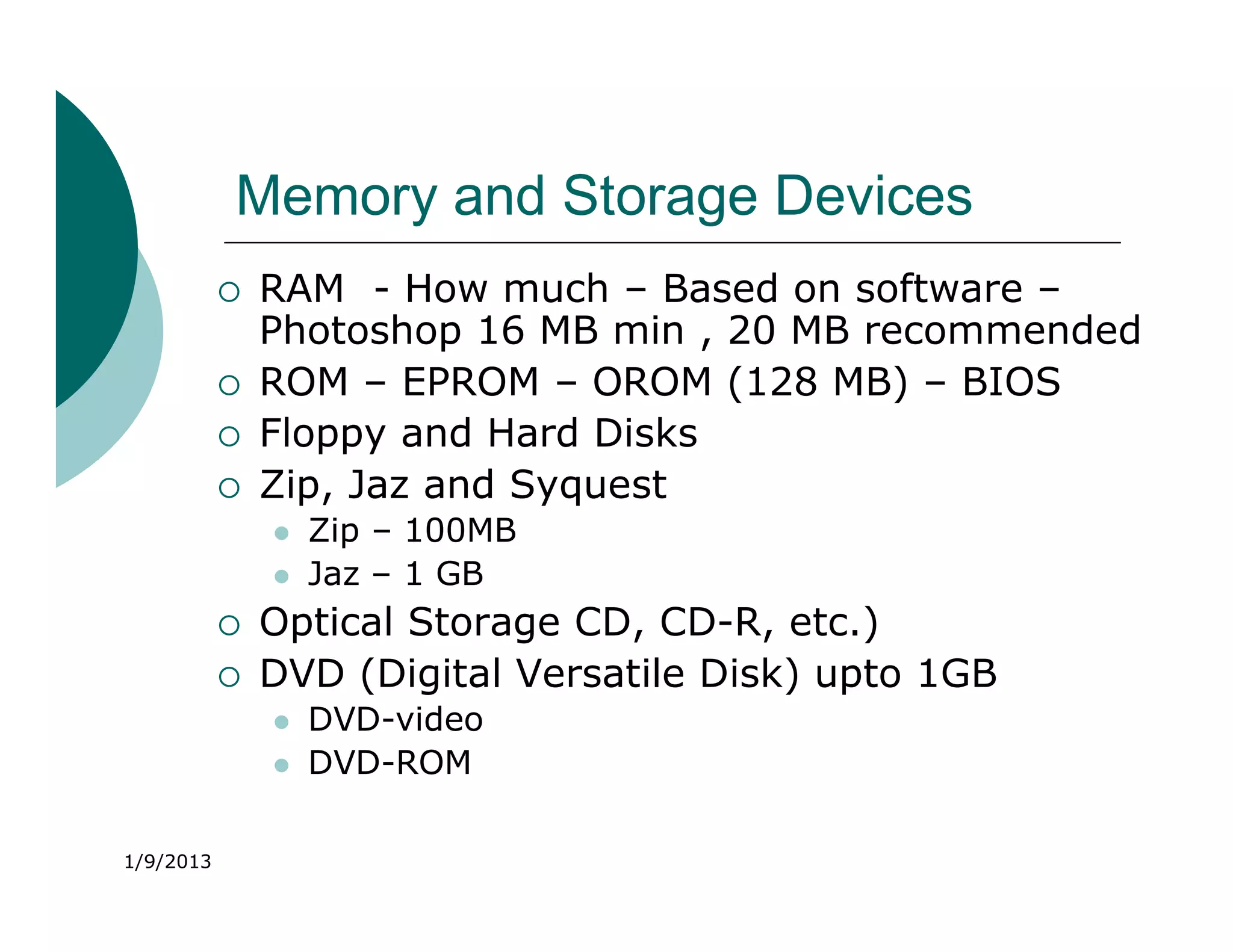
Memory and Storage Devices
              RAM - How much – Based on software –
               Photoshop 16 MB min , 20 MB recommended
              ROM – EPROM – OROM (128 MB) – BIOS
              Floppy and Hard Disks
              Zip, Jaz and Syquest
                  Zip – 100MB
                  Jaz – 1 GB
              Optical Storage CD, CD-R, etc.)
              DVD (Digital Versatile Disk) upto 1GB
                  DVD-video
                  DVD-ROM

1/9/2013
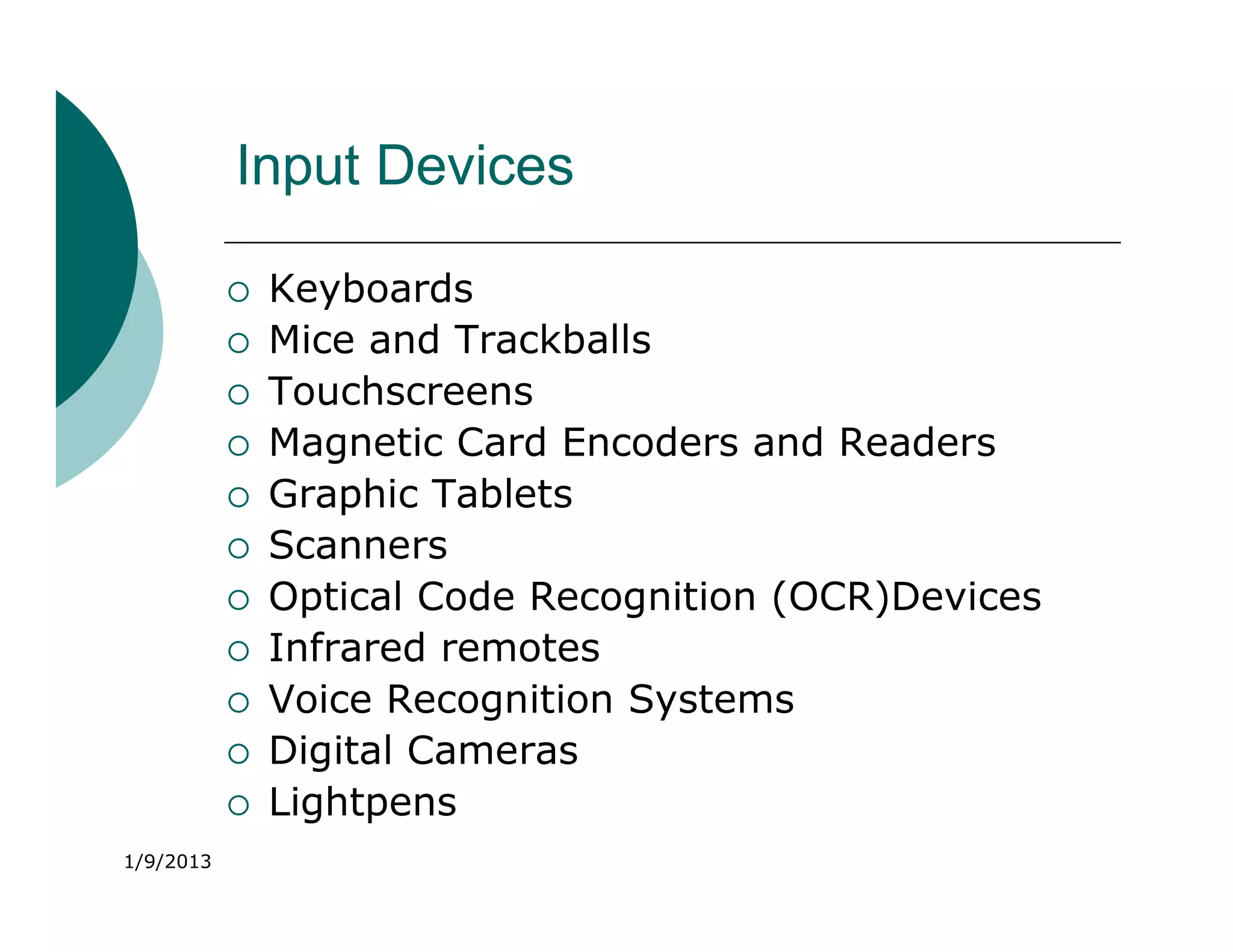
Input Devices

              Keyboards
              Mice and Trackballs
              Touchscreens
              Magnetic Card Encoders and Readers
              Graphic Tablets
              Scanners
              Optical Code Recognition (OCR)Devices
              Infrared remotes
              Voice Recognition Systems
              Digital Cameras
              Lightpens
1/9/2013
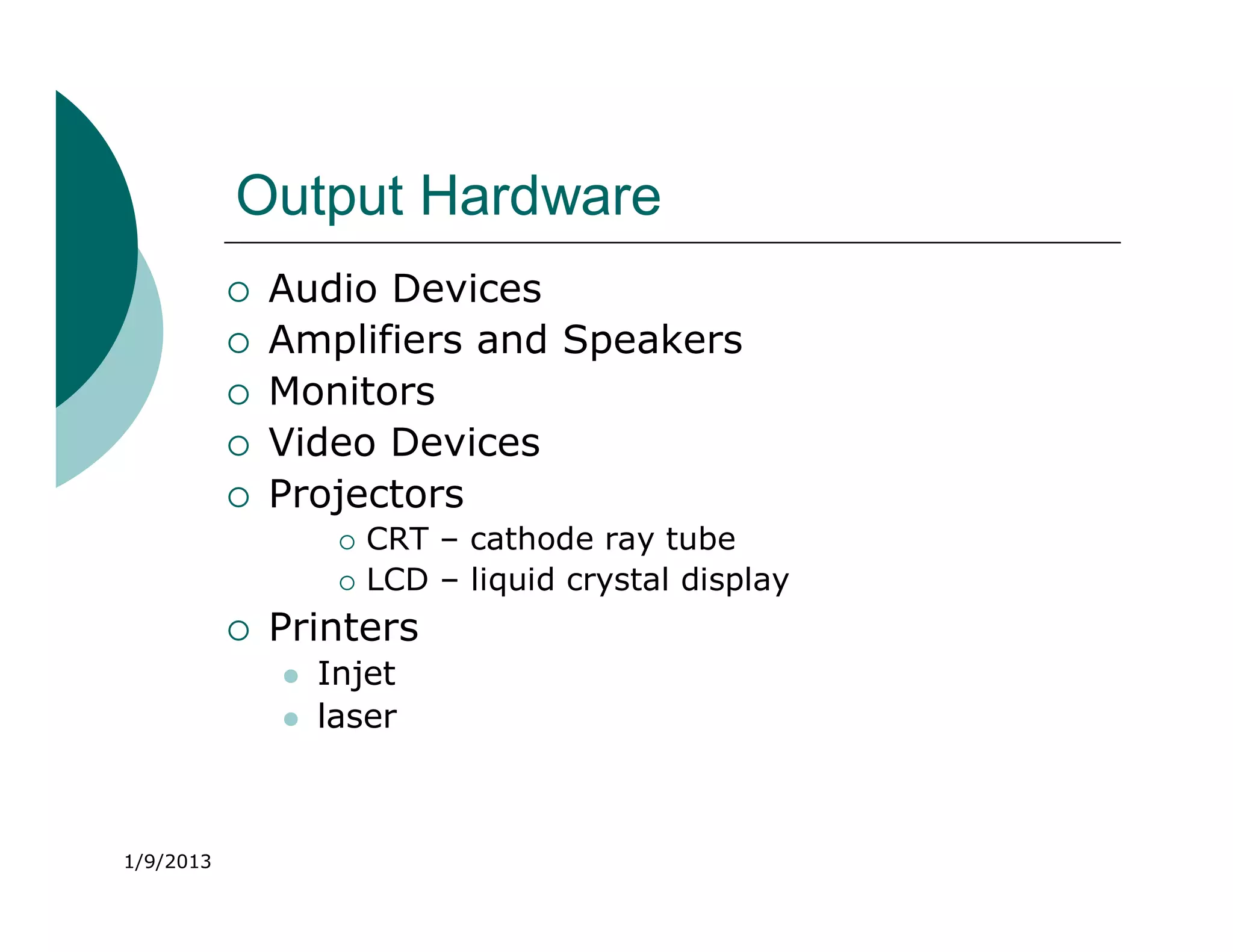
Output Hardware
              Audio Devices
              Amplifiers and Speakers
              Monitors
              Video Devices
              Projectors
                       CRT – cathode ray tube
                       LCD – liquid crystal display
              Printers
                  Injet
                  laser


1/9/2013
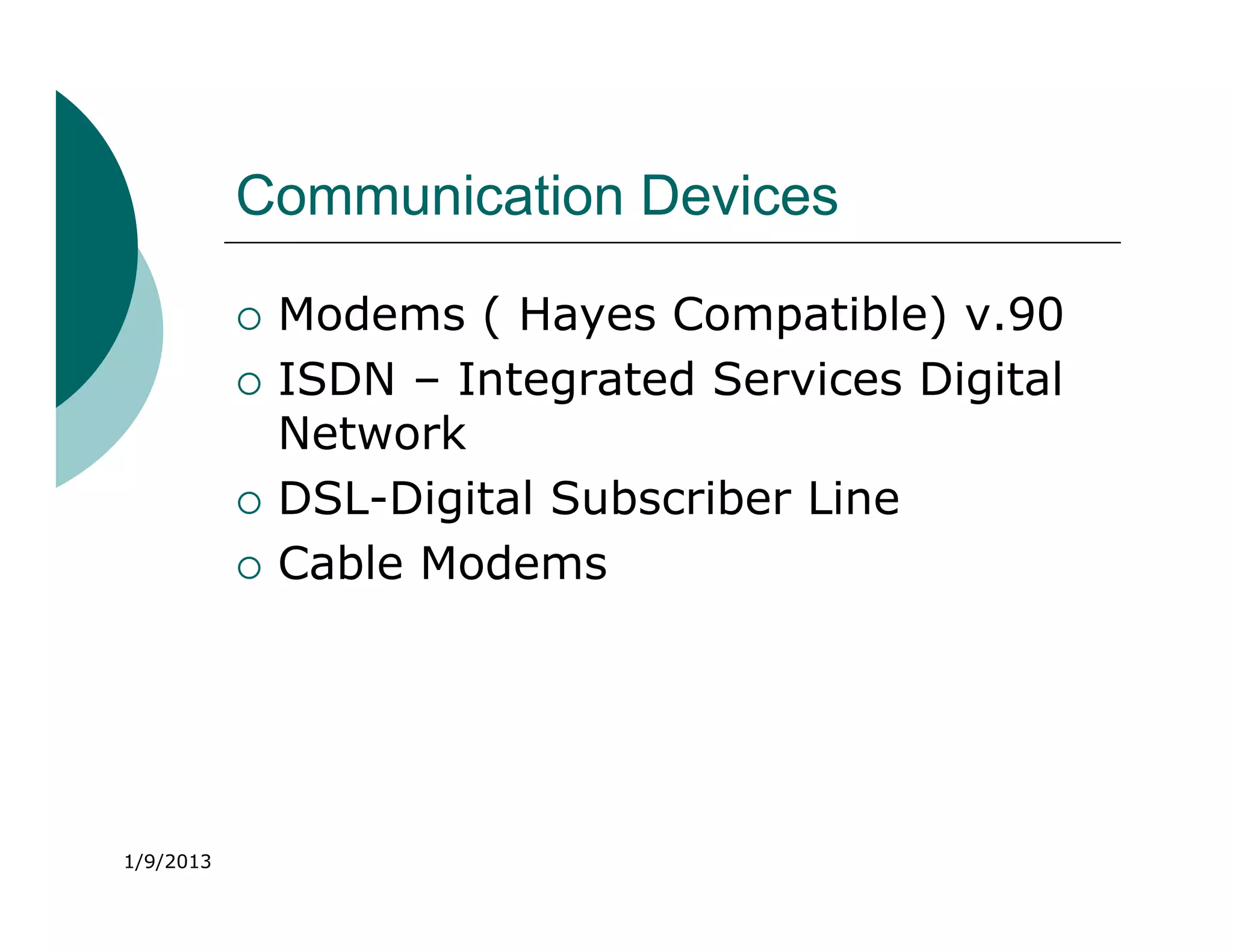
Communication Devices

              Modems ( Hayes Compatible) v.90
              ISDN – Integrated Services Digital
               Network
              DSL-Digital Subscriber Line
              Cable Modems


1/9/2013
Modems
              Modems modulate and de-modulate
               analog signals.
              They provide connectivity through
               standard phone lines.
              Modems can be internal or external.
              Modem speed is measured in baud,
               and the standard modem speed
               should be at least 56 Kbps.


1/9/2013
ISDN
              ISDN stands for Integrated Services Digital
               Network.
              It is used for higher transmission speeds by
               telephone.
              They transfer data at the rate of 128 Kbps.
              ISDN lines are used for networking, Internet
               access, and audio-video conferencing.
              They are more expensive than the
               conventional analog lines.


1/9/2013
Cable Modems
              They provide Internet access at speeds
               100 to 1,000 times faster than a
               telephone modem, over the same
               cable network that supplies the
               television signal.
              However, due to noise in the system,
               sending rates may be much slower
               than receiving rates.


1/9/2013
Summary
              Macintosh and Windows are the two most
               common hardware platforms used in
               multimedia.
              LANs, WANs, Ethernet, and client-server
               software facilitate communication and
               connectivity among computers.
              Storage devices include floppy disks, hard
               disks, Zip drives, Jaz drives, MO drives,
               DVDs, and CD-ROMs.


1/9/2013
Summary
              Input devices include keyboards, mice,
               trackballs, touchscreens, graphic tablets,
               scanners, OCR devices, infrared remotes,
               voice recognition software, and digital
               cameras.
              Output devices include audio devices,
               speakers, amplifiers, monitors, video
               devices, projectors, and printers.
              Communication devices include modems,
               ISDN lines, and cable modems.


1/9/2013
Multimedia software hardware

  • 1.
    Unit - 1 MultimediaHardware Mac vs. PC
  • 2.
    Overview  Macintosh versus Windows platform.  Networking Macintosh and Windows computers.  Connections.  Memory.  Storage devices.  Input and output devices.  Communication devices. 1/9/2013
  • 3.
    Which Platform Macor PC?  Select platform based on  Personal preference  Budget constraints  Project delivery requirements  Type and content of project materials  Availability to target audience 1/9/2013
  • 4.
    Mac versus Windows The Macintosh platform:  Was launched by Apple in 1984.  Has a good built-in audio and high- quality graphics capability.  Includes hardware and software for digitizing and editing video and producing DVD discs.  Makes multimedia project development easier and smoother. 1/9/2013
  • 5.
    Mac versus Windows The Windows platform:  Is a collection of different vendor-neutral components that are tied together by the requirements of the Windows operating system.  Initially focused on business computing and was not suitable for multimedia. However, it is now easier to find multimedia hardware and software for Windows as compared to the Macintosh. 1/9/2013
  • 6.
    MAC vs. PC  Macintosh PC  Since 1984 has  Intended for business been multimedia  System beeps and  Good built-in audio tiny, tinny speaker  Easy to learn GUI  DOS screen- command driven  Since late 1980’s provides multimedia capabilities 1/9/2013
  • 7.
    Macintosh Platform  All Macs can play sound  Latest include hardware for digitizing sound  8/16/24 bit graphics available  Can digitize both sound and video  Requires a mouse 1/9/2013
  • 8.
    Macintosh Platform  Power Mac  1994 (RISC) – reduced instruction set computing ( IBM/Motorola)  1997 G3 series – clock speeds > 233MHz  Higher performance than existing Pentium based windows machines  2003 G4 series – clock speeds > GHz  Dual processor  Performance 20 times better than G3 1/9/2013
  • 9.
    Windows Multimedia PCs  MPC Standard- manufacturers guarantee that software written to the MPC standard (labeled MPC compliant) will play on their machines.  Three levels of minimum requirements: MPC1, MPC2, MPC3 1/9/2013
  • 10.
    Windows Multimedia PCs  1990- Level 1 ( MPC1)  16 MHz, 386SX, 2MB RAM, 30 MB drive  CD-ROM, VGA video ( 16 colors)  8 bit audio board, speakers/headphones  MS Windows with Multimedia Extensions package  Not powerful enough to develop Multimedia  Hardly powerful enough to play it 1/9/2013
  • 11.
    Windows Multimedia PCs  1993- Level 2 ( MPC2)  25 MHz, 486SX, 4MB RAM, 160 MB drive  2xCD-ROM, VGA/SVGA video  16 bit audio board, speakers/headphones, microphone 1/9/2013
  • 12.
    Windows Multimedia PCs  1995- Level 3 (MPC3)  75 MHz, Pentium, 8 MB RAM, 540 MB drive  4xCD- ROM, MPG support  MPEG1 video playback  Full motion video ( in small window) with TV quality  CD quality sound 1/9/2013
  • 13.
    Networking  LANs- local area networks  WANs- wide area  Located within short networks distances ( such as a  Used for long campus, or building) distances  Allow sharing of resources  More expensive to such as printers install and maintain  Ethernet for cross-  ISPs like AOL, MSN platform development make it available and affordable 1/9/2013
  • 14.
    Networking Mac andWindows  Networking is essential for direct communication and sharing of resources across platforms.  Local area network (LAN), wide area network (WAN), and Internet connections provide connectivity and networking capabilities. 1/9/2013
  • 15.
    Networking  In a LAN, workstations are located within a short distance. They are relatively less expensive.  In a WAN, communication systems span great distances and are typically set up and managed by large corporations. They are expensive to install and maintain.  A dial-up connection to the Internet through an Internet Service Provider (ISP) also enables communication. 1/9/2013
  • 16.
    Networking  To establish communication between a Macintosh and Windows PC, install Ethernet system and client-server software.  Ethernet is a method of wiring up computers.  Client/server software is required for communication and transfer of files.  Macintosh computers have built-in Ethernet networking, while Windows PCs require an additional Ethernet card. 1/9/2013
  • 17.
    Networking Client/server software enables computers to communicate through an ISP  MACs  PCs  Have ethernet built  Need ethernet cards in  Usually run TCP/IP  Usually run Appletalk  Need MACLAN to  Need DAVE to communicate with communicate with MAC PC 1/9/2013
  • 18.
    Connections  SCSI ( “scuzzy”) – Small Computer System Interface – lets you add peripherals ( up to 8)  ID 0 – internal hard disk  Id 7 – computer  Ultra SCSI – 32 devices  In built in MAC – Mac can read PC formatted devices  Can be installed in PC – PC can not read Mac formatted devices  SCSI I data transfer rate – 5 MB per sec  SCSI 2 – Fast SCSI – 10 MB per sec , Wide SCSI – 16 bit width – Fast/Wide SCSI – 20 MB per se 1/9/2013  SCSI 3 – 32 devices – 40 MB per sec
  • 19.
    Connections  IDE-Integrated Drive Electronics- connect internal devices  PC support 2 IDE – Each IDE supports two devices  Circuit less expensive  Only 9GB drive capacity , Only one drive to be active , Requires main processor time , Failure in one results in disabling both.  Plain IDE data transfer rate– 2.5 MB per se  EIDE (Enhanced) – 16.6 MB per se  Ultra IDE – 33 MB per se  USB- universal serial bus- “plug and play”  Firewire (IEEE 1394)- supports high bandwidth serial data transfer among multiple computers 1/9/2013
  • 20.
    Connections  Media Control Interface (MCI)  Unified command driven method for software to communicate with the peripheral devices  In windows any hardware device can be connected with MCI  Drivers from the manufacturer  Device type – animation, videodisc, vcr, scanner etc  Scripting languages – VB, Icon Author etc  Simple commands – open , close, pause, record, resume etc  System.ini file (multimedia devices and drivers) 1/9/2013
  • 21.
    Memory  Sufficient memory must be allocated for storing and archiving files.  Memory requirements of a multimedia project depend on the project's content and scope.  The two types of memory are random access memory (RAM) and read only memory (ROM). 1/9/2013
  • 22.
    Memory and StorageDevices  RAM - How much – Based on software – Photoshop 16 MB min , 20 MB recommended  ROM – EPROM – OROM (128 MB) – BIOS  Floppy and Hard Disks  Zip, Jaz and Syquest  Zip – 100MB  Jaz – 1 GB  Optical Storage CD, CD-R, etc.)  DVD (Digital Versatile Disk) upto 1GB  DVD-video  DVD-ROM 1/9/2013
  • 23.
    Input Devices  Keyboards  Mice and Trackballs  Touchscreens  Magnetic Card Encoders and Readers  Graphic Tablets  Scanners  Optical Code Recognition (OCR)Devices  Infrared remotes  Voice Recognition Systems  Digital Cameras  Lightpens 1/9/2013
  • 24.
    Output Hardware  Audio Devices  Amplifiers and Speakers  Monitors  Video Devices  Projectors  CRT – cathode ray tube  LCD – liquid crystal display  Printers  Injet  laser 1/9/2013
  • 25.
    Communication Devices  Modems ( Hayes Compatible) v.90  ISDN – Integrated Services Digital Network  DSL-Digital Subscriber Line  Cable Modems 1/9/2013
  • 26.
    Modems  Modems modulate and de-modulate analog signals.  They provide connectivity through standard phone lines.  Modems can be internal or external.  Modem speed is measured in baud, and the standard modem speed should be at least 56 Kbps. 1/9/2013
  • 27.
    ISDN  ISDN stands for Integrated Services Digital Network.  It is used for higher transmission speeds by telephone.  They transfer data at the rate of 128 Kbps.  ISDN lines are used for networking, Internet access, and audio-video conferencing.  They are more expensive than the conventional analog lines. 1/9/2013
  • 28.
    Cable Modems  They provide Internet access at speeds 100 to 1,000 times faster than a telephone modem, over the same cable network that supplies the television signal.  However, due to noise in the system, sending rates may be much slower than receiving rates. 1/9/2013
  • 29.
    Summary  Macintosh and Windows are the two most common hardware platforms used in multimedia.  LANs, WANs, Ethernet, and client-server software facilitate communication and connectivity among computers.  Storage devices include floppy disks, hard disks, Zip drives, Jaz drives, MO drives, DVDs, and CD-ROMs. 1/9/2013
  • 30.
    Summary  Input devices include keyboards, mice, trackballs, touchscreens, graphic tablets, scanners, OCR devices, infrared remotes, voice recognition software, and digital cameras.  Output devices include audio devices, speakers, amplifiers, monitors, video devices, projectors, and printers.  Communication devices include modems, ISDN lines, and cable modems. 1/9/2013