This document provides an overview of different categories of multimedia software tools, including music sequencing, digital audio, graphics/image editing, video editing, animation, and multimedia authoring tools. It describes popular software in each category, their main features, and purposes. The main platforms for developing and delivering multimedia projects are Apple Macintosh and Microsoft Windows operating systems. Specialized workstations were traditionally used for creation, while delivery occurs via computers, TVs, and game consoles.
An overview of categories in multimedia software tools, including music sequencing, digital audio, graphics editing, video editing, animation, and multimedia authoring.
Focus on music sequencing software tools like Cakewalk and Cubase for MIDI and audio integration.
Discussion of digital audio tools including Cool Edit and Sound Forge, highlighting their powerful features in audio production.
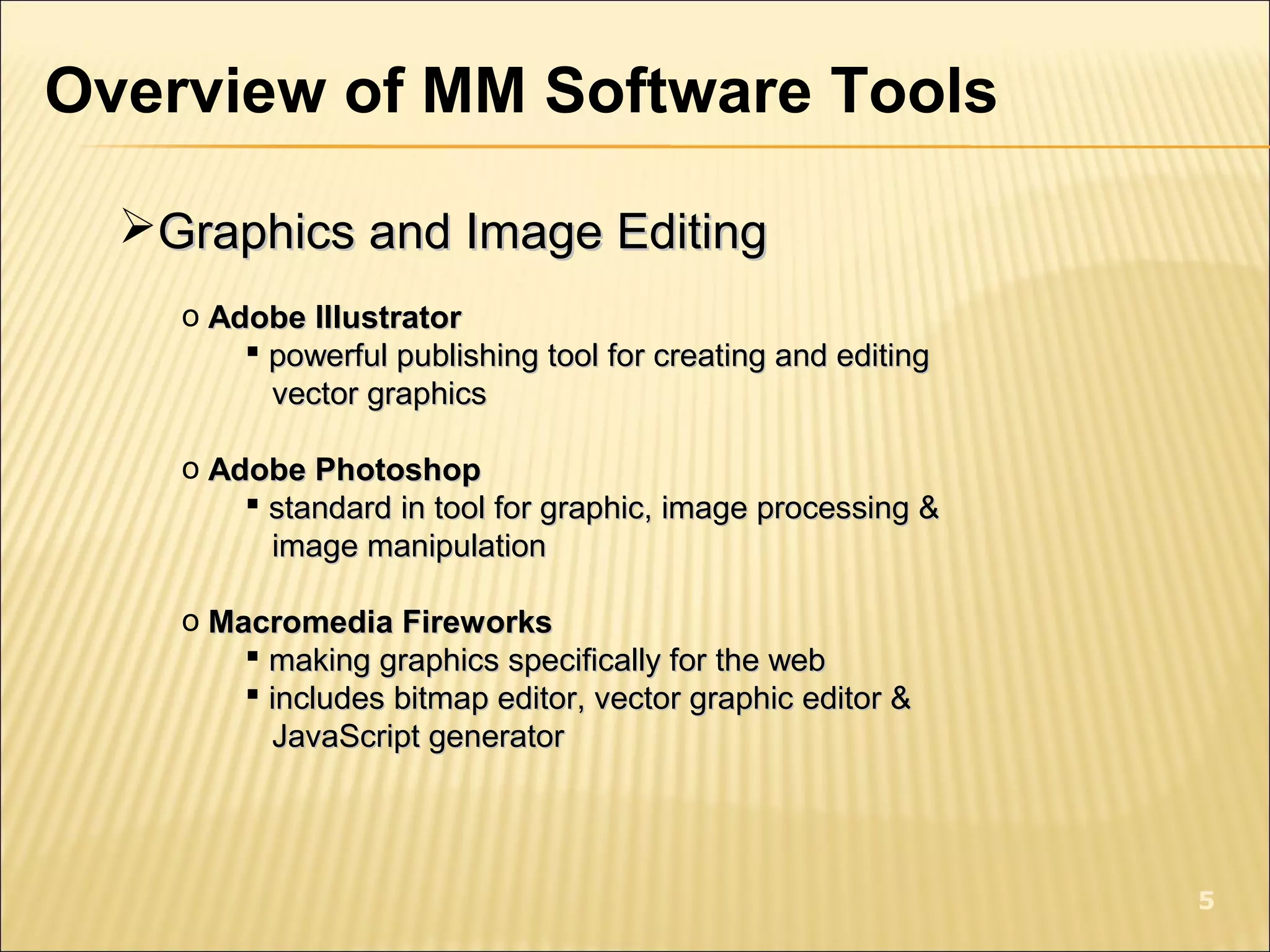
Overview of graphics and image editing software such as Adobe Illustrator, Photoshop, and Fireworks, focusing on their editing capabilities.
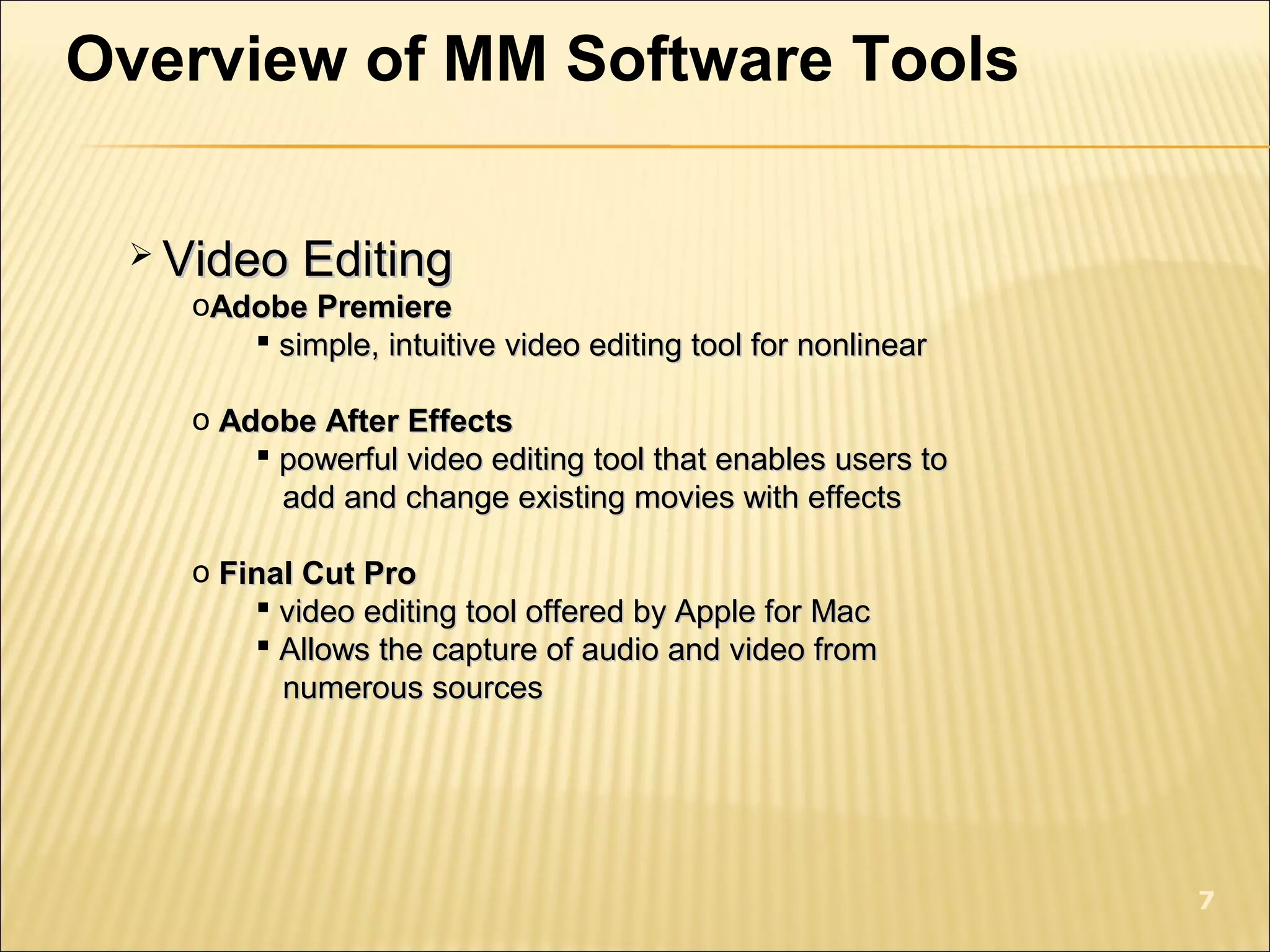
Exploration of video editing tools like Adobe Premiere, After Effects, and Final Cut Pro for intuitive editing and effects.
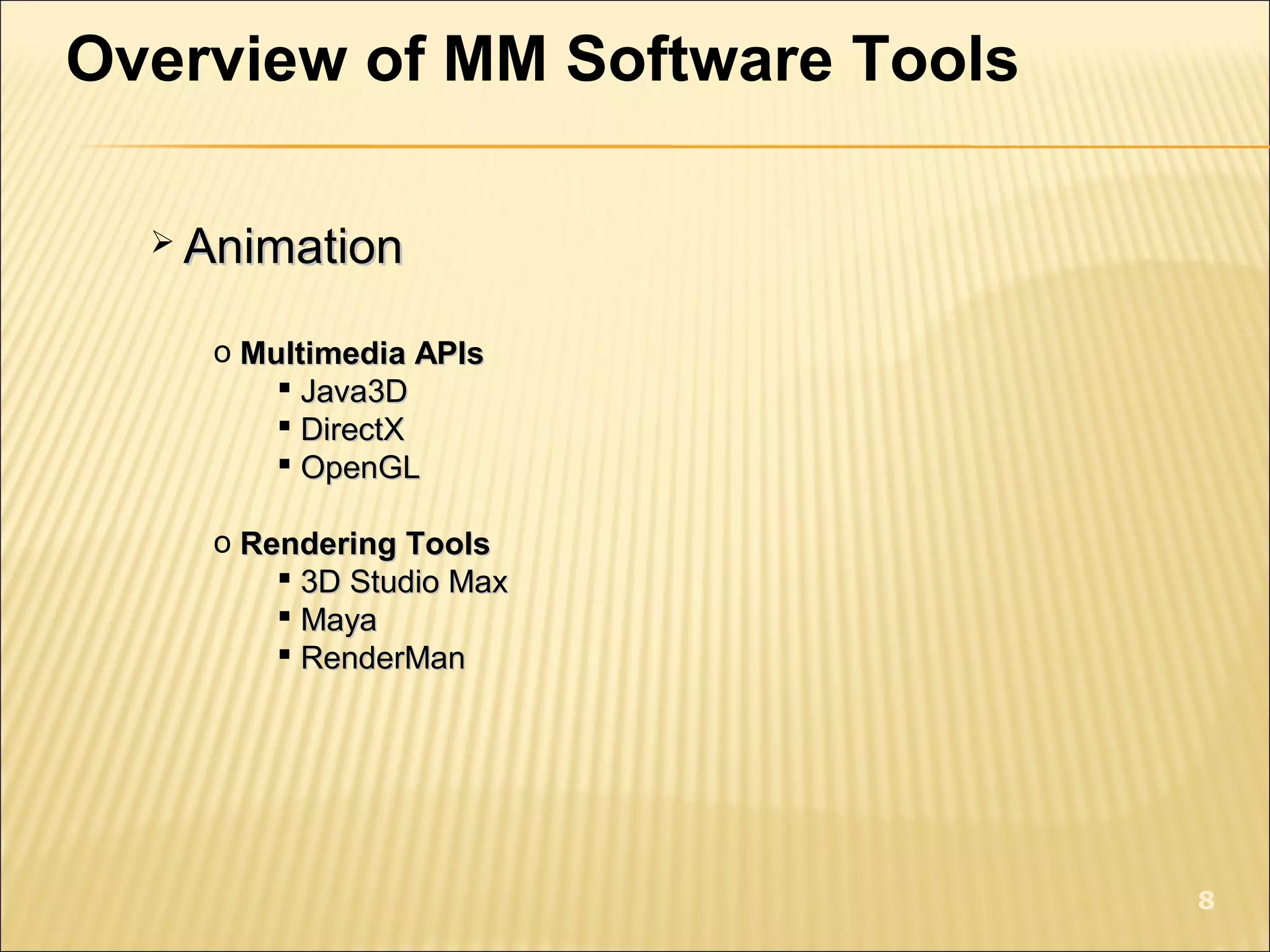
Details on animation tools and APIs including Java3D, DirectX, and Maya for 3D rendering.
Discussion on multimedia authoring tools like Macromedia Flash, Director, and Authorware for creating interactive content.
Information on platforms for multimedia projects delivery, including OS and peripherals, with a note on compatibility issues.
Overview of MMSoftware Tools
Categories of software tools :Categories of software tools :
o Music sequencing and notationMusic sequencing and notation
o Digital audioDigital audio
o Graphics and image editingGraphics and image editing
o Video editingVideo editing
o AnimationAnimation
o Multimedia authoringMultimedia authoring
1
2.
Overview of MMSoftware Tools
Music Sequencing and NotationMusic Sequencing and Notation
o CakewalkCakewalk
previous name - Pro Audioprevious name - Pro Audio
produced by Twelve Tone Systemproduced by Twelve Tone System
store sequences of notes in the MIDIstore sequences of notes in the MIDI
possible to insert WAV files & Windows MCIpossible to insert WAV files & Windows MCI
commandcommand
o CubaseCubase
sequencing/editing programsequencing/editing program
includes digital audio editing toolsincludes digital audio editing tools
2
3.
o Macromedia SoundeditMacromediaSoundedit
creating audio for multimedia project and webcreating audio for multimedia project and web
integrates well with other Macromedia productsintegrates well with other Macromedia products
(Flash and Director)(Flash and Director)
3
Overview of MM Software Tools
4.
Overview of MMSoftware Tools
Digital AudioDigital Audio
o Cool EditCool Edit
powerful, popular digital audio toolkitpowerful, popular digital audio toolkit
emulate professional audio studioemulate professional audio studio
include multitrack productionsinclude multitrack productions
sound file editing, along with digital signal processsound file editing, along with digital signal process
o Sound ForgeSound Forge
sophisticated PC-based program for editing WAVsophisticated PC-based program for editing WAV
permits adding complex special effectspermits adding complex special effects
4
5.
Overview of MMSoftware Tools
Graphics and Image EditingGraphics and Image Editing
o Adobe IllustratorAdobe Illustrator
powerful publishing tool for creating and editingpowerful publishing tool for creating and editing
vector graphicsvector graphics
o Adobe PhotoshopAdobe Photoshop
standard in tool for graphic, image processing &standard in tool for graphic, image processing &
image manipulationimage manipulation
o Macromedia FireworksMacromedia Fireworks
making graphics specifically for the webmaking graphics specifically for the web
includes bitmap editor, vector graphic editor &includes bitmap editor, vector graphic editor &
JavaScript generatorJavaScript generator
5
6.
Overview of MMSoftware Tools
o Macromedia FreehandMacromedia Freehand
text & web graphics editing tools, support manytext & web graphics editing tools, support many
bitmap formatbitmap format
support vector-based formatsupport vector-based format
can read Photoshop formatcan read Photoshop format
6
7.
Overview of MMSoftware Tools
Video EditingVideo Editing
oAdobe PremiereAdobe Premiere
simple, intuitive video editing tool for nonlinearsimple, intuitive video editing tool for nonlinear
o Adobe After EffectsAdobe After Effects
powerful video editing tool that enables users topowerful video editing tool that enables users to
add and change existing movies with effectsadd and change existing movies with effects
o Final Cut ProFinal Cut Pro
video editing tool offered by Apple for Macvideo editing tool offered by Apple for Mac
Allows the capture of audio and video fromAllows the capture of audio and video from
numerous sourcesnumerous sources
7
8.
Overview of MMSoftware Tools
AnimationAnimation
o Multimedia APIsMultimedia APIs
Java3DJava3D
DirectXDirectX
OpenGLOpenGL
o Rendering ToolsRendering Tools
3D Studio Max3D Studio Max
MayaMaya
RenderManRenderMan
8
9.
Overview of MMSoftware Tools
Multimedia AuthoringMultimedia Authoring
o Macromedia FlashMacromedia Flash
create interactive movies using score metaphorcreate interactive movies using score metaphor
timeline arranged in parallel event sequencestimeline arranged in parallel event sequences
(musical score)(musical score)
element in movies called –element in movies called – symbolssymbols
stagestage
used to show movies or games on the webused to show movies or games on the web
9
10.
Overview of MMSoftware Tools
o Macromedia DirectorMacromedia Director
use movie metaphor to create interactiveuse movie metaphor to create interactive
presentationpresentation
includes built-in scripting language – Lingoincludes built-in scripting language – Lingo
cast – bitmapped, scripts, music, soundscast – bitmapped, scripts, music, sounds
can read bitmap file formatcan read bitmap file format
good deal of interactivitygood deal of interactivity
web authoring features availableweb authoring features available
10
11.
Overview of MMSoftware Tools
o AuthorwareAuthorware
easy learning curve for CS studenteasy learning curve for CS student
iconic/flow-controliconic/flow-control metaphormetaphor
hyperlink to link text, digital movies, graphic &hyperlink to link text, digital movies, graphic &
soundsound
Shockwave – Director movies, Flash animationShockwave – Director movies, Flash animation
& audio& audio
11
13.
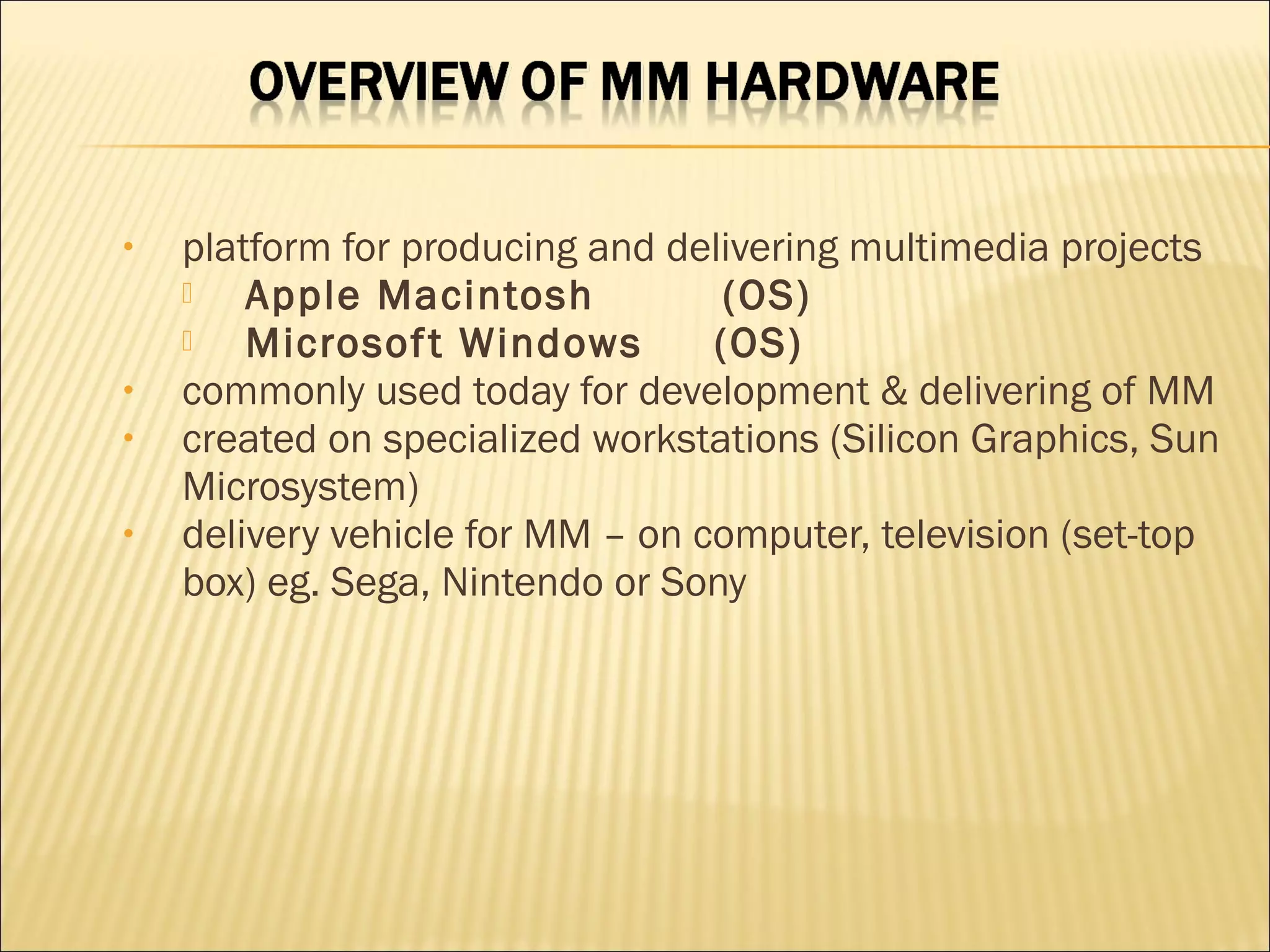
• platform forproducing and delivering multimedia projects
Apple Macintosh (OS)
Microsoft Windows (OS)
• commonly used today for development & delivering of MM
• created on specialized workstations (Silicon Graphics, Sun
Microsystem)
• delivery vehicle for MM – on computer, television (set-top
box) eg. Sega, Nintendo or Sony
14.
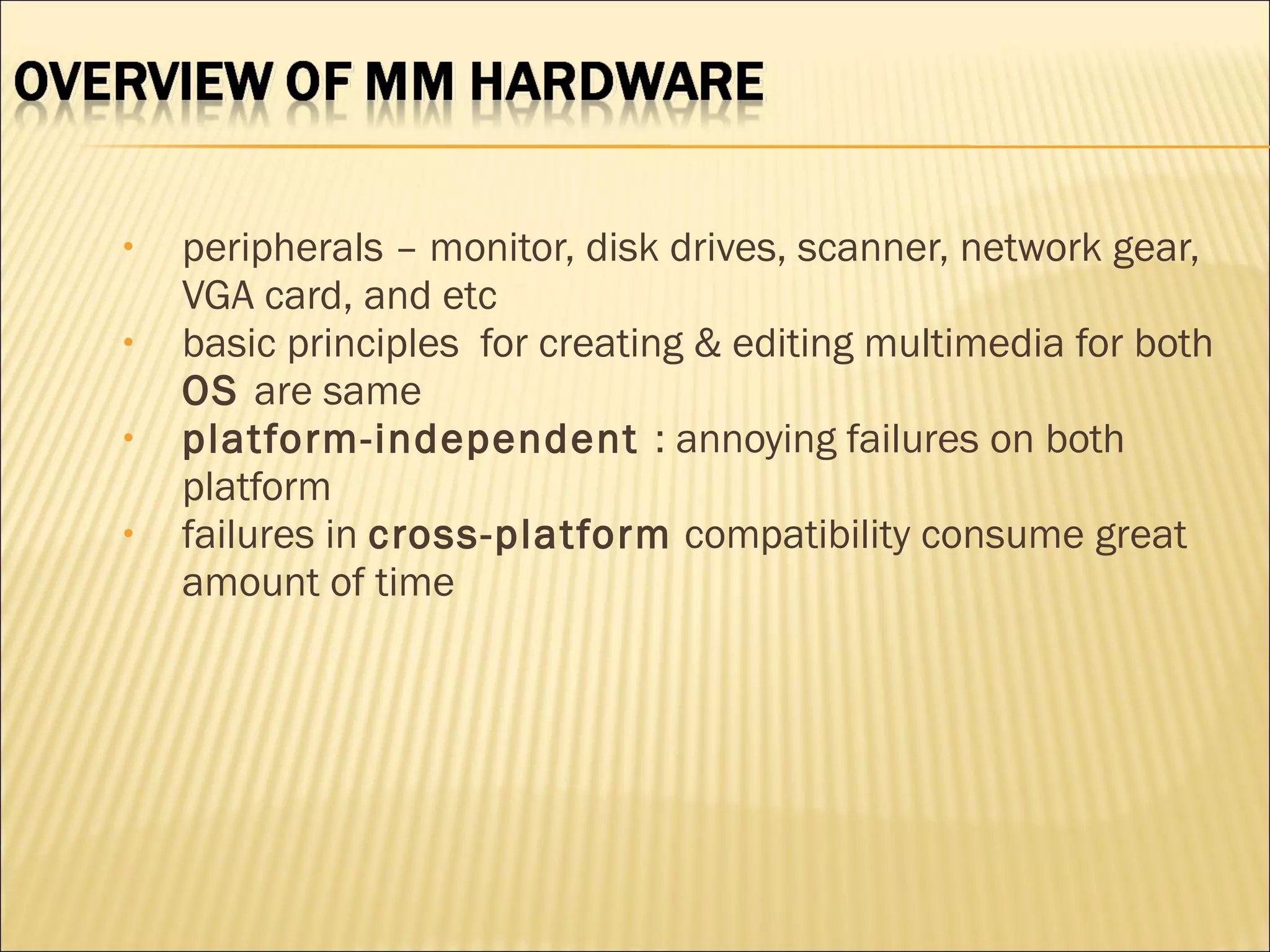
• peripherals –monitor, disk drives, scanner, network gear,
VGA card, and etc
• basic principles for creating & editing multimedia for both
OS are same
• platform-independent : annoying failures on both
platform
• failures in cross-platform compatibility consume great
amount of time


![chapt08-authoringtools-090309122451-phpapp02[1].ppt](https://cdn.slidesharecdn.com/ss_thumbnails/chapt08-authoringtools-090309122451-phpapp021-250905221257-85be3834-thumbnail.jpg?width=640&height=640&fit=bounds)


