MS WORD TOOLBAR Mr. Jesus F. Obenita Jr. TLE ICT Teacher
TOOLBAR PROVIDES QUICK ACCESS TO A COMMONLY USED COMMAND. IF THE TOOLBAR BUTTON IS GRAY  INSTEAD OF BLACK OR ORANGE, THE COMMAND IS NOT AVAILABLE AT THAT TIME.
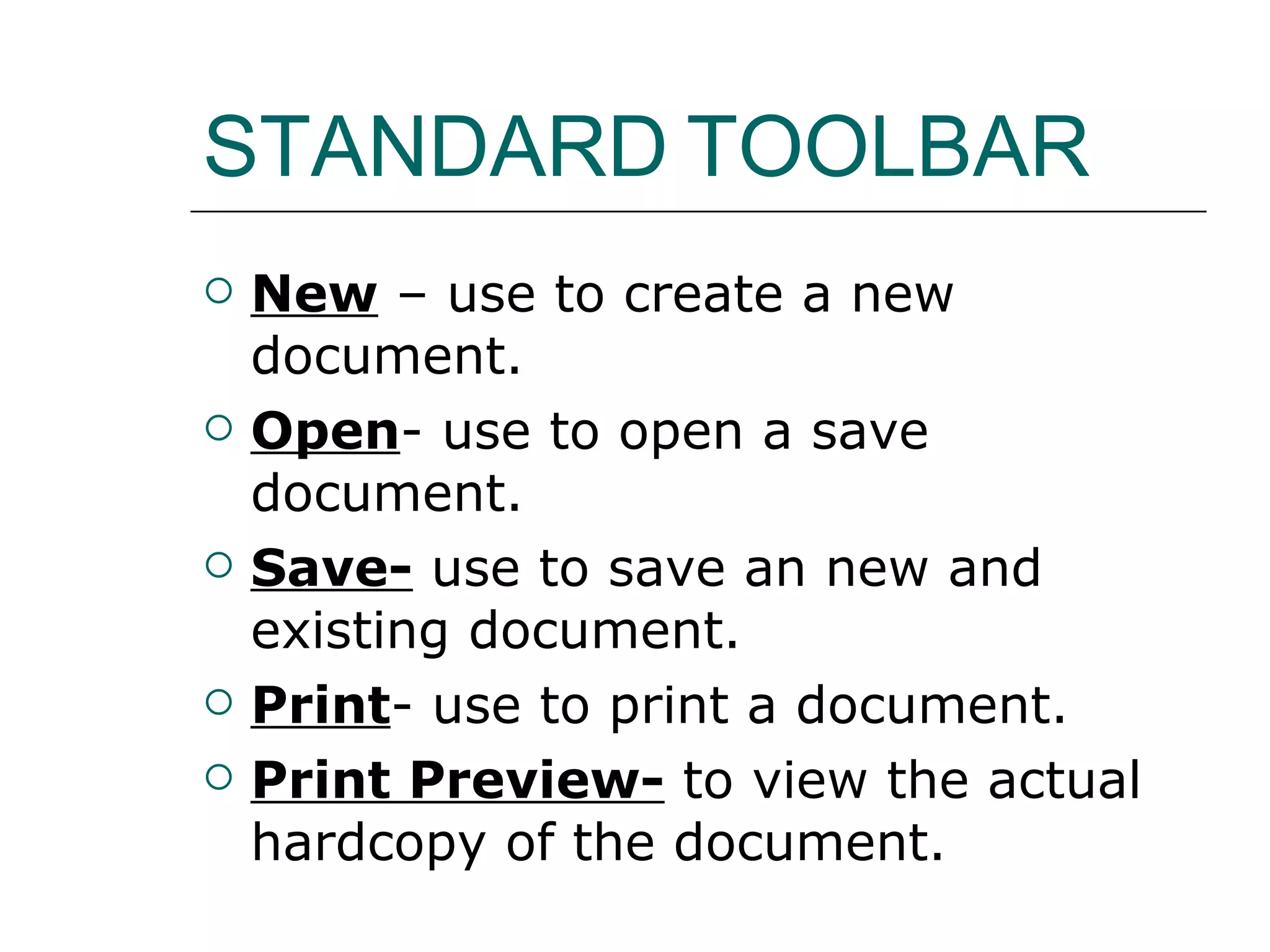
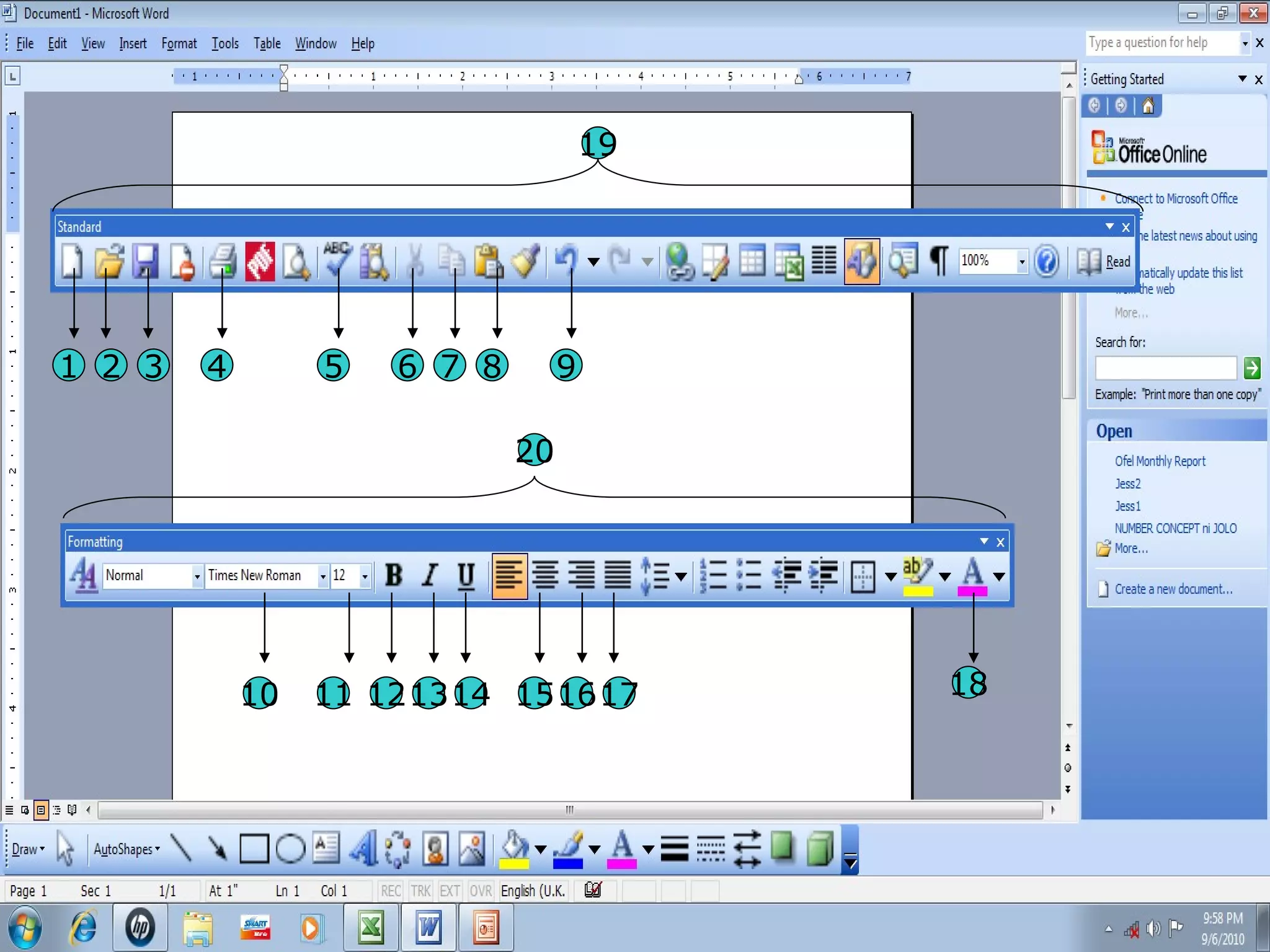
STANDARD   TOOLBAR New  – use to create a new document.  Open - use to open a save document.  Save-  use to save an new and existing document.  Print - use to print a document. Print Preview-  to view the actual hardcopy of the document.
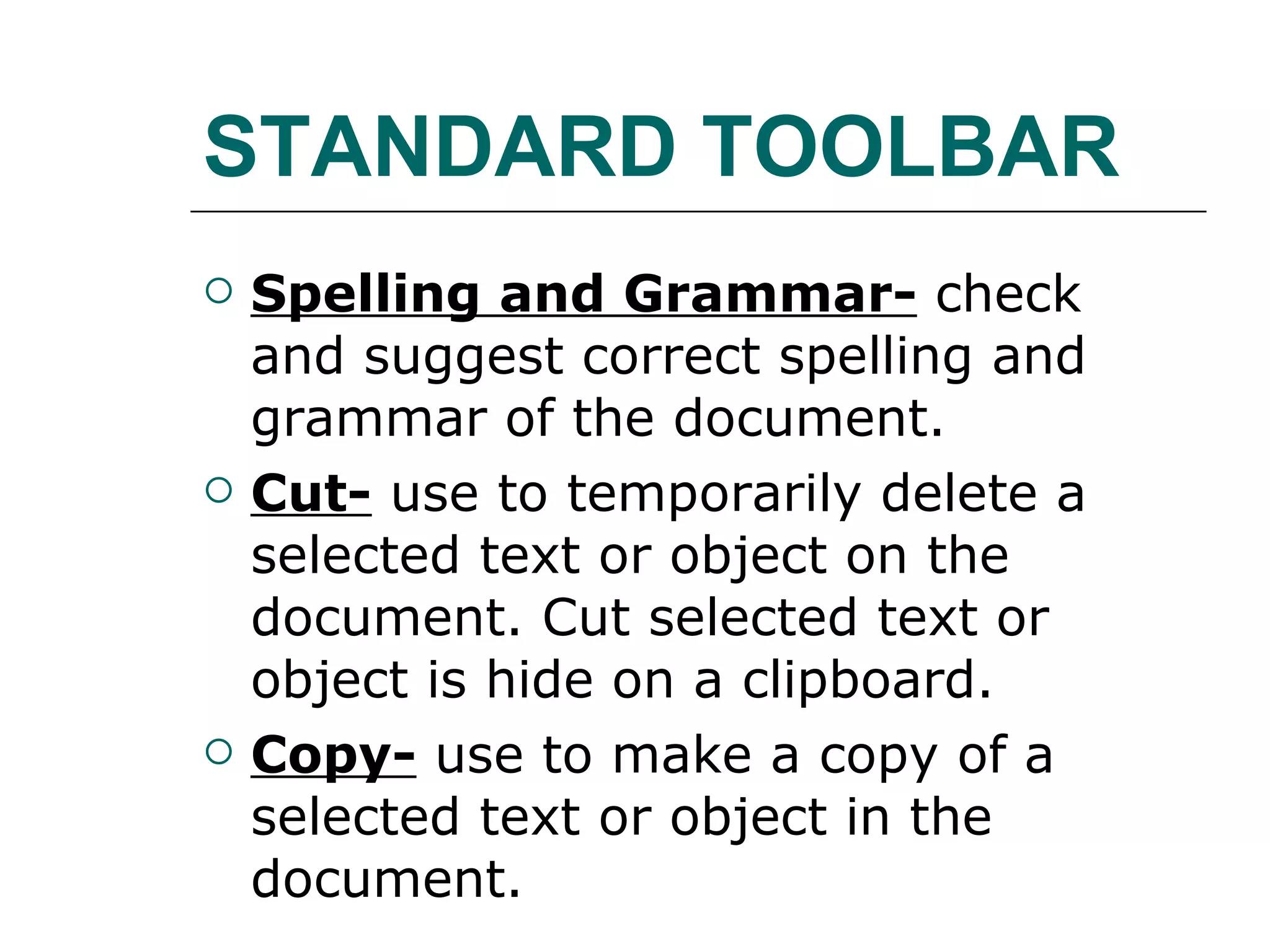
STANDARD TOOLBAR Spelling and Grammar-  check and suggest correct spelling and grammar of the document. Cut-  use to temporarily delete a selected text or object on the document. Cut selected text or object is hide on a clipboard. Copy-  use to make a copy of a selected text or object in the document.
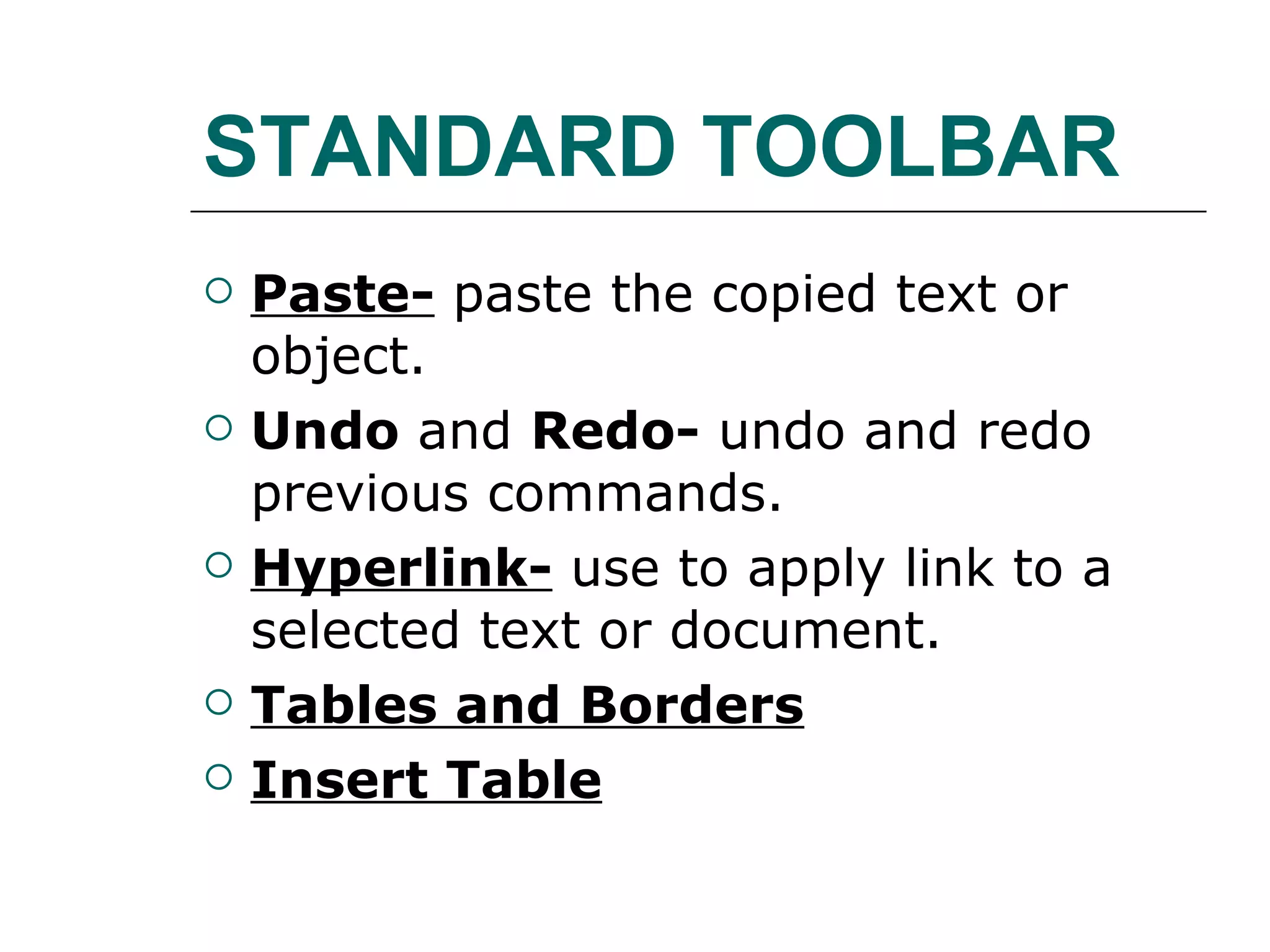
STANDARD TOOLBAR Paste-  paste the copied text or object. Undo  and  Redo-  undo and redo previous commands. Hyperlink-  use to apply link to a selected text or document. Tables and Borders Insert Table
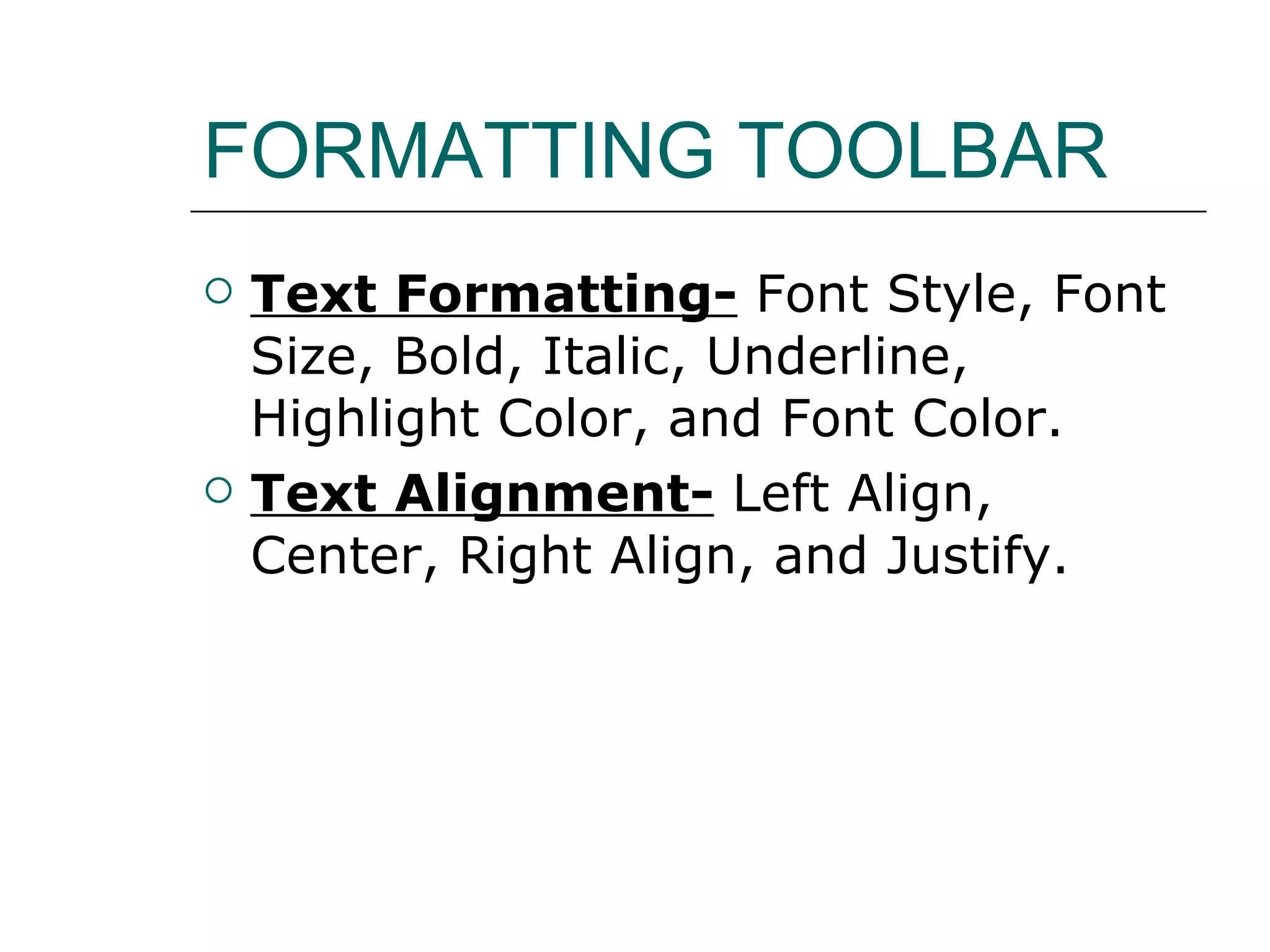
FORMATTING TOOLBAR Text Formatting-  Font Style, Font Size, Bold, Italic, Underline, Highlight Color, and Font Color. Text Alignment-  Left Align, Center, Right Align, and Justify.
1 2 3 4 5 6 7 8 9 10 11 12 13 14 15 16 17 18 19 20

Ms word toolbar

  • 1.
    MS WORD TOOLBARMr. Jesus F. Obenita Jr. TLE ICT Teacher
  • 2.
    TOOLBAR PROVIDES QUICKACCESS TO A COMMONLY USED COMMAND. IF THE TOOLBAR BUTTON IS GRAY INSTEAD OF BLACK OR ORANGE, THE COMMAND IS NOT AVAILABLE AT THAT TIME.
  • 3.
    STANDARD TOOLBAR New – use to create a new document. Open - use to open a save document. Save- use to save an new and existing document. Print - use to print a document. Print Preview- to view the actual hardcopy of the document.
  • 4.
    STANDARD TOOLBAR Spellingand Grammar- check and suggest correct spelling and grammar of the document. Cut- use to temporarily delete a selected text or object on the document. Cut selected text or object is hide on a clipboard. Copy- use to make a copy of a selected text or object in the document.
  • 5.
    STANDARD TOOLBAR Paste- paste the copied text or object. Undo and Redo- undo and redo previous commands. Hyperlink- use to apply link to a selected text or document. Tables and Borders Insert Table
  • 6.
    FORMATTING TOOLBAR TextFormatting- Font Style, Font Size, Bold, Italic, Underline, Highlight Color, and Font Color. Text Alignment- Left Align, Center, Right Align, and Justify.
  • 7.
    1 2 34 5 6 7 8 9 10 11 12 13 14 15 16 17 18 19 20