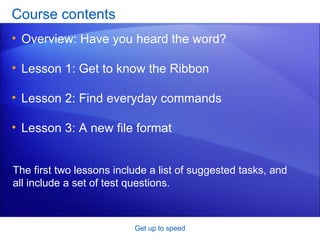
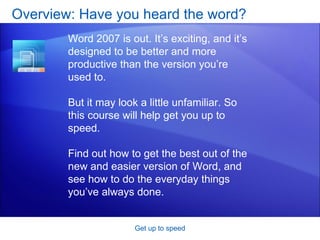
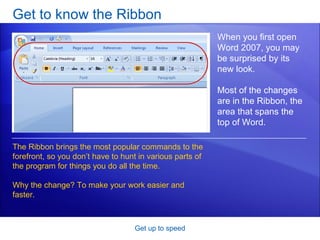
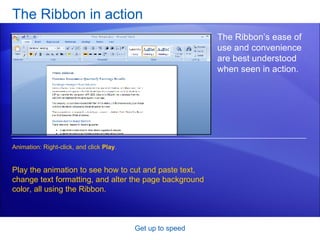
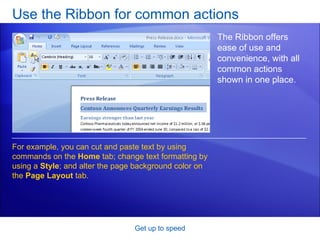
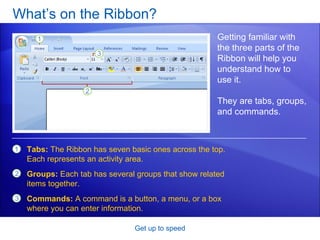
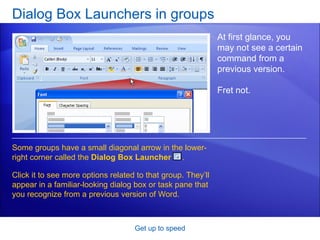
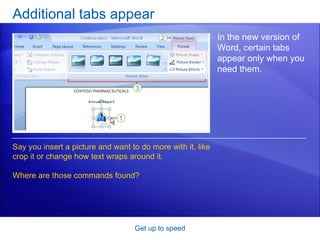
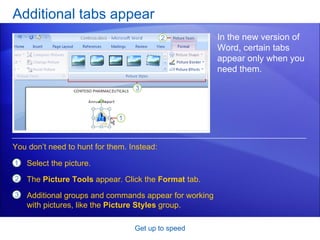
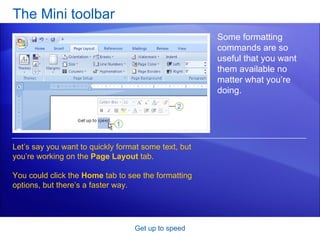
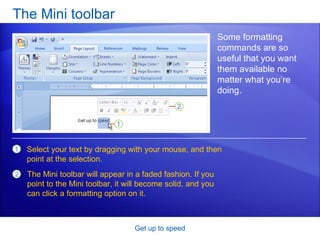
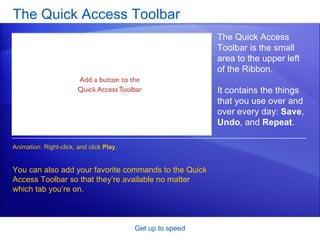
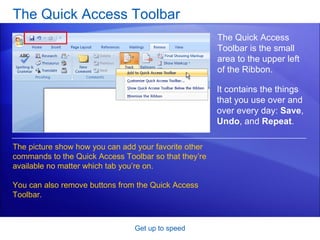
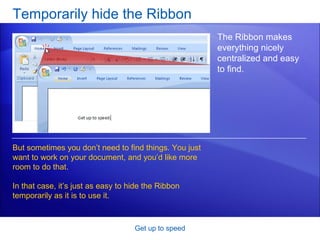
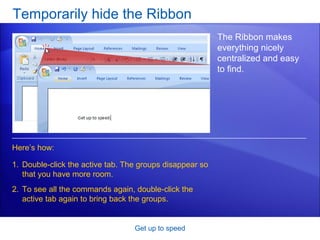
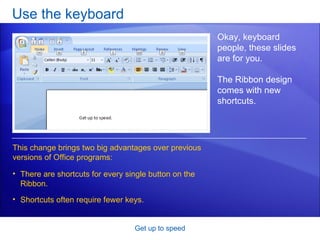
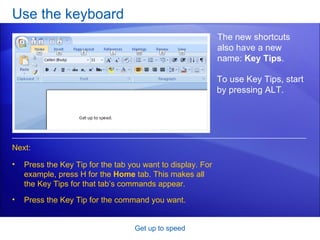
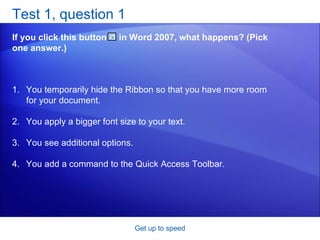
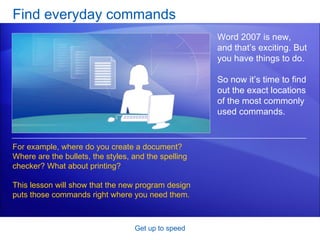
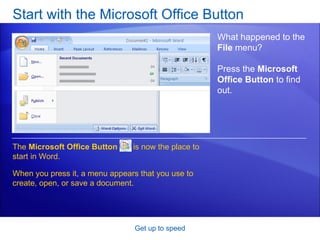
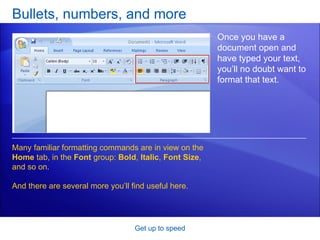
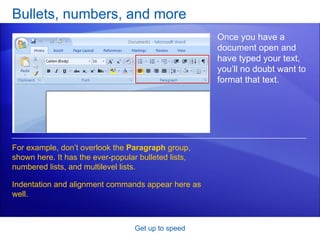
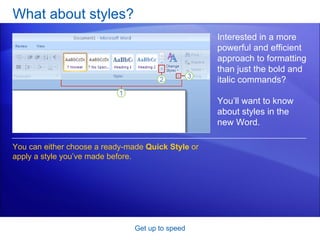
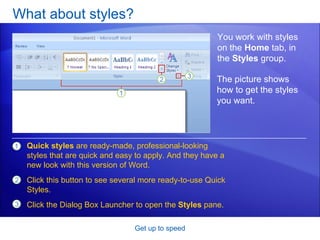
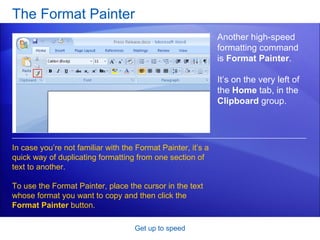
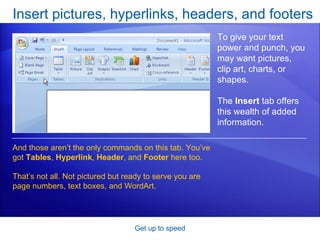
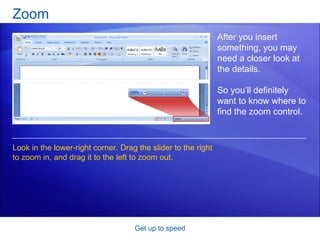
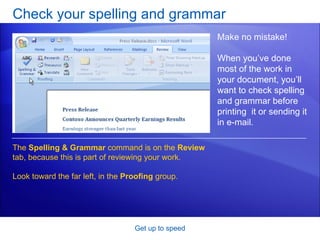
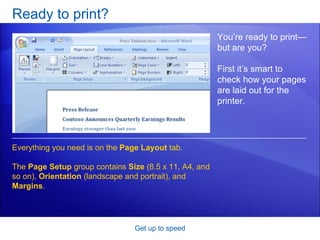
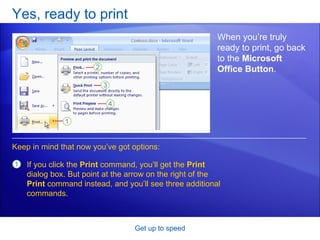
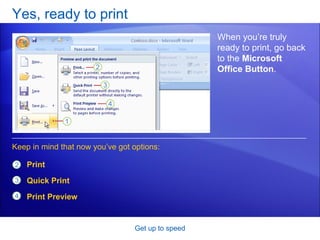
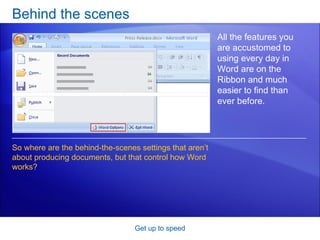
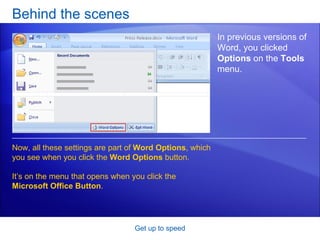
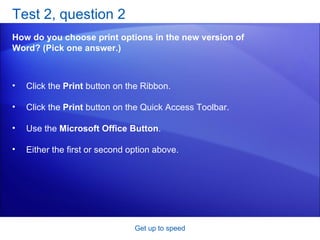
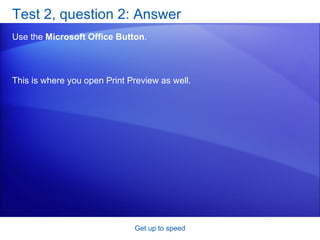
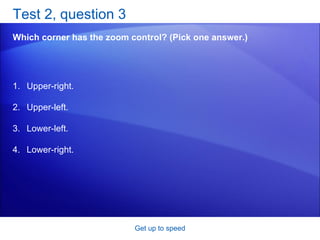
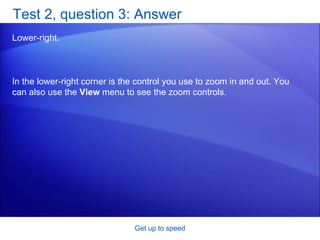
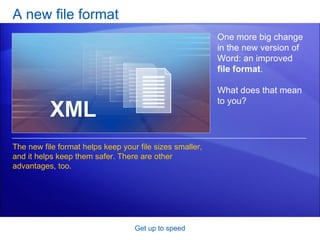
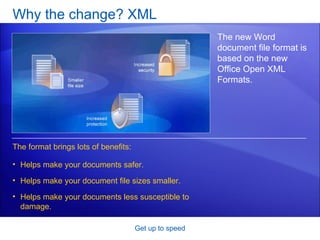
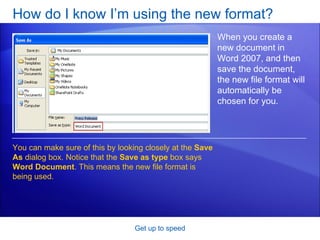
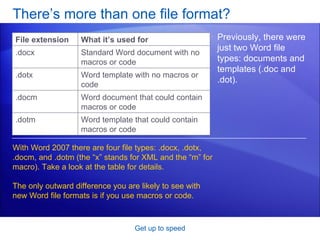
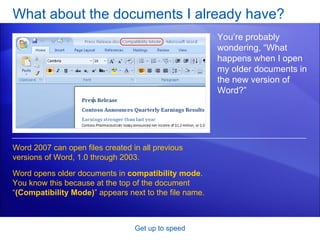
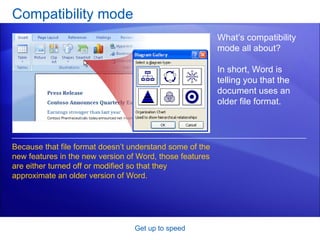
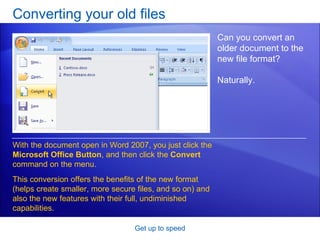
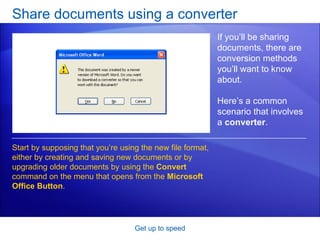
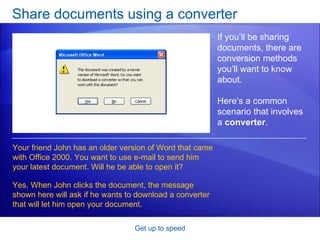
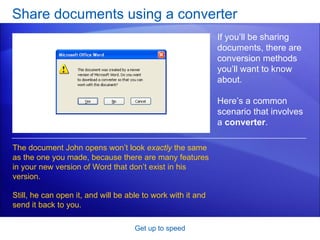
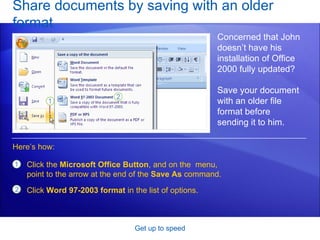
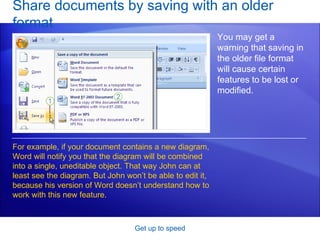
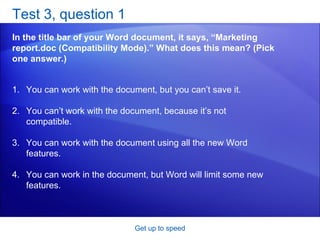
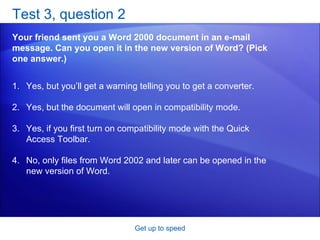
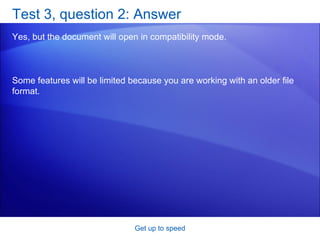
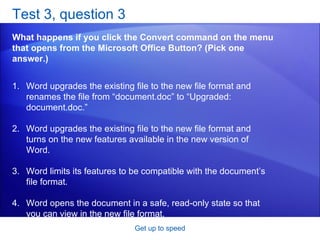
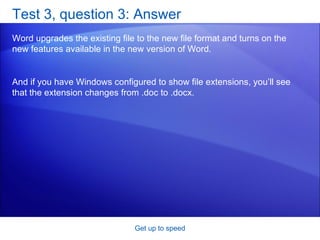

This document provides an overview and lessons for a training course on Microsoft Word 2007. It introduces the new Ribbon interface and discusses how to navigate common commands and features. Key points covered include using the Ribbon, Quick Access Toolbar, and keyboard shortcuts, as well as finding everyday tools like formatting, styles, bullets, and the spelling checker. The document also explains Word's new file format and how it offers benefits like smaller file sizes and enhanced security. Practice questions are included to help users learn the new interface.


![Trabajo en ingles[1]](https://cdn.slidesharecdn.com/ss_thumbnails/trabajoeningles1-101206133007-phpapp01-thumbnail.jpg?width=640&height=640&fit=bounds)


