Caleigh Crowell
Jacob Moore
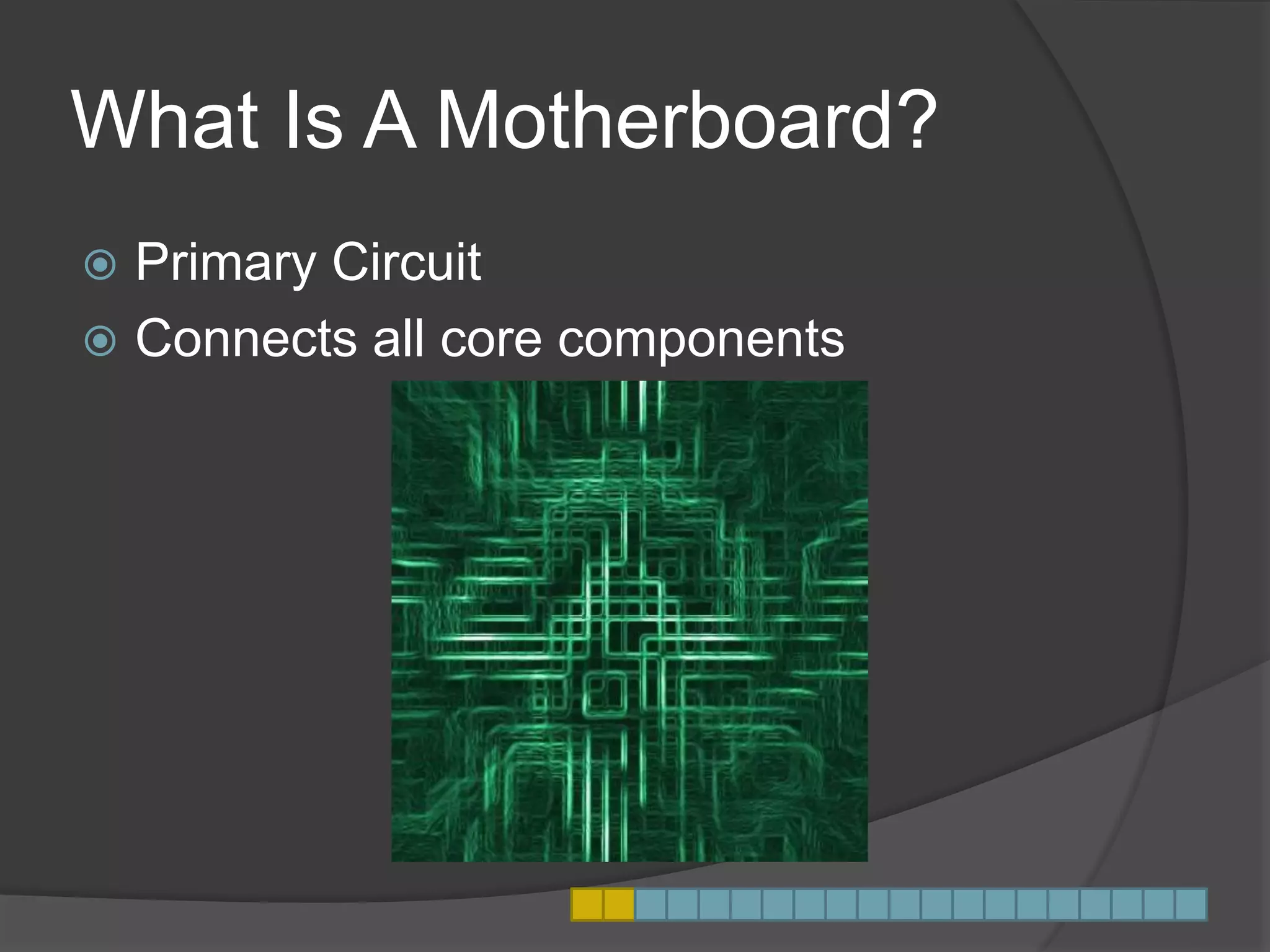
What Is A Motherboard?
 Primary Circuit
 Connects all core components
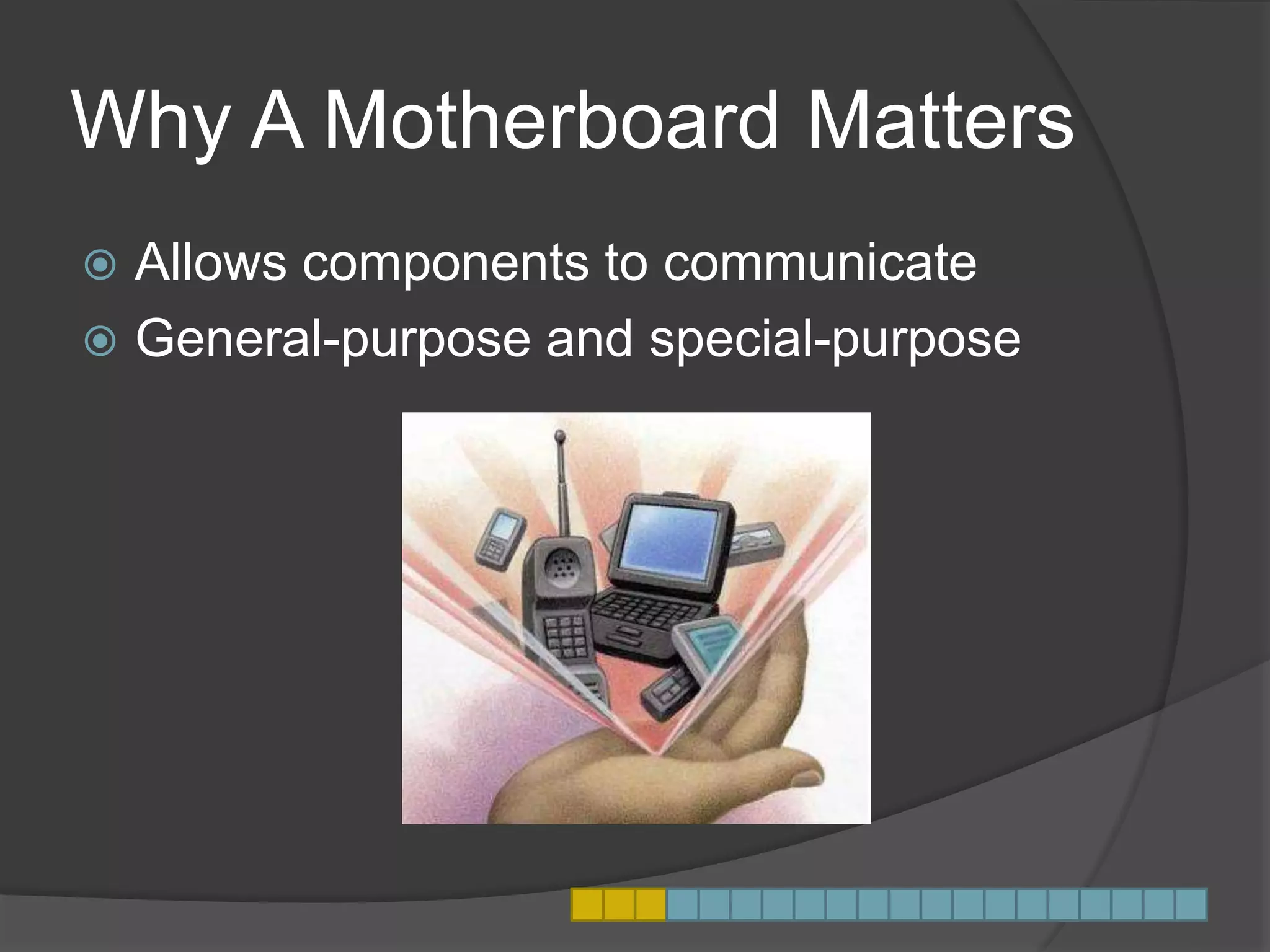
Why A Motherboard Matters
 Allows components to communicate
 General-purpose and special-purpose
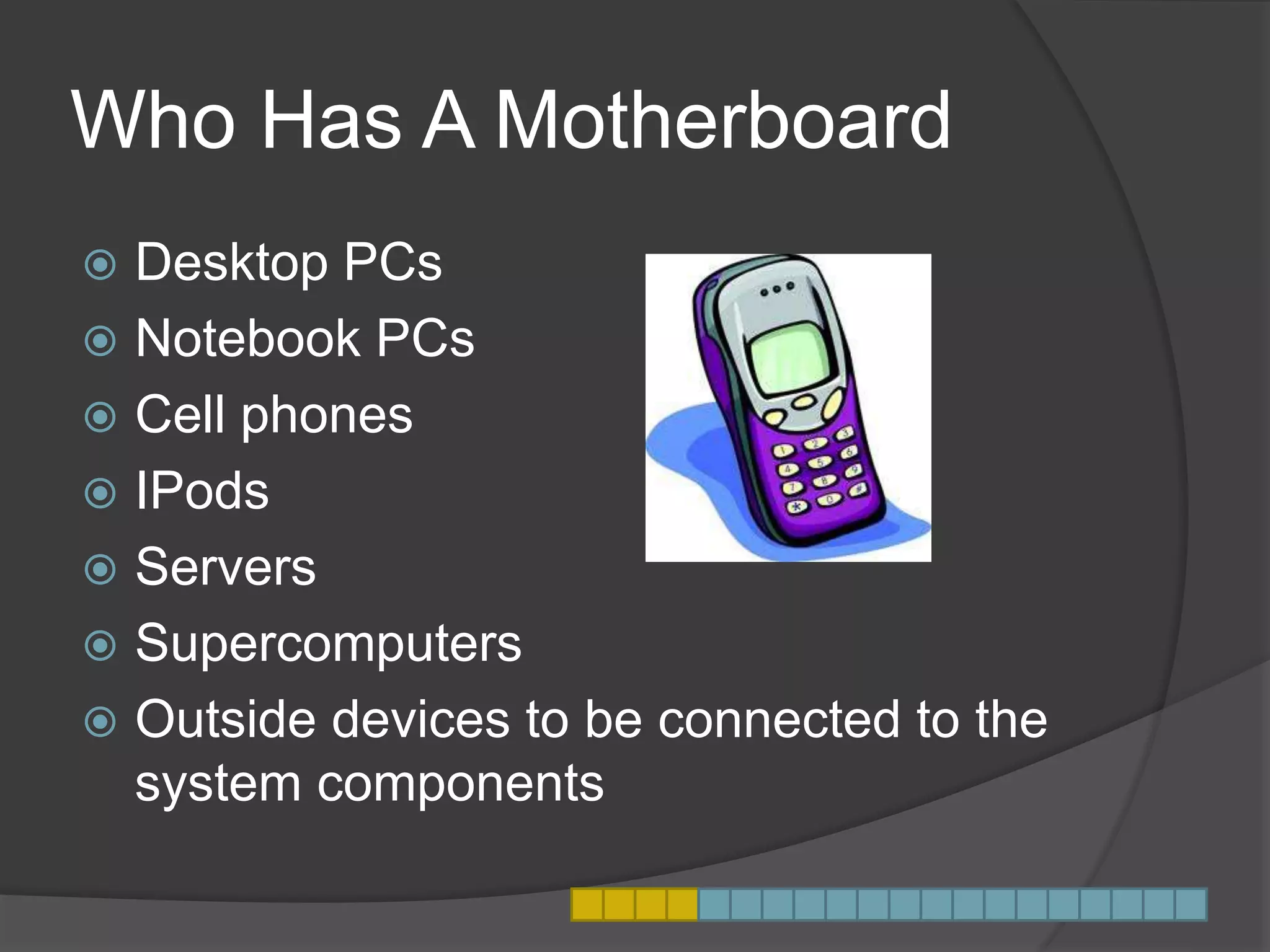
Who Has A Motherboard
 Desktop PCs
 Notebook PCs
 Cell phones
 IPods
 Servers
 Supercomputers
 Outside devices to be connected to the
system components
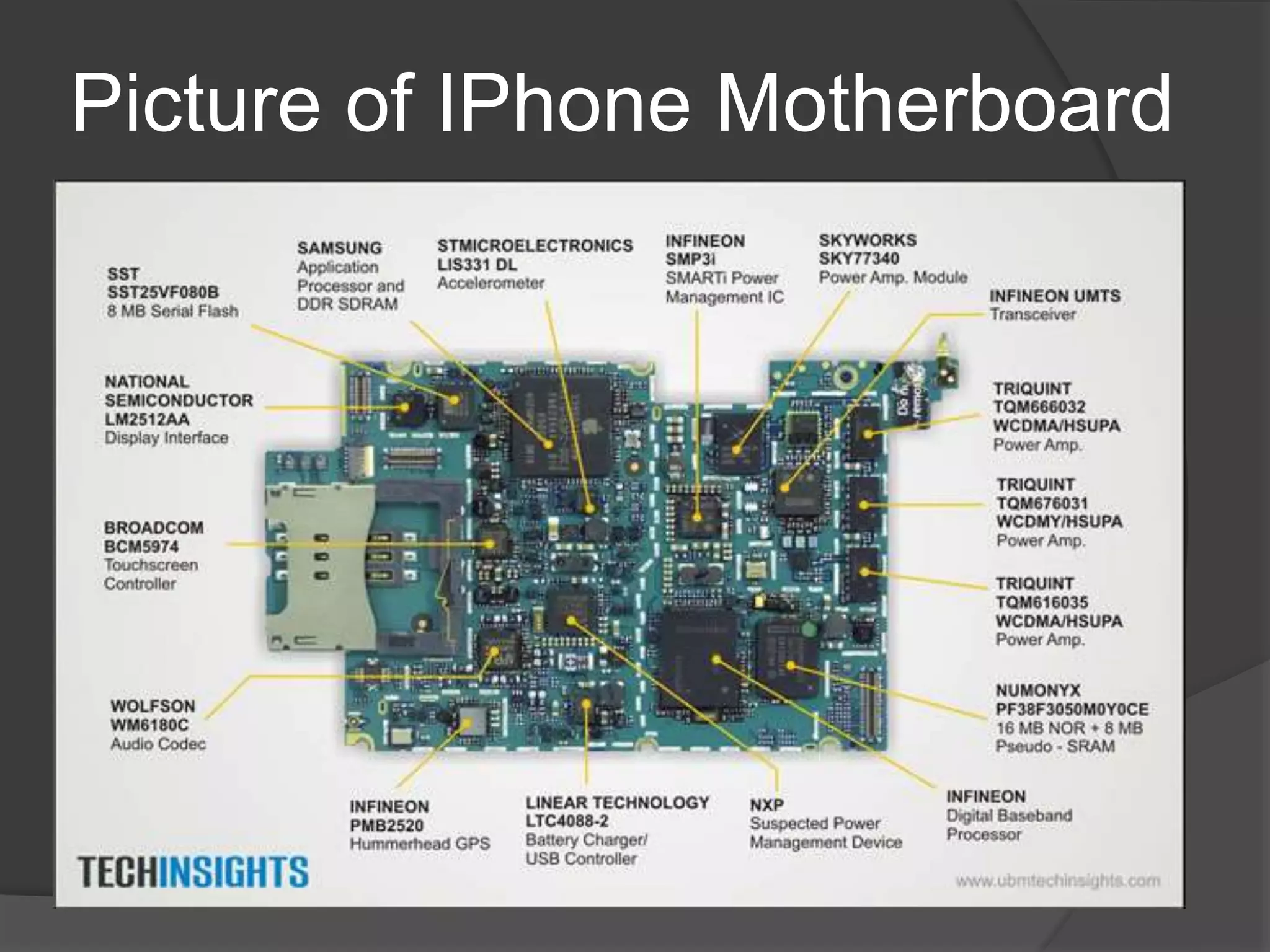
Picture of IPhone Motherboard
Personal Computer
Motherboard
 Sockets of microprocessor, main
memory, ROM, expansion slots
 Also includes buses
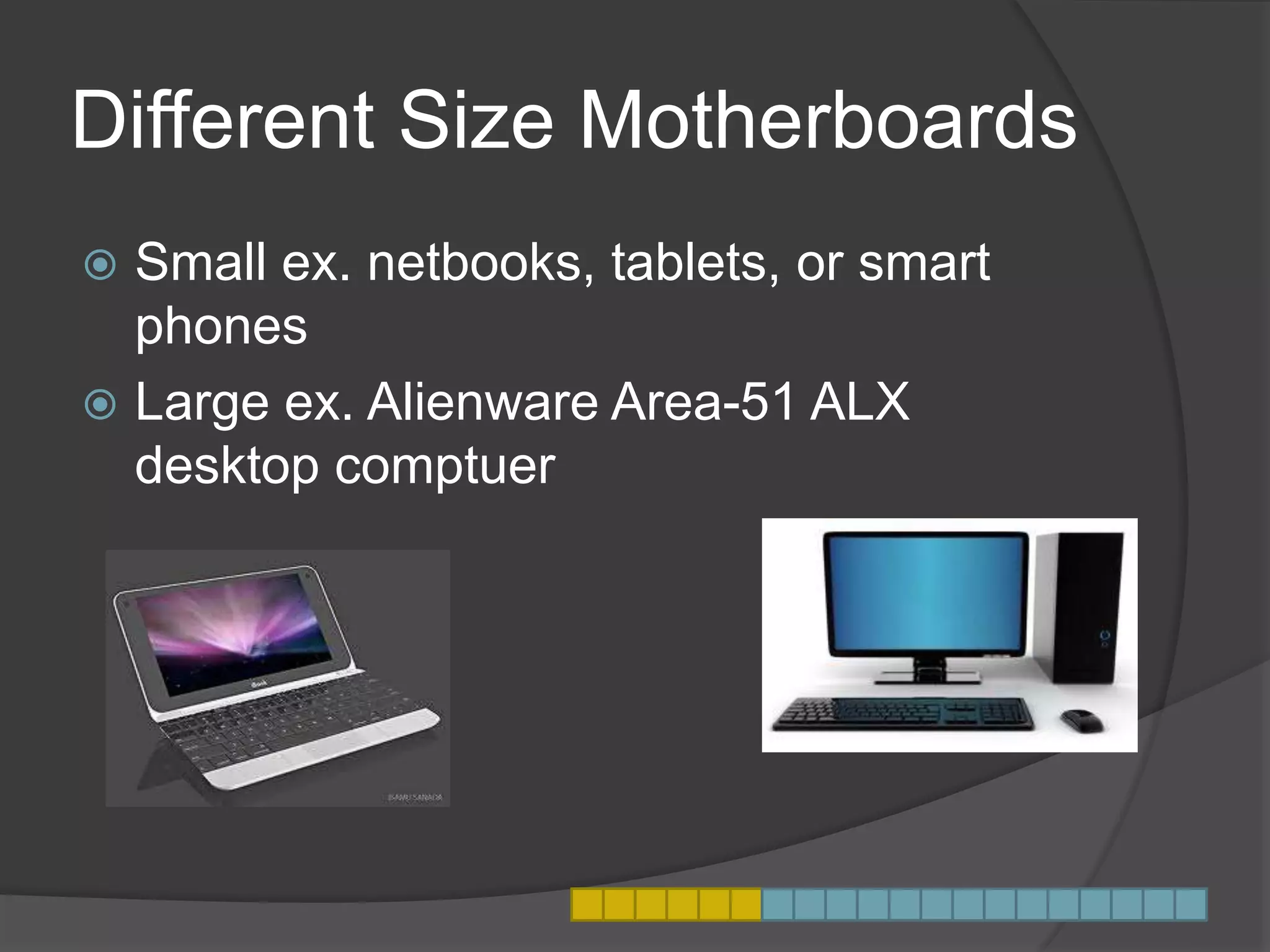
Different Size Motherboards
 Small ex. netbooks, tablets, or smart
phones
 Large ex. Alienware Area-51 ALX
desktop comptuer
What is A Bus?
 Subsystem
 Transfers data
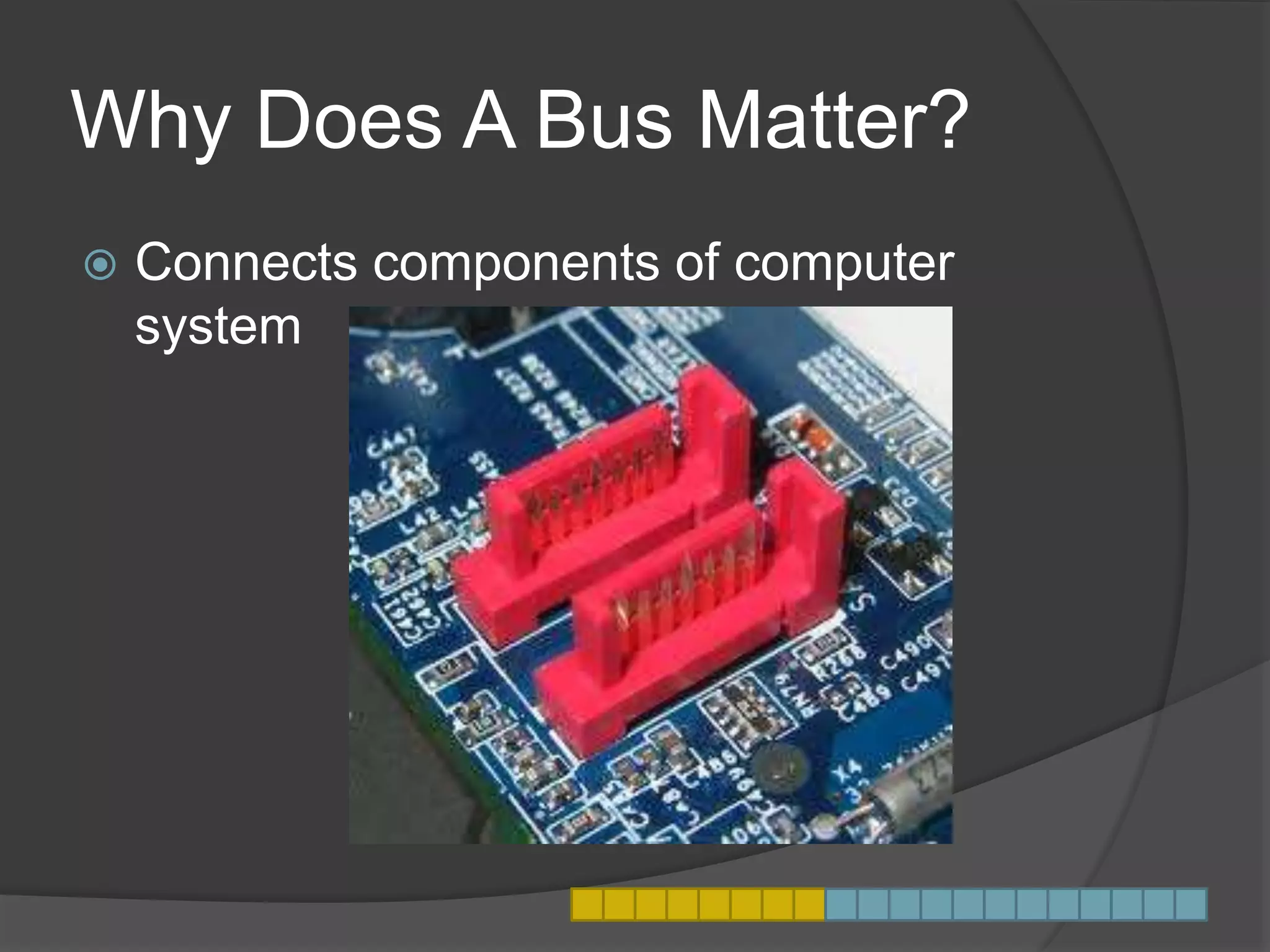
Why Does A Bus Matter?
 Connects components of computer
system
Speed of the Bus
 Impact performance of a CPU
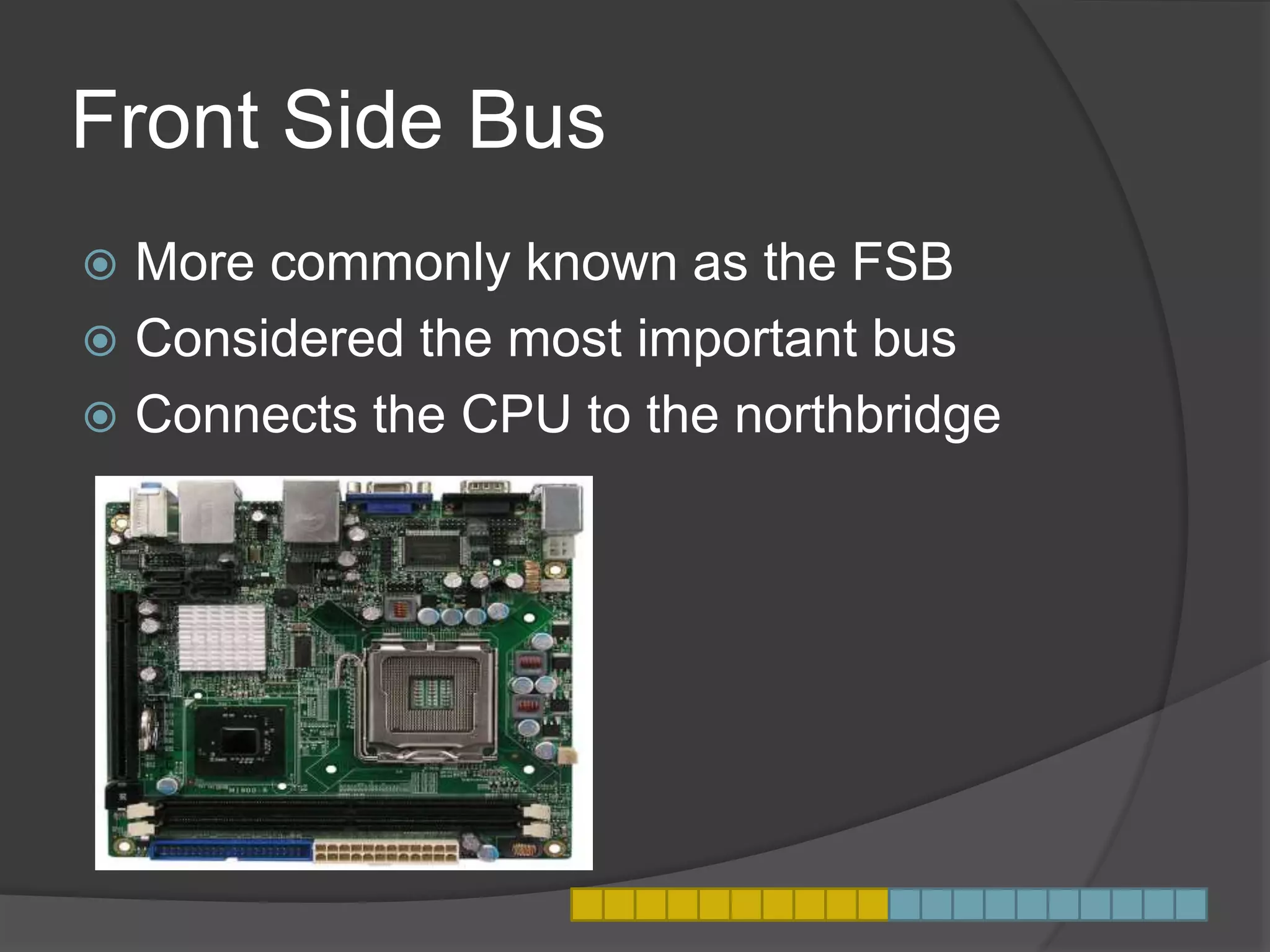
Front Side Bus
 More commonly known as the FSB
 Considered the most important bus
 Connects the CPU to the northbridge
Other Bus’s
 Internal Bus
 PCI Bus - Connects external devices to
the core system components through
expansion slots, or USB or PCI
connections.
 LPC Bus - Connects ROM and
sometimes other input devices to the
CPU.
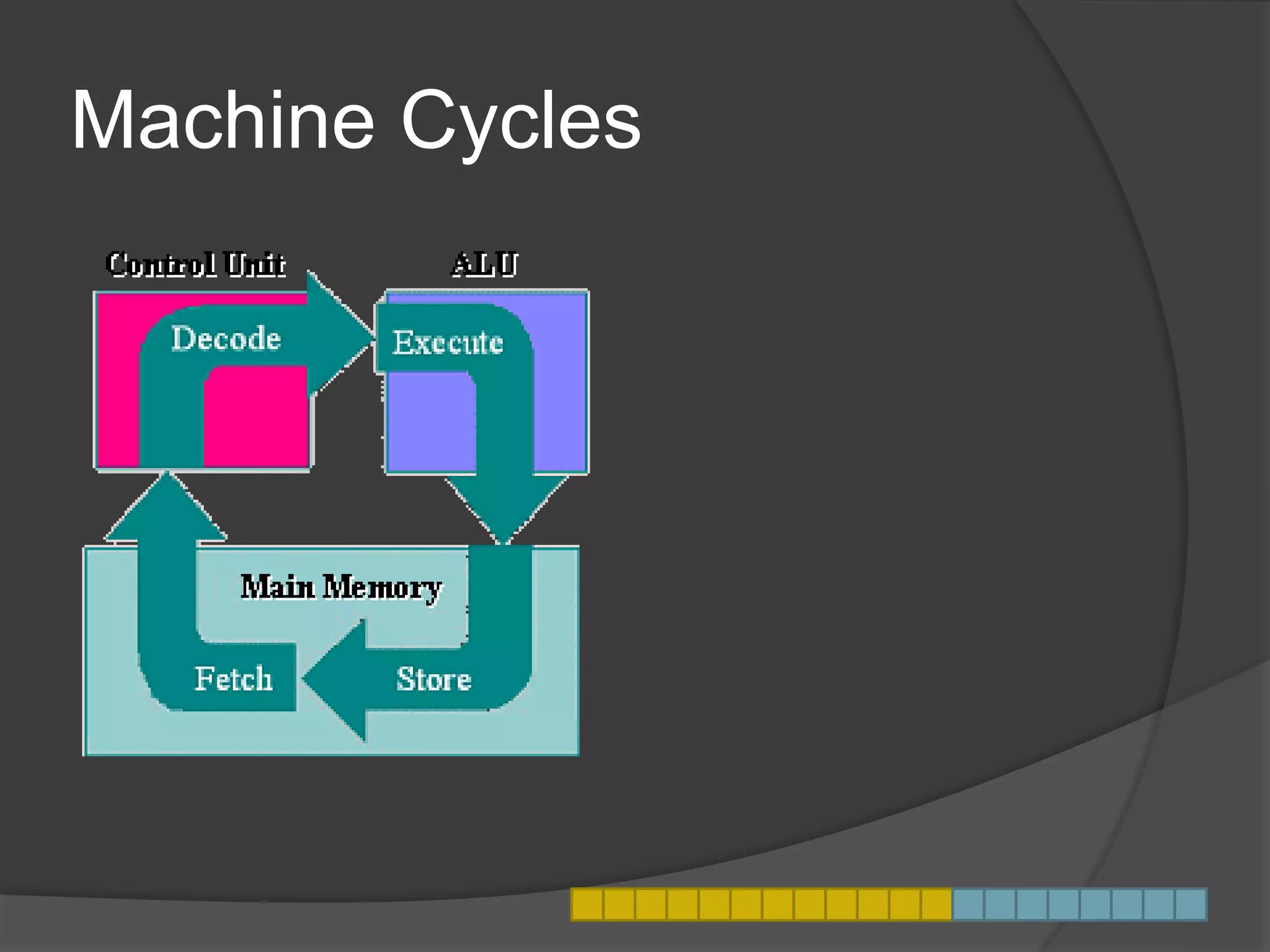
Machine Cycles
Definition
 Machine Cycle - used as an orderly
method of processing software
instructions.
Why This Matters
 Provides organized method for the
processor to carry out instructions from
the server.
 Without the machine cycle the processor
would not be able to execute software
code.
Step 1
 Fetch
Instructions are fetched from primary
storage (RAM) or its cache memory.
Step 2
 Decode
The control unit decodes the instruction
and then sends it to the arithmetic logic
Step 3
 Execute
The decoded instruction is sent to the
ALU to execute.
Step 4
 Store
The results of the instructions are stored
back primary storage.
Machine Cycle Facts
 Today’s processors can overlap
machine cycles and even execute
multiple instructions simultaneously.
 Machine Cycle’s keep computers
running smoothly, and processing
orderly.

Motherboard presentation it

  • 1.
  • 2.
    What Is AMotherboard?  Primary Circuit  Connects all core components
  • 3.
    Why A MotherboardMatters  Allows components to communicate  General-purpose and special-purpose
  • 4.
    Who Has AMotherboard  Desktop PCs  Notebook PCs  Cell phones  IPods  Servers  Supercomputers  Outside devices to be connected to the system components
  • 5.
    Picture of IPhoneMotherboard
  • 6.
    Personal Computer Motherboard  Socketsof microprocessor, main memory, ROM, expansion slots  Also includes buses
  • 7.
    Different Size Motherboards Small ex. netbooks, tablets, or smart phones  Large ex. Alienware Area-51 ALX desktop comptuer
  • 8.
    What is ABus?  Subsystem  Transfers data
  • 9.
    Why Does ABus Matter?  Connects components of computer system
  • 10.
    Speed of theBus  Impact performance of a CPU
  • 11.
    Front Side Bus More commonly known as the FSB  Considered the most important bus  Connects the CPU to the northbridge
  • 12.
    Other Bus’s  InternalBus  PCI Bus - Connects external devices to the core system components through expansion slots, or USB or PCI connections.  LPC Bus - Connects ROM and sometimes other input devices to the CPU.
  • 13.
  • 14.
    Definition  Machine Cycle- used as an orderly method of processing software instructions.
  • 15.
    Why This Matters Provides organized method for the processor to carry out instructions from the server.  Without the machine cycle the processor would not be able to execute software code.
  • 16.
    Step 1  Fetch Instructionsare fetched from primary storage (RAM) or its cache memory.
  • 17.
    Step 2  Decode Thecontrol unit decodes the instruction and then sends it to the arithmetic logic
  • 18.
    Step 3  Execute Thedecoded instruction is sent to the ALU to execute.
  • 19.
    Step 4  Store Theresults of the instructions are stored back primary storage.
  • 20.
    Machine Cycle Facts Today’s processors can overlap machine cycles and even execute multiple instructions simultaneously.  Machine Cycle’s keep computers running smoothly, and processing orderly.