::Topic::
Introduction
Refresh CRT
Random–Scan and Raster Scan System
 Graphics Monitor and Workstation
Input Devices
1 May 2015 1
Graphic Monitors
Graphics Monitor:
 The name itself giving some idea that, Monitor which is
capable of displaying “Graphics”. Most graphics monitors
today operate as raster scan displays.
 So Monitors which are capable of showing and supporting
Graphics mode along with the Text modes.
1 May 2015 2
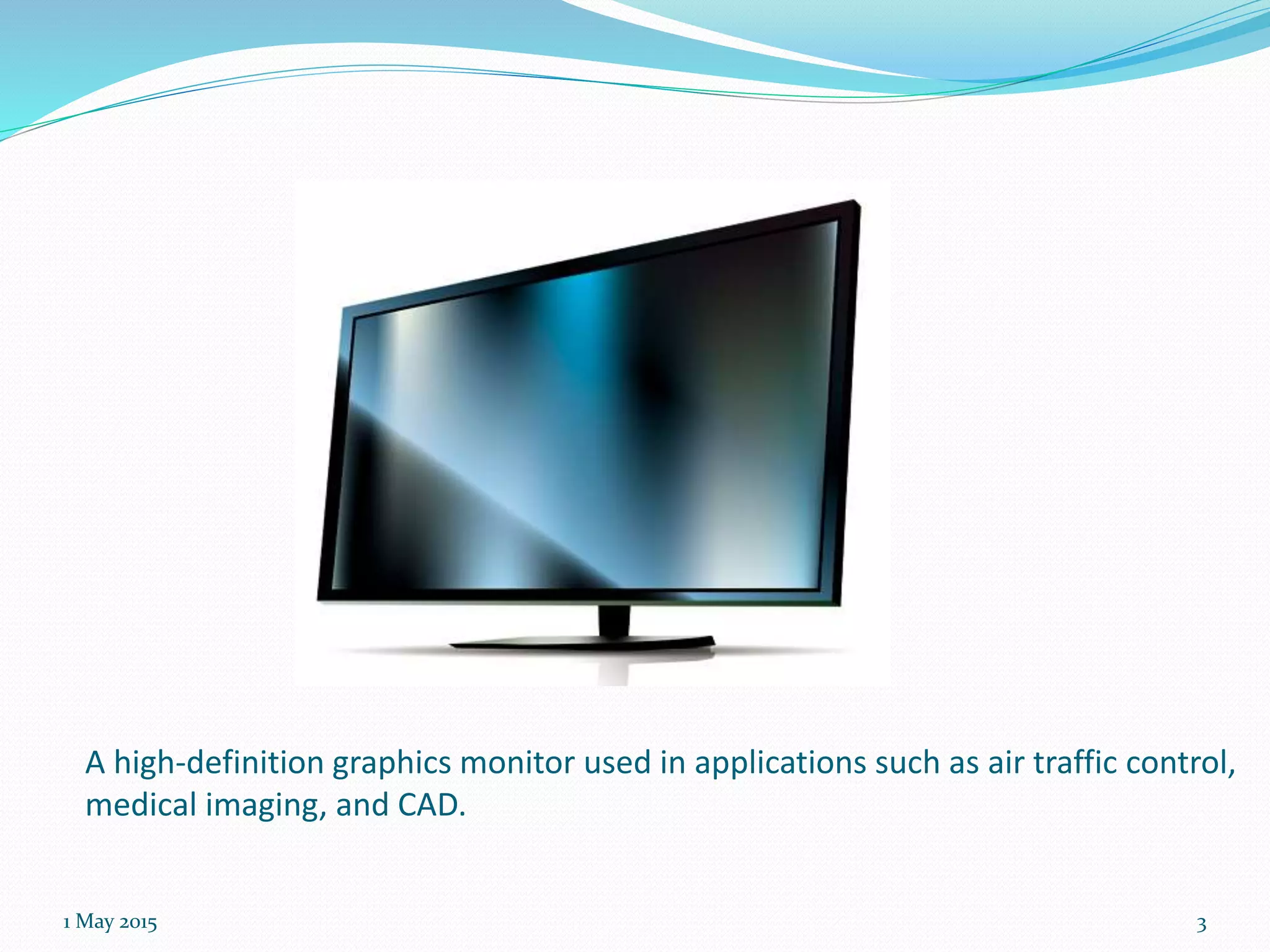
A high-definition graphics monitor used in applications such as air traffic control,
medical imaging, and CAD.
1 May 2015 3
 Graphic monitors who can display pictures on its screen, of
course it acts like an output device. The monitors which
support the following Graphic applications are said to be
Graphic Monitors:
 The Graphics Applications include:-
A): Animation Software’s
B): CAD Software’s
C): Drawing programs
D): Paint Application programs
E): Presentation Graphics Software’s (Excel likewise, creating pie and bar
charts)
F): Desktop publishing (MS Office, Share points, Document managements)
1 May 2015 4
Workstations
Workstation:
Workstation is also a computer which varies
generally with other General Computers.
 A workstation is a special computer designed for
technical or scientific applications. Intended primarily to
be used by one person at a time, they are commonly
connected to a local area network and run multi-user
operating systems.
1 May 2015 5
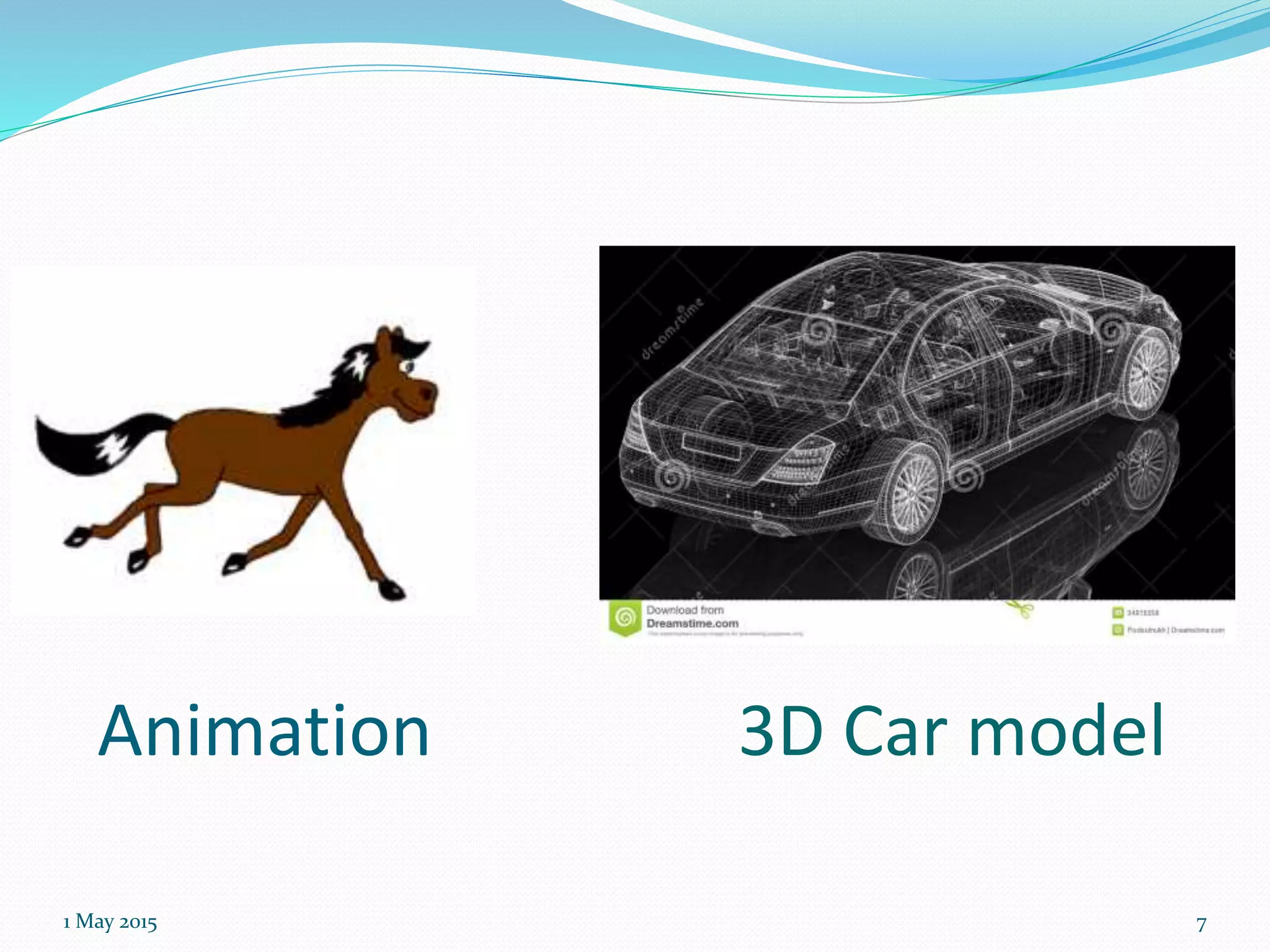
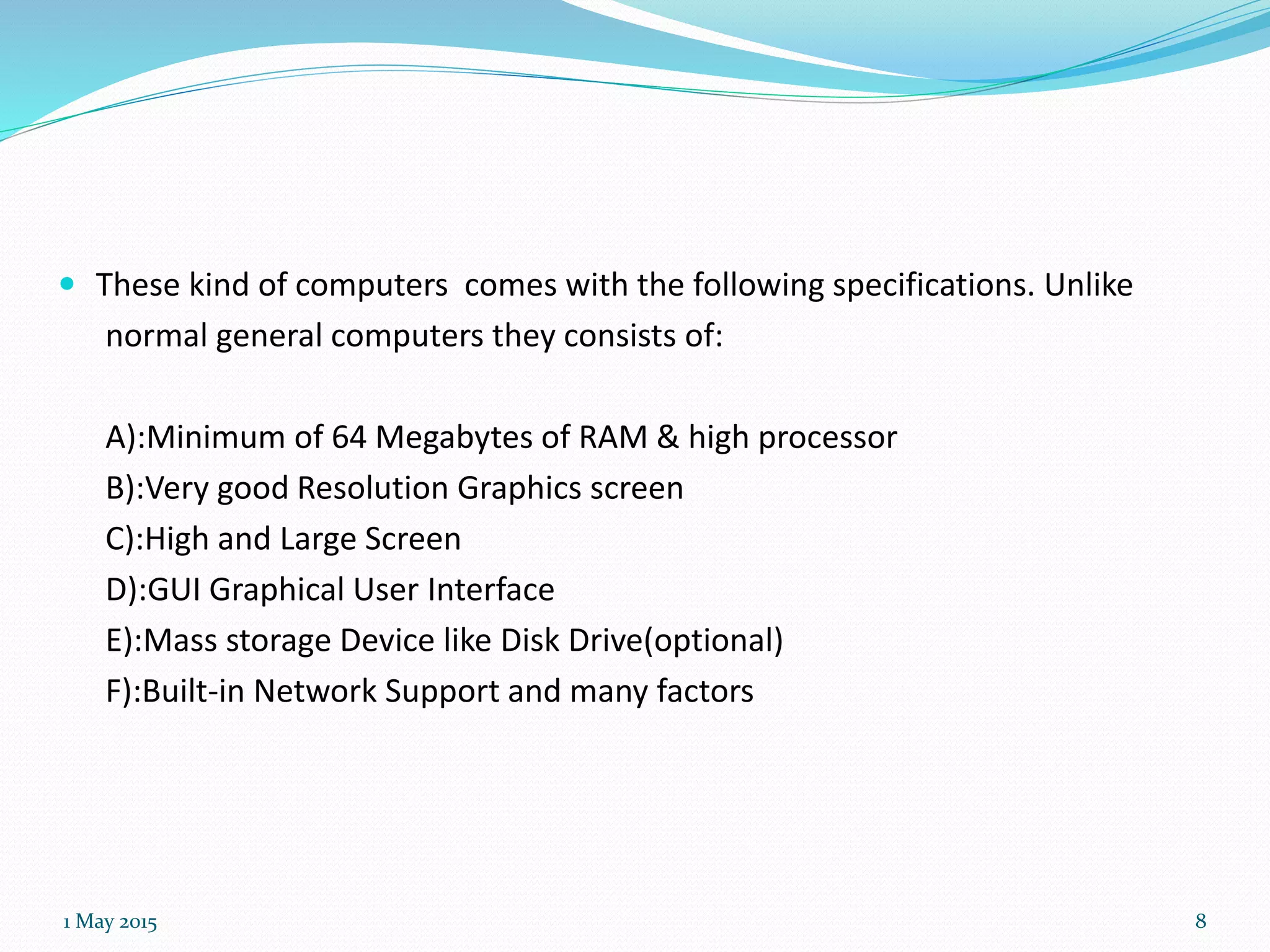
 Workstations were optimized for the visualization and
manipulation of different types of complex data such as
3D mechanical design, engineering simulation , animation
and rendering of images.
 Because these Workstations need good operating power
of computer . They must be able to support high power
i.e. it must sustain good graphic capabilities.
1 May 2015 6
Animation
1 May 2015 7
3D Car model
 These kind of computers comes with the following specifications. Unlike
normal general computers they consists of:
A):Minimum of 64 Megabytes of RAM & high processor
B):Very good Resolution Graphics screen
C):High and Large Screen
D):GUI Graphical User Interface
E):Mass storage Device like Disk Drive(optional)
F):Built-in Network Support and many factors
1 May 2015 8
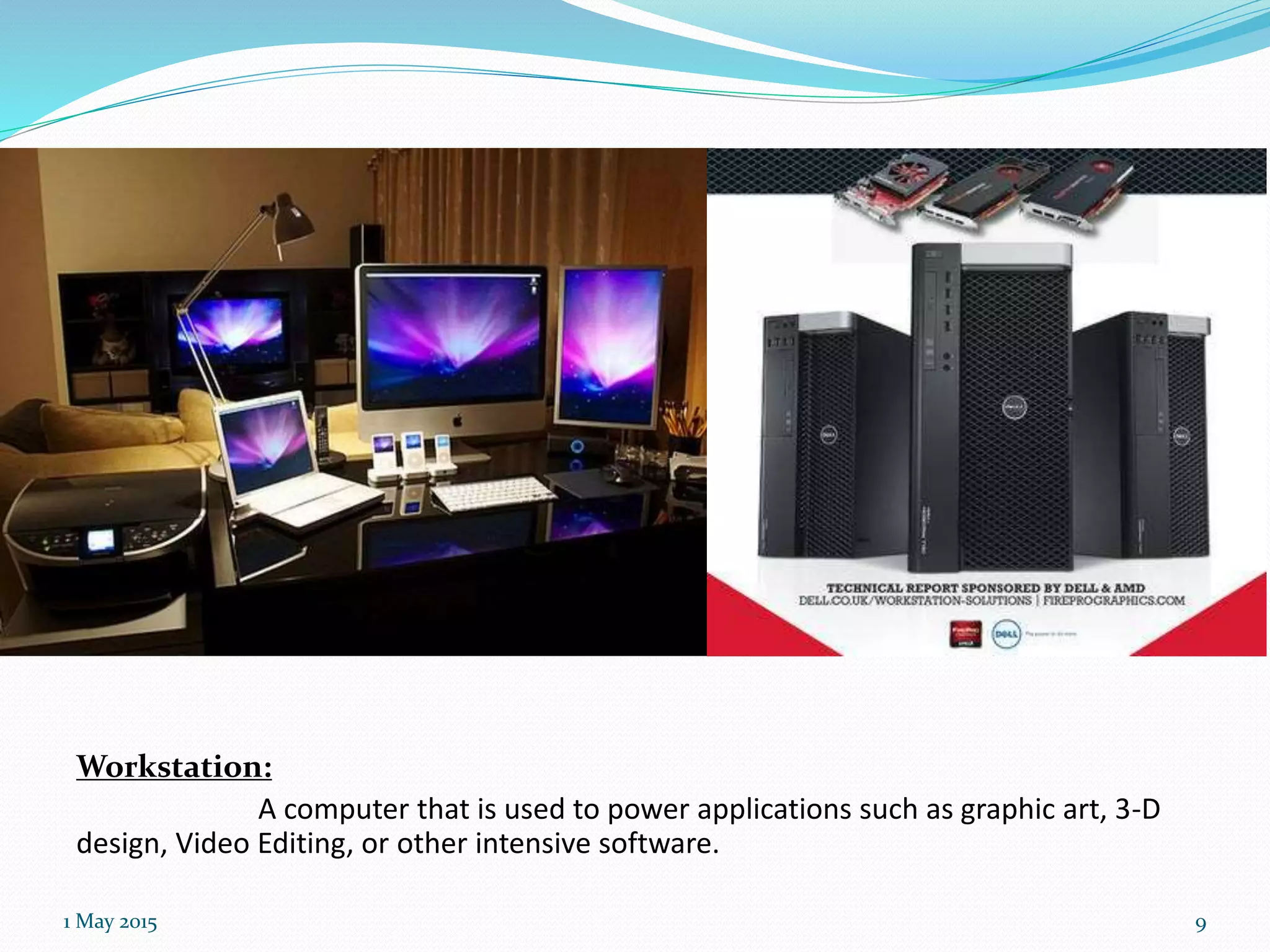
Workstation:
A computer that is used to power applications such as graphic art, 3-D
design, Video Editing, or other intensive software.
1 May 2015 9
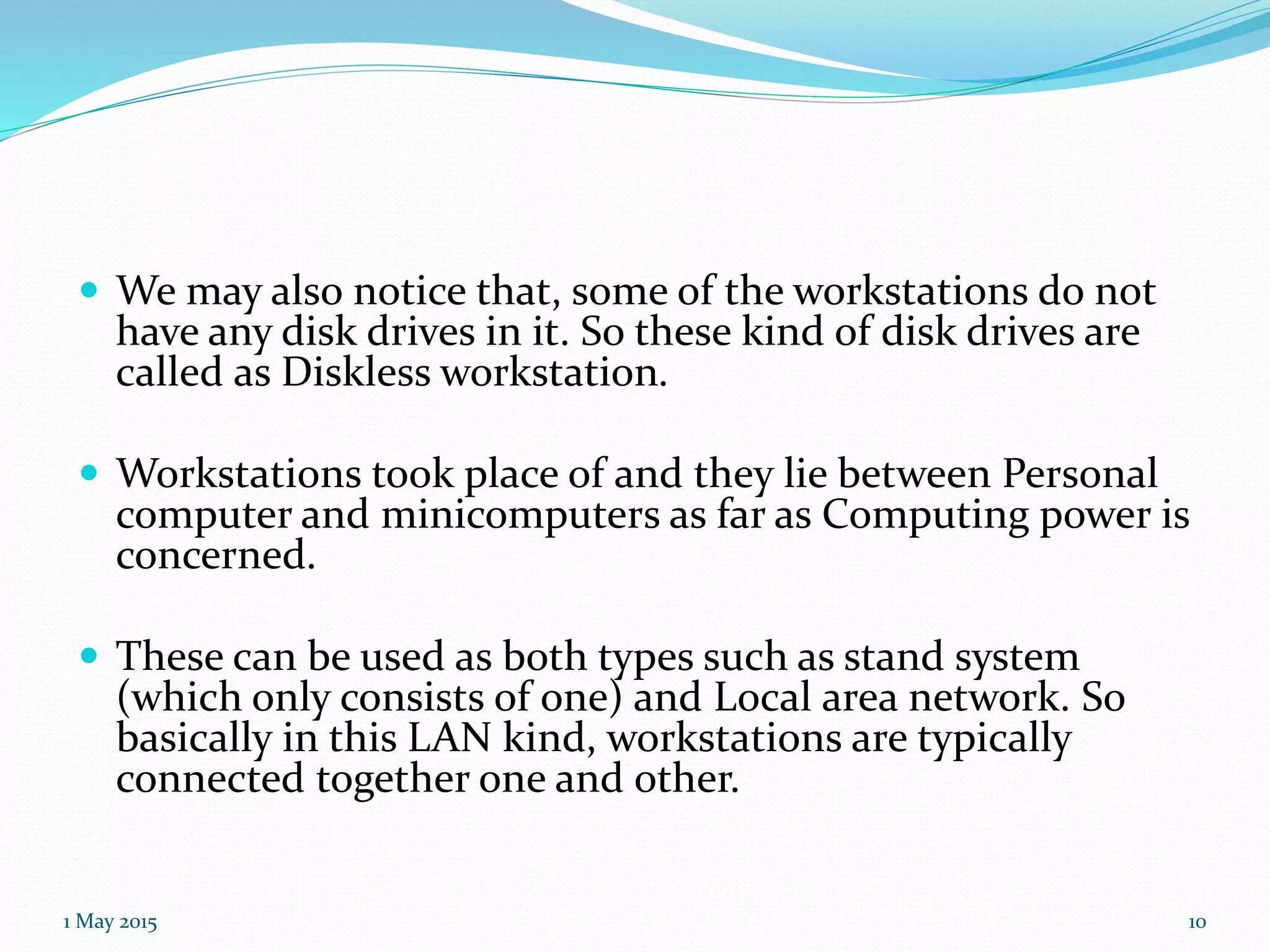
 We may also notice that, some of the workstations do not
have any disk drives in it. So these kind of disk drives are
called as Diskless workstation.
 Workstations took place of and they lie between Personal
computer and minicomputers as far as Computing power is
concerned.
 These can be used as both types such as stand system
(which only consists of one) and Local area network. So
basically in this LAN kind, workstations are typically
connected together one and other.
1 May 2015 10
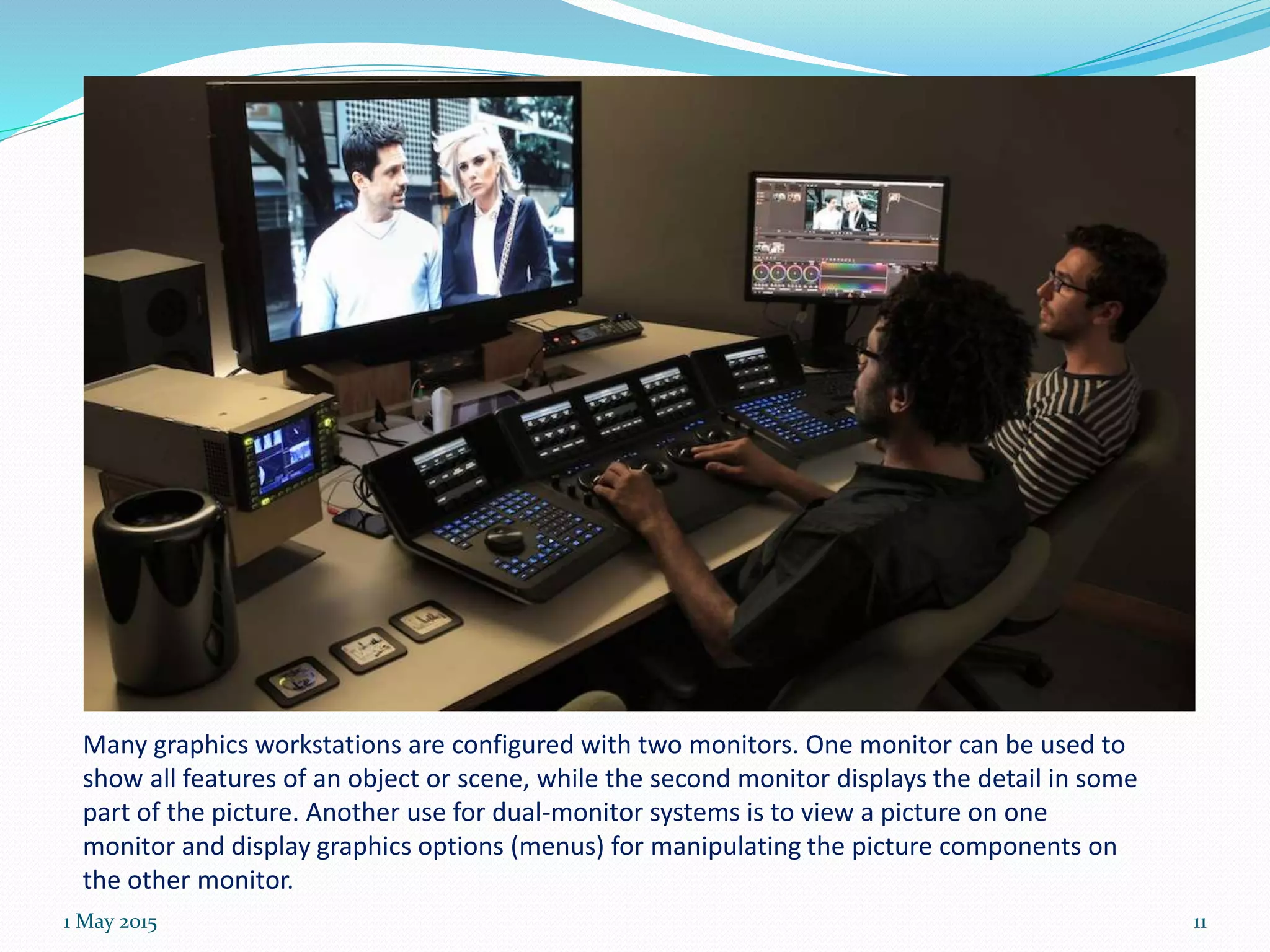
Many graphics workstations are configured with two monitors. One monitor can be used to
show all features of an object or scene, while the second monitor displays the detail in some
part of the picture. Another use for dual-monitor systems is to view a picture on one
monitor and display graphics options (menus) for manipulating the picture components on
the other monitor.
1 May 2015 11
Is there any difference b/w
Workstation and Server???
1 May 2015 12
 A server is a computer whose purpose is to handle requests for data from
other computers. Website servers provide visitors' computers with the
data necessary to display its Web pages; servers on your company's local
network provide files to your employees' computers. Servers can host
applications, but people access that application through their own
computers. Employees do not sit down at a server to do their work, unless
their work is maintaining the server.
 A workstation is a personal computer that is used for high end applications
such as graphic design, video editing, CAD, 3-D design, or other CPU and
RAM intensive programs. A workstation typically has a top of the line, fast
processor, multiple hard drives, and a lot of RAM memory. A workstation
may also have special audio, video, or processing cards for special editing
work. A workstation is marketed by computer manufacturers to
professional users, while the server is more of a utility device.
1 May 2015 13
Thank You
iftkr
1 May 2015 14

Monitors & workstation,Donald ch-2

  • 1.
    ::Topic:: Introduction Refresh CRT Random–Scan andRaster Scan System  Graphics Monitor and Workstation Input Devices 1 May 2015 1
  • 2.
    Graphic Monitors Graphics Monitor: The name itself giving some idea that, Monitor which is capable of displaying “Graphics”. Most graphics monitors today operate as raster scan displays.  So Monitors which are capable of showing and supporting Graphics mode along with the Text modes. 1 May 2015 2
  • 3.
    A high-definition graphicsmonitor used in applications such as air traffic control, medical imaging, and CAD. 1 May 2015 3
  • 4.
     Graphic monitorswho can display pictures on its screen, of course it acts like an output device. The monitors which support the following Graphic applications are said to be Graphic Monitors:  The Graphics Applications include:- A): Animation Software’s B): CAD Software’s C): Drawing programs D): Paint Application programs E): Presentation Graphics Software’s (Excel likewise, creating pie and bar charts) F): Desktop publishing (MS Office, Share points, Document managements) 1 May 2015 4
  • 5.
    Workstations Workstation: Workstation is alsoa computer which varies generally with other General Computers.  A workstation is a special computer designed for technical or scientific applications. Intended primarily to be used by one person at a time, they are commonly connected to a local area network and run multi-user operating systems. 1 May 2015 5
  • 6.
     Workstations wereoptimized for the visualization and manipulation of different types of complex data such as 3D mechanical design, engineering simulation , animation and rendering of images.  Because these Workstations need good operating power of computer . They must be able to support high power i.e. it must sustain good graphic capabilities. 1 May 2015 6
  • 7.
    Animation 1 May 20157 3D Car model
  • 8.
     These kindof computers comes with the following specifications. Unlike normal general computers they consists of: A):Minimum of 64 Megabytes of RAM & high processor B):Very good Resolution Graphics screen C):High and Large Screen D):GUI Graphical User Interface E):Mass storage Device like Disk Drive(optional) F):Built-in Network Support and many factors 1 May 2015 8
  • 9.
    Workstation: A computer thatis used to power applications such as graphic art, 3-D design, Video Editing, or other intensive software. 1 May 2015 9
  • 10.
     We mayalso notice that, some of the workstations do not have any disk drives in it. So these kind of disk drives are called as Diskless workstation.  Workstations took place of and they lie between Personal computer and minicomputers as far as Computing power is concerned.  These can be used as both types such as stand system (which only consists of one) and Local area network. So basically in this LAN kind, workstations are typically connected together one and other. 1 May 2015 10
  • 11.
    Many graphics workstationsare configured with two monitors. One monitor can be used to show all features of an object or scene, while the second monitor displays the detail in some part of the picture. Another use for dual-monitor systems is to view a picture on one monitor and display graphics options (menus) for manipulating the picture components on the other monitor. 1 May 2015 11
  • 12.
    Is there anydifference b/w Workstation and Server??? 1 May 2015 12
  • 13.
     A serveris a computer whose purpose is to handle requests for data from other computers. Website servers provide visitors' computers with the data necessary to display its Web pages; servers on your company's local network provide files to your employees' computers. Servers can host applications, but people access that application through their own computers. Employees do not sit down at a server to do their work, unless their work is maintaining the server.  A workstation is a personal computer that is used for high end applications such as graphic design, video editing, CAD, 3-D design, or other CPU and RAM intensive programs. A workstation typically has a top of the line, fast processor, multiple hard drives, and a lot of RAM memory. A workstation may also have special audio, video, or processing cards for special editing work. A workstation is marketed by computer manufacturers to professional users, while the server is more of a utility device. 1 May 2015 13
  • 14.