Classification of
Digital Computers
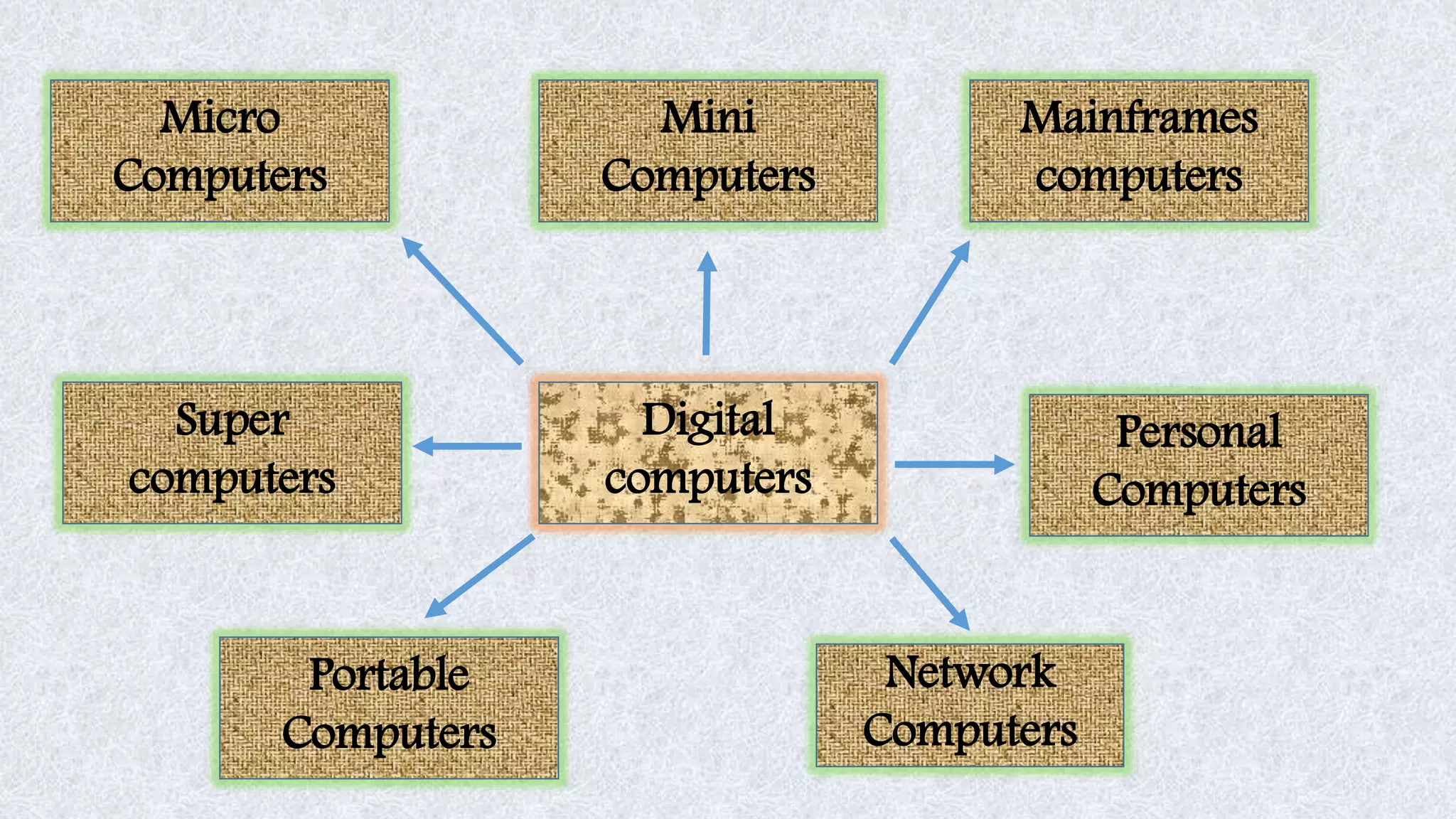
Network
Computers
Portable
Computers
Super
computers
Digital
computers
Micro
Computers
Mini
Computers
Mainframes
computers
Personal
Computers
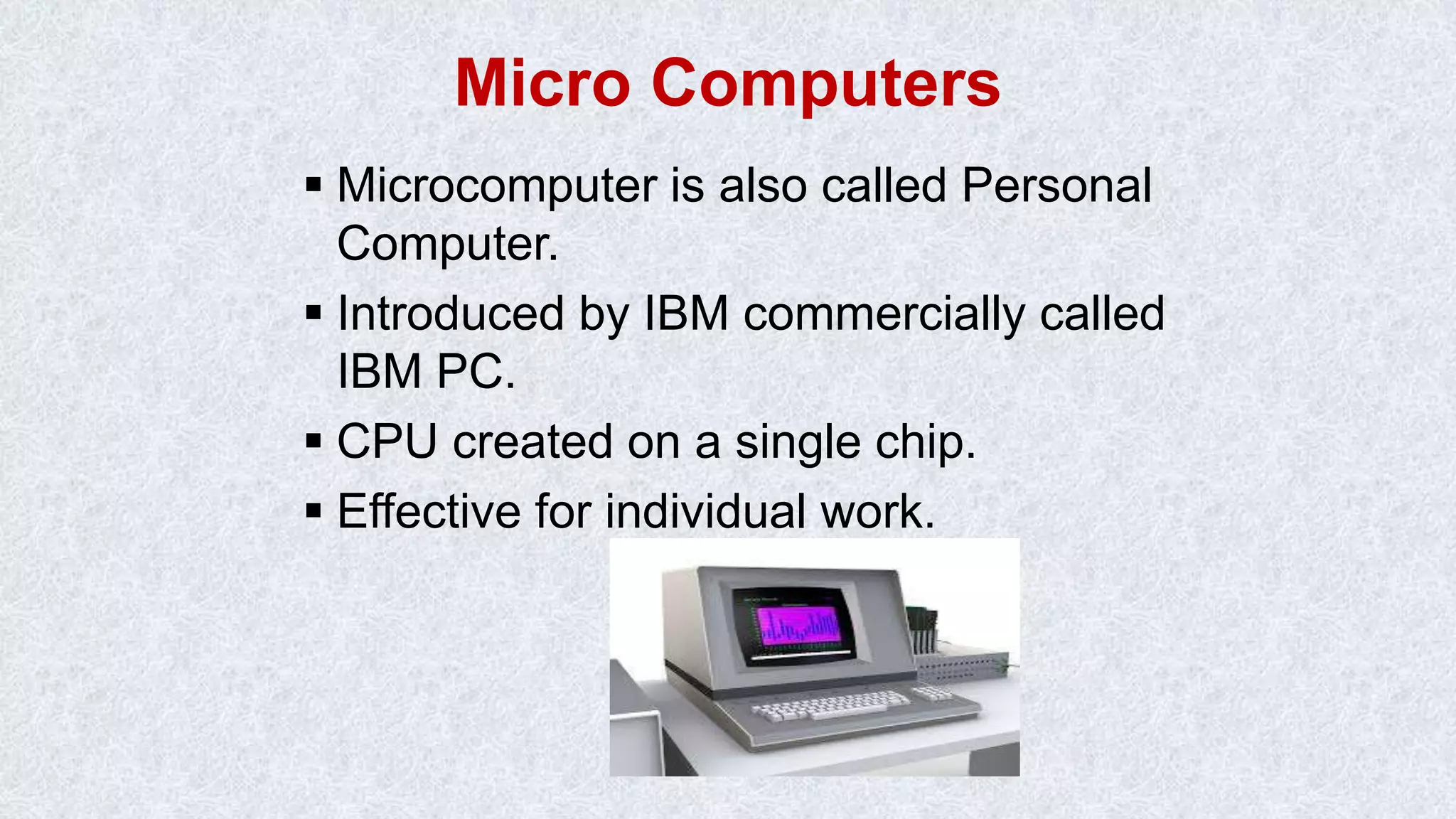
Micro Computers
 Microcomputer is also called Personal
Computer.
 Introduced by IBM commercially called
IBM PC.
 CPU created on a single chip.
 Effective for individual work.
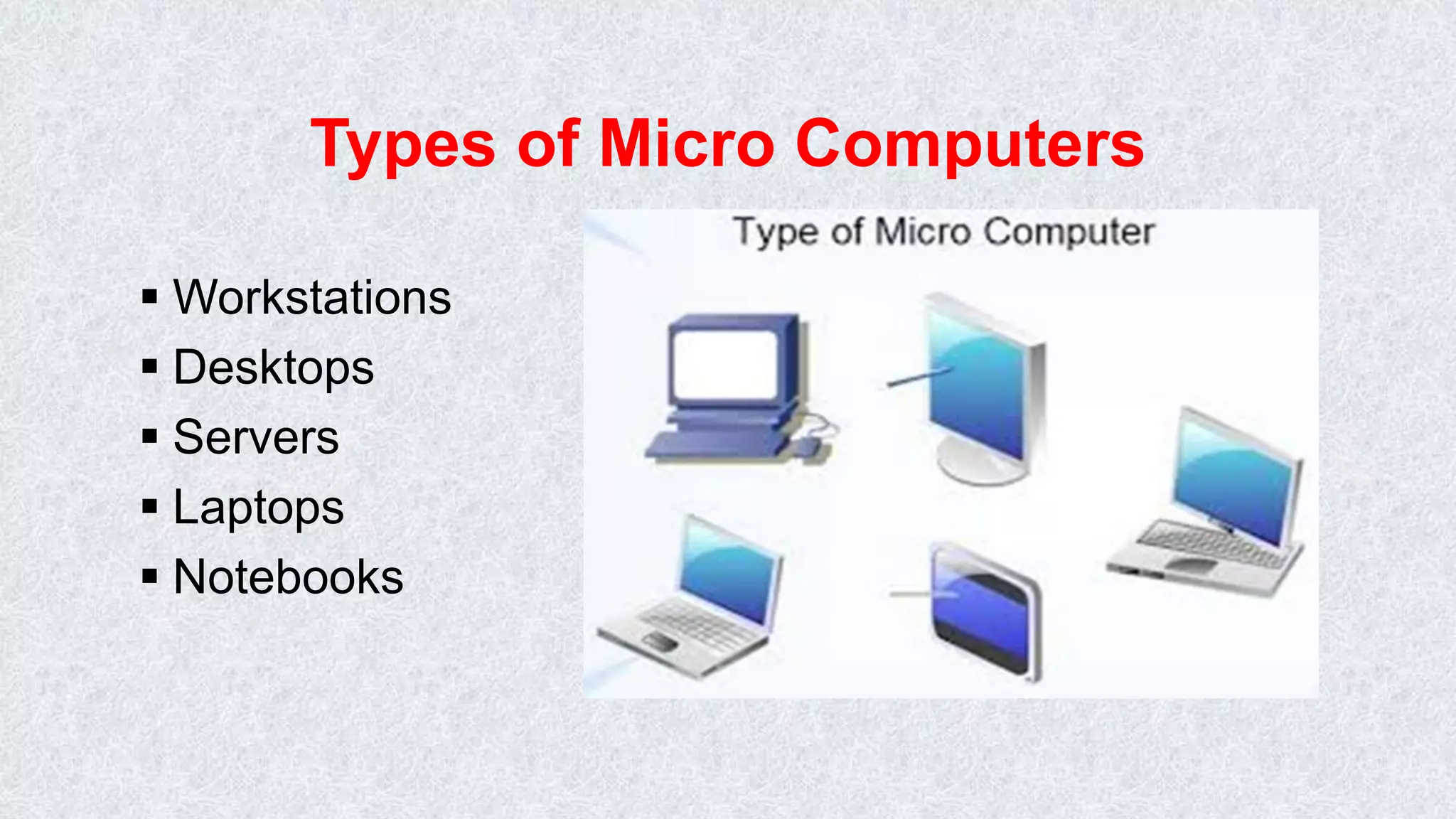
Types of Micro Computers
 Workstations
 Desktops
 Servers
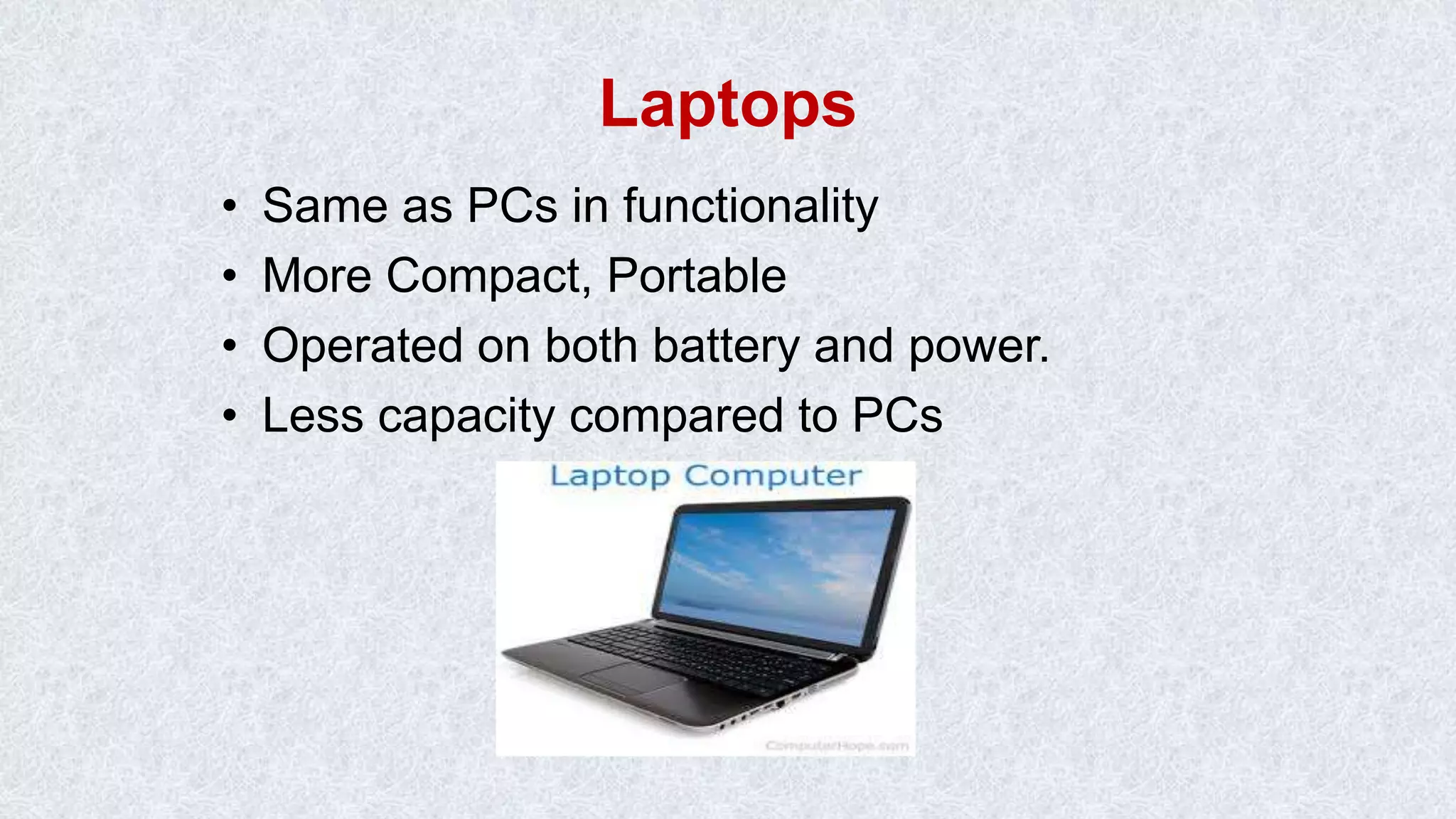
 Laptops
 Notebooks
Personal Computers
• PCs are desktop or portable machines.
• Easy to use
• Used in homes, Educations Institutions and Organizations
as nodes
• Can perform typical activities like documentation, playing
games, surfing web to more complex activities as
programming, design, DTP etc.
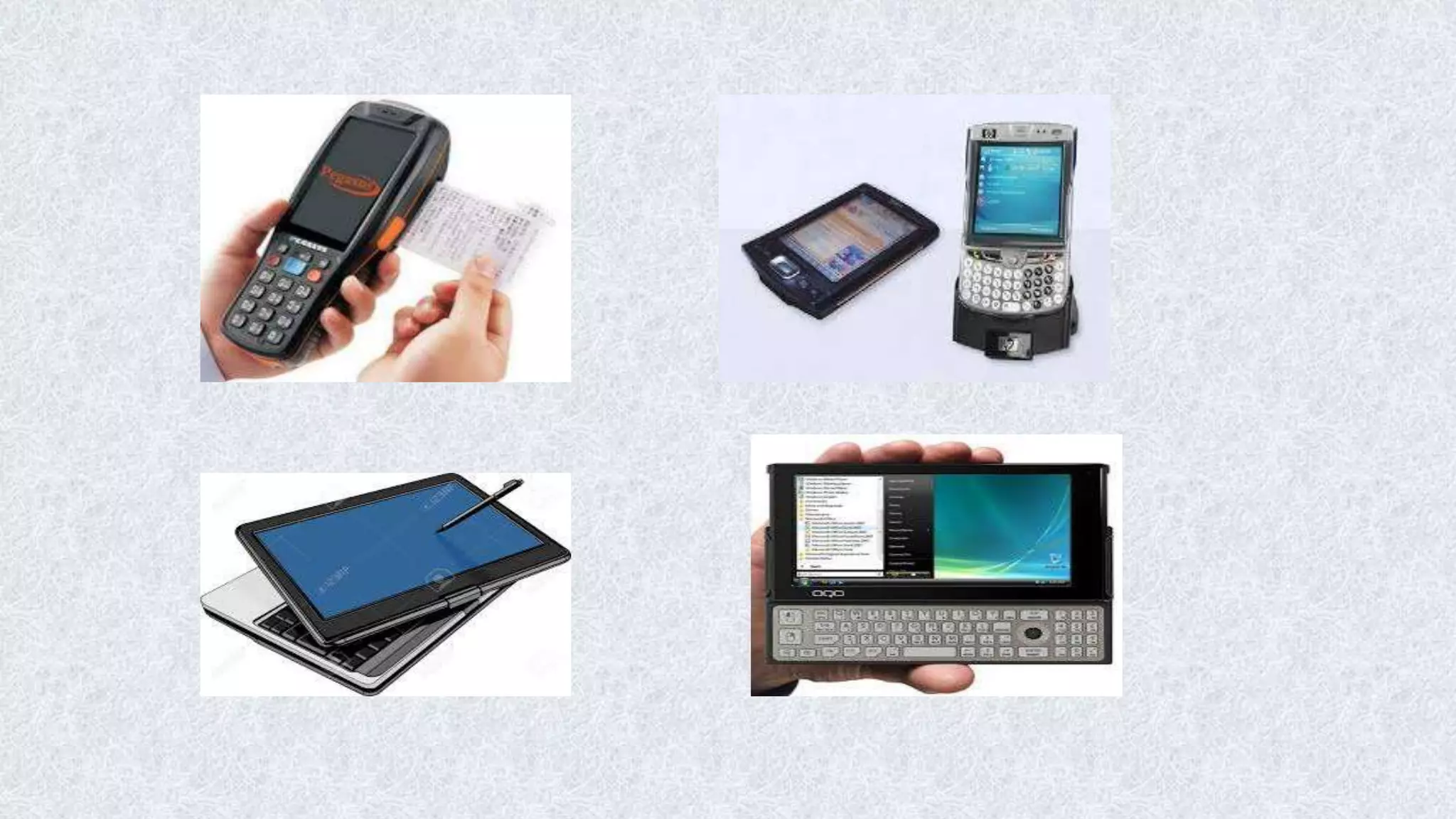
Portable Computers
• Smaller and more powerful
• Easy to carry all around.
• Types:
–Laptops/Notebooks
–Subnotebooks
–PDAs (Personal Digital Assistants)
Laptops
• Same as PCs in functionality
• More Compact, Portable
• Operated on both battery and power.
• Less capacity compared to PCs
PDA – Personal Digital Assistant
• Like Mini computer in a general sense
• Smaller than laptops (can be called
Palmtops)
• Used to store information used frequently
wherever you go ie day to day activities.
• Nowadays work with smart cards which
has all the information of a user and
his/her transactions
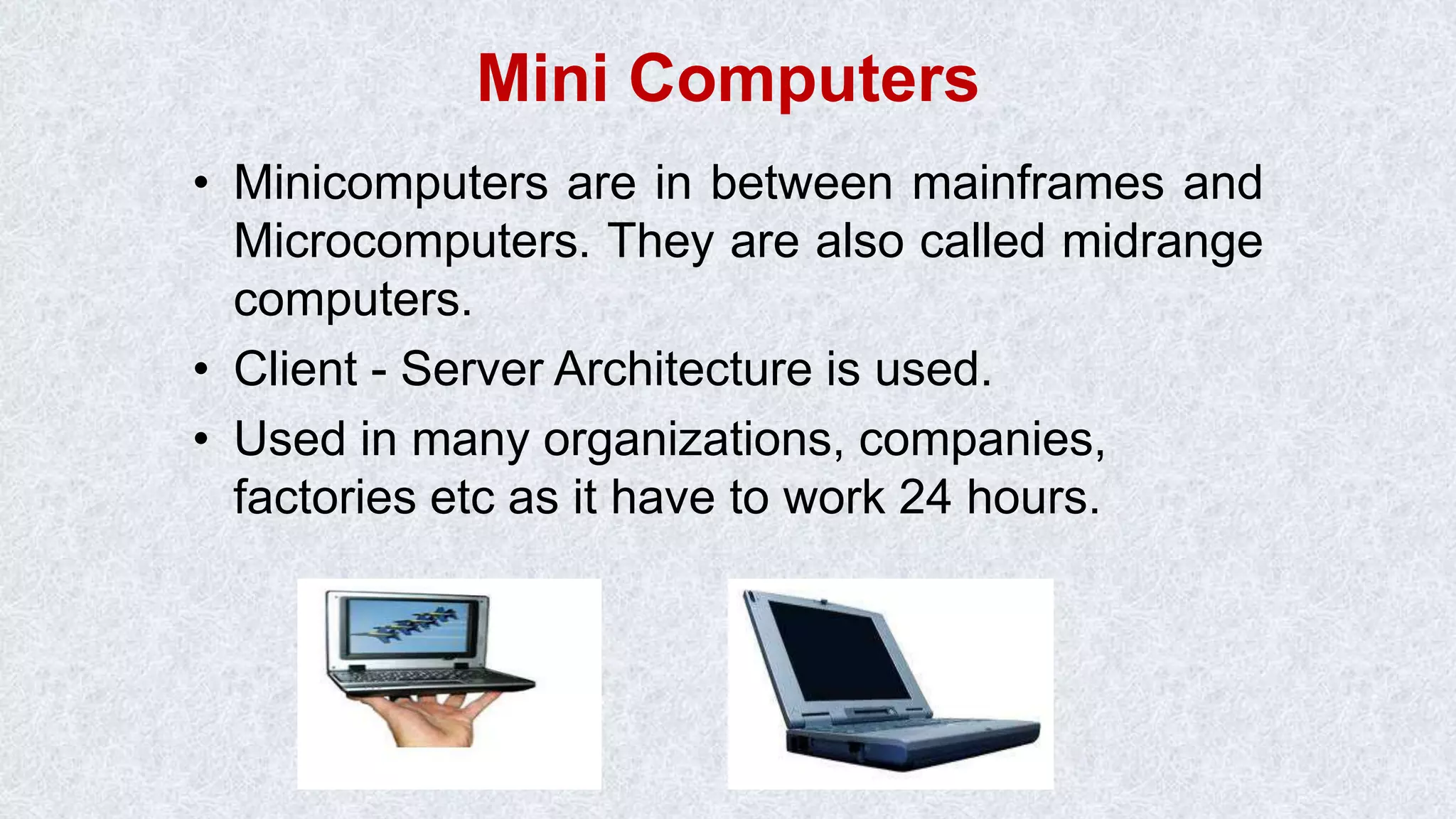
Mini Computers
• Minicomputers are in between mainframes and
Microcomputers. They are also called midrange
computers.
• Client - Server Architecture is used.
• Used in many organizations, companies,
factories etc as it have to work 24 hours.
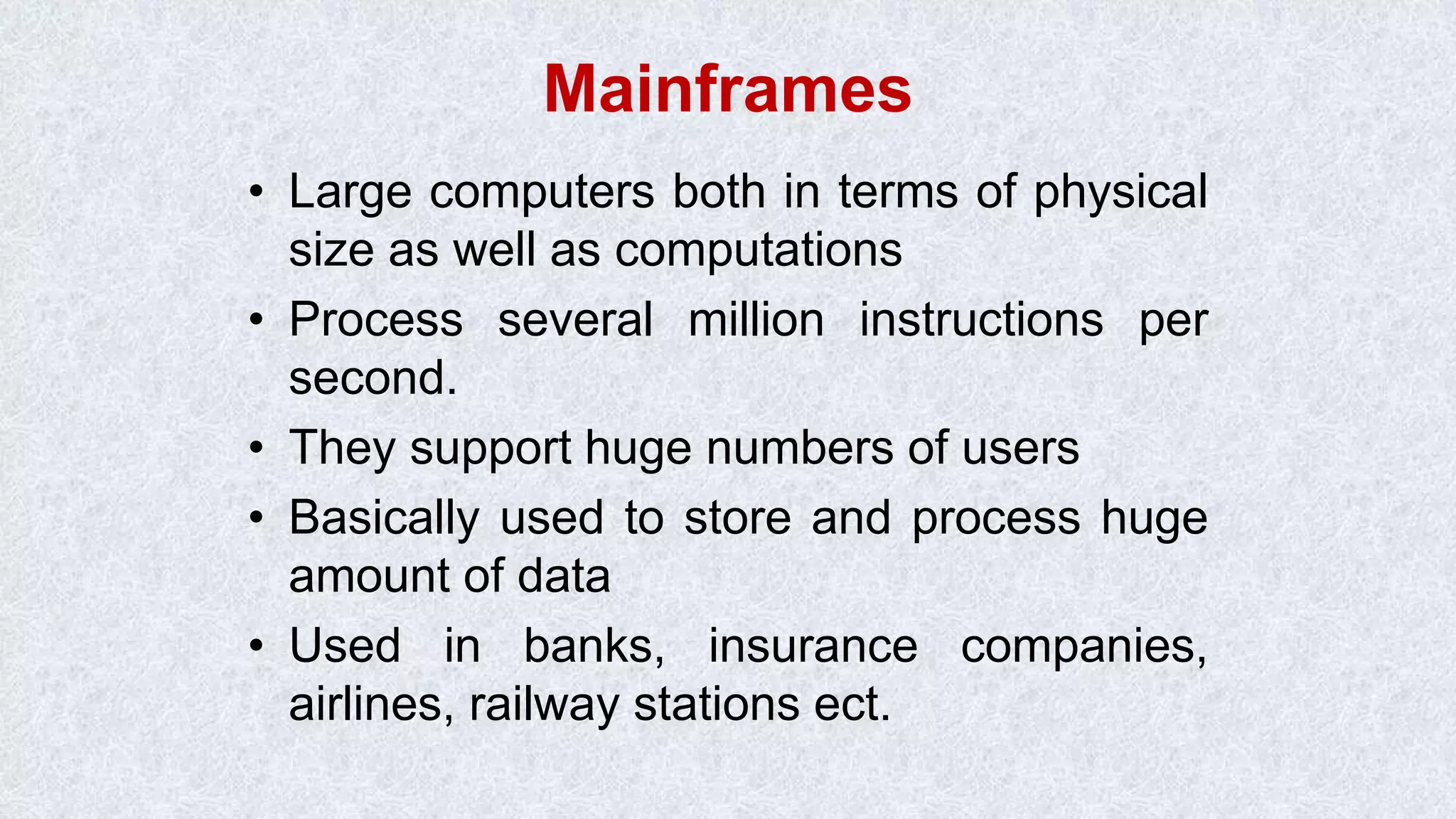
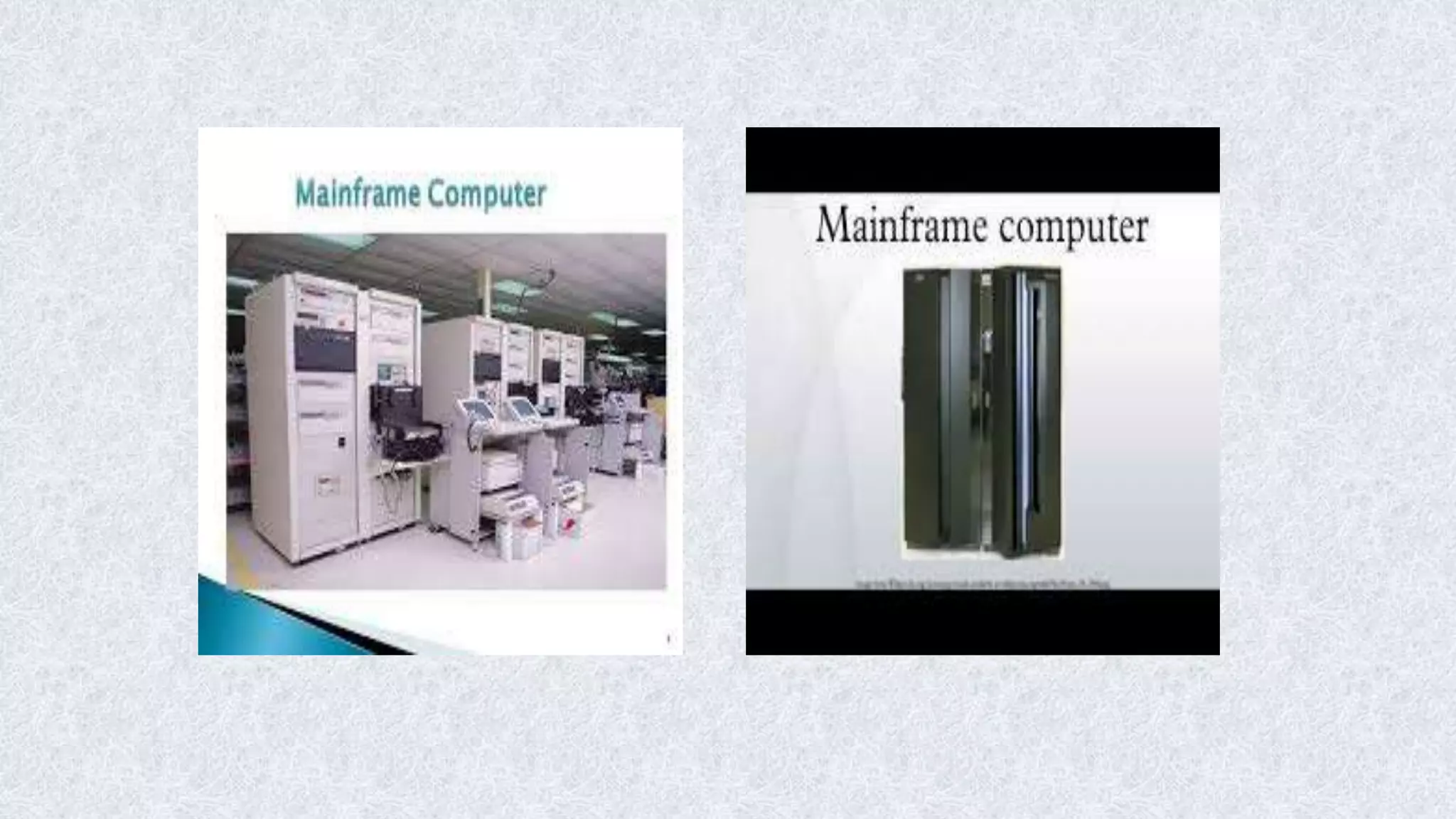
Mainframes
• Large computers both in terms of physical
size as well as computations
• Process several million instructions per
second.
• They support huge numbers of users
• Basically used to store and process huge
amount of data
• Used in banks, insurance companies,
airlines, railway stations ect.
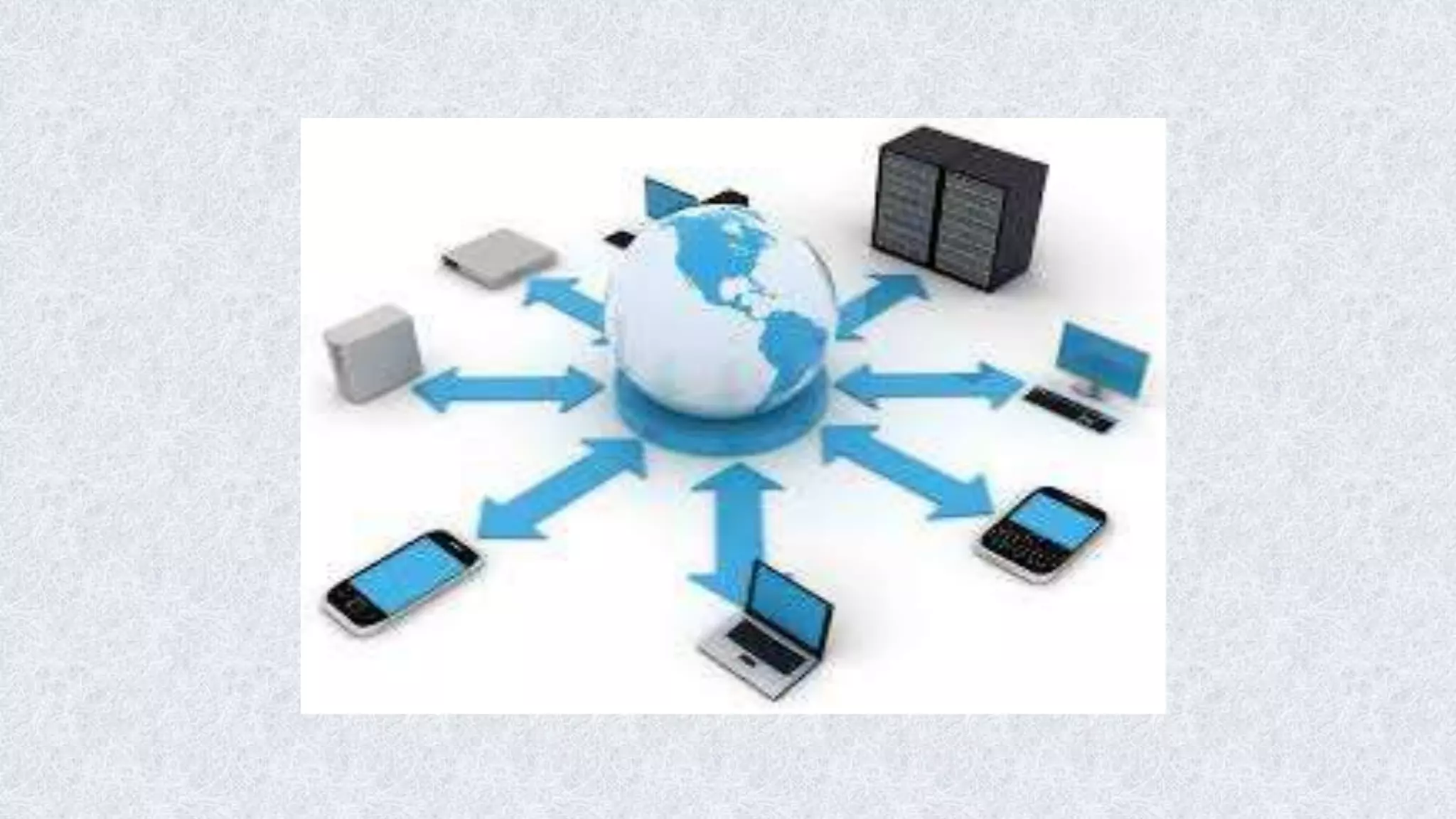
Network Computers
• Collection of PCs
• Designed to connect internet called Internet
boxes, Net PCs and Internet appliances.
• Can share the information, work from anywhere
to anywhere.
• LAN – WAN – MAN – Internet
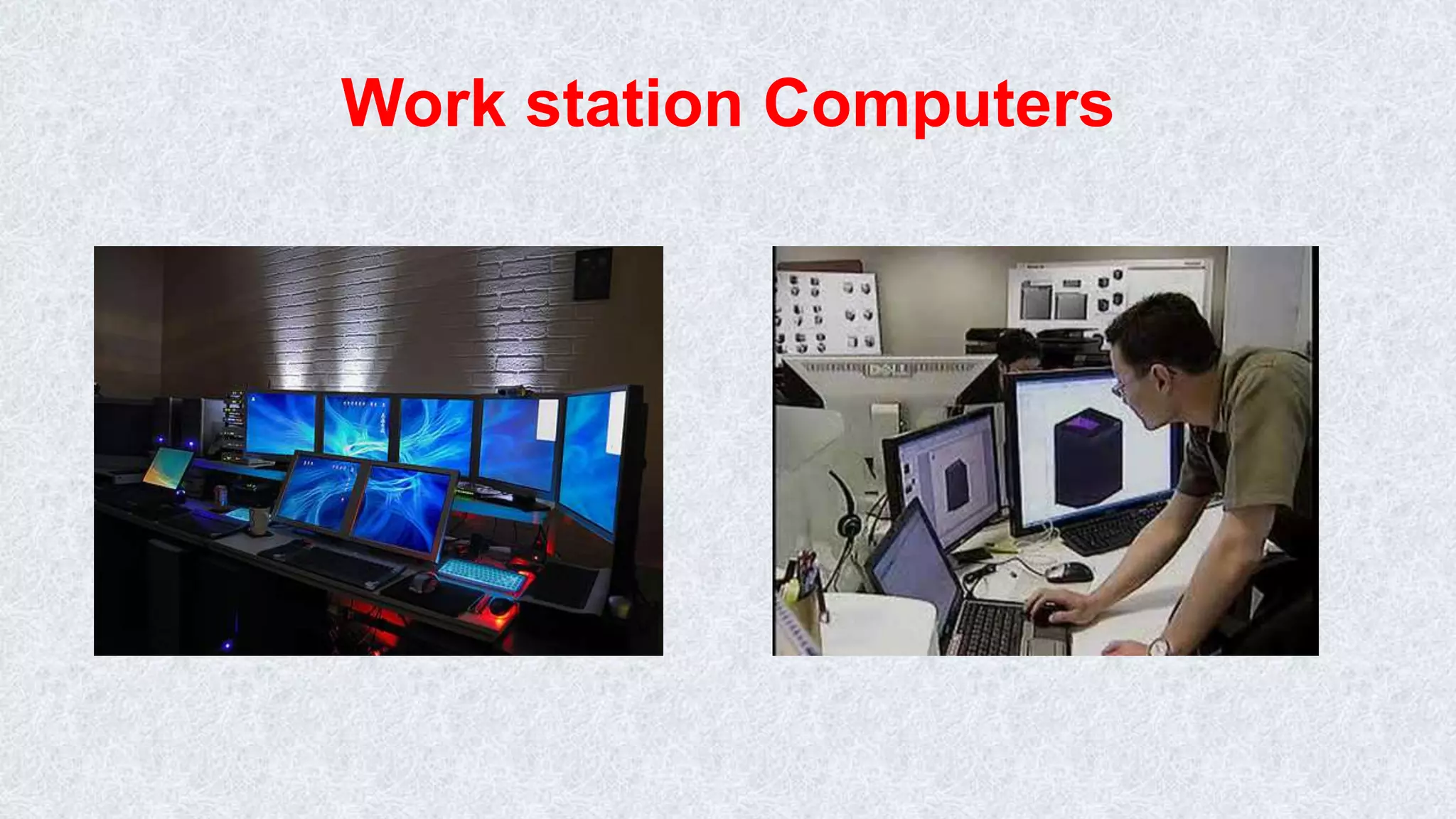
Workstations
• They are similar to PCs but with more
memory and a high speed processor
• They are intended to support network
operating systems and network
applications.
• They are used in architectural design,
video editing, scientists, animations etc.
• The more powerful workstations are called
super-micros.
Work station Computers
Servers
• A server is one for which many PCs are
connected.
• It has large capacity secondary storage
and more memory
• They host, like workstations, network
servers and operating systems
• They avoid duplicate installation of
applications and all users will access to a
common copy of the program
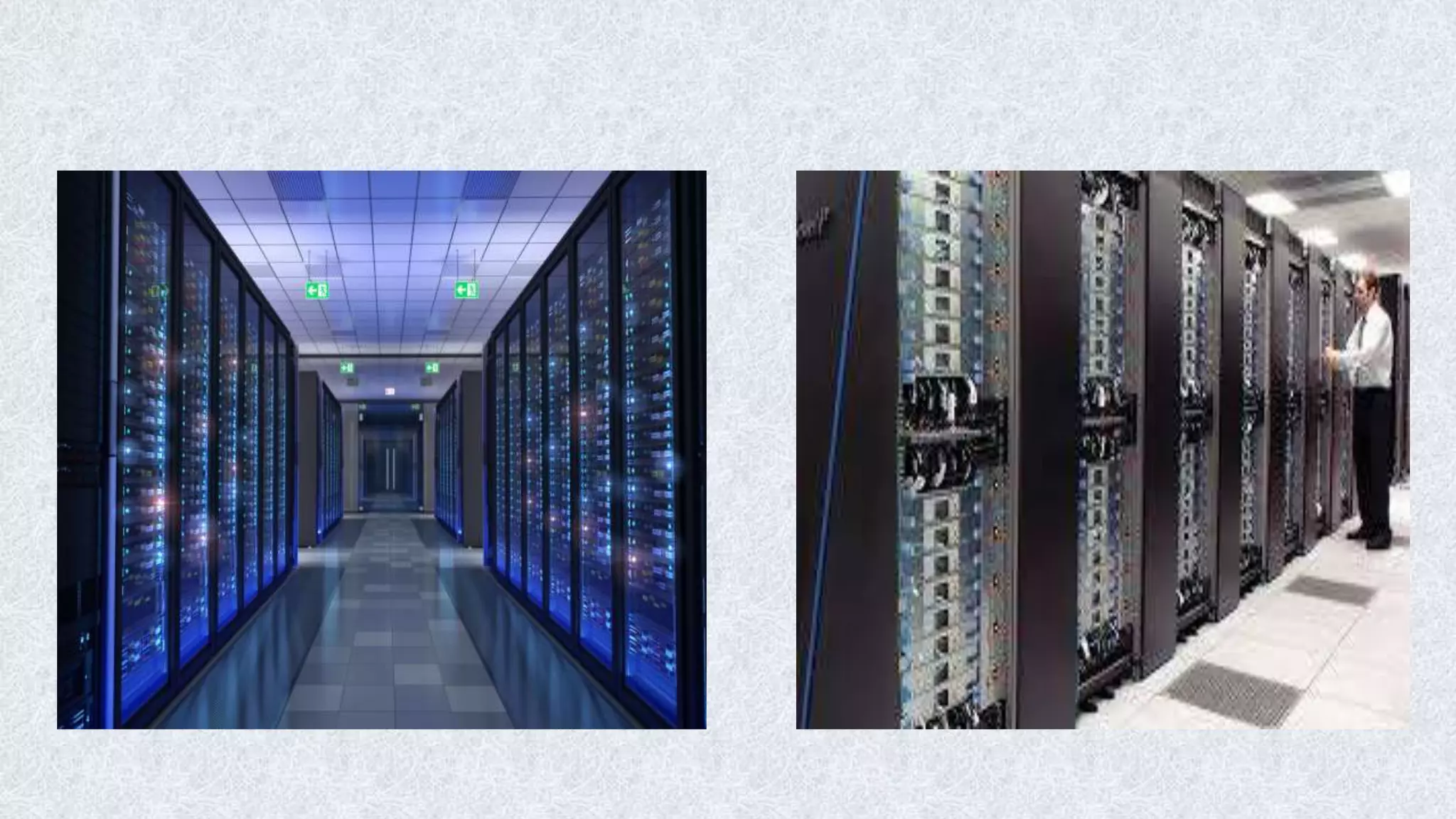
Supercomputers
• Extremely fast in operation 1 trillion
operations in nanosecond or even in
picoseconds.
• Massive parallel processing technology
used ie 8.6 billion calculations per sec.
• Fastest, costliest and powerful computer
available today.
• Application involves weather forecasting,
military applications, electronic design etc.
classification of digital computer

classification of digital computer

  • 1.
  • 2.
  • 3.
    Micro Computers  Microcomputeris also called Personal Computer.  Introduced by IBM commercially called IBM PC.  CPU created on a single chip.  Effective for individual work.
  • 4.
    Types of MicroComputers  Workstations  Desktops  Servers  Laptops  Notebooks
  • 5.
    Personal Computers • PCsare desktop or portable machines. • Easy to use • Used in homes, Educations Institutions and Organizations as nodes • Can perform typical activities like documentation, playing games, surfing web to more complex activities as programming, design, DTP etc.
  • 6.
    Portable Computers • Smallerand more powerful • Easy to carry all around. • Types: –Laptops/Notebooks –Subnotebooks –PDAs (Personal Digital Assistants)
  • 7.
    Laptops • Same asPCs in functionality • More Compact, Portable • Operated on both battery and power. • Less capacity compared to PCs
  • 8.
    PDA – PersonalDigital Assistant • Like Mini computer in a general sense • Smaller than laptops (can be called Palmtops) • Used to store information used frequently wherever you go ie day to day activities. • Nowadays work with smart cards which has all the information of a user and his/her transactions
  • 10.
    Mini Computers • Minicomputersare in between mainframes and Microcomputers. They are also called midrange computers. • Client - Server Architecture is used. • Used in many organizations, companies, factories etc as it have to work 24 hours.
  • 11.
    Mainframes • Large computersboth in terms of physical size as well as computations • Process several million instructions per second. • They support huge numbers of users • Basically used to store and process huge amount of data • Used in banks, insurance companies, airlines, railway stations ect.
  • 13.
    Network Computers • Collectionof PCs • Designed to connect internet called Internet boxes, Net PCs and Internet appliances. • Can share the information, work from anywhere to anywhere. • LAN – WAN – MAN – Internet
  • 15.
    Workstations • They aresimilar to PCs but with more memory and a high speed processor • They are intended to support network operating systems and network applications. • They are used in architectural design, video editing, scientists, animations etc. • The more powerful workstations are called super-micros.
  • 16.
  • 17.
    Servers • A serveris one for which many PCs are connected. • It has large capacity secondary storage and more memory • They host, like workstations, network servers and operating systems • They avoid duplicate installation of applications and all users will access to a common copy of the program
  • 18.
    Supercomputers • Extremely fastin operation 1 trillion operations in nanosecond or even in picoseconds. • Massive parallel processing technology used ie 8.6 billion calculations per sec. • Fastest, costliest and powerful computer available today. • Application involves weather forecasting, military applications, electronic design etc.