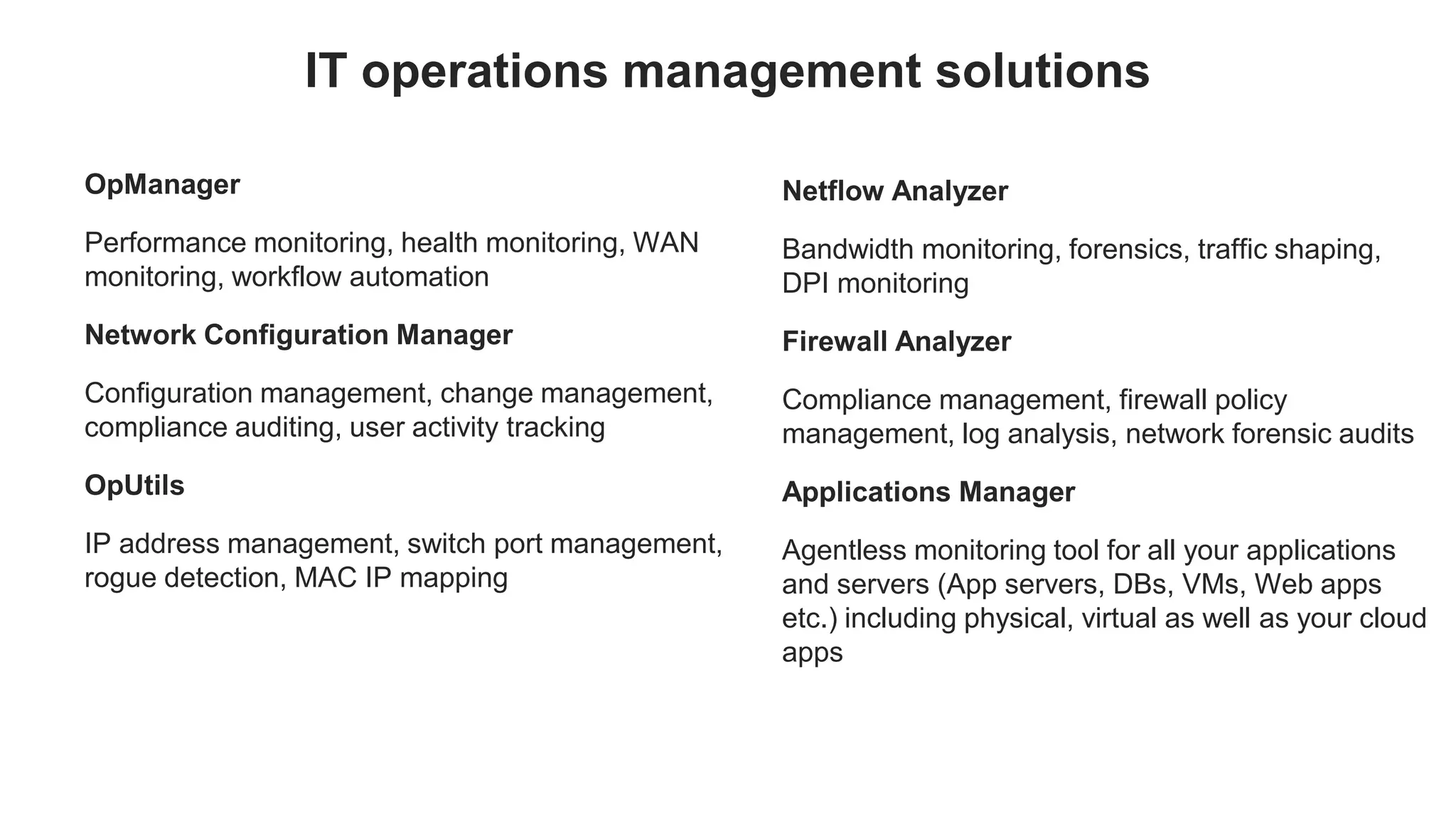


OpManager
Performance monitoring, health monitoring, WAN
monitoring, workflow automation
Network Configuration Manager
Configuration management, change management,
compliance auditing, user activity tracking
OpUtils
IP address management, switch port management,
rogue detection, MAC IP mapping
IT operations management solutions
Netflow Analyzer
Bandwidth monitoring, forensics, traffic shaping,
DPI monitoring
Firewall Analyzer
Compliance management, firewall policy
management, log analysis, network forensic audits
Applications Manager
Agentless monitoring tool for all your applications
and servers (App servers, DBs, VMs, Web apps
etc.) including physical, virtual as well as your cloud
apps
Welcome to a free OpManager training
session
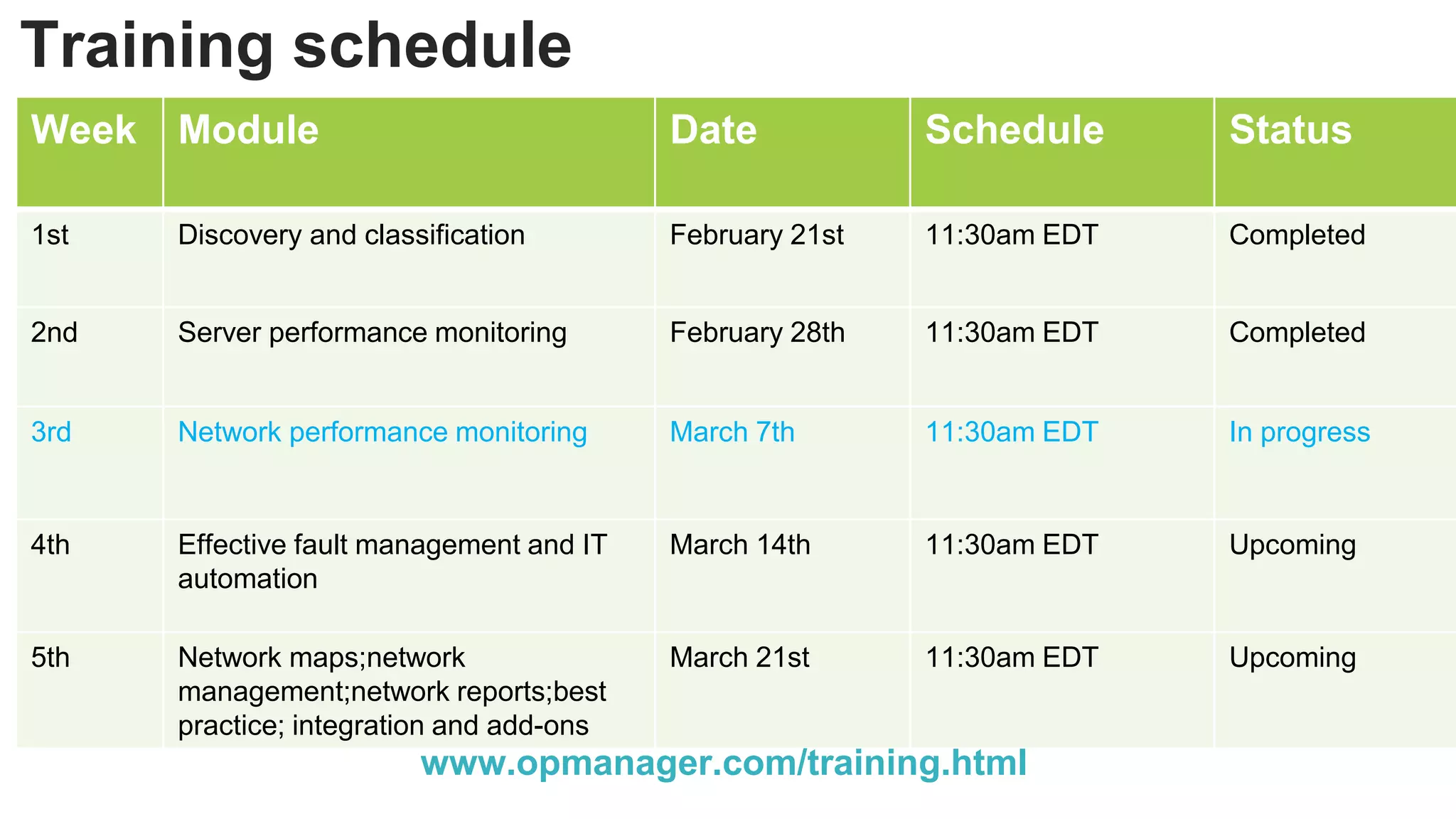
Training schedule
Week Module Date Schedule Status
1st Discovery and classification February 21st 11:30am EDT Completed
2nd Server performance monitoring February 28th 11:30am EDT Completed
3rd Network performance monitoring March 7th 11:30am EDT In progress
4th Effective fault management and IT
automation
March 14th 11:30am EDT Upcoming
5th Network maps;network
management;network reports;best
practice; integration and add-ons
March 21st 11:30am EDT Upcoming
www.opmanager.com/training.html
Week 3
Network performance monitoring
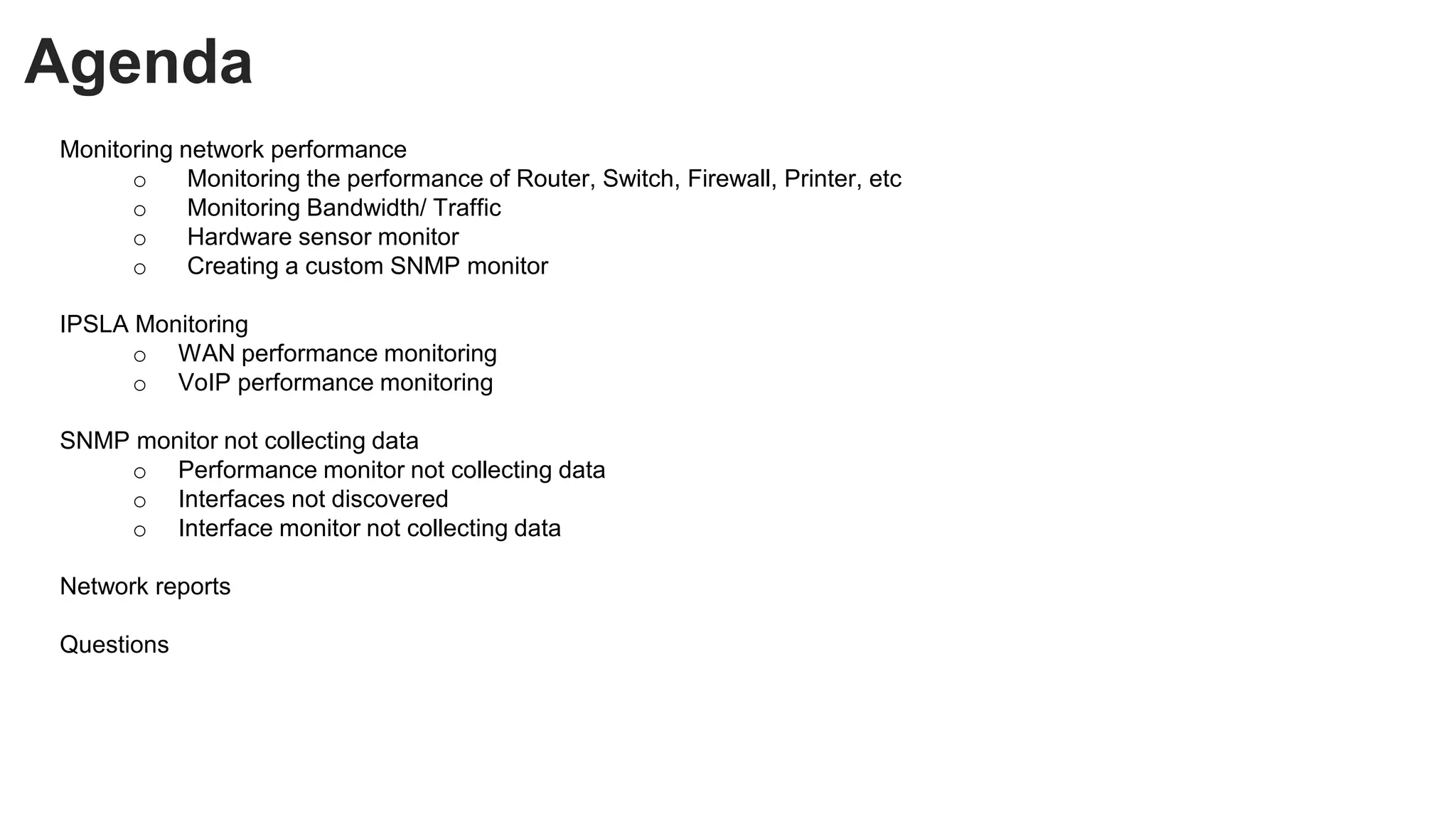
Agenda
Monitoring network performance
o Monitoring the performance of Router, Switch, Firewall, Printer, etc
o Monitoring Bandwidth/ Traffic
o Hardware sensor monitor
o Creating a custom SNMP monitor
IPSLA Monitoring
o WAN performance monitoring
o VoIP performance monitoring
SNMP monitor not collecting data
o Performance monitor not collecting data
o Interfaces not discovered
o Interface monitor not collecting data
Network reports
Questions
Monitoring network performance
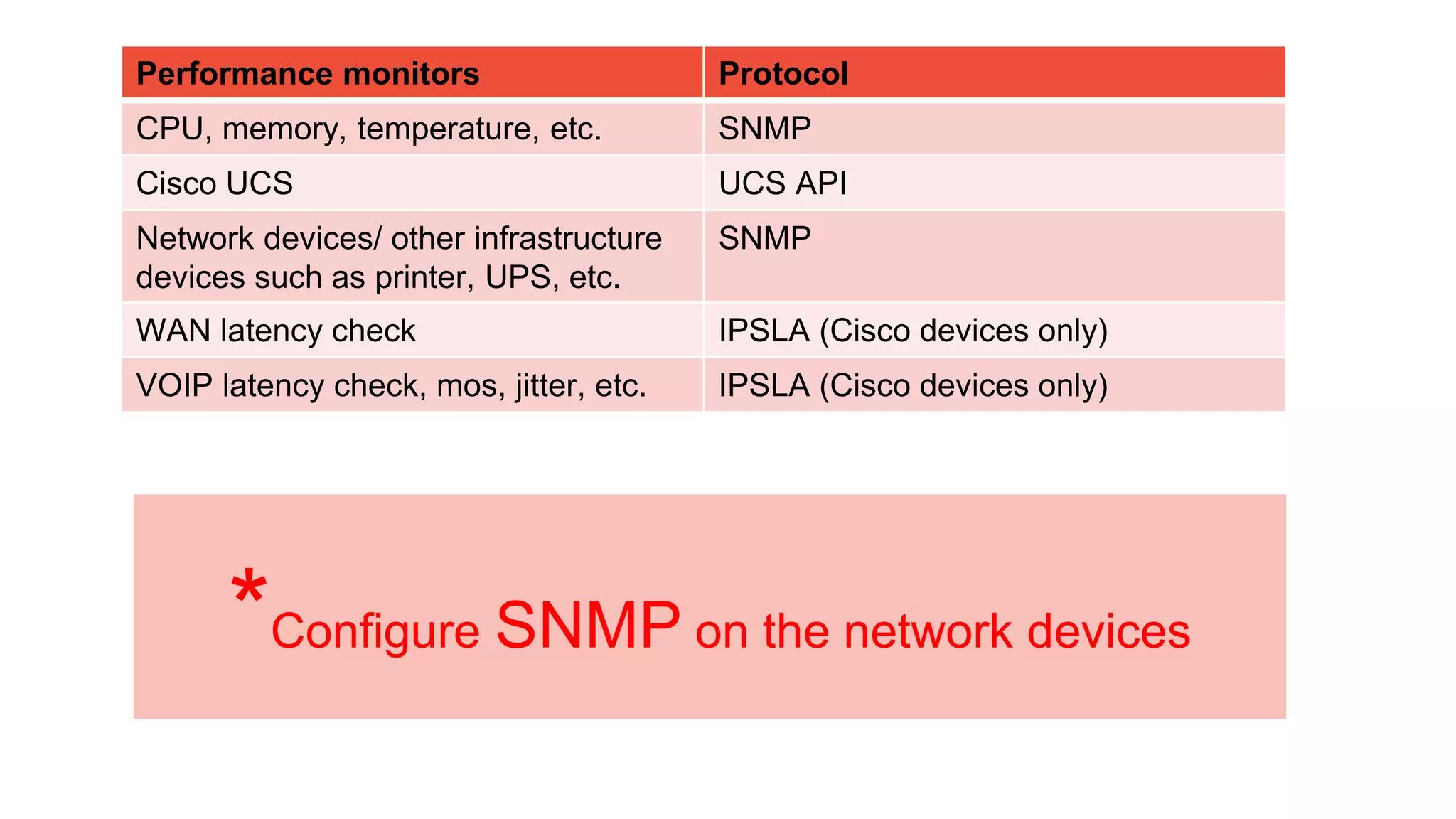
Performance monitors Protocol
CPU, memory, temperature, etc. SNMP
Cisco UCS UCS API
Network devices/ other infrastructure
devices such as printer, UPS, etc.
SNMP
WAN latency check IPSLA (Cisco devices only)
VOIP latency check, mos, jitter, etc. IPSLA (Cisco devices only)
*Configure SNMP on the network devices
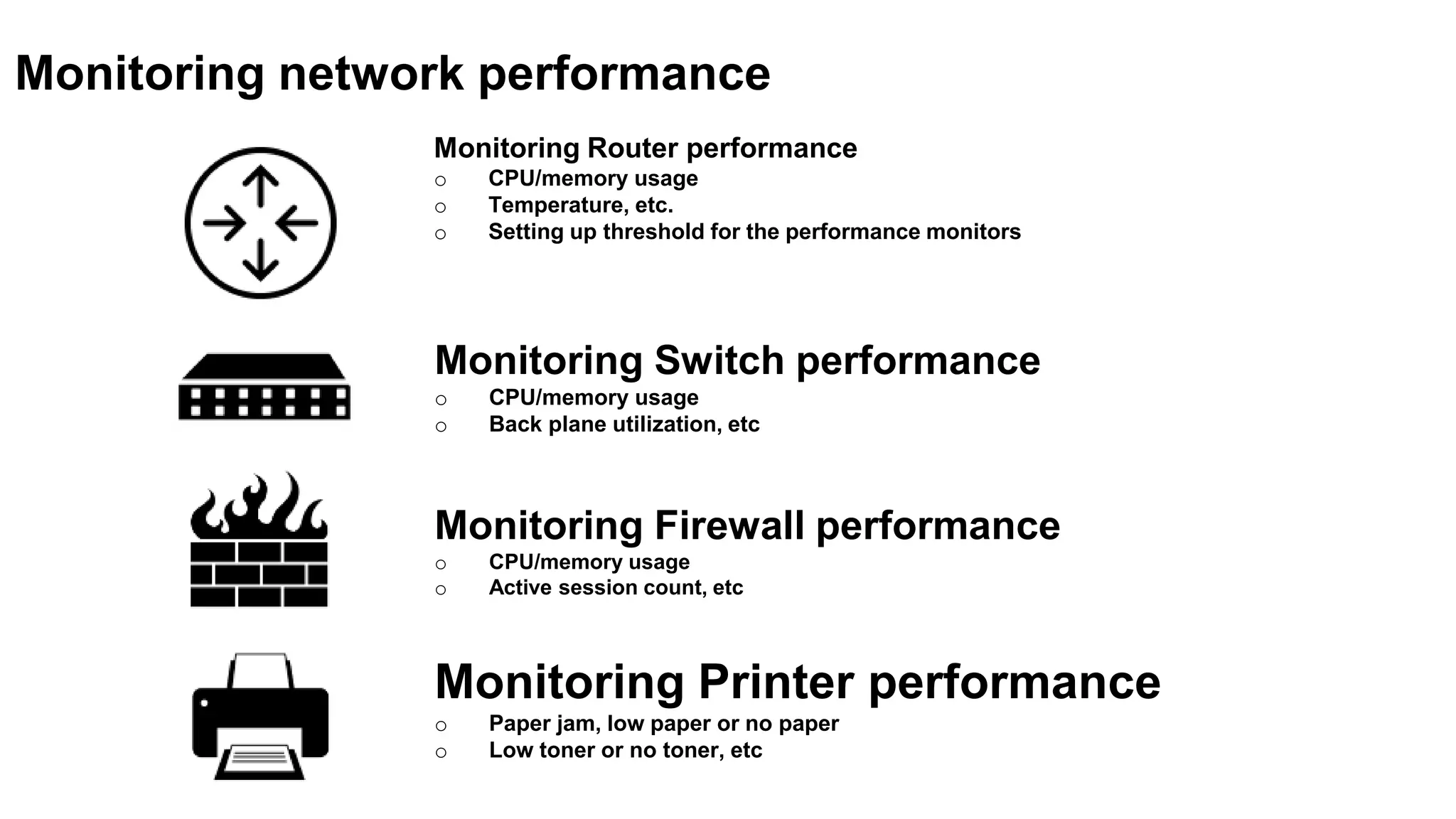
Monitoring Router performance
o CPU/memory usage
o Temperature, etc.
o Setting up threshold for the performance monitors
Monitoring network performance
Monitoring Switch performance
o CPU/memory usage
o Back plane utilization, etc
Monitoring Firewall performance
o CPU/memory usage
o Active session count, etc
Monitoring Printer performance
o Paper jam, low paper or no paper
o Low toner or no toner, etc
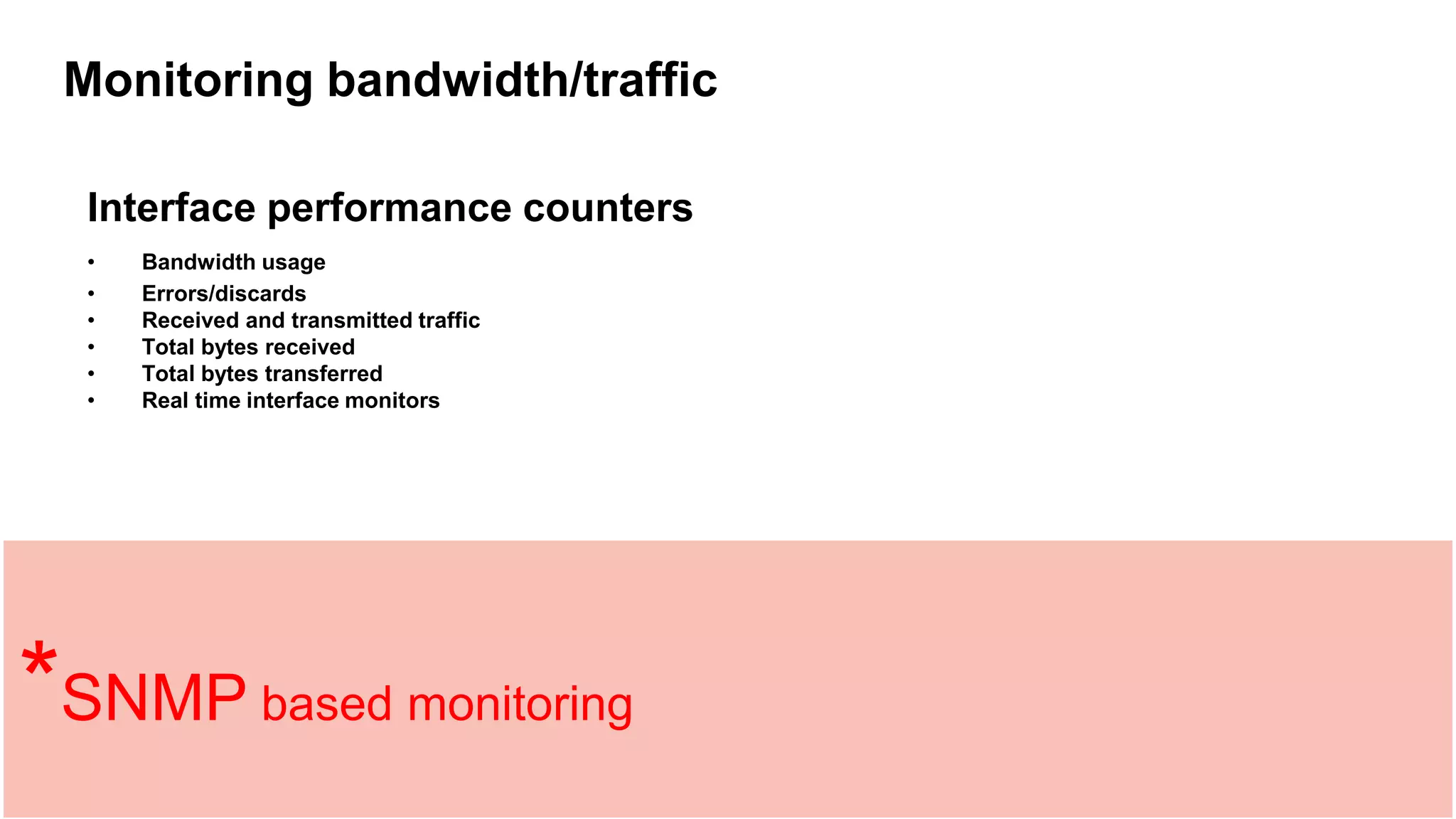
Monitoring bandwidth/traffic
Interface performance counters
• Bandwidth usage
• Errors/discards
• Received and transmitted traffic
• Total bytes received
• Total bytes transferred
• Real time interface monitors
*SNMP based monitoring
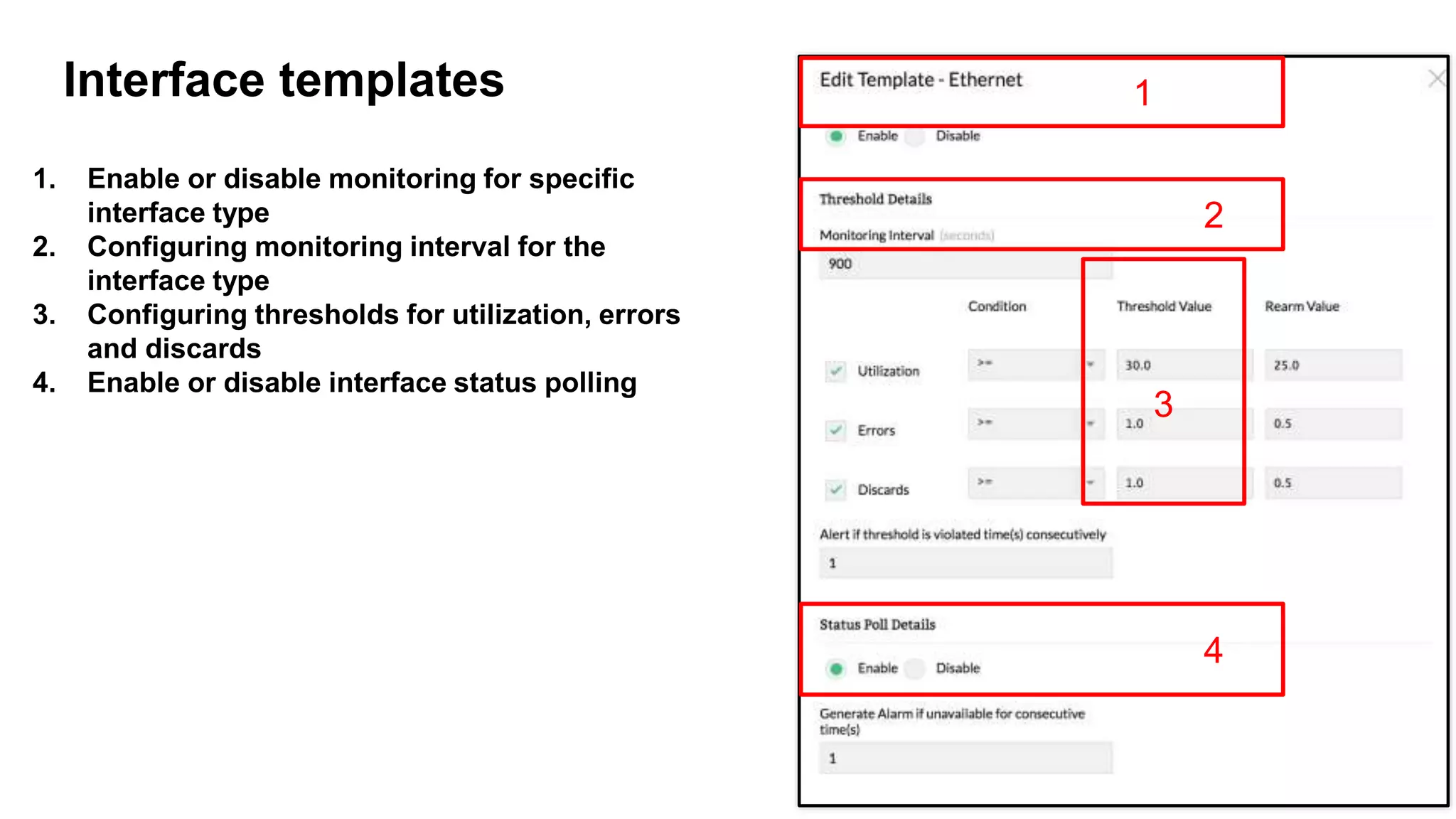
1. Enable or disable monitoring for specific
interface type
2. Configuring monitoring interval for the
interface type
3. Configuring thresholds for utilization, errors
and discards
4. Enable or disable interface status polling
10
Interface templates 1
2
3
4
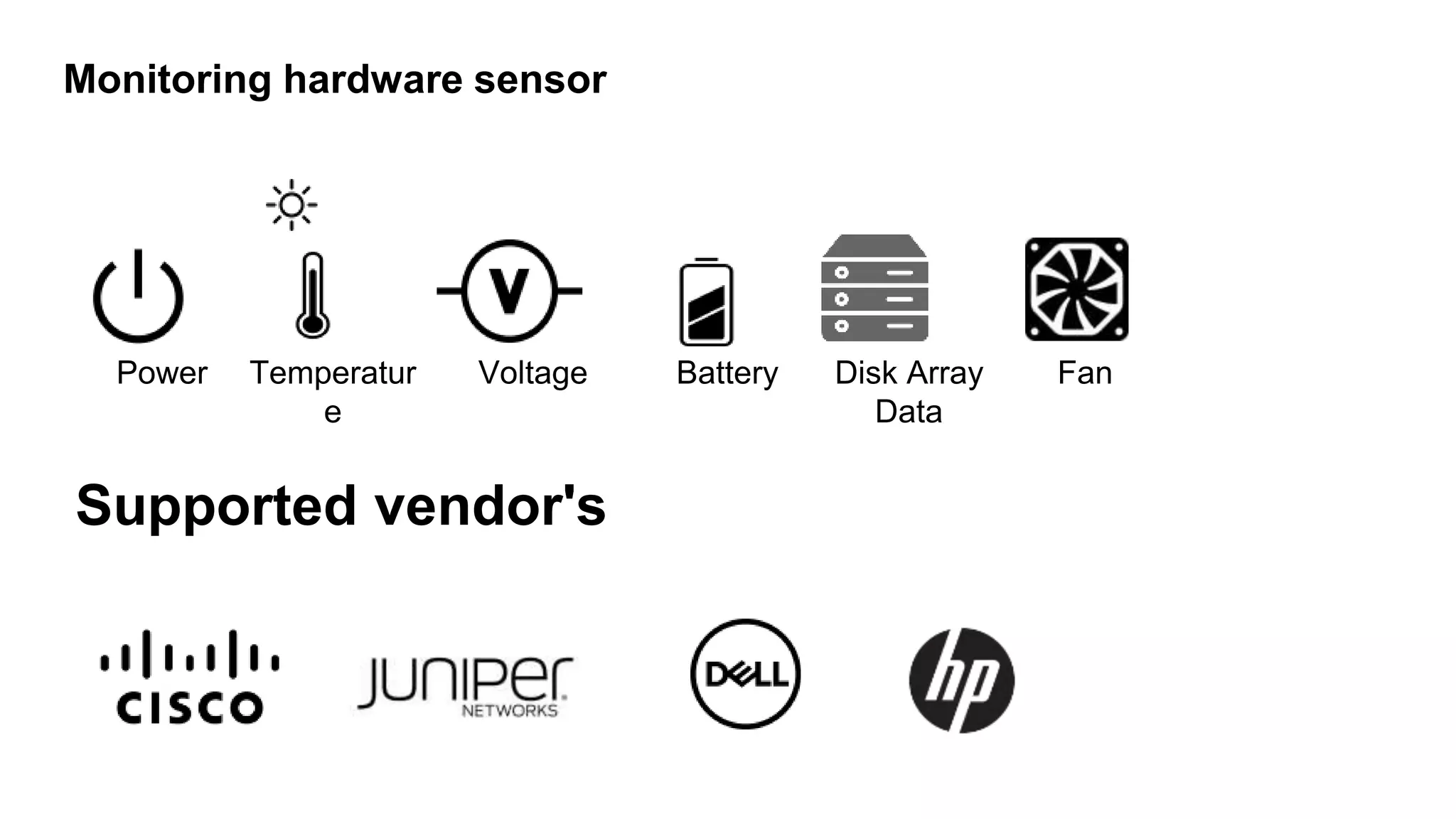
Monitoring hardware sensor
Power Temperatur
e
Voltage
Supported vendor's
Battery Disk Array
Data
Fan
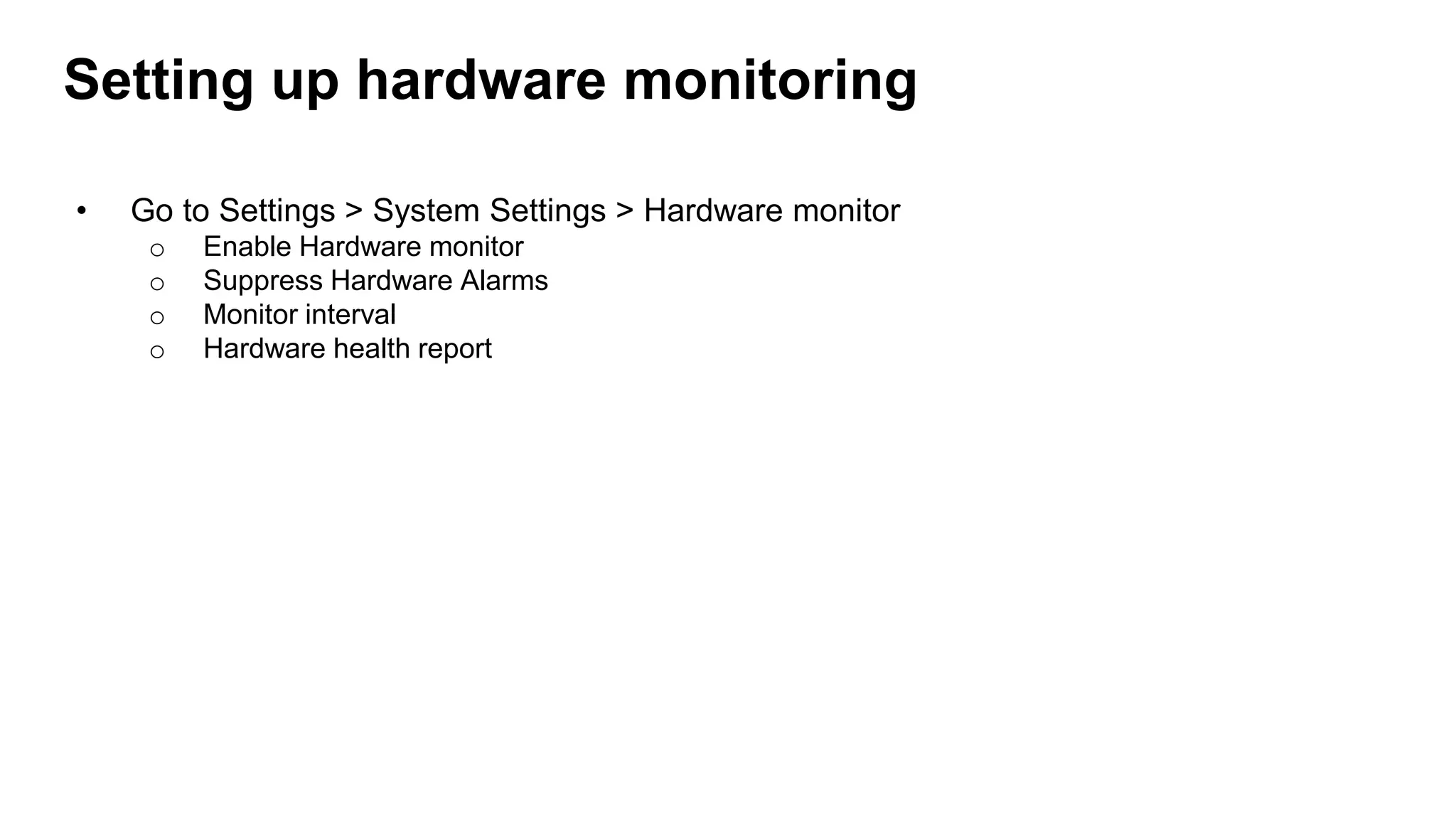
Setting up hardware monitoring
• Go to Settings > System Settings > Hardware monitor
o Enable Hardware monitor
o Suppress Hardware Alarms
o Monitor interval
o Hardware health report
Creating a custom SNMP monitor
Prerequisites
• SNMP-enabled device
• Vendor MIBs
o OpManagermibs
• Mib-browser
o Valid SNMP OIDs
Mibs
• What is a mib file?
• How to obtain the mib file?
• Uploading the mib files in OpManager
• Identifying the valid OID's
Examples
1. Creating a custom monitor for 'Palo Alto Networks 7000 series firewall' (active session
and active tunnels)
2. Multiple OID's with arithmetic operation/calculation
3. String to numeric
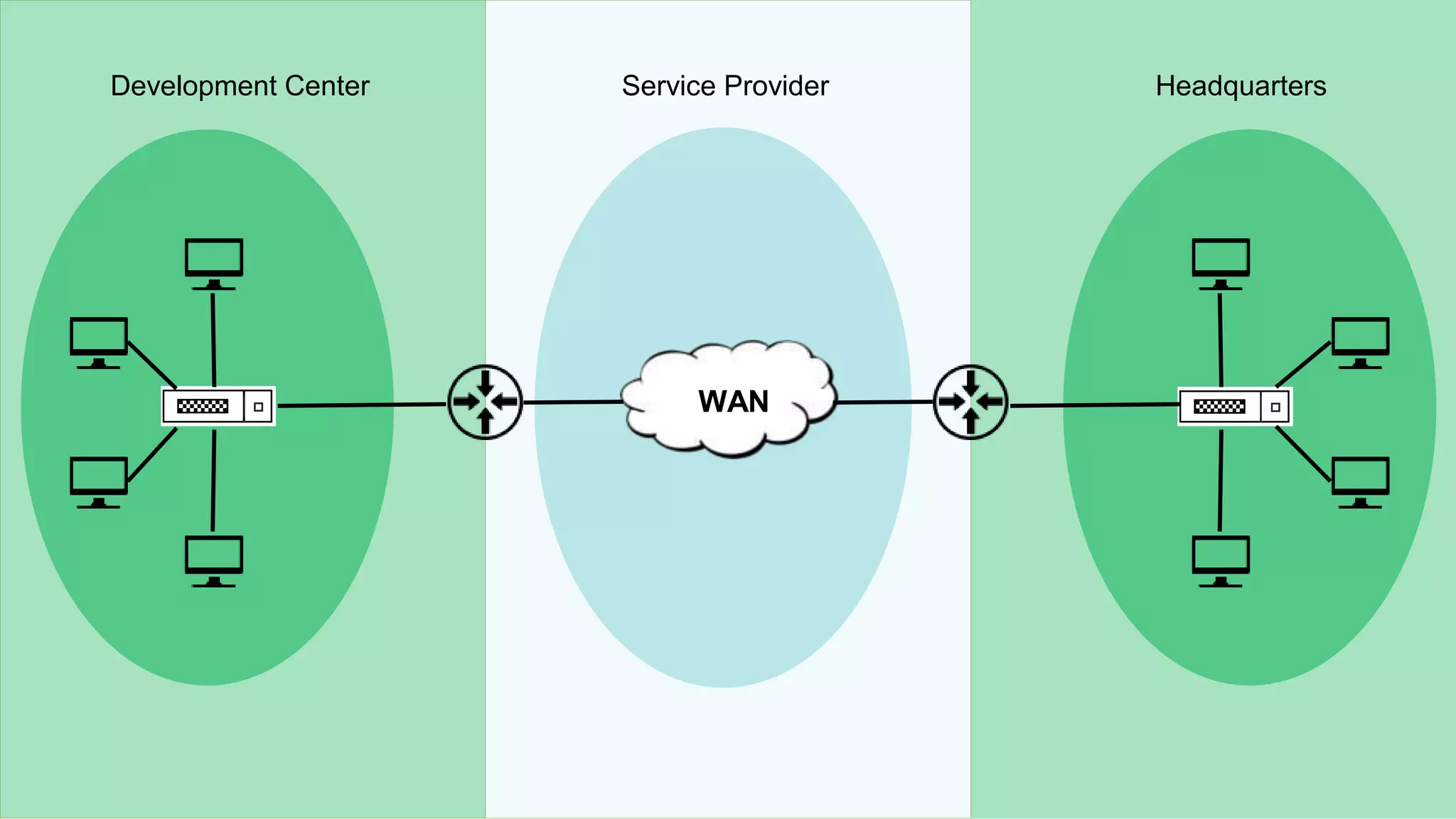
IPSLA monitoring
WWAN
Development Center HeadquartersService Provider
WAN performance
o Identify the network paths with high round trip time
o Identify where the outage happened by viewing the hop-wise latency graph
o Collect the IPSLA traps for events such as connection loss, threshold violation for RTT, average
payload, timeout, etc.
WAN performance monitoring
Prerequisites
o A Cisco router with an IPSLA agent enabled
o iOS version must be 12.3 or later
o SNMP read and write community configured on the device
o Configure the device to send traps to an OpManager server
How to add?
o Go to Inventory > List view > Select IPSLA
o Select WAN > Click plus icon at the top of the page
o Add the details of the source and destination IP
Adding WAN monitor
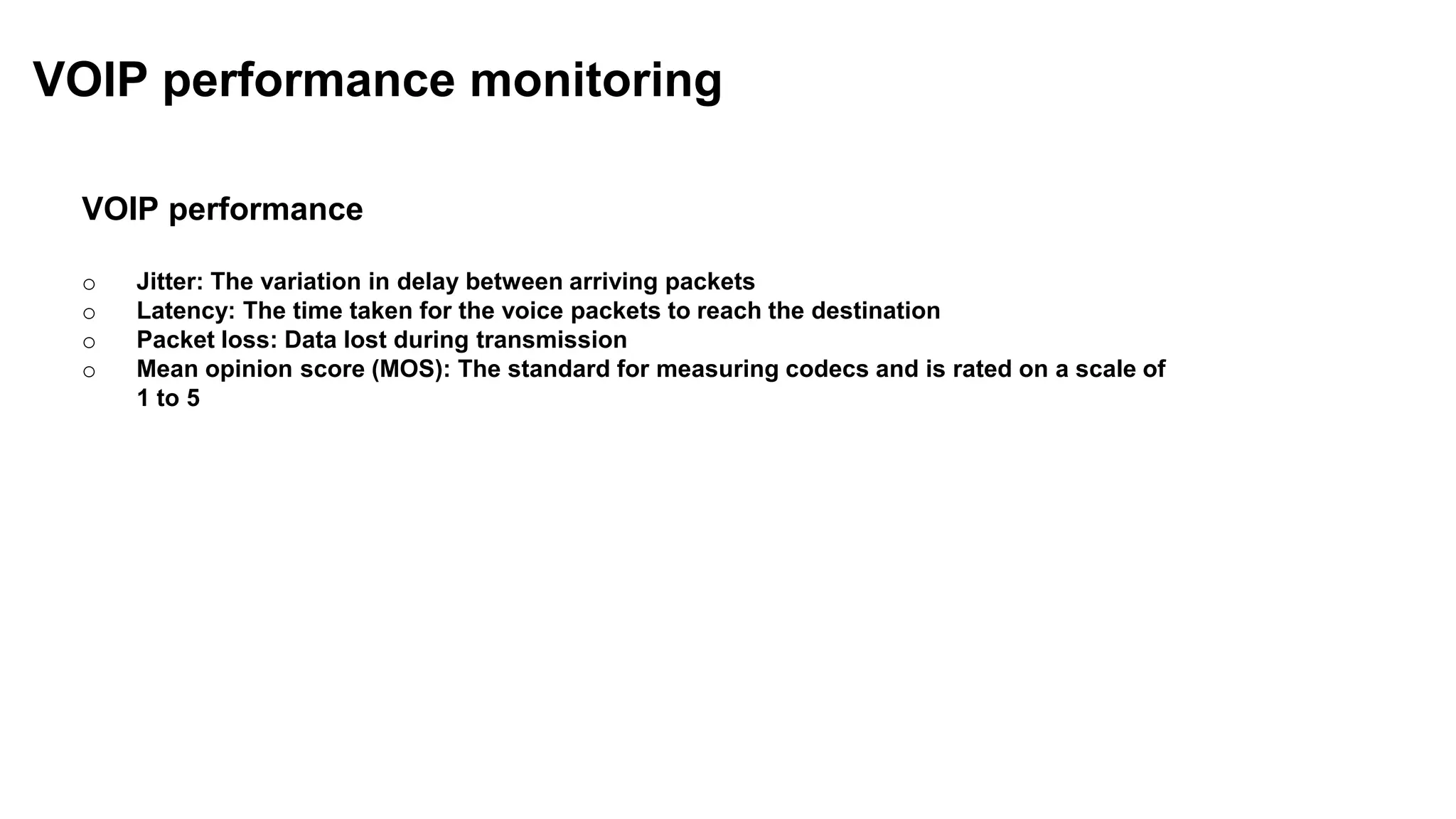
VOIP performance
o Jitter: The variation in delay between arriving packets
o Latency: The time taken for the voice packets to reach the destination
o Packet loss: Data lost during transmission
o Mean opinion score (MOS): The standard for measuring codecs and is rated on a scale of
1 to 5
VOIP performance monitoring
SNMP monitor not collecting data
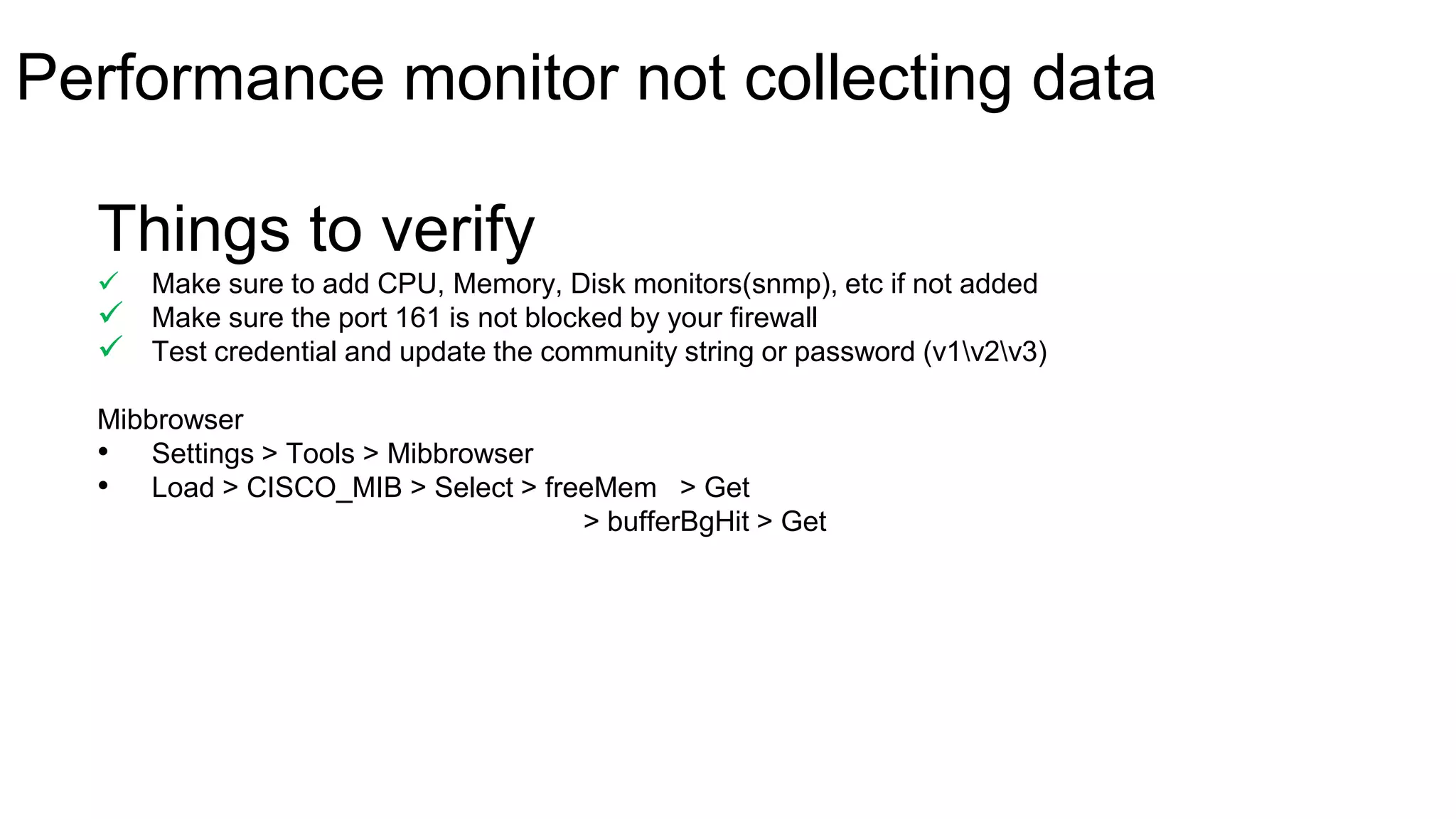
Things to verify
 Make sure to add CPU, Memory, Disk monitors(snmp), etc if not added
 Make sure the port 161 is not blocked by your firewall
 Test credential and update the community string or password (v1v2v3)
Mibbrowser
• Settings > Tools > Mibbrowser
• Load > CISCO_MIB > Select > freeMem > Get
> bufferBgHit > Get
Performance monitor not collecting data
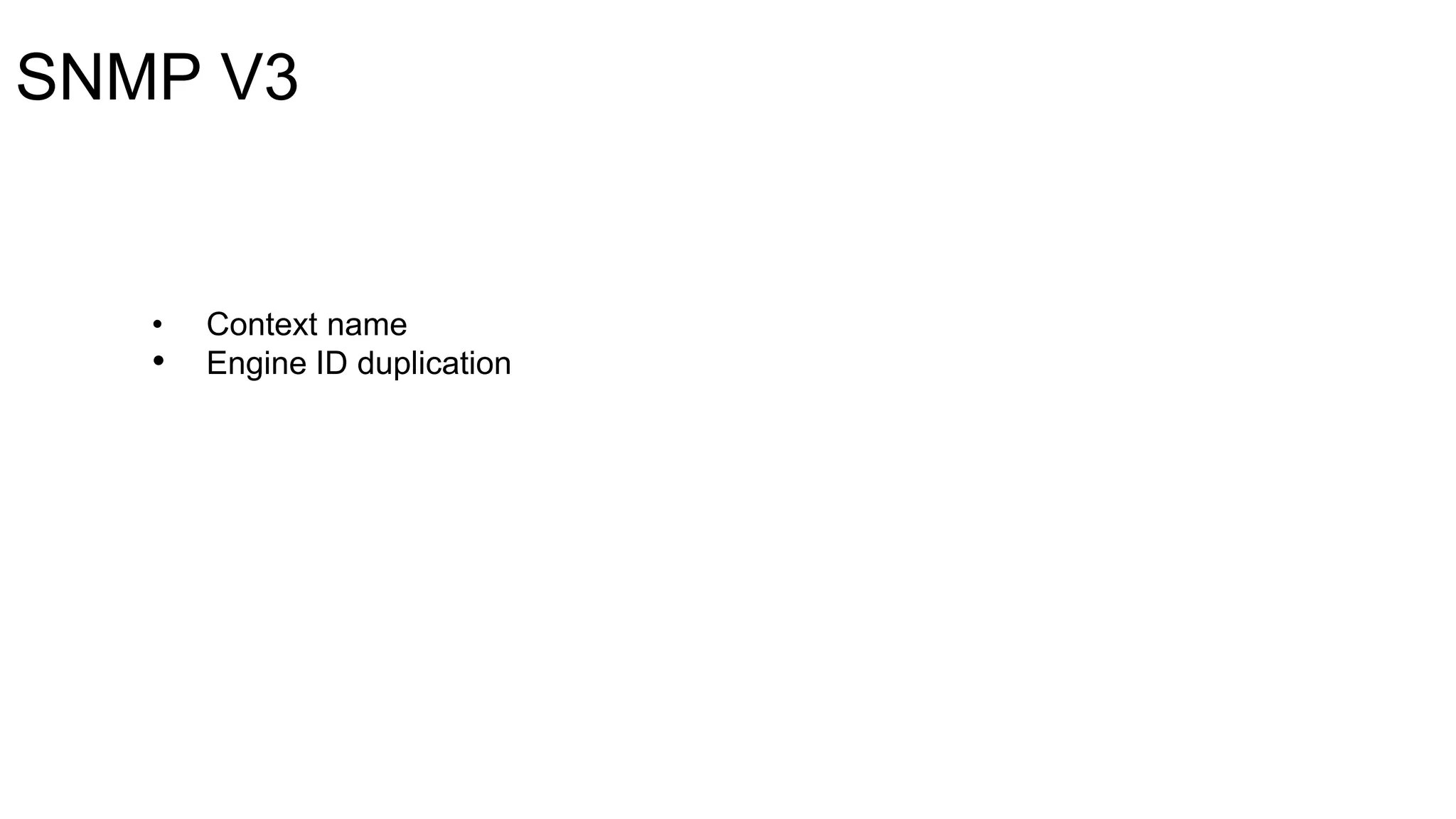
SNMP V3
• Context name
• Engine ID duplication
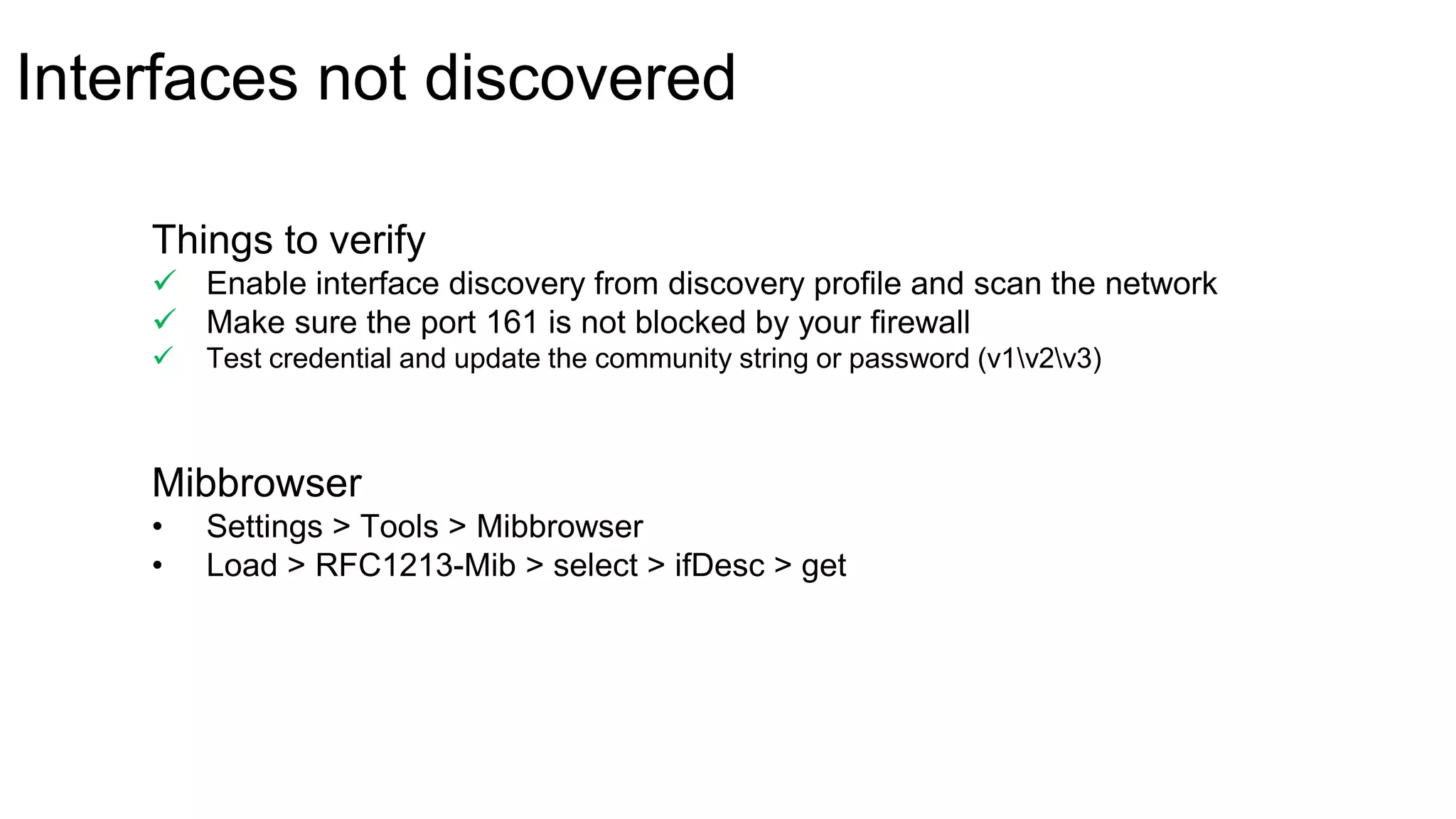
Interfaces not discovered
Mibbrowser
• Settings > Tools > Mibbrowser
• Load > RFC1213-Mib > select > ifDesc > get
Things to verify
 Enable interface discovery from discovery profile and scan the network
 Make sure the port 161 is not blocked by your firewall
 Test credential and update the community string or password (v1v2v3)
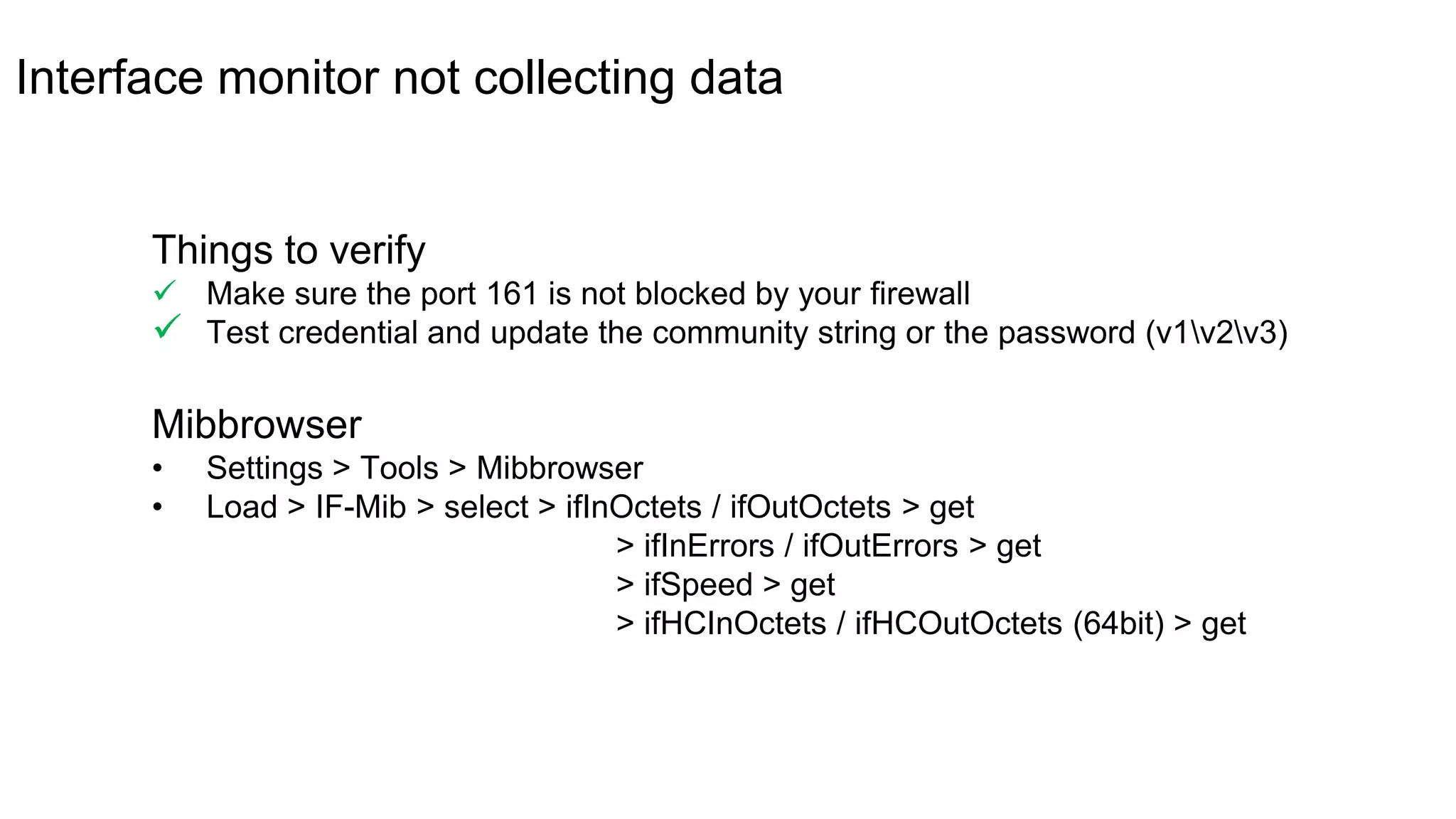
Interface monitor not collecting data
Mibbrowser
• Settings > Tools > Mibbrowser
• Load > IF-Mib > select > ifInOctets / ifOutOctets > get
> ifInErrors / ifOutErrors > get
> ifSpeed > get
> ifHCInOctets / ifHCOutOctets (64bit) > get
Things to verify
 Make sure the port 161 is not blocked by your firewall
 Test credential and update the community string or the password (v1v2v3)
Network reports
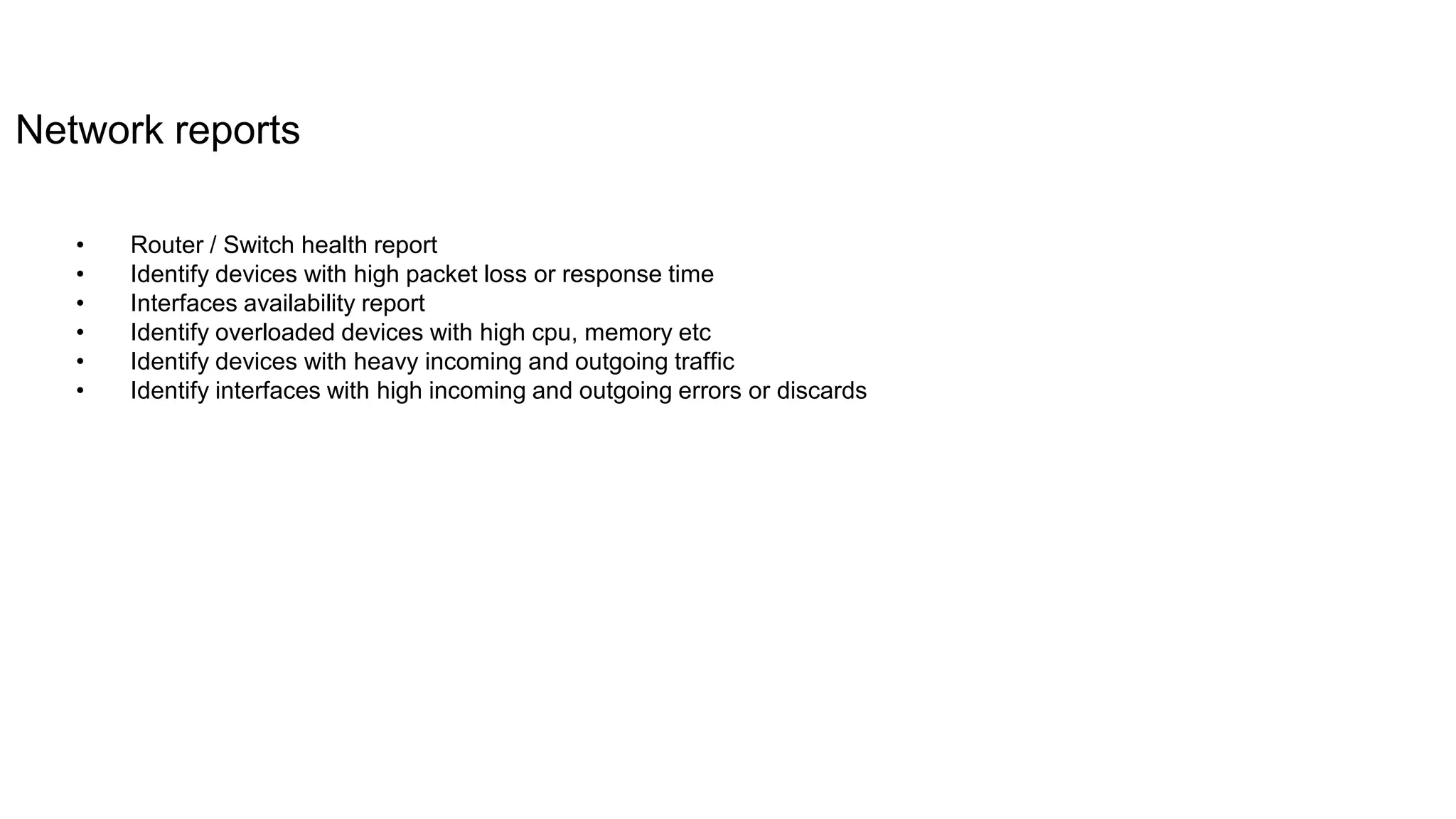
Network reports
• Router / Switch health report
• Identify devices with high packet loss or response time
• Interfaces availability report
• Identify overloaded devices with high cpu, memory etc
• Identify devices with heavy incoming and outgoing traffic
• Identify interfaces with high incoming and outgoing errors or discards
youtube.com/opmanagertechvideos
help.opmanager.com
opmanager-
support@manageengine.com
+1 888 720 9500 / +1 408 916 9400
More help?
forums.manageengine.com/opmanager
Effective fault management and IT automation|
March 14th
11:30am EDT | US, UK, Canada, and Mexico
Next training schedule
www.manageengine.com
THANK YOU
Suresh Bagavathy
sureshb@zohocorp.com

Monitoring network performance- Part 3_Free OpManager training

  • 1.
    OpManager Performance monitoring, healthmonitoring, WAN monitoring, workflow automation Network Configuration Manager Configuration management, change management, compliance auditing, user activity tracking OpUtils IP address management, switch port management, rogue detection, MAC IP mapping IT operations management solutions Netflow Analyzer Bandwidth monitoring, forensics, traffic shaping, DPI monitoring Firewall Analyzer Compliance management, firewall policy management, log analysis, network forensic audits Applications Manager Agentless monitoring tool for all your applications and servers (App servers, DBs, VMs, Web apps etc.) including physical, virtual as well as your cloud apps
  • 2.
    Welcome to afree OpManager training session
  • 3.
    Training schedule Week ModuleDate Schedule Status 1st Discovery and classification February 21st 11:30am EDT Completed 2nd Server performance monitoring February 28th 11:30am EDT Completed 3rd Network performance monitoring March 7th 11:30am EDT In progress 4th Effective fault management and IT automation March 14th 11:30am EDT Upcoming 5th Network maps;network management;network reports;best practice; integration and add-ons March 21st 11:30am EDT Upcoming www.opmanager.com/training.html
  • 4.
  • 5.
    Agenda Monitoring network performance oMonitoring the performance of Router, Switch, Firewall, Printer, etc o Monitoring Bandwidth/ Traffic o Hardware sensor monitor o Creating a custom SNMP monitor IPSLA Monitoring o WAN performance monitoring o VoIP performance monitoring SNMP monitor not collecting data o Performance monitor not collecting data o Interfaces not discovered o Interface monitor not collecting data Network reports Questions
  • 6.
  • 7.
    Performance monitors Protocol CPU,memory, temperature, etc. SNMP Cisco UCS UCS API Network devices/ other infrastructure devices such as printer, UPS, etc. SNMP WAN latency check IPSLA (Cisco devices only) VOIP latency check, mos, jitter, etc. IPSLA (Cisco devices only) *Configure SNMP on the network devices
  • 8.
    Monitoring Router performance oCPU/memory usage o Temperature, etc. o Setting up threshold for the performance monitors Monitoring network performance Monitoring Switch performance o CPU/memory usage o Back plane utilization, etc Monitoring Firewall performance o CPU/memory usage o Active session count, etc Monitoring Printer performance o Paper jam, low paper or no paper o Low toner or no toner, etc
  • 9.
    Monitoring bandwidth/traffic Interface performancecounters • Bandwidth usage • Errors/discards • Received and transmitted traffic • Total bytes received • Total bytes transferred • Real time interface monitors *SNMP based monitoring
  • 10.
    1. Enable ordisable monitoring for specific interface type 2. Configuring monitoring interval for the interface type 3. Configuring thresholds for utilization, errors and discards 4. Enable or disable interface status polling 10 Interface templates 1 2 3 4
  • 11.
    Monitoring hardware sensor PowerTemperatur e Voltage Supported vendor's Battery Disk Array Data Fan
  • 12.
    Setting up hardwaremonitoring • Go to Settings > System Settings > Hardware monitor o Enable Hardware monitor o Suppress Hardware Alarms o Monitor interval o Hardware health report
  • 13.
    Creating a customSNMP monitor Prerequisites • SNMP-enabled device • Vendor MIBs o OpManagermibs • Mib-browser o Valid SNMP OIDs Mibs • What is a mib file? • How to obtain the mib file? • Uploading the mib files in OpManager • Identifying the valid OID's Examples 1. Creating a custom monitor for 'Palo Alto Networks 7000 series firewall' (active session and active tunnels) 2. Multiple OID's with arithmetic operation/calculation 3. String to numeric
  • 14.
  • 15.
  • 16.
    WAN performance o Identifythe network paths with high round trip time o Identify where the outage happened by viewing the hop-wise latency graph o Collect the IPSLA traps for events such as connection loss, threshold violation for RTT, average payload, timeout, etc. WAN performance monitoring
  • 17.
    Prerequisites o A Ciscorouter with an IPSLA agent enabled o iOS version must be 12.3 or later o SNMP read and write community configured on the device o Configure the device to send traps to an OpManager server How to add? o Go to Inventory > List view > Select IPSLA o Select WAN > Click plus icon at the top of the page o Add the details of the source and destination IP Adding WAN monitor
  • 18.
    VOIP performance o Jitter:The variation in delay between arriving packets o Latency: The time taken for the voice packets to reach the destination o Packet loss: Data lost during transmission o Mean opinion score (MOS): The standard for measuring codecs and is rated on a scale of 1 to 5 VOIP performance monitoring
  • 19.
    SNMP monitor notcollecting data
  • 20.
    Things to verify Make sure to add CPU, Memory, Disk monitors(snmp), etc if not added  Make sure the port 161 is not blocked by your firewall  Test credential and update the community string or password (v1v2v3) Mibbrowser • Settings > Tools > Mibbrowser • Load > CISCO_MIB > Select > freeMem > Get > bufferBgHit > Get Performance monitor not collecting data
  • 21.
    SNMP V3 • Contextname • Engine ID duplication
  • 22.
    Interfaces not discovered Mibbrowser •Settings > Tools > Mibbrowser • Load > RFC1213-Mib > select > ifDesc > get Things to verify  Enable interface discovery from discovery profile and scan the network  Make sure the port 161 is not blocked by your firewall  Test credential and update the community string or password (v1v2v3)
  • 23.
    Interface monitor notcollecting data Mibbrowser • Settings > Tools > Mibbrowser • Load > IF-Mib > select > ifInOctets / ifOutOctets > get > ifInErrors / ifOutErrors > get > ifSpeed > get > ifHCInOctets / ifHCOutOctets (64bit) > get Things to verify  Make sure the port 161 is not blocked by your firewall  Test credential and update the community string or the password (v1v2v3)
  • 24.
  • 25.
    Network reports • Router/ Switch health report • Identify devices with high packet loss or response time • Interfaces availability report • Identify overloaded devices with high cpu, memory etc • Identify devices with heavy incoming and outgoing traffic • Identify interfaces with high incoming and outgoing errors or discards
  • 26.
    youtube.com/opmanagertechvideos help.opmanager.com opmanager- support@manageengine.com +1 888 7209500 / +1 408 916 9400 More help? forums.manageengine.com/opmanager
  • 27.
    Effective fault managementand IT automation| March 14th 11:30am EDT | US, UK, Canada, and Mexico Next training schedule
  • 28.