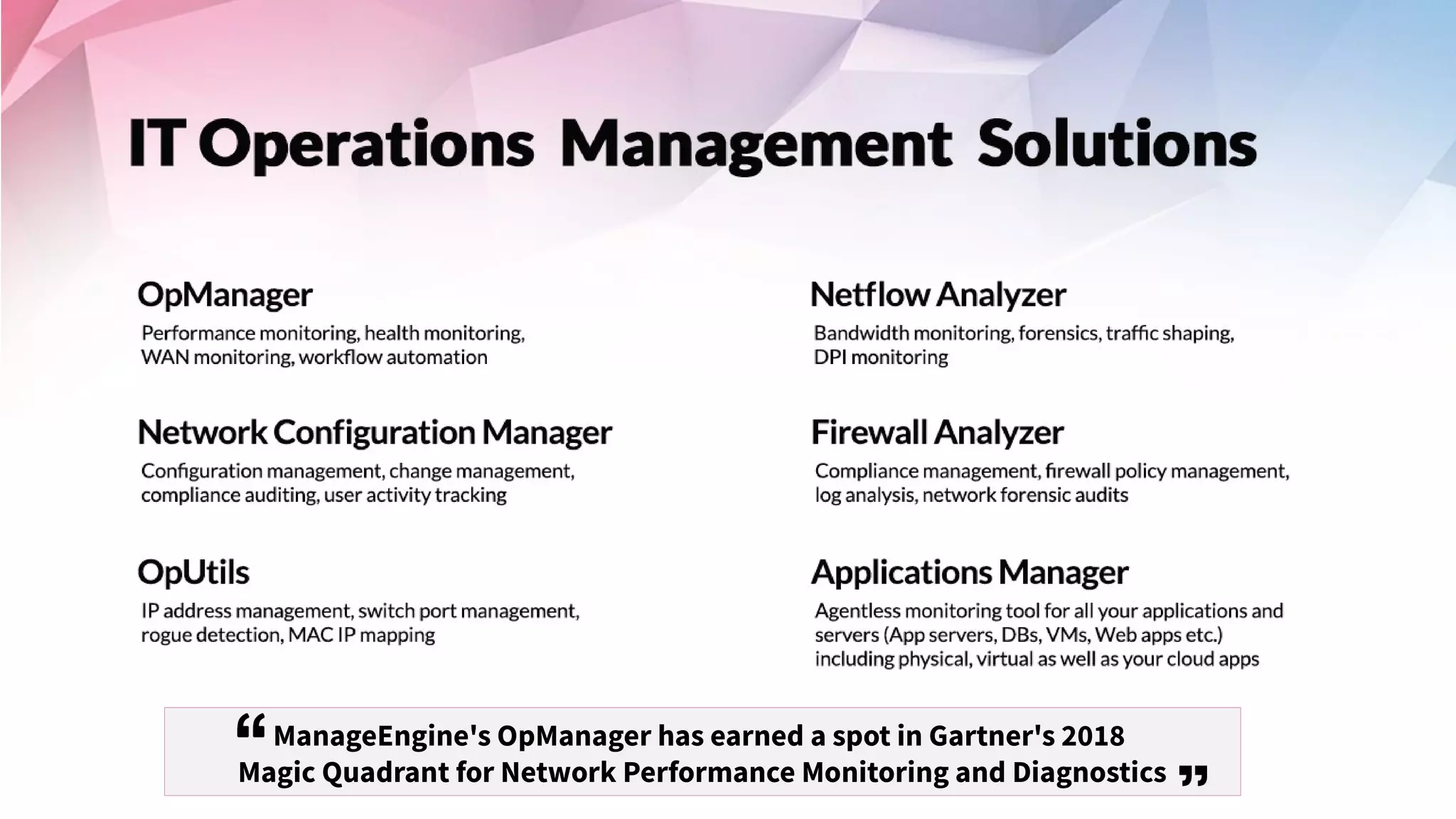
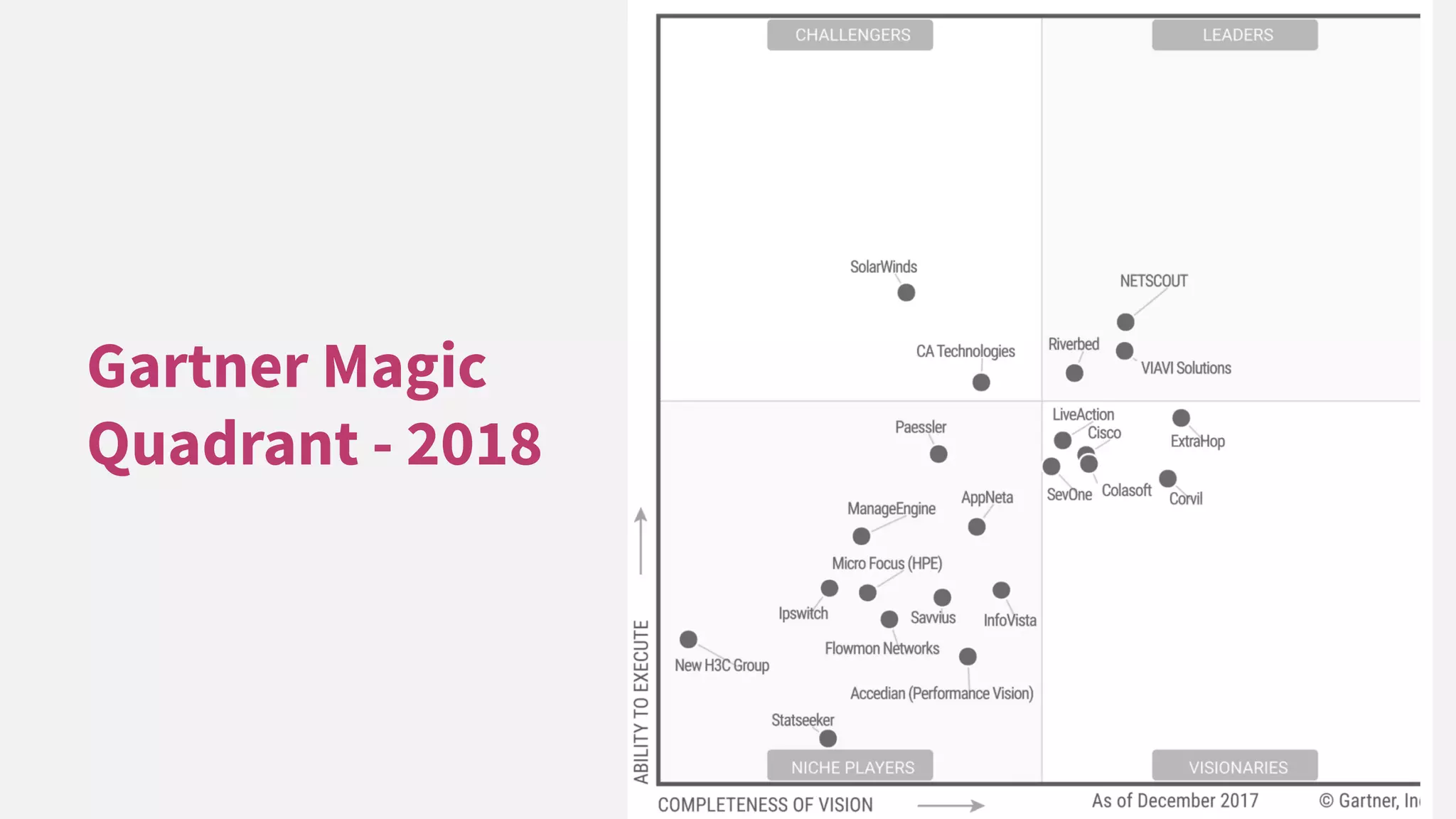
ManageEngine's OpManager has earned a spot in Gartner's 2018
Magic Quadrant for Network Performance Monitoring and Diagnostics
Can you hear me? Can you see the
presentation?
Please confirm by commenting in the webinar chat panel
Welcome to a free OpManager training session
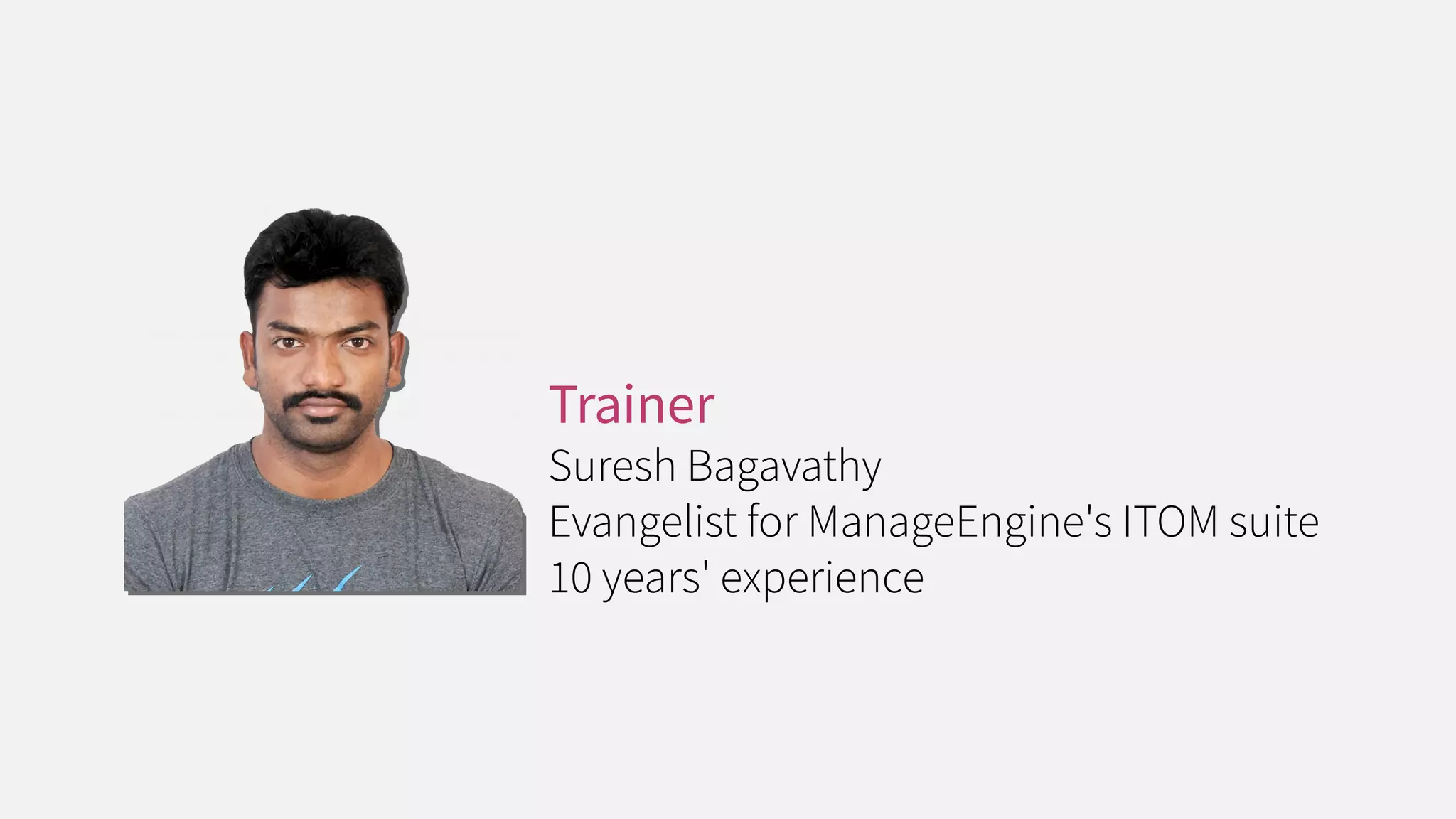
Trainer
Suresh Bagavathy
Evangelist for ManageEngine's ITOM suite
10 years' experience
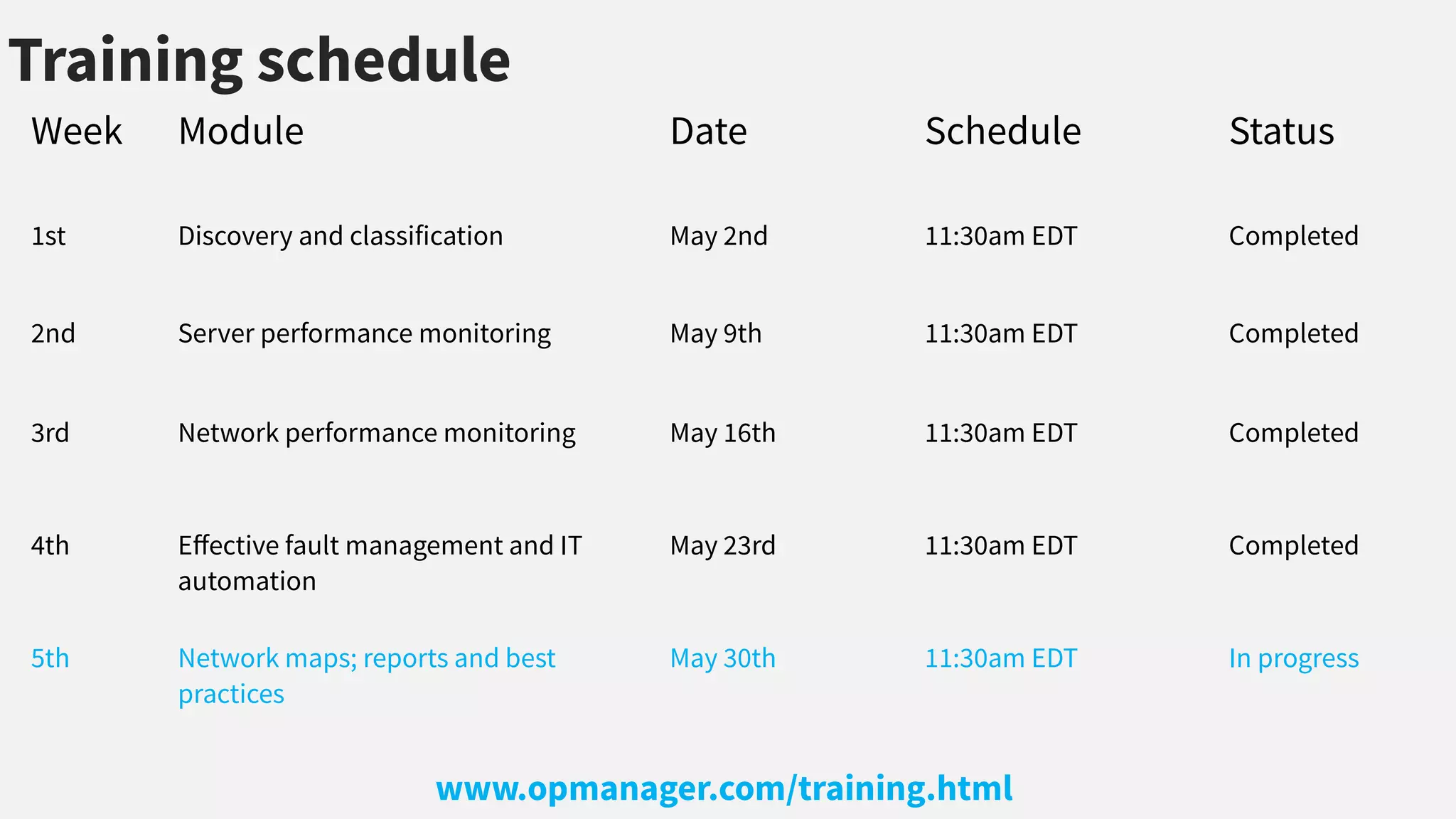
Training schedule
Week Module Date Schedule Status
1st Discovery and classification May 2nd 11:30am EDT Completed
2nd Server performance monitoring May 9th 11:30am EDT Completed
3rd Network performance monitoring May 16th 11:30am EDT Completed
4th Efective fault management and IT
automation
May 23rd 11:30am EDT Completed
5th Network maps; reports and best
practices
May 30th 11:30am EDT In progress
www.opmanager.com/training.html
Week 5
Network maps; reports; and best practices
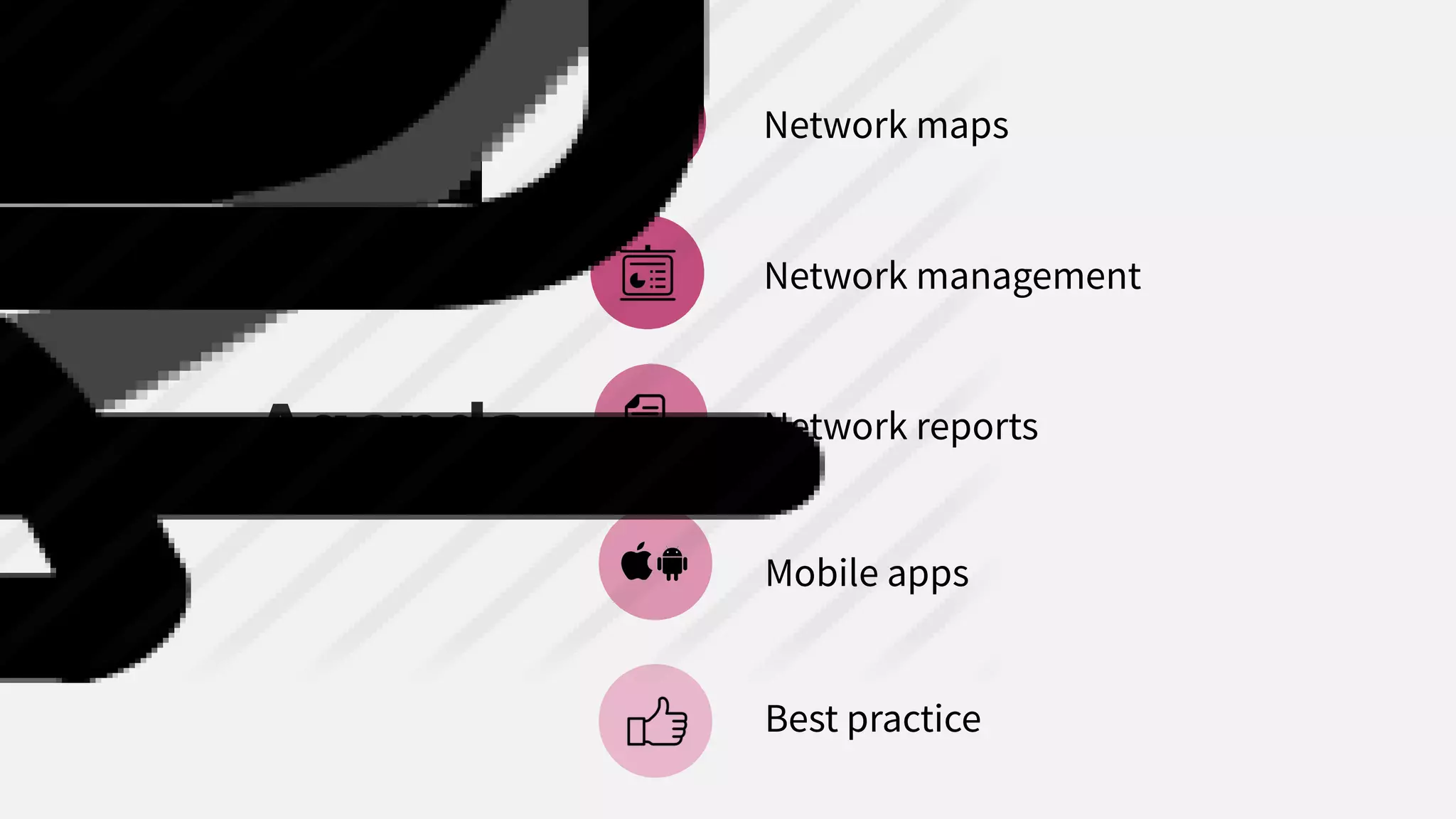
Agenda
Network maps
Network management
Network reports
Mobile apps
Best practice
Network Maps
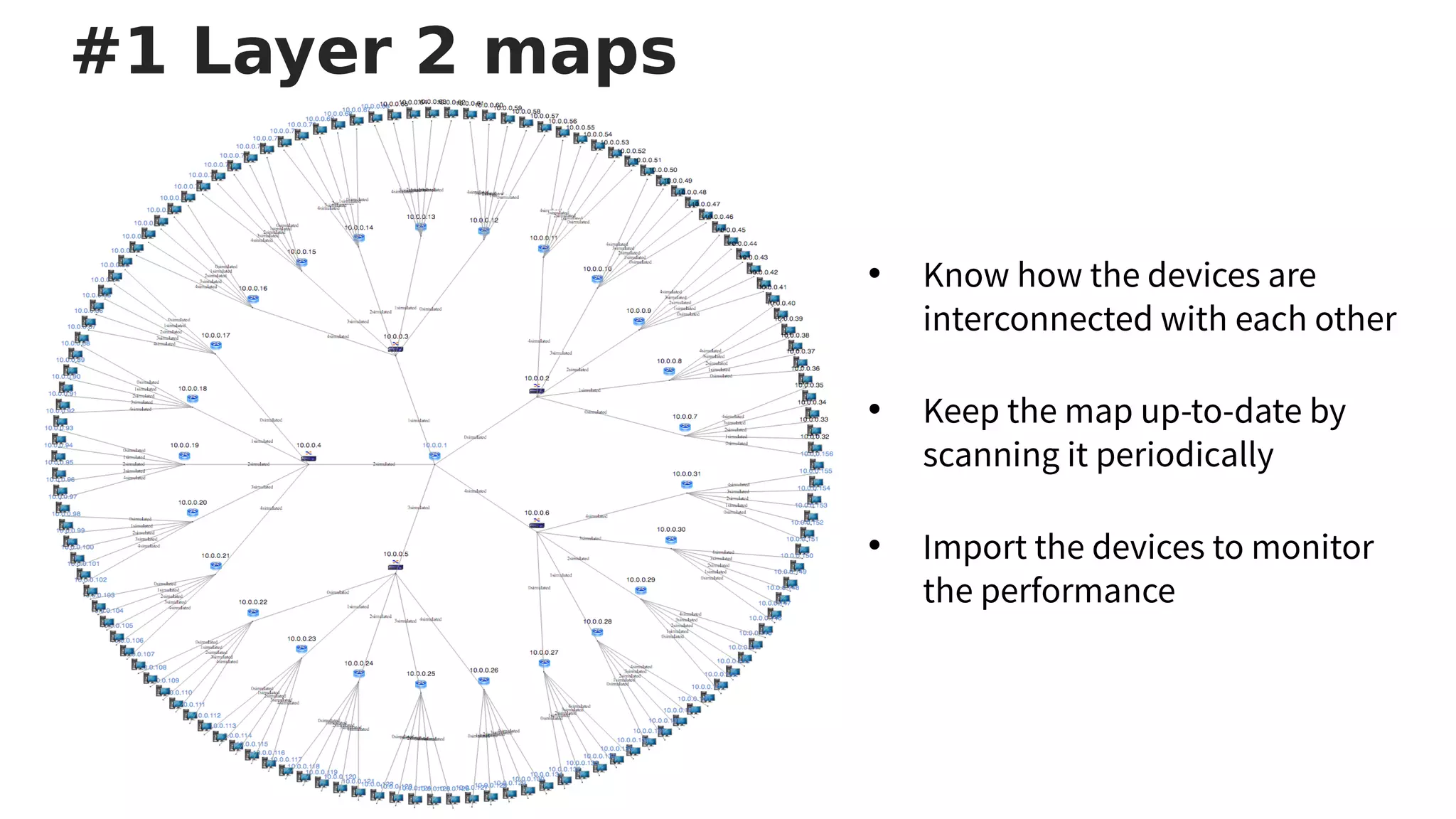
• Know how the devices are
interconnected with each other
• Keep the map up-to-date by
scanning it periodically
• Import the devices to monitor
the performance
#1 Layer 2 maps
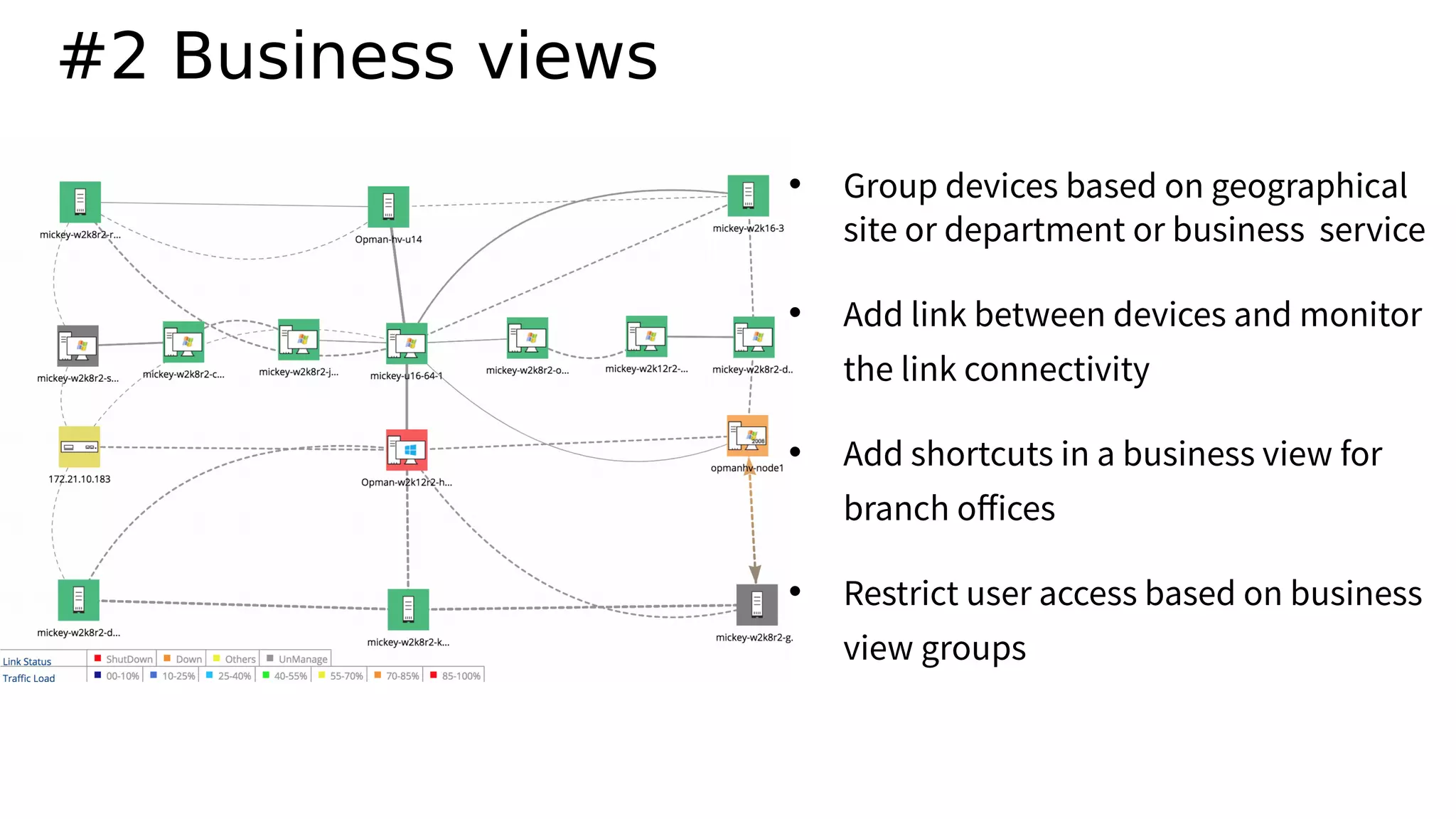
#2 Business views
• Group devices based on geographical
site or department or business service
• Add link between devices and monitor
the link connectivity
• Add shortcuts in a business view for
branch ofices
• Restrict user access based on business
view groups
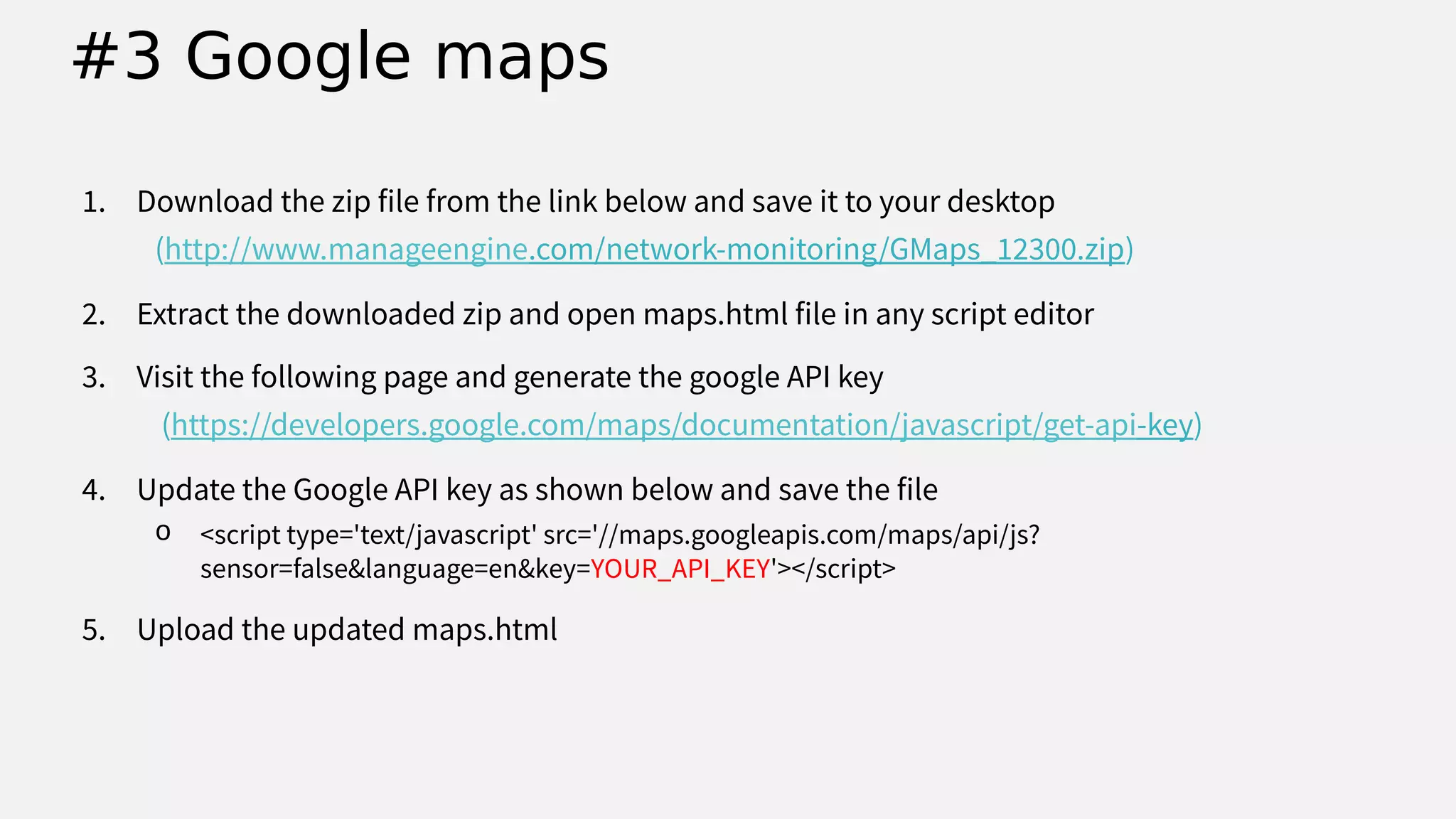
1. Download the zip file from the link below and save it to your desktop
(http://www.manageengine.com/network-monitoring/GMaps_12300.zip)
2. Extract the downloaded zip and open maps.html file in any script editor
3. Visit the following page and generate the google API key
(https://developers.google.com/maps/documentation/javascript/get-api-key)
4. Update the Google API key as shown below and save the file
o <script type='text/javascript' src='//maps.googleapis.com/maps/api/js?
sensor=false&language=en&key=YOUR_API_KEY'></script>
5. Upload the updated maps.html
#3 Google maps
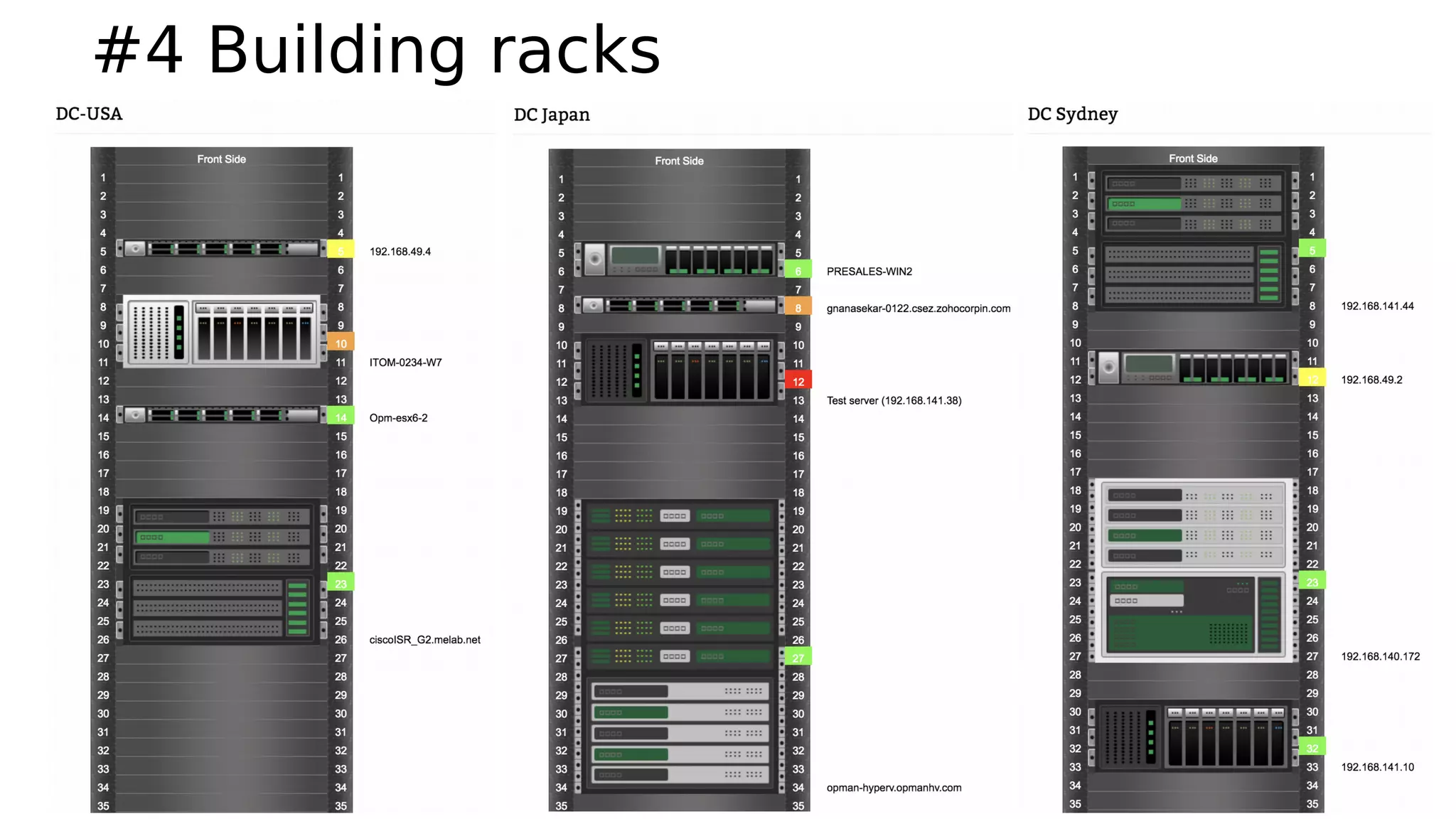
#4 Building racks
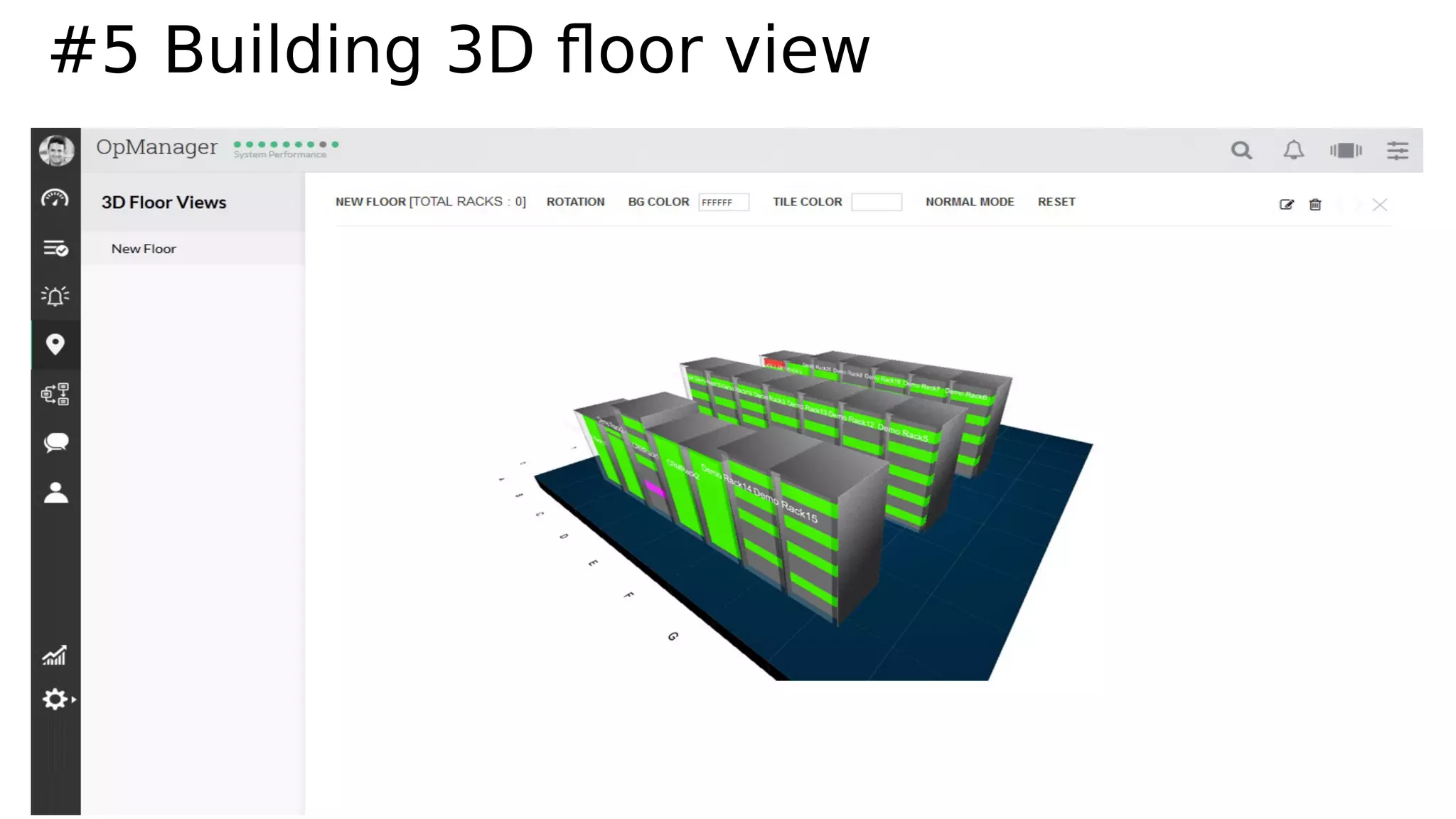
#5 Building 3D foor view
Network management
• Customizing dashboard
#1 Dashboards and widgets
• Widget : Embed OpManager widgets into other web pages
1. Total network trafic across all servers
2. Devices which are using high % of their CPU and Memory
3. All active alarms
4. Downtime report for all devices and services
5. IT summary
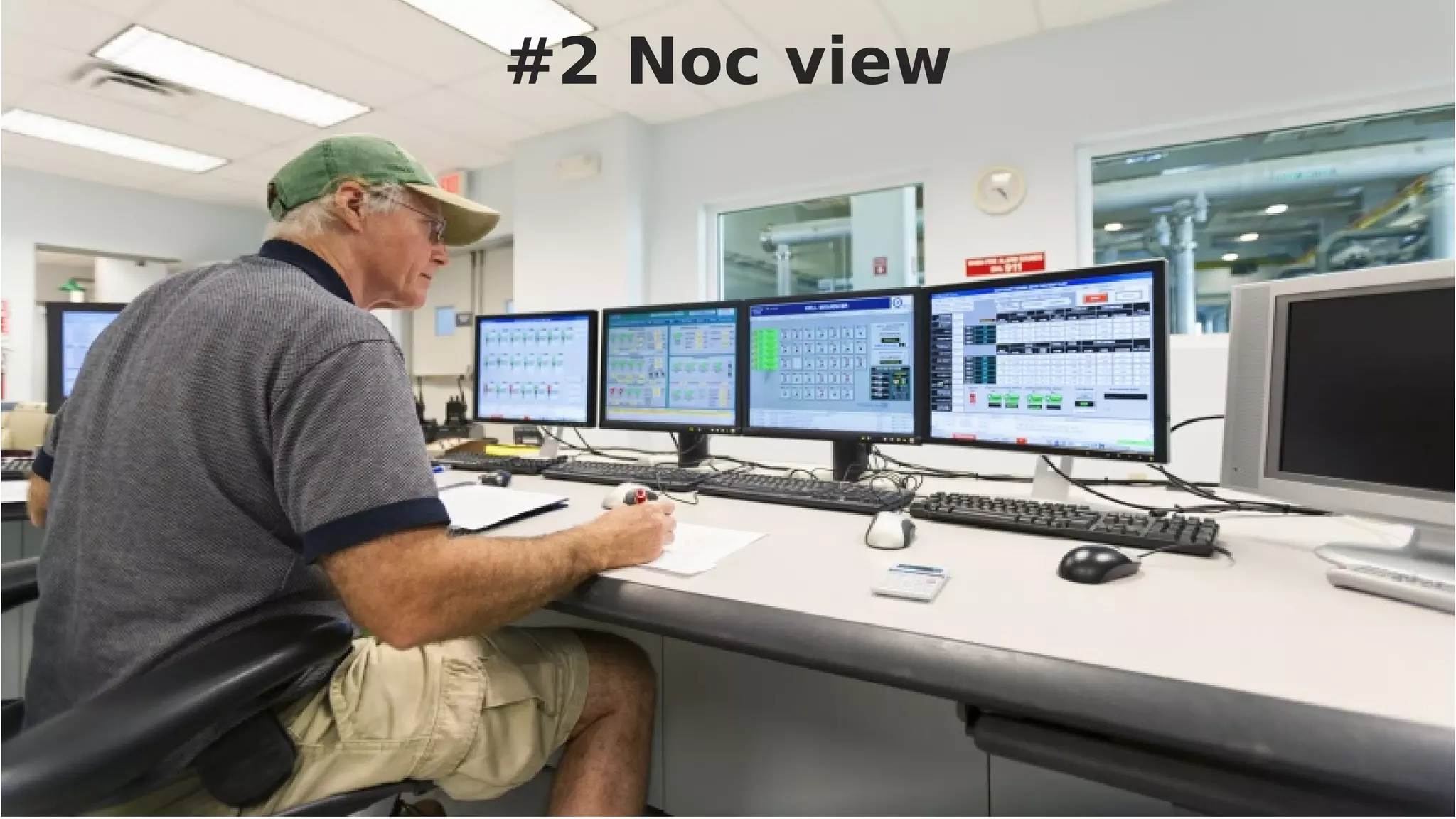
#2 Noc view
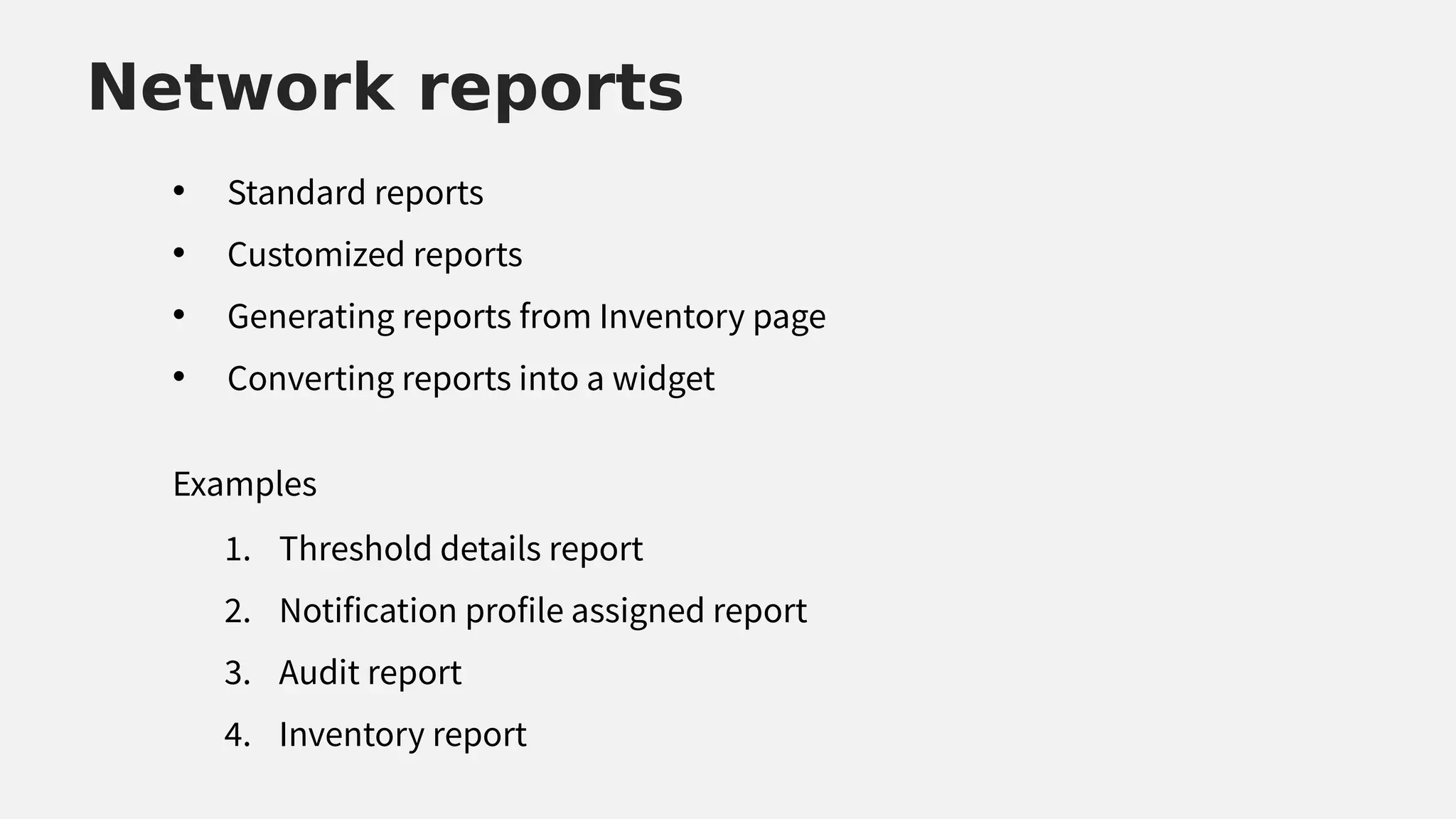
Network reports
• Standard reports
• Customized reports
• Generating reports from Inventory page
• Converting reports into a widget
Network reports
1. Threshold details report
2. Notification profile assigned report
3. Audit report
4. Inventory report
Examples
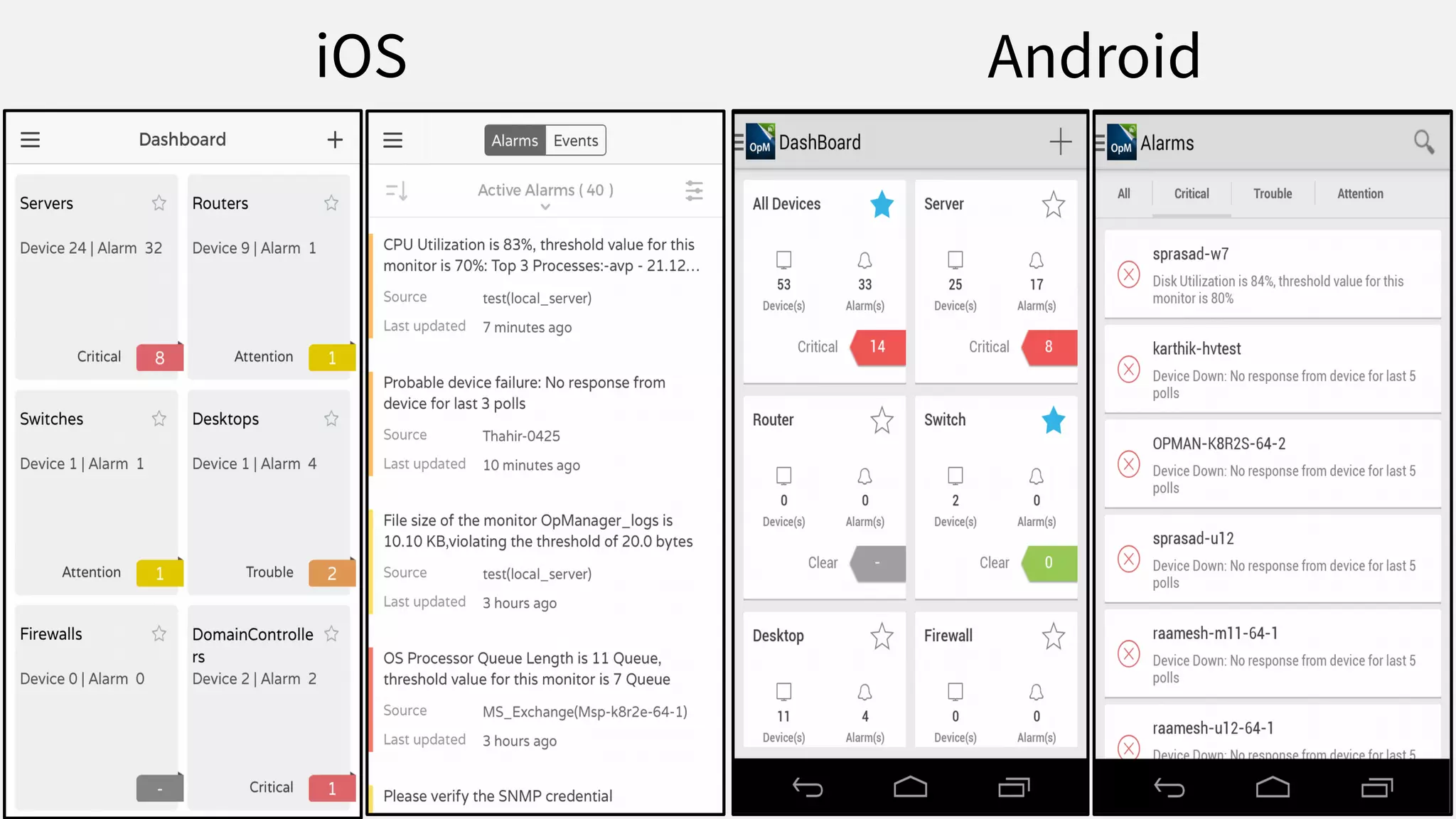
Mobile apps
iOS Android
Best practice
Best practice
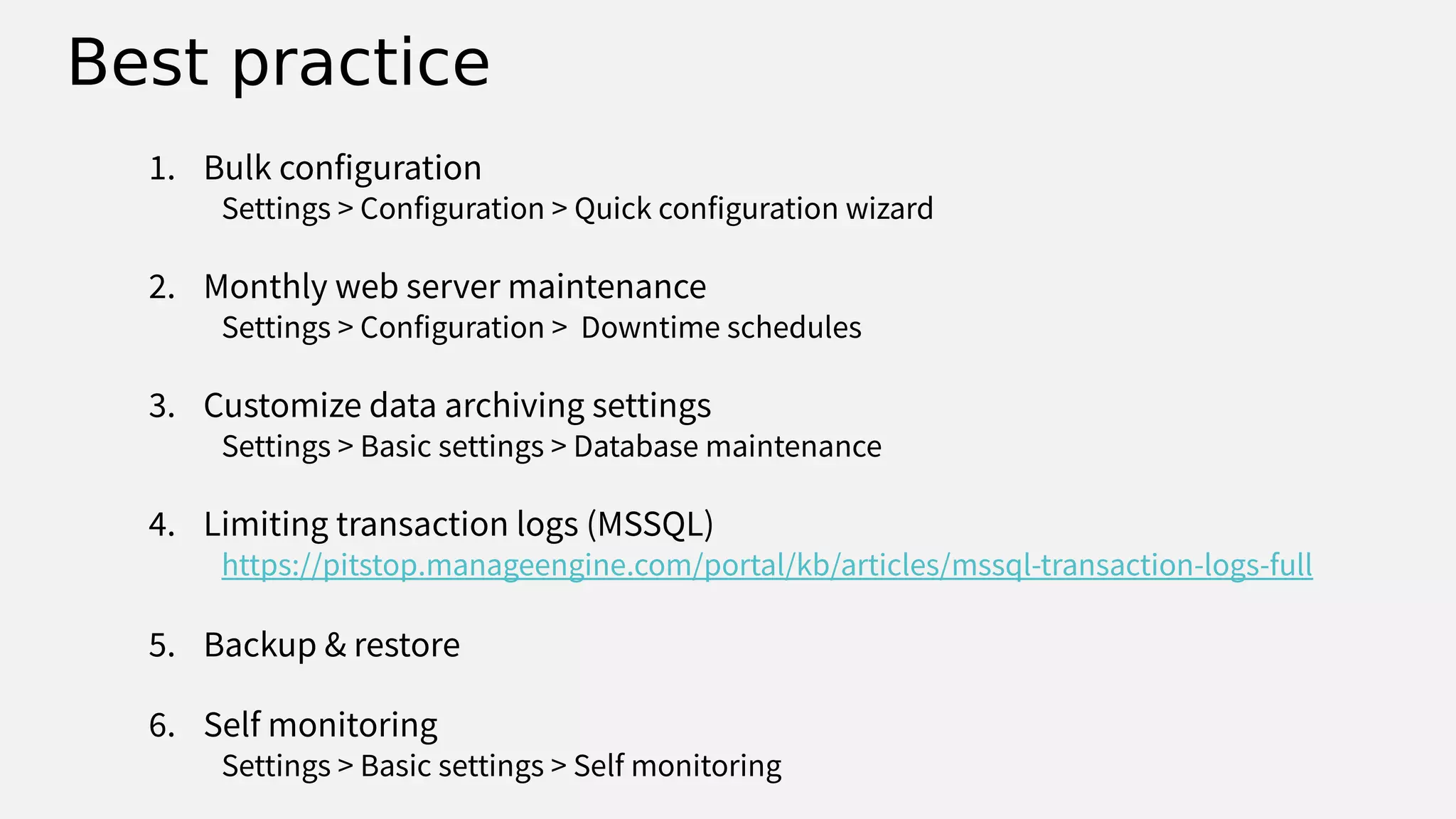
1. Bulk configuration
Settings > Configuration > Quick configuration wizard
2. Monthly web server maintenance
Settings > Configuration > Downtime schedules
3. Customize data archiving settings
Settings > Basic settings > Database maintenance
4. Limiting transaction logs (MSSQL)
https://pitstop.manageengine.com/portal/kb/articles/mssql-transaction-logs-full
5. Backup & restore
6. Self monitoring
Settings > Basic settings > Self monitoring
youtube.com/opmanagertechvideos
help.opmanager.com
opmanager-support@manageengine.com
+1 888 720 9500 / +1 408 916 9400
Need more help?
forums.manageengine.com/opmanager
Gartner Magic
Quadrant - 2018
Questions?
www.manageengine.com
THANK YOU
Suresh Bagavathy
sureshb@zohocorp.com

[Season - 3] OpManager Training - Network Maps,Reports and Best Practices

  • 1.
    ManageEngine's OpManager hasearned a spot in Gartner's 2018 Magic Quadrant for Network Performance Monitoring and Diagnostics
  • 2.
    Can you hearme? Can you see the presentation? Please confirm by commenting in the webinar chat panel
  • 3.
    Welcome to afree OpManager training session
  • 4.
    Trainer Suresh Bagavathy Evangelist forManageEngine's ITOM suite 10 years' experience
  • 5.
    Training schedule Week ModuleDate Schedule Status 1st Discovery and classification May 2nd 11:30am EDT Completed 2nd Server performance monitoring May 9th 11:30am EDT Completed 3rd Network performance monitoring May 16th 11:30am EDT Completed 4th Efective fault management and IT automation May 23rd 11:30am EDT Completed 5th Network maps; reports and best practices May 30th 11:30am EDT In progress www.opmanager.com/training.html
  • 6.
    Week 5 Network maps;reports; and best practices
  • 7.
    Agenda Network maps Network management Networkreports Mobile apps Best practice
  • 8.
  • 9.
    • Know howthe devices are interconnected with each other • Keep the map up-to-date by scanning it periodically • Import the devices to monitor the performance #1 Layer 2 maps
  • 10.
    #2 Business views •Group devices based on geographical site or department or business service • Add link between devices and monitor the link connectivity • Add shortcuts in a business view for branch ofices • Restrict user access based on business view groups
  • 11.
    1. Download thezip file from the link below and save it to your desktop (http://www.manageengine.com/network-monitoring/GMaps_12300.zip) 2. Extract the downloaded zip and open maps.html file in any script editor 3. Visit the following page and generate the google API key (https://developers.google.com/maps/documentation/javascript/get-api-key) 4. Update the Google API key as shown below and save the file o <script type='text/javascript' src='//maps.googleapis.com/maps/api/js? sensor=false&language=en&key=YOUR_API_KEY'></script> 5. Upload the updated maps.html #3 Google maps
  • 12.
  • 13.
    #5 Building 3Dfoor view
  • 14.
  • 15.
    • Customizing dashboard #1Dashboards and widgets • Widget : Embed OpManager widgets into other web pages 1. Total network trafic across all servers 2. Devices which are using high % of their CPU and Memory 3. All active alarms 4. Downtime report for all devices and services 5. IT summary
  • 16.
  • 17.
  • 18.
    • Standard reports •Customized reports • Generating reports from Inventory page • Converting reports into a widget Network reports 1. Threshold details report 2. Notification profile assigned report 3. Audit report 4. Inventory report Examples
  • 19.
  • 20.
  • 21.
  • 22.
    Best practice 1. Bulkconfiguration Settings > Configuration > Quick configuration wizard 2. Monthly web server maintenance Settings > Configuration > Downtime schedules 3. Customize data archiving settings Settings > Basic settings > Database maintenance 4. Limiting transaction logs (MSSQL) https://pitstop.manageengine.com/portal/kb/articles/mssql-transaction-logs-full 5. Backup & restore 6. Self monitoring Settings > Basic settings > Self monitoring
  • 23.
    youtube.com/opmanagertechvideos help.opmanager.com opmanager-support@manageengine.com +1 888 7209500 / +1 408 916 9400 Need more help? forums.manageengine.com/opmanager
  • 24.
  • 25.
  • 26.