


Welcome to a free OpManager training
session
Trainer
Sharath Babu
Techinal Support Engineer
Part 3
Monitoring network performance;
Network maps
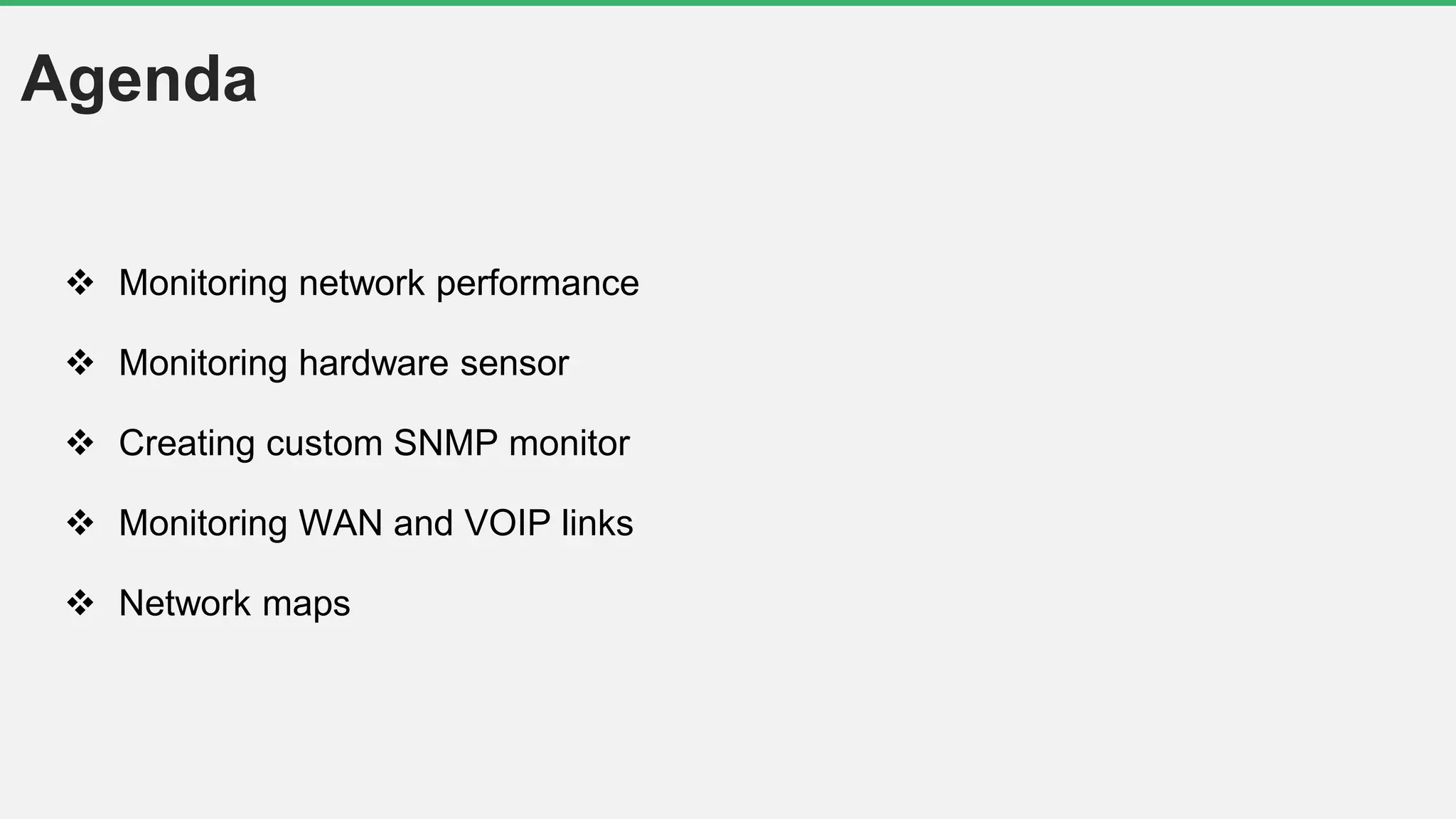
Agenda
 Monitoring network performance
 Monitoring hardware sensor
 Creating custom SNMP monitor
 Monitoring WAN and VOIP links
 Network maps
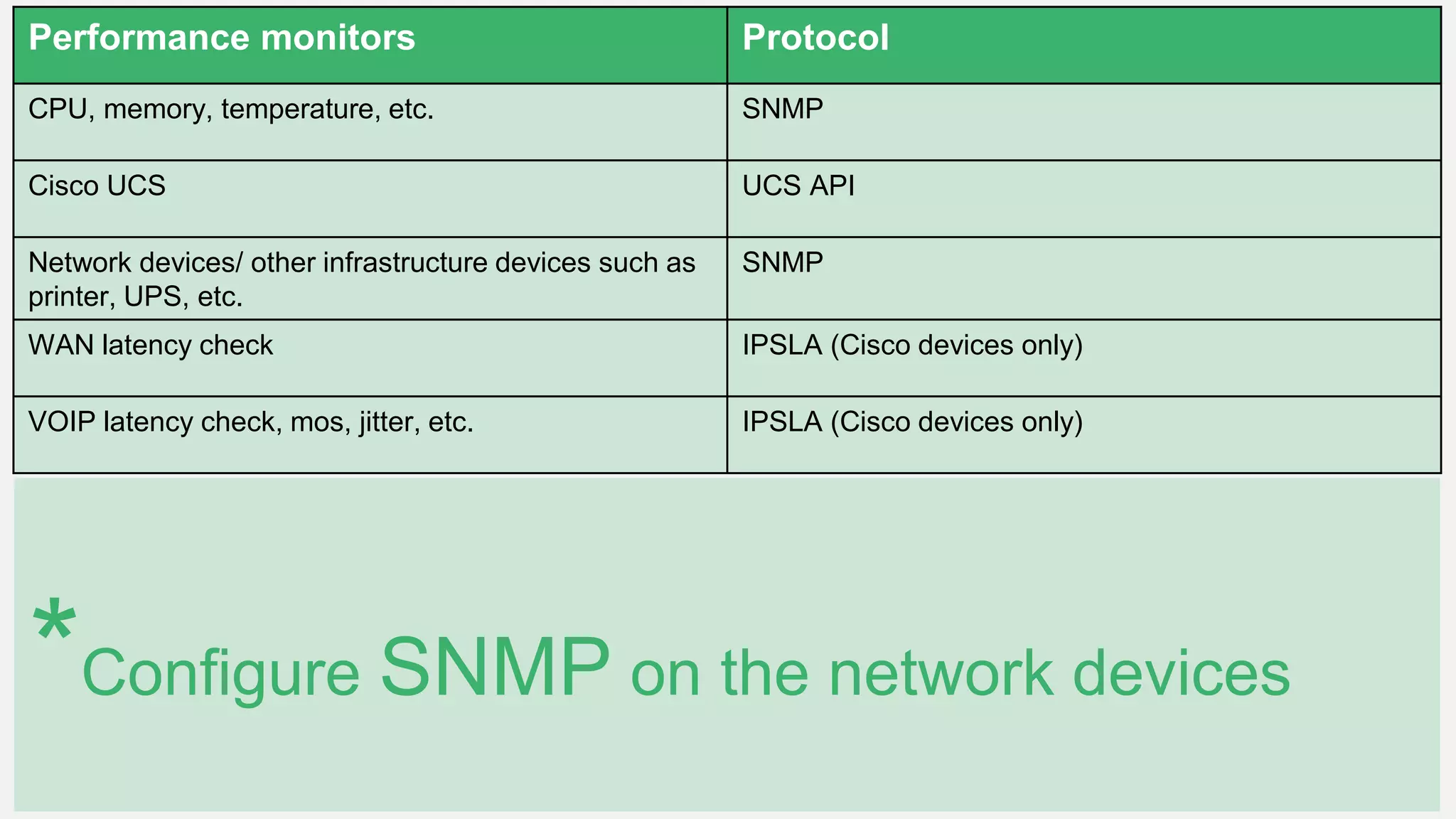
Performance monitors Protocol
CPU, memory, temperature, etc. SNMP
Cisco UCS UCS API
Network devices/ other infrastructure devices such as
printer, UPS, etc.
SNMP
WAN latency check IPSLA (Cisco devices only)
VOIP latency check, mos, jitter, etc. IPSLA (Cisco devices only)
*Configure SNMP on the network devices
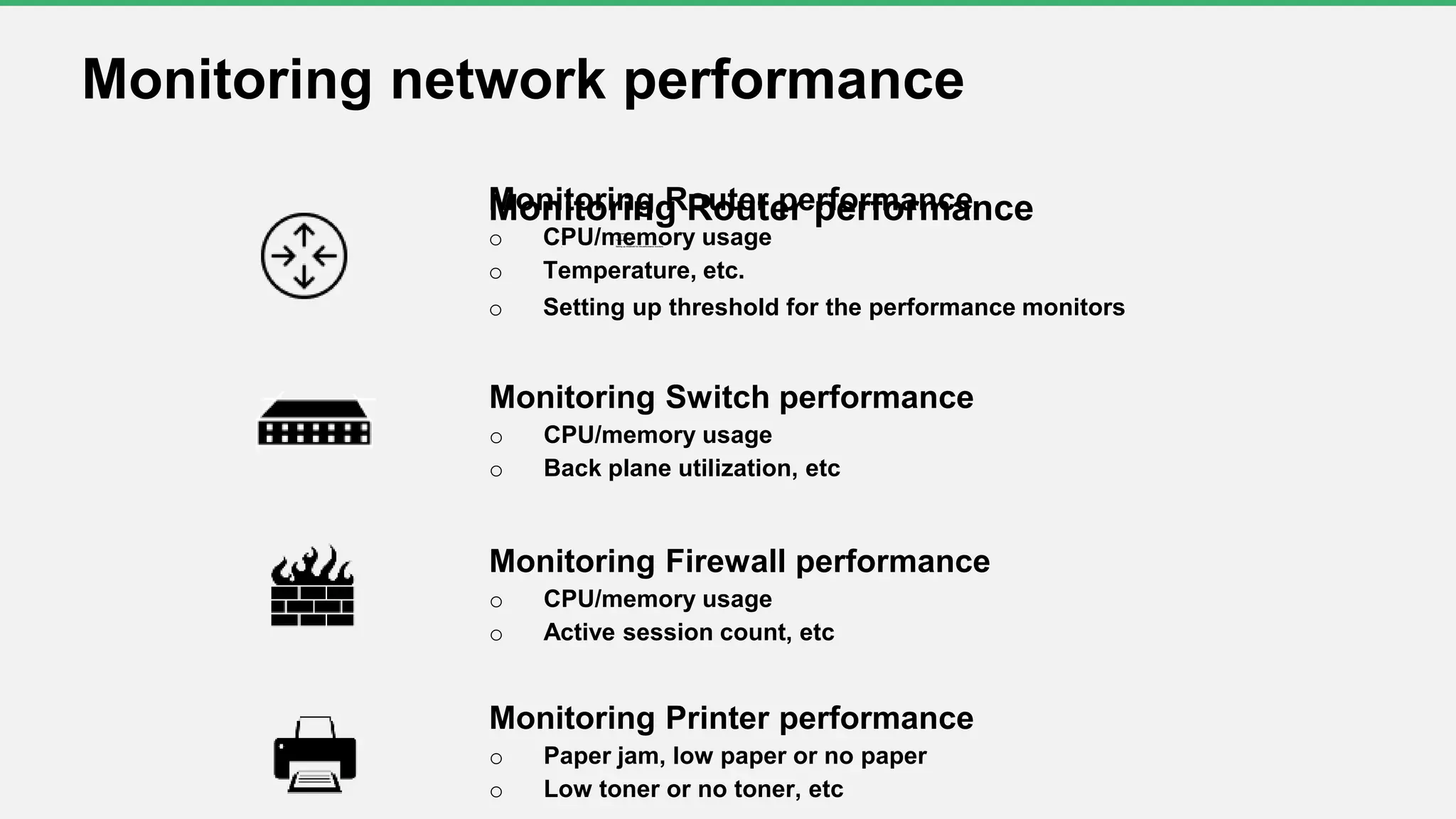
Monitoring Router performanceo CPU/memory usage
o Temperature, etc.
o Setting up threshold for the performance monitors
Monitoring network performance
Monitoring Switch performance
o CPU/memory usage
o Back plane utilization, etc
Monitoring Firewall performance
o CPU/memory usage
o Active session count, etc
Monitoring Printer performance
o Paper jam, low paper or no paper
o Low toner or no toner, etc
Monitoring Router performance
o CPU/memory usage
o Temperature, etc.
o Setting up threshold for the performance monitors
Monitoring bandwidth/ traffic
Interface performance counters
• Bandwidth usage
• Errors/discards
• Received and transmitted traffic
• Total bytes received
• Total bytes transferred
• Real time interface monitors
*SNMP based
monitoring
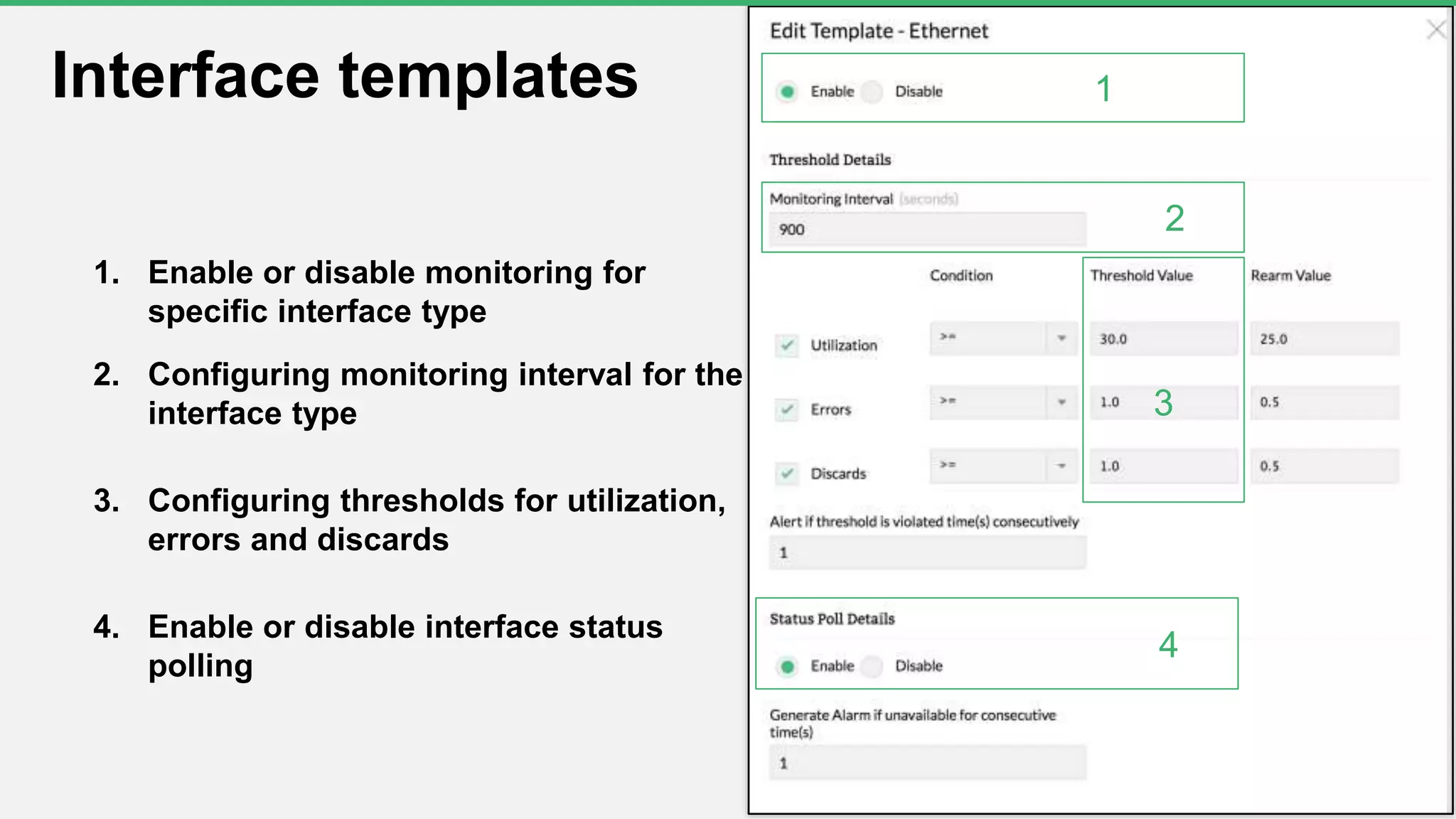
1. Enable or disable monitoring for
specific interface type
2. Configuring monitoring interval for the
interface type
3. Configuring thresholds for utilization,
errors and discards
4. Enable or disable interface status
polling
9
Interface templates 1
2
3
4
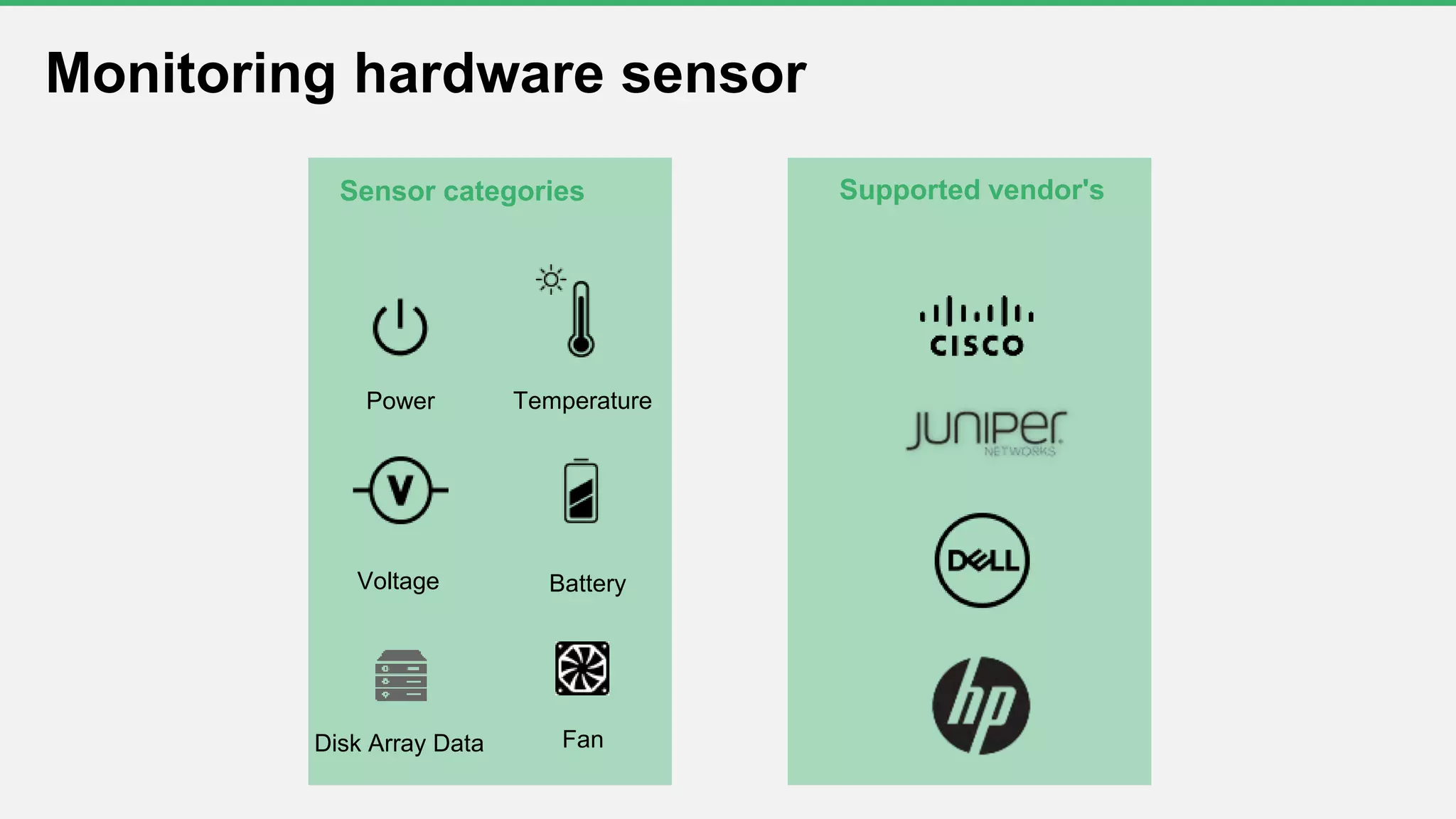
Monitoring hardware sensor
Power Temperature
Voltage Battery
Disk Array Data Fan
Supported vendor'sSensor categories
Setting up hardware monitoring
Go to Settings > System Settings > Hardware
monitor
o Enable Hardware monitor
o Suppress Hardware Alarms
o Monitor interval
o Hardware health report
Creating a custom SNMP monitor
Prerequisites
• SNMP-enabled device
• Vendor MIBs >> OpManagermibs
Mibs
• What is a mib file?
• How to obtain the mib file?
• Uploading the mib files in OpManager
Examples
• Creating a custom monitor
• Performing mathematical operations on OIDs using expressions
(.1.3.6.1.4.1.9.9.48.1.1.1.5.1*100) / (.1.3.6.1.4.1.9.9.48.1.1.1.5.1+.1.3.6.1.4.1.9.9.48.1.1.1.6.1)
• Functional expressions
(Celsius to Fahrenheit, Kilobyte to Megabyte, Average of column values, Sum of column values, etc)
• Monitor instances
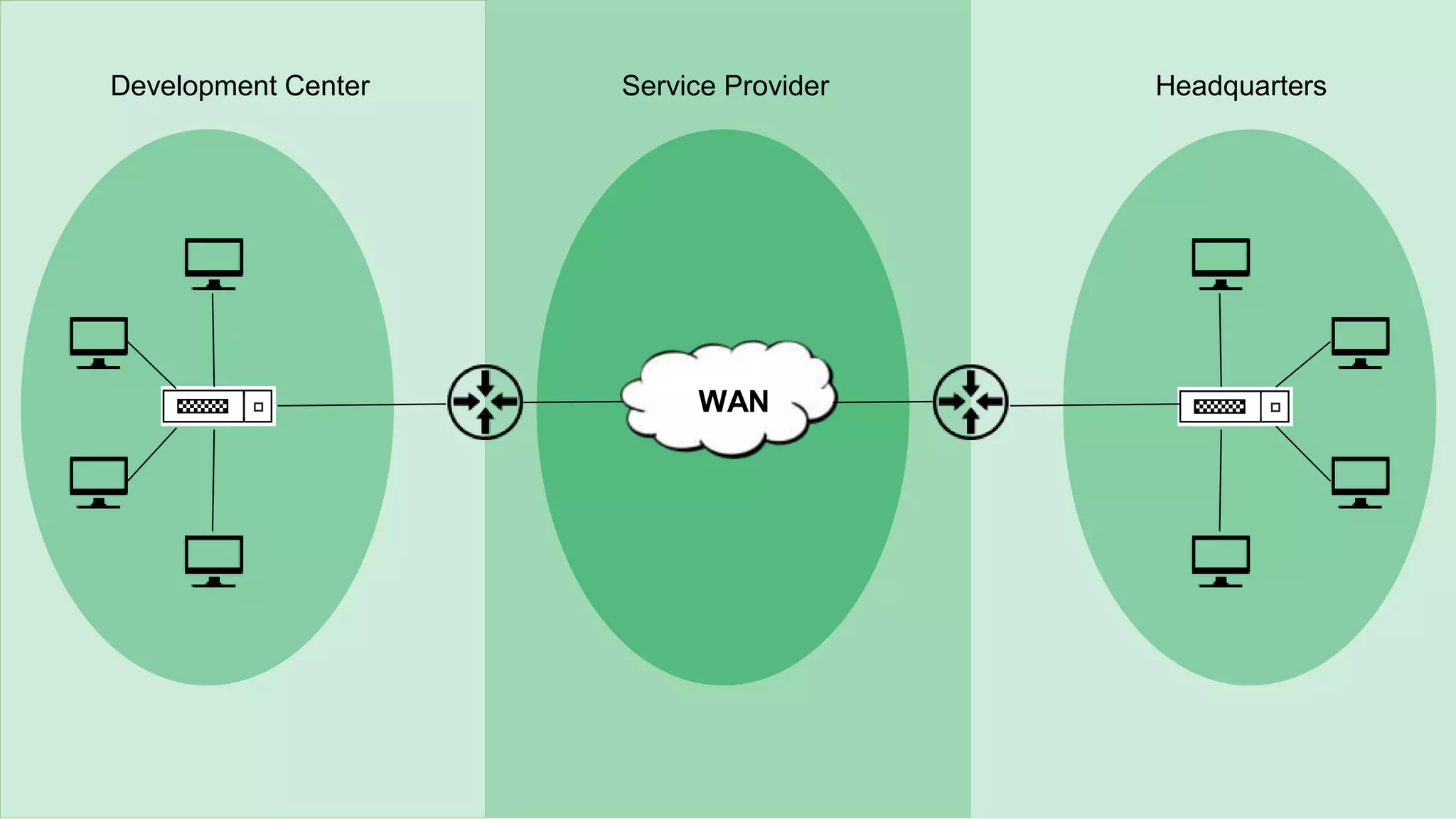
WWAN
Development Center HeadquartersService Provider
• Identify the network paths with high round trip time
• Identify where the outage happened by viewing the hop-
wise latency graph
• Collect the IPSLA traps for events such as connection
loss, threshold violation for RTT, average payload,
timeout, etc
Monitoring WAN performance
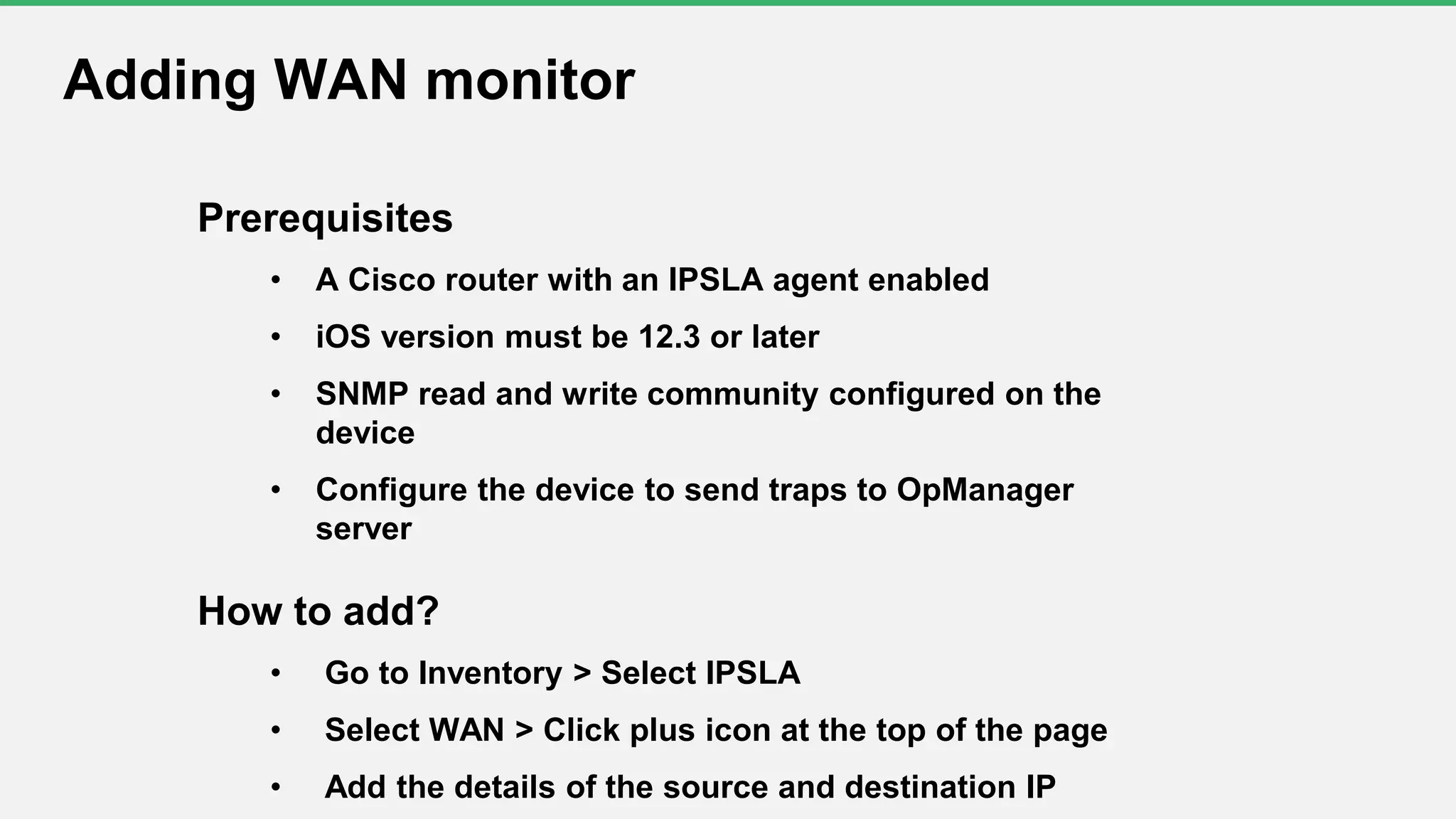
Prerequisites
• A Cisco router with an IPSLA agent enabled
• iOS version must be 12.3 or later
• SNMP read and write community configured on the
device
• Configure the device to send traps to OpManager
server
How to add?
• Go to Inventory > Select IPSLA
• Select WAN > Click plus icon at the top of the page
• Add the details of the source and destination IP
Adding WAN monitor
• Jitter: The variation in delay between arriving packets
• Latency: The time taken for the voice packets to reach the
destination
• Packet loss: Data lost during transmission
• Mean opinion score (MOS): The standard for measuring
codecs and is rated on a scale of 1 to 5
VOIP performance monitoring
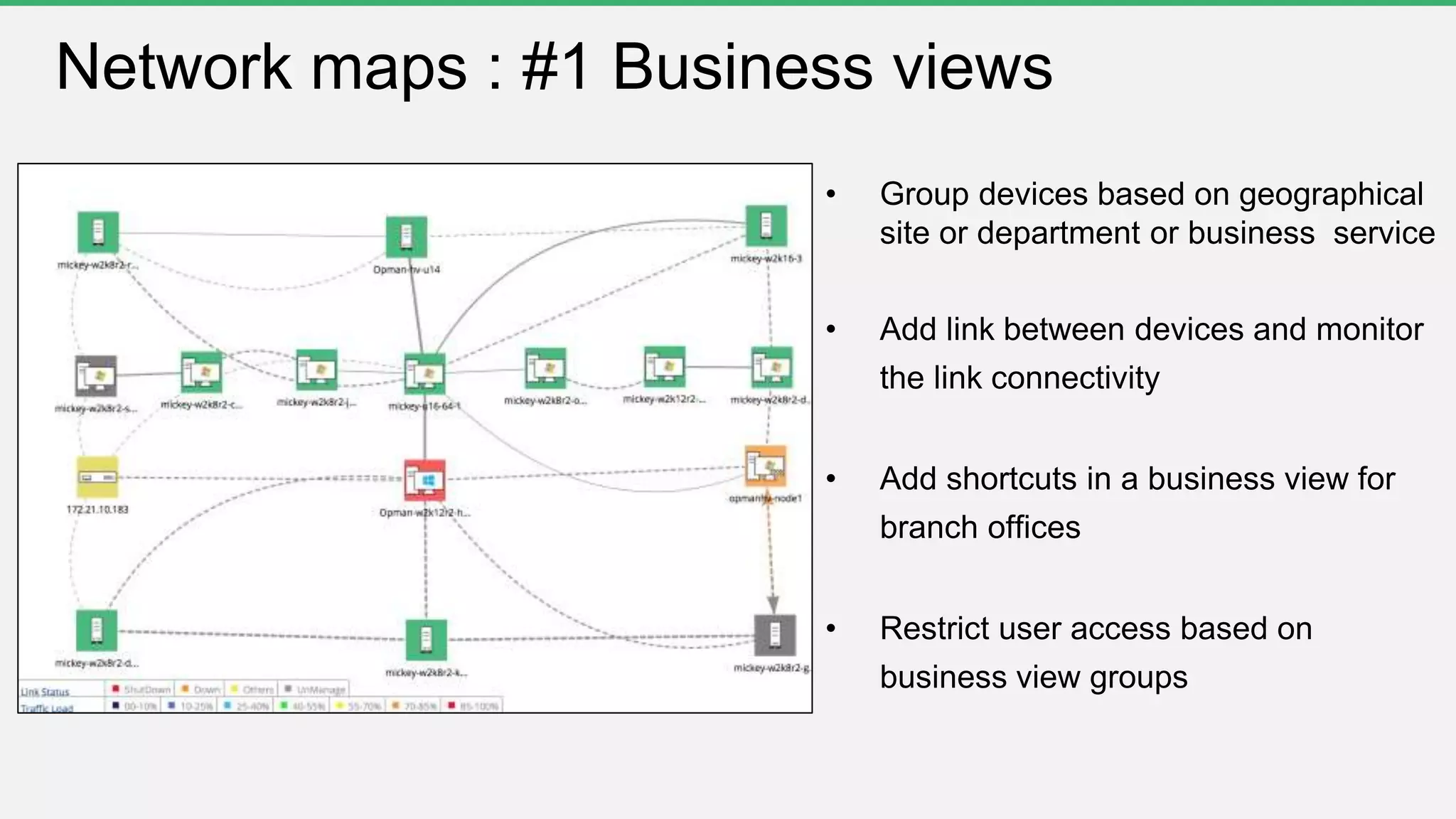
Network maps : #1 Business views
• Group devices based on geographical
site or department or business service
• Add link between devices and monitor
the link connectivity
• Add shortcuts in a business view for
branch offices
• Restrict user access based on
business view groups
Network maps : #2 Maps
Google Maps API
is now charged
Zoho Maps Free
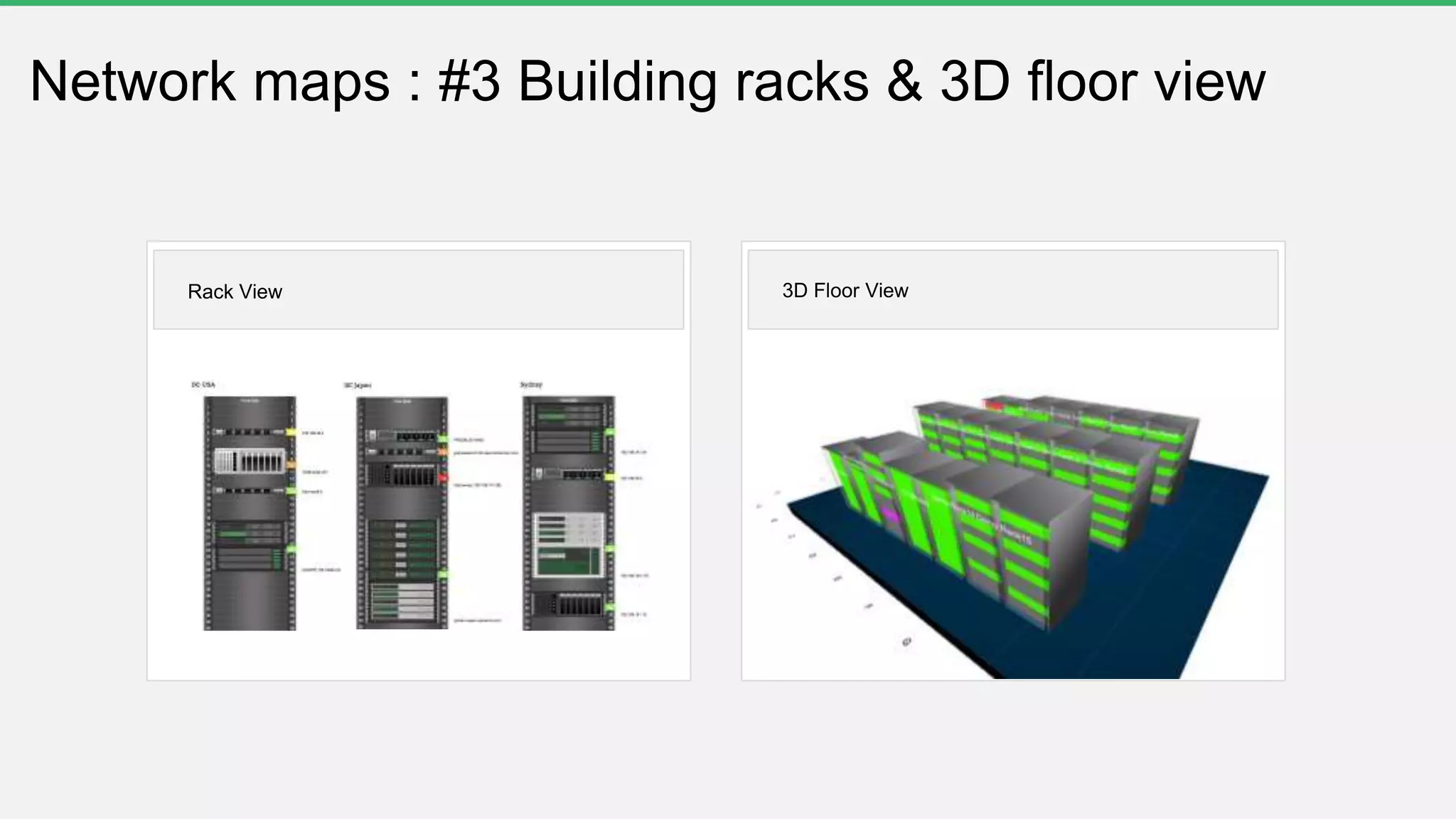
Network maps : #3 Building racks & 3D floor view
Rack View 3D Floor View
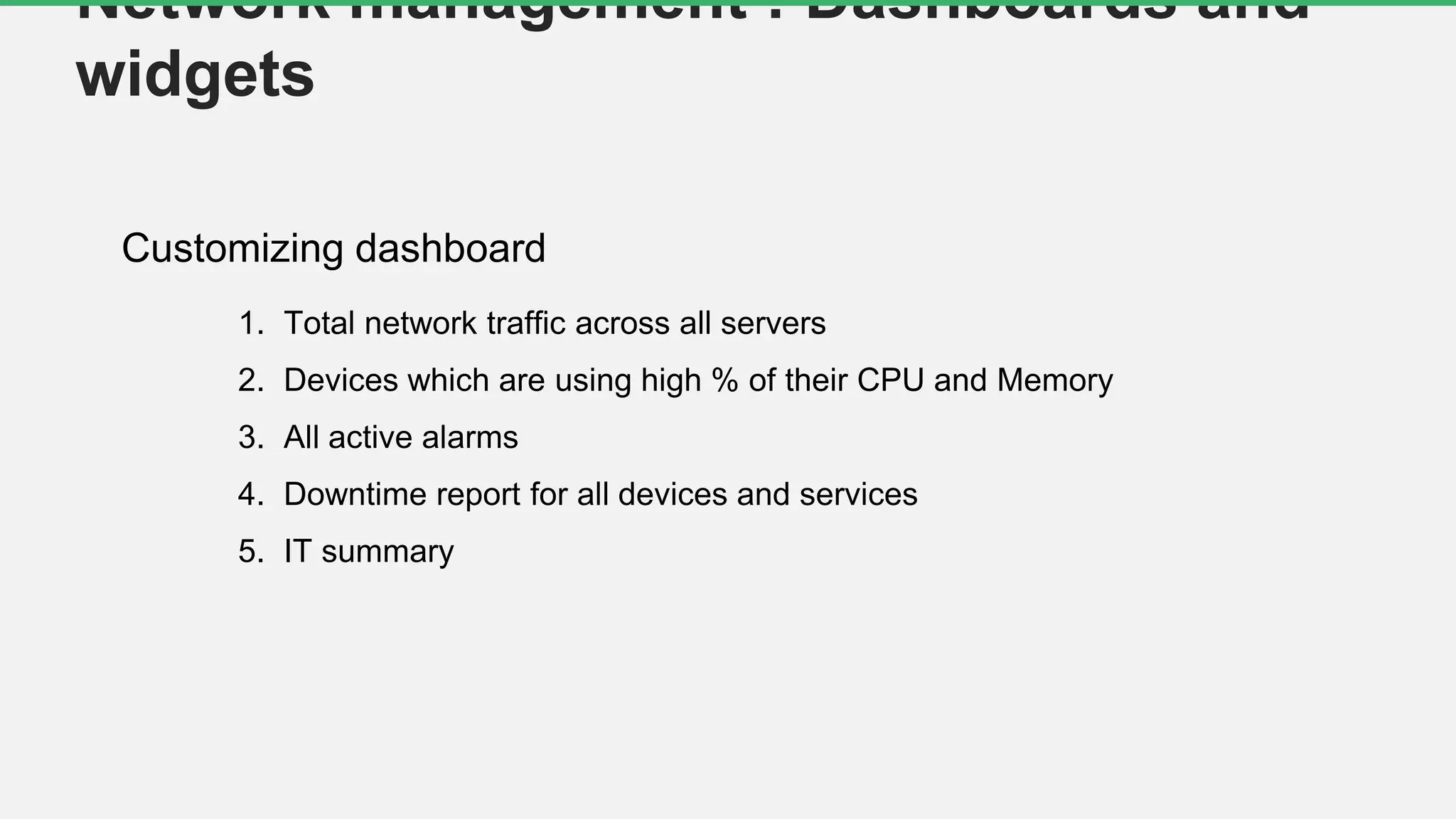
Customizing dashboard
Network management : Dashboards and
widgets
1. Total network traffic across all servers
2. Devices which are using high % of their CPU and Memory
3. All active alarms
4. Downtime report for all devices and services
5. IT summary
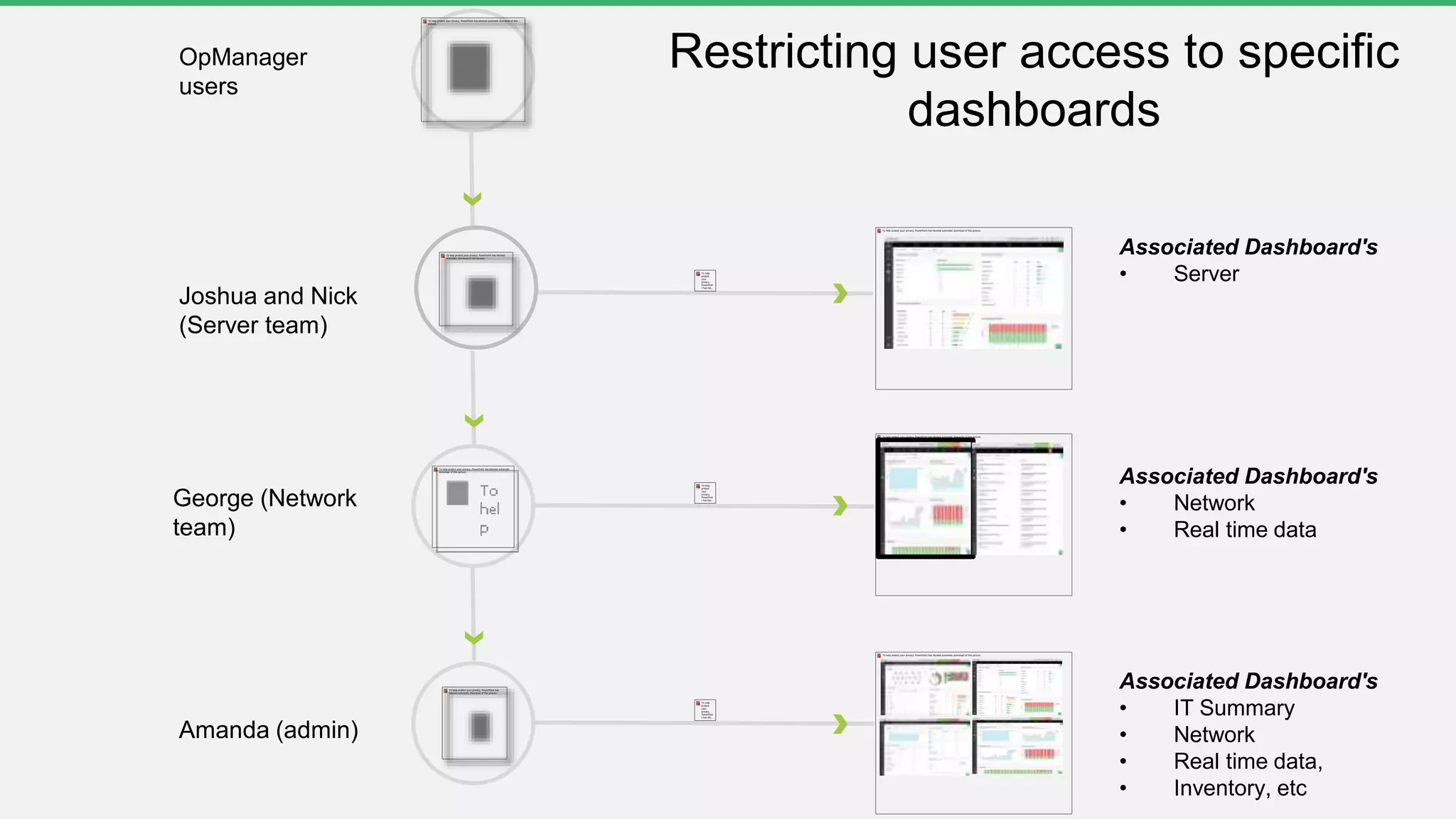
Amanda (admin)
OpManager
users
Joshua and Nick
(Server team)
Associated Dashboard's
• Server
George (Network
team)
Associated Dashboard's
• Network
• Real time data
Associated Dashboard's
• IT Summary
• Network
• Real time data,
• Inventory, etc
Restricting user access to specific
dashboards
Questions?
www.manageengine.com
THANK YOU
Sharath Babu
sharathbabu.r@zohocorp.com

Free OpManager training Part3- Network performance monitoring

  • 2.
    Welcome to afree OpManager training session
  • 3.
  • 4.
    Part 3 Monitoring networkperformance; Network maps
  • 5.
    Agenda  Monitoring networkperformance  Monitoring hardware sensor  Creating custom SNMP monitor  Monitoring WAN and VOIP links  Network maps
  • 6.
    Performance monitors Protocol CPU,memory, temperature, etc. SNMP Cisco UCS UCS API Network devices/ other infrastructure devices such as printer, UPS, etc. SNMP WAN latency check IPSLA (Cisco devices only) VOIP latency check, mos, jitter, etc. IPSLA (Cisco devices only) *Configure SNMP on the network devices
  • 7.
    Monitoring Router performanceoCPU/memory usage o Temperature, etc. o Setting up threshold for the performance monitors Monitoring network performance Monitoring Switch performance o CPU/memory usage o Back plane utilization, etc Monitoring Firewall performance o CPU/memory usage o Active session count, etc Monitoring Printer performance o Paper jam, low paper or no paper o Low toner or no toner, etc Monitoring Router performance o CPU/memory usage o Temperature, etc. o Setting up threshold for the performance monitors
  • 8.
    Monitoring bandwidth/ traffic Interfaceperformance counters • Bandwidth usage • Errors/discards • Received and transmitted traffic • Total bytes received • Total bytes transferred • Real time interface monitors *SNMP based monitoring
  • 9.
    1. Enable ordisable monitoring for specific interface type 2. Configuring monitoring interval for the interface type 3. Configuring thresholds for utilization, errors and discards 4. Enable or disable interface status polling 9 Interface templates 1 2 3 4
  • 10.
    Monitoring hardware sensor PowerTemperature Voltage Battery Disk Array Data Fan Supported vendor'sSensor categories
  • 11.
    Setting up hardwaremonitoring Go to Settings > System Settings > Hardware monitor o Enable Hardware monitor o Suppress Hardware Alarms o Monitor interval o Hardware health report
  • 12.
    Creating a customSNMP monitor Prerequisites • SNMP-enabled device • Vendor MIBs >> OpManagermibs Mibs • What is a mib file? • How to obtain the mib file? • Uploading the mib files in OpManager Examples • Creating a custom monitor • Performing mathematical operations on OIDs using expressions (.1.3.6.1.4.1.9.9.48.1.1.1.5.1*100) / (.1.3.6.1.4.1.9.9.48.1.1.1.5.1+.1.3.6.1.4.1.9.9.48.1.1.1.6.1) • Functional expressions (Celsius to Fahrenheit, Kilobyte to Megabyte, Average of column values, Sum of column values, etc) • Monitor instances
  • 13.
  • 14.
    • Identify thenetwork paths with high round trip time • Identify where the outage happened by viewing the hop- wise latency graph • Collect the IPSLA traps for events such as connection loss, threshold violation for RTT, average payload, timeout, etc Monitoring WAN performance
  • 15.
    Prerequisites • A Ciscorouter with an IPSLA agent enabled • iOS version must be 12.3 or later • SNMP read and write community configured on the device • Configure the device to send traps to OpManager server How to add? • Go to Inventory > Select IPSLA • Select WAN > Click plus icon at the top of the page • Add the details of the source and destination IP Adding WAN monitor
  • 16.
    • Jitter: Thevariation in delay between arriving packets • Latency: The time taken for the voice packets to reach the destination • Packet loss: Data lost during transmission • Mean opinion score (MOS): The standard for measuring codecs and is rated on a scale of 1 to 5 VOIP performance monitoring
  • 17.
    Network maps :#1 Business views • Group devices based on geographical site or department or business service • Add link between devices and monitor the link connectivity • Add shortcuts in a business view for branch offices • Restrict user access based on business view groups
  • 18.
    Network maps :#2 Maps Google Maps API is now charged Zoho Maps Free
  • 19.
    Network maps :#3 Building racks & 3D floor view Rack View 3D Floor View
  • 20.
    Customizing dashboard Network management: Dashboards and widgets 1. Total network traffic across all servers 2. Devices which are using high % of their CPU and Memory 3. All active alarms 4. Downtime report for all devices and services 5. IT summary
  • 21.
    Amanda (admin) OpManager users Joshua andNick (Server team) Associated Dashboard's • Server George (Network team) Associated Dashboard's • Network • Real time data Associated Dashboard's • IT Summary • Network • Real time data, • Inventory, etc Restricting user access to specific dashboards
  • 22.
  • 23.