



Welcome to a free OpManager training
session
Can you hear me? Can you see
the presentation?
Please confirm by commenting in the webinar chat panel
Trainer
Sharath Babu
Product Expert
Part 1
Discovery and classification
Agenda
• Prerequisites for installing OpManager
• Understanding network infrastructure
• Challenges of device discovery
• 5 important steps to simplify the discovery process in OpManager
• Real-life use cases
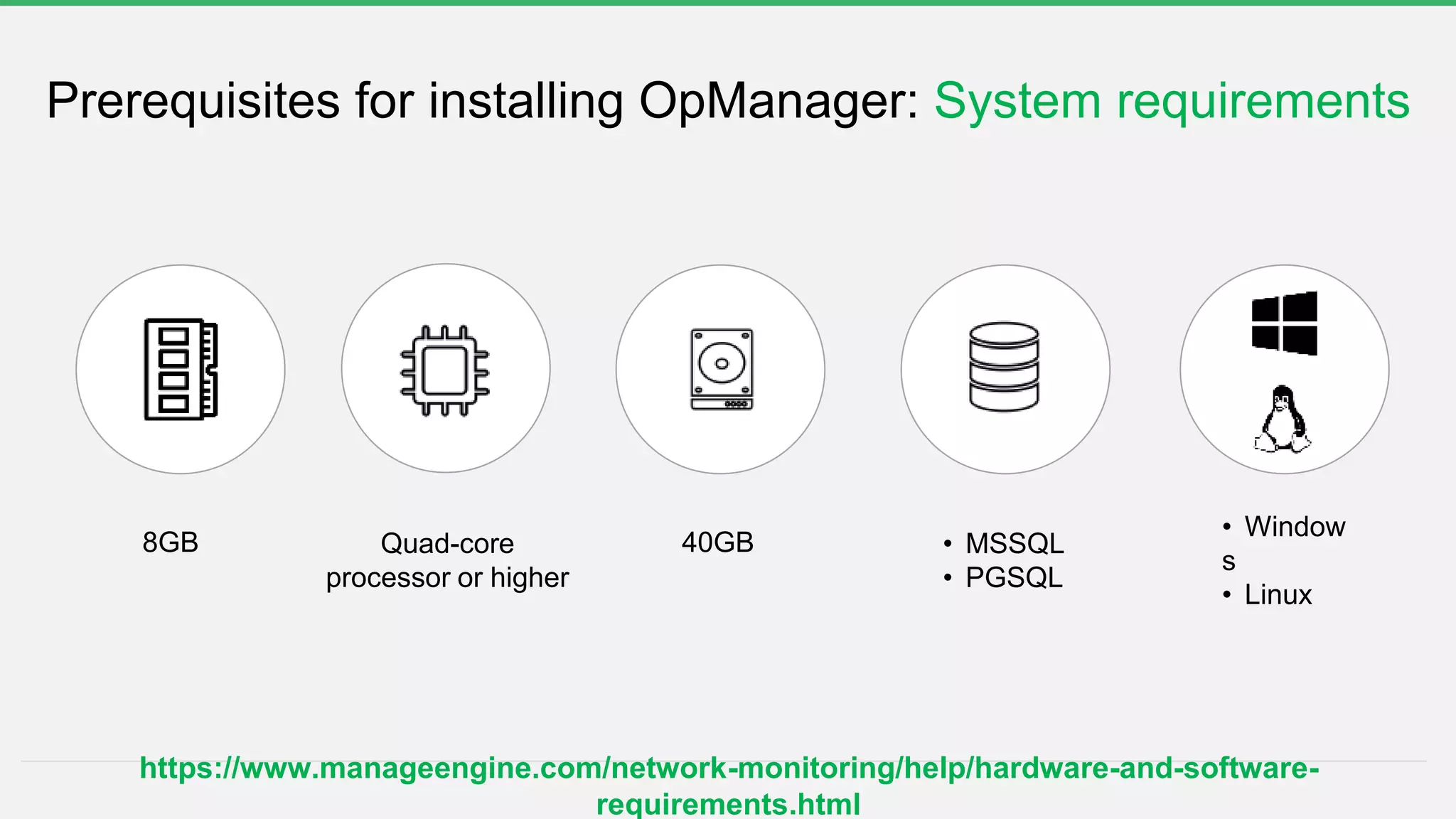
Prerequisites for installing OpManager: System requirements
Quad-core
processor or higher
• MSSQL
• PGSQL
40GB8GB
• Window
s
• Linux
https://www.manageengine.com/network-monitoring/help/hardware-and-software-
requirements.html
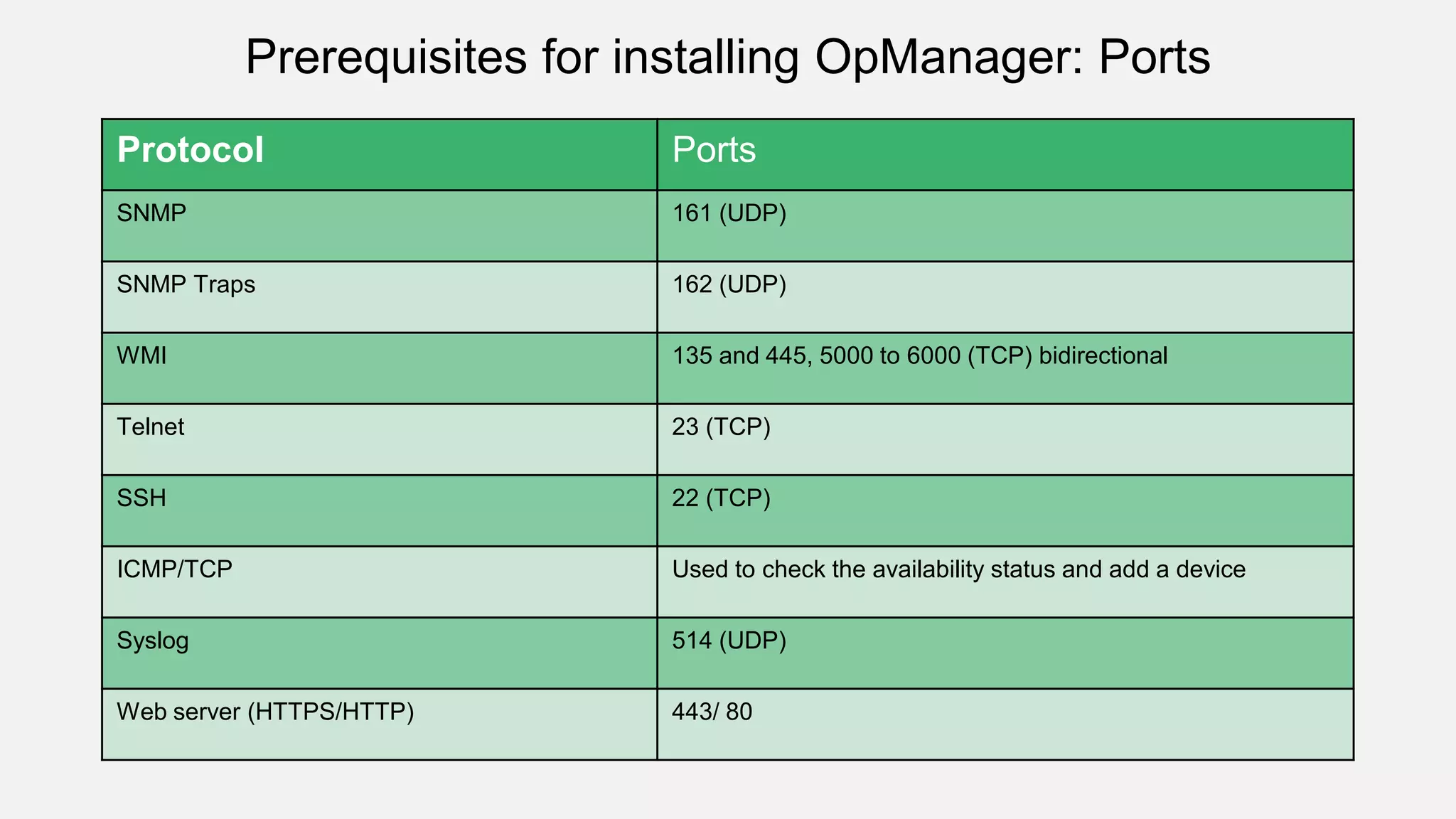
Protocol Ports
SNMP 161 (UDP)
SNMP Traps 162 (UDP)
WMI 135 and 445, 5000 to 6000 (TCP) bidirectional
Telnet 23 (TCP)
SSH 22 (TCP)
ICMP/TCP Used to check the availability status and add a device
Syslog 514 (UDP)
Web server (HTTPS/HTTP) 443/ 80
Prerequisites for installing OpManager: Ports
Understanding network infrastructure
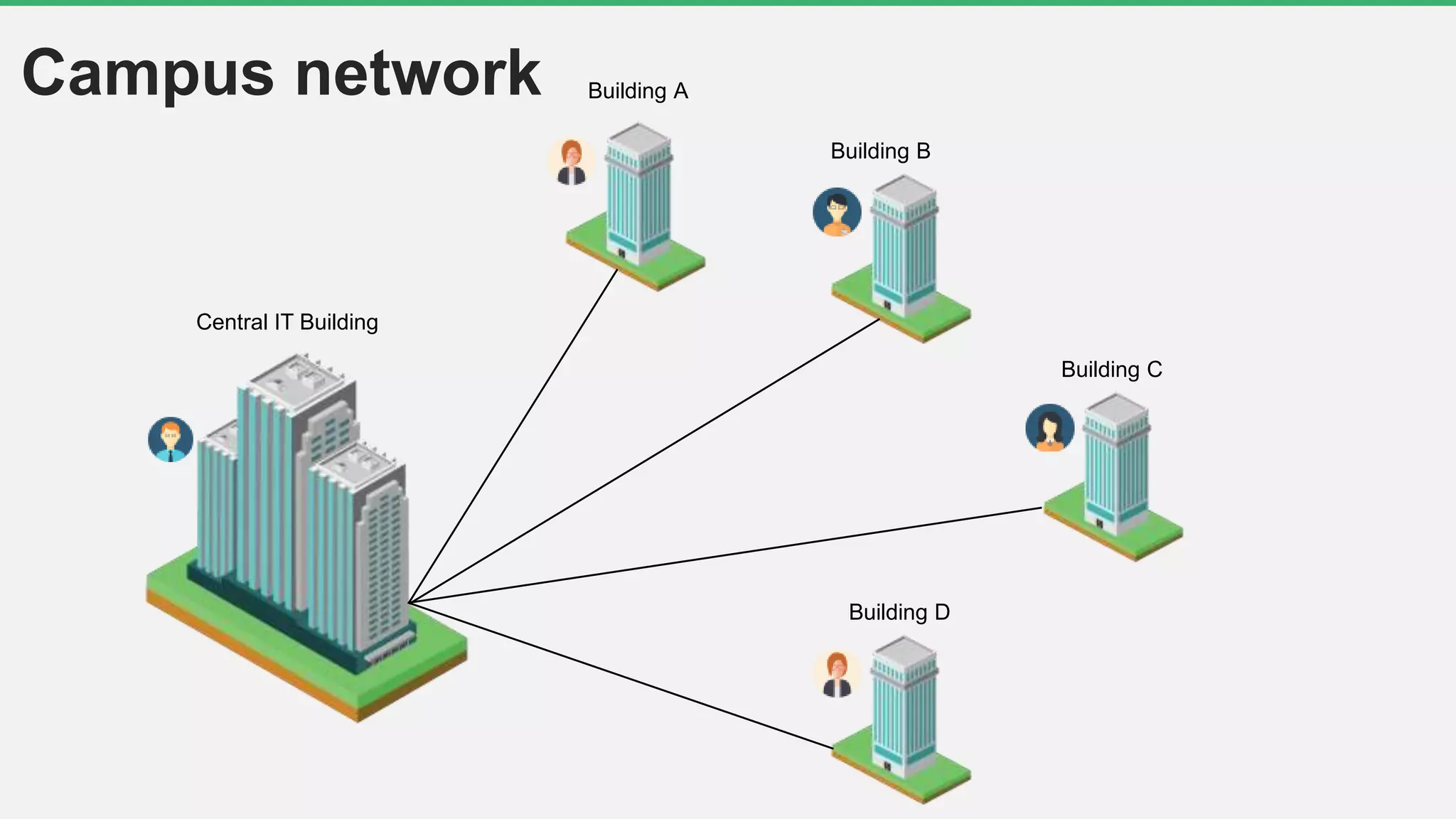
Building A
Building B
Building C
Building D
Central IT Building
Campus network
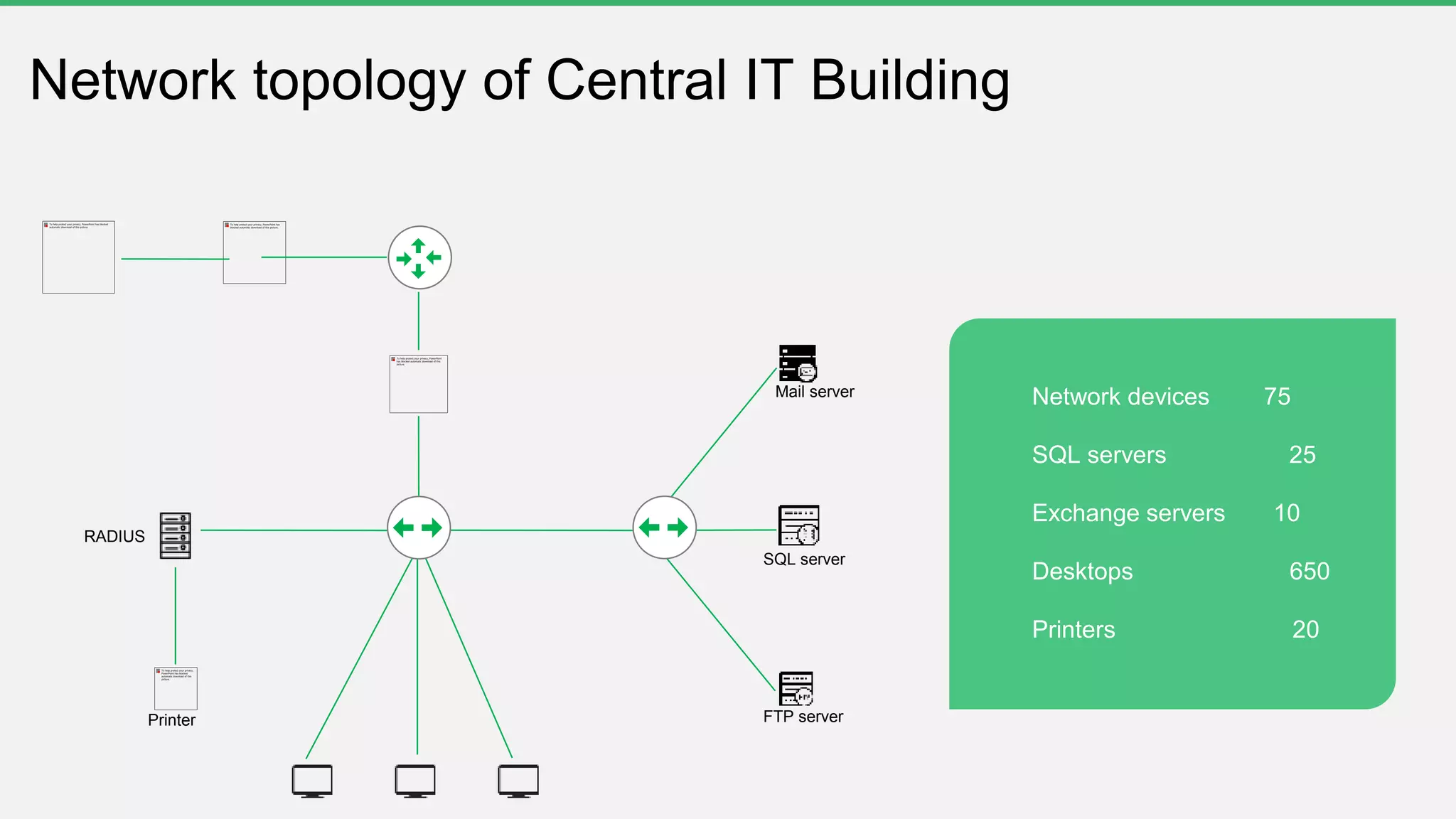
Network devices 75
SQL servers 25
Exchange servers 10
Desktops 650
Printers 20
Network topology of Central IT Building
Mail server
SQL server
FTP serverPrinter
RADIUS
Challenges of device discovery
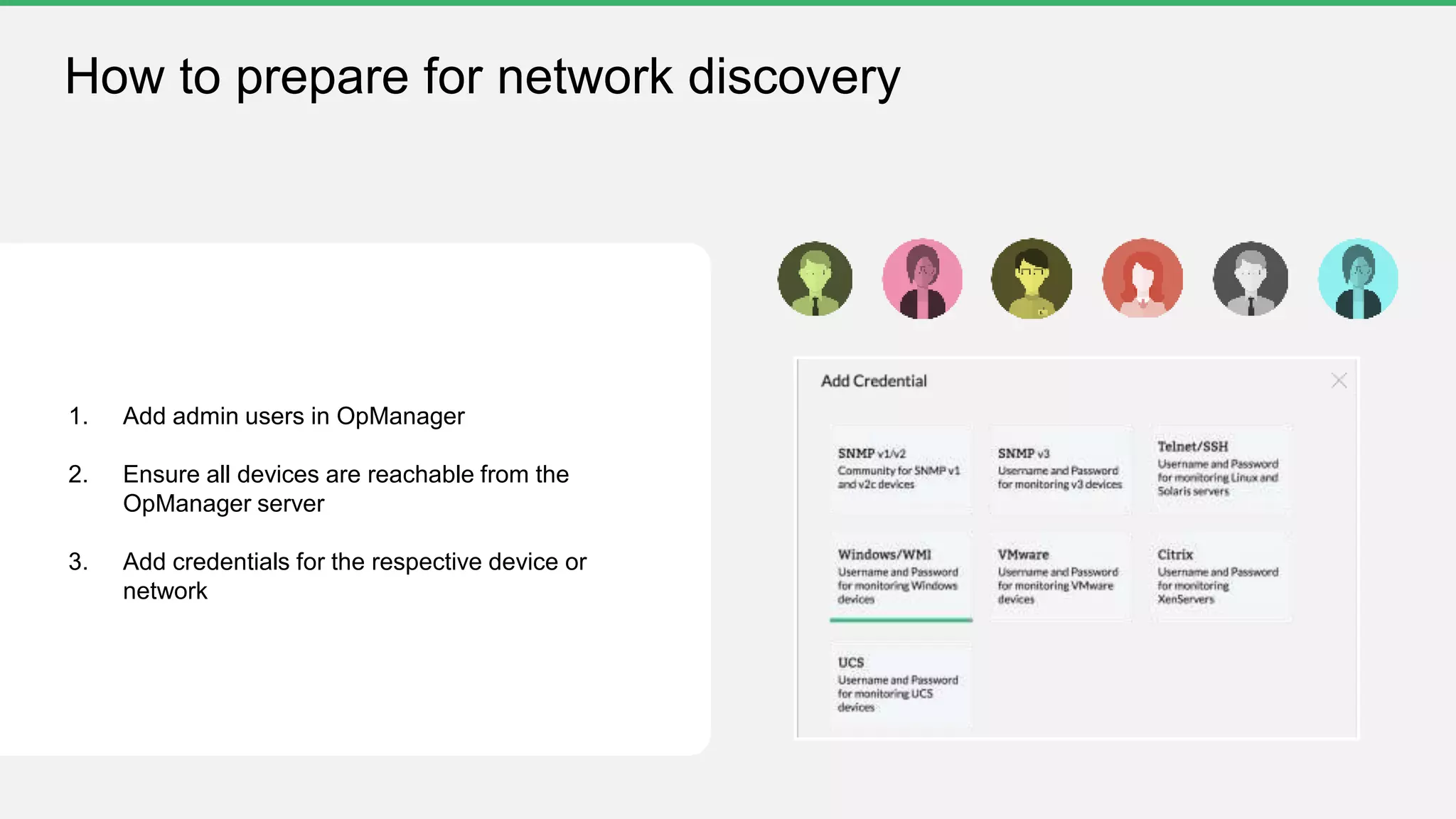
How to prepare for network discovery
1. Add admin users in OpManager
2. Ensure all devices are reachable from the
OpManager server
3. Add credentials for the respective device or
network
 Not all devices present in the CSV file need to be
monitored
 What happens if you import all the devices without
applying filters?
• Costs you a license
• Adds unnecessary load to the server
Challenges with importing devices from a CSV file
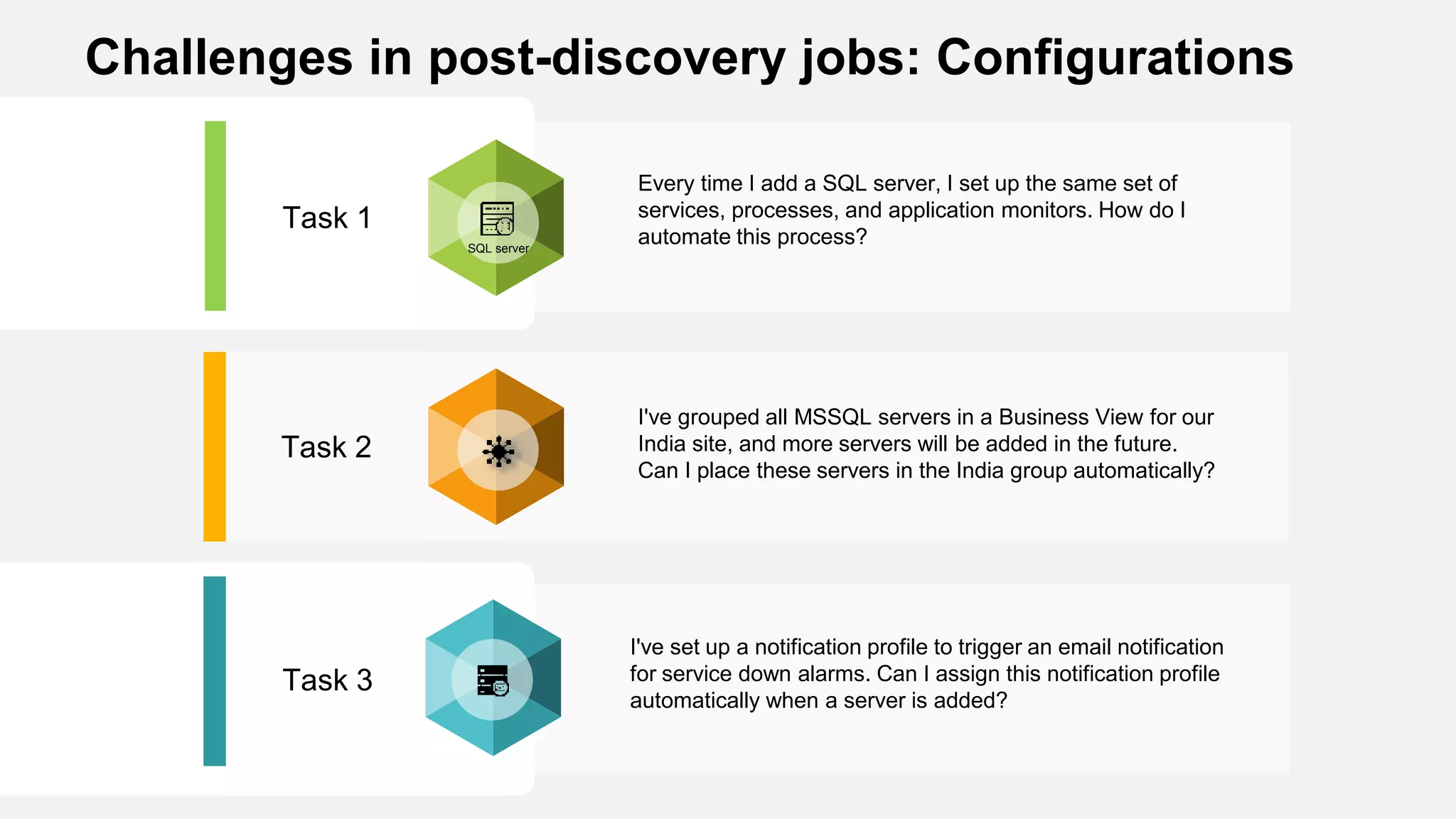
Task 3
Task 2
Task 1
Every time I add a SQL server, I set up the same set of
services, processes, and application monitors. How do I
automate this process?
I've grouped all MSSQL servers in a Business View for our
India site, and more servers will be added in the future.
Can I place these servers in the India group automatically?
I've set up a notification profile to trigger an email notification
for service down alarms. Can I assign this notification profile
automatically when a server is added?
SQL server
Challenges in post-discovery jobs: Configurations
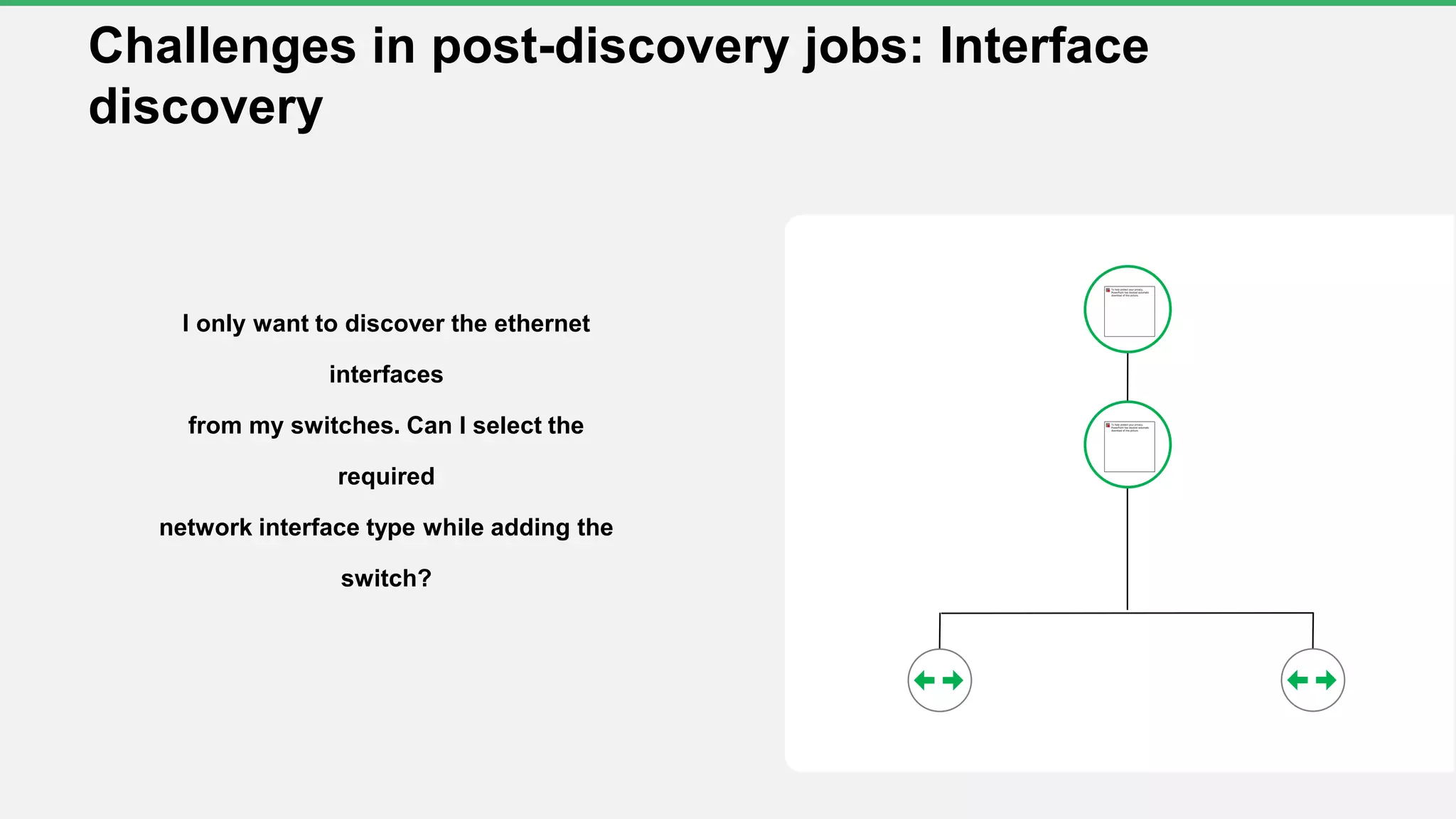
Challenges in post-discovery jobs: Interface
discovery
I only want to discover the ethernet
interfaces
from my switches. Can I select the
required
network interface type while adding the
switch?
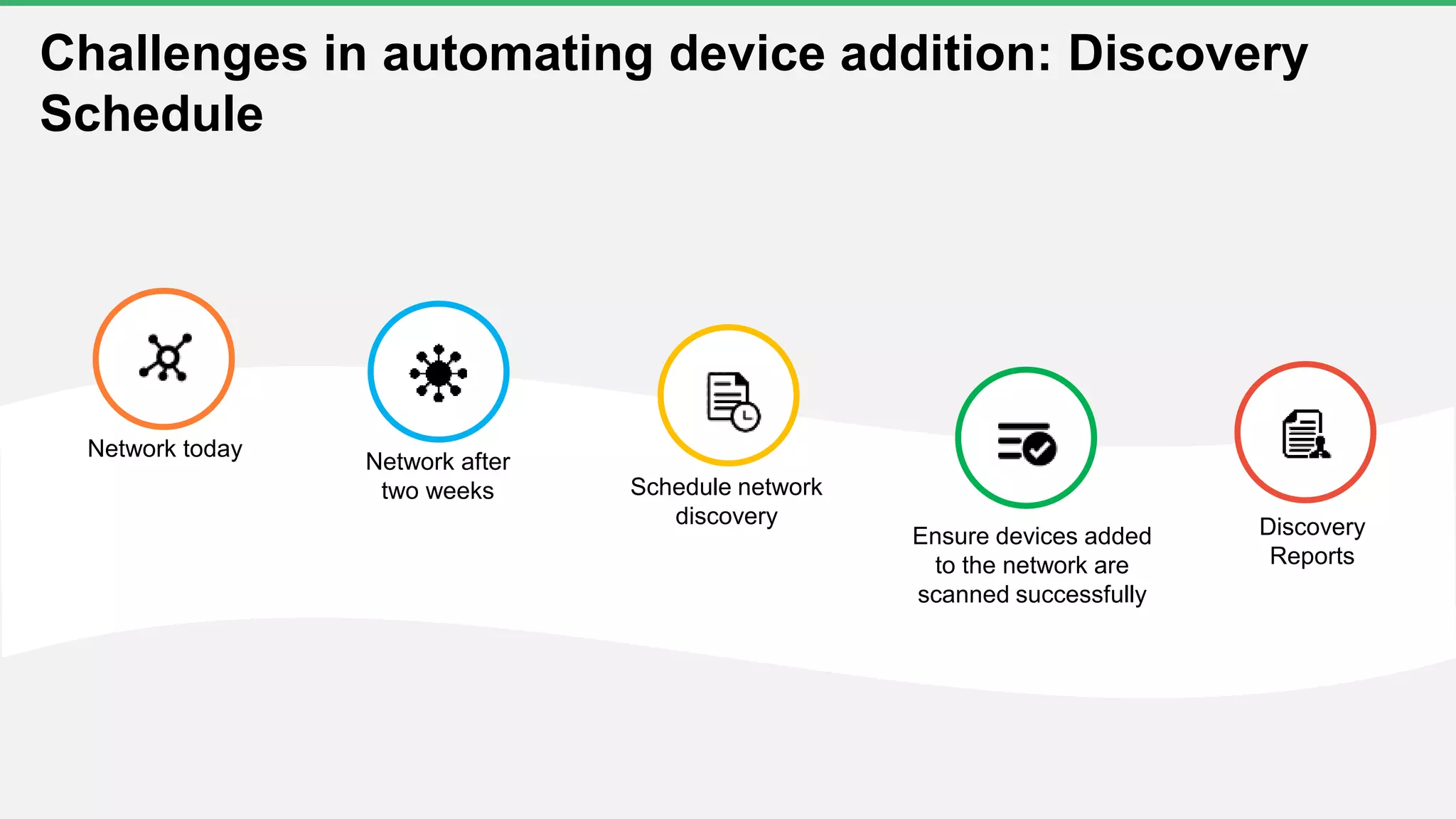
Network today
Network after
two weeks Schedule network
discovery Discovery
Reports
Ensure devices added
to the network are
scanned successfully
Challenges in automating device addition: Discovery
Schedule
Important steps to simplify the discovery
process in OpManager5 Quick demo
Real-life use cases
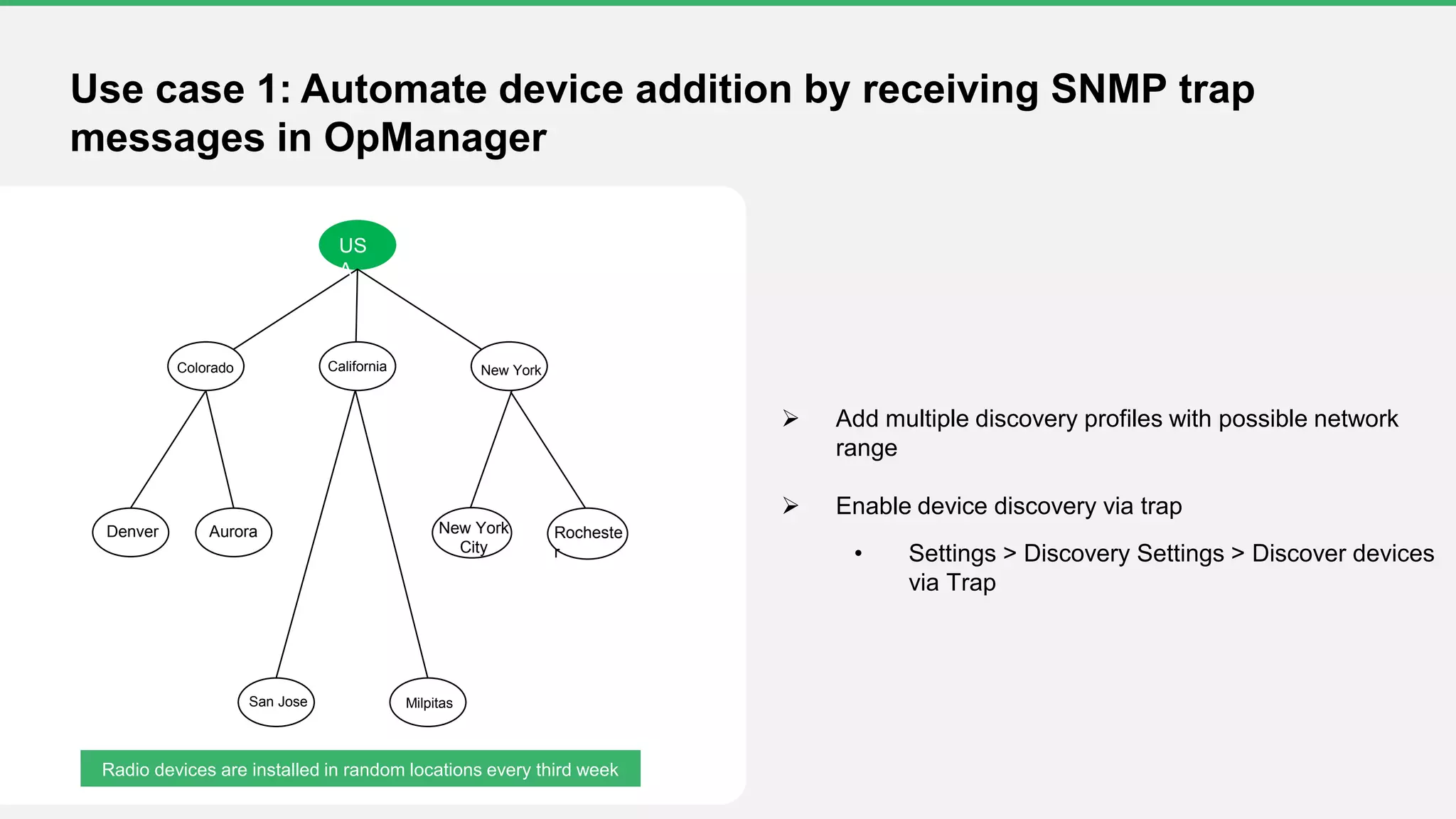
US
A
Colorado California
Denver Aurora
MilpitasSan Jose
Rocheste
r
New York
City
New York
Radio devices are installed in random locations every third week
Use case 1: Automate device addition by receiving SNMP trap
messages in OpManager
 Add multiple discovery profiles with possible network
range
 Enable device discovery via trap
• Settings > Discovery Settings > Discover devices
via Trap
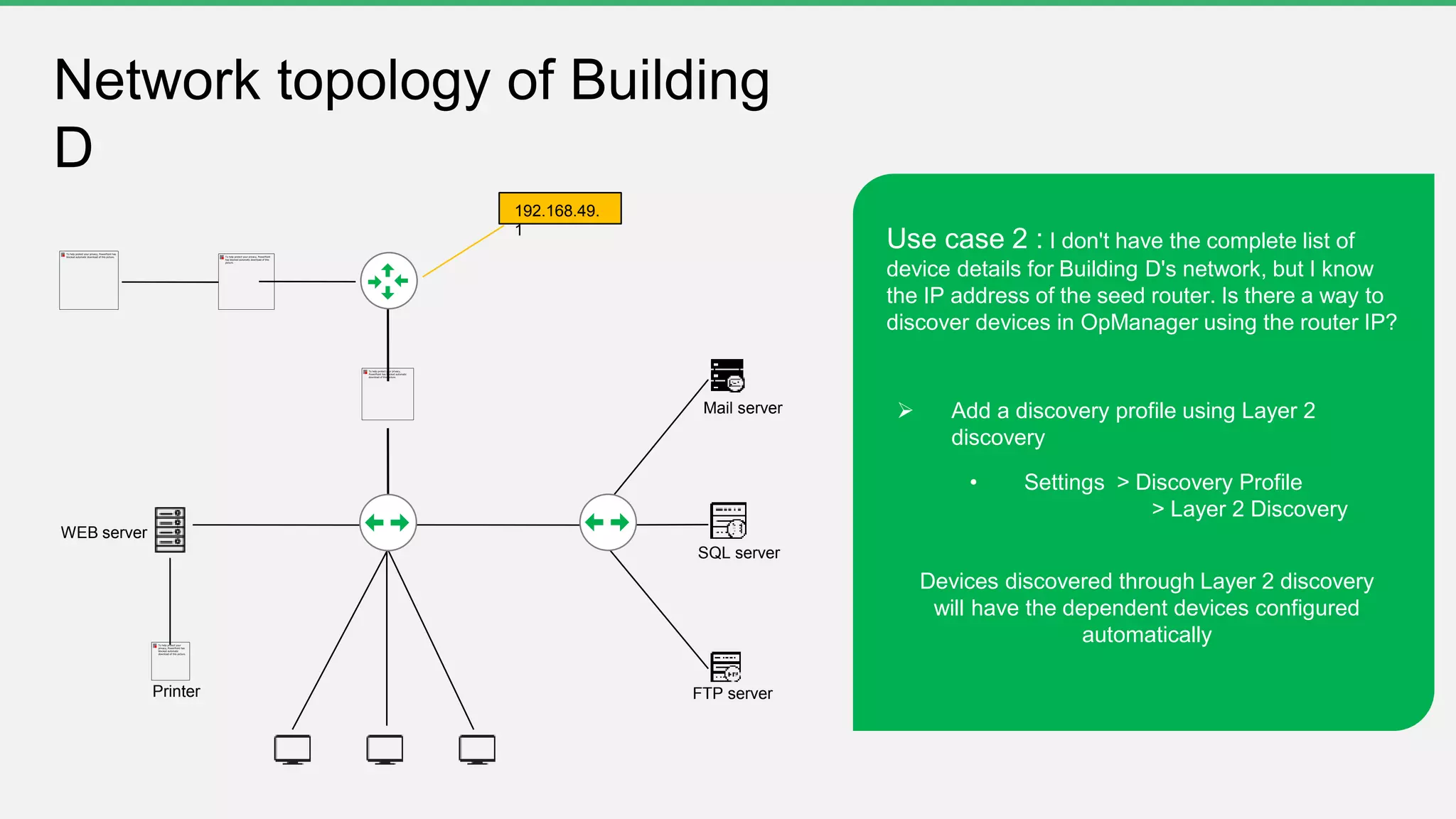
Mail server
SQL server
FTP serverPrinter
WEB server
192.168.49.
1
Network topology of Building
D
Use case 2 : I don't have the complete list of
device details for Building D's network, but I know
the IP address of the seed router. Is there a way to
discover devices in OpManager using the router IP?
 Add a discovery profile using Layer 2
discovery
• Settings > Discovery Profile
> Layer 2 Discovery
Devices discovered through Layer 2 discovery
will have the dependent devices configured
automatically
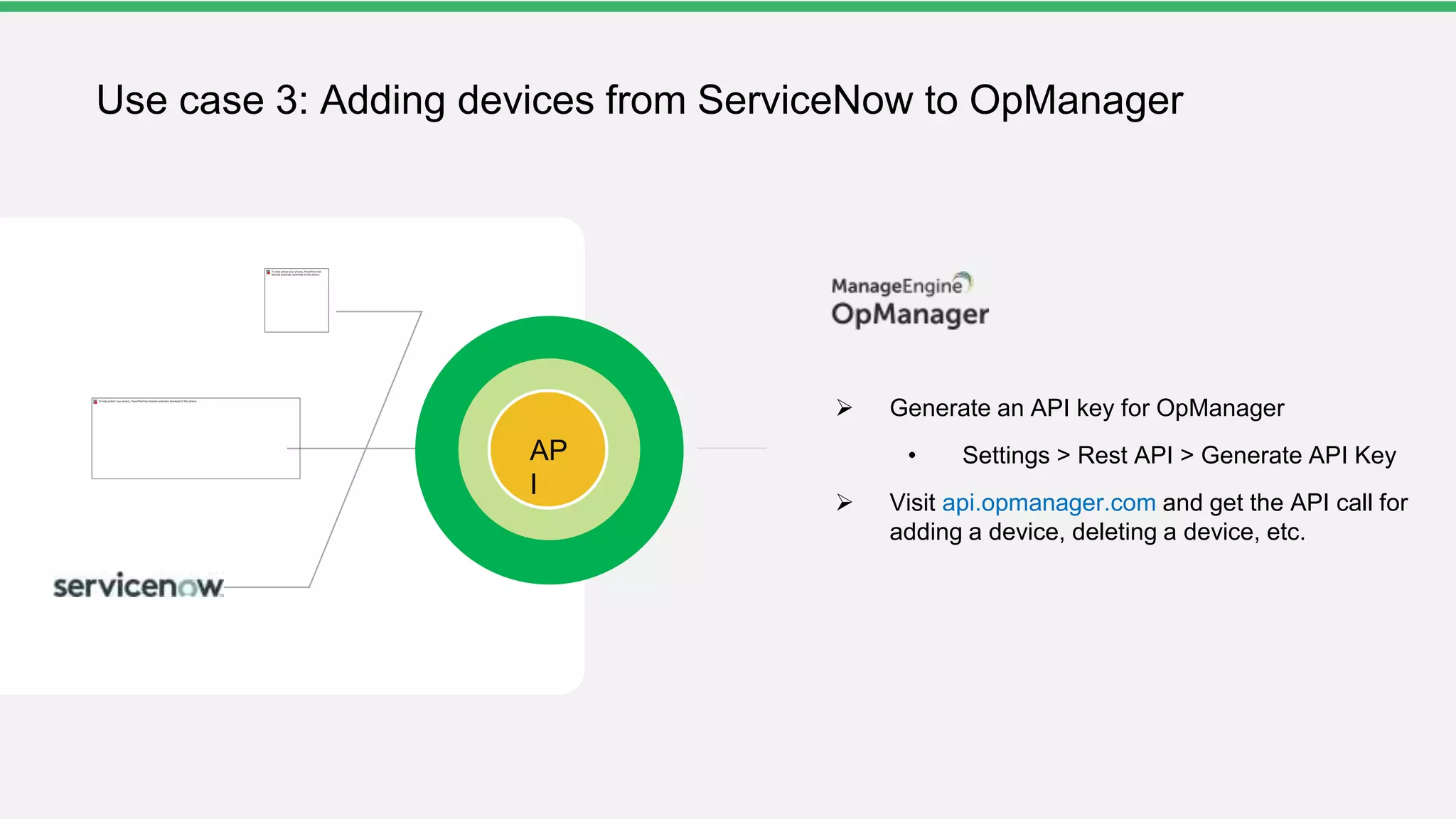
AP
I
Use case 3: Adding devices from ServiceNow to OpManager
 Generate an API key for OpManager
• Settings > Rest API > Generate API Key
 Visit api.opmanager.com and get the API call for
adding a device, deleting a device, etc.
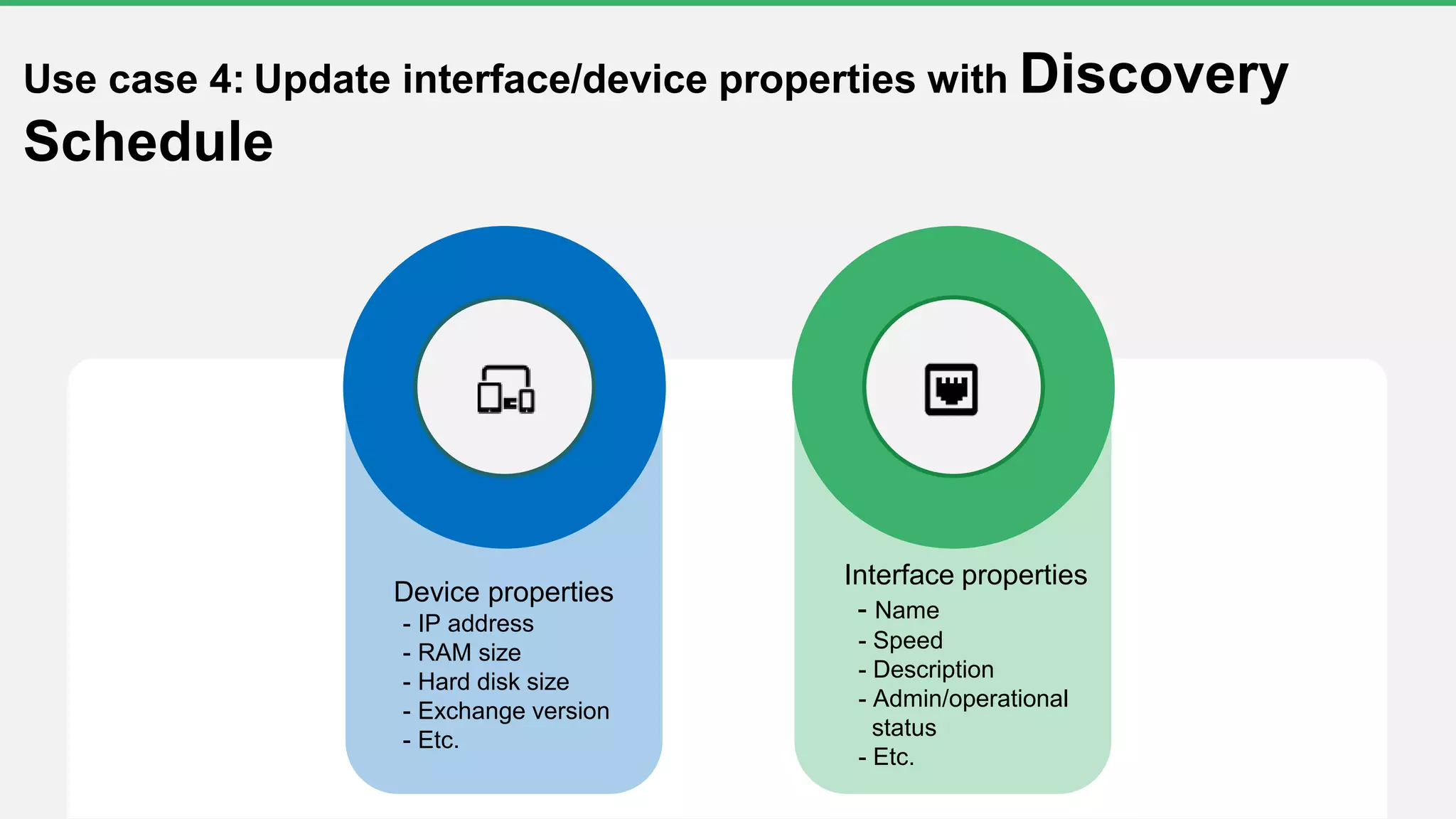
Device properties
- IP address
- RAM size
- Hard disk size
- Exchange version
- Etc.
Use case 4: Update interface/device properties with Discovery
Schedule
Interface properties
- Name
- Speed
- Description
- Admin/operational
status
- Etc.
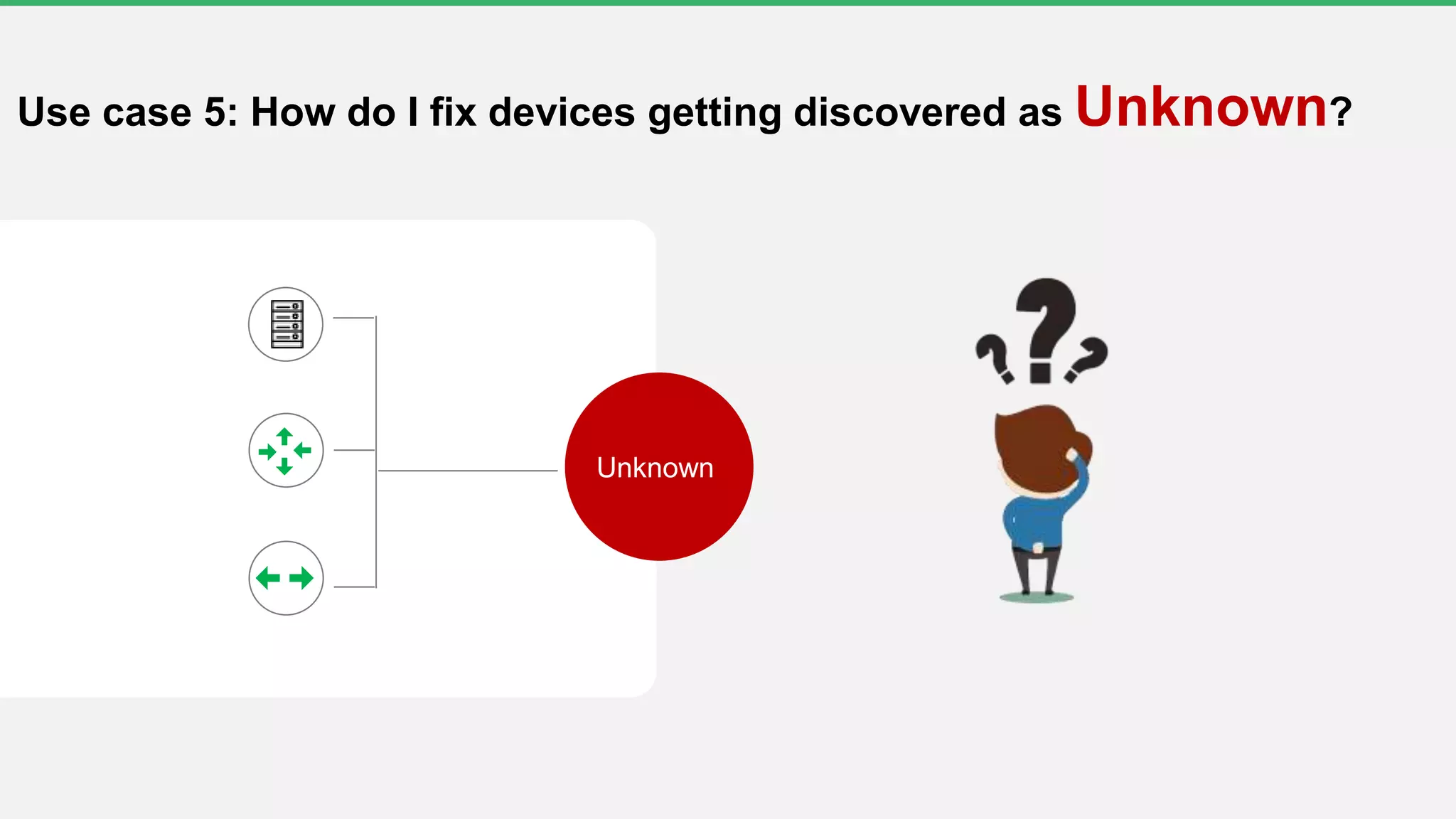
Unknown
Use case 5: How do I fix devices getting discovered as Unknown?
Top fixes for failure
1
2
3
Open the recommended port in your firewall
Visit https://www.manageengine.com/network-monitoring/help/hardware-and-software-requirements.html
for a list of recommended ports
Update the password in OpManager
- Settings > Discovery > Credentials
Test the credentials periodically and see when the test fails
- Settings > Discovery > Test Credentials
Create a new device template for the respective model
- Settings > Configuration > Device Template > Add Template
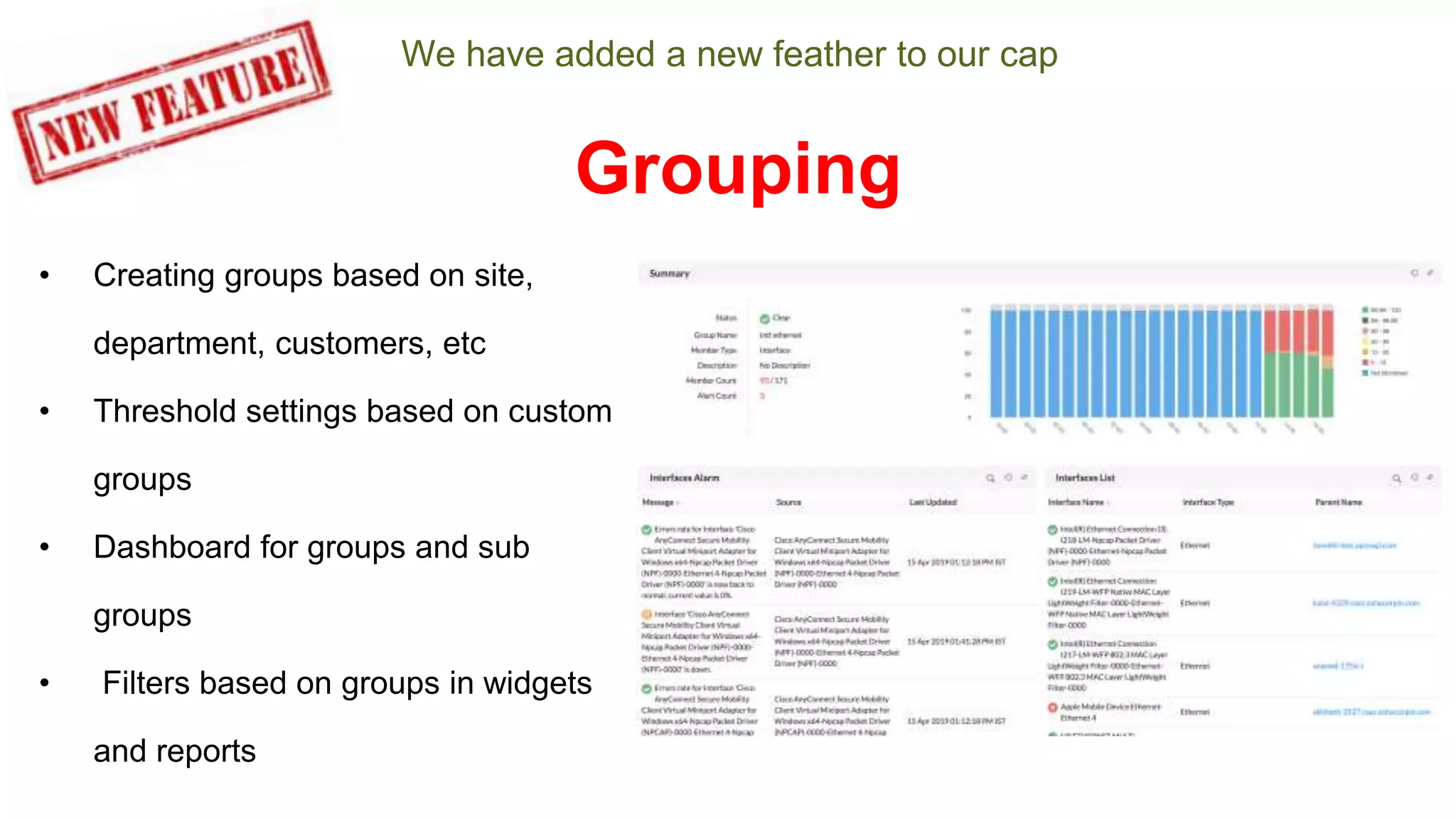
We have added a new feather to our cap
• Creating groups based on site,
department, customers, etc
• Threshold settings based on custom
groups
• Dashboard for groups and sub
groups
• Filters based on groups in widgets
and reports
Grouping
https://www.manageengine.com/itom/seminars/sydney-melbourne-2019.html
Questions?
www.manageengine.com
Sharath Babu
Shatz@manageengine.com

Free OpManager training Part1- Discovery and classification season#3

  • 2.
    Welcome to afree OpManager training session
  • 3.
    Can you hearme? Can you see the presentation? Please confirm by commenting in the webinar chat panel
  • 4.
  • 5.
    Part 1 Discovery andclassification
  • 6.
    Agenda • Prerequisites forinstalling OpManager • Understanding network infrastructure • Challenges of device discovery • 5 important steps to simplify the discovery process in OpManager • Real-life use cases
  • 7.
    Prerequisites for installingOpManager: System requirements Quad-core processor or higher • MSSQL • PGSQL 40GB8GB • Window s • Linux https://www.manageengine.com/network-monitoring/help/hardware-and-software- requirements.html
  • 8.
    Protocol Ports SNMP 161(UDP) SNMP Traps 162 (UDP) WMI 135 and 445, 5000 to 6000 (TCP) bidirectional Telnet 23 (TCP) SSH 22 (TCP) ICMP/TCP Used to check the availability status and add a device Syslog 514 (UDP) Web server (HTTPS/HTTP) 443/ 80 Prerequisites for installing OpManager: Ports
  • 9.
  • 10.
    Building A Building B BuildingC Building D Central IT Building Campus network
  • 11.
    Network devices 75 SQLservers 25 Exchange servers 10 Desktops 650 Printers 20 Network topology of Central IT Building Mail server SQL server FTP serverPrinter RADIUS
  • 12.
  • 13.
    How to preparefor network discovery 1. Add admin users in OpManager 2. Ensure all devices are reachable from the OpManager server 3. Add credentials for the respective device or network
  • 14.
     Not alldevices present in the CSV file need to be monitored  What happens if you import all the devices without applying filters? • Costs you a license • Adds unnecessary load to the server Challenges with importing devices from a CSV file
  • 15.
    Task 3 Task 2 Task1 Every time I add a SQL server, I set up the same set of services, processes, and application monitors. How do I automate this process? I've grouped all MSSQL servers in a Business View for our India site, and more servers will be added in the future. Can I place these servers in the India group automatically? I've set up a notification profile to trigger an email notification for service down alarms. Can I assign this notification profile automatically when a server is added? SQL server Challenges in post-discovery jobs: Configurations
  • 16.
    Challenges in post-discoveryjobs: Interface discovery I only want to discover the ethernet interfaces from my switches. Can I select the required network interface type while adding the switch?
  • 17.
    Network today Network after twoweeks Schedule network discovery Discovery Reports Ensure devices added to the network are scanned successfully Challenges in automating device addition: Discovery Schedule
  • 18.
    Important steps tosimplify the discovery process in OpManager5 Quick demo
  • 19.
  • 20.
    US A Colorado California Denver Aurora MilpitasSanJose Rocheste r New York City New York Radio devices are installed in random locations every third week Use case 1: Automate device addition by receiving SNMP trap messages in OpManager  Add multiple discovery profiles with possible network range  Enable device discovery via trap • Settings > Discovery Settings > Discover devices via Trap
  • 21.
    Mail server SQL server FTPserverPrinter WEB server 192.168.49. 1 Network topology of Building D Use case 2 : I don't have the complete list of device details for Building D's network, but I know the IP address of the seed router. Is there a way to discover devices in OpManager using the router IP?  Add a discovery profile using Layer 2 discovery • Settings > Discovery Profile > Layer 2 Discovery Devices discovered through Layer 2 discovery will have the dependent devices configured automatically
  • 22.
    AP I Use case 3:Adding devices from ServiceNow to OpManager  Generate an API key for OpManager • Settings > Rest API > Generate API Key  Visit api.opmanager.com and get the API call for adding a device, deleting a device, etc.
  • 23.
    Device properties - IPaddress - RAM size - Hard disk size - Exchange version - Etc. Use case 4: Update interface/device properties with Discovery Schedule Interface properties - Name - Speed - Description - Admin/operational status - Etc.
  • 24.
    Unknown Use case 5:How do I fix devices getting discovered as Unknown?
  • 25.
    Top fixes forfailure 1 2 3 Open the recommended port in your firewall Visit https://www.manageengine.com/network-monitoring/help/hardware-and-software-requirements.html for a list of recommended ports Update the password in OpManager - Settings > Discovery > Credentials Test the credentials periodically and see when the test fails - Settings > Discovery > Test Credentials Create a new device template for the respective model - Settings > Configuration > Device Template > Add Template
  • 26.
    We have addeda new feather to our cap • Creating groups based on site, department, customers, etc • Threshold settings based on custom groups • Dashboard for groups and sub groups • Filters based on groups in widgets and reports Grouping
  • 27.
  • 28.
  • 29.