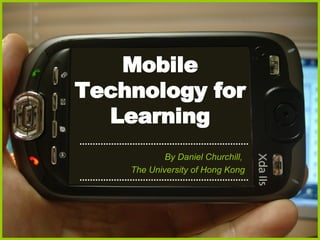
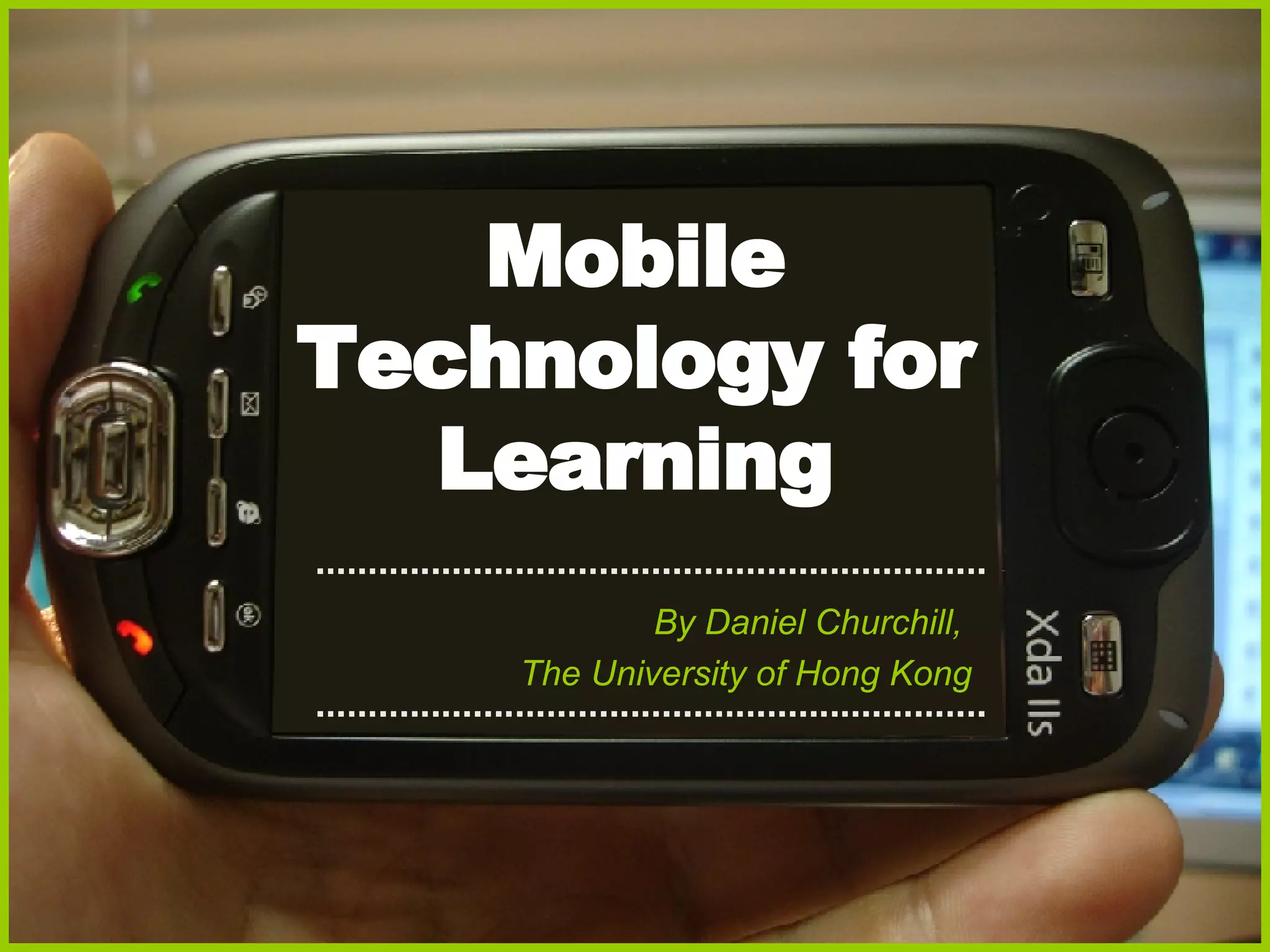
Mobile Technology for Learning By Daniel Churchill,  The University of Hong Kong
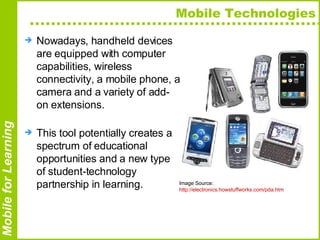
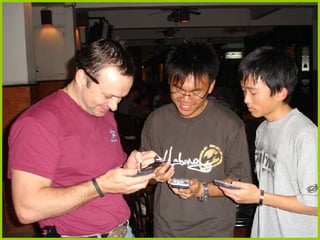
Mobile Technologies Nowadays, handheld devices are equipped with computer capabilities, wireless connectivity, a mobile phone, a camera and a variety of add-on extensions.  This tool potentially creates a spectrum of educational opportunities and a new type of student-technology partnership in learning.  Image Source:  http://electronics.howstuffworks.com/pda.htm
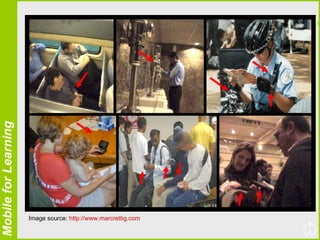
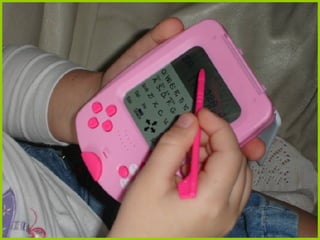
Image source:  http://www.marcrettig.com
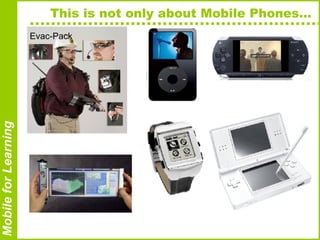
This is not only about Mobile Phones…  Evac-Pack
 
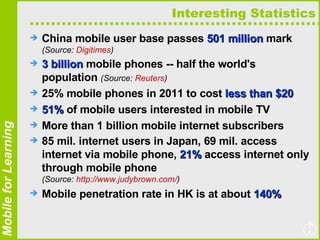
Interesting Statistics China mobile user base passes  501 million  mark  (Source:  Digitimes ) 3 billion  mobile phones -- half the world's population  (Source:  Reuters ) 25% mobile phones in 2011 to cost  less than $20 51%  of mobile users interested in mobile TV More than 1 billion mobile internet subscribers 85 mil. internet users in Japan, 69 mil. access internet via mobile phone,  21%  access internet only through mobile phone  (Source:  http://www.judybrown.com/ ) Mobile penetration rate in HK is at about  140%
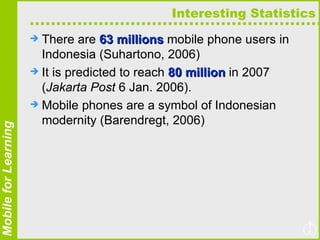
Interesting Statistics There are  63 millions  mobile phone users in Indonesia (Suhartono, 2006)  It is predicted to reach  80 million  in 2007 ( Jakarta Post  6 Jan. 2006).  Mobile phones are a symbol of Indonesian modernity (Barendregt, 2006)
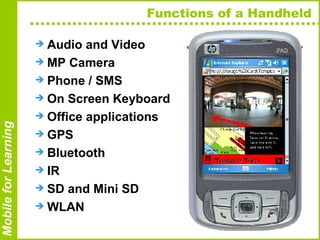
Functions of a Handheld  Audio and Video  MP Camera Phone / SMS On Screen Keyboard Office applications GPS Bluetooth IR SD and Mini SD WLAN
Studies on Handheld in Education Handhelds for teachers and students to share files (Ray, 2002)  Handhelds for students to ask questions, answer polls and give teachers feedback (Ratto, Shapiro, Truong & Griswold, 2003);  Handhelds for delivery of courseware and quizzes and as an intelligent tutoring system (Kazi, 2005);  Handhelds for dissemination of information and collection of data during field trips (So, 2004);  Handhelds as a tool that supports students’ inquiries (Sharples, Corlett & Westmancott, 2002; Clyde, 2004);  … Continues on Next Page
Previous Studies with PDA … Continues from Previous Page Handhelds in computer-supported collaborative learning (Roschelle & Pea, 2002; Zurita & Nussbaum, 2004);  Handhelds as personal tool for lifelong learning (Sharples, 2000);  Handhelds for disadvantaged young adults to improve literacy and numeracy skills (Attewell, 2005);  Handhelds for access to resources, as connectivity tool, as capture tool, as representational tool and as special calculator (Churchill & Churchill, 2005).
Our Study of Educational Affordances Multimedia Access Tool Connectivity Tool Capture Tool Representational Tool Analytical Tool
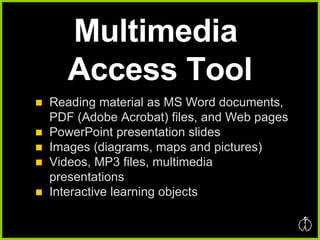
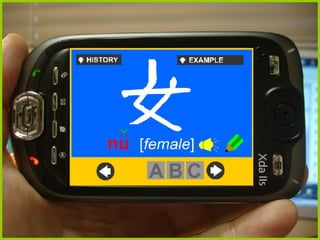
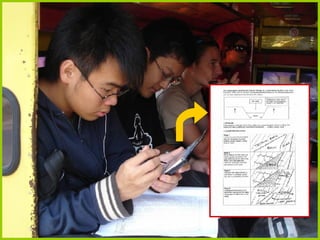
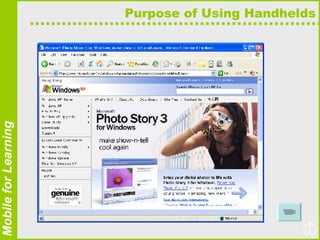
Multimedia  Access Tool Reading material as MS Word documents, PDF (Adobe Acrobat) files, and Web pages PowerPoint presentation slides Images (diagrams, maps and pictures) Videos, MP3 files, multimedia presentations Interactive learning objects
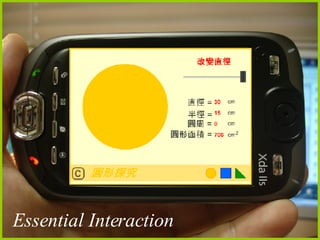
Essential Interaction
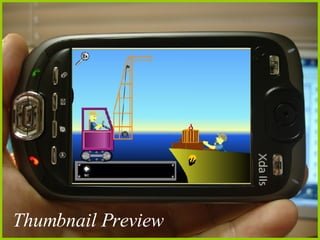
Thumbnail Preview
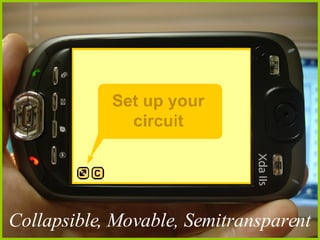
Collapsible, Movable, Semitransparent


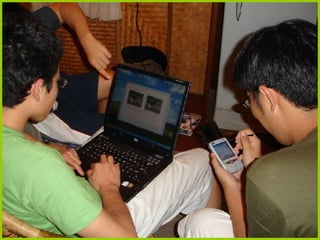
Connectivity Tool Using IR, Bluetooth, WiFi to exchange files and data Phone, SMS, MMS Skype and other kind of connections via internet
 
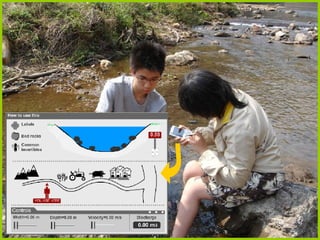
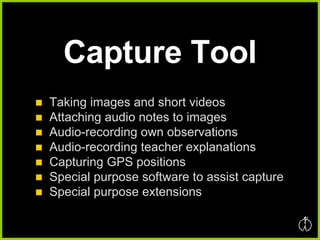
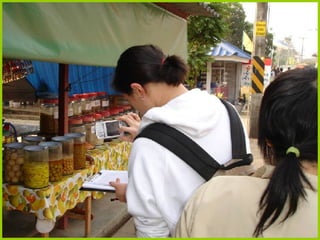
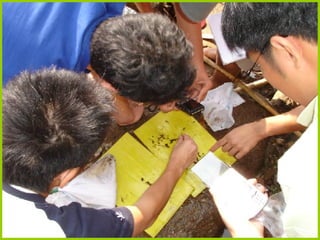
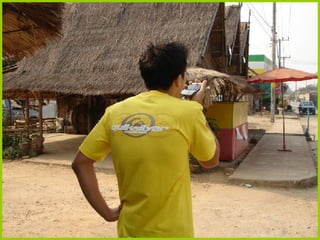
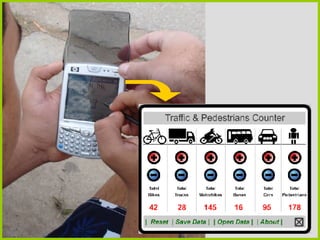
Capture Tool Taking images and short videos Attaching audio notes to images Audio-recording own observations Audio-recording teacher explanations Capturing GPS positions Special purpose software to assist capture Special purpose extensions


Purpose of Using Handhelds
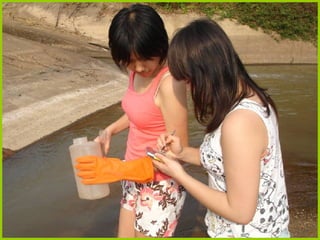
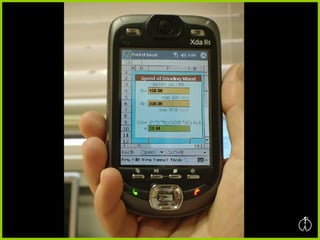
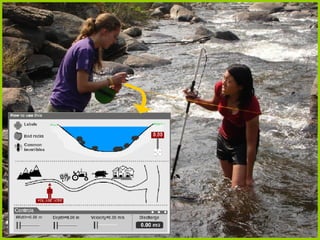
Analytical Tool Using calculator  Entering data in pre-designed Excel worksheet and obtain certain calculations (special purpose calculators) Analysis software for hanhelds


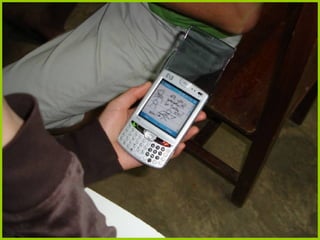
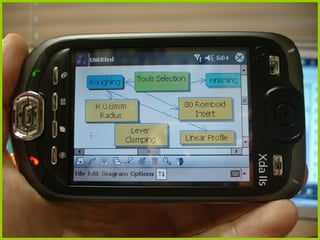
Representational Tool Sketching diagrams Sketching information on the captured images Drawing mind maps
 
 
Classroom Use Also…
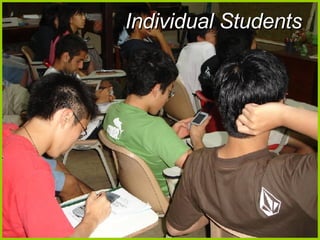
Individual Students
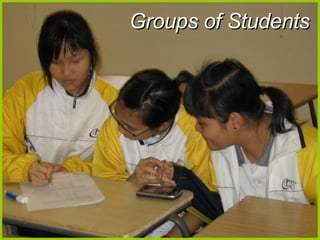
Groups of Students
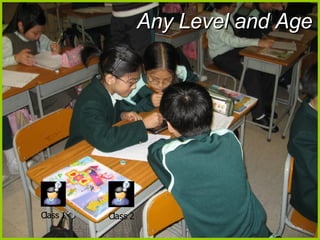
Any Level and Age
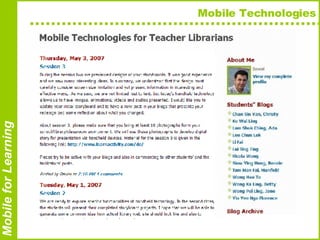
Mobile Technologies
In Conclusion Mobile technology creates a spectrum of educational opportunities Key affordances are: multimedia access, connectivity, capture, analytical and representational tool Institution must give attention to mobile technologies Students are coming to classes with this technology in their hands They will expect their institutions to provide them with the opportunity to use this technology in learning
Thank you for attention! Q&A THE UNIVERSITY OF HONG KONG   Faculty of Education Dr. Daniel Churchill   Assistant Professor Email:   [email_address] Phone:  + 852.2859.1141 Web:   http:// www.learnactivity.com

Mobile Jakarta By Daniel

  • 1.
    Mobile Technology forLearning By Daniel Churchill, The University of Hong Kong
  • 2.
    Mobile Technologies Nowadays,handheld devices are equipped with computer capabilities, wireless connectivity, a mobile phone, a camera and a variety of add-on extensions. This tool potentially creates a spectrum of educational opportunities and a new type of student-technology partnership in learning. Image Source: http://electronics.howstuffworks.com/pda.htm
  • 3.
    Image source: http://www.marcrettig.com
  • 4.
    This is notonly about Mobile Phones… Evac-Pack
  • 5.
  • 6.
    Interesting Statistics Chinamobile user base passes 501 million mark (Source: Digitimes ) 3 billion mobile phones -- half the world's population (Source: Reuters ) 25% mobile phones in 2011 to cost less than $20 51% of mobile users interested in mobile TV More than 1 billion mobile internet subscribers 85 mil. internet users in Japan, 69 mil. access internet via mobile phone, 21% access internet only through mobile phone (Source: http://www.judybrown.com/ ) Mobile penetration rate in HK is at about 140%
  • 7.
    Interesting Statistics Thereare 63 millions mobile phone users in Indonesia (Suhartono, 2006) It is predicted to reach 80 million in 2007 ( Jakarta Post 6 Jan. 2006). Mobile phones are a symbol of Indonesian modernity (Barendregt, 2006)
  • 8.
    Functions of aHandheld Audio and Video MP Camera Phone / SMS On Screen Keyboard Office applications GPS Bluetooth IR SD and Mini SD WLAN
  • 9.
    Studies on Handheldin Education Handhelds for teachers and students to share files (Ray, 2002) Handhelds for students to ask questions, answer polls and give teachers feedback (Ratto, Shapiro, Truong & Griswold, 2003); Handhelds for delivery of courseware and quizzes and as an intelligent tutoring system (Kazi, 2005); Handhelds for dissemination of information and collection of data during field trips (So, 2004); Handhelds as a tool that supports students’ inquiries (Sharples, Corlett & Westmancott, 2002; Clyde, 2004); … Continues on Next Page
  • 10.
    Previous Studies withPDA … Continues from Previous Page Handhelds in computer-supported collaborative learning (Roschelle & Pea, 2002; Zurita & Nussbaum, 2004); Handhelds as personal tool for lifelong learning (Sharples, 2000); Handhelds for disadvantaged young adults to improve literacy and numeracy skills (Attewell, 2005); Handhelds for access to resources, as connectivity tool, as capture tool, as representational tool and as special calculator (Churchill & Churchill, 2005).
  • 11.
    Our Study ofEducational Affordances Multimedia Access Tool Connectivity Tool Capture Tool Representational Tool Analytical Tool
  • 12.
    Multimedia AccessTool Reading material as MS Word documents, PDF (Adobe Acrobat) files, and Web pages PowerPoint presentation slides Images (diagrams, maps and pictures) Videos, MP3 files, multimedia presentations Interactive learning objects
  • 13.
  • 14.
  • 15.
  • 16.
  • 17.
  • 18.
  • 19.
    Connectivity Tool UsingIR, Bluetooth, WiFi to exchange files and data Phone, SMS, MMS Skype and other kind of connections via internet
  • 20.
  • 21.
    Capture Tool Takingimages and short videos Attaching audio notes to images Audio-recording own observations Audio-recording teacher explanations Capturing GPS positions Special purpose software to assist capture Special purpose extensions
  • 22.
  • 23.
  • 24.
  • 25.
  • 26.
  • 27.
  • 28.
    Analytical Tool Usingcalculator Entering data in pre-designed Excel worksheet and obtain certain calculations (special purpose calculators) Analysis software for hanhelds
  • 29.
  • 30.
  • 31.
  • 32.
    Representational Tool Sketchingdiagrams Sketching information on the captured images Drawing mind maps
  • 33.
  • 34.
  • 35.
  • 36.
  • 37.
  • 38.
  • 39.
  • 40.
    In Conclusion Mobiletechnology creates a spectrum of educational opportunities Key affordances are: multimedia access, connectivity, capture, analytical and representational tool Institution must give attention to mobile technologies Students are coming to classes with this technology in their hands They will expect their institutions to provide them with the opportunity to use this technology in learning
  • 41.
    Thank you forattention! Q&A THE UNIVERSITY OF HONG KONG Faculty of Education Dr. Daniel Churchill Assistant Professor Email: [email_address] Phone: + 852.2859.1141 Web: http:// www.learnactivity.com