“Storyboard”
PDA’s & Small Portable Computers
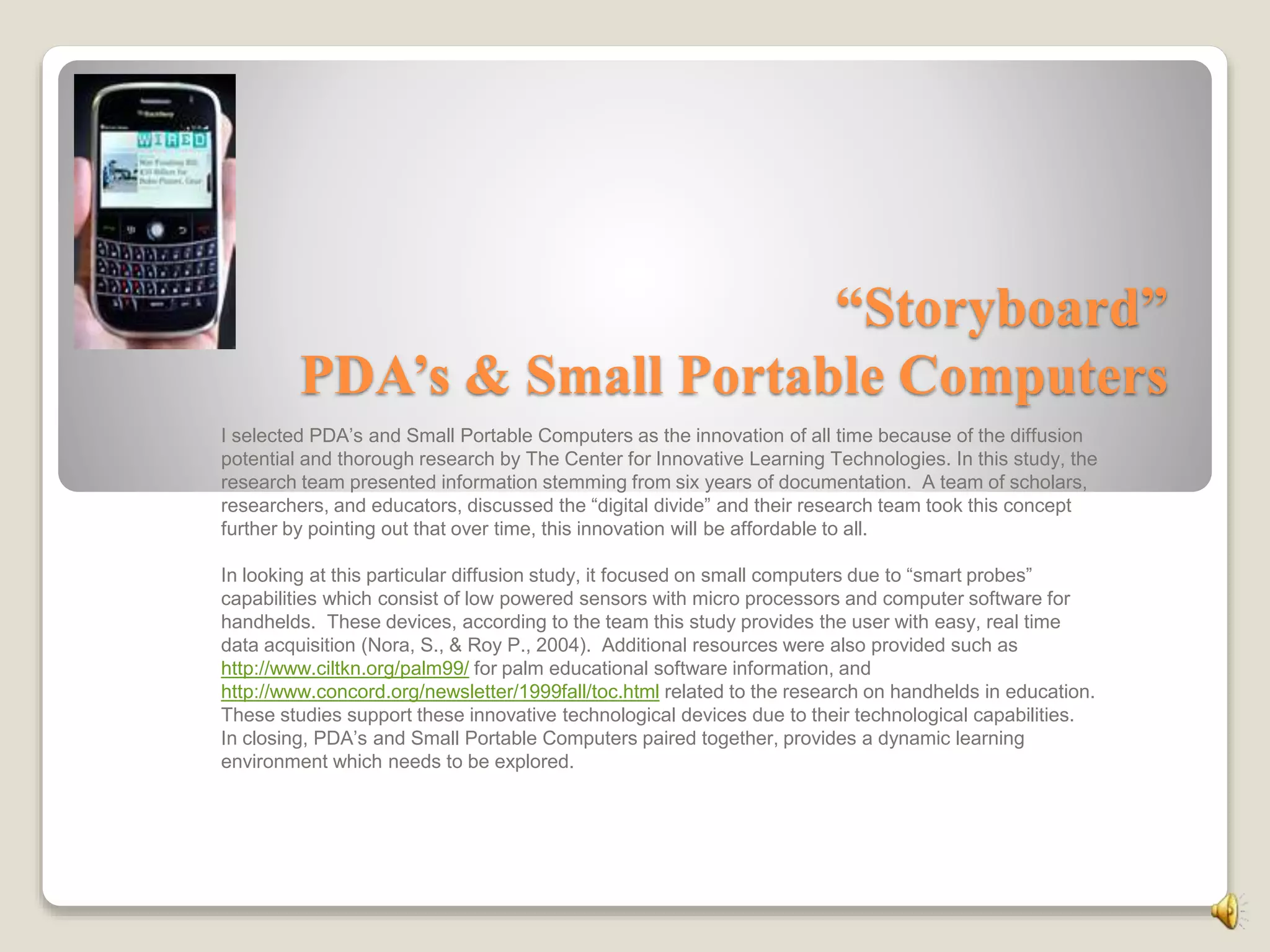
I selected PDA’s and Small Portable Computers as the innovation of all time because of the diffusion
potential and thorough research by The Center for Innovative Learning Technologies. In this study, the
research team presented information stemming from six years of documentation. A team of scholars,
researchers, and educators, discussed the “digital divide” and their research team took this concept
further by pointing out that over time, this innovation will be affordable to all.
In looking at this particular diffusion study, it focused on small computers due to “smart probes”
capabilities which consist of low powered sensors with micro processors and computer software for
handhelds. These devices, according to the team this study provides the user with easy, real time
data acquisition (Nora, S., & Roy P., 2004). Additional resources were also provided such as
http://www.ciltkn.org/palm99/ for palm educational software information, and
http://www.concord.org/newsletter/1999fall/toc.html related to the research on handhelds in education.
These studies support these innovative technological devices due to their technological capabilities.
In closing, PDA’s and Small Portable Computers paired together, provides a dynamic learning
environment which needs to be explored.
PDAs in Motion:
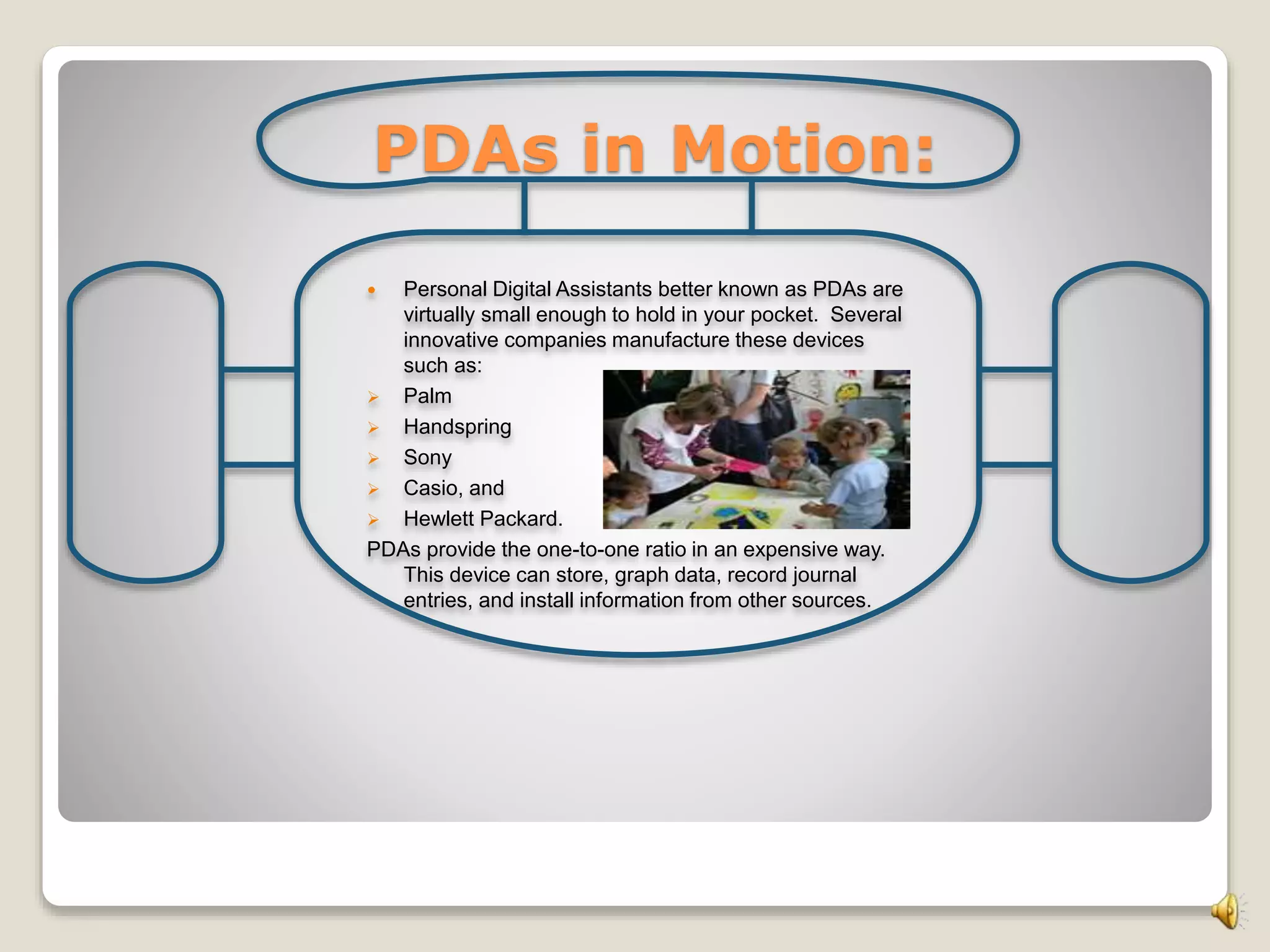
 Personal Digital Assistants better known as PDAs are
virtually small enough to hold in your pocket. Several
innovative companies manufacture these devices
such as:
 Palm
 Handspring
 Sony
 Casio, and
 Hewlett Packard.
PDAs provide the one-to-one ratio in an expensive way.
This device can store, graph data, record journal
entries, and install information from other sources.
An Existing Problem:
The greatest drawback of PDAs is the lack of appropriate software
because PDAs was originally designed for the business world.
Lighting The Way To Technology
Small Portable Computers:
“Laptops”
 The SPC is a small “Laptop”
device that will allow students to
keyboard, store, and search for
information. It is more fragile
and more expensive then PDAs,
but highly effective in the
classroom.
Why PDAs & Laptops?
 Paring the PDA with a collapsible portable keyboard packs a
powerful learning punch. With this capability, students will be able
to write short essays and then utilize the built-in infrared
communications to forward completed assignment to the teacher.
Research: Teaching today: Education up close (September, 2006). Handheld
devices makes inroads in the classroom. Retrieved October 1, 2010, from
http://www.glencoe.com.
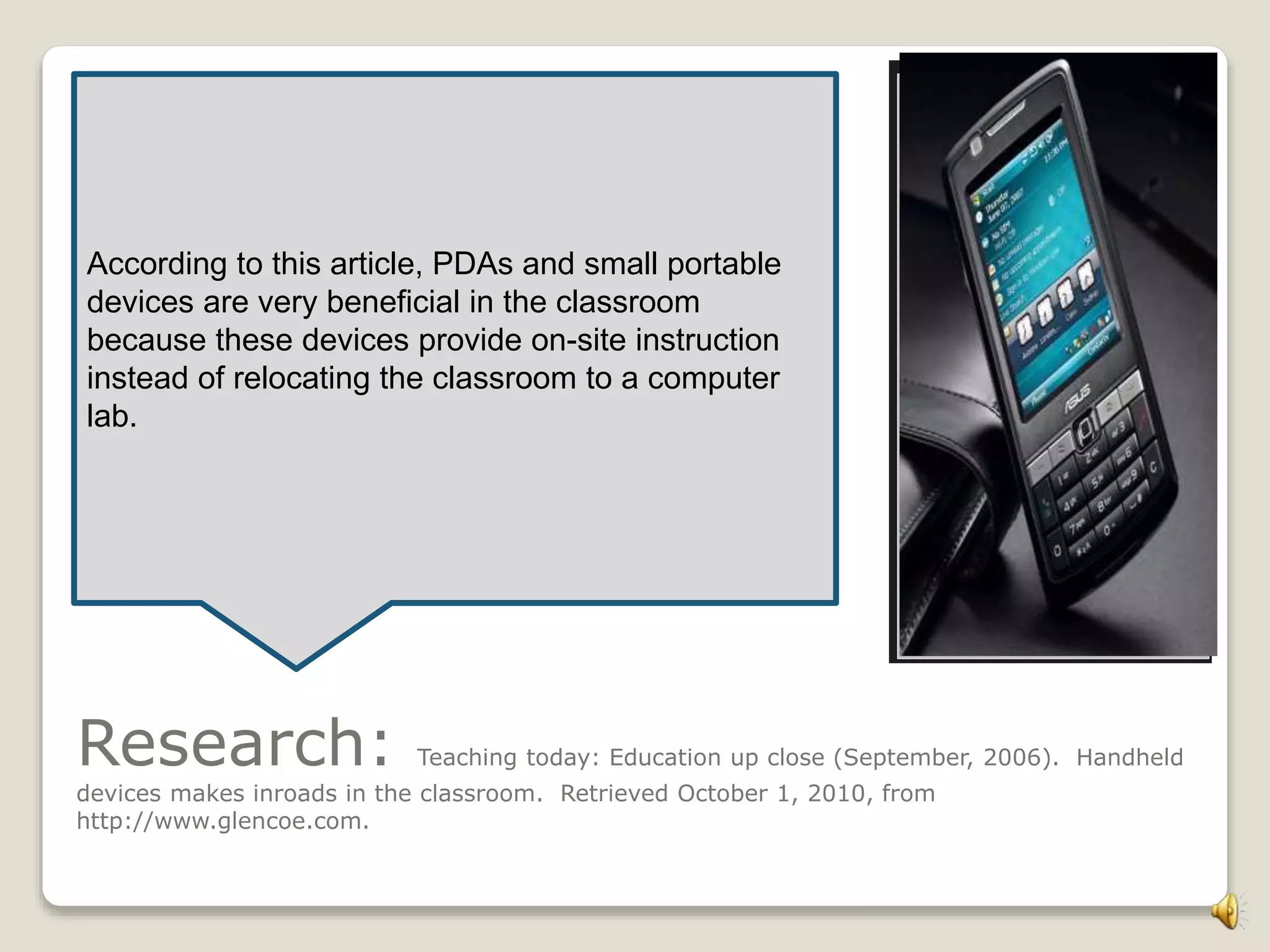
According to this article, PDAs and small portable
devices are very beneficial in the classroom
because these devices provide on-site instruction
instead of relocating the classroom to a computer
lab.
Development: Process & Audience
These devices would not be effective without a clear lesson objective
and support from administration, students, and parents. For
example, PDAs by Newton offer’s an exceptional device such as:
 Great handwriting recognition capabilities
 Excellent PIM applications
 Large screen, and
 Includes word processor, Web browser, and email application.
Commercialization:Social Networks: According to Rogers, a system of 200 members, 19,900 network links are possible.
The end advantages, empowers and
engages students to become more
comfortable when communicating
privately. The PDAs and Small
Portable Computers are great power
tools for self evaluation.
Innovation-Development Process:
Rogers, E.M. (2003). Diffusion of innovations. (5th ed). New York, NY: Free
Press.
The Innovation-Decision Process
Knowledge, Persuasion, Decision, Implementation, and Confirmation.
Changing the classroom
one innovation at a time.
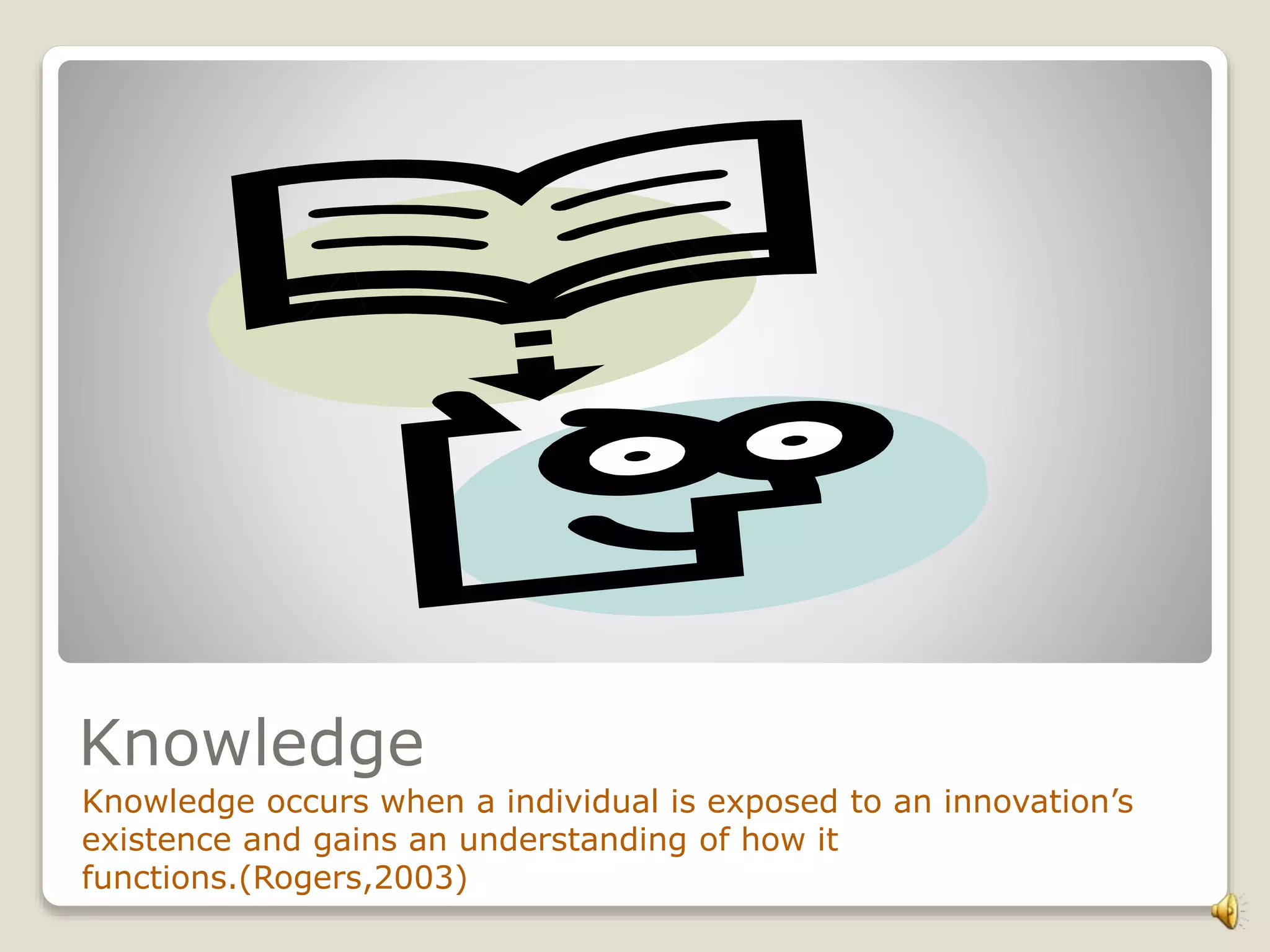
Knowledge
Knowledge occurs when a individual is exposed to an innovation’s
existence and gains an understanding of how it
functions.(Rogers,2003)
How Does A PDA Function?
According to Rogers, awareness knowledge may motivate an
individual to seek a second and third type of knowledge: “how to”
knowledge and principle knowledge (Rogers, 2003).
All PDAs come with some kind of personal information
management (PIM) software that typically handles the following
tasks to keep you organized:
•Store contact information (names, addresses, phone numbers,
e-mail addresses)
•Make to-do lists
•Take notes
•Track appointments (date book, calendar)
•Remind you of appointments (clock, alarm functions)
•Perform calculations.
Persuasion: Occurs when an individual forms a favorable or an
unfavorable attitude towards the innovation.
New Wave Old Wave
 You Choose?
Decision: Takes place when an individual engages in activities that lead to a choice
to adopt or reject the innovation.
 Essential Questions?
1. How beneficial are PDAs to the students?
2. Is there accountability for technology, as it relates to the lesson objectives?
Because PDAs are designed to complement your PC, they need to work with the same information in both
places. If you make an appointment on your desktop computer, you need to transfer it to your PDA; if
you jot down a phone number on your PDA, you should upload it later to your PC.
Research
Costs?
PDAs range in cost from about $150 to $1,000, depending on the features
you decide to buy. Most are in the range of $300 to $500.
Who Will Fund This?
 Grants will be researched for this innovation.
 Students will raise funds.
 The community will be involved.
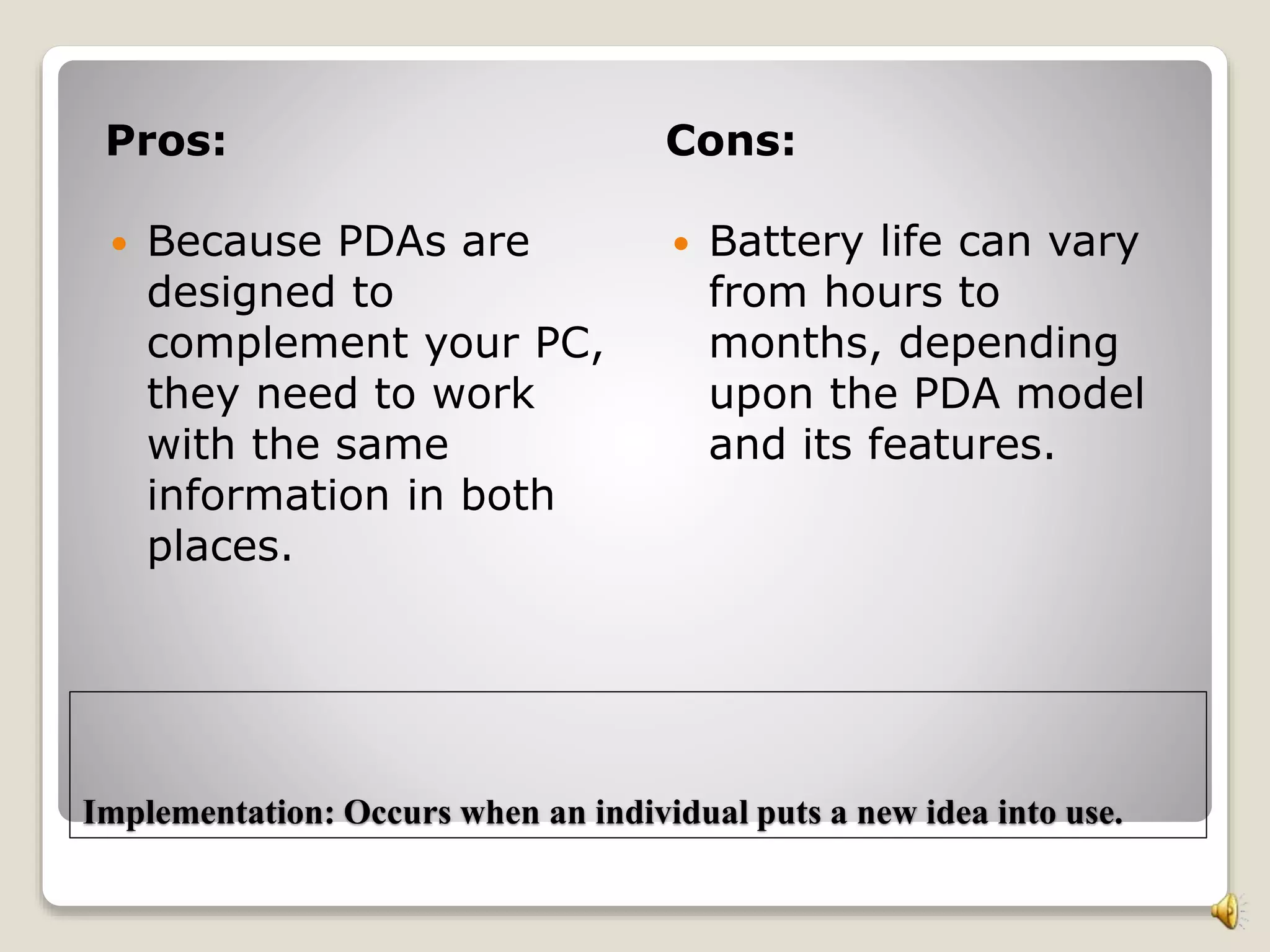
26% 28% 30% 32% 34% 36%
Student Survey
Parent Survey
yes
yes
Implementation: Occurs when an individual puts a new idea into use.
Pros: Cons:
 Because PDAs are
designed to
complement your PC,
they need to work
with the same
information in both
places.
 Battery life can vary
from hours to
months, depending
upon the PDA model
and its features.
S-Curve
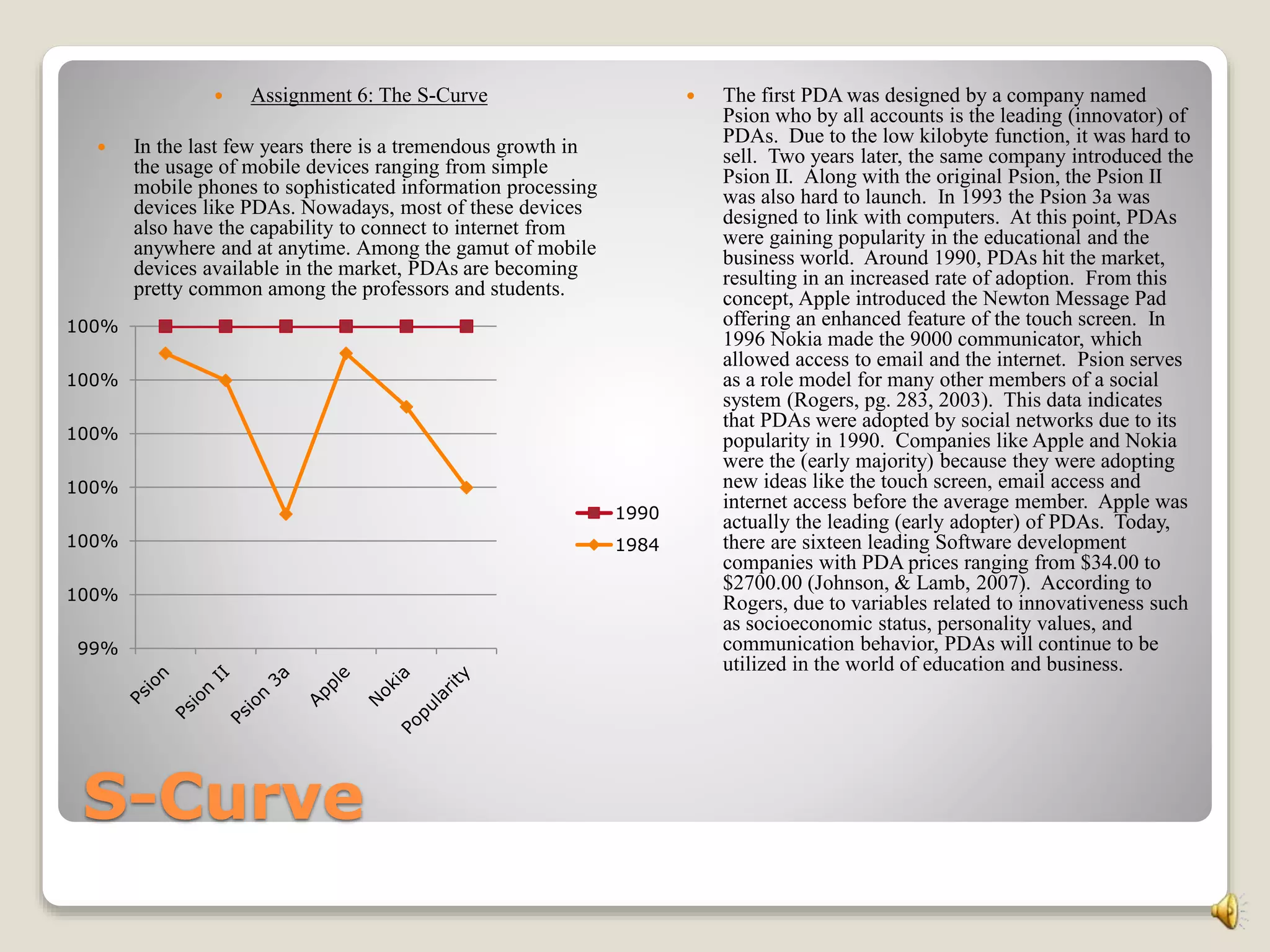
 Assignment 6: The S-Curve
 In the last few years there is a tremendous growth in
the usage of mobile devices ranging from simple
mobile phones to sophisticated information processing
devices like PDAs. Nowadays, most of these devices
also have the capability to connect to internet from
anywhere and at anytime. Among the gamut of mobile
devices available in the market, PDAs are becoming
pretty common among the professors and students.
 The first PDA was designed by a company named
Psion who by all accounts is the leading (innovator) of
PDAs. Due to the low kilobyte function, it was hard to
sell. Two years later, the same company introduced the
Psion II. Along with the original Psion, the Psion II
was also hard to launch. In 1993 the Psion 3a was
designed to link with computers. At this point, PDAs
were gaining popularity in the educational and the
business world. Around 1990, PDAs hit the market,
resulting in an increased rate of adoption. From this
concept, Apple introduced the Newton Message Pad
offering an enhanced feature of the touch screen. In
1996 Nokia made the 9000 communicator, which
allowed access to email and the internet. Psion serves
as a role model for many other members of a social
system (Rogers, pg. 283, 2003). This data indicates
that PDAs were adopted by social networks due to its
popularity in 1990. Companies like Apple and Nokia
were the (early majority) because they were adopting
new ideas like the touch screen, email access and
internet access before the average member. Apple was
actually the leading (early adopter) of PDAs. Today,
there are sixteen leading Software development
companies with PDA prices ranging from $34.00 to
$2700.00 (Johnson, & Lamb, 2007). According to
Rogers, due to variables related to innovativeness such
as socioeconomic status, personality values, and
communication behavior, PDAs will continue to be
utilized in the world of education and business.
99%
100%
100%
100%
100%
100%
100%
1990
1984
Innovators, Early Adopters, Early Majority, Late Majority, and
Laggards:
 Inventors: are venturesome.
 Early Adopters: have more social
participants.
 Early Majority: adopt just before
others.
 Late Majority: are Skeptical.
 Laggards: are last to adopt.
 Who Are They?
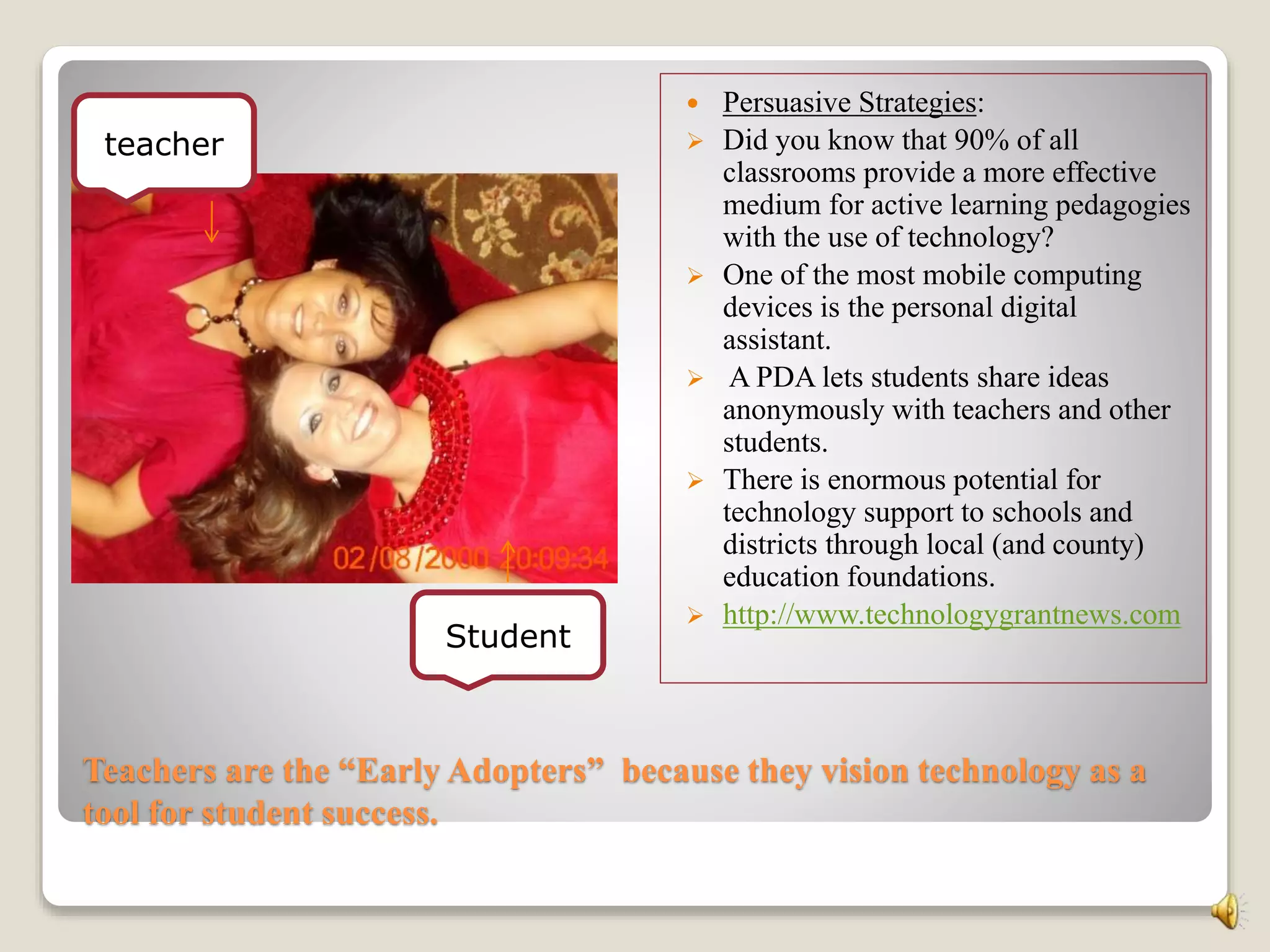
Teachers are the “Early Adopters” because they vision technology as a
tool for student success.
 Persuasive Strategies:
 Did you know that 90% of all
classrooms provide a more effective
medium for active learning pedagogies
with the use of technology?
 One of the most mobile computing
devices is the personal digital
assistant.
 A PDA lets students share ideas
anonymously with teachers and other
students.
 There is enormous potential for
technology support to schools and
districts through local (and county)
education foundations.
 http://www.technologygrantnews.com
teacher
Student
Laggards: Who are they and Why?
Teachers often reject innovations!
Which one are you?
1. Busy?
2. Having Fun?
3. Worried?
4. Stressed In The
Classroom?
5. Lack Vision?
Moving Forward: Vision for Success
Socioeconomic (grants are available), Personality Values
(do it your way), and Communication (team concept).
Close The Gap!
Perceived attributes that would be best for helping PDAs meet critical mass in
my industry?
An attribute that I see with my innovation is “Trialability.”
To experiment on a trail basis. Present the innovation in a
small group and move forward from that point.
Centralized Approach:
Rogers, E.M., (2003). (5th ed). Diffusion of innovation. New York: NY. Free Press.
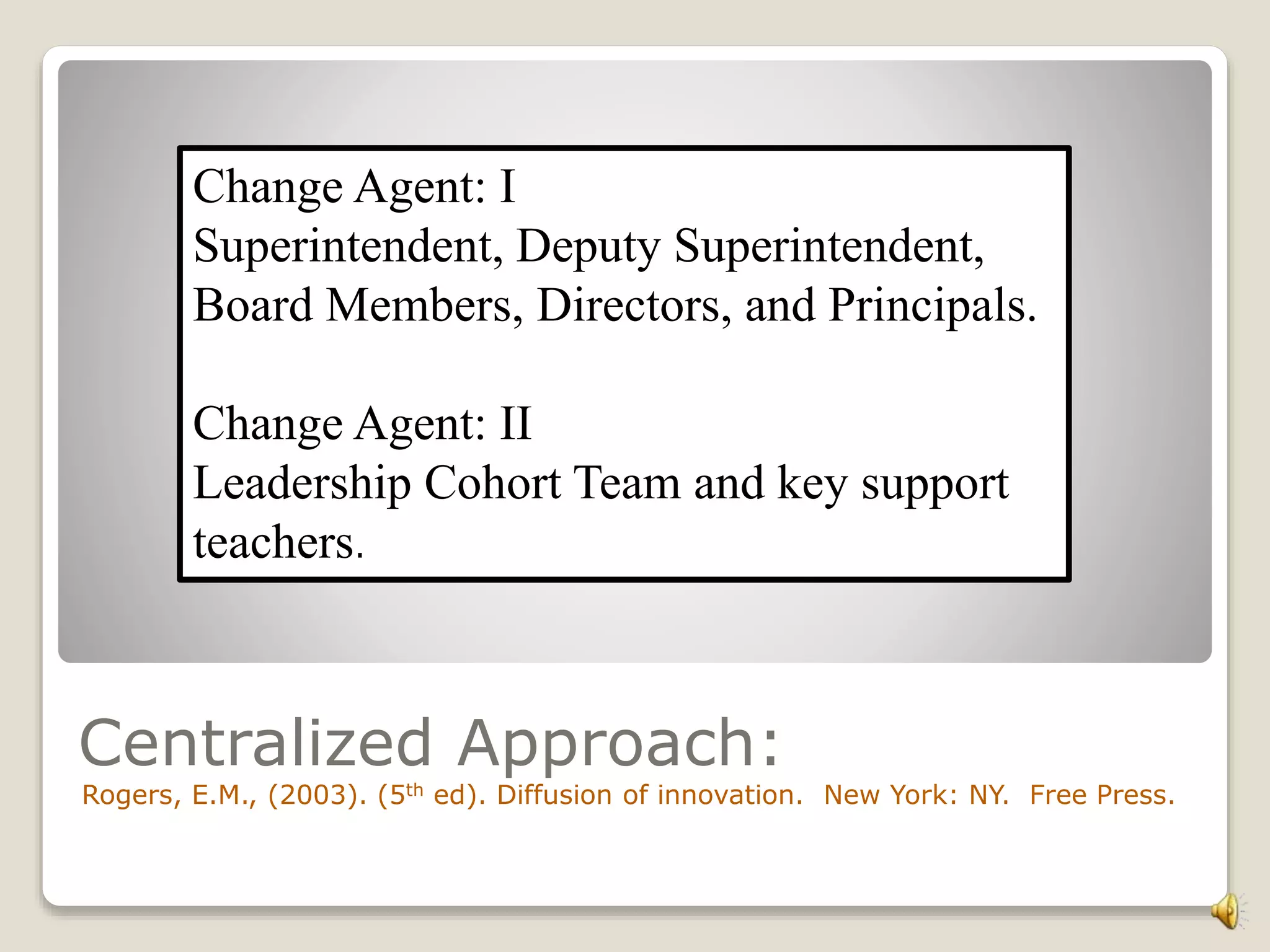
Change Agent: I
Superintendent, Deputy Superintendent,
Board Members, Directors, and Principals.
Change Agent: II
Leadership Cohort Team and key support
teachers.
The Sequence of Change Agent Roles:
1-7
1. To develop a need for change.
2. To establish an information exchange relationship.
3. To diagnose problems.
4. To create an intent to change in client.
5. To translate an intent into action.
6. To stabilize adoption and prevent continuance.
7. To achieve a terminal relationship.
Steps for Change:
3,4,5
25 30 35 40
3. Diagnose
Problems
4. Create an
intent to change
in the client
5. Translate an
intent into
action.
Percentage
Percentage
Change Begins With You!
According to Rogers, successful campaign strategies consist of:
1. Utilizing formative research.
2. Setting specific goals.
3. Designing mass media message.
Rogers, pg. 378, 2003).
“Get Connected”
My Organization
Variable?
1.Organizational Slack
How To Overcome?
Locating grant opportunities.
 Variables:
 Individual (leader)
Characteristics- Attitude
toward change.
 Centralization, complexity,
formalization,
interconnectedness,
organizational slack, and
size.
 External Characteristics-
System openness.
The Role of a Champion?
A. Occupy a key link position in organization.
B. Possess analytical and intuitive skills in understanding
various individuals’ aspirations.
C. Demonstrate well-honed interpersonal and negotiating
skills in working with other people in their
organization (Rogers, 2003).
Defining the need for my PDA Innovation:
College students are pervasive users of technology today: 99 percent own
a cell phone, 93 percent own a laptop, and 97 percent have a profile on a
social networking site.
Three-quarters of college students are inspired by computers and
technology and seven in 10 view technology.
Among the skill areas students said they needed to improve, technology,
writing and marketing ranked in the top three (“IBM and Marist
Institute Survey,” 2009).
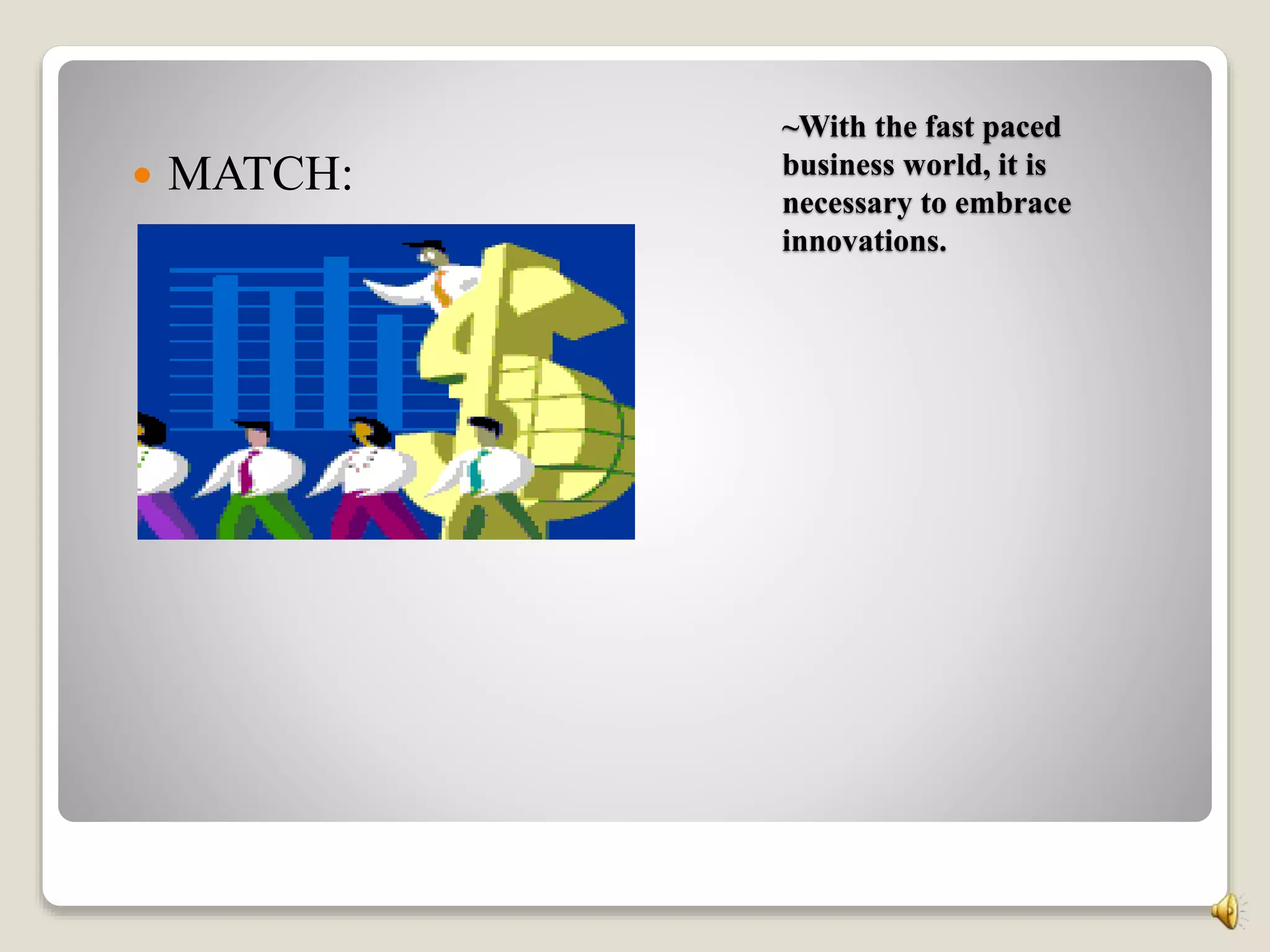
~With the fast paced
business world, it is
necessary to embrace
innovations.
 MATCH:
Quote for Today:
“Don’t Fear Change,
Embrace It” ~Anthony J.
D’Angelo

Whitaker\'s Multi-Media Presentation

  • 1.
    “Storyboard” PDA’s & SmallPortable Computers I selected PDA’s and Small Portable Computers as the innovation of all time because of the diffusion potential and thorough research by The Center for Innovative Learning Technologies. In this study, the research team presented information stemming from six years of documentation. A team of scholars, researchers, and educators, discussed the “digital divide” and their research team took this concept further by pointing out that over time, this innovation will be affordable to all. In looking at this particular diffusion study, it focused on small computers due to “smart probes” capabilities which consist of low powered sensors with micro processors and computer software for handhelds. These devices, according to the team this study provides the user with easy, real time data acquisition (Nora, S., & Roy P., 2004). Additional resources were also provided such as http://www.ciltkn.org/palm99/ for palm educational software information, and http://www.concord.org/newsletter/1999fall/toc.html related to the research on handhelds in education. These studies support these innovative technological devices due to their technological capabilities. In closing, PDA’s and Small Portable Computers paired together, provides a dynamic learning environment which needs to be explored.
  • 2.
    PDAs in Motion: Personal Digital Assistants better known as PDAs are virtually small enough to hold in your pocket. Several innovative companies manufacture these devices such as:  Palm  Handspring  Sony  Casio, and  Hewlett Packard. PDAs provide the one-to-one ratio in an expensive way. This device can store, graph data, record journal entries, and install information from other sources.
  • 3.
    An Existing Problem: Thegreatest drawback of PDAs is the lack of appropriate software because PDAs was originally designed for the business world. Lighting The Way To Technology
  • 4.
    Small Portable Computers: “Laptops” The SPC is a small “Laptop” device that will allow students to keyboard, store, and search for information. It is more fragile and more expensive then PDAs, but highly effective in the classroom.
  • 5.
    Why PDAs &Laptops?  Paring the PDA with a collapsible portable keyboard packs a powerful learning punch. With this capability, students will be able to write short essays and then utilize the built-in infrared communications to forward completed assignment to the teacher.
  • 6.
    Research: Teaching today:Education up close (September, 2006). Handheld devices makes inroads in the classroom. Retrieved October 1, 2010, from http://www.glencoe.com. According to this article, PDAs and small portable devices are very beneficial in the classroom because these devices provide on-site instruction instead of relocating the classroom to a computer lab.
  • 7.
    Development: Process &Audience These devices would not be effective without a clear lesson objective and support from administration, students, and parents. For example, PDAs by Newton offer’s an exceptional device such as:  Great handwriting recognition capabilities  Excellent PIM applications  Large screen, and  Includes word processor, Web browser, and email application.
  • 8.
    Commercialization:Social Networks: Accordingto Rogers, a system of 200 members, 19,900 network links are possible.
  • 9.
    The end advantages,empowers and engages students to become more comfortable when communicating privately. The PDAs and Small Portable Computers are great power tools for self evaluation. Innovation-Development Process: Rogers, E.M. (2003). Diffusion of innovations. (5th ed). New York, NY: Free Press.
  • 10.
    The Innovation-Decision Process Knowledge,Persuasion, Decision, Implementation, and Confirmation. Changing the classroom one innovation at a time.
  • 11.
    Knowledge Knowledge occurs whena individual is exposed to an innovation’s existence and gains an understanding of how it functions.(Rogers,2003)
  • 12.
    How Does APDA Function? According to Rogers, awareness knowledge may motivate an individual to seek a second and third type of knowledge: “how to” knowledge and principle knowledge (Rogers, 2003). All PDAs come with some kind of personal information management (PIM) software that typically handles the following tasks to keep you organized: •Store contact information (names, addresses, phone numbers, e-mail addresses) •Make to-do lists •Take notes •Track appointments (date book, calendar) •Remind you of appointments (clock, alarm functions) •Perform calculations.
  • 13.
    Persuasion: Occurs whenan individual forms a favorable or an unfavorable attitude towards the innovation. New Wave Old Wave  You Choose?
  • 14.
    Decision: Takes placewhen an individual engages in activities that lead to a choice to adopt or reject the innovation.  Essential Questions? 1. How beneficial are PDAs to the students? 2. Is there accountability for technology, as it relates to the lesson objectives? Because PDAs are designed to complement your PC, they need to work with the same information in both places. If you make an appointment on your desktop computer, you need to transfer it to your PDA; if you jot down a phone number on your PDA, you should upload it later to your PC.
  • 15.
    Research Costs? PDAs range incost from about $150 to $1,000, depending on the features you decide to buy. Most are in the range of $300 to $500. Who Will Fund This?  Grants will be researched for this innovation.  Students will raise funds.  The community will be involved. 26% 28% 30% 32% 34% 36% Student Survey Parent Survey yes yes
  • 16.
    Implementation: Occurs whenan individual puts a new idea into use. Pros: Cons:  Because PDAs are designed to complement your PC, they need to work with the same information in both places.  Battery life can vary from hours to months, depending upon the PDA model and its features.
  • 18.
    S-Curve  Assignment 6:The S-Curve  In the last few years there is a tremendous growth in the usage of mobile devices ranging from simple mobile phones to sophisticated information processing devices like PDAs. Nowadays, most of these devices also have the capability to connect to internet from anywhere and at anytime. Among the gamut of mobile devices available in the market, PDAs are becoming pretty common among the professors and students.  The first PDA was designed by a company named Psion who by all accounts is the leading (innovator) of PDAs. Due to the low kilobyte function, it was hard to sell. Two years later, the same company introduced the Psion II. Along with the original Psion, the Psion II was also hard to launch. In 1993 the Psion 3a was designed to link with computers. At this point, PDAs were gaining popularity in the educational and the business world. Around 1990, PDAs hit the market, resulting in an increased rate of adoption. From this concept, Apple introduced the Newton Message Pad offering an enhanced feature of the touch screen. In 1996 Nokia made the 9000 communicator, which allowed access to email and the internet. Psion serves as a role model for many other members of a social system (Rogers, pg. 283, 2003). This data indicates that PDAs were adopted by social networks due to its popularity in 1990. Companies like Apple and Nokia were the (early majority) because they were adopting new ideas like the touch screen, email access and internet access before the average member. Apple was actually the leading (early adopter) of PDAs. Today, there are sixteen leading Software development companies with PDA prices ranging from $34.00 to $2700.00 (Johnson, & Lamb, 2007). According to Rogers, due to variables related to innovativeness such as socioeconomic status, personality values, and communication behavior, PDAs will continue to be utilized in the world of education and business. 99% 100% 100% 100% 100% 100% 100% 1990 1984
  • 19.
    Innovators, Early Adopters,Early Majority, Late Majority, and Laggards:  Inventors: are venturesome.  Early Adopters: have more social participants.  Early Majority: adopt just before others.  Late Majority: are Skeptical.  Laggards: are last to adopt.  Who Are They?
  • 20.
    Teachers are the“Early Adopters” because they vision technology as a tool for student success.  Persuasive Strategies:  Did you know that 90% of all classrooms provide a more effective medium for active learning pedagogies with the use of technology?  One of the most mobile computing devices is the personal digital assistant.  A PDA lets students share ideas anonymously with teachers and other students.  There is enormous potential for technology support to schools and districts through local (and county) education foundations.  http://www.technologygrantnews.com teacher Student
  • 21.
    Laggards: Who arethey and Why? Teachers often reject innovations!
  • 22.
    Which one areyou? 1. Busy? 2. Having Fun? 3. Worried? 4. Stressed In The Classroom? 5. Lack Vision?
  • 23.
    Moving Forward: Visionfor Success Socioeconomic (grants are available), Personality Values (do it your way), and Communication (team concept). Close The Gap!
  • 24.
    Perceived attributes thatwould be best for helping PDAs meet critical mass in my industry? An attribute that I see with my innovation is “Trialability.” To experiment on a trail basis. Present the innovation in a small group and move forward from that point.
  • 25.
    Centralized Approach: Rogers, E.M.,(2003). (5th ed). Diffusion of innovation. New York: NY. Free Press. Change Agent: I Superintendent, Deputy Superintendent, Board Members, Directors, and Principals. Change Agent: II Leadership Cohort Team and key support teachers.
  • 26.
    The Sequence ofChange Agent Roles: 1-7 1. To develop a need for change. 2. To establish an information exchange relationship. 3. To diagnose problems. 4. To create an intent to change in client. 5. To translate an intent into action. 6. To stabilize adoption and prevent continuance. 7. To achieve a terminal relationship.
  • 27.
    Steps for Change: 3,4,5 2530 35 40 3. Diagnose Problems 4. Create an intent to change in the client 5. Translate an intent into action. Percentage Percentage
  • 28.
    Change Begins WithYou! According to Rogers, successful campaign strategies consist of: 1. Utilizing formative research. 2. Setting specific goals. 3. Designing mass media message. Rogers, pg. 378, 2003).
  • 29.
  • 30.
    My Organization Variable? 1.Organizational Slack HowTo Overcome? Locating grant opportunities.  Variables:  Individual (leader) Characteristics- Attitude toward change.  Centralization, complexity, formalization, interconnectedness, organizational slack, and size.  External Characteristics- System openness.
  • 31.
    The Role ofa Champion? A. Occupy a key link position in organization. B. Possess analytical and intuitive skills in understanding various individuals’ aspirations. C. Demonstrate well-honed interpersonal and negotiating skills in working with other people in their organization (Rogers, 2003).
  • 32.
    Defining the needfor my PDA Innovation: College students are pervasive users of technology today: 99 percent own a cell phone, 93 percent own a laptop, and 97 percent have a profile on a social networking site. Three-quarters of college students are inspired by computers and technology and seven in 10 view technology. Among the skill areas students said they needed to improve, technology, writing and marketing ranked in the top three (“IBM and Marist Institute Survey,” 2009).
  • 33.
    ~With the fastpaced business world, it is necessary to embrace innovations.  MATCH:
  • 34.
    Quote for Today: “Don’tFear Change, Embrace It” ~Anthony J. D’Angelo

Editor's Notes

  • #2 Assignment 4: Week 4
  • #14 Rogers, E.M. (2003). (5th ed). Diffusion of innovations. New York, NY: Free Press.
  • #15 *Insights Gained: Based on the feedback that I received in relation to cost, I have decided to utilize the PDA with the schools computer.
  • #19 Resources: Rogers, E.M. (2003). (5th ed). Diffusion of innovations. New York, NY: Free Press. Johnson, L, & Lamb, A (2000, 2007). Handheld devices in the classroom. Teacher Tap. Retrieved October, 15, 2010, from: http://www.eduscapes.com.
  • #20 Rogers, E.M. (2003). (5th ed). Diffusion of innovations. New York, NY: Free Press.
  • #21 J. Roschelle, “Unlocking the Learning Values of Wireless Mobile Devices,” Journal of Computer Assisted Learning, Vol. 19, No. 3, 2003, pp. 260–272; ProQuest Education Journals database, document id 423711941 (retrieved November 25, 2010).
  • #23 Now that you are aware, what will you do?
  • #25 Note: In reflecting on my insights and feedback from my colleagues, it is best to employ a select group to help launch this innovation.
  • #29 Rogers, E.M., (2003). (5th ed). Diffusion of innovations. New York, NY: Free Press.
  • #31 Variable or variables that might affect my organization’s decision to adopt the PDA innovation.
  • #32 Rogers, E.M., (2003). (5th ed). Diffusion of innovations. New York, NY: Free Press.
  • #33 IBM and Marist Institute Survey (2009, March 12). Shows U.S. college students want technology skills to compete for jobs. Retrieved November 15, 2010, from http://www.ibm.com.
  • #34 Board of Directors: Administration, Directors, Teachers, Students, and Community. “we are all in this together”
  • #35 With the PDA Innovation, students will be ready for today’s business world.