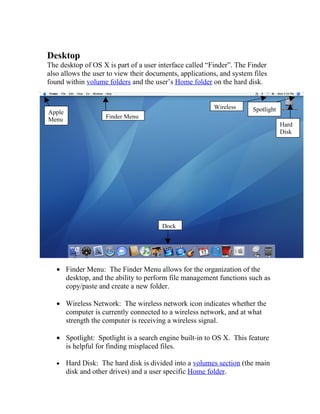
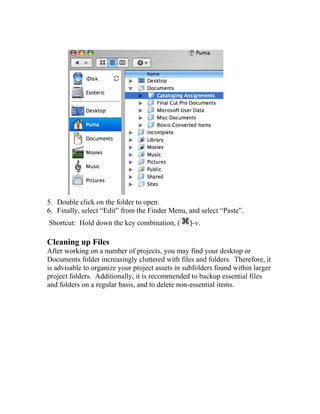
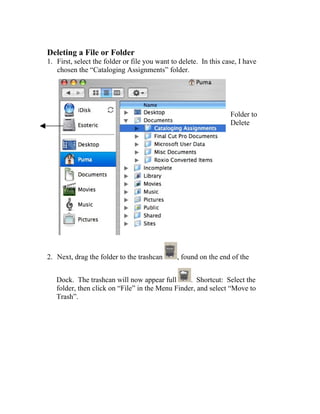
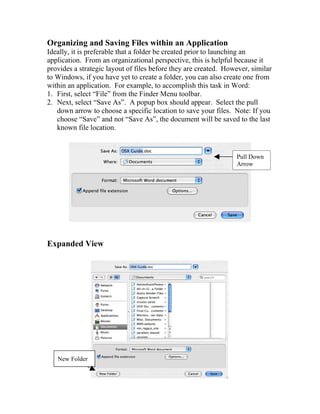
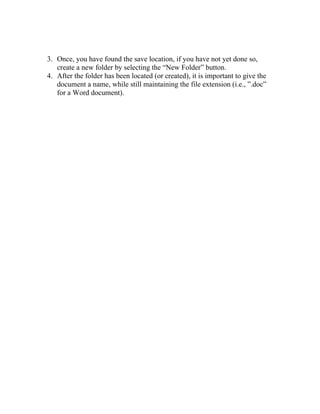
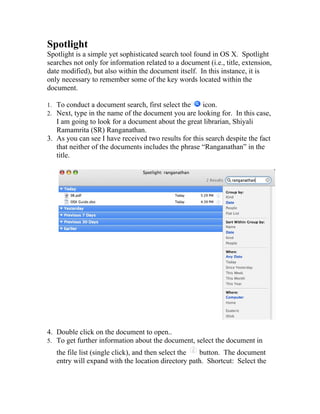
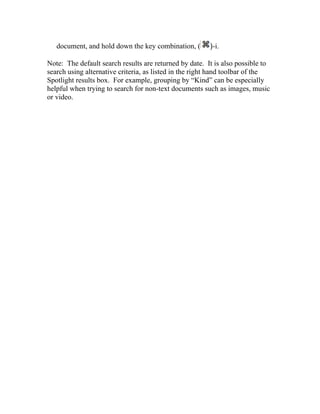
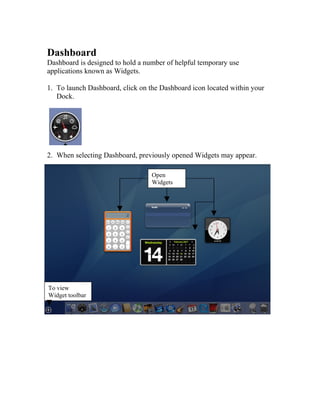
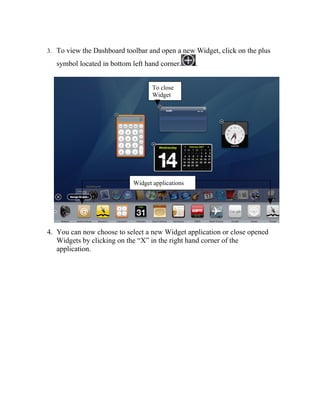
The document provides an overview of the Mac OS X user interface for beginners, including descriptions of the desktop, login screen, desktop elements like the dock and hard disk, and how to perform common tasks like opening files and folders. It also addresses frequently asked questions for Windows users switching to Mac OS X, such as where documents are stored, how to save or find documents, and what the equivalent of the C: drive is in Mac OS X. The document concludes with sections on file management tasks like creating and deleting folders, organizing files within applications, using Spotlight search, and an overview of the Dashboard feature.