This document discusses light pens, which are computer input devices that use light sensitivity to select objects on a display screen. It describes how light pens work by sensing brightness changes on the screen. Various types are presented, along with their uses in different environments. Advantages over a mouse include direct selection without cursor movement. In conclusion, light pens are preferred by users as they require less desk space than a mouse and are more comfortable for drawing directly on the screen.
CONTENTS
1. Introduction
2. Lightpen operation
3. Types of light pen
4. Comparison with mouse pointer
5. Advantages of light pen
6. Conclusion
3.
• Light penis a computer input device in the
form of light sensitive wand used in the
conjunction with the computer’s CRT
monitor.
• It allows the user to point to displayed
objects, or draw on the screen, in a similar
way to touch screen, but with greater
positional accuracy.
4.
What is lightpen?
• A input device that utilizes a
light sensitive detector to
select objects on display
screen.
• It is similar to mouse, except
that with a light pen one can
move the pointer or select
the object on the display
screen by directly pointing to
the objects with the pen.
5.
Light pen operation
1.Fairly simple to
implement.
2. Works directly by
sensing the sudden
change in
brightness of a
point on the screen
6.
When the photocell senses the beam
scanning across the face of the screen a signal is
sent to the CRT controller (chip) which causes it
to record the current X,Y position of the video
signal that is generating. Depending on he
suppostication desired the software can capture
the limits of the “region” and the determines the
centre of the region.
7.
DIFFERENT TYPES OF
LIGHTPEN-:
1. Standard touch tip,
2. Industrial touch tip,
3. Industrial armored touch tip,
4. Dual switch,
5. Side switch and
6. Terminal replacement
8.
Fx-421 STP LightPen
1. Choice for standard
office & manufacturing
environment.
2. Barrel composed of
anodized aluminum.
3. Durable than plastic
and features high
impact plastic nose and
optics assemblies.
9.
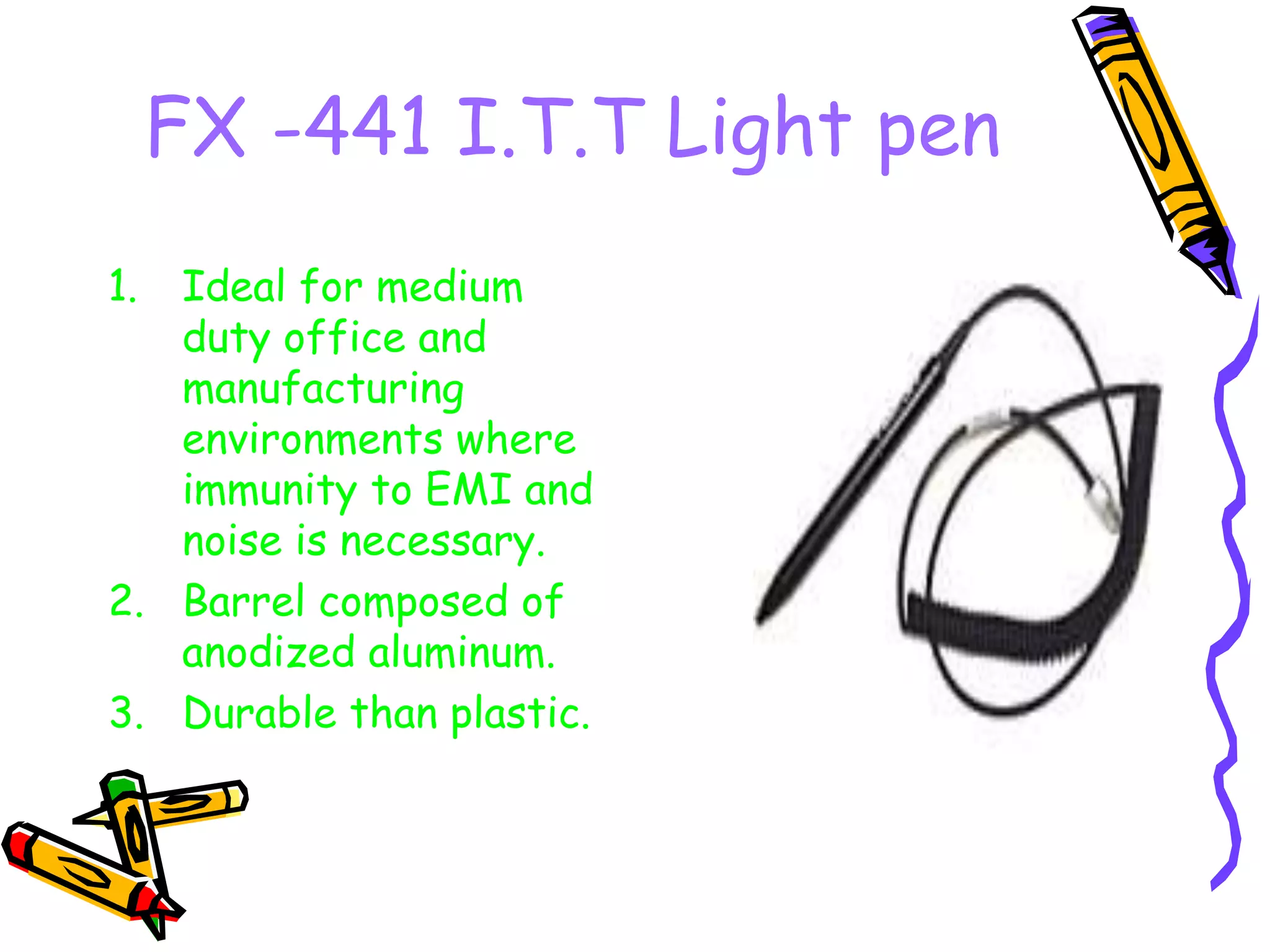
FX -441 I.T.TLight pen
1. Ideal for medium
duty office and
manufacturing
environments where
immunity to EMI and
noise is necessary.
2. Barrel composed of
anodized aluminum.
3. Durable than plastic.
10.
FX-451I IATP Lightpen
1. Moderate duty pen
ideal for public
purpose and where
immunity to EMF and
noise is necessary.
2. Barrel composed of
ind. Gray aluminum.
3. Much more durable
than plastic.
11.
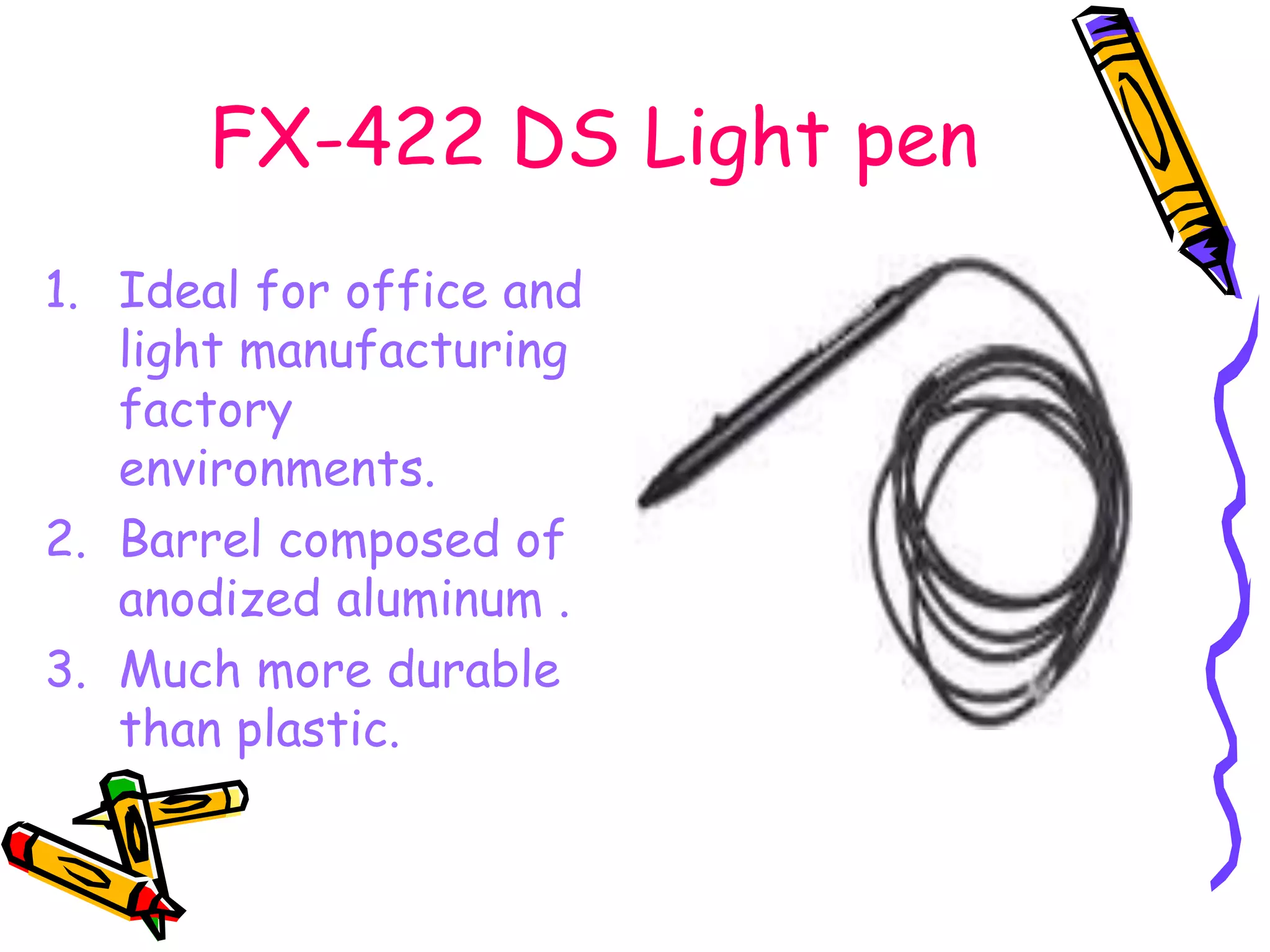
FX-422 DS Lightpen
1. Ideal for office and
light manufacturing
factory
environments.
2. Barrel composed of
anodized aluminum .
3. Much more durable
than plastic.
12.
Fx-439 SS LightPen
1. Ideal for heavy duty
office and manufacturing
factory environment.
2. Barrel is composed of
highly durable stainless
steel .
3. Can be used from a
distance of 12” from the
screen due to telescopic
optics.
13.
Fx-481 TR LightPen
1. Ideal for use in
amber monitors .
2. Compatible with
telex terminals.
3. Barrel is
composed of gray
ribbed plastic.
14.
BLACK LIGHT PEN
•With this pen one
can write invisible
messages.
• These can be
revealed under black
light.
• Can be used for
making black
posters.
15.
ADVANTAGES-:
• 3-d invisiblecode and patent technology.
• All the products are designed as cartoon
model, personality, deny identity.
• A kind of click application, sound or
animation will be brought out in ½ a second,
the celerity is surprising.
16.
DIFFERENCE
• No cursor
movement.
•Direct point on the
application.
• Easy to move on
the screen.
• Cursor movement is
required.
• Indirect point on
the application.
• Hard to move on
the screen.
Conclusion
So from theunderlying points we
can conclude that light pens are
preferred more by the users.
1. It does not require a pad thus occupies
less space on the desk.
2. It is more comfortable for drawing as
it is in direct contact with the screen.








![Ankit Bargali .. . .w. ][.w]fc.]w.c][w.c.rfcfc CGMA BCA-IV.ppt](https://cdn.slidesharecdn.com/ss_thumbnails/ankitbargalicgmabca-iv-240604171219-9beb8be8-thumbnail.jpg?width=640&height=640&fit=bounds)


