ANKIT S. CHITNAVIS
Introduction
 In 1938, Chester Carlson invented a dry printing process

called electrophotography commonly called a Xerox.
 In 1953, the first high-speed printer was developed by

Remington-Rand for use on the Univac computer.
 In 1976, the inkjet printer was invented, but it took until
1988 for the inkjet to become a home consumer item
with Hewlett-Parkard's release of the DeskJet inkjet
printer, priced at a whopping $1000.
 In 1992, Hewlett-Packard released the popular LaserJet
4, the first 600 by 600 dots per inch resolution laser
printer.
What is Printer ?
 An external hardware device responsible for

taking computer data and generating a hard
copy of that data.
 Printers are one of the most commonly used

peripherals and they print text and still
images on the paper.
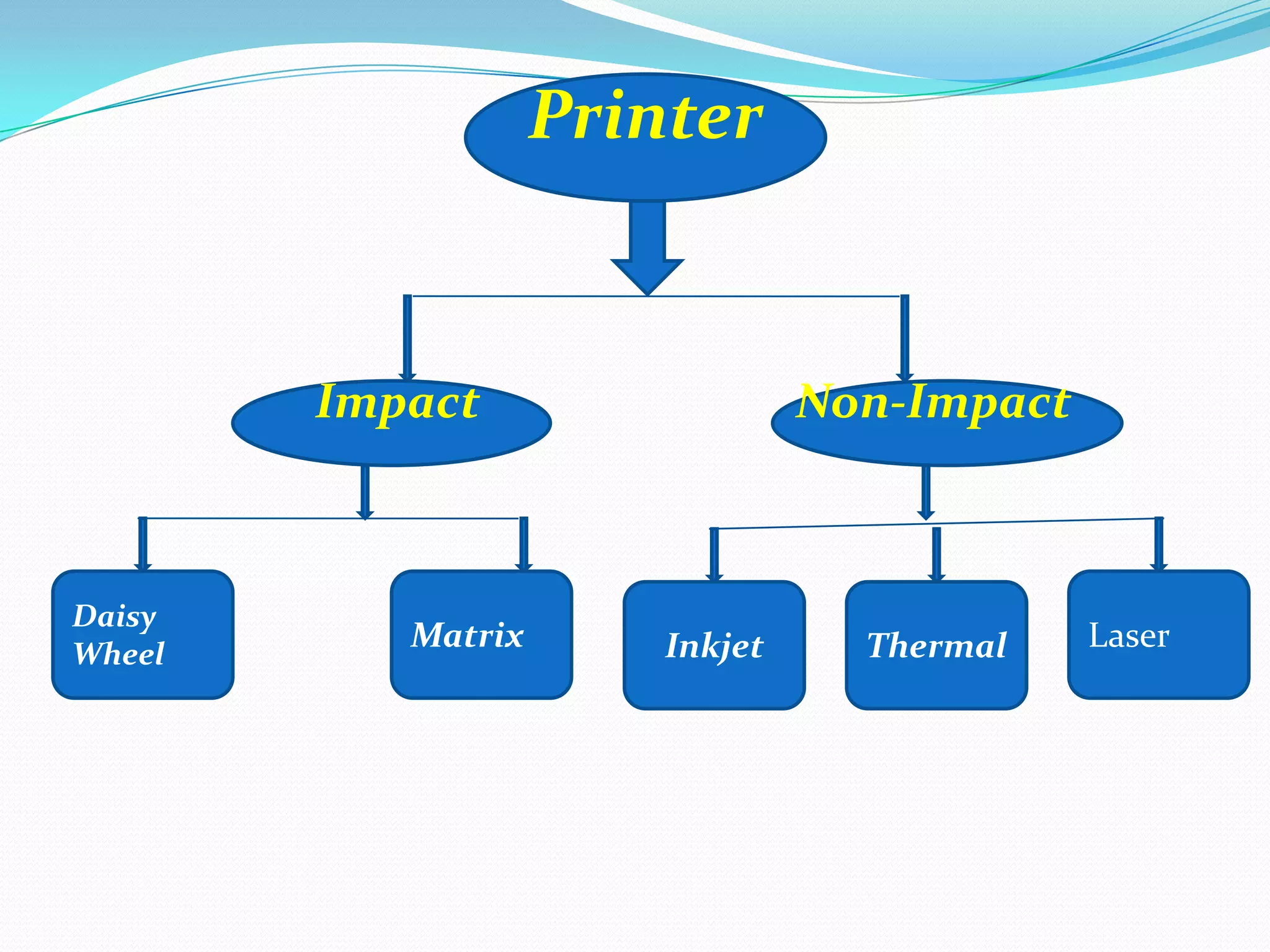
Printer

Impact

Daisy
Wheel

Matrix

Non-Impact

Inkjet

Thermal

Laser
Impact Printer
 These printers have a mechanism that touches
the paper to create an image.


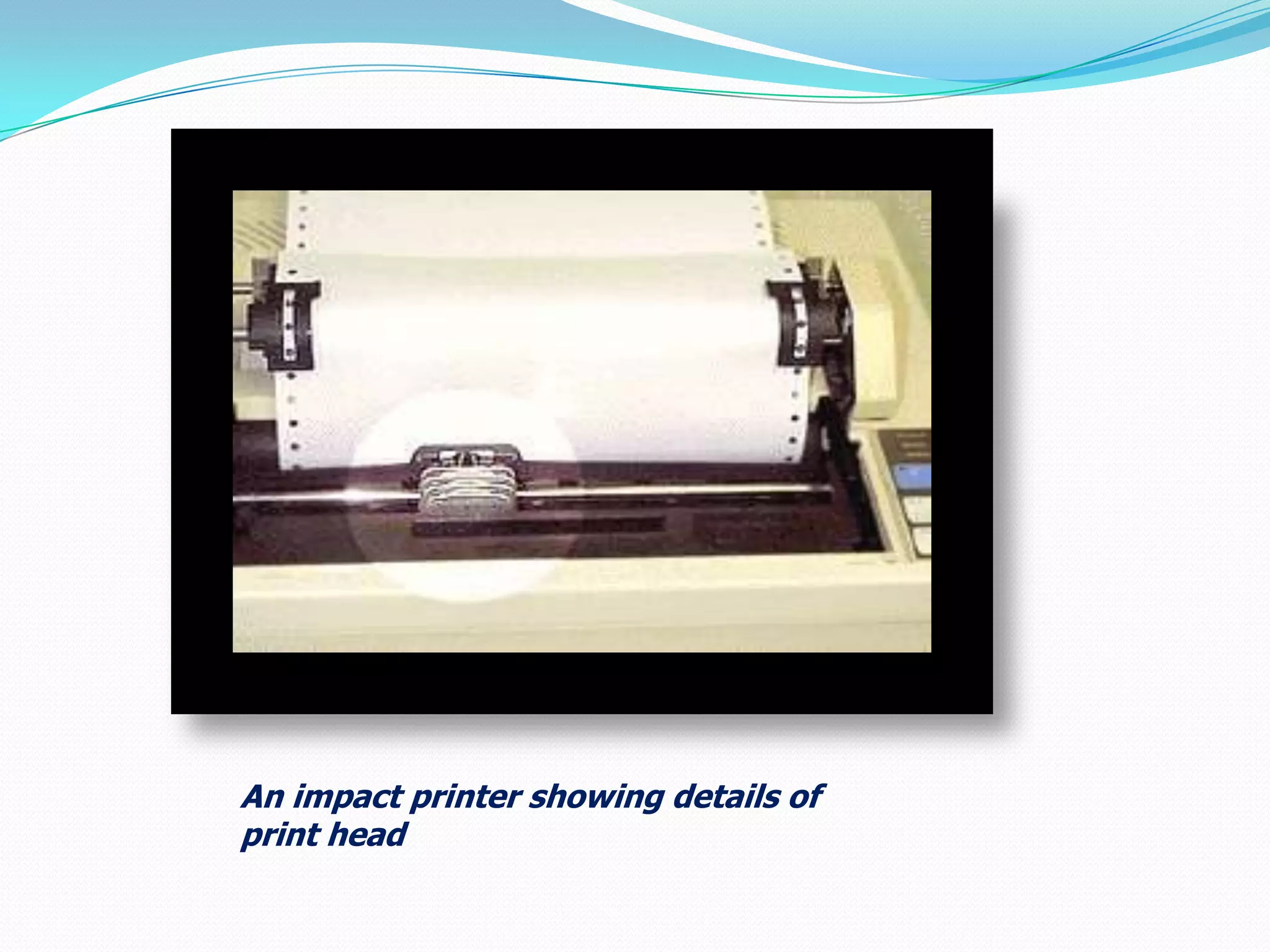
printers work by banging a print head
containing a number of metal pins which strike
an inked ribbon placed between the print head
and the paper
An impact printer showing details of
print head
Non-Impact Printer
 These printers create an image on the print
medium without the use of force.
 They don’t touch the paper while creating an
image.
 Non-impact printers are much quieter than
impact printers as they don’t strike the
paper.
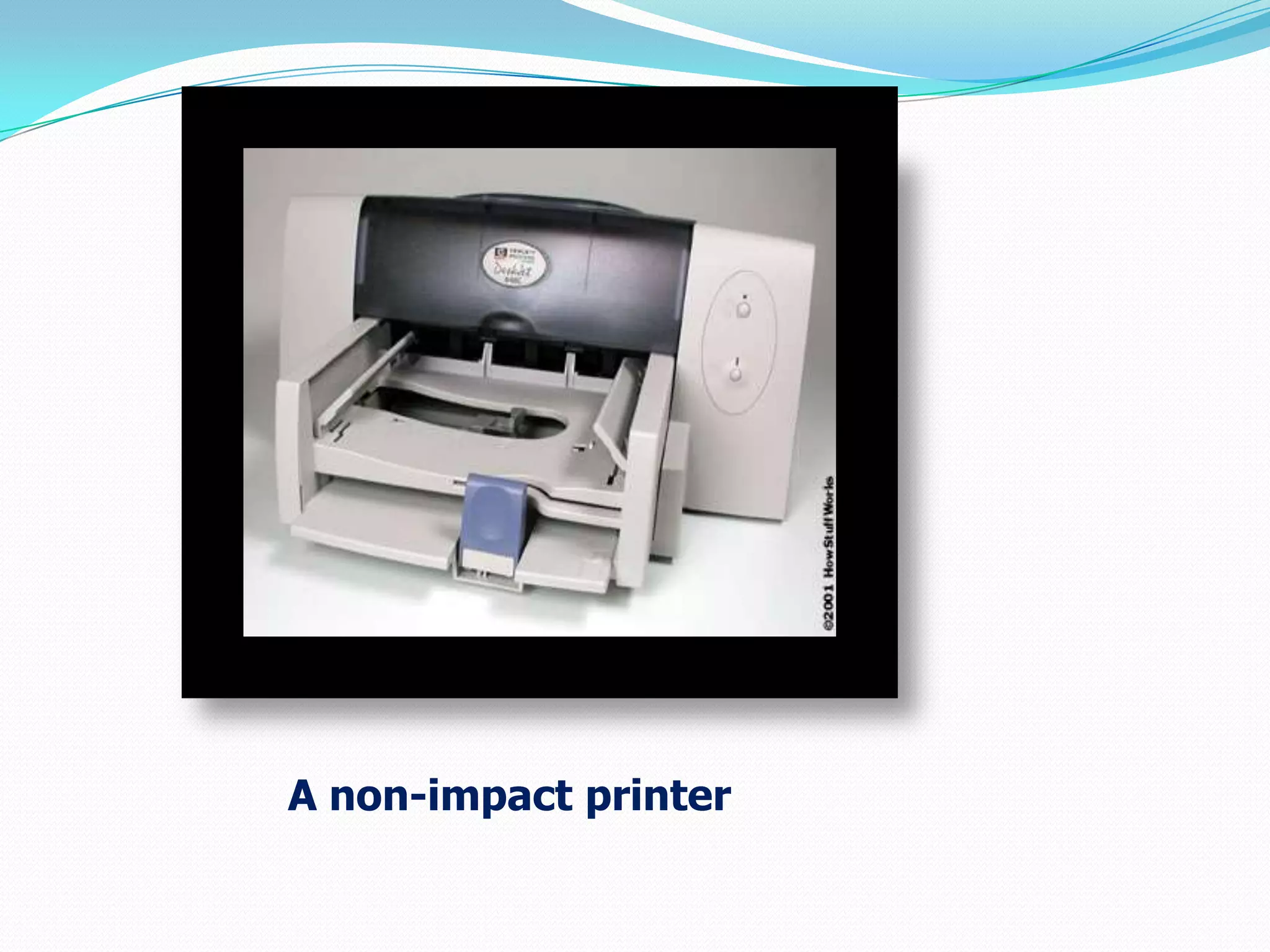
A non-impact printer
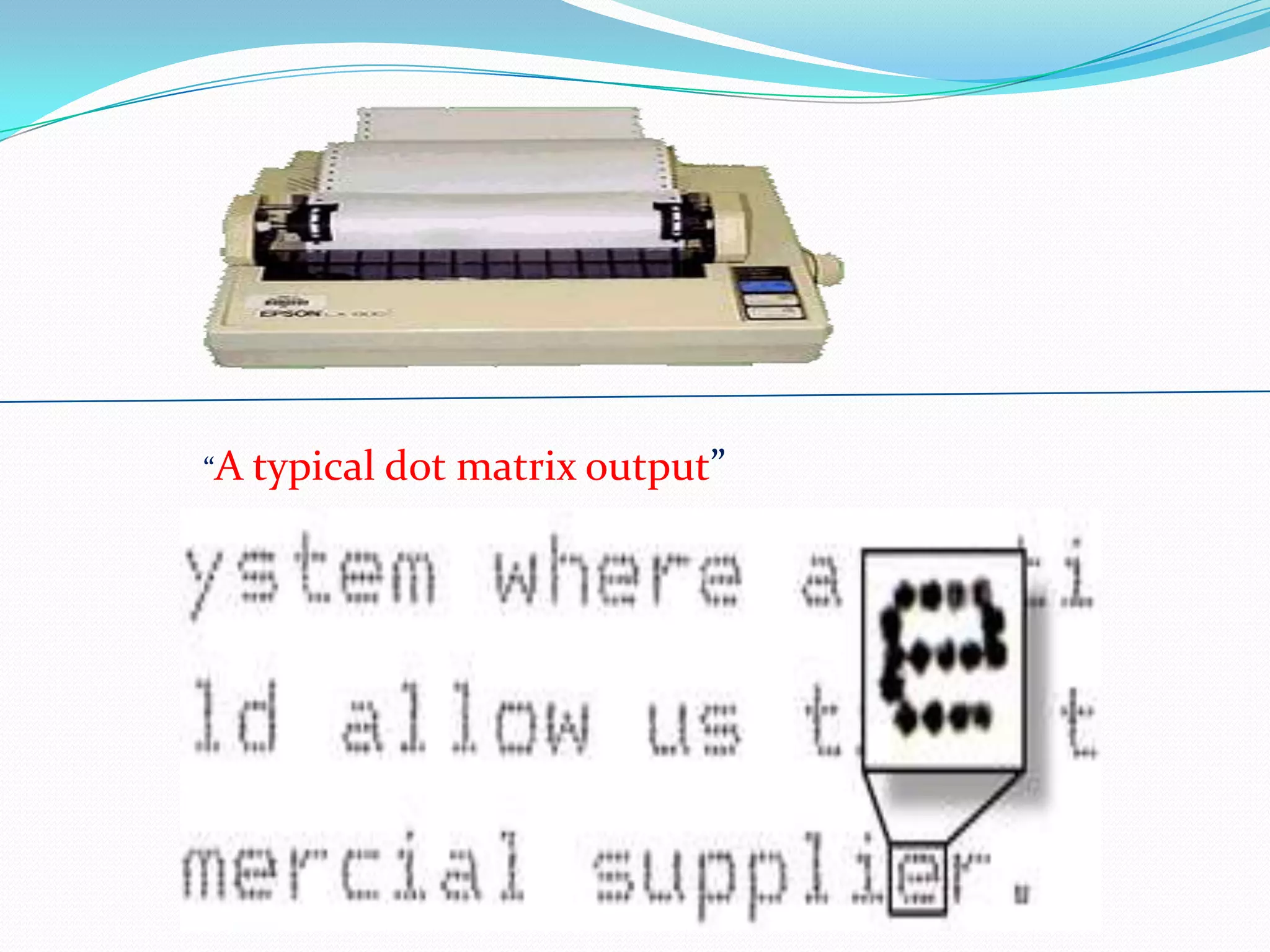
Dot Matrix Printer
 The term dot matrix refers to the process of

placing dots to form an image.
 Its speed is usually 30 to 550 characters per
second (cps).
 This is the cheapest and the most noisy printer
and has a low print quality.
 Dot Matrix were 1st introduced by Centronics in
1970.
The dot matrix forms images one character at
a time as the print head moves across the paper.
Uses tiny pins to hit an ink ribbon and the paper
much as a typewriter does.
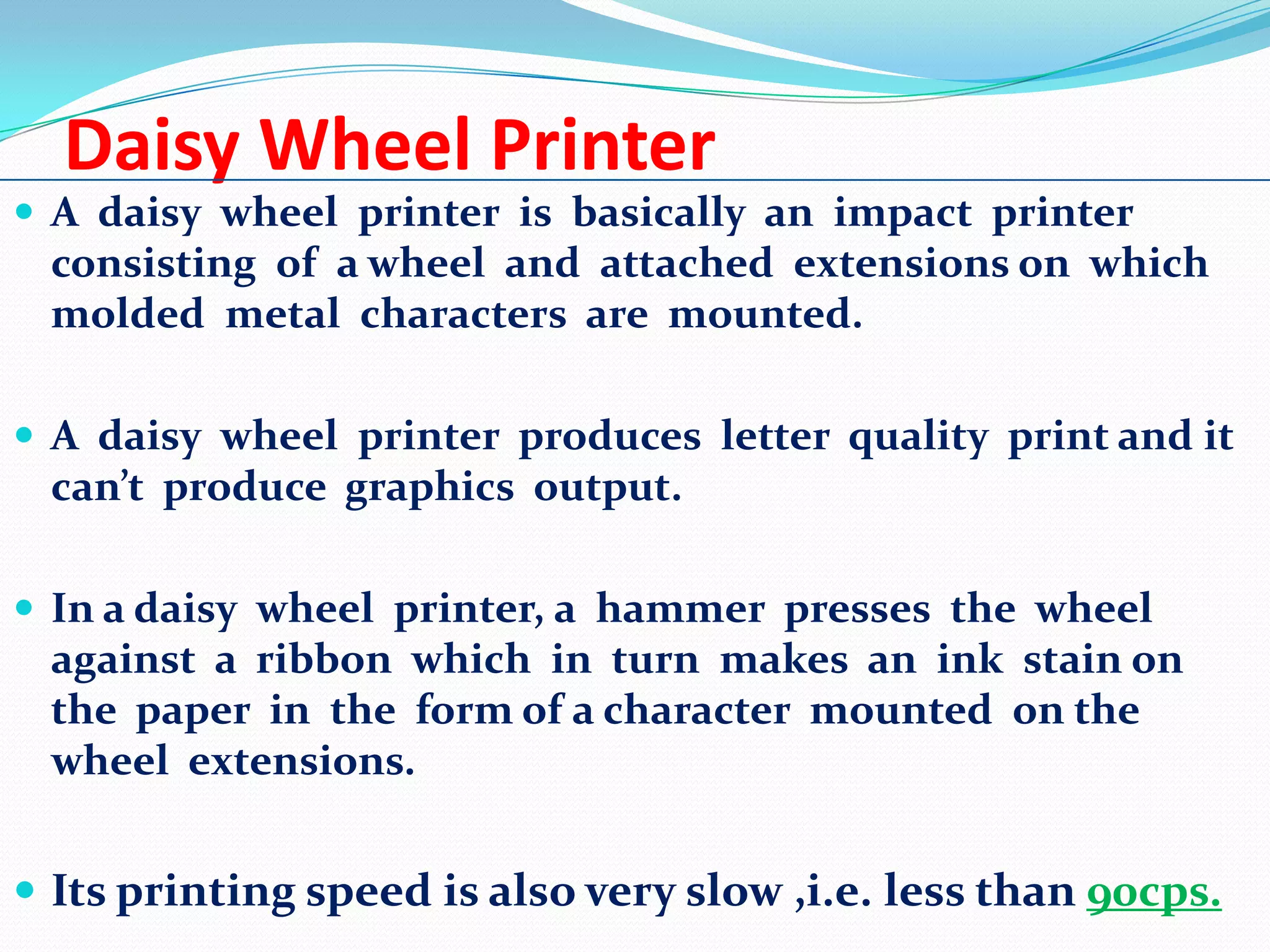
“A typical dot

matrix output”
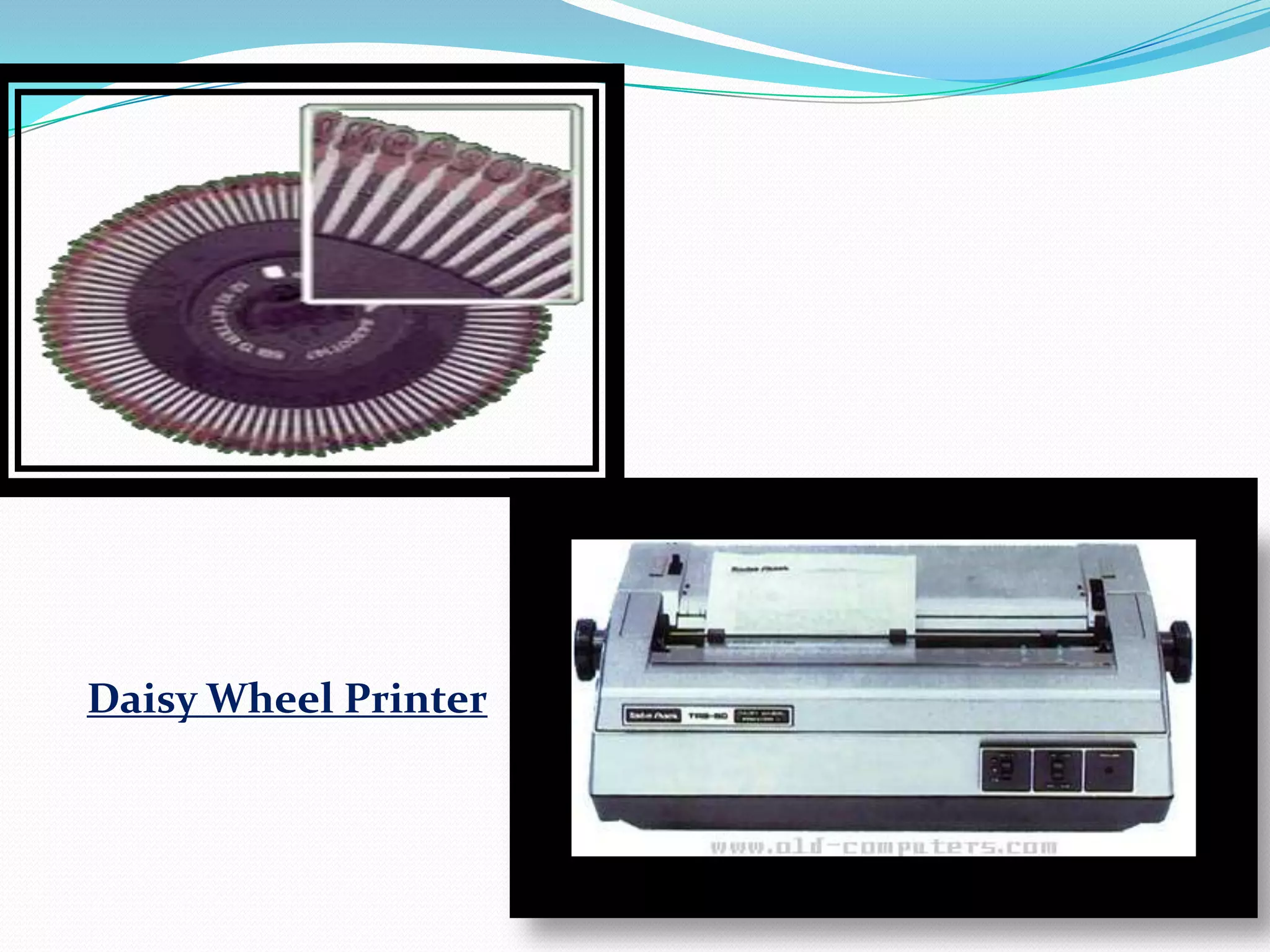
Daisy Wheel Printer
 A daisy wheel printer is basically an impact printer

consisting of a wheel and attached extensions on which
molded metal characters are mounted.
 A daisy wheel printer produces letter quality print and it

can’t produce graphics output.
 In a daisy wheel printer, a hammer presses the wheel

against a ribbon which in turn makes an ink stain on
the paper in the form of a character mounted on the
wheel extensions.

 Its printing speed is also very slow ,i.e. less than 90cps.
Daisy Wheel Printer
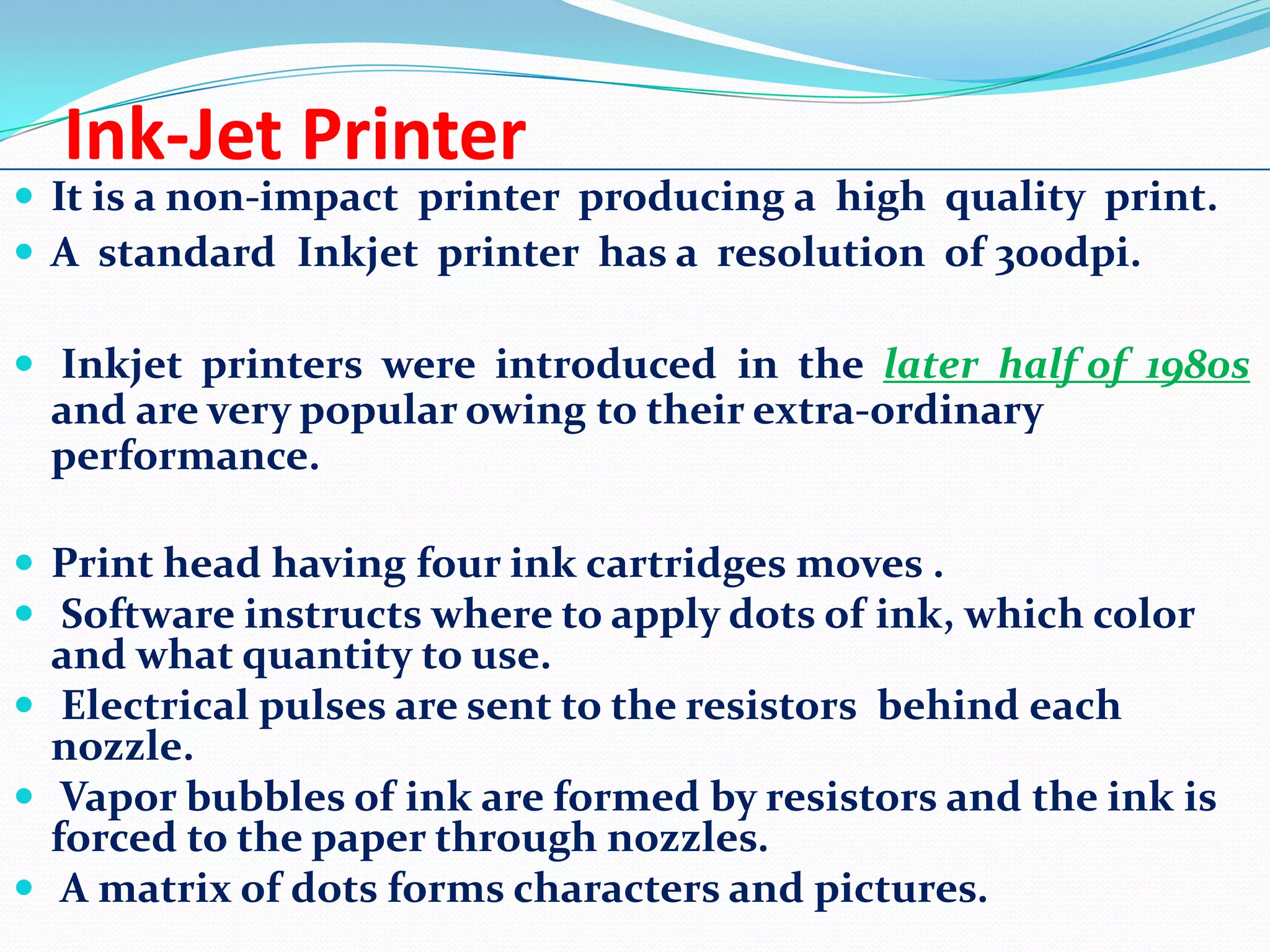
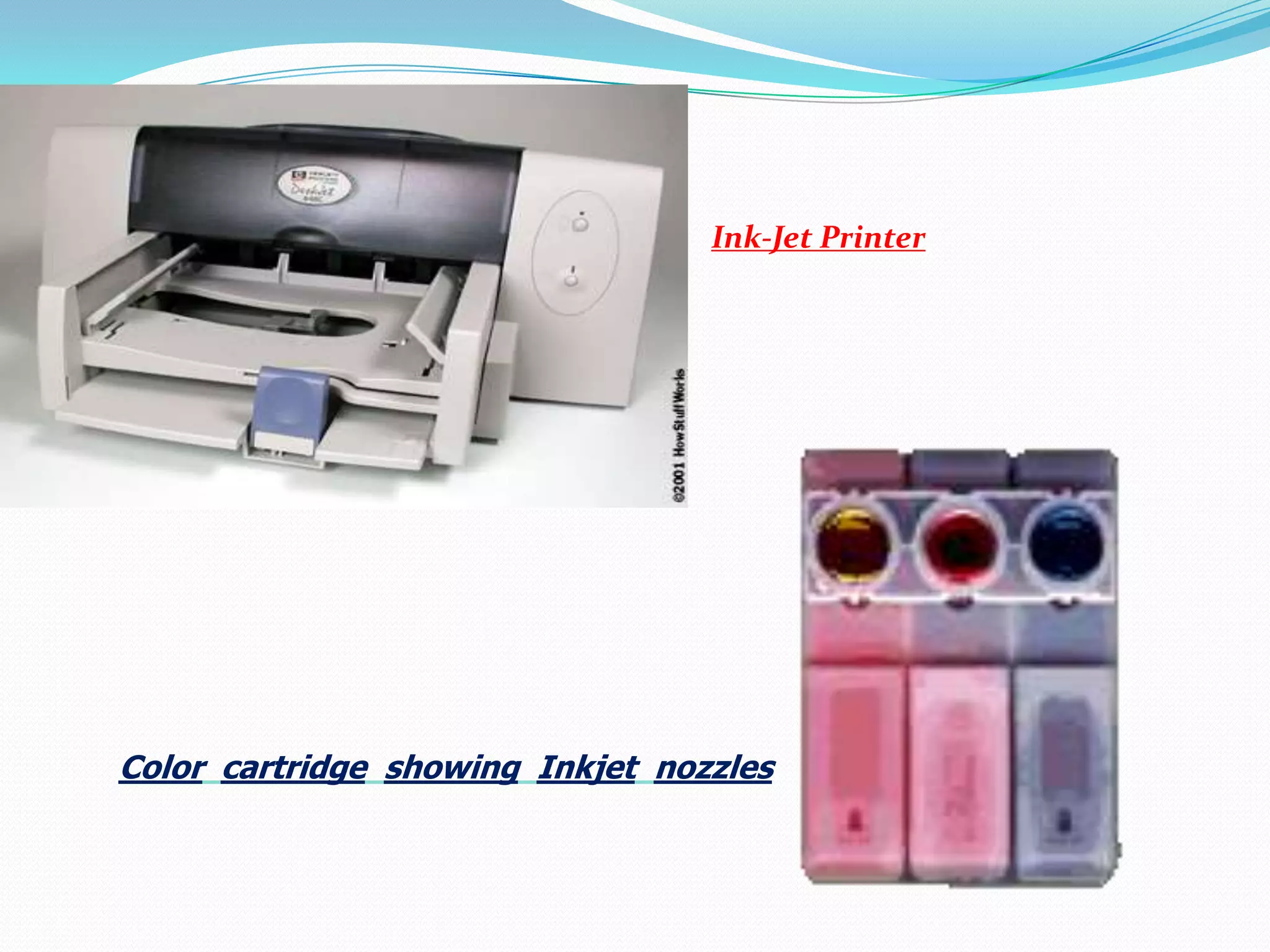
Ink-Jet Printer

 It is a non-impact printer producing a high quality print.
 A standard Inkjet printer has a resolution of 300dpi.
 Inkjet printers were introduced in the later half of 1980s

and are very popular owing to their extra-ordinary
performance.
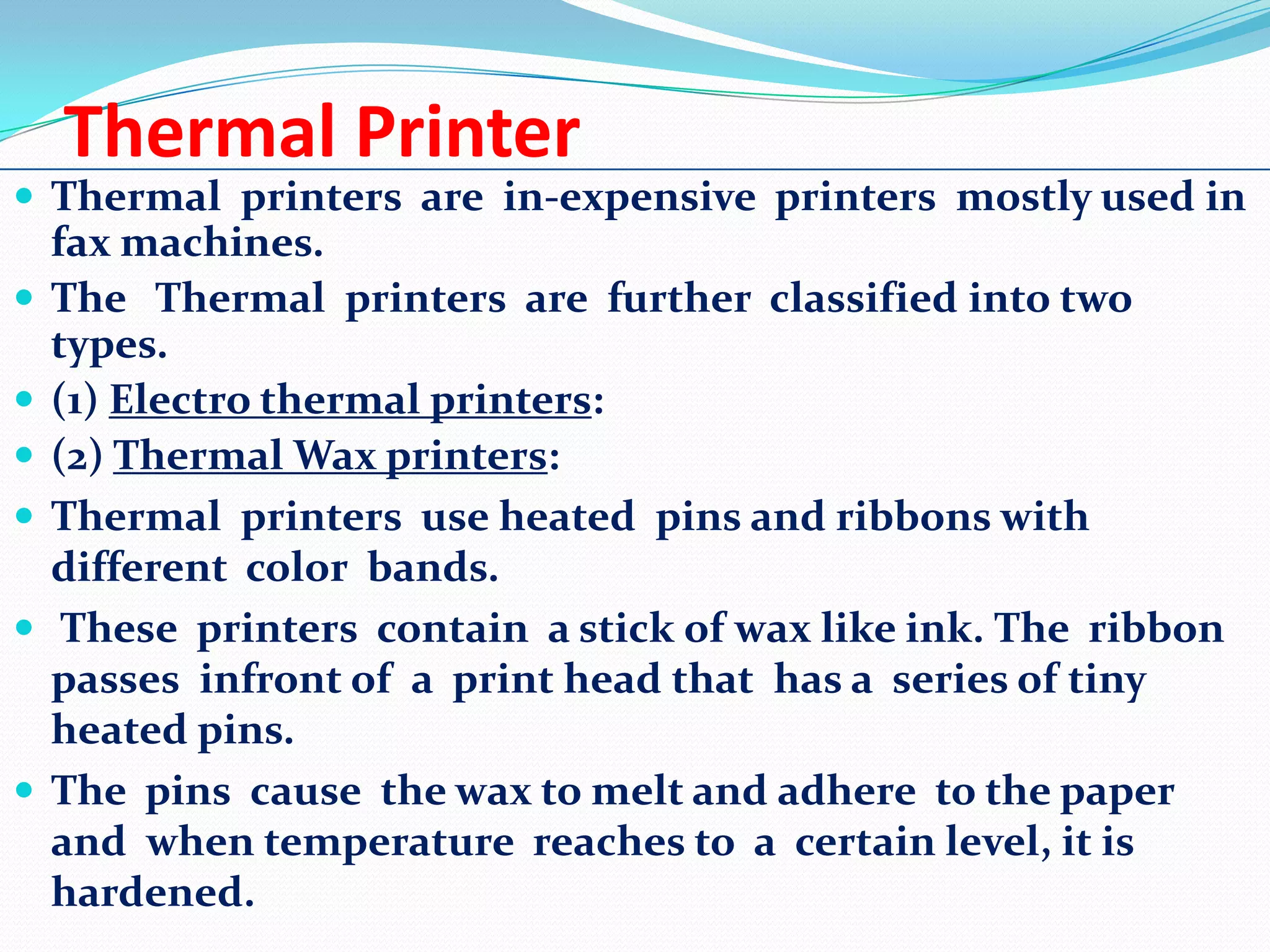
 Print head having four ink cartridges moves .
 Software instructs where to apply dots of ink, which color

and what quantity to use.
 Electrical pulses are sent to the resistors behind each
nozzle.
 Vapor bubbles of ink are formed by resistors and the ink is
forced to the paper through nozzles.
 A matrix of dots forms characters and pictures.
Ink-Jet Printer

Color cartridge showing Inkjet nozzles
Thermal Printer
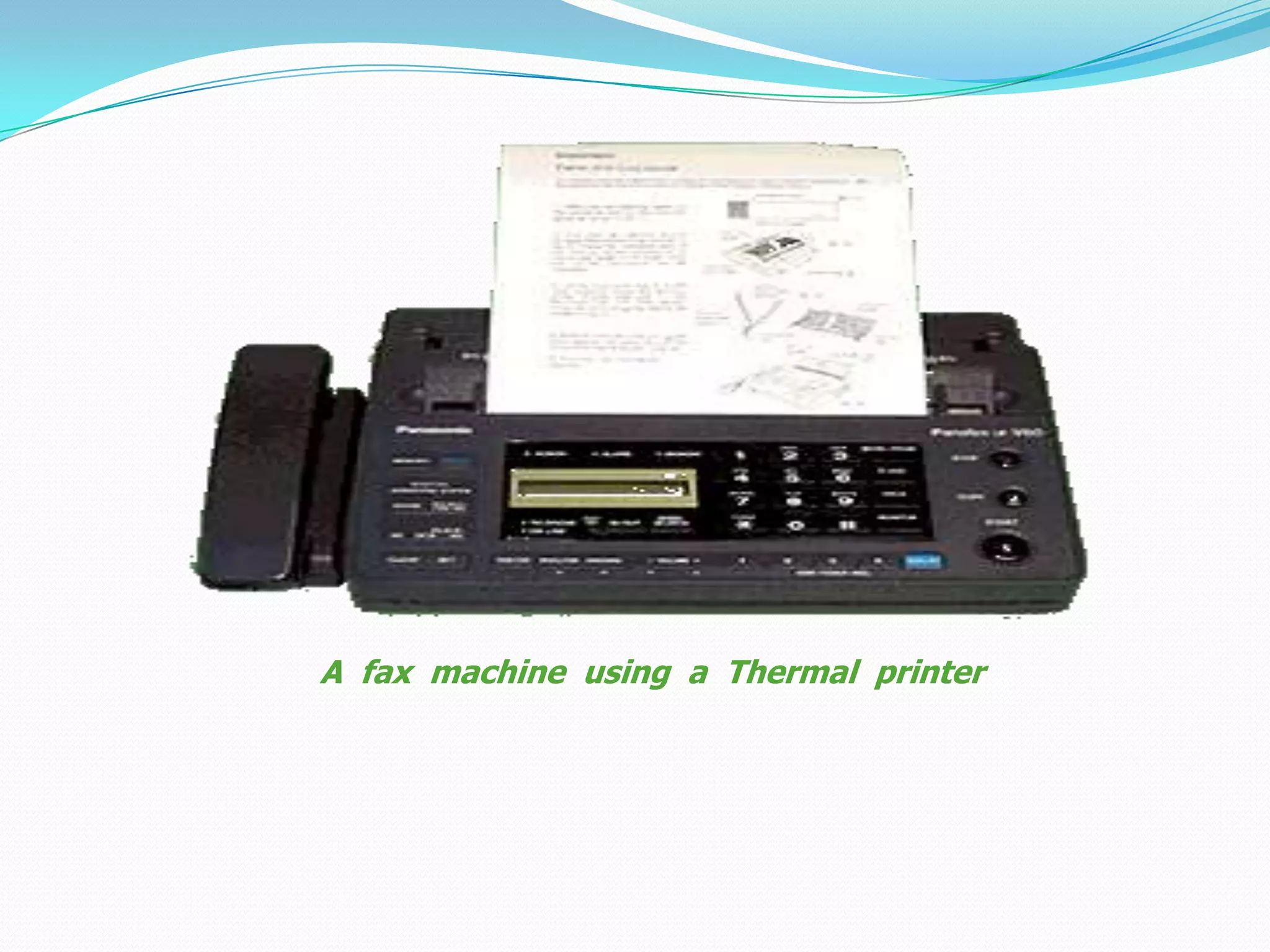
 Thermal printers are in-expensive printers mostly used in








fax machines.
The Thermal printers are further classified into two
types.
(1) Electro thermal printers:
(2) Thermal Wax printers:
Thermal printers use heated pins and ribbons with
different color bands.
These printers contain a stick of wax like ink. The ribbon
passes infront of a print head that has a series of tiny
heated pins.
The pins cause the wax to melt and adhere to the paper
and when temperature reaches to a certain level, it is
hardened.
A fax machine using a Thermal printer
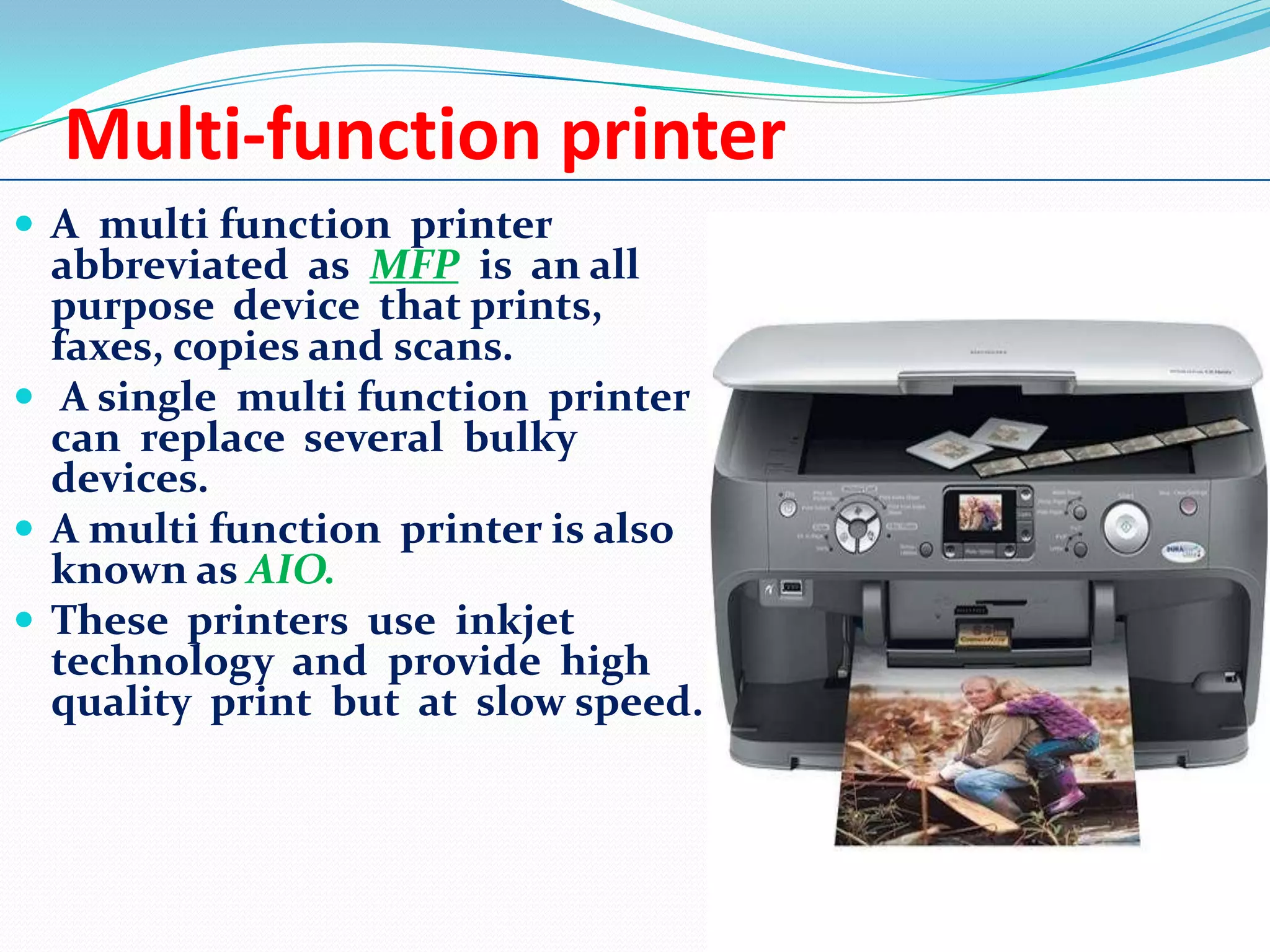
Multi-function printer
 A multi function printer

abbreviated as MFP is an all
purpose device that prints,
faxes, copies and scans.
 A single multi function printer
can replace several bulky
devices.
 A multi function printer is also
known as AIO.
 These printers use inkjet
technology and provide high
quality print but at slow speed.
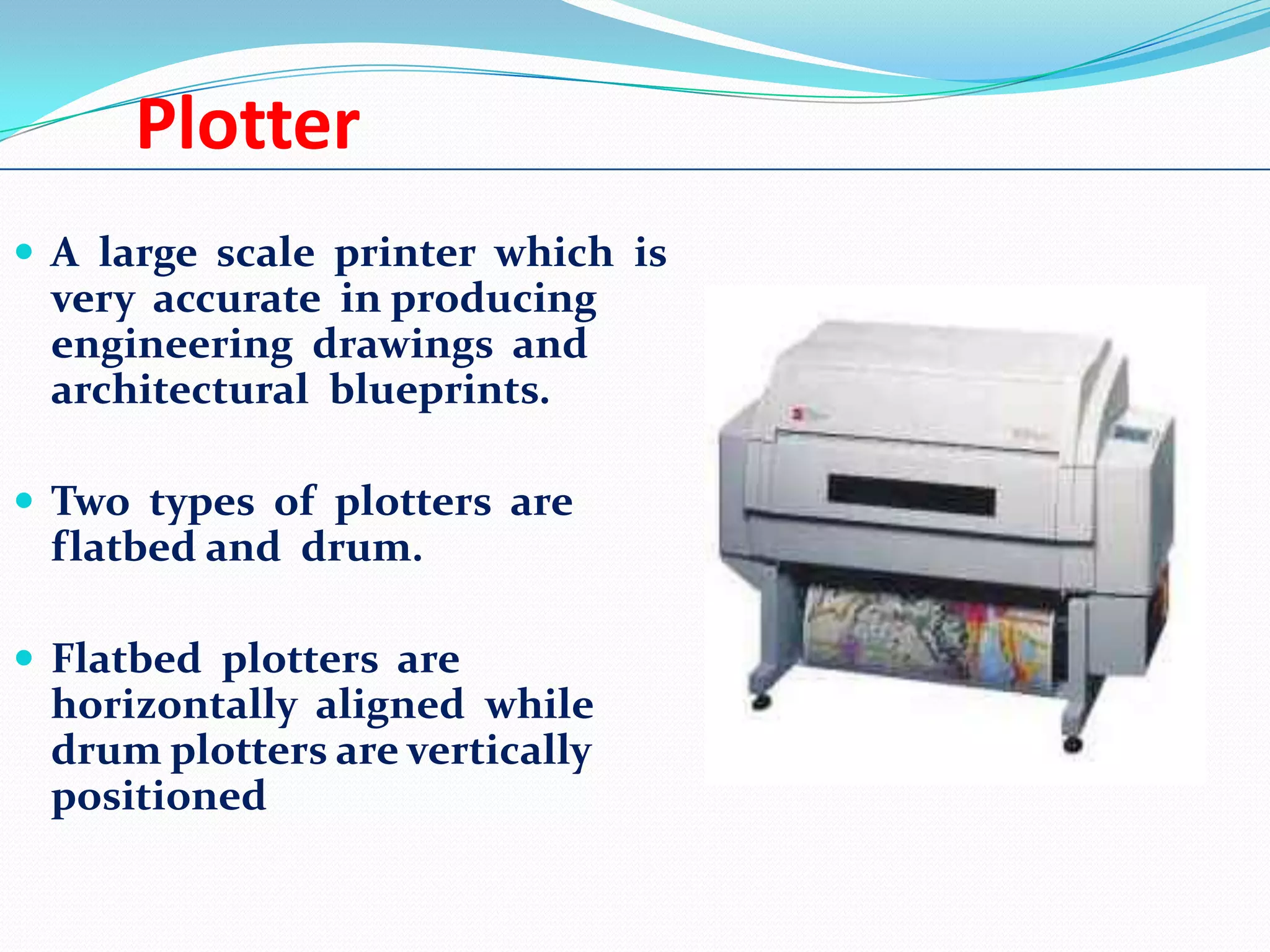
Plotter
 A large scale printer which is

very accurate in producing
engineering drawings and
architectural blueprints.
 Two types of plotters are

flatbed and drum.
 Flatbed plotters are

horizontally aligned while
drum plotters are vertically
positioned
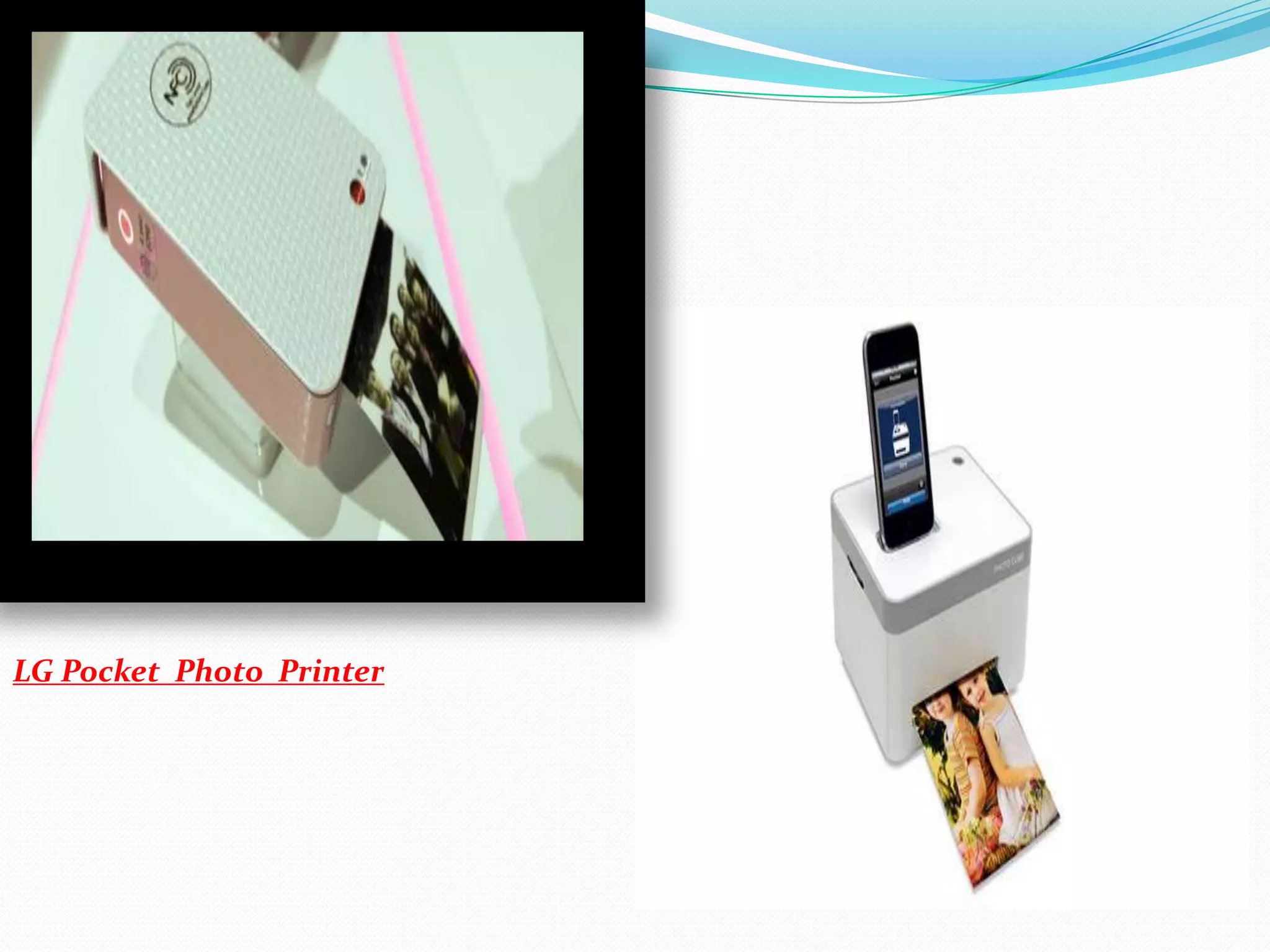
LG Pocket Printer
 LG introduce new type of printer i.e. LG Pocket Photo. It

is one type of printer with a metallic finish on its edges.
 Measuring :-4.76-inches tall , 2.83-inches wide, and 0.94-

inches thick , the printer is reminiscent of Polaroid’s
PoGo Instant Mobile Printer, except in order to transfer
photos from a smartphone, it’s also capable of NFC
communication in addition to Bluetooth.
 To print photos, the device uses Zink, or Zero ink, paper

technology.
 The printer heats up the dye crystals embedded inside
the paper, triggering it to change colors accordingly to the
LG Pocket Photo Printer
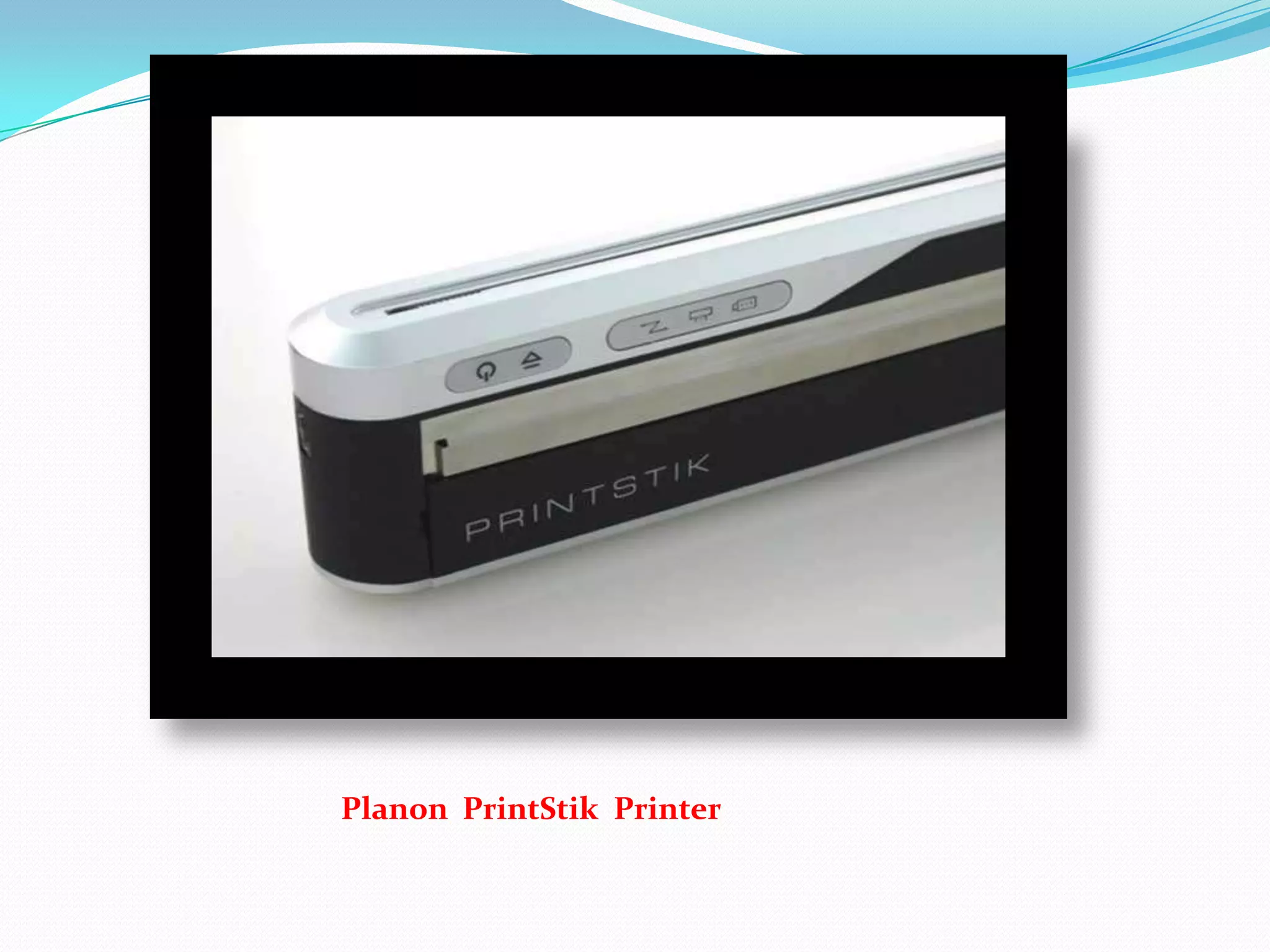
Planon PrintStik
 Planon PrintStik is a small portable printer which

prints without ink By Damir Beciri.
 The PrintStik is remarkably small, about 2.5 x 5 x 27.5cm
(1 x 2 x 11inches), and it has a cartridge with 20 pages of
paper inside, making it easy to carry in a coat pocket,
laptop bag, or your suitcase or purse.
 It is also light and weights just 0.7kg (1.5 pounds). There

isn’t much to control on the printer itself.
 Buttons on the side are for power on/off and paper feed.
Lights indicate if the unit is on, data rate and the
battery level.
Planon PrintStik Printer
3D Printer
 3D printing is a process of melting plastic
filament and creating solid objects by building
them up in very thin layers.
 The technology is used in a wide range of
industries from construction to aerospace, and
is now starting to make its way into the

mainstream.
Disadvantage Of 3D Printer
 Many of the 3D printers on the market today rely on a

process called “heated thermoplastic extrusion and
deposition”, which emits ultrafine particles (UFPs) into
the air. These particles are less than 100-nanometres in
diameter.

 In an industrial environment, these particles would

normally be removed by a ventilation system, but
commercially available printers are currently sold as
standalone devices without any exhaust ventilation or
filtration accessories.

 If these particles are inhaled they can build up in the

lungs or be absorbed directly into the bloodstream,
potentially resulting in adverse health effects including
total and cardio-respiratory mortality, hospital admissions
for stroke, and asthma symptoms.
3D Printer
Conclusion
 In fact computer world is incomplete without

printers in the modern age of technology.
 A printer is one of the basic needs of every

computer user and one can not utilize
computer resources properly in the absence of
a quality printer.
THANK YOU !

Printer

  • 1.
  • 2.
    Introduction  In 1938,Chester Carlson invented a dry printing process called electrophotography commonly called a Xerox.  In 1953, the first high-speed printer was developed by Remington-Rand for use on the Univac computer.  In 1976, the inkjet printer was invented, but it took until 1988 for the inkjet to become a home consumer item with Hewlett-Parkard's release of the DeskJet inkjet printer, priced at a whopping $1000.  In 1992, Hewlett-Packard released the popular LaserJet 4, the first 600 by 600 dots per inch resolution laser printer.
  • 3.
    What is Printer?  An external hardware device responsible for taking computer data and generating a hard copy of that data.  Printers are one of the most commonly used peripherals and they print text and still images on the paper.
  • 4.
  • 5.
    Impact Printer  Theseprinters have a mechanism that touches the paper to create an image.  printers work by banging a print head containing a number of metal pins which strike an inked ribbon placed between the print head and the paper
  • 6.
    An impact printershowing details of print head
  • 7.
    Non-Impact Printer  Theseprinters create an image on the print medium without the use of force.  They don’t touch the paper while creating an image.  Non-impact printers are much quieter than impact printers as they don’t strike the paper.
  • 8.
  • 9.
    Dot Matrix Printer The term dot matrix refers to the process of placing dots to form an image.  Its speed is usually 30 to 550 characters per second (cps).  This is the cheapest and the most noisy printer and has a low print quality.  Dot Matrix were 1st introduced by Centronics in 1970. The dot matrix forms images one character at a time as the print head moves across the paper. Uses tiny pins to hit an ink ribbon and the paper much as a typewriter does.
  • 10.
  • 11.
    Daisy Wheel Printer A daisy wheel printer is basically an impact printer consisting of a wheel and attached extensions on which molded metal characters are mounted.  A daisy wheel printer produces letter quality print and it can’t produce graphics output.  In a daisy wheel printer, a hammer presses the wheel against a ribbon which in turn makes an ink stain on the paper in the form of a character mounted on the wheel extensions.  Its printing speed is also very slow ,i.e. less than 90cps.
  • 12.
  • 13.
    Ink-Jet Printer  Itis a non-impact printer producing a high quality print.  A standard Inkjet printer has a resolution of 300dpi.  Inkjet printers were introduced in the later half of 1980s and are very popular owing to their extra-ordinary performance.  Print head having four ink cartridges moves .  Software instructs where to apply dots of ink, which color and what quantity to use.  Electrical pulses are sent to the resistors behind each nozzle.  Vapor bubbles of ink are formed by resistors and the ink is forced to the paper through nozzles.  A matrix of dots forms characters and pictures.
  • 14.
    Ink-Jet Printer Color cartridgeshowing Inkjet nozzles
  • 15.
    Thermal Printer  Thermalprinters are in-expensive printers mostly used in       fax machines. The Thermal printers are further classified into two types. (1) Electro thermal printers: (2) Thermal Wax printers: Thermal printers use heated pins and ribbons with different color bands. These printers contain a stick of wax like ink. The ribbon passes infront of a print head that has a series of tiny heated pins. The pins cause the wax to melt and adhere to the paper and when temperature reaches to a certain level, it is hardened.
  • 16.
    A fax machineusing a Thermal printer
  • 17.
    Multi-function printer  Amulti function printer abbreviated as MFP is an all purpose device that prints, faxes, copies and scans.  A single multi function printer can replace several bulky devices.  A multi function printer is also known as AIO.  These printers use inkjet technology and provide high quality print but at slow speed.
  • 18.
    Plotter  A largescale printer which is very accurate in producing engineering drawings and architectural blueprints.  Two types of plotters are flatbed and drum.  Flatbed plotters are horizontally aligned while drum plotters are vertically positioned
  • 19.
    LG Pocket Printer LG introduce new type of printer i.e. LG Pocket Photo. It is one type of printer with a metallic finish on its edges.  Measuring :-4.76-inches tall , 2.83-inches wide, and 0.94- inches thick , the printer is reminiscent of Polaroid’s PoGo Instant Mobile Printer, except in order to transfer photos from a smartphone, it’s also capable of NFC communication in addition to Bluetooth.  To print photos, the device uses Zink, or Zero ink, paper technology.  The printer heats up the dye crystals embedded inside the paper, triggering it to change colors accordingly to the
  • 20.
  • 21.
    Planon PrintStik  PlanonPrintStik is a small portable printer which prints without ink By Damir Beciri.  The PrintStik is remarkably small, about 2.5 x 5 x 27.5cm (1 x 2 x 11inches), and it has a cartridge with 20 pages of paper inside, making it easy to carry in a coat pocket, laptop bag, or your suitcase or purse.  It is also light and weights just 0.7kg (1.5 pounds). There isn’t much to control on the printer itself.  Buttons on the side are for power on/off and paper feed. Lights indicate if the unit is on, data rate and the battery level.
  • 22.
  • 23.
    3D Printer  3Dprinting is a process of melting plastic filament and creating solid objects by building them up in very thin layers.  The technology is used in a wide range of industries from construction to aerospace, and is now starting to make its way into the mainstream.
  • 24.
    Disadvantage Of 3DPrinter  Many of the 3D printers on the market today rely on a process called “heated thermoplastic extrusion and deposition”, which emits ultrafine particles (UFPs) into the air. These particles are less than 100-nanometres in diameter.  In an industrial environment, these particles would normally be removed by a ventilation system, but commercially available printers are currently sold as standalone devices without any exhaust ventilation or filtration accessories.  If these particles are inhaled they can build up in the lungs or be absorbed directly into the bloodstream, potentially resulting in adverse health effects including total and cardio-respiratory mortality, hospital admissions for stroke, and asthma symptoms.
  • 25.
  • 26.
    Conclusion  In factcomputer world is incomplete without printers in the modern age of technology.  A printer is one of the basic needs of every computer user and one can not utilize computer resources properly in the absence of a quality printer.
  • 27.