




Leveraging User Research
Pacific Northwest Product Management Community
February 23, 2017
Who we are
Tom Satwicz
UX Research Director & Partner, Blink UX
tom@blinkux.com
Brian O’Shea
Interaction Designer, Blink UX
brian.oshea@blinkux.com
Who are you?
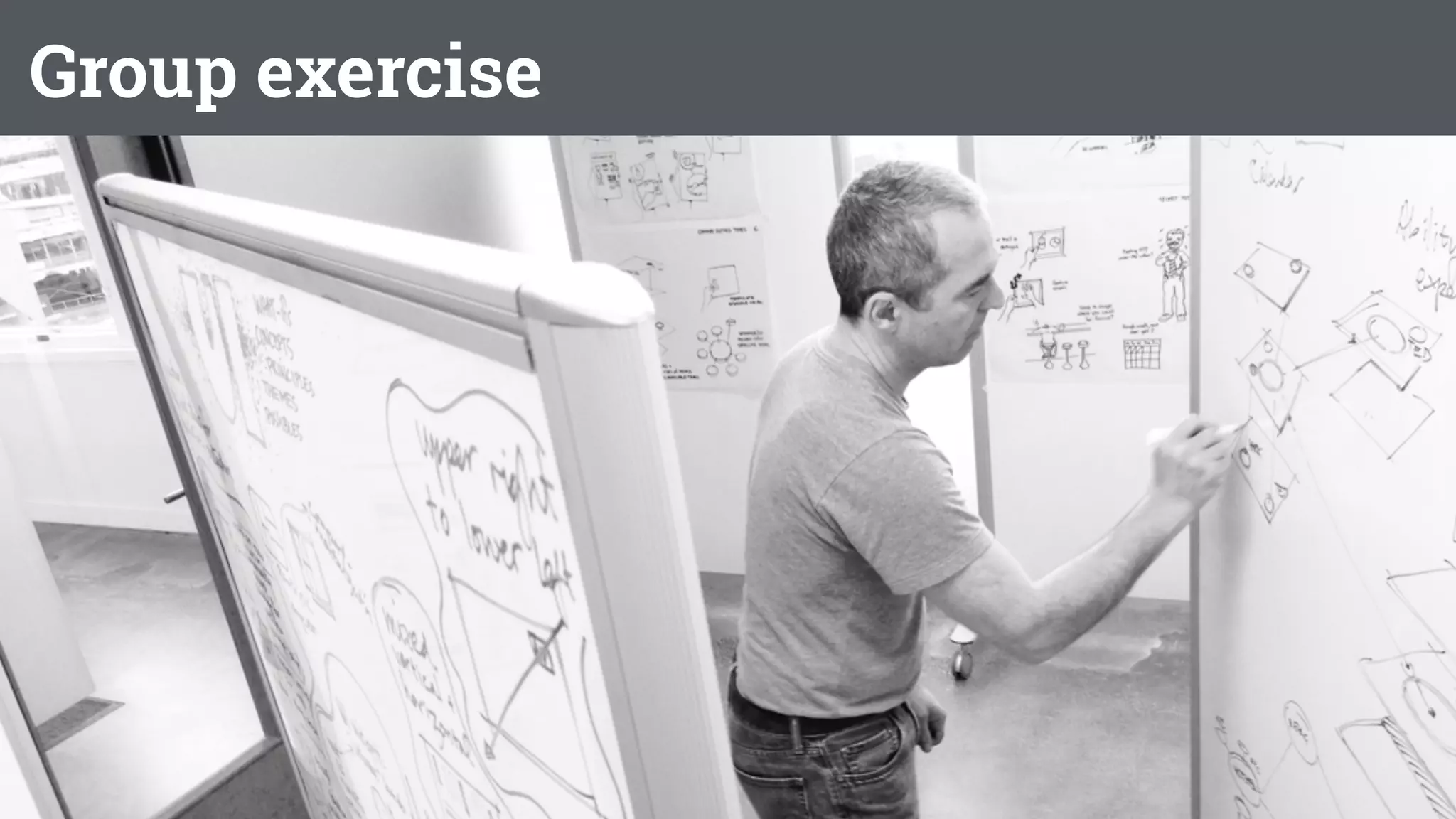
Group exercise


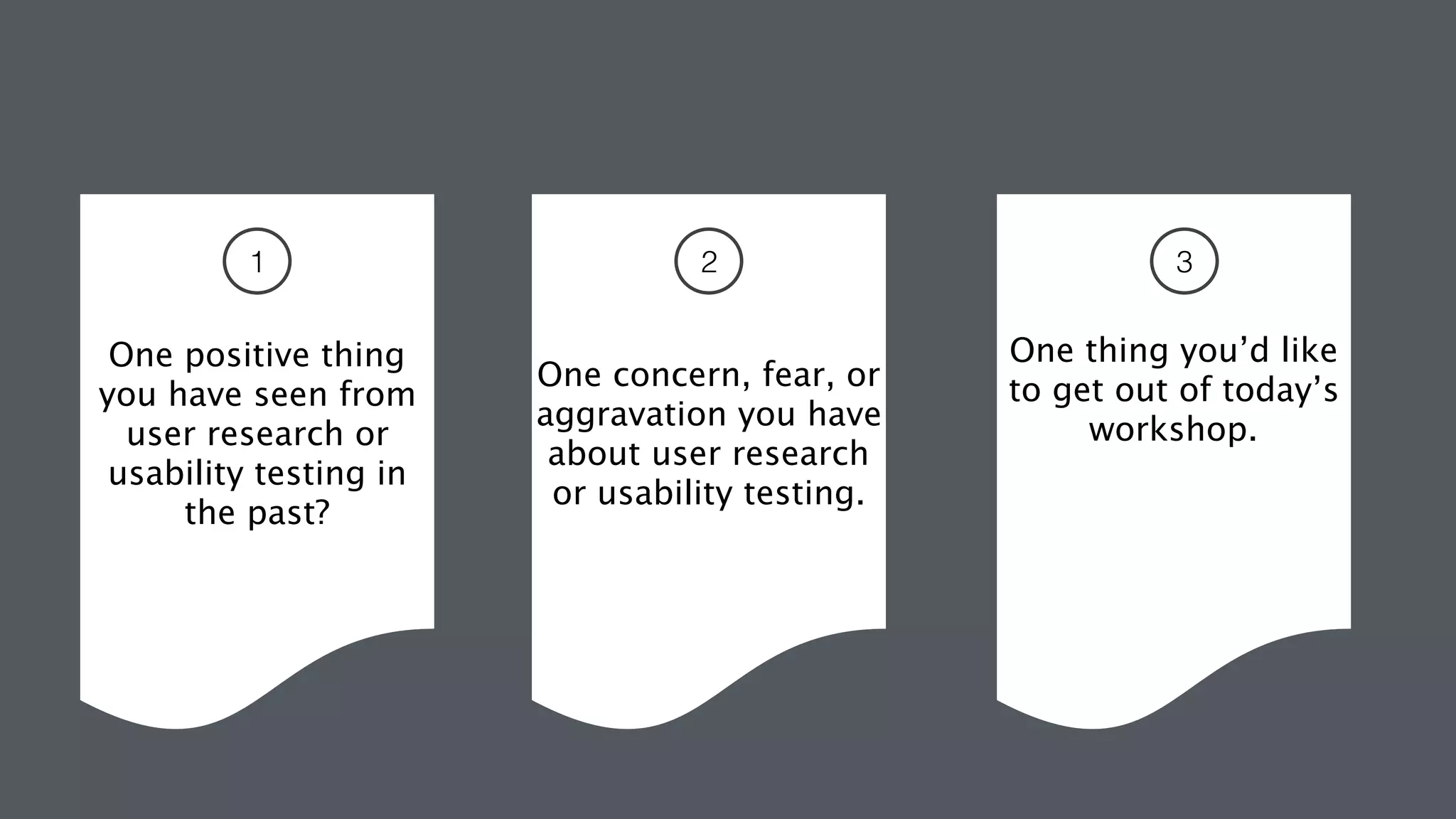
One positive thing 

you have seen from
user research or
usability testing in
the past?


One concern, fear, or
aggravation you have
about user research
or usability testing.
One thing you’d like
to get out of today’s
workshop.
1 2 3
Some things we hope you walk away with today:
• The skills to effectively integrate user research into the product
development process with a strong return on investment.
• How foundational user research can help product teams
understand user goals, generate insights, and narrow focus.
• How to use research to evaluate and iterate on product concepts.
• How to validate design and product decisions to ready your
product for launch.
• Inspiration to do more user research on your own
Agenda
• Product develop process and user research
• Foundational research
• Conceptual research
• Evaluative research
• Research ROI
Product Design and Development Process and User Research
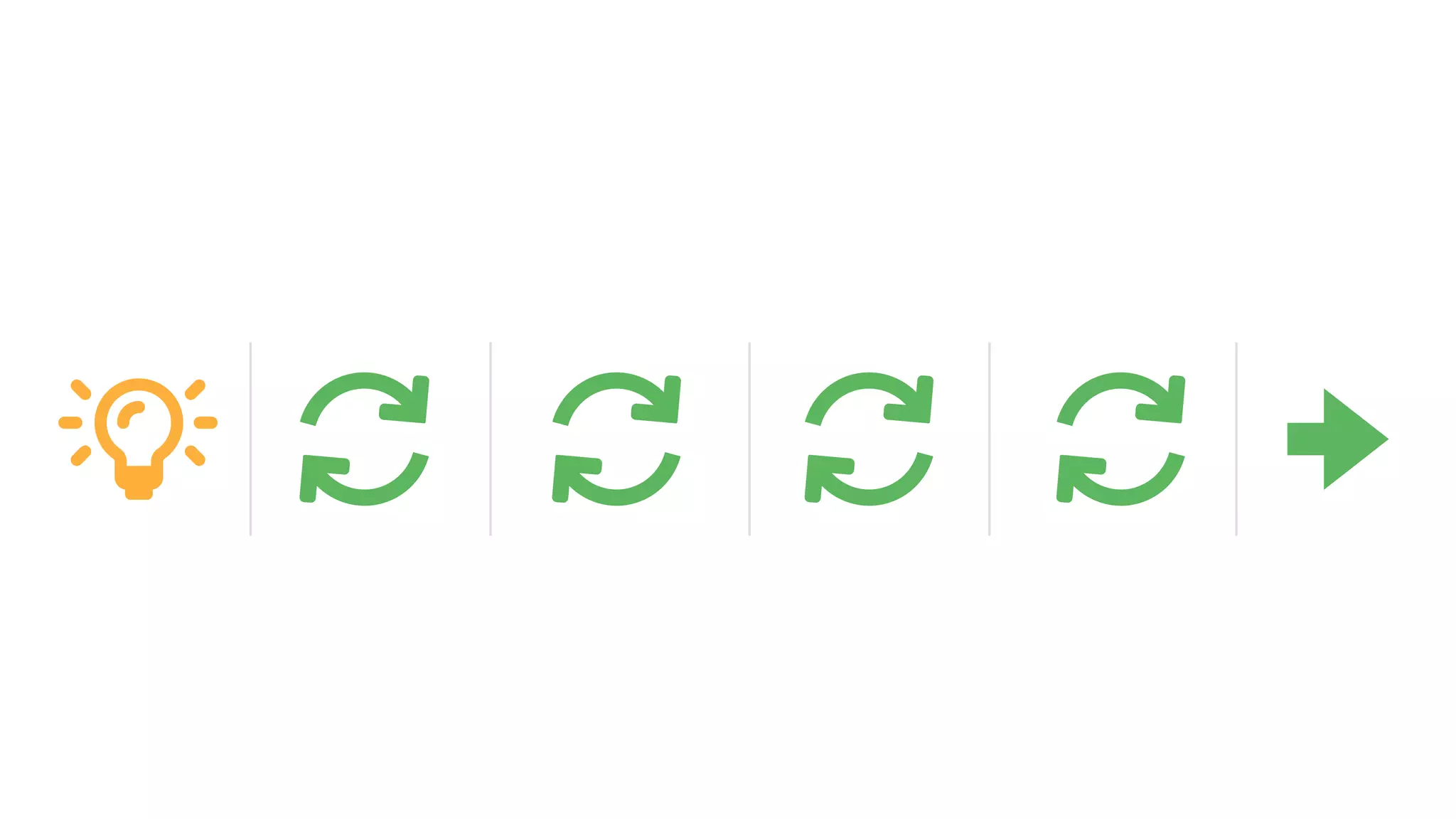
GATE GATEGATEGATE GATE
Products do not appear out of thin air
There is a “process”
Decisions have to be made.
Business needs and goals
Technical constraints and assets
User/customer needs and behaviors
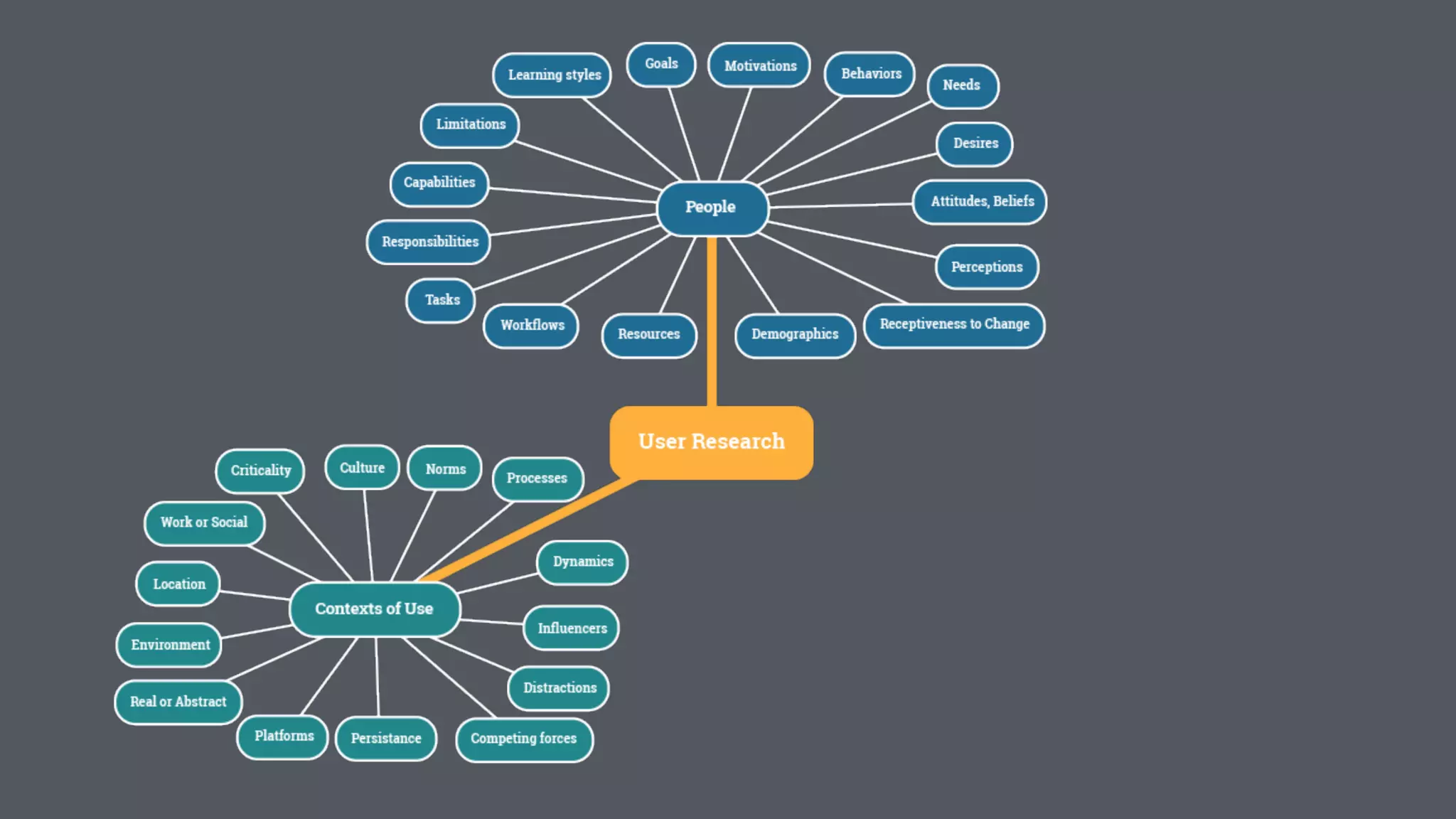
User Research: The Big Picture
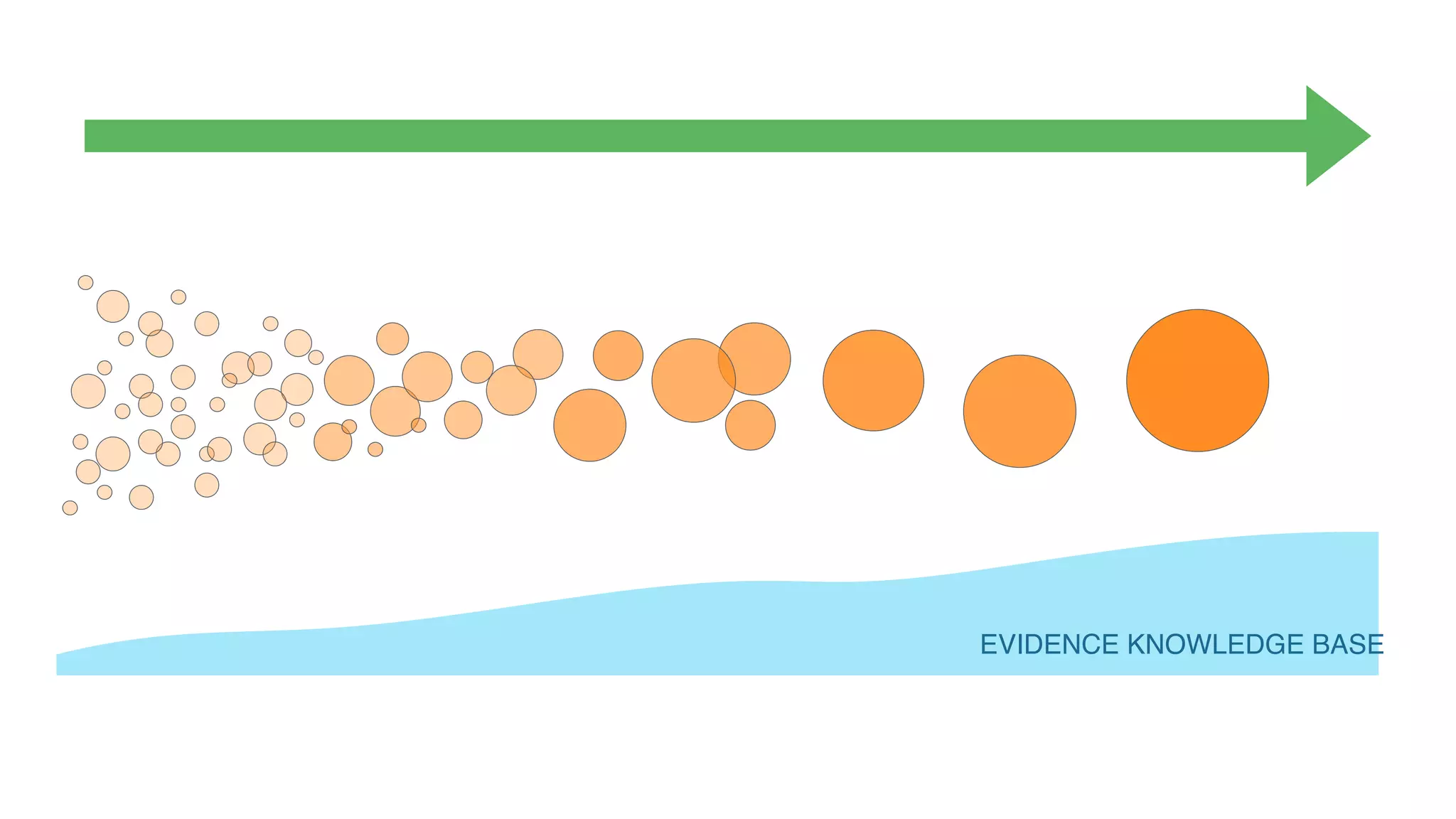
Products do not appear out of thin air
There is a “process”
Decisions have to be made.
EVIDENCE KNOWLEDGE BASE
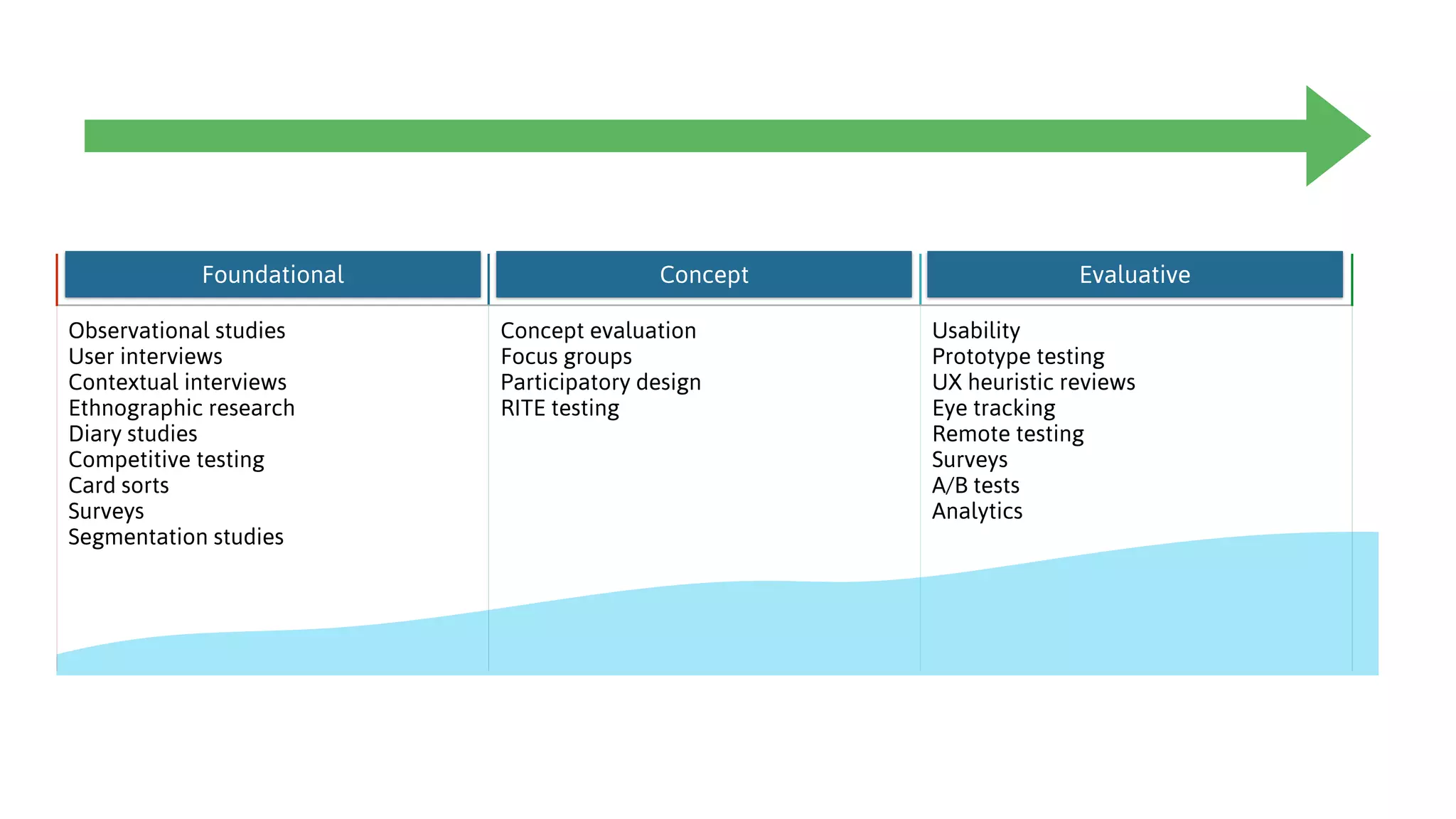
Foundational Conceptual Evaluative
Observational studies

User interviews

Contextual interviews

Ethnographic research 

Diary studies

Competitive testing

Card sorts

Surveys

Segmentation studies

Concept evaluation
Focus groups
Participatory design
RITE testing
Usability
Prototype testing
UX heuristic reviews

Eye tracking

Remote testing

Surveys

A/B tests
Analytics
Foundational Concept Evaluative
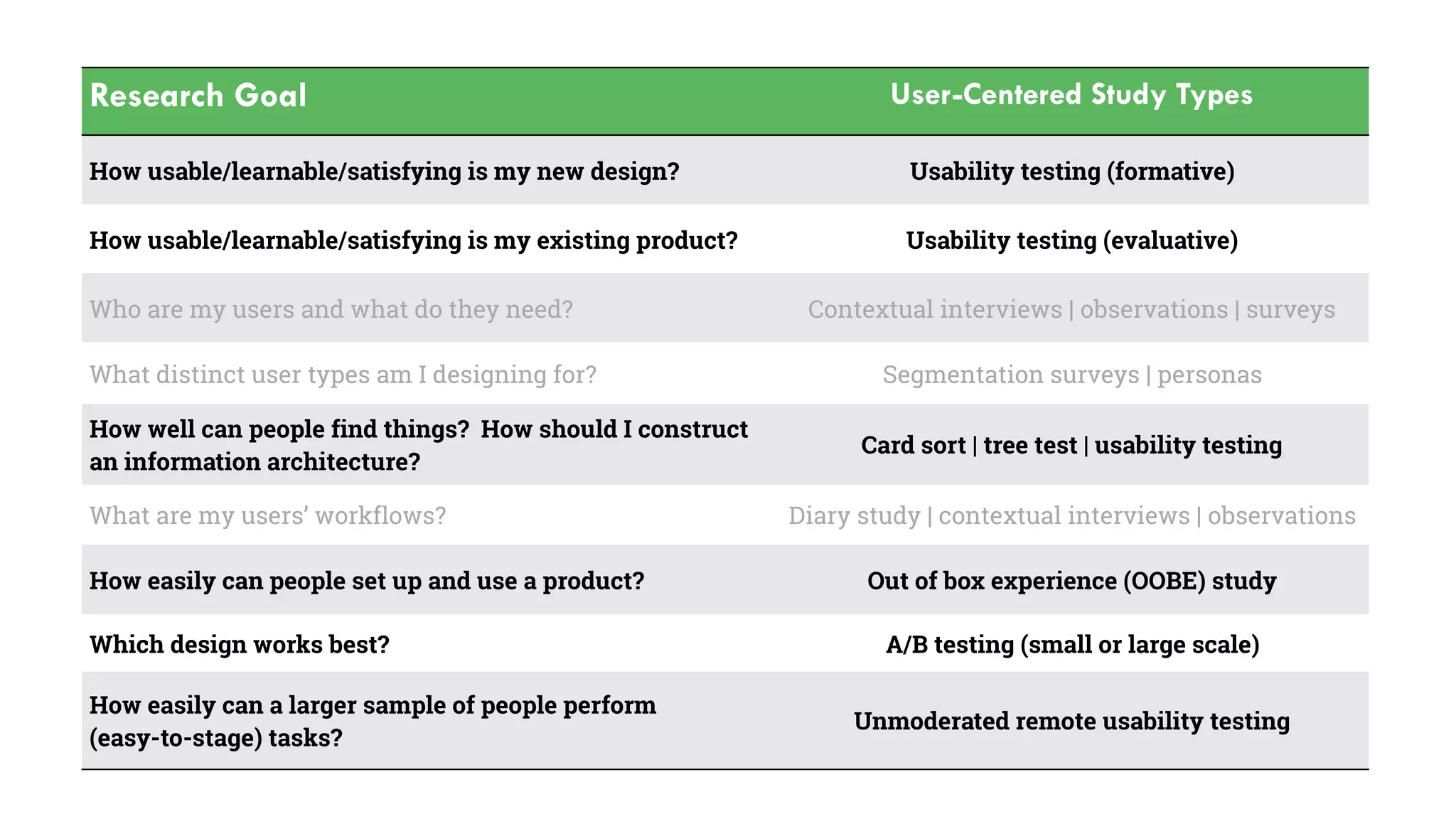
Research Goal User-Centered Study Types
How usable/learnable/satisfying is my new design? Usability testing (formative)
How usable/learnable/satisfying is my existing product? Usability testing (evaluative)
Who are my users and what do they need? Contextual interviews | observations | surveys
What distinct user types am I designing for? Segmentation surveys | personas
How well can people find things? How should I construct
an information architecture?
Card sort | tree test | usability testing
What are my users’ workflows? Diary study | contextual interviews | observations
How easily can people set up and use a product? Out of box experience (OOBE) study
Which design works best? A/B testing (small or large scale)
How easily can a larger sample of people perform 

(easy-to-stage) tasks?
Unmoderated remote usability testing
foundational research
generate insights based on:
• user goals
• user behaviors
leads to a narrow focus
28
User Interviews
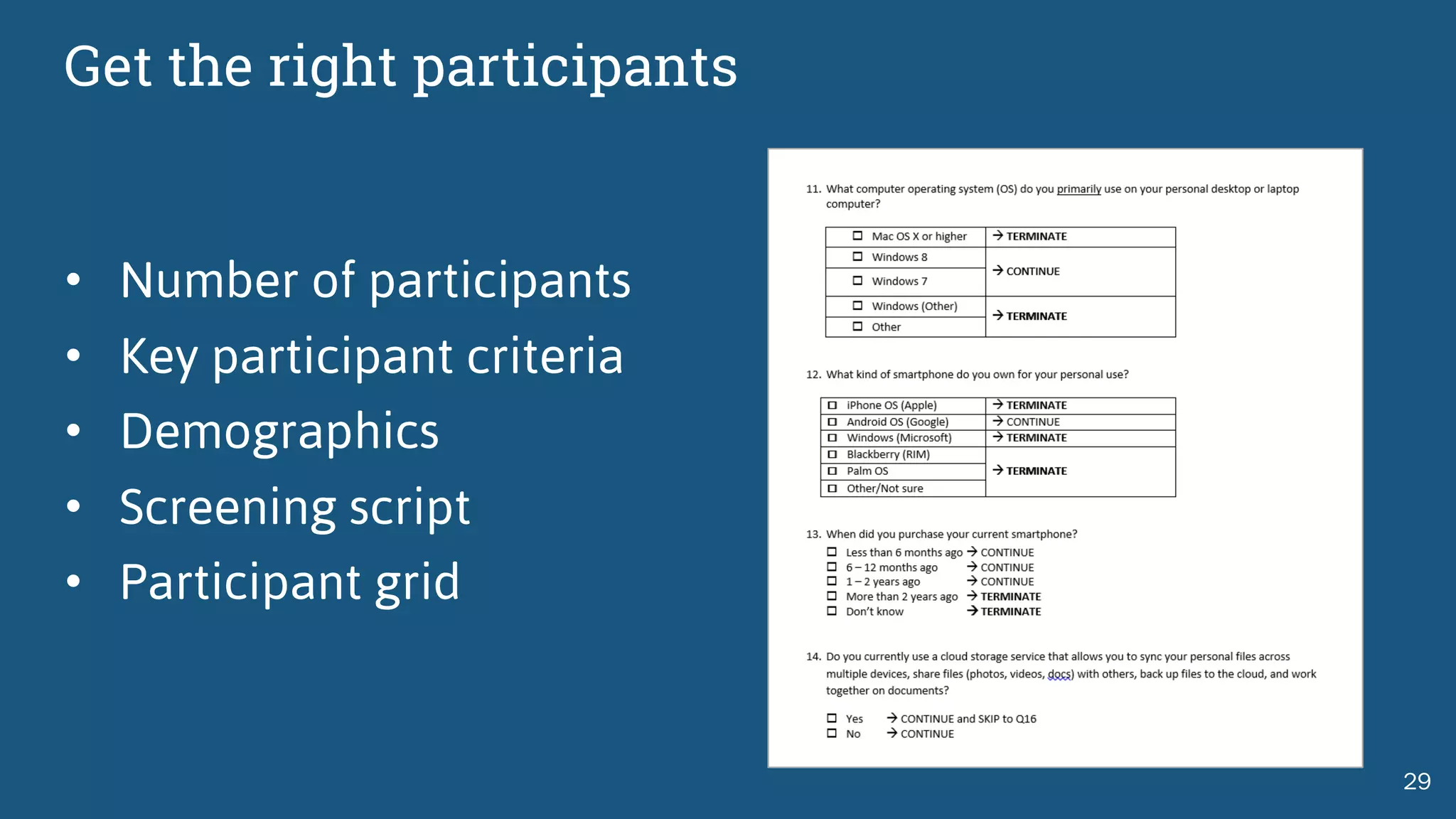
Get the right participants
• Number of participants
• Key participant criteria
• Demographics
• Screening script
• Participant grid
29
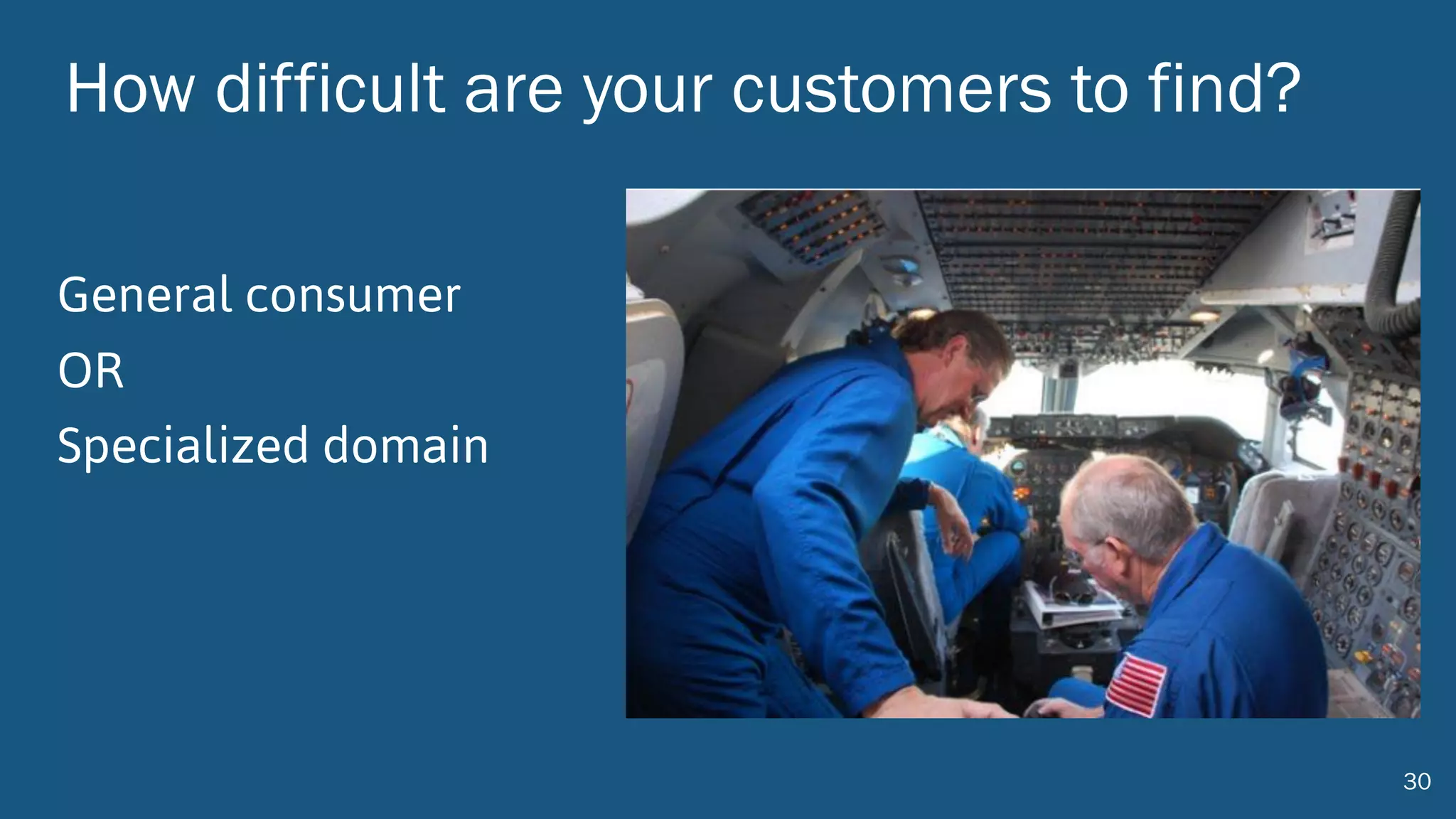
How difficult are your customers to find?
General consumer
OR
Specialized domain
30
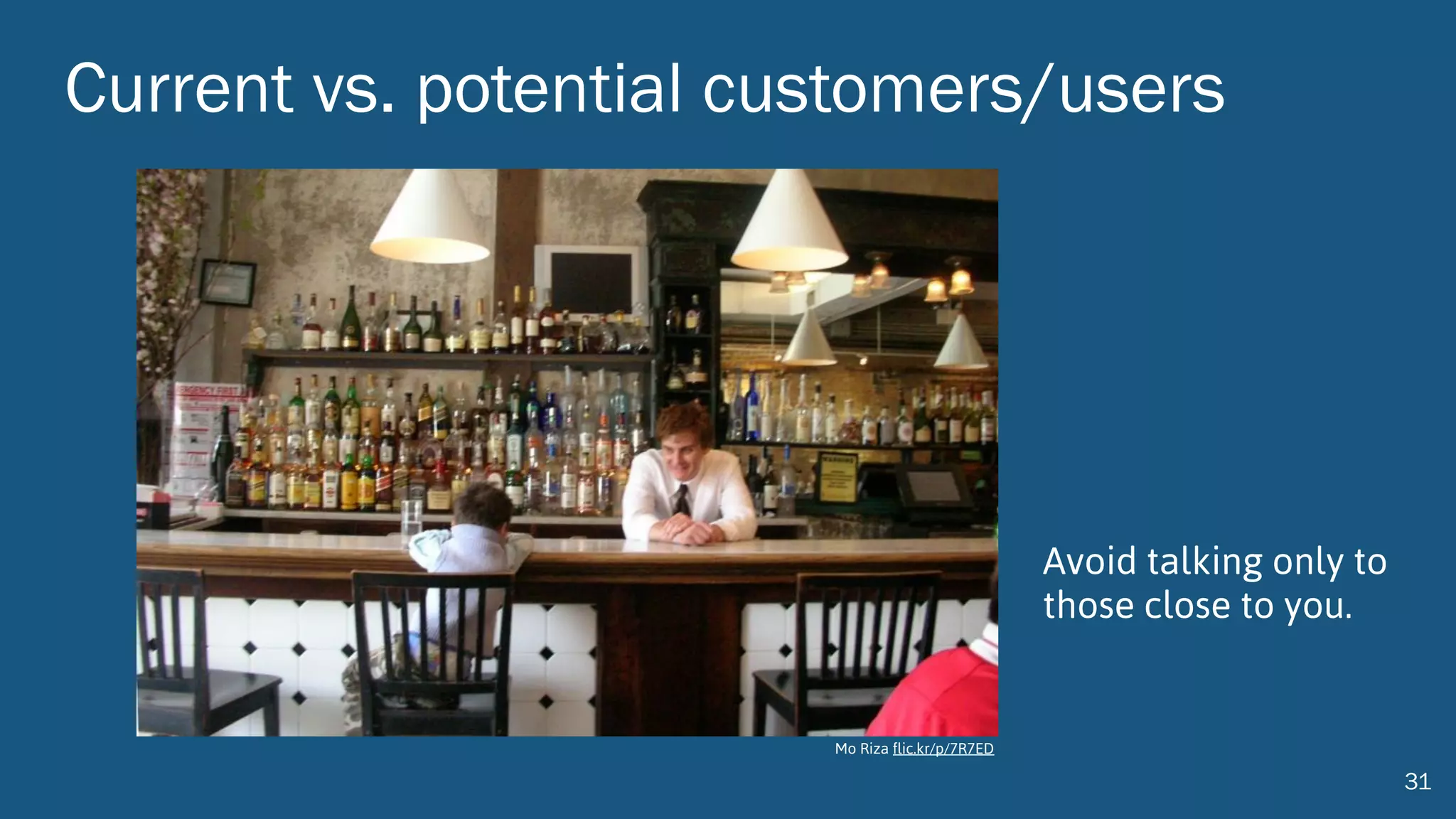
Current vs. potential customers/users
31
Avoid talking only to
those close to you.
Mo Riza flic.kr/p/7R7ED
http://www.userfocus.co.uk/articles/7-sins-of-user-research.html
The first rule of finding out what people want:
Don’t ask people what they want.
http://www.userfocus.co.uk/articles/7-sins-of-user-research.html
Interviewing Tips
Seidman,	I.	(1998).	Chapter	six:	Technique	isn't	everything,	but	it	is	a	lot.	Interviewing	as	
qualitative	research.	New	York,	Teachers	College	Press:	63-78.
• Listen more, talk less
• Follow up on what participants say
• Ask questions when you do not
understand
• Ask to hear more about a subject
• Explore, don’t probe
• Avoid leading questions
• Ask open-ended questions
• Take notes during the interview
Interviewing Tips
Seidman,	I.	(1998).	Chapter	six:	Technique	isn't	everything,	but	it	is	a	lot.	Interviewing	as	
qualitative	research.	New	York,	Teachers	College	Press:	63-78.
• Ask participants to tell a story
• Do not take the ebb and flows of
interviewing too personally
• Share experiences on occasion
• Tolerate silence
• Avoid reinforcing participant responses
• Have an interview guide but go off script
• Keep participants focused and ask for
concrete details
Co-creation exercises
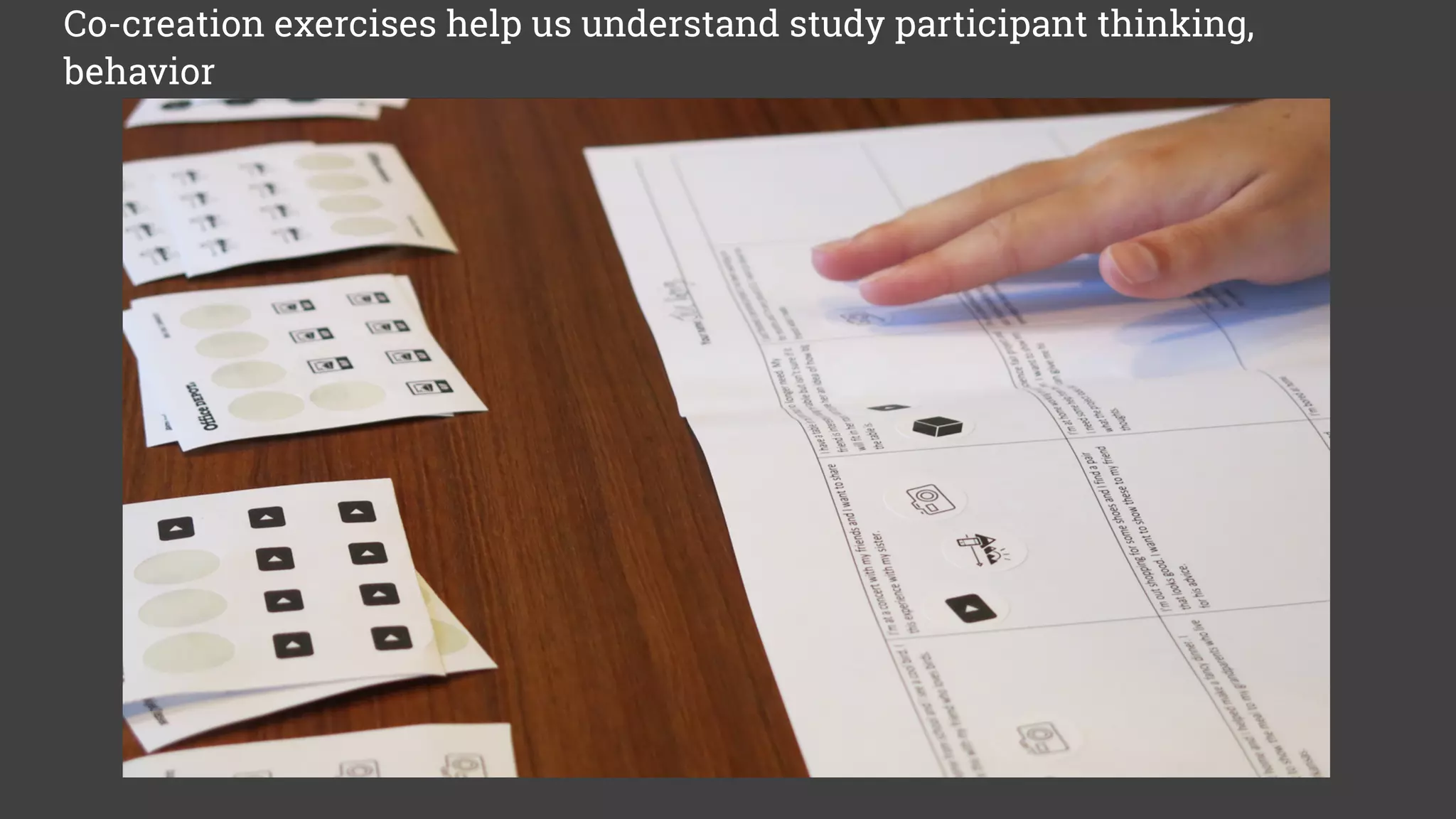
Co-creation exercises help us understand study participant thinking,
behavior
38
Observational and Field Research
40
“It’s real user research when you
can smell what’s for dinner.”
-John Dirks
Diary studies
• Useful for capturing behaviors and activities over time
• Can track technology adoption and use on discrete days to track
changes in use and perception
• Participatory data collection and artifact sharing possible
• Provides understanding of user’s context without being there
Diary studies
Research Goal User-Centered Study Types
How usable/learnable/satisfying is my new design? Usability testing (formative)
How usable/learnable/satisfying is my existing product? Usability testing (evaluative)
Who are my users and what do they need? Contextual interviews | observations | surveys
What distinct user types am I designing for? Segmentation surveys | personas
How well can people find things? How should I construct
an information architecture?
Card sort | tree test | usability testing
What are my users’ workflows? Diary study | contextual interviews | observations
How easily can people set up and use a product? Out of box experience (OOBE) study
Which design works best? A/B testing (small or large scale)
How easily can a larger sample of people perform 

(easy-to-stage) tasks?
Unmoderated remote usability testing
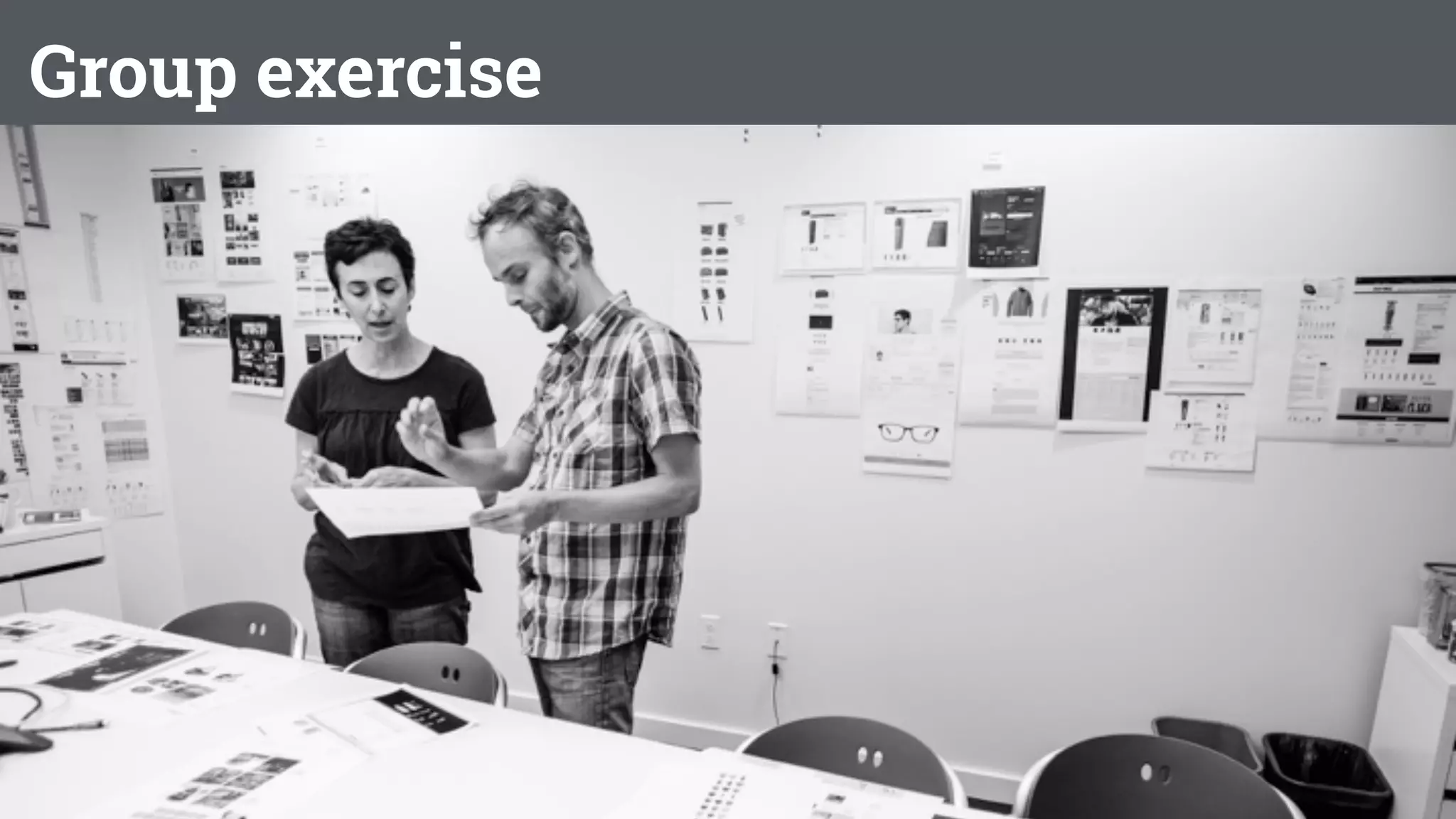
Group exercise

Today’s Scenario: FamilyTrip
• Service for parents to discover, plan, and book their
next family vacation.
• Offers ideas about:
• where to go
• what to do when you get there
• Helps parents book all of the aspects of their next
adventure.
47
FamilyTrip
• Uncertain about how voice assistants fit into
FamilyTrip’s future.
• What opportunity is there to develop a voice
experience?
48
Foundational Research: FamilyTrip
In small groups:
• Assign roles: Participant, Moderator, Observer(s)
• Moderator will ask participant about either:
• last trip they planned (best if it was for a family).
• experience with voice assistant.
• Observer takes notes
49
Foundational Research: FamilyTrip
Planning for research:
• research objectives
• questions
• methods
• participants
• outcomes
To narrow product direction
50
conceptual research
evaluate and iterate
product concepts
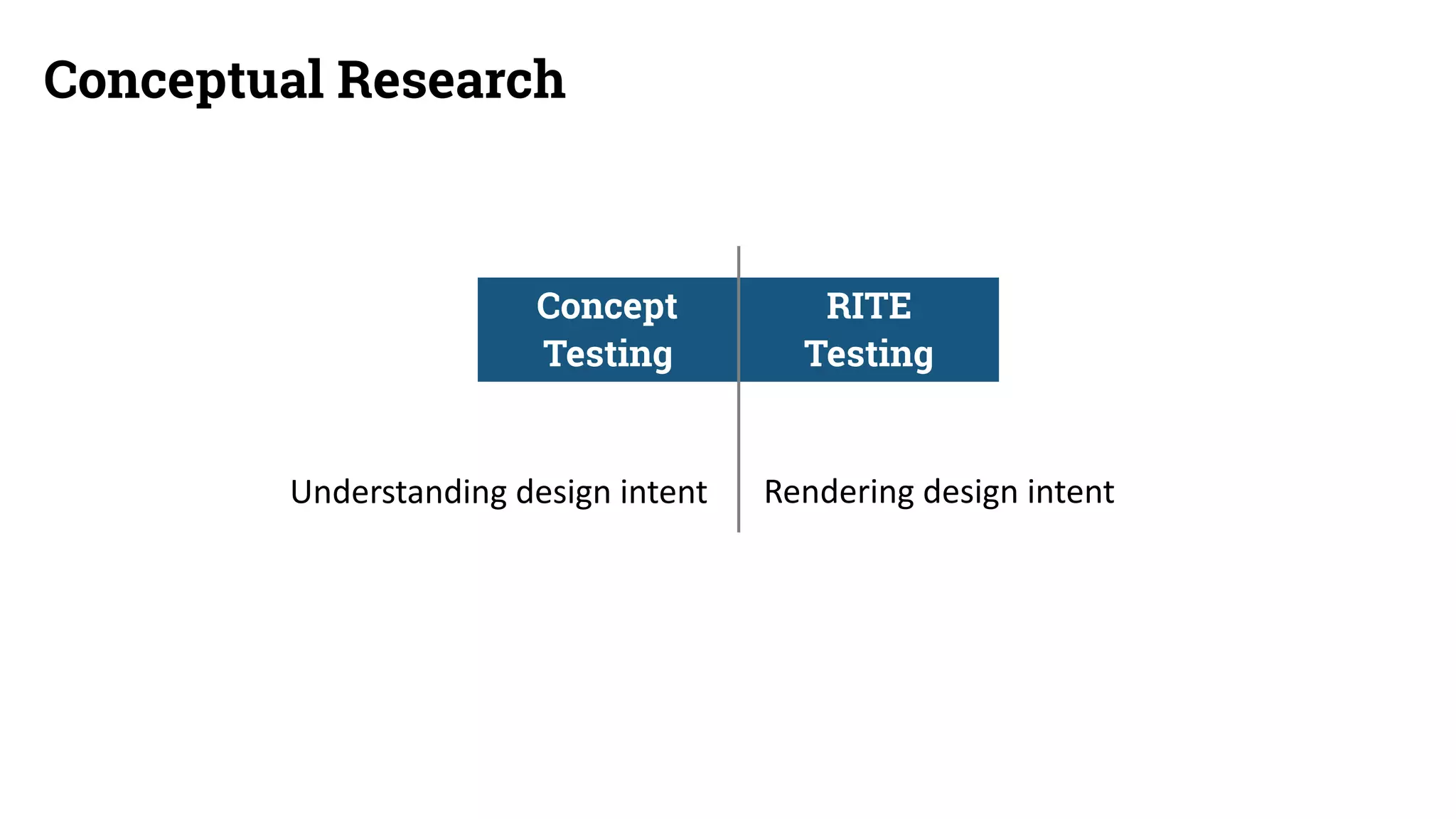
Conceptual Research
Concept 	
Testing
RITE 	
Testing
Understanding	design	intent Rendering	design	intent
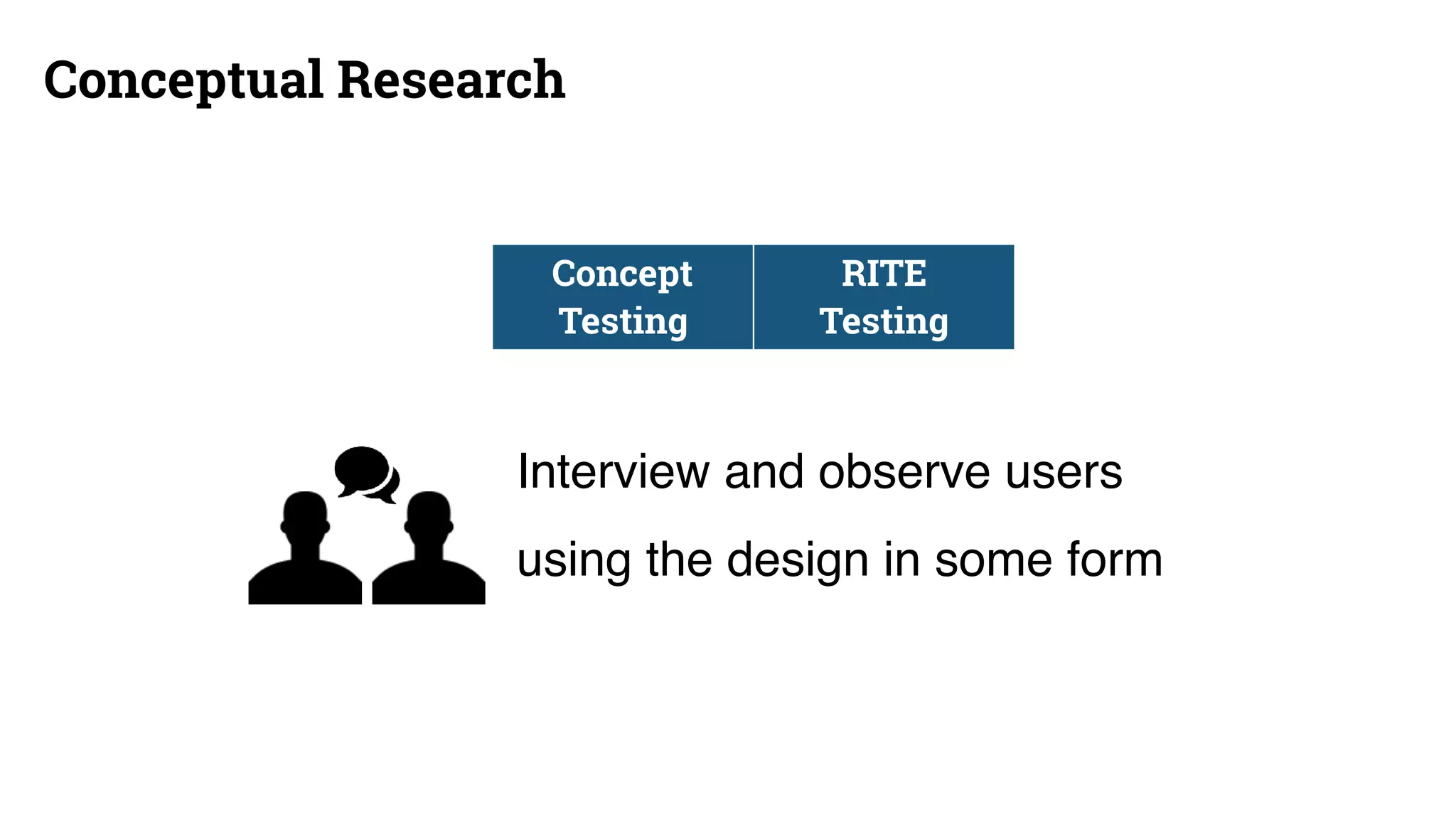
Conceptual Research
Interview and observe users
using the design in some form
Concept 	
Testing
RITE 	
Testing
Concept Testing
• Testing multiple concepts or open-ended ideas
• Session guide with tasks and interview
Example:
5	
Participants
Day	1 Day	2 Day	3 Day	4
5	
Participants
Day	5
Design	Recs
Design	Recs	
and	
Reporting
Findings
Concept Testing
Outcome: What aspects of design concepts are most promising
• Results will be varying levels of certainty
• Highly collaborative findings and recommendations discussions
• Need to observe sessions to participate
57
Teen Reactions to Concept
AwesomeMeh.
“Interesting”
“Unique”
“Different”
“Useful”
“Can see all angles”
“Shows more details”
“Good tool to have”
“Cool”
“Innovative”
“Impressive”
“More fun than GIF or video”
“Very interesting”
“Great for sharing”
“Better than pictures”
“Captures every aspect”
“Complicated”
“Long process”
“Takes more time”
“Too much space”
“Not very necessary”
“Looks weird in public”
RITE Testing
Iterative sessions
Session guide with tasks and interview
Example:
3	
Participants
Design	
Revisions
Day	1 Day	2
3	
Participants
Design	
Revisions
Day	3 Day	4
3	
Participants
Design	
Revisions
Day	5 Day	6
RITE Testing
Outcome: How well a design concept is working
• Iterative sessions makes data less comprehensive
• Good for teams where stakeholders are involved in the design process
• Design team needs to determine which pieces of evidence are worth taking
action on
• Collaborate with teammates on findings
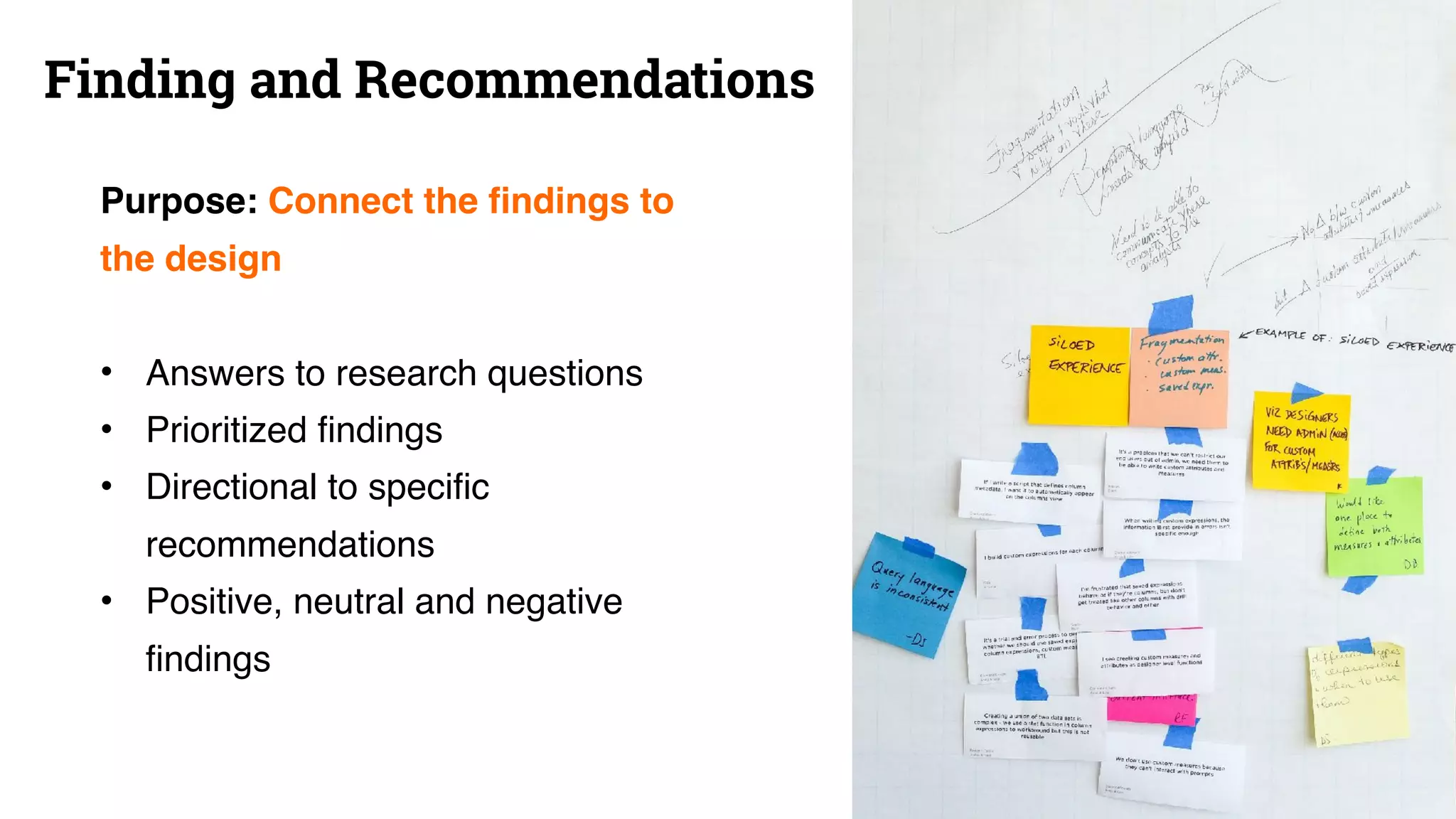
• Write out granular findings from each participant on
sticky notes
• Build a data wall
• Organize into themes and then collaboratively decide on
any design revisions needed (even if they are high level
for the time being).
Findings
62
Group exercise

FamilyTrip
Two concepts for how to leverage a voice assistant.
1. Trip planning assistant Alexa skill
2. Interactive city tour guide
63
Conceputal Research: FamilyTrip
In small groups, generate sample research brief:
• research objectives
• questions
• methods
• participants
• outcomes
That will help you decide which path to take.
64
evaluative research
validate design and
product decisions
get ready for launch
Conceptual to Evaluative
Earlier Later
Concept
Testing
RITE
Testing
Usability
Testing
Directional Specific
Adaptable Rigorous
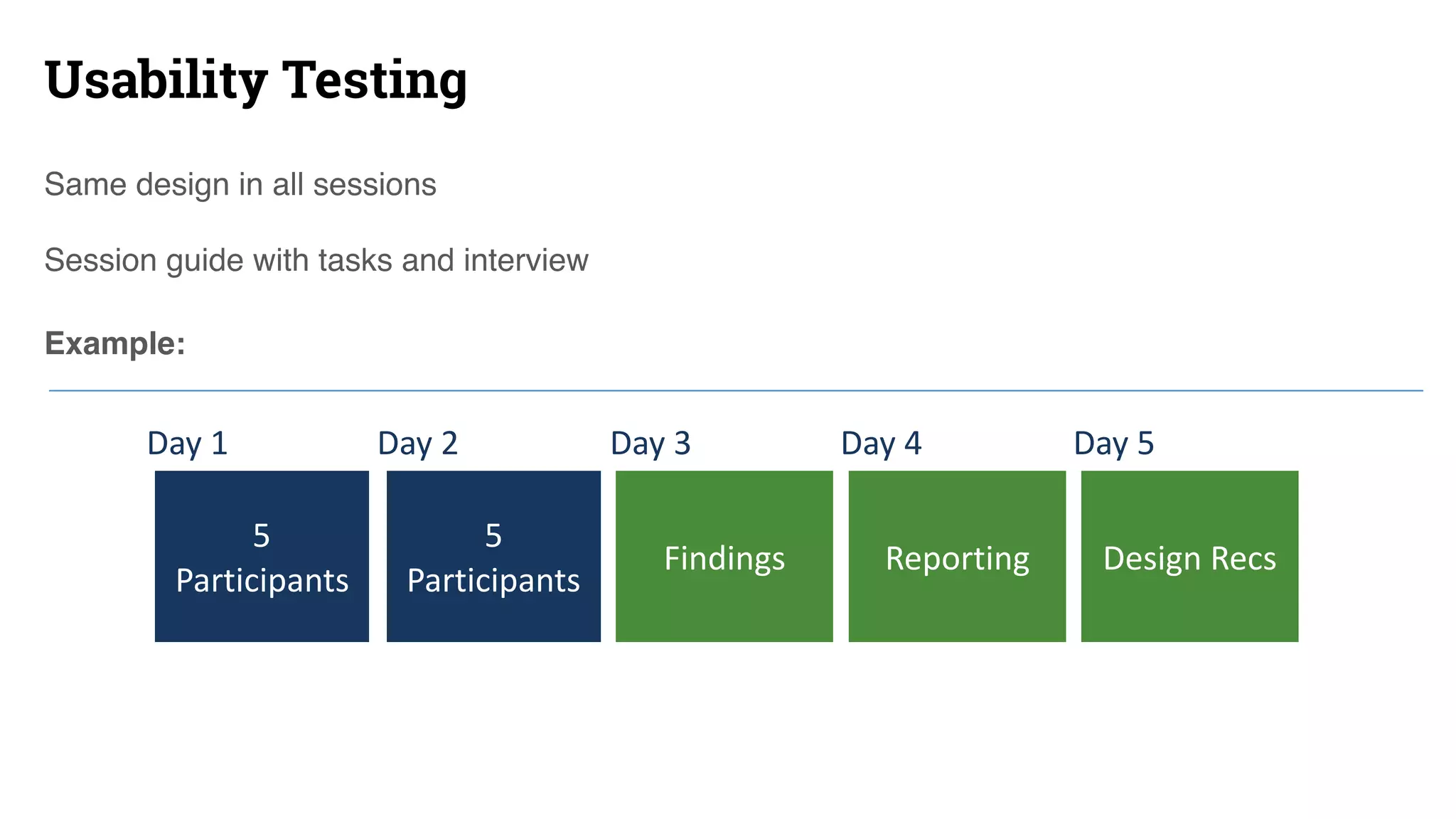
Usability Testing
Same design in all sessions
Session guide with tasks and interview
Example:
5	
Participants
Day	1 Day	2 Day	3 Day	4
5	
Participants
Day	5
Reporting Design	RecsFindings
Usability Testing
Outcome: How to improve the design
• A sample of 8-10 participants can yield qualitative findings and
recommendations
• Good for teams who need specific answers on a design’s performance
• Formal reporting
• Great for external stakeholders
Usability Testing Common Components
• Screener
• Session Guide
• Design Artifacts, Prototypes, or Applications
• Test Sessions
• Findings and Recommendations
Session Guide
Purpose: Create a testing plan that
answers research questions
• Objectives
• Research questions
• Pre-interview
• Tasks
• Post-interview
Design Artifact
Purpose: Create test stimuli
• Prototypes
• Content
• Information architecture
• Visual design
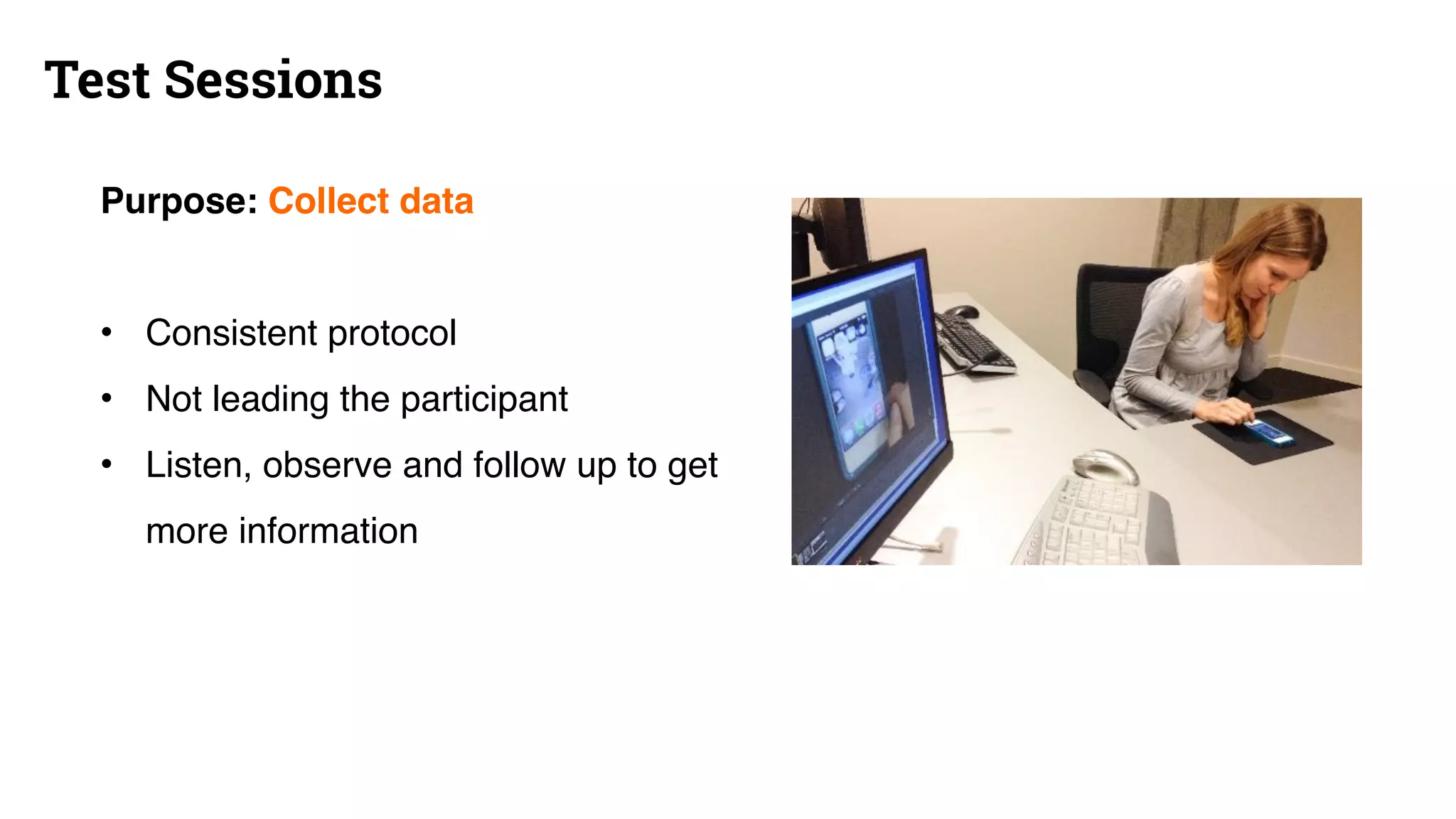
Test Sessions
Purpose: Collect data
• Consistent protocol
• Not leading the participant
• Listen, observe and follow up to get
more information
Finding and Recommendations
Purpose: Connect the findings to
the design
• Answers to research questions
• Prioritized findings
• Directional to specific
recommendations
• Positive, neutral and negative
findings
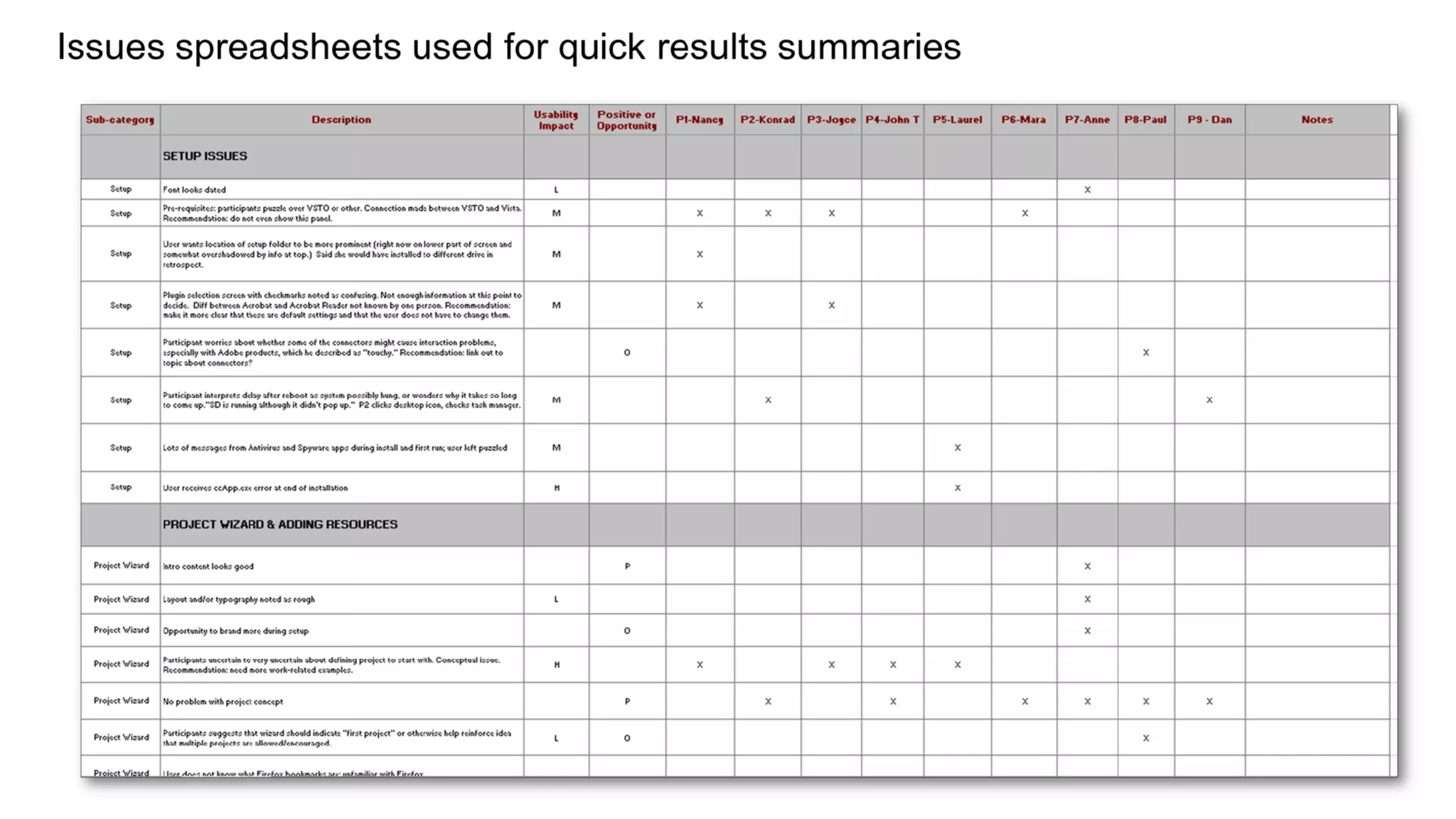
Issues are characterized by severity and scope
Introduces inefficiencies 

Interferes with performing tasks quickly and
easily.
Causes task difficulty 

Users can probably perform the task, but
not without difficulty.
Risk of task failure 

At least some users will not be able to
perform the task successfully.
Positive experience 

Strengths of the design that contribute to a
positive user experience.
Low
Few Participants (1 – 6)
Medium
Several Participants (7 – 12)
High
Almost All Participants (13 – 18)
Scorecards
Discount Usability Sessions
• Select a focal point such as one new feature
• Don’t demo this particular feature: test it with 2-3 people
instead!
• Write up a short (1 pg) test plan that includes:
-Research questions
-Representative tasks with the feature
Turning part of a demo into a usability session
• Identify and recruit participants:
– Actual users are best
– Proxies will do in a pinch: peers for hallway testing, spouses,
stakeholders, etc.
• Let them know they are doing you a favor and that you want
to see how well the system works without instruction
– Do not refer to this as a “user test” in front of them!
– Give them tasks (verbally, one by one, or on paper if complex)
– Ask them to think aloud as they work
– Observe and take notes (or ask a partner to take notes)
Conducting the usability session
Research Goal User-Centered Study Types
How usable/learnable/satisfying is my new design? Usability testing (formative)
How usable/learnable/satisfying is my existing product? Usability testing (evaluative)
Who are my users and what do they need? Contextual interviews | observations | surveys
What distinct user types am I designing for? Segmentation surveys | personas
How well can people find things? How should I construct
an information architecture?
Card sort | tree test | usability testing
What are my users’ workflows? Diary study | contextual interviews | observations
How easily can people set up and use a product? Out of box experience (OOBE) study
Which design works best? A/B testing (small or large scale)
How easily can a larger sample of people perform 

(easy-to-stage) tasks?
Unmoderated remote usability testing
82
Group exercise

FamilyTrip
Working prototype of an interactive city tour guide
83
Evaluative Research: FamilyTrip
In small groups, generate sample research brief:
• research objectives
• questions
• methods
• participants
• outcomes
To finalize the product for launch.
84
User Research ROI
x100
Post release multiplier
$1 to fix a problem
during design costs
$100 to fix it after the
release.
Software Engineering: A Practitioner’s
Approach, Robert Pressman
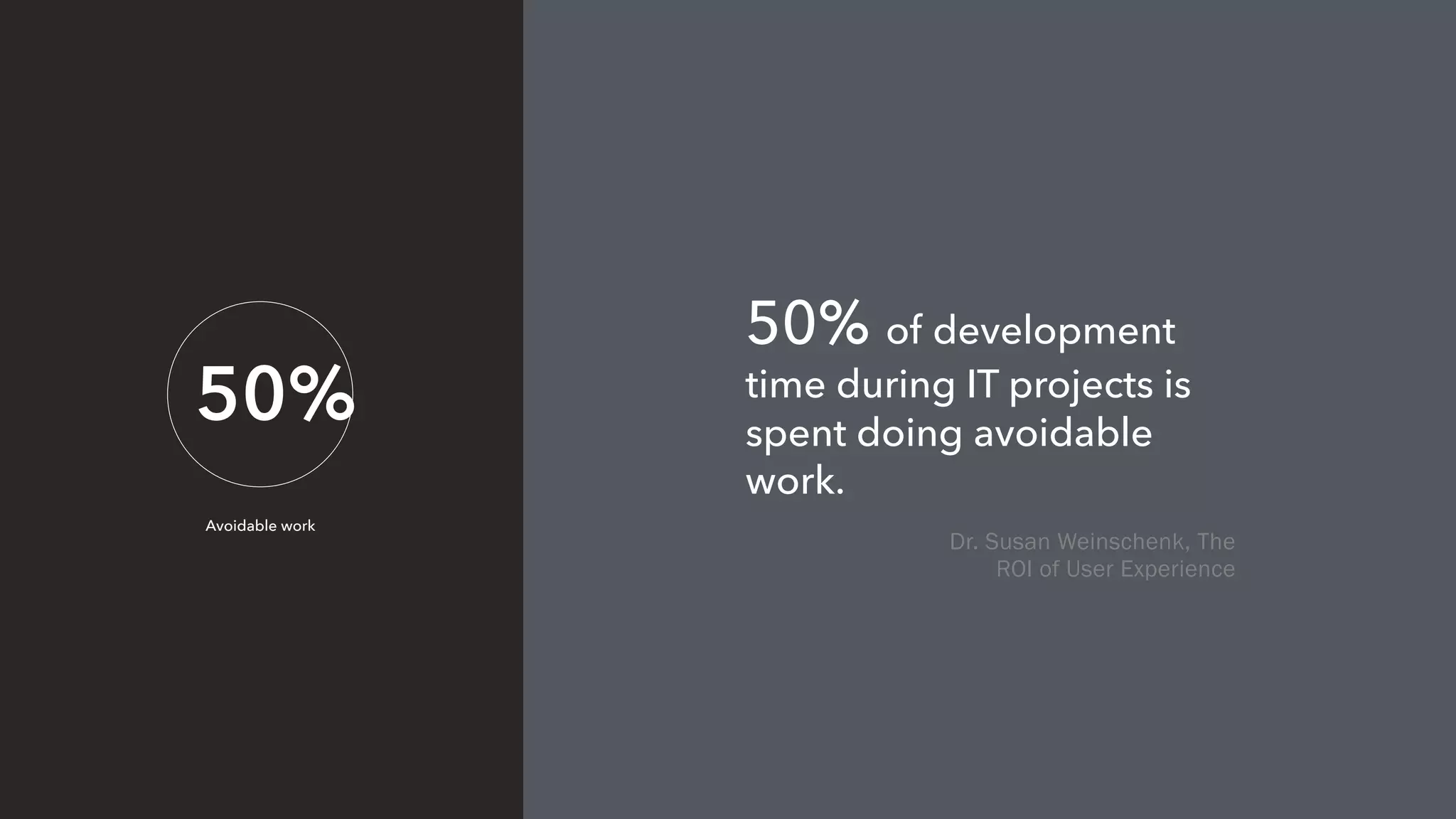
50%
Avoidable work
50% of development
time during IT projects is
spent doing avoidable
work.
Dr. Susan Weinschenk, The
ROI of User Experience
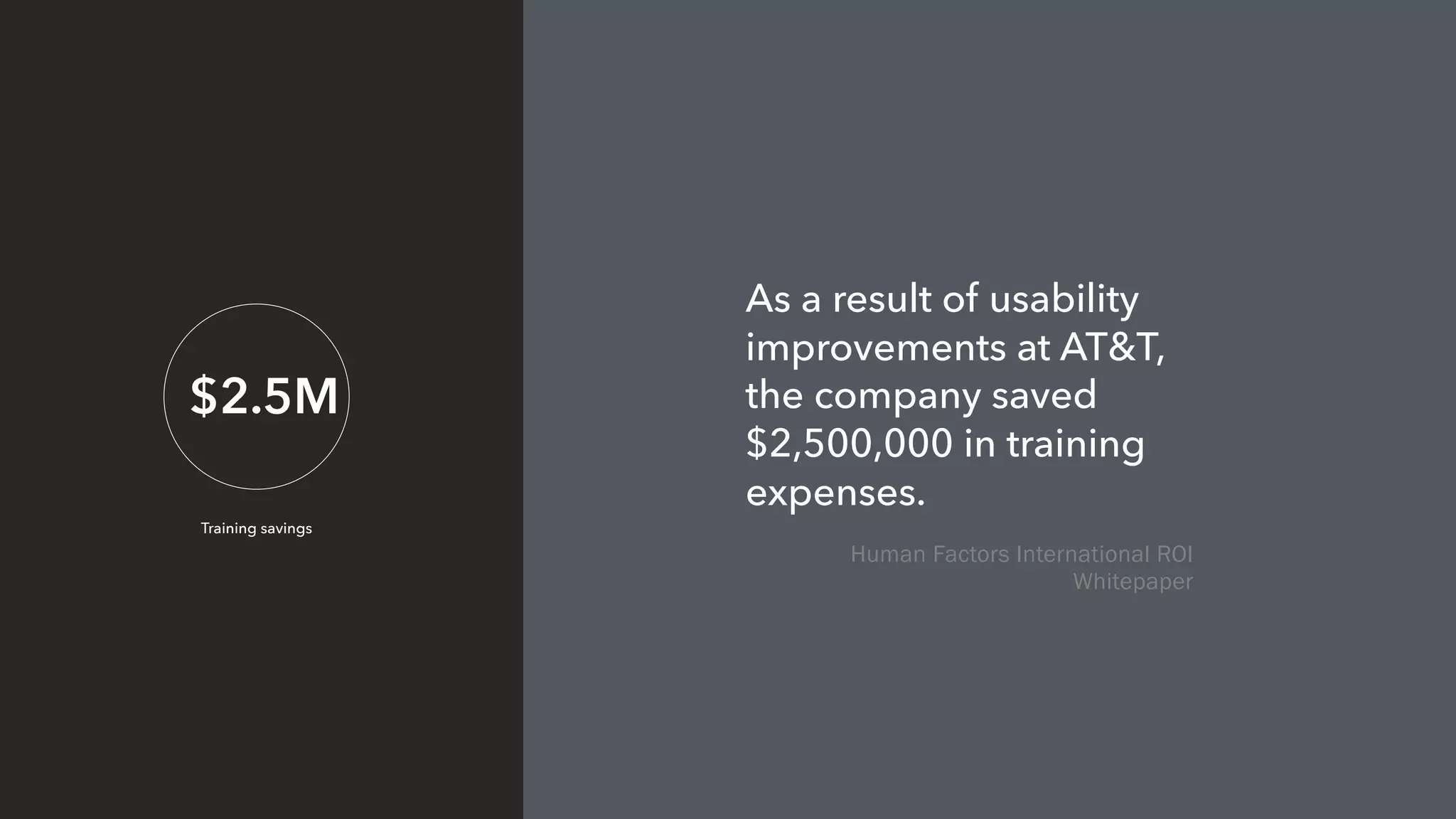
$2.5M
Training savings
As a result of usability
improvements at AT&T,
the company saved
$2,500,000 in training
expenses.
Human Factors International ROI
Whitepaper
5
# of participants that find
80% of issues
Nielsen Normal Group
thanks!
blink.com
91
Appendix: Additional Tips and Tricks
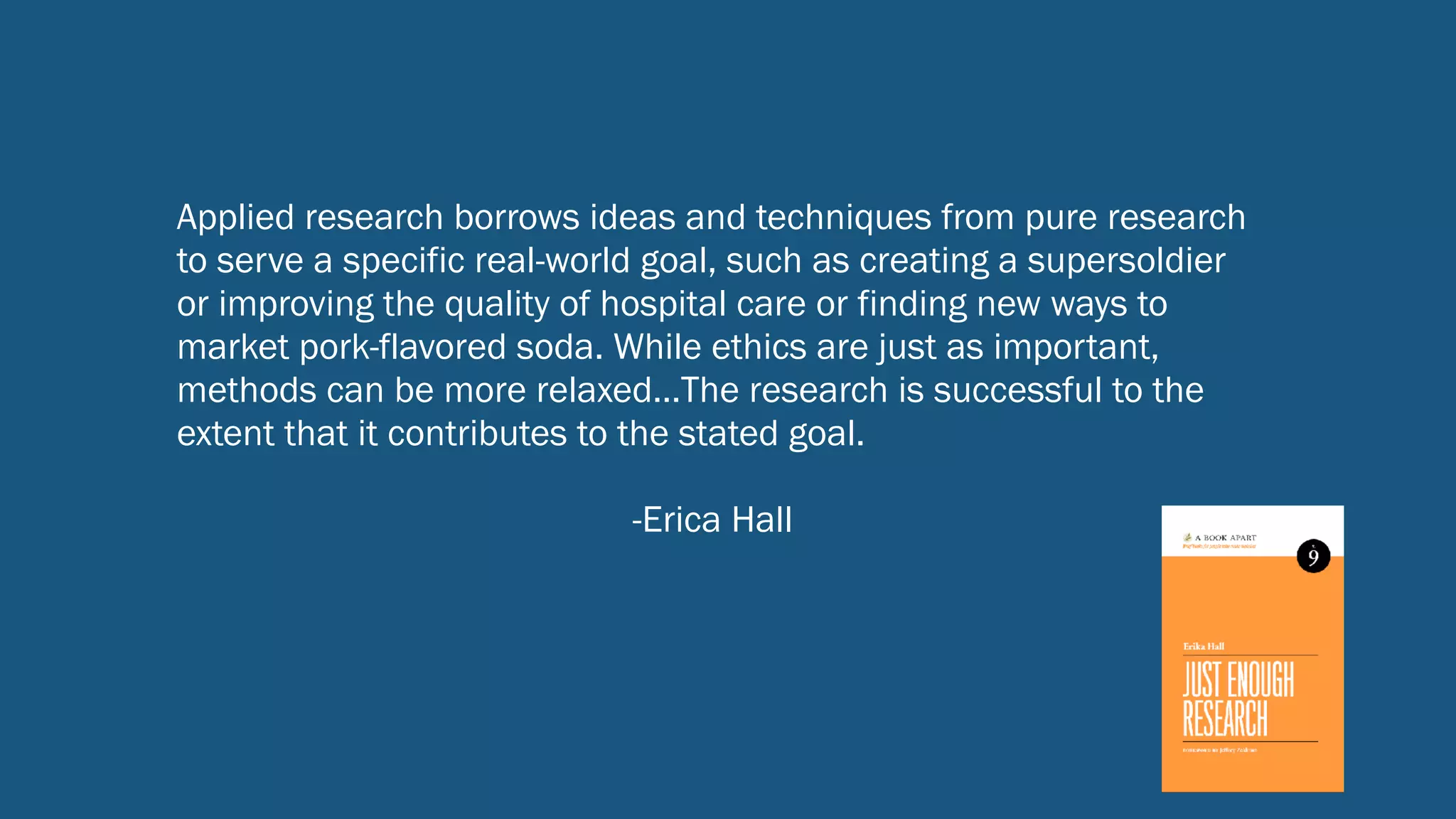
Applied research borrows ideas and techniques from pure research
to serve a specific real-world goal, such as creating a supersoldier
or improving the quality of hospital care or finding new ways to
market pork-flavored soda. While ethics are just as important,
methods can be more relaxed…The research is successful to the
extent that it contributes to the stated goal.
-Erica Hall
93
Ingredients for successful UX research
1. Find the right people to observe or interact with
2. Ask them the right questions
3. Observe them doing things that inform the
design solution or problem space
94
User Interviews without Bias
minimal
Three areas of potential bias:
• Interviewer bias
• Participant bias
• Bias resulting from interview setting
Interviewer Bias
Confirmation bias
Researcher forms a hypothesis or belief and
uses respondents’ information to confirm
that belief.
Culture bias
Interpreting and judging based on standards
inherent in one's own culture. 
The halo effect
Tendency to see something or someone in a
certain light because of a single attribute.
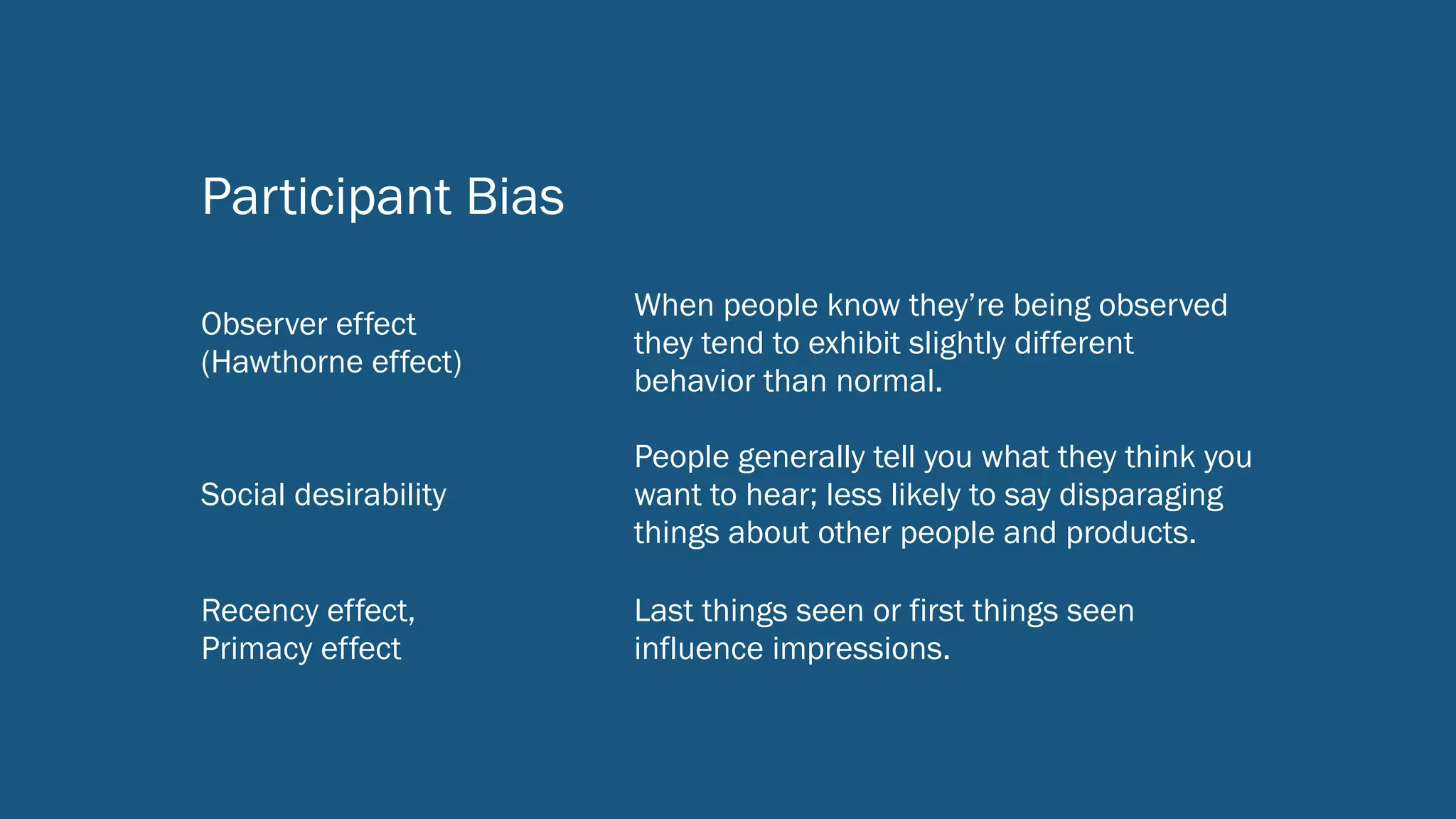
Participant Bias
Observer effect 

(Hawthorne effect)
When people know they’re being observed
they tend to exhibit slightly different
behavior than normal.
Social desirability
People generally tell you what they think you
want to hear; less likely to say disparaging
things about other people and products.
Recency effect, 

Primacy effect
Last things seen or first things seen
influence impressions.
Biases from
Interview Settings
Telling vs. showing
Settings were people can only self-report
instead of being observed are prone to many
biases.
Fake context
Even carefully-created usability lab or field
testing setups are artificial; be mindful of
what is contrived or missing.
Social influences
Be careful of potential biases resulting from
conducting interviews in front of managers,
supervisors, co-workers, or even friends or
other family members.
Conducting non-biased interviews
Establishing a good interview setting
• As close as possible to context of use
• Try to engage where participants are likely to be most comfortable and
express honest opinions
• Know cultural norms (e.g., if men do not typically meet with women
alone, do not create that situation in an interview setting)
• Avoid awkward or biasing power dynamics (e.g., interviewing NGO staff
member along with their country director).
• Consider pros/cons of recording interview and always get consent!
100
Listen First
• Listen more, talk less
• Tolerate silence
• Be empathetic
• Follow up, but don’t interrupt or correct
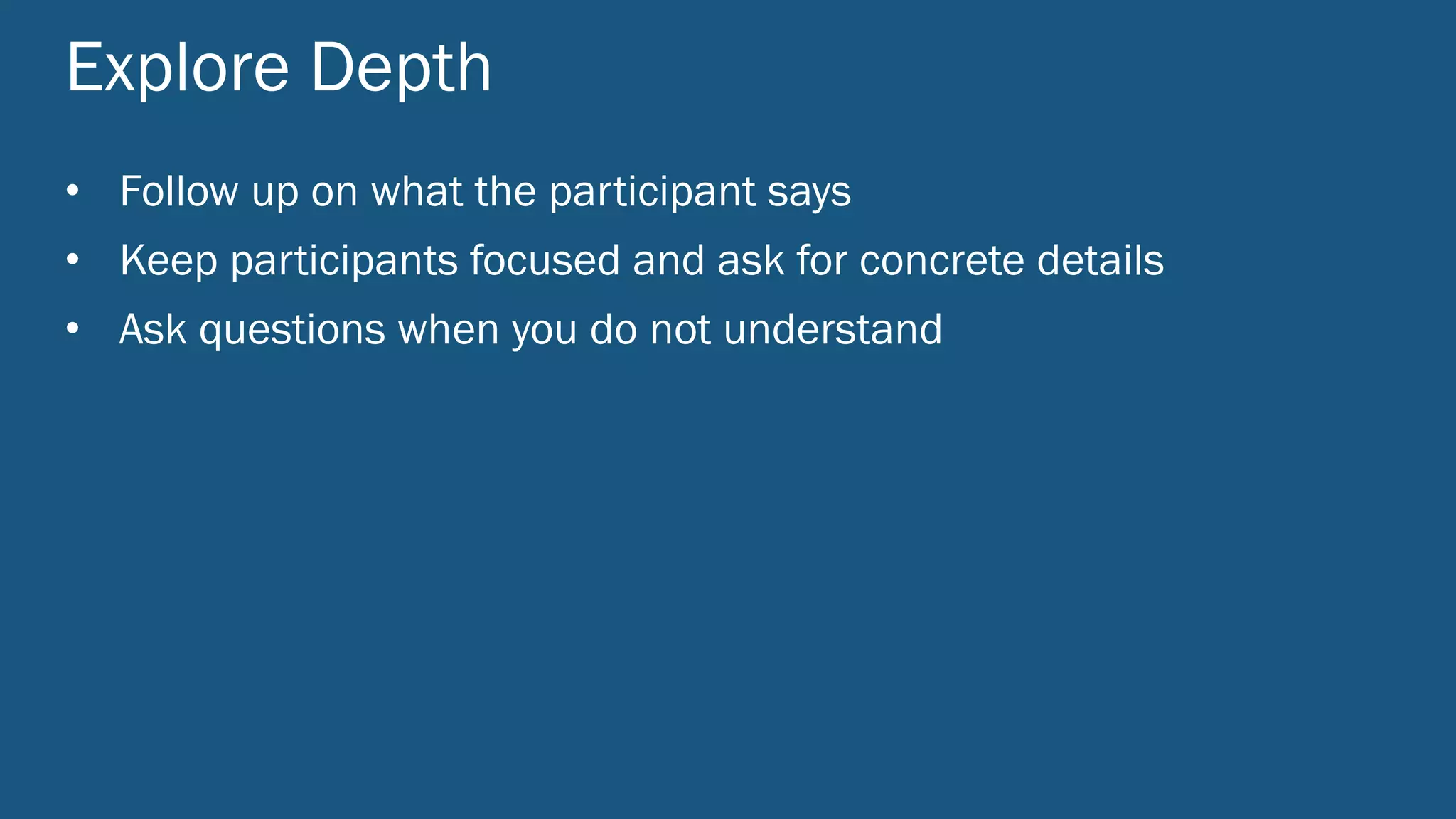
Explore Depth
• Follow up on what the participant says
• Keep participants focused and ask for concrete details
• Ask questions when you do not understand
Keep it Open
• Ask participants to tell a story
• Ask to hear more about a subject
• Ask open-ended questions (prevent yes/no answers)
• Use an interview guide, but feel free to go off script
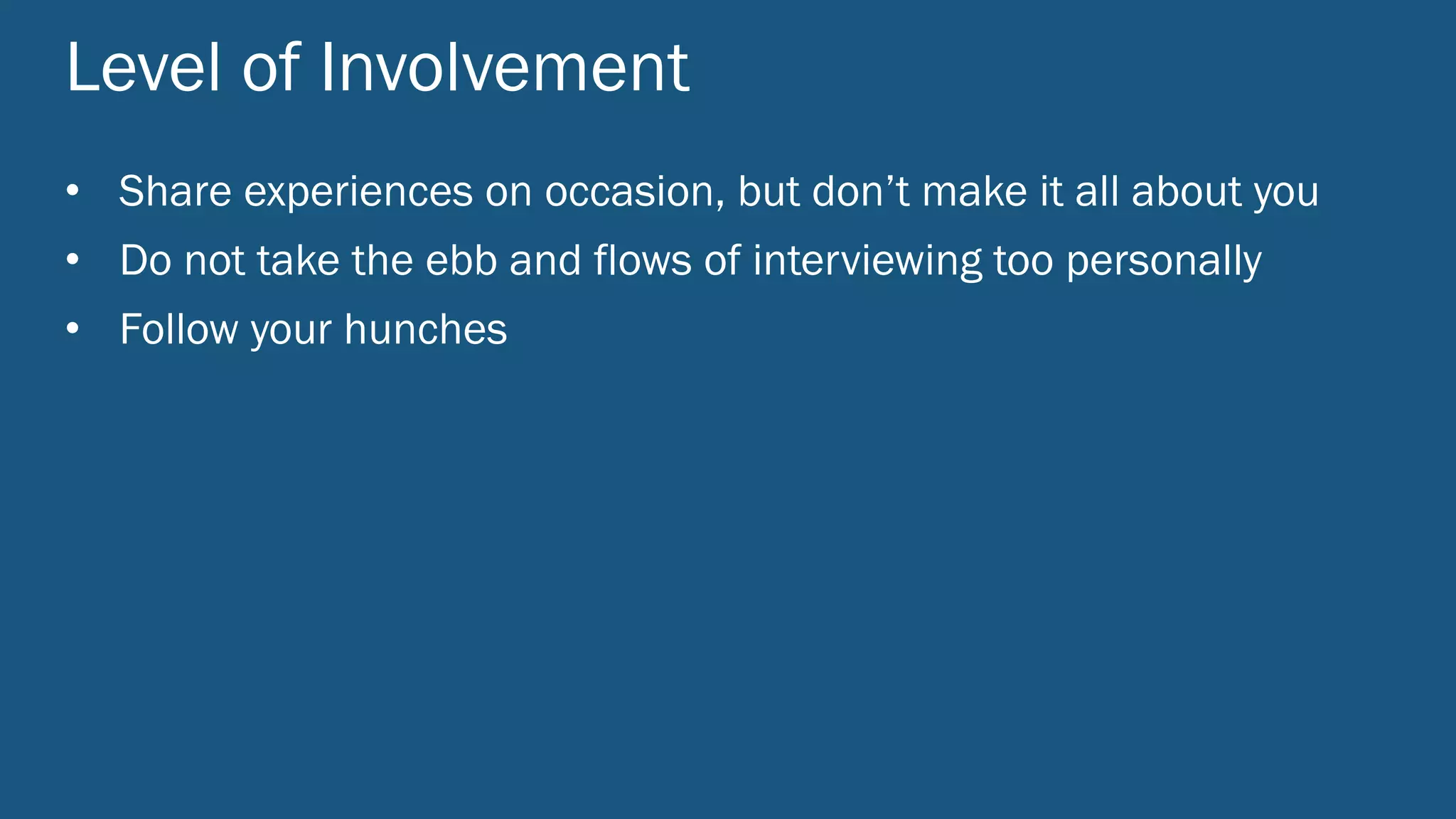
Level of Involvement
• Share experiences on occasion, but don’t make it all about you
• Do not take the ebb and flows of interviewing too personally
• Follow your hunches
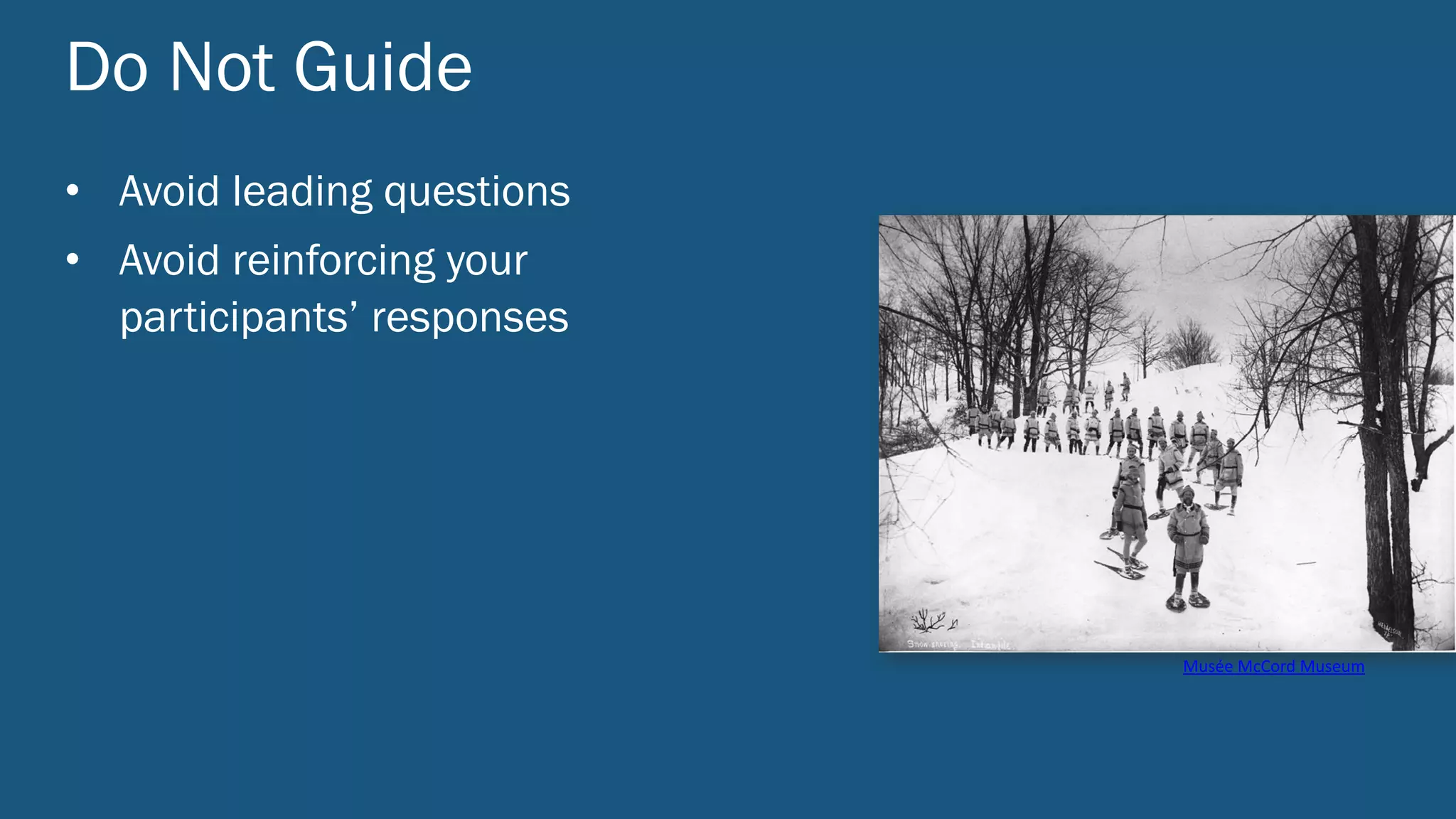
Do Not Guide
• Avoid leading questions
• Avoid reinforcing your
participants’ responses
Musée	McCord	Museum
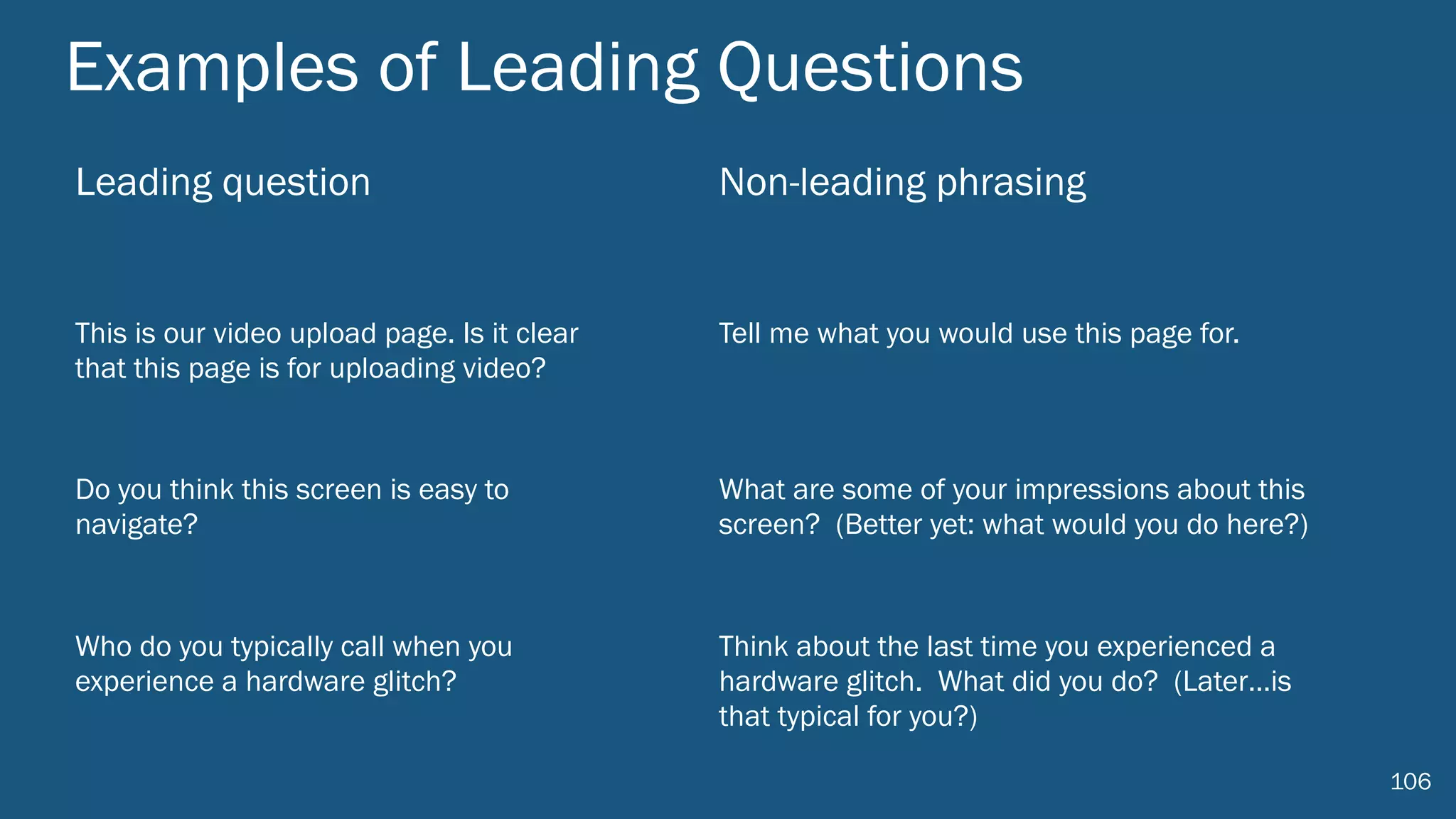
Examples of Leading Questions
Leading question Non-leading phrasing
This is our video upload page. Is it clear
that this page is for uploading video?
Tell me what you would use this page for.
Do you think this screen is easy to
navigate?
What are some of your impressions about this
screen? (Better yet: what would you do here?)
Who do you typically call when you
experience a hardware glitch?
Think about the last time you experienced a
hardware glitch. What did you do? (Later…is
that typical for you?)
106
• Brief description and goal of the interview (to share with participant).
• Any basic or factual questions needed (name, job title, role in organization,
age, etc.).
• Icebreaker or warm-up questions.
• List of questions or topics that are primary focus of the interview.
Prepare an Interview Guide
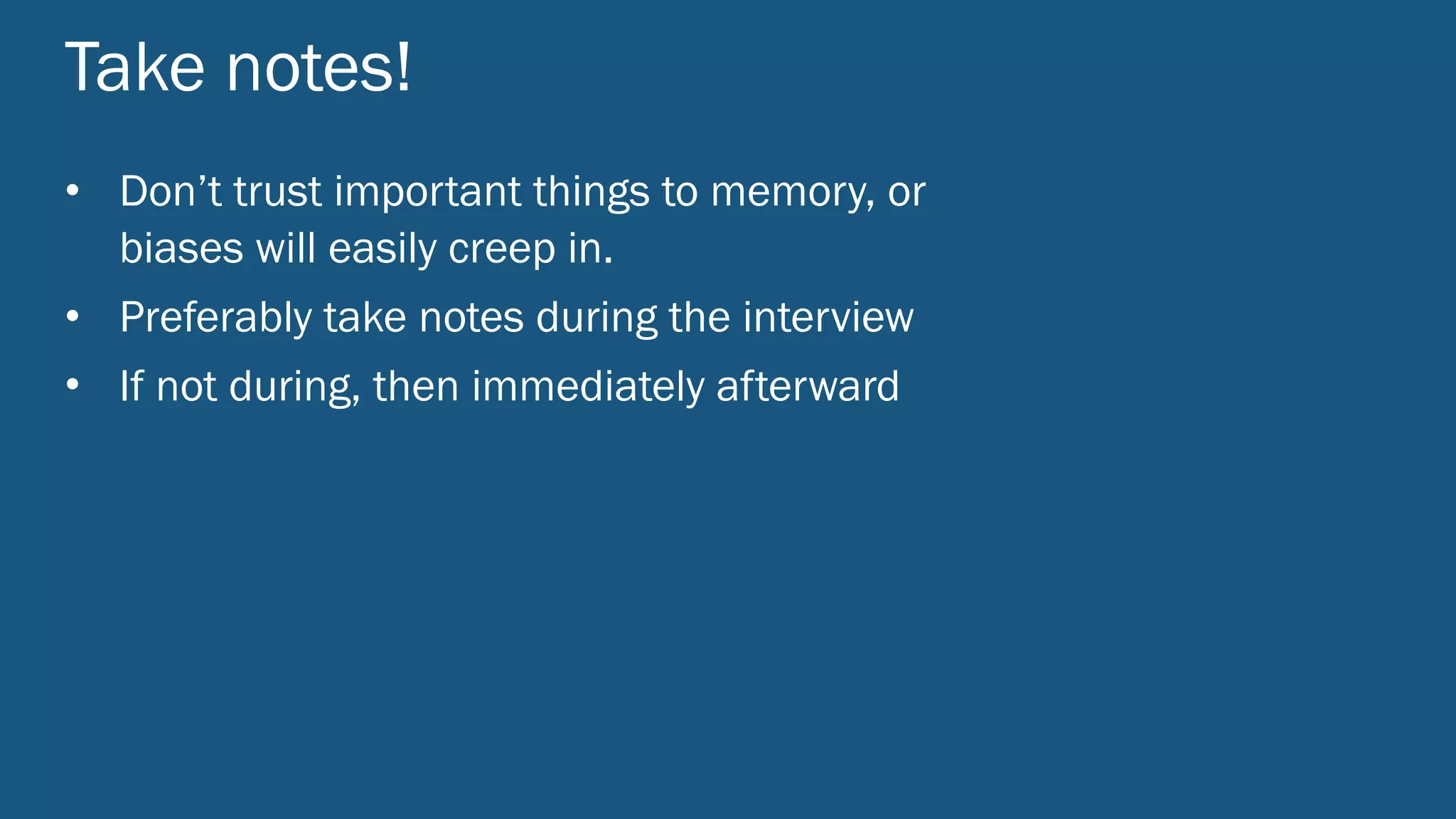
Take notes!
• Don’t trust important things to memory, or
biases will easily creep in.
• Preferably take notes during the interview
• If not during, then immediately afterward

Leveraging User Research

  • 2.
    Leveraging User Research PacificNorthwest Product Management Community February 23, 2017
  • 3.
  • 4.
    Tom Satwicz UX ResearchDirector & Partner, Blink UX tom@blinkux.com Brian O’Shea Interaction Designer, Blink UX brian.oshea@blinkux.com
  • 5.
  • 6.
  • 7.
    
 
 One positive thing
 you have seen from user research or usability testing in the past? 
 
 One concern, fear, or aggravation you have about user research or usability testing. One thing you’d like to get out of today’s workshop. 1 2 3
  • 8.
    Some things wehope you walk away with today: • The skills to effectively integrate user research into the product development process with a strong return on investment. • How foundational user research can help product teams understand user goals, generate insights, and narrow focus. • How to use research to evaluate and iterate on product concepts. • How to validate design and product decisions to ready your product for launch. • Inspiration to do more user research on your own
  • 9.
    Agenda • Product developprocess and user research • Foundational research • Conceptual research • Evaluative research • Research ROI
  • 10.
    Product Design andDevelopment Process and User Research
  • 11.
  • 13.
    Products do notappear out of thin air There is a “process” Decisions have to be made.
  • 14.
    Business needs andgoals Technical constraints and assets User/customer needs and behaviors
  • 15.
    User Research: TheBig Picture
  • 20.
    Products do notappear out of thin air There is a “process” Decisions have to be made.
  • 22.
  • 23.
  • 24.
    Observational studies
 User interviews
 Contextualinterviews
 Ethnographic research 
 Diary studies
 Competitive testing
 Card sorts
 Surveys
 Segmentation studies
 Concept evaluation Focus groups Participatory design RITE testing Usability Prototype testing UX heuristic reviews
 Eye tracking
 Remote testing
 Surveys
 A/B tests Analytics Foundational Concept Evaluative
  • 25.
    Research Goal User-CenteredStudy Types How usable/learnable/satisfying is my new design? Usability testing (formative) How usable/learnable/satisfying is my existing product? Usability testing (evaluative) Who are my users and what do they need? Contextual interviews | observations | surveys What distinct user types am I designing for? Segmentation surveys | personas How well can people find things? How should I construct an information architecture? Card sort | tree test | usability testing What are my users’ workflows? Diary study | contextual interviews | observations How easily can people set up and use a product? Out of box experience (OOBE) study Which design works best? A/B testing (small or large scale) How easily can a larger sample of people perform 
 (easy-to-stage) tasks? Unmoderated remote usability testing
  • 26.
  • 27.
    generate insights basedon: • user goals • user behaviors leads to a narrow focus
  • 28.
  • 29.
    Get the rightparticipants • Number of participants • Key participant criteria • Demographics • Screening script • Participant grid 29
  • 30.
    How difficult areyour customers to find? General consumer OR Specialized domain 30
  • 31.
    Current vs. potentialcustomers/users 31 Avoid talking only to those close to you. Mo Riza flic.kr/p/7R7ED
  • 32.
  • 33.
    The first ruleof finding out what people want: Don’t ask people what they want. http://www.userfocus.co.uk/articles/7-sins-of-user-research.html
  • 34.
    Interviewing Tips Seidman, I. (1998). Chapter six: Technique isn't everything, but it is a lot. Interviewing as qualitative research. New York, Teachers College Press: 63-78. • Listenmore, talk less • Follow up on what participants say • Ask questions when you do not understand • Ask to hear more about a subject • Explore, don’t probe • Avoid leading questions • Ask open-ended questions • Take notes during the interview
  • 35.
    Interviewing Tips Seidman, I. (1998). Chapter six: Technique isn't everything, but it is a lot. Interviewing as qualitative research. New York, Teachers College Press: 63-78. • Askparticipants to tell a story • Do not take the ebb and flows of interviewing too personally • Share experiences on occasion • Tolerate silence • Avoid reinforcing participant responses • Have an interview guide but go off script • Keep participants focused and ask for concrete details
  • 36.
  • 37.
    Co-creation exercises helpus understand study participant thinking, behavior
  • 38.
  • 39.
  • 40.
    40 “It’s real userresearch when you can smell what’s for dinner.” -John Dirks
  • 42.
    Diary studies • Usefulfor capturing behaviors and activities over time • Can track technology adoption and use on discrete days to track changes in use and perception • Participatory data collection and artifact sharing possible • Provides understanding of user’s context without being there
  • 44.
  • 45.
    Research Goal User-CenteredStudy Types How usable/learnable/satisfying is my new design? Usability testing (formative) How usable/learnable/satisfying is my existing product? Usability testing (evaluative) Who are my users and what do they need? Contextual interviews | observations | surveys What distinct user types am I designing for? Segmentation surveys | personas How well can people find things? How should I construct an information architecture? Card sort | tree test | usability testing What are my users’ workflows? Diary study | contextual interviews | observations How easily can people set up and use a product? Out of box experience (OOBE) study Which design works best? A/B testing (small or large scale) How easily can a larger sample of people perform 
 (easy-to-stage) tasks? Unmoderated remote usability testing
  • 46.
  • 47.
    Today’s Scenario: FamilyTrip •Service for parents to discover, plan, and book their next family vacation. • Offers ideas about: • where to go • what to do when you get there • Helps parents book all of the aspects of their next adventure. 47
  • 48.
    FamilyTrip • Uncertain abouthow voice assistants fit into FamilyTrip’s future. • What opportunity is there to develop a voice experience? 48
  • 49.
    Foundational Research: FamilyTrip Insmall groups: • Assign roles: Participant, Moderator, Observer(s) • Moderator will ask participant about either: • last trip they planned (best if it was for a family). • experience with voice assistant. • Observer takes notes 49
  • 50.
    Foundational Research: FamilyTrip Planningfor research: • research objectives • questions • methods • participants • outcomes To narrow product direction 50
  • 51.
  • 52.
  • 53.
    Conceptual Research Concept Testing RITE Testing Understanding design intent Rendering design intent
  • 54.
    Conceptual Research Interview andobserve users using the design in some form Concept Testing RITE Testing
  • 55.
    Concept Testing • Testingmultiple concepts or open-ended ideas • Session guide with tasks and interview Example: 5 Participants Day 1 Day 2 Day 3 Day 4 5 Participants Day 5 Design Recs Design Recs and Reporting Findings
  • 56.
    Concept Testing Outcome: Whataspects of design concepts are most promising • Results will be varying levels of certainty • Highly collaborative findings and recommendations discussions • Need to observe sessions to participate
  • 57.
    57 Teen Reactions toConcept AwesomeMeh. “Interesting” “Unique” “Different” “Useful” “Can see all angles” “Shows more details” “Good tool to have” “Cool” “Innovative” “Impressive” “More fun than GIF or video” “Very interesting” “Great for sharing” “Better than pictures” “Captures every aspect” “Complicated” “Long process” “Takes more time” “Too much space” “Not very necessary” “Looks weird in public”
  • 58.
    RITE Testing Iterative sessions Sessionguide with tasks and interview Example: 3 Participants Design Revisions Day 1 Day 2 3 Participants Design Revisions Day 3 Day 4 3 Participants Design Revisions Day 5 Day 6
  • 59.
    RITE Testing Outcome: Howwell a design concept is working • Iterative sessions makes data less comprehensive • Good for teams where stakeholders are involved in the design process • Design team needs to determine which pieces of evidence are worth taking action on
  • 60.
    • Collaborate withteammates on findings • Write out granular findings from each participant on sticky notes • Build a data wall • Organize into themes and then collaboratively decide on any design revisions needed (even if they are high level for the time being). Findings
  • 62.
  • 63.
    FamilyTrip Two concepts forhow to leverage a voice assistant. 1. Trip planning assistant Alexa skill 2. Interactive city tour guide 63
  • 64.
    Conceputal Research: FamilyTrip Insmall groups, generate sample research brief: • research objectives • questions • methods • participants • outcomes That will help you decide which path to take. 64
  • 65.
  • 66.
    validate design and productdecisions get ready for launch
  • 67.
    Conceptual to Evaluative EarlierLater Concept Testing RITE Testing Usability Testing Directional Specific Adaptable Rigorous
  • 68.
    Usability Testing Same designin all sessions Session guide with tasks and interview Example: 5 Participants Day 1 Day 2 Day 3 Day 4 5 Participants Day 5 Reporting Design RecsFindings
  • 69.
    Usability Testing Outcome: Howto improve the design • A sample of 8-10 participants can yield qualitative findings and recommendations • Good for teams who need specific answers on a design’s performance • Formal reporting • Great for external stakeholders
  • 70.
    Usability Testing CommonComponents • Screener • Session Guide • Design Artifacts, Prototypes, or Applications • Test Sessions • Findings and Recommendations
  • 71.
    Session Guide Purpose: Createa testing plan that answers research questions • Objectives • Research questions • Pre-interview • Tasks • Post-interview
  • 72.
    Design Artifact Purpose: Createtest stimuli • Prototypes • Content • Information architecture • Visual design
  • 73.
    Test Sessions Purpose: Collectdata • Consistent protocol • Not leading the participant • Listen, observe and follow up to get more information
  • 74.
    Finding and Recommendations Purpose:Connect the findings to the design • Answers to research questions • Prioritized findings • Directional to specific recommendations • Positive, neutral and negative findings
  • 76.
    Issues are characterizedby severity and scope Introduces inefficiencies 
 Interferes with performing tasks quickly and easily. Causes task difficulty 
 Users can probably perform the task, but not without difficulty. Risk of task failure 
 At least some users will not be able to perform the task successfully. Positive experience 
 Strengths of the design that contribute to a positive user experience. Low Few Participants (1 – 6) Medium Several Participants (7 – 12) High Almost All Participants (13 – 18)
  • 77.
  • 78.
  • 79.
    • Select afocal point such as one new feature • Don’t demo this particular feature: test it with 2-3 people instead! • Write up a short (1 pg) test plan that includes: -Research questions -Representative tasks with the feature Turning part of a demo into a usability session
  • 80.
    • Identify andrecruit participants: – Actual users are best – Proxies will do in a pinch: peers for hallway testing, spouses, stakeholders, etc. • Let them know they are doing you a favor and that you want to see how well the system works without instruction – Do not refer to this as a “user test” in front of them! – Give them tasks (verbally, one by one, or on paper if complex) – Ask them to think aloud as they work – Observe and take notes (or ask a partner to take notes) Conducting the usability session
  • 81.
    Research Goal User-CenteredStudy Types How usable/learnable/satisfying is my new design? Usability testing (formative) How usable/learnable/satisfying is my existing product? Usability testing (evaluative) Who are my users and what do they need? Contextual interviews | observations | surveys What distinct user types am I designing for? Segmentation surveys | personas How well can people find things? How should I construct an information architecture? Card sort | tree test | usability testing What are my users’ workflows? Diary study | contextual interviews | observations How easily can people set up and use a product? Out of box experience (OOBE) study Which design works best? A/B testing (small or large scale) How easily can a larger sample of people perform 
 (easy-to-stage) tasks? Unmoderated remote usability testing
  • 82.
  • 83.
    FamilyTrip Working prototype ofan interactive city tour guide 83
  • 84.
    Evaluative Research: FamilyTrip Insmall groups, generate sample research brief: • research objectives • questions • methods • participants • outcomes To finalize the product for launch. 84
  • 85.
  • 86.
    x100 Post release multiplier $1to fix a problem during design costs $100 to fix it after the release. Software Engineering: A Practitioner’s Approach, Robert Pressman
  • 87.
    50% Avoidable work 50% ofdevelopment time during IT projects is spent doing avoidable work. Dr. Susan Weinschenk, The ROI of User Experience
  • 88.
    $2.5M Training savings As aresult of usability improvements at AT&T, the company saved $2,500,000 in training expenses. Human Factors International ROI Whitepaper
  • 89.
    5 # of participantsthat find 80% of issues Nielsen Normal Group
  • 90.
  • 91.
  • 92.
    Applied research borrowsideas and techniques from pure research to serve a specific real-world goal, such as creating a supersoldier or improving the quality of hospital care or finding new ways to market pork-flavored soda. While ethics are just as important, methods can be more relaxed…The research is successful to the extent that it contributes to the stated goal. -Erica Hall
  • 93.
    93 Ingredients for successfulUX research 1. Find the right people to observe or interact with 2. Ask them the right questions 3. Observe them doing things that inform the design solution or problem space
  • 94.
  • 95.
    Three areas ofpotential bias: • Interviewer bias • Participant bias • Bias resulting from interview setting
  • 96.
    Interviewer Bias Confirmation bias Researcherforms a hypothesis or belief and uses respondents’ information to confirm that belief. Culture bias Interpreting and judging based on standards inherent in one's own culture.  The halo effect Tendency to see something or someone in a certain light because of a single attribute.
  • 97.
    Participant Bias Observer effect
 (Hawthorne effect) When people know they’re being observed they tend to exhibit slightly different behavior than normal. Social desirability People generally tell you what they think you want to hear; less likely to say disparaging things about other people and products. Recency effect, 
 Primacy effect Last things seen or first things seen influence impressions.
  • 98.
    Biases from Interview Settings Tellingvs. showing Settings were people can only self-report instead of being observed are prone to many biases. Fake context Even carefully-created usability lab or field testing setups are artificial; be mindful of what is contrived or missing. Social influences Be careful of potential biases resulting from conducting interviews in front of managers, supervisors, co-workers, or even friends or other family members.
  • 99.
  • 100.
    Establishing a goodinterview setting • As close as possible to context of use • Try to engage where participants are likely to be most comfortable and express honest opinions • Know cultural norms (e.g., if men do not typically meet with women alone, do not create that situation in an interview setting) • Avoid awkward or biasing power dynamics (e.g., interviewing NGO staff member along with their country director). • Consider pros/cons of recording interview and always get consent! 100
  • 101.
    Listen First • Listenmore, talk less • Tolerate silence • Be empathetic • Follow up, but don’t interrupt or correct
  • 102.
    Explore Depth • Followup on what the participant says • Keep participants focused and ask for concrete details • Ask questions when you do not understand
  • 103.
    Keep it Open •Ask participants to tell a story • Ask to hear more about a subject • Ask open-ended questions (prevent yes/no answers) • Use an interview guide, but feel free to go off script
  • 104.
    Level of Involvement •Share experiences on occasion, but don’t make it all about you • Do not take the ebb and flows of interviewing too personally • Follow your hunches
  • 105.
    Do Not Guide •Avoid leading questions • Avoid reinforcing your participants’ responses Musée McCord Museum
  • 106.
    Examples of LeadingQuestions Leading question Non-leading phrasing This is our video upload page. Is it clear that this page is for uploading video? Tell me what you would use this page for. Do you think this screen is easy to navigate? What are some of your impressions about this screen? (Better yet: what would you do here?) Who do you typically call when you experience a hardware glitch? Think about the last time you experienced a hardware glitch. What did you do? (Later…is that typical for you?) 106
  • 107.
    • Brief descriptionand goal of the interview (to share with participant). • Any basic or factual questions needed (name, job title, role in organization, age, etc.). • Icebreaker or warm-up questions. • List of questions or topics that are primary focus of the interview. Prepare an Interview Guide
  • 108.
    Take notes! • Don’ttrust important things to memory, or biases will easily creep in. • Preferably take notes during the interview • If not during, then immediately afterward