Windows 8 Design 101
Christina Seong and Valentina Ferrari
About Us
      Christina Seong


      Valentina Ferrari
      MS Human Centered Design & Engineering
      @valeaseattle
Outline
Design 101        Windows 8 Design
User Experience   Origins
Benefits          5 Principles
Process           Windows UX
                  Branding
                  Case Study
design 101
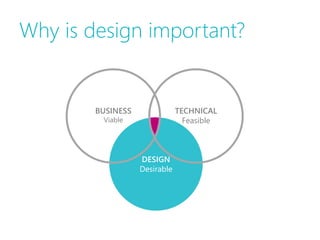
Why is design important?


        BUSINESS               TECHNICAL
         Viable                  Feasible


                   DESIGN
                   Desirable
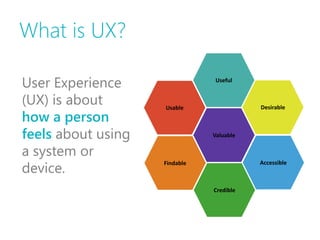
What is UX?

User Experience                Useful


(UX) is about       Usable                Desirable
how a person
feels about using              Valuable

a system or
device.
                    Findable              Accessible


                               Credible
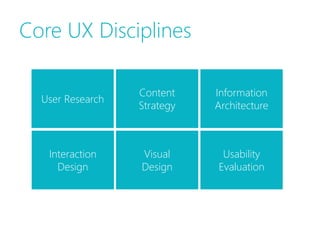
Core UX Disciplines

                  Content    Information
  User Research
                  Strategy   Architecture


   Interaction    Visual      Usability
     Design       Design     Evaluation
Benefits
• Increased user efficiency

• Improved user productivity

• Customer satisfaction

• Increased adoption rates

• Reduced time & costs in development

• Decreased training & support costs

• Reduced maintenance costs
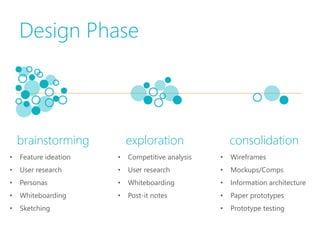
Design Phase


    brainstorming          exploration                consolidation
•   Feature ideation   •   Competitive analysis   •   Wireframes
•   User research      •   User research          •   Mockups/Comps
•   Personas           •   Whiteboarding          •   Information architecture
•   Whiteboarding      •   Post-it notes          •   Paper prototypes
•   Sketching                                     •   Prototype testing
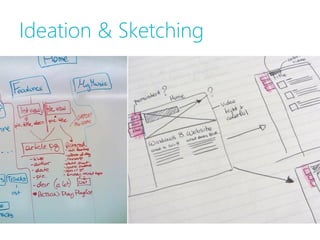
Ideation & Sketching
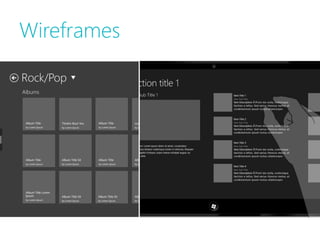
Wireframes
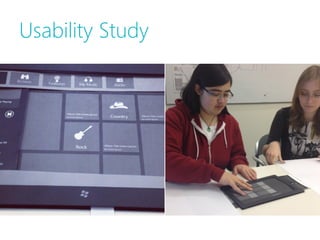
Usability Study
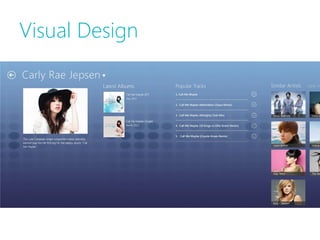
Visual Design
Windows 8
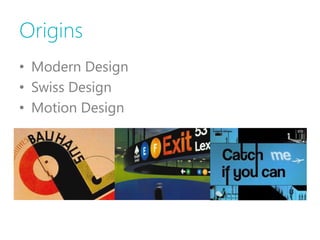
Origins
• Modern Design
• Swiss Design
• Motion Design
Five Principles
•   Pride in Craftsmanship
•   Be Fast and Fluid
•   Authentically Digital
•   Do More with Less
•   Win as One
Five Principles
•   Pride in Craftsmanship
•   Be Fast and Fluid
•   Authentically Digital
•   Do More with Less
•   Win as One
Five Principles
•   Pride in Craftsmanship
•   Be Fast and Fluid
•   Authentically Digital
•   Do More with Less
•   Win as One
Five Principles
•   Pride in Craftsmanship
•   Be Fast and Fluid
•   Authentically Digital
•   Do More with Less
•   Win as One
Five Principles
•   Pride in Craftsmanship
•   Be Fast and Fluid
•   Authentically Digital
•   Do More with Less
•   Win as One
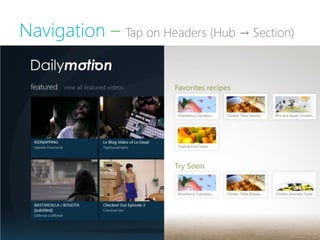
Navigation – Tap on Headers (Hub → Section)
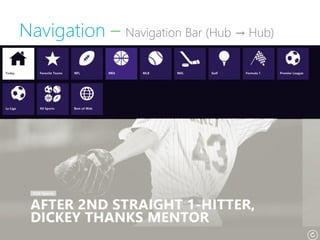
Navigation – Navigation Bar (Hub → Hub)
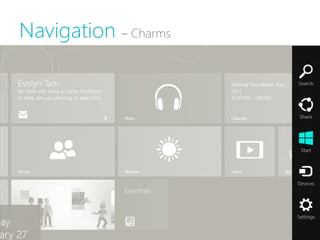
Navigation – Charms
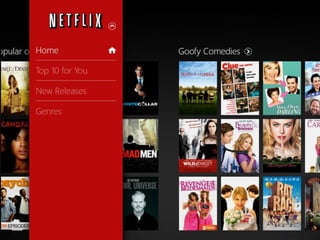
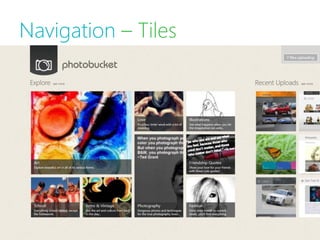
Navigation – Tiles
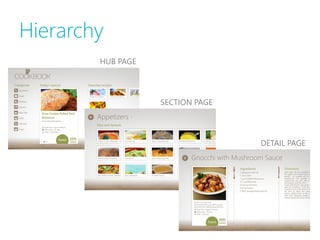
Hierarchy
        HUB PAGE


                   SECTION PAGE


                                  DETAIL PAGE
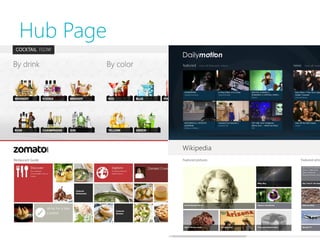
Hub Page
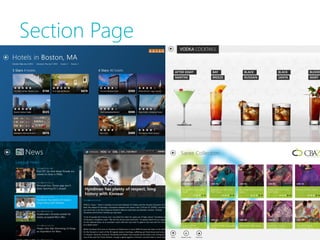
Section Page
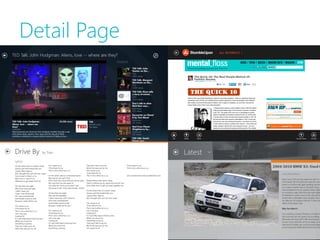
Detail Page
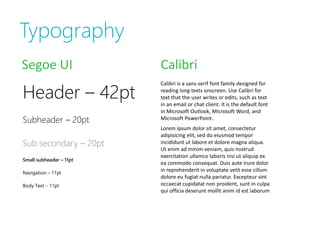
Typography
Segoe UI                 Calibri

Header – 42pt
                         Calibri is a sans-serif font family designed for
                         reading long texts onscreen. Use Calibri for
                         text that the user writes or edits, such as text
                         in an email or chat client. It is the default font
                         in Microsoft Outlook, Microsoft Word, and
Subheader – 20pt         Microsoft PowerPoint.
                         Lorem ipsum dolor sit amet, consectetur
                         adipisicing elit, sed do eiusmod tempor
Sub secondary – 20pt     incididunt ut labore et dolore magna aliqua.
                         Ut enim ad minim veniam, quis nostrud
                         exercitation ullamco laboris nisi ut aliquip ex
Small subheader – 11pt
                         ea commodo consequat. Duis aute irure dolor
Navigation – 11pt
                         in reprehenderit in voluptate velit esse cillum
                         dolore eu fugiat nulla pariatur. Excepteur sint
Body Text – 11pt         occaecat cupidatat non proident, sunt in culpa
                         qui officia deserunt mollit anim id est laborum
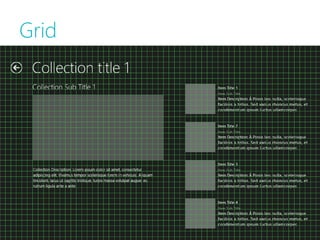
Grid
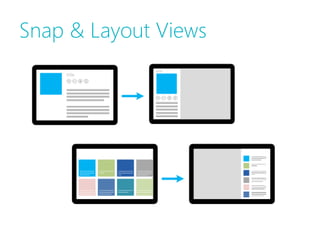
Snap & Layout Views
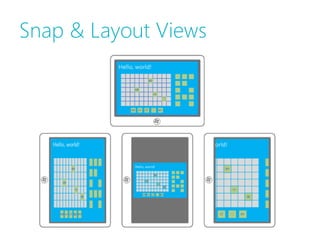
Snap & Layout Views
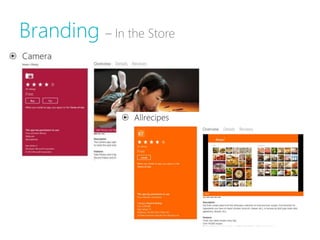
Branding – In the Store
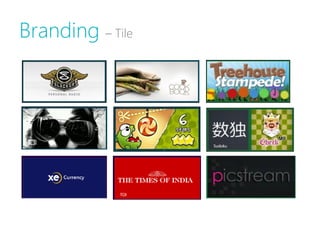
Branding – Tile
Branding – Loading Screen
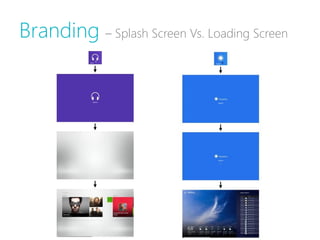
Branding – Splash Screen Vs. Loading Screen
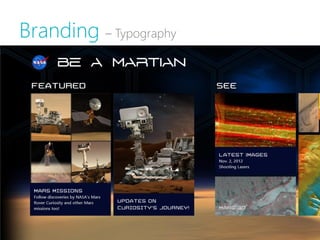
Branding – Typography
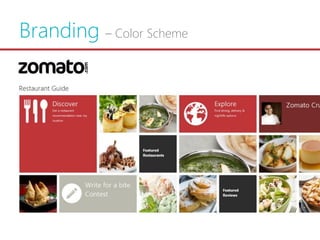
Branding – Color Scheme
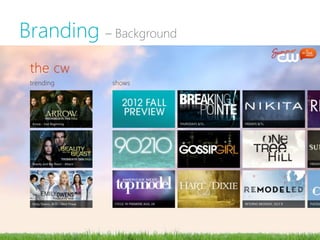
Branding – Background
case study
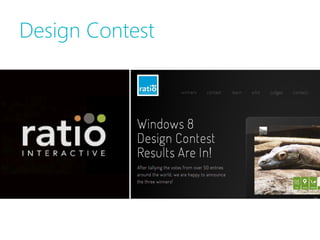
Design Contest
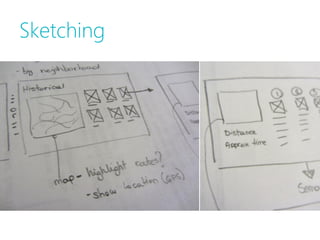
Sketching
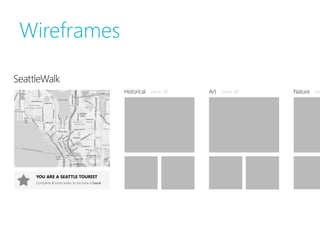
Wireframes
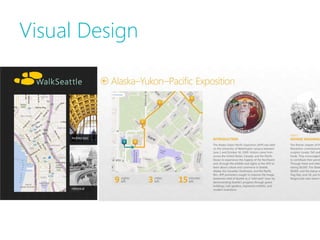
Visual Design
…back to sketching…
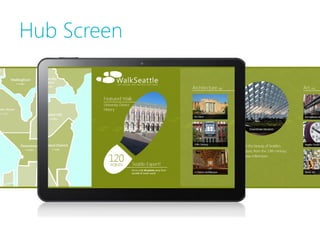
Hub Screen
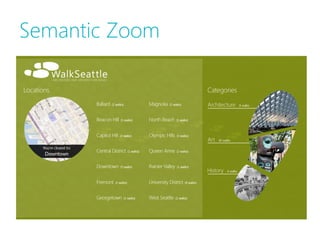
Semantic Zoom
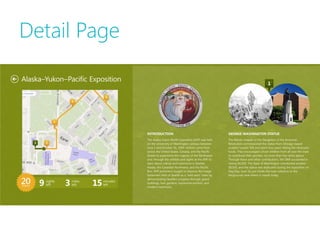
Detail Page
appendix
Windows 8 Resources
•   Making Great Metro Style Apps
•   Planning Metro Style Apps
•   How Navigation works
•   Commands and Charms
•   Touch Interaction
•   PSD Resources from Microsoft
•   Typography
•   The Grid
•   UX Guidelines for Metro Style Apps
•   Scaling to different screen
•   Gestures
•   Splash Screen Guidelines
•   Skeuomorphic Design
Design Resources
Typography
Font Squirrel
DaFont

Color Schemes
Color Scheme Designer
Colour Lovers

Icons
The Noun Project
Icon Finder
Apps Featured
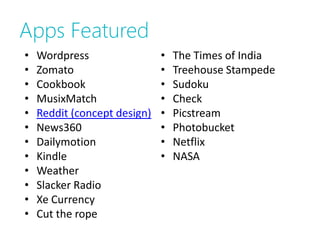
•   Wordpress                 •   The Times of India
•   Zomato                    •   Treehouse Stampede
•   Cookbook                  •   Sudoku
•   MusixMatch                •   Check
•   Reddit (concept design)   •   Picstream
•   News360                   •   Photobucket
•   Dailymotion               •   Netflix
•   Kindle                    •   NASA
•   Weather
•   Slacker Radio
•   Xe Currency
•   Cut the rope

Windows 8 design 101