Download to read offline

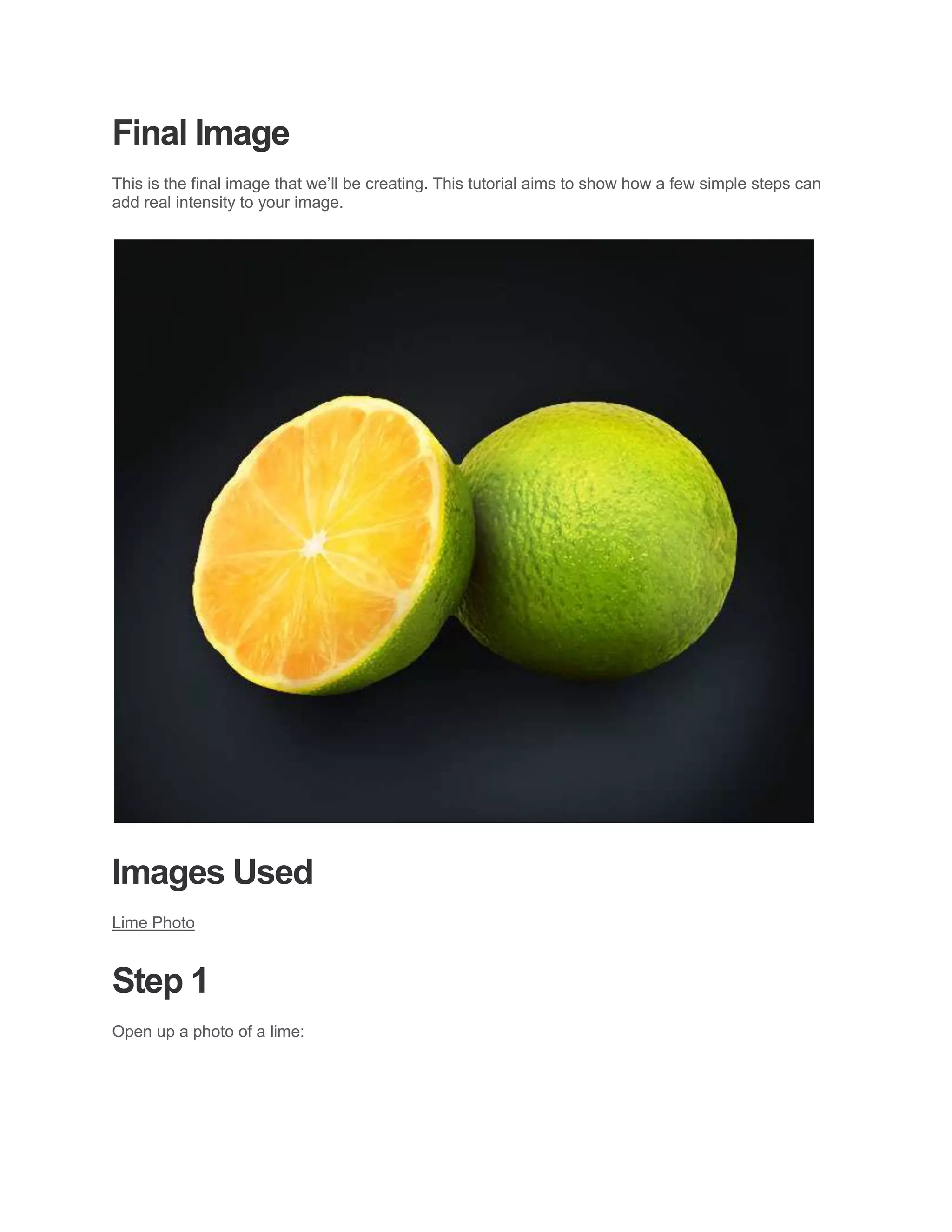
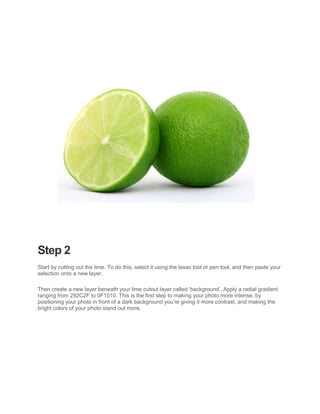
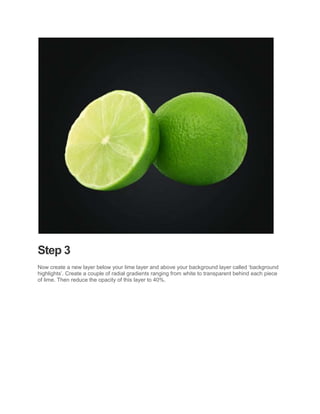
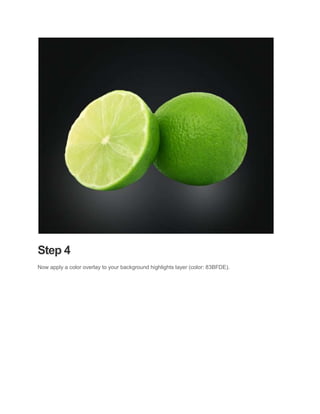
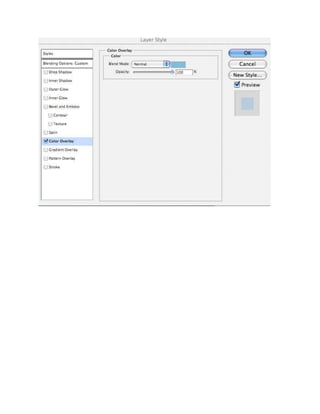
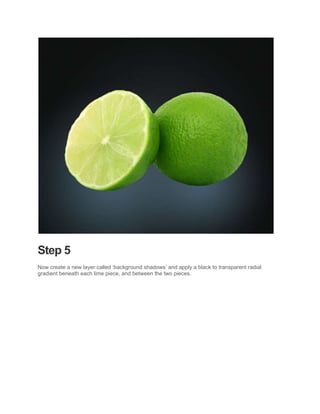
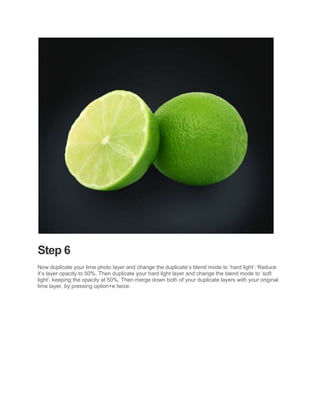
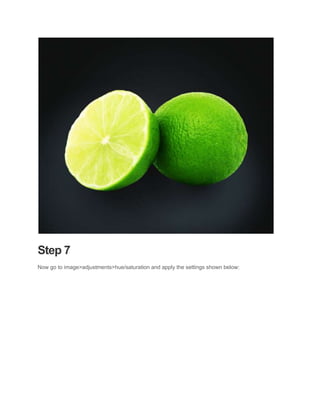
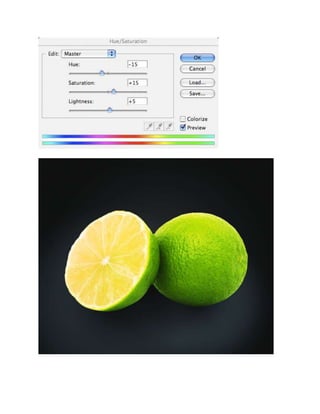
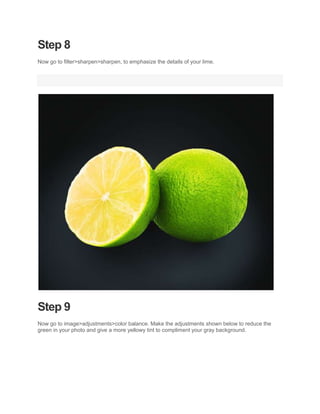
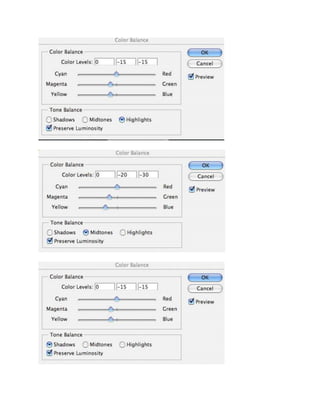
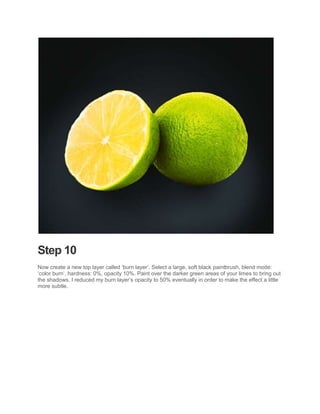
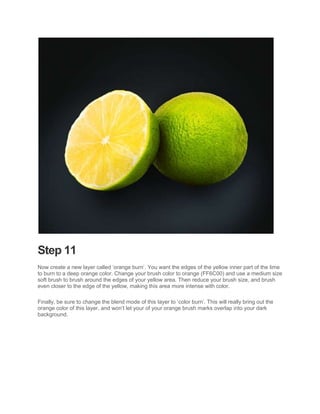
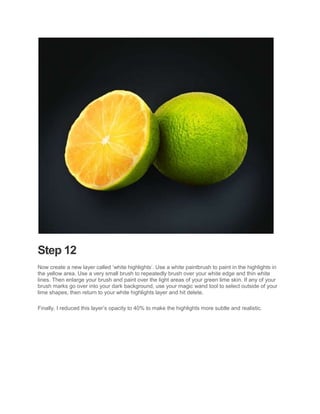
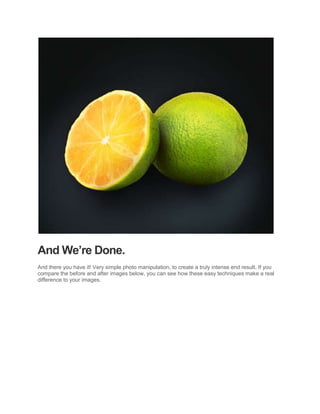
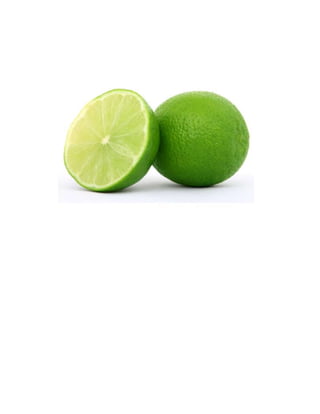
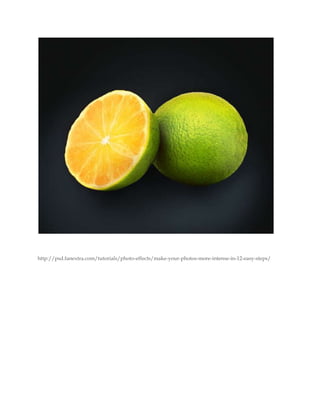

This document provides a 12-step tutorial for making photos more intense using Adobe Photoshop. The steps include cutting out the subject (a lime), adding dark and light gradients behind it, adjusting layers and blending modes, adding color adjustments and burns, and highlights to emphasize details and colors. With these simple steps, the tutorial aims to transform a photo into a more intense image.


![Steps to work_on_photoshop[1]](https://cdn.slidesharecdn.com/ss_thumbnails/stepstoworkonphotoshop1-110902192646-phpapp02-thumbnail.jpg?width=640&height=640&fit=bounds)


