Download to read offline

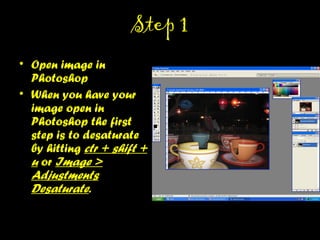
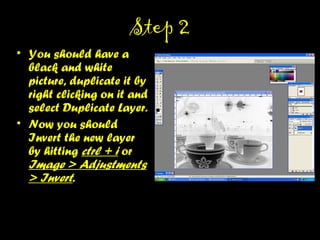
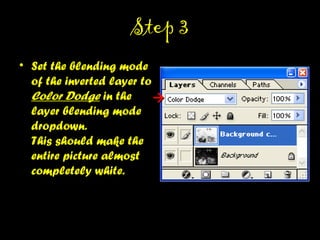
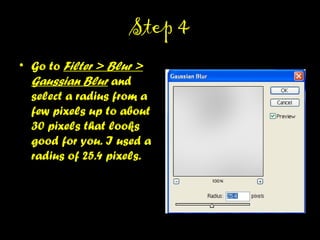
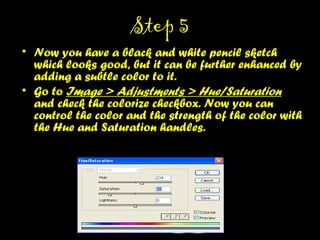
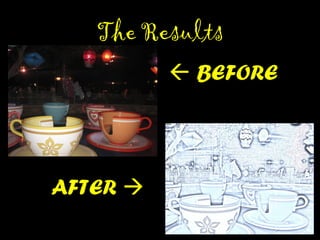

This document provides a 5-step tutorial for converting a photo into a colored pencil sketch effect in Photoshop. The steps include: 1) desaturating the photo, 2) duplicating and inverting the layer, 3) setting the inverted layer to Color Dodge blending, 4) adding Gaussian blur, and 5) using Hue/Saturation to add subtle color. Following these steps results in a black and white pencil sketch that can be further enhanced with color.


![Steps to work_on_photoshop[1]](https://cdn.slidesharecdn.com/ss_thumbnails/stepstoworkonphotoshop1-110902192646-phpapp02-thumbnail.jpg?width=640&height=640&fit=bounds)


