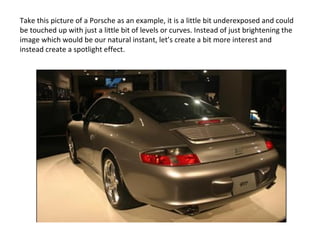
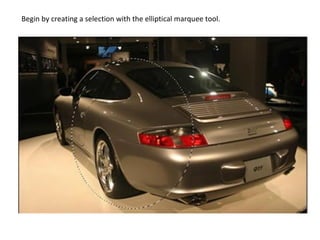
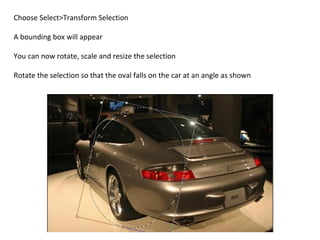
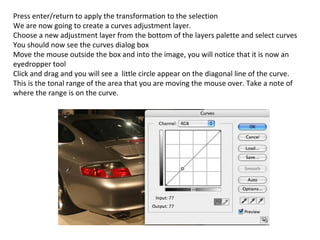
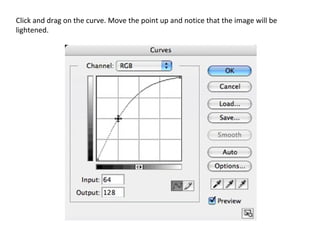
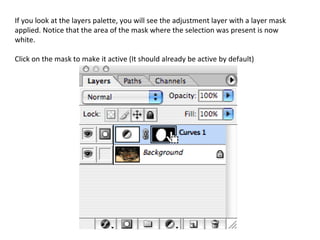
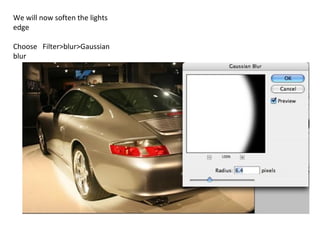
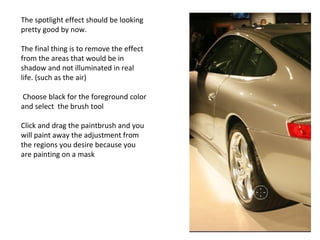
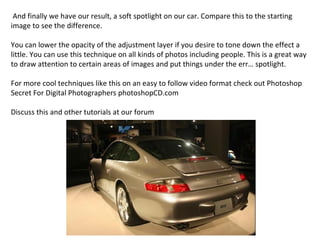
The document describes how to create a spotlight effect in Photoshop on an image of a Porsche. It involves making an elliptical selection around the car, creating a curves adjustment layer targeted to the selection, and then blurring and painting on the mask to soften the light edges and remove the effect from shadowed areas. The result is a spotlight drawn on the car to draw attention to it and enhance the image compared to the original underexposed photo.