Download to read offline
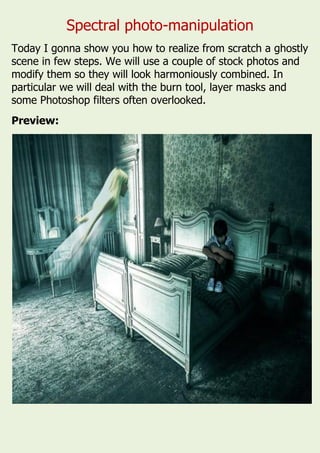
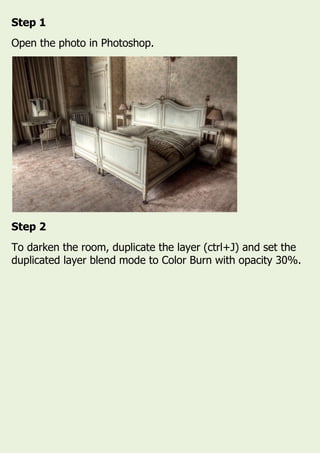
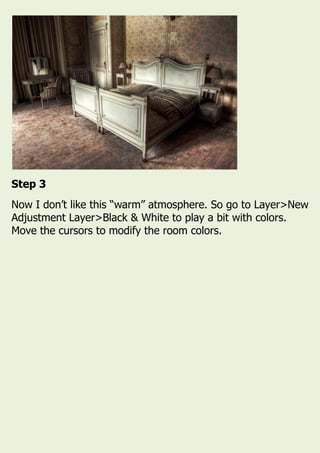
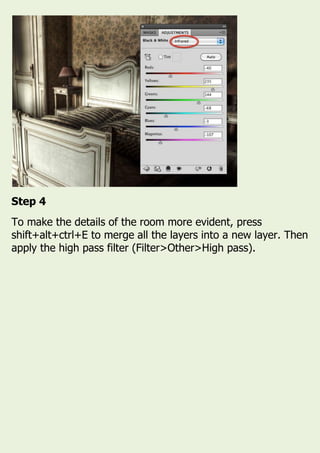
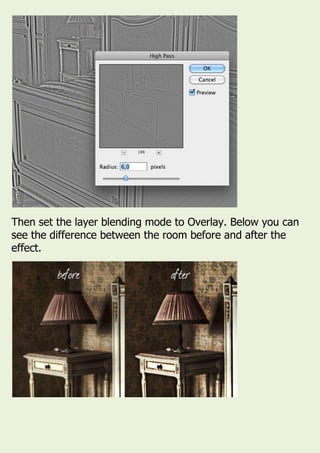
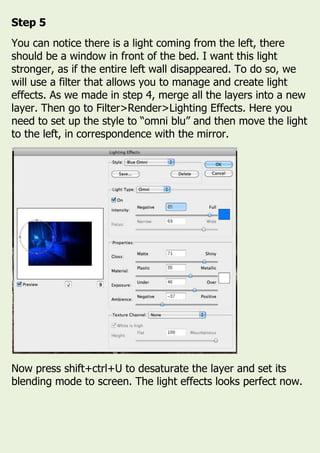
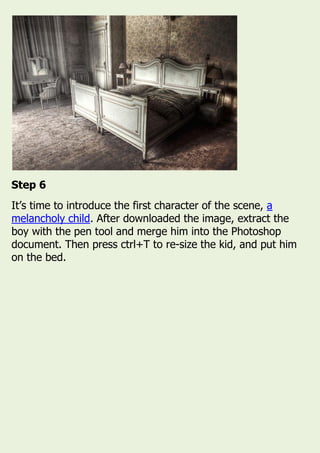
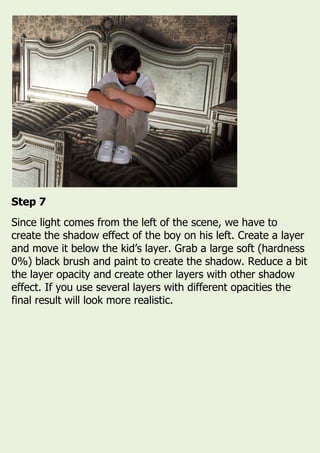
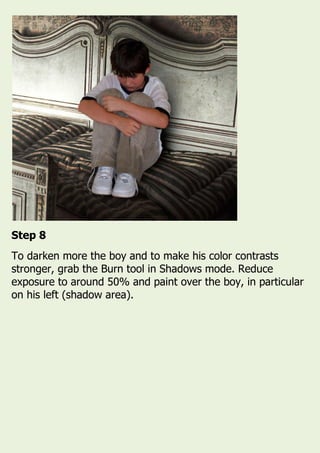
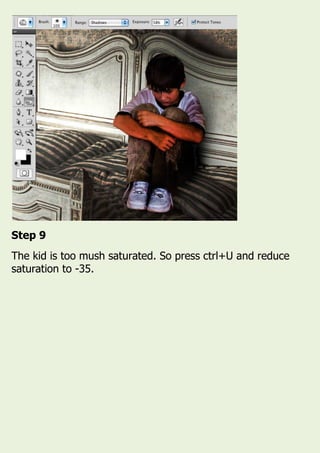
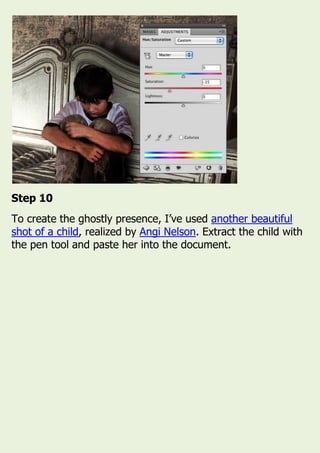
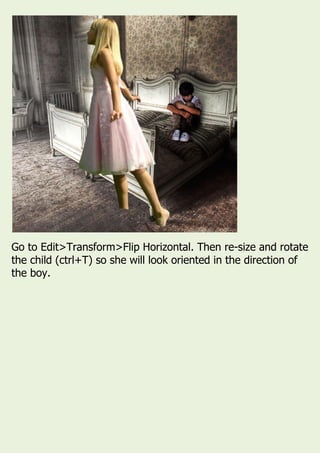
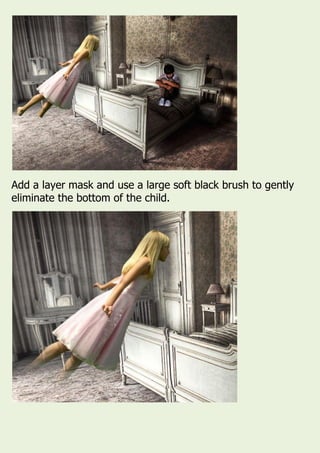
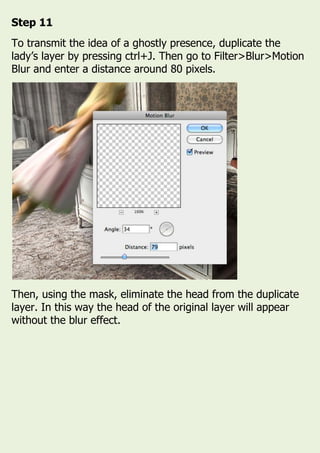
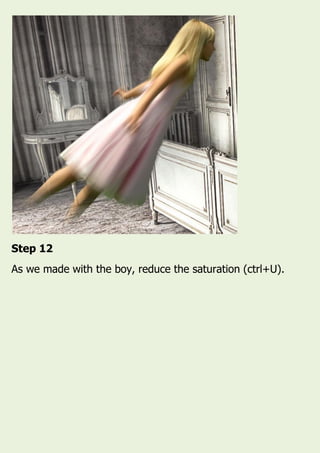
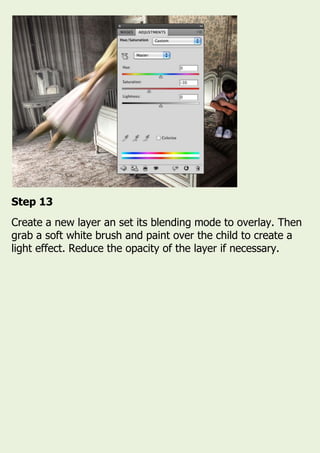
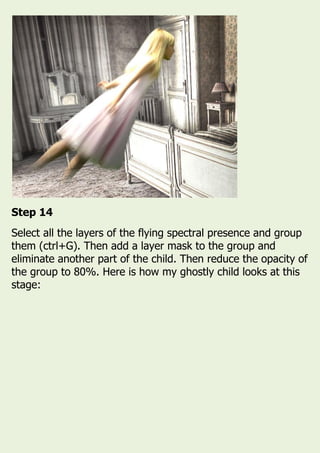
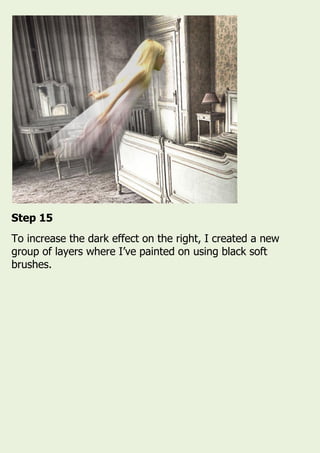
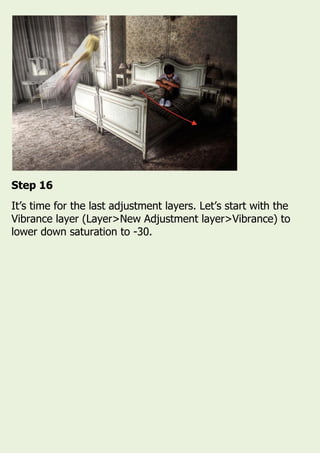
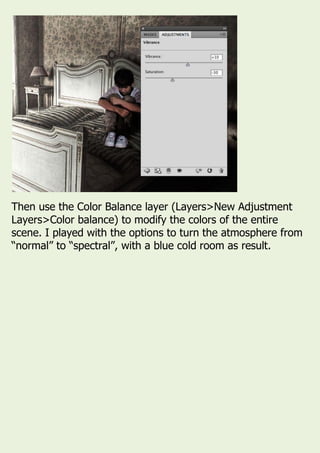
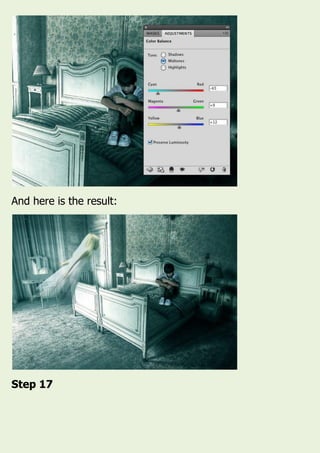
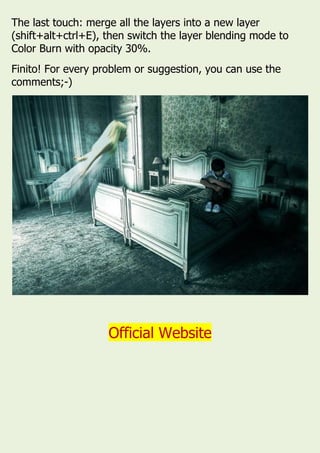

This document provides a 17-step tutorial for creating a ghostly scene in Photoshop using stock photos and photo manipulation techniques. Some of the key steps include darkening the room using a Color Burn blend mode, adding lighting and shadow effects to introduce characters, and using layer masks and blurring to create a spectral ghostly presence. Adjustment layers are also used to modify colors and tones to achieve the final spectral atmosphere.


![Steps to work_on_photoshop[1]](https://cdn.slidesharecdn.com/ss_thumbnails/stepstoworkonphotoshop1-110902192646-phpapp02-thumbnail.jpg?width=640&height=640&fit=bounds)


