
JSON in Solr:
From Top to Bottom
Alexandre Rafalovitch
Apache Solr Popularizer
@arafalov
#Activate18 #ActivateSearch
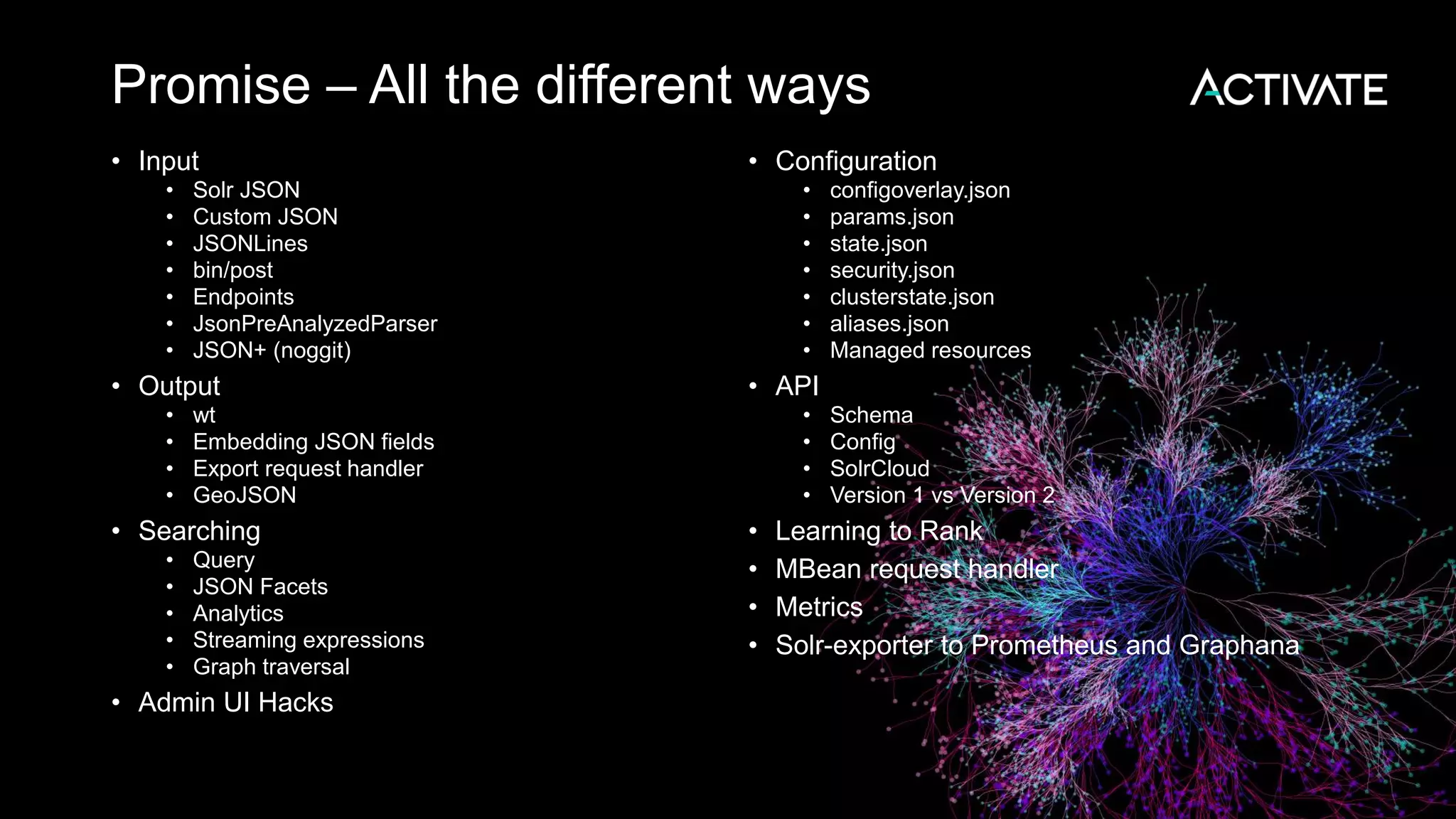
Promise – All the different ways
• Input
• Solr JSON
• Custom JSON
• JSONLines
• bin/post
• Endpoints
• JsonPreAnalyzedParser
• JSON+ (noggit)
• Output
• wt
• Embedding JSON fields
• Export request handler
• GeoJSON
• Searching
• Query
• JSON Facets
• Analytics
• Streaming expressions
• Graph traversal
• Admin UI Hacks
• Configuration
• configoverlay.json
• params.json
• state.json
• security.json
• clusterstate.json
• aliases.json
• Managed resources
• API
• Schema
• Config
• SolrCloud
• Version 1 vs Version 2
• Learning to Rank
• MBean request handler
• Metrics
• Solr-exporter to Prometheus and Graphana
Reality
Agenda
Focus area
• Indexing
• Outputing
• Querying
• Configuring
Reductionist approach
• Reduce Confusion
• Reduce Errors
• Reduce Gotchas
• Hints and tips
Solr JSON indexing confusion
• One among equals!
• Solr JSON vs custom JSON
• Top level object vs. array
• /update vs /update/json vs /update/json/docs
• bin/post auto-routing
• json.command flag impact
• Child documents – extra confusing
• Changes ahead
What is JSON?
{
"stringKey": "value",
"numericKey": 2,
"arrayKey":["val1", "val2"],
"childKey":
{
"boolKey": true
}
}
Solr noggit extensions
{ // JSON+, supported by noggit
delete: {query: "*:*"}, //no key quotes
add: {
doc: {
id: 'DOC1', //single quotes
my_field: 2.3,
my_mval_field: ['aaa', 'bbb'],
//trailing commas
}}}
• https://github.com/yonik/noggit
• http://yonik.com/noggit-json-parser/
• Also understands JSONLines
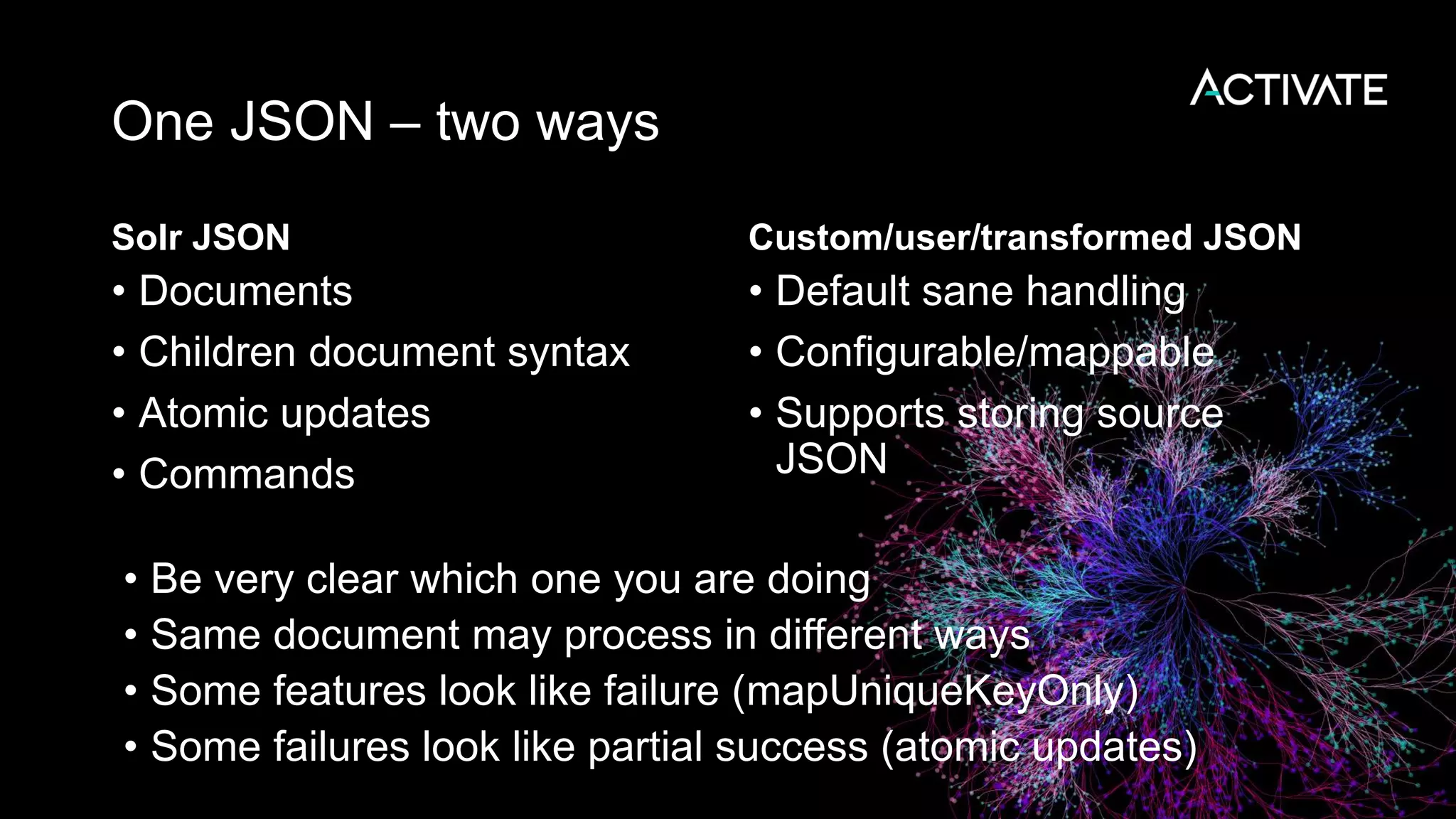
One JSON – two ways
Solr JSON
• Documents
• Children document syntax
• Atomic updates
• Commands
Custom/user/transformed JSON
• Default sane handling
• Configurable/mappable
• Supports storing source
JSON
• Be very clear which one you are doing
• Same document may process in different ways
• Some features look like failure (mapUniqueKeyOnly)
• Some failures look like partial success (atomic updates)
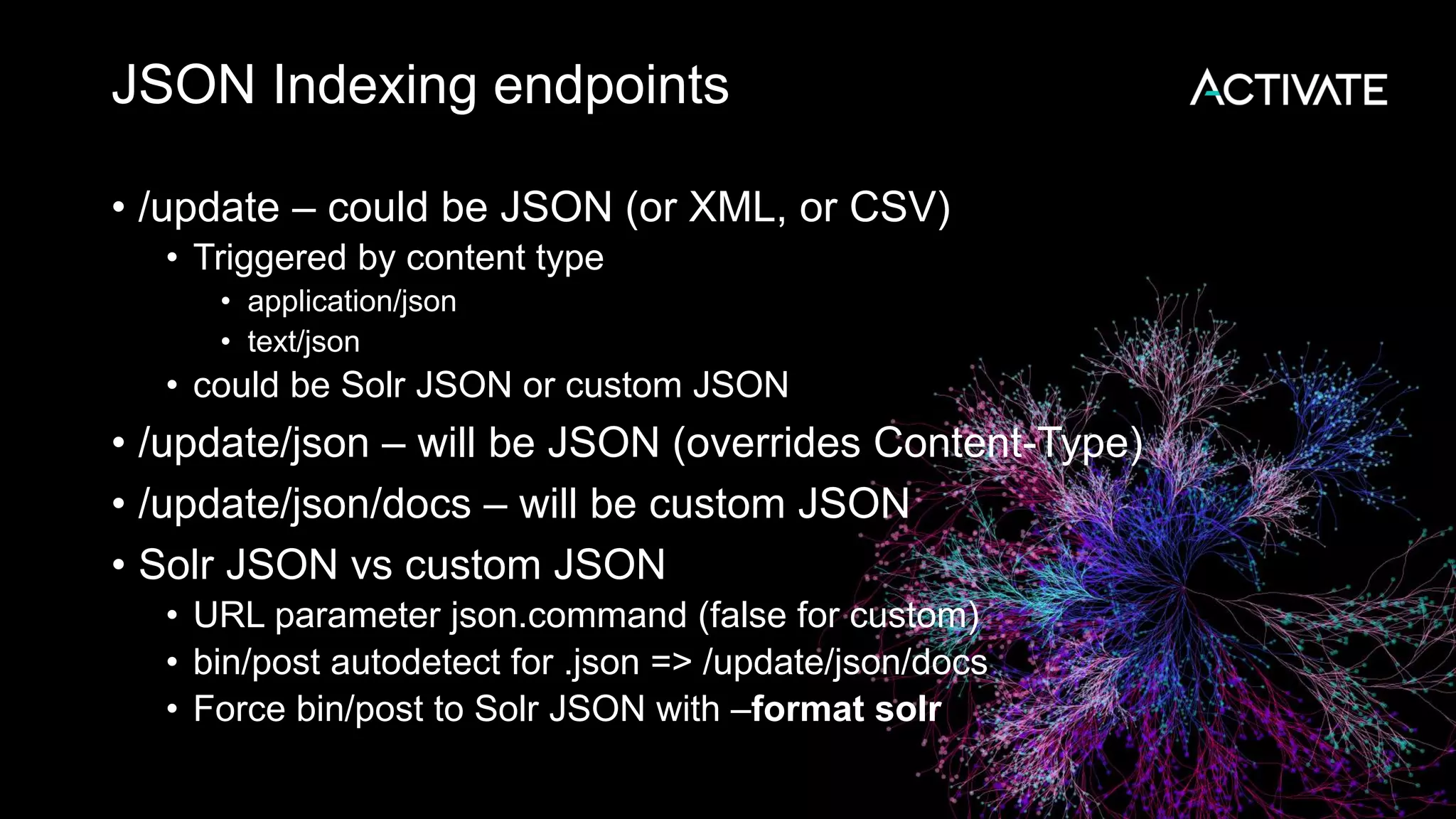
JSON Indexing endpoints
• /update – could be JSON (or XML, or CSV)
• Triggered by content type
• application/json
• text/json
• could be Solr JSON or custom JSON
• /update/json – will be JSON (overrides Content-Type)
• /update/json/docs – will be custom JSON
• Solr JSON vs custom JSON
• URL parameter json.command (false for custom)
• bin/post autodetect for .json => /update/json/docs
• Force bin/post to Solr JSON with –format solr
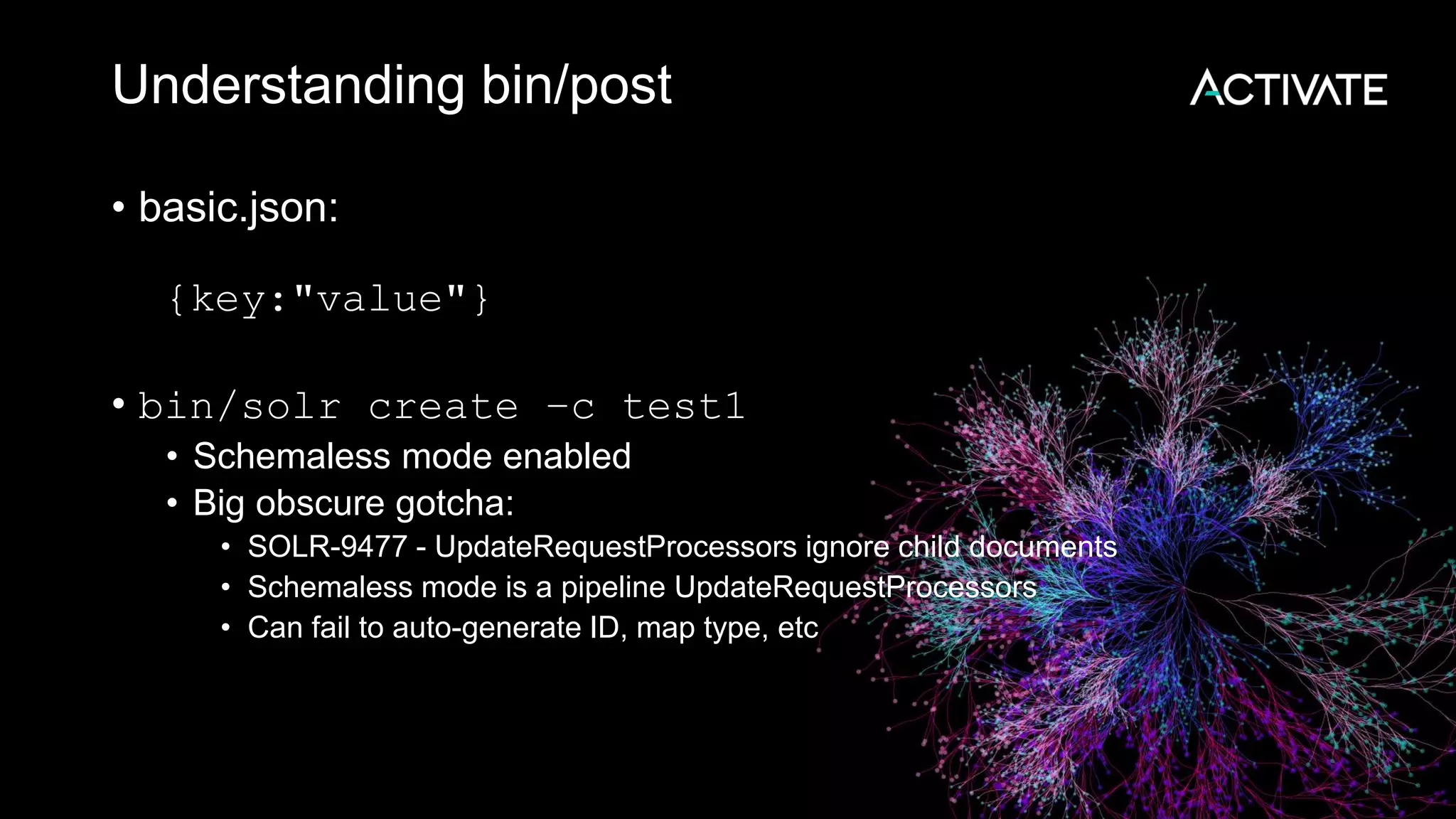
Understanding bin/post
• basic.json:
{key:"value"}
• bin/solr create –c test1
• Schemaless mode enabled
• Big obscure gotcha:
• SOLR-9477 - UpdateRequestProcessors ignore child documents
• Schemaless mode is a pipeline UpdateRequestProcessors
• Can fail to auto-generate ID, map type, etc
Understanding bin/post – JSON docs
• bin/post -c test1 basic.json
POSTing file basic.json (application/json)
to [base]/json/docs
COMMITting Solr index changes
• Creates a document
{
"key":["value"],
"id":"ee60dc3b-905c-4ebc-a045-b1722a9f57fb",
"_version_":1614568518314885120}]
}
• Schemaless auto-generates id
• Same post command again => second document
Understanding bin/post – Solr JSON
• bin/post -c test1 –format solr basic.json
POSTing file basic.json (application/json)
to [base]
COMMITting Solr index changes
• Fails!
• WARNING: Solr returned an error #400 (Bad Request)
• "msg":"Unknown command 'key' at [4]",
• Expecting Solr type JSON
• Full details in server/logs/solr.log
Understanding bin/post – inline?
• bin/post -c test1 -format solr -d '{key: "value"}'
• Fails!
• POSTing args to http://localhost:8983/solr/test1/update...
• <str name="msg">Unexpected character '{' (code 123) in prolog; expected
'&lt;' at [row,col {unknown-source}]: [1,1]</str>
• Expects Solr XML!
• No automatic content-type
• Solutions:
• bin/post -c test1 -format solr
-type "application/json" -d '{key: "value"}'
• bin/post -c test1 -format solr
-url http://localhost:8983/solr/test1/update/json -d '{key: "value"}'
• Both still fails (expect solr command) – but in correct way now
Solr JSON – adding document
{
"add": {
"commitWithin": 5000,
"doc": {
"id": "DOC1",
"my_field": 2.3,
"my_multivalued_field": [ "aaa", "bbb" ]
}
},
"add": {.....
}
Solr JSON – atomic update
{
"add": {
"doc": {
"id":"mydoc",
"price":{"set":99},
"popularity":{"inc":20},
"categories":{"add":["toys","games"]},
"sub_categories":{"add-distinct":"under_10"},
"promo_ids":{"remove":"a123x"},}
}
}
Solr JSON – other commands
{
"commit": {},
"delete": { "id":"ID" },
"delete": ["id1","id2"] }
"delete": { "query":"QUERY" }
}
• Gotcha: Not quite JSON
• Command names may repeat
• Order matters
• Useful
• bin/post -c test1 -type application/json –d
"{delete:{query:'*:*'}}"
Solr JSON – child documents
{
"id": "3",
"title": "New Solr release is out",
"content_type": "parentDocument",
"_childDocuments_":
[
{
"id": "4",
"comments": "Lots of new features"
}
]
}
Solr JSON – child gotchas
• What happens with child entries?
{add: {doc: {
key: "value",
child: {
key: "childValue"
}}}}
• bin/post -c test1 -format solr simple_child_noid.json
• Success, but:
{
"key":["value"],
"id":"cbf97c36-329d-4f09-a09d-ca78667bd563",
"_version_":1614571371539464192
}
• What happened to the child record?
• Remember atomic update syntax?
• server/logs/solr.log:
WARN (qtp665726928-41) [x:test1] o.a.s.u.p.AtomicUpdateDocumentMerger
Unknown operation for the an atomic update, operation ignored: key
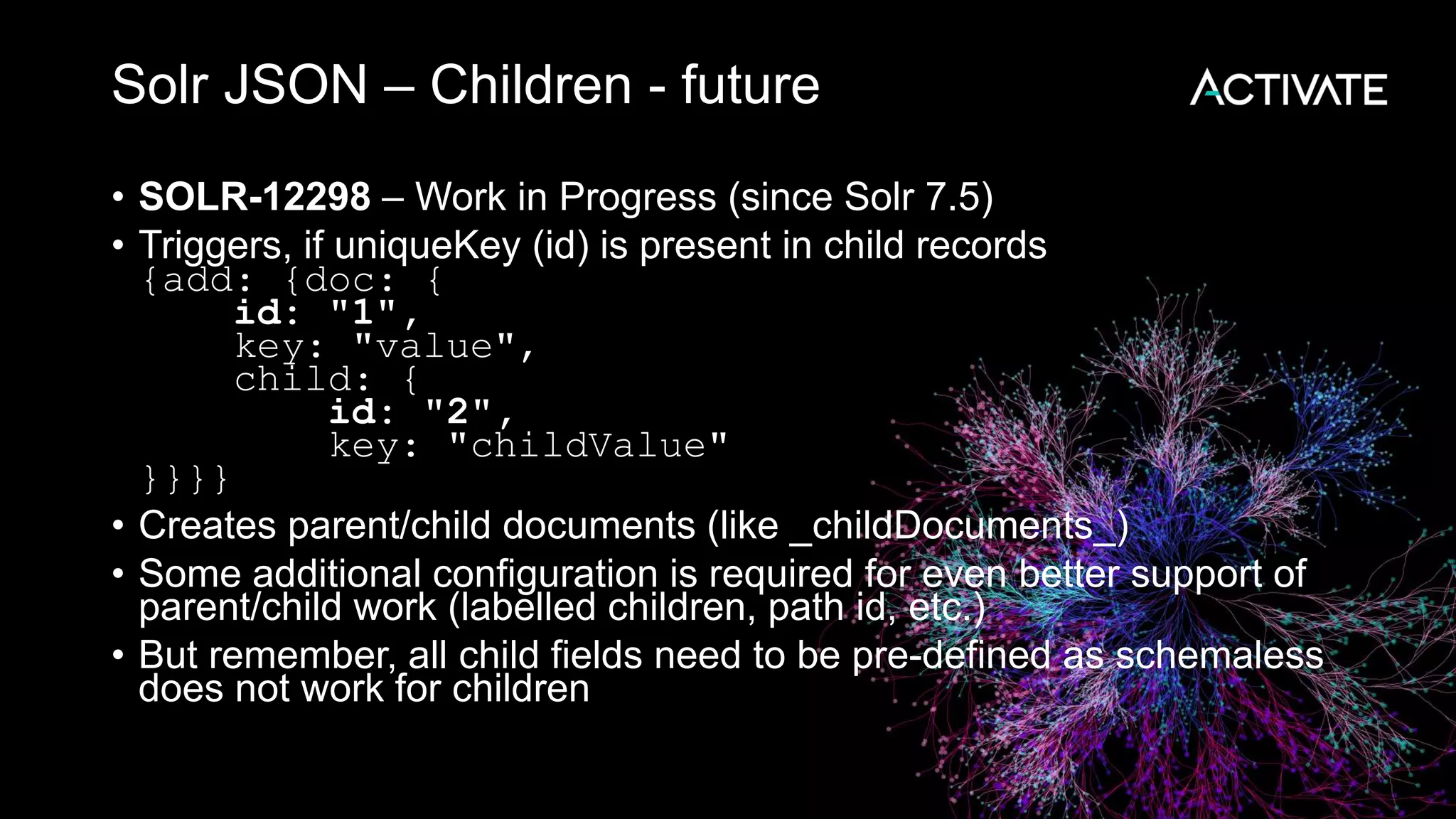
Solr JSON – Children - future
• SOLR-12298 – Work in Progress (since Solr 7.5)
• Triggers, if uniqueKey (id) is present in child records
{add: {doc: {
id: "1",
key: "value",
child: {
id: "2",
key: "childValue"
}}}}
• Creates parent/child documents (like _childDocuments_)
• Some additional configuration is required for even better support of
parent/child work (labelled children, path id, etc.)
• But remember, all child fields need to be pre-defined as schemaless
does not work for children
Solr JSON children - result
• bin/post -c test1 -format solr simple_child.json
• ....
"response":{"numFound":2,"start":0,"docs":[
{
"id":"2",
"key":["childValue"],
"_version_":1614579393271693312
},
{
"id":"1",
"key":["value"],
"_version_":1614579393271693312
}
]}
• Parent and Child records are in the same block
JSON Array – special case
[
{
"id": "DOC1",
"my_field": 2.3
},
{
"id": "DOC2",
"my_field": 6.6
}
]
• Looks like plain JSON
• But is still Solr JSON
• Supports partial updates
• Supports _childDocuments_
Custom JSON transformation
• Solr is NOT a database
• It is not about storage – it is about search
• Supports mapping JSON document to 1+ Solr documents
(splitting)
• Supports field name mapping
• Supports storing just id (and optionally source) and dumping all
content into combined search field
• Gotcha: that field is often stored=false, looks like failure (e.g. in
techproducts example)
• https://lucene.apache.org/solr/guide/7_5/transforming-and-
indexing-custom-json.html
Custom JSON - Default configuration
• /update/json/docs is an implicitly-defined endpoint
• Use Config API to get it:
http://localhost:8983/solr/test1/config/requestHandler?expandParams=true
• Some default parameters are hardcoded
• split = "/" (keep it all in one document)
• f=$FQN:/** (auto-map to fully-qualified name)
• Other parameters you can use
• mapUniqueKeyOnly and df – do not store actual fields, just enable search
• srcField – to store original JSON (only with split=/)
• echo – debug flag
• Can take
• single JSON object
• array of JSON objects
• JSON Lines (streaming JSON)
• Full docs: https://lucene.apache.org/solr/guide/7_5/transforming-and-indexing-
custom-json.html
Sending Solr JSON to /update/json/docs
{add: {doc: {
id: "1",
key: "value",
child: {
id: "2",
key: "childValue"
}}}}
{
"add.doc.id":[1],
"add.doc.key":["value"],
"add.doc.child.id":[2],
"add.doc.child.key":["childValue"],
"id":"7b227197-7fb6-...",
"_version_":1614579794120278016
}
If you see this (add.doc.x) you sent Solr JSON to
JSON transformer....
Output
• Returning documents as JSON
• Now default (hardcoded) for /select end point
• Also at /query end-point
• Explicitly:
• wt=json (response writer)
• indent=true/false (for human/machine version)
• rows=<number> (controls number of documents per page)
• start=<number> (where to start the page)
• Trick: if you field has actual JSON (fl:"{key:'value'}), you can inline it into JSON output with
Document Transformer [json]:
• fl=id,source_s:[json]&wt=json
• https://lucene.apache.org/solr/guide/7_5/transforming-result-documents.html#json-xml
• Bulk export
• Export ALL the records in a streaming fashion
• Uses /export endpoint
• Needs to be configured right: https://lucene.apache.org/solr/guide/7_5/exporting-result-sets.html
• Try against 'example/films' that ships with Solr:
curl "http://localhost:8983/solr/films/export?q=*:*&sort=id%20asc&fl=id,initial_release_date"
Some specialized functionality
• Real-time GET to see documents before commit (/get):
https://lucene.apache.org/solr/guide/7_5/realtime-get.html
• Stream and graph processing (in SolrCloud) (/stream)
https://lucene.apache.org/solr/guide/7_5/streaming-
expressions.html
• Parallel SQL on top of streams
https://lucene.apache.org/solr/guide/7_5/parallel-sql-
interface.html
Querying with JSON
• Traditional search parameters
• As GET request parameters (q, fq, df, rows, etc)
• http://localhost:8983/solr/films/select?facet.field=genre&facet.mincount=1&facet=
on&q=name:days&sort=initial_release_date%20desc
• As POST request
• Needs content type: application/x-www-form-urlencoded
• curl -d does it automatically
• curl -v -d
'facet.field=genre&facet.mincount=1&facet=on&q=name:days&sort=initial_release
_date desc' http://localhost:8983/solr/films/select
• Both are flat sets of parameters, gets messy with complex
searches/facets parameter names:
• E.g. f.price.facet.range.start
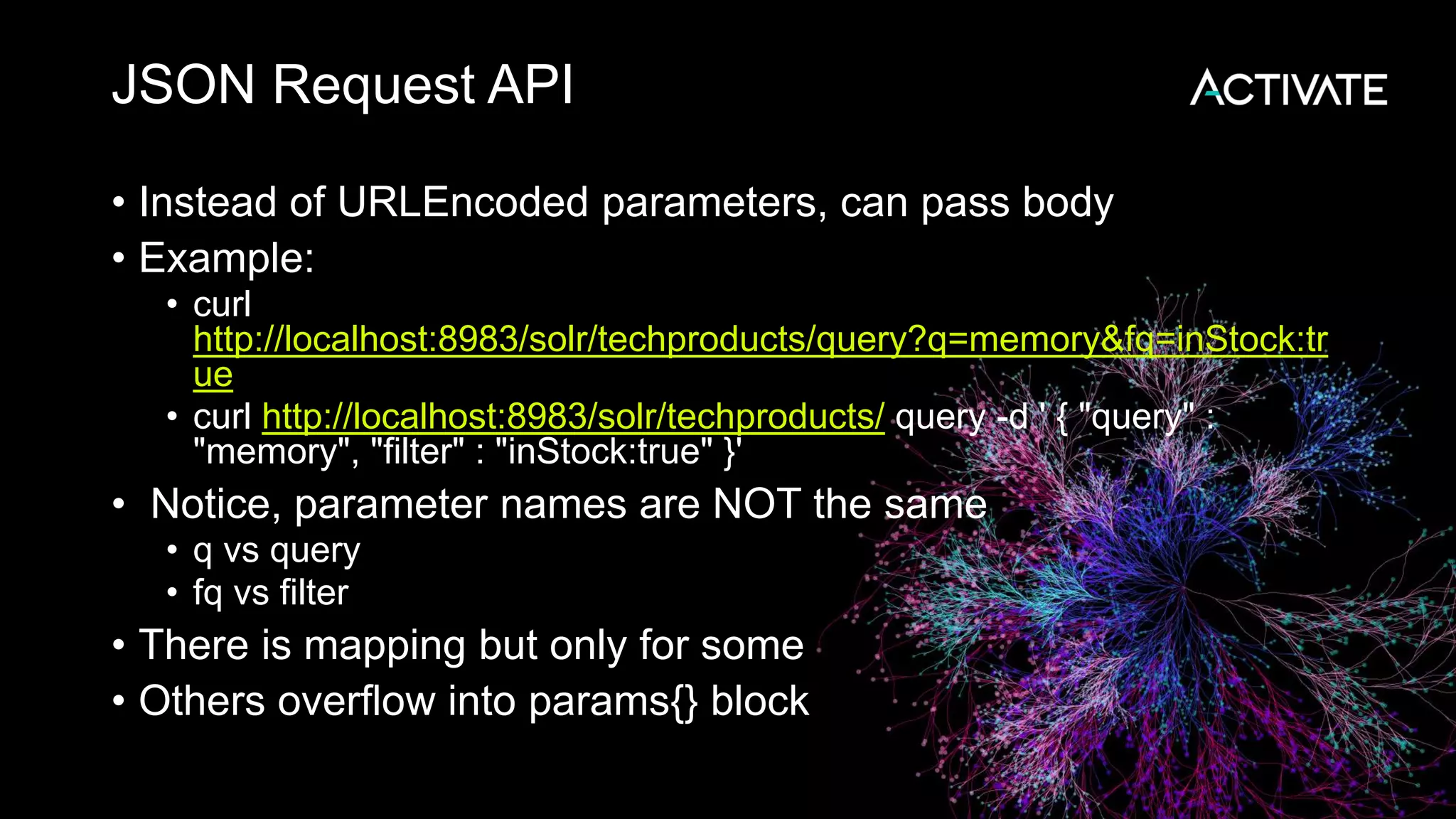
JSON Request API
• Instead of URLEncoded parameters, can pass body
• Example:
• curl
http://localhost:8983/solr/techproducts/query?q=memory&fq=inStock:tr
ue
• curl http://localhost:8983/solr/techproducts/ query -d ' { "query" :
"memory", "filter" : "inStock:true" }'
• Notice, parameter names are NOT the same
• q vs query
• fq vs filter
• There is mapping but only for some
• Others overflow into params{} block
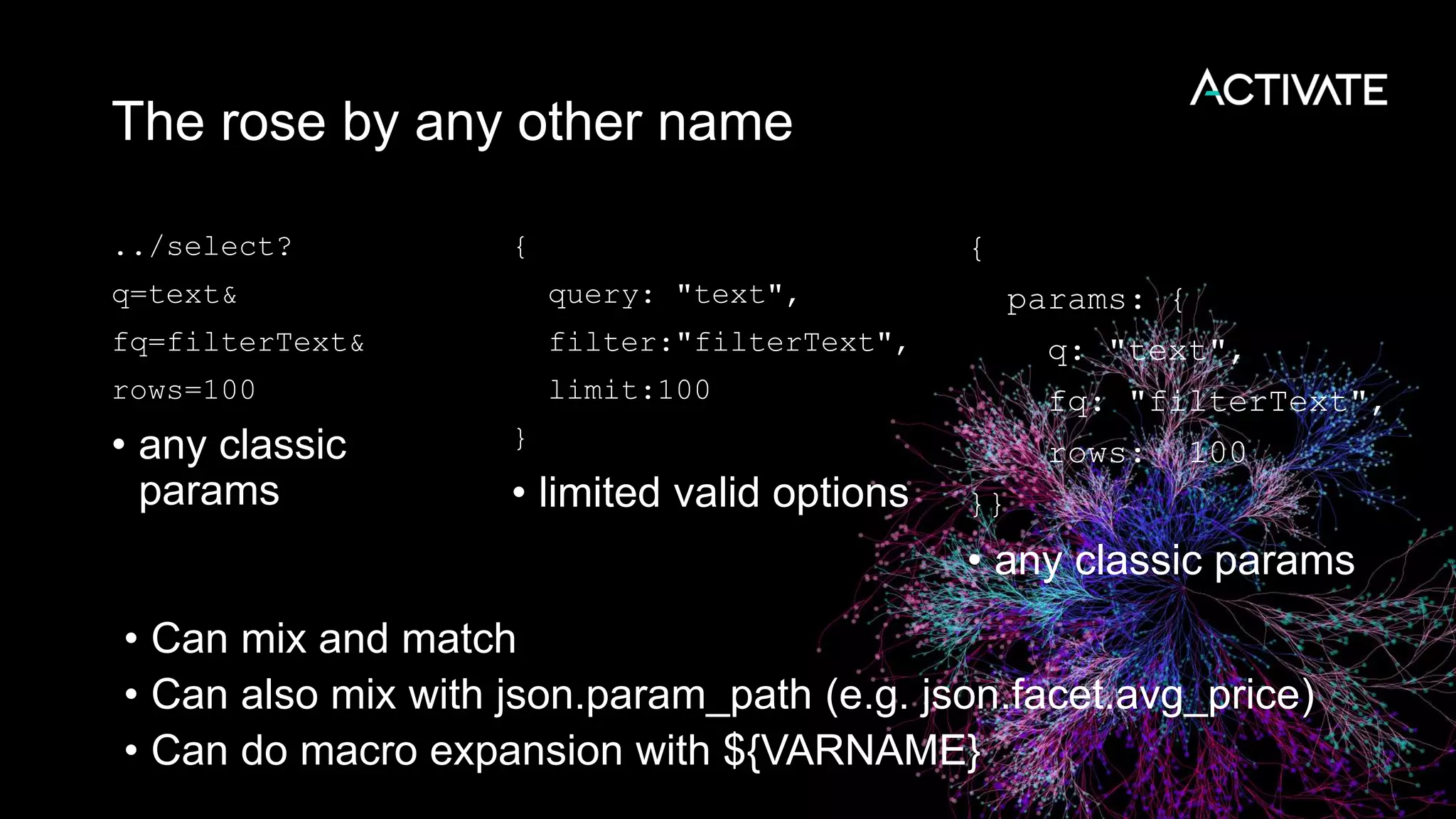
The rose by any other name
../select?
q=text&
fq=filterText&
rows=100
• any classic
params
{
query: "text",
filter:"filterText",
limit:100
}
• limited valid options
{
params: {
q: "text",
fq: "filterText",
rows: 100
}}
• any classic params
• Can mix and match
• Can also mix with json.param_path (e.g. json.facet.avg_price)
• Can do macro expansion with ${VARNAME}
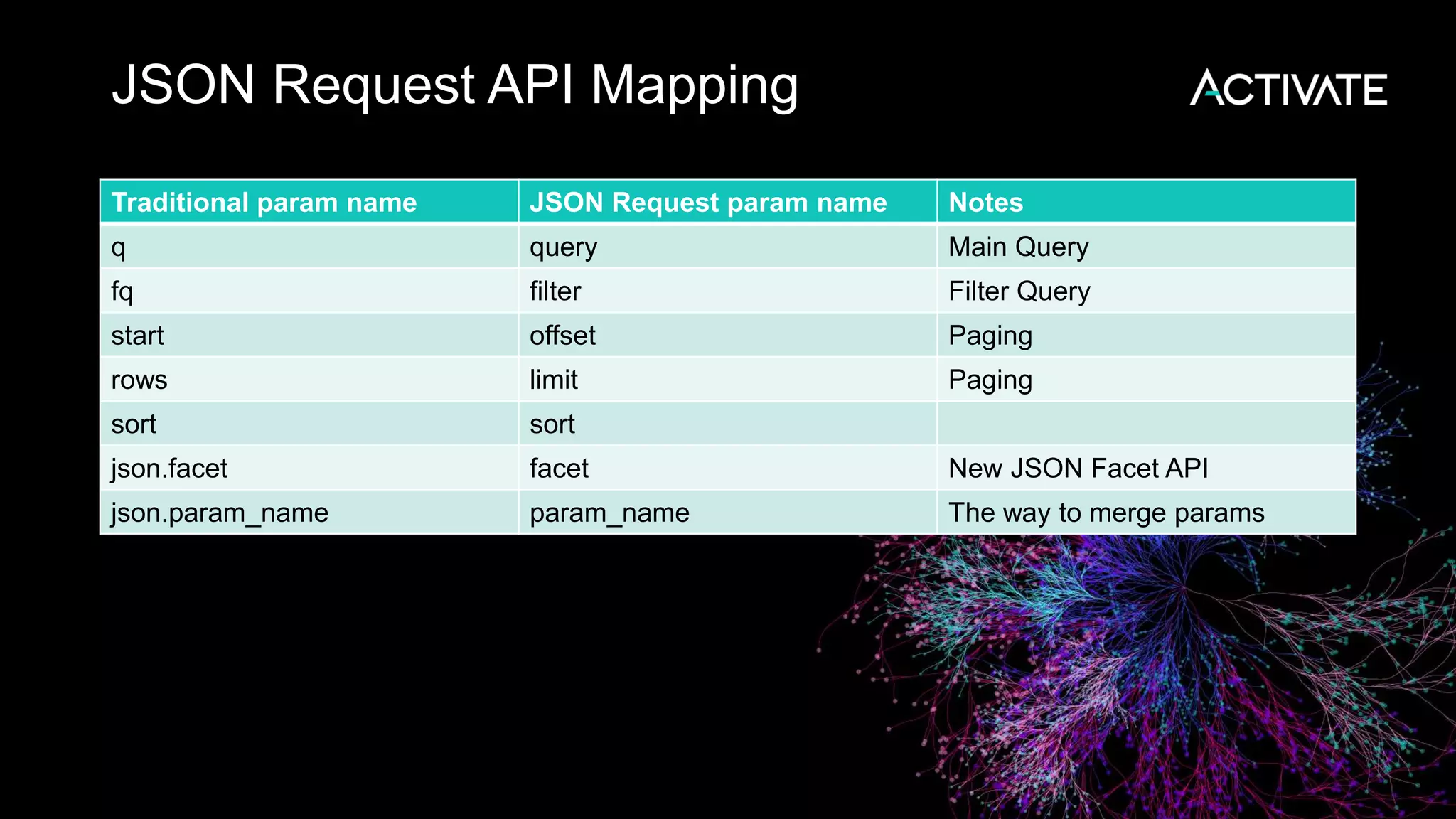
JSON Request API Mapping
Traditional param name JSON Request param name Notes
q query Main Query
fq filter Filter Query
start offset Paging
rows limit Paging
sort sort
json.facet facet New JSON Facet API
json.param_name param_name The way to merge params
Example of JSON Query DSL
• Allows normal search string, expanded local params, expanded
nested references
• Combines with Boolean Query Parser
{
"query": {
"bool": {
"must": [
"title:solr",
"content:(lucene solr)"
],
"must_not": "{!frange u:3.0}ranking"
} } }
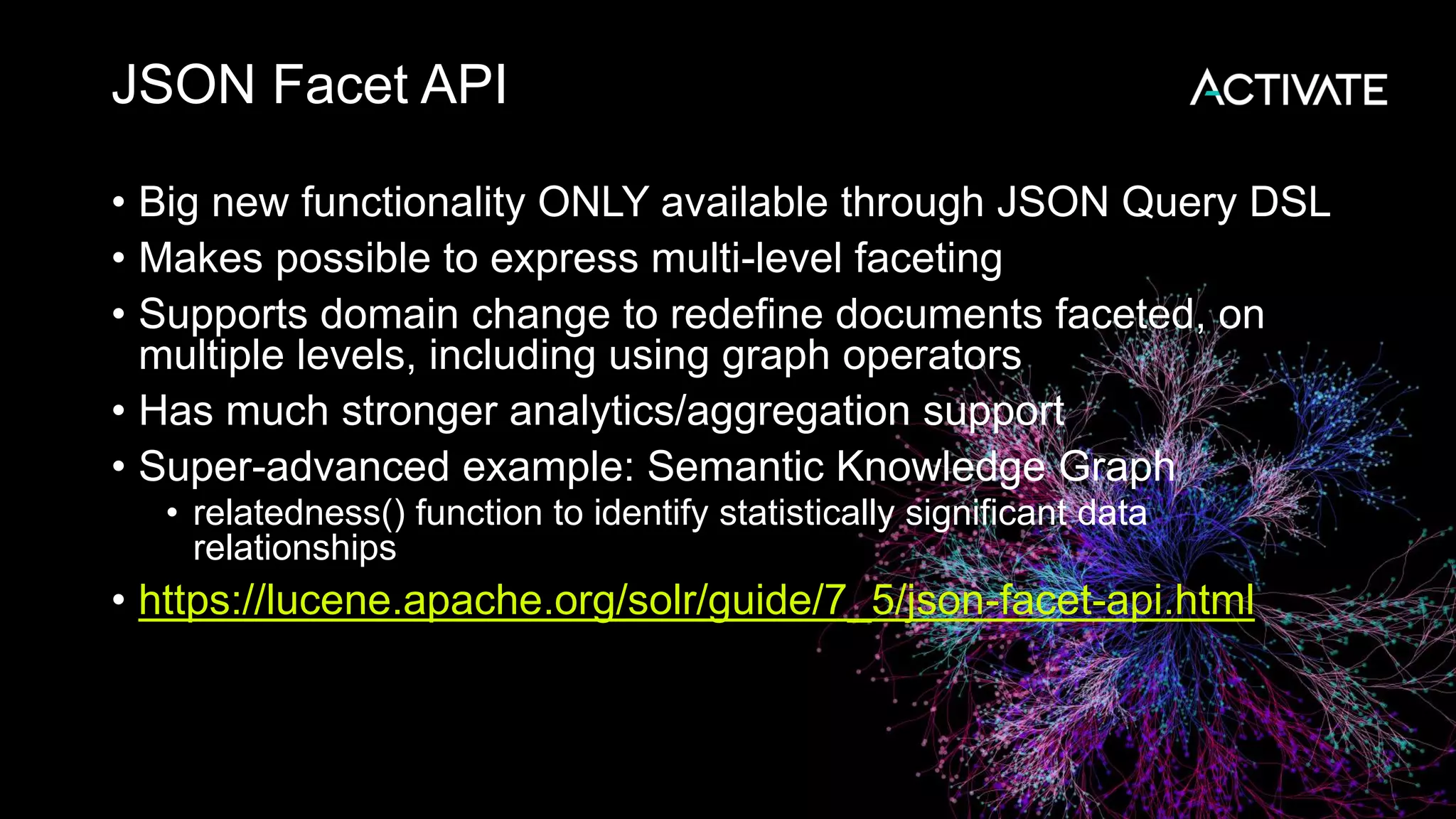
JSON Facet API
• Big new functionality ONLY available through JSON Query DSL
• Makes possible to express multi-level faceting
• Supports domain change to redefine documents faceted, on
multiple levels, including using graph operators
• Has much stronger analytics/aggregation support
• Super-advanced example: Semantic Knowledge Graph
• relatedness() function to identify statistically significant data
relationships
• https://lucene.apache.org/solr/guide/7_5/json-facet-api.html
Big JSON Facets example
{
query: "splitcolour:gray",
filter: "age:[0 TO 20]"
limit: 2,
facet: {
type: {
type: terms,
field: animaltype,
facet : {
avg_age: "avg(age)",
breed: {
type: terms,
field: specificbreed,
limit: 3,
facet: {
avg_age: "avg(age)",
ages: {
type: range,
field : age,
start : 0,
end : 20,
gap : 5
}}}}}}}
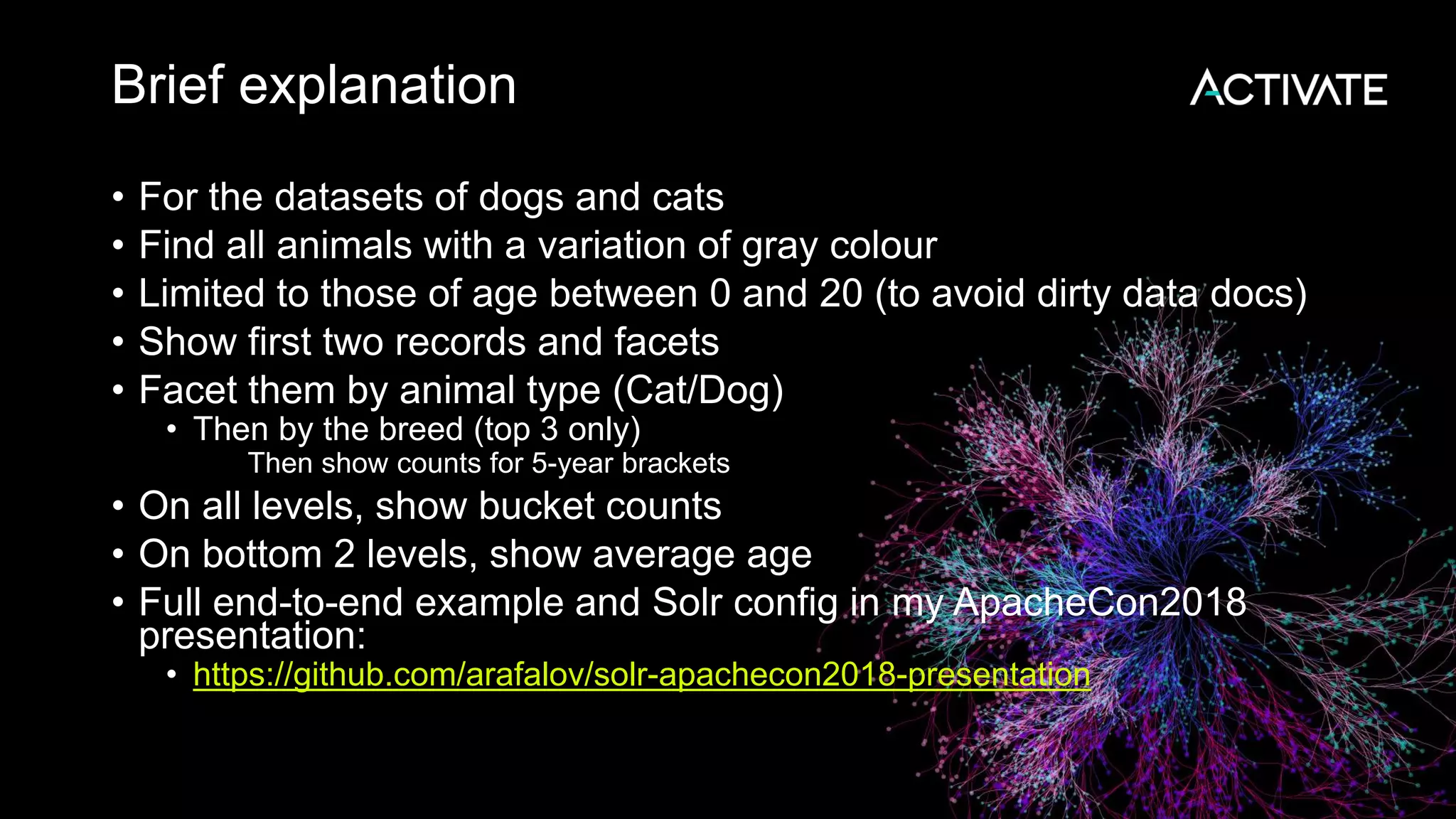
Brief explanation
• For the datasets of dogs and cats
• Find all animals with a variation of gray colour
• Limited to those of age between 0 and 20 (to avoid dirty data docs)
• Show first two records and facets
• Facet them by animal type (Cat/Dog)
• Then by the breed (top 3 only)
• Then show counts for 5-year brackets
• On all levels, show bucket counts
• On bottom 2 levels, show average age
• Full end-to-end example and Solr config in my ApacheCon2018
presentation:
• https://github.com/arafalov/solr-apachecon2018-presentation
Configuration with JSON
• Used to be:
• managed-schema (schema.xml !)
• solrconfig.xml
• Everything was defined there
• Now
• Implicit configuration
• API-driven configuration and overloading methods
• Managed resources
managed-schema
• Schema API:
• https://lucene.apache.org/solr/guide/7_5/schema-api.html
• Read access
• http://localhost:8983/solr/test1/schema (JSON)
• http://localhost:8983/solr/test1/schema?wt=schema.xml (as schema XML)
• Most have modify access (will rewrite managed-schema)
• add-field, delete-field, replace-field
• add-dynamic-field, delete-dynamic-field, replace-dynamic-field
• add-field-type, delete-field-type, replace-field-type
• add-copy-field, delete-copy-field
• Some of these are exposed via Admin UI
• Some are not yet manageable via API: uniqueKey, similarity
• Changes are live, no need to reload the schema
• There is two API versions: V1 and V2 (mostly just end-point)
Managed resources
• For Analyzer components
• https://lucene.apache.org/solr/guide/7_5/managed-resources.html
• REST API instead of file-based configuration
• Only two so far:
• ManagedStopFilterFactory
• ManagedSynonymGraphFilterFactory
• Needs collection/core reload after modification
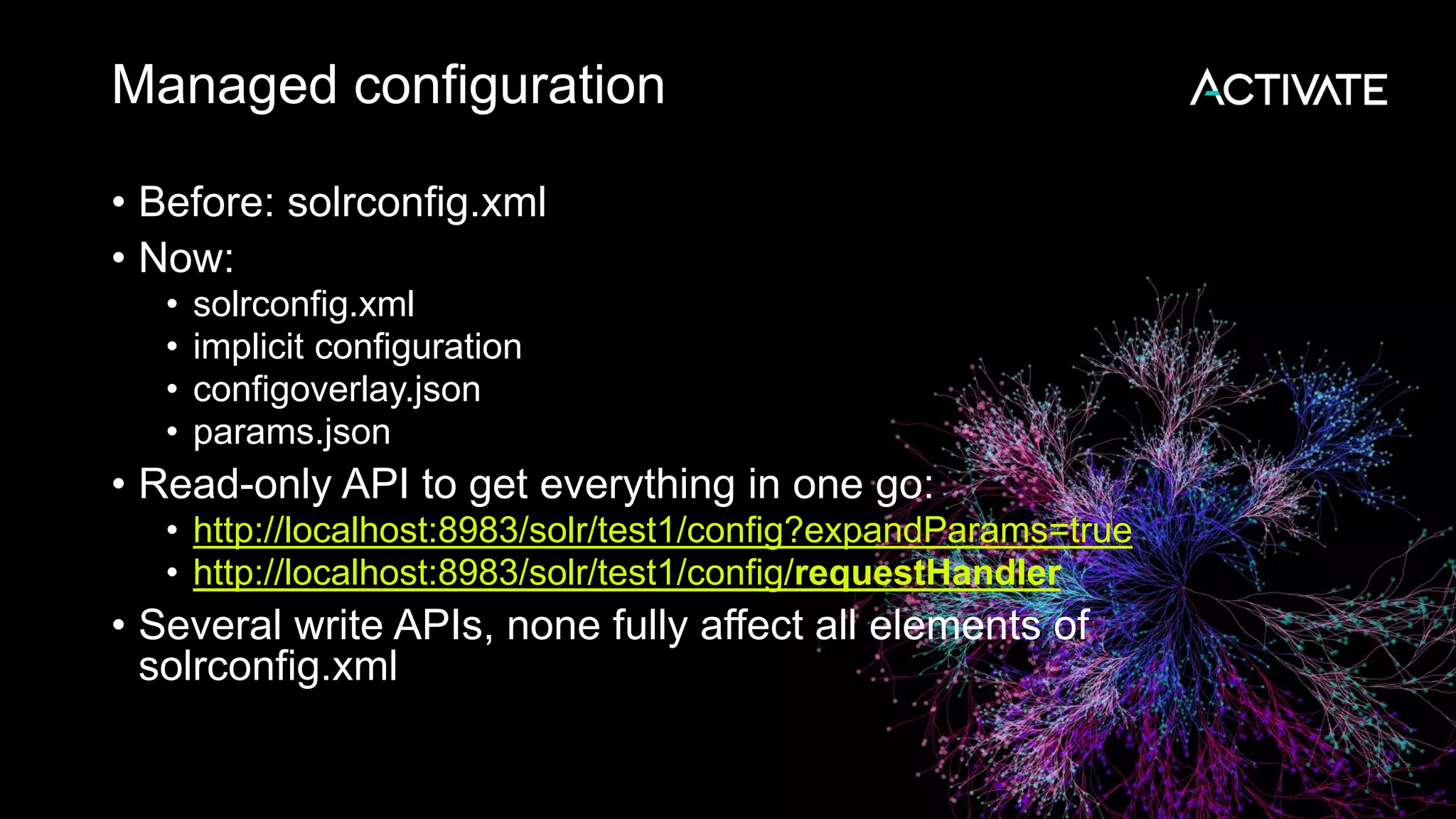
Managed configuration
• Before: solrconfig.xml
• Now:
• solrconfig.xml
• implicit configuration
• configoverlay.json
• params.json
• Read-only API to get everything in one go:
• http://localhost:8983/solr/test1/config?expandParams=true
• http://localhost:8983/solr/test1/config/requestHandler
• Several write APIs, none fully affect all elements of
solrconfig.xml
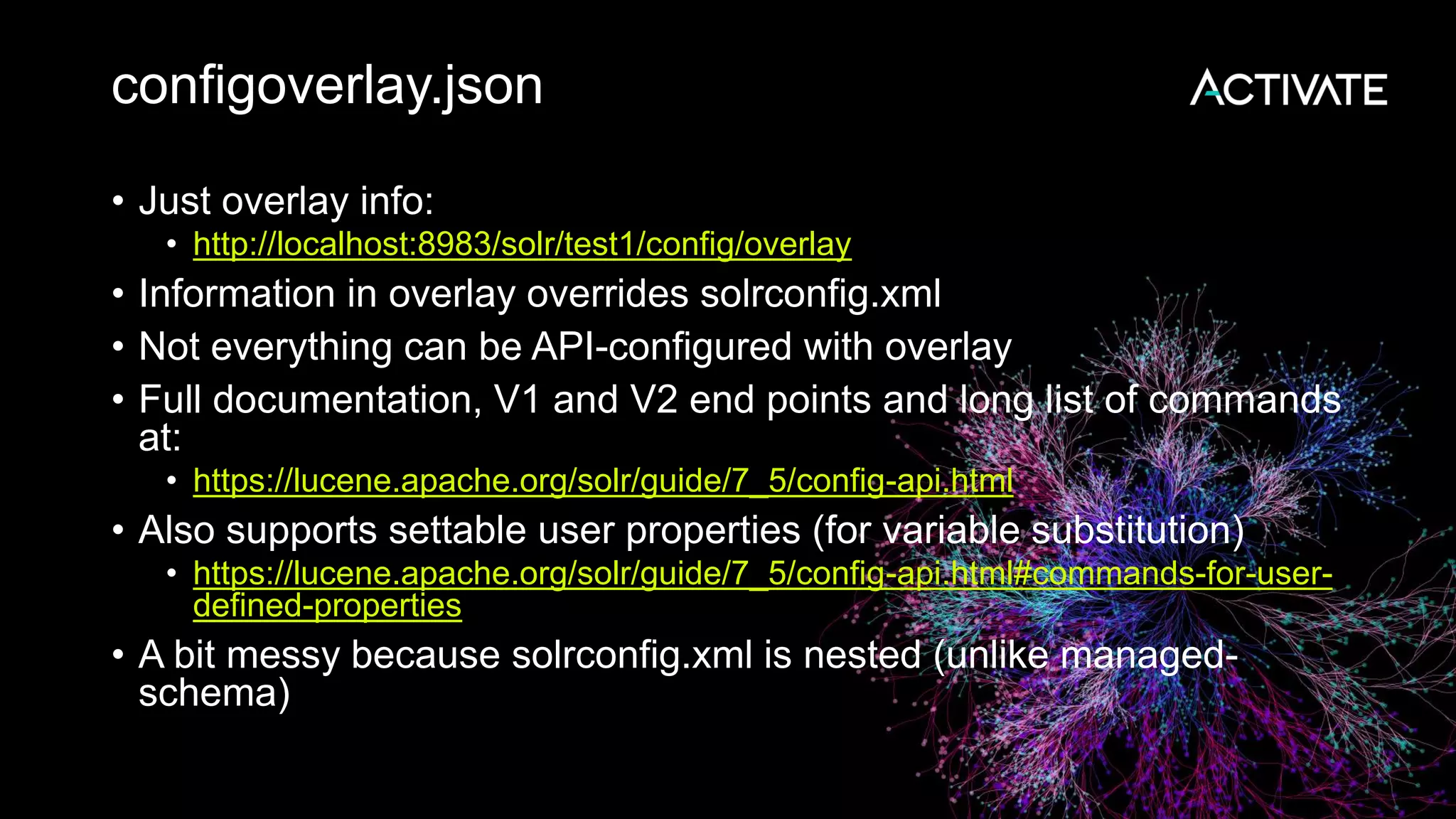
configoverlay.json
• Just overlay info:
• http://localhost:8983/solr/test1/config/overlay
• Information in overlay overrides solrconfig.xml
• Not everything can be API-configured with overlay
• Full documentation, V1 and V2 end points and long list of commands
at:
• https://lucene.apache.org/solr/guide/7_5/config-api.html
• Also supports settable user properties (for variable substitution)
• https://lucene.apache.org/solr/guide/7_5/config-api.html#commands-for-user-
defined-properties
• A bit messy because solrconfig.xml is nested (unlike managed-
schema)
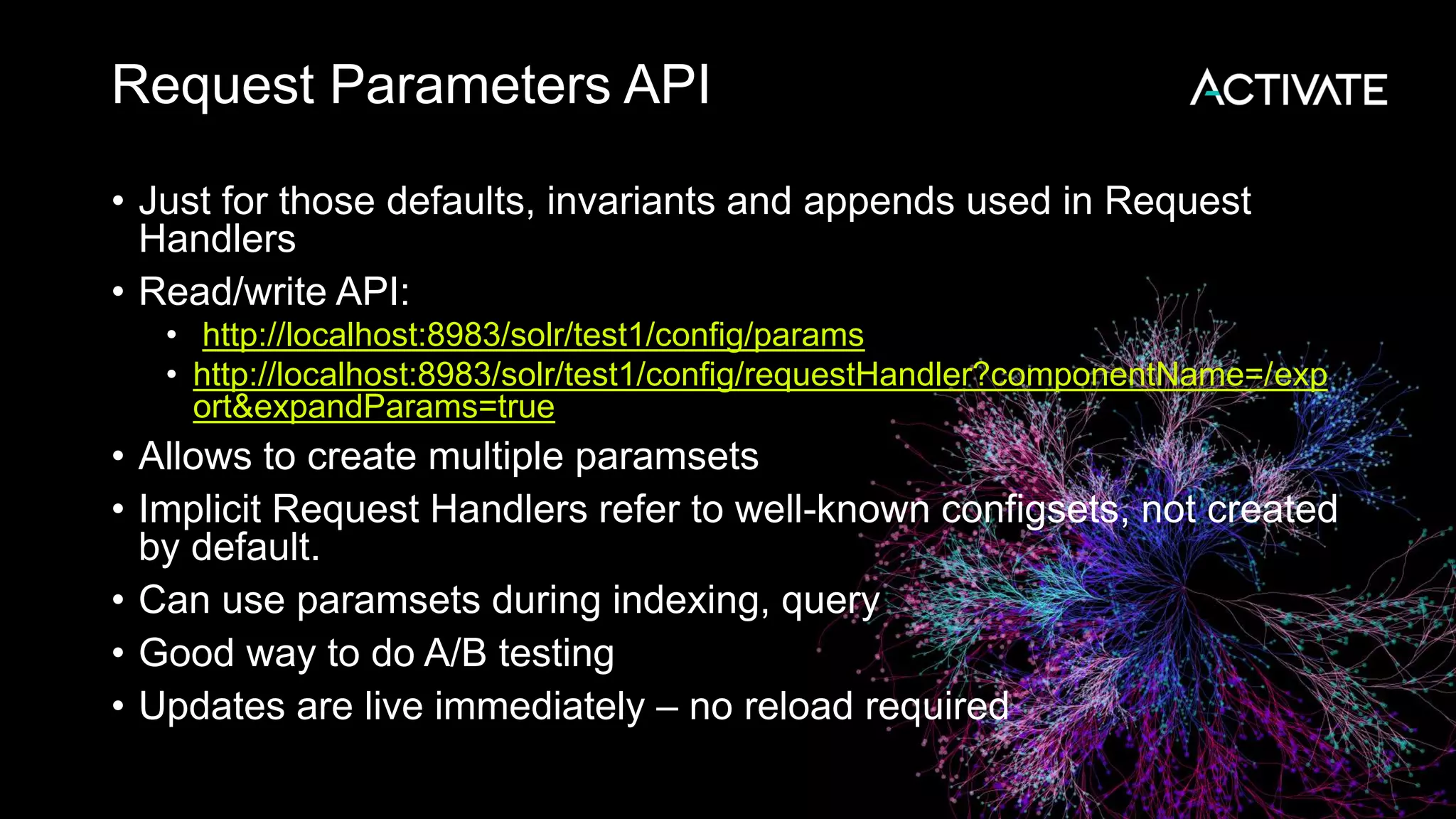
Request Parameters API
• Just for those defaults, invariants and appends used in Request
Handlers
• Read/write API:
• http://localhost:8983/solr/test1/config/params
• http://localhost:8983/solr/test1/config/requestHandler?componentName=/exp
ort&expandParams=true
• Allows to create multiple paramsets
• Implicit Request Handlers refer to well-known configsets, not created
by default.
• Can use paramsets during indexing, query
• Good way to do A/B testing
• Updates are live immediately – no reload required
Thank you!
Alexandre Rafalovitch
Apache Solr Popularizer
@arafalov
#Activate18 #ActivateSearch

JSON in Solr: from top to bottom

  • 1.
    JSON in Solr: FromTop to Bottom Alexandre Rafalovitch Apache Solr Popularizer @arafalov #Activate18 #ActivateSearch
  • 2.
    Promise – Allthe different ways • Input • Solr JSON • Custom JSON • JSONLines • bin/post • Endpoints • JsonPreAnalyzedParser • JSON+ (noggit) • Output • wt • Embedding JSON fields • Export request handler • GeoJSON • Searching • Query • JSON Facets • Analytics • Streaming expressions • Graph traversal • Admin UI Hacks • Configuration • configoverlay.json • params.json • state.json • security.json • clusterstate.json • aliases.json • Managed resources • API • Schema • Config • SolrCloud • Version 1 vs Version 2 • Learning to Rank • MBean request handler • Metrics • Solr-exporter to Prometheus and Graphana
  • 3.
  • 4.
    Agenda Focus area • Indexing •Outputing • Querying • Configuring Reductionist approach • Reduce Confusion • Reduce Errors • Reduce Gotchas • Hints and tips
  • 5.
    Solr JSON indexingconfusion • One among equals! • Solr JSON vs custom JSON • Top level object vs. array • /update vs /update/json vs /update/json/docs • bin/post auto-routing • json.command flag impact • Child documents – extra confusing • Changes ahead
  • 6.
    What is JSON? { "stringKey":"value", "numericKey": 2, "arrayKey":["val1", "val2"], "childKey": { "boolKey": true } }
  • 7.
    Solr noggit extensions {// JSON+, supported by noggit delete: {query: "*:*"}, //no key quotes add: { doc: { id: 'DOC1', //single quotes my_field: 2.3, my_mval_field: ['aaa', 'bbb'], //trailing commas }}} • https://github.com/yonik/noggit • http://yonik.com/noggit-json-parser/ • Also understands JSONLines
  • 8.
    One JSON –two ways Solr JSON • Documents • Children document syntax • Atomic updates • Commands Custom/user/transformed JSON • Default sane handling • Configurable/mappable • Supports storing source JSON • Be very clear which one you are doing • Same document may process in different ways • Some features look like failure (mapUniqueKeyOnly) • Some failures look like partial success (atomic updates)
  • 9.
    JSON Indexing endpoints •/update – could be JSON (or XML, or CSV) • Triggered by content type • application/json • text/json • could be Solr JSON or custom JSON • /update/json – will be JSON (overrides Content-Type) • /update/json/docs – will be custom JSON • Solr JSON vs custom JSON • URL parameter json.command (false for custom) • bin/post autodetect for .json => /update/json/docs • Force bin/post to Solr JSON with –format solr
  • 10.
    Understanding bin/post • basic.json: {key:"value"} •bin/solr create –c test1 • Schemaless mode enabled • Big obscure gotcha: • SOLR-9477 - UpdateRequestProcessors ignore child documents • Schemaless mode is a pipeline UpdateRequestProcessors • Can fail to auto-generate ID, map type, etc
  • 11.
    Understanding bin/post –JSON docs • bin/post -c test1 basic.json POSTing file basic.json (application/json) to [base]/json/docs COMMITting Solr index changes • Creates a document { "key":["value"], "id":"ee60dc3b-905c-4ebc-a045-b1722a9f57fb", "_version_":1614568518314885120}] } • Schemaless auto-generates id • Same post command again => second document
  • 12.
    Understanding bin/post –Solr JSON • bin/post -c test1 –format solr basic.json POSTing file basic.json (application/json) to [base] COMMITting Solr index changes • Fails! • WARNING: Solr returned an error #400 (Bad Request) • "msg":"Unknown command 'key' at [4]", • Expecting Solr type JSON • Full details in server/logs/solr.log
  • 13.
    Understanding bin/post –inline? • bin/post -c test1 -format solr -d '{key: "value"}' • Fails! • POSTing args to http://localhost:8983/solr/test1/update... • <str name="msg">Unexpected character '{' (code 123) in prolog; expected '&lt;' at [row,col {unknown-source}]: [1,1]</str> • Expects Solr XML! • No automatic content-type • Solutions: • bin/post -c test1 -format solr -type "application/json" -d '{key: "value"}' • bin/post -c test1 -format solr -url http://localhost:8983/solr/test1/update/json -d '{key: "value"}' • Both still fails (expect solr command) – but in correct way now
  • 14.
    Solr JSON –adding document { "add": { "commitWithin": 5000, "doc": { "id": "DOC1", "my_field": 2.3, "my_multivalued_field": [ "aaa", "bbb" ] } }, "add": {..... }
  • 15.
    Solr JSON –atomic update { "add": { "doc": { "id":"mydoc", "price":{"set":99}, "popularity":{"inc":20}, "categories":{"add":["toys","games"]}, "sub_categories":{"add-distinct":"under_10"}, "promo_ids":{"remove":"a123x"},} } }
  • 16.
    Solr JSON –other commands { "commit": {}, "delete": { "id":"ID" }, "delete": ["id1","id2"] } "delete": { "query":"QUERY" } } • Gotcha: Not quite JSON • Command names may repeat • Order matters • Useful • bin/post -c test1 -type application/json –d "{delete:{query:'*:*'}}"
  • 17.
    Solr JSON –child documents { "id": "3", "title": "New Solr release is out", "content_type": "parentDocument", "_childDocuments_": [ { "id": "4", "comments": "Lots of new features" } ] }
  • 18.
    Solr JSON –child gotchas • What happens with child entries? {add: {doc: { key: "value", child: { key: "childValue" }}}} • bin/post -c test1 -format solr simple_child_noid.json • Success, but: { "key":["value"], "id":"cbf97c36-329d-4f09-a09d-ca78667bd563", "_version_":1614571371539464192 } • What happened to the child record? • Remember atomic update syntax? • server/logs/solr.log: WARN (qtp665726928-41) [x:test1] o.a.s.u.p.AtomicUpdateDocumentMerger Unknown operation for the an atomic update, operation ignored: key
  • 19.
    Solr JSON –Children - future • SOLR-12298 – Work in Progress (since Solr 7.5) • Triggers, if uniqueKey (id) is present in child records {add: {doc: { id: "1", key: "value", child: { id: "2", key: "childValue" }}}} • Creates parent/child documents (like _childDocuments_) • Some additional configuration is required for even better support of parent/child work (labelled children, path id, etc.) • But remember, all child fields need to be pre-defined as schemaless does not work for children
  • 20.
    Solr JSON children- result • bin/post -c test1 -format solr simple_child.json • .... "response":{"numFound":2,"start":0,"docs":[ { "id":"2", "key":["childValue"], "_version_":1614579393271693312 }, { "id":"1", "key":["value"], "_version_":1614579393271693312 } ]} • Parent and Child records are in the same block
  • 21.
    JSON Array –special case [ { "id": "DOC1", "my_field": 2.3 }, { "id": "DOC2", "my_field": 6.6 } ] • Looks like plain JSON • But is still Solr JSON • Supports partial updates • Supports _childDocuments_
  • 22.
    Custom JSON transformation •Solr is NOT a database • It is not about storage – it is about search • Supports mapping JSON document to 1+ Solr documents (splitting) • Supports field name mapping • Supports storing just id (and optionally source) and dumping all content into combined search field • Gotcha: that field is often stored=false, looks like failure (e.g. in techproducts example) • https://lucene.apache.org/solr/guide/7_5/transforming-and- indexing-custom-json.html
  • 23.
    Custom JSON -Default configuration • /update/json/docs is an implicitly-defined endpoint • Use Config API to get it: http://localhost:8983/solr/test1/config/requestHandler?expandParams=true • Some default parameters are hardcoded • split = "/" (keep it all in one document) • f=$FQN:/** (auto-map to fully-qualified name) • Other parameters you can use • mapUniqueKeyOnly and df – do not store actual fields, just enable search • srcField – to store original JSON (only with split=/) • echo – debug flag • Can take • single JSON object • array of JSON objects • JSON Lines (streaming JSON) • Full docs: https://lucene.apache.org/solr/guide/7_5/transforming-and-indexing- custom-json.html
  • 24.
    Sending Solr JSONto /update/json/docs {add: {doc: { id: "1", key: "value", child: { id: "2", key: "childValue" }}}} { "add.doc.id":[1], "add.doc.key":["value"], "add.doc.child.id":[2], "add.doc.child.key":["childValue"], "id":"7b227197-7fb6-...", "_version_":1614579794120278016 } If you see this (add.doc.x) you sent Solr JSON to JSON transformer....
  • 25.
    Output • Returning documentsas JSON • Now default (hardcoded) for /select end point • Also at /query end-point • Explicitly: • wt=json (response writer) • indent=true/false (for human/machine version) • rows=<number> (controls number of documents per page) • start=<number> (where to start the page) • Trick: if you field has actual JSON (fl:"{key:'value'}), you can inline it into JSON output with Document Transformer [json]: • fl=id,source_s:[json]&wt=json • https://lucene.apache.org/solr/guide/7_5/transforming-result-documents.html#json-xml • Bulk export • Export ALL the records in a streaming fashion • Uses /export endpoint • Needs to be configured right: https://lucene.apache.org/solr/guide/7_5/exporting-result-sets.html • Try against 'example/films' that ships with Solr: curl "http://localhost:8983/solr/films/export?q=*:*&sort=id%20asc&fl=id,initial_release_date"
  • 26.
    Some specialized functionality •Real-time GET to see documents before commit (/get): https://lucene.apache.org/solr/guide/7_5/realtime-get.html • Stream and graph processing (in SolrCloud) (/stream) https://lucene.apache.org/solr/guide/7_5/streaming- expressions.html • Parallel SQL on top of streams https://lucene.apache.org/solr/guide/7_5/parallel-sql- interface.html
  • 27.
    Querying with JSON •Traditional search parameters • As GET request parameters (q, fq, df, rows, etc) • http://localhost:8983/solr/films/select?facet.field=genre&facet.mincount=1&facet= on&q=name:days&sort=initial_release_date%20desc • As POST request • Needs content type: application/x-www-form-urlencoded • curl -d does it automatically • curl -v -d 'facet.field=genre&facet.mincount=1&facet=on&q=name:days&sort=initial_release _date desc' http://localhost:8983/solr/films/select • Both are flat sets of parameters, gets messy with complex searches/facets parameter names: • E.g. f.price.facet.range.start
  • 28.
    JSON Request API •Instead of URLEncoded parameters, can pass body • Example: • curl http://localhost:8983/solr/techproducts/query?q=memory&fq=inStock:tr ue • curl http://localhost:8983/solr/techproducts/ query -d ' { "query" : "memory", "filter" : "inStock:true" }' • Notice, parameter names are NOT the same • q vs query • fq vs filter • There is mapping but only for some • Others overflow into params{} block
  • 29.
    The rose byany other name ../select? q=text& fq=filterText& rows=100 • any classic params { query: "text", filter:"filterText", limit:100 } • limited valid options { params: { q: "text", fq: "filterText", rows: 100 }} • any classic params • Can mix and match • Can also mix with json.param_path (e.g. json.facet.avg_price) • Can do macro expansion with ${VARNAME}
  • 30.
    JSON Request APIMapping Traditional param name JSON Request param name Notes q query Main Query fq filter Filter Query start offset Paging rows limit Paging sort sort json.facet facet New JSON Facet API json.param_name param_name The way to merge params
  • 31.
    Example of JSONQuery DSL • Allows normal search string, expanded local params, expanded nested references • Combines with Boolean Query Parser { "query": { "bool": { "must": [ "title:solr", "content:(lucene solr)" ], "must_not": "{!frange u:3.0}ranking" } } }
  • 32.
    JSON Facet API •Big new functionality ONLY available through JSON Query DSL • Makes possible to express multi-level faceting • Supports domain change to redefine documents faceted, on multiple levels, including using graph operators • Has much stronger analytics/aggregation support • Super-advanced example: Semantic Knowledge Graph • relatedness() function to identify statistically significant data relationships • https://lucene.apache.org/solr/guide/7_5/json-facet-api.html
  • 33.
    Big JSON Facetsexample { query: "splitcolour:gray", filter: "age:[0 TO 20]" limit: 2, facet: { type: { type: terms, field: animaltype, facet : { avg_age: "avg(age)", breed: { type: terms, field: specificbreed, limit: 3, facet: { avg_age: "avg(age)", ages: { type: range, field : age, start : 0, end : 20, gap : 5 }}}}}}}
  • 34.
    Brief explanation • Forthe datasets of dogs and cats • Find all animals with a variation of gray colour • Limited to those of age between 0 and 20 (to avoid dirty data docs) • Show first two records and facets • Facet them by animal type (Cat/Dog) • Then by the breed (top 3 only) • Then show counts for 5-year brackets • On all levels, show bucket counts • On bottom 2 levels, show average age • Full end-to-end example and Solr config in my ApacheCon2018 presentation: • https://github.com/arafalov/solr-apachecon2018-presentation
  • 35.
    Configuration with JSON •Used to be: • managed-schema (schema.xml !) • solrconfig.xml • Everything was defined there • Now • Implicit configuration • API-driven configuration and overloading methods • Managed resources
  • 36.
    managed-schema • Schema API: •https://lucene.apache.org/solr/guide/7_5/schema-api.html • Read access • http://localhost:8983/solr/test1/schema (JSON) • http://localhost:8983/solr/test1/schema?wt=schema.xml (as schema XML) • Most have modify access (will rewrite managed-schema) • add-field, delete-field, replace-field • add-dynamic-field, delete-dynamic-field, replace-dynamic-field • add-field-type, delete-field-type, replace-field-type • add-copy-field, delete-copy-field • Some of these are exposed via Admin UI • Some are not yet manageable via API: uniqueKey, similarity • Changes are live, no need to reload the schema • There is two API versions: V1 and V2 (mostly just end-point)
  • 37.
    Managed resources • ForAnalyzer components • https://lucene.apache.org/solr/guide/7_5/managed-resources.html • REST API instead of file-based configuration • Only two so far: • ManagedStopFilterFactory • ManagedSynonymGraphFilterFactory • Needs collection/core reload after modification
  • 38.
    Managed configuration • Before:solrconfig.xml • Now: • solrconfig.xml • implicit configuration • configoverlay.json • params.json • Read-only API to get everything in one go: • http://localhost:8983/solr/test1/config?expandParams=true • http://localhost:8983/solr/test1/config/requestHandler • Several write APIs, none fully affect all elements of solrconfig.xml
  • 39.
    configoverlay.json • Just overlayinfo: • http://localhost:8983/solr/test1/config/overlay • Information in overlay overrides solrconfig.xml • Not everything can be API-configured with overlay • Full documentation, V1 and V2 end points and long list of commands at: • https://lucene.apache.org/solr/guide/7_5/config-api.html • Also supports settable user properties (for variable substitution) • https://lucene.apache.org/solr/guide/7_5/config-api.html#commands-for-user- defined-properties • A bit messy because solrconfig.xml is nested (unlike managed- schema)
  • 40.
    Request Parameters API •Just for those defaults, invariants and appends used in Request Handlers • Read/write API: • http://localhost:8983/solr/test1/config/params • http://localhost:8983/solr/test1/config/requestHandler?componentName=/exp ort&expandParams=true • Allows to create multiple paramsets • Implicit Request Handlers refer to well-known configsets, not created by default. • Can use paramsets during indexing, query • Good way to do A/B testing • Updates are live immediately – no reload required
  • 41.
    Thank you! Alexandre Rafalovitch ApacheSolr Popularizer @arafalov #Activate18 #ActivateSearch

Editor's Notes

  • #5 A lot of the information is in the Reference Guide, but with 1350 pages, may be hard to discover or visualize.