

Get the most out of
Solr search with PHP
      Paul Borgermans
About me

●   Active in open source community for a while
    ●   Squid Proxy server (about 15y ago)
    ●   PHP based CMS solutions (mostly eZ Publish)
●   Currently fancying :
    ●   PHP as the master glue language for almost everything
    ●   Apache Lucene family of projects (mainly Solr)
    ●   NoSQL (Not only SQL) and scalable architectures
    ●   CMS systems & all kinds of challenges in information
        management
Outline


●   Overview of Apache Solr
●   How to use it with PHP (1)
●   Concepts & internals
●   How to use it with PHP (2)
●   Miscellaneous tips
●   Resources
Overview of Apache
       Solr
Solr Curriculum Vitae

●   Open source Apache Lucene subproject
●   Standalone, enterprise grade search server
    built on top of Lucene
●   Lives in a Java servlet container
●   Access through a REST-ful API
    ●   HTTP
    ●   Primary payload in requests: XML
    ●   Other response formats: PHP, JSON, …
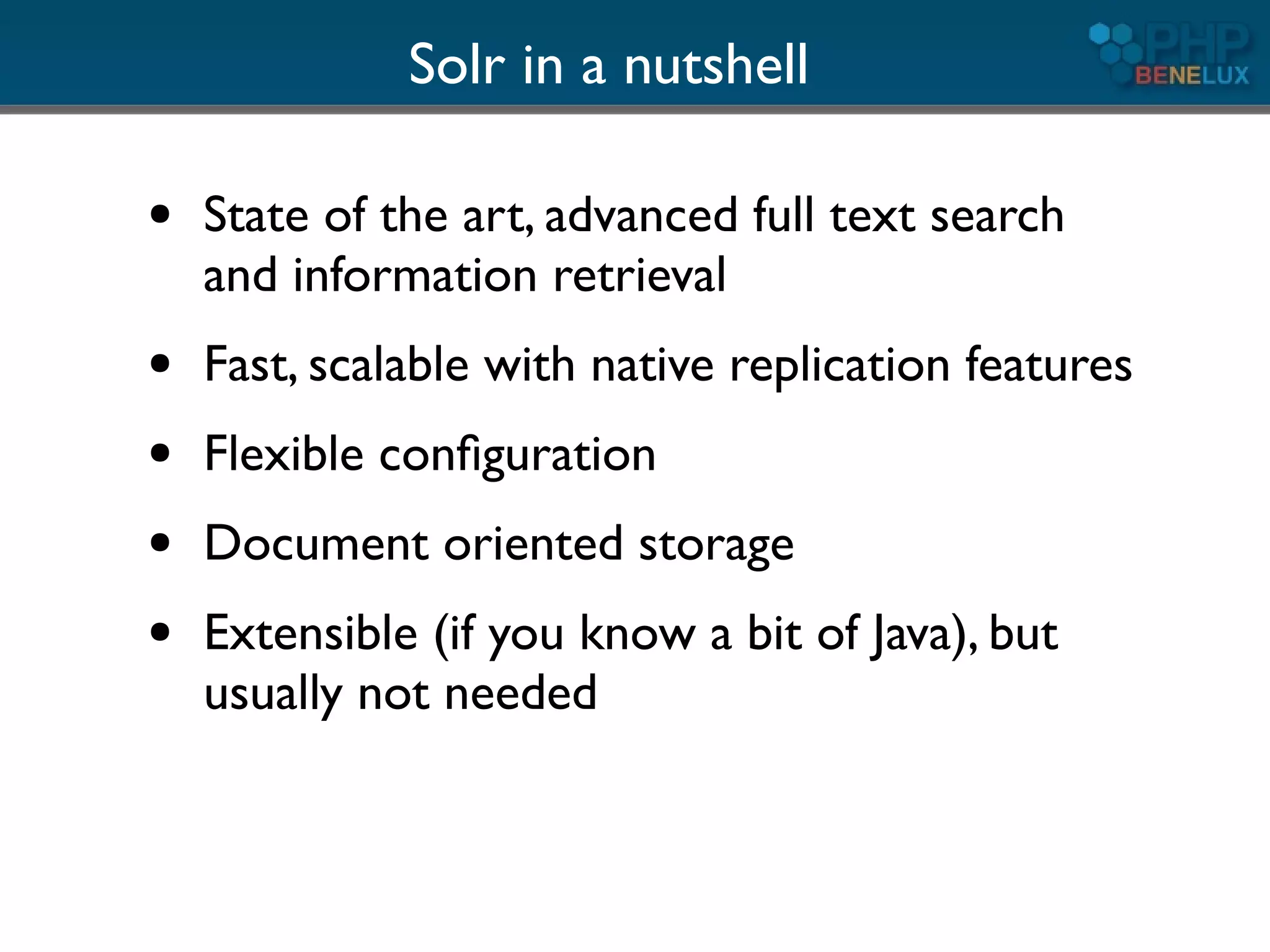
Solr in a nutshell

●   State of the art, advanced full text search
    and information retrieval
●   Fast, scalable with native replication features
●   Flexible configuration
●   Document oriented storage
●   Extensible (if you know a bit of Java), but
    usually not needed
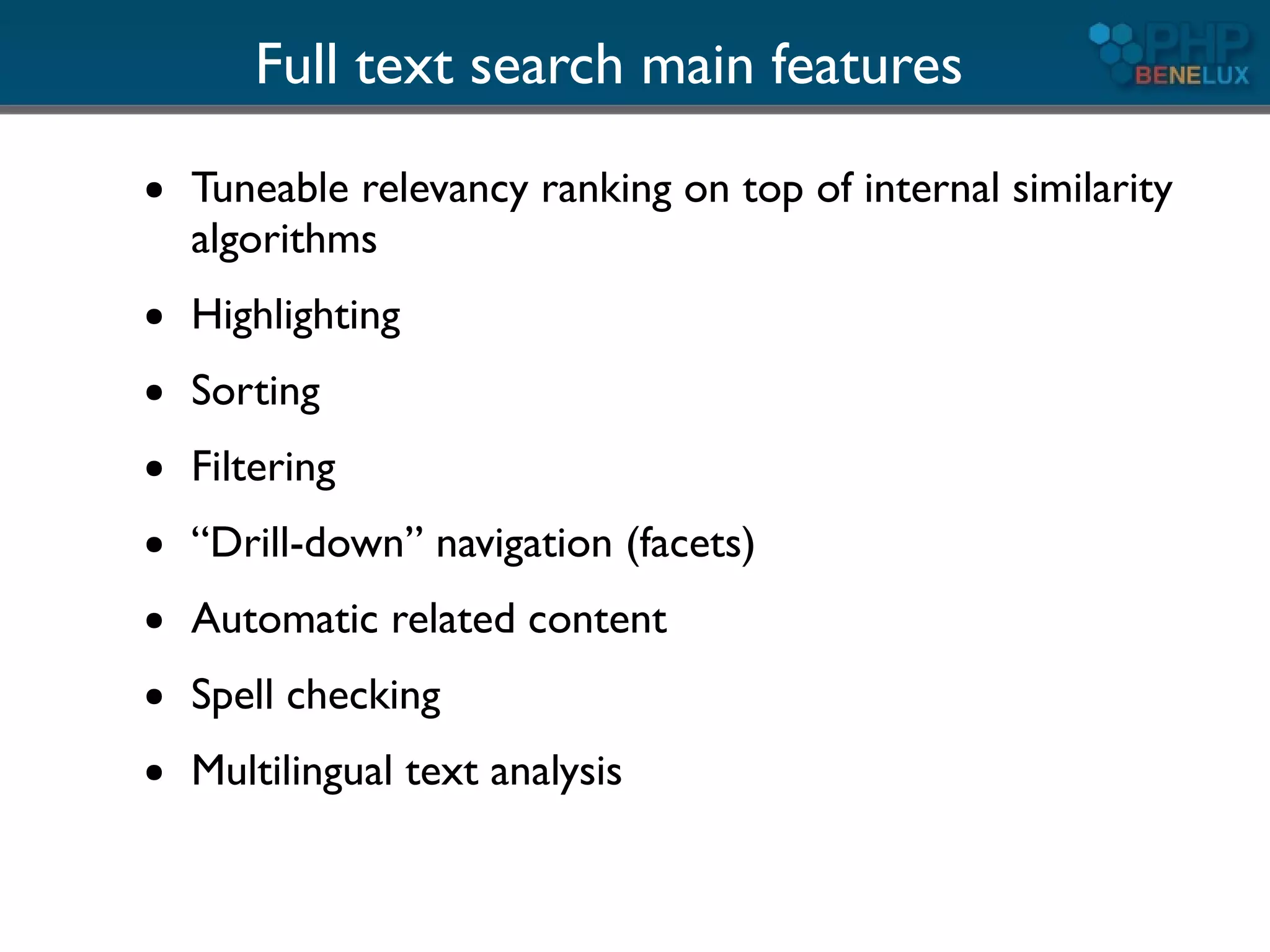
Full text search main features
●   Tuneable relevancy ranking on top of internal similarity
    algorithms
●   Highlighting
●   Sorting
●   Filtering
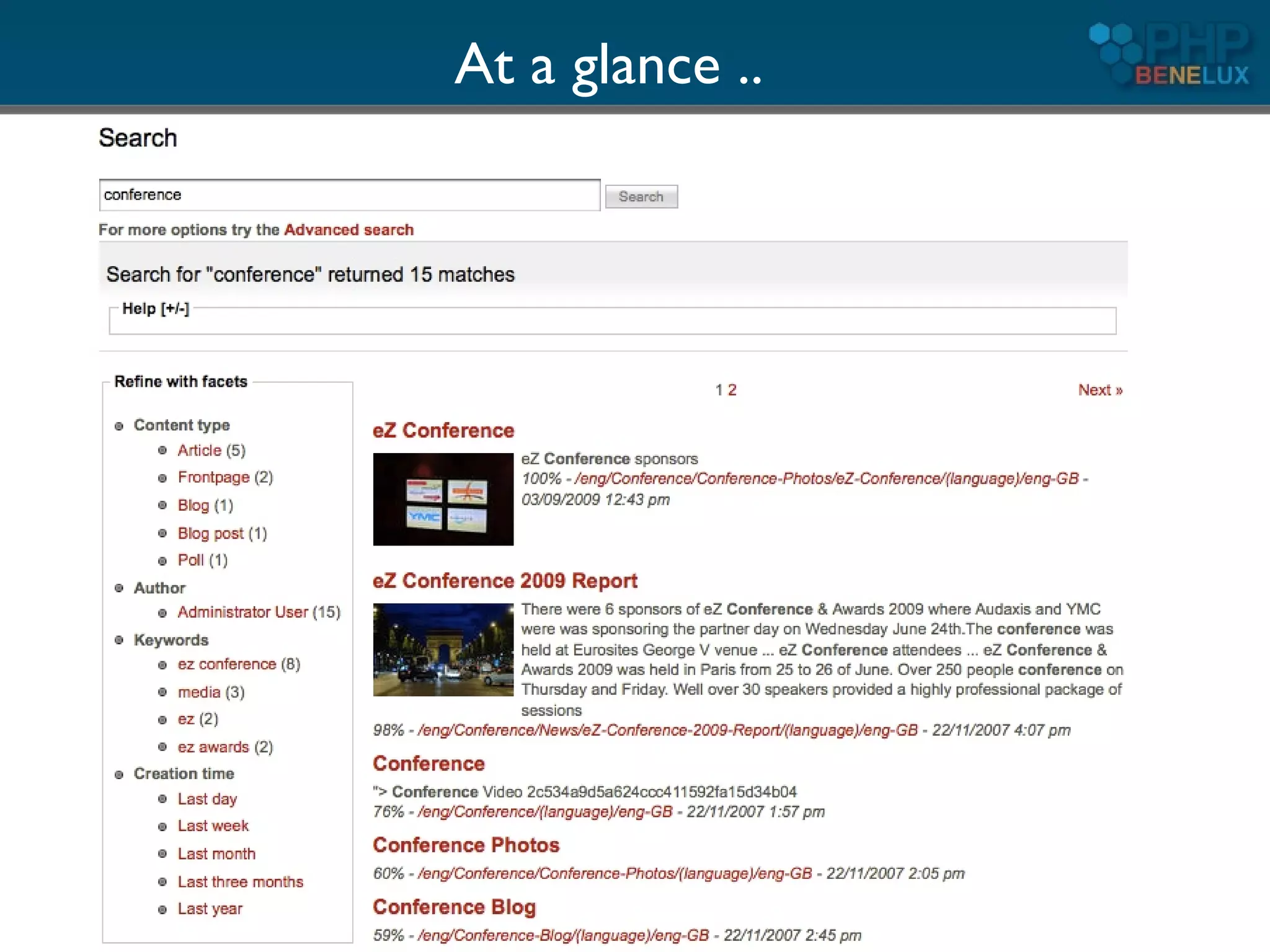
●   “Drill-down” navigation (facets)
●   Automatic related content
●   Spell checking
●   Multilingual text analysis
At a glance ..
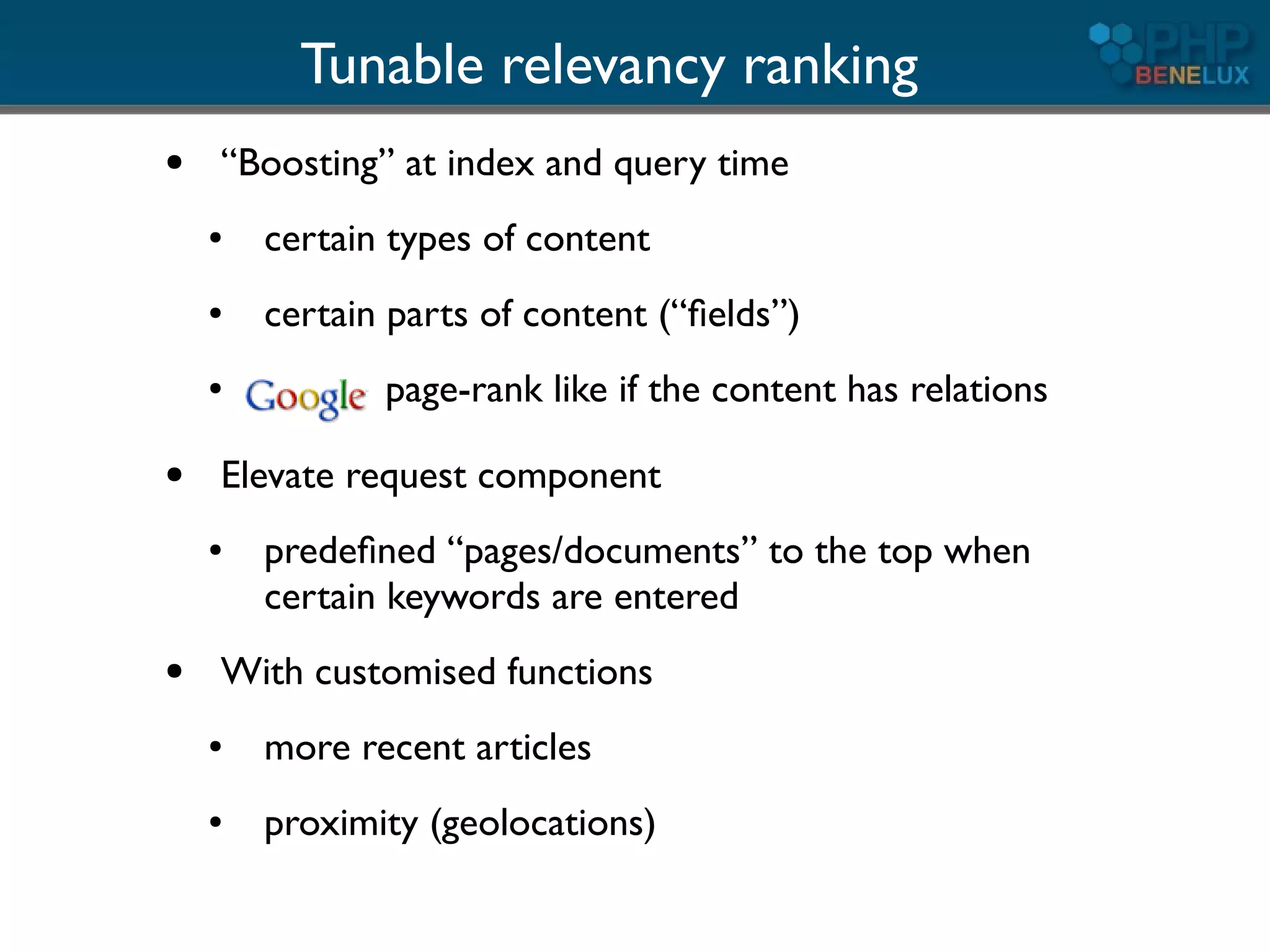
Tunable relevancy ranking
●   “Boosting” at index and query time
    ●   certain types of content
    ●   certain parts of content (“fields”)
    ●          page-rank like if the content has relations

●   Elevate request component
    ●   predefined “pages/documents” to the top when
        certain keywords are entered
●   With customised functions
    ●   more recent articles
    ●   proximity (geolocations)
Filtering

●   Does not influence the relevancy
●   Narrows down the scope
●   Very powerful: full boolean, wildcards, fuzzy,
    and unlimited combinations
●   Ranges (dates, numbers, alphanumeric, ...)


       Also for implementing security!
Facets

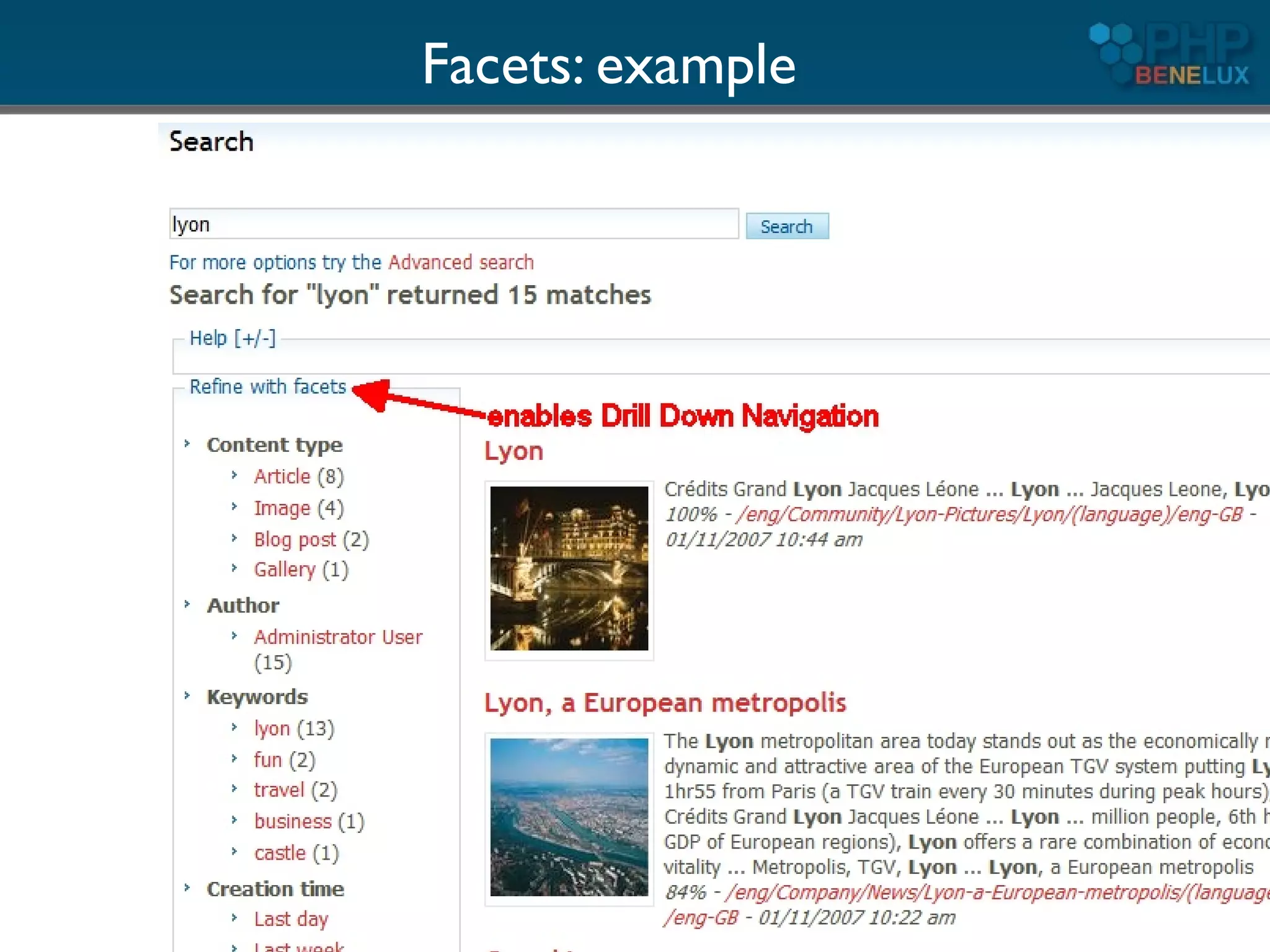
●   Along the main query, “facet fields” may be defined,
    usually operating on meta-data:
    ●   Type of content
    ●   Publication year
    ●   Keywords
    ●   Author ....
●   The result set is returned offering the number hits
    within each “facet”
●   You can use the selected facet as a subsequent filter
Facets: example
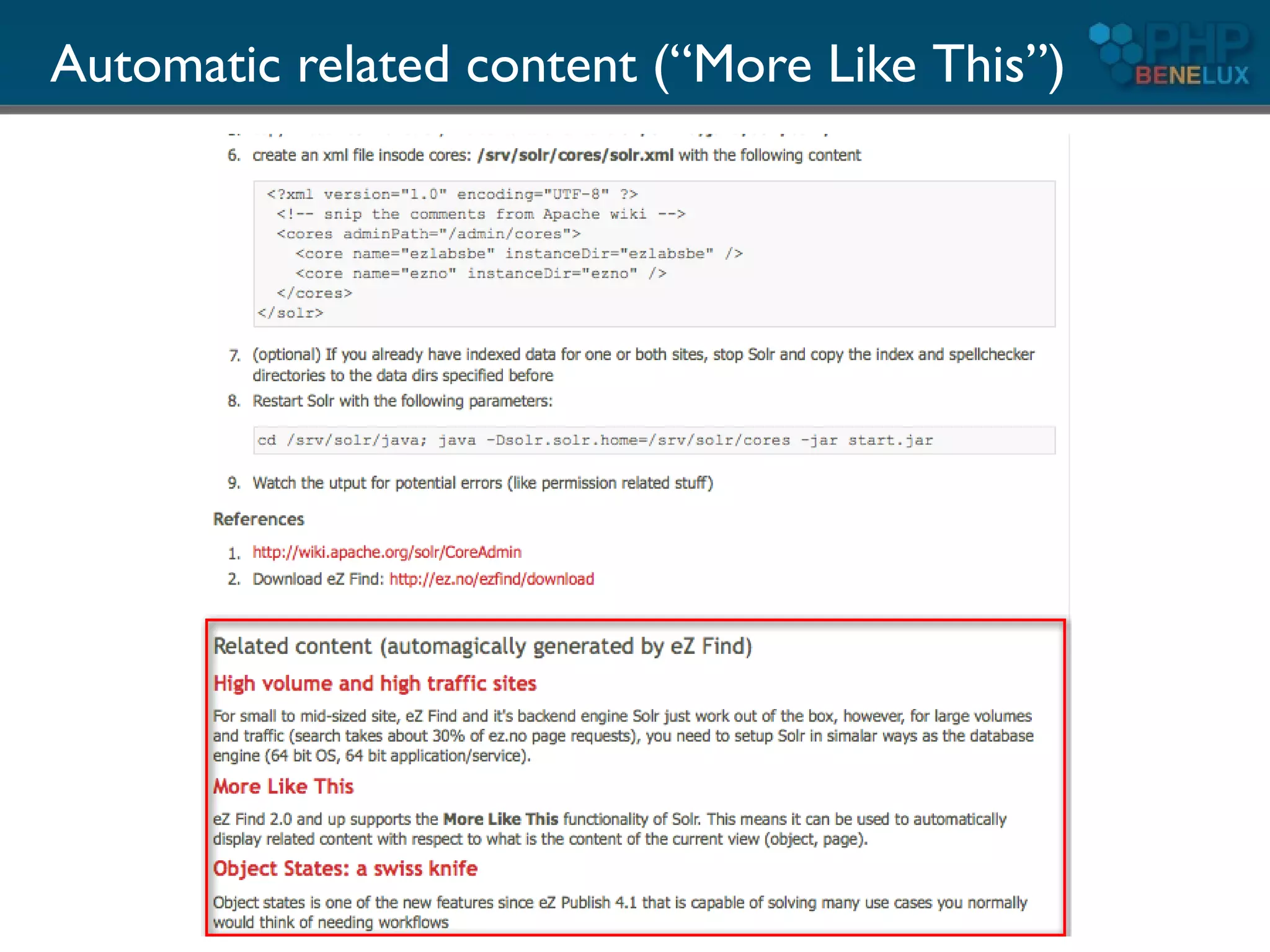
Automatic related content (“More Like This”)

   ●   Search engine determines itself which are
       the important terms of a page and
       performs a query
   ●   All other normal features can be used
       ●   Filtering
       ●   Sorting
       ●   Facets
Automatic related content (“More Like This”)
Spell checking
●   Two possible strategies
    ●   Dictionary look-up
    ●   Using the indexed words itself
        (recommended)
●   Possible “Google” approach using the “best
    guess”
    ●   Search for “Grein botle“
        =>         suggests “Green bottle”
●   Let Solr return individual keyword suggestions
      => more client side processing required
Multilingual features

●   Adapted tokenizers
●   Stemming (reducing words to common form)
    ●   Reduces some spelling errors too!
    ●   May decrease accuracy
●   Different algorithms per language
●   Normalisation (“latin 1 characters”)
    ●   élève = eleve, Spaß = spass, ...
Performance

●   Solr employs intelligent caches
    ●   filters
    ●   queries
    ●   internal indexes
●   Optimized for search/retrieval
●   Possible autowarming on start up
●   When updates are done, caches are reconstructed
    on the fly in the background
Performance (2)

●   Replication
    ●   master-slave for now
    ●   works across platforms with same
        configuration
    ●   no native OS features needed (or rsync)
    ●   more cloud features under development
●   Sharding (client driven)
How to use it with

        part 1
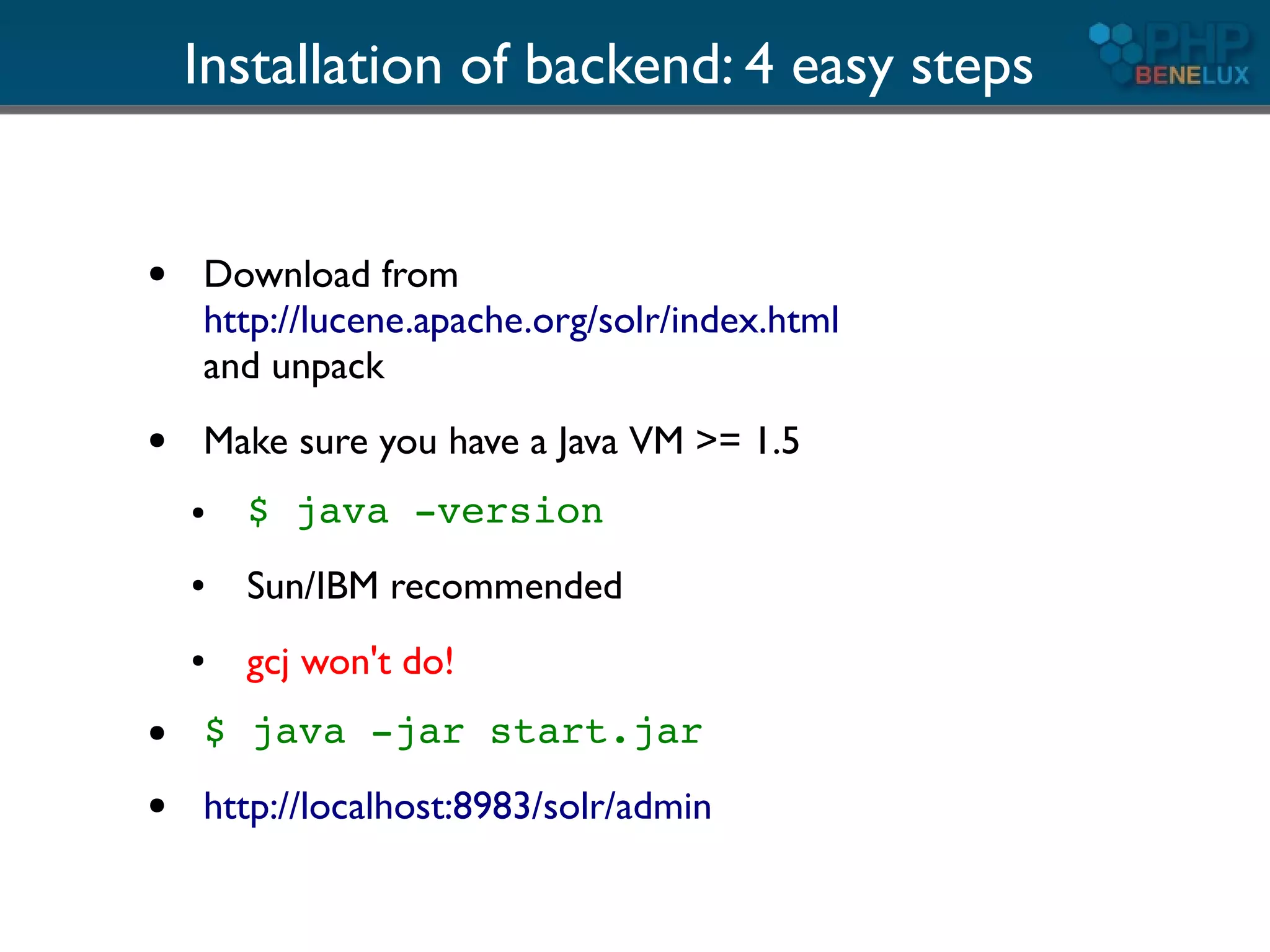
Installation of backend: 4 easy steps


●   Download from
    http://lucene.apache.org/solr/index.html
    and unpack
●   Make sure you have a Java VM >= 1.5
    ●   $ java -version
    ●   Sun/IBM recommended
    ●   gcj won't do!
●   $ java -jar start.jar
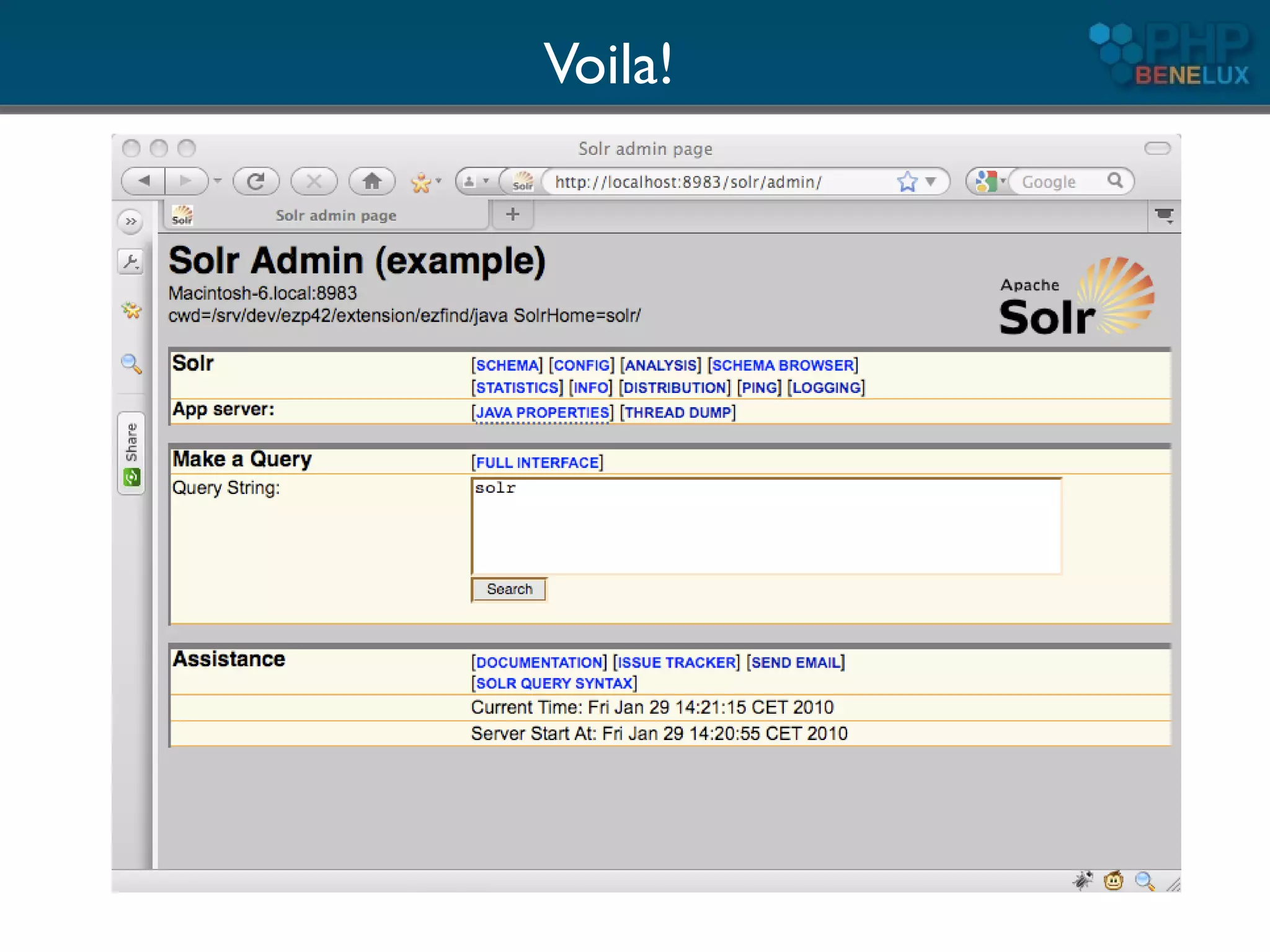
●   http://localhost:8983/solr/admin
Voila!
PHP: the client side

●   Roll your own classes
    ●   Not difficult, it's REST after all
    ●   Some Curl, XML, Json or native PHP array parsing
●   Use existing libraries
    ●   PECL: http://pecl.php.net/package/solr
    ●   http://code.google.com/p/solr-php-client/
        (follows ZF coding standards)
    ●   eZ Components: ezcSearch
●   PHP CMS's usually come with their own
    ●   eZ Publish, Drupal, Symfony ...
What's next?

●   Getting data into Solr
●   Basic searches
●   Advanced requests


●   But first something on the concepts and
    internals
Concepts and internals
The Solr/Lucene index

●   Inverted index
●   Holds a collection of “documents”
●   Document
    ●   Collection of fields
    ●   Flexible schema!
    ●   Unique ID (user defined)
●   Solr uses a XML based config file:

    schema.xml
Fields

●   Various field types, derived from base classes
●   Indexed
    ●   contains the inverted index
    ●   usually analyzed & tokenized
    ●   makes it searchable and sortable
●   Stored
    ●   contains also the original content
    ●   content can be part of the request response
●   Can be multi-valued!
    ●   opens possibilities beyond full text search
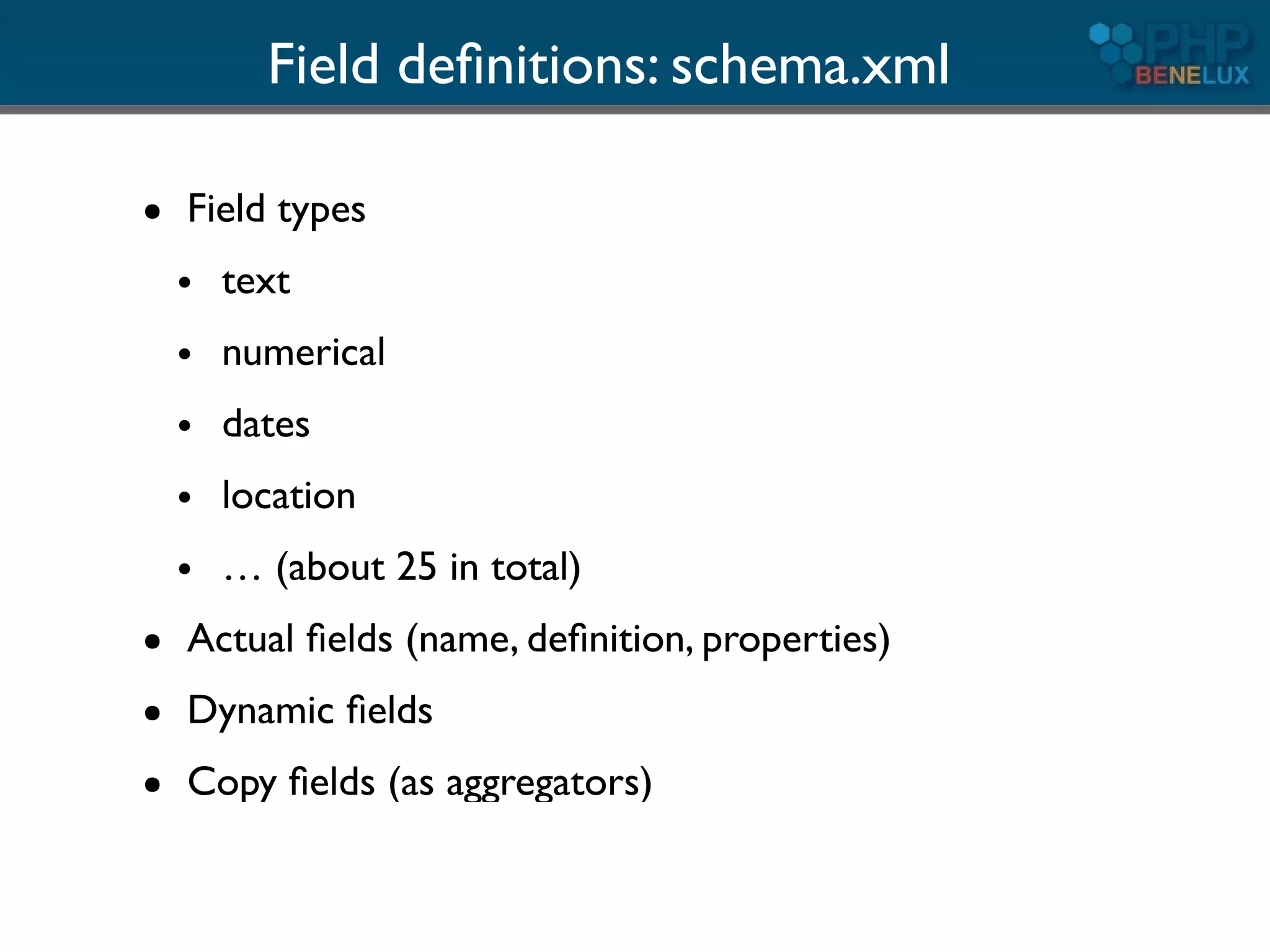
Field definitions: schema.xml

●   Field types
    ●   text
    ●   numerical
    ●   dates
    ●   location
    ●   … (about 25 in total)
●   Actual fields (name, definition, properties)
●   Dynamic fields
●   Copy fields (as aggregators)
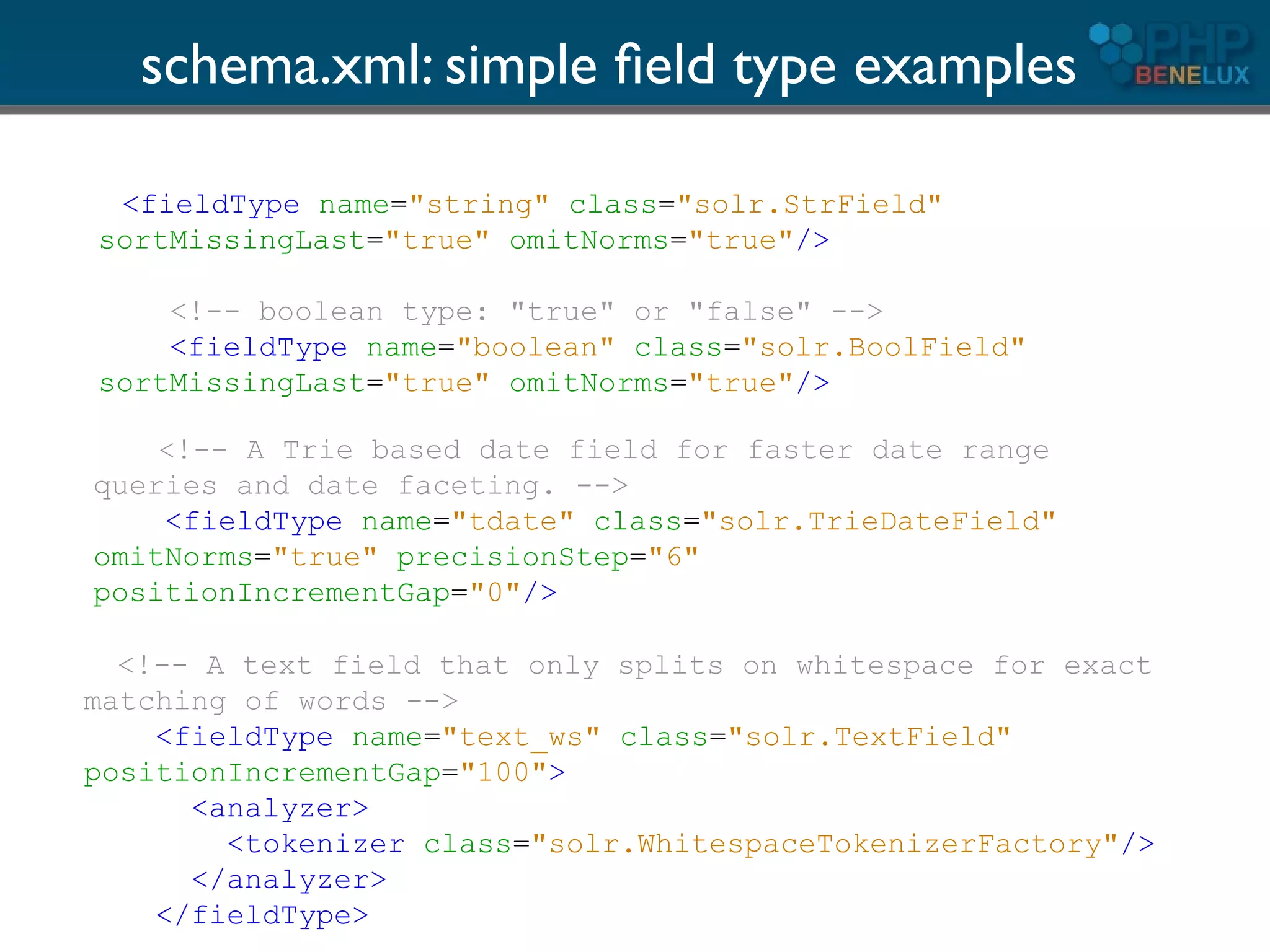
schema.xml: simple field type examples

 <fieldType name="string" class="solr.StrField"
sortMissingLast="true" omitNorms="true"/>

    <!-- boolean type: "true" or "false" -->
    <fieldType name="boolean" class="solr.BoolField"
sortMissingLast="true" omitNorms="true"/>

    <!-- A Trie based date field for faster date range
queries and date faceting. -->
    <fieldType name="tdate" class="solr.TrieDateField"
omitNorms="true" precisionStep="6"
positionIncrementGap="0"/>

  <!-- A text field that only splits on whitespace for exact
matching of words -->
    <fieldType name="text_ws" class="solr.TextField"
positionIncrementGap="100">
      <analyzer>
        <tokenizer class="solr.WhitespaceTokenizerFactory"/>
      </analyzer>
    </fieldType>
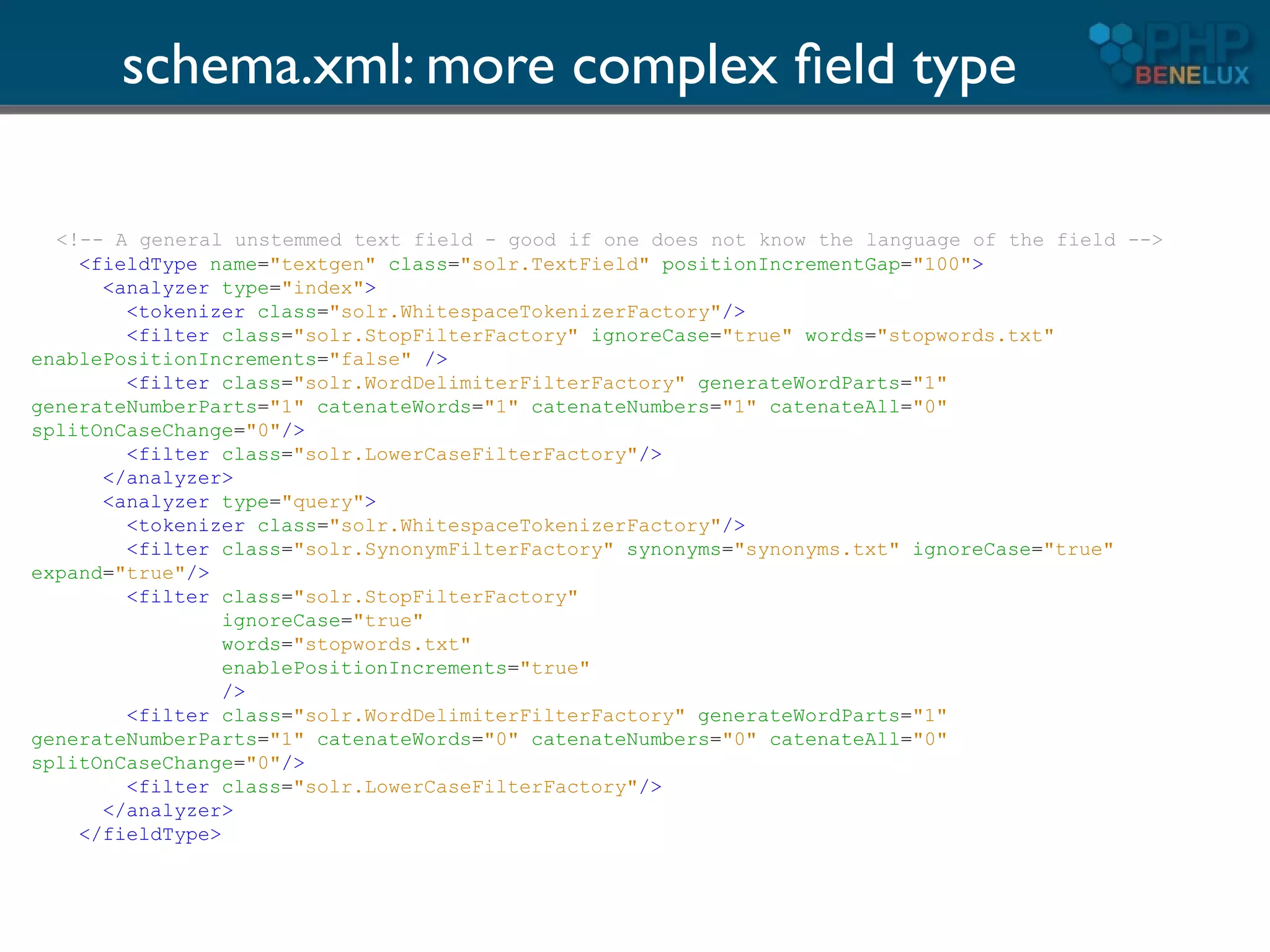
schema.xml: more complex field type

  <!-- A general unstemmed text field - good if one does not know the language of the field -->
    <fieldType name="textgen" class="solr.TextField" positionIncrementGap="100">
      <analyzer type="index">
        <tokenizer class="solr.WhitespaceTokenizerFactory"/>
        <filter class="solr.StopFilterFactory" ignoreCase="true" words="stopwords.txt"
enablePositionIncrements="false" />
        <filter class="solr.WordDelimiterFilterFactory" generateWordParts="1"
generateNumberParts="1" catenateWords="1" catenateNumbers="1" catenateAll="0"
splitOnCaseChange="0"/>
        <filter class="solr.LowerCaseFilterFactory"/>
      </analyzer>
      <analyzer type="query">
        <tokenizer class="solr.WhitespaceTokenizerFactory"/>
        <filter class="solr.SynonymFilterFactory" synonyms="synonyms.txt" ignoreCase="true"
expand="true"/>
        <filter class="solr.StopFilterFactory"
                 ignoreCase="true"
                 words="stopwords.txt"
                 enablePositionIncrements="true"
                 />
        <filter class="solr.WordDelimiterFilterFactory" generateWordParts="1"
generateNumberParts="1" catenateWords="0" catenateNumbers="0" catenateAll="0"
splitOnCaseChange="0"/>
        <filter class="solr.LowerCaseFilterFactory"/>
      </analyzer>
    </fieldType>
Huh?
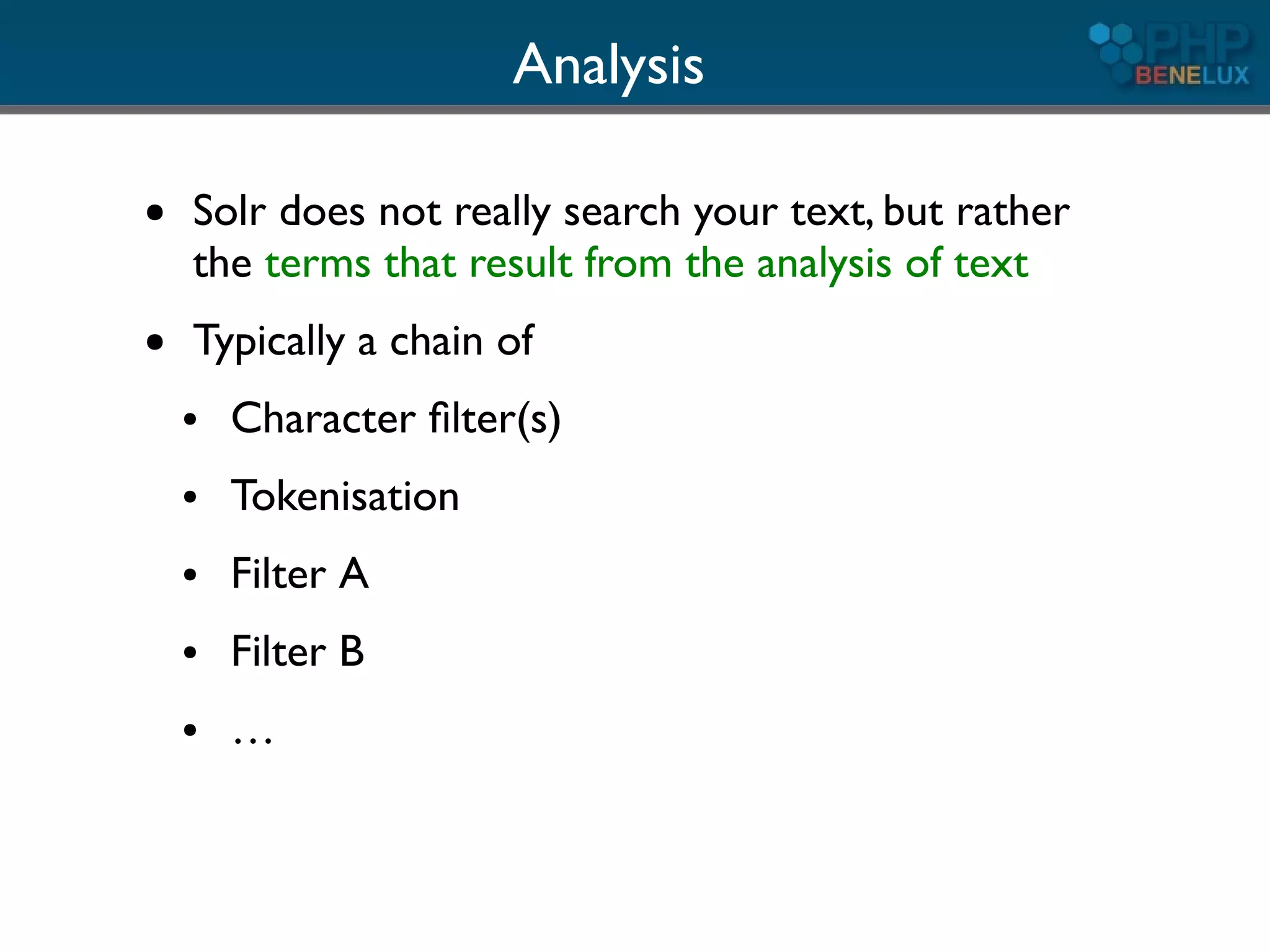
Analysis

●   Solr does not really search your text, but rather
    the terms that result from the analysis of text
●   Typically a chain of
    ●   Character filter(s)
    ●   Tokenisation
    ●   Filter A
    ●   Filter B
    ●   …
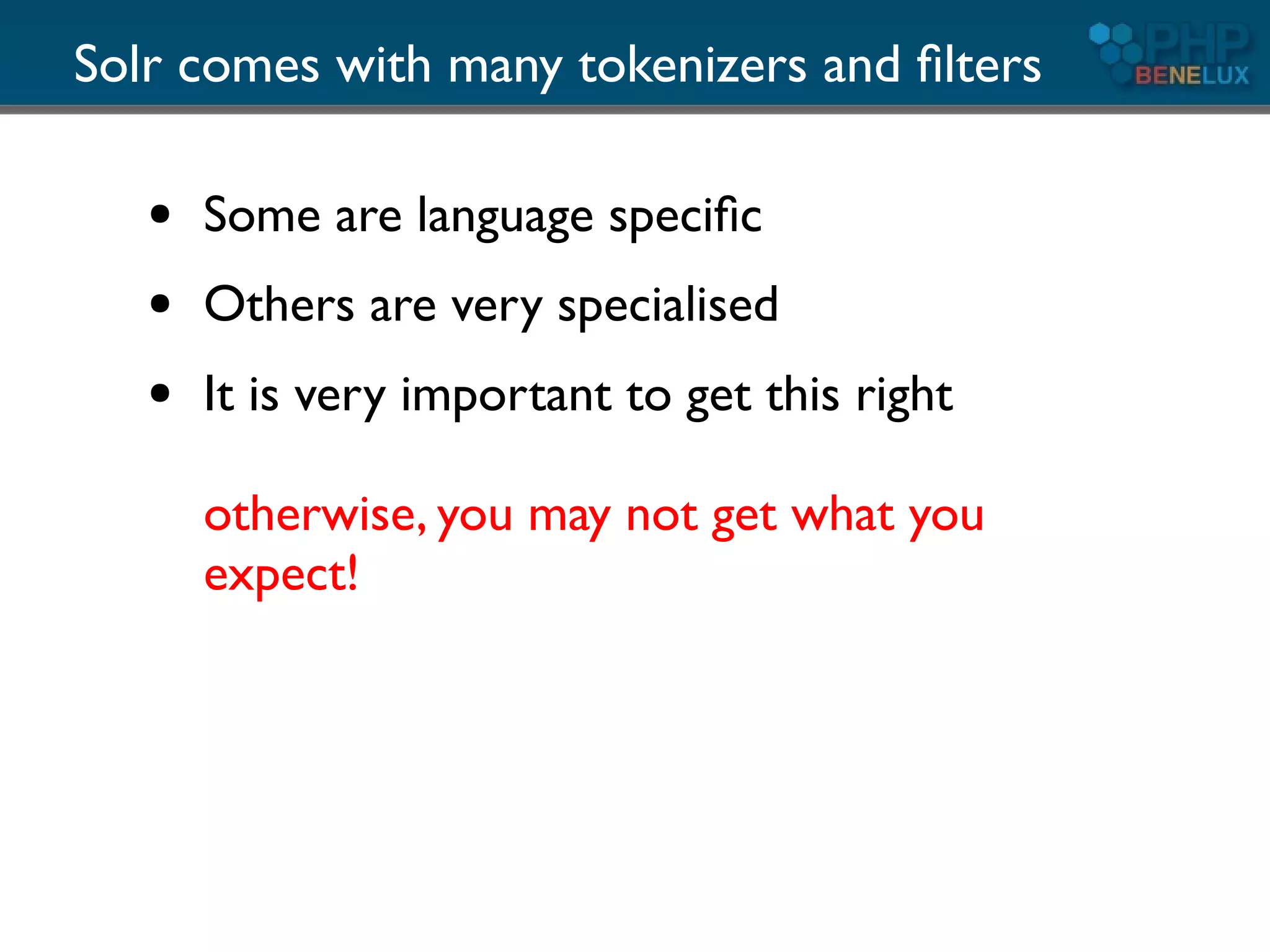
Solr comes with many tokenizers and filters

   ●   Some are language specific
   ●   Others are very specialised
   ●   It is very important to get this right

       otherwise, you may not get what you
       expect!
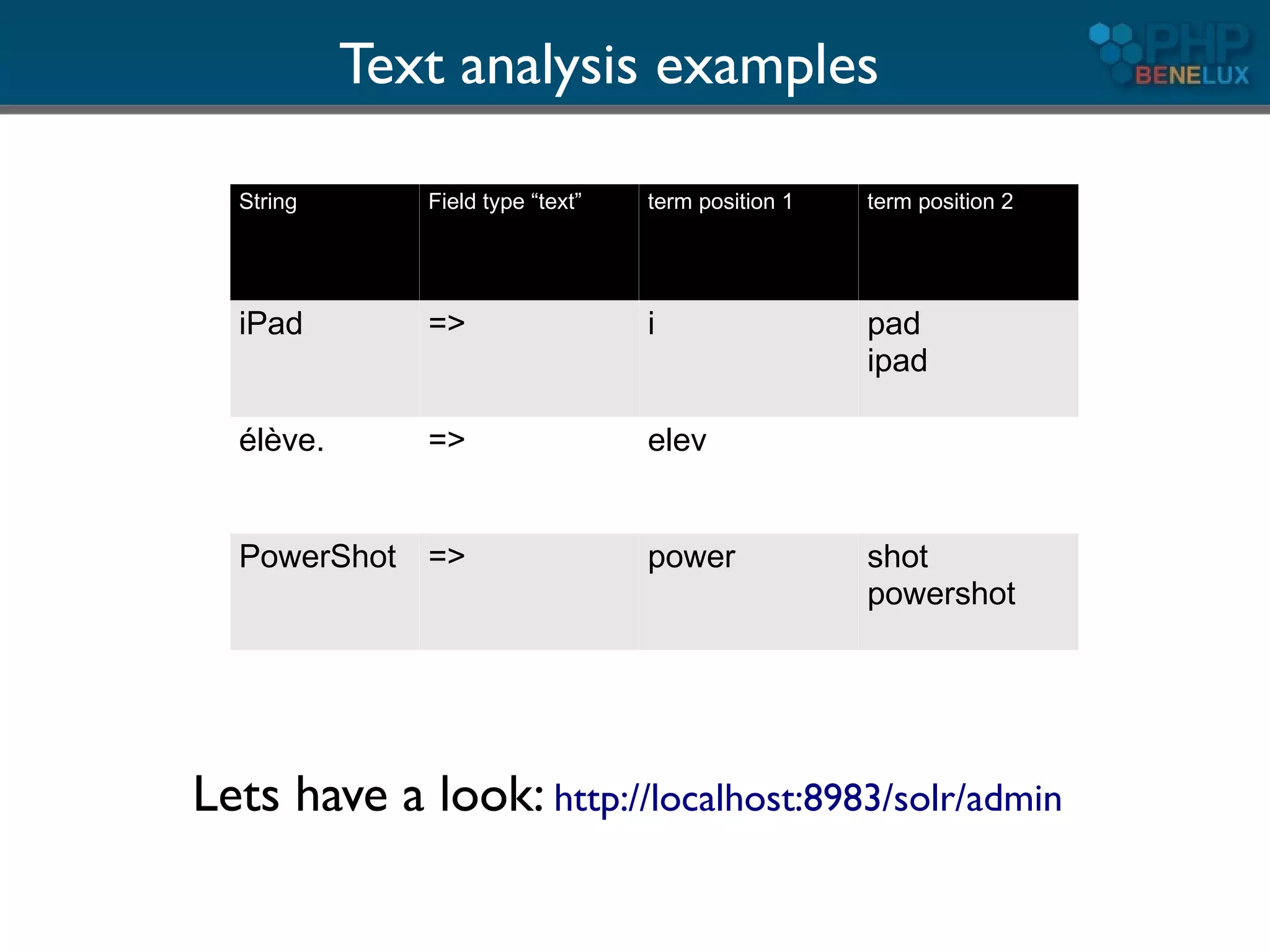
Text analysis examples

  String      Field type “text”   term position 1   term position 2


  iPad        =>                  i                 pad
                                                    ipad

  élève.      =>                  elev


  PowerShot =>                    power             shot
                                                    powershot


Lets have a look: http://localhost:8983/solr/admin
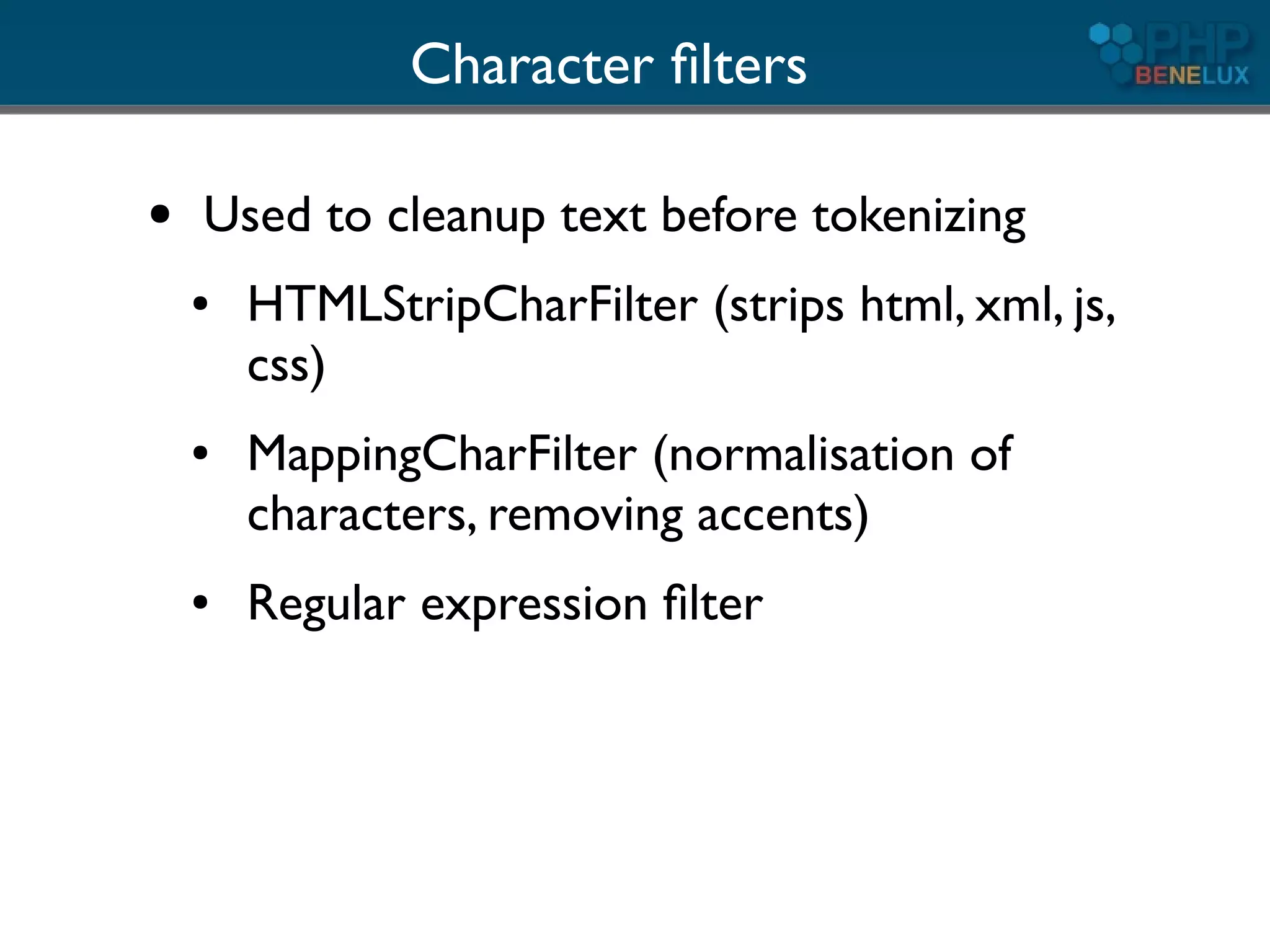
Character filters

●   Used to cleanup text before tokenizing
    ●   HTMLStripCharFilter (strips html, xml, js,
        css)
    ●   MappingCharFilter (normalisation of
        characters, removing accents)
    ●   Regular expression filter
Tokenizers

●   Convert text to tokens (terms)
●   You can define only one per field/analyzer
●   Examples
    ●   WhitespaceTokenizer (splits on white
        space)
    ●   StandardTokenizer
    ●   CJK variants
Additional filters

●   Many possible per field/analyzer
●   Many delivered with Solr out of the box
●   If not enough, write a tiny bit of Java or
    look for contributions


●   Examples ...
Phonetic filters

●   PhoneticFilterFactory
●   “sounds like” transformations and matching
●   Algorithms:
    ●   Metaphone
    ●   Double Metaphone
    ●   Soundex
    ●   Refined Soundex
Reversing Filter

●   Reverses the order of characters
●   Use: allow “leading wildcards”
●   *thing => gniht*
●   A lot faster (prefixes)
Synonyms

●   Inject synonyms for certain terms
●   Language specific
●   Best used for query time analysis
    ●   may inflate the search index too much
    ●   decreases relevancy
Stemming

●   Reduce terms to their root form
●   Language specific (or not relevant, CJK)
●   Many specialised stemmers available
    ●   Most european languages
Copy fields

●   Analysis is done differently for
    ●   searching/filtering
    ●   faceting/sorting
●   Stemming and not stemming in different fields
    can increase relevance of results


●   Use copy fields in schema.xml or do it client side
How to use it with

       part I1
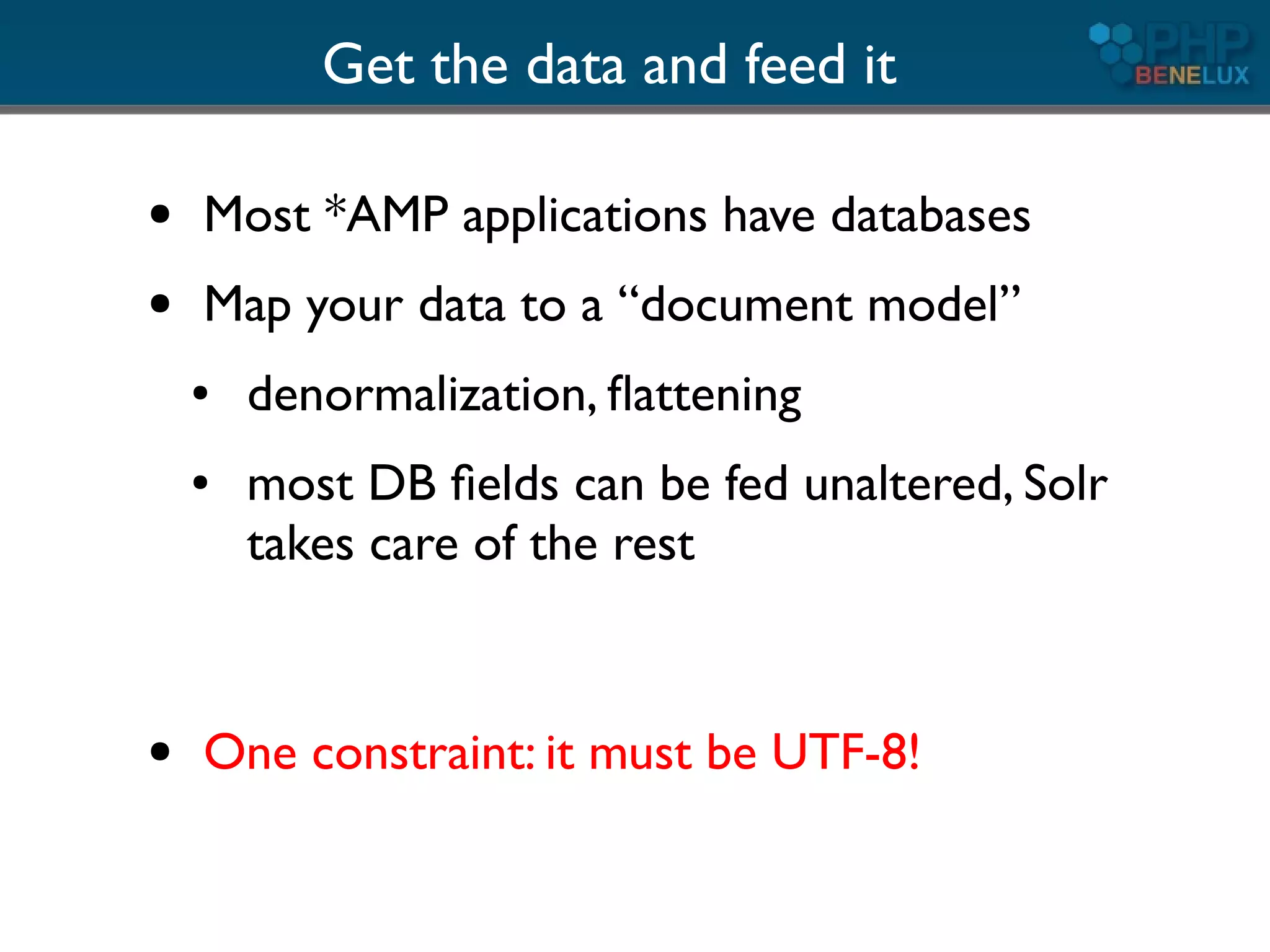
Get the data and feed it

●   Most *AMP applications have databases
●   Map your data to a “document model”
    ●   denormalization, flattening
    ●   most DB fields can be fed unaltered, Solr
        takes care of the rest


●   One constraint: it must be UTF-8!
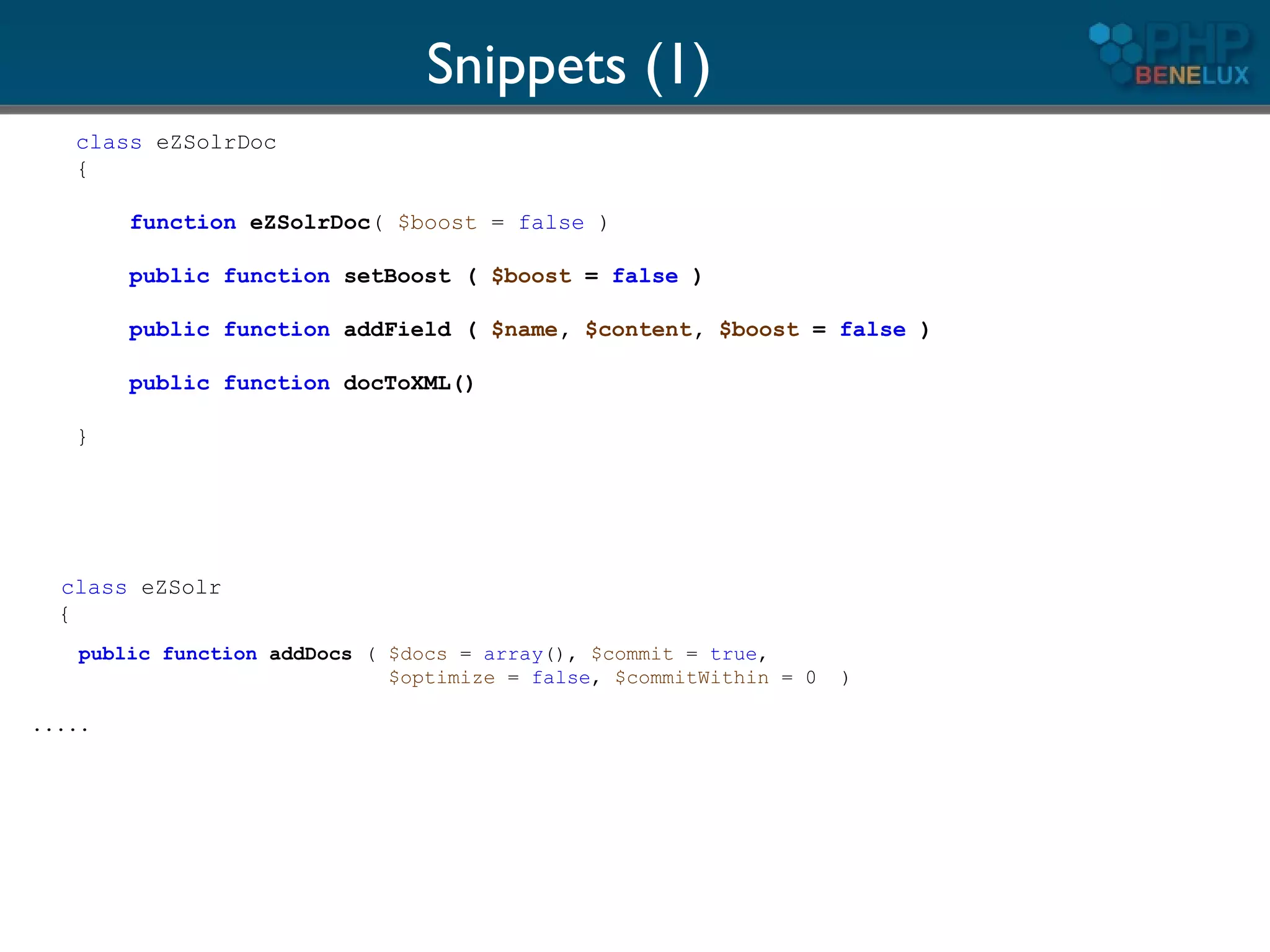
Snippets (1)
   class eZSolrDoc
   {

        function eZSolrDoc( $boost = false )

        public function setBoost ( $boost = false )

        public function addField ( $name, $content, $boost = false )

        public function docToXML()

   }


  class eZSolr
  {
    public function addDocs ( $docs = array(), $commit = true,
                              $optimize = false, $commitWithin = 0   )

.....
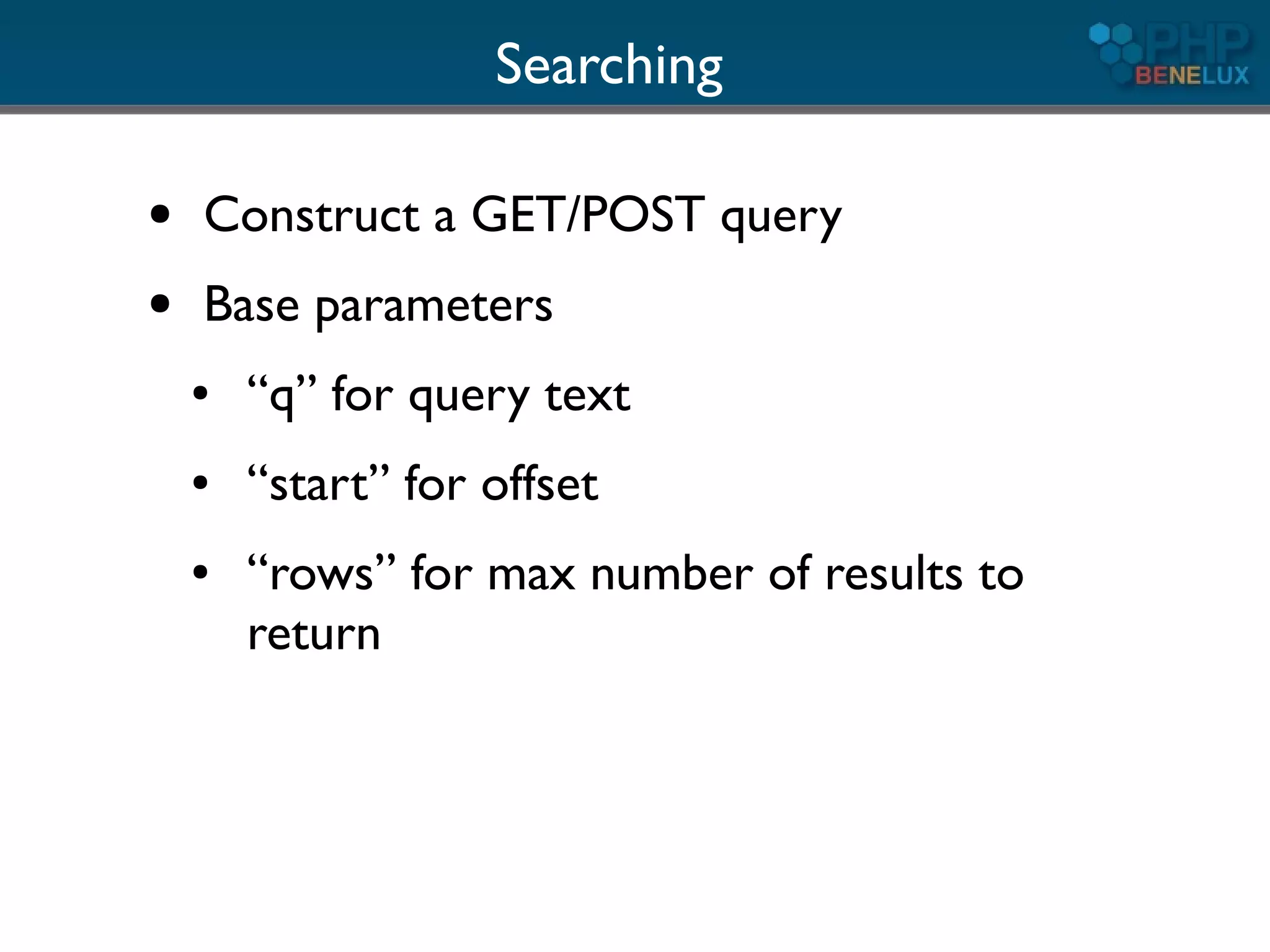
Searching

●   Construct a GET/POST query
●   Base parameters
    ●   “q” for query text
    ●   “start” for offset
    ●   “rows” for max number of results to
        return
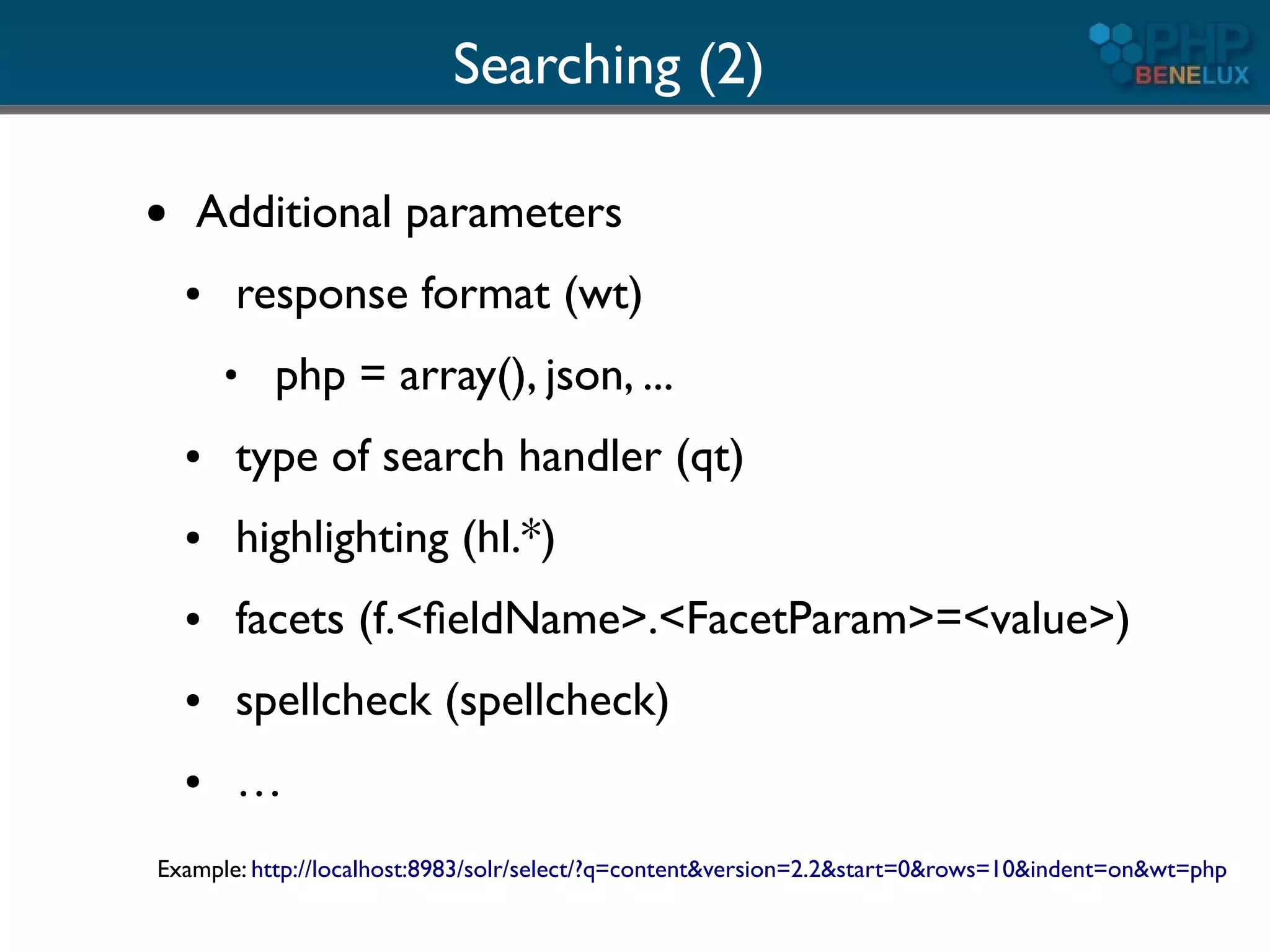
Searching (2)

●   Additional parameters
    ●   response format (wt)
        ●
            php = array(), json, ...
    ●   type of search handler (qt)
    ●   highlighting (hl.*)
    ●   facets (f.<fieldName>.<FacetParam>=<value>)
    ●   spellcheck (spellcheck)
    ●   …
Example: http://localhost:8983/solr/select/?q=content&version=2.2&start=0&rows=10&indent=on&wt=php
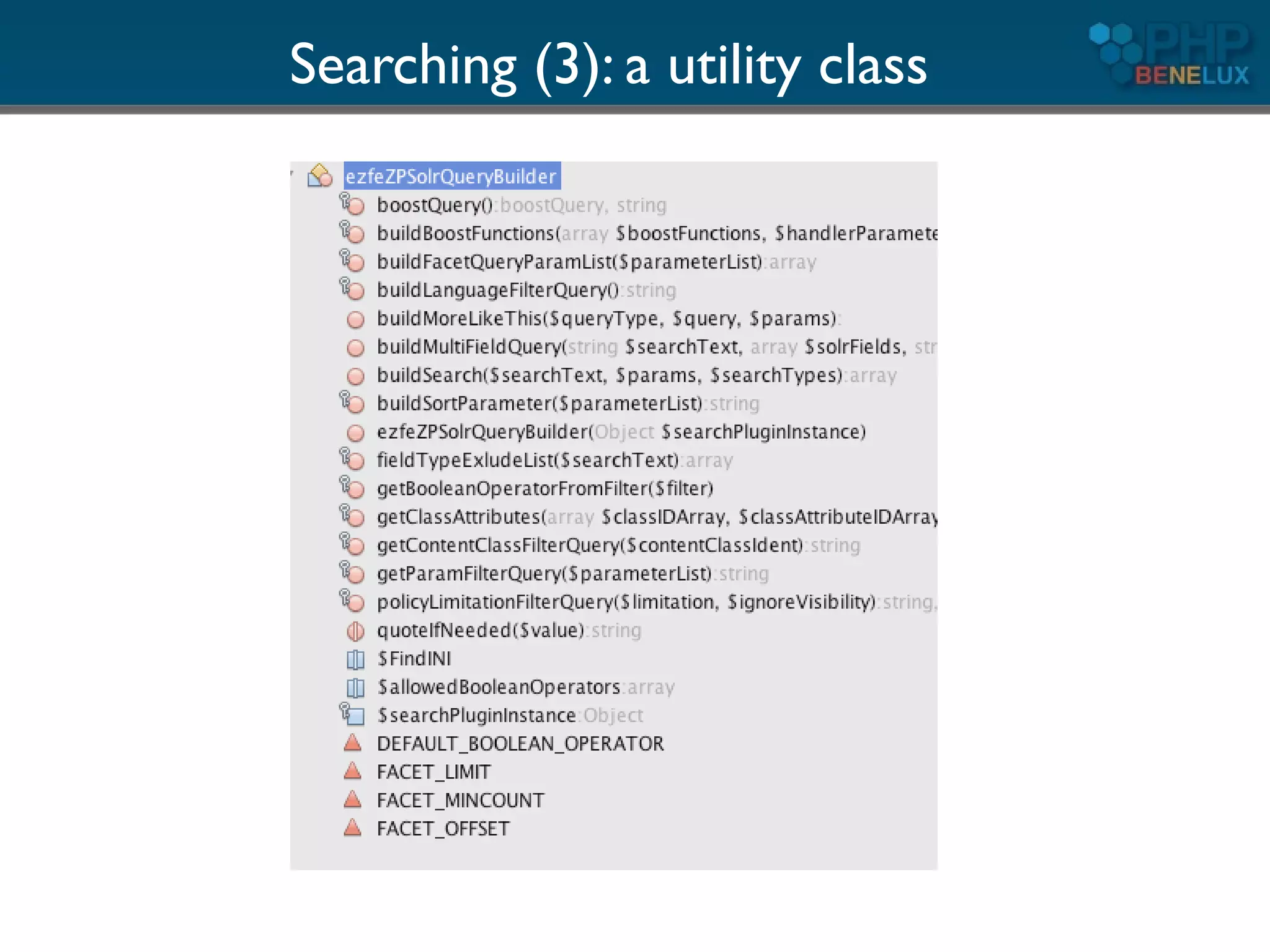
Searching (3): a utility class
Some more tips
Indexing binary files

●   Solr 1.4 includes the Apche Tika libraries
    ●   convert about any format to plain text
    ●   you can activate a dedicated
        requesthandler for it

           OR
●   Use it standalone (command line) for
    integration into existing code
         See: http://lucene.apache.org/tika/
Integrate legacy data

●   Use the Solr Data Import Handler
●   Able to index DB's directly
    ●   define the schema to use (including
        possible joins)
    ●   fire simple requests to Solr to actually
        index/update
●   Also XML feeds, files (csv), ...
Have multilingual content?

●   Multi-core configuration
    ●   Setup a dedicated Solr core per language
    ●   Each has its own schema definitions, while
        you can still use common field names
●   If using one index
    ●   Use dynamic fields and create language
        specific analyzers for dedicate language
        suffixes/prefixes
Resources

●   Solr: wiki, mailing lists, downloads
    http://lucene.apache.org/solr/
●   Free book, articles (by core Solr devs)
    http://www.lucidimagination.com/
●   Ask me ;)
Thank you!


                Questions?


email: paul dot borgermans at gmail dot com
     http://twitter.com/paulborgermans

Get the most out of Solr search with PHP

  • 1.
    Get the mostout of Solr search with PHP Paul Borgermans
  • 2.
    About me ● Active in open source community for a while ● Squid Proxy server (about 15y ago) ● PHP based CMS solutions (mostly eZ Publish) ● Currently fancying : ● PHP as the master glue language for almost everything ● Apache Lucene family of projects (mainly Solr) ● NoSQL (Not only SQL) and scalable architectures ● CMS systems & all kinds of challenges in information management
  • 3.
    Outline ● Overview of Apache Solr ● How to use it with PHP (1) ● Concepts & internals ● How to use it with PHP (2) ● Miscellaneous tips ● Resources
  • 4.
  • 5.
    Solr Curriculum Vitae ● Open source Apache Lucene subproject ● Standalone, enterprise grade search server built on top of Lucene ● Lives in a Java servlet container ● Access through a REST-ful API ● HTTP ● Primary payload in requests: XML ● Other response formats: PHP, JSON, …
  • 6.
    Solr in anutshell ● State of the art, advanced full text search and information retrieval ● Fast, scalable with native replication features ● Flexible configuration ● Document oriented storage ● Extensible (if you know a bit of Java), but usually not needed
  • 7.
    Full text searchmain features ● Tuneable relevancy ranking on top of internal similarity algorithms ● Highlighting ● Sorting ● Filtering ● “Drill-down” navigation (facets) ● Automatic related content ● Spell checking ● Multilingual text analysis
  • 8.
  • 9.
    Tunable relevancy ranking ● “Boosting” at index and query time ● certain types of content ● certain parts of content (“fields”) ● page-rank like if the content has relations ● Elevate request component ● predefined “pages/documents” to the top when certain keywords are entered ● With customised functions ● more recent articles ● proximity (geolocations)
  • 10.
    Filtering ● Does not influence the relevancy ● Narrows down the scope ● Very powerful: full boolean, wildcards, fuzzy, and unlimited combinations ● Ranges (dates, numbers, alphanumeric, ...) Also for implementing security!
  • 11.
    Facets ● Along the main query, “facet fields” may be defined, usually operating on meta-data: ● Type of content ● Publication year ● Keywords ● Author .... ● The result set is returned offering the number hits within each “facet” ● You can use the selected facet as a subsequent filter
  • 12.
  • 13.
    Automatic related content(“More Like This”) ● Search engine determines itself which are the important terms of a page and performs a query ● All other normal features can be used ● Filtering ● Sorting ● Facets
  • 14.
    Automatic related content(“More Like This”)
  • 15.
    Spell checking ● Two possible strategies ● Dictionary look-up ● Using the indexed words itself (recommended) ● Possible “Google” approach using the “best guess” ● Search for “Grein botle“ => suggests “Green bottle” ● Let Solr return individual keyword suggestions => more client side processing required
  • 16.
    Multilingual features ● Adapted tokenizers ● Stemming (reducing words to common form) ● Reduces some spelling errors too! ● May decrease accuracy ● Different algorithms per language ● Normalisation (“latin 1 characters”) ● élève = eleve, Spaß = spass, ...
  • 17.
    Performance ● Solr employs intelligent caches ● filters ● queries ● internal indexes ● Optimized for search/retrieval ● Possible autowarming on start up ● When updates are done, caches are reconstructed on the fly in the background
  • 18.
    Performance (2) ● Replication ● master-slave for now ● works across platforms with same configuration ● no native OS features needed (or rsync) ● more cloud features under development ● Sharding (client driven)
  • 19.
    How to useit with part 1
  • 20.
    Installation of backend:4 easy steps ● Download from http://lucene.apache.org/solr/index.html and unpack ● Make sure you have a Java VM >= 1.5 ● $ java -version ● Sun/IBM recommended ● gcj won't do! ● $ java -jar start.jar ● http://localhost:8983/solr/admin
  • 21.
  • 22.
    PHP: the clientside ● Roll your own classes ● Not difficult, it's REST after all ● Some Curl, XML, Json or native PHP array parsing ● Use existing libraries ● PECL: http://pecl.php.net/package/solr ● http://code.google.com/p/solr-php-client/ (follows ZF coding standards) ● eZ Components: ezcSearch ● PHP CMS's usually come with their own ● eZ Publish, Drupal, Symfony ...
  • 23.
    What's next? ● Getting data into Solr ● Basic searches ● Advanced requests ● But first something on the concepts and internals
  • 24.
  • 25.
    The Solr/Lucene index ● Inverted index ● Holds a collection of “documents” ● Document ● Collection of fields ● Flexible schema! ● Unique ID (user defined) ● Solr uses a XML based config file: schema.xml
  • 26.
    Fields ● Various field types, derived from base classes ● Indexed ● contains the inverted index ● usually analyzed & tokenized ● makes it searchable and sortable ● Stored ● contains also the original content ● content can be part of the request response ● Can be multi-valued! ● opens possibilities beyond full text search
  • 27.
    Field definitions: schema.xml ● Field types ● text ● numerical ● dates ● location ● … (about 25 in total) ● Actual fields (name, definition, properties) ● Dynamic fields ● Copy fields (as aggregators)
  • 28.
    schema.xml: simple fieldtype examples <fieldType name="string" class="solr.StrField" sortMissingLast="true" omitNorms="true"/> <!-- boolean type: "true" or "false" --> <fieldType name="boolean" class="solr.BoolField" sortMissingLast="true" omitNorms="true"/> <!-- A Trie based date field for faster date range queries and date faceting. --> <fieldType name="tdate" class="solr.TrieDateField" omitNorms="true" precisionStep="6" positionIncrementGap="0"/> <!-- A text field that only splits on whitespace for exact matching of words --> <fieldType name="text_ws" class="solr.TextField" positionIncrementGap="100"> <analyzer> <tokenizer class="solr.WhitespaceTokenizerFactory"/> </analyzer> </fieldType>
  • 29.
    schema.xml: more complexfield type <!-- A general unstemmed text field - good if one does not know the language of the field --> <fieldType name="textgen" class="solr.TextField" positionIncrementGap="100"> <analyzer type="index"> <tokenizer class="solr.WhitespaceTokenizerFactory"/> <filter class="solr.StopFilterFactory" ignoreCase="true" words="stopwords.txt" enablePositionIncrements="false" /> <filter class="solr.WordDelimiterFilterFactory" generateWordParts="1" generateNumberParts="1" catenateWords="1" catenateNumbers="1" catenateAll="0" splitOnCaseChange="0"/> <filter class="solr.LowerCaseFilterFactory"/> </analyzer> <analyzer type="query"> <tokenizer class="solr.WhitespaceTokenizerFactory"/> <filter class="solr.SynonymFilterFactory" synonyms="synonyms.txt" ignoreCase="true" expand="true"/> <filter class="solr.StopFilterFactory" ignoreCase="true" words="stopwords.txt" enablePositionIncrements="true" /> <filter class="solr.WordDelimiterFilterFactory" generateWordParts="1" generateNumberParts="1" catenateWords="0" catenateNumbers="0" catenateAll="0" splitOnCaseChange="0"/> <filter class="solr.LowerCaseFilterFactory"/> </analyzer> </fieldType>
  • 30.
  • 31.
    Analysis ● Solr does not really search your text, but rather the terms that result from the analysis of text ● Typically a chain of ● Character filter(s) ● Tokenisation ● Filter A ● Filter B ● …
  • 32.
    Solr comes withmany tokenizers and filters ● Some are language specific ● Others are very specialised ● It is very important to get this right otherwise, you may not get what you expect!
  • 33.
    Text analysis examples String Field type “text” term position 1 term position 2 iPad => i pad ipad élève. => elev PowerShot => power shot powershot Lets have a look: http://localhost:8983/solr/admin
  • 34.
    Character filters ● Used to cleanup text before tokenizing ● HTMLStripCharFilter (strips html, xml, js, css) ● MappingCharFilter (normalisation of characters, removing accents) ● Regular expression filter
  • 35.
    Tokenizers ● Convert text to tokens (terms) ● You can define only one per field/analyzer ● Examples ● WhitespaceTokenizer (splits on white space) ● StandardTokenizer ● CJK variants
  • 36.
    Additional filters ● Many possible per field/analyzer ● Many delivered with Solr out of the box ● If not enough, write a tiny bit of Java or look for contributions ● Examples ...
  • 37.
    Phonetic filters ● PhoneticFilterFactory ● “sounds like” transformations and matching ● Algorithms: ● Metaphone ● Double Metaphone ● Soundex ● Refined Soundex
  • 38.
    Reversing Filter ● Reverses the order of characters ● Use: allow “leading wildcards” ● *thing => gniht* ● A lot faster (prefixes)
  • 39.
    Synonyms ● Inject synonyms for certain terms ● Language specific ● Best used for query time analysis ● may inflate the search index too much ● decreases relevancy
  • 40.
    Stemming ● Reduce terms to their root form ● Language specific (or not relevant, CJK) ● Many specialised stemmers available ● Most european languages
  • 41.
    Copy fields ● Analysis is done differently for ● searching/filtering ● faceting/sorting ● Stemming and not stemming in different fields can increase relevance of results ● Use copy fields in schema.xml or do it client side
  • 42.
    How to useit with part I1
  • 43.
    Get the dataand feed it ● Most *AMP applications have databases ● Map your data to a “document model” ● denormalization, flattening ● most DB fields can be fed unaltered, Solr takes care of the rest ● One constraint: it must be UTF-8!
  • 44.
    Snippets (1) class eZSolrDoc { function eZSolrDoc( $boost = false ) public function setBoost ( $boost = false ) public function addField ( $name, $content, $boost = false ) public function docToXML() } class eZSolr { public function addDocs ( $docs = array(), $commit = true, $optimize = false, $commitWithin = 0 ) .....
  • 45.
    Searching ● Construct a GET/POST query ● Base parameters ● “q” for query text ● “start” for offset ● “rows” for max number of results to return
  • 46.
    Searching (2) ● Additional parameters ● response format (wt) ● php = array(), json, ... ● type of search handler (qt) ● highlighting (hl.*) ● facets (f.<fieldName>.<FacetParam>=<value>) ● spellcheck (spellcheck) ● … Example: http://localhost:8983/solr/select/?q=content&version=2.2&start=0&rows=10&indent=on&wt=php
  • 47.
    Searching (3): autility class
  • 48.
  • 49.
    Indexing binary files ● Solr 1.4 includes the Apche Tika libraries ● convert about any format to plain text ● you can activate a dedicated requesthandler for it OR ● Use it standalone (command line) for integration into existing code See: http://lucene.apache.org/tika/
  • 50.
    Integrate legacy data ● Use the Solr Data Import Handler ● Able to index DB's directly ● define the schema to use (including possible joins) ● fire simple requests to Solr to actually index/update ● Also XML feeds, files (csv), ...
  • 51.
    Have multilingual content? ● Multi-core configuration ● Setup a dedicated Solr core per language ● Each has its own schema definitions, while you can still use common field names ● If using one index ● Use dynamic fields and create language specific analyzers for dedicate language suffixes/prefixes
  • 52.
    Resources ● Solr: wiki, mailing lists, downloads http://lucene.apache.org/solr/ ● Free book, articles (by core Solr devs) http://www.lucidimagination.com/ ● Ask me ;)
  • 53.
    Thank you! Questions? email: paul dot borgermans at gmail dot com http://twitter.com/paulborgermans