Into the Abyss: Evaluating Active Directory
SMB Shares on Scale
SCOTT SUTHERLAND / SENIOR DIRECTOR, NETSPI
S E C U R E 3 6 0
Scott
Sutherland
Senior Director, NetSPI
Adversary Simulation &
Infrastructure Testing
Code https://github.com/NetSPI/PowerUpSQL
https://github.com/NetSPI/SQLC2
https://github.com/NetSPI/ESC
https://github.com/NetSPI/PowerHunt
https://github.com/NetSPI/PowerHuntShares
https://blog.netspi.com/author/scott-sutherland/
Blogs
@_nullbind
Twitter
http://slideshare.net/nullbind
Decks
Agenda
1
2
3
4
What’s the Problem?
Why should I care about share access?
Share Permissions Primer
How do they work and where do things go wrong?
What’s the Impact?
Exploiting SMB share access!
5
Share Remediation
How can we streamline share inventory and remediation?
PowerHuntShares
Let’s automate some things!
Story Time.
Into the Abyss: Evaluating Active Directory SMB Shares on Scale
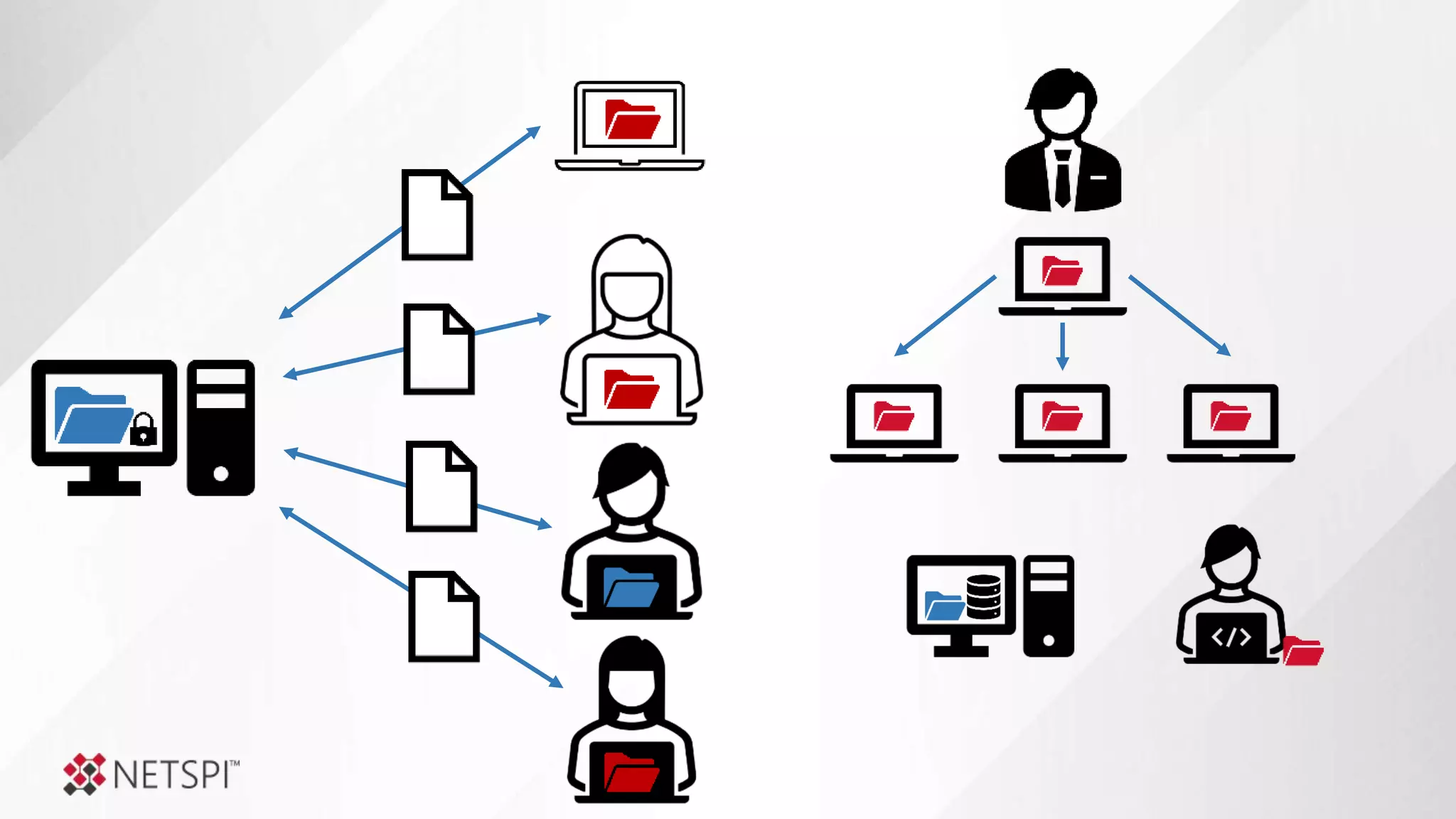
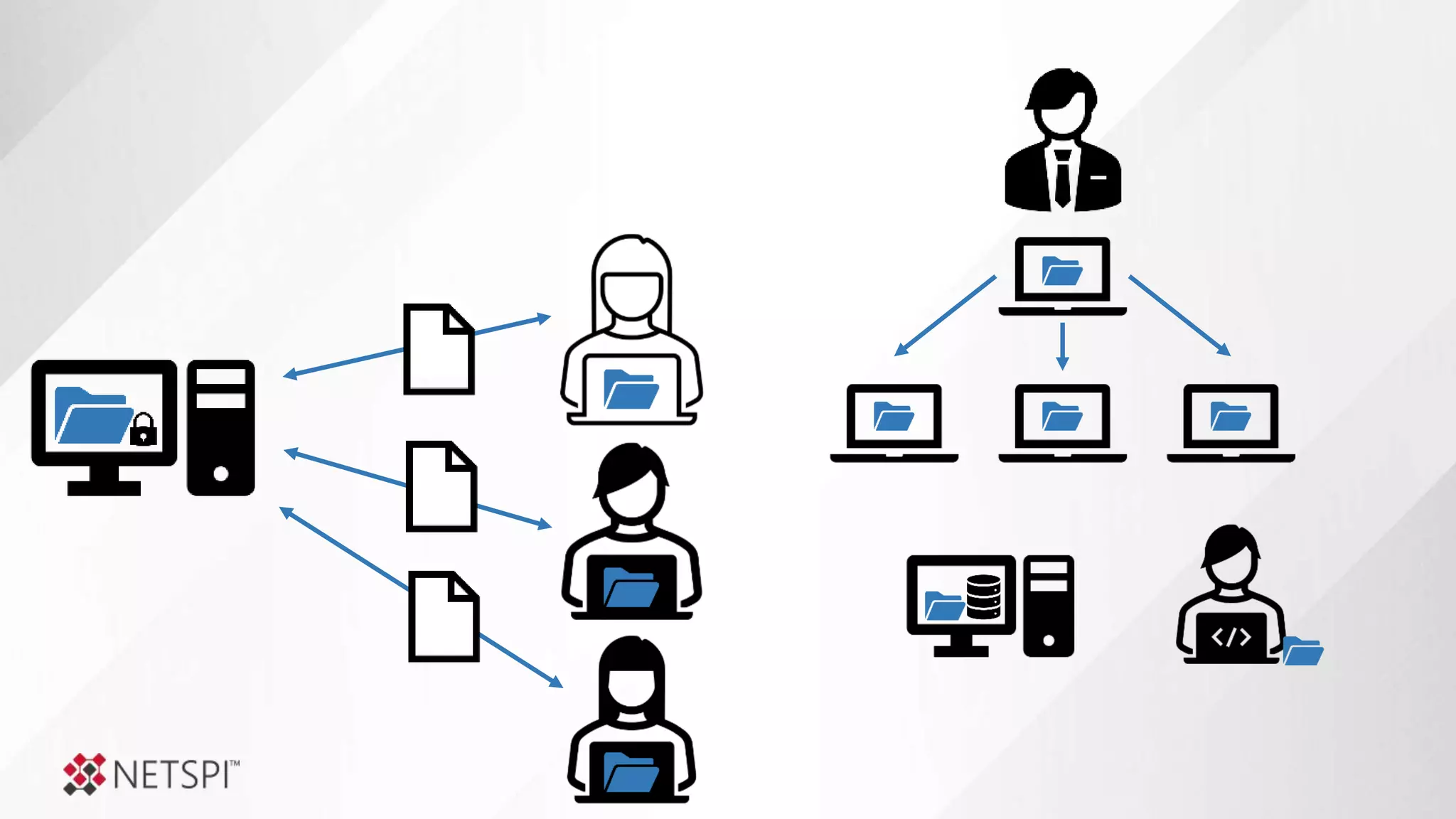
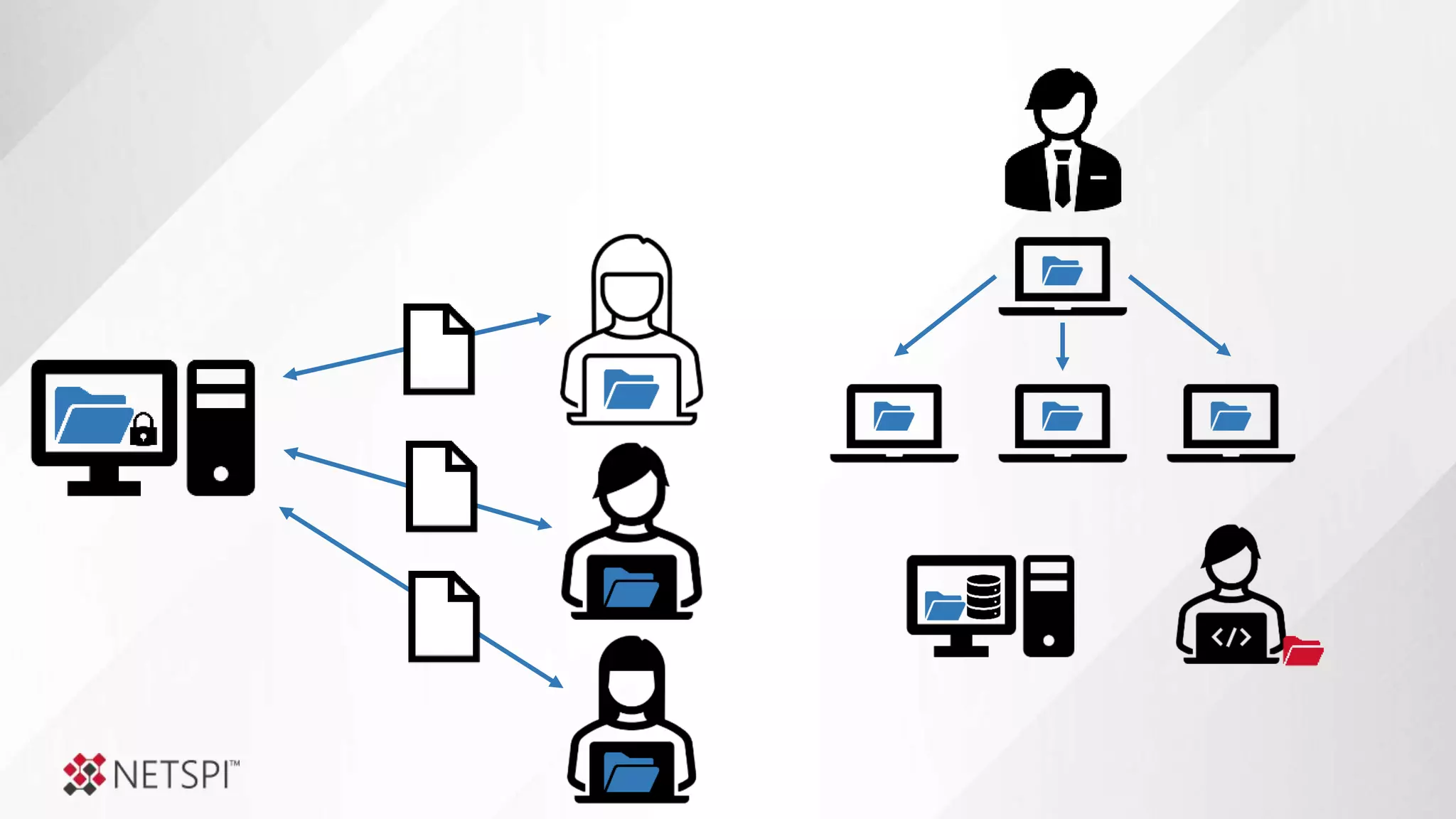
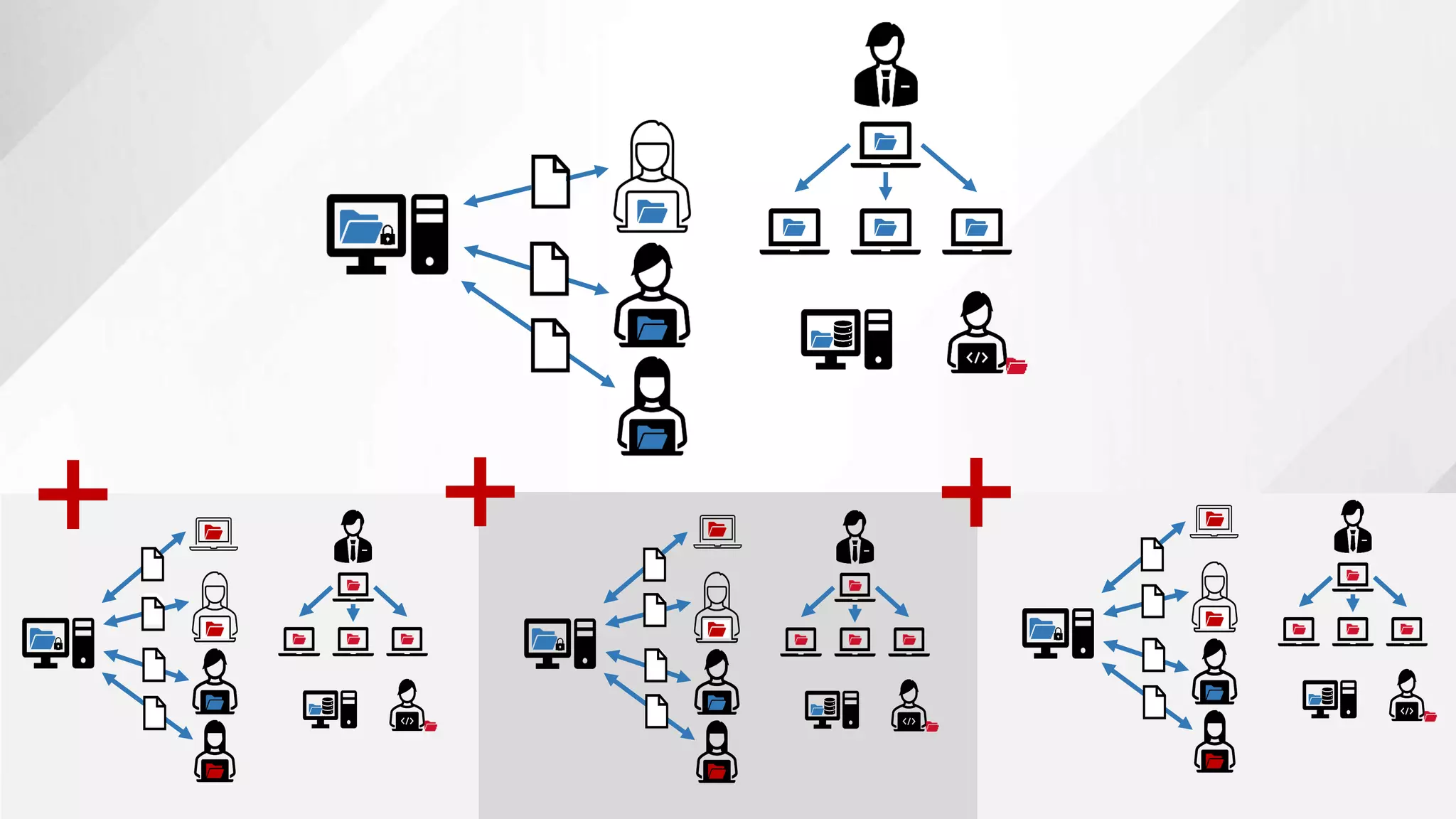
Legacy of Shares
+ + +
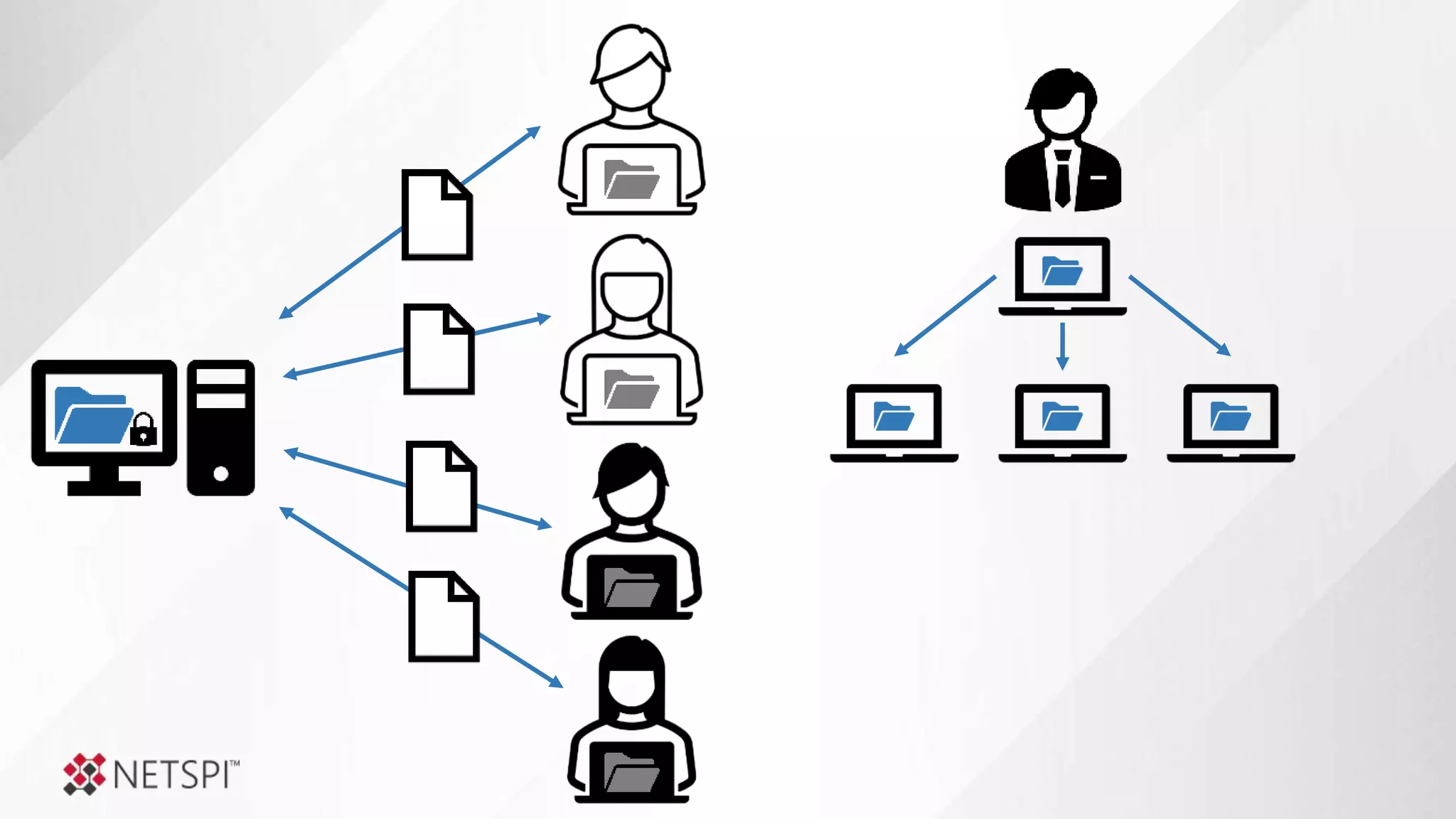
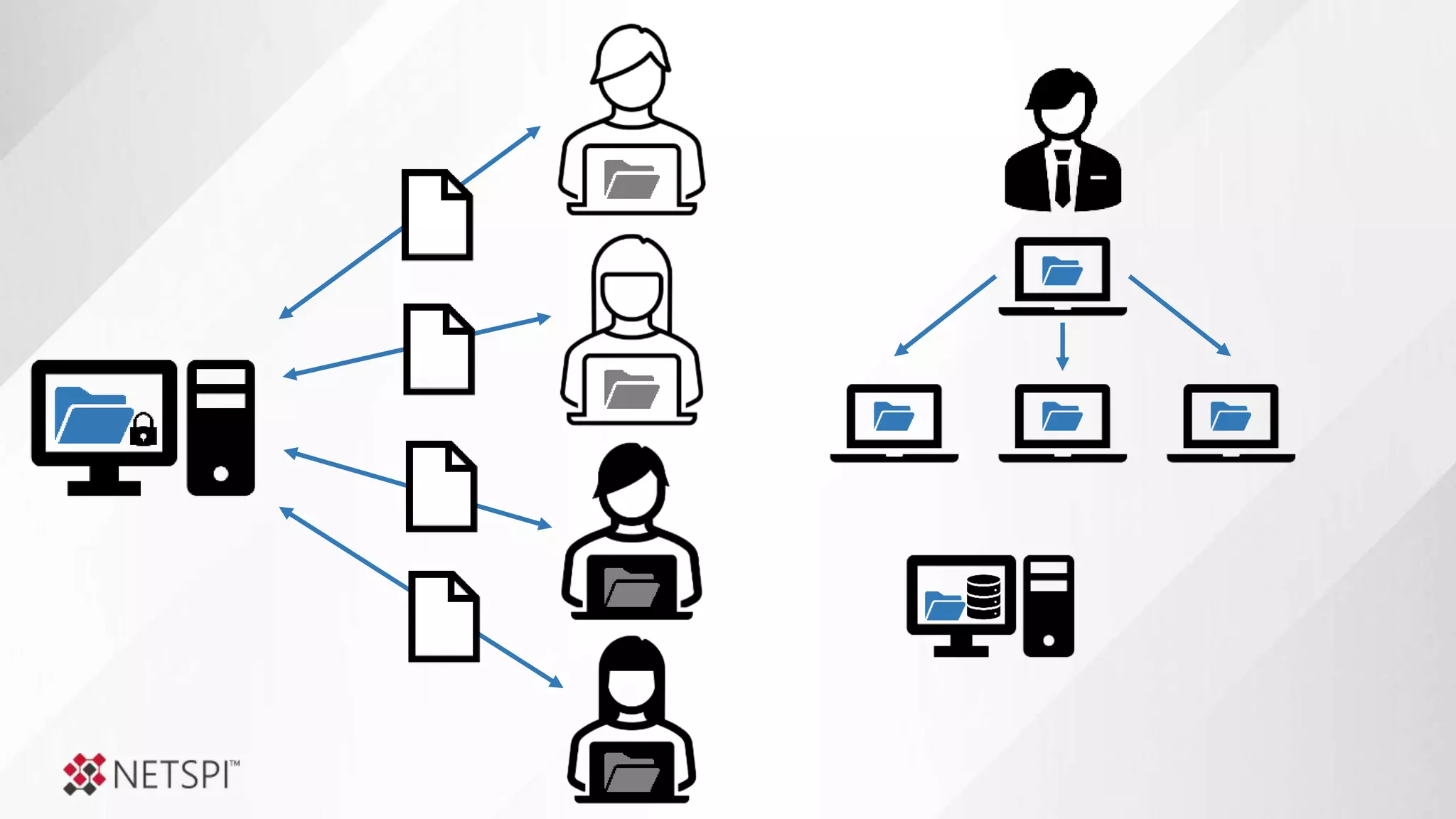
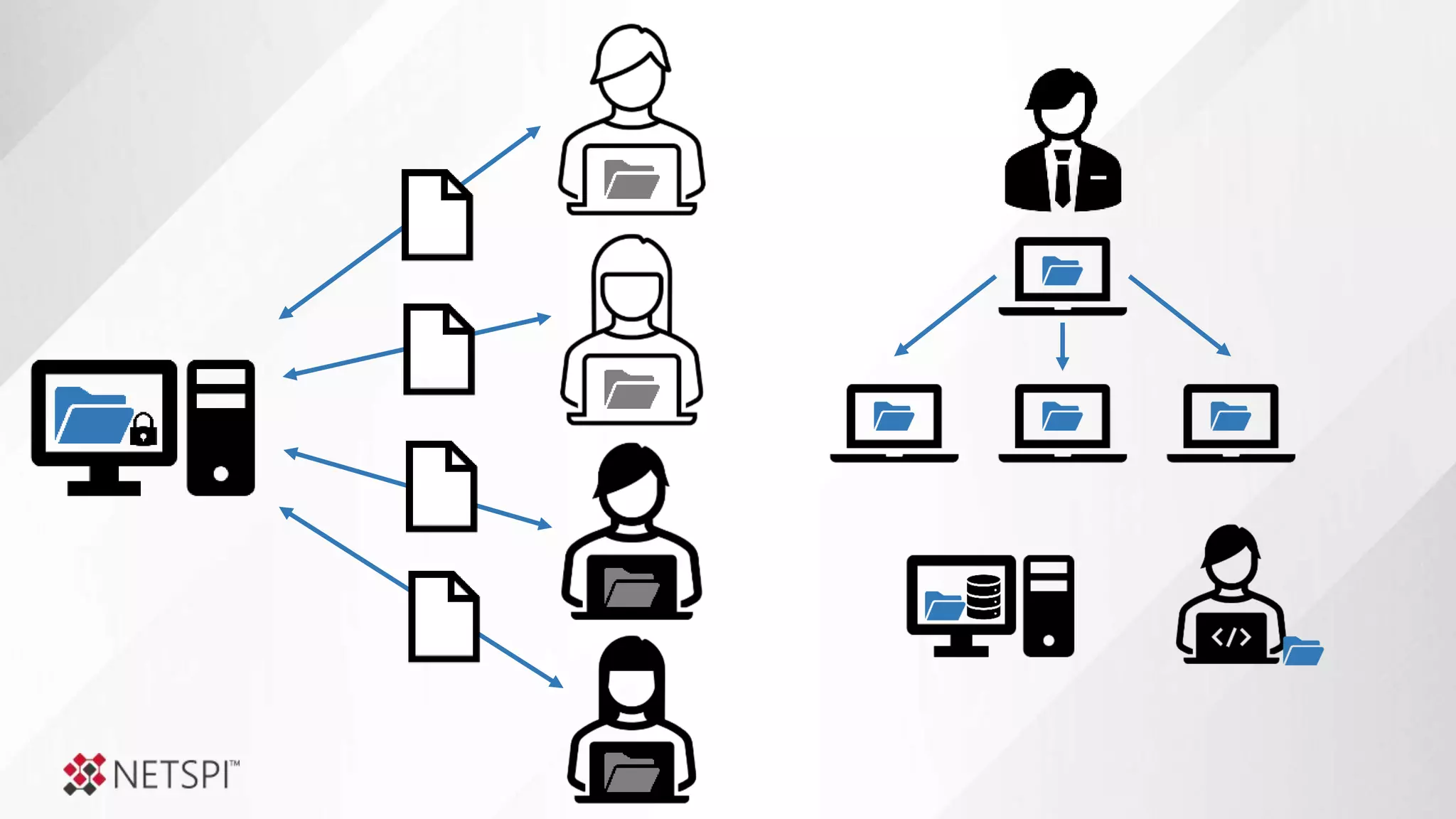
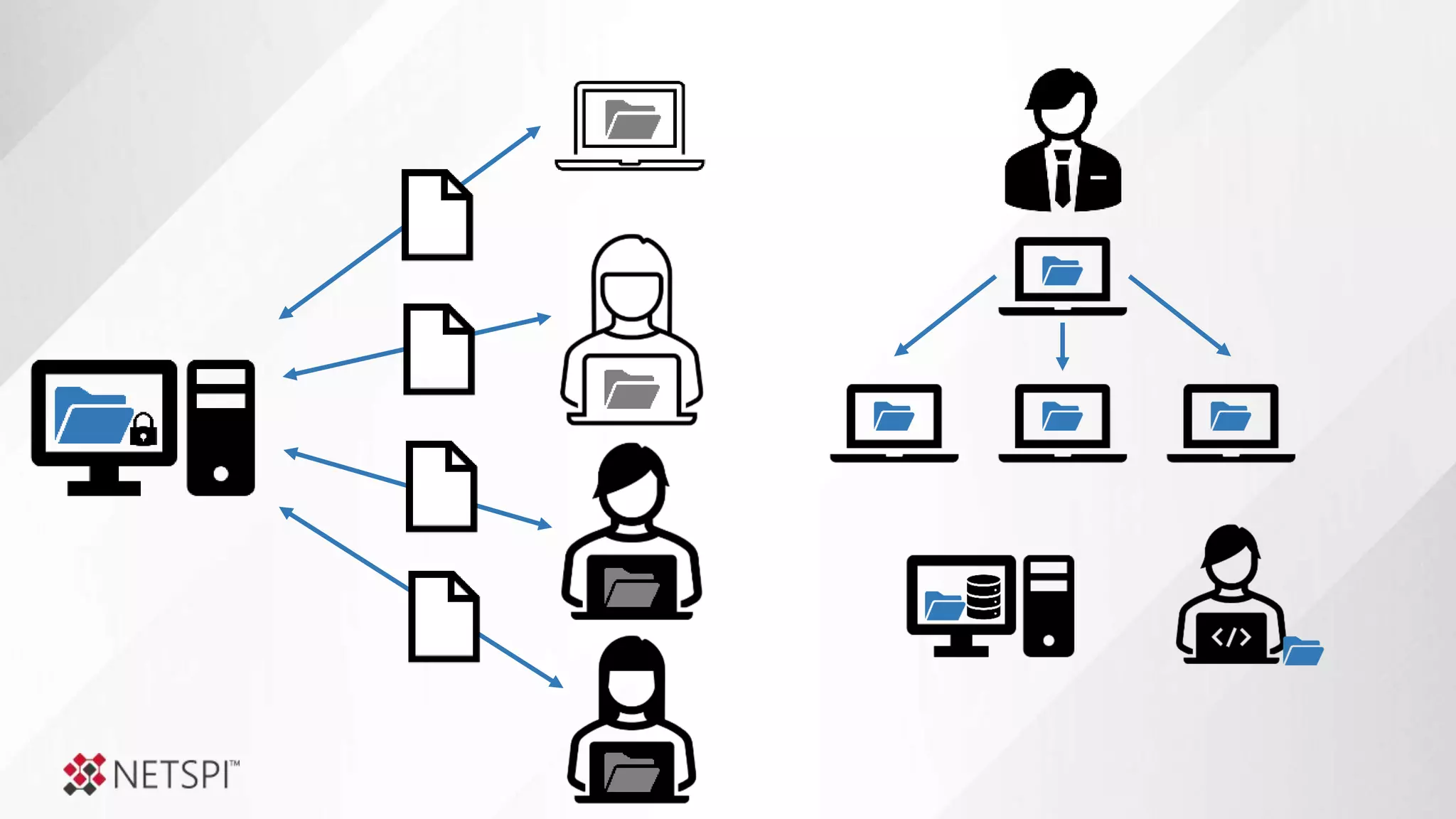
This is a reality that a lot of businesses
are trying to manage.
How can we identify the shares
before the bad guys do?
How do we determine
which shares represent actual risk?
How do we remediate a 100,000 shares
configured with excessive privileges?
What’s broken, why are we missing so much now?
What’s the Problem?
Into the Abyss: Evaluating Active Directory SMB Shares on Scale
Why should I care about share permissions?
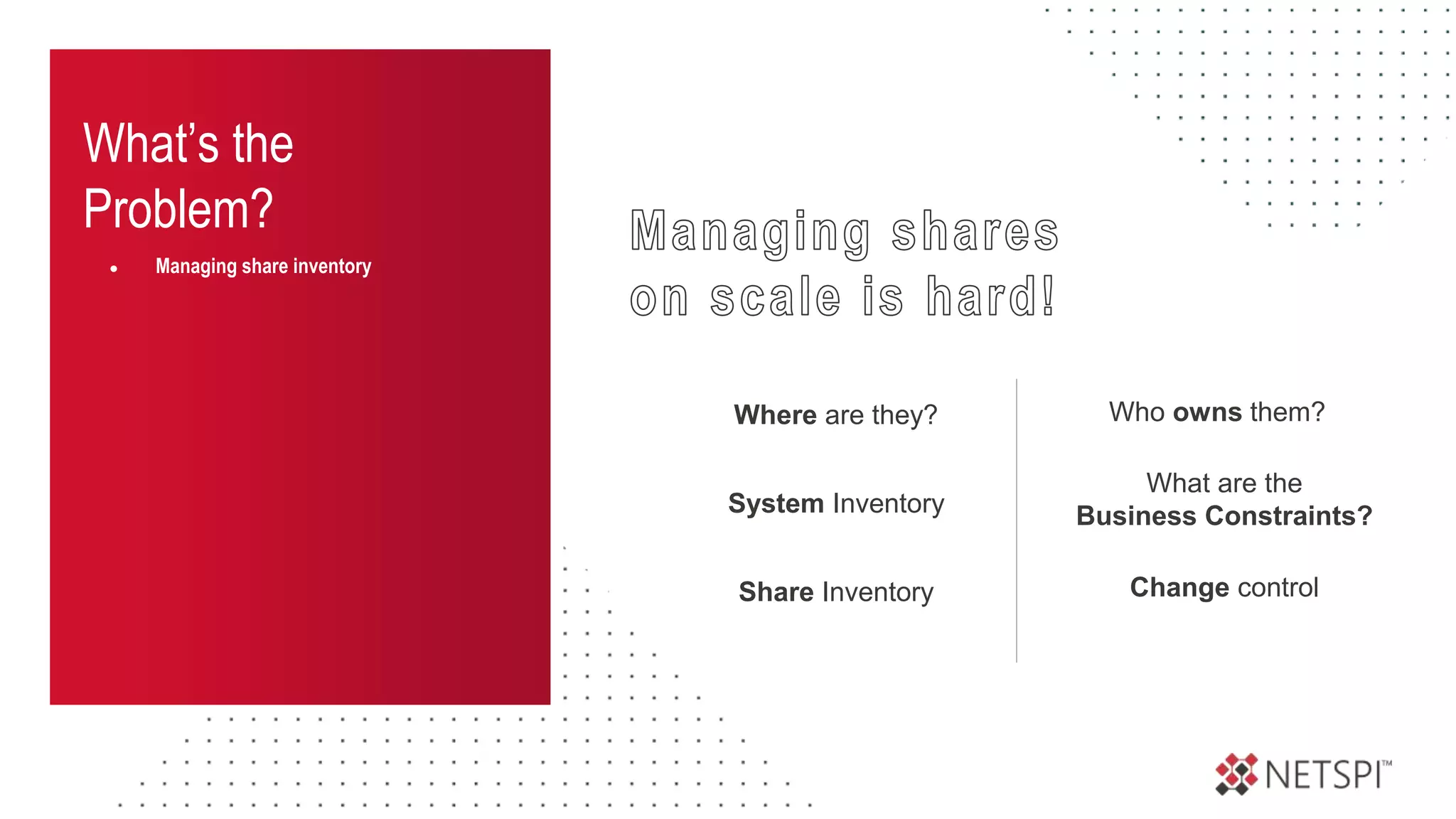
What’s the
Problem?
● Managing share inventory
Who owns them?
System Inventory
Share Inventory Change control
What are the
Business Constraints?
Where are they?
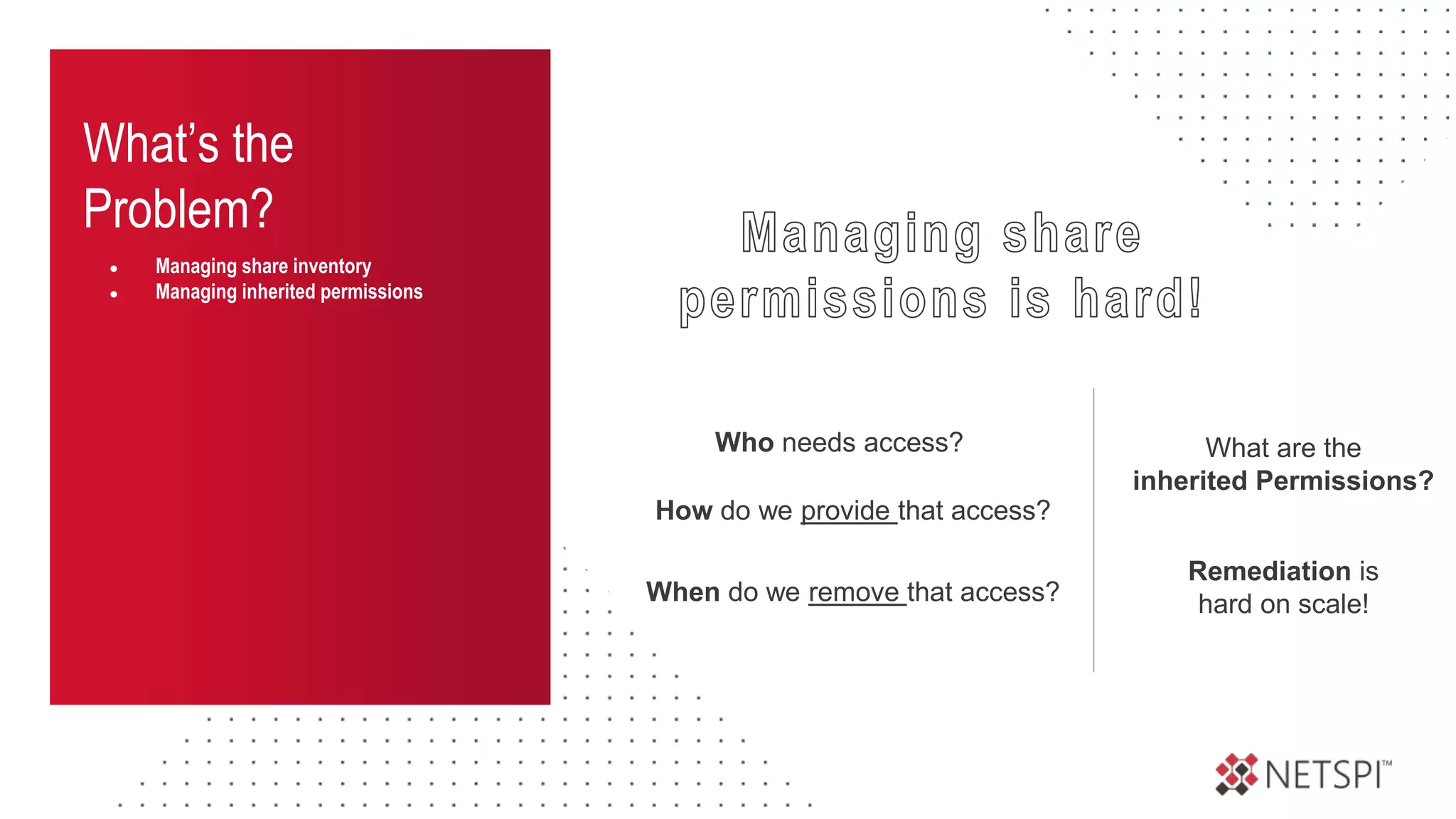
What’s the
Problem?
● Managing share inventory
● Managing inherited permissions
What are the
inherited Permissions?
Who needs access?
How do we provide that access?
When do we remove that access?
Remediation is
hard on scale!
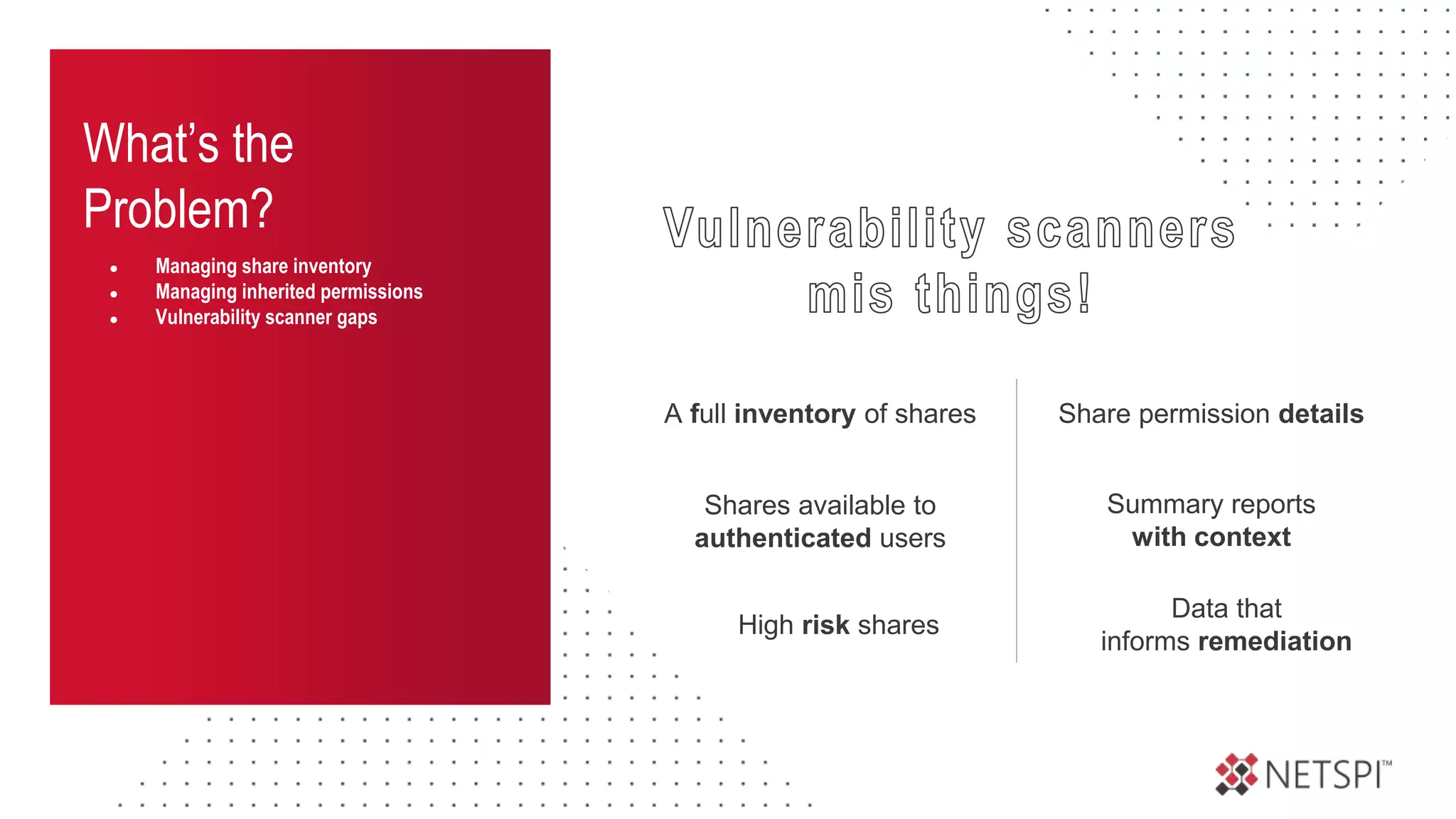
What’s the
Problem?
● Managing share inventory
● Managing inherited permissions
● Vulnerability scanner gaps
Share permission details
A full inventory of shares
Summary reports
with context
Data that
informs remediation
Shares available to
authenticated users
High risk shares
What’s the
Problem?
● Managing share inventory
● Managing inherited permissions
● Vulnerability scanner gaps
● Shares are easy to exploit
SMB Shares are one of the
MOST abused attacks surfaces
That require the
LEAST amount of knowledge
to attack
What’s the
Problem?
● Managing share inventory
● Managing inherited permissions
● Vulnerability scanner gaps
● Shares are easy to exploit
● Conclusion
MOST vulnerability management
programs overlook
high risk share exposure
Share Permissions Primer
Into the Abyss: Evaluating Active Directory SMB Shares on Scale
How do they work and where do things go wrong?
Share
Permissions
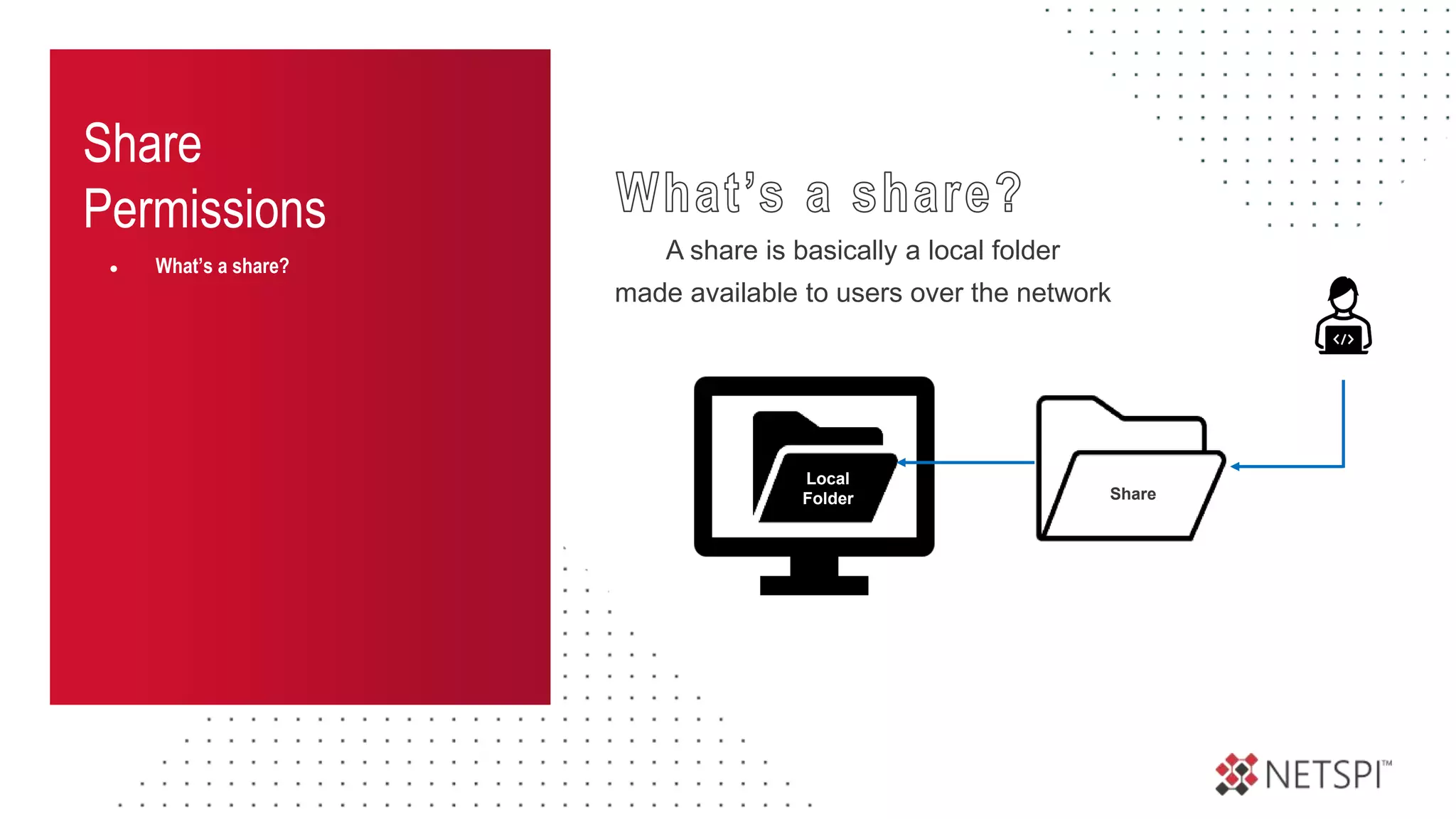
● What’s a share?
A share is basically a local folder
made available to users over the network
Local
Folder Share
Share
Permissions
● What’s a share?
● Access control
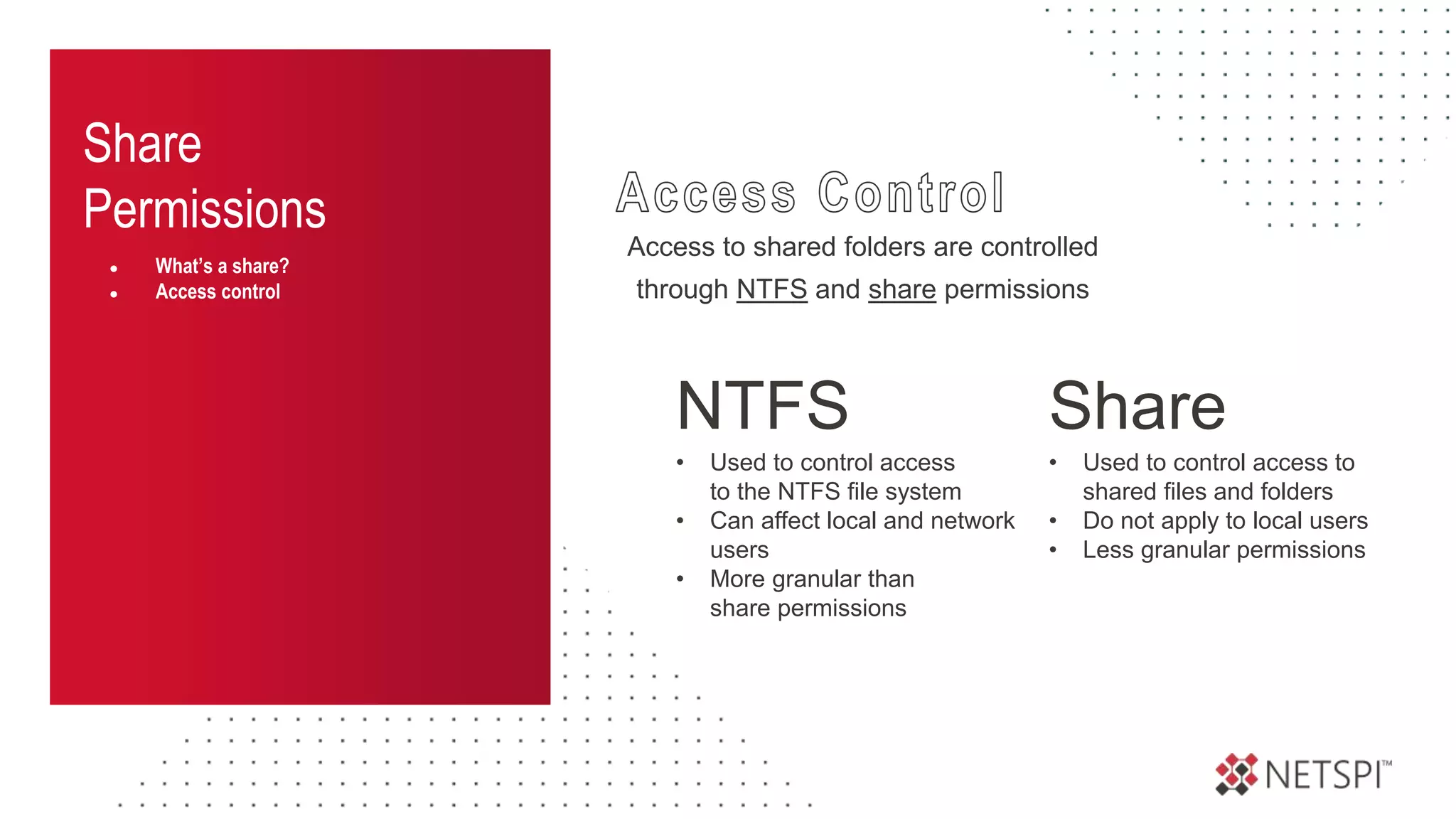
Access to shared folders are controlled
through NTFS and share permissions
NTFS
• Used to control access
to the NTFS file system
• Can affect local and network
users
• More granular than
share permissions
Share
• Used to control access to
shared files and folders
• Do not apply to local users
• Less granular permissions
Share
Permissions
● What’s a share?
● Access control
Access to shared folders are controlled
through NTFS and share permissions
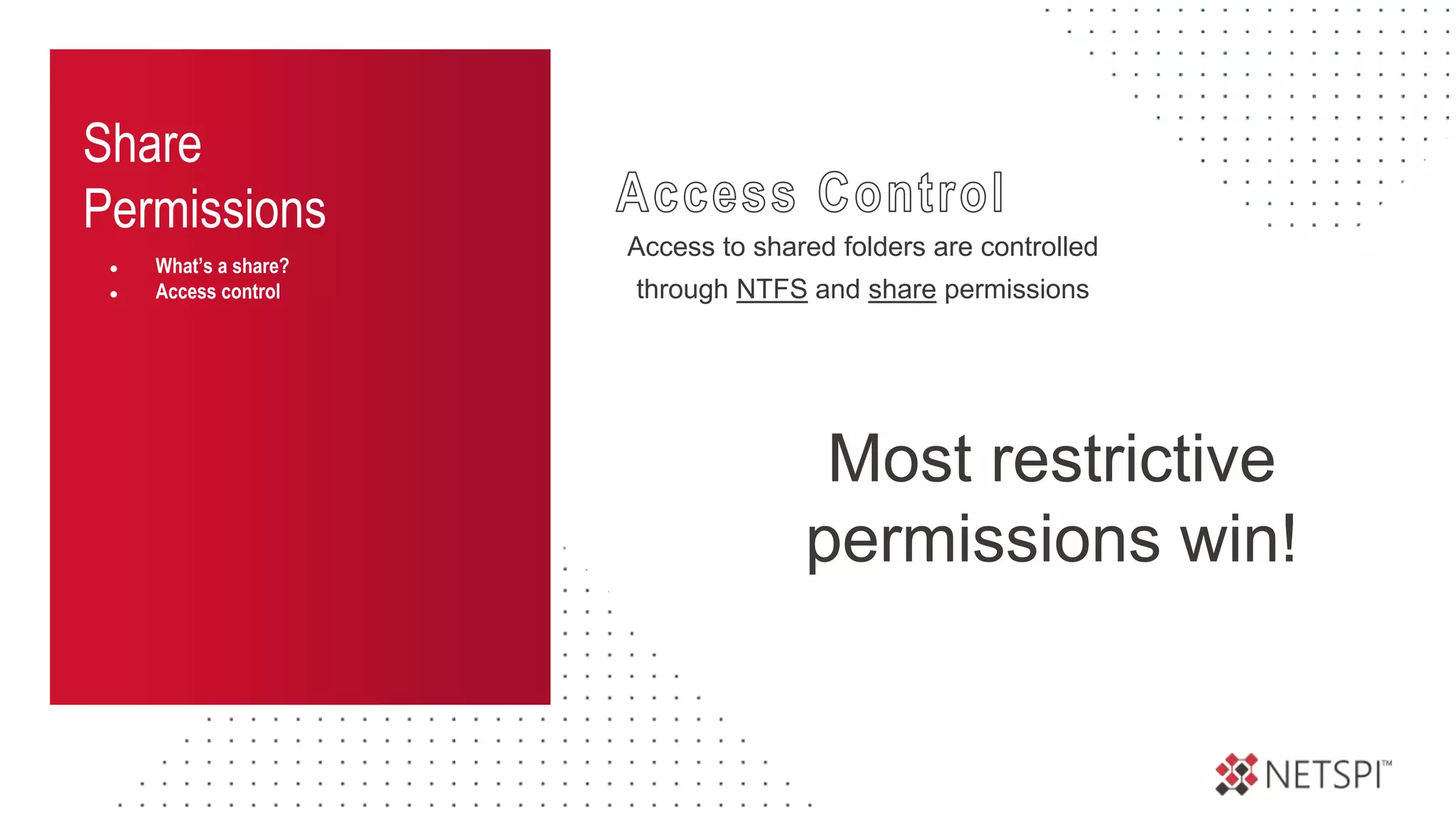
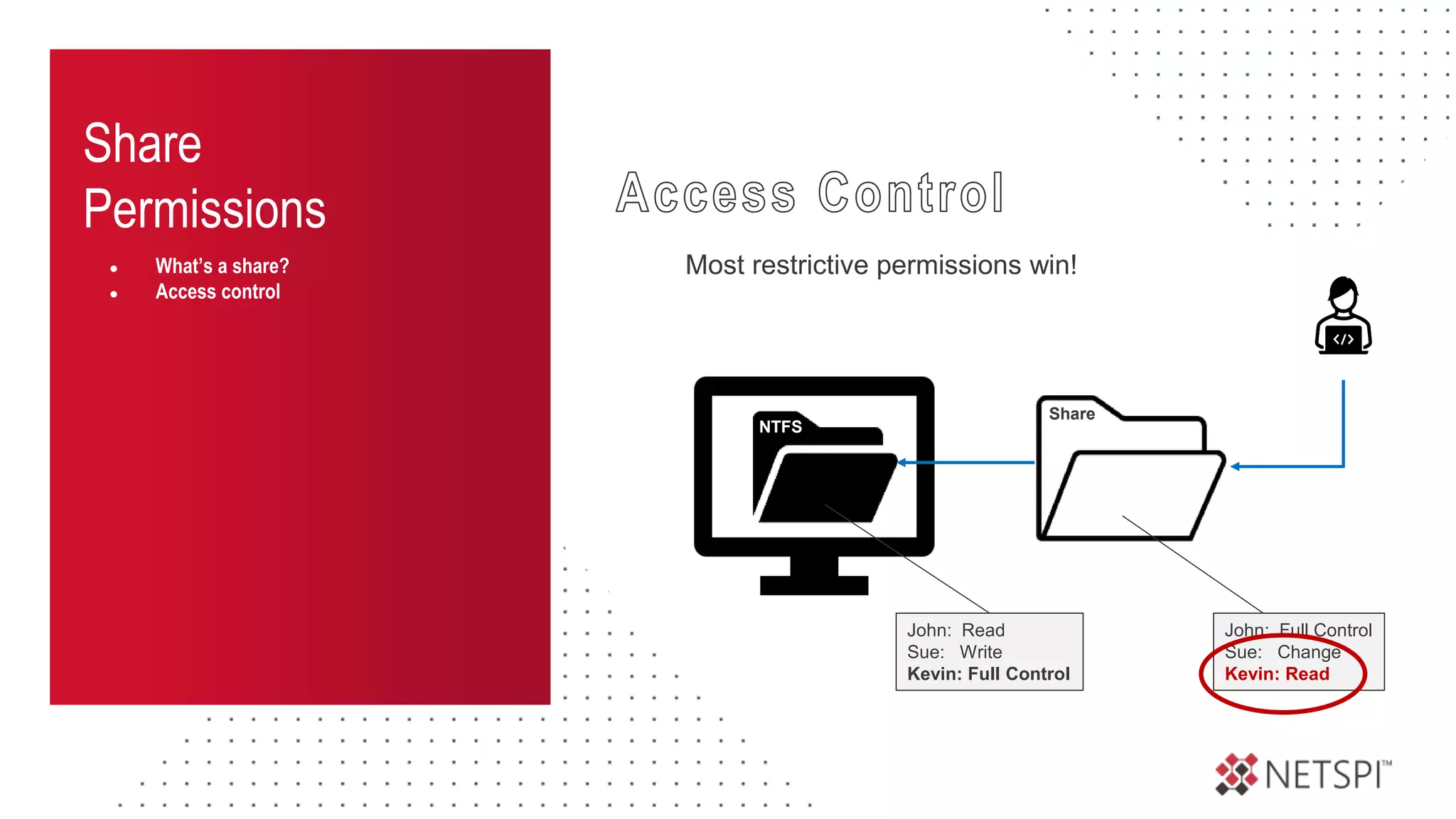
Most restrictive
permissions win!
Share
Permissions
● What’s a share?
● Access control
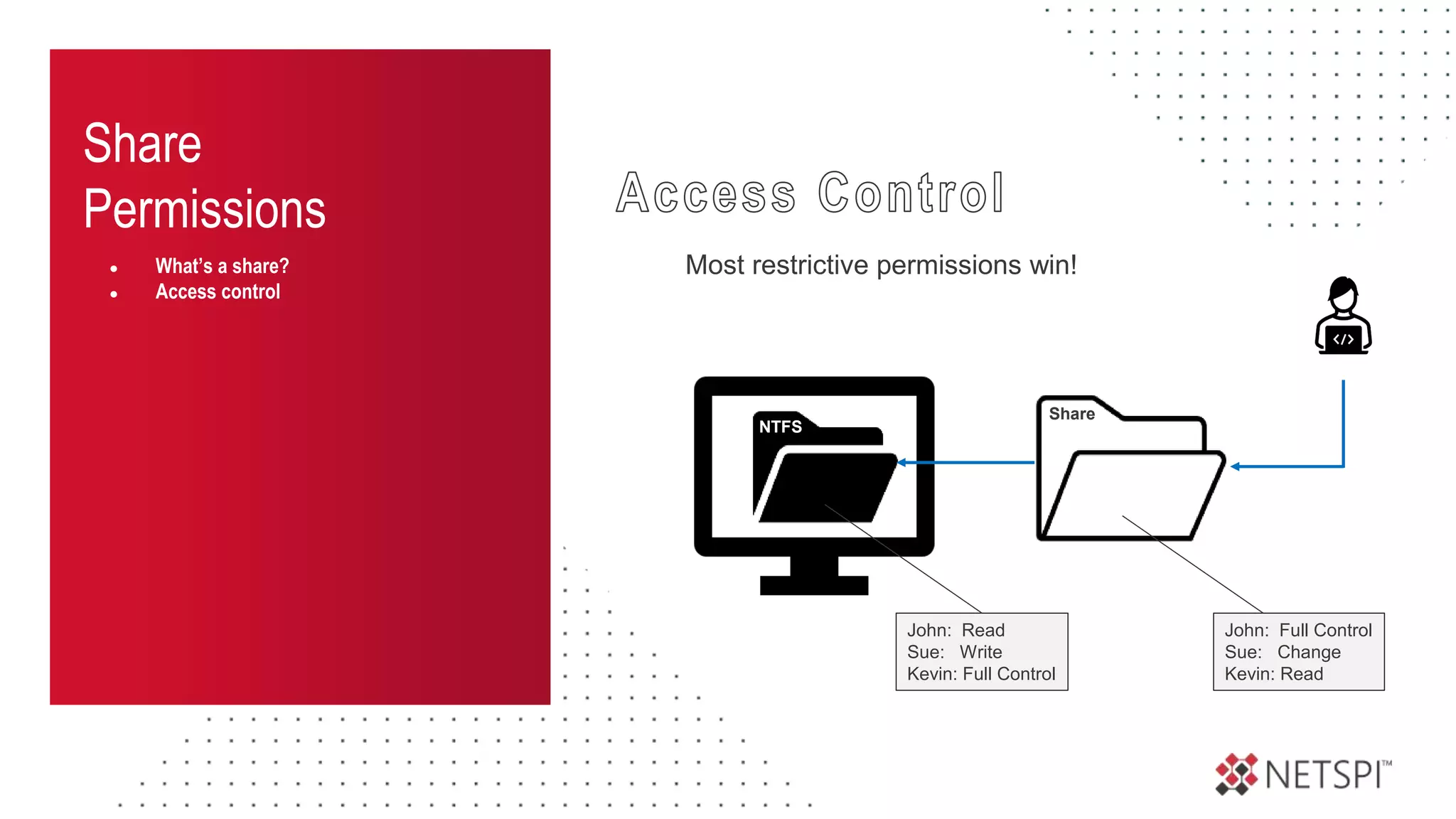
NTFS
Share
John: Read
Sue: Write
Kevin: Full Control
John: Full Control
Sue: Change
Kevin: Read
Most restrictive permissions win!
Share
Permissions
● What’s a share?
● Access control
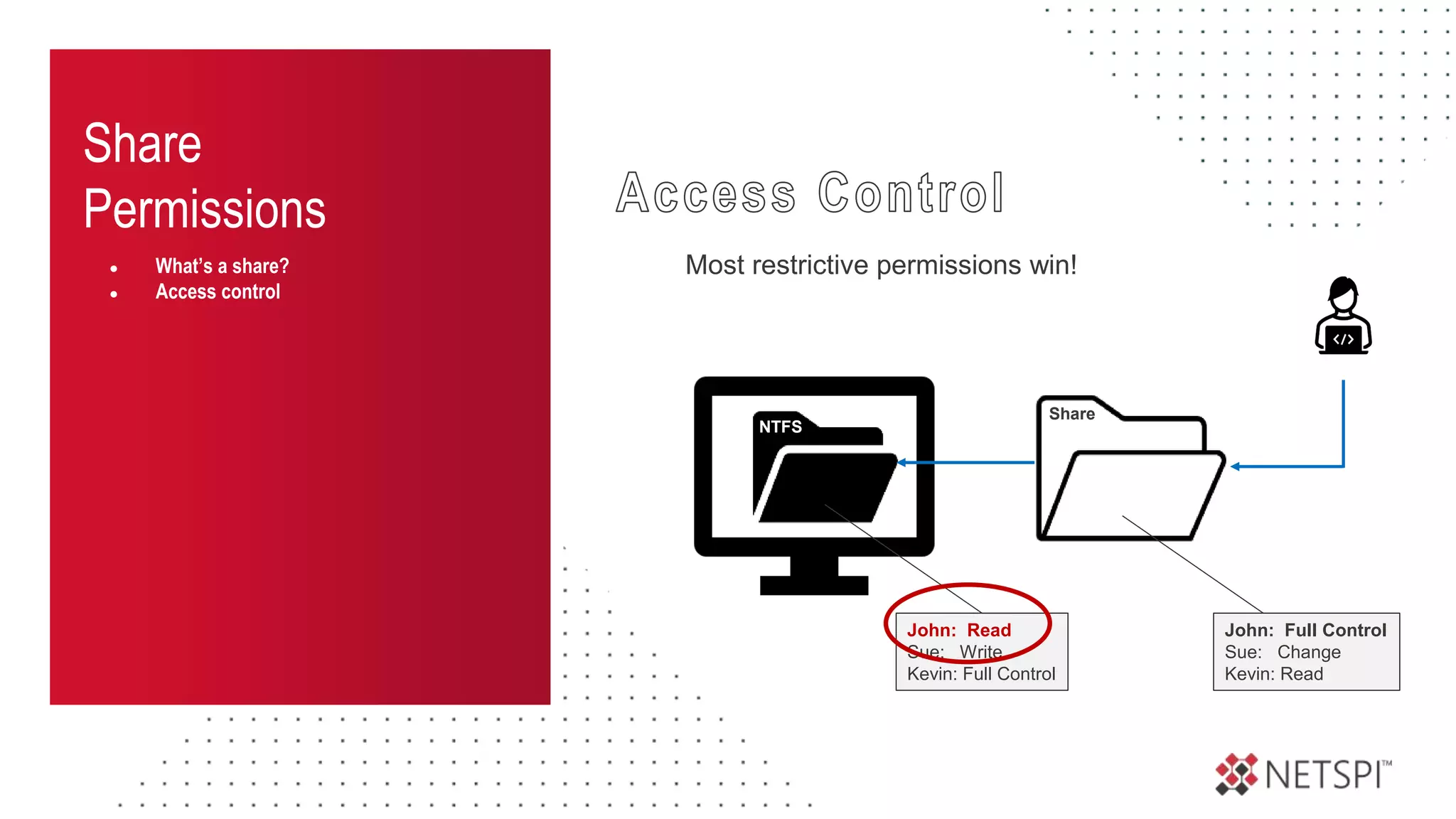
NTFS
Share
John: Read
Sue: Write
Kevin: Full Control
John: Full Control
Sue: Change
Kevin: Read
Most restrictive permissions win!
Share
Permissions
● What’s a share?
● Access control
NTFS
Share
Most restrictive permissions win!
John: Read
Sue: Write
Kevin: Full Control
John: Full Control
Sue: Change
Kevin: Read
unfortunately, things aren’t quite that simple
Share
Permissions
● What’s a share?
● Access control
● NTFS vs share priority
● Everyone
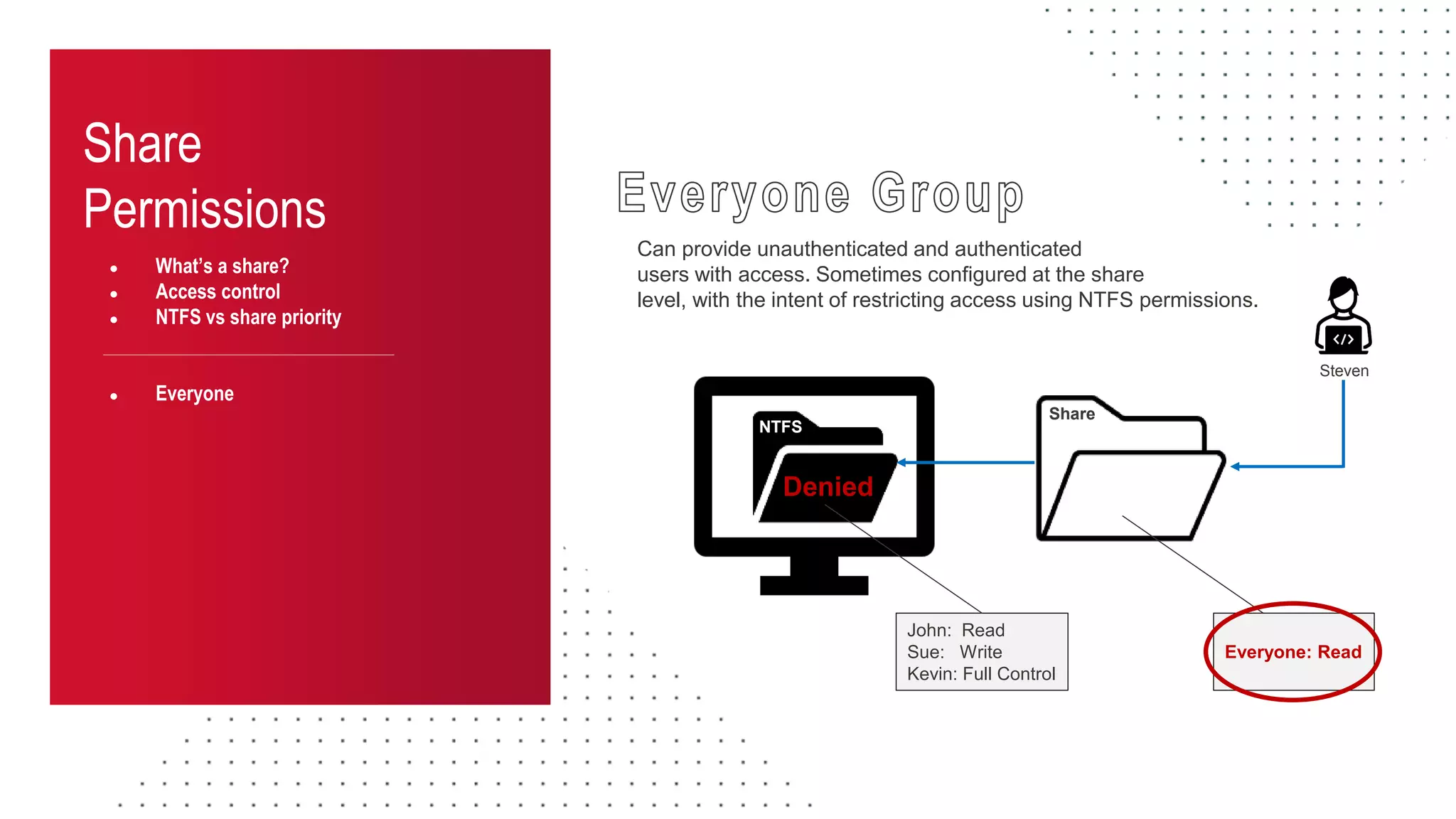
Can provide unauthenticated and authenticated
users with access. Sometimes configured at the share
level, with the intent of restricting access using NTFS permissions.
NTFS
Share
John: Read
Sue: Write
Kevin: Full Control
Everyone: Read
Denied
Steven
Share
Permissions
● What’s a share?
● Access control
● NTFS vs share priority
● Everyone
● BuiltinUsers
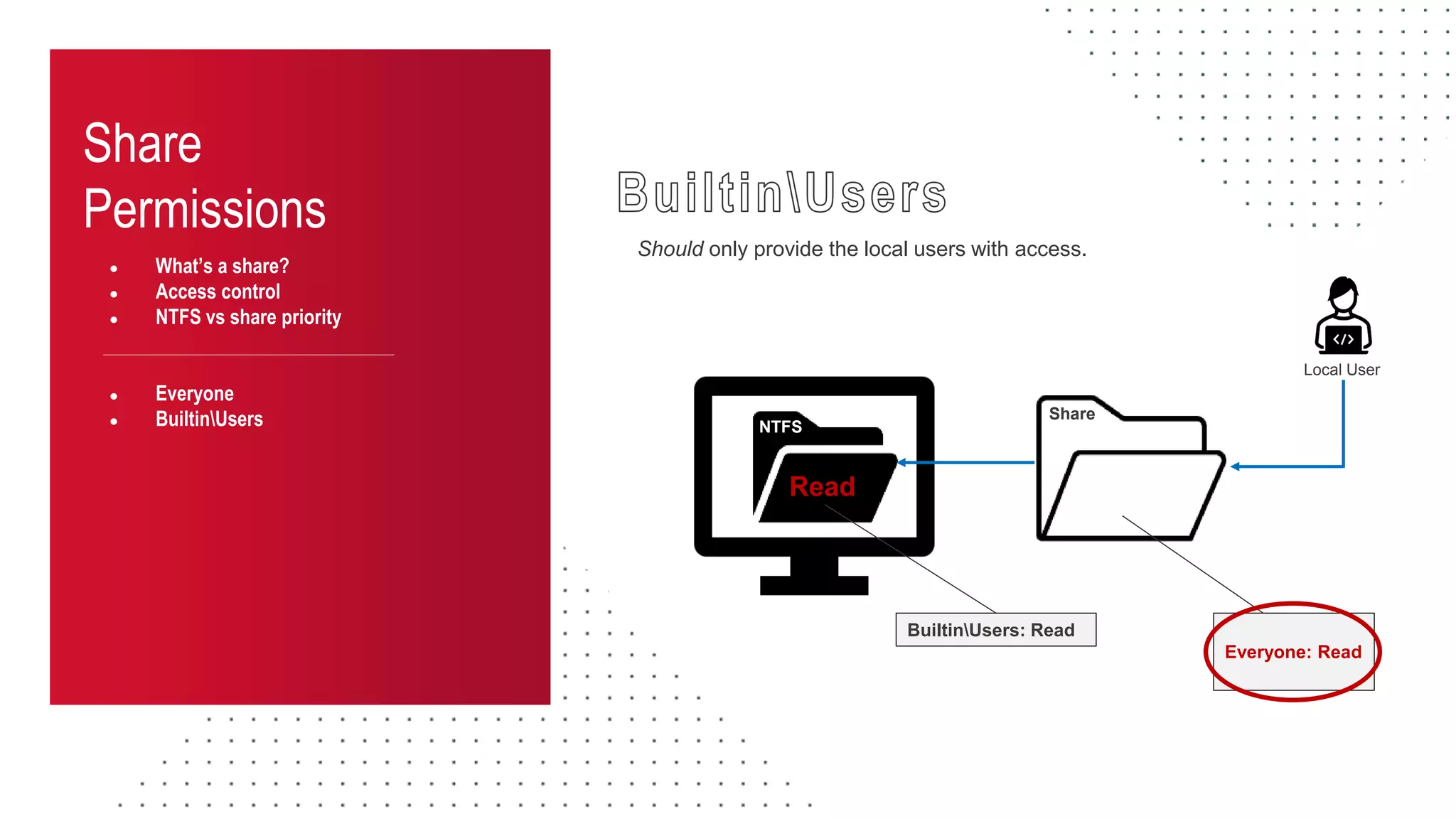
Should only provide the local users with access.
NTFS
Share
Everyone: Read
Read
Local User
BuiltinUsers: Read
Share
Permissions
● What’s a share?
● Access control
● NTFS vs share priority
● Everyone
● BuiltinUsers
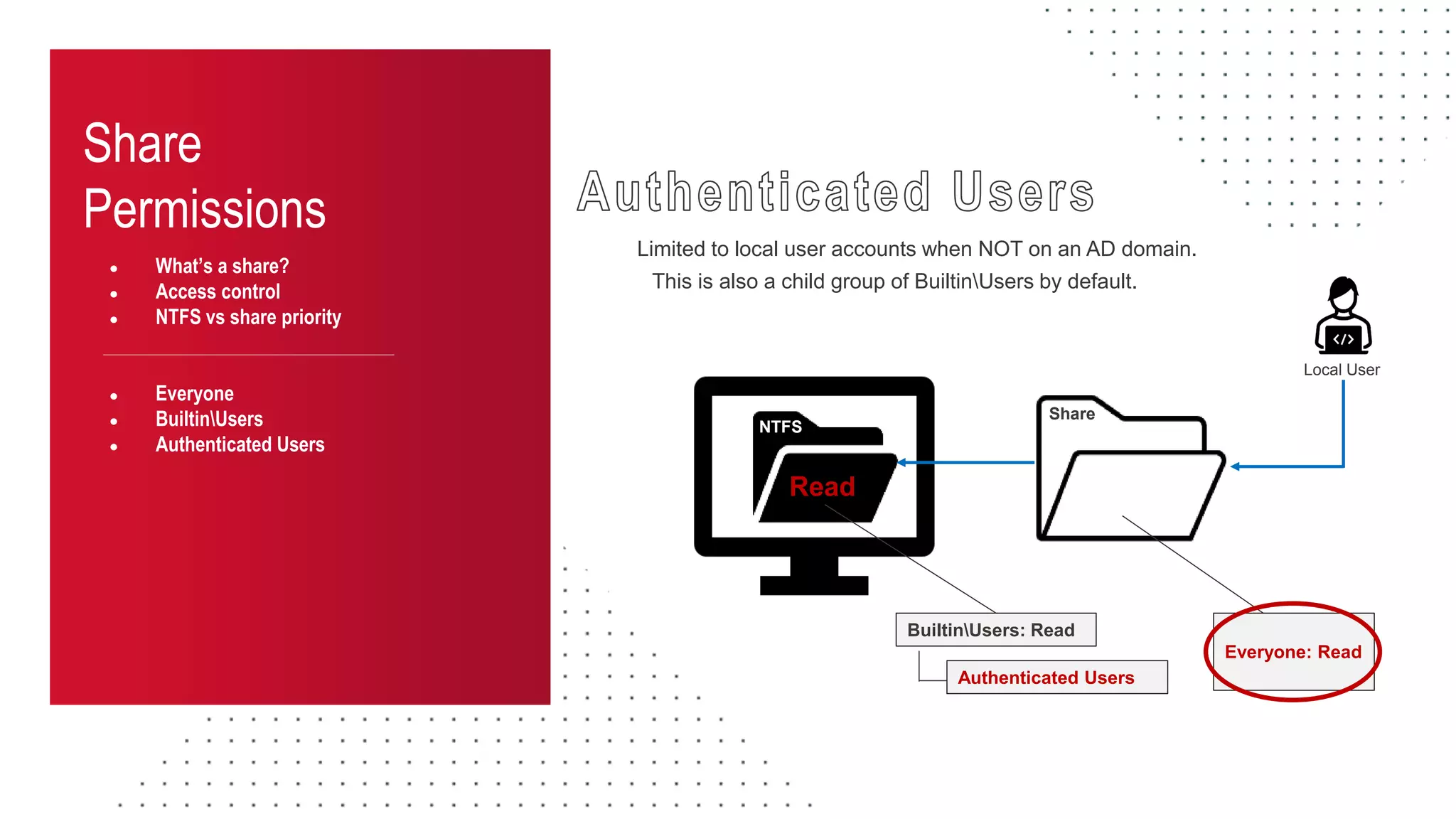
● Authenticated Users
Limited to local user accounts when NOT on an AD domain.
NTFS
Share
BuiltinUsers: Read
Everyone: Read
Read
Local User
This is also a child group of BuiltinUsers by default.
Authenticated Users
Share
Permissions
● What’s a share?
● Access control
● NTFS vs share priority
● Everyone
● BuiltinUsers
● Authenticated Users
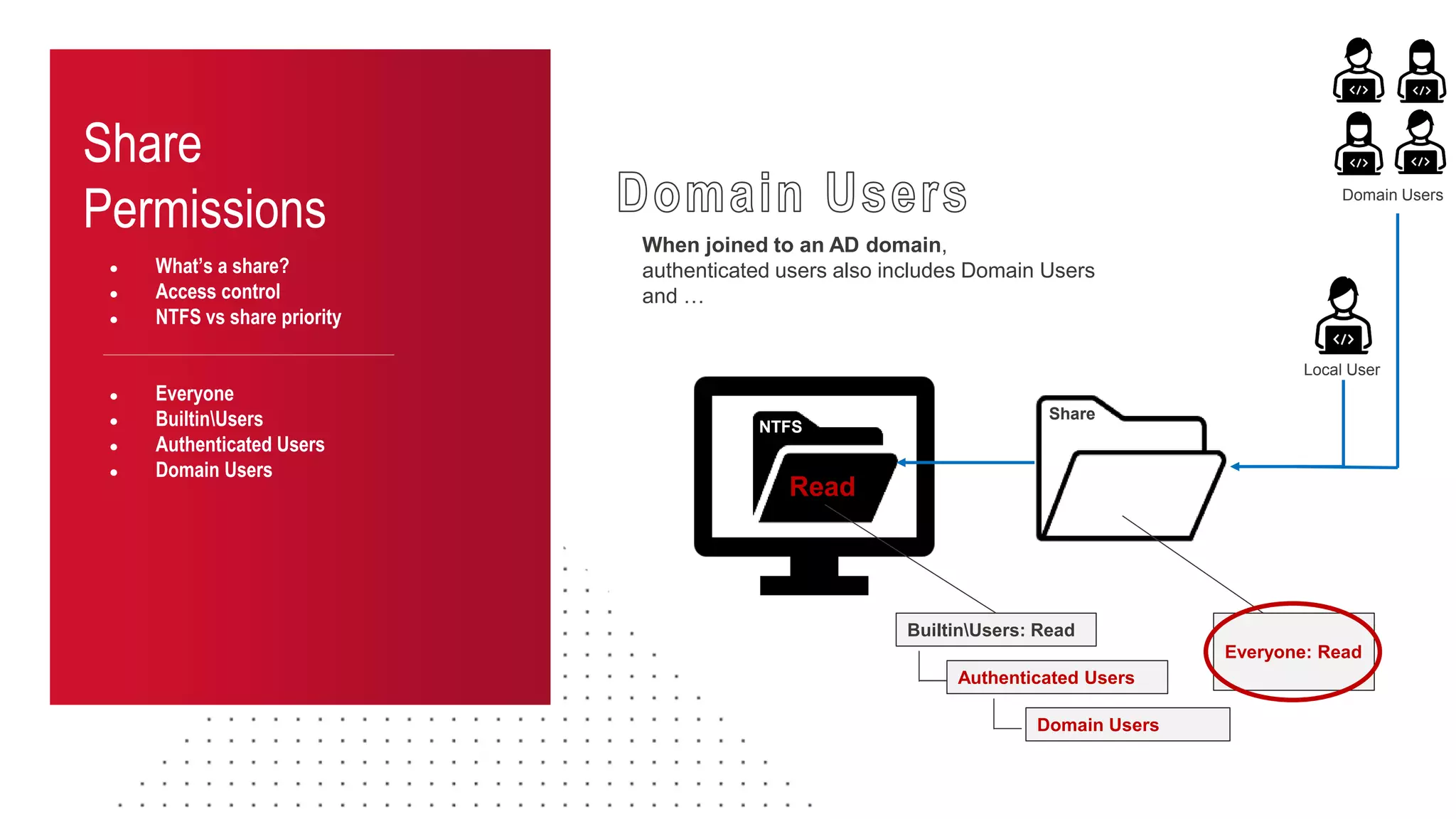
● Domain Users
When joined to an AD domain,
authenticated users also includes Domain Users
and …
NTFS
Share
BuiltinUsers: Read
Everyone: Read
Read
Local User
Authenticated Users
Domain Users
Domain Users
Share
Permissions
● What’s a share?
● Access control
● NTFS vs share priority
● Everyone
● BuiltinUsers
● Authenticated Users
● Domain Users
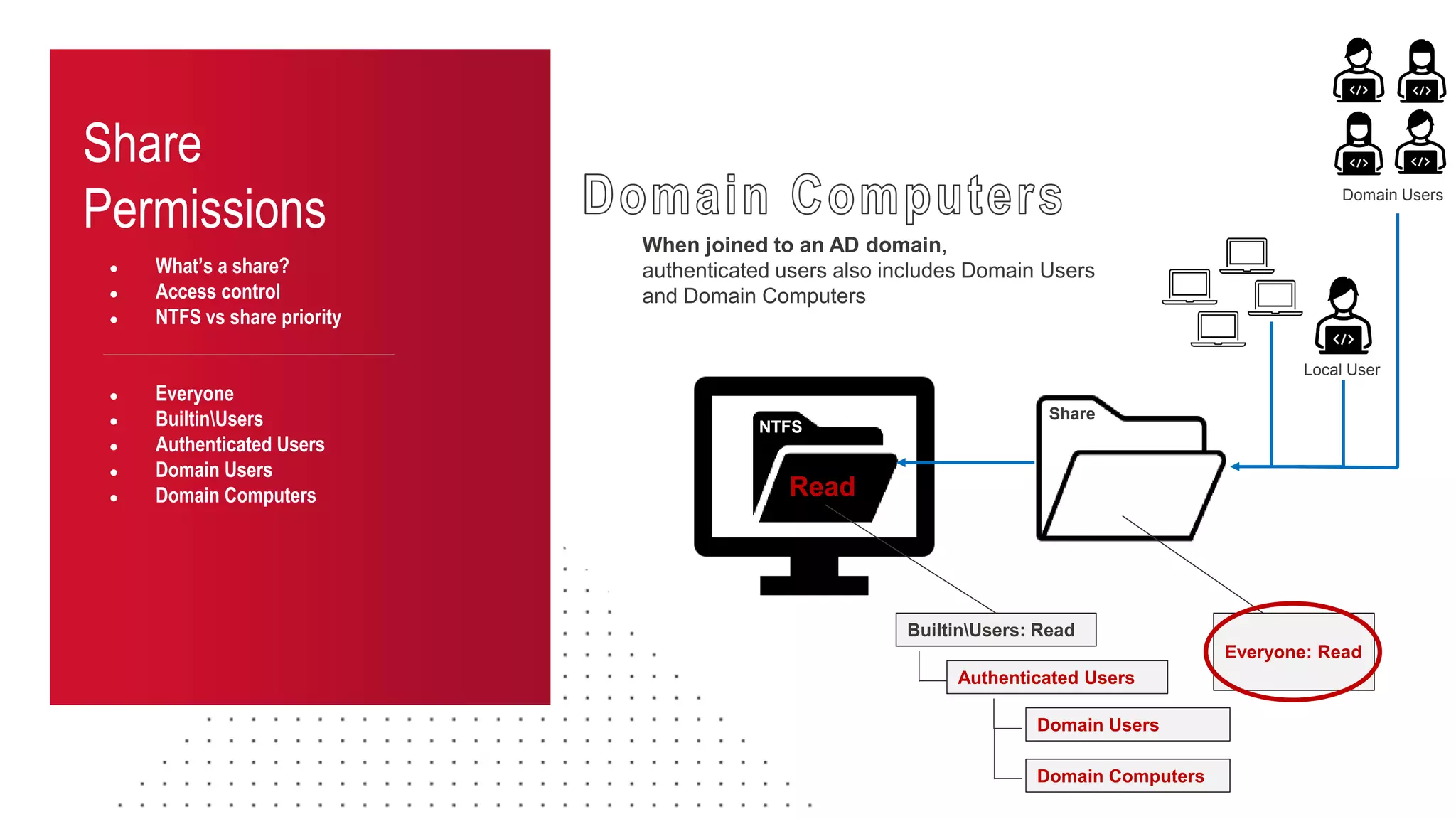
● Domain Computers
NTFS
Share
BuiltinUsers: Read
Everyone: Read
Read
Local User
Authenticated Users
Domain Users
Domain Users
When joined to an AD domain,
authenticated users also includes Domain Users
and Domain Computers
Domain Computers
What’s the Impact?
Into the Abyss: Evaluating Active Directory SMB Shares on Scale
Exploiting SMB Share Access!
Impact
Share Exploitation
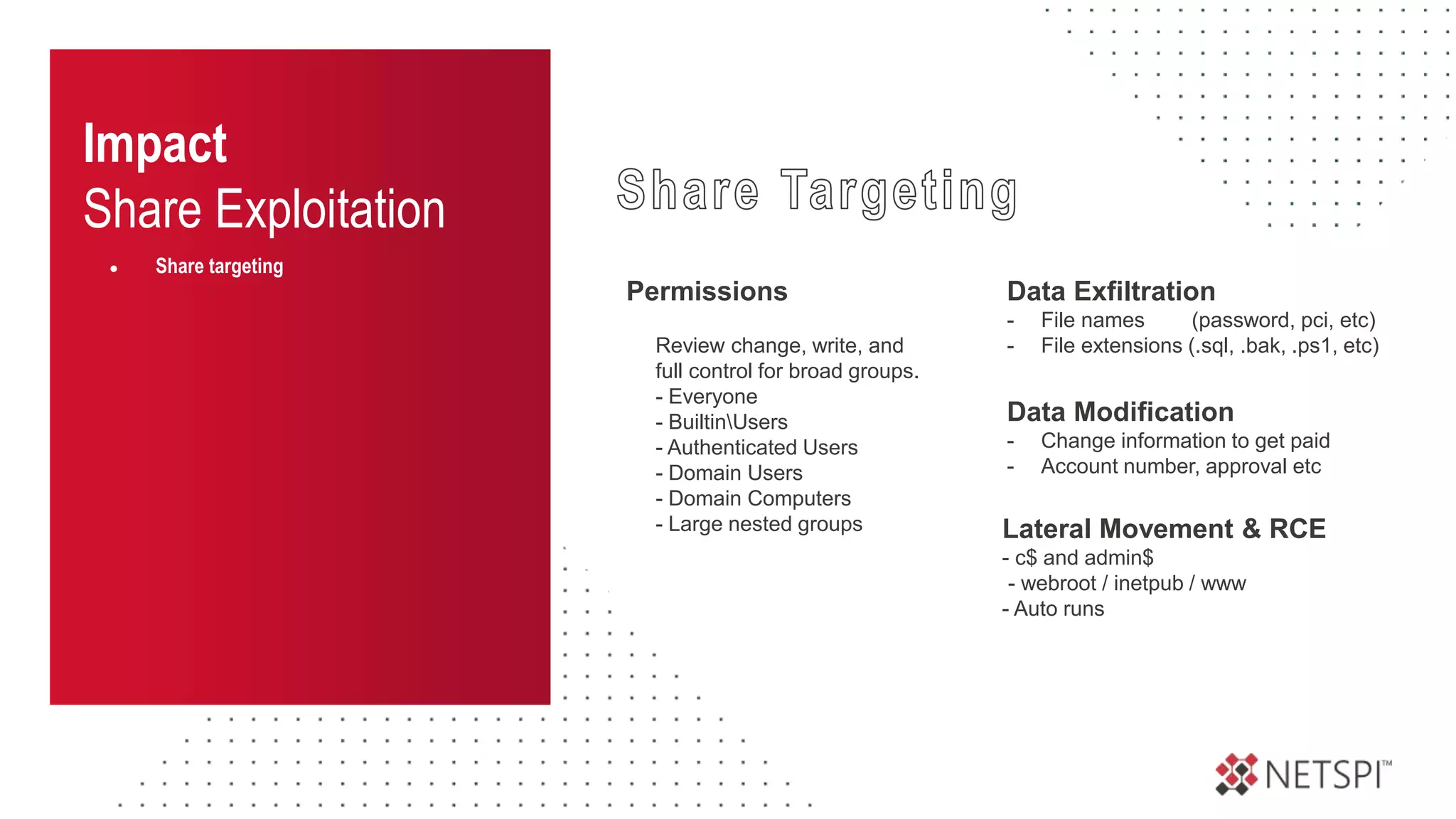
● Share targeting
Permissions
Review change, write, and
full control for broad groups.
- Everyone
- BuiltinUsers
- Authenticated Users
- Domain Users
- Domain Computers
- Large nested groups Lateral Movement & RCE
- c$ and admin$
- webroot / inetpub / www
- Auto runs
Data Exfiltration
- File names (password, pci, etc)
- File extensions (.sql, .bak, .ps1, etc)
Data Modification
- Change information to get paid
- Account number, approval etc
● Share targeting
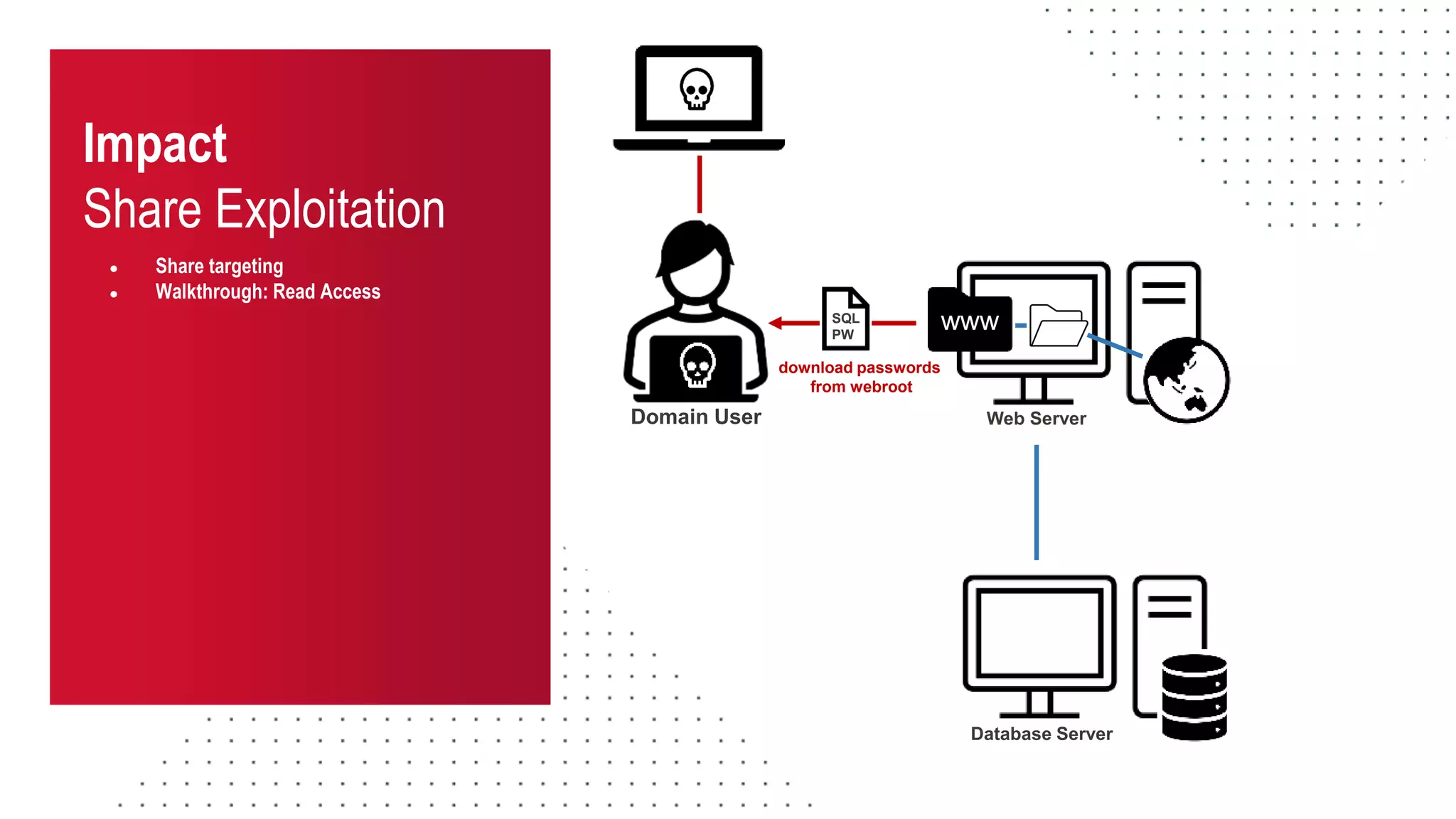
● Walkthrough: Read Access
READ ACCESS
Impact
Share Exploitation
Impact
Share Exploitation
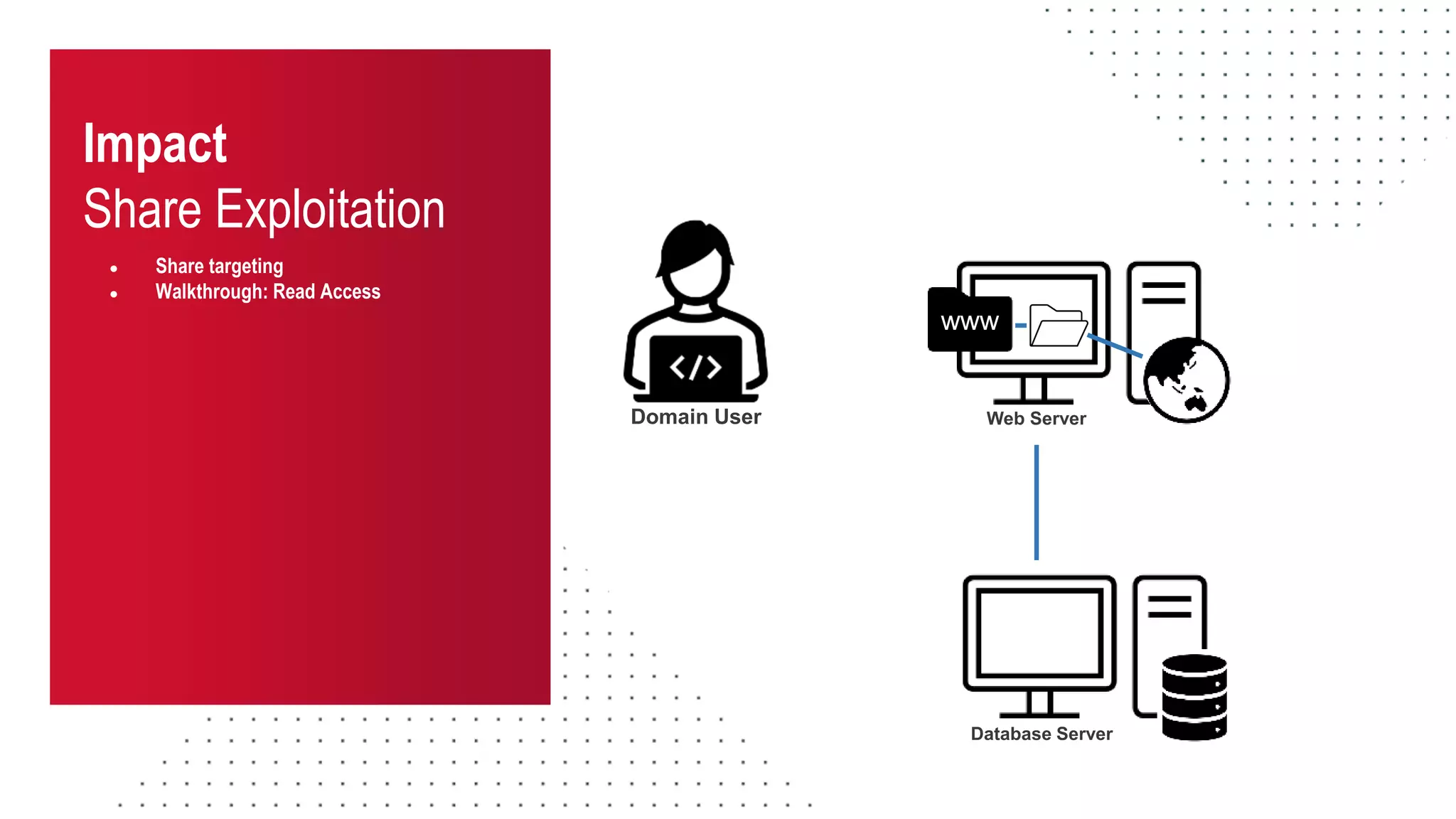
● Share targeting
● Walkthrough: Read Access
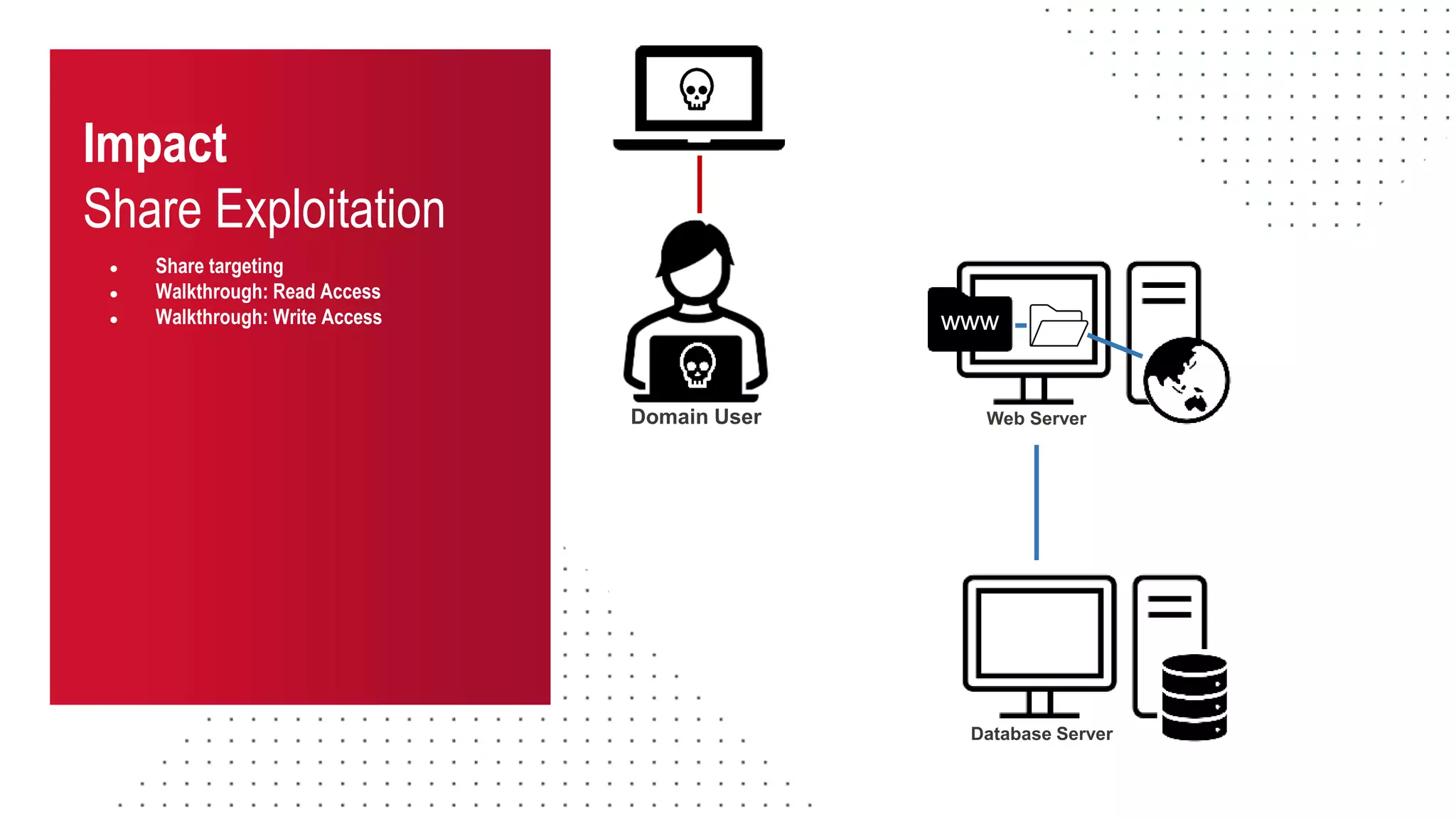
Database Server
www
Web Server
Domain User
Impact
Share Exploitation
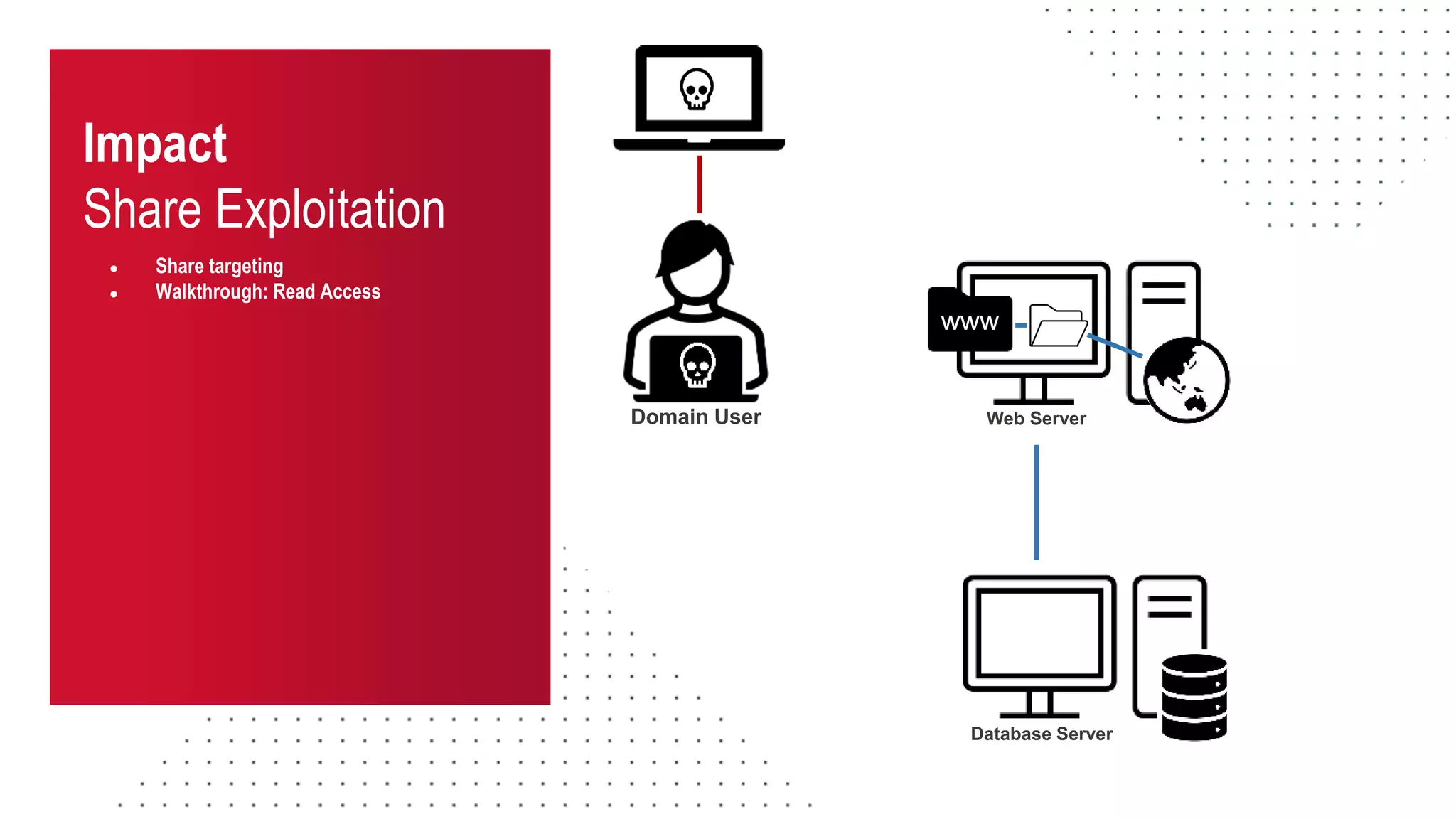
● Share targeting
● Walkthrough: Read Access
Database Server
www
Web Server
Domain User
Impact
Share Exploitation
● Share targeting
● Walkthrough: Read Access
www
Web Server
Database Server
Domain User
SQL
PW
download passwords
from webroot
Impact
Share Exploitation
● Share targeting
● Walkthrough: Read Access
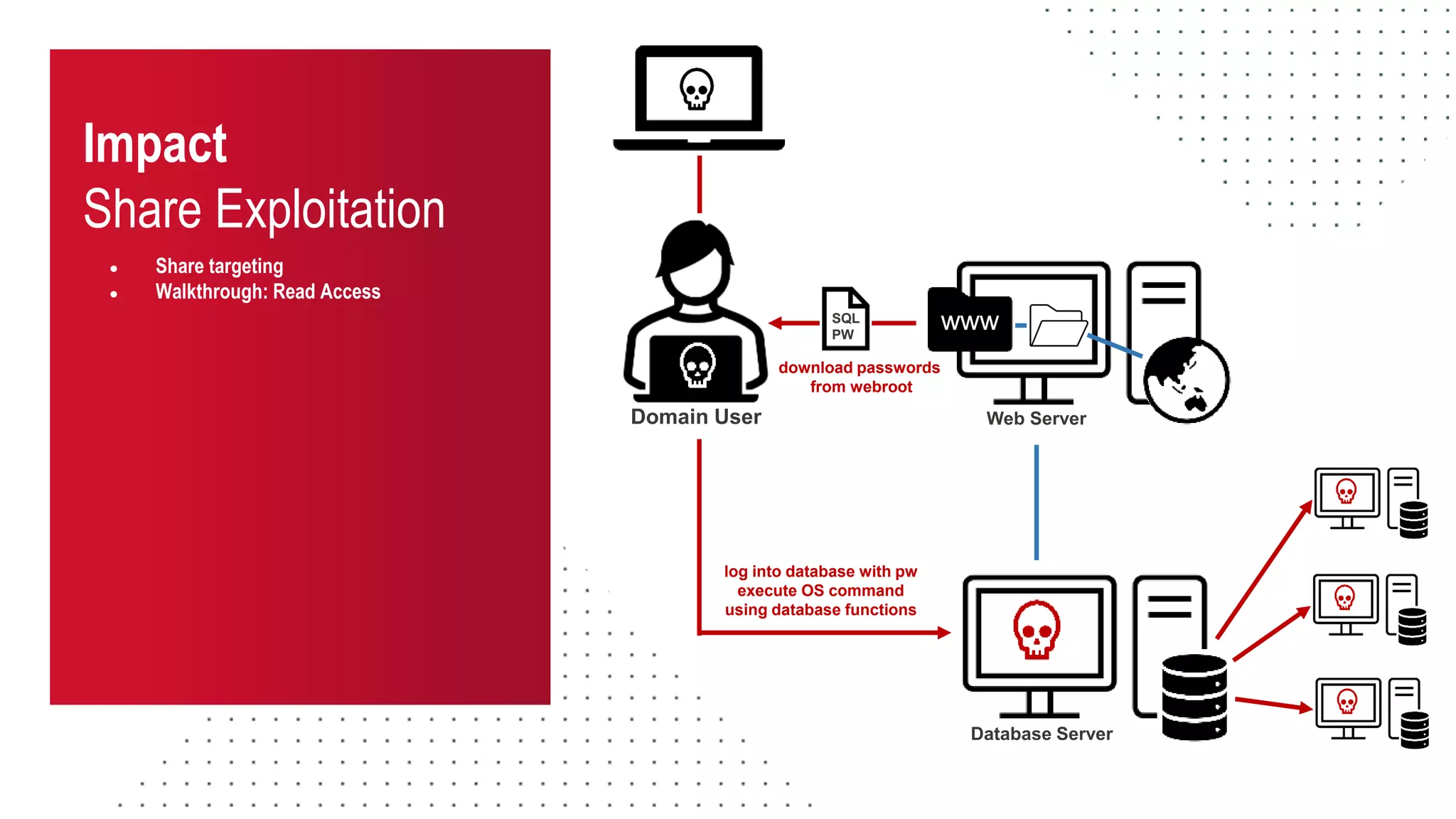
www
Web Server
Database Server
SQL
PW
Domain User
log into database with pw
execute OS command
using database functions
download passwords
from webroot
Impact
Share Exploitation
● Share targeting
● Walkthrough: Read Access
● Walkthrough: Write Access
WRITE ACCESS
Impact
Share Exploitation
● Share targeting
● Walkthrough: Read Access
● Walkthrough: Write Access
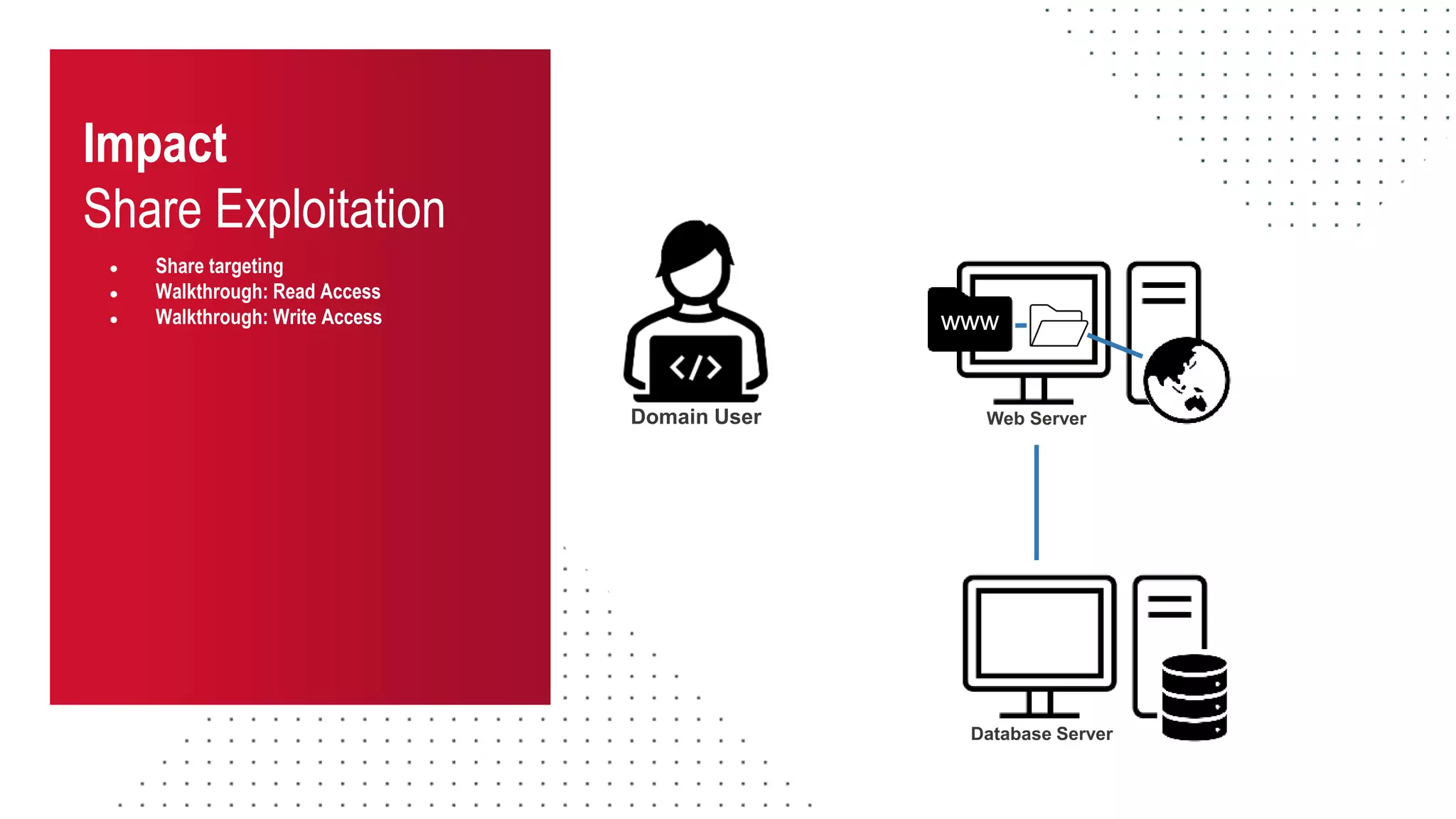
Database Server
www
Web Server
Domain User
Impact
Share Exploitation
● Share targeting
● Walkthrough: Read Access
● Walkthrough: Write Access
Database Server
www
Web Server
Domain User
Impact
Share Exploitation
● Share targeting
● Walkthrough: Read Access
● Walkthrough: Write Access www
Web Server
Database Server
Domain User
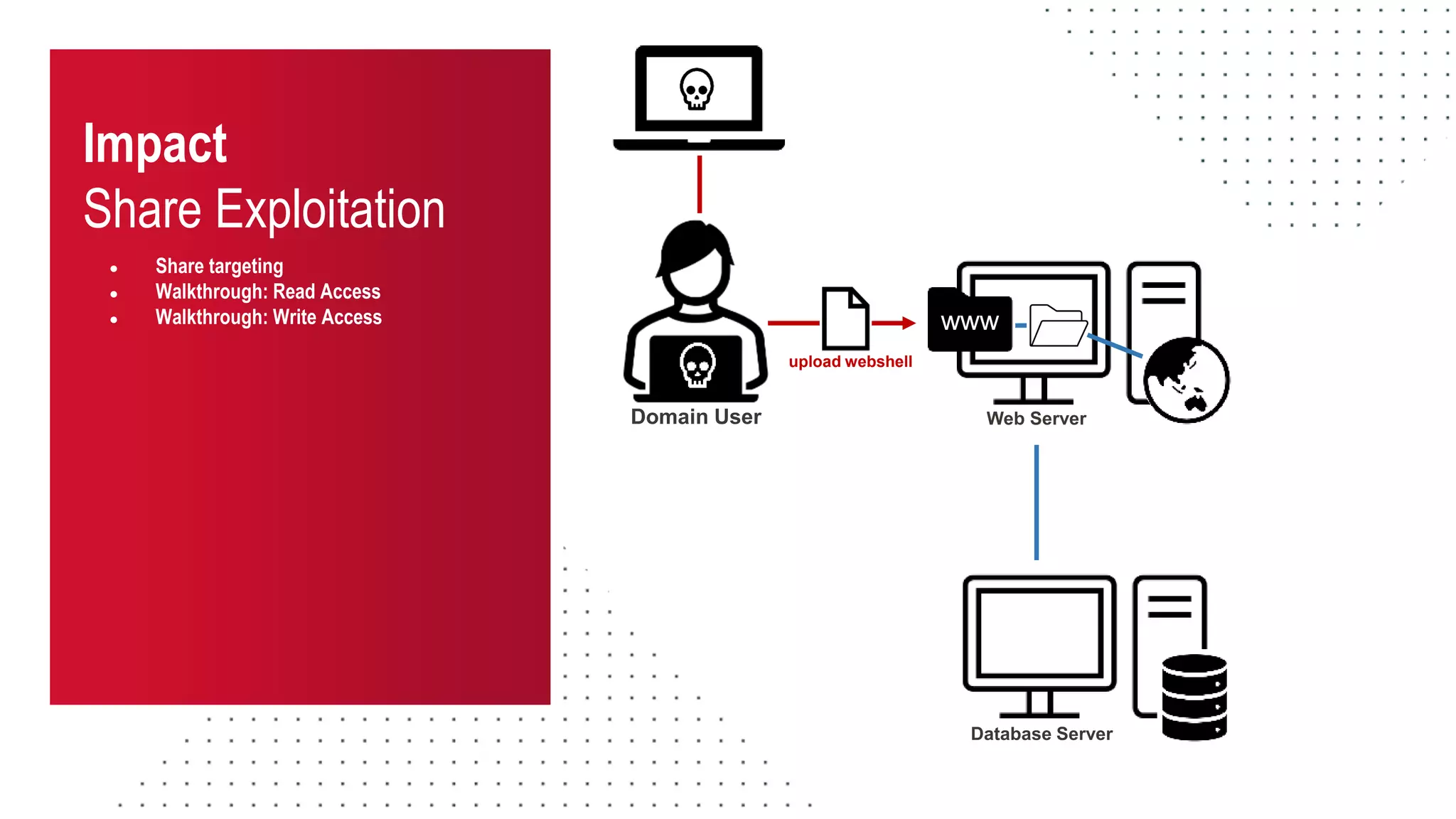
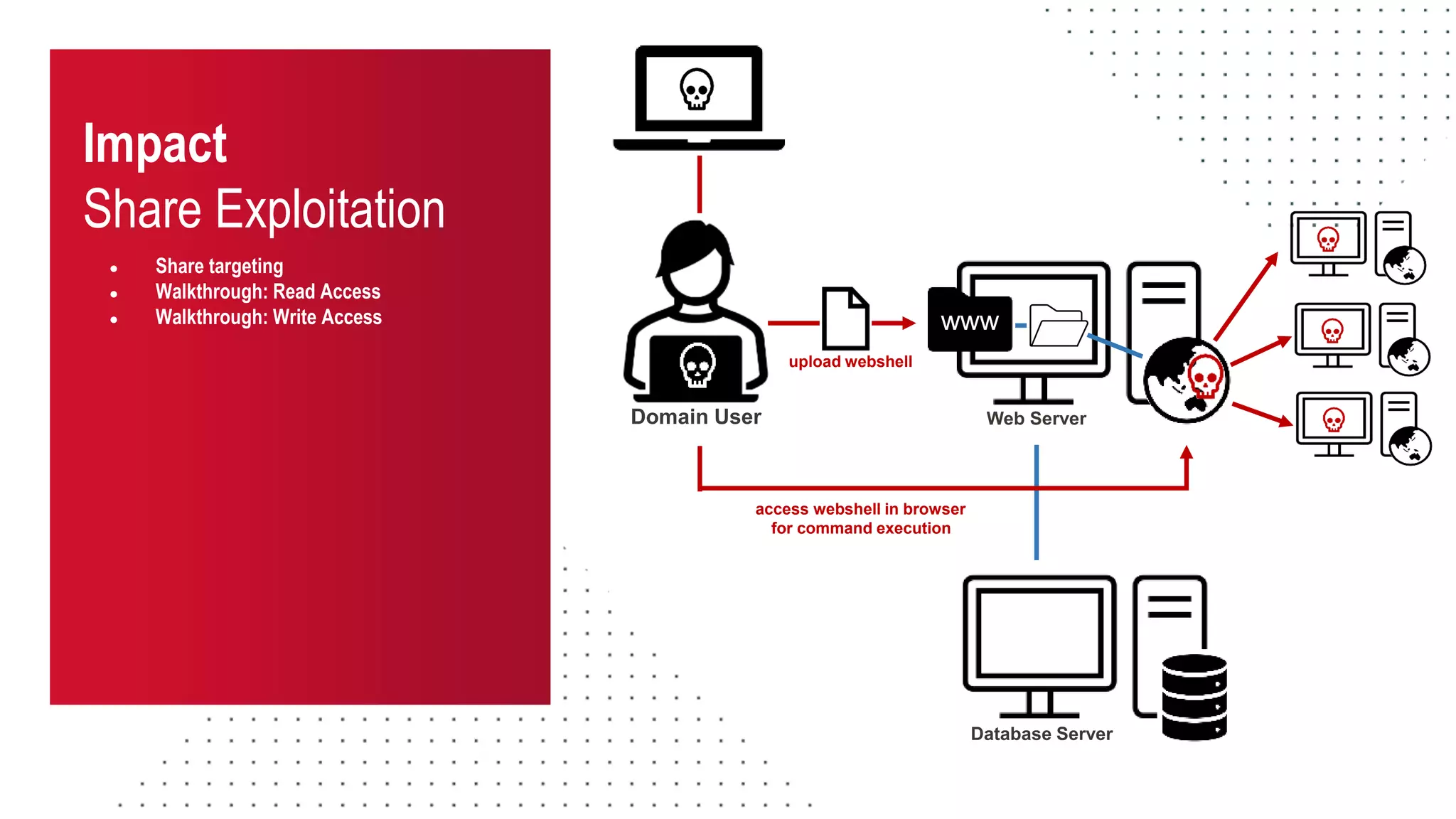
upload webshell
Impact
Share Exploitation
● Share targeting
● Walkthrough: Read Access
● Walkthrough: Write Access www
Web Server
Database Server
Domain User
upload webshell
access webshell in browser
for command execution
Impact
Share Exploitation
● Share targeting
● Walkthrough: Read Access
● Walkthrough: Write Access
● Walkthrough: More RCE Examples
More RCE Examples
Impact
Share Exploitation
● Share targeting
● Share exploitation
● Walkthrough: Read Access
● Walkthrough: Write Access
● Walkthrough: RCE Examples
Web Server
Domain User
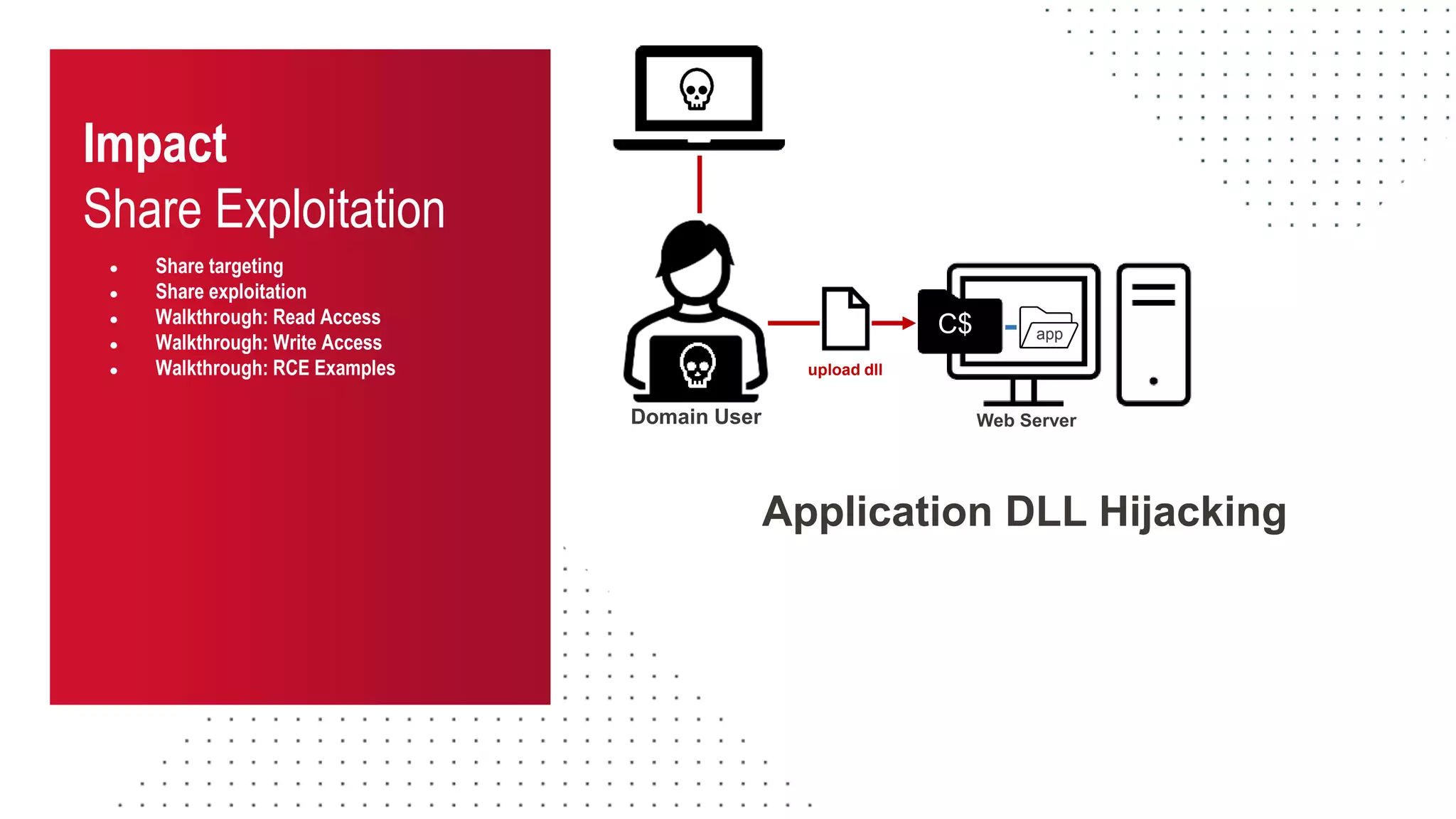
upload dll
C$ app
Application DLL Hijacking
Impact
Share Exploitation
● Share targeting
● Share exploitation
● Walkthrough: Read Access
● Walkthrough: Write Access
● Walkthrough: RCE Examples
Web Server
Domain User
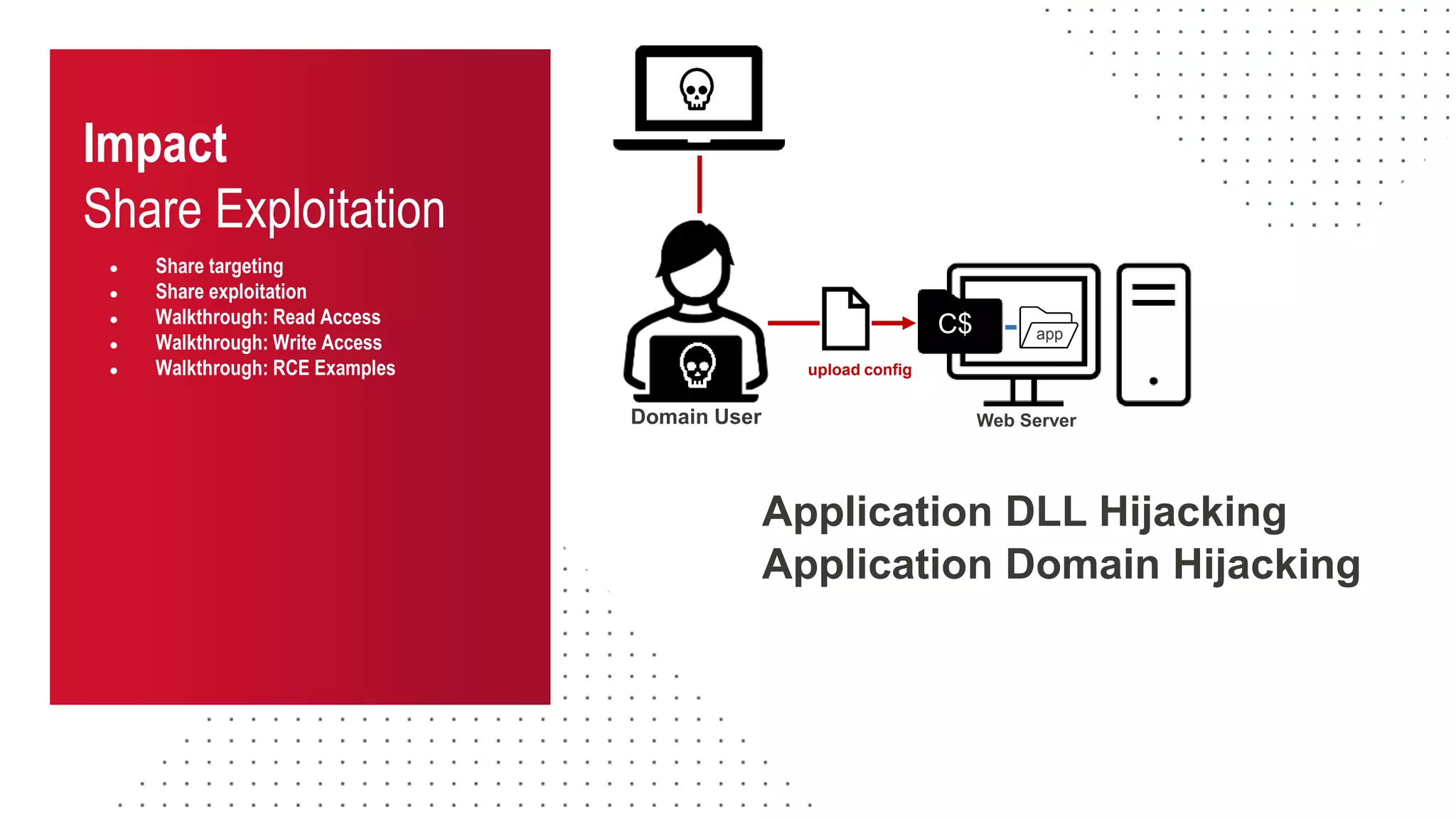
upload config
Application DLL Hijacking
C$ app
Application Domain Hijacking
Impact
Share Exploitation
● Share targeting
● Share exploitation
● Walkthrough: Read Access
● Walkthrough: Write Access
● Walkthrough: RCE Examples
Web Server
Domain User
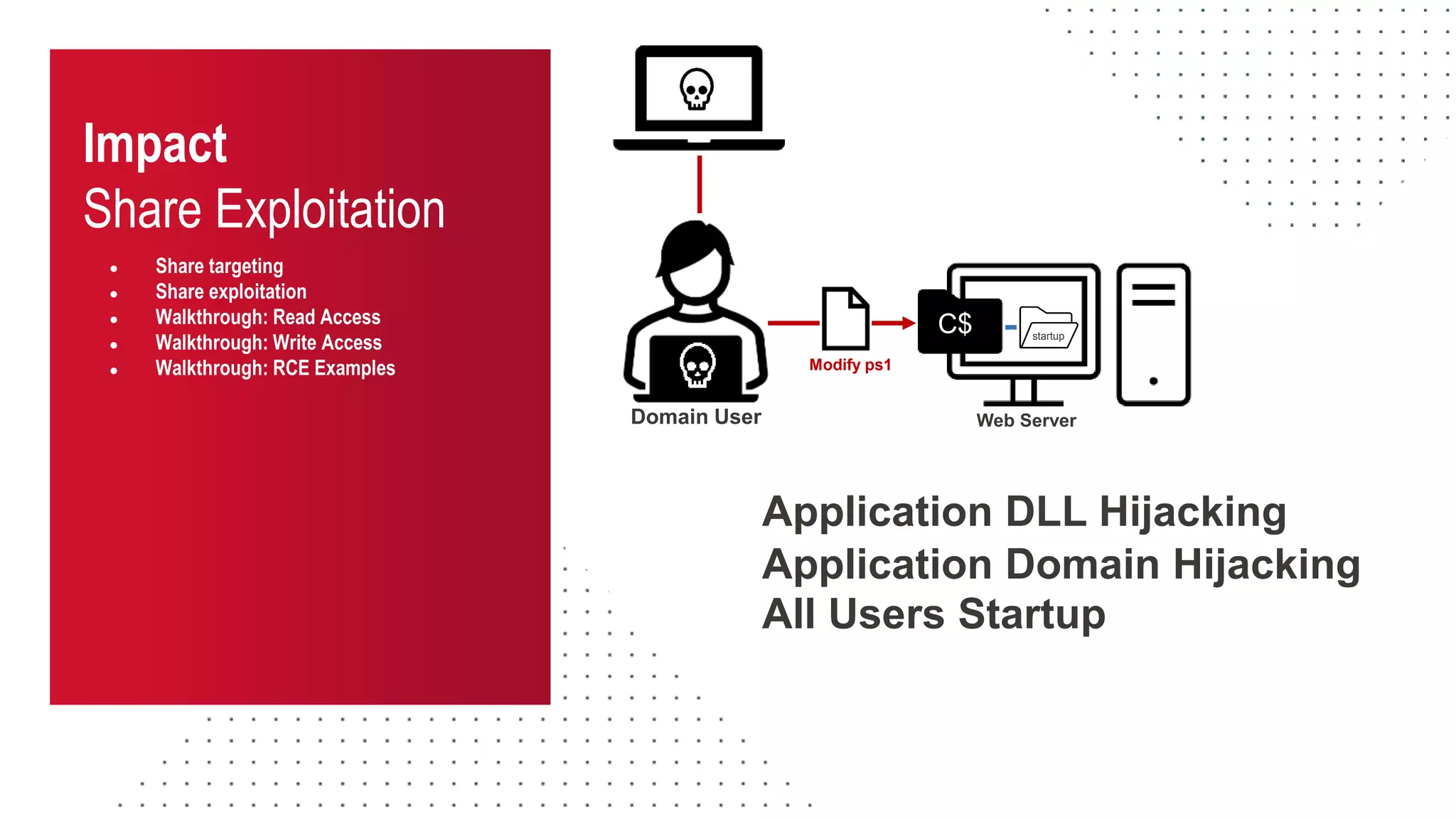
Modify ps1
C$ startup
Application DLL Hijacking
Application Domain Hijacking
All Users Startup
Impact
Share Exploitation
● Share targeting
● Share exploitation
● Walkthrough: Read Access
● Walkthrough: Write Access
● Walkthrough: RCE Examples
Web Server
Domain User
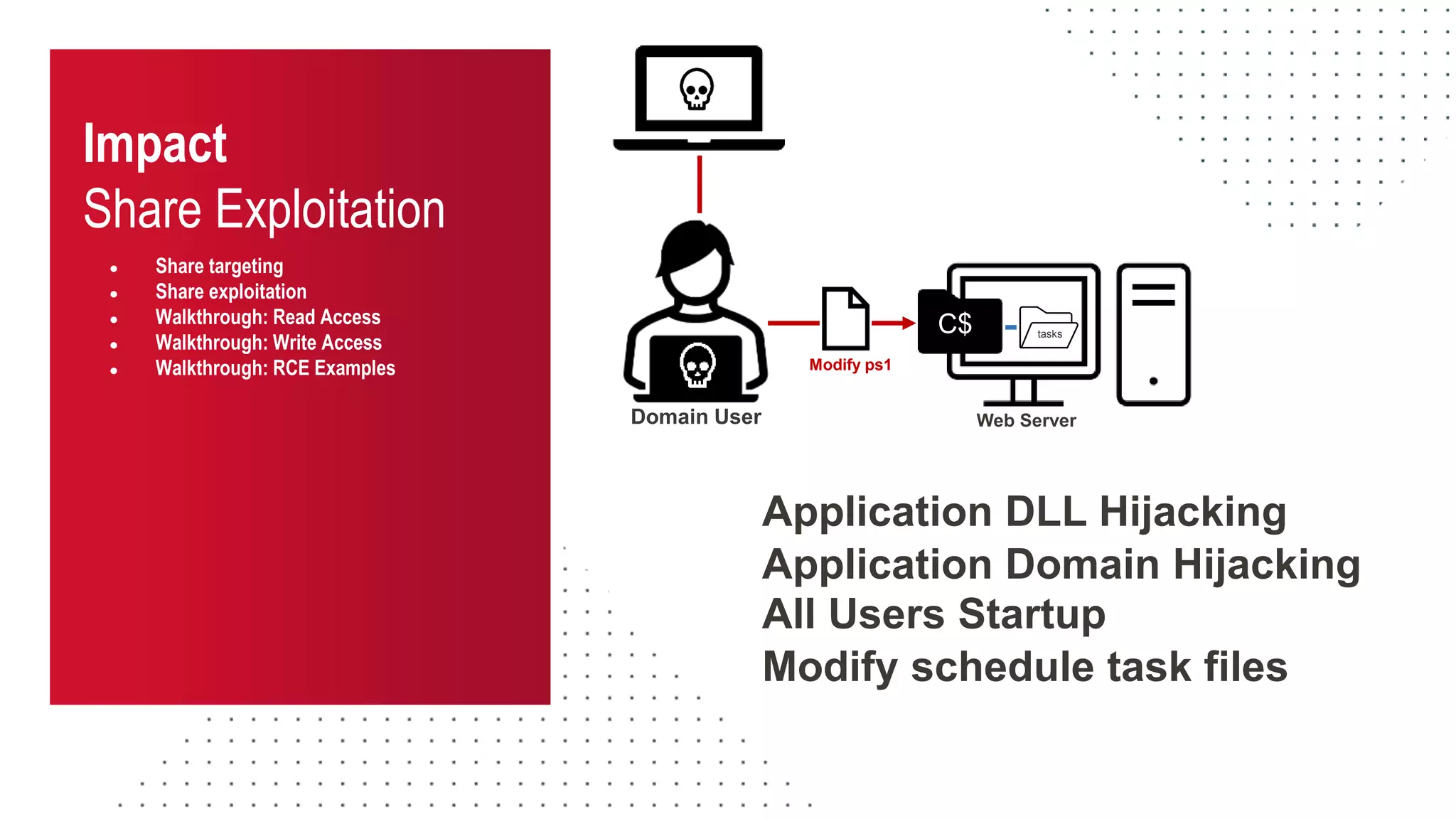
Modify ps1
C$ tasks
Application DLL Hijacking
Application Domain Hijacking
All Users Startup
Modify schedule task files
Impact
Share Exploitation
● Share targeting
● Share exploitation
● Walkthrough: Read Access
● Walkthrough: Write Access
● Walkthrough: RCE Examples
Web Server
Domain User
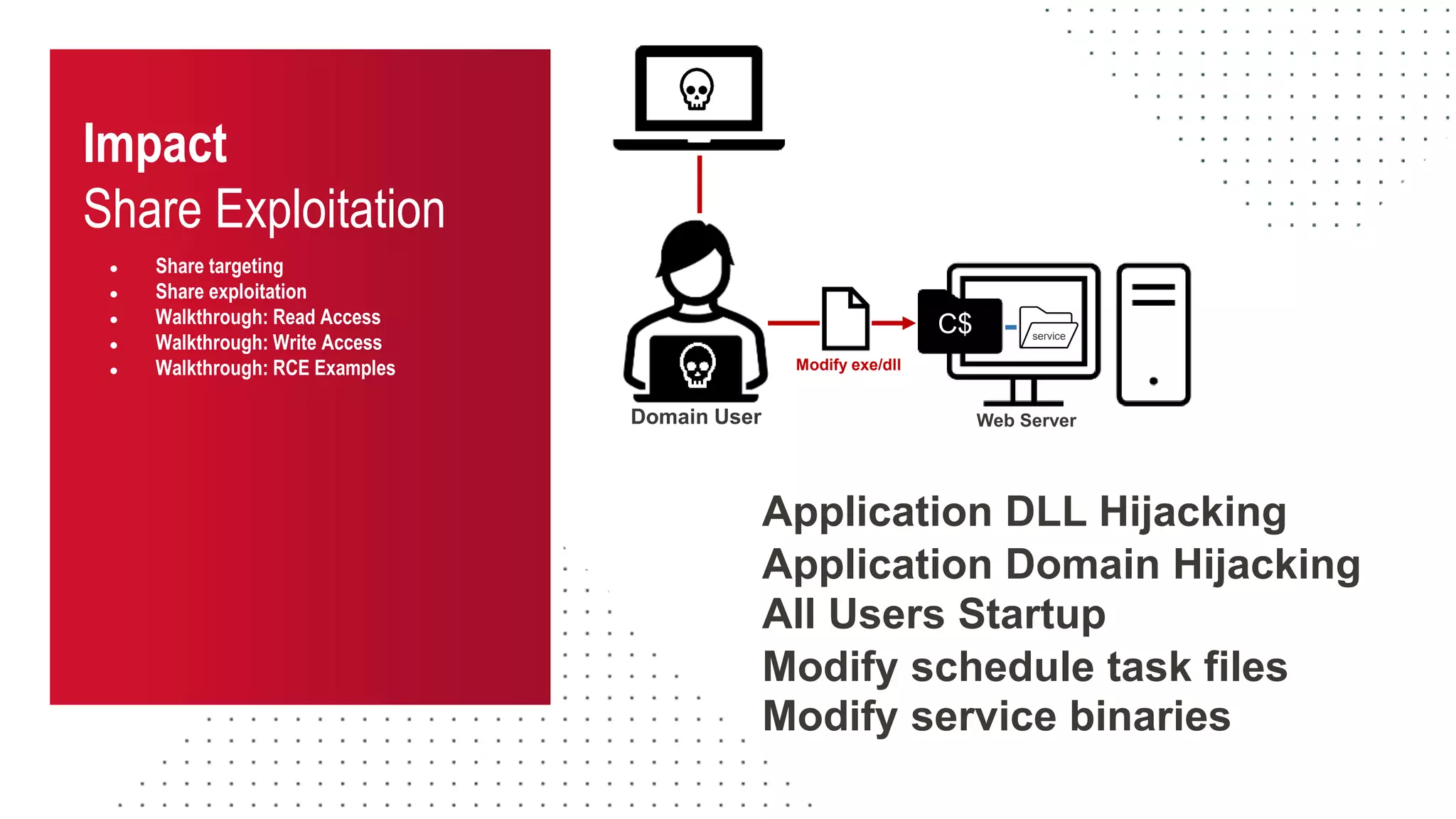
Modify exe/dll
C$ service
Application DLL Hijacking
Application Domain Hijacking
All Users Startup
Modify schedule task files
Modify service binaries
Share Remediation
Into the Abyss: Evaluating Active Directory SMB Shares on Scale
How can we streamline share inventory and remediation?
Share
Remediation
● The challenge
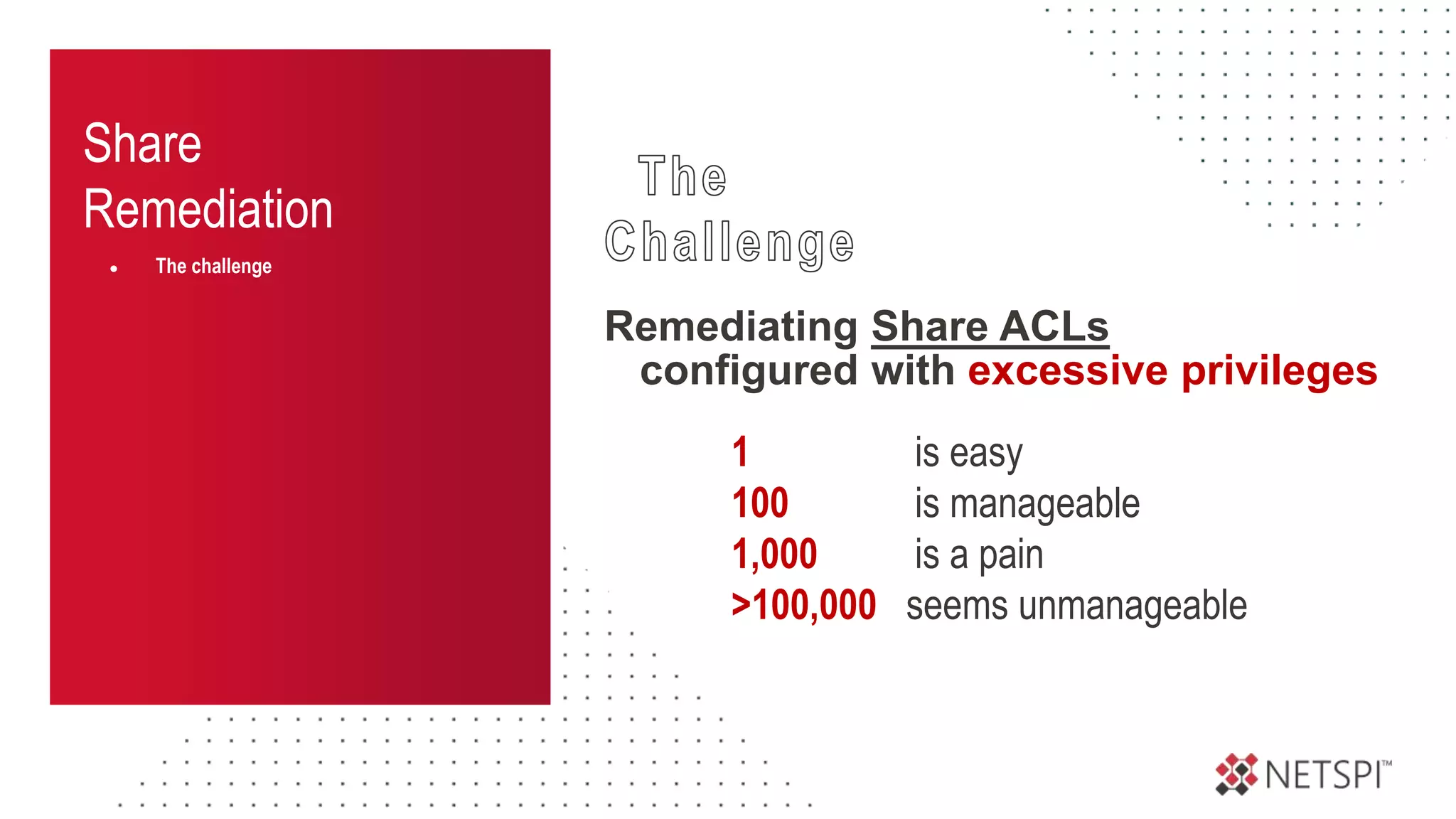
1 is easy
100 is manageable
1,000 is a pain
>100,000 seems unmanageable
Remediating Share ACLs
configured with excessive privileges
Share
Remediation
● The challenge
● Determine questions
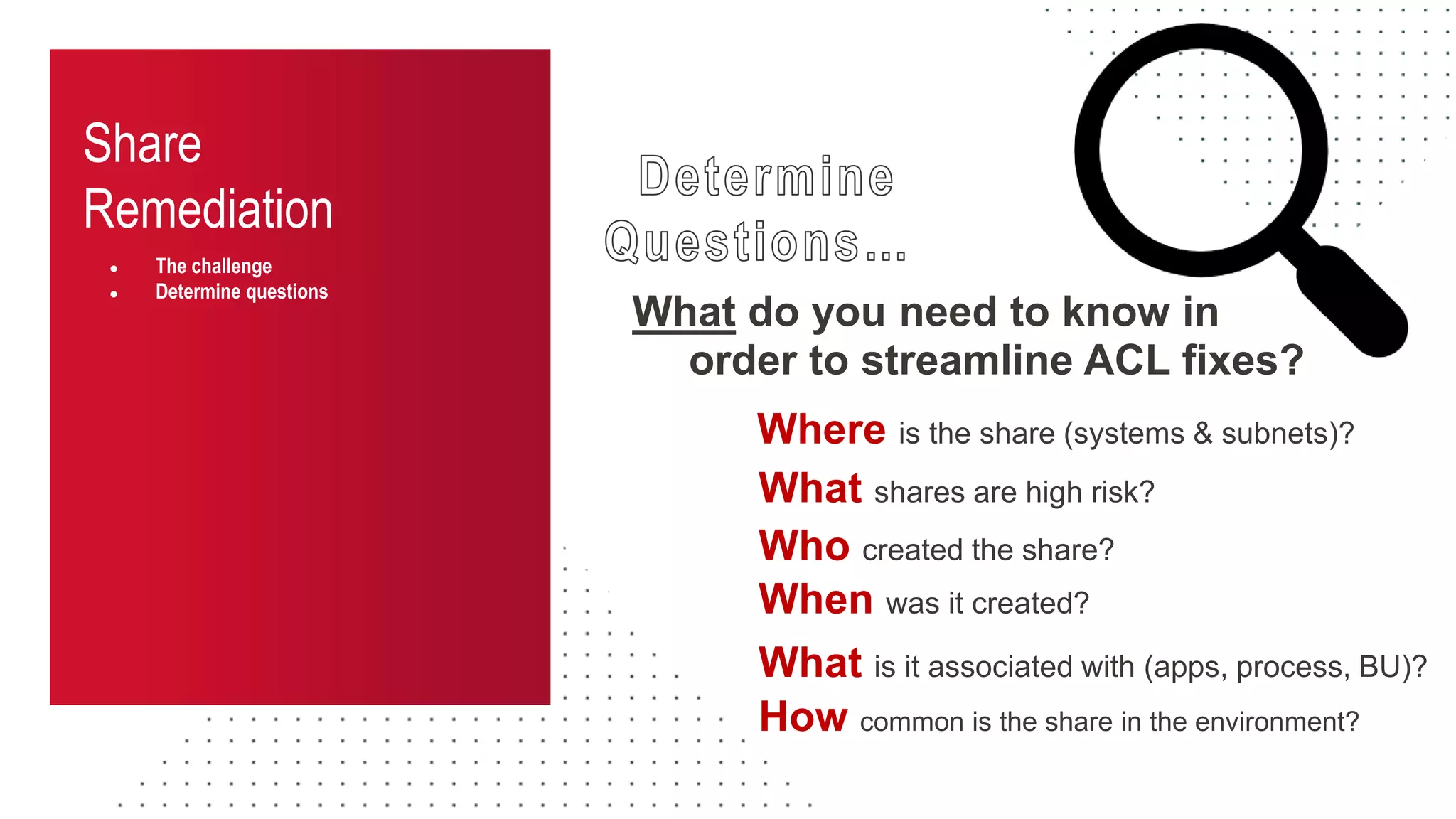
What do you need to know in
Who created the share?
When was it created?
Where is the share (systems & subnets)?
How common is the share in the environment?
What is it associated with (apps, process, BU)?
What shares are high risk?
order to streamline ACL fixes?
Share
Remediation
● The challenge
● Determine questions
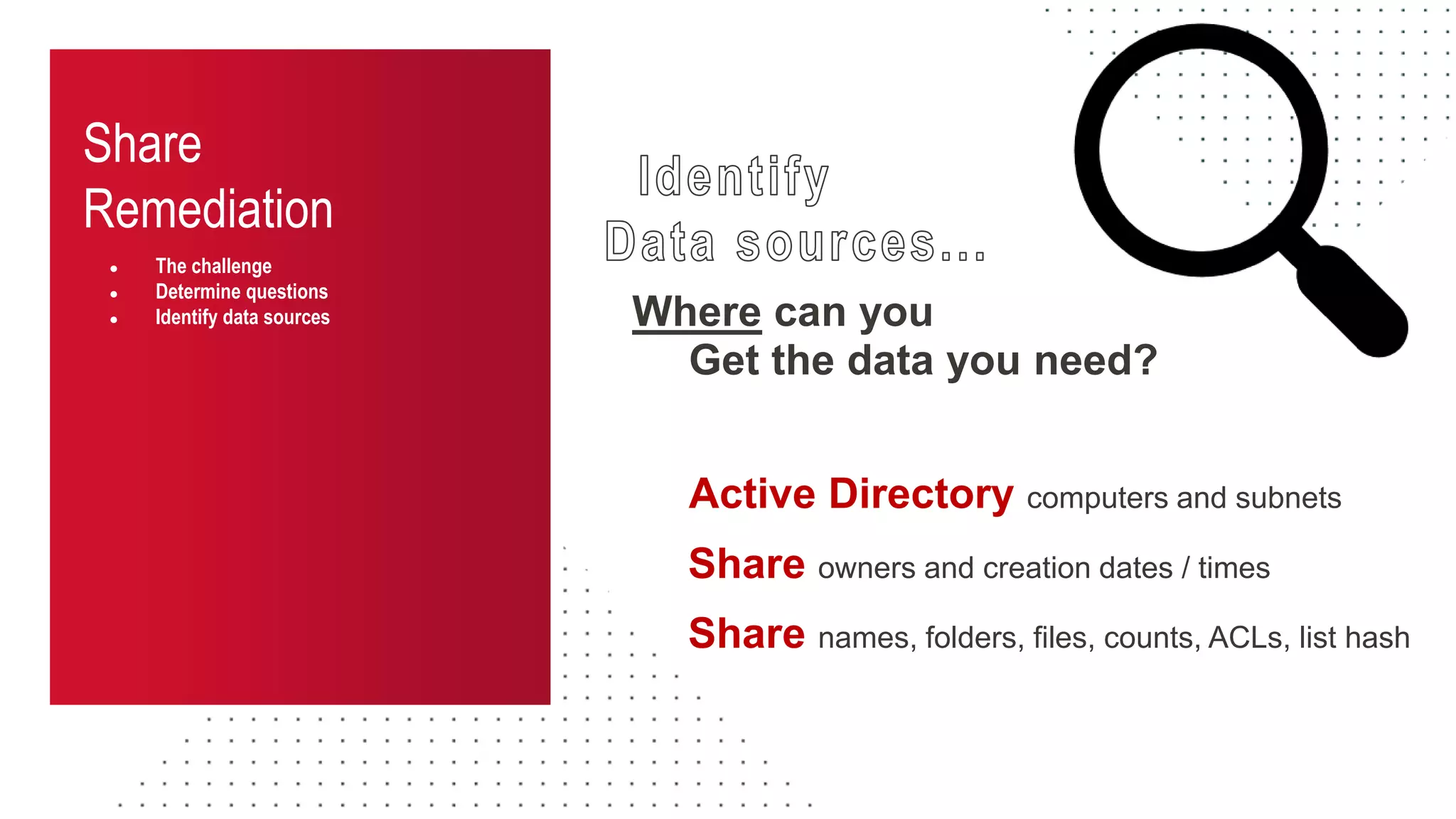
● Identify data sources Where can you
Active Directory computers and subnets
Share names, folders, files, counts, ACLs, list hash
Get the data you need?
Share owners and creation dates / times
Share
Remediation
● The challenge
● Determine questions
● Identify data sources
Share
Remediation
● The challenge
● Determine questions
● Identify data sources
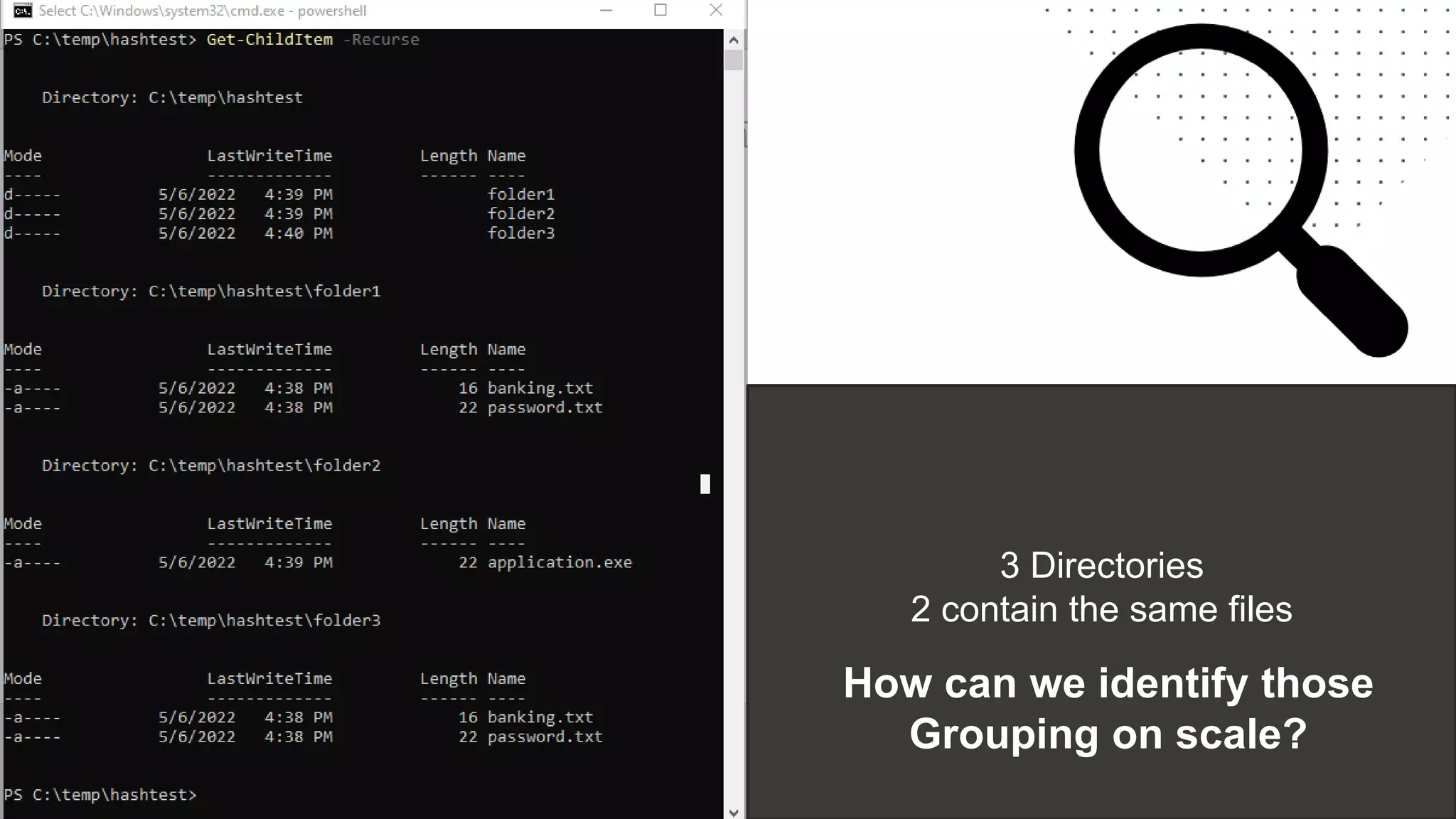
3 Directories
2 contain the same files
How can we identify those
Grouping on scale?
Share
Remediation
● The challenge
● Determine questions
● Identify data sources
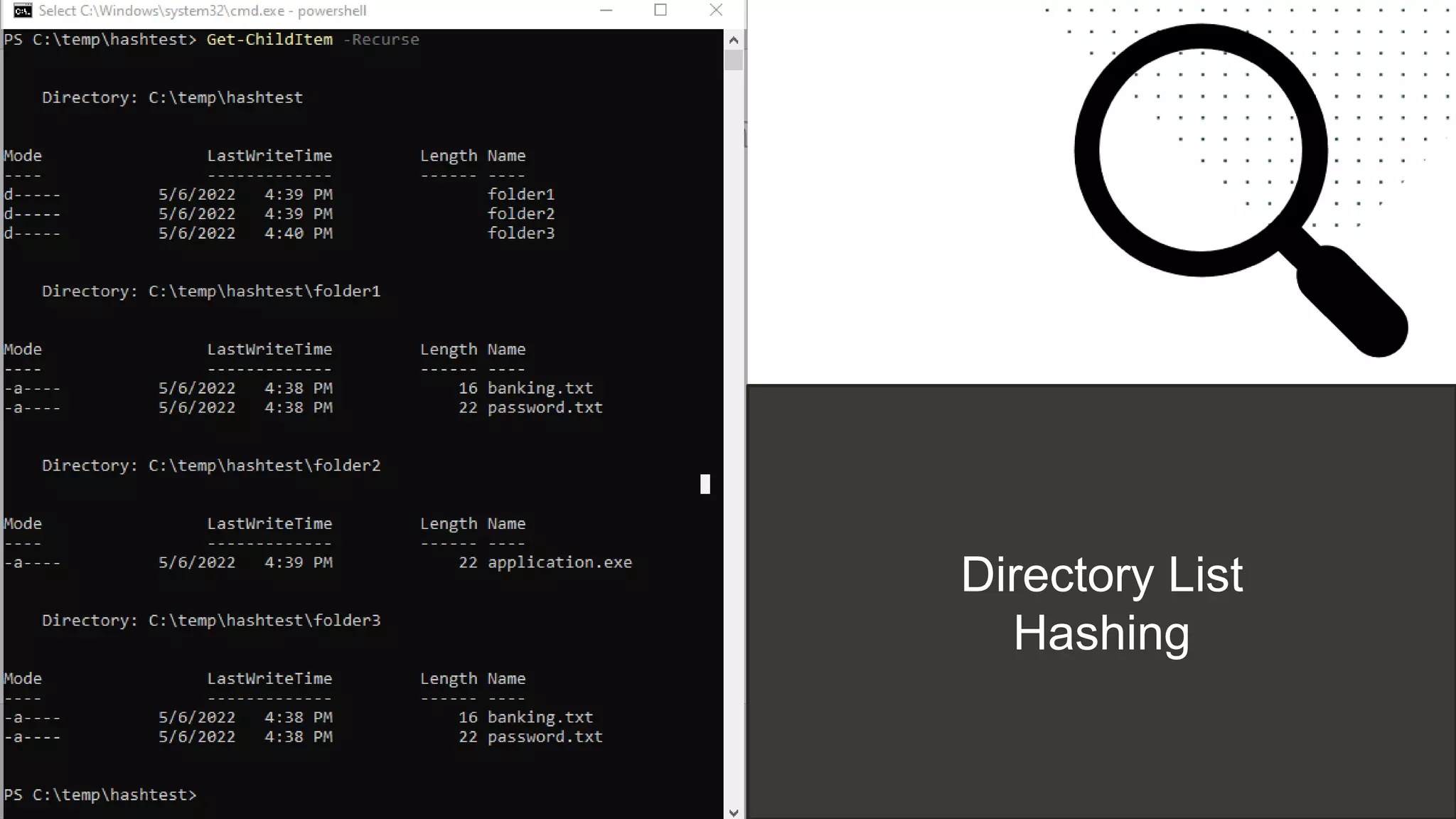
Directory List
Hashing
Share
Remediation
● The challenge
● Determine questions
● Identify data sources
# -------------------------------------------
# Function: Get-FolderGroupMd5
# -------------------------------------------
function Get-FolderGroupMd5{
param (
[string]$FolderList
)
<#
$stringAsStream = [System.IO.MemoryStream]::new()
$writer = [System.IO.StreamWriter]::new($stringAsStream)
$writer.write($FolderList)
$writer.Flush()
$stringAsStream.Position = 0
Get-FileHash -InputStream $stringAsStream -Algorithm MD5 | Select-Object Hash
#>
$MyMd5Provider = [System.Security.Cryptography.MD5CryptoServiceProvider]::Create()
$enc = [system.Text.Encoding]::UTF8
$FolderListBytes = $enc.GetBytes($FolderList)
$MyMd5HashBytes = $MyMd5Provider.ComputeHash($FolderListBytes)
$MysStringBuilder = new-object System.Text.StringBuilder
$MyMd5HashBytes|
foreach {
$MyMd5HashByte = $_.ToString("x2").ToLower()
$MyMd5Hash = "$MyMd5Hash$MyMd5HashByte"
}
$MyMd5Hash
}
Share
Remediation
● The challenge
● Determine questions
● Identify data sources
● Data collection
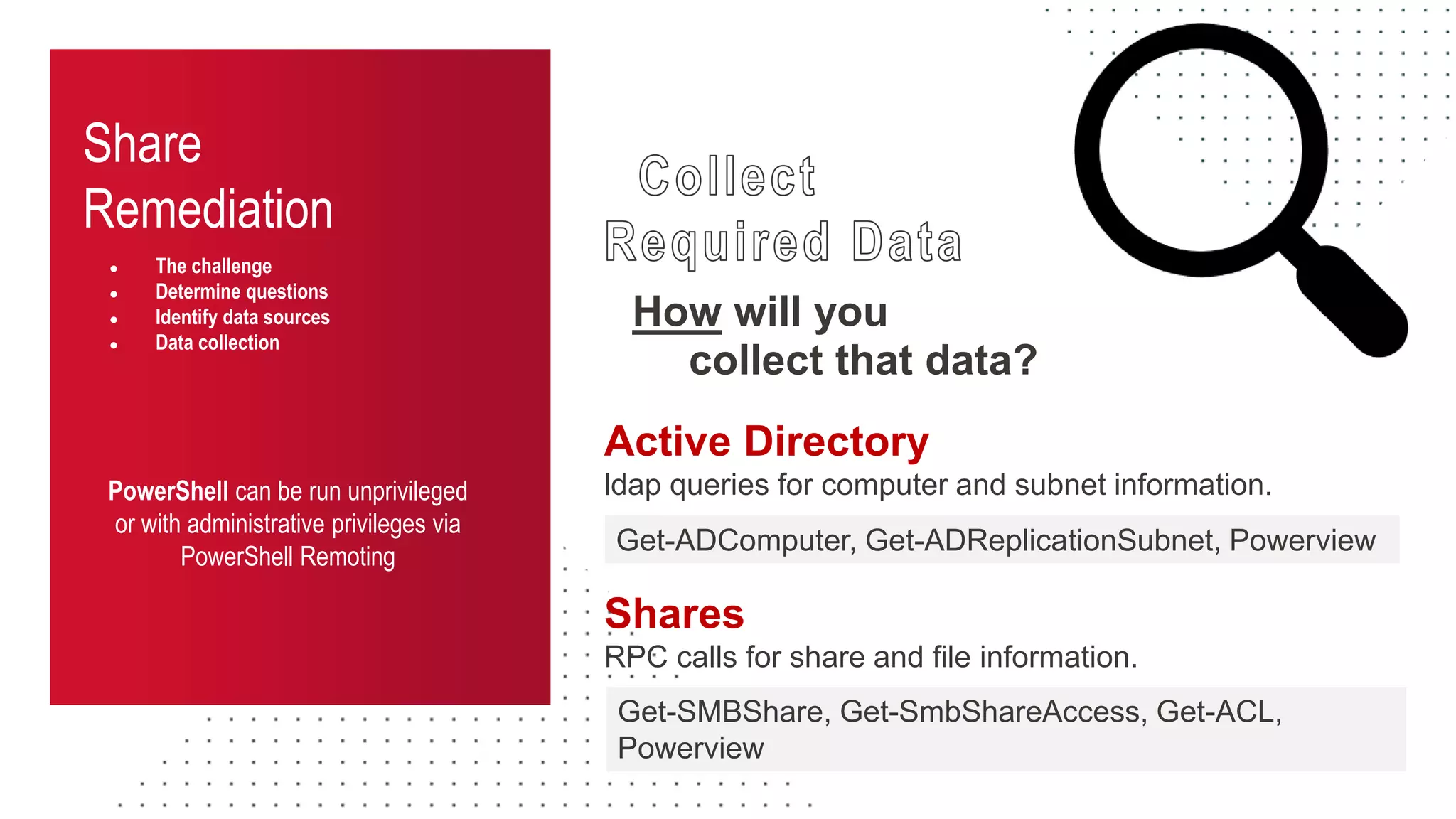
How will you
collect that data?
PowerShell can be run unprivileged
or with administrative privileges via
PowerShell Remoting
Active Directory
ldap queries for computer and subnet information.
Get-ADComputer, Get-ADReplicationSubnet, Powerview
Shares
RPC calls for share and file information.
Get-SMBShare, Get-SmbShareAccess, Get-ACL,
Powerview
Share
Remediation
● The challenge
● Determine questions
● Identify data sources
● Data collection
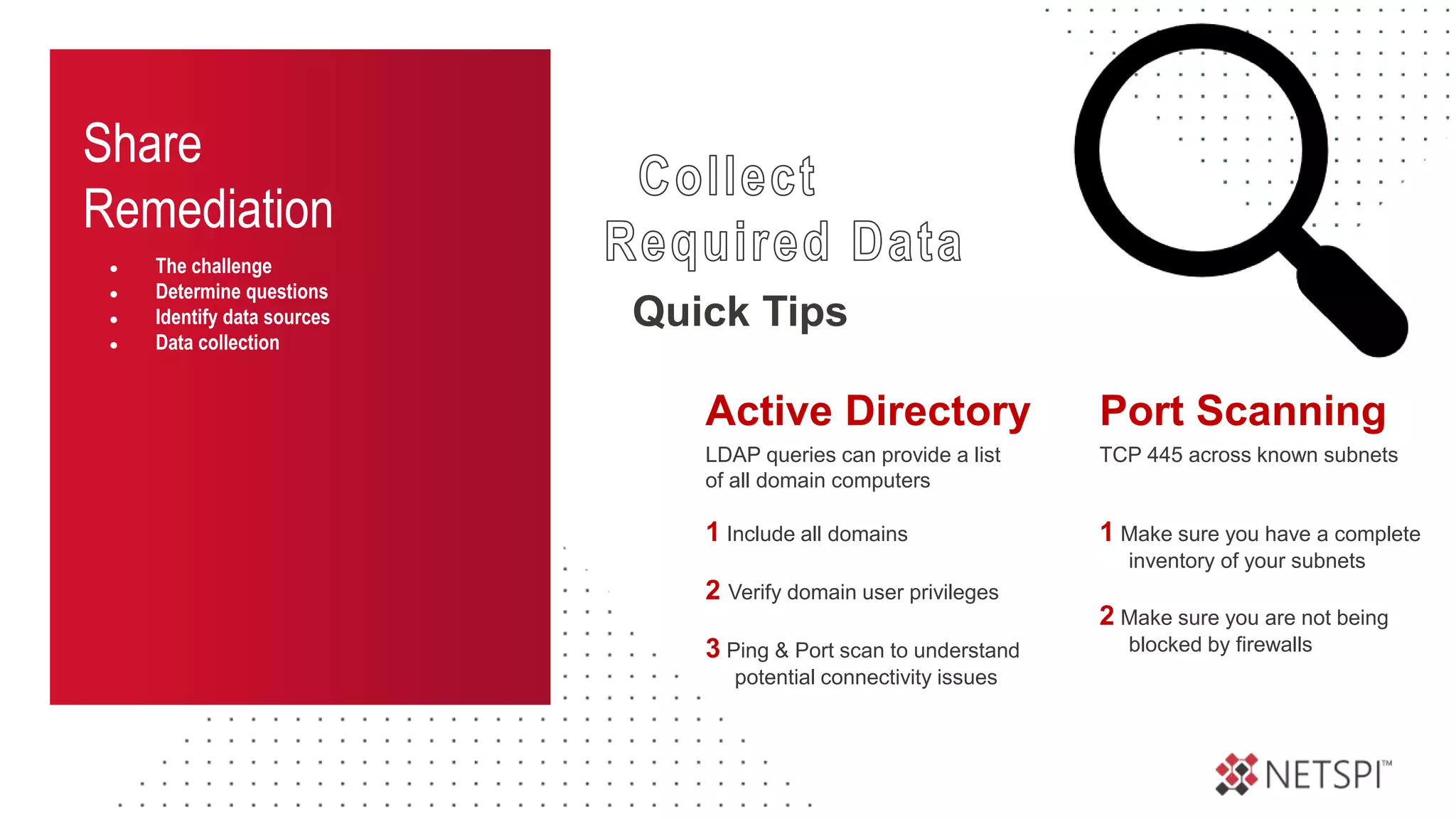
Quick Tips
TCP 445 across known subnets
1 Make sure you have a complete
inventory of your subnets
2 Make sure you are not being
blocked by firewalls
Port Scanning
LDAP queries can provide a list
of all domain computers
1 Include all domains
2 Verify domain user privileges
3 Ping & Port scan to understand
potential connectivity issues
Active Directory
Share
Remediation
● The challenge
● Determine questions
● Identify data sources
● Data collection
● Data Analysis
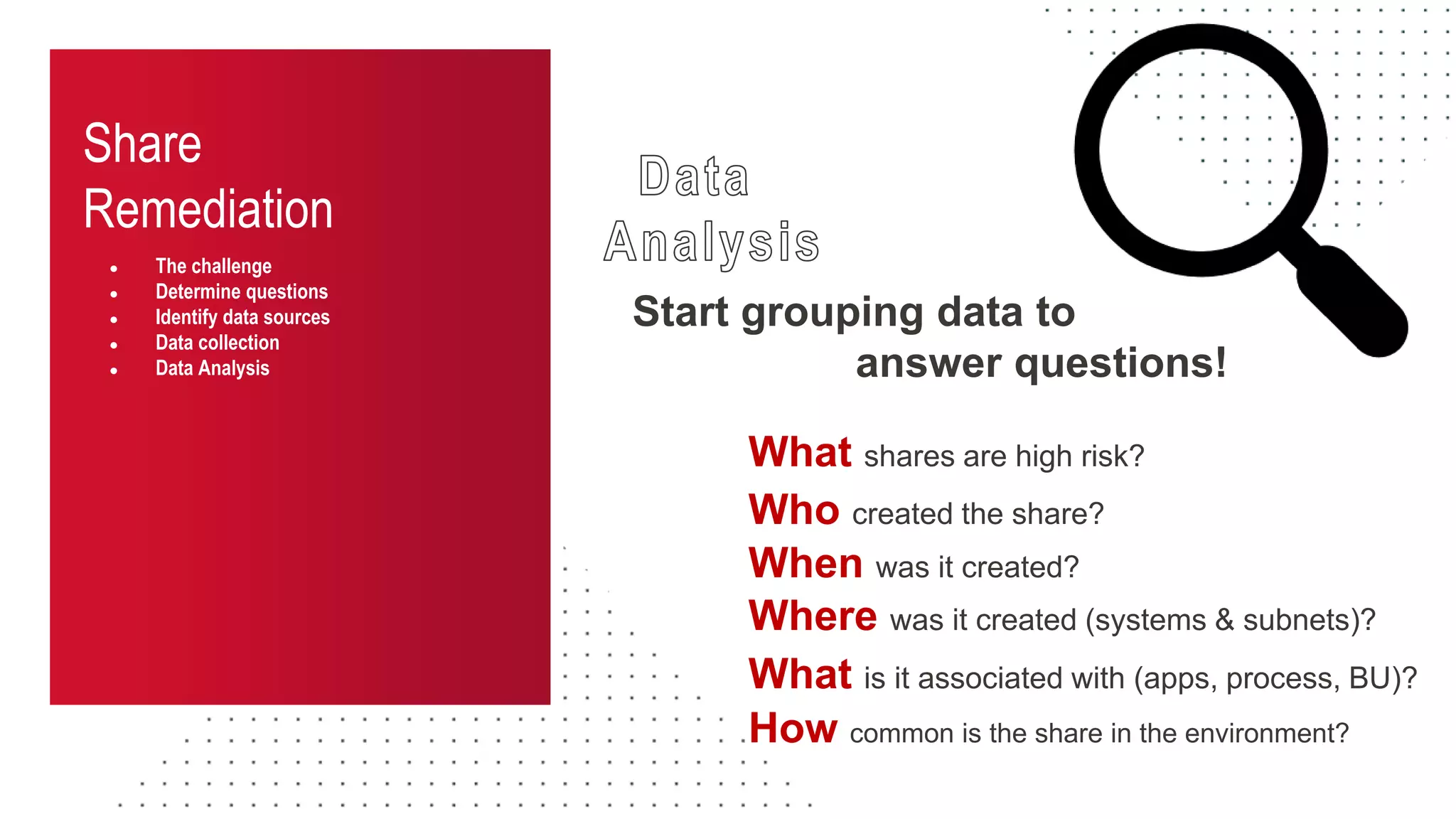
Start grouping data to
answer questions!
Who created the share?
When was it created?
Where was it created (systems & subnets)?
How common is the share in the environment?
What is it associated with (apps, process, BU)?
What shares are high risk?
Share
Remediation
● The challenge
● Determine questions
● Identify data sources
● Data collection
● Data Analysis
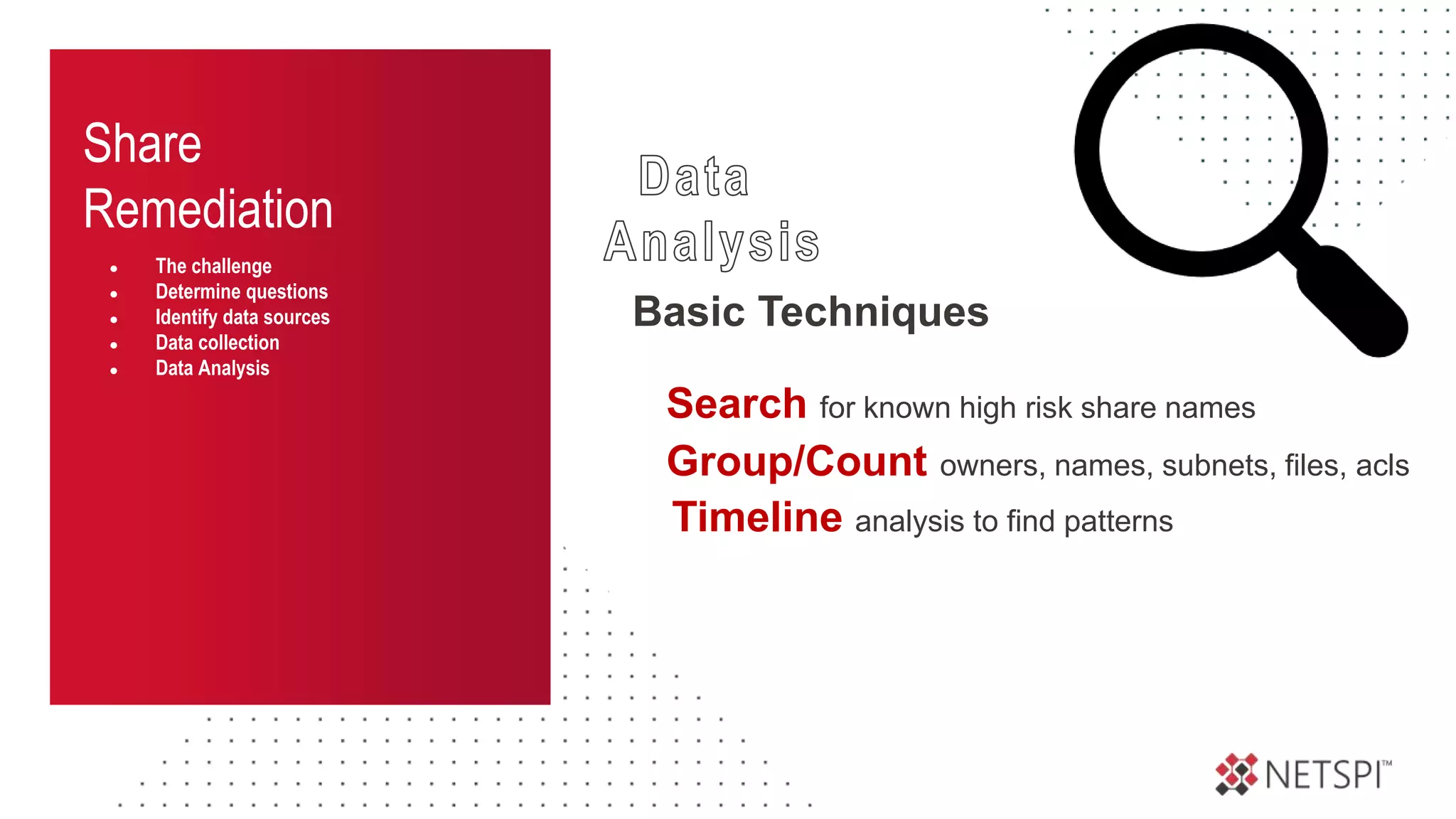
Basic Techniques
Group/Count owners, names, subnets, files, acls
Timeline analysis to find patterns
Search for known high risk share names
Share
Remediation
● The challenge
● Determine questions
● Identify data sources
● Data collection
● Data Analysis
● Data interpretation
What do we know is important?
Large groupings
Environment specific items
Share
Remediation
● The challenge
● Determine questions
● Identify data sources
● Data collection
● Data Analysis
● Data interpretation
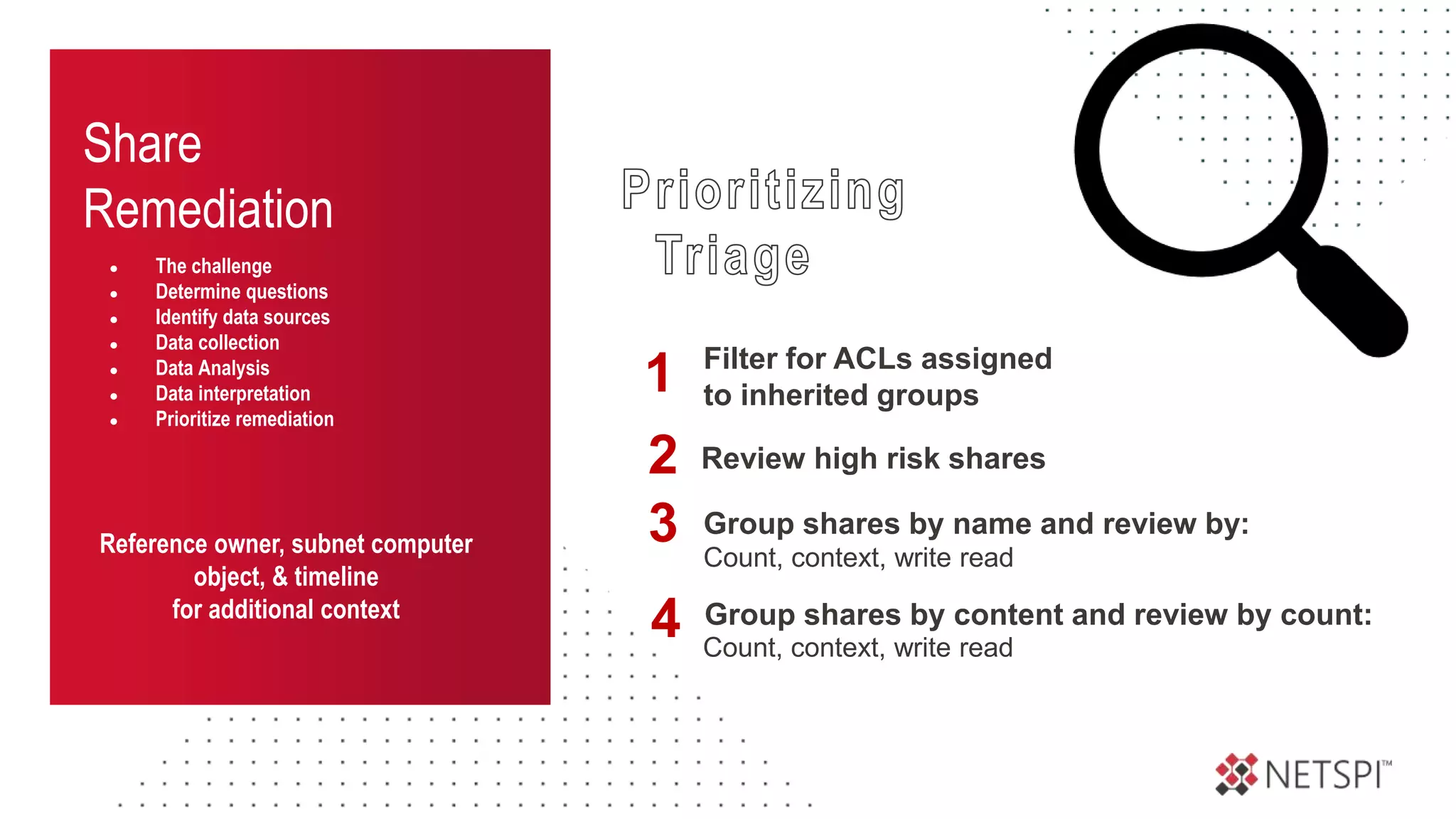
● Prioritize remediation
Reference owner, subnet computer
object, & timeline
for additional context
Filter for ACLs assigned
to inherited groups
1
Review high risk shares
2
Group shares by name and review by:
3 Count, context, write read
Group shares by content and review by count:
4 Count, context, write read
Share
Remediation
● The challenge
● Determine questions
● Identify data sources
● Data collection
● Data Analysis
● Data interpretation
● Prioritize remediation
These techniques are not perfect
but they will help reduce effort
during remediation
Recommendations
Into the Abyss: Evaluating Active Directory SMB Shares on Scale
Recommendations
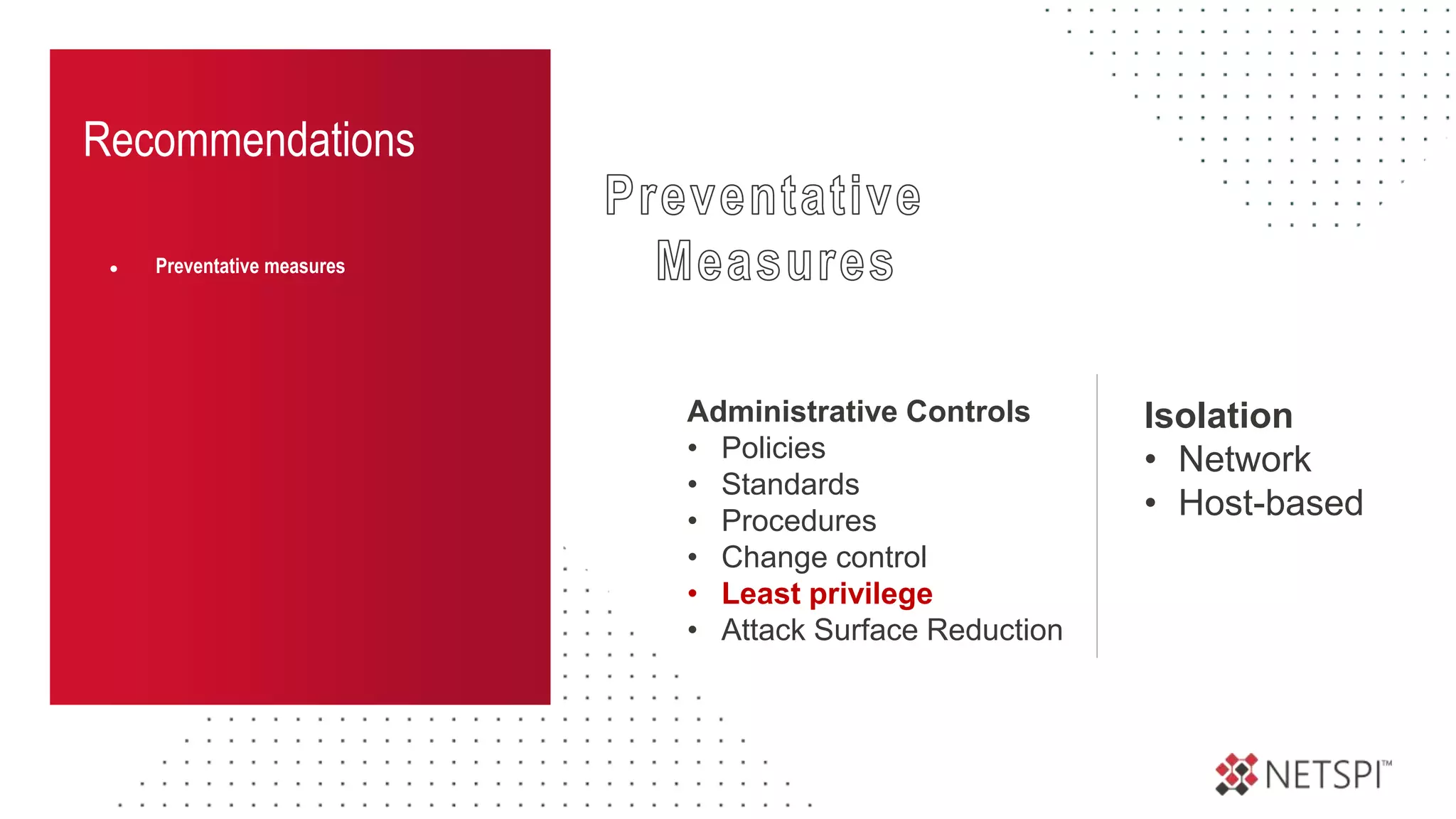
● Preventative measures
Administrative Controls
• Policies
• Standards
• Procedures
• Change control
• Least privilege
• Attack Surface Reduction
Isolation
• Network
• Host-based
Recommendations
● Preventative measures
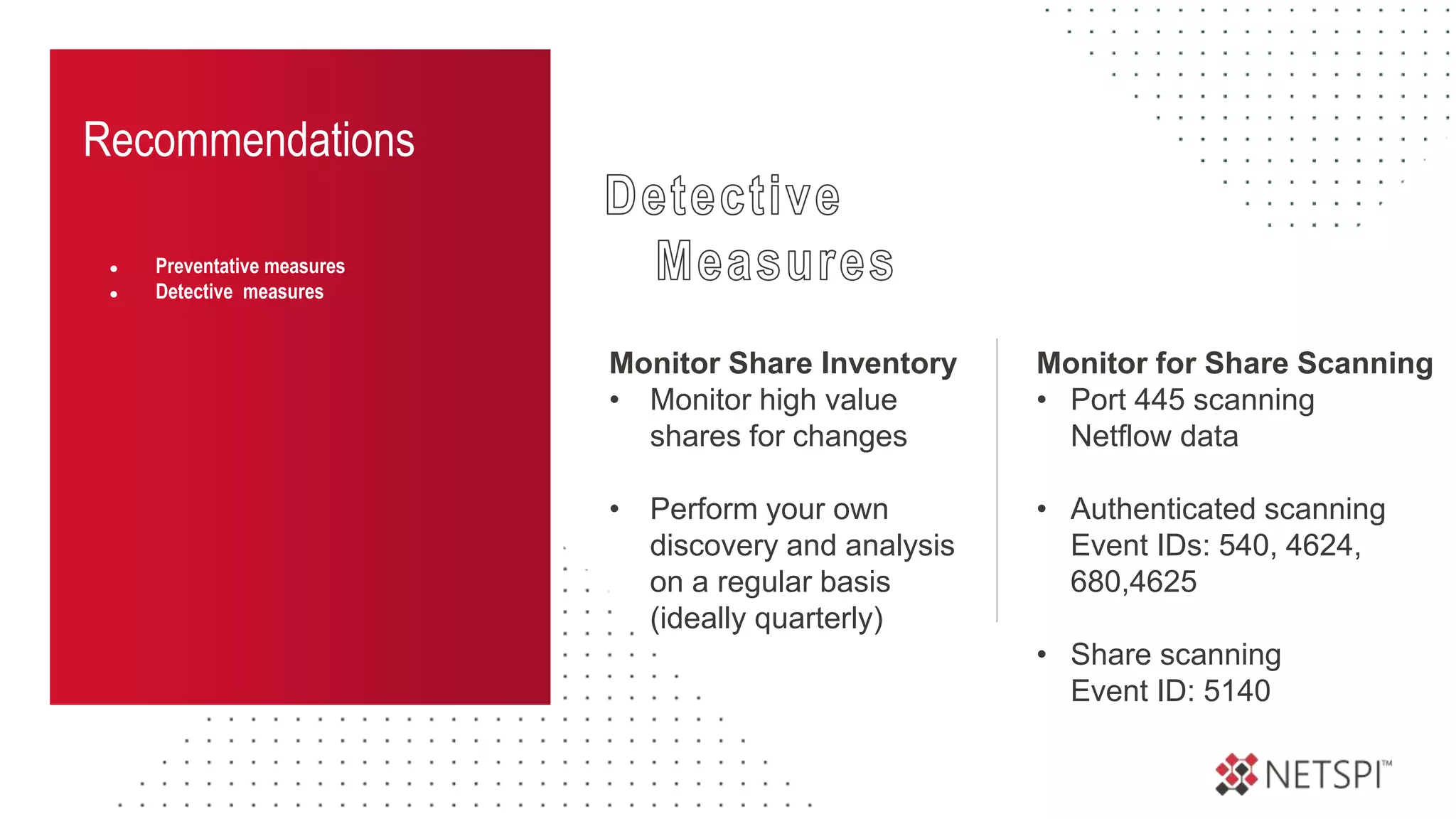
● Detective measures
Monitor Share Inventory
• Monitor high value
shares for changes
• Perform your own
discovery and analysis
on a regular basis
(ideally quarterly)
Monitor for Share Scanning
• Port 445 scanning
Netflow data
• Authenticated scanning
Event IDs: 540, 4624,
680,4625
• Share scanning
Event ID: 5140
Recommendations
● Preventative measures
● Detective measures
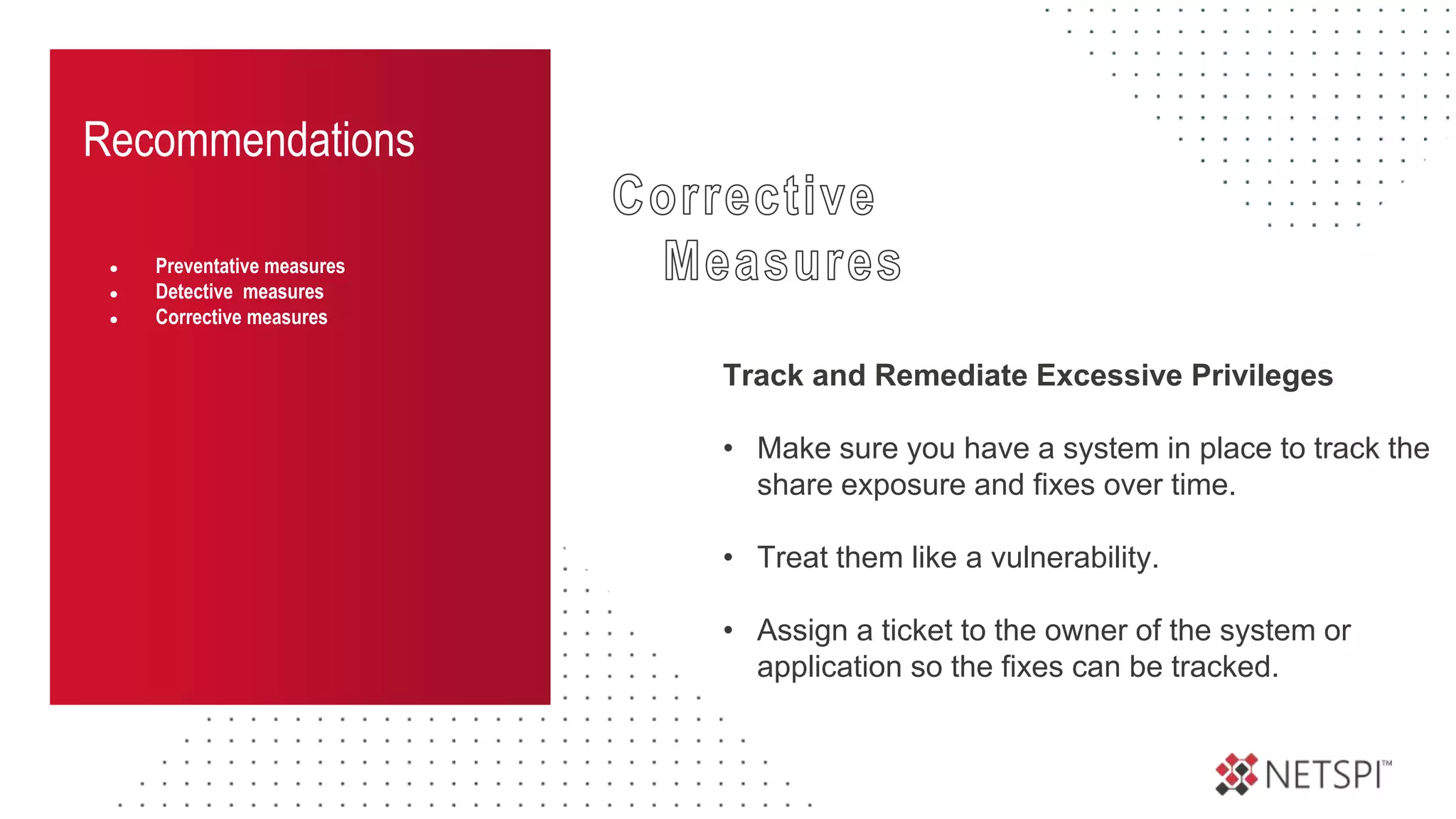
● Corrective measures
Track and Remediate Excessive Privileges
• Make sure you have a system in place to track the
share exposure and fixes over time.
• Treat them like a vulnerability.
• Assign a ticket to the owner of the system or
application so the fixes can be tracked.
PowerHuntShares
Into the Abyss: Evaluating Active Directory SMB Shares on Scale
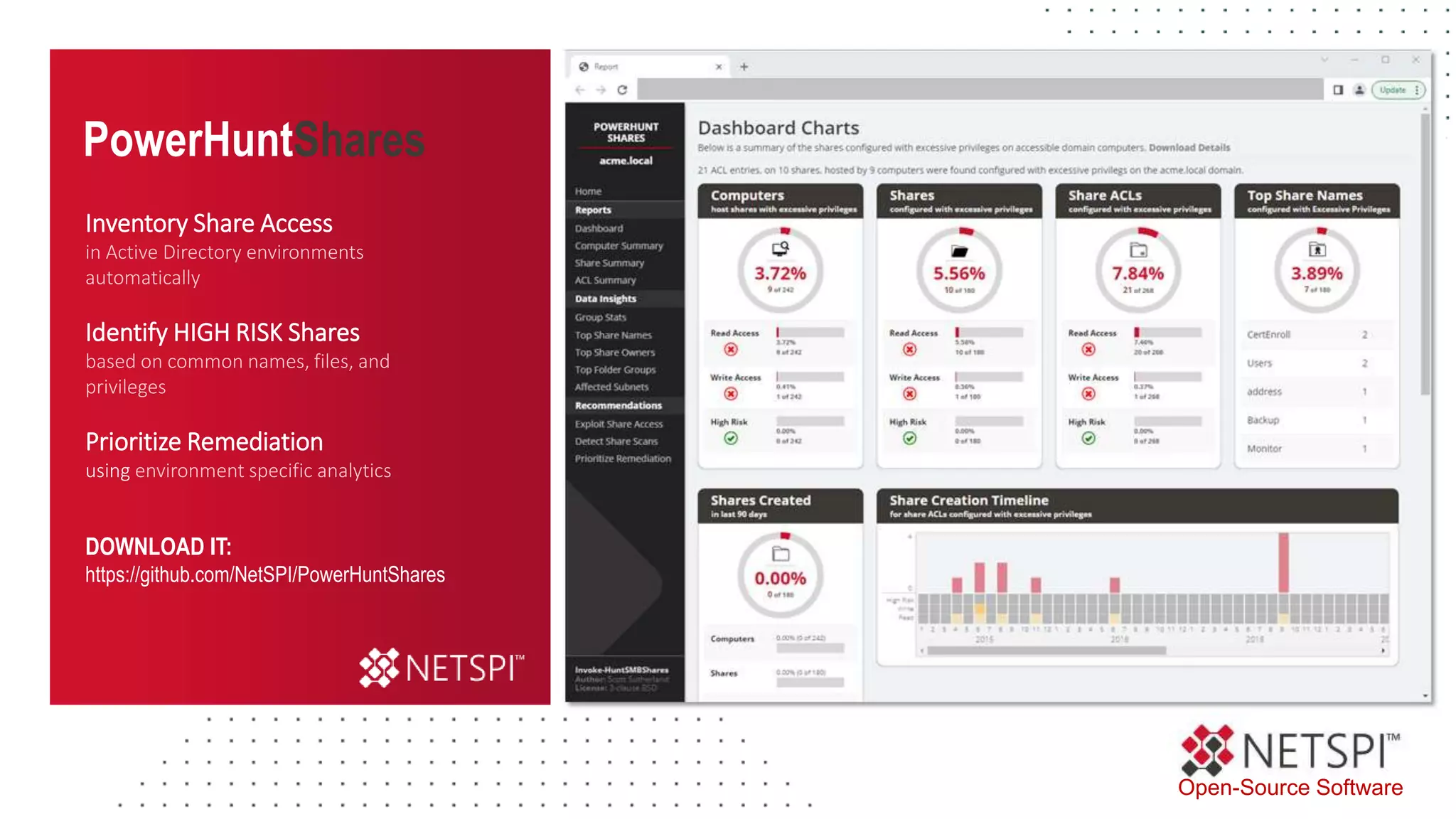
Automate High Risk Shares Identification
Open-Source Software
DOWNLOAD IT:
https://github.com/NetSPI/PowerHuntShares
Inventory Share Access
in Active Directory environments
automatically
Identify HIGH RISK Shares
based on common names, files, and
privileges
Prioritize Remediation
using environment specific analytics
PowerHuntShares
PowerHuntShares
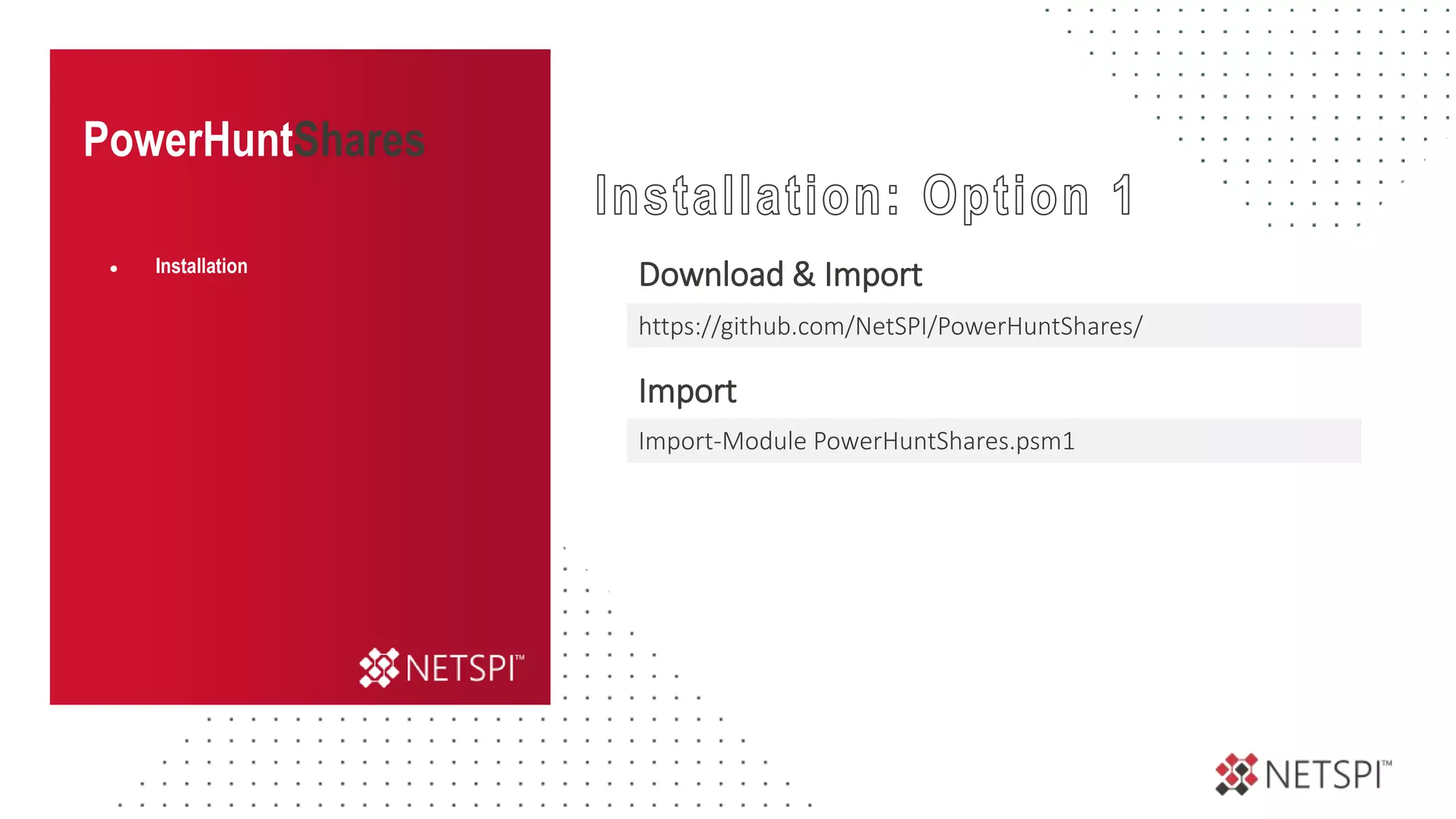
Download & Import
Import
● Installation
Import-Module PowerHuntShares.psm1
https://github.com/NetSPI/PowerHuntShares/
PowerHuntShares
Download & Load into Memory
● Installation
[System.Net.ServicePointManager]::ServerCertificateValidationCallback =
{$true}
[Net.ServicePointManager]::SecurityProtocol
=[Net.SecurityProtocolType]::Tls12
IEX(New-Object
System.Net.WebClient).DownloadString("https://raw.githubusercontent.co
m/NetSPI/PowerHuntShares/main/PowerHuntShares.psm1")
PowerHuntShares
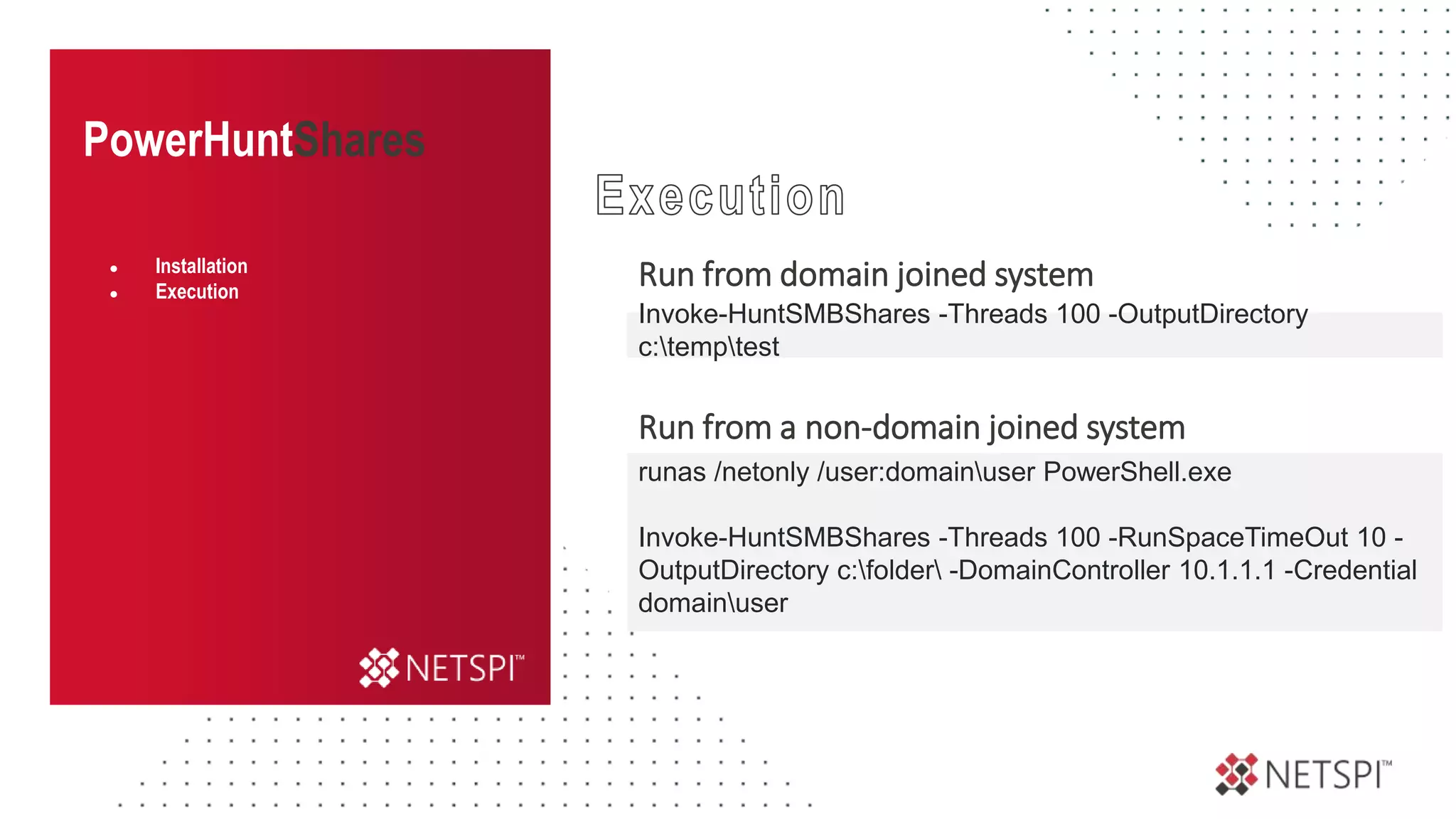
Run from domain joined system
Run from a non-domain joined system
● Installation
● Execution
Invoke-HuntSMBShares -Threads 100 -OutputDirectory
c:temptest
runas /netonly /user:domainuser PowerShell.exe
Invoke-HuntSMBShares -Threads 100 -RunSpaceTimeOut 10 -
OutputDirectory c:folder -DomainController 10.1.1.1 -Credential
domainuser
PowerHuntShares
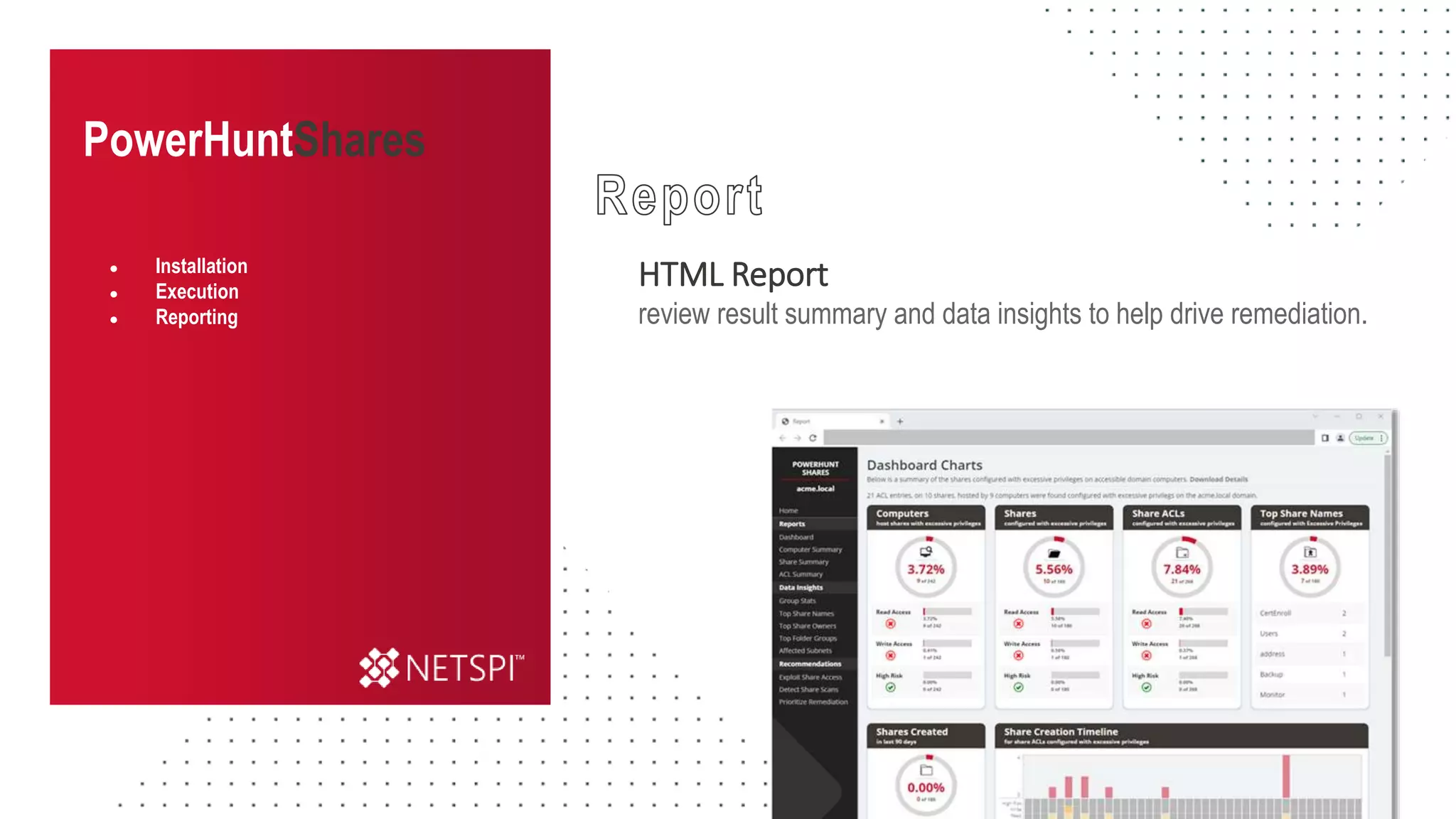
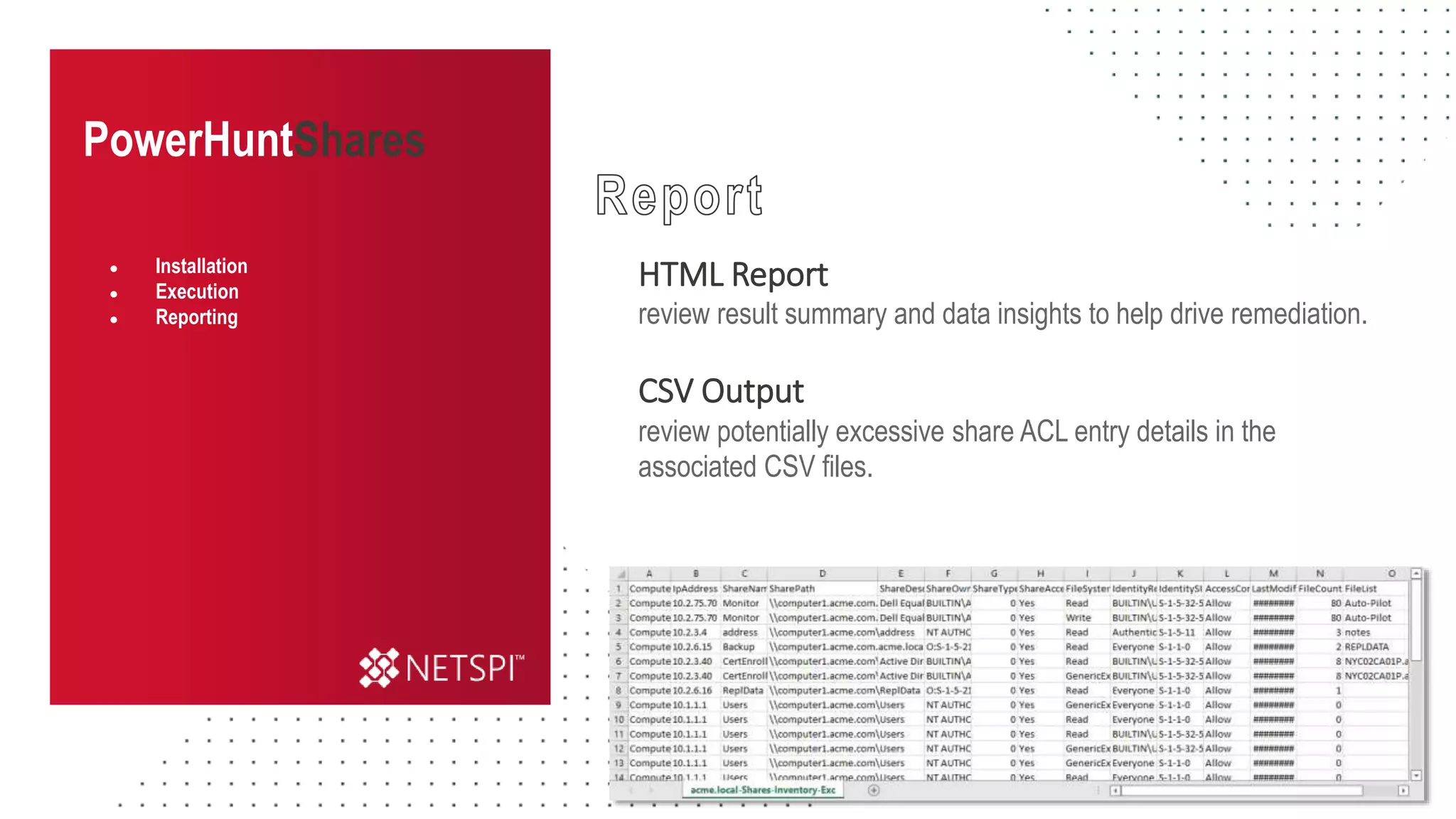
HTML Report
review result summary and data insights to help drive remediation.
● Installation
● Execution
● Reporting
PowerHuntShares
HTML Report
review result summary and data insights to help drive remediation.
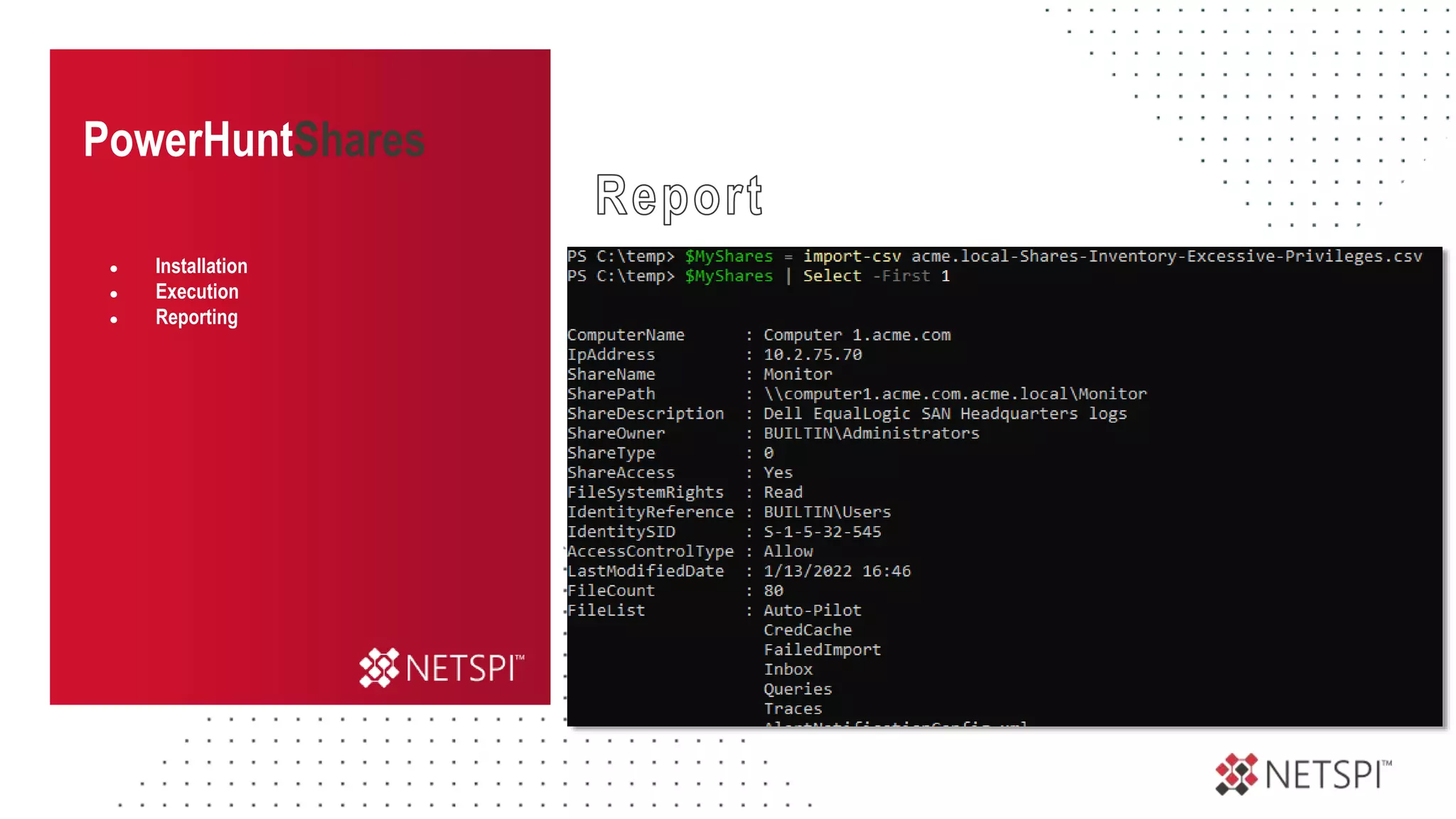
CSV Output
review potentially excessive share ACL entry details in the
associated CSV files.
● Installation
● Execution
● Reporting
PowerHuntShares
HTML Report
CSV Output
PowerShell
● Installation
● Execution
● Reporting
PowerHuntShares
● Overview
● Installation
● Execution
● Reporting
PowerHuntShares
● Overview
● Installation
● Execution
● Reporting
Questions?
WWW.NETSPI.COM | SALES@NETSPI.COM
slides will be shared on twitter
@_nullbind
Always-on Pentesting
Platform Driven, Human Delivered.
WWW.NETSPI.COM | SALES@NETSPI.COM
WE’RE GROWING!
JOIN US!
See current openings: www.netspi.com/careers
Send us your resume: jobs@netspi.com

Into the Abyss: Evaluating Active Directory SMB Shares on Scale (Secure360)

  • 1.
    Into the Abyss:Evaluating Active Directory SMB Shares on Scale SCOTT SUTHERLAND / SENIOR DIRECTOR, NETSPI S E C U R E 3 6 0
  • 2.
    Scott Sutherland Senior Director, NetSPI AdversarySimulation & Infrastructure Testing Code https://github.com/NetSPI/PowerUpSQL https://github.com/NetSPI/SQLC2 https://github.com/NetSPI/ESC https://github.com/NetSPI/PowerHunt https://github.com/NetSPI/PowerHuntShares https://blog.netspi.com/author/scott-sutherland/ Blogs @_nullbind Twitter http://slideshare.net/nullbind Decks
  • 3.
    Agenda 1 2 3 4 What’s the Problem? Whyshould I care about share access? Share Permissions Primer How do they work and where do things go wrong? What’s the Impact? Exploiting SMB share access! 5 Share Remediation How can we streamline share inventory and remediation? PowerHuntShares Let’s automate some things!
  • 4.
    Story Time. Into theAbyss: Evaluating Active Directory SMB Shares on Scale Legacy of Shares
  • 20.
  • 21.
    This is areality that a lot of businesses are trying to manage.
  • 22.
    How can weidentify the shares before the bad guys do?
  • 23.
    How do wedetermine which shares represent actual risk?
  • 24.
    How do weremediate a 100,000 shares configured with excessive privileges?
  • 25.
    What’s broken, whyare we missing so much now?
  • 26.
    What’s the Problem? Intothe Abyss: Evaluating Active Directory SMB Shares on Scale Why should I care about share permissions?
  • 27.
    What’s the Problem? ● Managingshare inventory Who owns them? System Inventory Share Inventory Change control What are the Business Constraints? Where are they?
  • 28.
    What’s the Problem? ● Managingshare inventory ● Managing inherited permissions What are the inherited Permissions? Who needs access? How do we provide that access? When do we remove that access? Remediation is hard on scale!
  • 29.
    What’s the Problem? ● Managingshare inventory ● Managing inherited permissions ● Vulnerability scanner gaps Share permission details A full inventory of shares Summary reports with context Data that informs remediation Shares available to authenticated users High risk shares
  • 30.
    What’s the Problem? ● Managingshare inventory ● Managing inherited permissions ● Vulnerability scanner gaps ● Shares are easy to exploit SMB Shares are one of the MOST abused attacks surfaces That require the LEAST amount of knowledge to attack
  • 31.
    What’s the Problem? ● Managingshare inventory ● Managing inherited permissions ● Vulnerability scanner gaps ● Shares are easy to exploit ● Conclusion MOST vulnerability management programs overlook high risk share exposure
  • 32.
    Share Permissions Primer Intothe Abyss: Evaluating Active Directory SMB Shares on Scale How do they work and where do things go wrong?
  • 33.
    Share Permissions ● What’s ashare? A share is basically a local folder made available to users over the network Local Folder Share
  • 34.
    Share Permissions ● What’s ashare? ● Access control Access to shared folders are controlled through NTFS and share permissions NTFS • Used to control access to the NTFS file system • Can affect local and network users • More granular than share permissions Share • Used to control access to shared files and folders • Do not apply to local users • Less granular permissions
  • 35.
    Share Permissions ● What’s ashare? ● Access control Access to shared folders are controlled through NTFS and share permissions Most restrictive permissions win!
  • 36.
    Share Permissions ● What’s ashare? ● Access control NTFS Share John: Read Sue: Write Kevin: Full Control John: Full Control Sue: Change Kevin: Read Most restrictive permissions win!
  • 37.
    Share Permissions ● What’s ashare? ● Access control NTFS Share John: Read Sue: Write Kevin: Full Control John: Full Control Sue: Change Kevin: Read Most restrictive permissions win!
  • 38.
    Share Permissions ● What’s ashare? ● Access control NTFS Share Most restrictive permissions win! John: Read Sue: Write Kevin: Full Control John: Full Control Sue: Change Kevin: Read
  • 39.
  • 40.
    Share Permissions ● What’s ashare? ● Access control ● NTFS vs share priority ● Everyone Can provide unauthenticated and authenticated users with access. Sometimes configured at the share level, with the intent of restricting access using NTFS permissions. NTFS Share John: Read Sue: Write Kevin: Full Control Everyone: Read Denied Steven
  • 41.
    Share Permissions ● What’s ashare? ● Access control ● NTFS vs share priority ● Everyone ● BuiltinUsers Should only provide the local users with access. NTFS Share Everyone: Read Read Local User BuiltinUsers: Read
  • 42.
    Share Permissions ● What’s ashare? ● Access control ● NTFS vs share priority ● Everyone ● BuiltinUsers ● Authenticated Users Limited to local user accounts when NOT on an AD domain. NTFS Share BuiltinUsers: Read Everyone: Read Read Local User This is also a child group of BuiltinUsers by default. Authenticated Users
  • 43.
    Share Permissions ● What’s ashare? ● Access control ● NTFS vs share priority ● Everyone ● BuiltinUsers ● Authenticated Users ● Domain Users When joined to an AD domain, authenticated users also includes Domain Users and … NTFS Share BuiltinUsers: Read Everyone: Read Read Local User Authenticated Users Domain Users Domain Users
  • 44.
    Share Permissions ● What’s ashare? ● Access control ● NTFS vs share priority ● Everyone ● BuiltinUsers ● Authenticated Users ● Domain Users ● Domain Computers NTFS Share BuiltinUsers: Read Everyone: Read Read Local User Authenticated Users Domain Users Domain Users When joined to an AD domain, authenticated users also includes Domain Users and Domain Computers Domain Computers
  • 45.
    What’s the Impact? Intothe Abyss: Evaluating Active Directory SMB Shares on Scale Exploiting SMB Share Access!
  • 46.
    Impact Share Exploitation ● Sharetargeting Permissions Review change, write, and full control for broad groups. - Everyone - BuiltinUsers - Authenticated Users - Domain Users - Domain Computers - Large nested groups Lateral Movement & RCE - c$ and admin$ - webroot / inetpub / www - Auto runs Data Exfiltration - File names (password, pci, etc) - File extensions (.sql, .bak, .ps1, etc) Data Modification - Change information to get paid - Account number, approval etc
  • 47.
    ● Share targeting ●Walkthrough: Read Access READ ACCESS Impact Share Exploitation
  • 48.
    Impact Share Exploitation ● Sharetargeting ● Walkthrough: Read Access Database Server www Web Server Domain User
  • 49.
    Impact Share Exploitation ● Sharetargeting ● Walkthrough: Read Access Database Server www Web Server Domain User
  • 50.
    Impact Share Exploitation ● Sharetargeting ● Walkthrough: Read Access www Web Server Database Server Domain User SQL PW download passwords from webroot
  • 51.
    Impact Share Exploitation ● Sharetargeting ● Walkthrough: Read Access www Web Server Database Server SQL PW Domain User log into database with pw execute OS command using database functions download passwords from webroot
  • 52.
    Impact Share Exploitation ● Sharetargeting ● Walkthrough: Read Access ● Walkthrough: Write Access WRITE ACCESS
  • 53.
    Impact Share Exploitation ● Sharetargeting ● Walkthrough: Read Access ● Walkthrough: Write Access Database Server www Web Server Domain User
  • 54.
    Impact Share Exploitation ● Sharetargeting ● Walkthrough: Read Access ● Walkthrough: Write Access Database Server www Web Server Domain User
  • 55.
    Impact Share Exploitation ● Sharetargeting ● Walkthrough: Read Access ● Walkthrough: Write Access www Web Server Database Server Domain User upload webshell
  • 56.
    Impact Share Exploitation ● Sharetargeting ● Walkthrough: Read Access ● Walkthrough: Write Access www Web Server Database Server Domain User upload webshell access webshell in browser for command execution
  • 57.
    Impact Share Exploitation ● Sharetargeting ● Walkthrough: Read Access ● Walkthrough: Write Access ● Walkthrough: More RCE Examples More RCE Examples
  • 58.
    Impact Share Exploitation ● Sharetargeting ● Share exploitation ● Walkthrough: Read Access ● Walkthrough: Write Access ● Walkthrough: RCE Examples Web Server Domain User upload dll C$ app Application DLL Hijacking
  • 59.
    Impact Share Exploitation ● Sharetargeting ● Share exploitation ● Walkthrough: Read Access ● Walkthrough: Write Access ● Walkthrough: RCE Examples Web Server Domain User upload config Application DLL Hijacking C$ app Application Domain Hijacking
  • 60.
    Impact Share Exploitation ● Sharetargeting ● Share exploitation ● Walkthrough: Read Access ● Walkthrough: Write Access ● Walkthrough: RCE Examples Web Server Domain User Modify ps1 C$ startup Application DLL Hijacking Application Domain Hijacking All Users Startup
  • 61.
    Impact Share Exploitation ● Sharetargeting ● Share exploitation ● Walkthrough: Read Access ● Walkthrough: Write Access ● Walkthrough: RCE Examples Web Server Domain User Modify ps1 C$ tasks Application DLL Hijacking Application Domain Hijacking All Users Startup Modify schedule task files
  • 62.
    Impact Share Exploitation ● Sharetargeting ● Share exploitation ● Walkthrough: Read Access ● Walkthrough: Write Access ● Walkthrough: RCE Examples Web Server Domain User Modify exe/dll C$ service Application DLL Hijacking Application Domain Hijacking All Users Startup Modify schedule task files Modify service binaries
  • 63.
    Share Remediation Into theAbyss: Evaluating Active Directory SMB Shares on Scale How can we streamline share inventory and remediation?
  • 64.
    Share Remediation ● The challenge 1is easy 100 is manageable 1,000 is a pain >100,000 seems unmanageable Remediating Share ACLs configured with excessive privileges
  • 65.
    Share Remediation ● The challenge ●Determine questions What do you need to know in Who created the share? When was it created? Where is the share (systems & subnets)? How common is the share in the environment? What is it associated with (apps, process, BU)? What shares are high risk? order to streamline ACL fixes?
  • 66.
    Share Remediation ● The challenge ●Determine questions ● Identify data sources Where can you Active Directory computers and subnets Share names, folders, files, counts, ACLs, list hash Get the data you need? Share owners and creation dates / times
  • 67.
    Share Remediation ● The challenge ●Determine questions ● Identify data sources
  • 68.
    Share Remediation ● The challenge ●Determine questions ● Identify data sources 3 Directories 2 contain the same files How can we identify those Grouping on scale?
  • 69.
    Share Remediation ● The challenge ●Determine questions ● Identify data sources Directory List Hashing
  • 70.
    Share Remediation ● The challenge ●Determine questions ● Identify data sources # ------------------------------------------- # Function: Get-FolderGroupMd5 # ------------------------------------------- function Get-FolderGroupMd5{ param ( [string]$FolderList ) <# $stringAsStream = [System.IO.MemoryStream]::new() $writer = [System.IO.StreamWriter]::new($stringAsStream) $writer.write($FolderList) $writer.Flush() $stringAsStream.Position = 0 Get-FileHash -InputStream $stringAsStream -Algorithm MD5 | Select-Object Hash #> $MyMd5Provider = [System.Security.Cryptography.MD5CryptoServiceProvider]::Create() $enc = [system.Text.Encoding]::UTF8 $FolderListBytes = $enc.GetBytes($FolderList) $MyMd5HashBytes = $MyMd5Provider.ComputeHash($FolderListBytes) $MysStringBuilder = new-object System.Text.StringBuilder $MyMd5HashBytes| foreach { $MyMd5HashByte = $_.ToString("x2").ToLower() $MyMd5Hash = "$MyMd5Hash$MyMd5HashByte" } $MyMd5Hash }
  • 71.
    Share Remediation ● The challenge ●Determine questions ● Identify data sources ● Data collection How will you collect that data? PowerShell can be run unprivileged or with administrative privileges via PowerShell Remoting Active Directory ldap queries for computer and subnet information. Get-ADComputer, Get-ADReplicationSubnet, Powerview Shares RPC calls for share and file information. Get-SMBShare, Get-SmbShareAccess, Get-ACL, Powerview
  • 72.
    Share Remediation ● The challenge ●Determine questions ● Identify data sources ● Data collection Quick Tips TCP 445 across known subnets 1 Make sure you have a complete inventory of your subnets 2 Make sure you are not being blocked by firewalls Port Scanning LDAP queries can provide a list of all domain computers 1 Include all domains 2 Verify domain user privileges 3 Ping & Port scan to understand potential connectivity issues Active Directory
  • 73.
    Share Remediation ● The challenge ●Determine questions ● Identify data sources ● Data collection ● Data Analysis Start grouping data to answer questions! Who created the share? When was it created? Where was it created (systems & subnets)? How common is the share in the environment? What is it associated with (apps, process, BU)? What shares are high risk?
  • 74.
    Share Remediation ● The challenge ●Determine questions ● Identify data sources ● Data collection ● Data Analysis Basic Techniques Group/Count owners, names, subnets, files, acls Timeline analysis to find patterns Search for known high risk share names
  • 75.
    Share Remediation ● The challenge ●Determine questions ● Identify data sources ● Data collection ● Data Analysis ● Data interpretation What do we know is important? Large groupings Environment specific items
  • 76.
    Share Remediation ● The challenge ●Determine questions ● Identify data sources ● Data collection ● Data Analysis ● Data interpretation ● Prioritize remediation Reference owner, subnet computer object, & timeline for additional context Filter for ACLs assigned to inherited groups 1 Review high risk shares 2 Group shares by name and review by: 3 Count, context, write read Group shares by content and review by count: 4 Count, context, write read
  • 77.
    Share Remediation ● The challenge ●Determine questions ● Identify data sources ● Data collection ● Data Analysis ● Data interpretation ● Prioritize remediation These techniques are not perfect but they will help reduce effort during remediation
  • 78.
    Recommendations Into the Abyss:Evaluating Active Directory SMB Shares on Scale
  • 79.
    Recommendations ● Preventative measures AdministrativeControls • Policies • Standards • Procedures • Change control • Least privilege • Attack Surface Reduction Isolation • Network • Host-based
  • 80.
    Recommendations ● Preventative measures ●Detective measures Monitor Share Inventory • Monitor high value shares for changes • Perform your own discovery and analysis on a regular basis (ideally quarterly) Monitor for Share Scanning • Port 445 scanning Netflow data • Authenticated scanning Event IDs: 540, 4624, 680,4625 • Share scanning Event ID: 5140
  • 81.
    Recommendations ● Preventative measures ●Detective measures ● Corrective measures Track and Remediate Excessive Privileges • Make sure you have a system in place to track the share exposure and fixes over time. • Treat them like a vulnerability. • Assign a ticket to the owner of the system or application so the fixes can be tracked.
  • 82.
    PowerHuntShares Into the Abyss:Evaluating Active Directory SMB Shares on Scale Automate High Risk Shares Identification
  • 83.
    Open-Source Software DOWNLOAD IT: https://github.com/NetSPI/PowerHuntShares InventoryShare Access in Active Directory environments automatically Identify HIGH RISK Shares based on common names, files, and privileges Prioritize Remediation using environment specific analytics PowerHuntShares
  • 84.
    PowerHuntShares Download & Import Import ●Installation Import-Module PowerHuntShares.psm1 https://github.com/NetSPI/PowerHuntShares/
  • 85.
    PowerHuntShares Download & Loadinto Memory ● Installation [System.Net.ServicePointManager]::ServerCertificateValidationCallback = {$true} [Net.ServicePointManager]::SecurityProtocol =[Net.SecurityProtocolType]::Tls12 IEX(New-Object System.Net.WebClient).DownloadString("https://raw.githubusercontent.co m/NetSPI/PowerHuntShares/main/PowerHuntShares.psm1")
  • 86.
    PowerHuntShares Run from domainjoined system Run from a non-domain joined system ● Installation ● Execution Invoke-HuntSMBShares -Threads 100 -OutputDirectory c:temptest runas /netonly /user:domainuser PowerShell.exe Invoke-HuntSMBShares -Threads 100 -RunSpaceTimeOut 10 - OutputDirectory c:folder -DomainController 10.1.1.1 -Credential domainuser
  • 87.
    PowerHuntShares HTML Report review resultsummary and data insights to help drive remediation. ● Installation ● Execution ● Reporting
  • 88.
    PowerHuntShares HTML Report review resultsummary and data insights to help drive remediation. CSV Output review potentially excessive share ACL entry details in the associated CSV files. ● Installation ● Execution ● Reporting
  • 89.
    PowerHuntShares HTML Report CSV Output PowerShell ●Installation ● Execution ● Reporting
  • 90.
  • 91.
  • 92.
    Questions? WWW.NETSPI.COM | SALES@NETSPI.COM slideswill be shared on twitter @_nullbind
  • 93.
    Always-on Pentesting Platform Driven,Human Delivered. WWW.NETSPI.COM | SALES@NETSPI.COM
  • 94.
    WE’RE GROWING! JOIN US! Seecurrent openings: www.netspi.com/careers Send us your resume: jobs@netspi.com

Editor's Notes

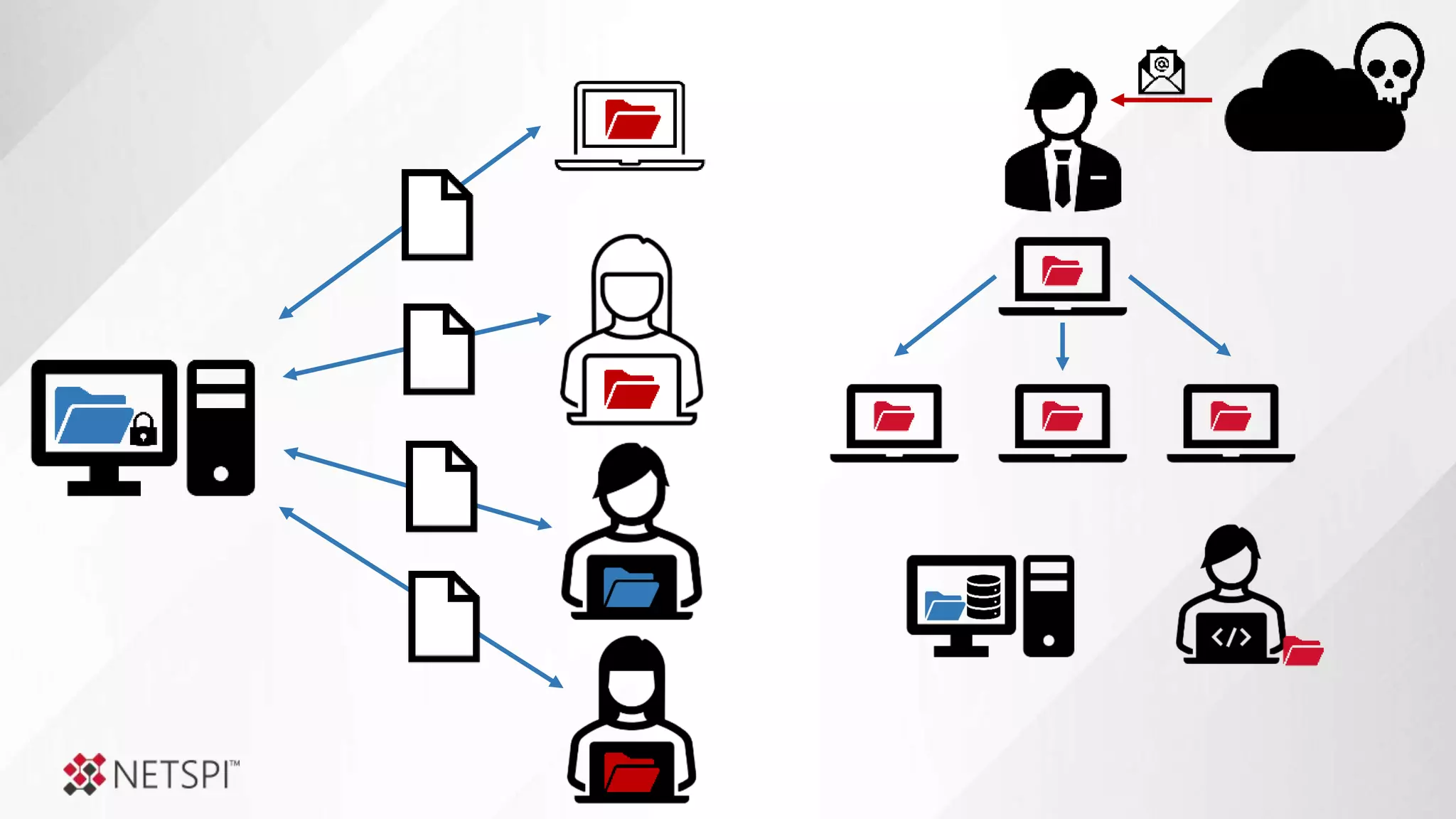
  • #5 It’s all going to the cloud, but all the way there yet. Before cloud we had on premise, and we still do. Like mainframes, SMB share usage may fade, but it likely wont completely disappear in the next 5-10 years. Today we’re going to talk about the legacy of SMB shares left behind by the last generation of IT professionals.
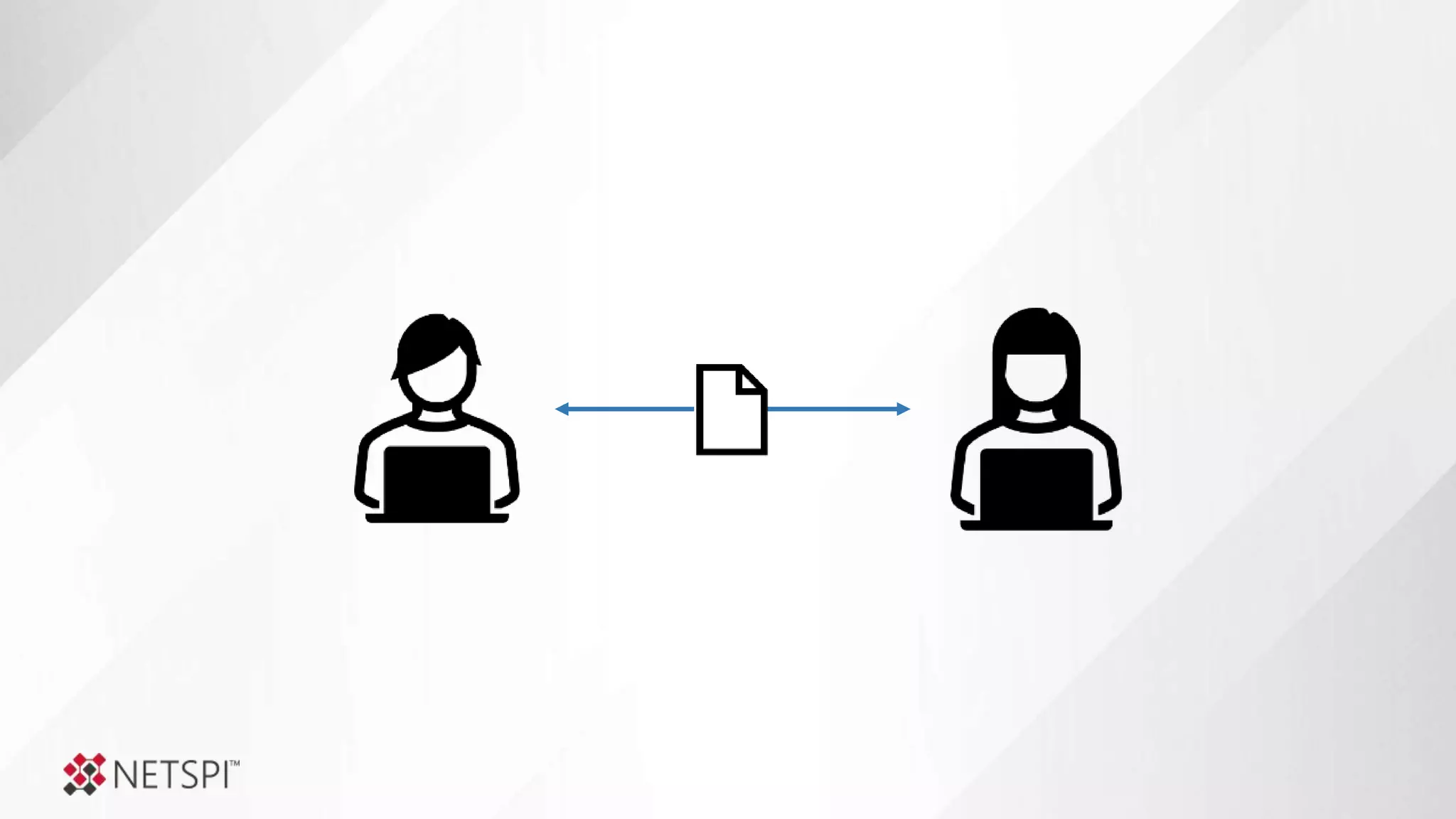
  • #6 Once upon a time, there was a happy small business owner named Jane. Jane worked alone and didn’t have to share files.
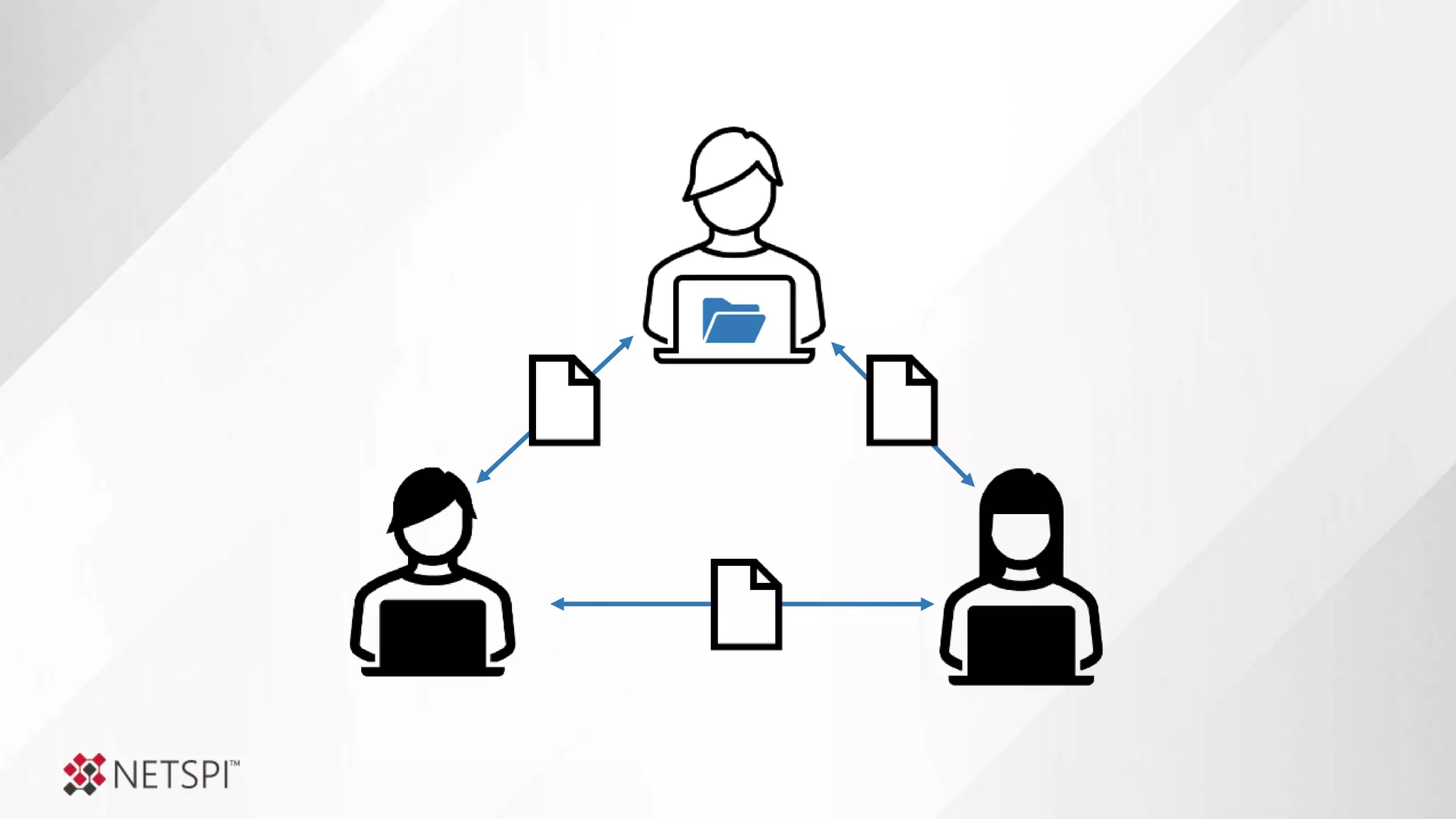
  • #7 One day, business picked up and Jane had to hire her first employee. Now Jane had someone she needed to share files with. She shared files via email, and it was fine.
  • #8 As time went on, another person was hired and Jane had to share files with two people via email, which still worked… fine. But, the tech savvy new guy, thought it was chaos. So, he created a fancy network share on his system so everyone could be more organized. .and Jane was happy.
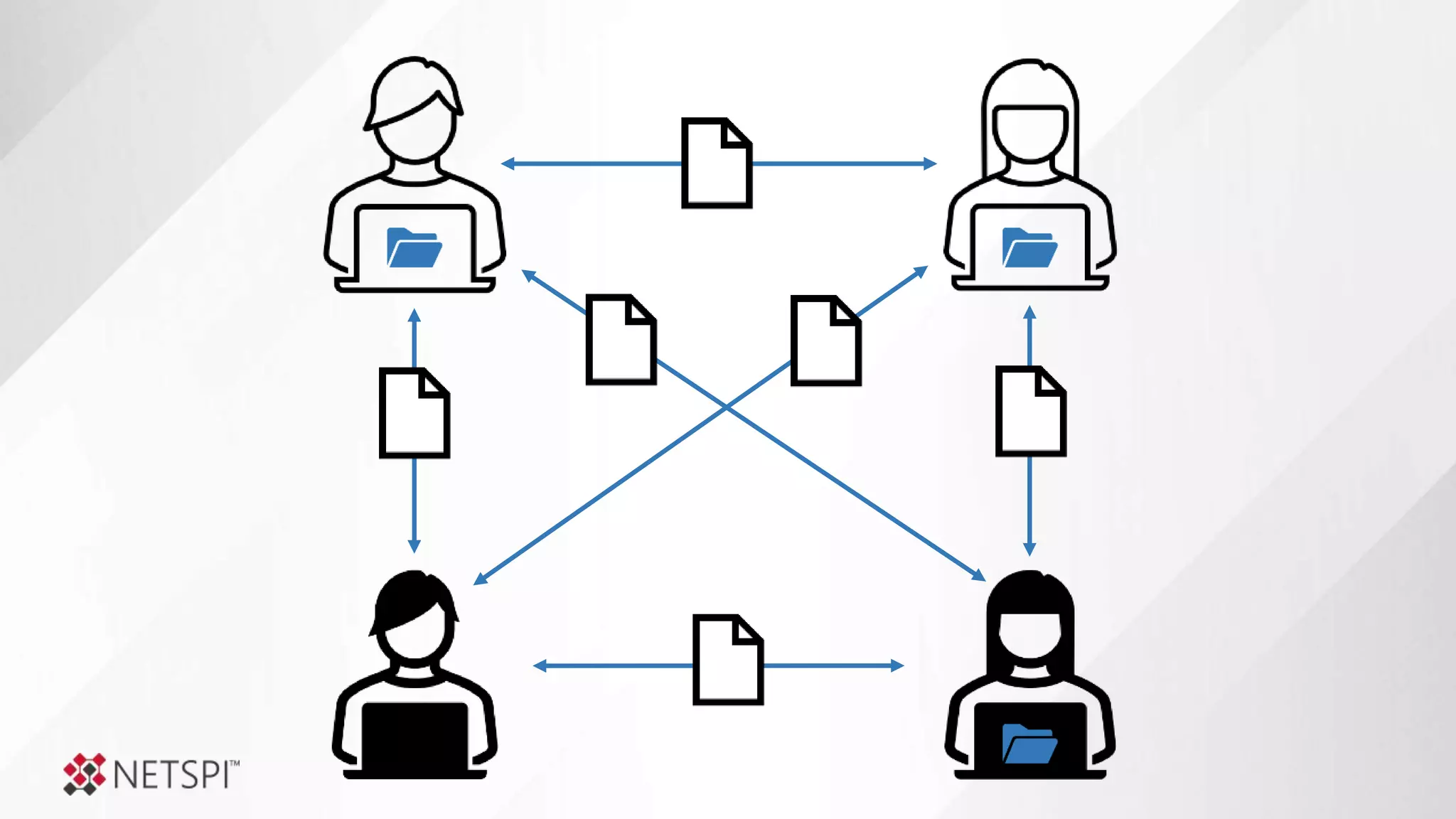
  • #9 Time marched on that another network share enthusiast was hired. Eventually even Jane herself created a network share on her system, based on instructions she Googled. After the novelty had worn off, which she promptly forgot about it.
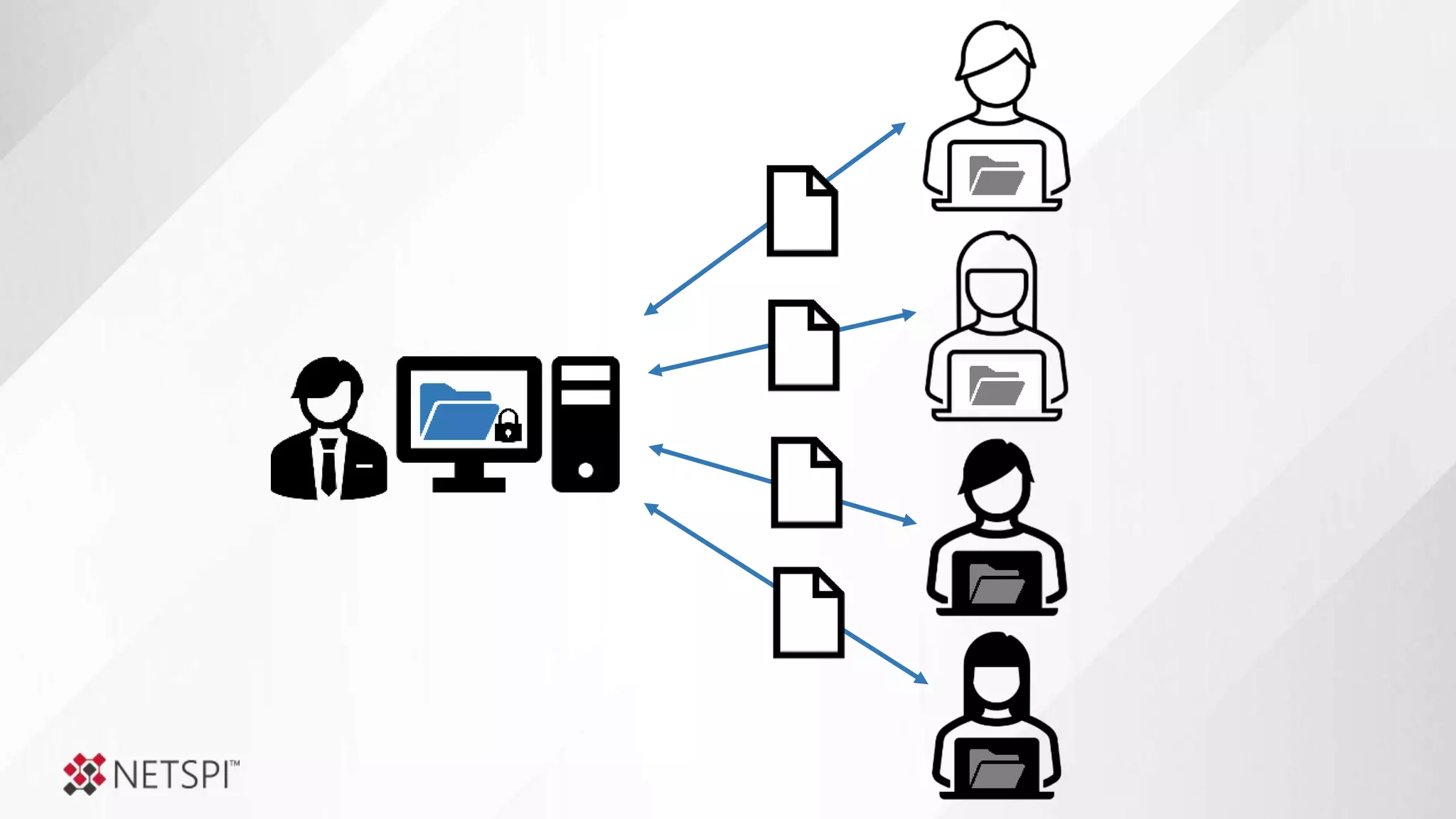
  • #10 Finally, a new IT manager was hired to support the growing pool of employees, and they setup Active Directory and a file server. Now they can support the centralized management of files and access control. … except they forgot about all those shares that people created locally. ;)
  • #11 Then he added those shared to the gold image.
  • #12 Next, new 3rd party software was installed that needs network shares on a subset of systems share database backups.
  • #13 Devops started sharing things without checking with anyone to test out some ideas.
  • #14 Then one day her favorite employee leaves to pursue other opportunities, but Jane doesn’t decommission his systems, because there may be important files still being hosted there. Now that system doesn’t have a formal owner. At this point some of the shares maybe locked down, but more than you think are likely configured in a way that allows all employees access to them.
  • #15 So, this could be the actual exposure in Jane’s organization to an attacker with authenticated access to their environment.
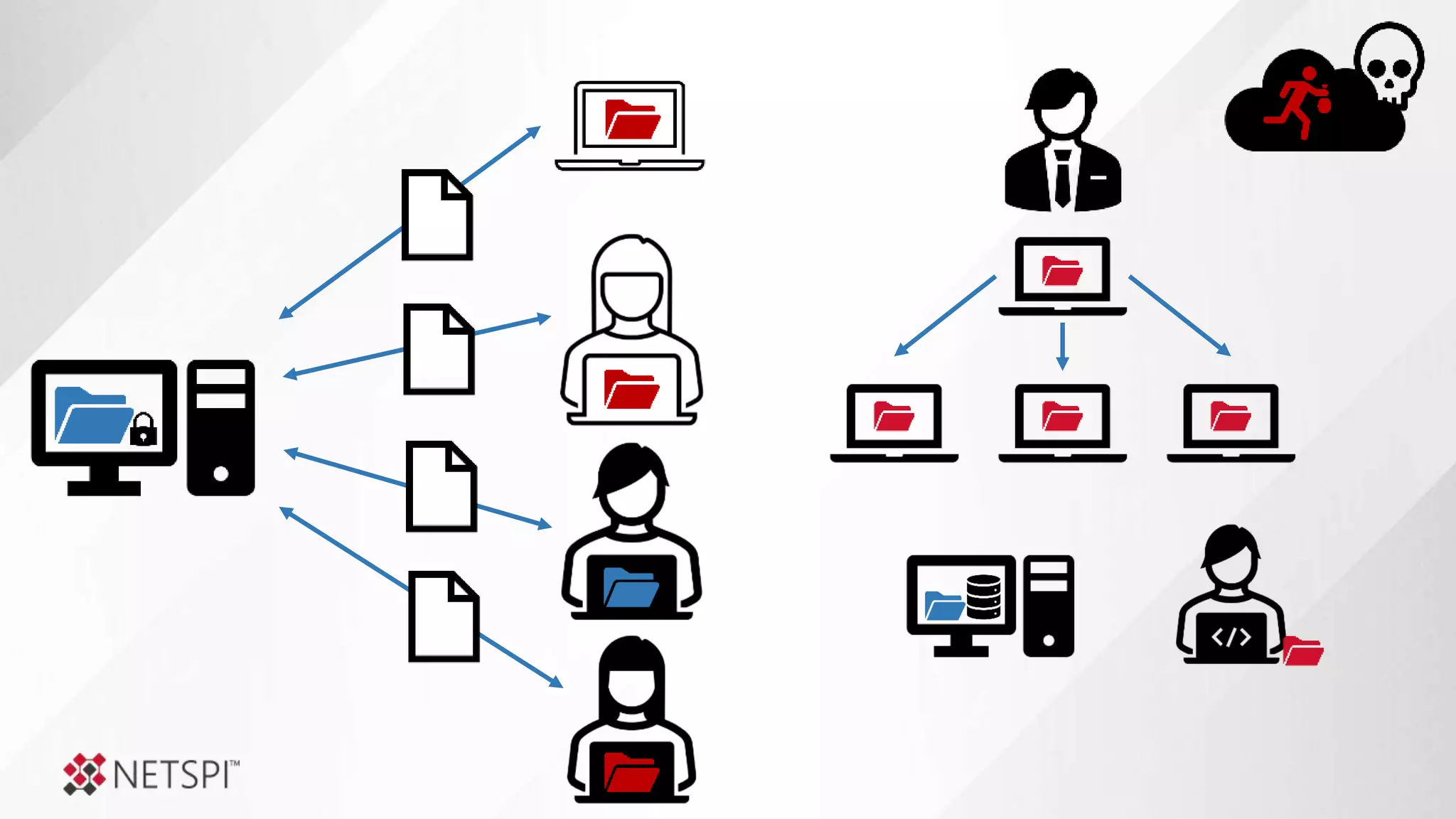
  • #16 So… A few months later when an employee clicks a malicious link in a phishing email, and they accidently run malicious code that gives an attacker their access. They have access to all of those share without restrictions.
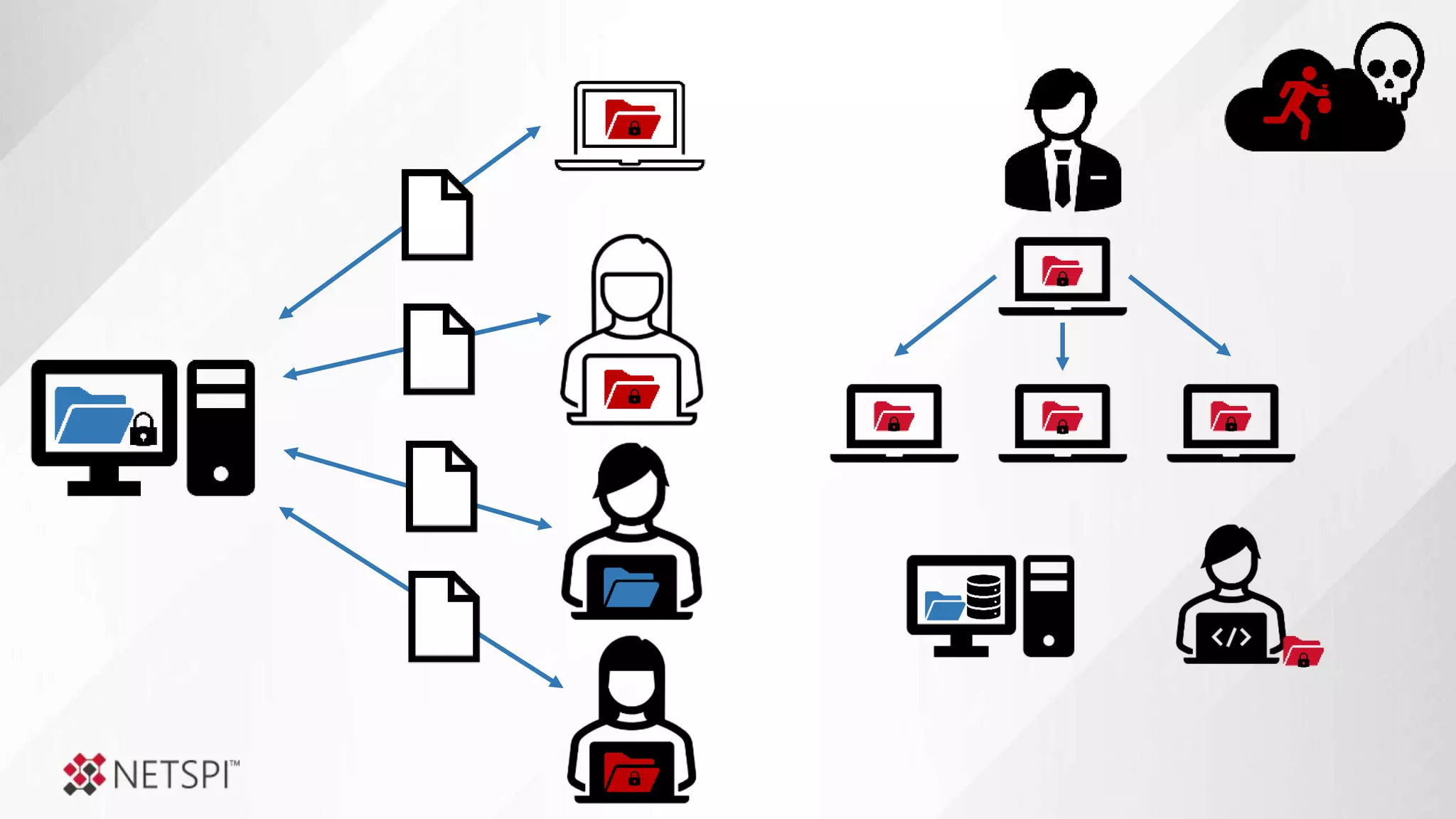
  • #17 Threat actors will use that access to do things like steel your data for resell or extortion.
  • #18 And perform ransomware attacks to extort even more money.
  • #19 They paid the ransom, managed to stay in business and then fixed the shares of the systems that were encrypted. They thought they were done.
  • #20 But then devops opened another misconfigured share no one noticed…. Aaand despite all of Jane’s misadventures, her business took off.
  • #21 Then they bought another company, and another, and another.
  • #22 It’s these company profiles that we see time and time again during penetration tests and red team engagements.
  • #26 While I don’t have a silver bullet, those are some of the questions we’ll be discussing today?
  • #28 They are slowly moving to the cloud someday maybe on-premise files will be a thing of the past But not today
  • #39 Most restrictive wins
  • #40 Most organization use groups to manage access Nested group relationships alone cause a lot of challenges, and you can use tools like bloodhound to map those out However, there are other default group inheritance issues many people forget about as well
  • #41 Steven can view the share and files But can read them, because of the NTFS permissions
  • #45 Local admins Machin accounts that can be created by users Application access to run as localservice, networkservice, or localsystem
  • #47 https://github.com/SnaffCon/Snaffler
  • #72 https://docs.microsoft.com/en-us/powershell/module/activedirectory/get-adcomputer
  • #73 https://docs.microsoft.com/en-us/powershell/module/activedirectory/get-adcomputer
  • #75 recommend https://cyberwardog.blogspot.com/2017/12/ready-to-hunt-first-show-me-your-data.html
  • #76 Finish this
  • #77 Finish this
  • #78 Finish this