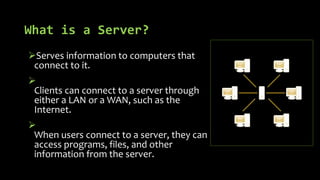
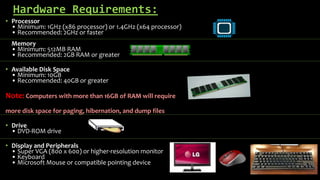
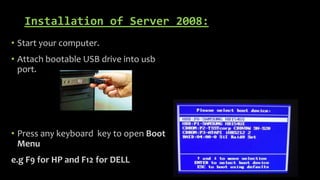
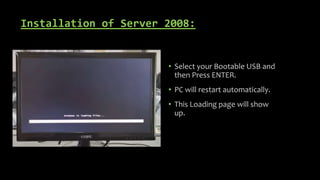
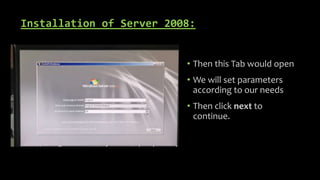
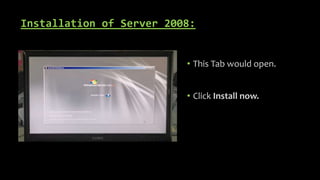
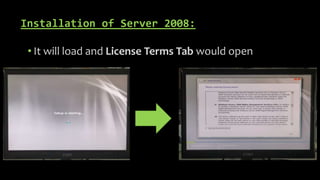
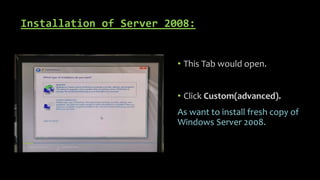
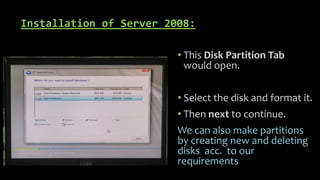
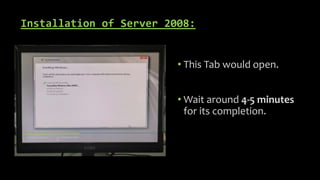
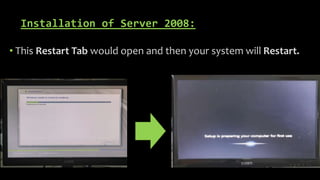
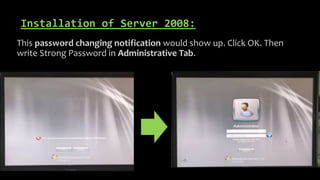
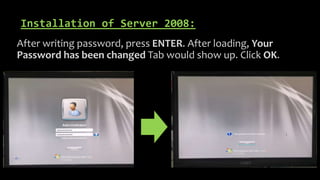
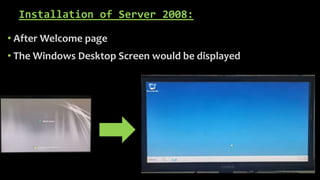
This document provides an overview of servers and how to install Windows Server 2008. It defines a server as a computer that serves information to other computers connected to it through a local area network or wide area network. It lists the minimum and recommended hardware requirements for a server, including processors, memory, available disk space, and peripherals. It then outlines the step-by-step process for installing Windows Server 2008 onto a computer from a bootable USB drive, including selecting installation options, partitioning disks, setting passwords, and completing the installation process. Finally, it discusses some common uses of servers like controlling network access, email services, print management, and hosting websites, and how servers provide security through login credentials.