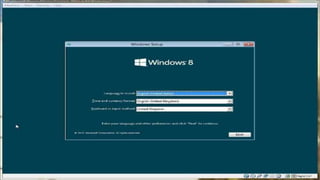
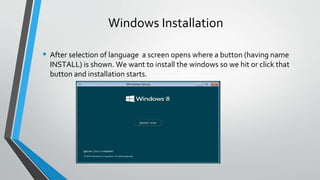
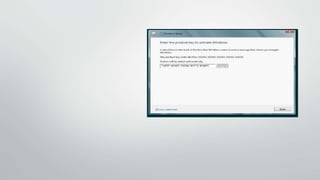
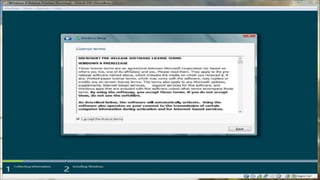
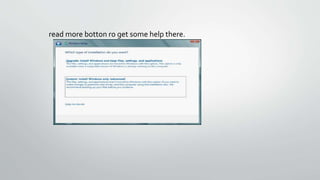
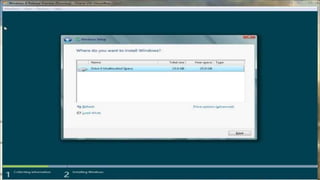
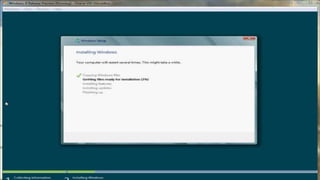
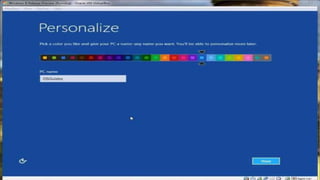
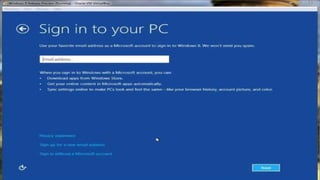
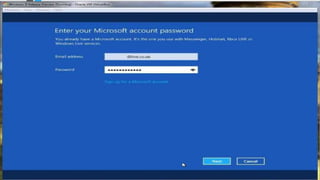
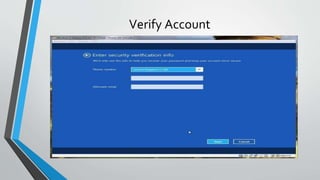
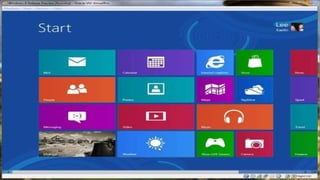
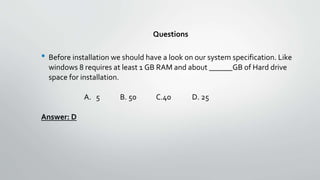
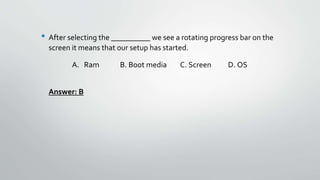
The document provides step-by-step instructions for installing Windows 8 or 8.1. It describes checking system specifications, booting from a CD/DVD or USB, selecting the boot media, choosing the language, installing to a formatted partition, completing the installation process including personalization and account sign-in, and verifying the new installation is complete. Key steps include selecting the boot media to start setup, formatting the target partition, providing an activation key if needed, and allowing the installation process to finish and restart the computer as needed.