By: Azar Abid Salih
MSc of Computer Science
D.P.U / Administrative Technical College
IT Dept. / First Class
Information Technology
Fundamentals
Lecture 4
24 October 2017 1
24 October 2017 2
• Software
• Computer Software
• Interfaces
• Multimedia
Outlines:
24 October 2017 3
Software
24 October 2017 4
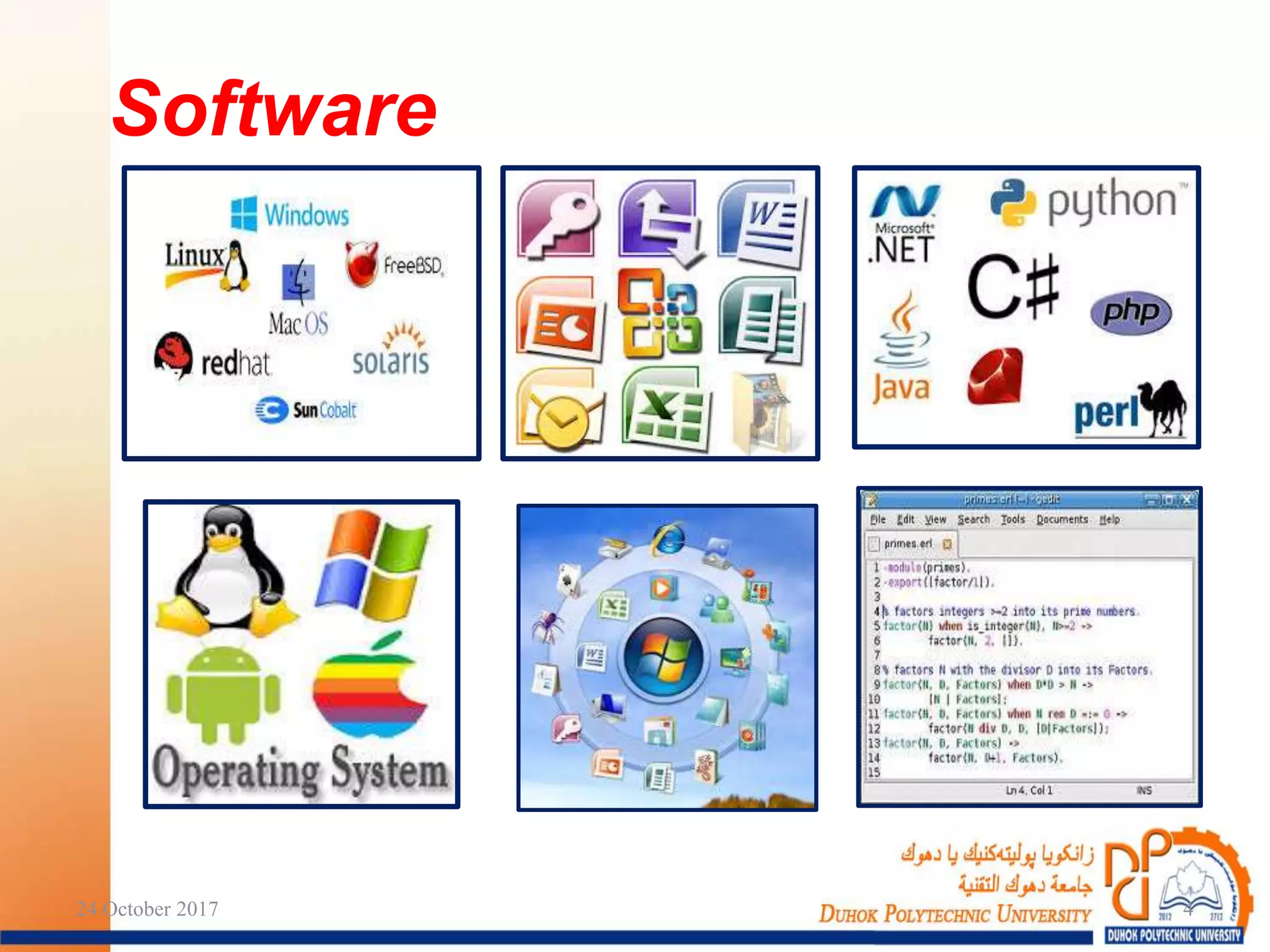
 Hardware cannot work without
programs.
 A Program is a set of sequence
instructions that tell the computer what
to do.
 Software is a collection of programs,
data and information.
 A Programmer is the person who makes
the program using one of the computer’s
programming languages.
Software:
24 October 2017 5
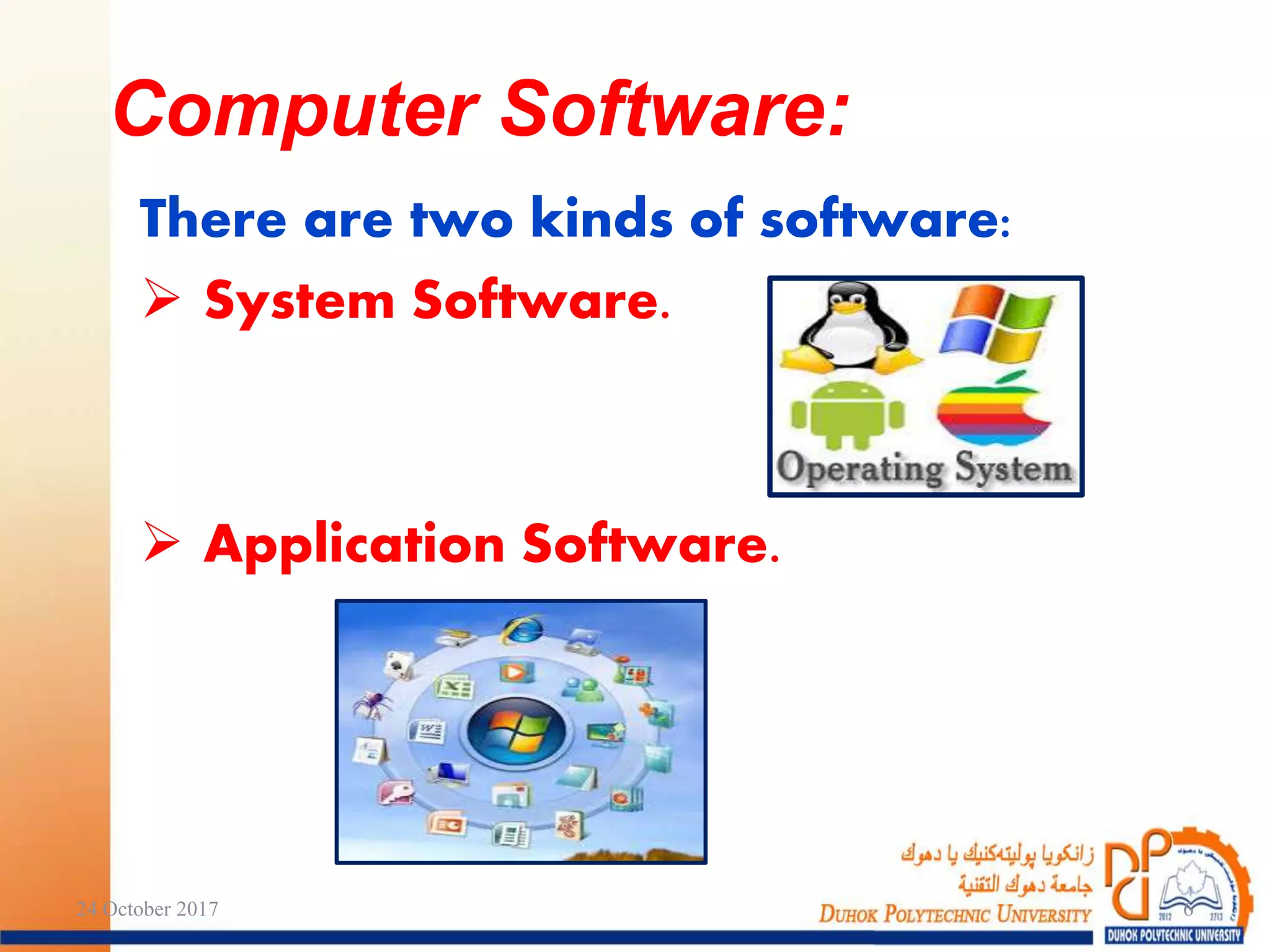
There are two kinds of software:
 System Software.
 Application Software.
Computer Software:
24 October 2017 6
It is the software which is used by
the computer system such as:
 Operating System.
 Programming Languages.
 Translators.
System Software:
24 October 2017 7
 Programming Languages:
A set of words, rules, syntax and
semantic used by a Programmer to
input his instructions to the computer to
do a special task.
There are many programming
languages. Each of them is designed to
solve specific kinds of problems.
e.g.: FORTRAN, C++, JAVA, … etc.
System Software: (cont.)
24 October 2017 8
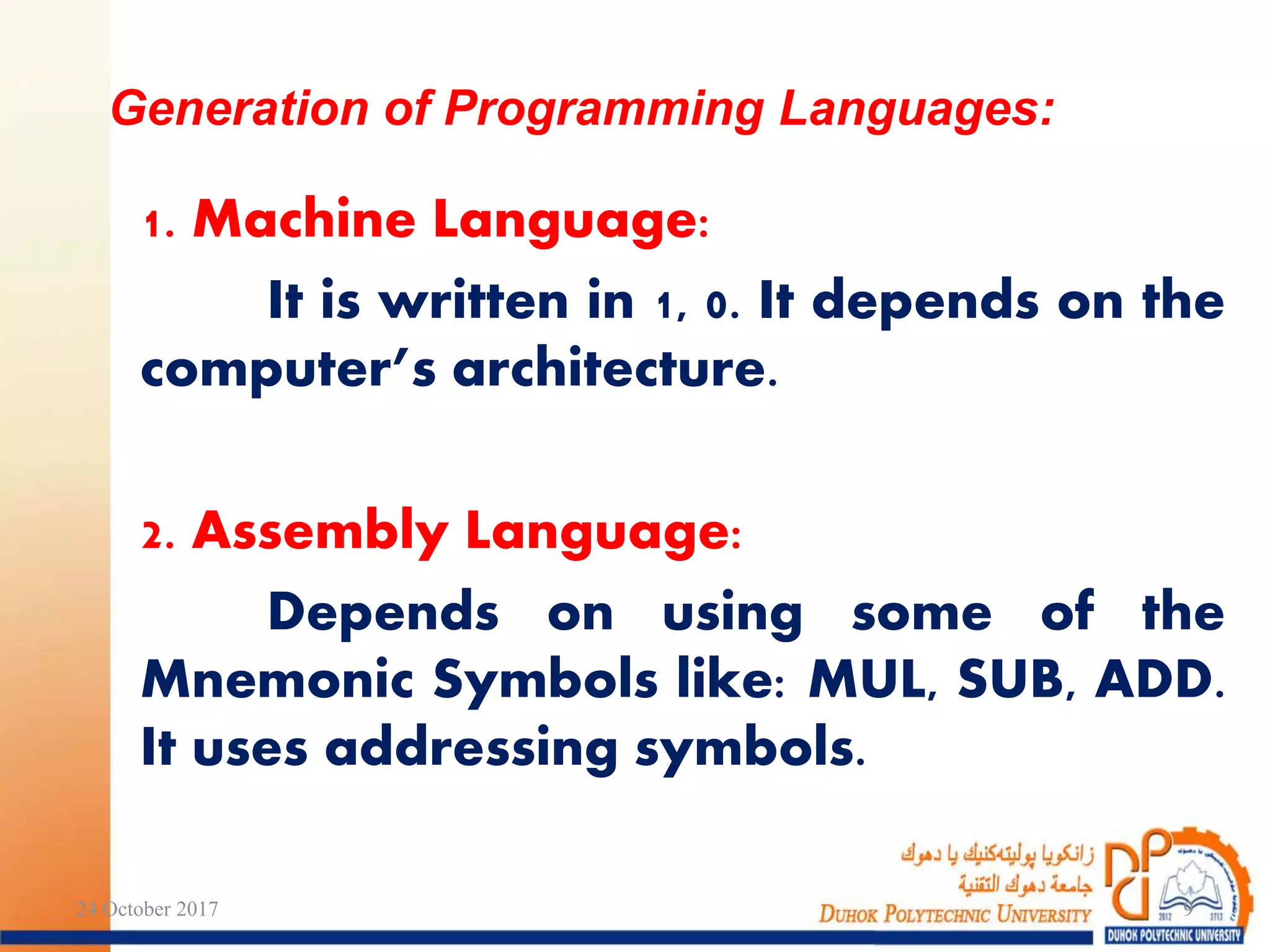
1. Machine Language:
It is written in 1, 0. It depends on the
computer’s architecture.
2. Assembly Language:
Depends on using some of the
Mnemonic Symbols like: MUL, SUB, ADD.
It uses addressing symbols.
Generation of Programming Languages:
24 October 2017 9
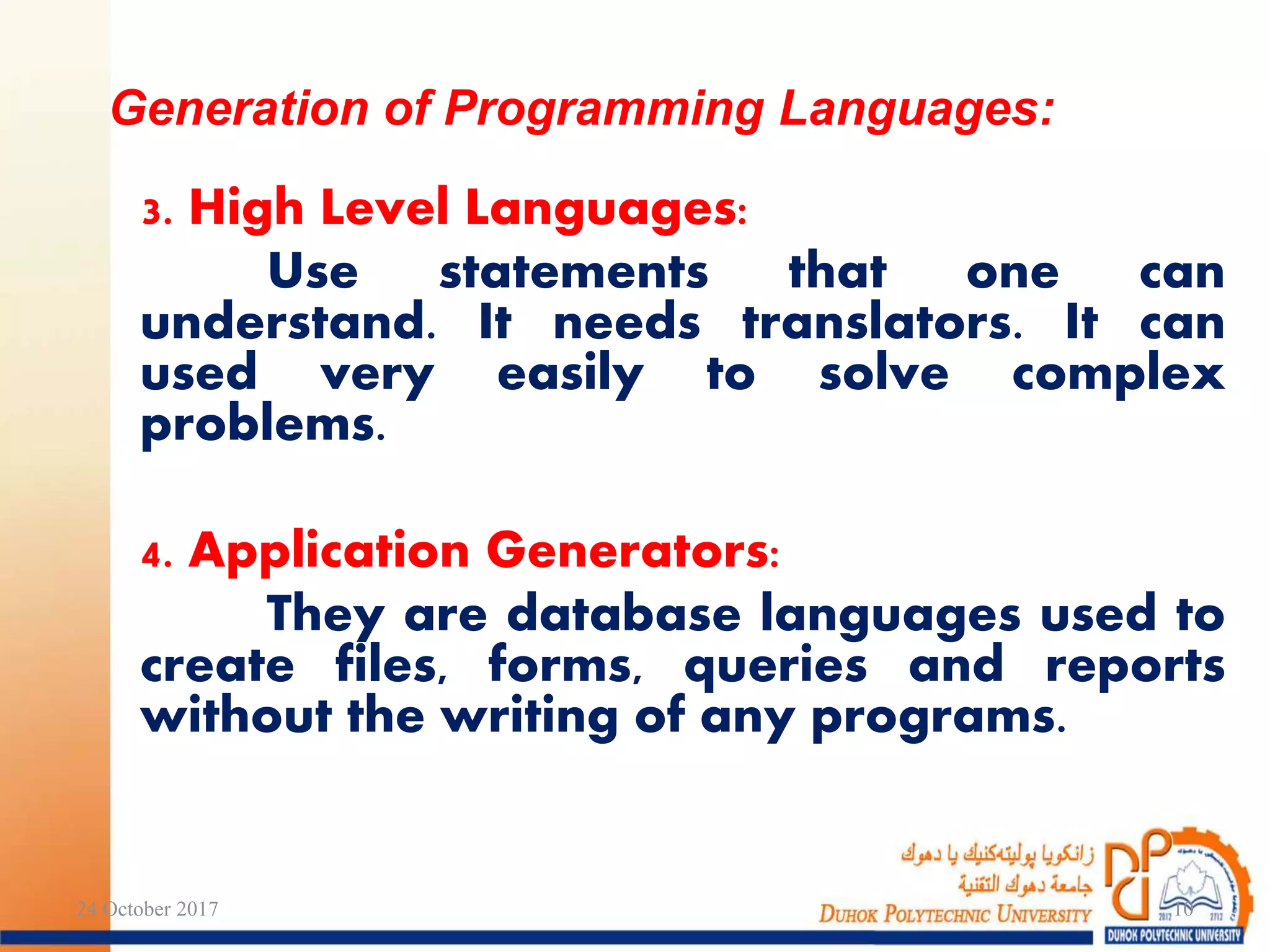
3. High Level Languages:
Use statements that one can
understand. It needs translators. It can
used very easily to solve complex
problems.
4. Application Generators:
They are database languages used to
create files, forms, queries and reports
without the writing of any programs.
Generation of Programming Languages:
24 October 2017 10
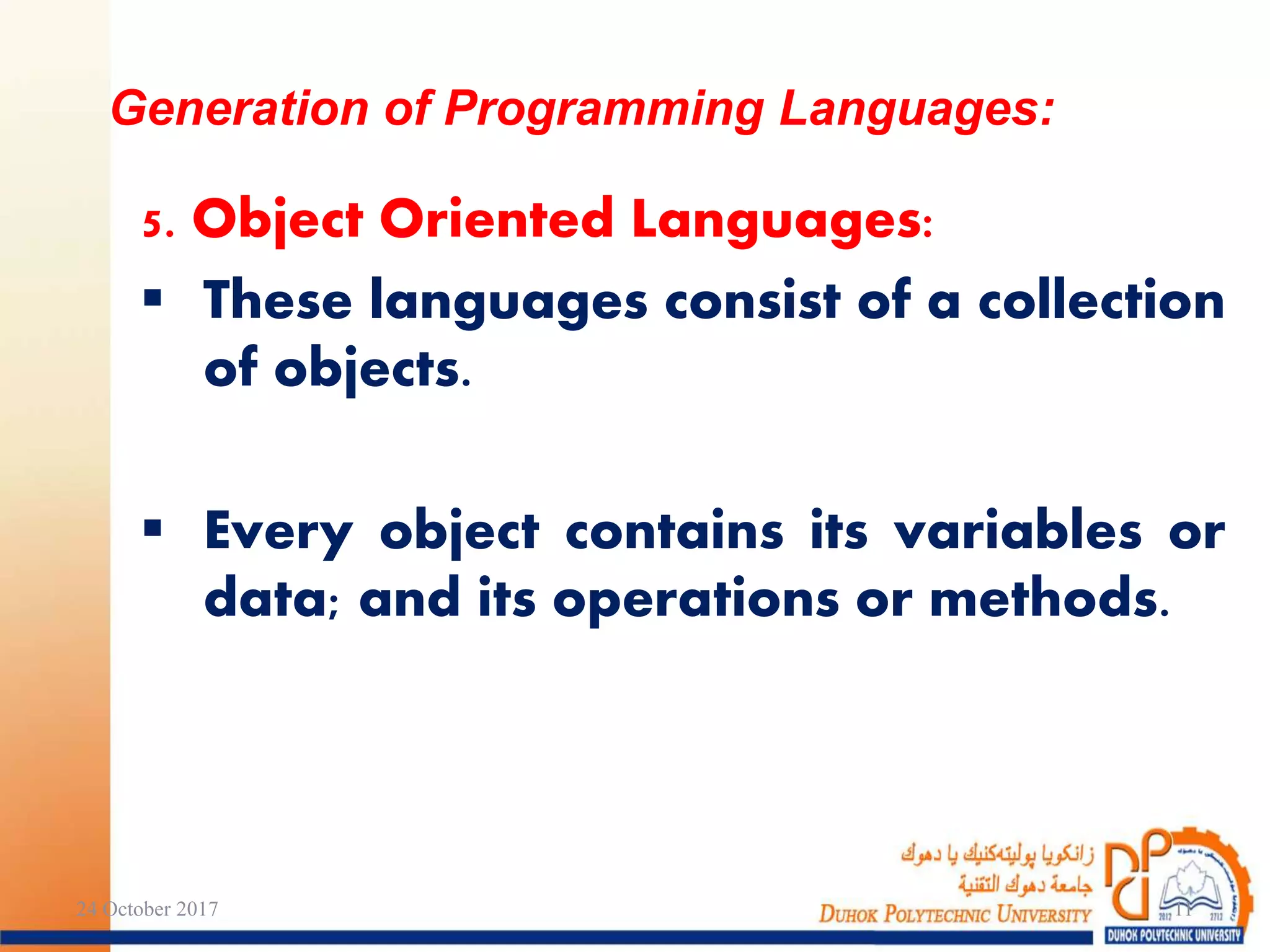
5. Object Oriented Languages:
 These languages consist of a collection
of objects.
 Every object contains its variables or
data; and its operations or methods.
Generation of Programming Languages:
24 October 2017 11
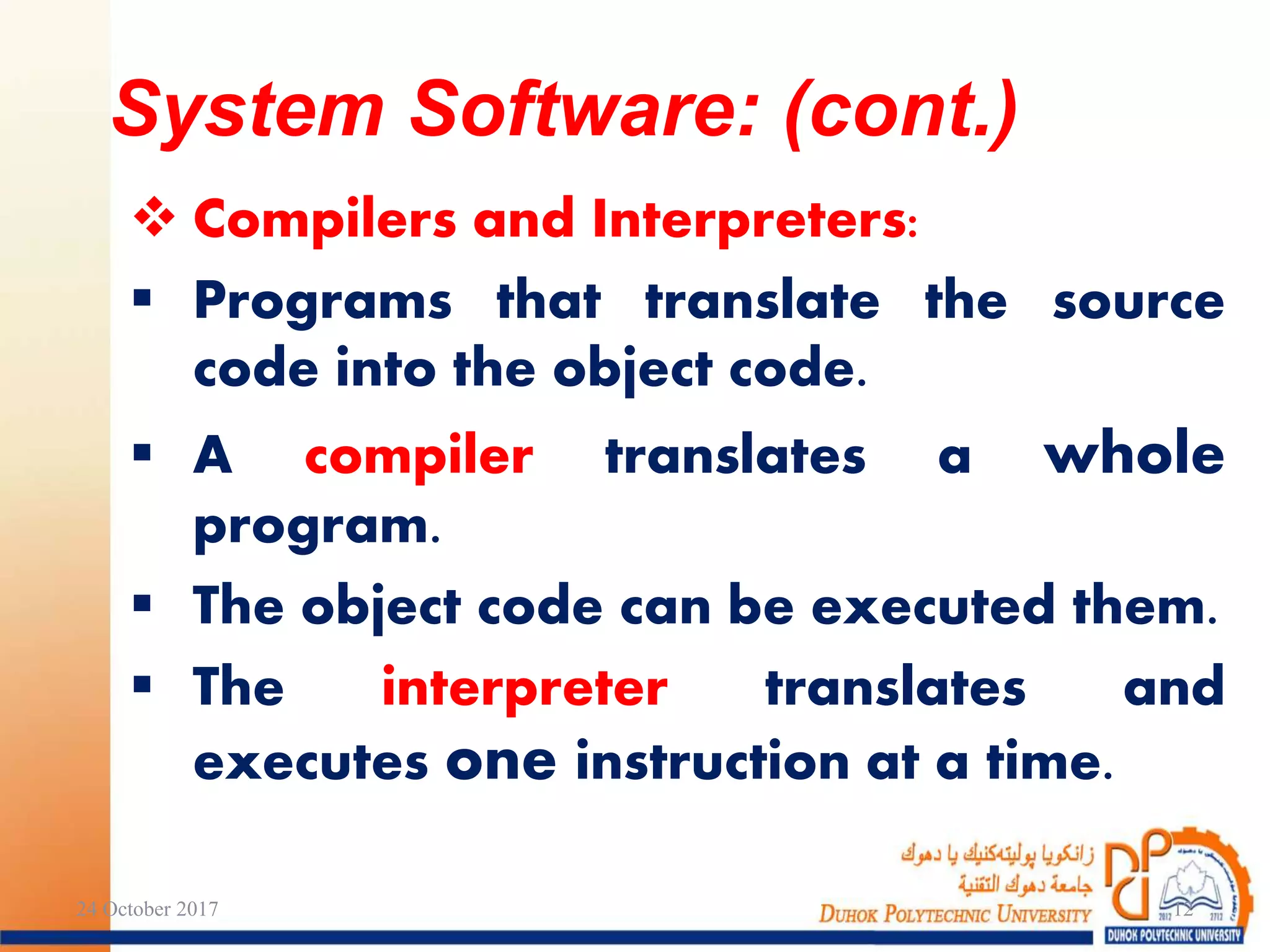
 Compilers and Interpreters:
 Programs that translate the source
code into the object code.
 A compiler translates a whole
program.
 The object code can be executed them.
 The interpreter translates and
executes one instruction at a time.
24 October 2017 12
System Software: (cont.)
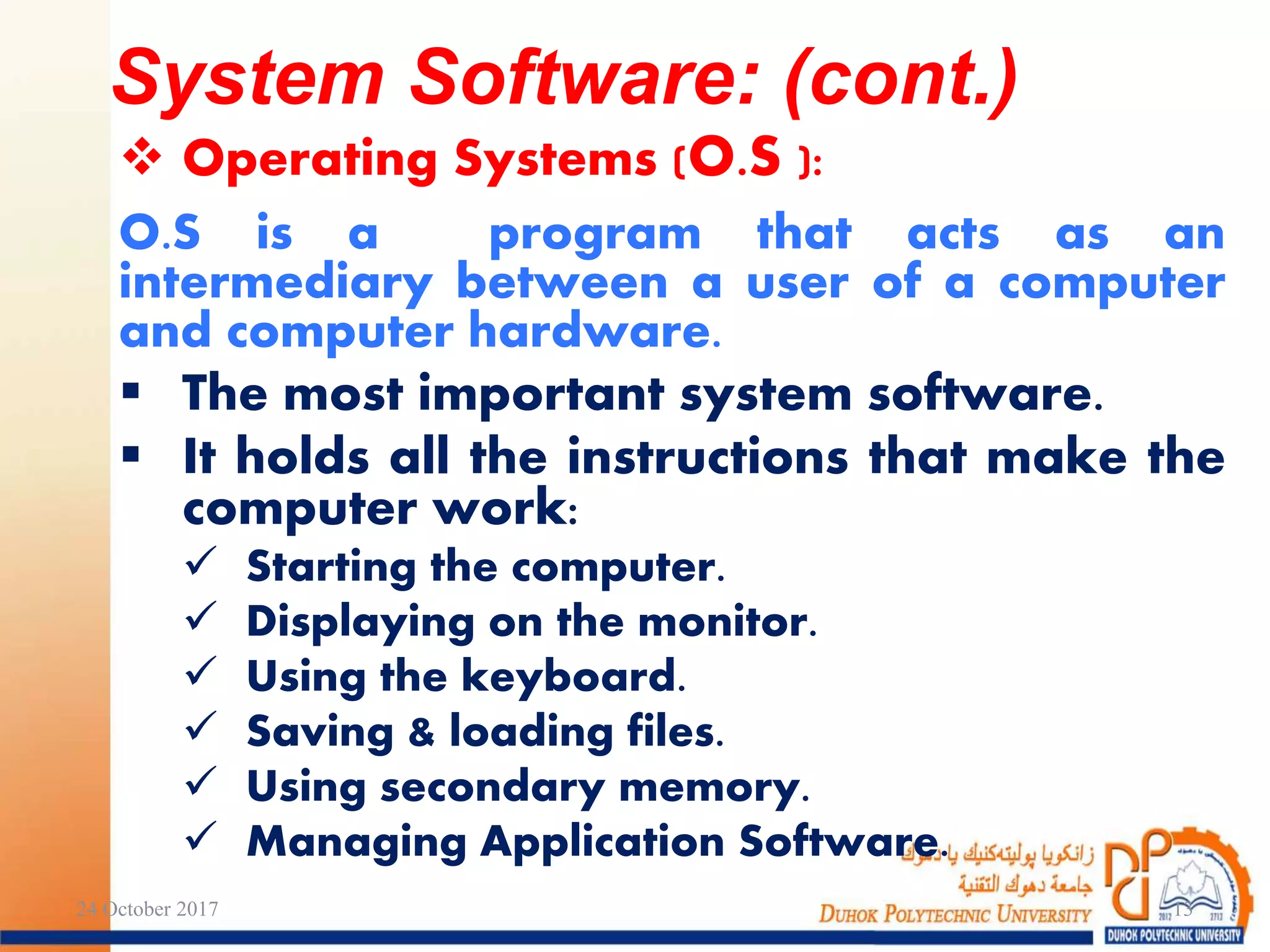
 Operating Systems (O.S ):
O.S is a program that acts as an
intermediary between a user of a computer
and computer hardware.
 The most important system software.
 It holds all the instructions that make the
computer work:
 Starting the computer.
 Displaying on the monitor.
 Using the keyboard.
 Saving & loading files.
 Using secondary memory.
 Managing Application Software.
24 October 2017 13
System Software: (cont.)
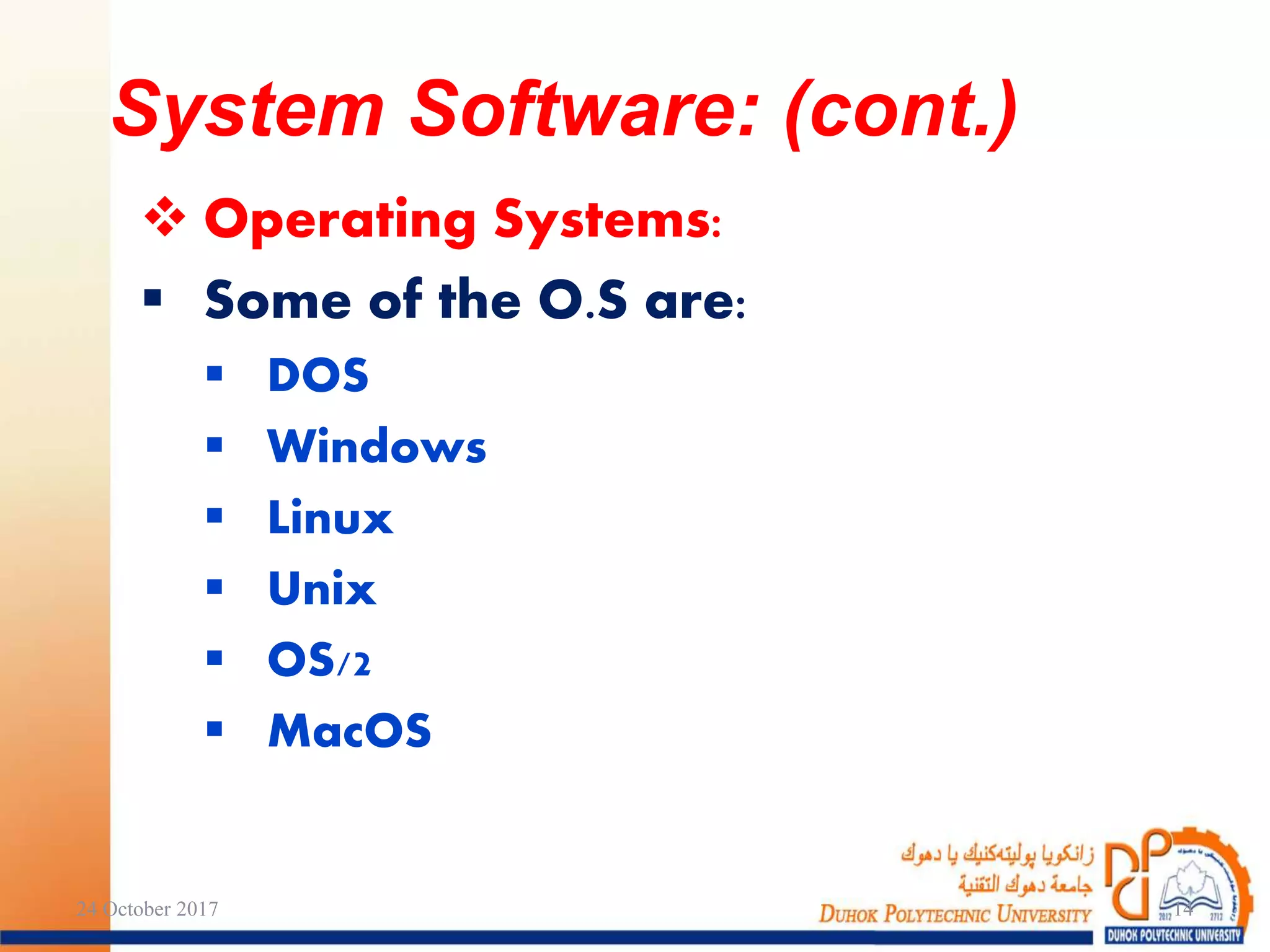
 Operating Systems:
 Some of the O.S are:
 DOS
 Windows
 Linux
 Unix
 OS/2
 MacOS
24 October 2017 14
System Software: (cont.)
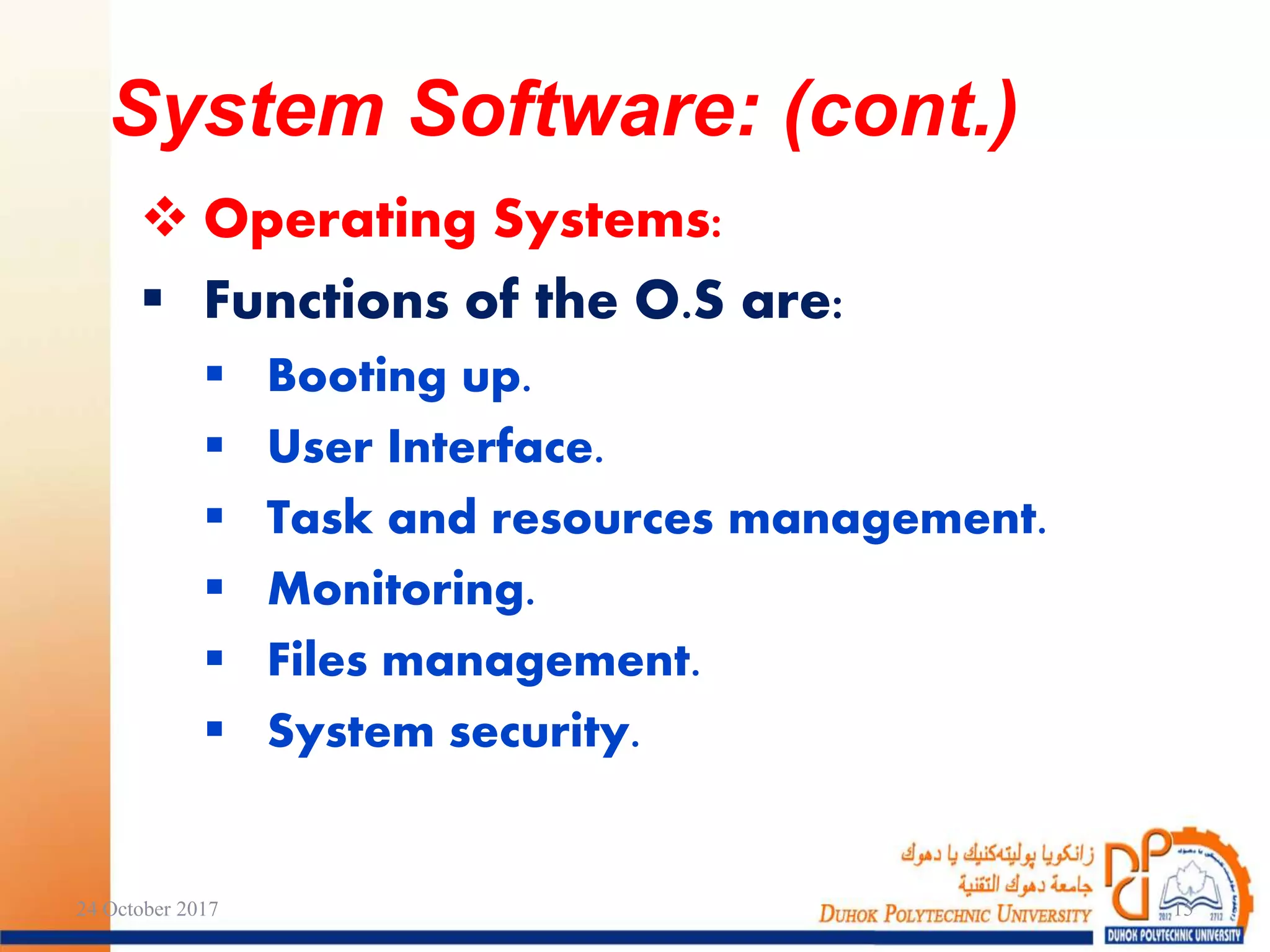
 Operating Systems:
 Functions of the O.S are:
 Booting up.
 User Interface.
 Task and resources management.
 Monitoring.
 Files management.
 System security.
24 October 2017 15
System Software: (cont.)
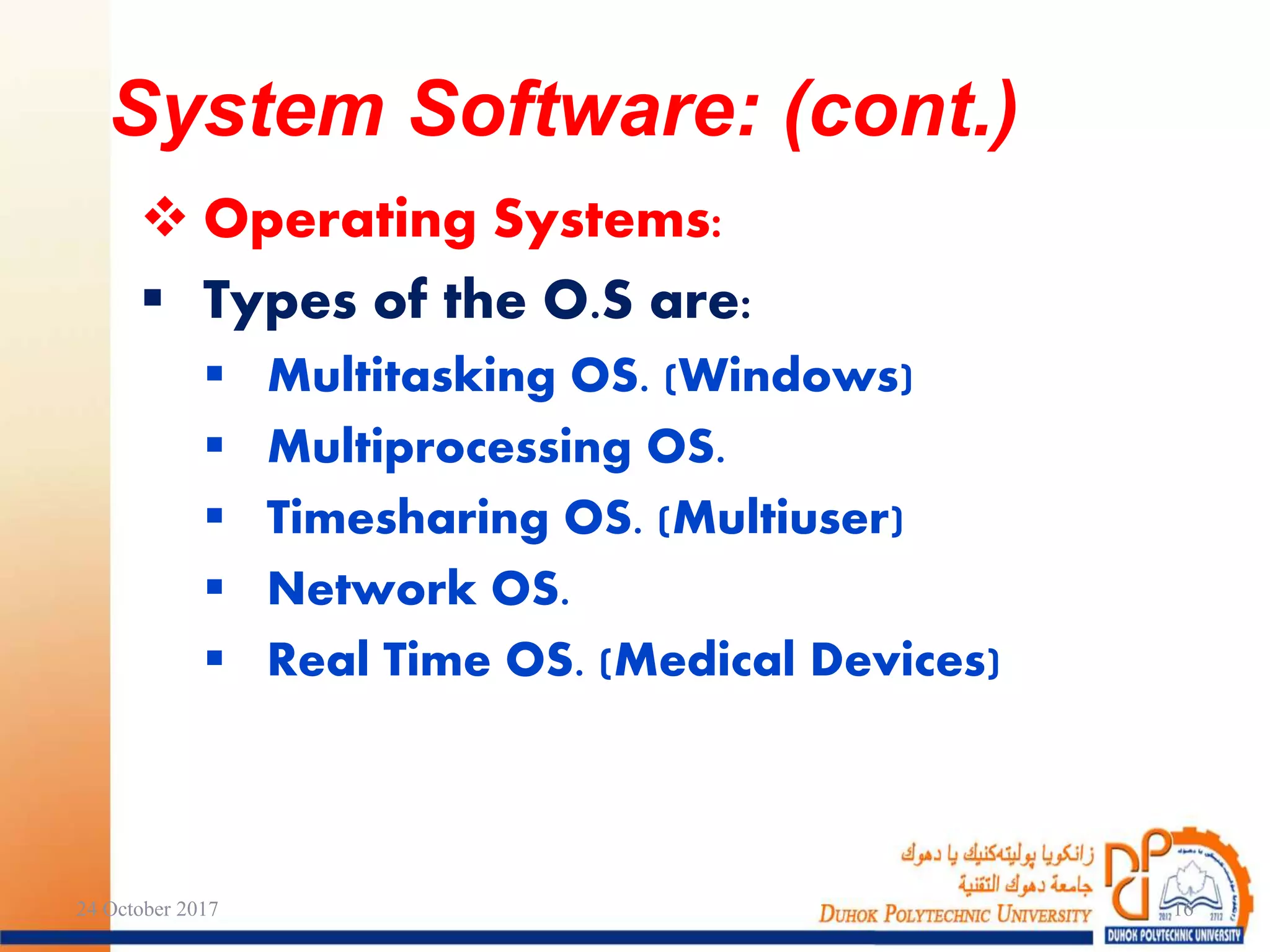
 Operating Systems:
 Types of the O.S are:
 Multitasking OS. (Windows)
 Multiprocessing OS.
 Timesharing OS. (Multiuser)
 Network OS.
 Real Time OS. (Medical Devices)
24 October 2017 16
System Software: (cont.)
 It is the software used by users like:
 Word Processing.
 Spreadsheet Application (Excel).
 Database Application (Access).
 Presentation Application (PowerPoint).
 E-mail Programs.
 Graphics & Drawing Programs.
 Publishing Software.
 Games.
 Multimedia Programs.
24 October 2017 17
Applications Software:
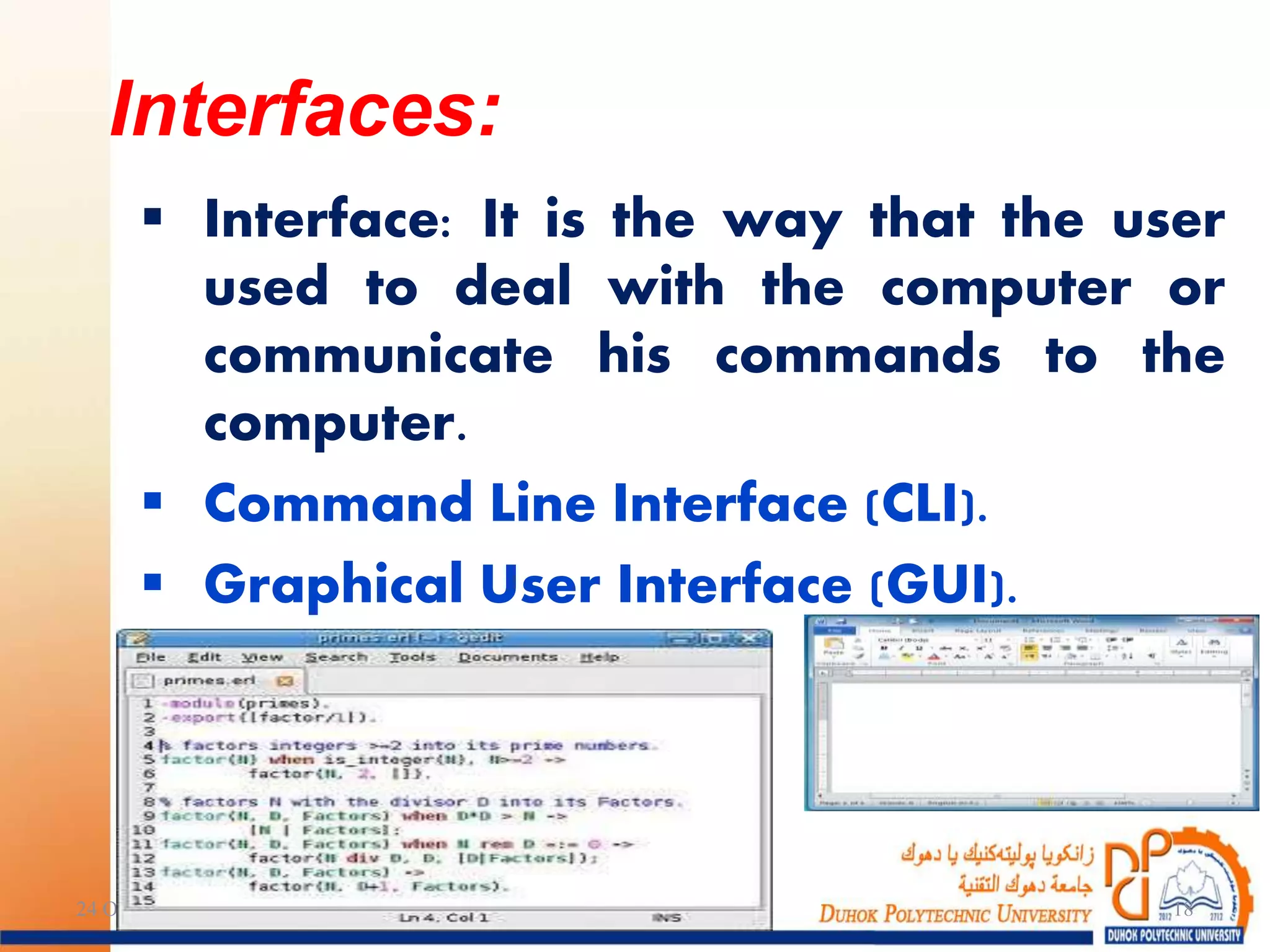
 Interface: It is the way that the user
used to deal with the computer or
communicate his commands to the
computer.
 Command Line Interface (CLI).
 Graphical User Interface (GUI).
24 October 2017 18
Interfaces:
 Is the use of different media in computer
programs:
 Text.
 Graphics.
 Audio.
 Video.
 Animation.
 Its used in presentation, education,
learning, games and commercial
purposes.
24 October 2017 19
Multimedia:
The END…
24 October 2017 20

Information Technology ITM1

  • 1.
    By: Azar AbidSalih MSc of Computer Science D.P.U / Administrative Technical College IT Dept. / First Class Information Technology Fundamentals Lecture 4 24 October 2017 1
  • 2.
  • 3.
    • Software • ComputerSoftware • Interfaces • Multimedia Outlines: 24 October 2017 3
  • 4.
  • 5.
     Hardware cannotwork without programs.  A Program is a set of sequence instructions that tell the computer what to do.  Software is a collection of programs, data and information.  A Programmer is the person who makes the program using one of the computer’s programming languages. Software: 24 October 2017 5
  • 6.
    There are twokinds of software:  System Software.  Application Software. Computer Software: 24 October 2017 6
  • 7.
    It is thesoftware which is used by the computer system such as:  Operating System.  Programming Languages.  Translators. System Software: 24 October 2017 7
  • 8.
     Programming Languages: Aset of words, rules, syntax and semantic used by a Programmer to input his instructions to the computer to do a special task. There are many programming languages. Each of them is designed to solve specific kinds of problems. e.g.: FORTRAN, C++, JAVA, … etc. System Software: (cont.) 24 October 2017 8
  • 9.
    1. Machine Language: Itis written in 1, 0. It depends on the computer’s architecture. 2. Assembly Language: Depends on using some of the Mnemonic Symbols like: MUL, SUB, ADD. It uses addressing symbols. Generation of Programming Languages: 24 October 2017 9
  • 10.
    3. High LevelLanguages: Use statements that one can understand. It needs translators. It can used very easily to solve complex problems. 4. Application Generators: They are database languages used to create files, forms, queries and reports without the writing of any programs. Generation of Programming Languages: 24 October 2017 10
  • 11.
    5. Object OrientedLanguages:  These languages consist of a collection of objects.  Every object contains its variables or data; and its operations or methods. Generation of Programming Languages: 24 October 2017 11
  • 12.
     Compilers andInterpreters:  Programs that translate the source code into the object code.  A compiler translates a whole program.  The object code can be executed them.  The interpreter translates and executes one instruction at a time. 24 October 2017 12 System Software: (cont.)
  • 13.
     Operating Systems(O.S ): O.S is a program that acts as an intermediary between a user of a computer and computer hardware.  The most important system software.  It holds all the instructions that make the computer work:  Starting the computer.  Displaying on the monitor.  Using the keyboard.  Saving & loading files.  Using secondary memory.  Managing Application Software. 24 October 2017 13 System Software: (cont.)
  • 14.
     Operating Systems: Some of the O.S are:  DOS  Windows  Linux  Unix  OS/2  MacOS 24 October 2017 14 System Software: (cont.)
  • 15.
     Operating Systems: Functions of the O.S are:  Booting up.  User Interface.  Task and resources management.  Monitoring.  Files management.  System security. 24 October 2017 15 System Software: (cont.)
  • 16.
     Operating Systems: Types of the O.S are:  Multitasking OS. (Windows)  Multiprocessing OS.  Timesharing OS. (Multiuser)  Network OS.  Real Time OS. (Medical Devices) 24 October 2017 16 System Software: (cont.)
  • 17.
     It isthe software used by users like:  Word Processing.  Spreadsheet Application (Excel).  Database Application (Access).  Presentation Application (PowerPoint).  E-mail Programs.  Graphics & Drawing Programs.  Publishing Software.  Games.  Multimedia Programs. 24 October 2017 17 Applications Software:
  • 18.
     Interface: Itis the way that the user used to deal with the computer or communicate his commands to the computer.  Command Line Interface (CLI).  Graphical User Interface (GUI). 24 October 2017 18 Interfaces:
  • 19.
     Is theuse of different media in computer programs:  Text.  Graphics.  Audio.  Video.  Animation.  Its used in presentation, education, learning, games and commercial purposes. 24 October 2017 19 Multimedia:
  • 20.