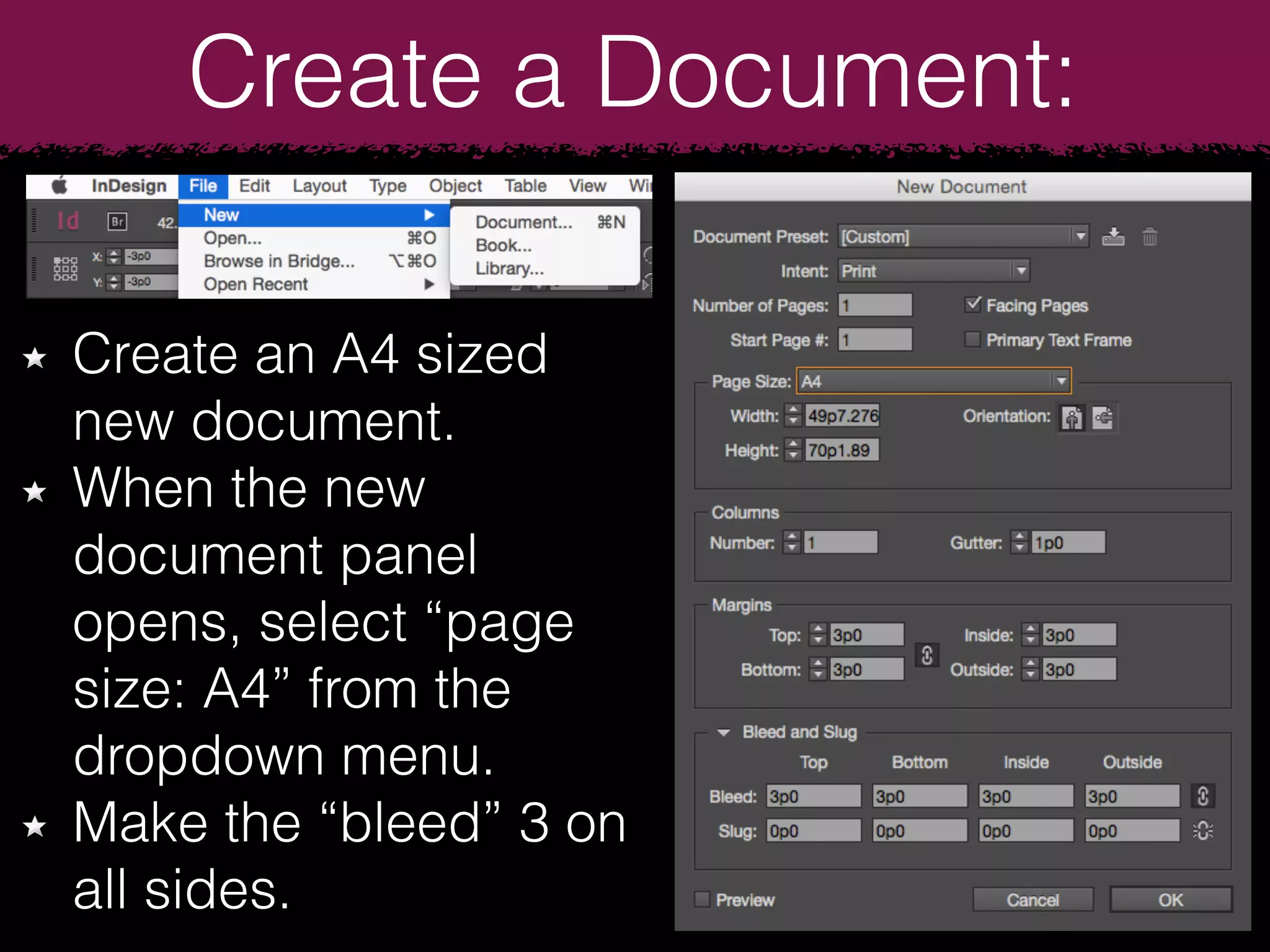
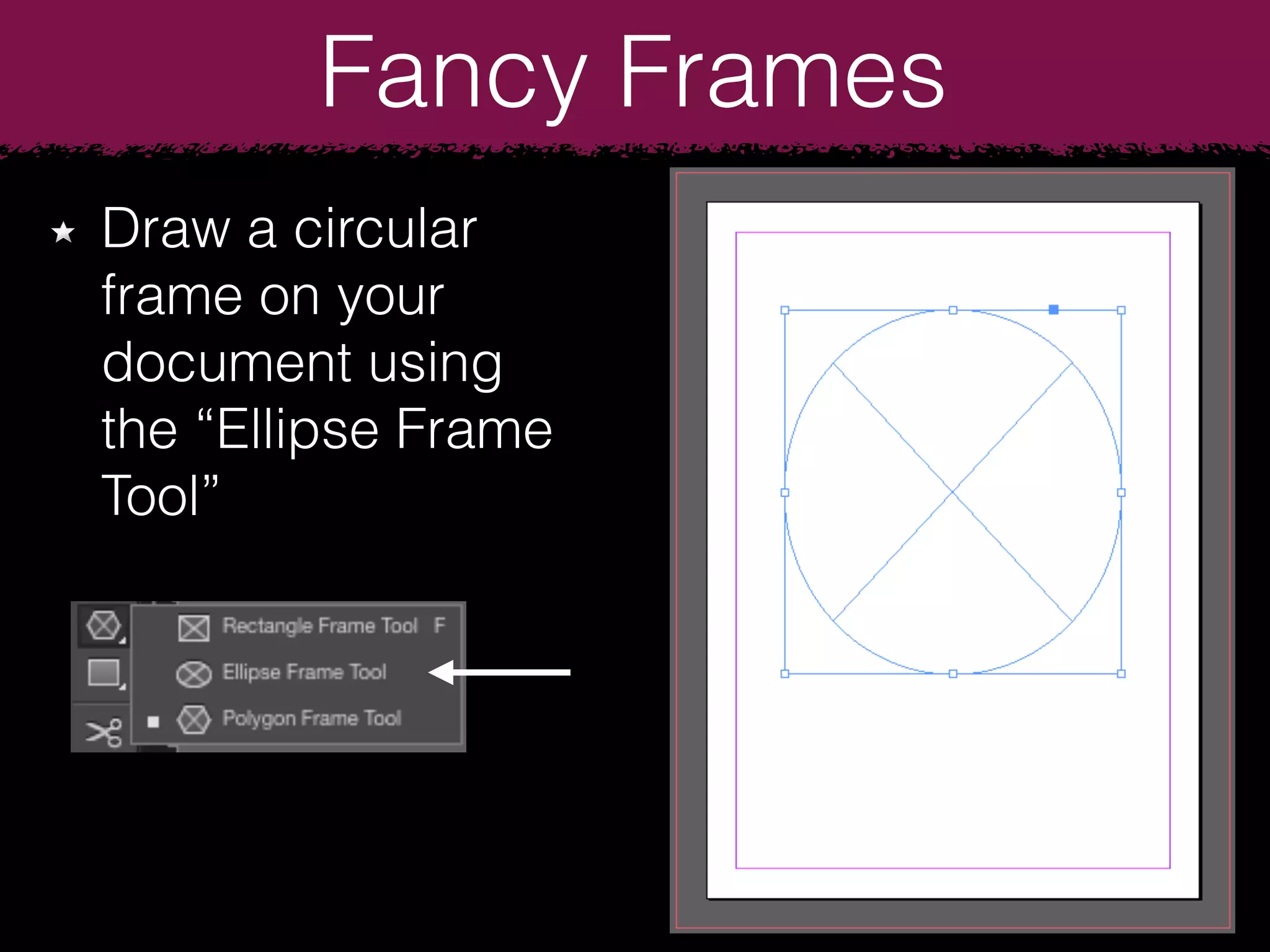
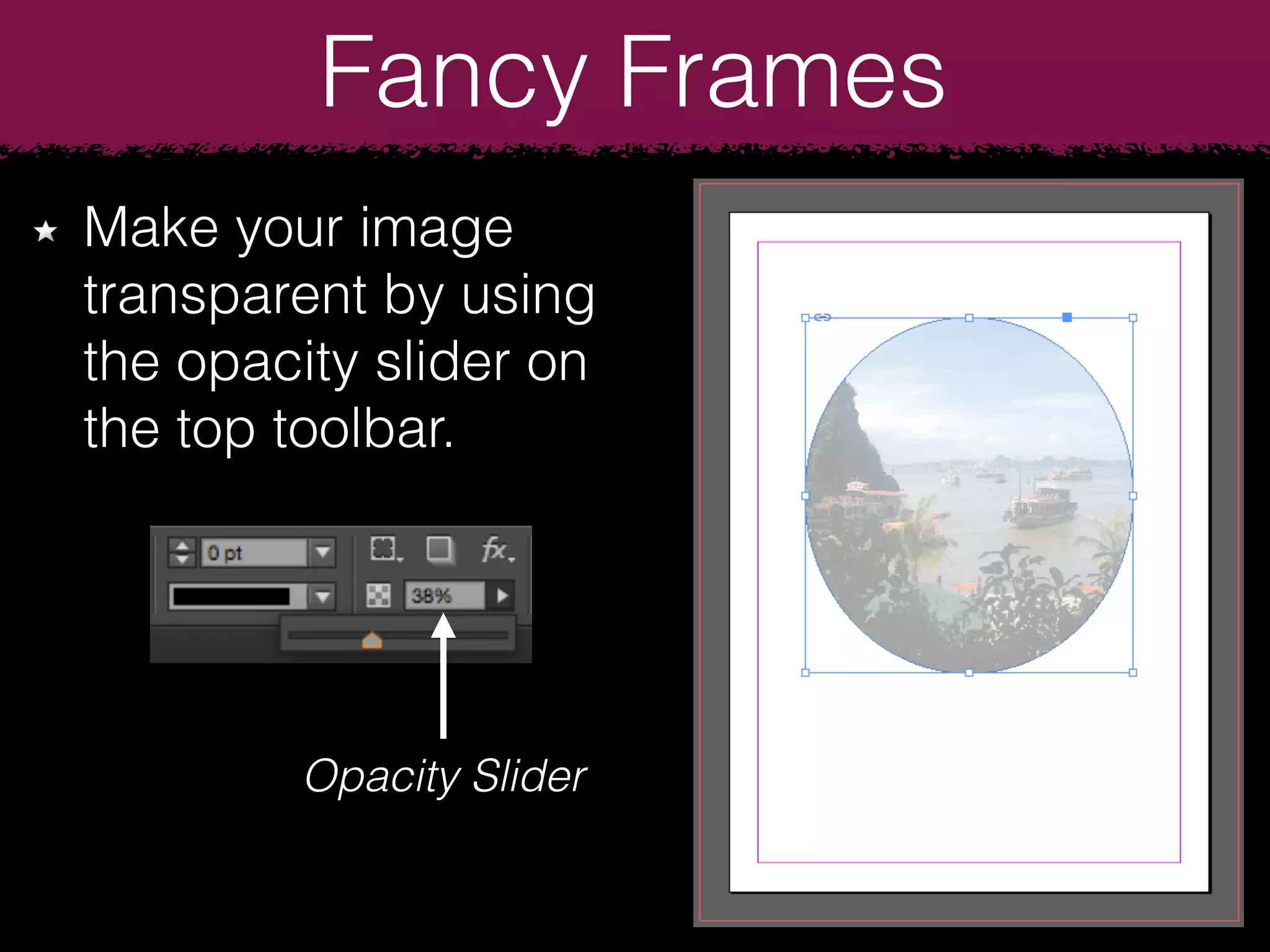
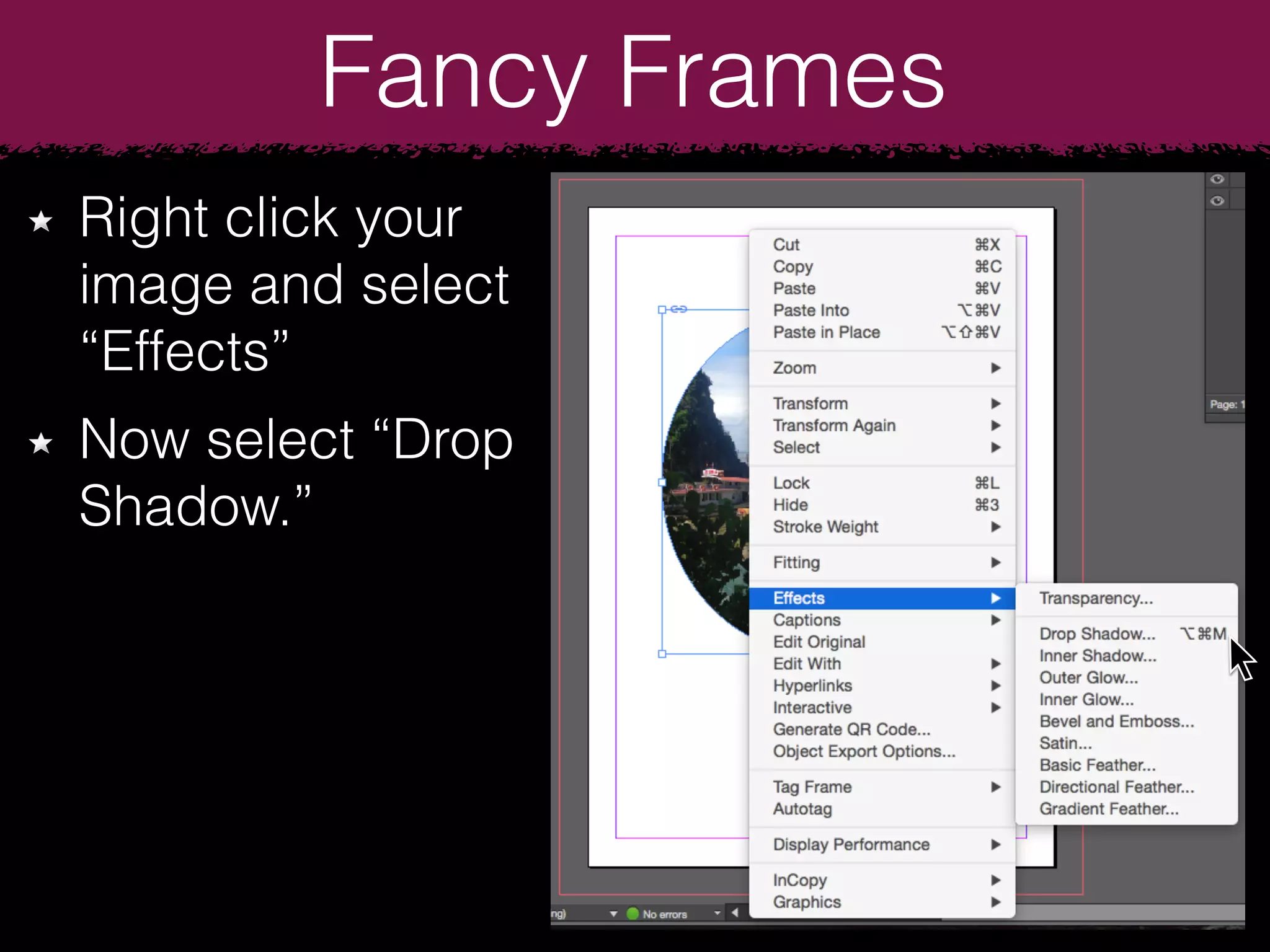
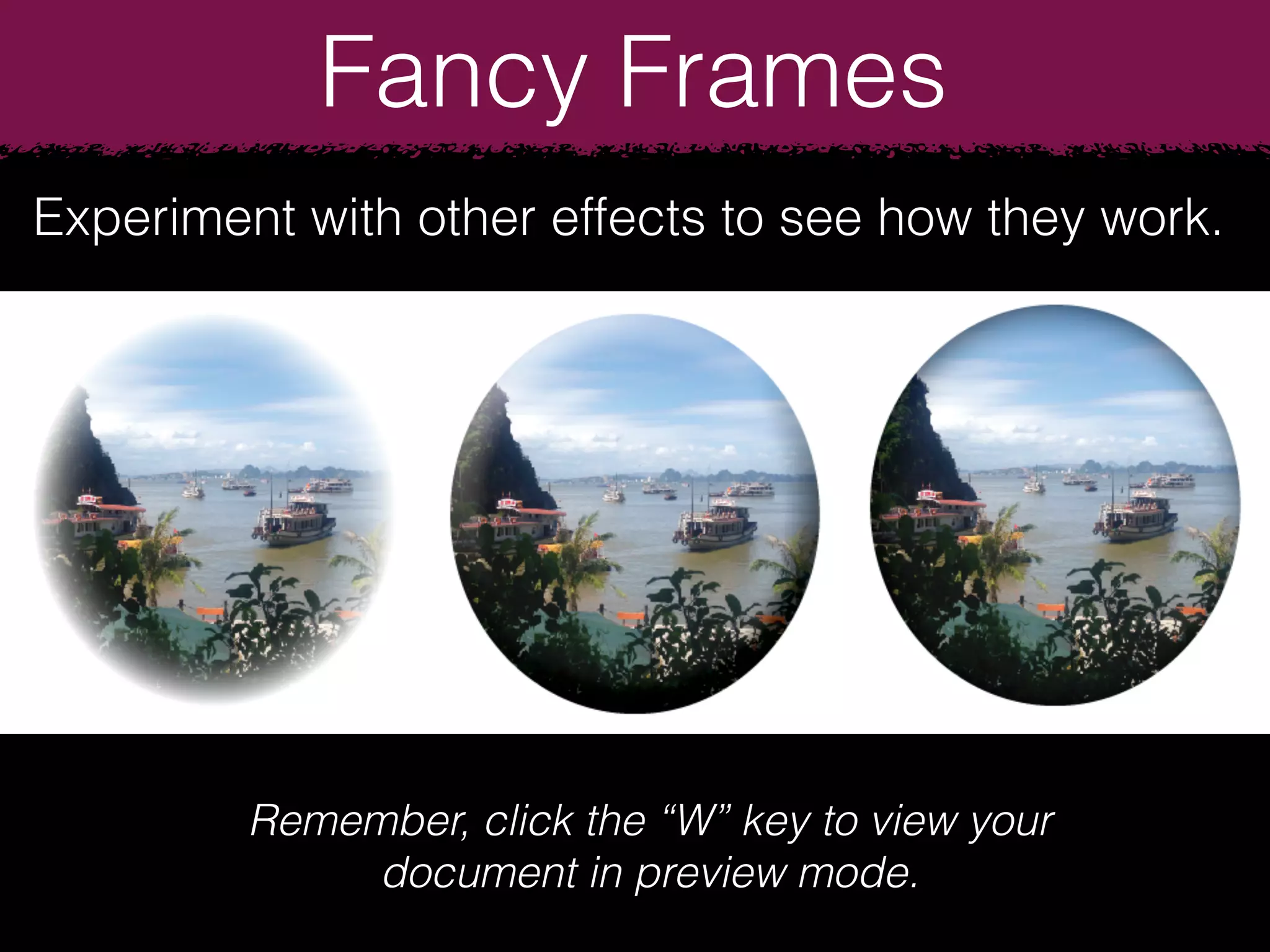
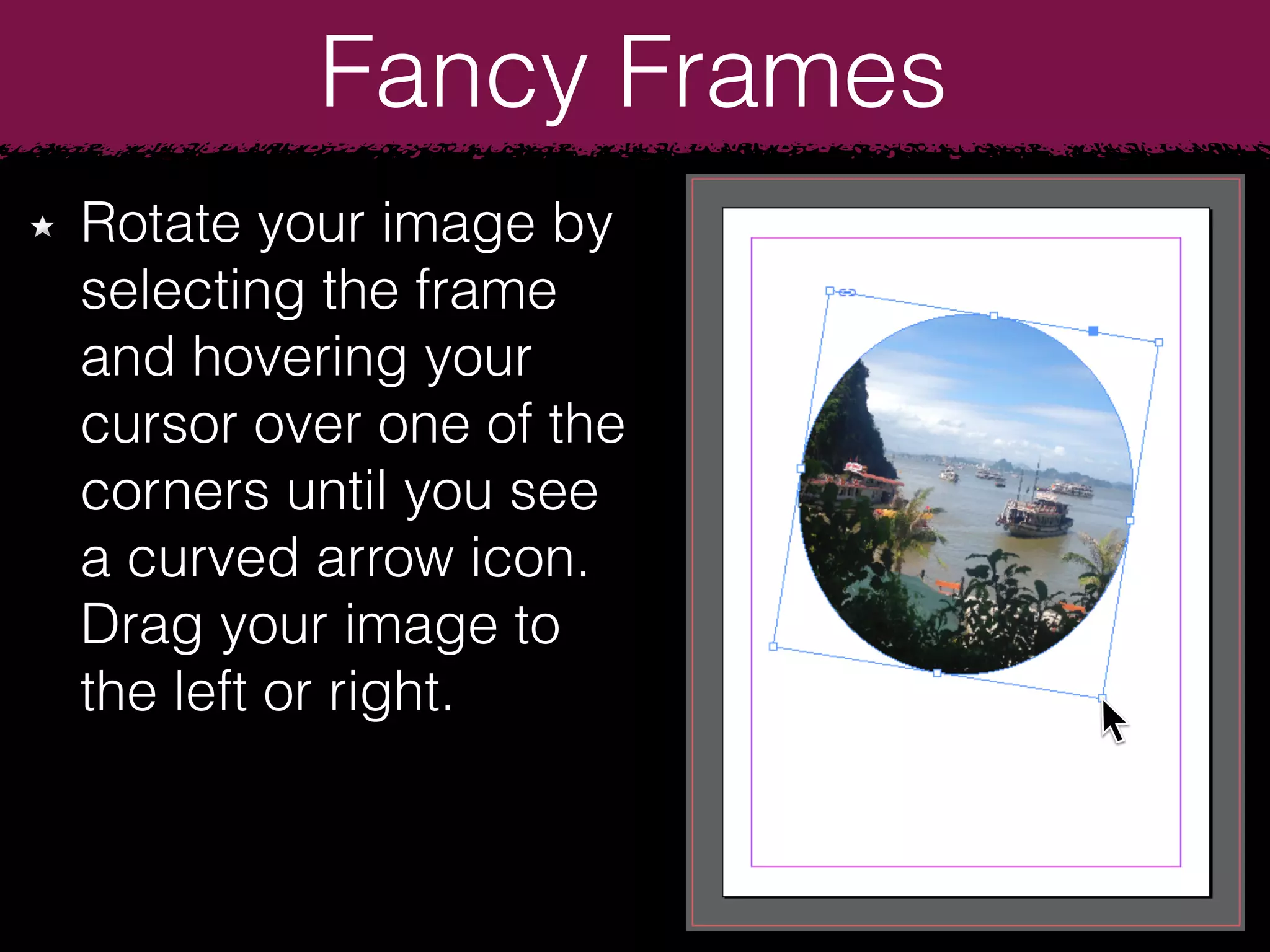
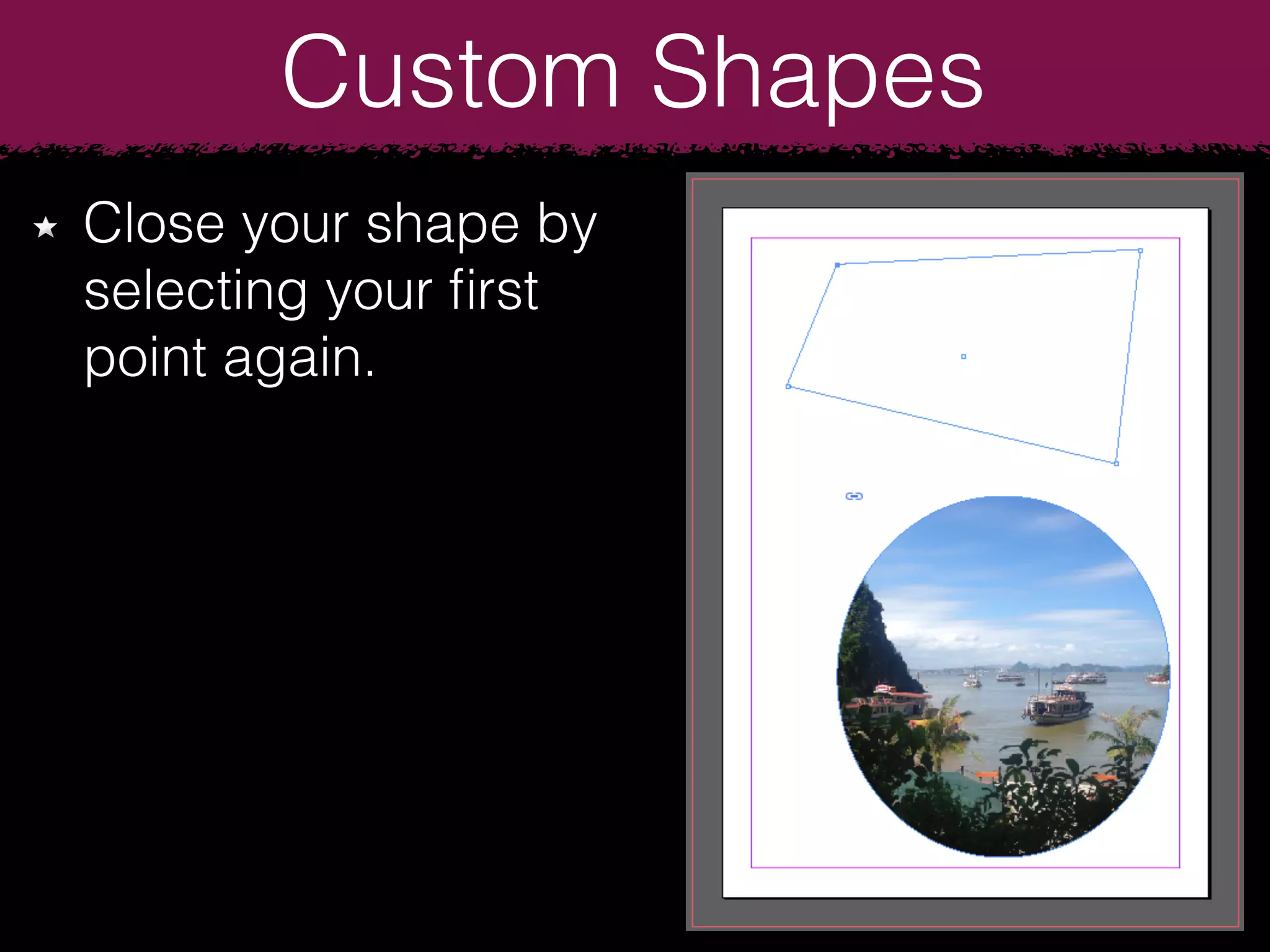
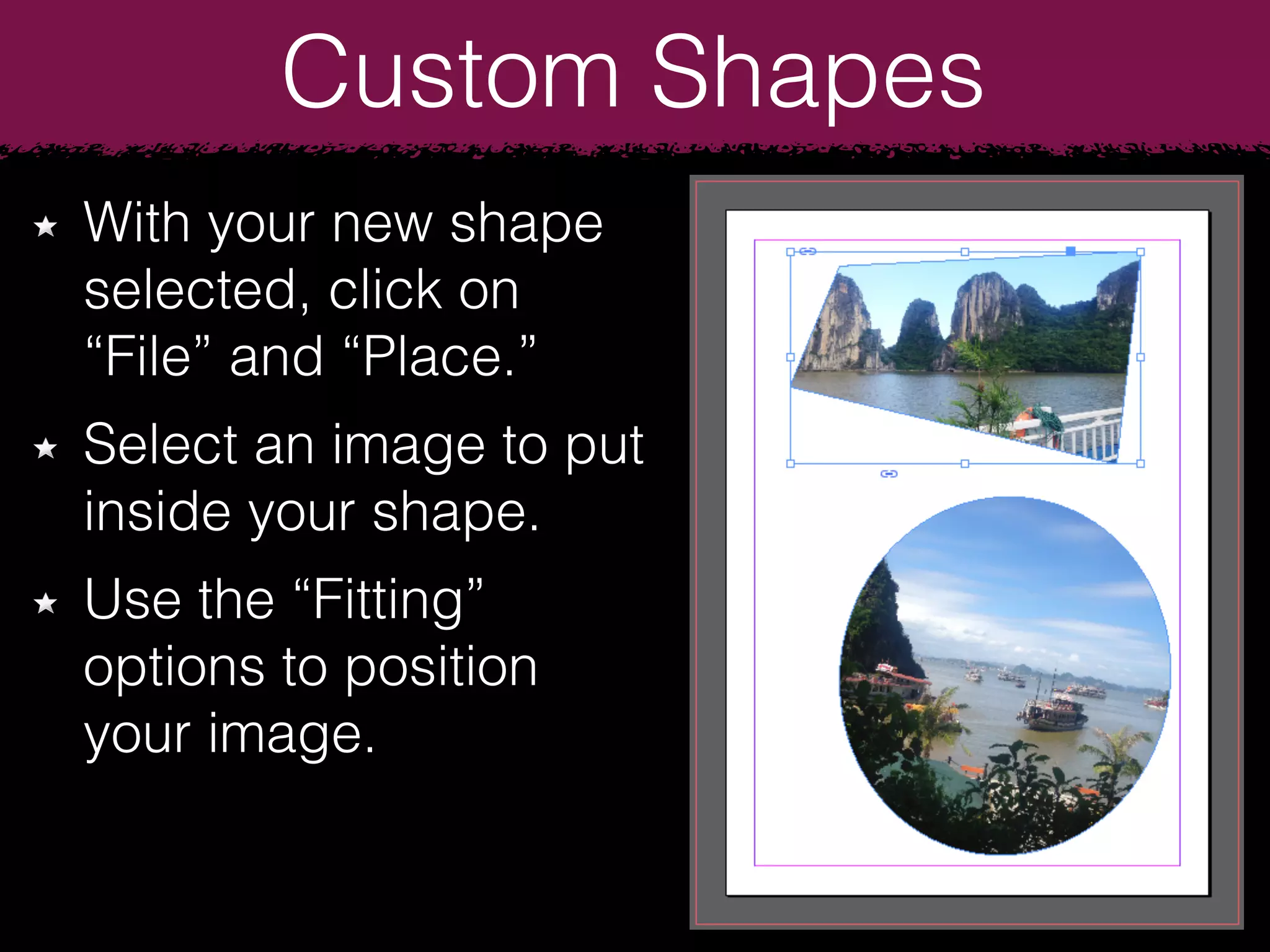
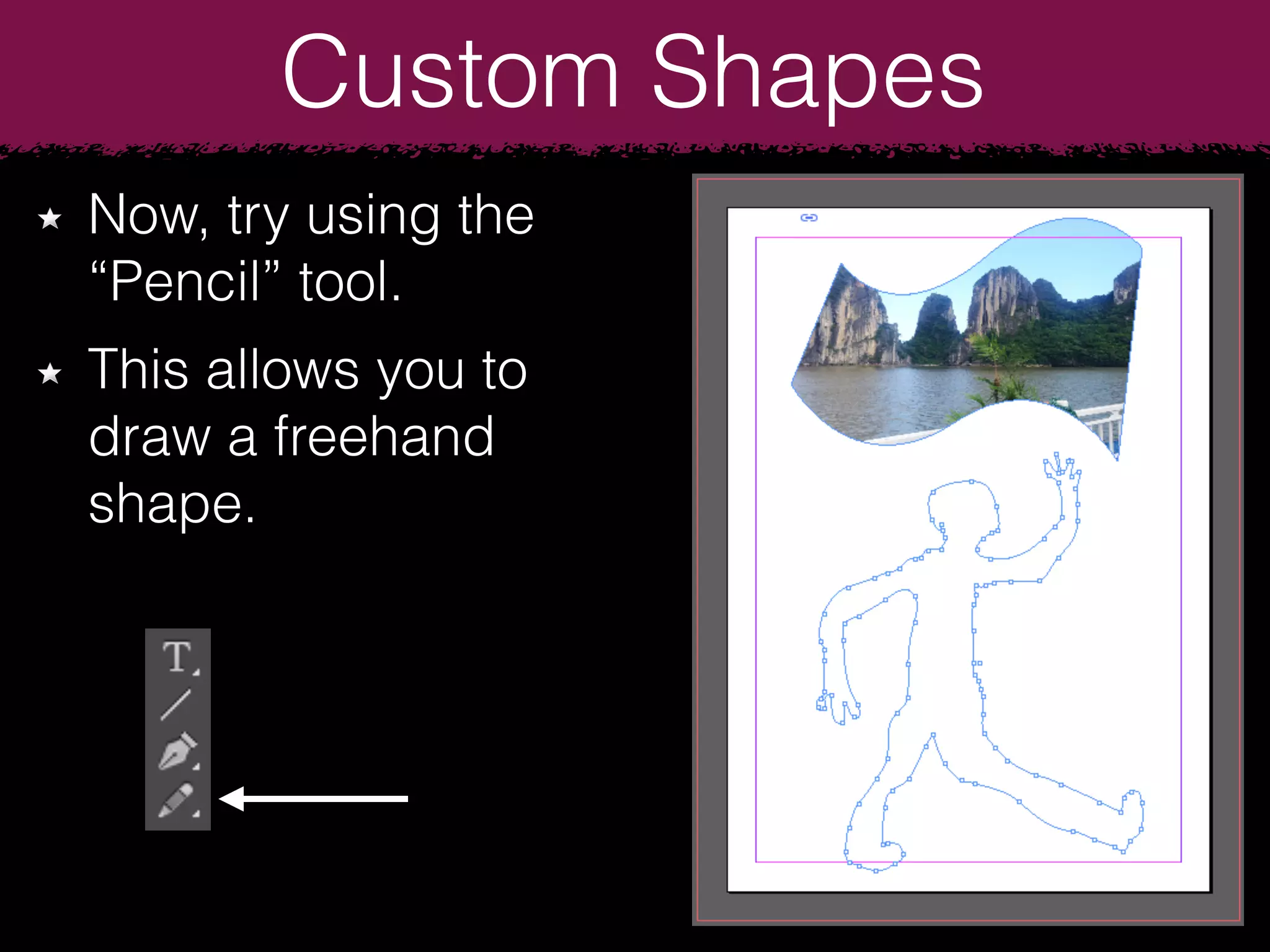
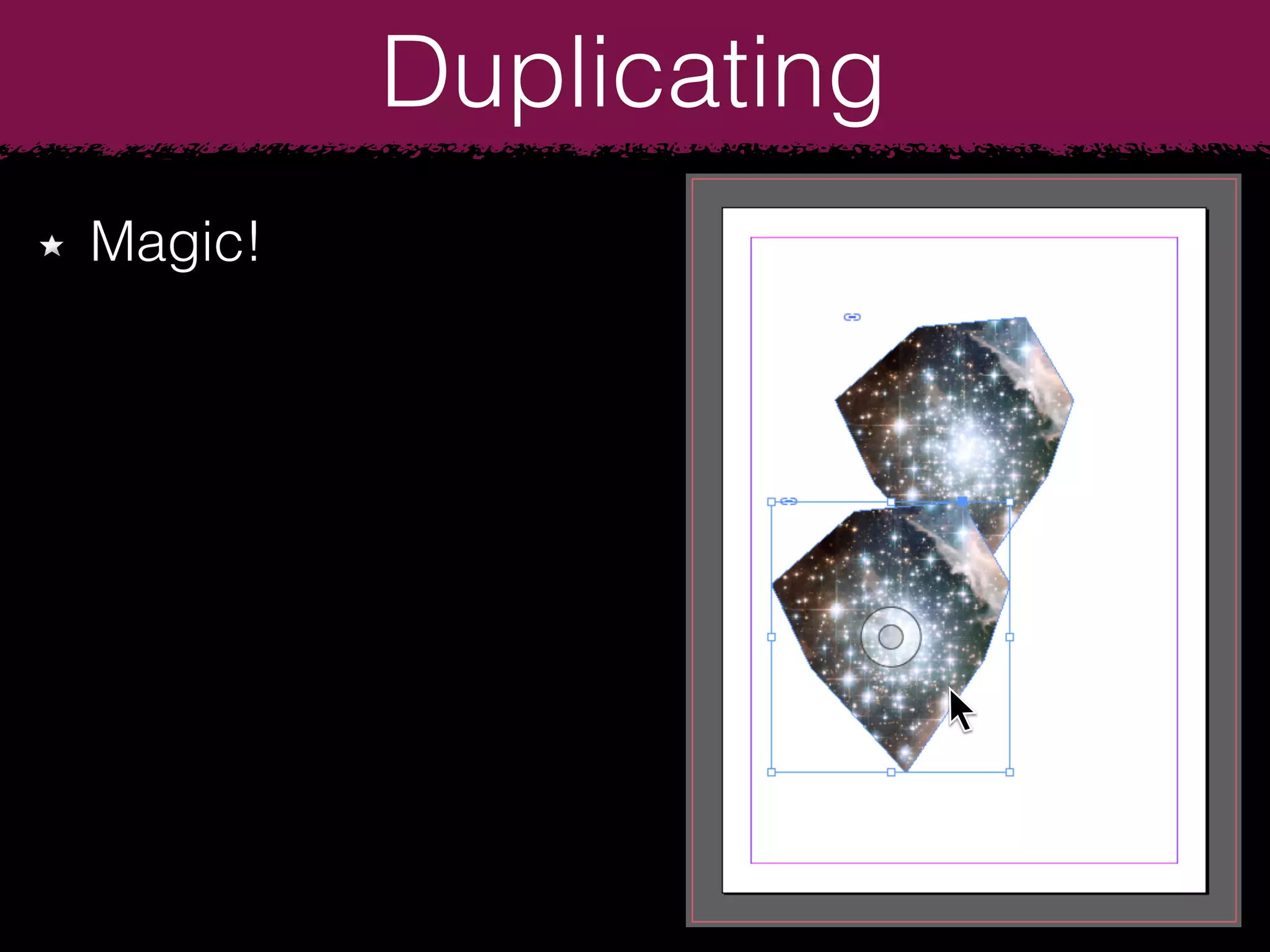
The document provides instructions for creating fancy frames and custom shapes in InDesign. It describes how to create an A4 document with 3mm bleed, draw a circular frame using the Ellipse tool, place an image in the frame and make it transparent. It also explains how to add a drop shadow effect, rotate an image in a frame, draw shapes using the Pen and Pencil tools, add anchor points to custom shapes, and duplicate objects by holding the Option key while dragging.