Downloaded 951 times
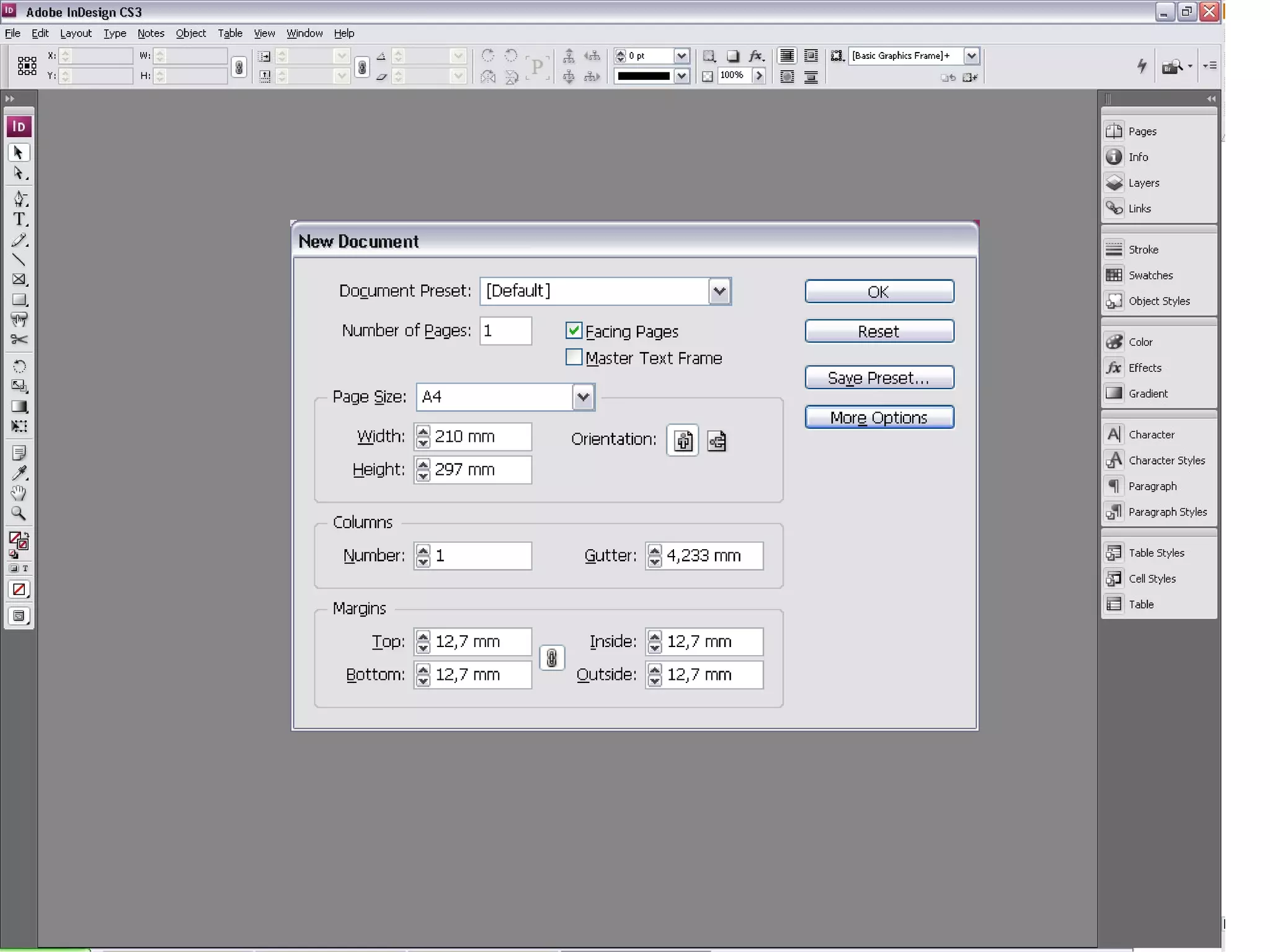
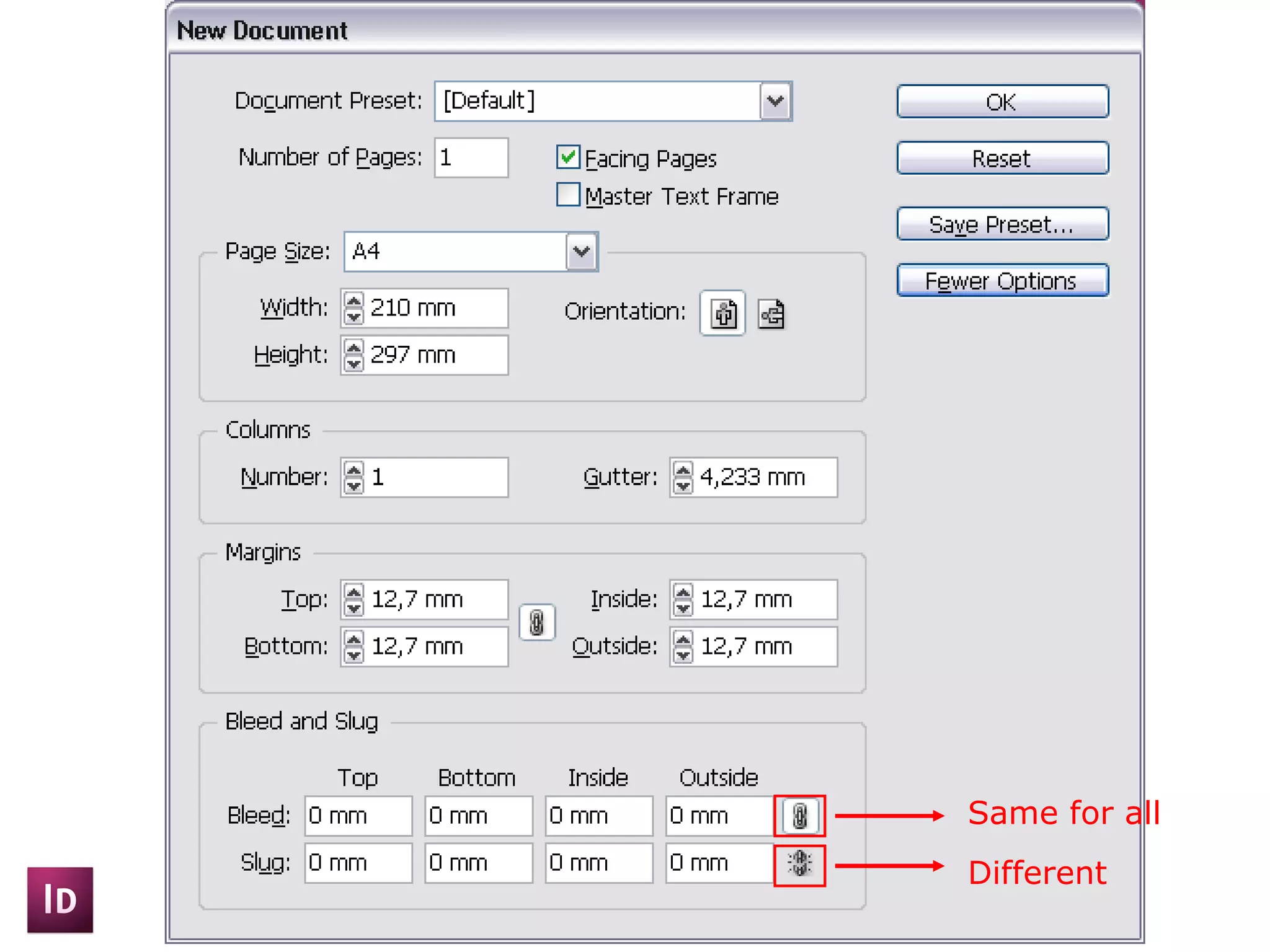
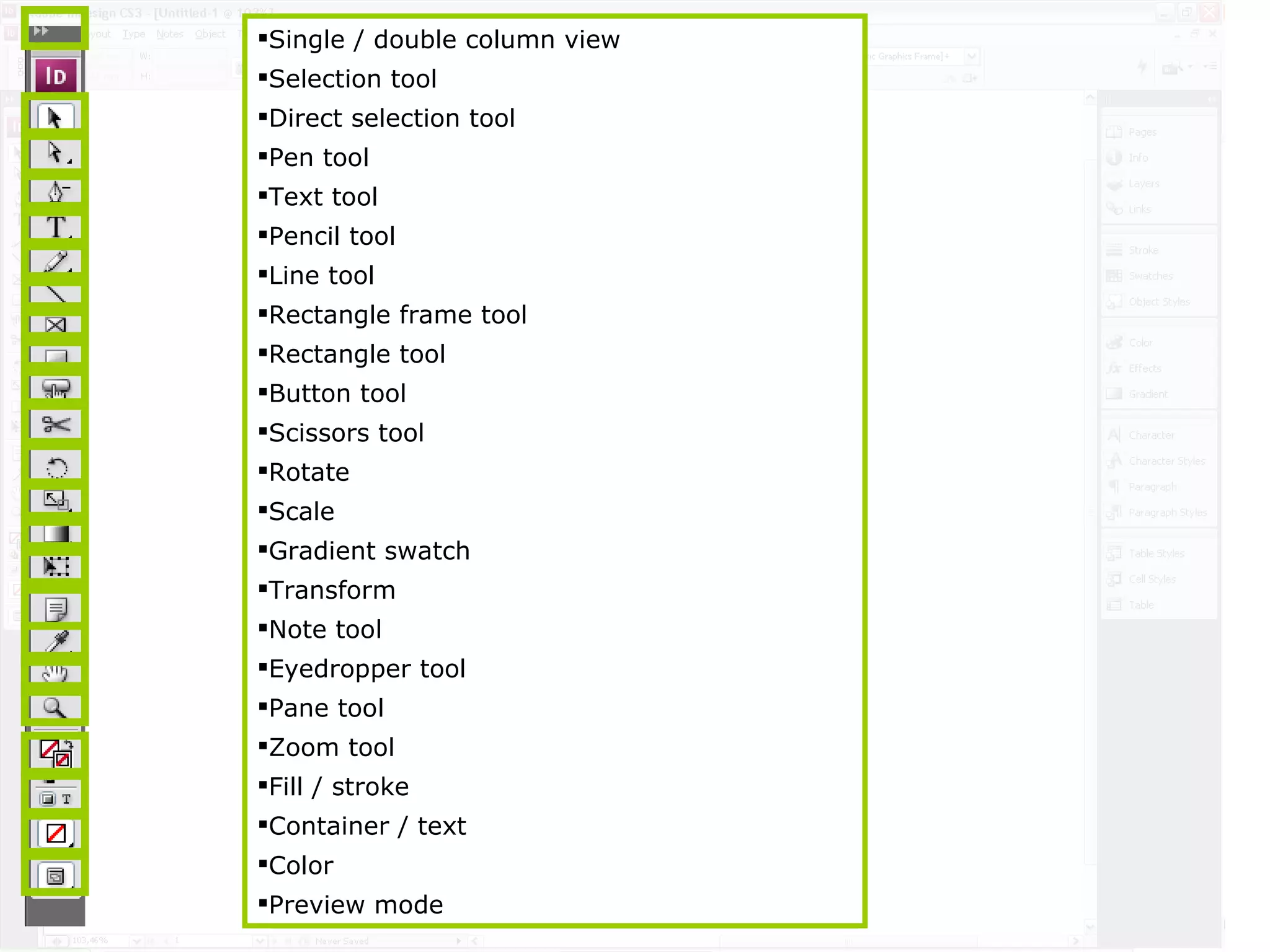
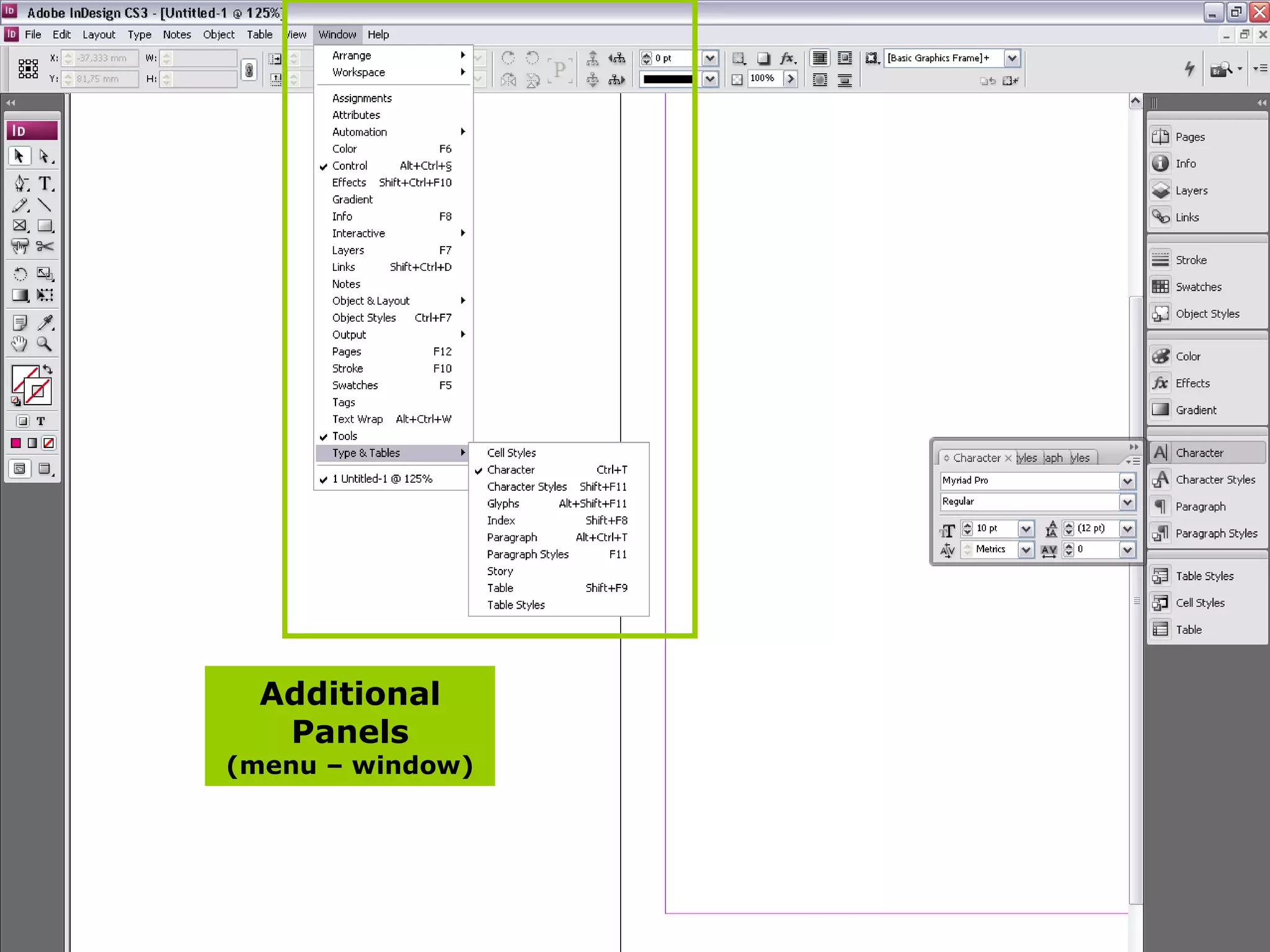
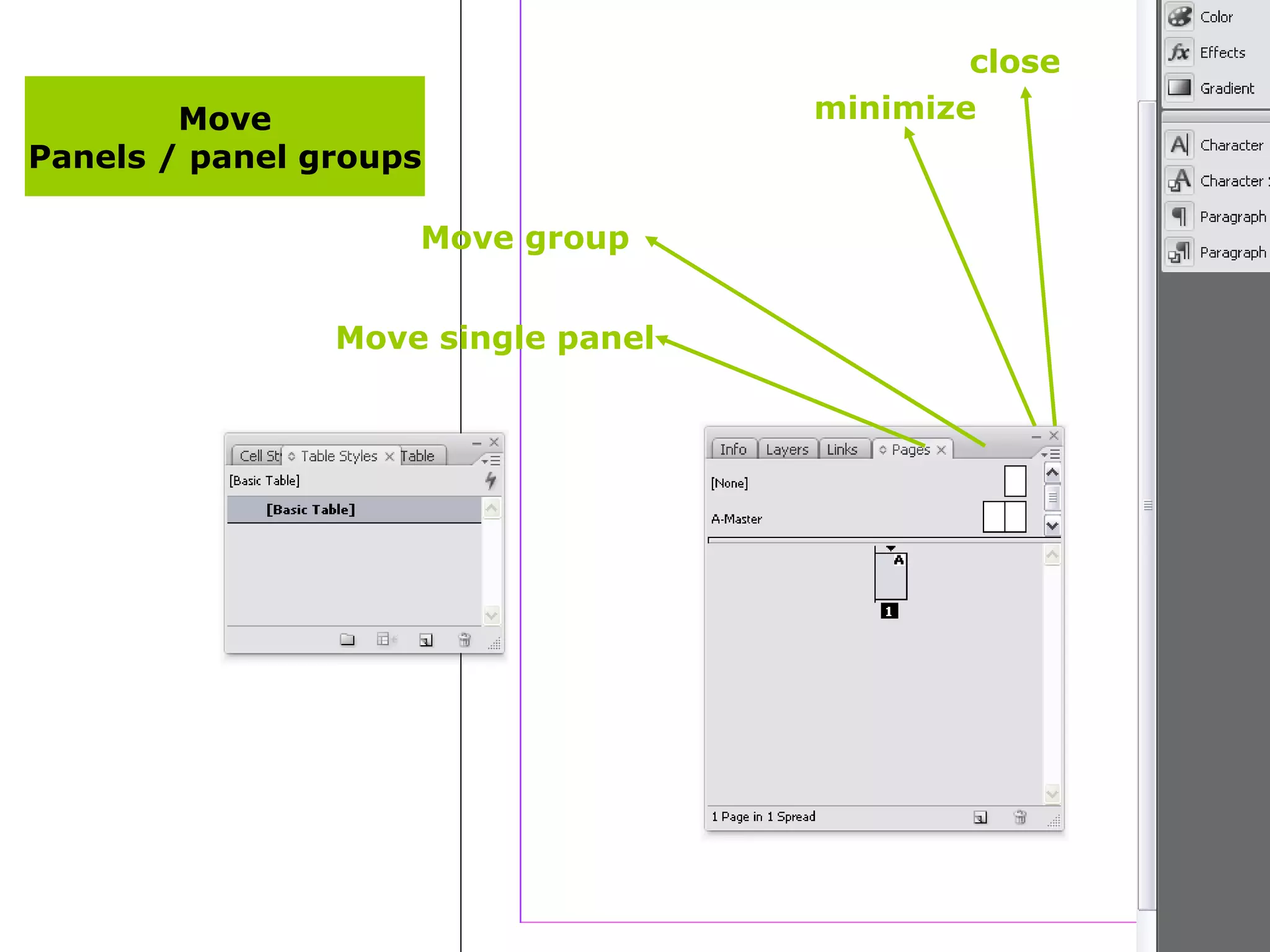
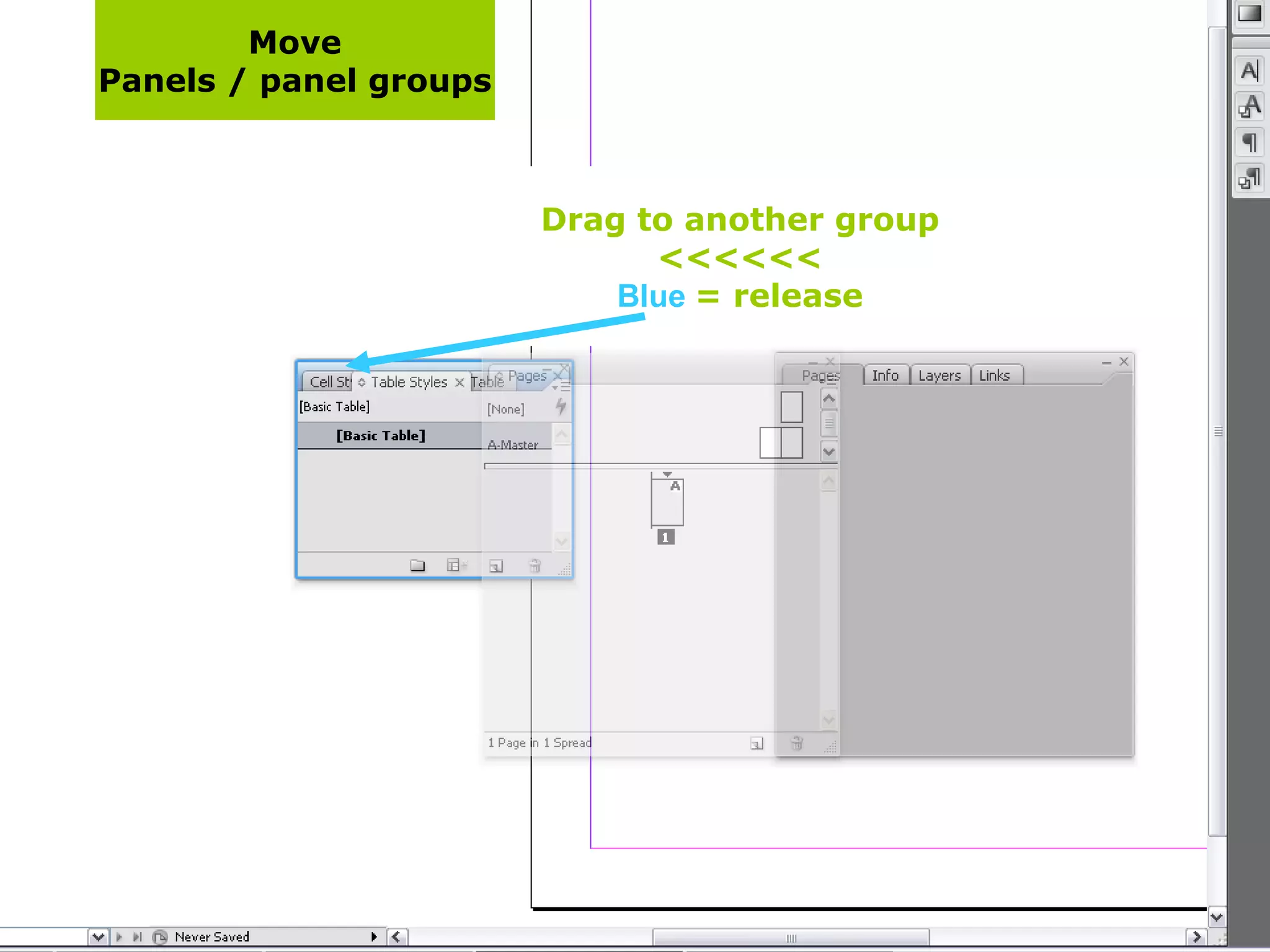
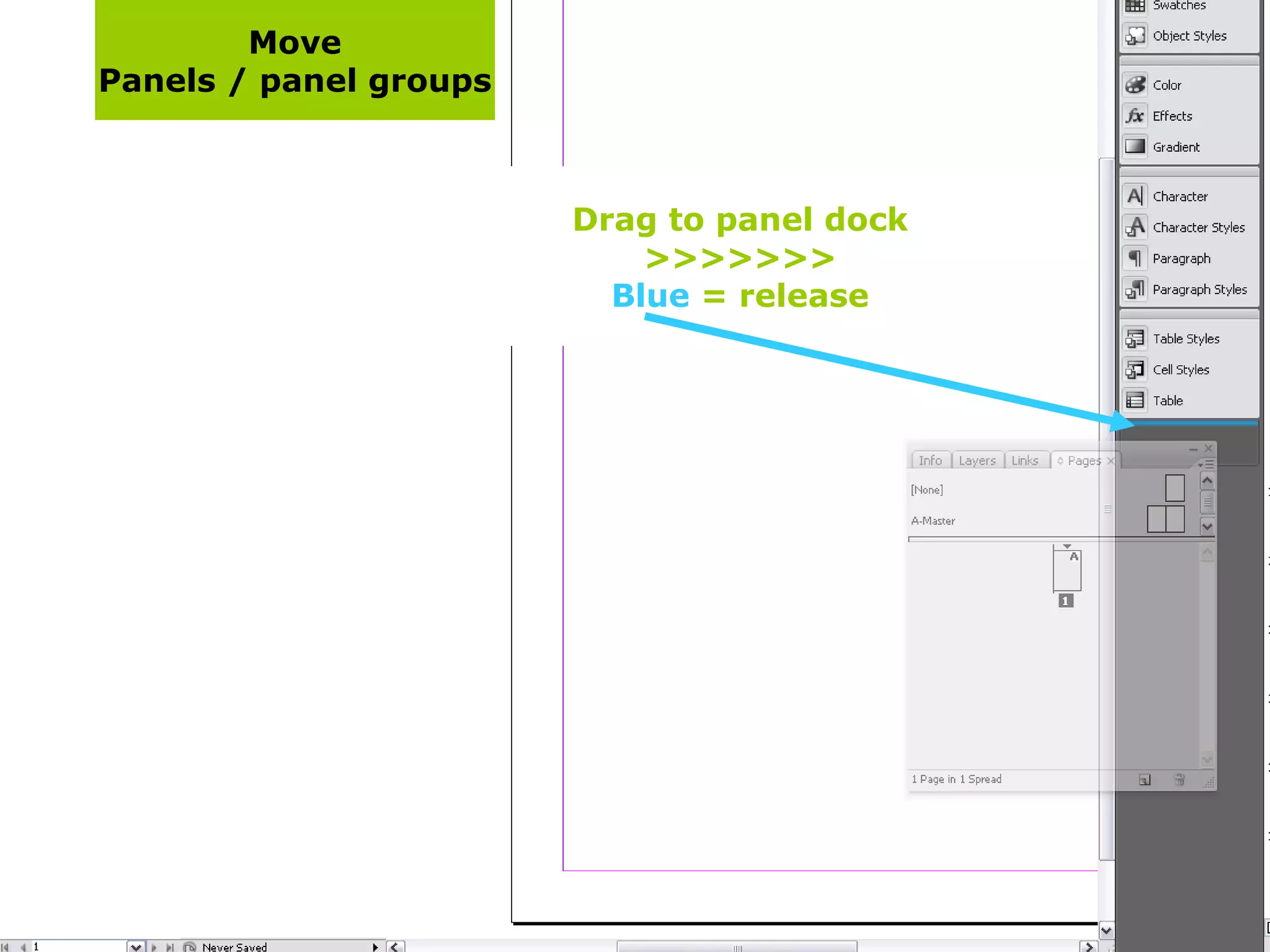

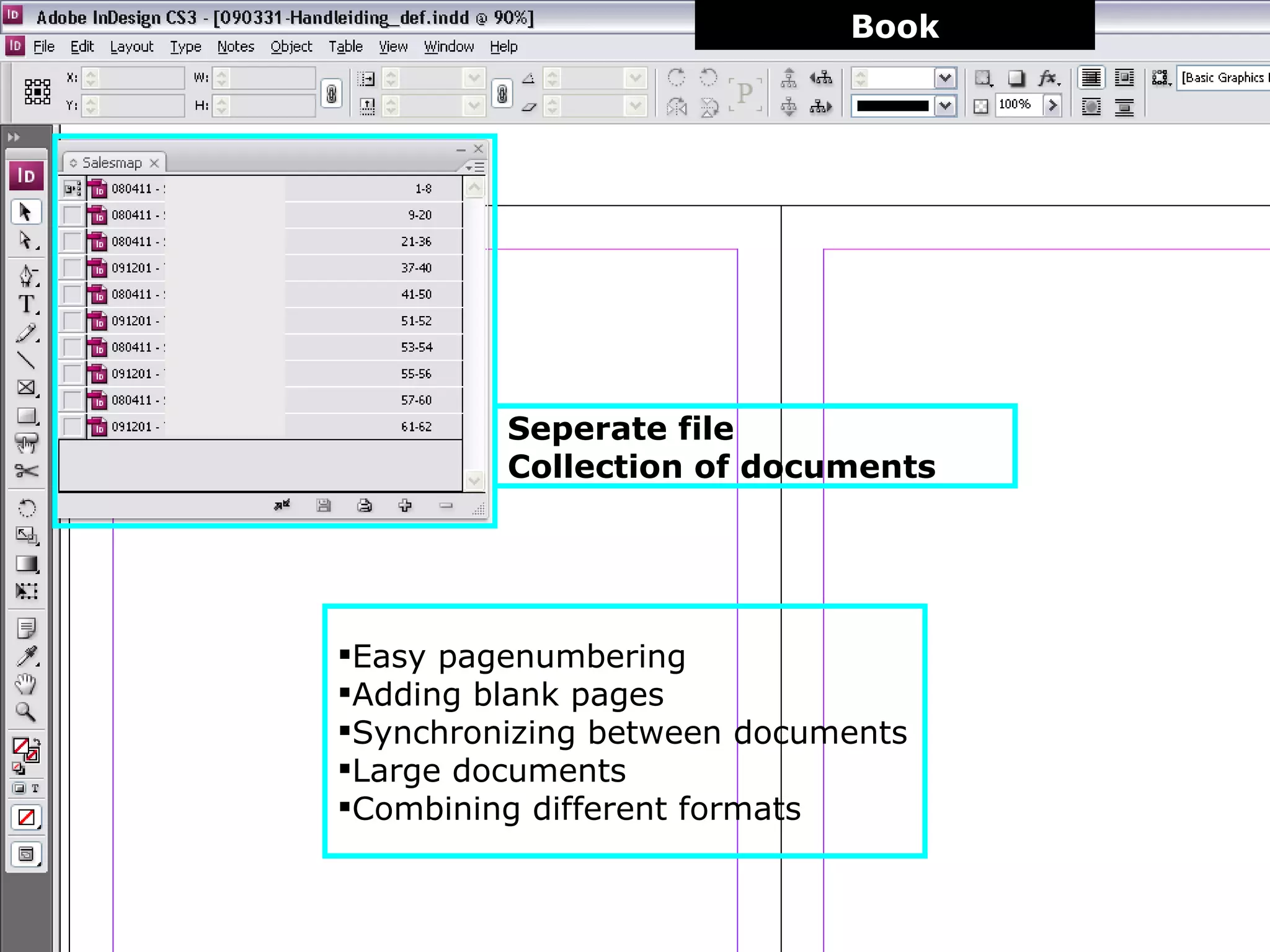
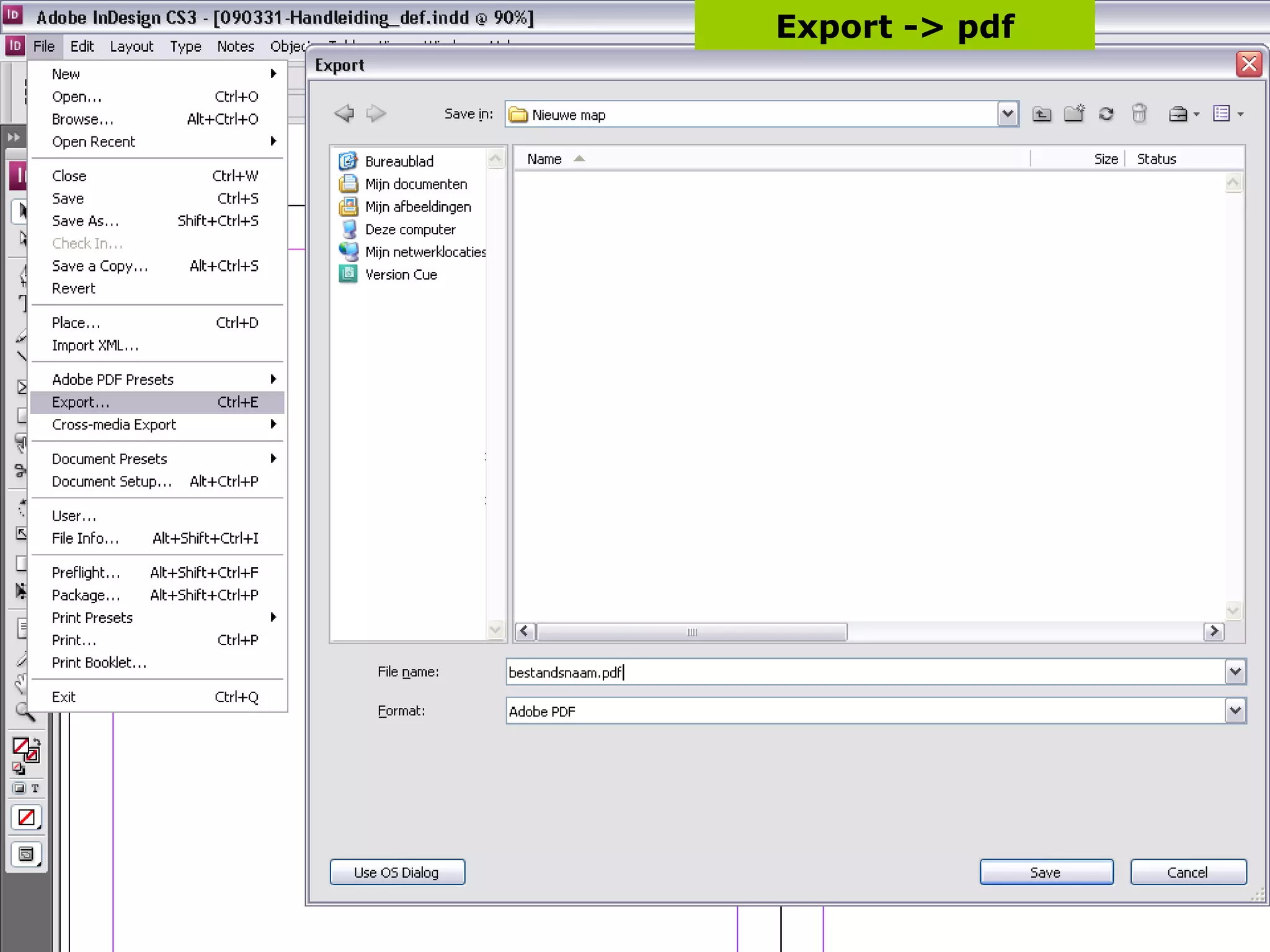
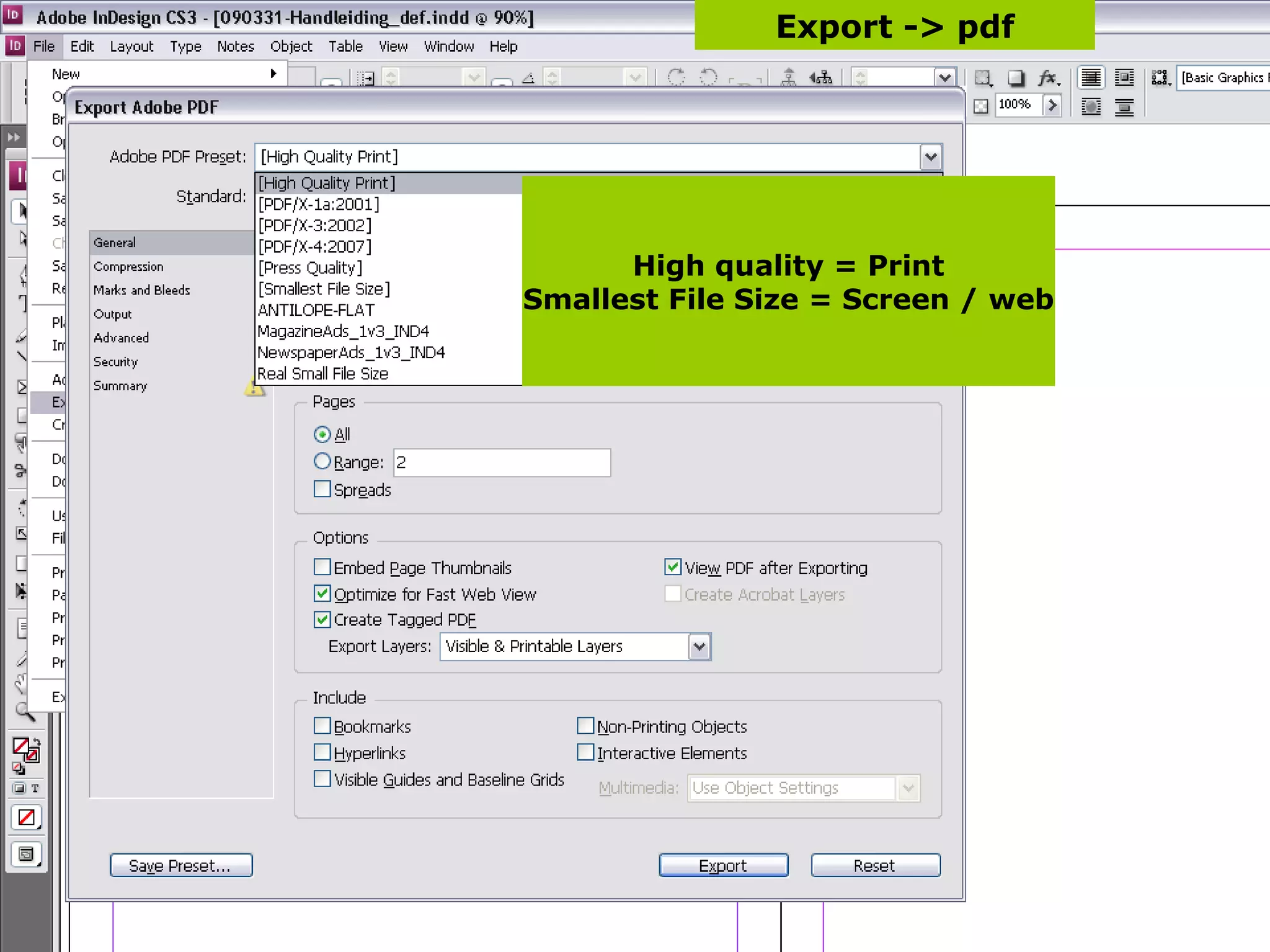


Indesign CS3 is desktop publishing (DTP) software that allows users to combine text, images, and illustrations into a single document. It provides tools for laying out pages, including options for single or double page views. Common tools include selection, text, and shape tools for working with frames. Panels can be customized and positioned on the screen. Basic functions covered include importing and placing images, formatting text styles for consistency, creating books from multiple documents, and exporting to PDF.
Overview of the presentation topic and presenter, focusing on InDesign CS3 basics.
Overview of DTP software: Illustrator for illustrations, Photoshop for photos, Word for text, and InDesign for integration.
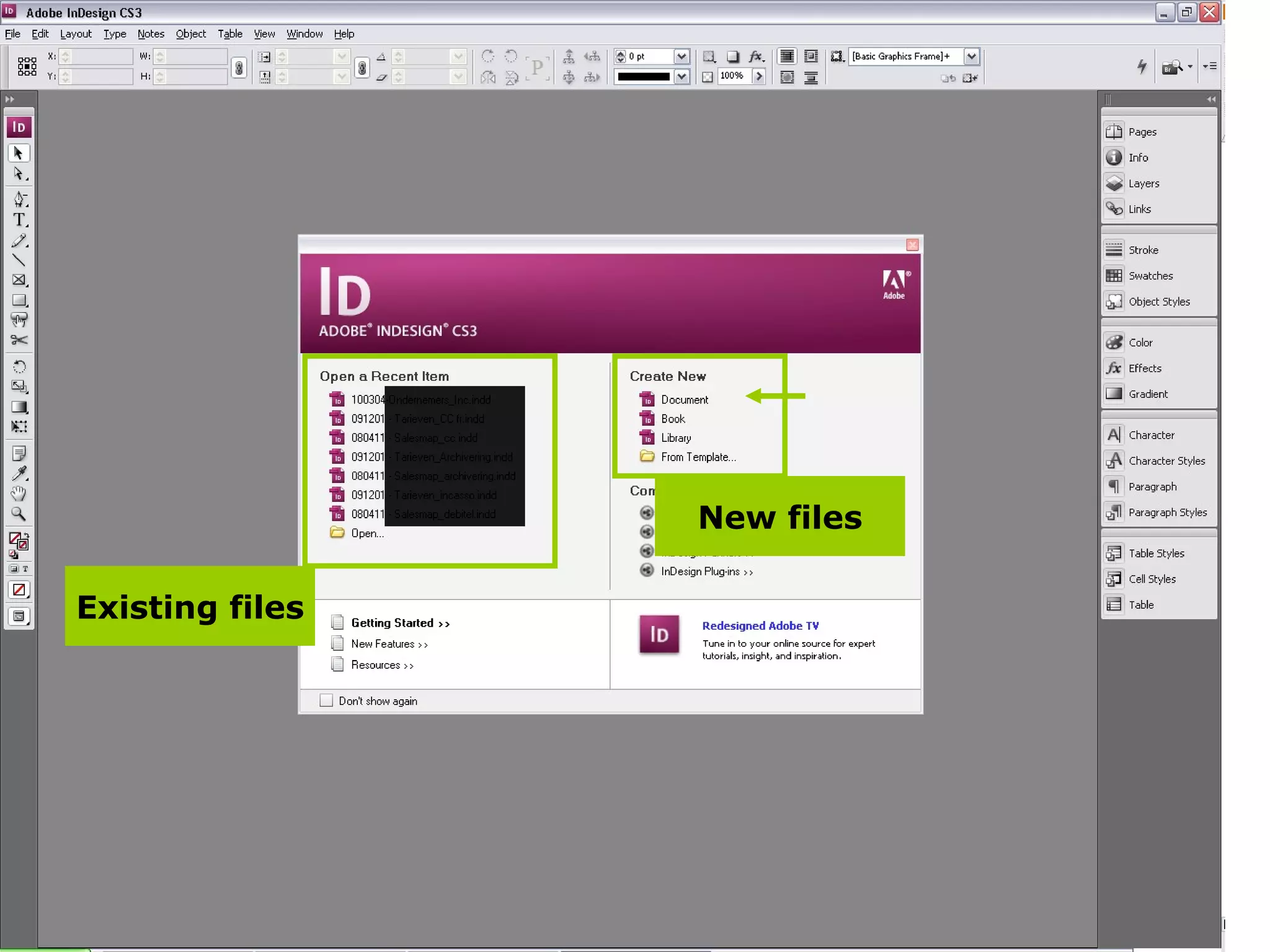
Discussion on managing existing and new files within InDesign.
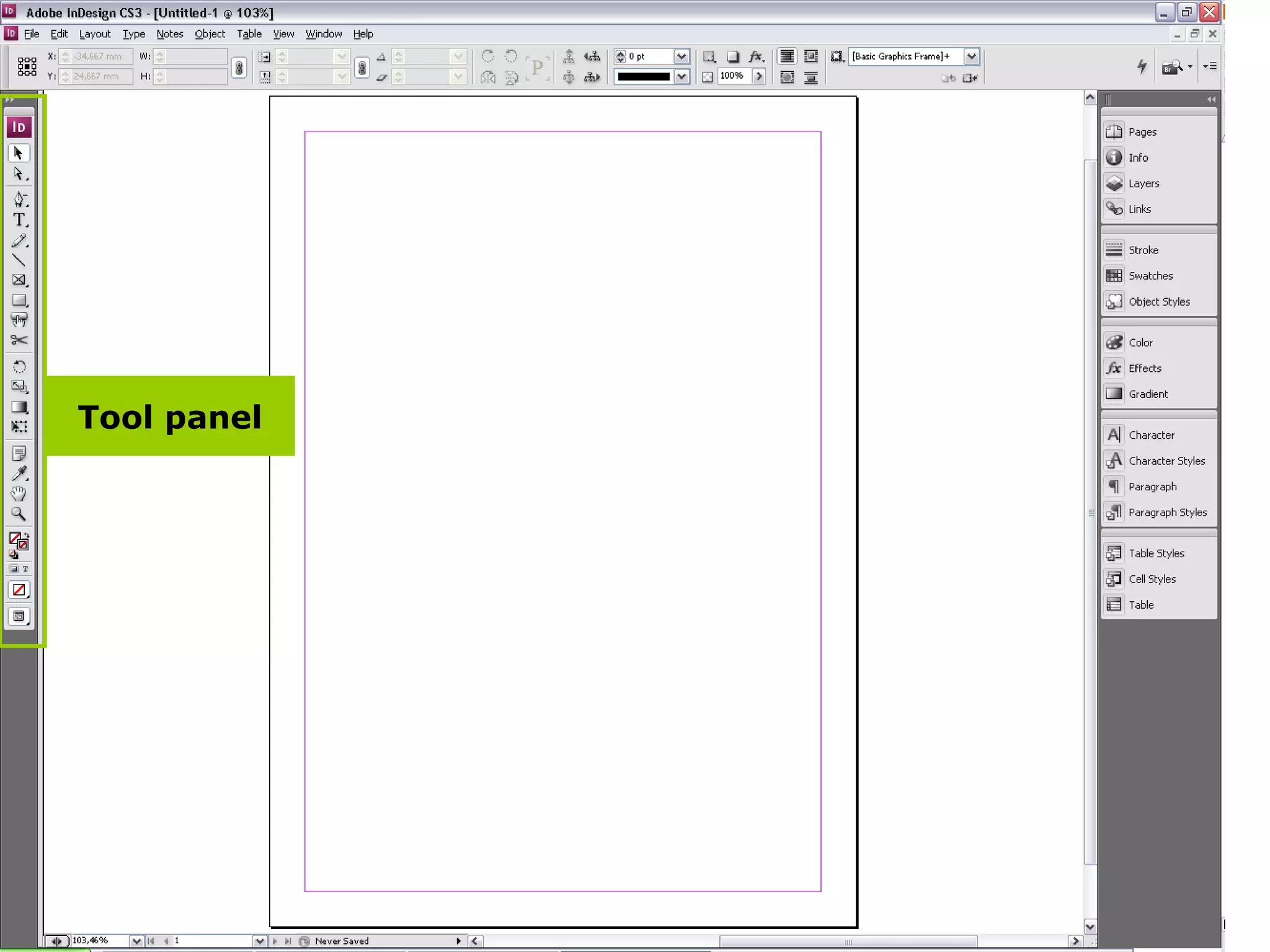
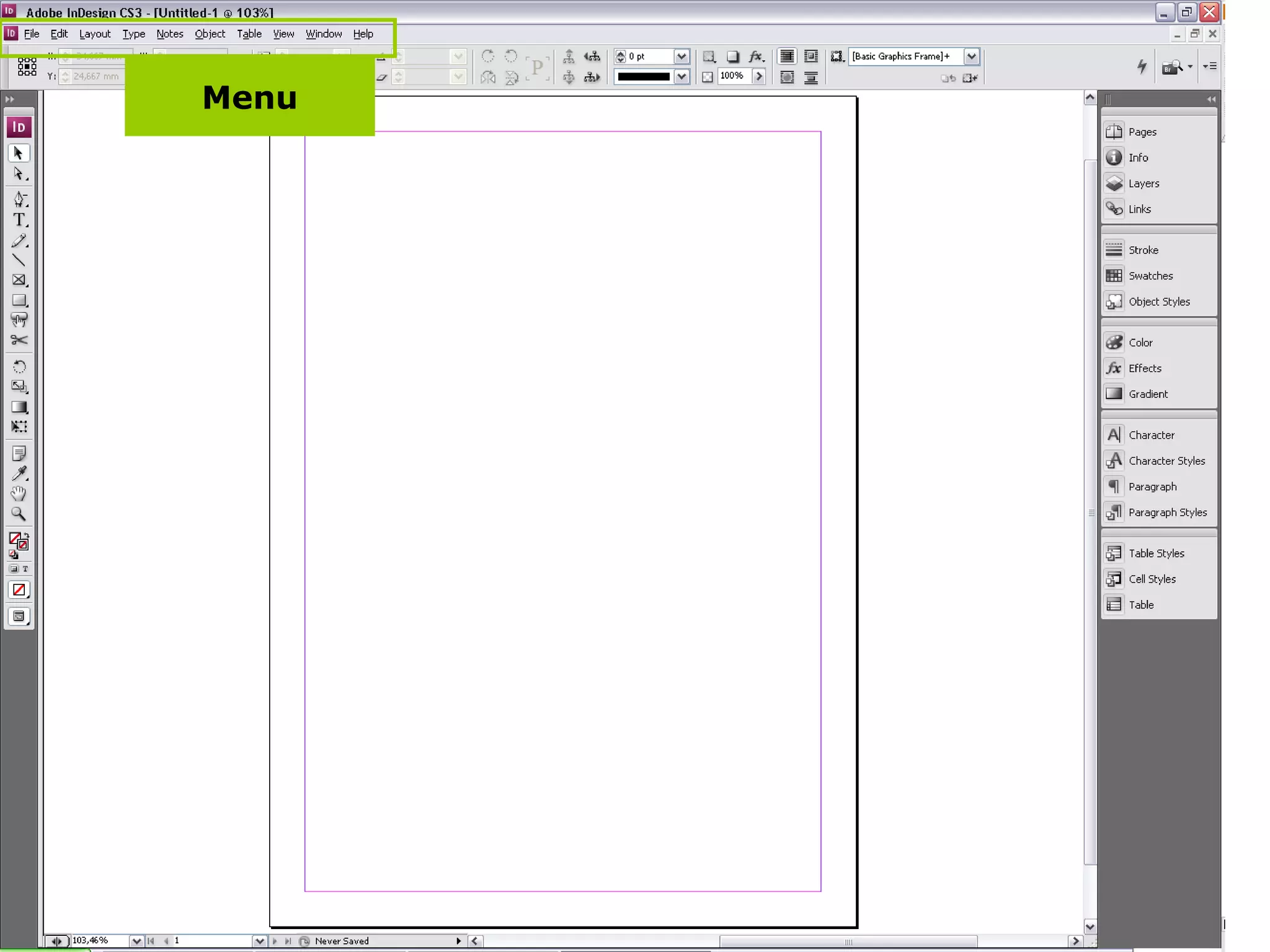
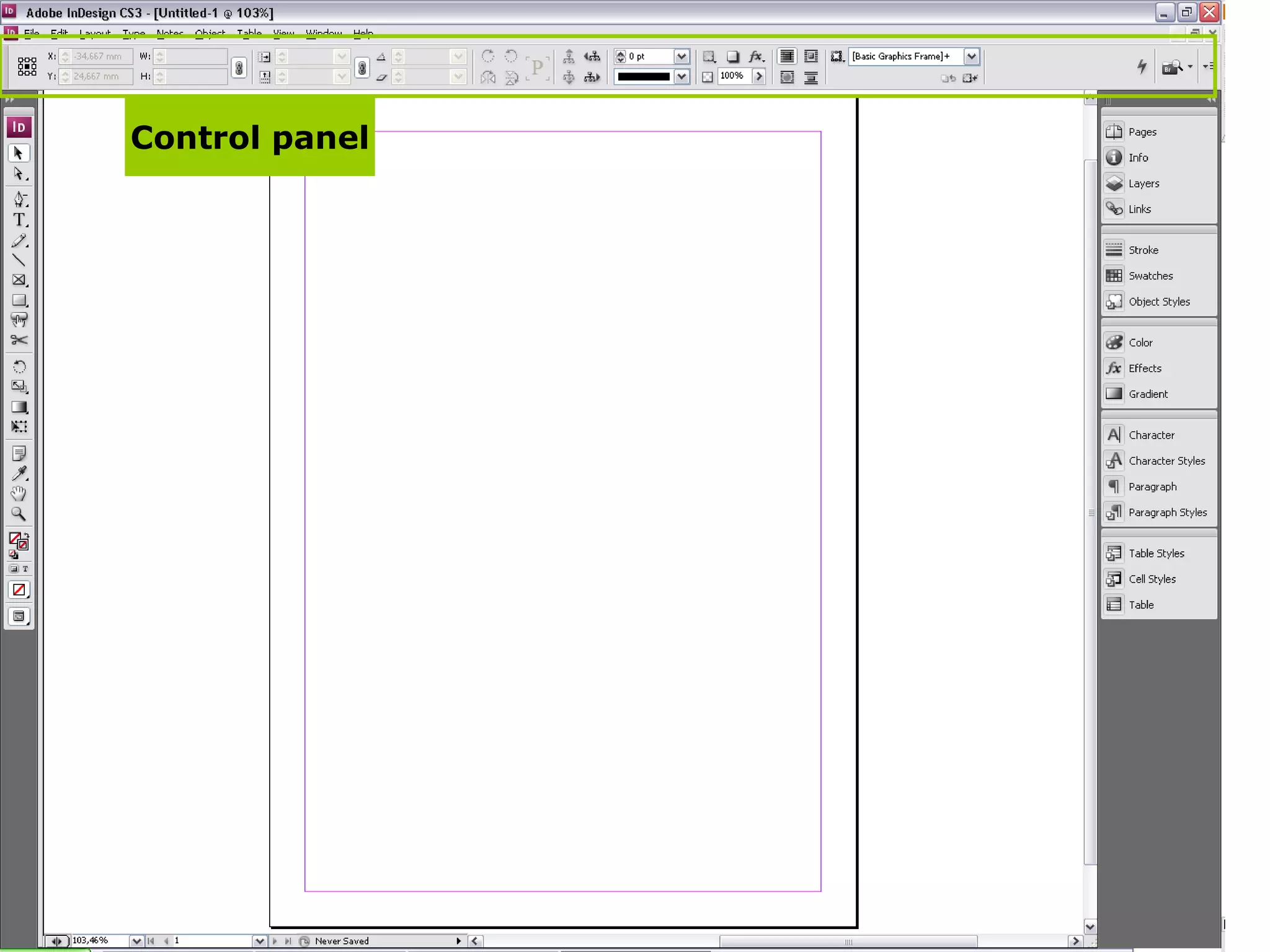
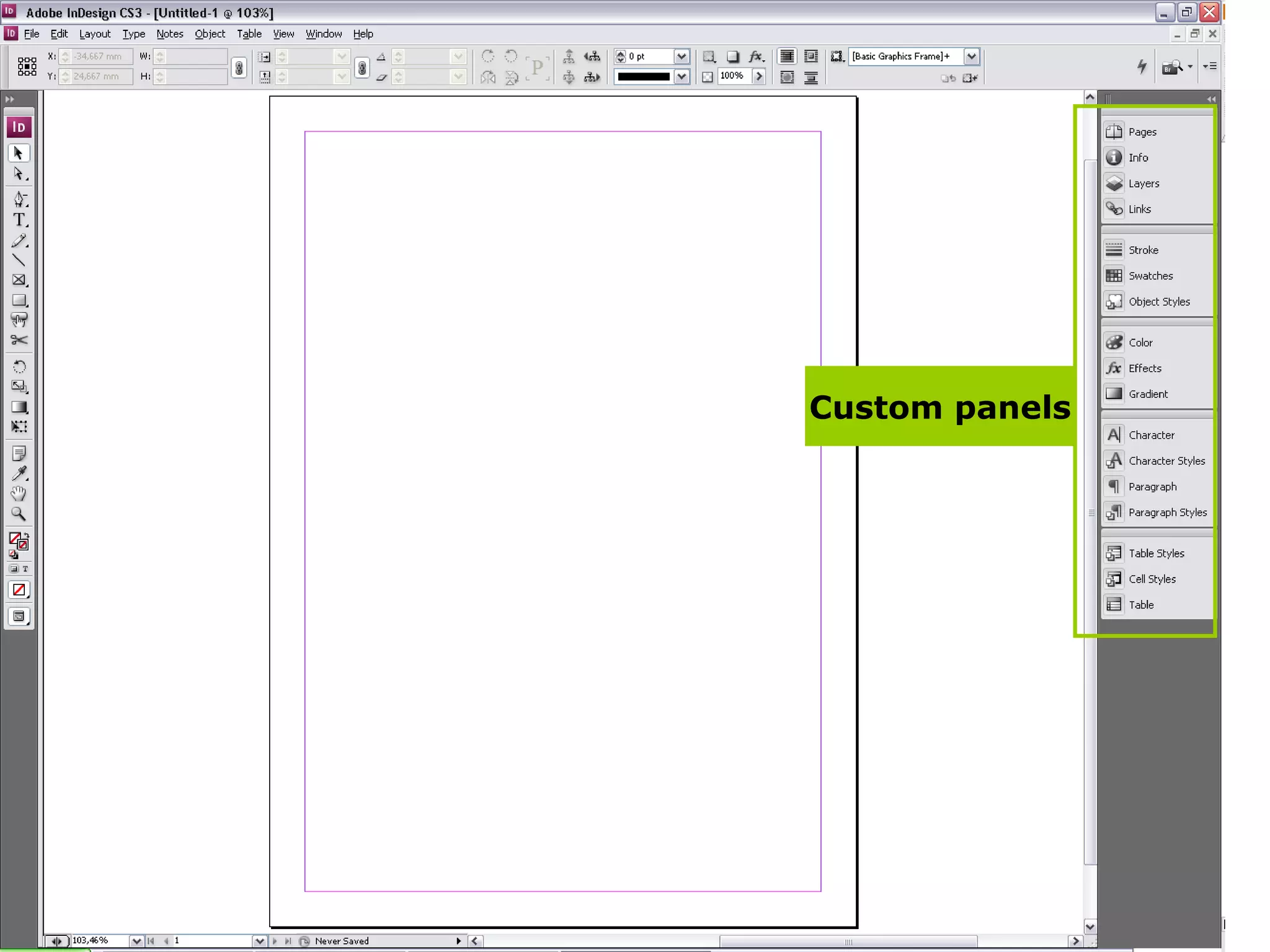
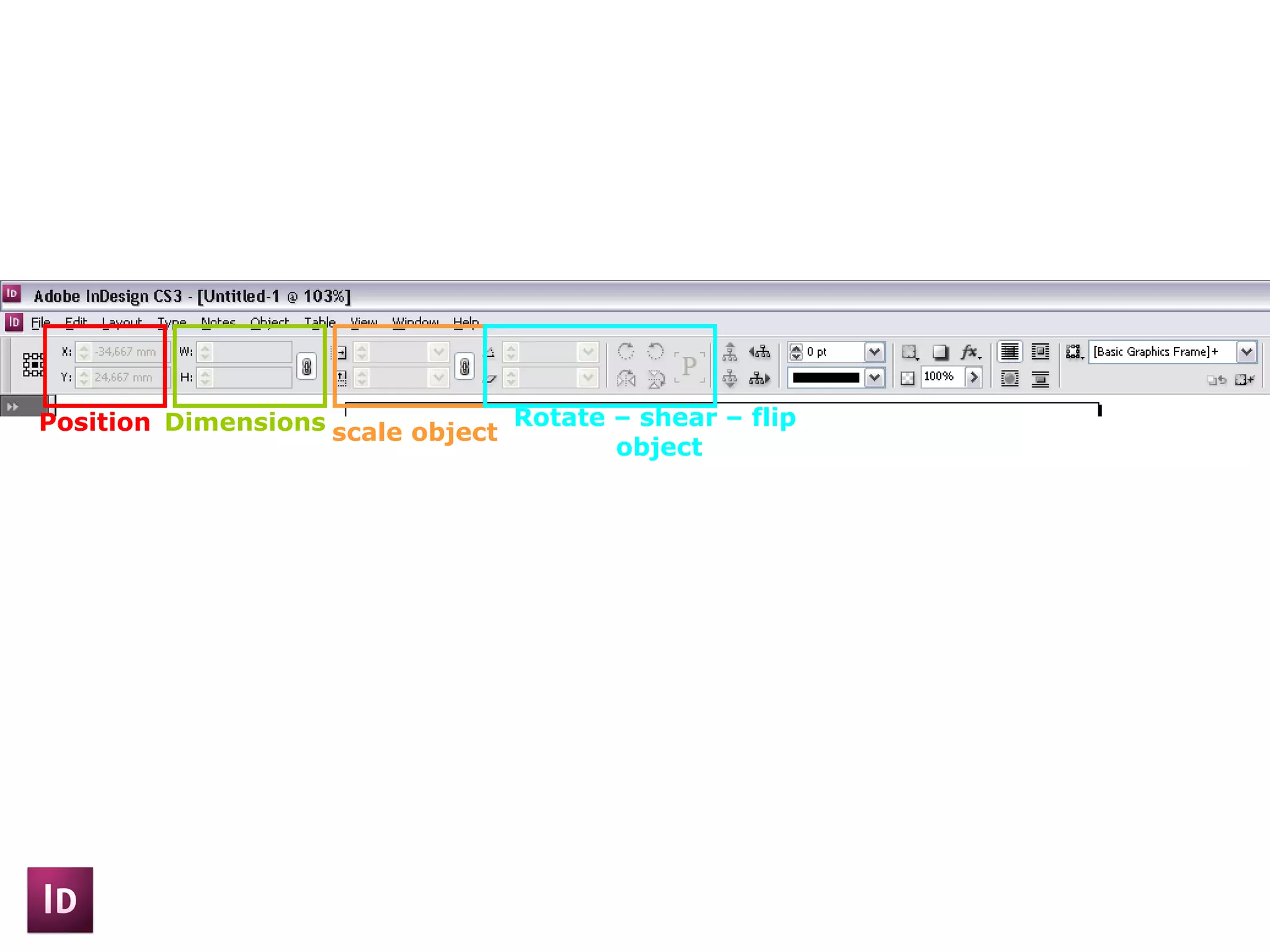
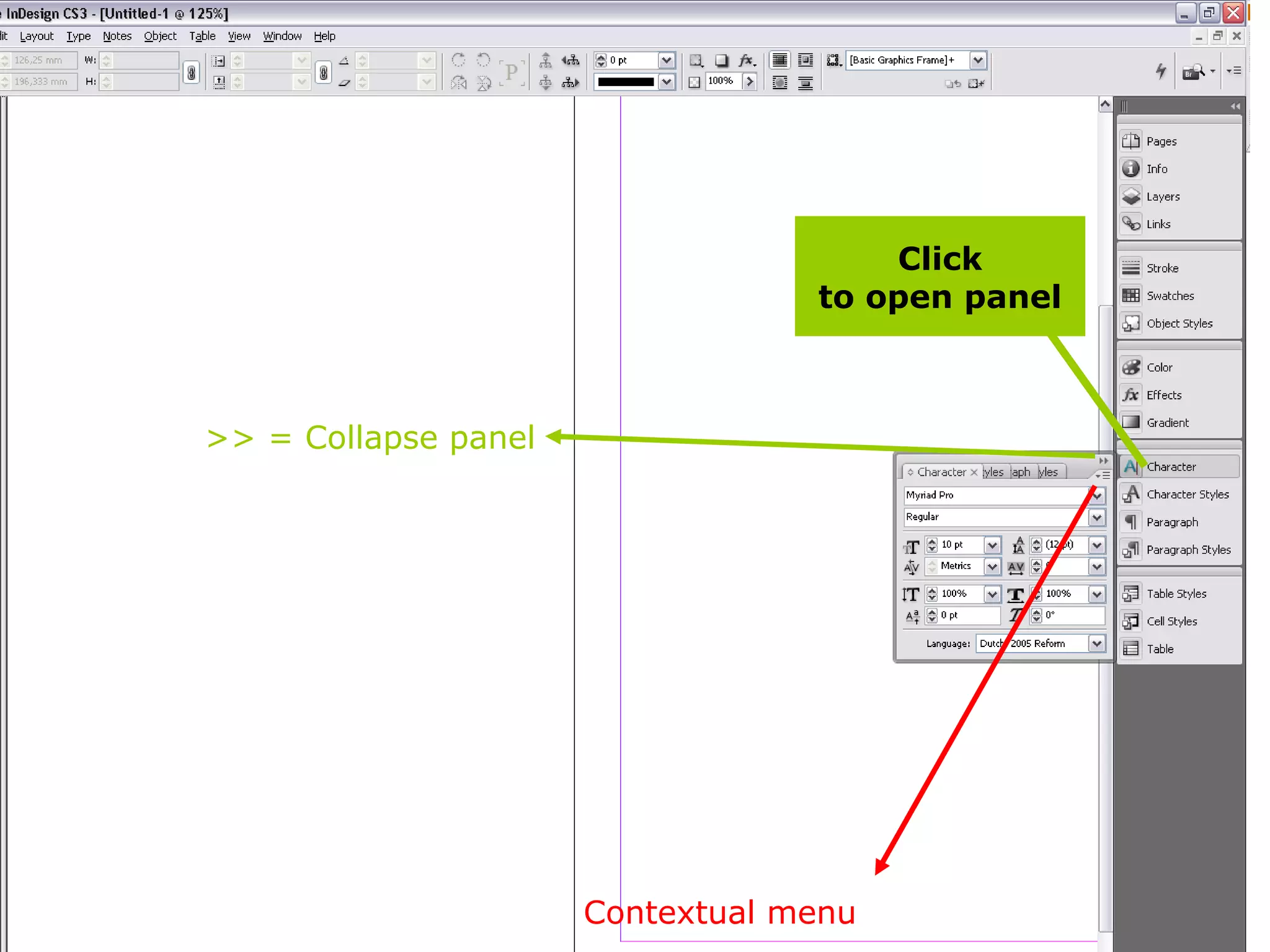
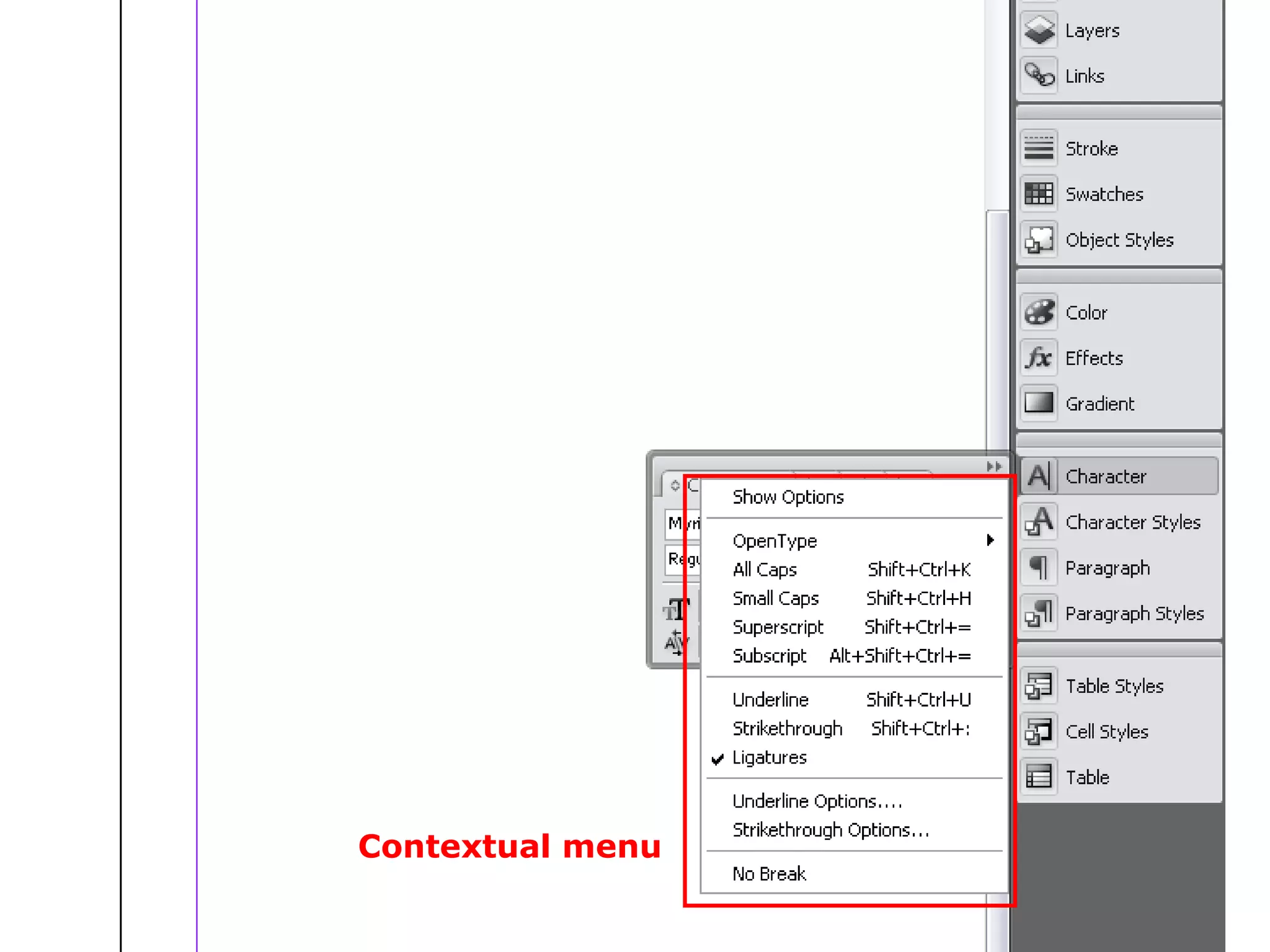
Introduction to various panels such as tool panels, menus, control panels, and custom panels essential for navigation.
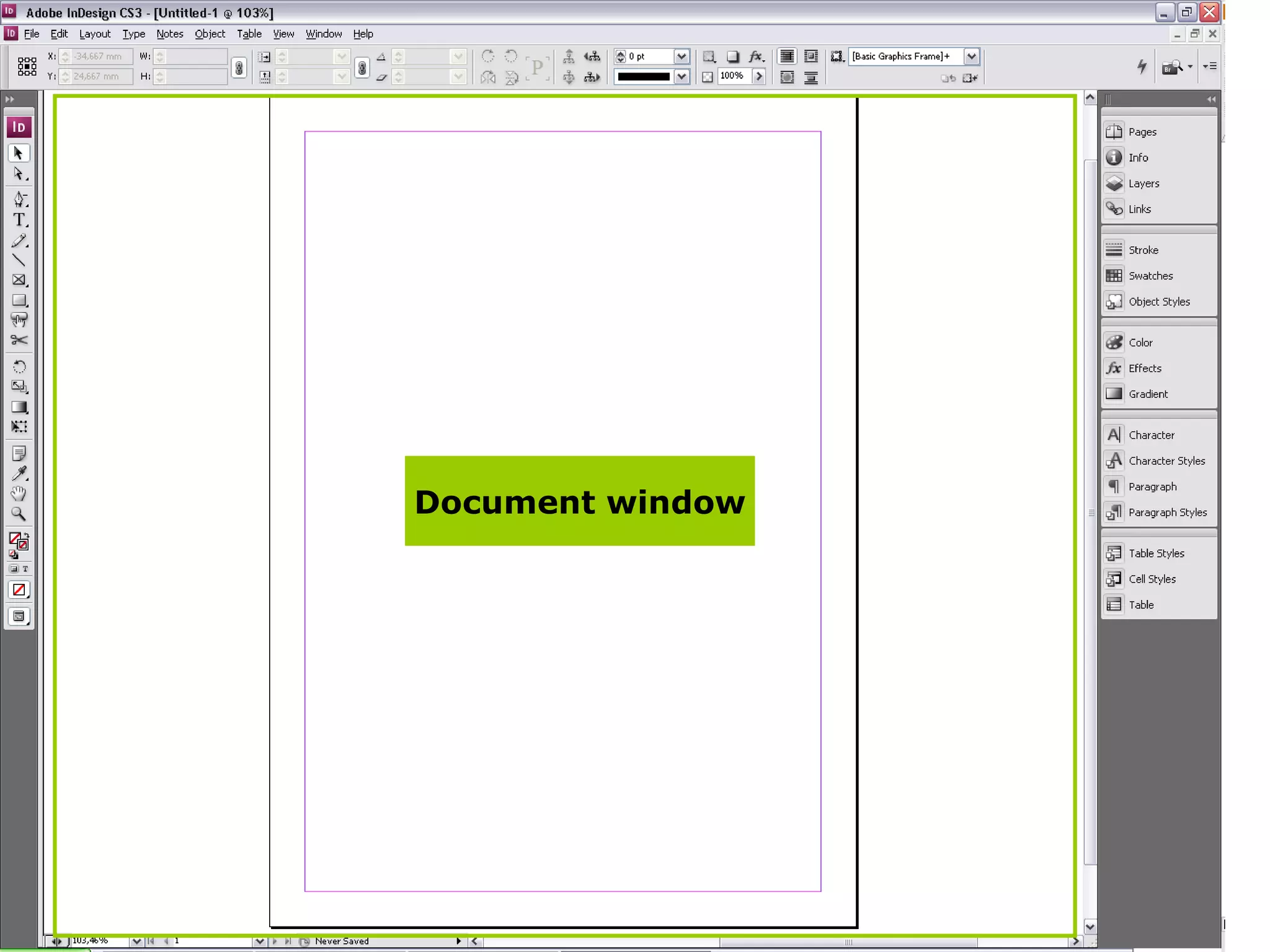
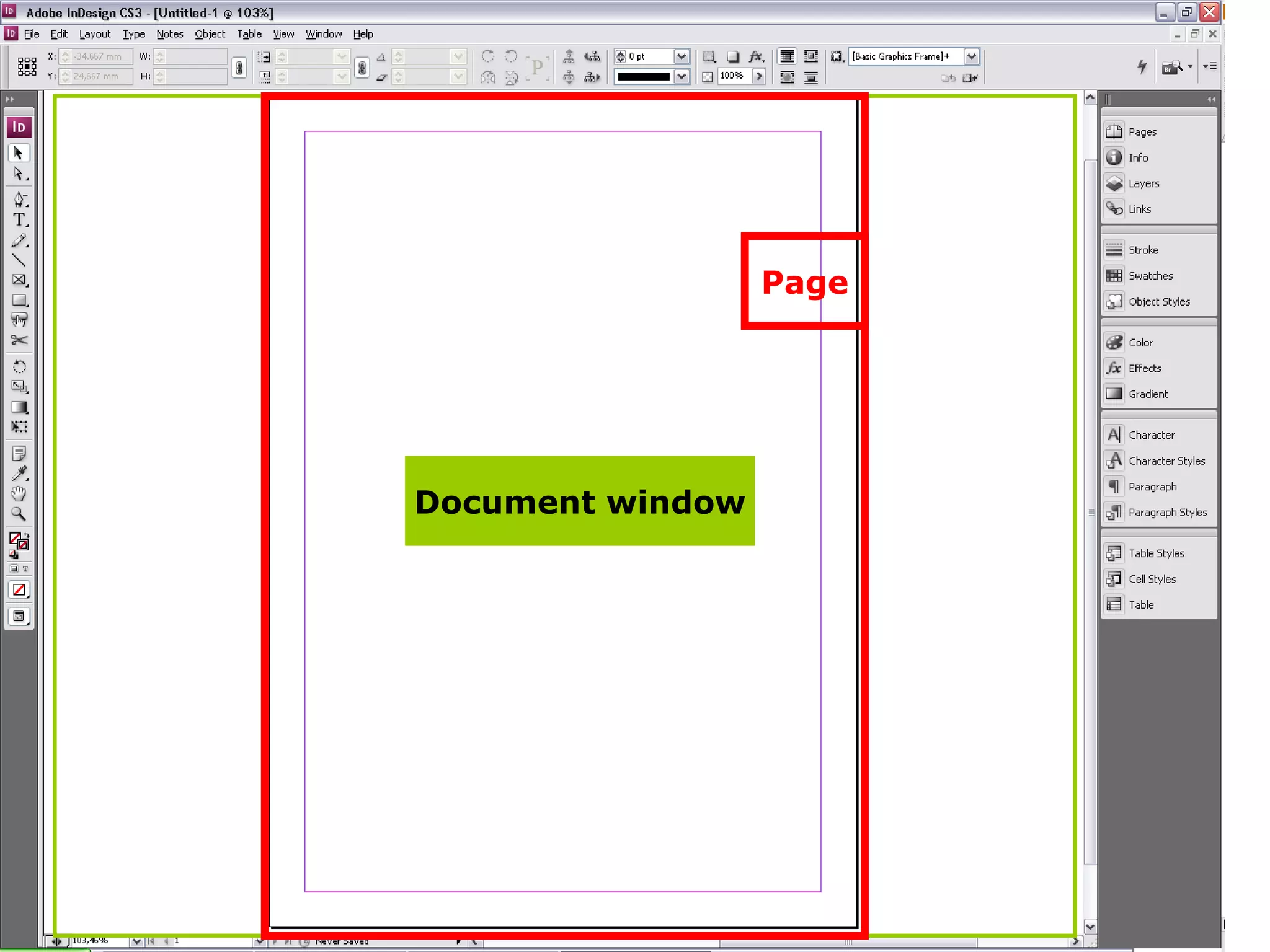
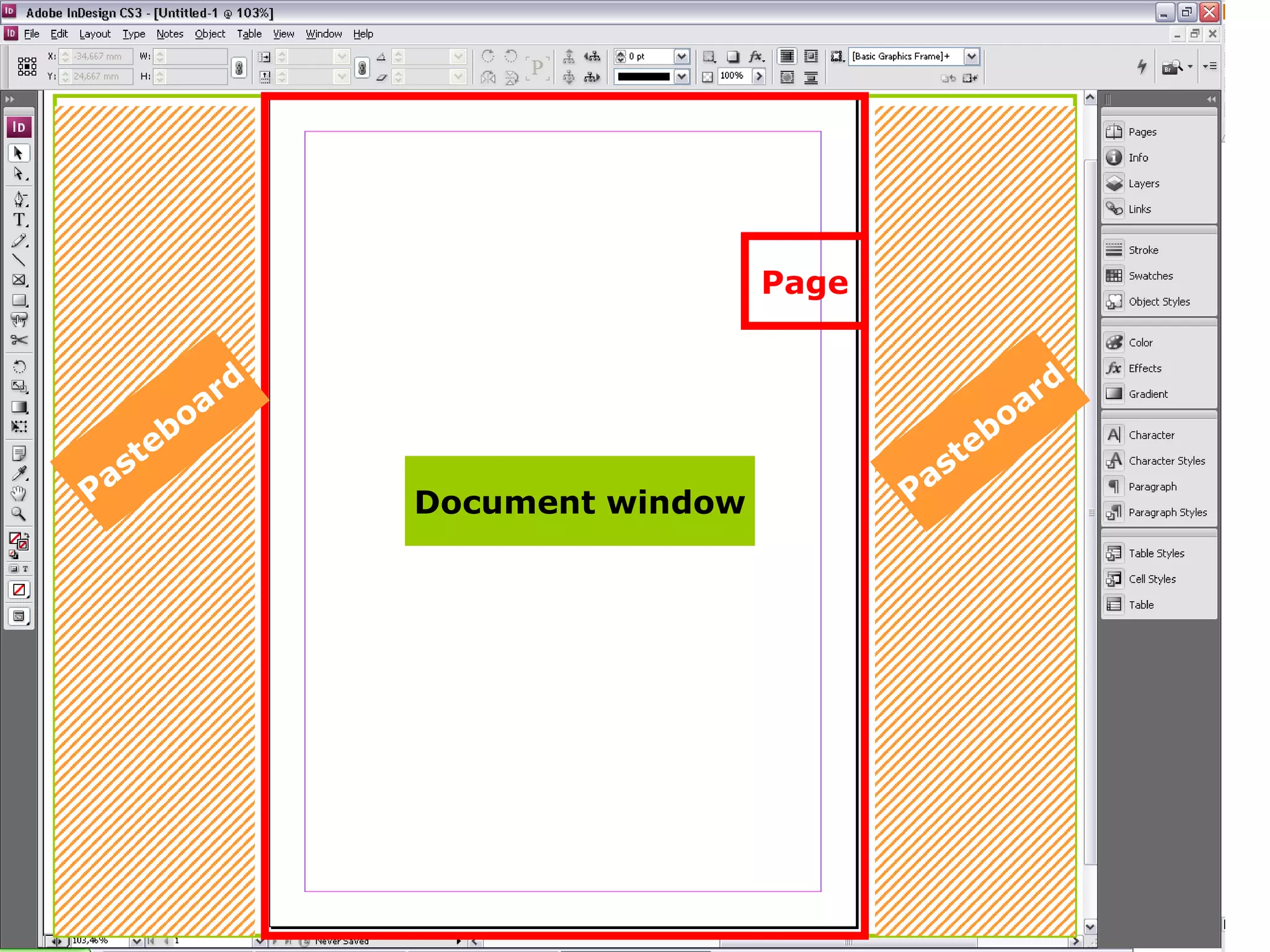
Details on the document window and features like page layout, pasteboard, and various tools available in InDesign.
Comprehensive list of tools in InDesign including selection and editing tools, along with instructions for panel and group management.
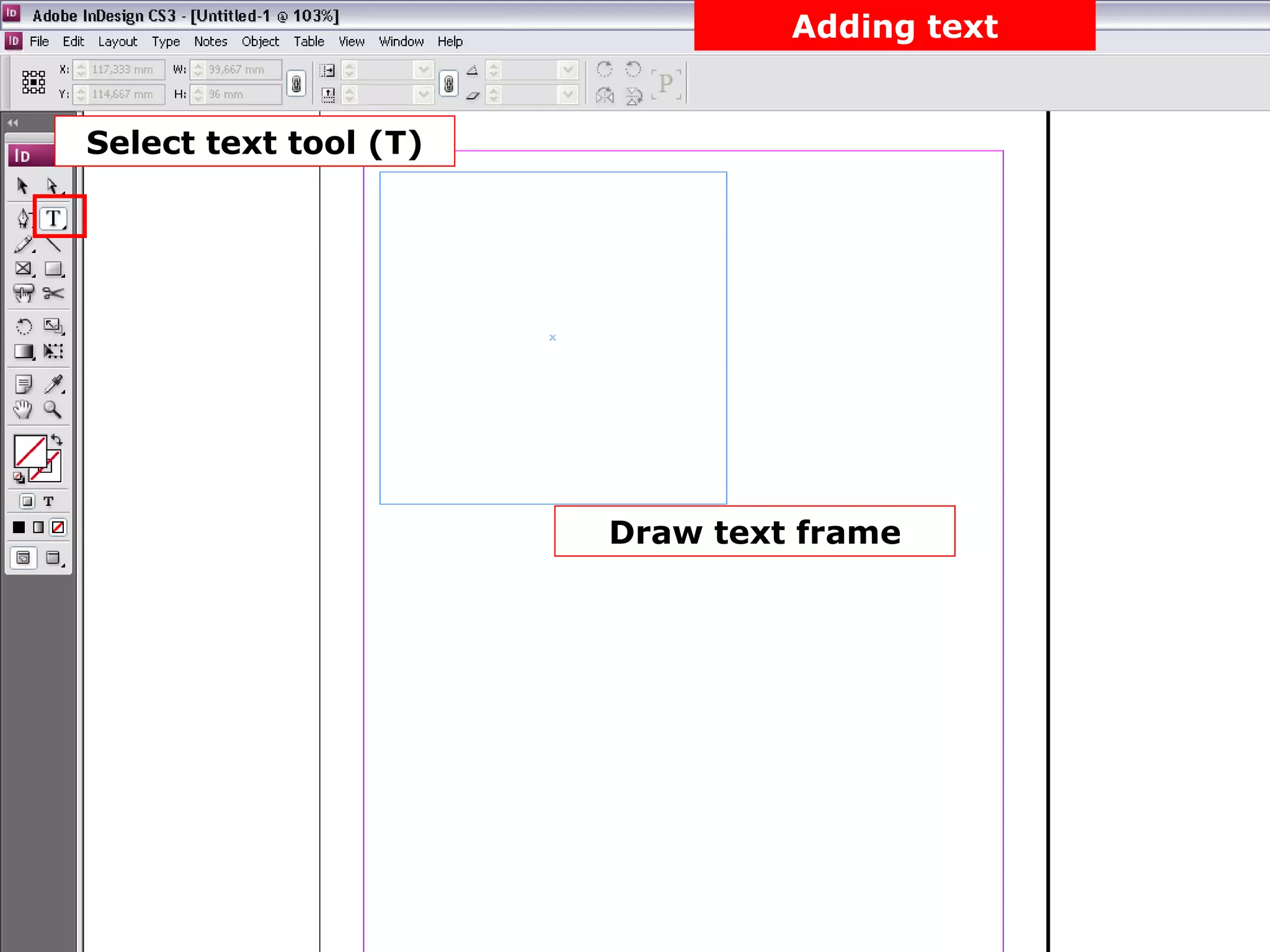
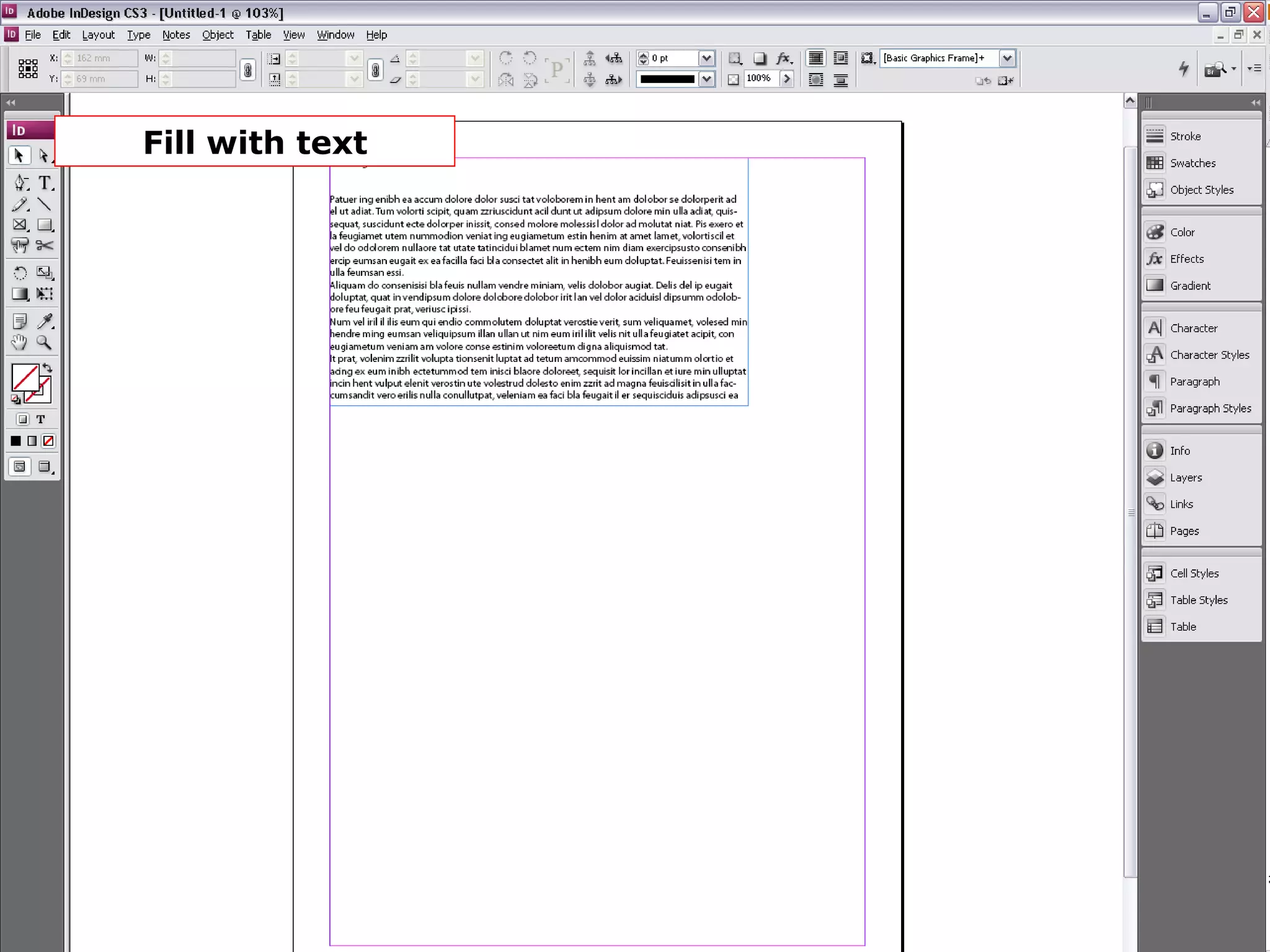
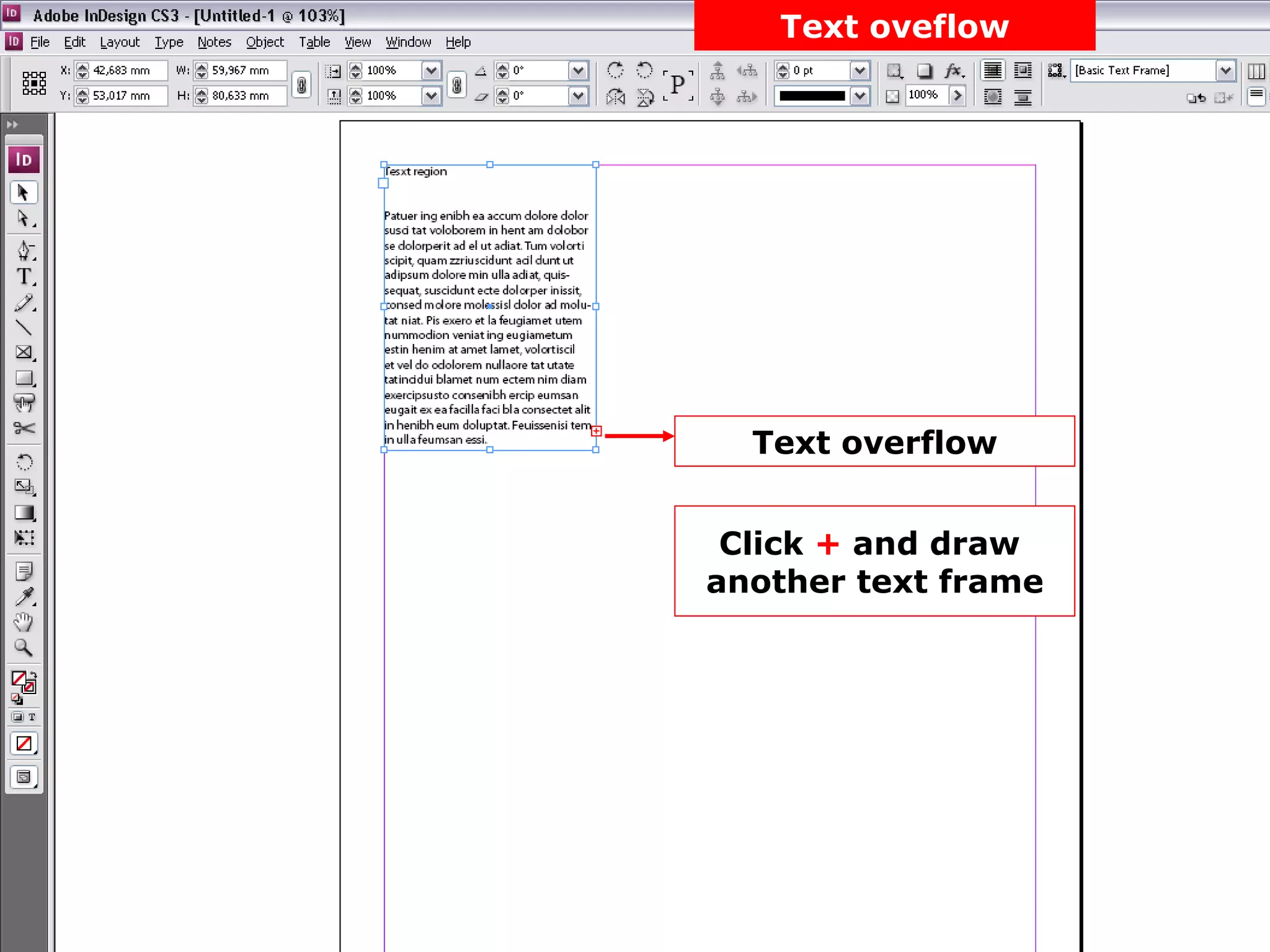
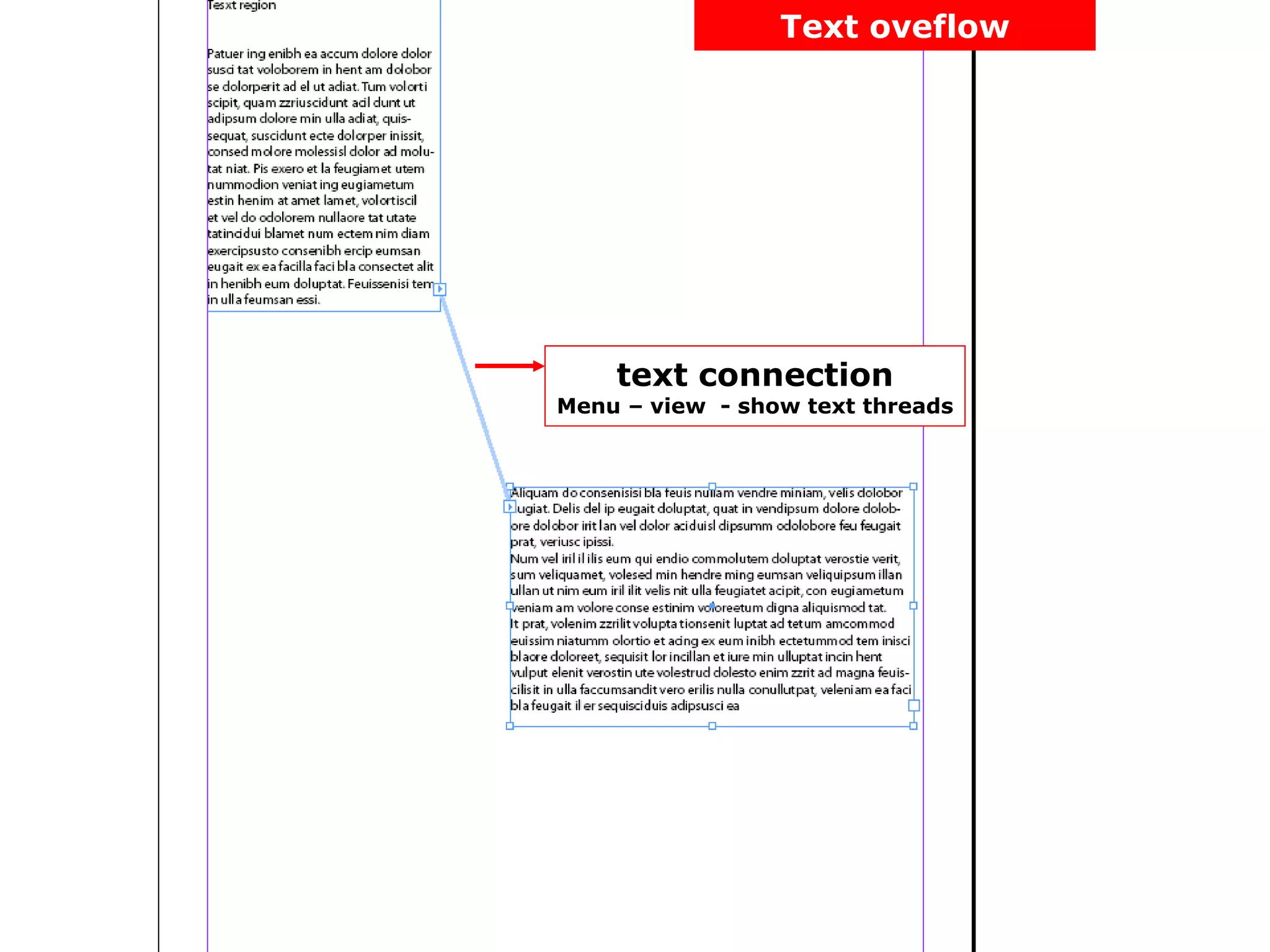
Guide to using the text tool, creating frames, and managing text overflow effectively in documents.
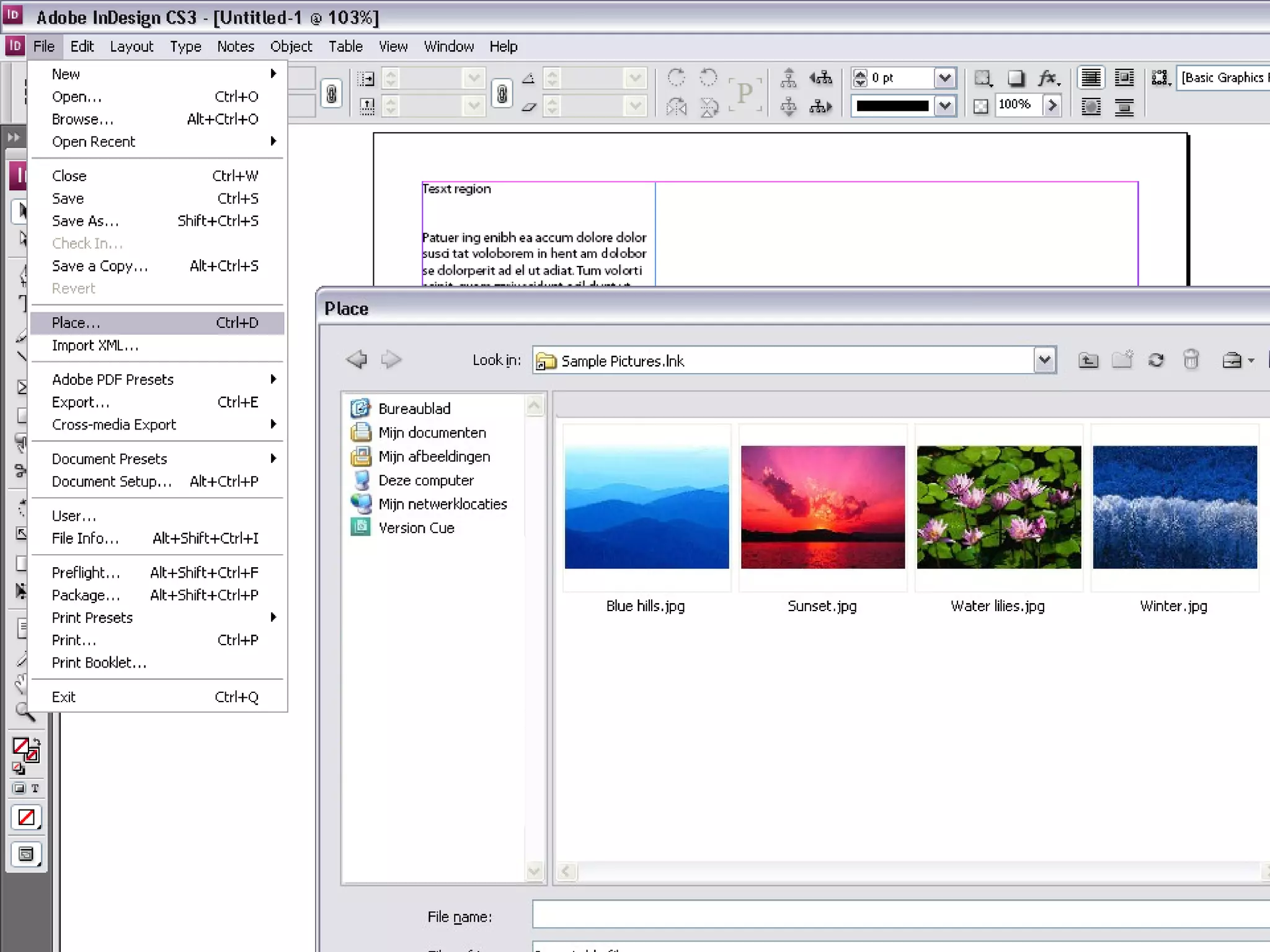
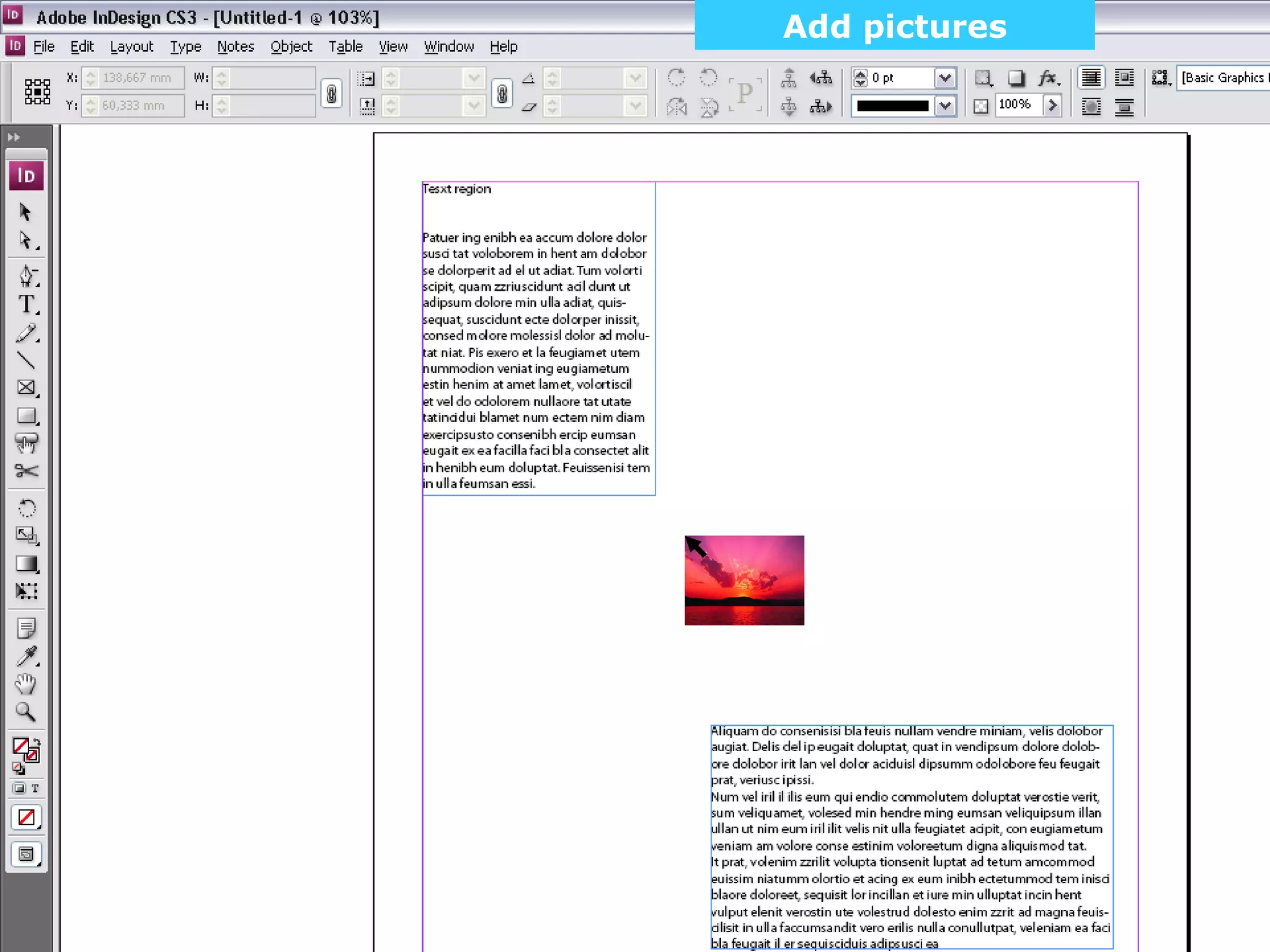
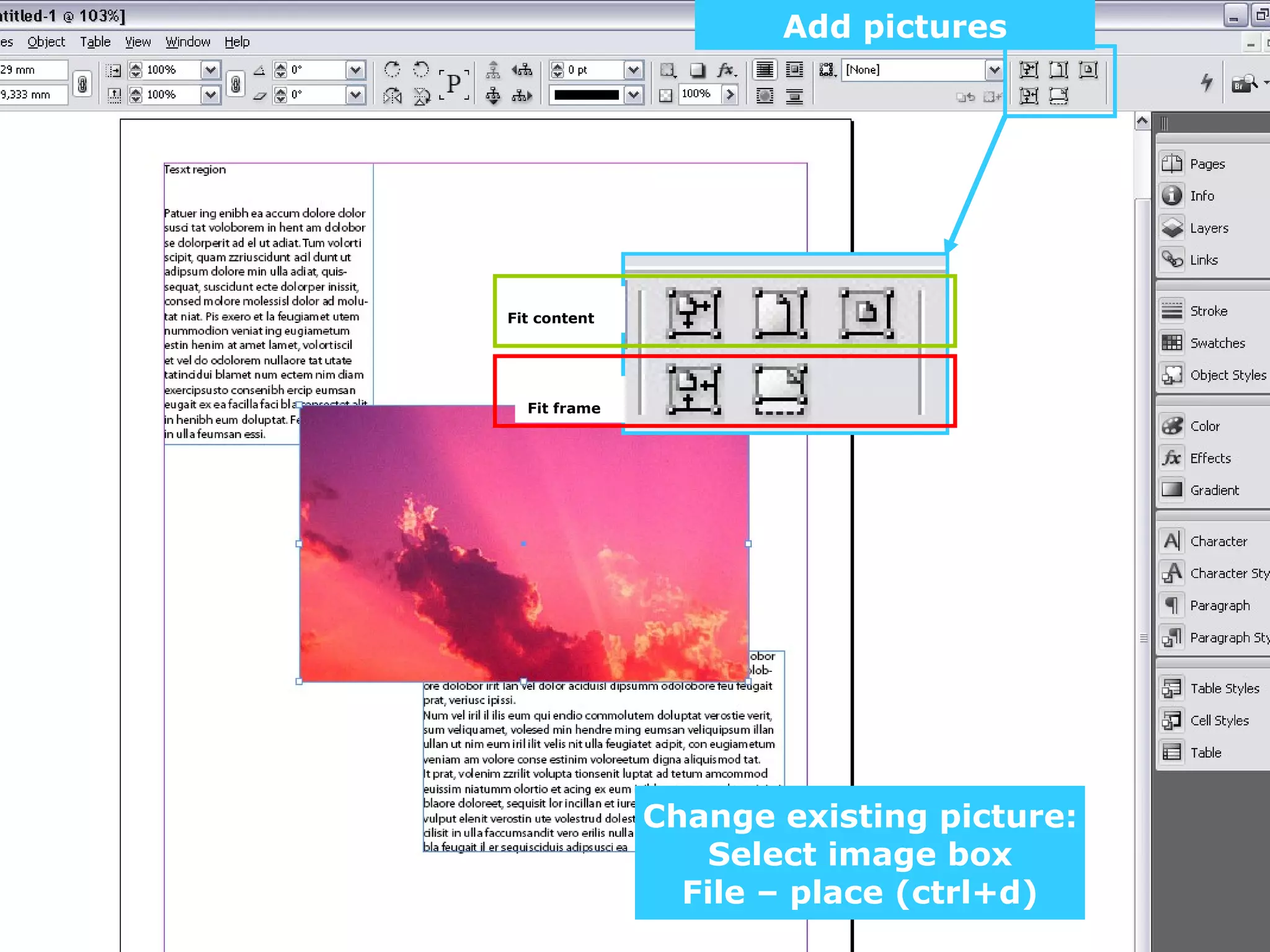
Instructions on adding and fitting images within text frames and filing options for images.
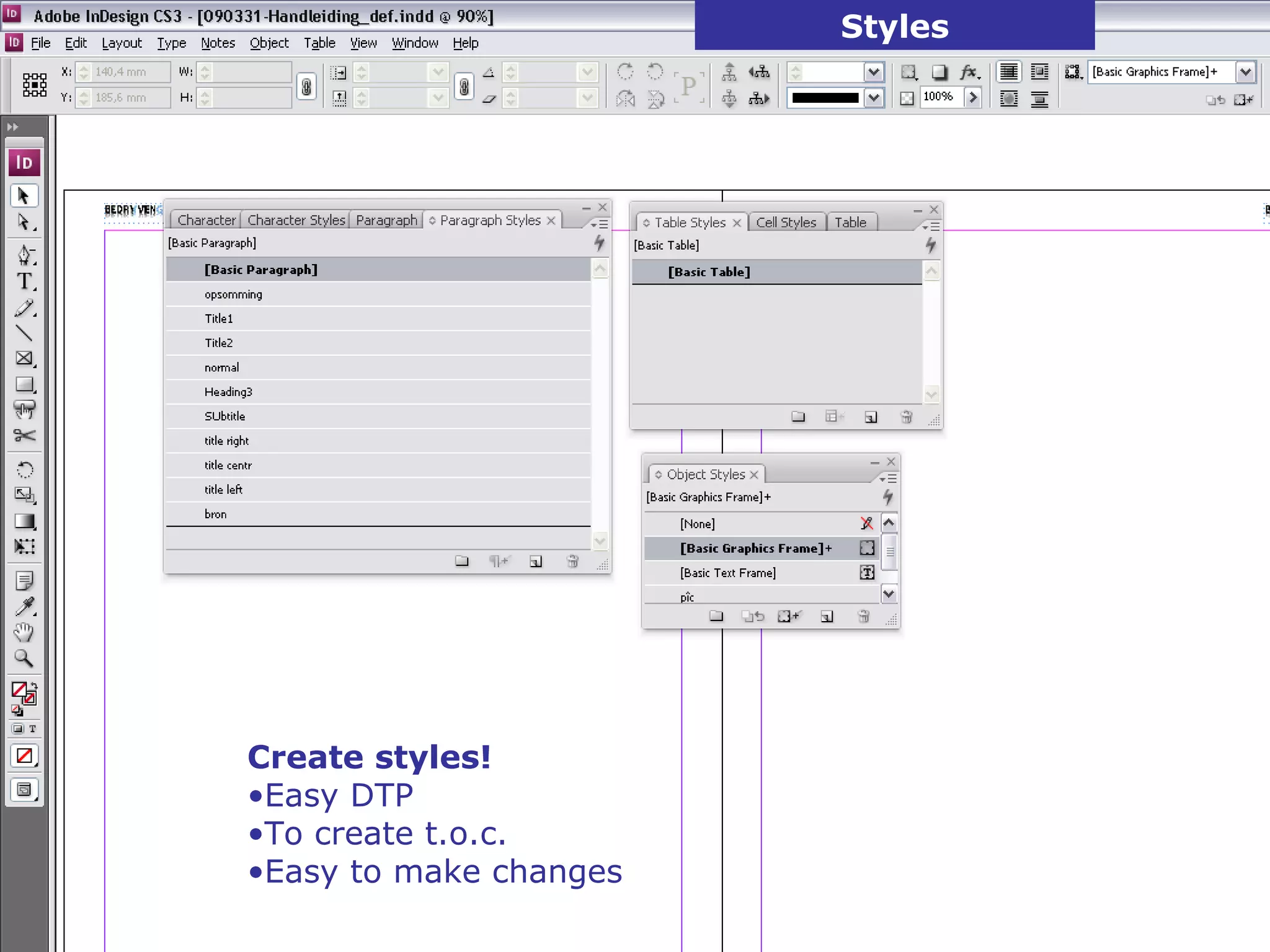
Highlighting the creation and management of styles in InDesign for efficient document formatting.
Strategies for handling large documents, including pagination and synchronizing collections of documents.
Instructions on exporting documents to PDF with options for print quality and file size for screen/web use.
End of presentation with contact information for further queries regarding InDesign.


