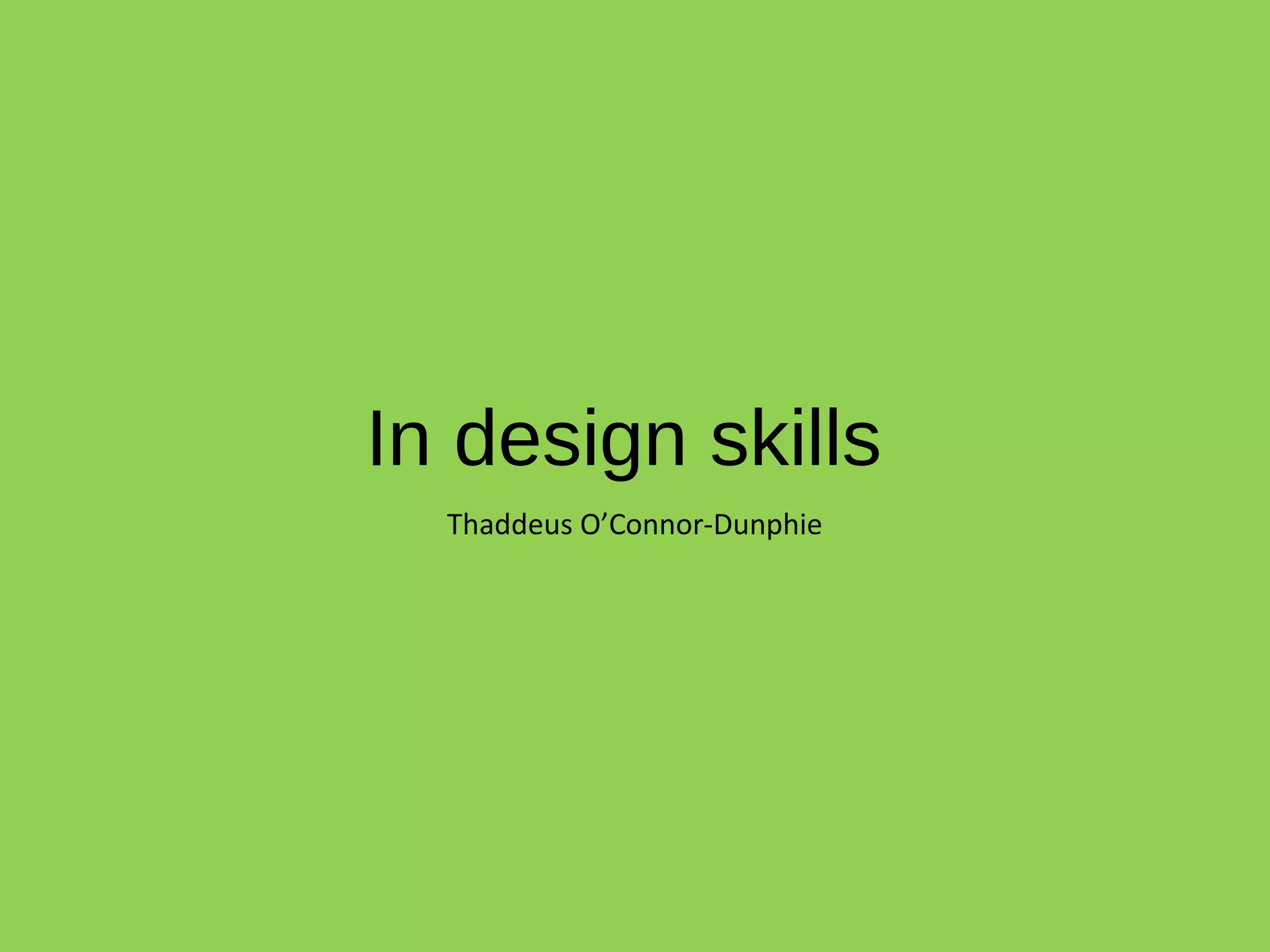
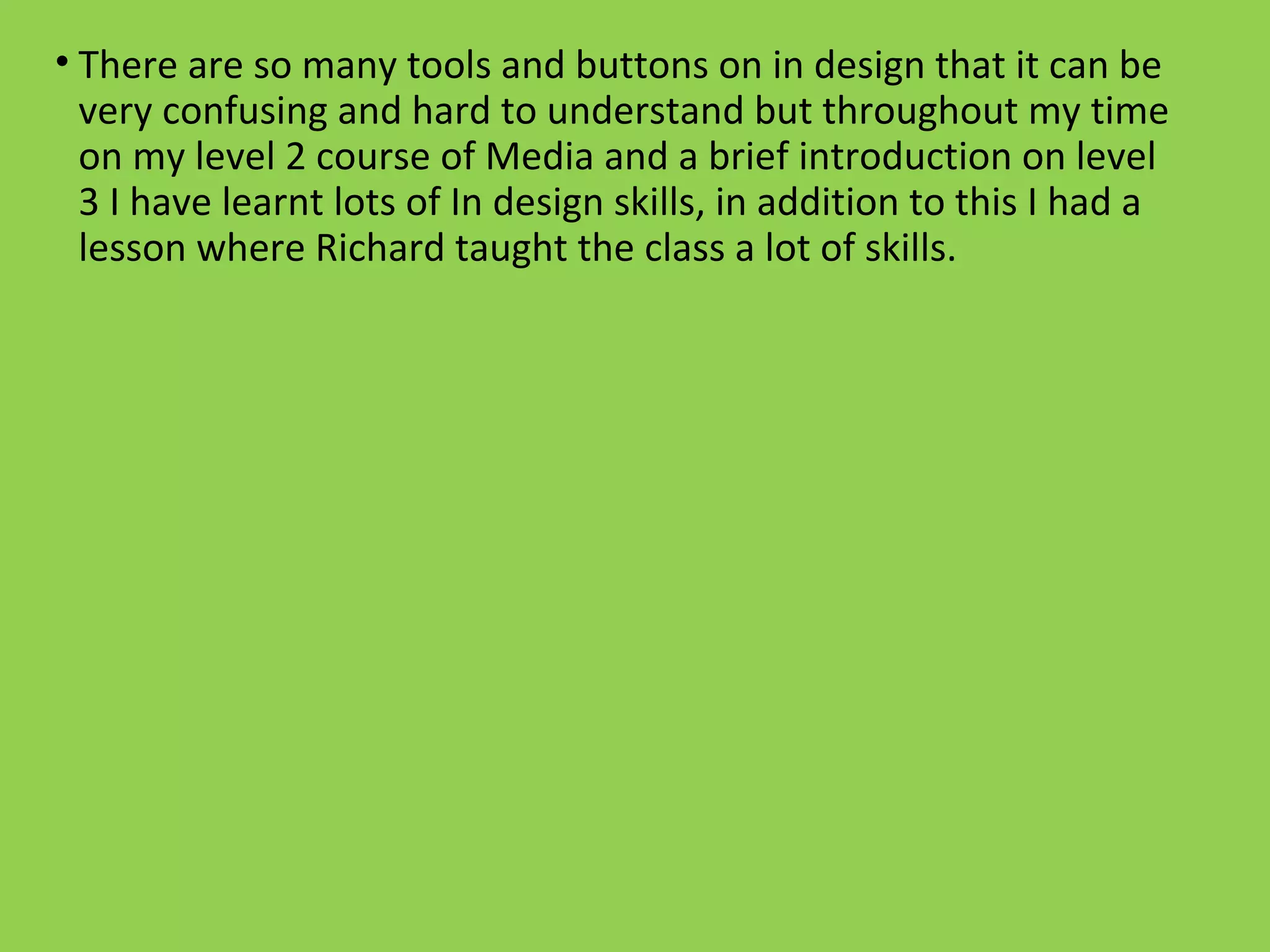
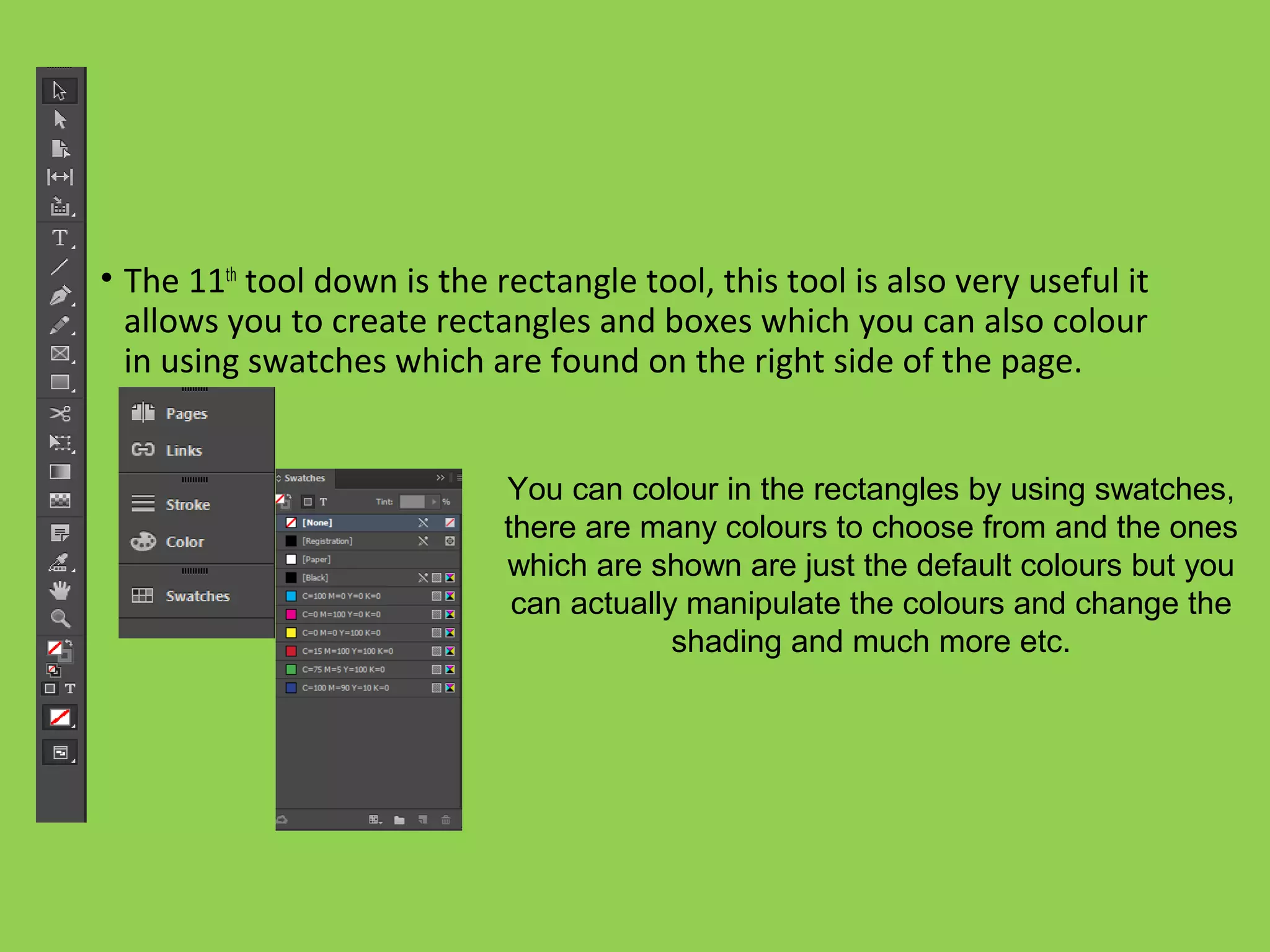
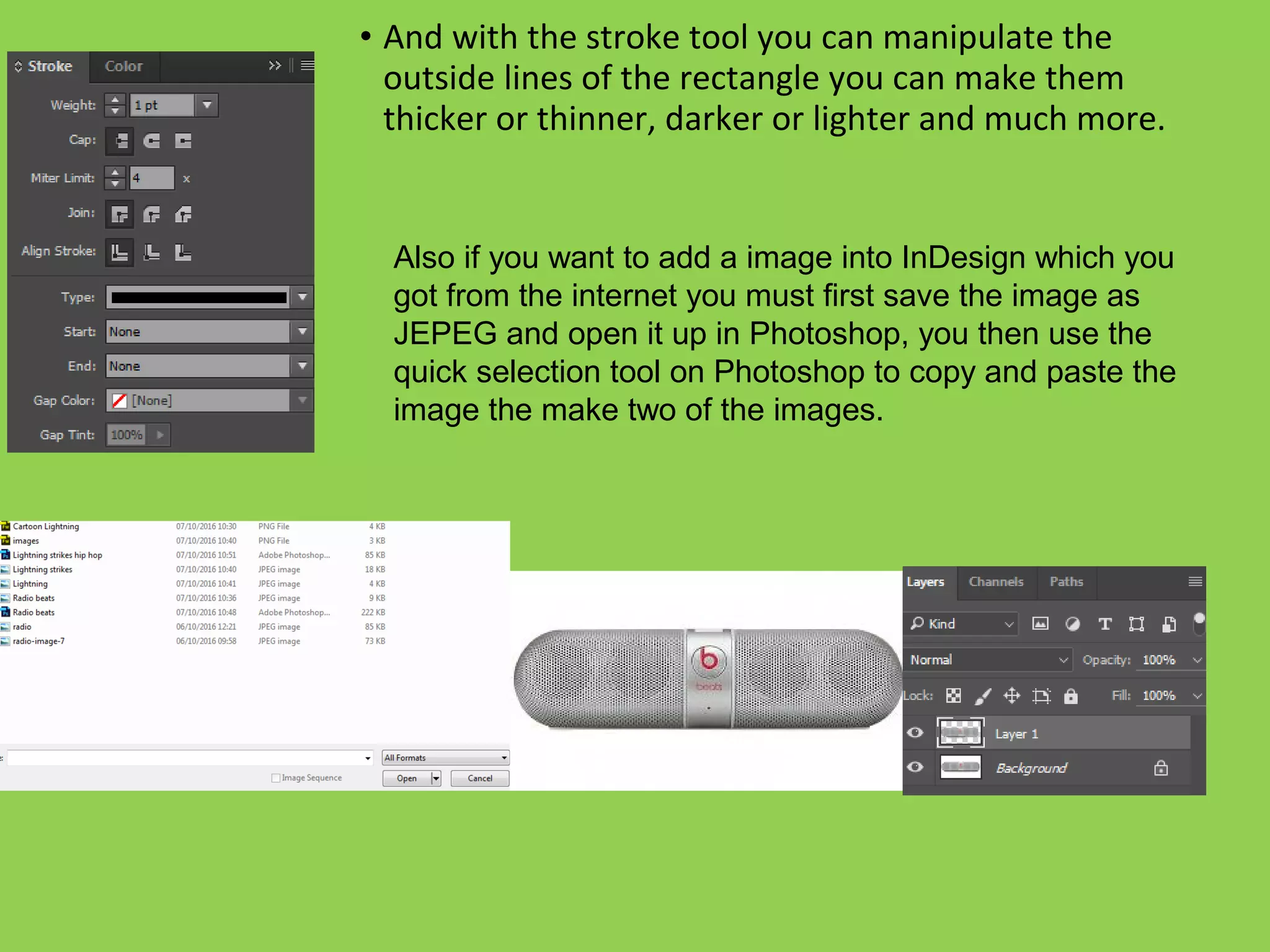
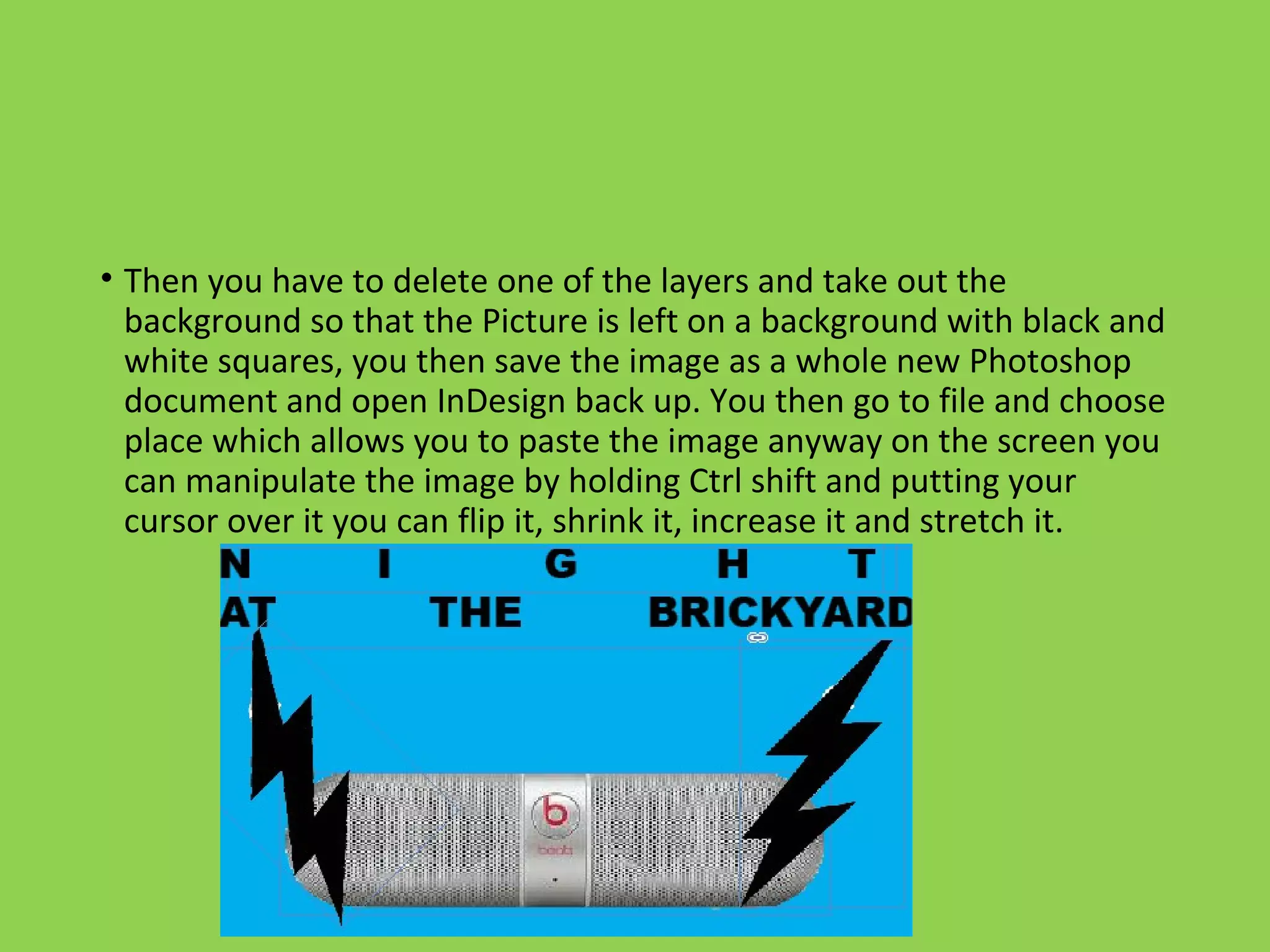
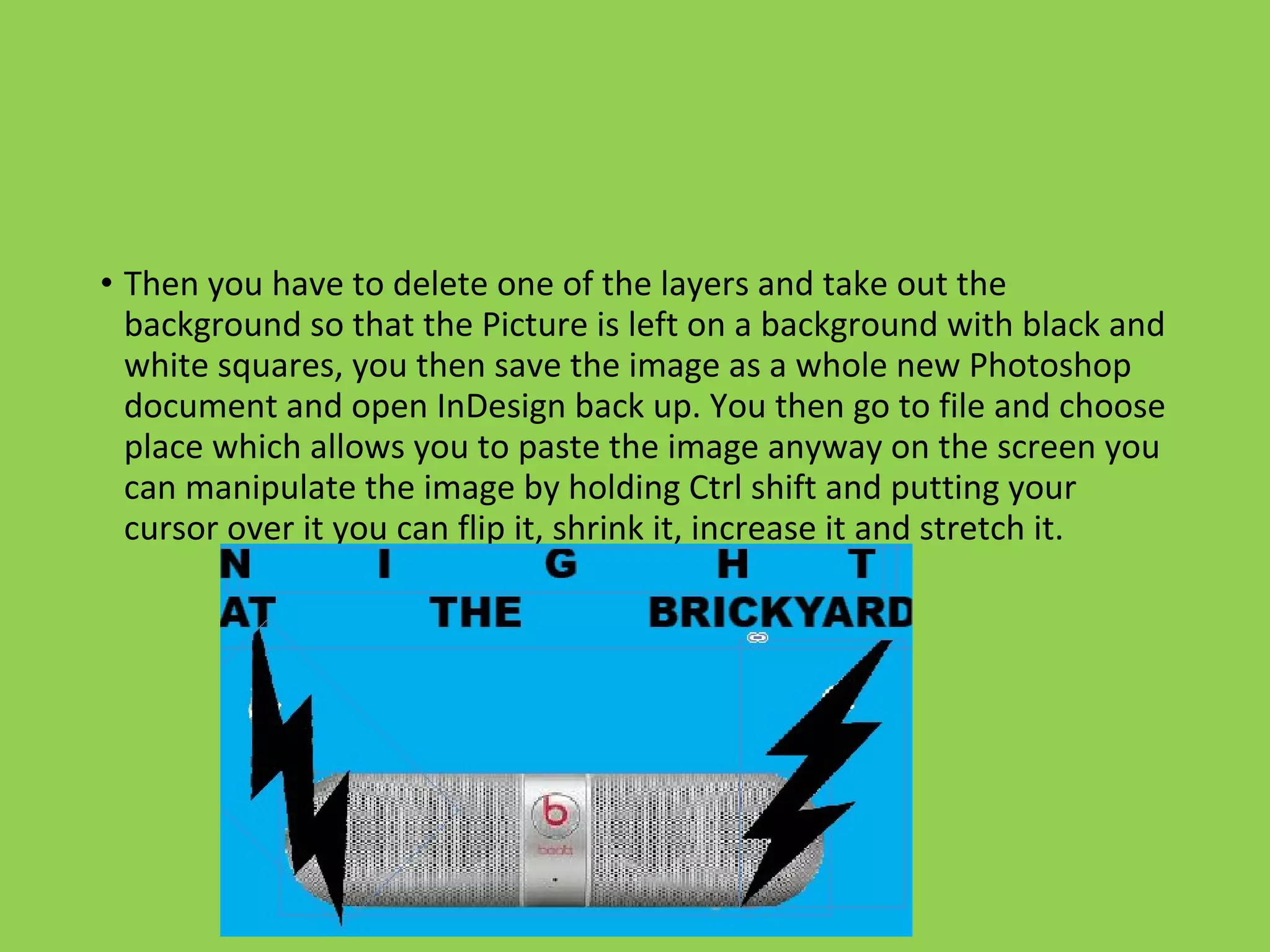
The document discusses various tools and skills used in Adobe InDesign. It describes the toolbar on the left side of the page that contains tools like the selection arrow, text tool, and rectangle tool. It explains how to use these tools to move objects, create and format text boxes, and draw and color rectangles. The document also provides instructions for importing images from Photoshop into InDesign, such as saving images with transparent backgrounds and using keyboard shortcuts to manipulate placed images.