Importance |&| Basics
of Computer education
-For School students
BY: P V SRIRAM
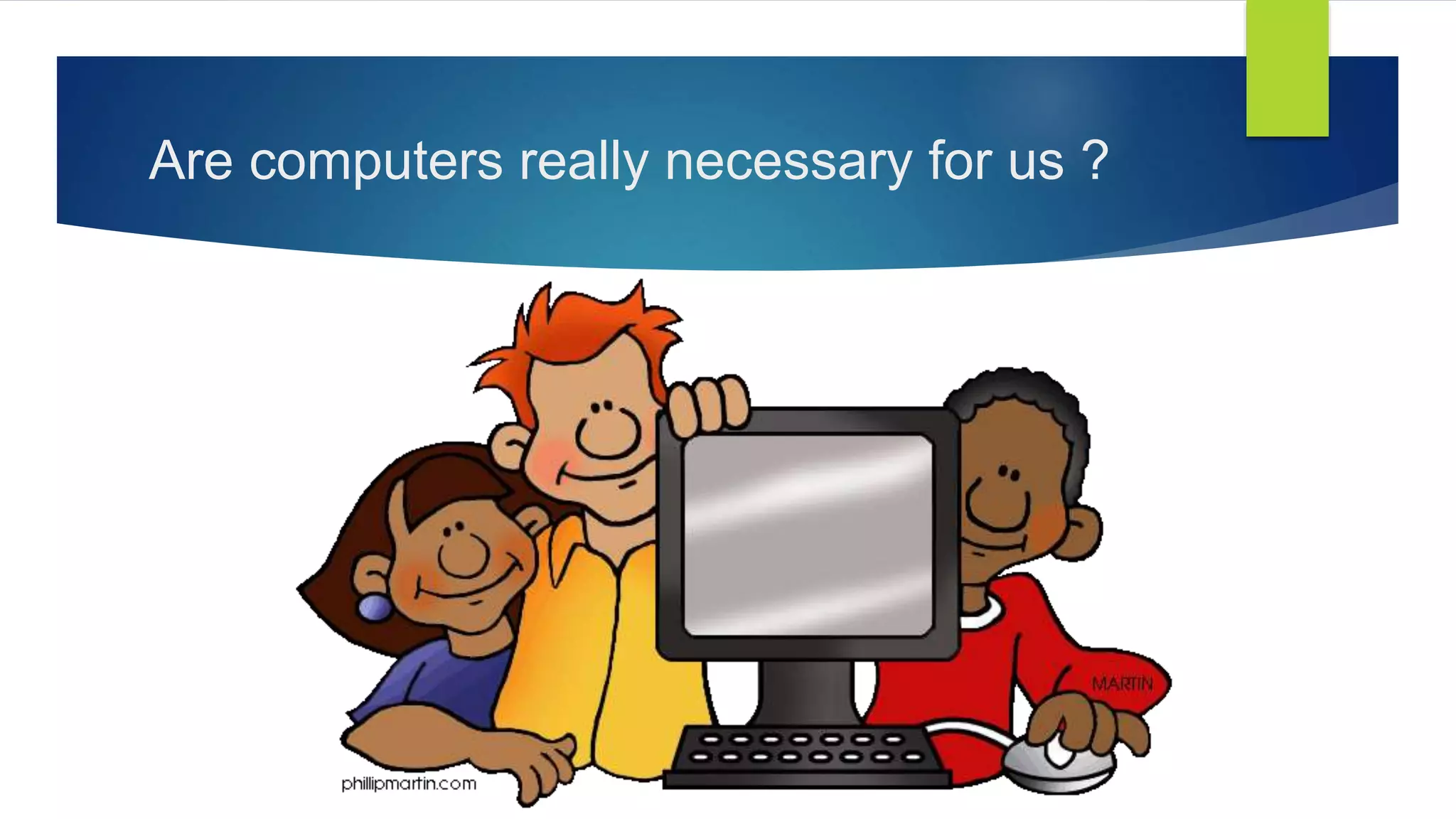
Are computers really necessary for us ?
Expression
Visual
Presentations
Websites, Blogs
Mini projects
How tools work
Analyses
Information
Technology as a
vehicle
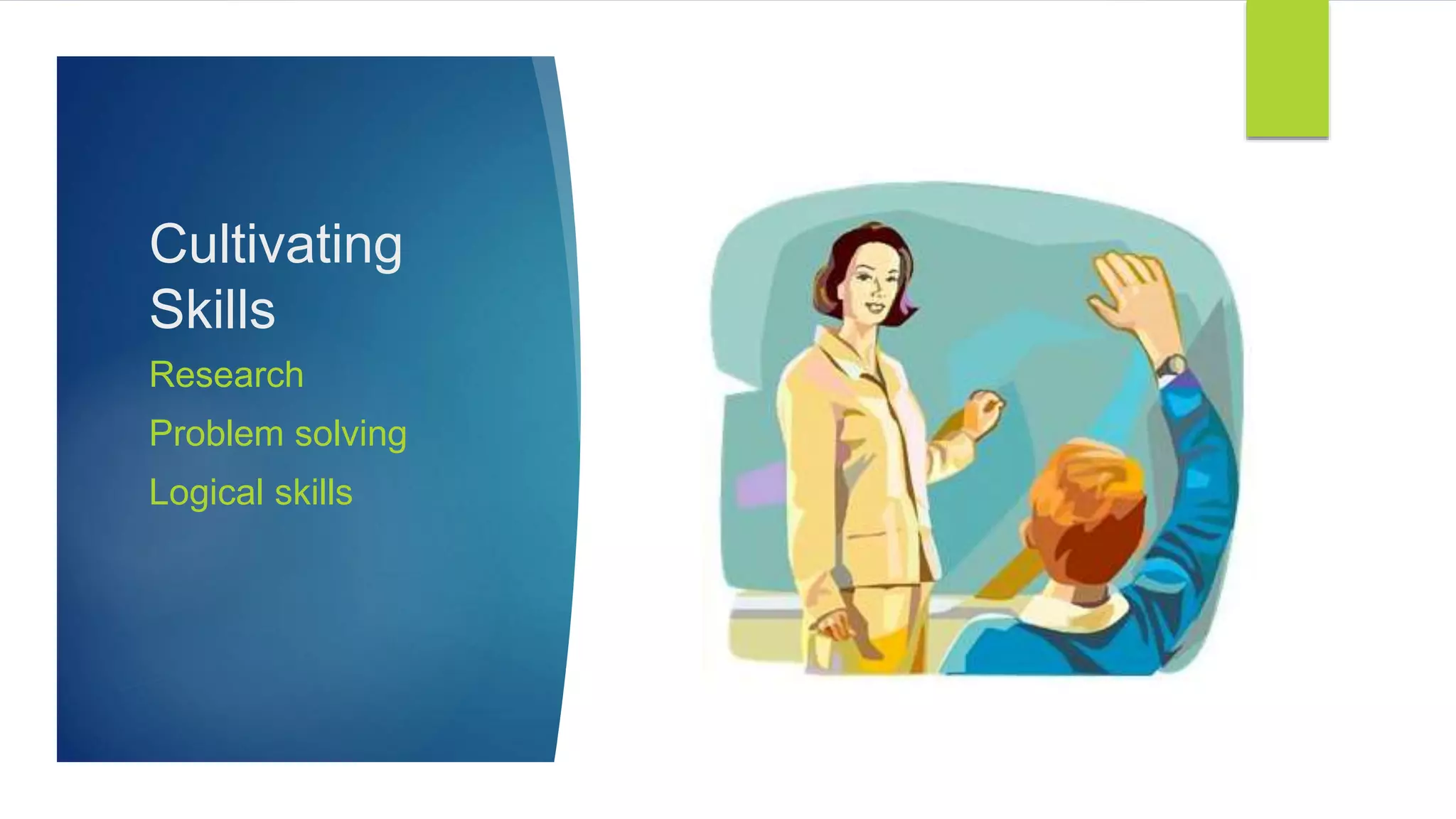
Cultivating
Skills
Research
Problem solving
Logical skills
Builds
confidence
Tech + Books
Motivation
Information
searching
Using tools
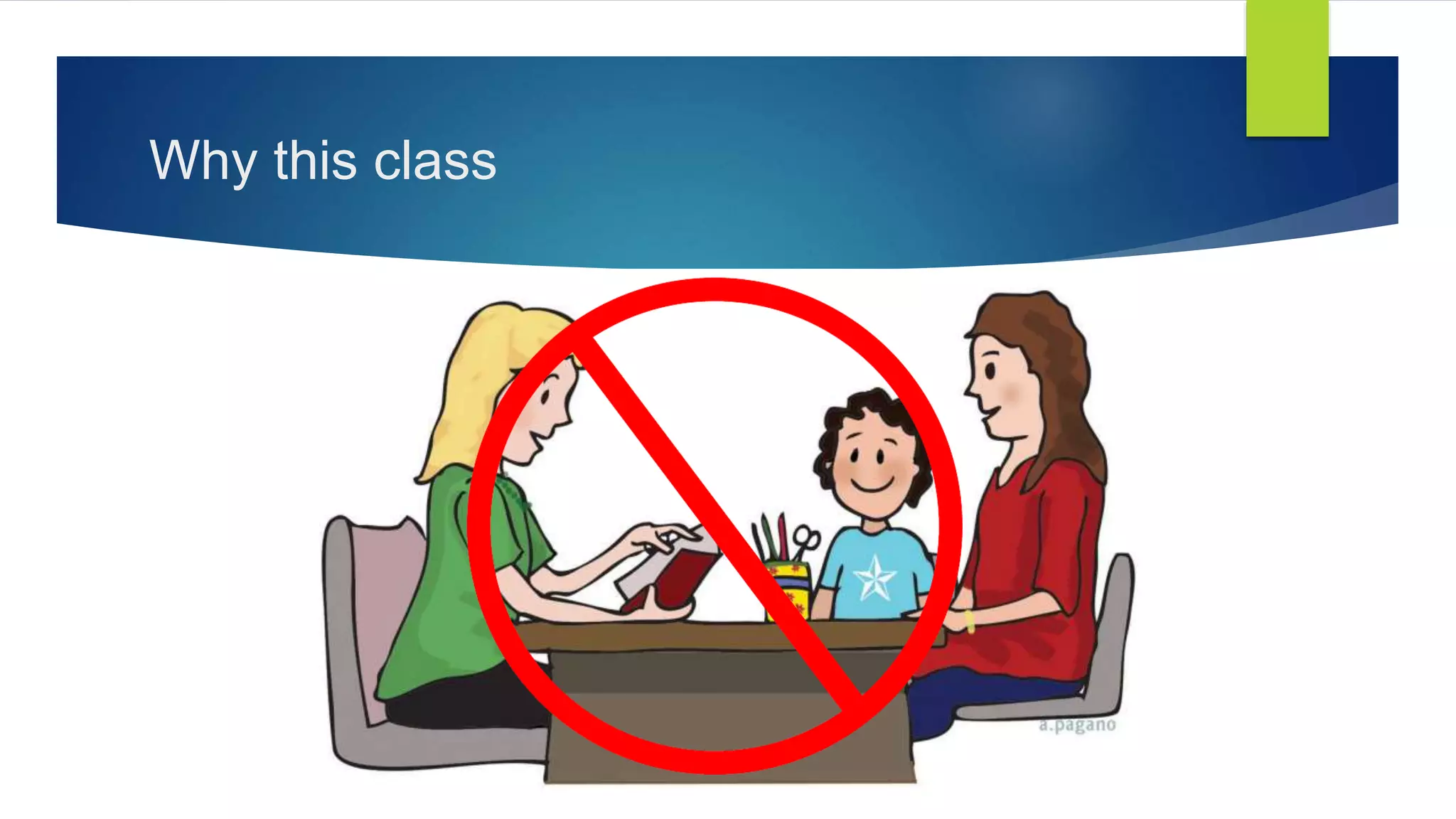
Why this class
INDEX
 Chap-1: What is a COMPUTER ?
 Chap-2: What is I/O, Hardware and Software – Examples ?
 Chap-3: Understanding a Software and its purpose.
 Chap-4: How does a computer works ?
 Chap-5: What's next level of computing ?
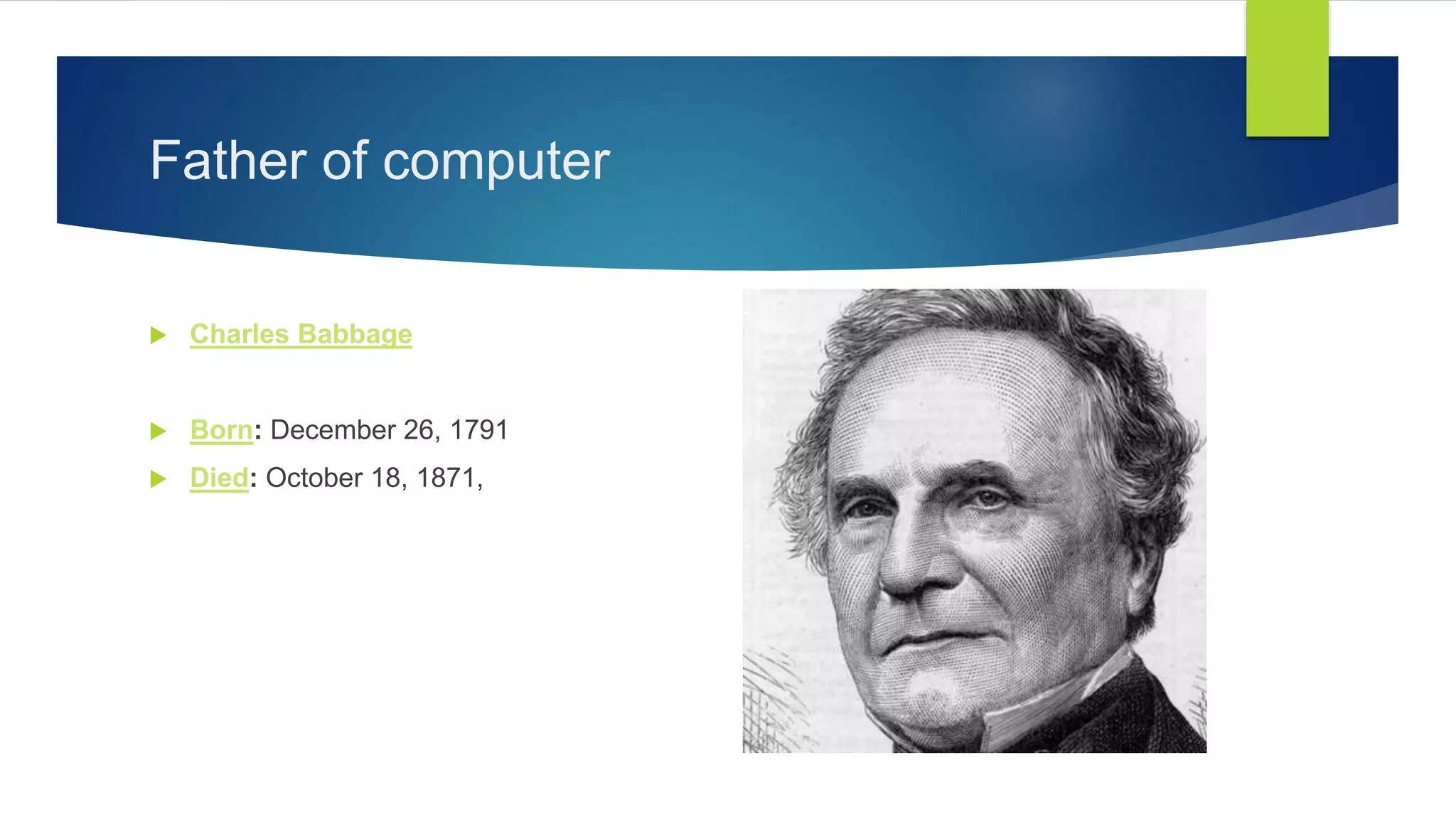
Father of computer
 Charles Babbage
 Born: December 26, 1791
 Died: October 18, 1871,
Chapter - 1
What is a computer
Types of computers
Generations of computers
Applications
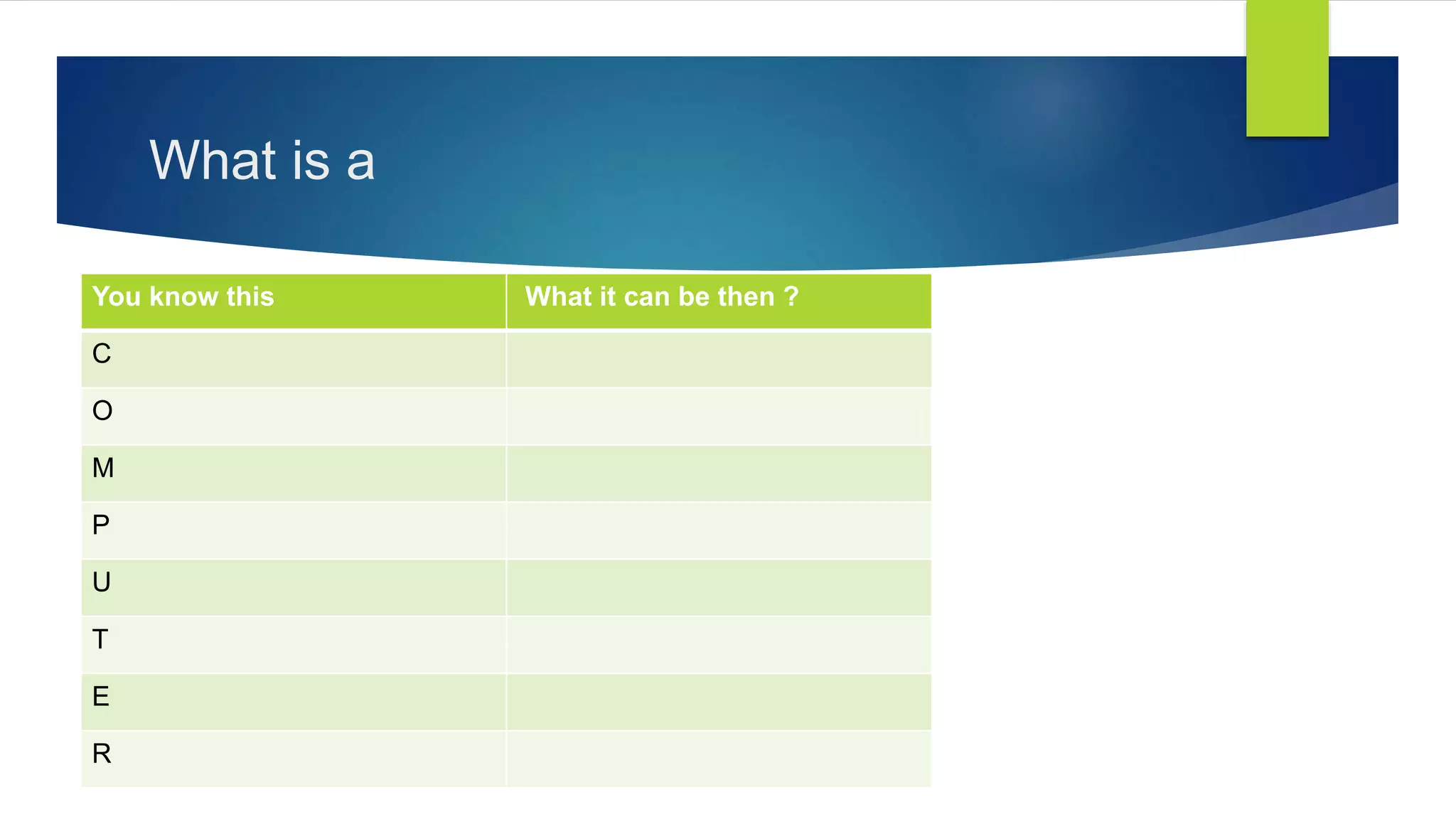
What is a
You know this What it can be then ?
C
O
M
P
U
T
E
R
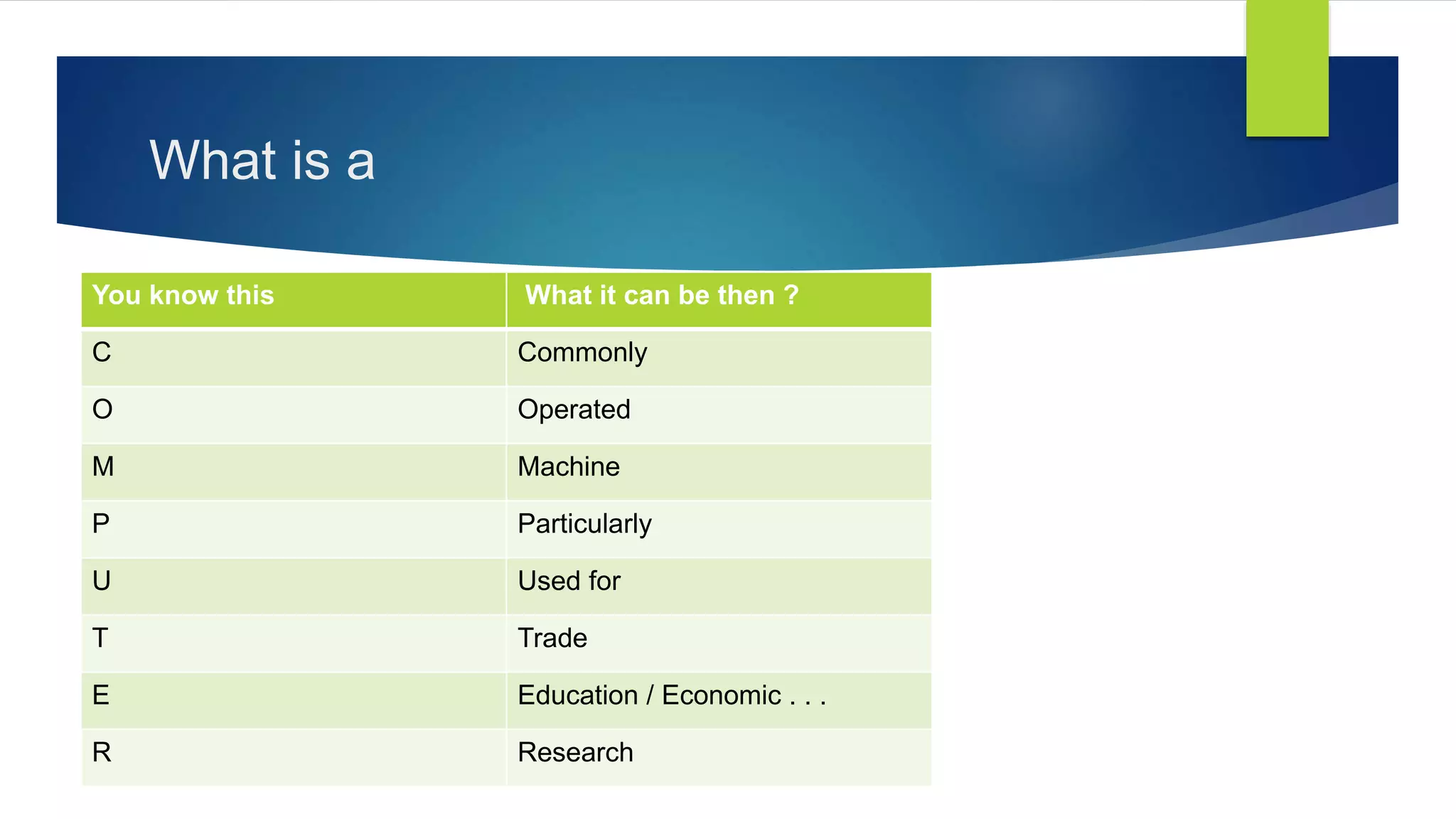
What is a
You know this What it can be then ?
C Commonly
O Operated
M Machine
P Particularly
U Used for
T Trade
E Education / Economic . . .
R Research
Types of Computers
By Size
By Function
By Usage
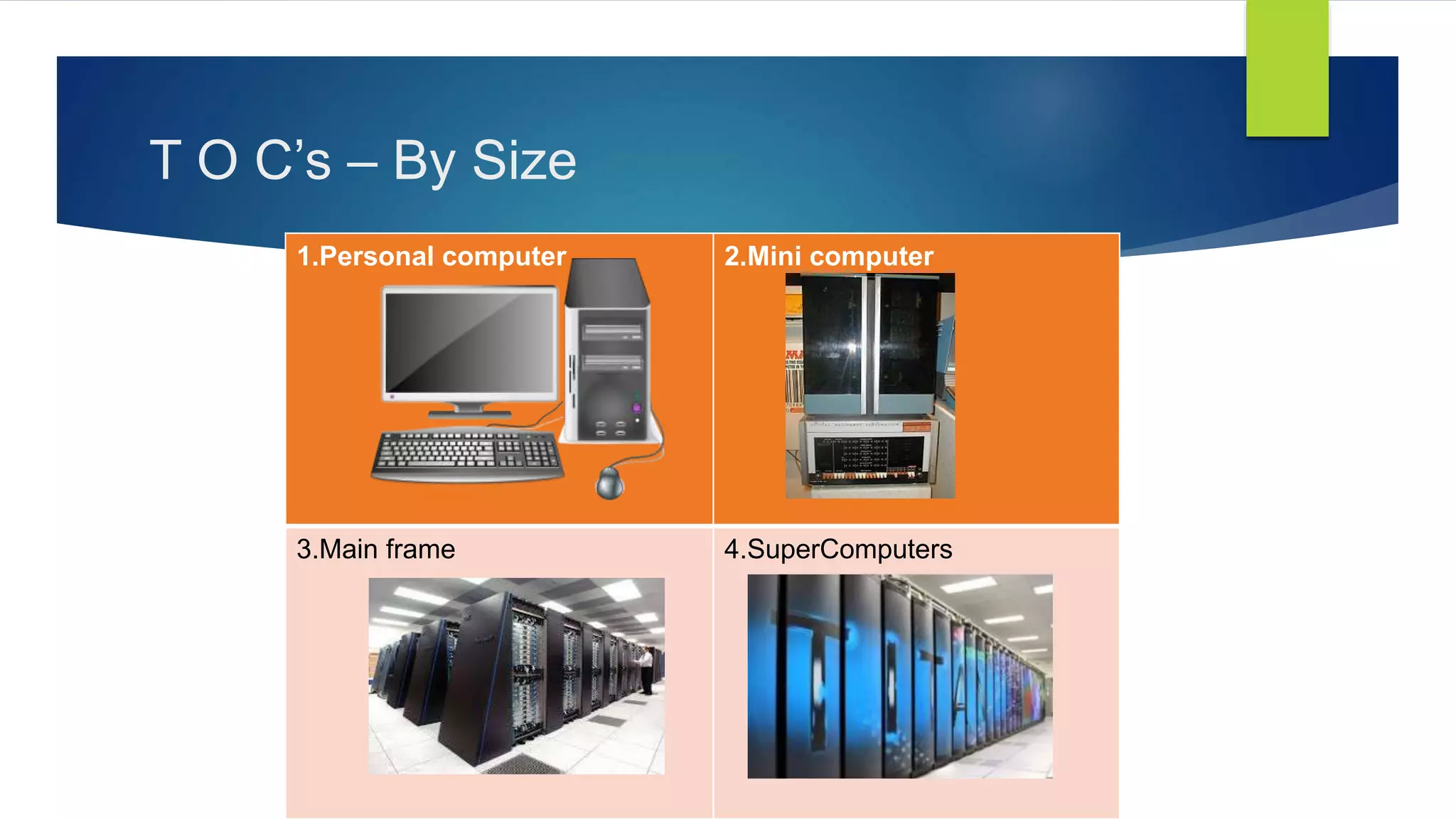
T O C’s – By Size
1.Personal computer 2.Mini computer
3.Main frame 4.SuperComputers
T O C’s by Function and Usage
ByFunction
Servers
Workstations
Information
Appliances
Embedded
Systems
ByUsage
Personal
Public
Display
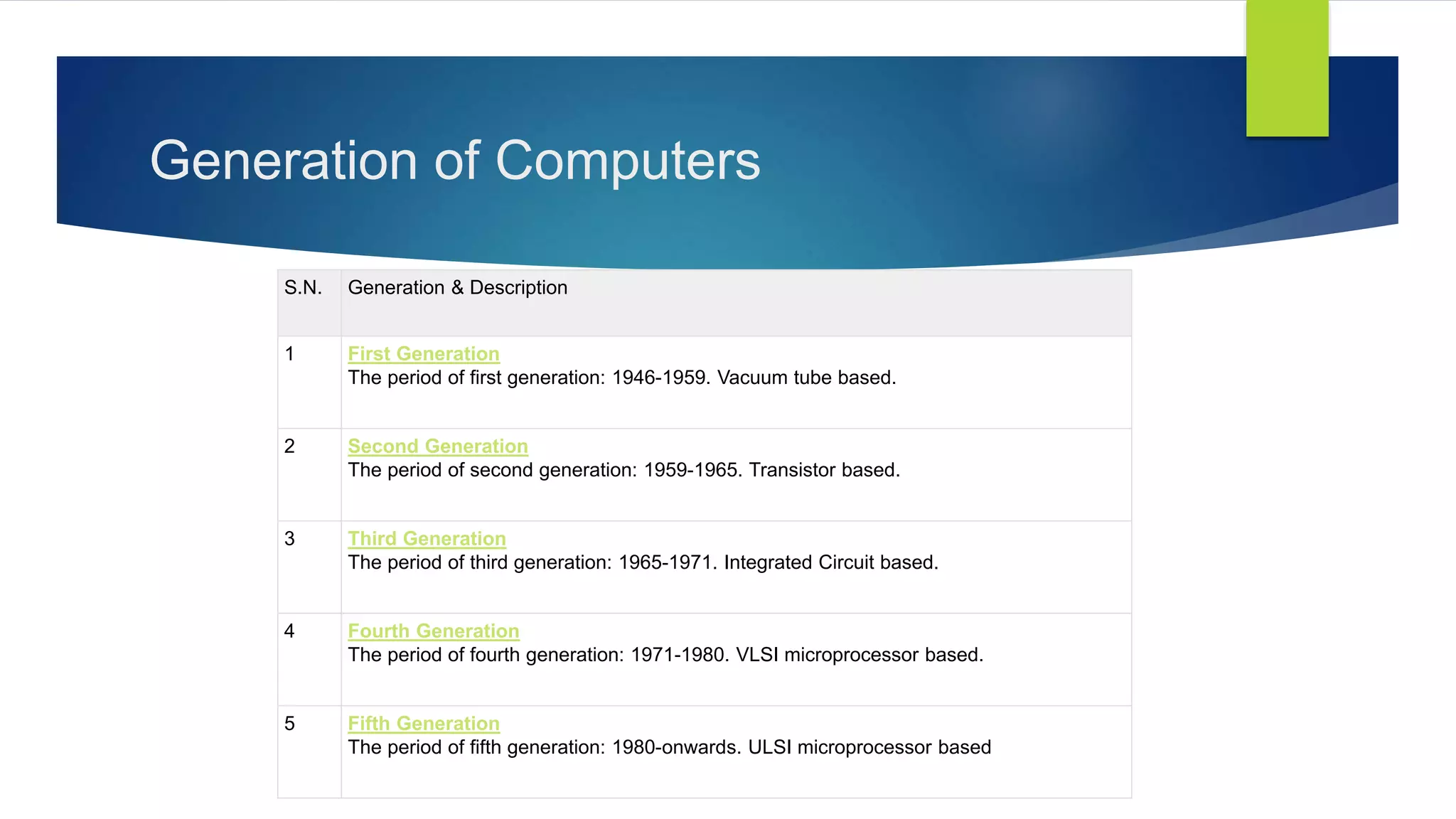
Generation of Computers
S.N. Generation & Description
1 First Generation
The period of first generation: 1946-1959. Vacuum tube based.
2 Second Generation
The period of second generation: 1959-1965. Transistor based.
3 Third Generation
The period of third generation: 1965-1971. Integrated Circuit based.
4 Fourth Generation
The period of fourth generation: 1971-1980. VLSI microprocessor based.
5 Fifth Generation
The period of fifth generation: 1980-onwards. ULSI microprocessor based
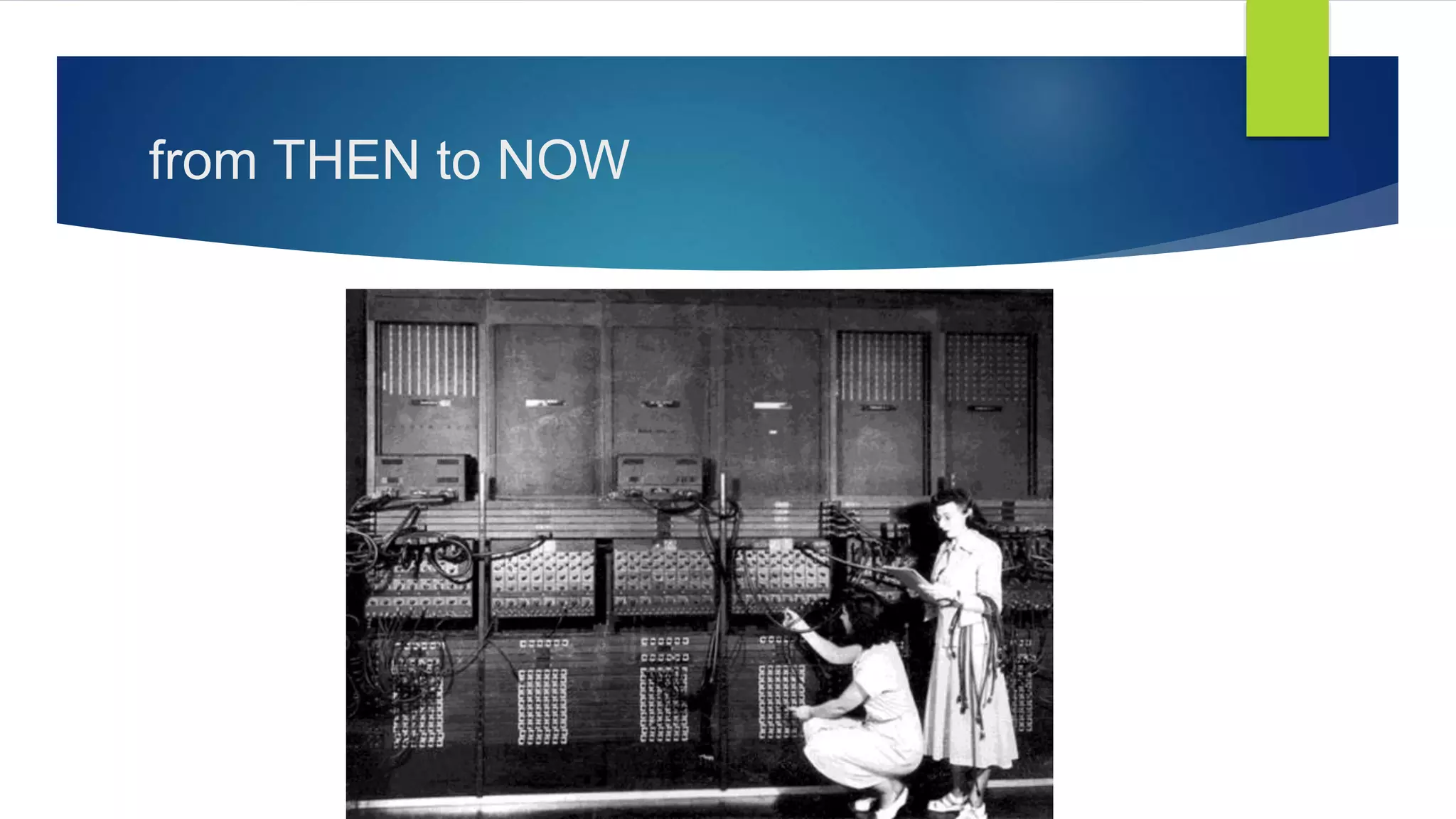
from THEN to NOW
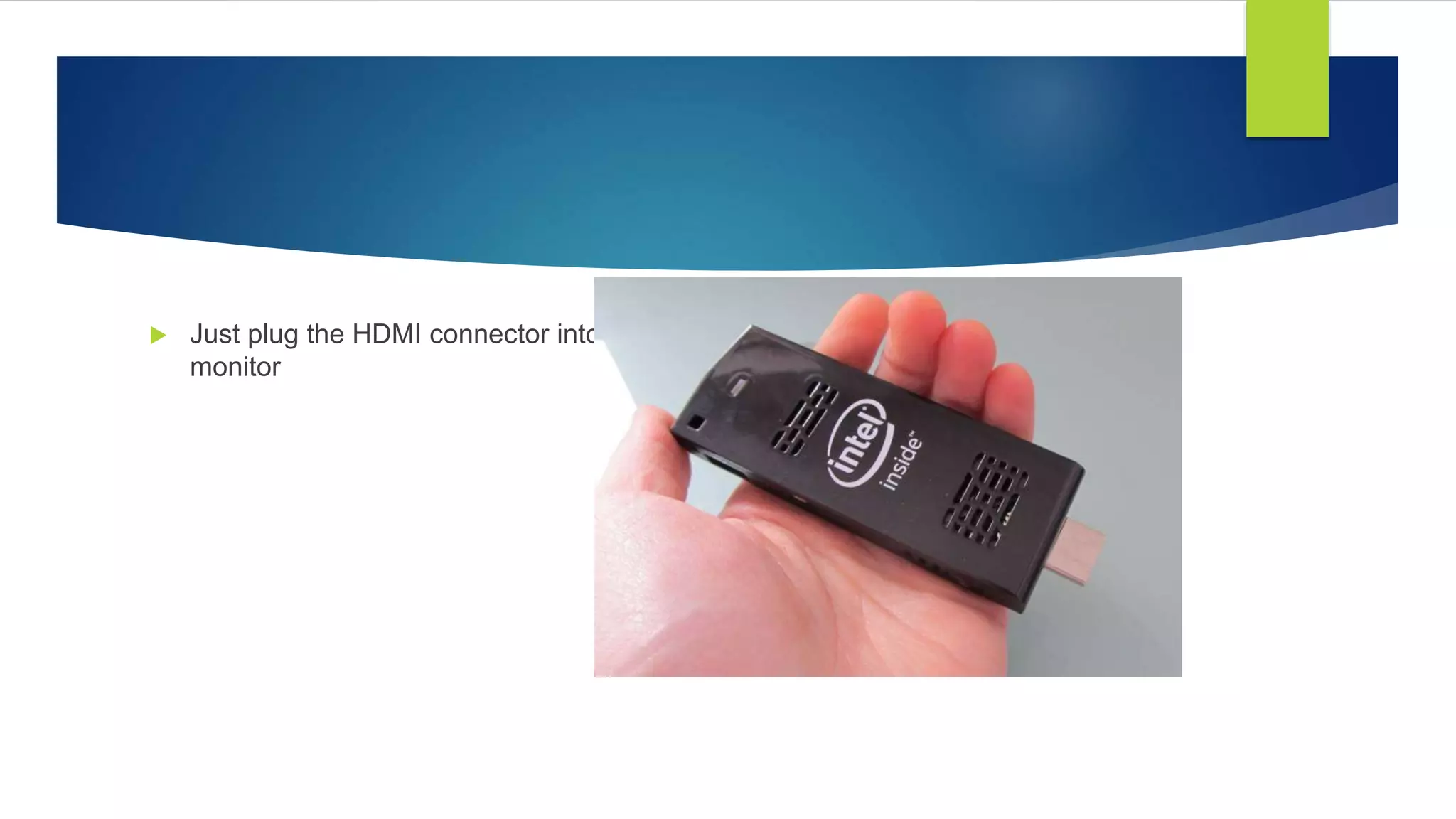
 Just plug the HDMI connector into a TV or
monitor
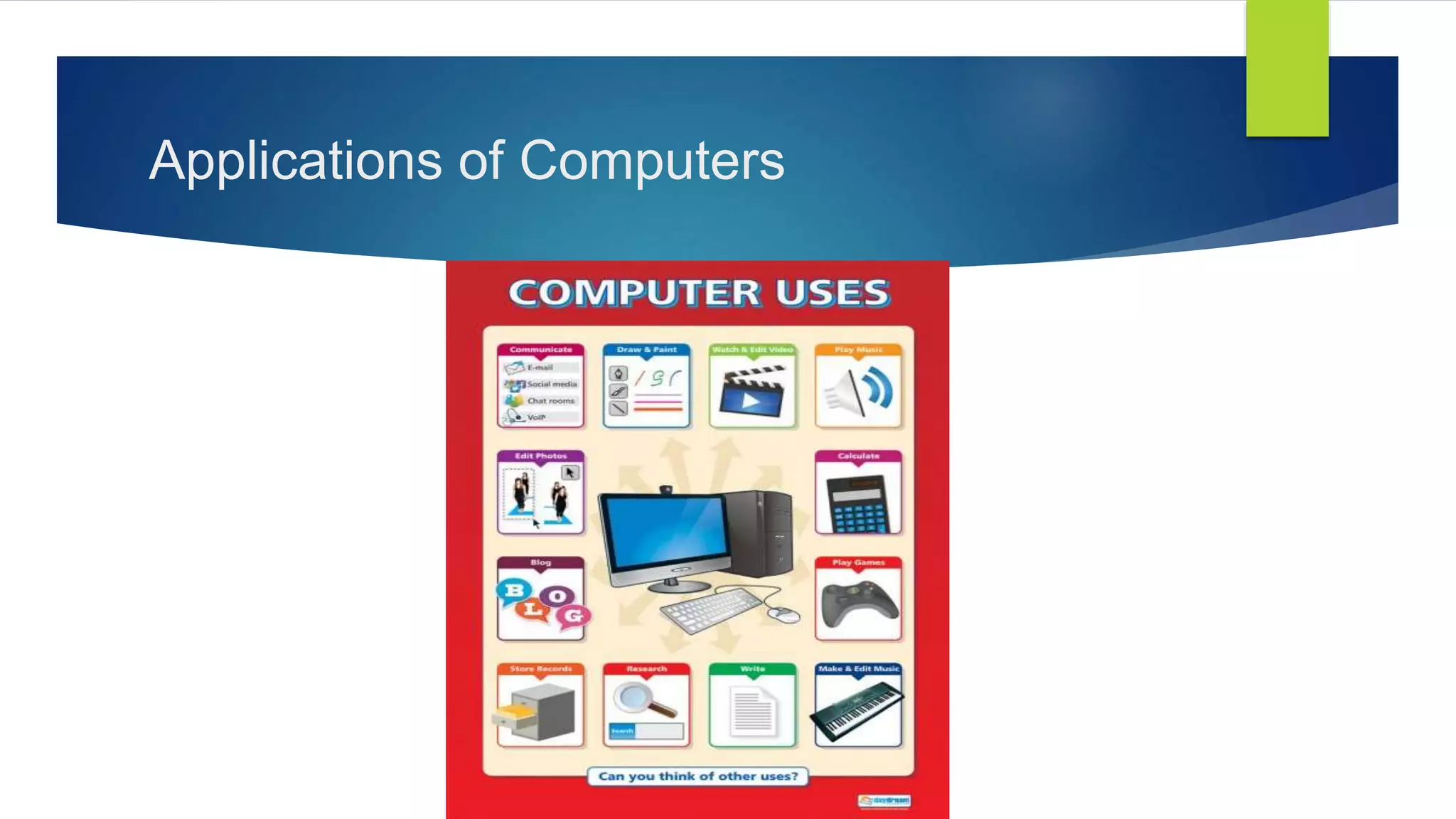
Applications of Computers
Chapter - 2
I/O
Hardware
Software
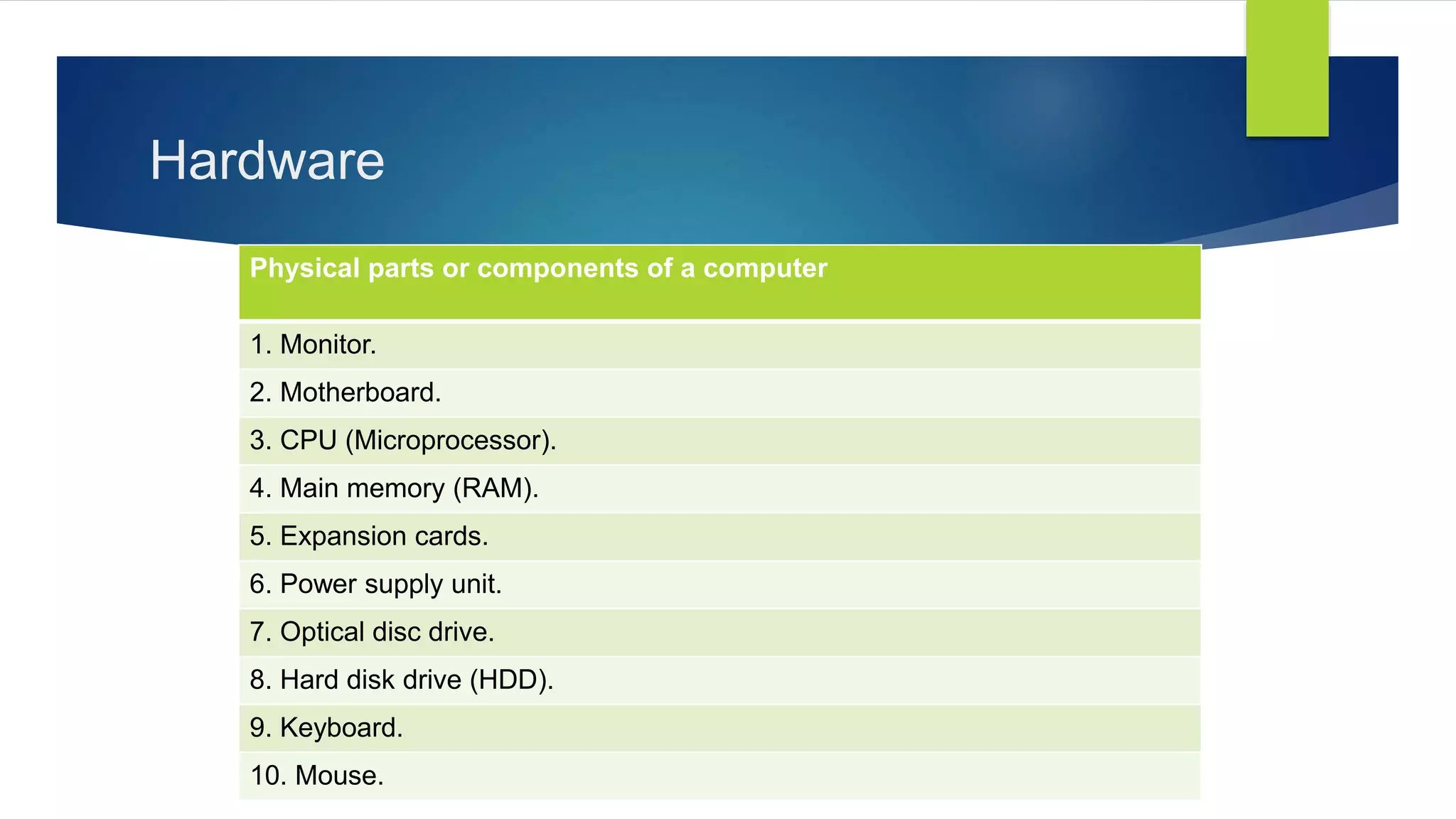
Hardware
Physical parts or components of a computer
1. Monitor.
2. Motherboard.
3. CPU (Microprocessor).
4. Main memory (RAM).
5. Expansion cards.
6. Power supply unit.
7. Optical disc drive.
8. Hard disk drive (HDD).
9. Keyboard.
10. Mouse.
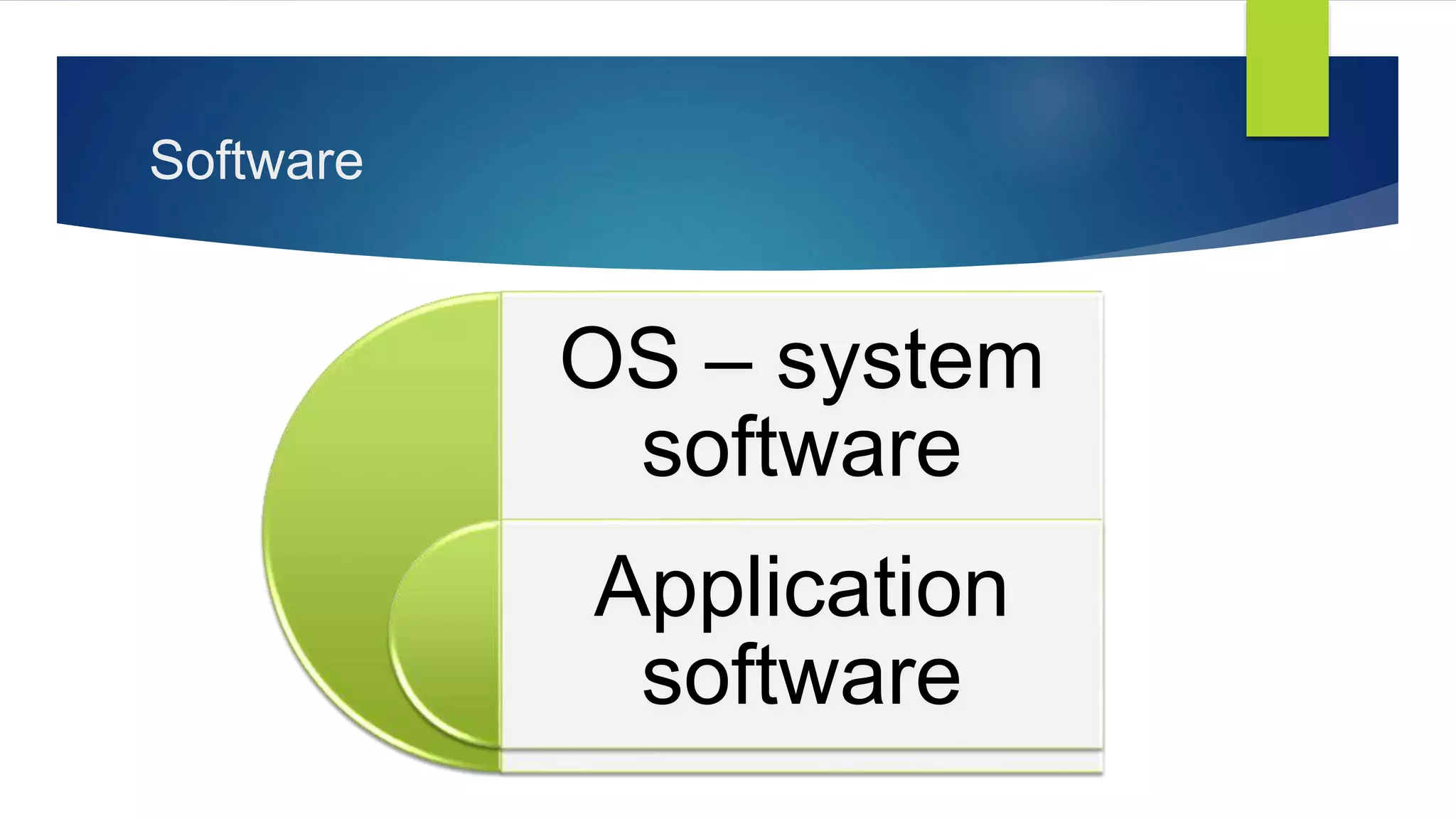
Software
OS – system
software
Application
software
Chapter – 3
Understanding Software
https://youtu.be/pTdSs8kQqSA
[Play this video]
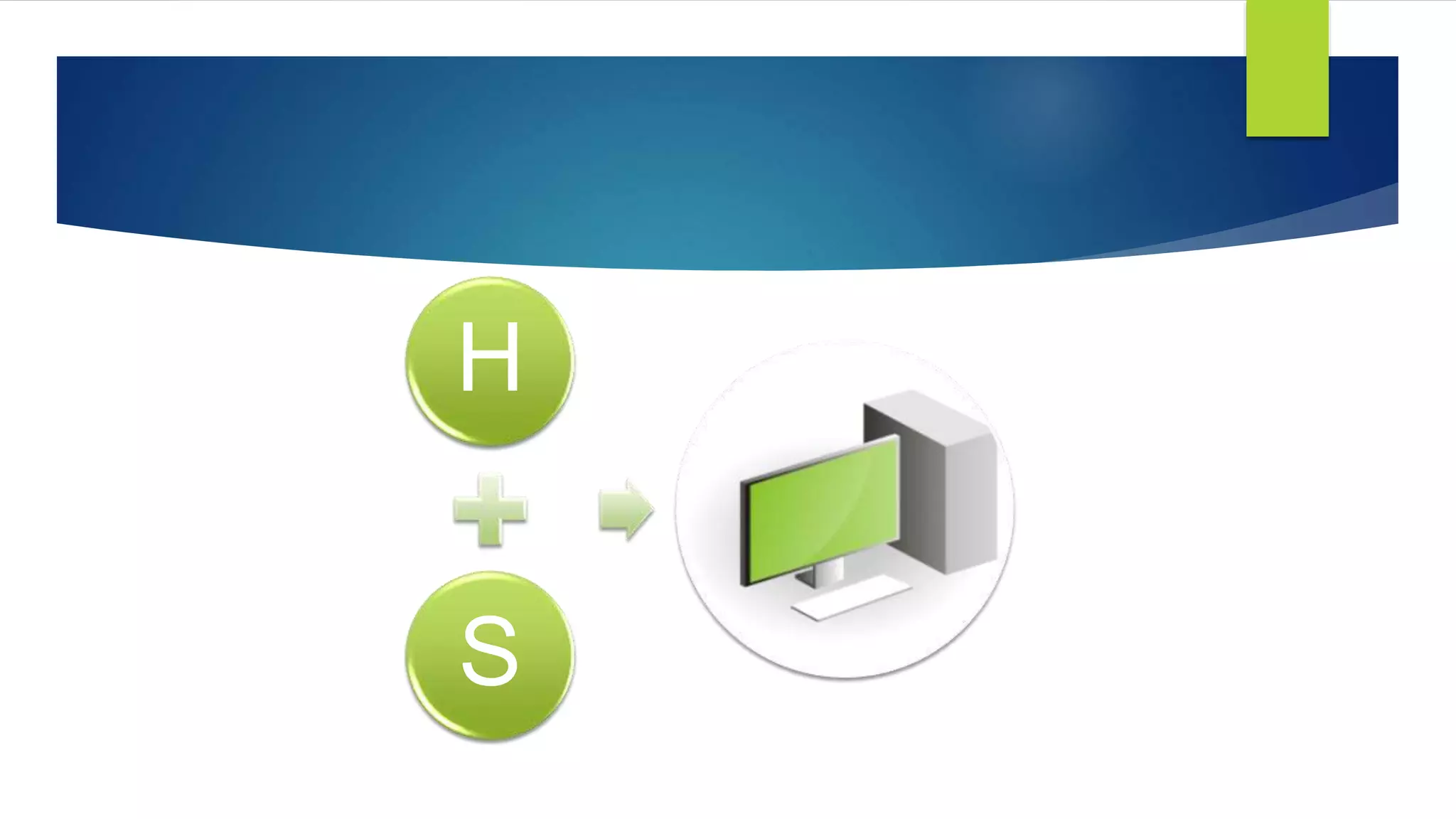
H
S
Chapter – 4
How does a computer works
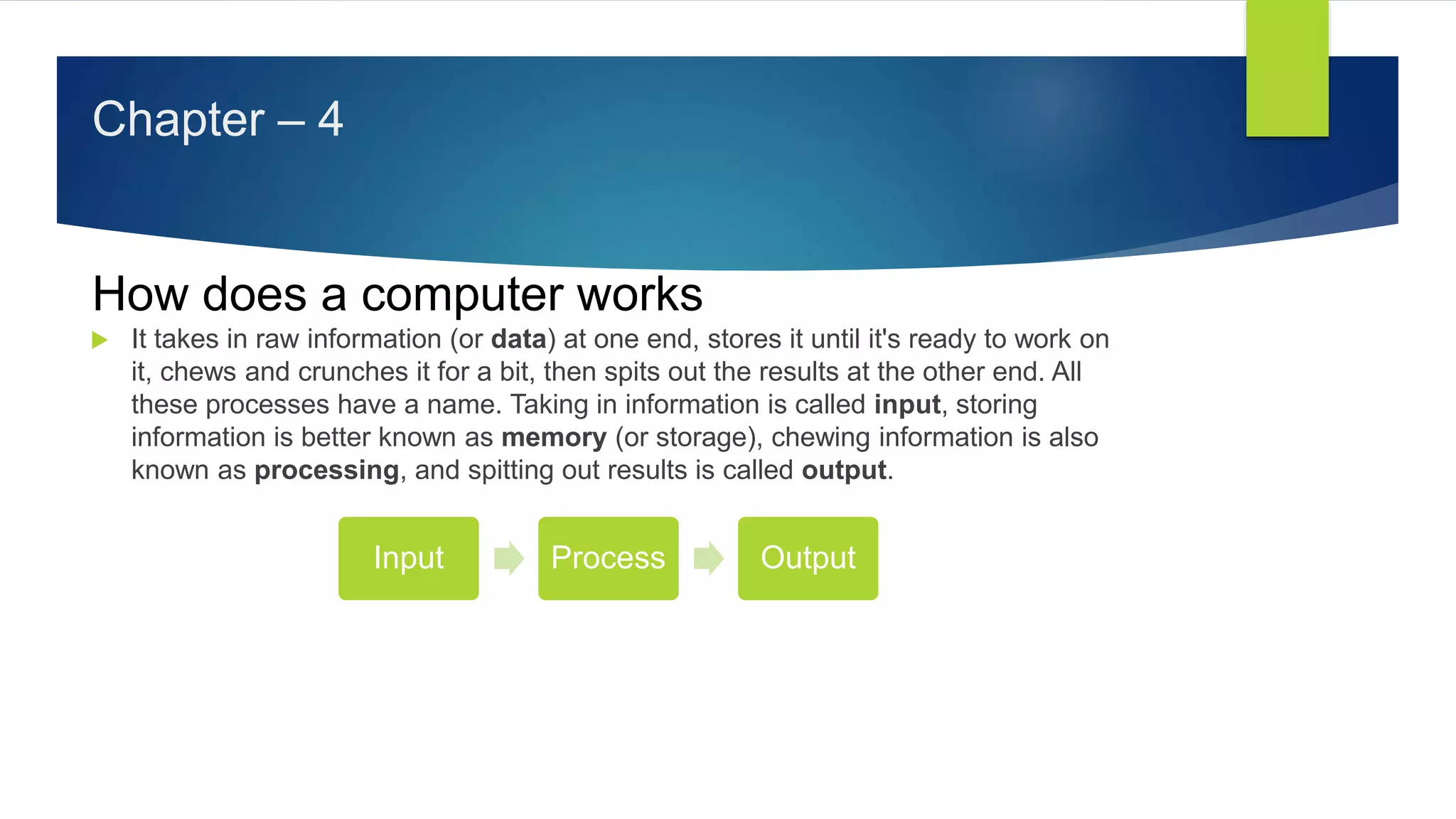
 It takes in raw information (or data) at one end, stores it until it's ready to work on
it, chews and crunches it for a bit, then spits out the results at the other end. All
these processes have a name. Taking in information is called input, storing
information is better known as memory (or storage), chewing information is also
known as processing, and spitting out results is called output.
Input Process Output
Chapter - 5
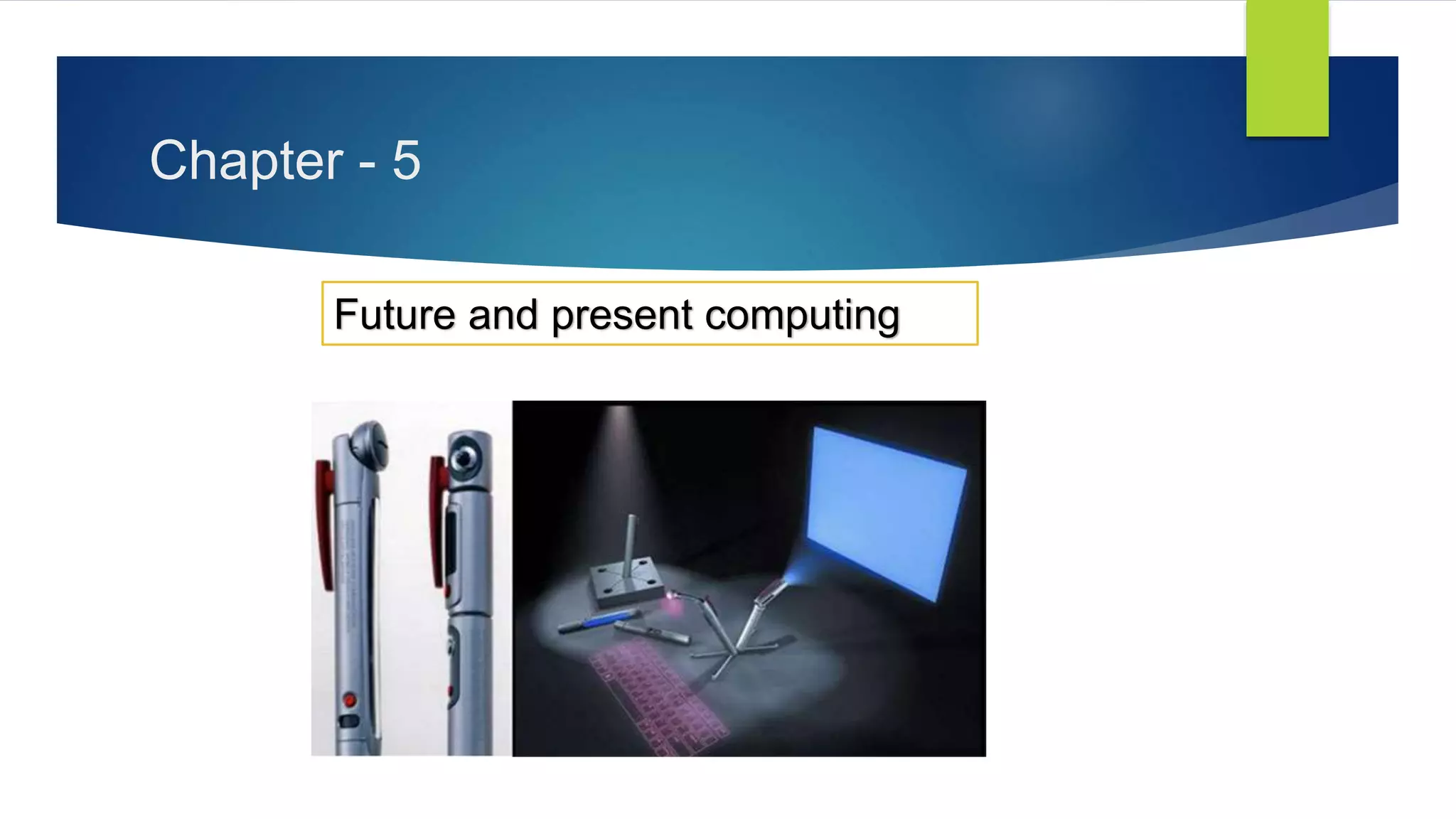
Future and present computing
Importance and basics of computer education for school students

Importance and basics of computer education for school students