
Detailed Intro. to HDFS
           July 10, 2012
             Clay Jiang
    Big Data Engineering Team
           Hanborq Inc.
HDFS Intro.
• Overview

• HDFS Internal

• HDFS O&M, Tools

• HDFS Future


                           2
Overview


           3
What is HDFS?
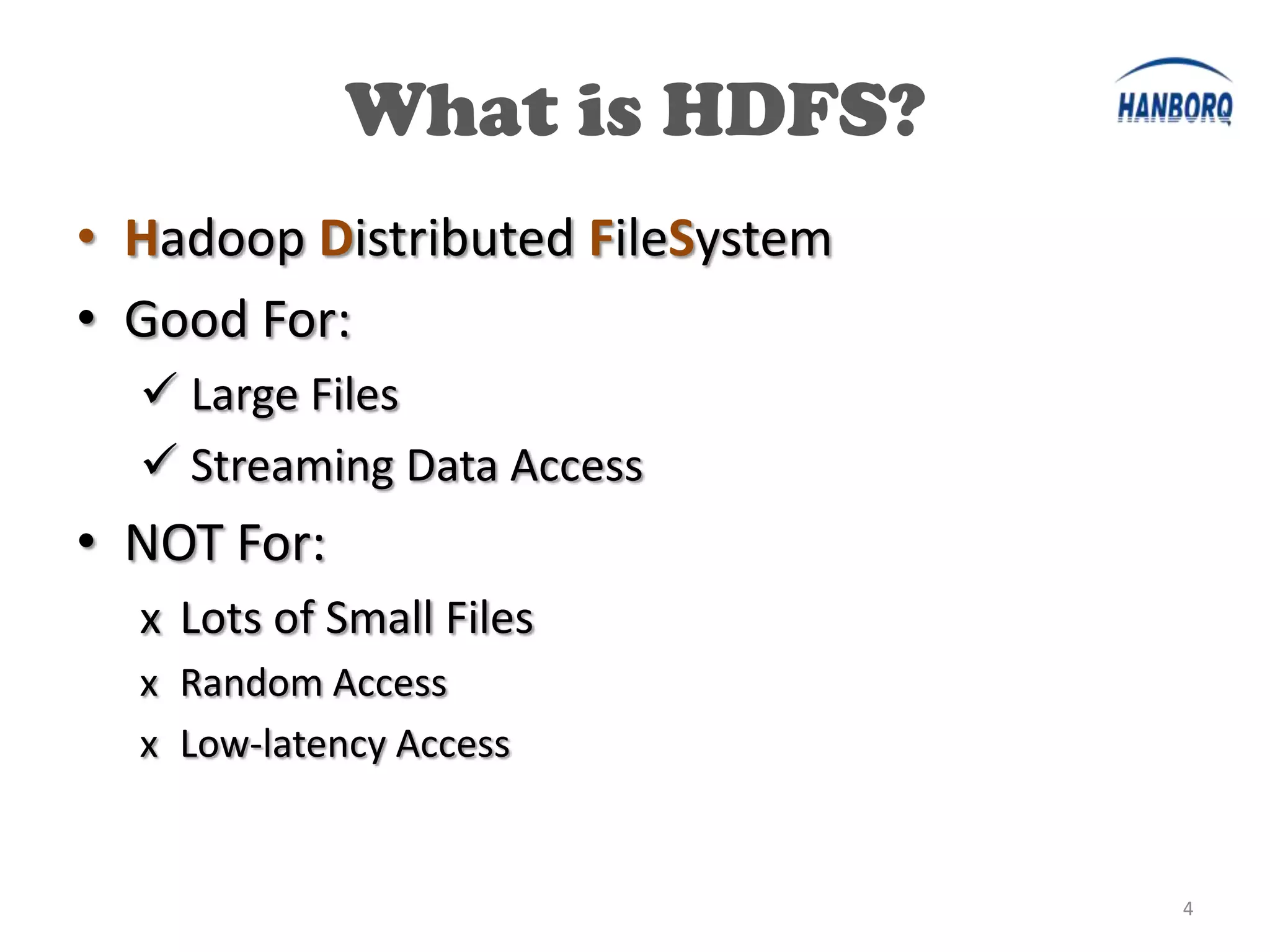
• Hadoop Distributed FileSystem
• Good For:
   Large Files
   Streaming Data Access
• NOT For:
  x Lots of Small Files
  x Random Access
  x Low-latency Access


                                  4
Design of HDFS
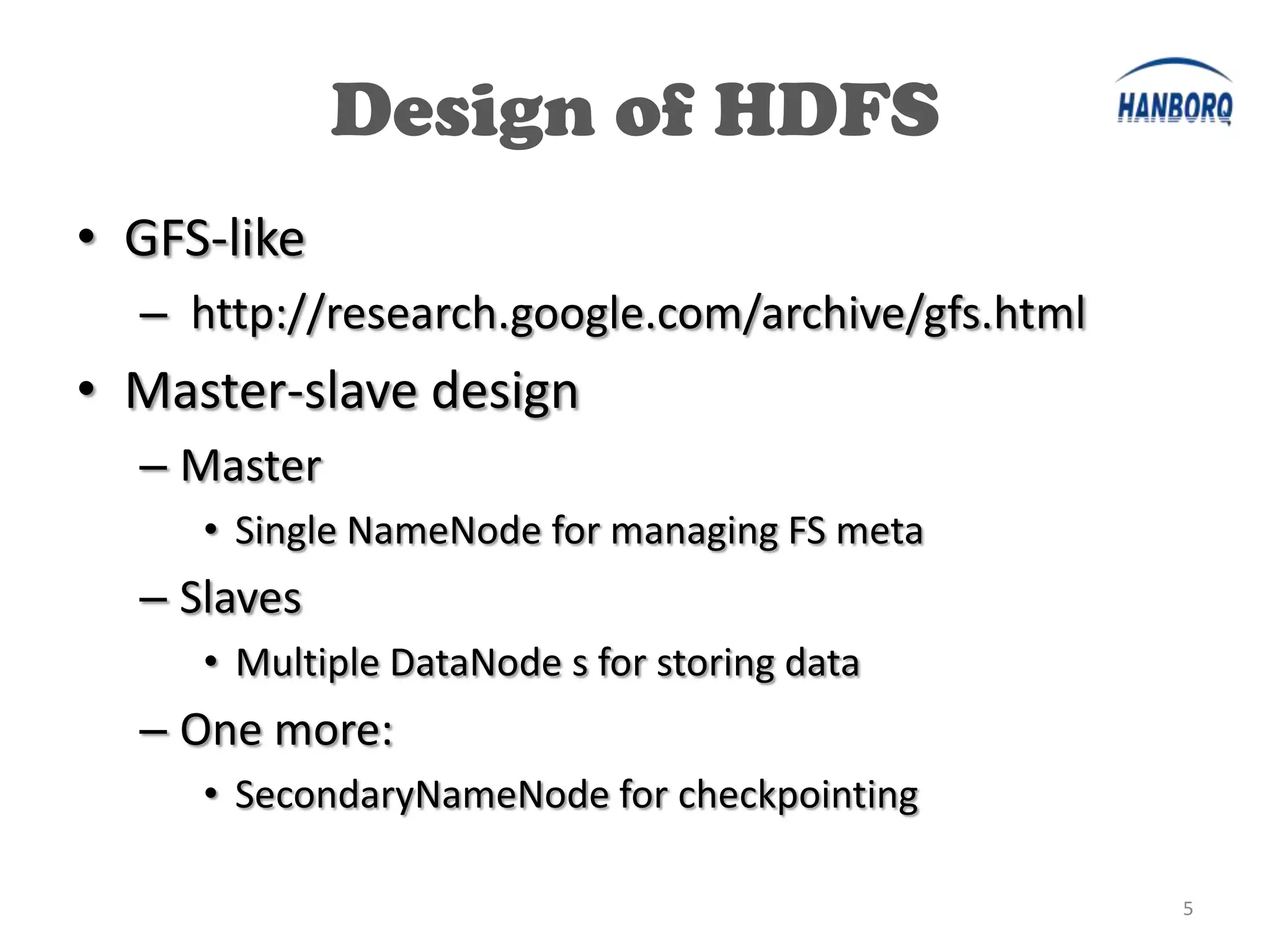
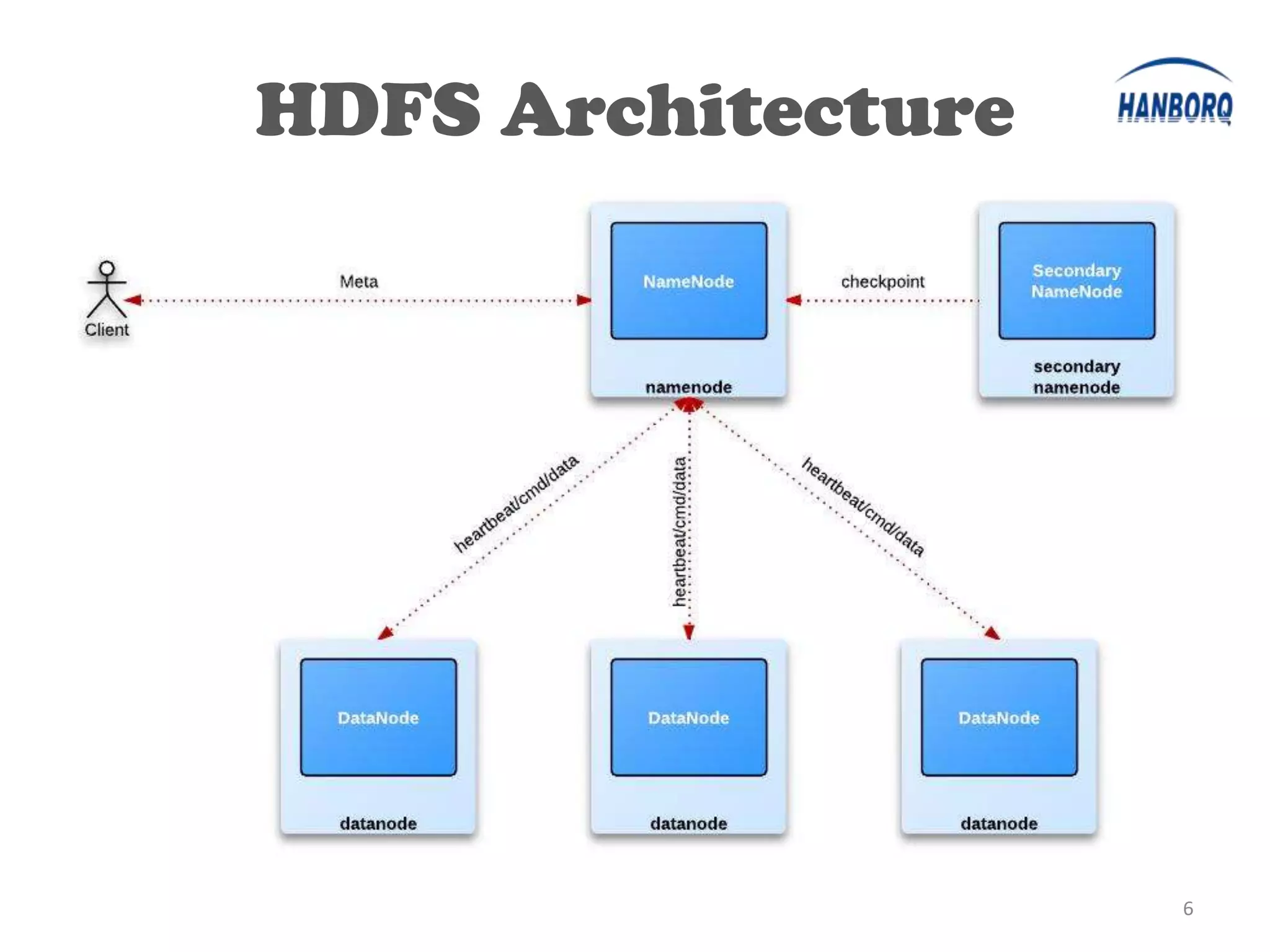
• GFS-like
  – http://research.google.com/archive/gfs.html
• Master-slave design
  – Master
     • Single NameNode for managing FS meta
  – Slaves
     • Multiple DataNode s for storing data
  – One more:
     • SecondaryNameNode for checkpointing

                                                  5
HDFS Architecture
•


                        6
HDFS Storage
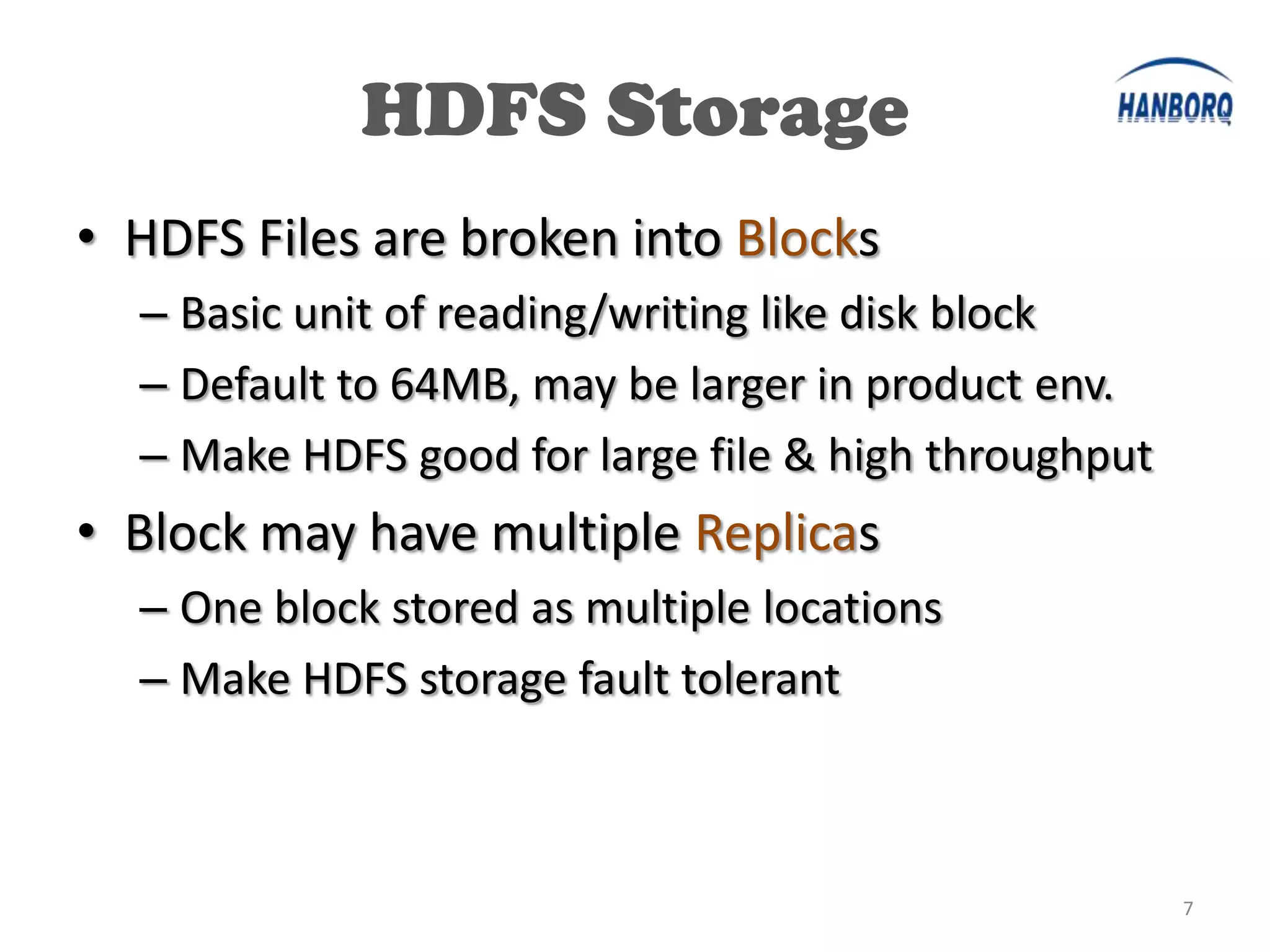
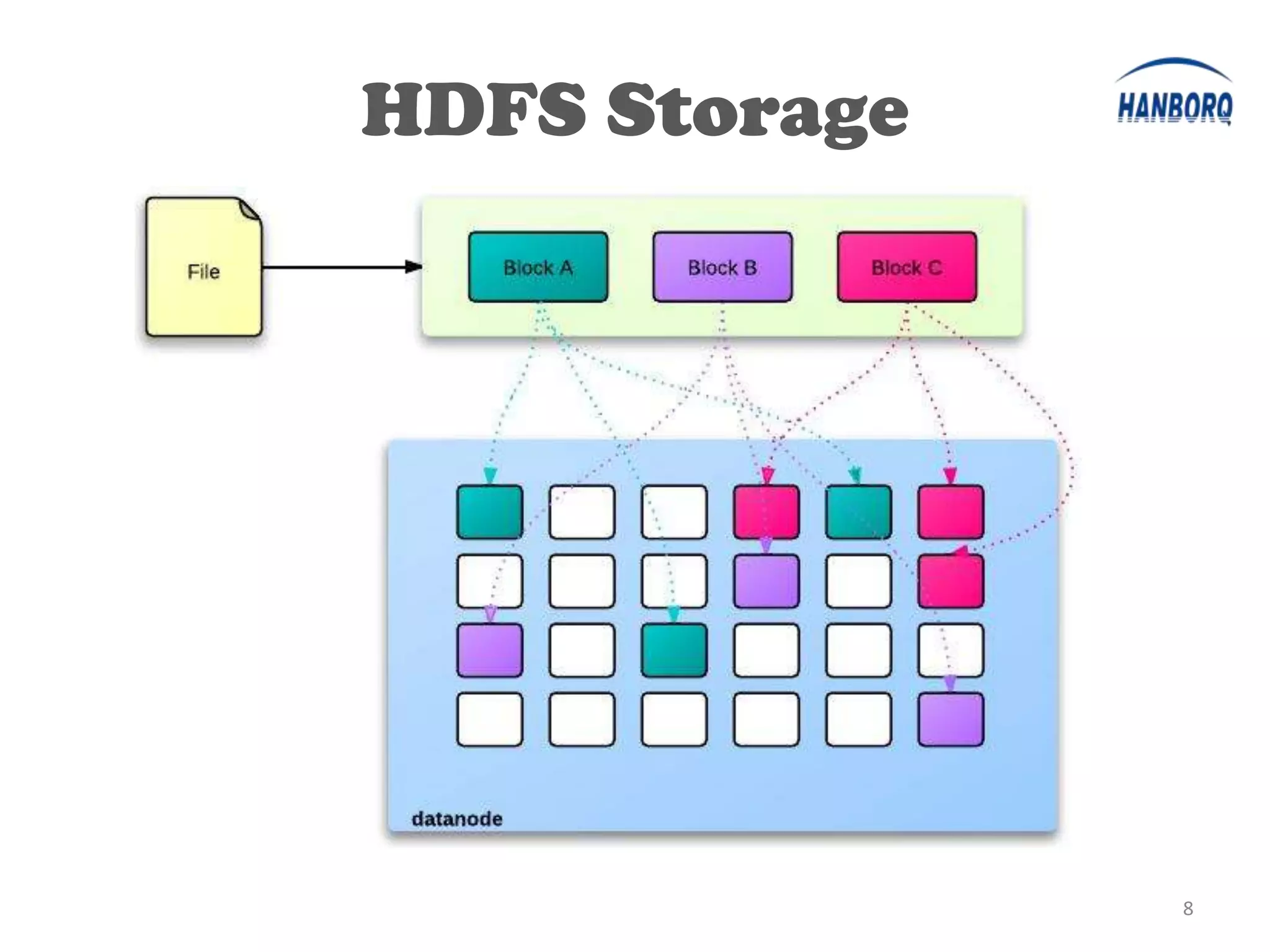
• HDFS Files are broken into Blocks
  – Basic unit of reading/writing like disk block
  – Default to 64MB, may be larger in product env.
  – Make HDFS good for large file & high throughput
• Block may have multiple Replicas
  – One block stored as multiple locations
  – Make HDFS storage fault tolerant


                                                      7
HDFS Storage


               8
HDFS Internal


                9
HDFS Internal

• NameNode

• SecondaryNameNode

• DataNode


                       10
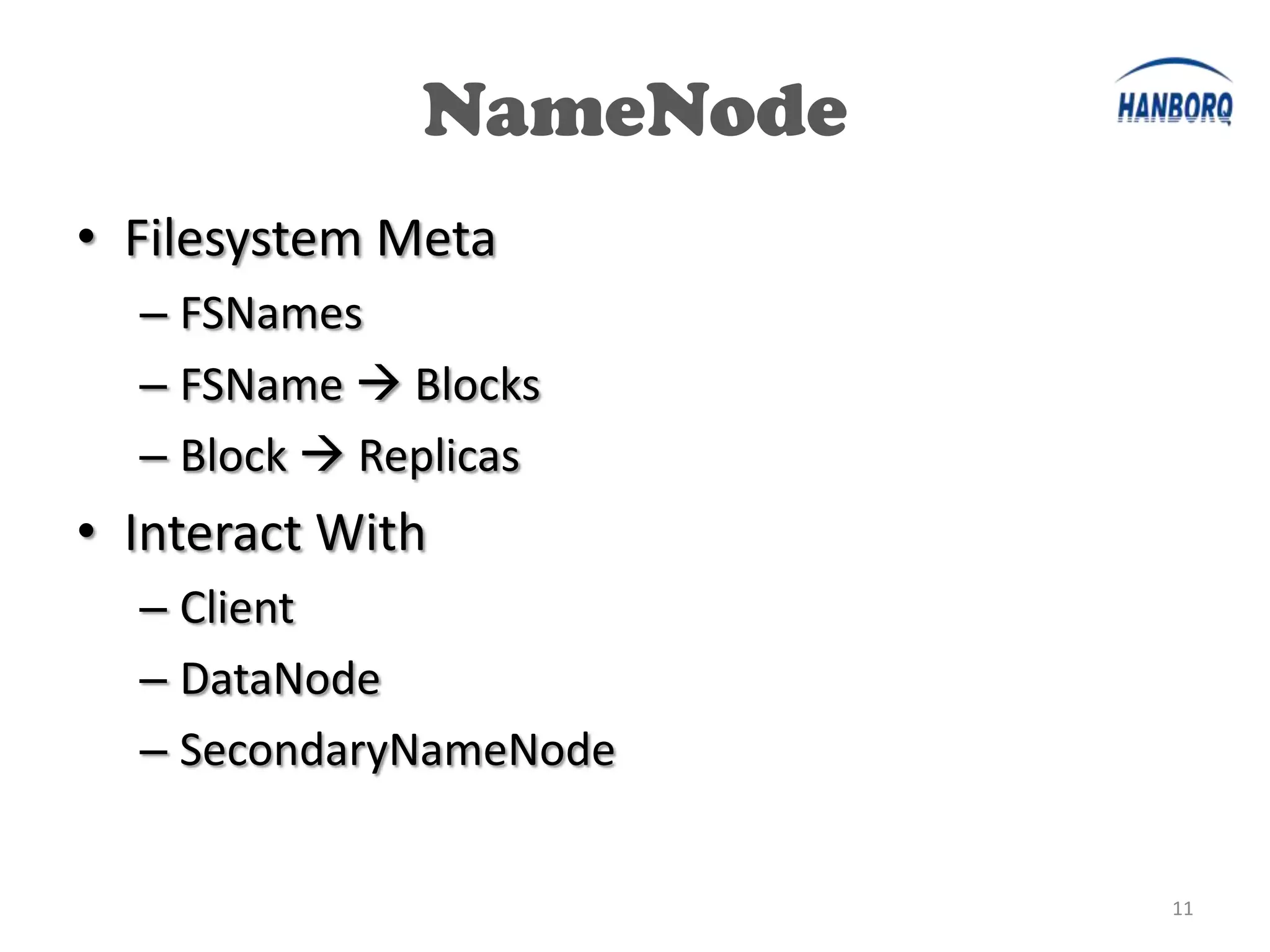
NameNode
• Filesystem Meta
  – FSNames
  – FSName  Blocks
  – Block  Replicas
• Interact With
  – Client
  – DataNode
  – SecondaryNameNode


                         11
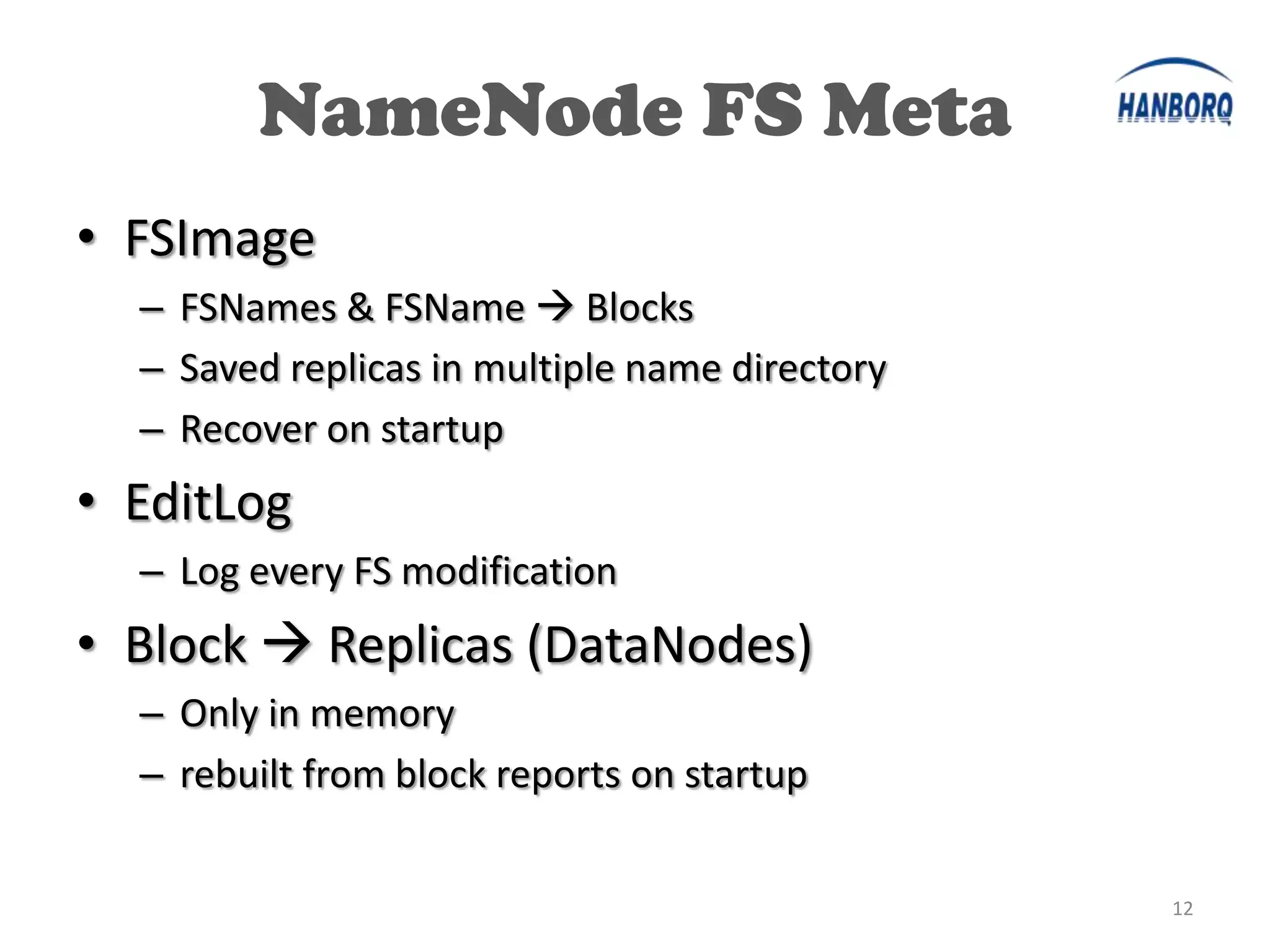
NameNode FS Meta
• FSImage
  – FSNames & FSName  Blocks
  – Saved replicas in multiple name directory
  – Recover on startup
• EditLog
  – Log every FS modification
• Block  Replicas (DataNodes)
  – Only in memory
  – rebuilt from block reports on startup


                                                12
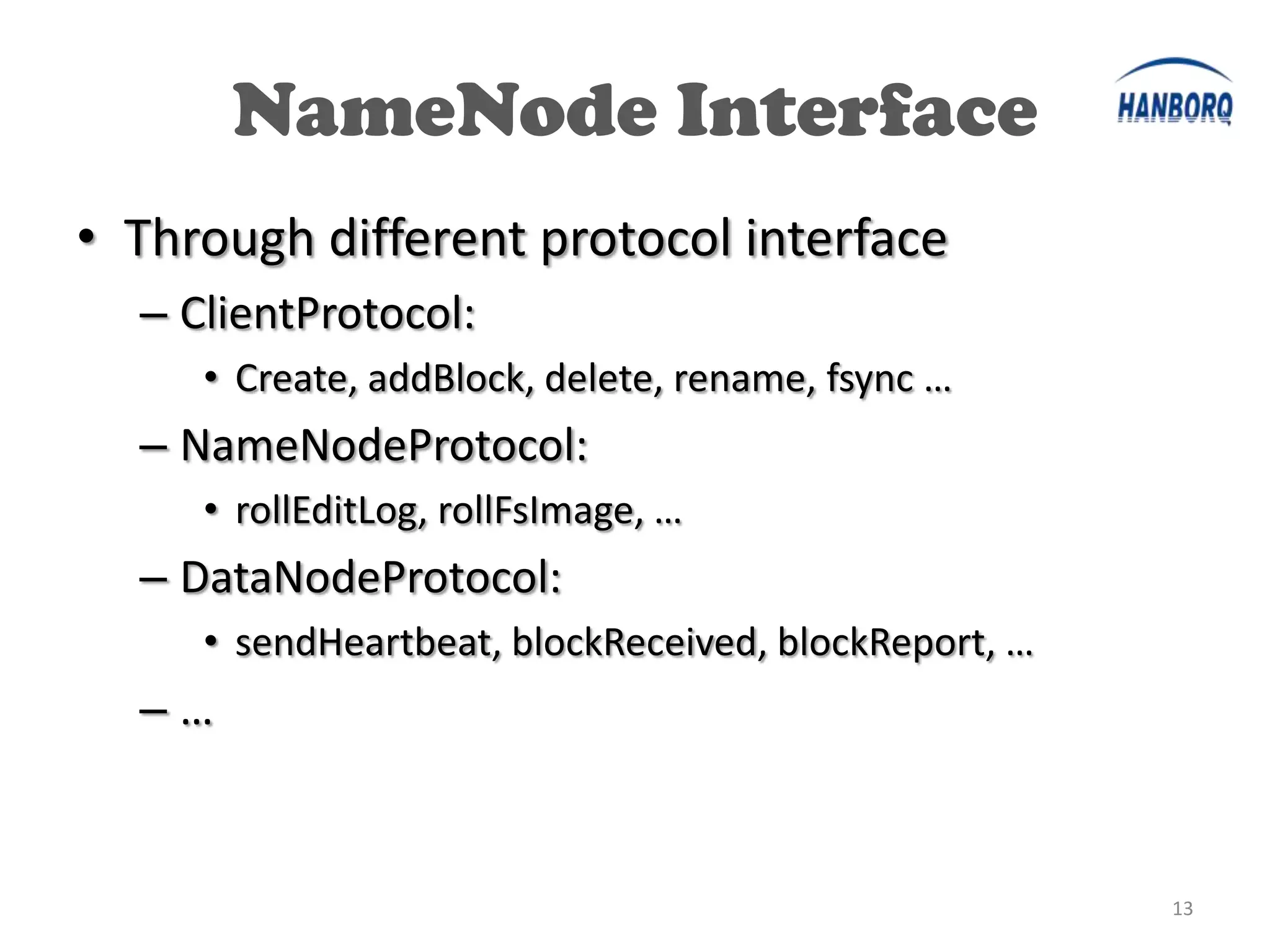
NameNode Interface
• Through different protocol interface
  – ClientProtocol:
     • Create, addBlock, delete, rename, fsync …
  – NameNodeProtocol:
     • rollEditLog, rollFsImage, …
  – DataNodeProtocol:
     • sendHeartbeat, blockReceived, blockReport, …
  –…


                                                      13
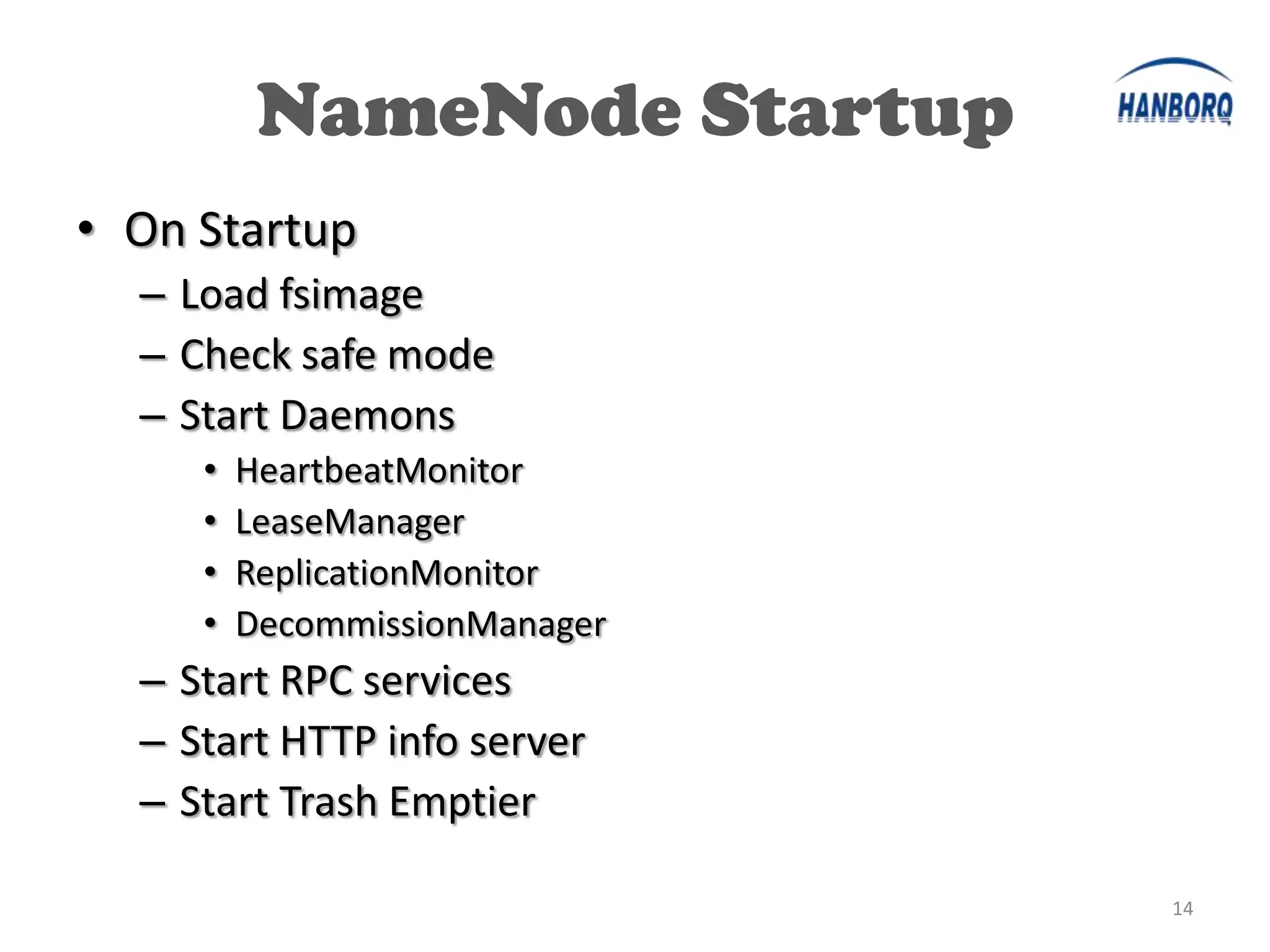
NameNode Startup
• On Startup
  – Load fsimage
  – Check safe mode
  – Start Daemons
     •   HeartbeatMonitor
     •   LeaseManager
     •   ReplicationMonitor
     •   DecommissionManager
  – Start RPC services
  – Start HTTP info server
  – Start Trash Emptier

                               14
Load FSImage
• Name Directory
  – dfs.name.dir: can be multiple dirs


  –       Check consistence of all name dirs
  –       Load fsimage file
  –       Load edit logs
  –       Save namespace
      •     Mainly setup dirs & files properly

                                                 15
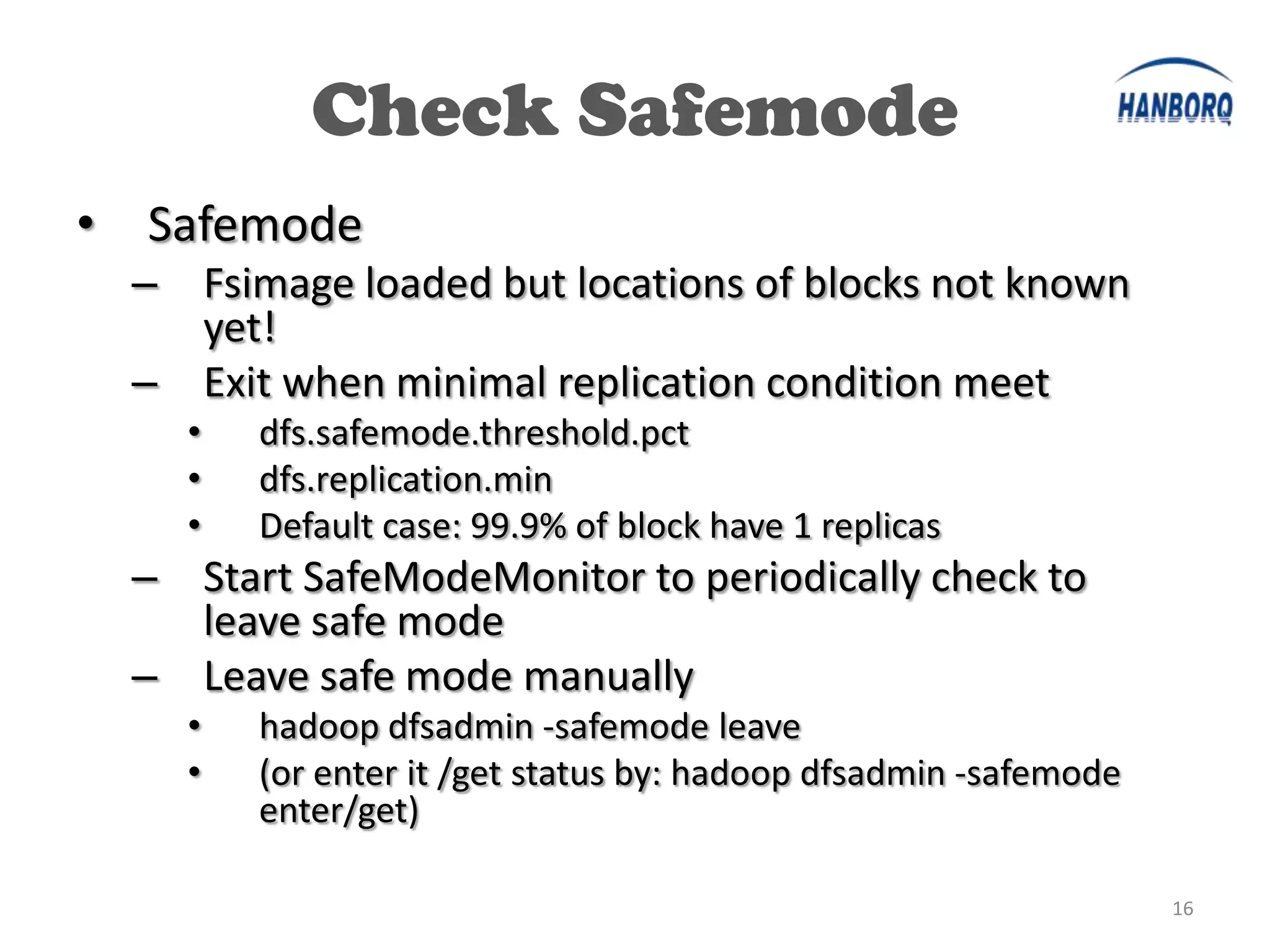
Check Safemode
•   Safemode
    – Fsimage loaded but locations of blocks not known
      yet!
    – Exit when minimal replication condition meet
      •   dfs.safemode.threshold.pct
      •   dfs.replication.min
      •   Default case: 99.9% of block have 1 replicas
    – Start SafeModeMonitor to periodically check to
      leave safe mode
    – Leave safe mode manually
      •   hadoop dfsadmin -safemode leave
      •   (or enter it /get status by: hadoop dfsadmin -safemode
          enter/get)

                                                                   16
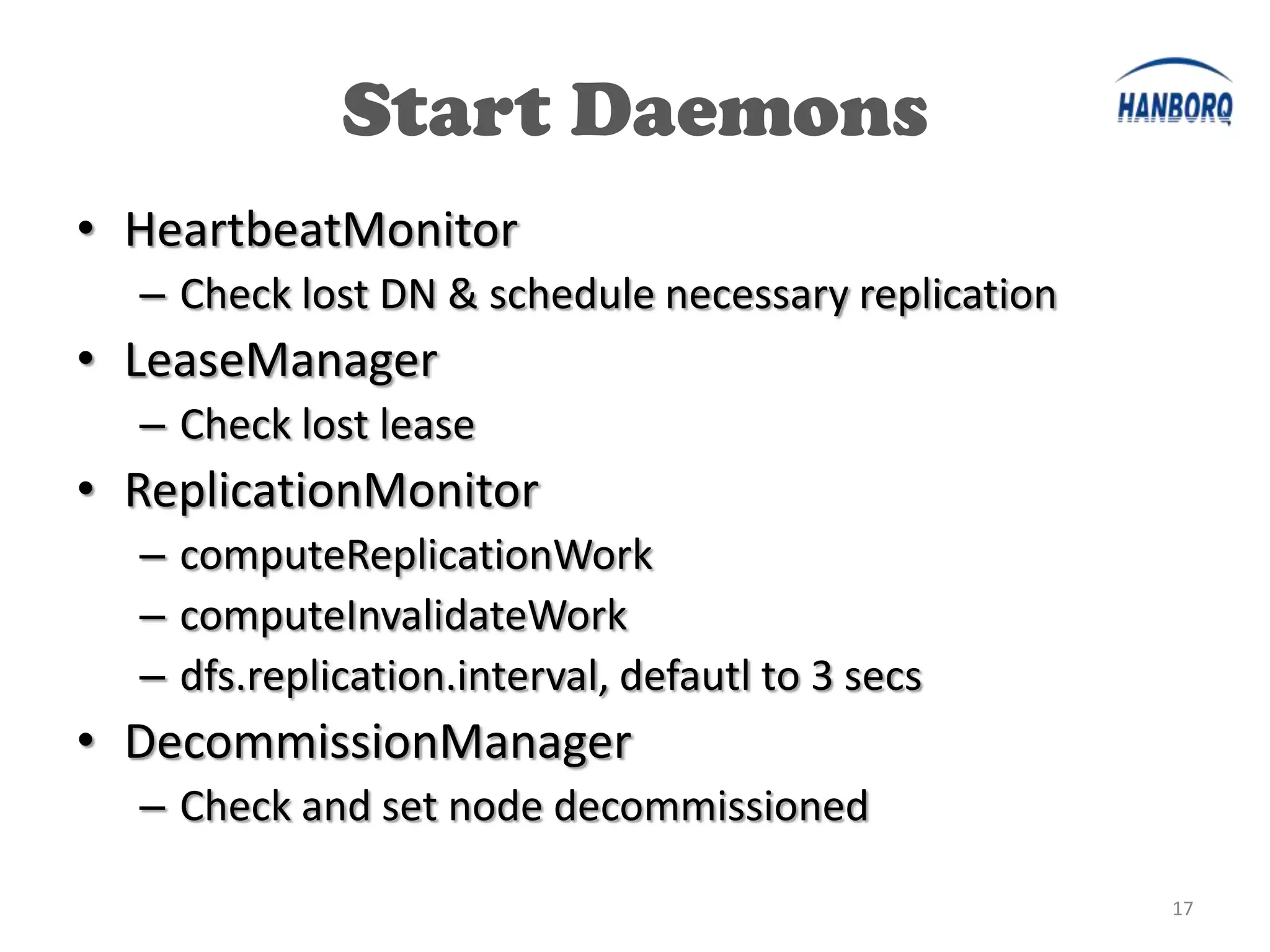
Start Daemons
• HeartbeatMonitor
  – Check lost DN & schedule necessary replication
• LeaseManager
  – Check lost lease
• ReplicationMonitor
  – computeReplicationWork
  – computeInvalidateWork
  – dfs.replication.interval, defautl to 3 secs
• DecommissionManager
  – Check and set node decommissioned

                                                     17
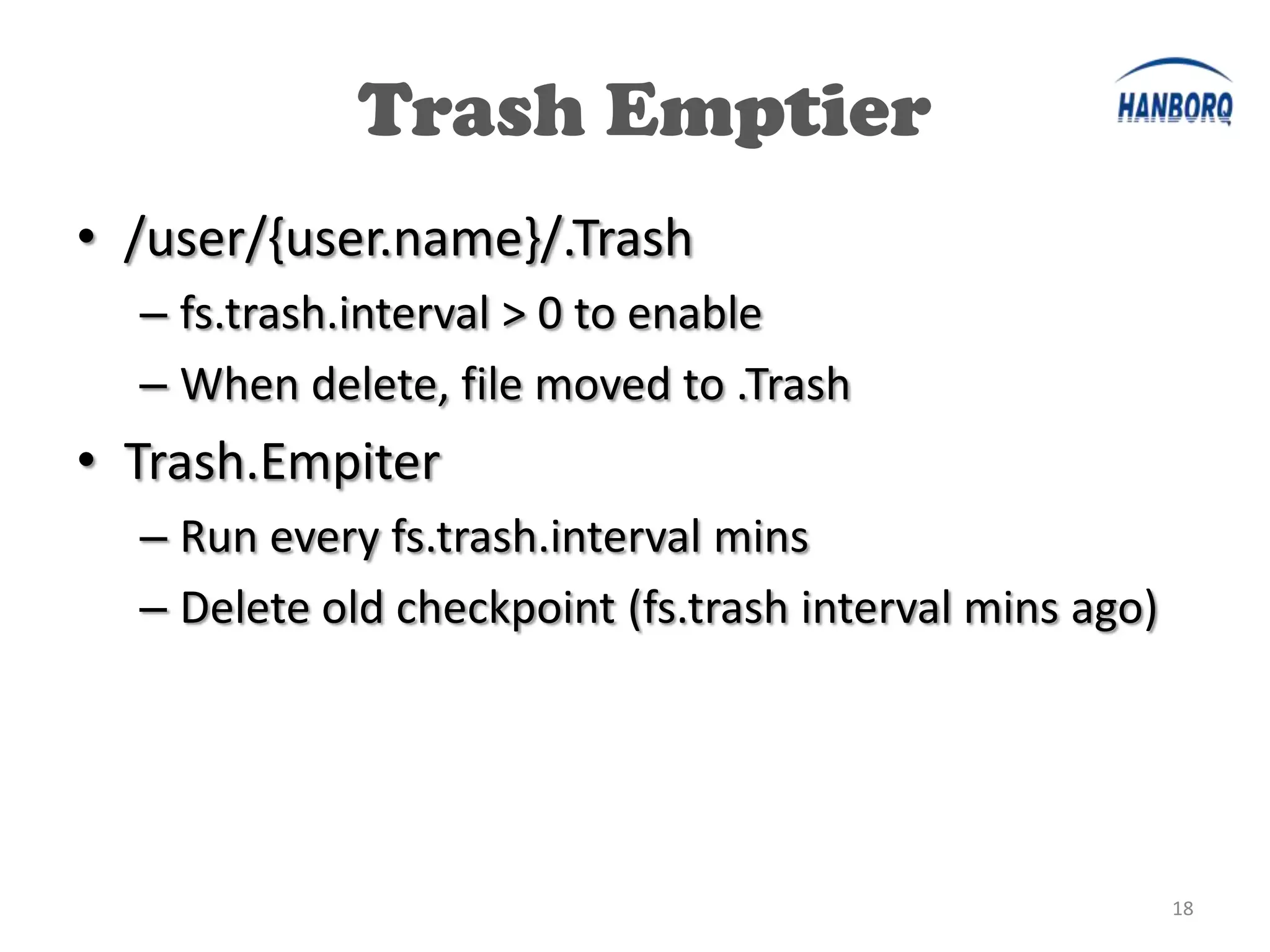
Trash Emptier
• /user/{user.name}/.Trash
  – fs.trash.interval > 0 to enable
  – When delete, file moved to .Trash
• Trash.Empiter
  – Run every fs.trash.interval mins
  – Delete old checkpoint (fs.trash interval mins ago)


                                                         18
HDFS Internal

• NameNode

• SecondaryNameNode

• DataNode


                       19
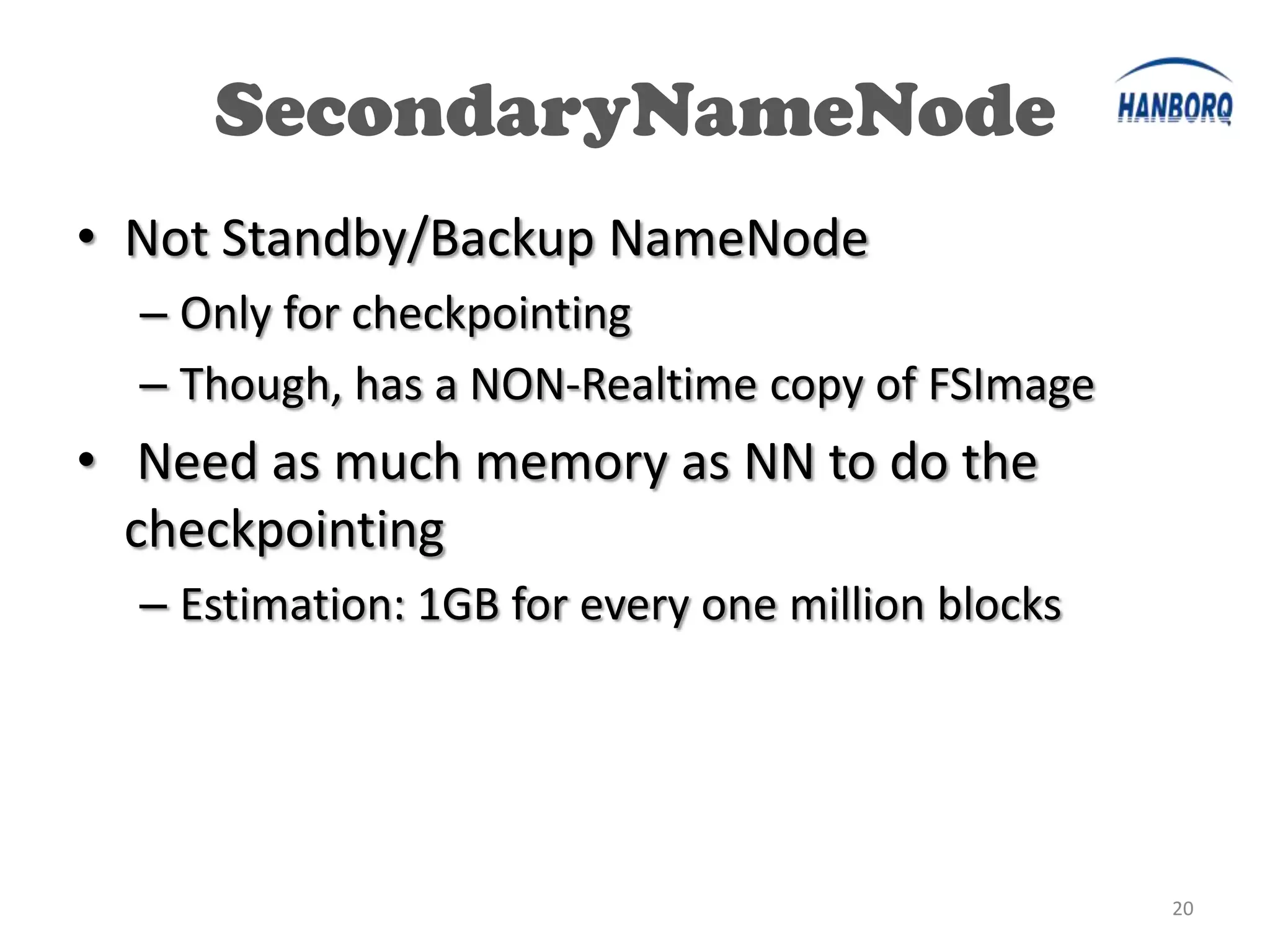
SecondaryNameNode
• Not Standby/Backup NameNode
  – Only for checkpointing
  – Though, has a NON-Realtime copy of FSImage
• Need as much memory as NN to do the
  checkpointing
  – Estimation: 1GB for every one million blocks


                                                   20
SecondaryNameNode
• Do the checkpointing
   – Copy NN’s fsimage &
     editlogs
   – Merge them to a new
     fsimage
   – Replace NN’s fsimage with
     new one & clean editlogs
• Timing
   – Size of editlog >
     fs.checkpoint.size (poll
     every 5 min)
   – Every fs.checkpoint.period
     secs

                                  21
HDFS Internal

• NameNode

• SecondaryNameNode

• DataNode


                       22
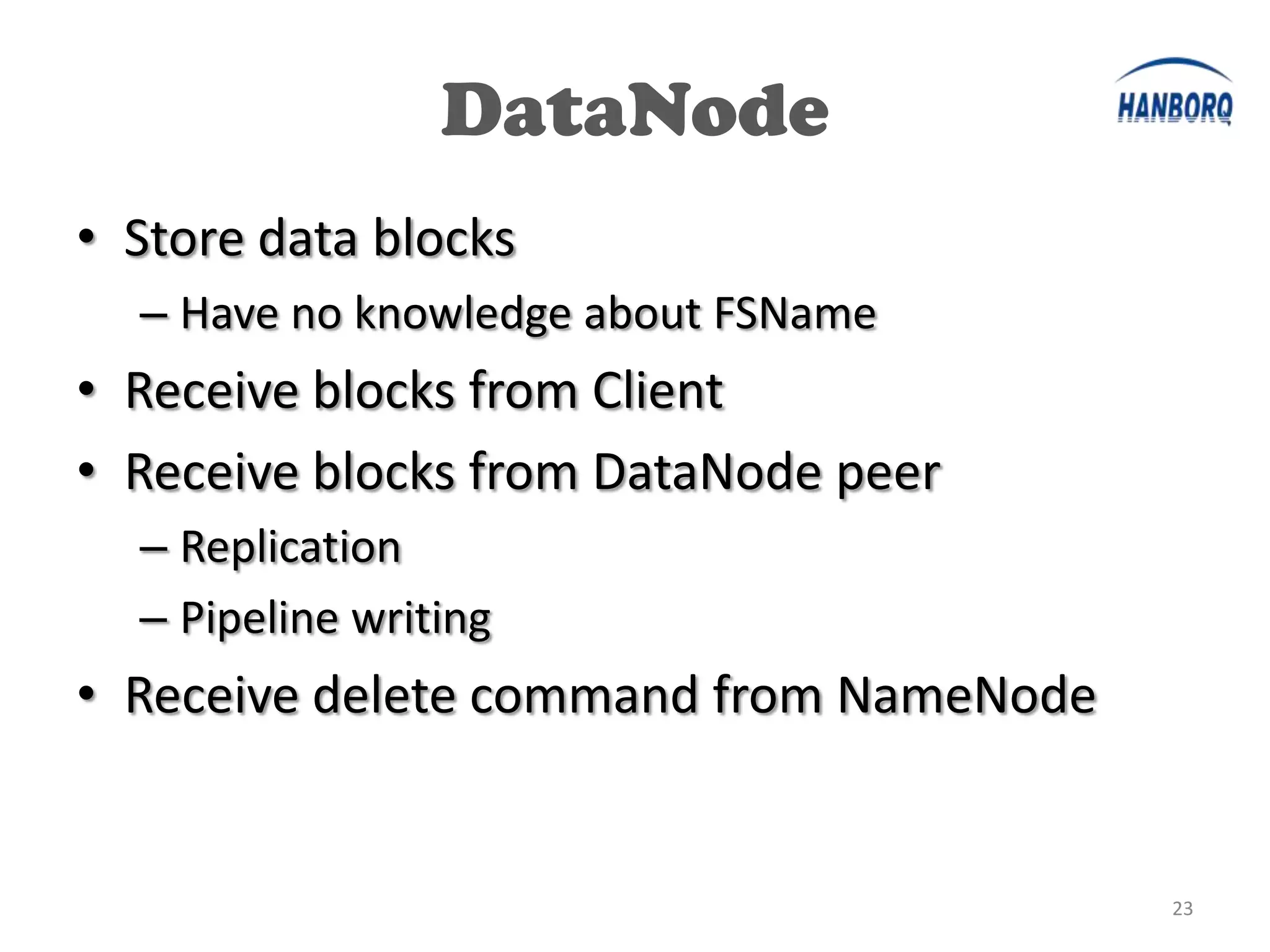
DataNode
• Store data blocks
  – Have no knowledge about FSName
• Receive blocks from Client
• Receive blocks from DataNode peer
  – Replication
  – Pipeline writing
• Receive delete command from NameNode


                                         23
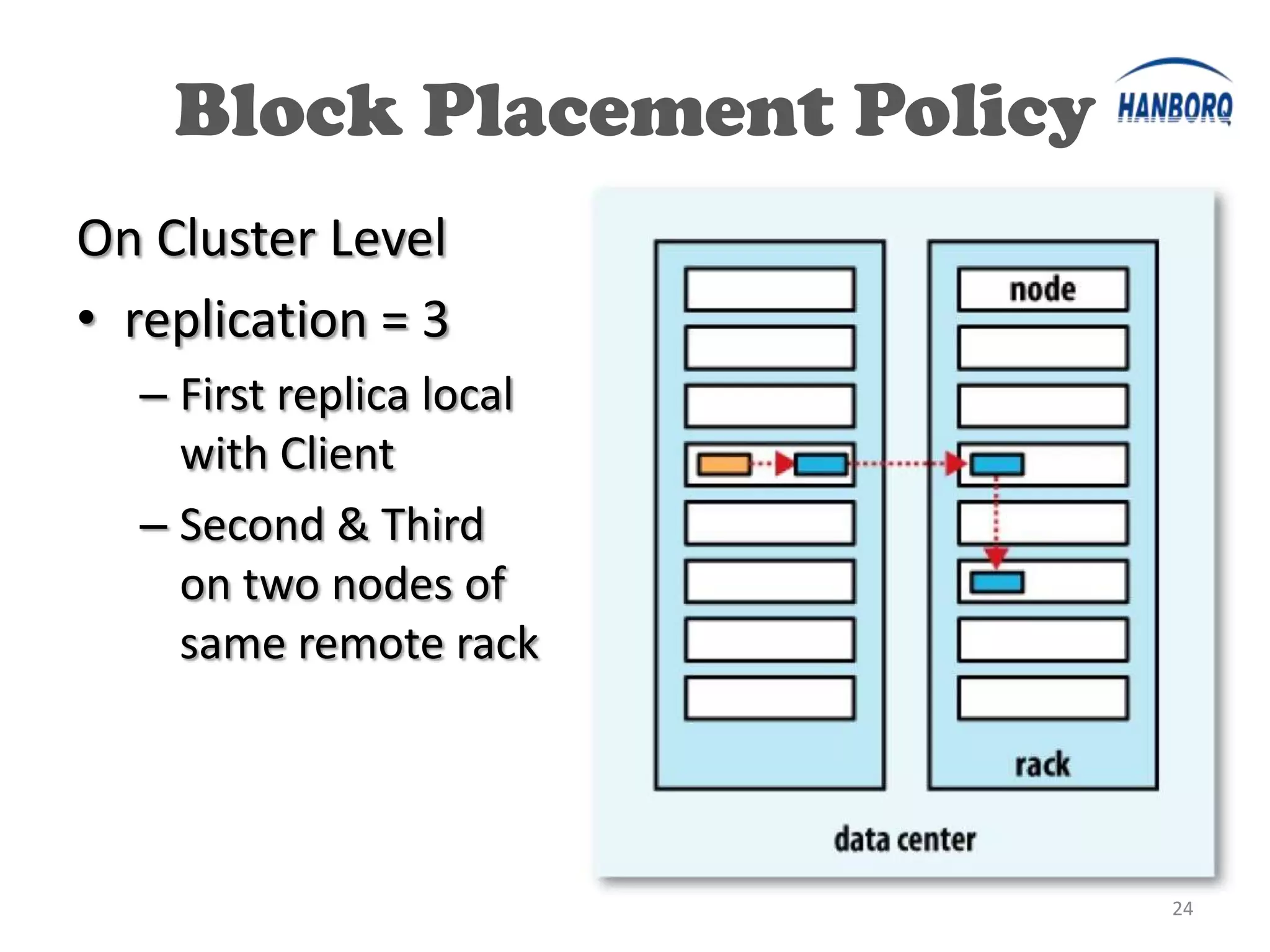
Block Placement Policy
On Cluster Level
• replication = 3
  – First replica local
    with Client
  – Second & Third
    on two nodes of
    same remote rack


                             24
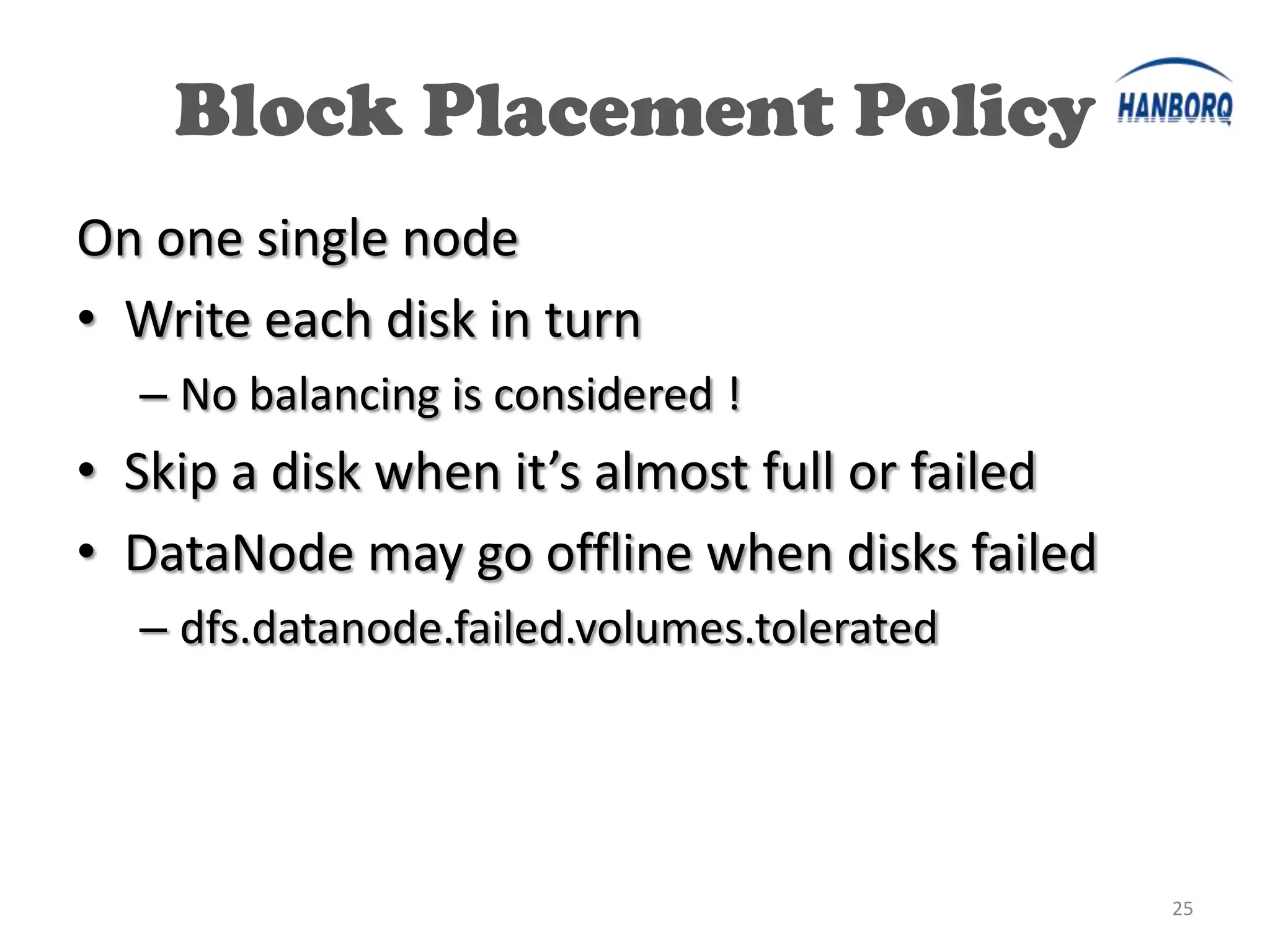
Block Placement Policy
On one single node
• Write each disk in turn
  – No balancing is considered !
• Skip a disk when it’s almost full or failed
• DataNode may go offline when disks failed
  – dfs.datanode.failed.volumes.tolerated


                                                25
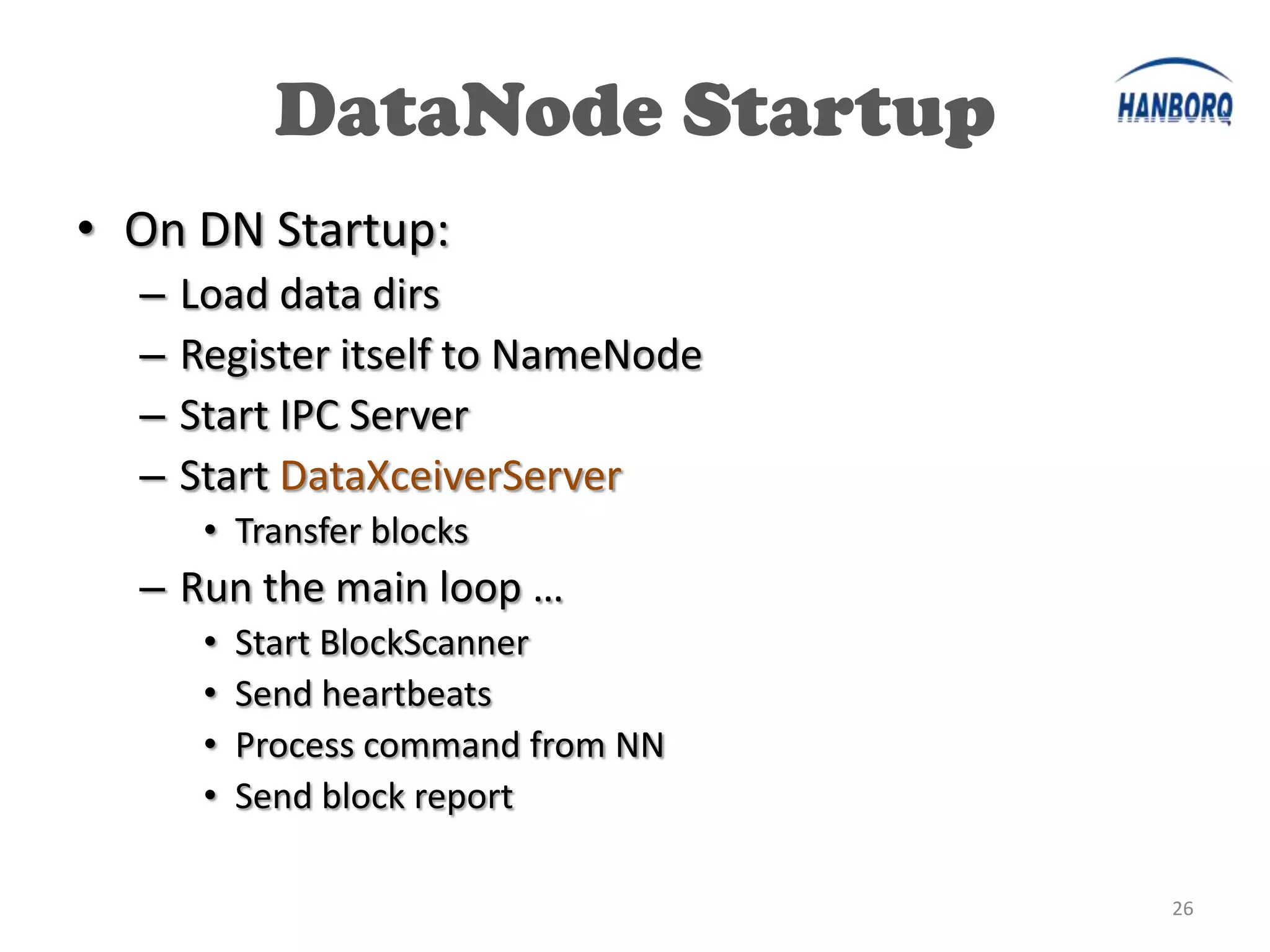
DataNode Startup
• On DN Startup:
  –   Load data dirs
  –   Register itself to NameNode
  –   Start IPC Server
  –   Start DataXceiverServer
       • Transfer blocks
  – Run the main loop …
       •   Start BlockScanner
       •   Send heartbeats
       •   Process command from NN
       •   Send block report

                                     26
DataXceiverServer
• Accept data connection & start DataXceiver
  – Max num: dfs.datanode.max.xcievers [256]
• DataXceiver
  – Handle blocks
     •   Read block
     •   Write block
     •   Replace block
     •   Copy block
     •   …


                                               27
HDFS Routines Analysis

• Write File

• Read File

• Decrease Replication Factor

• One DN down

                                28
Write File
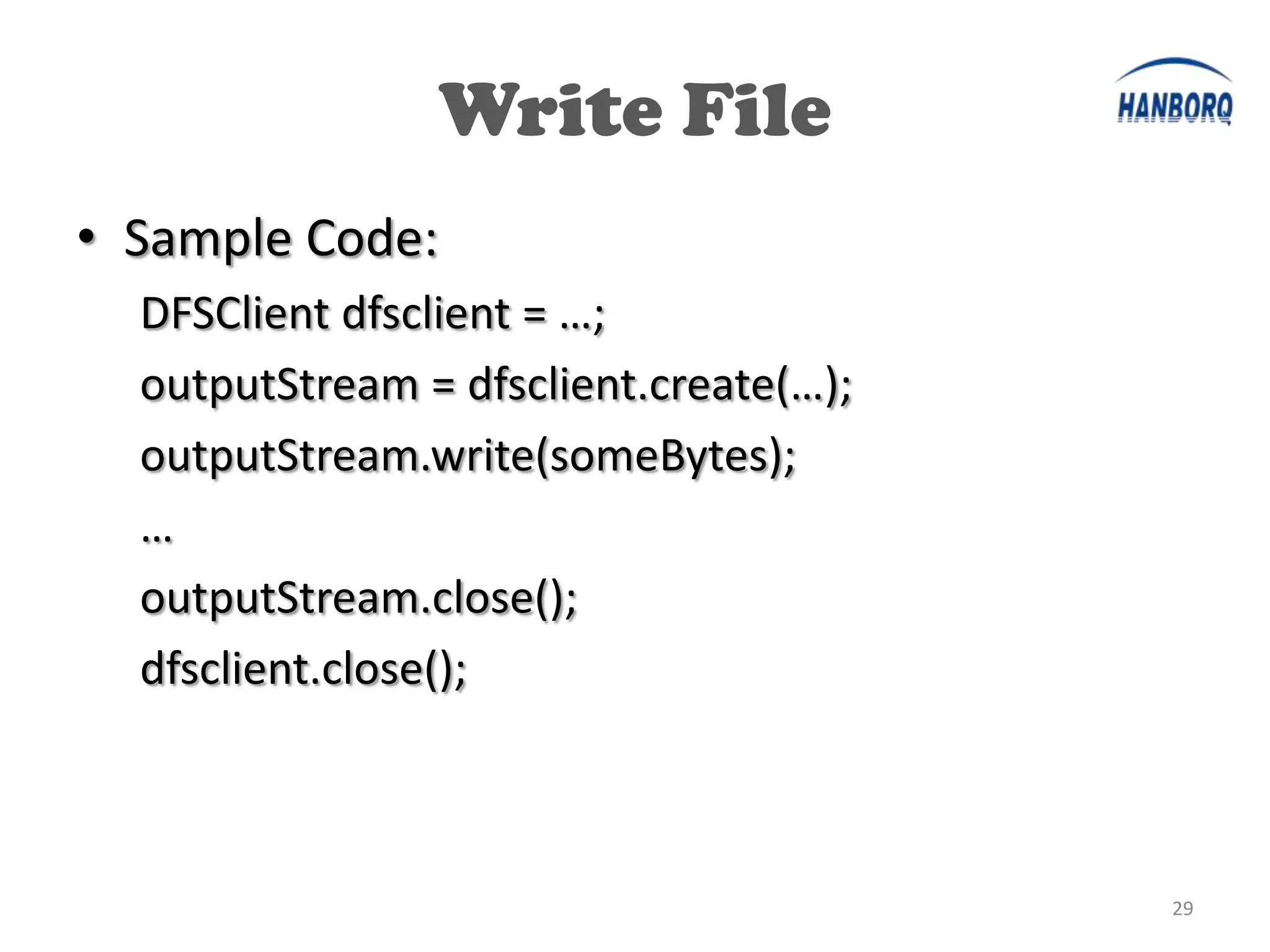
• Sample Code:
  DFSClient dfsclient = …;
  outputStream = dfsclient.create(…);
  outputStream.write(someBytes);
  …
  outputStream.close();
  dfsclient.close();


                                        29
Write File


             30
Write File
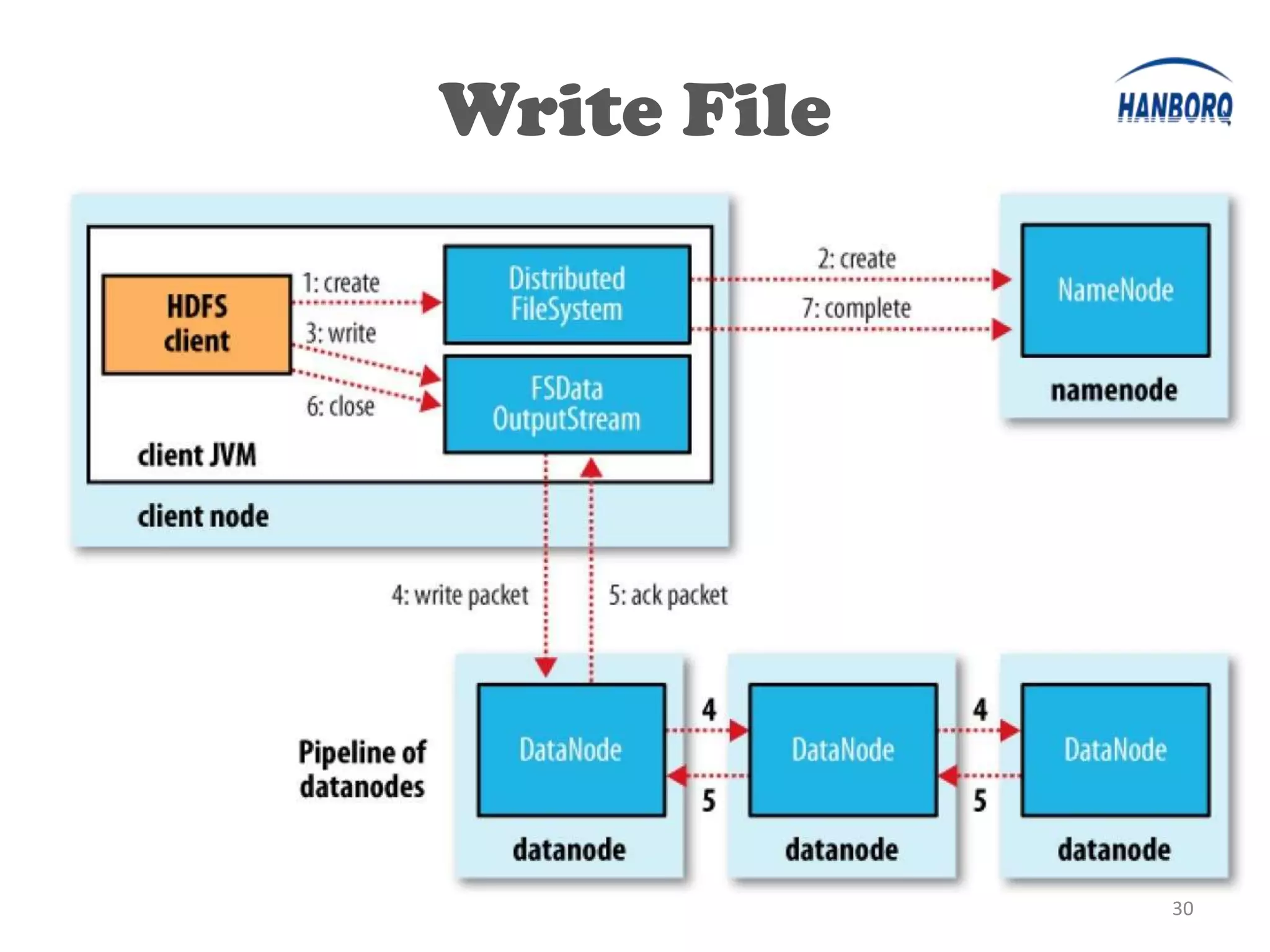
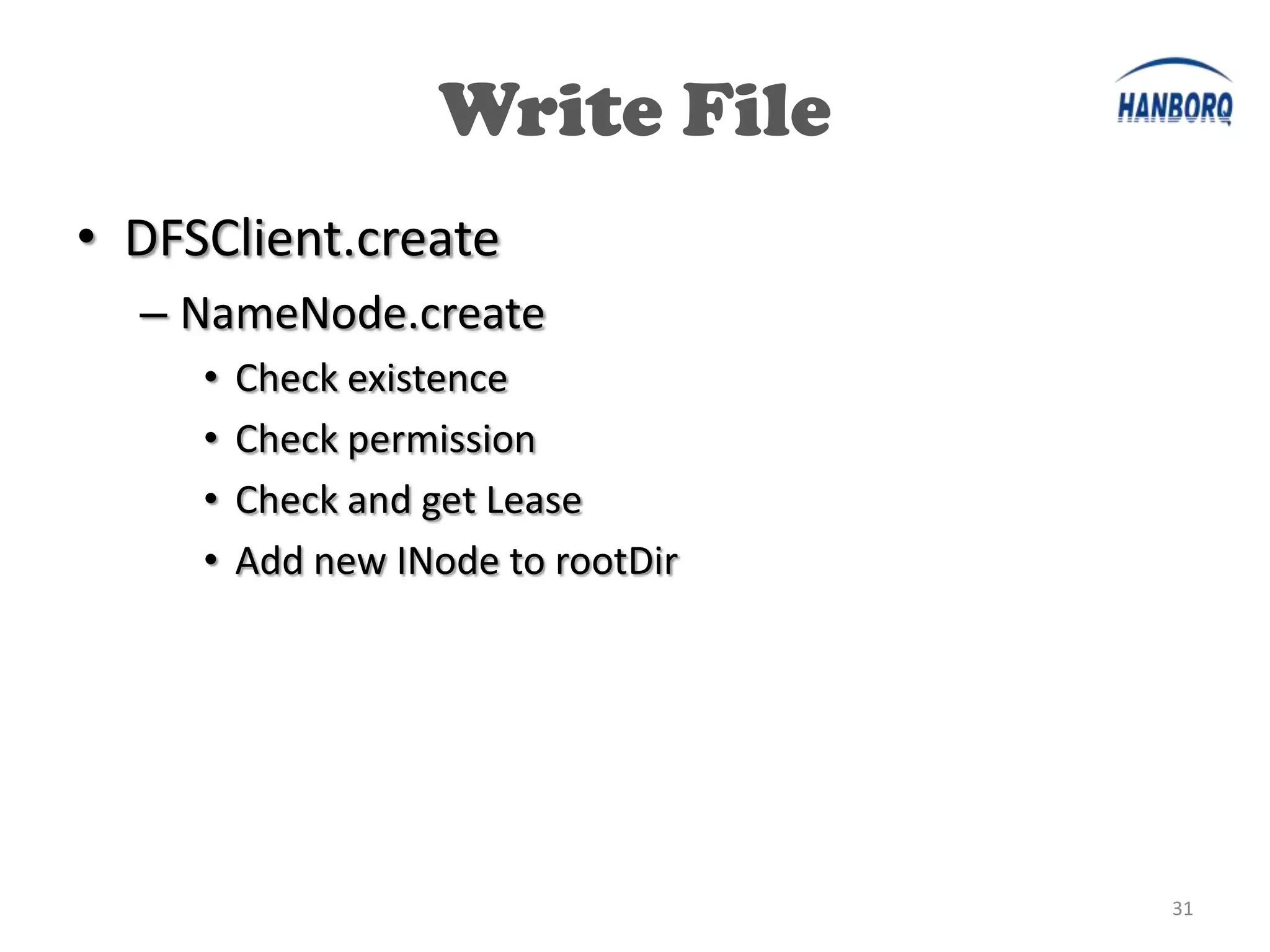
• DFSClient.create
  – NameNode.create
     •   Check existence
     •   Check permission
     •   Check and get Lease
     •   Add new INode to rootDir


                                    31
Write File
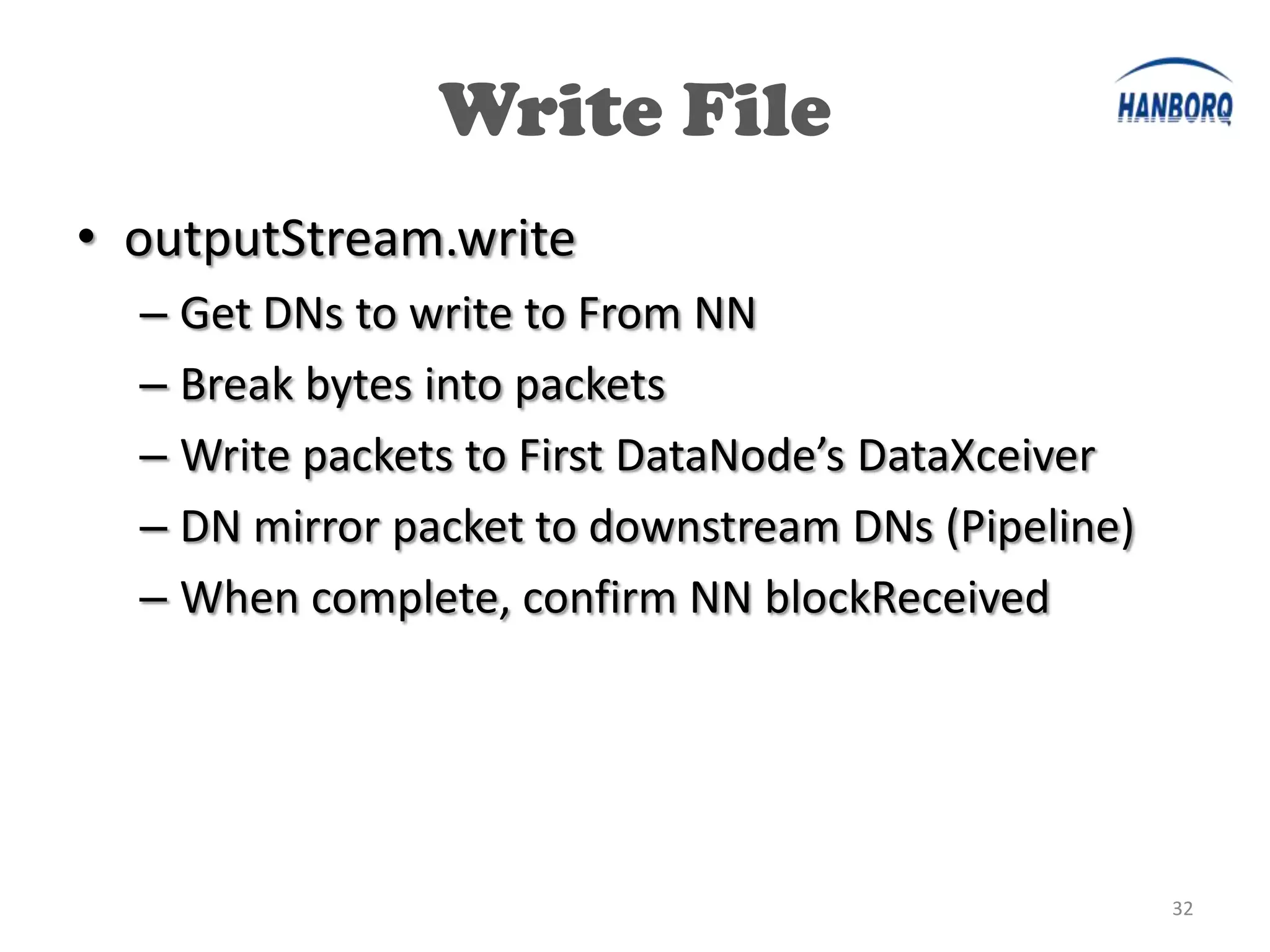
• outputStream.write
  – Get DNs to write to From NN
  – Break bytes into packets
  – Write packets to First DataNode’s DataXceiver
  – DN mirror packet to downstream DNs (Pipeline)
  – When complete, confirm NN blockReceived


                                                    32
Write File
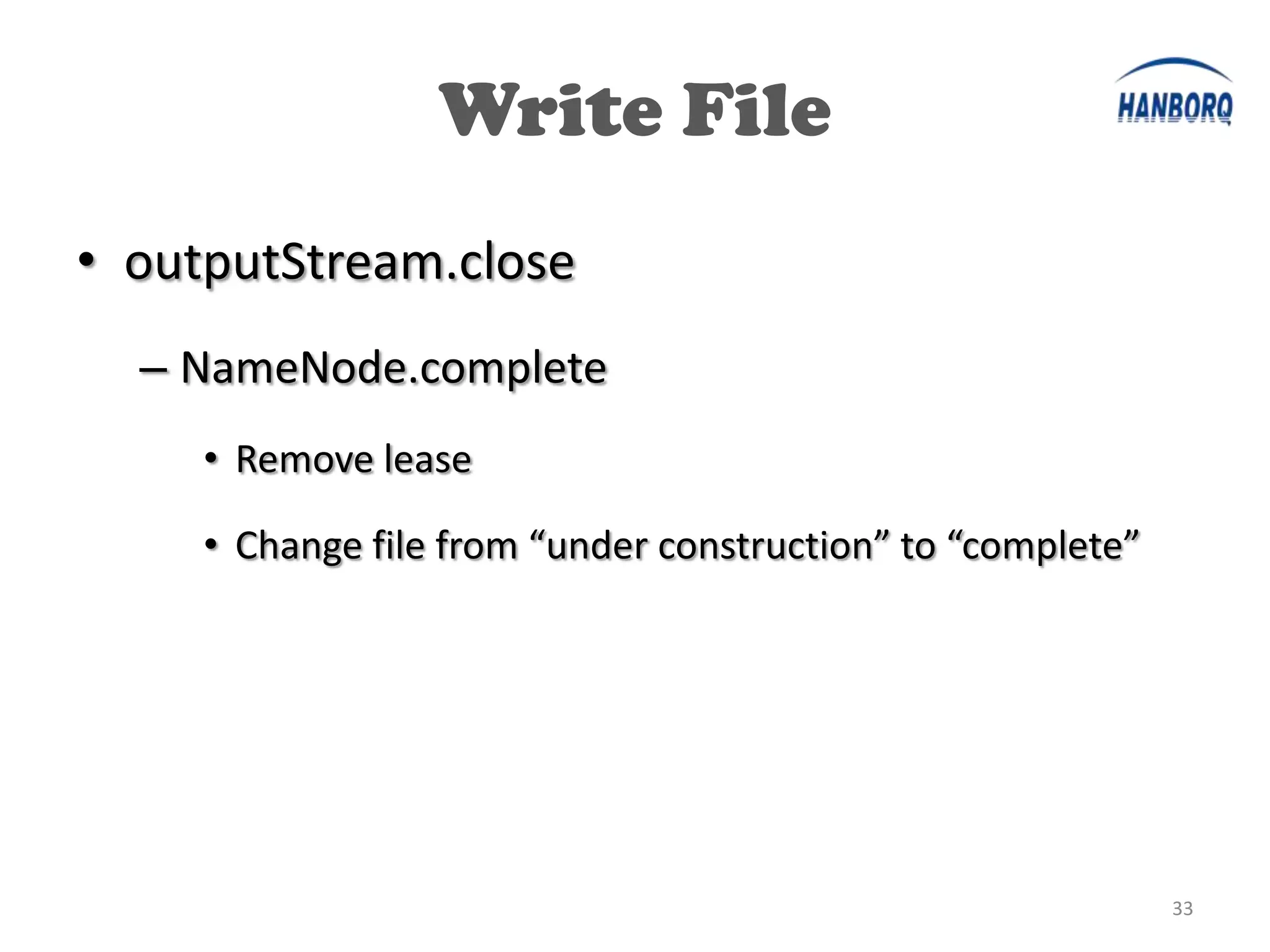
• outputStream.close
  – NameNode.complete
     • Remove lease

     • Change file from “under construction” to “complete”


                                                             33
Lease


        34
Lease
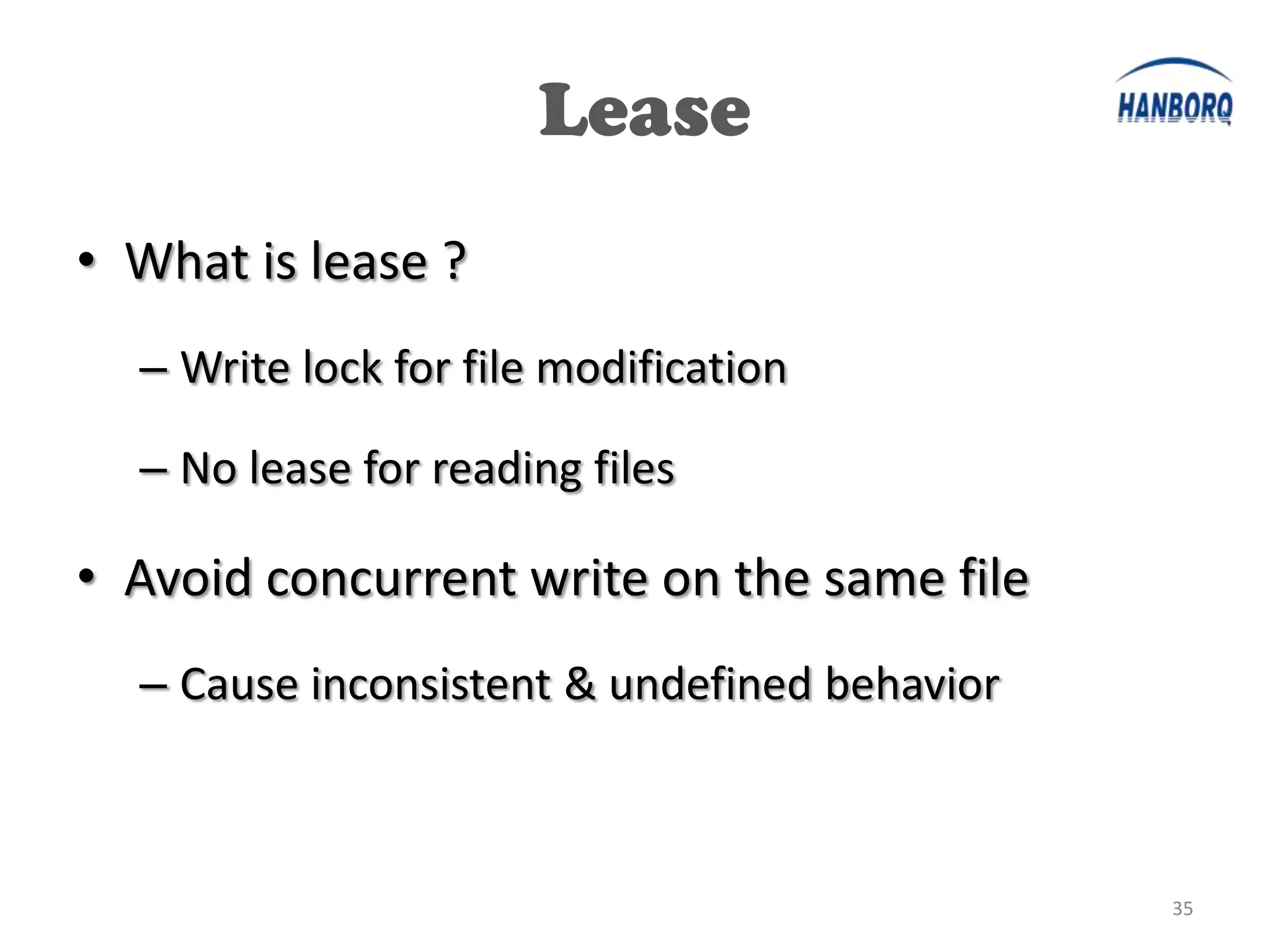
• What is lease ?
  – Write lock for file modification

  – No lease for reading files

• Avoid concurrent write on the same file
  – Cause inconsistent & undefined behavior


                                              35
Lease
• LeaseManager
  – Lease is managed in NN
  – When file create (or append), lease added
• DFSClient.LeaseChecker
  – Client start thread to renew lease periodically


                                                      36
Lease Expiration
• Soft Limit
  – No renewing for 1 min
  – Other client compete for the lease
• Hard Limit
  – No renewing for 60 min (60 * softLimit)
  – No competition for the lease


                                              37
Read File
• Sample Code:
  DFSClient dfsclient = …
  FSDataInputStream is = dfsclient.open(…)
  is.read(…)
  is.close()


                                             38
Read File


            39
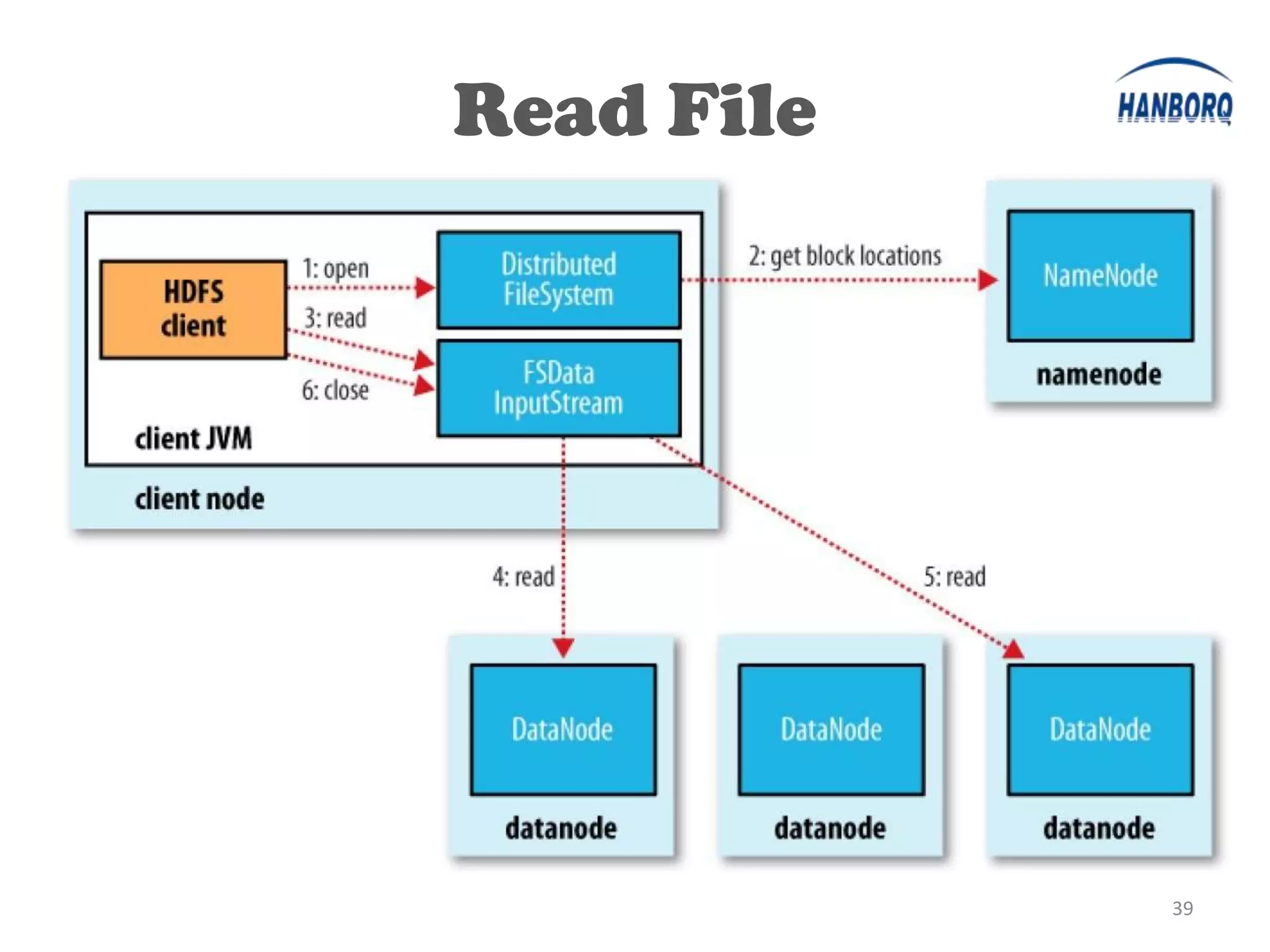
Read File
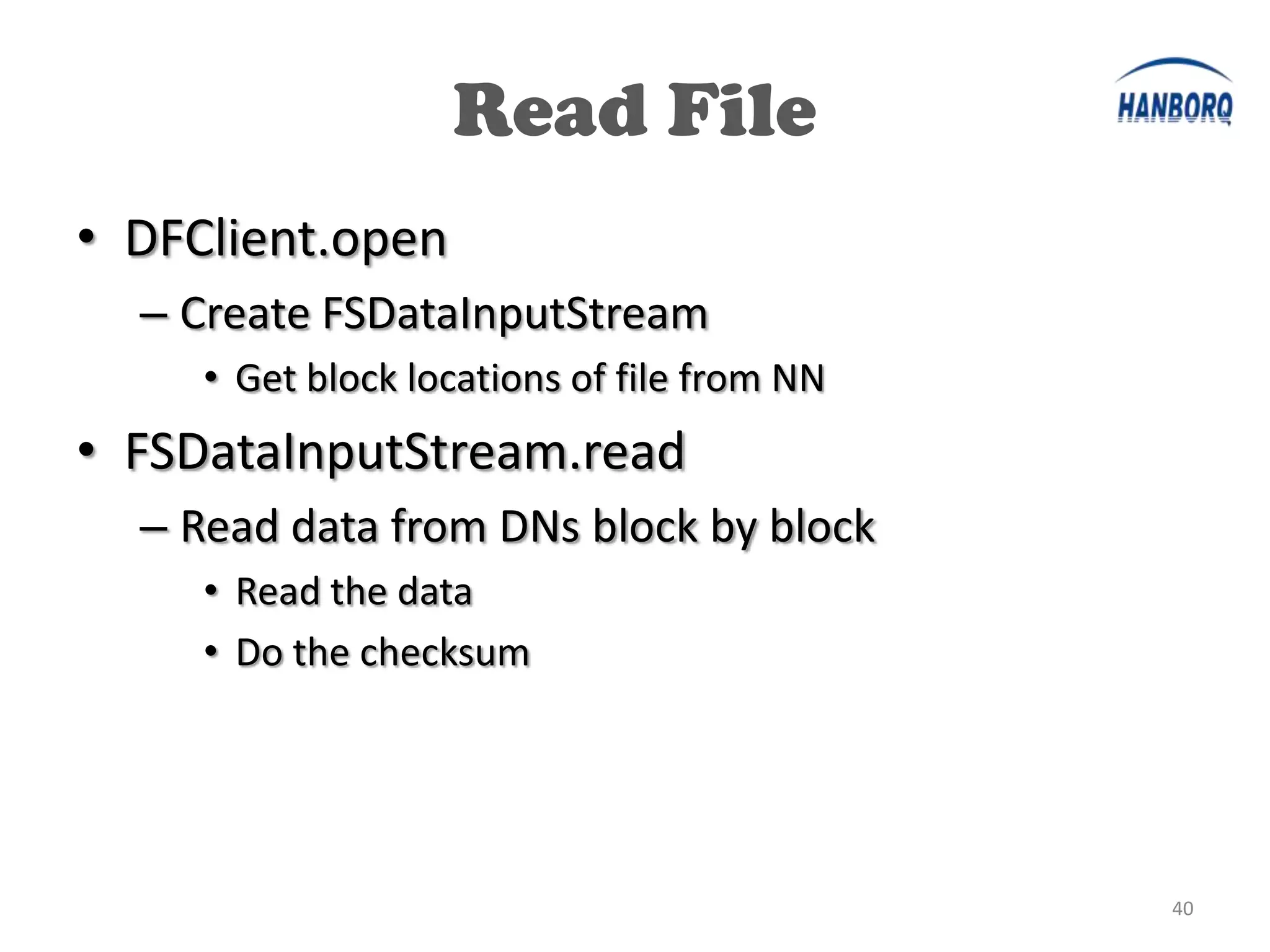
• DFClient.open
  – Create FSDataInputStream
     • Get block locations of file from NN
• FSDataInputStream.read
  – Read data from DNs block by block
     • Read the data
     • Do the checksum


                                             40
Desc Repl
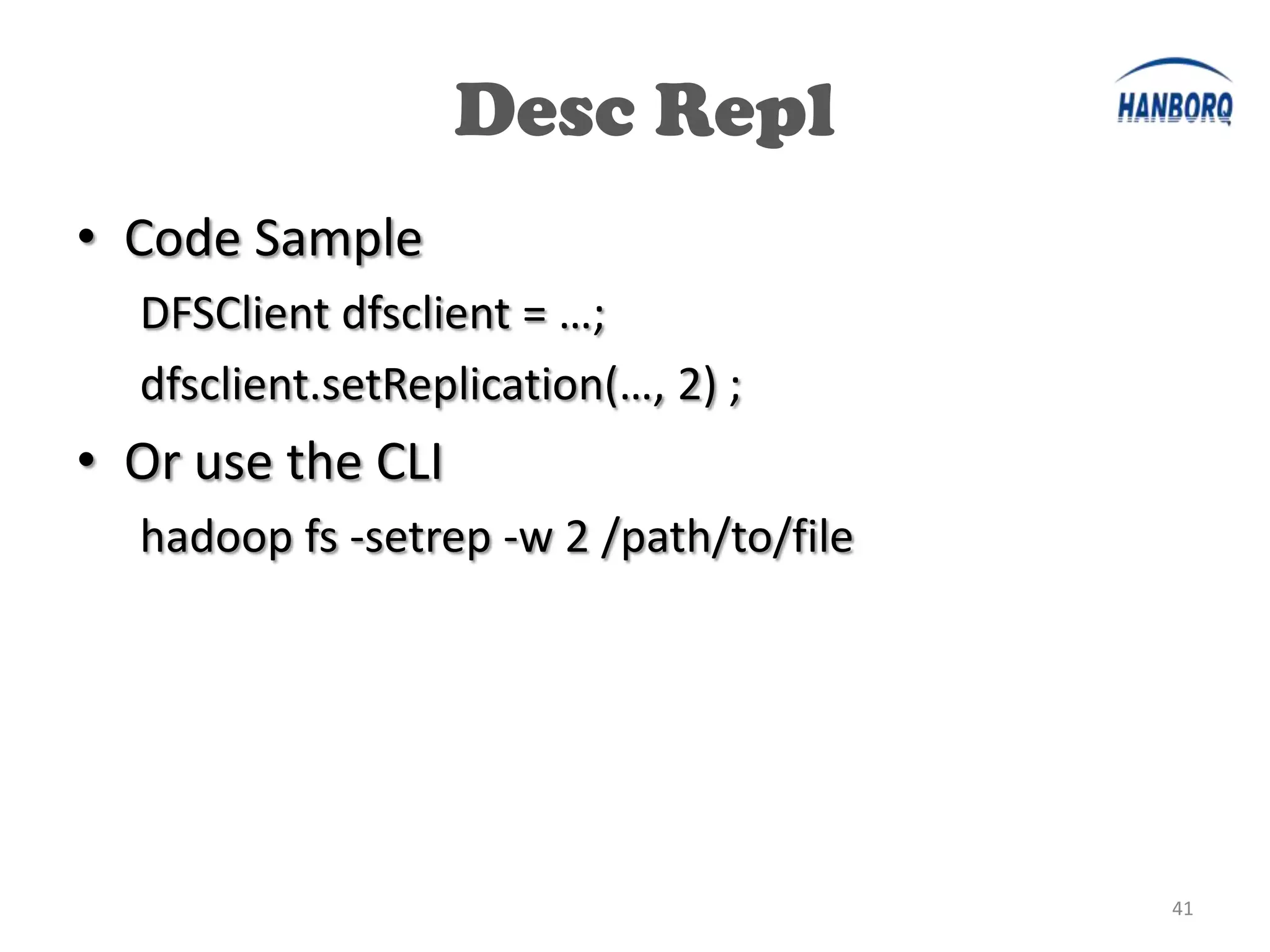
• Code Sample
  DFSClient dfsclient = …;
  dfsclient.setReplication(…, 2) ;
• Or use the CLI
  hadoop fs -setrep -w 2 /path/to/file


                                         41
Desc Repl
•


                42
Desc Repl
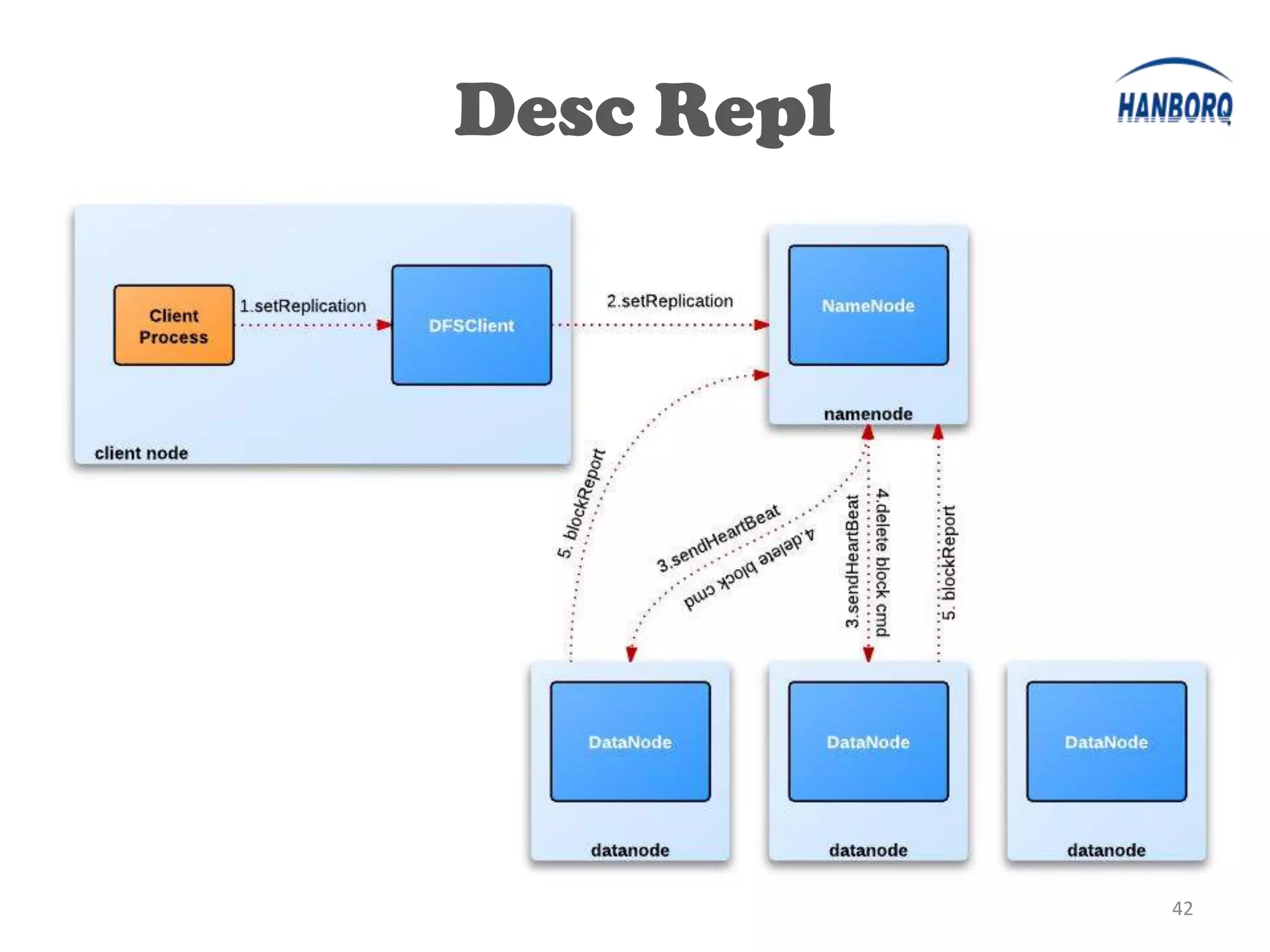
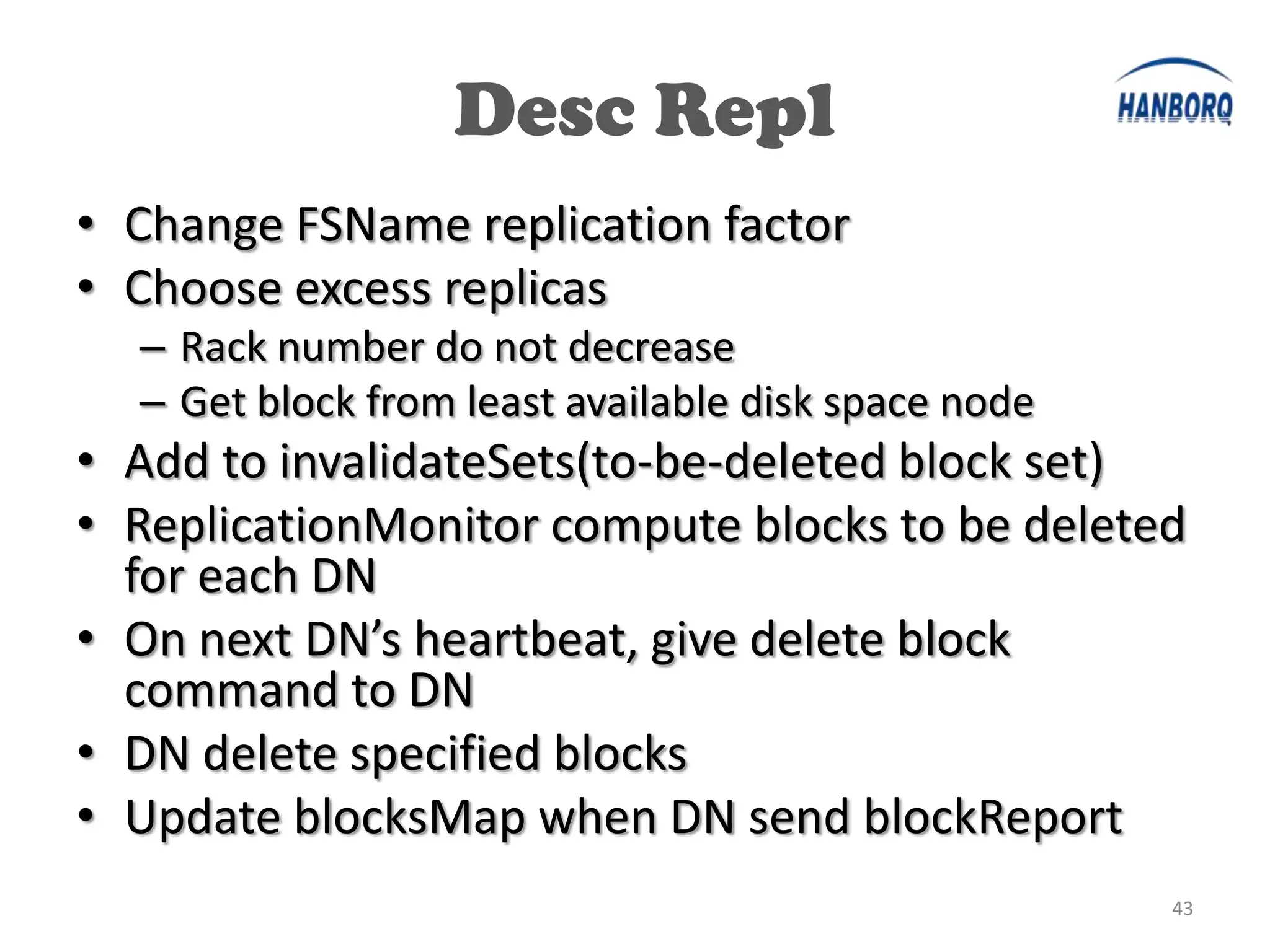
• Change FSName replication factor
• Choose excess replicas
  – Rack number do not decrease
  – Get block from least available disk space node
• Add to invalidateSets(to-be-deleted block set)
• ReplicationMonitor compute blocks to be deleted
  for each DN
• On next DN’s heartbeat, give delete block
  command to DN
• DN delete specified blocks
• Update blocksMap when DN send blockReport
                                                     43
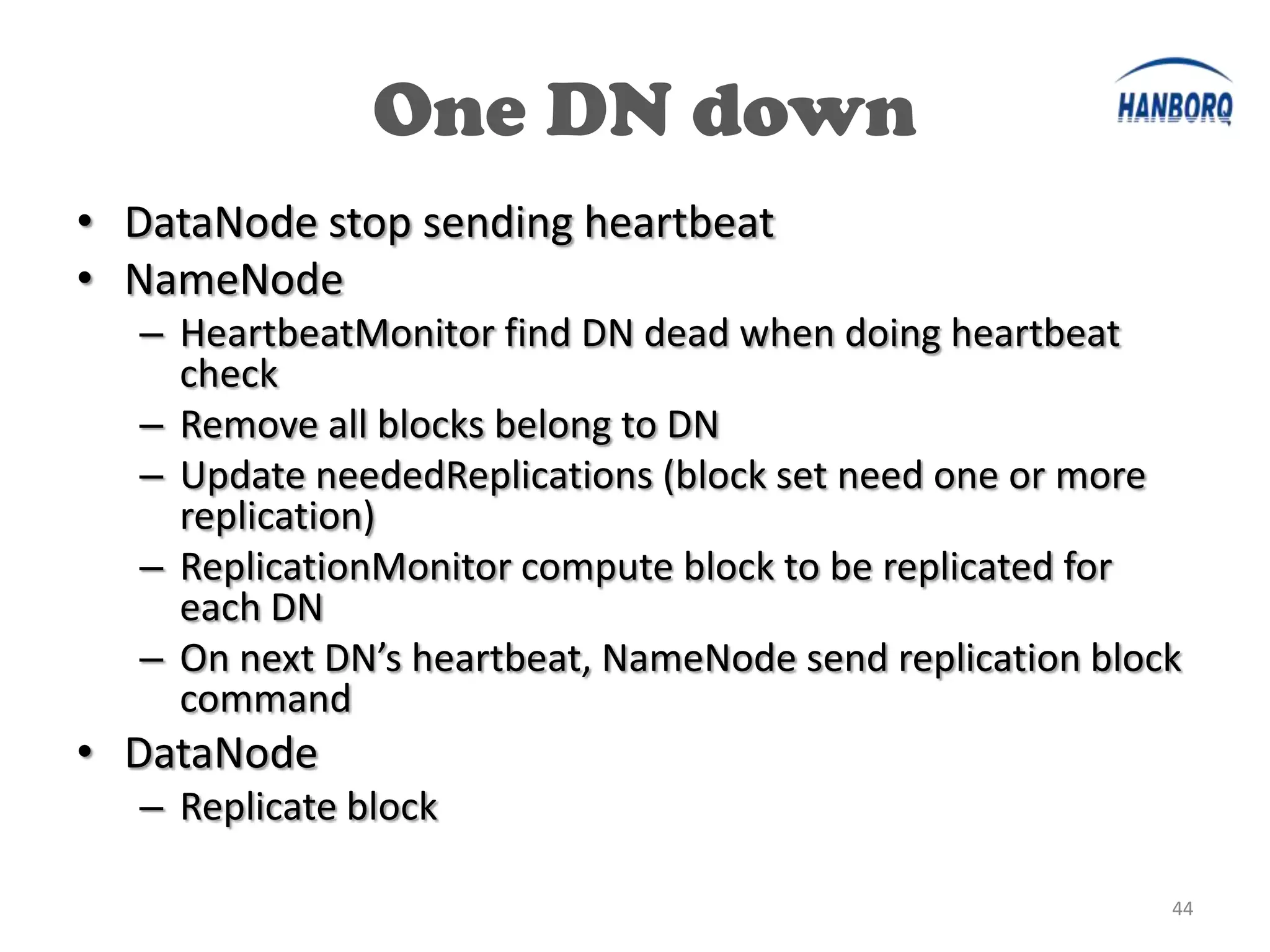
One DN down
• DataNode stop sending heartbeat
• NameNode
  – HeartbeatMonitor find DN dead when doing heartbeat
    check
  – Remove all blocks belong to DN
  – Update neededReplications (block set need one or more
    replication)
  – ReplicationMonitor compute block to be replicated for
    each DN
  – On next DN’s heartbeat, NameNode send replication block
    command
• DataNode
  – Replicate block

                                                          44
O&M, Tools


             45
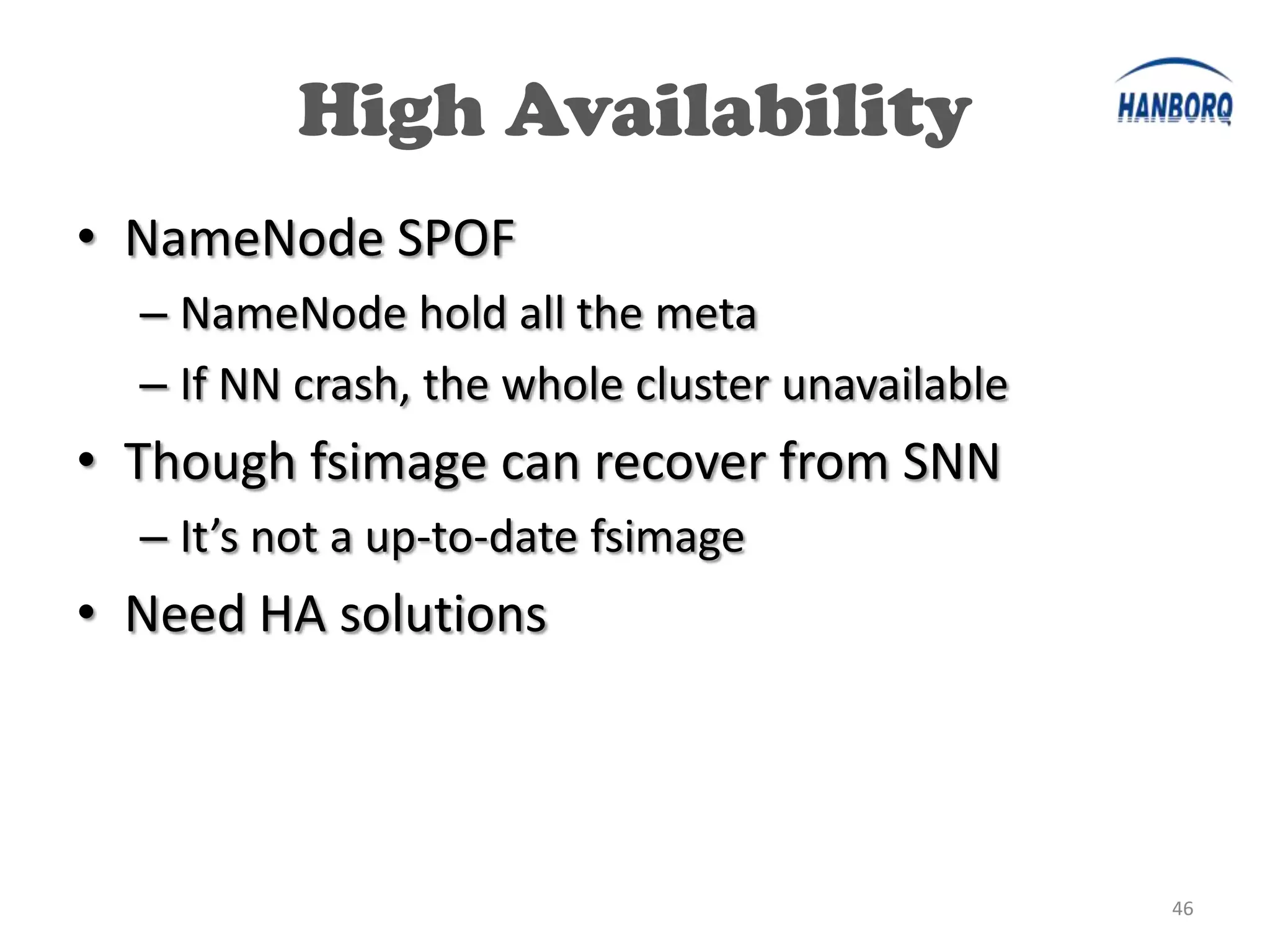
High Availability
• NameNode SPOF
  – NameNode hold all the meta
  – If NN crash, the whole cluster unavailable
• Though fsimage can recover from SNN
  – It’s not a up-to-date fsimage
• Need HA solutions


                                                 46
HA Solutions

• DRBD

• Avatar Node

• Backup Node


                        47
HA - DRBD
• DRBD (http://www.drbd.org)
   – block devices designed as a building block to form
     high availability (HA) clusters.
   – Like network based raid-1
• Use DRBD to backup NN’s fsimage & editlogs
   – A cold backup for NN
   – Restart NN cost no more than 10 minutes


                                                      48
HA - DRBD
• Mirror one of NN’s name dir to a remote node
  – All name dir is the same
• When NN fail
  – Copy mirrored name dir to all name dir
  – Restart NN
  – All will be done in no more than 20 mins


                                               49
HA Solutions

• DRBD

• Avatar Node

• Backup Node


                        50
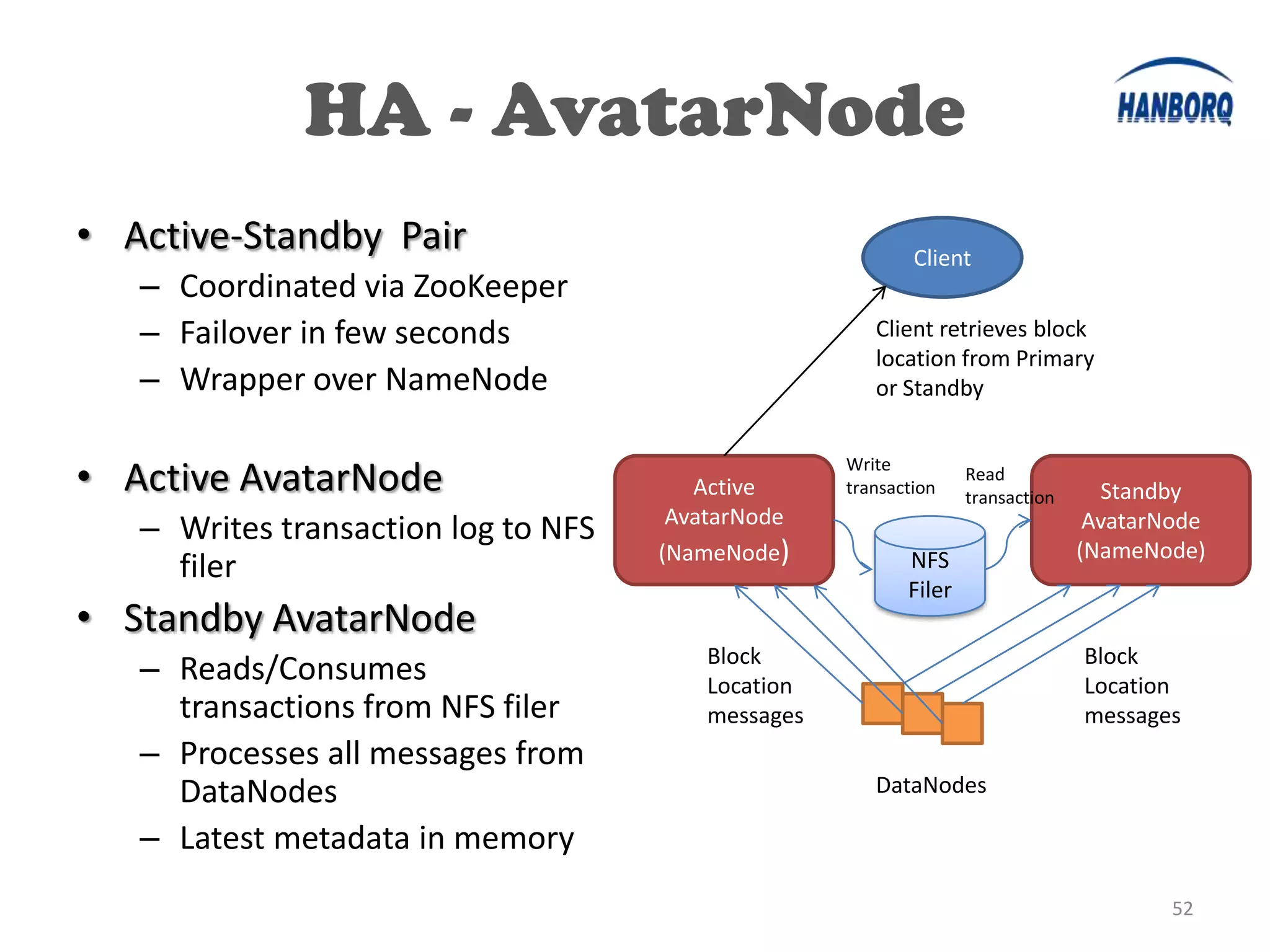
HA - AvatarNode
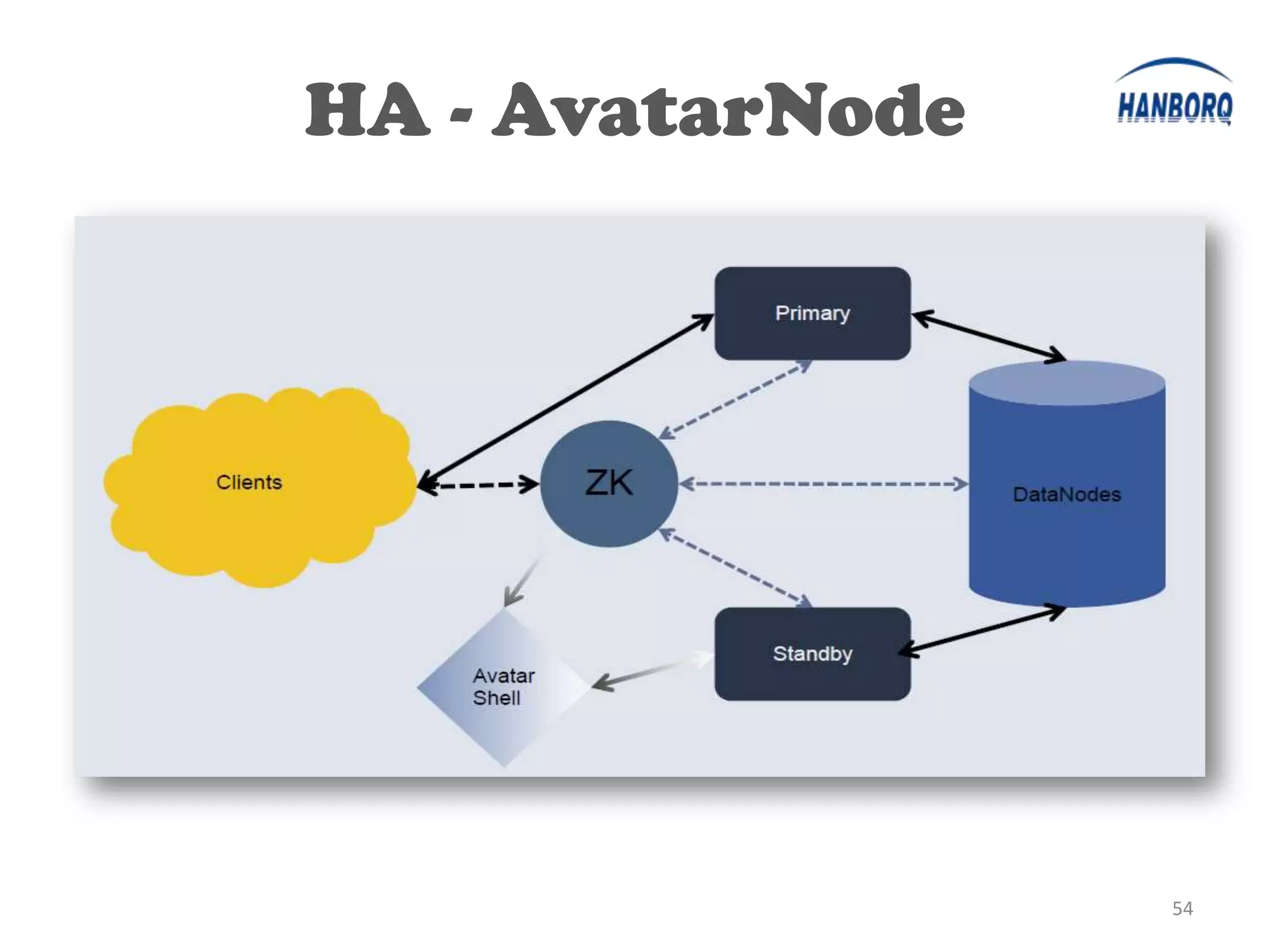
• Complete Hot Standby
  – NFS for storage of fsimage and editlogs
  – Standby node Consumes transactions from
    editlogs on NFS continuously
  – DataNodes send message to both primary and
    standby node
• Fast Switchover
  – Less than a minute


                                                 51
HA - AvatarNode
• Active-Standby Pair                                       Client
   – Coordinated via ZooKeeper
   – Failover in few seconds                           Client retrieves block
                                                       location from Primary
   – Wrapper over NameNode                             or Standby


• Active AvatarNode                     Active
                                                    Write
                                                    transaction
                                                                   Read
                                                                   transaction     Standby
                                      AvatarNode
   – Writes transaction log to NFS                                                AvatarNode
                                     (NameNode)            NFS                   (NameNode)
     filer
                                                           Filer
• Standby AvatarNode
                                         Block                                   Block
   – Reads/Consumes                      Location                                Location
     transactions from NFS filer         messages                                messages
   – Processes all messages from
     DataNodes                                         DataNodes

   – Latest metadata in memory
                                                                                         52
HA - AvatarNode
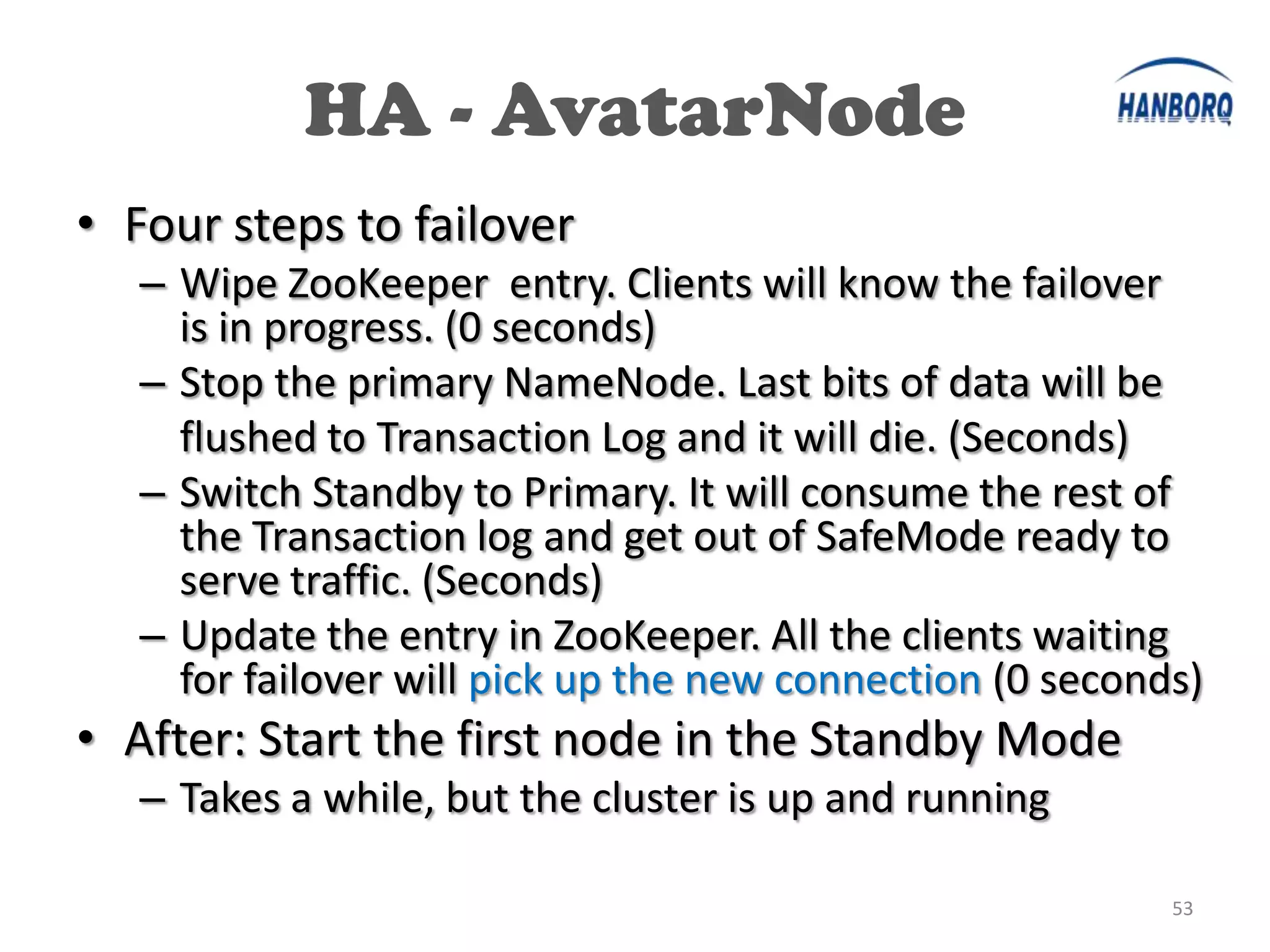
• Four steps to failover
   – Wipe ZooKeeper entry. Clients will know the failover
     is in progress. (0 seconds)
   – Stop the primary NameNode. Last bits of data will be
     flushed to Transaction Log and it will die. (Seconds)
   – Switch Standby to Primary. It will consume the rest of
     the Transaction log and get out of SafeMode ready to
     serve traffic. (Seconds)
   – Update the entry in ZooKeeper. All the clients waiting
     for failover will pick up the new connection (0 seconds)
• After: Start the first node in the Standby Mode
   – Takes a while, but the cluster is up and running

                                                           53
HA - AvatarNode


                  54
HA Solutions

• DRBD

• Avatar Node

• Backup Node


                        55
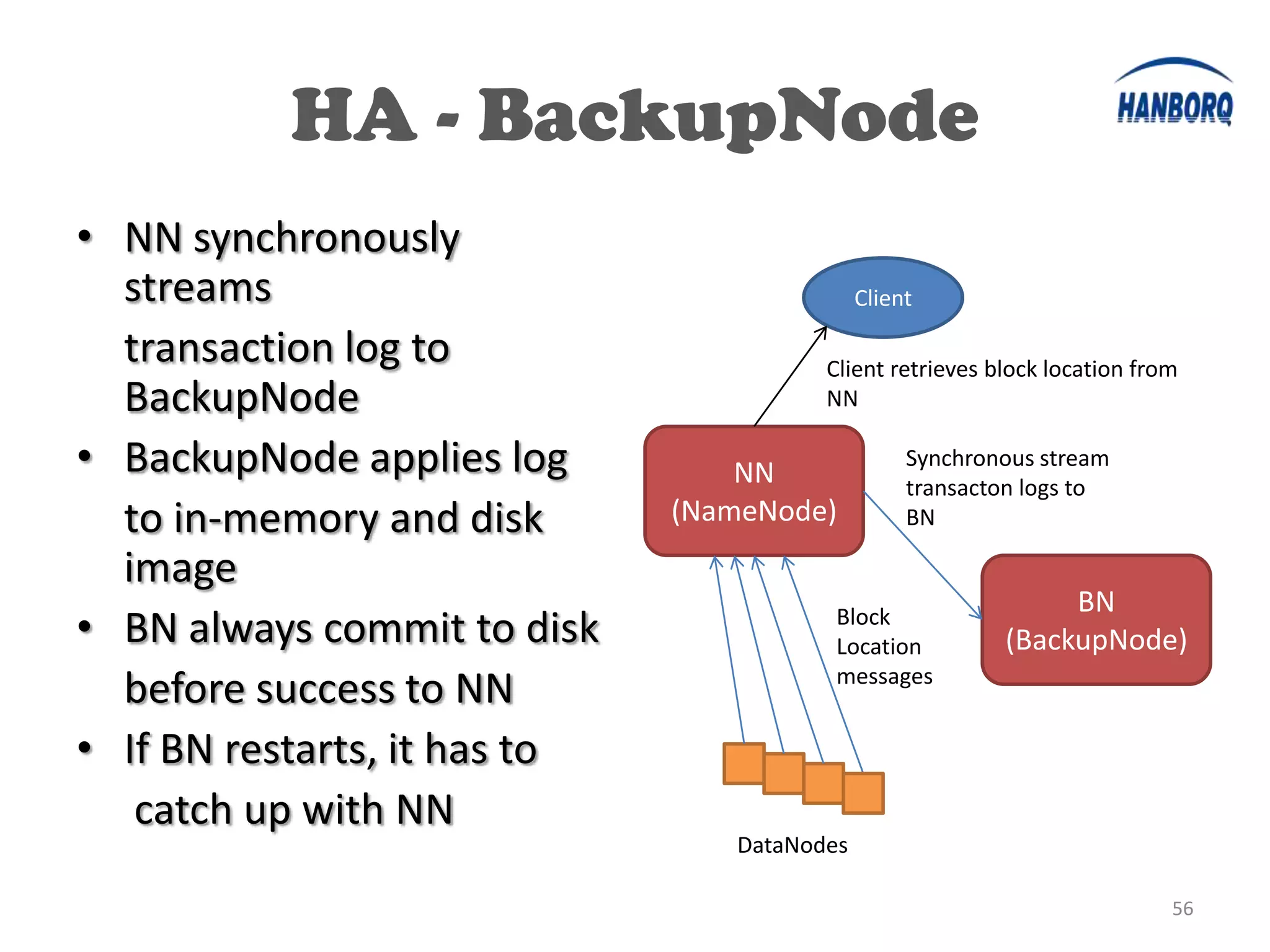
HA - BackupNode
• NN synchronously
  streams                                    Client

  transaction log to                    Client retrieves block location from
  BackupNode                            NN

• BackupNode applies log          NN
                                                  Synchronous stream
                                                  transacton logs to
  to in-memory and disk       (NameNode)          BN

  image
                                                               BN
• BN always commit to disk               Block
                                         Location         (BackupNode)
                                         messages
  before success to NN
• If BN restarts, it has to
   catch up with NN
                                 DataNodes

                                                                           56
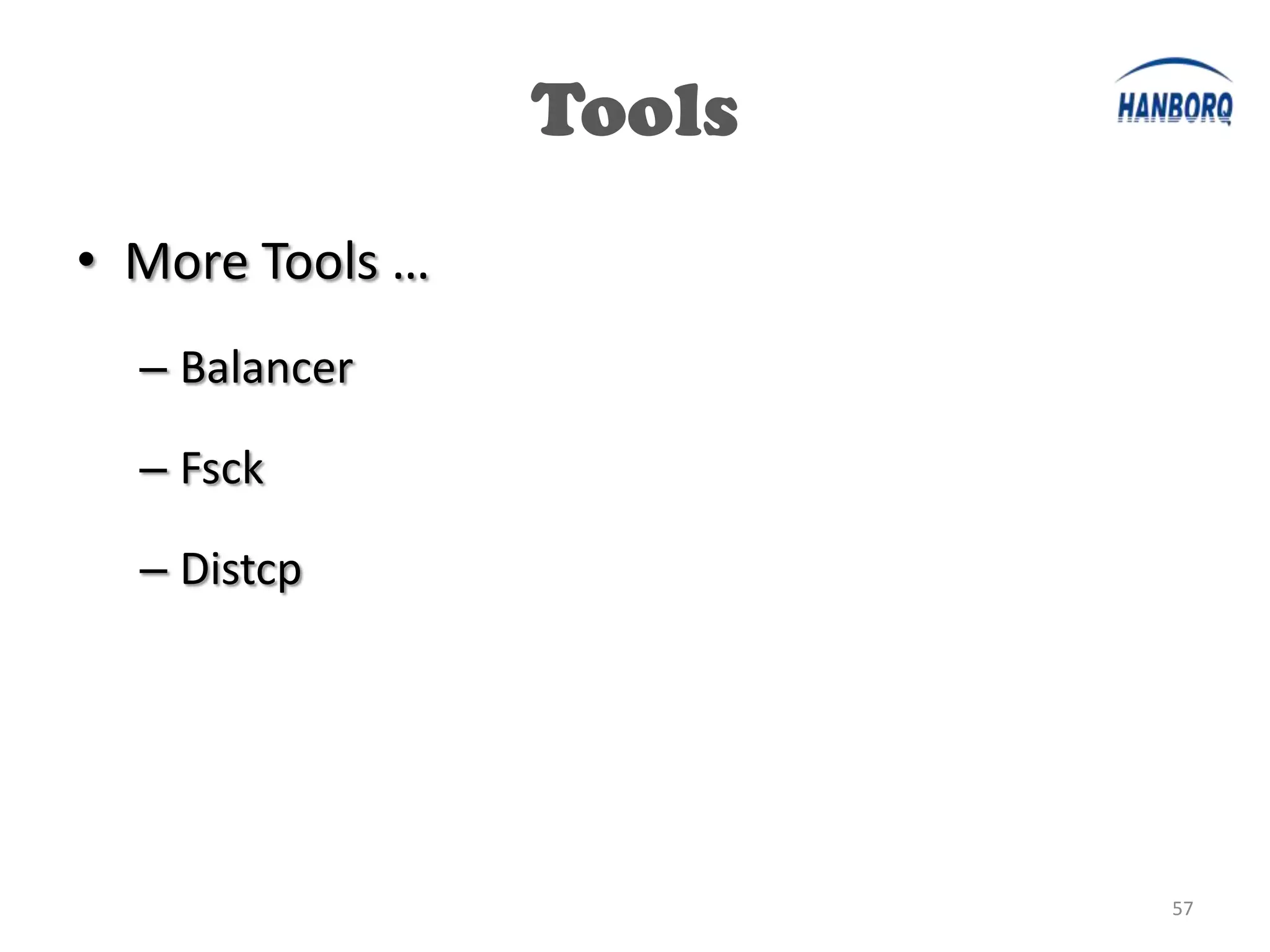
Tools
• More Tools …
  – Balancer

  – Fsck

  – Distcp


                         57
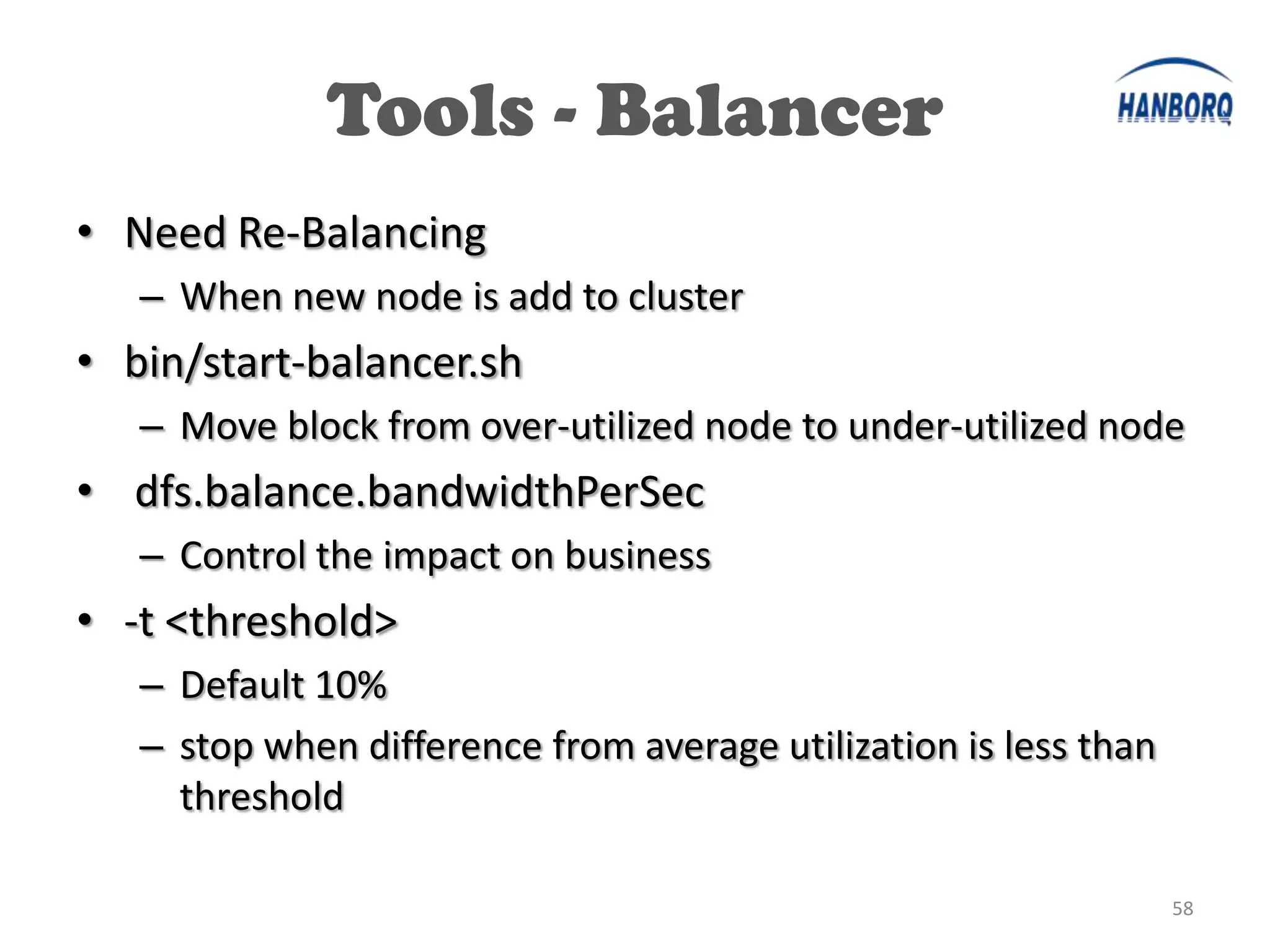
Tools - Balancer
• Need Re-Balancing
   – When new node is add to cluster
• bin/start-balancer.sh
   – Move block from over-utilized node to under-utilized node
• dfs.balance.bandwidthPerSec
   – Control the impact on business
• -t <threshold>
   – Default 10%
   – stop when difference from average utilization is less than
     threshold

                                                                  58
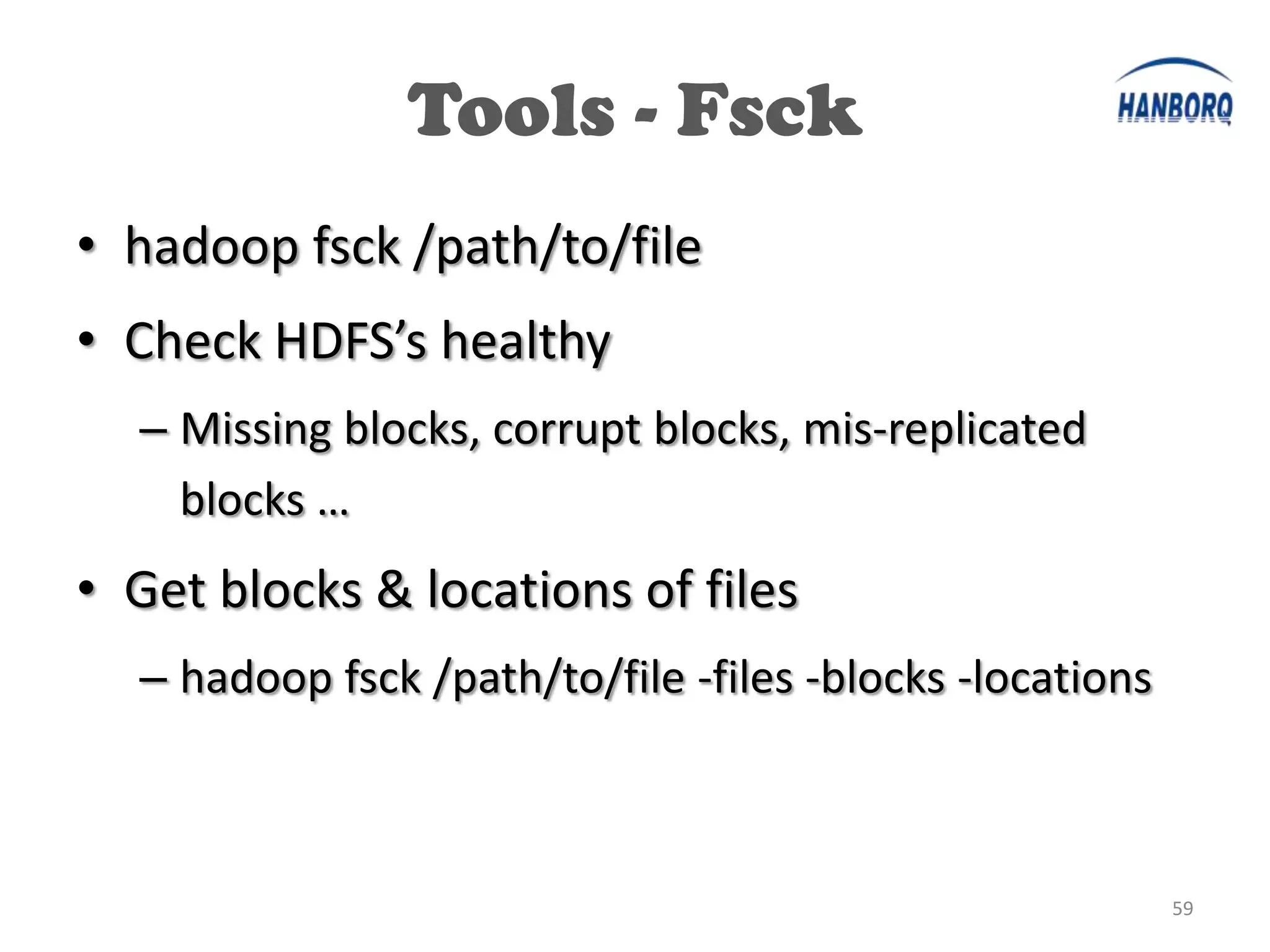
Tools - Fsck
• hadoop fsck /path/to/file
• Check HDFS’s healthy
  – Missing blocks, corrupt blocks, mis-replicated
    blocks …
• Get blocks & locations of files
  – hadoop fsck /path/to/file -files -blocks -locations


                                                          59
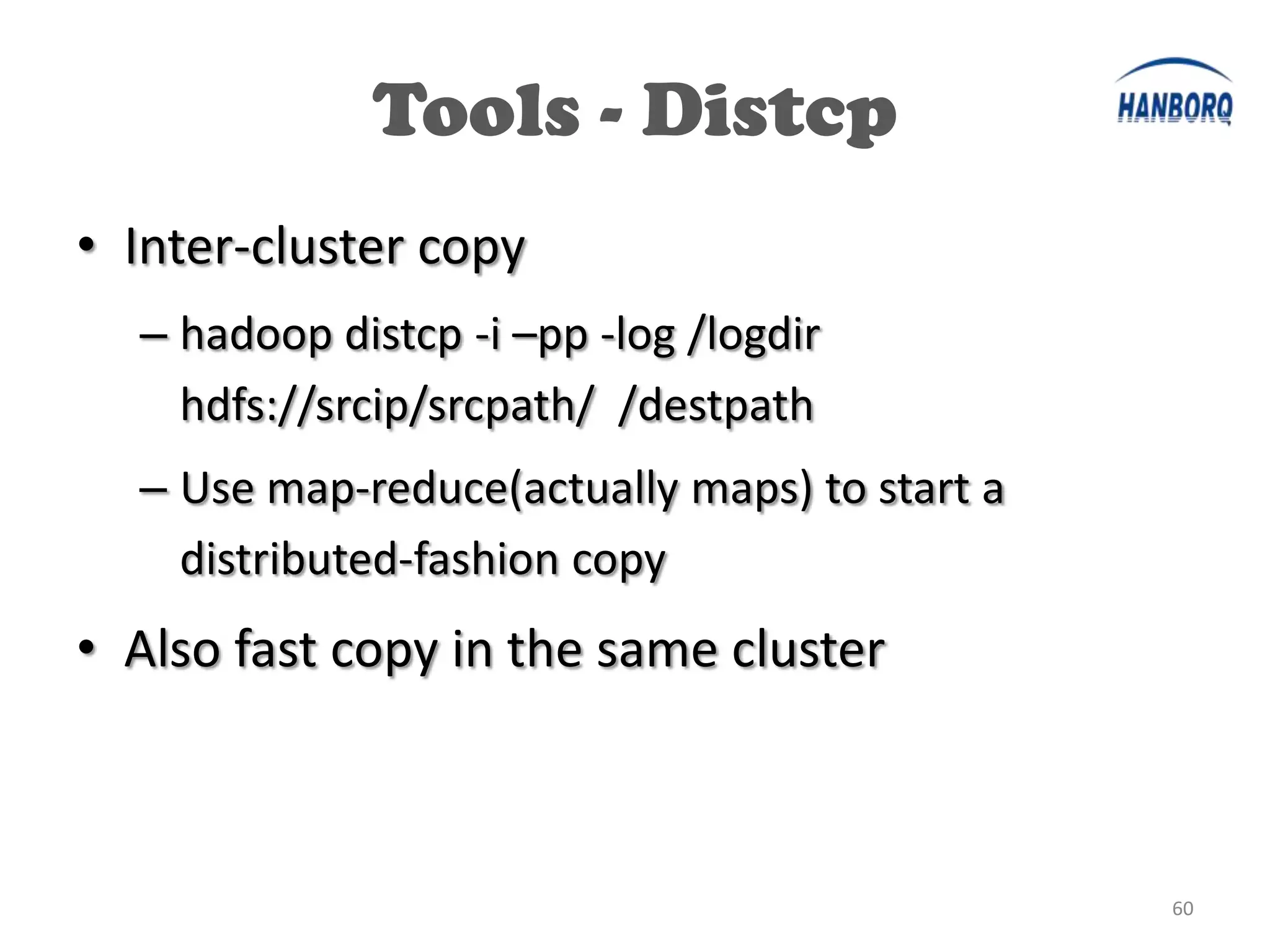
Tools - Distcp
• Inter-cluster copy
  – hadoop distcp -i –pp -log /logdir
    hdfs://srcip/srcpath/ /destpath
  – Use map-reduce(actually maps) to start a
    distributed-fashion copy
• Also fast copy in the same cluster


                                               60
HDFS Future


              61
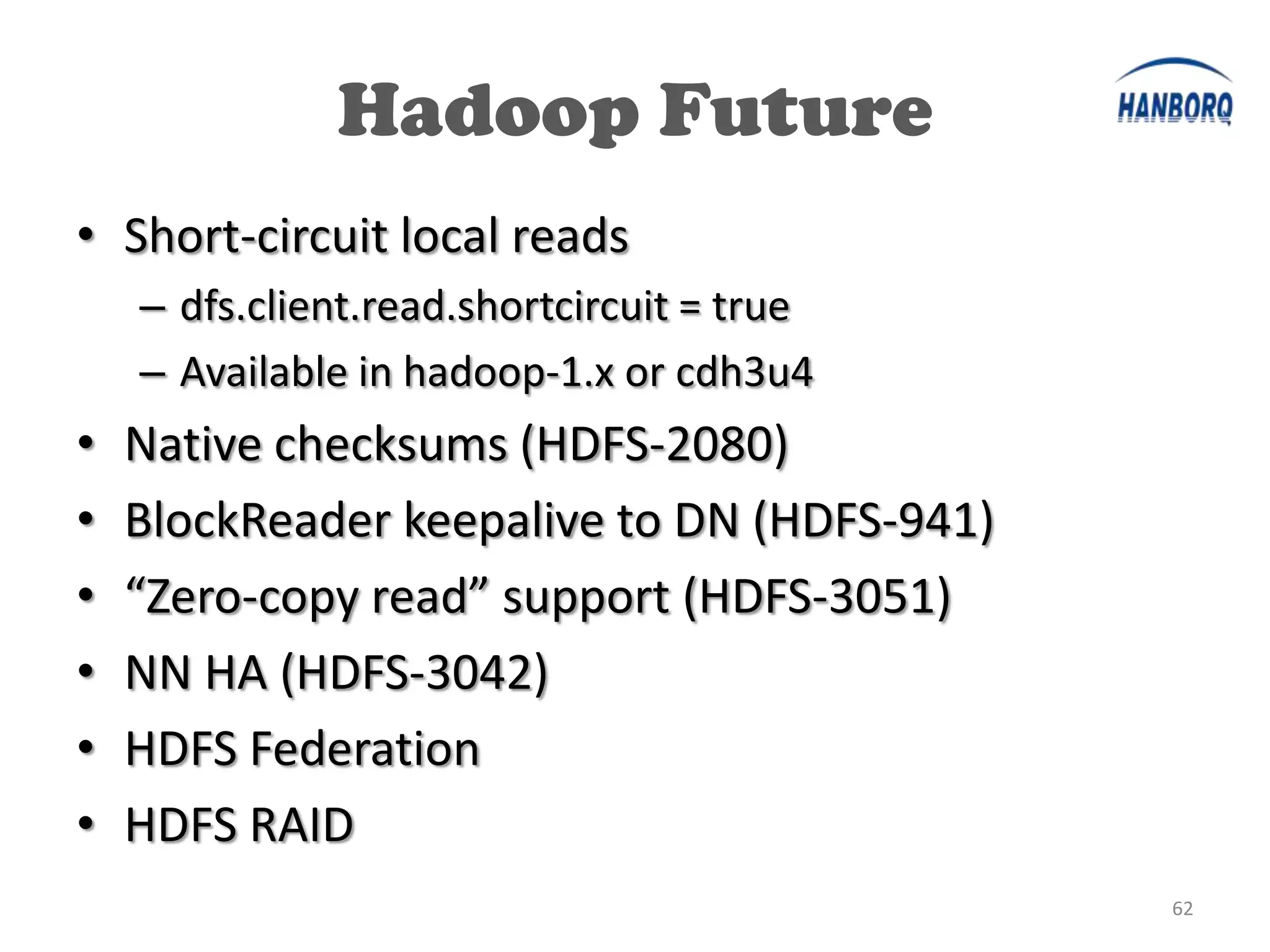
Hadoop Future
• Short-circuit local reads
    – dfs.client.read.shortcircuit = true
    – Available in hadoop-1.x or cdh3u4
•   Native checksums (HDFS-2080)
•   BlockReader keepalive to DN (HDFS-941)
•   “Zero-copy read” support (HDFS-3051)
•   NN HA (HDFS-3042)
•   HDFS Federation
•   HDFS RAID
                                             62
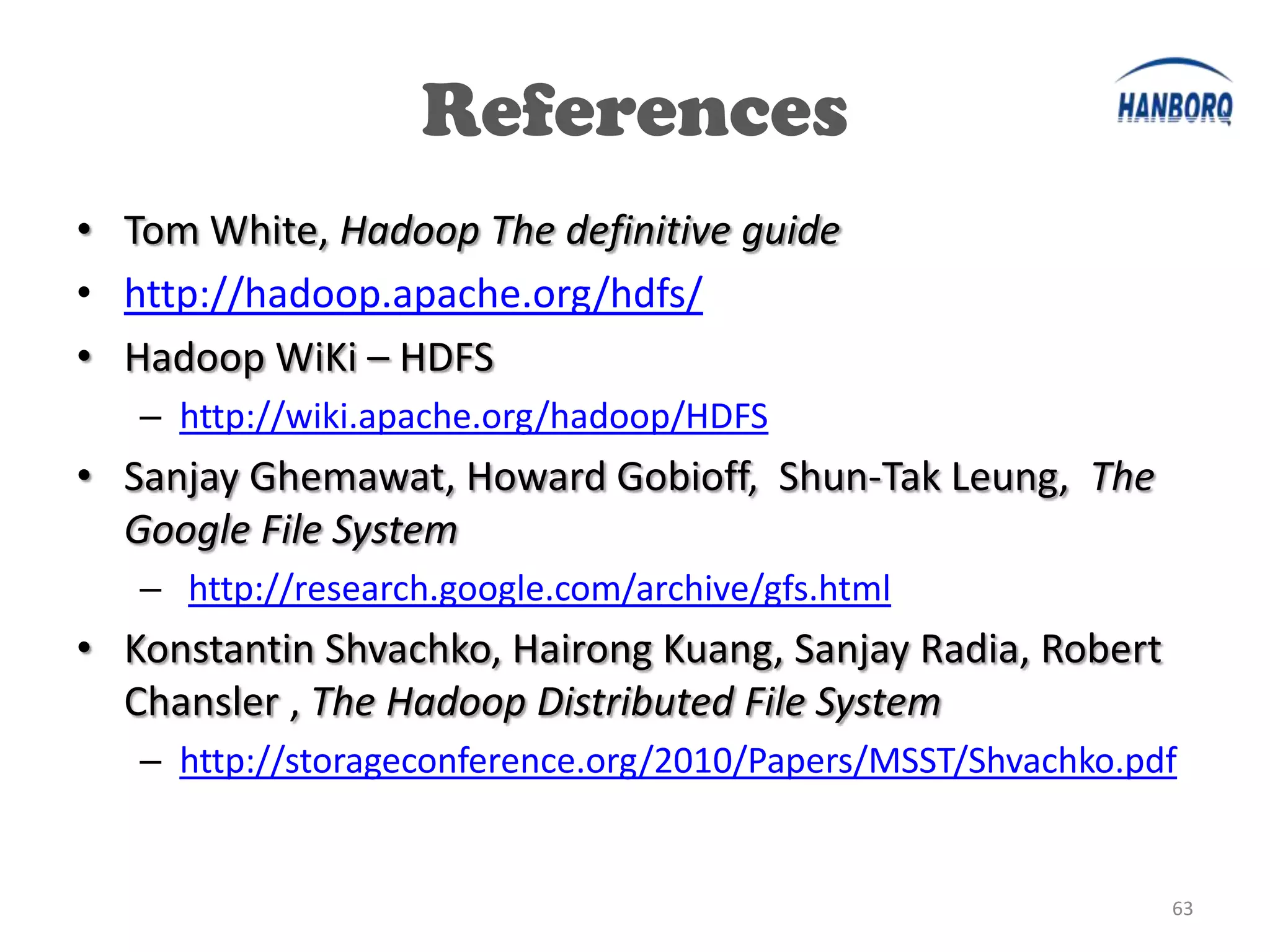
References
• Tom White, Hadoop The definitive guide
• http://hadoop.apache.org/hdfs/
• Hadoop WiKi – HDFS
   – http://wiki.apache.org/hadoop/HDFS
• Sanjay Ghemawat, Howard Gobioff, Shun-Tak Leung, The
  Google File System
   – http://research.google.com/archive/gfs.html
• Konstantin Shvachko, Hairong Kuang, Sanjay Radia, Robert
  Chansler , The Hadoop Distributed File System
   – http://storageconference.org/2010/Papers/MSST/Shvachko.pdf


                                                              63
The End
Thank You Very Much!
     chiangbing@gmail.com


                            64

Hadoop HDFS Detailed Introduction

  • 1.
    Detailed Intro. toHDFS July 10, 2012 Clay Jiang Big Data Engineering Team Hanborq Inc.
  • 2.
    HDFS Intro. • Overview •HDFS Internal • HDFS O&M, Tools • HDFS Future 2
  • 3.
  • 4.
    What is HDFS? •Hadoop Distributed FileSystem • Good For:  Large Files  Streaming Data Access • NOT For: x Lots of Small Files x Random Access x Low-latency Access 4
  • 5.
    Design of HDFS •GFS-like – http://research.google.com/archive/gfs.html • Master-slave design – Master • Single NameNode for managing FS meta – Slaves • Multiple DataNode s for storing data – One more: • SecondaryNameNode for checkpointing 5
  • 6.
  • 7.
    HDFS Storage • HDFSFiles are broken into Blocks – Basic unit of reading/writing like disk block – Default to 64MB, may be larger in product env. – Make HDFS good for large file & high throughput • Block may have multiple Replicas – One block stored as multiple locations – Make HDFS storage fault tolerant 7
  • 8.
  • 9.
  • 10.
    HDFS Internal • NameNode •SecondaryNameNode • DataNode 10
  • 11.
    NameNode • Filesystem Meta – FSNames – FSName  Blocks – Block  Replicas • Interact With – Client – DataNode – SecondaryNameNode 11
  • 12.
    NameNode FS Meta •FSImage – FSNames & FSName  Blocks – Saved replicas in multiple name directory – Recover on startup • EditLog – Log every FS modification • Block  Replicas (DataNodes) – Only in memory – rebuilt from block reports on startup 12
  • 13.
    NameNode Interface • Throughdifferent protocol interface – ClientProtocol: • Create, addBlock, delete, rename, fsync … – NameNodeProtocol: • rollEditLog, rollFsImage, … – DataNodeProtocol: • sendHeartbeat, blockReceived, blockReport, … –… 13
  • 14.
    NameNode Startup • OnStartup – Load fsimage – Check safe mode – Start Daemons • HeartbeatMonitor • LeaseManager • ReplicationMonitor • DecommissionManager – Start RPC services – Start HTTP info server – Start Trash Emptier 14
  • 15.
    Load FSImage • NameDirectory – dfs.name.dir: can be multiple dirs – Check consistence of all name dirs – Load fsimage file – Load edit logs – Save namespace • Mainly setup dirs & files properly 15
  • 16.
    Check Safemode • Safemode – Fsimage loaded but locations of blocks not known yet! – Exit when minimal replication condition meet • dfs.safemode.threshold.pct • dfs.replication.min • Default case: 99.9% of block have 1 replicas – Start SafeModeMonitor to periodically check to leave safe mode – Leave safe mode manually • hadoop dfsadmin -safemode leave • (or enter it /get status by: hadoop dfsadmin -safemode enter/get) 16
  • 17.
    Start Daemons • HeartbeatMonitor – Check lost DN & schedule necessary replication • LeaseManager – Check lost lease • ReplicationMonitor – computeReplicationWork – computeInvalidateWork – dfs.replication.interval, defautl to 3 secs • DecommissionManager – Check and set node decommissioned 17
  • 18.
    Trash Emptier • /user/{user.name}/.Trash – fs.trash.interval > 0 to enable – When delete, file moved to .Trash • Trash.Empiter – Run every fs.trash.interval mins – Delete old checkpoint (fs.trash interval mins ago) 18
  • 19.
    HDFS Internal • NameNode •SecondaryNameNode • DataNode 19
  • 20.
    SecondaryNameNode • Not Standby/BackupNameNode – Only for checkpointing – Though, has a NON-Realtime copy of FSImage • Need as much memory as NN to do the checkpointing – Estimation: 1GB for every one million blocks 20
  • 21.
    SecondaryNameNode • Do thecheckpointing – Copy NN’s fsimage & editlogs – Merge them to a new fsimage – Replace NN’s fsimage with new one & clean editlogs • Timing – Size of editlog > fs.checkpoint.size (poll every 5 min) – Every fs.checkpoint.period secs 21
  • 22.
    HDFS Internal • NameNode •SecondaryNameNode • DataNode 22
  • 23.
    DataNode • Store datablocks – Have no knowledge about FSName • Receive blocks from Client • Receive blocks from DataNode peer – Replication – Pipeline writing • Receive delete command from NameNode 23
  • 24.
    Block Placement Policy OnCluster Level • replication = 3 – First replica local with Client – Second & Third on two nodes of same remote rack 24
  • 25.
    Block Placement Policy Onone single node • Write each disk in turn – No balancing is considered ! • Skip a disk when it’s almost full or failed • DataNode may go offline when disks failed – dfs.datanode.failed.volumes.tolerated 25
  • 26.
    DataNode Startup • OnDN Startup: – Load data dirs – Register itself to NameNode – Start IPC Server – Start DataXceiverServer • Transfer blocks – Run the main loop … • Start BlockScanner • Send heartbeats • Process command from NN • Send block report 26
  • 27.
    DataXceiverServer • Accept dataconnection & start DataXceiver – Max num: dfs.datanode.max.xcievers [256] • DataXceiver – Handle blocks • Read block • Write block • Replace block • Copy block • … 27
  • 28.
    HDFS Routines Analysis •Write File • Read File • Decrease Replication Factor • One DN down 28
  • 29.
    Write File • SampleCode: DFSClient dfsclient = …; outputStream = dfsclient.create(…); outputStream.write(someBytes); … outputStream.close(); dfsclient.close(); 29
  • 30.
  • 31.
    Write File • DFSClient.create – NameNode.create • Check existence • Check permission • Check and get Lease • Add new INode to rootDir 31
  • 32.
    Write File • outputStream.write – Get DNs to write to From NN – Break bytes into packets – Write packets to First DataNode’s DataXceiver – DN mirror packet to downstream DNs (Pipeline) – When complete, confirm NN blockReceived 32
  • 33.
    Write File • outputStream.close – NameNode.complete • Remove lease • Change file from “under construction” to “complete” 33
  • 34.
  • 35.
    Lease • What islease ? – Write lock for file modification – No lease for reading files • Avoid concurrent write on the same file – Cause inconsistent & undefined behavior 35
  • 36.
    Lease • LeaseManager – Lease is managed in NN – When file create (or append), lease added • DFSClient.LeaseChecker – Client start thread to renew lease periodically 36
  • 37.
    Lease Expiration • SoftLimit – No renewing for 1 min – Other client compete for the lease • Hard Limit – No renewing for 60 min (60 * softLimit) – No competition for the lease 37
  • 38.
    Read File • SampleCode: DFSClient dfsclient = … FSDataInputStream is = dfsclient.open(…) is.read(…) is.close() 38
  • 39.
  • 40.
    Read File • DFClient.open – Create FSDataInputStream • Get block locations of file from NN • FSDataInputStream.read – Read data from DNs block by block • Read the data • Do the checksum 40
  • 41.
    Desc Repl • CodeSample DFSClient dfsclient = …; dfsclient.setReplication(…, 2) ; • Or use the CLI hadoop fs -setrep -w 2 /path/to/file 41
  • 42.
  • 43.
    Desc Repl • ChangeFSName replication factor • Choose excess replicas – Rack number do not decrease – Get block from least available disk space node • Add to invalidateSets(to-be-deleted block set) • ReplicationMonitor compute blocks to be deleted for each DN • On next DN’s heartbeat, give delete block command to DN • DN delete specified blocks • Update blocksMap when DN send blockReport 43
  • 44.
    One DN down •DataNode stop sending heartbeat • NameNode – HeartbeatMonitor find DN dead when doing heartbeat check – Remove all blocks belong to DN – Update neededReplications (block set need one or more replication) – ReplicationMonitor compute block to be replicated for each DN – On next DN’s heartbeat, NameNode send replication block command • DataNode – Replicate block 44
  • 45.
  • 46.
    High Availability • NameNodeSPOF – NameNode hold all the meta – If NN crash, the whole cluster unavailable • Though fsimage can recover from SNN – It’s not a up-to-date fsimage • Need HA solutions 46
  • 47.
    HA Solutions • DRBD •Avatar Node • Backup Node 47
  • 48.
    HA - DRBD •DRBD (http://www.drbd.org) – block devices designed as a building block to form high availability (HA) clusters. – Like network based raid-1 • Use DRBD to backup NN’s fsimage & editlogs – A cold backup for NN – Restart NN cost no more than 10 minutes 48
  • 49.
    HA - DRBD •Mirror one of NN’s name dir to a remote node – All name dir is the same • When NN fail – Copy mirrored name dir to all name dir – Restart NN – All will be done in no more than 20 mins 49
  • 50.
    HA Solutions • DRBD •Avatar Node • Backup Node 50
  • 51.
    HA - AvatarNode •Complete Hot Standby – NFS for storage of fsimage and editlogs – Standby node Consumes transactions from editlogs on NFS continuously – DataNodes send message to both primary and standby node • Fast Switchover – Less than a minute 51
  • 52.
    HA - AvatarNode •Active-Standby Pair Client – Coordinated via ZooKeeper – Failover in few seconds Client retrieves block location from Primary – Wrapper over NameNode or Standby • Active AvatarNode Active Write transaction Read transaction Standby AvatarNode – Writes transaction log to NFS AvatarNode (NameNode) NFS (NameNode) filer Filer • Standby AvatarNode Block Block – Reads/Consumes Location Location transactions from NFS filer messages messages – Processes all messages from DataNodes DataNodes – Latest metadata in memory 52
  • 53.
    HA - AvatarNode •Four steps to failover – Wipe ZooKeeper entry. Clients will know the failover is in progress. (0 seconds) – Stop the primary NameNode. Last bits of data will be flushed to Transaction Log and it will die. (Seconds) – Switch Standby to Primary. It will consume the rest of the Transaction log and get out of SafeMode ready to serve traffic. (Seconds) – Update the entry in ZooKeeper. All the clients waiting for failover will pick up the new connection (0 seconds) • After: Start the first node in the Standby Mode – Takes a while, but the cluster is up and running 53
  • 54.
  • 55.
    HA Solutions • DRBD •Avatar Node • Backup Node 55
  • 56.
    HA - BackupNode •NN synchronously streams Client transaction log to Client retrieves block location from BackupNode NN • BackupNode applies log NN Synchronous stream transacton logs to to in-memory and disk (NameNode) BN image BN • BN always commit to disk Block Location (BackupNode) messages before success to NN • If BN restarts, it has to catch up with NN DataNodes 56
  • 57.
    Tools • More Tools… – Balancer – Fsck – Distcp 57
  • 58.
    Tools - Balancer •Need Re-Balancing – When new node is add to cluster • bin/start-balancer.sh – Move block from over-utilized node to under-utilized node • dfs.balance.bandwidthPerSec – Control the impact on business • -t <threshold> – Default 10% – stop when difference from average utilization is less than threshold 58
  • 59.
    Tools - Fsck •hadoop fsck /path/to/file • Check HDFS’s healthy – Missing blocks, corrupt blocks, mis-replicated blocks … • Get blocks & locations of files – hadoop fsck /path/to/file -files -blocks -locations 59
  • 60.
    Tools - Distcp •Inter-cluster copy – hadoop distcp -i –pp -log /logdir hdfs://srcip/srcpath/ /destpath – Use map-reduce(actually maps) to start a distributed-fashion copy • Also fast copy in the same cluster 60
  • 61.
  • 62.
    Hadoop Future • Short-circuitlocal reads – dfs.client.read.shortcircuit = true – Available in hadoop-1.x or cdh3u4 • Native checksums (HDFS-2080) • BlockReader keepalive to DN (HDFS-941) • “Zero-copy read” support (HDFS-3051) • NN HA (HDFS-3042) • HDFS Federation • HDFS RAID 62
  • 63.
    References • Tom White,Hadoop The definitive guide • http://hadoop.apache.org/hdfs/ • Hadoop WiKi – HDFS – http://wiki.apache.org/hadoop/HDFS • Sanjay Ghemawat, Howard Gobioff, Shun-Tak Leung, The Google File System – http://research.google.com/archive/gfs.html • Konstantin Shvachko, Hairong Kuang, Sanjay Radia, Robert Chansler , The Hadoop Distributed File System – http://storageconference.org/2010/Papers/MSST/Shvachko.pdf 63
  • 64.
    The End Thank YouVery Much! chiangbing@gmail.com 64