FILE SYSTEMS
FILE
A file is the common storage unit in a computer.
A folder holds one or more files, and it can be
empty with just a name.
FILE IN COMPUTER TERMS
Files are the logical unit of information created
by the process.
Information present in the file must be
Persistent (i.e.) not affected by process creation
and termination.
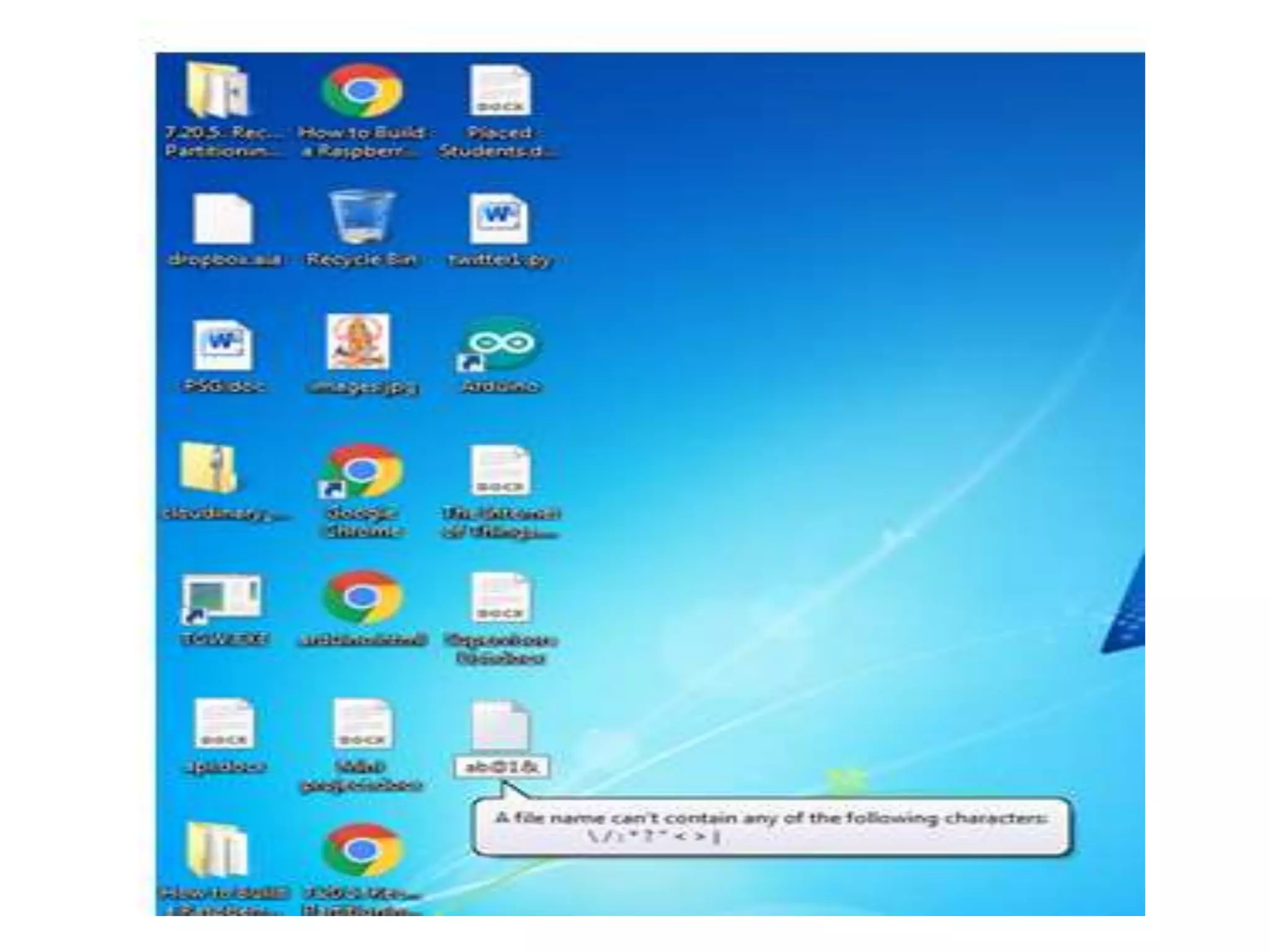
FILE NAMING
A file is named for the convenience of the users.
Whenever process creates a file, it gives file a
name. When the process terminates the file
continues to exist and can be accessed by other
process.
In UNIX OS File System the file names are Case
sensitive. (i.e.) Ram, ram, RAM are different files.
FILE NAMING
But in MS DOS and other Windows OS ram,
RAM, ram are same.
In MS DOS OS file names are upto 8 Characters
and the extension is upto 1-3 characters.
FILE EXTENSION
All the OS aware of the extensions and the
assigning meaning is very important.
When a user Double click a file name first the OS
see the name of the extension and loads the
corresponding application.
(For Ex) if it is Sam.doc it loads MS Office
application.
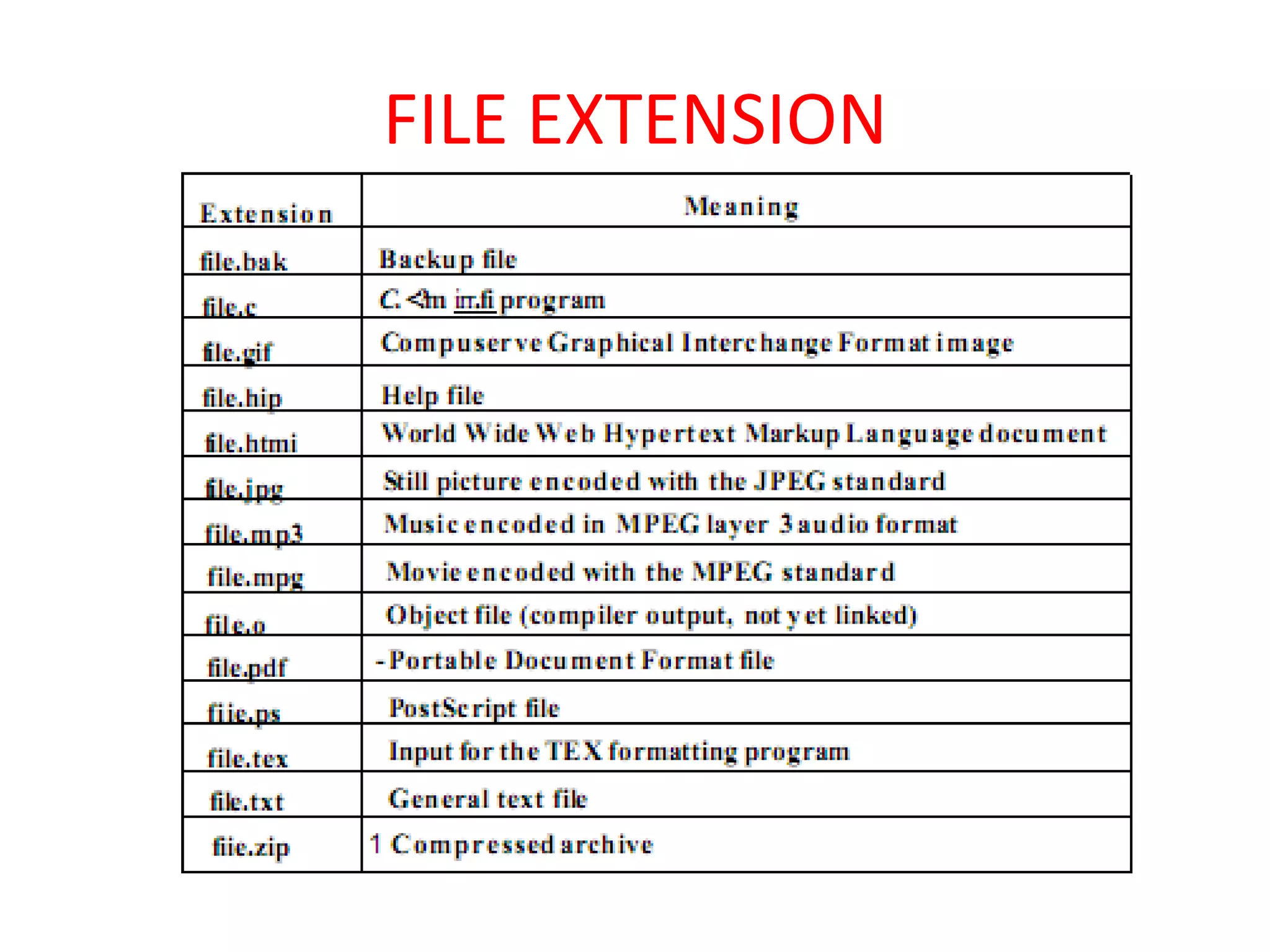
FILE EXTENSION
FILE ATTRIBUTES
FILE ATTRIBUTES
FILE ATTRIBUTES
FILE ATTRIBUTES
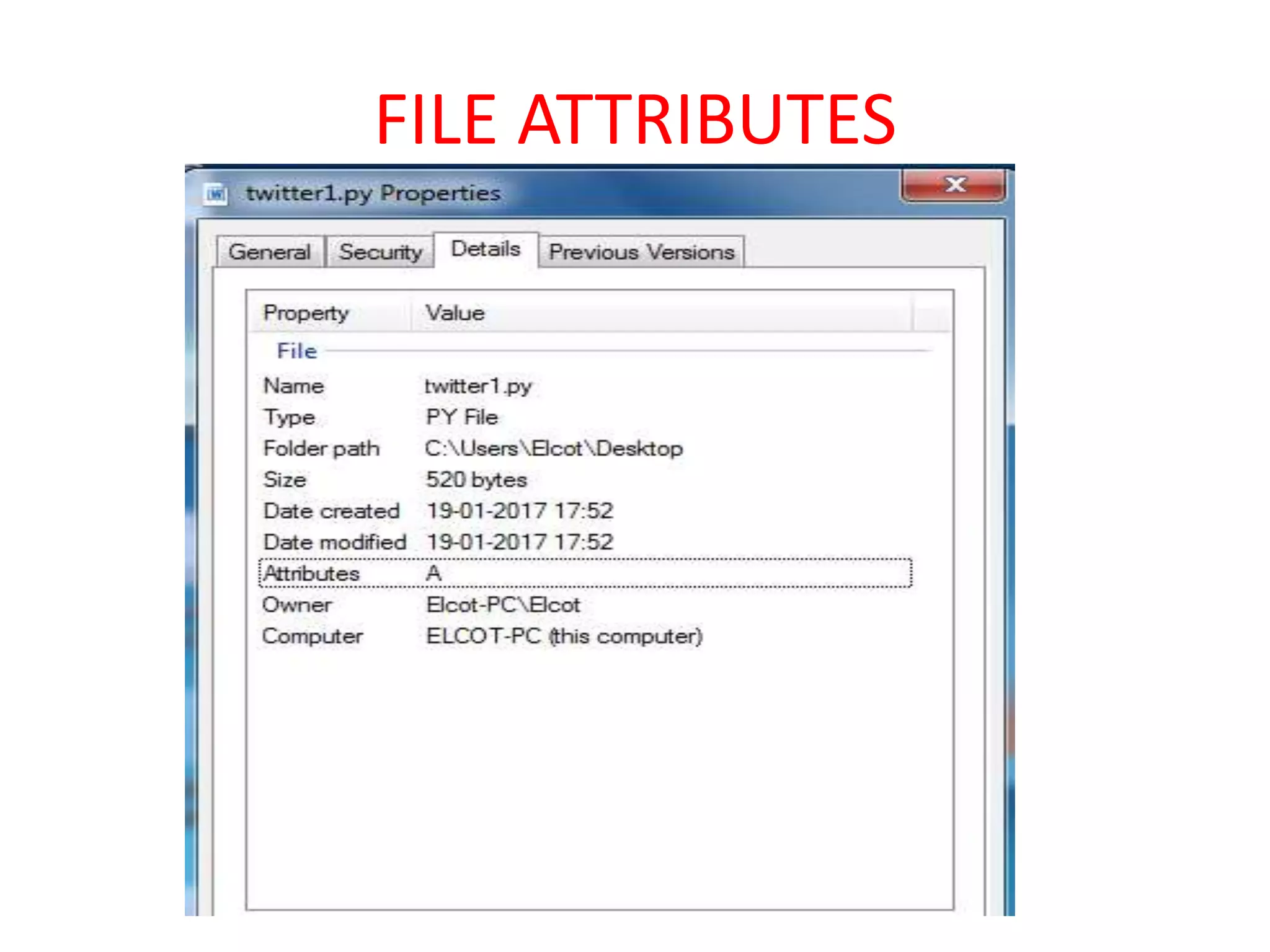
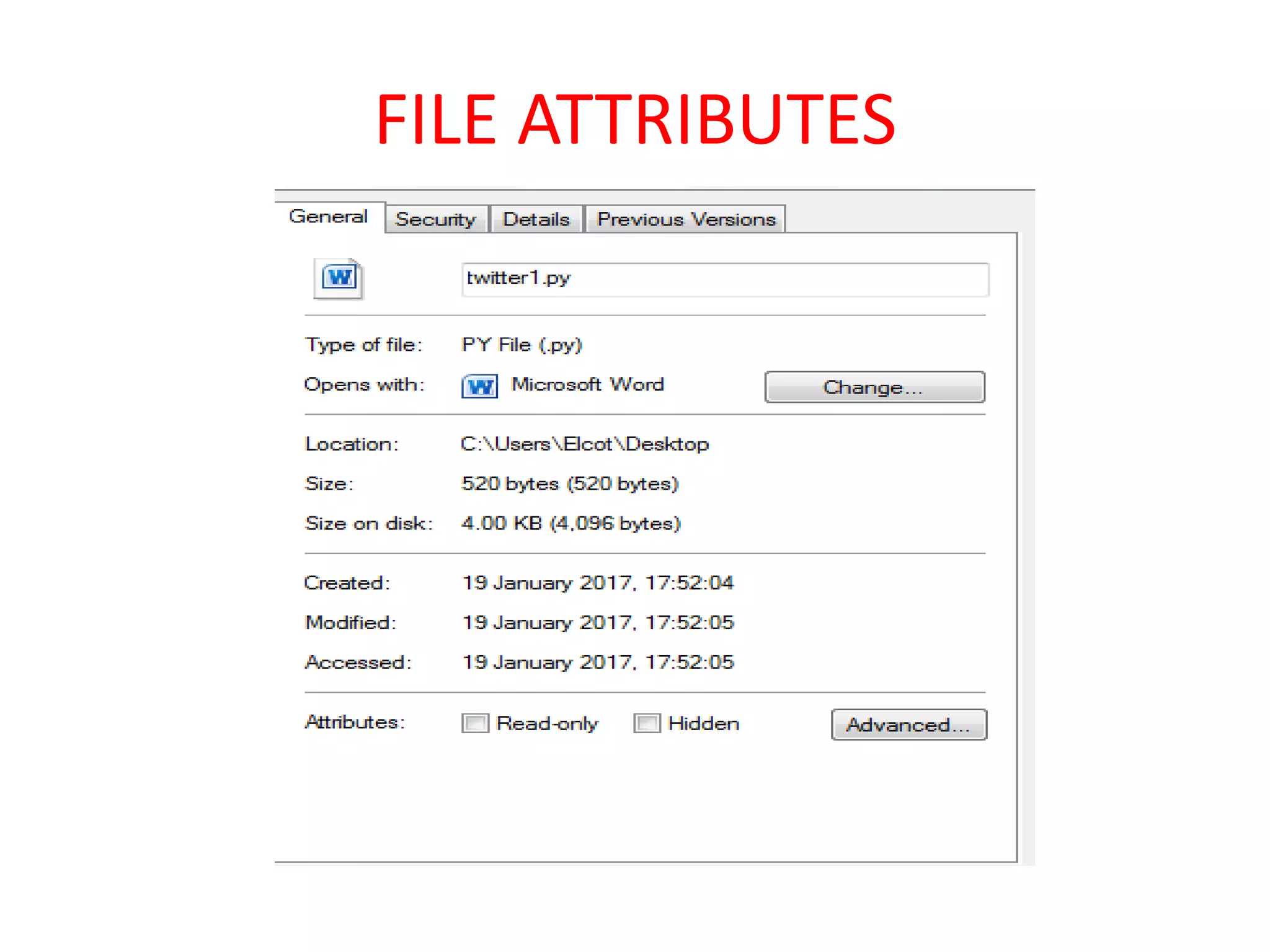
The File Attributes vary from one OS to another
but these attributes are common for all OS.
1) Name: File Name Human Readable Format.
2) Type: What the name of the file system (i.e.)
doc, text, xls,mp3.
3) Location: To know where the file is stored.
4) Size: To know the size in terms of Bytes.
FILE ATTRIBUTES
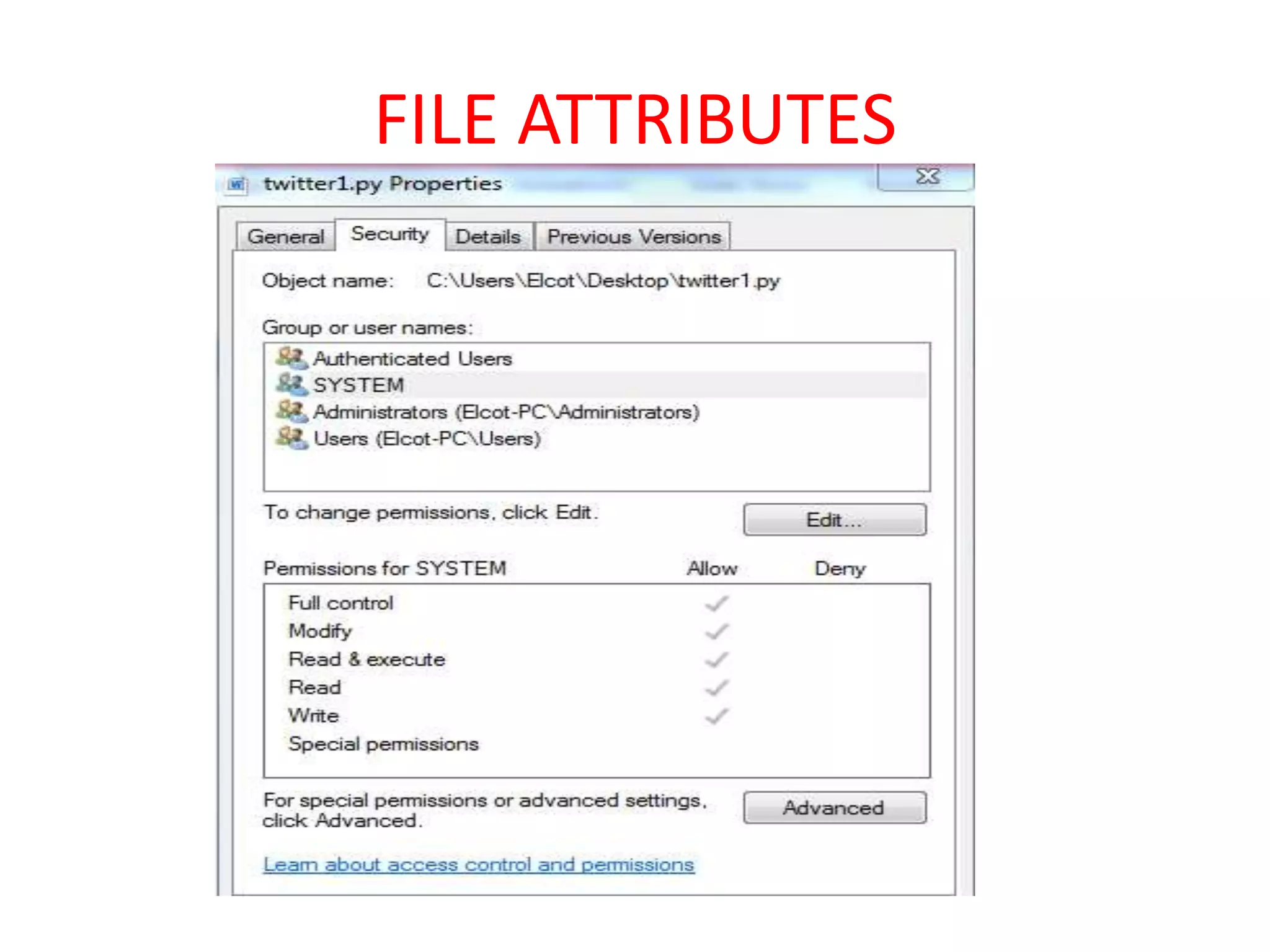
5) Protection: It determines who can execute,
read and write the corresponding file.
6) Time Date and User Information like Last
Accessed time, Last Modified time etc.
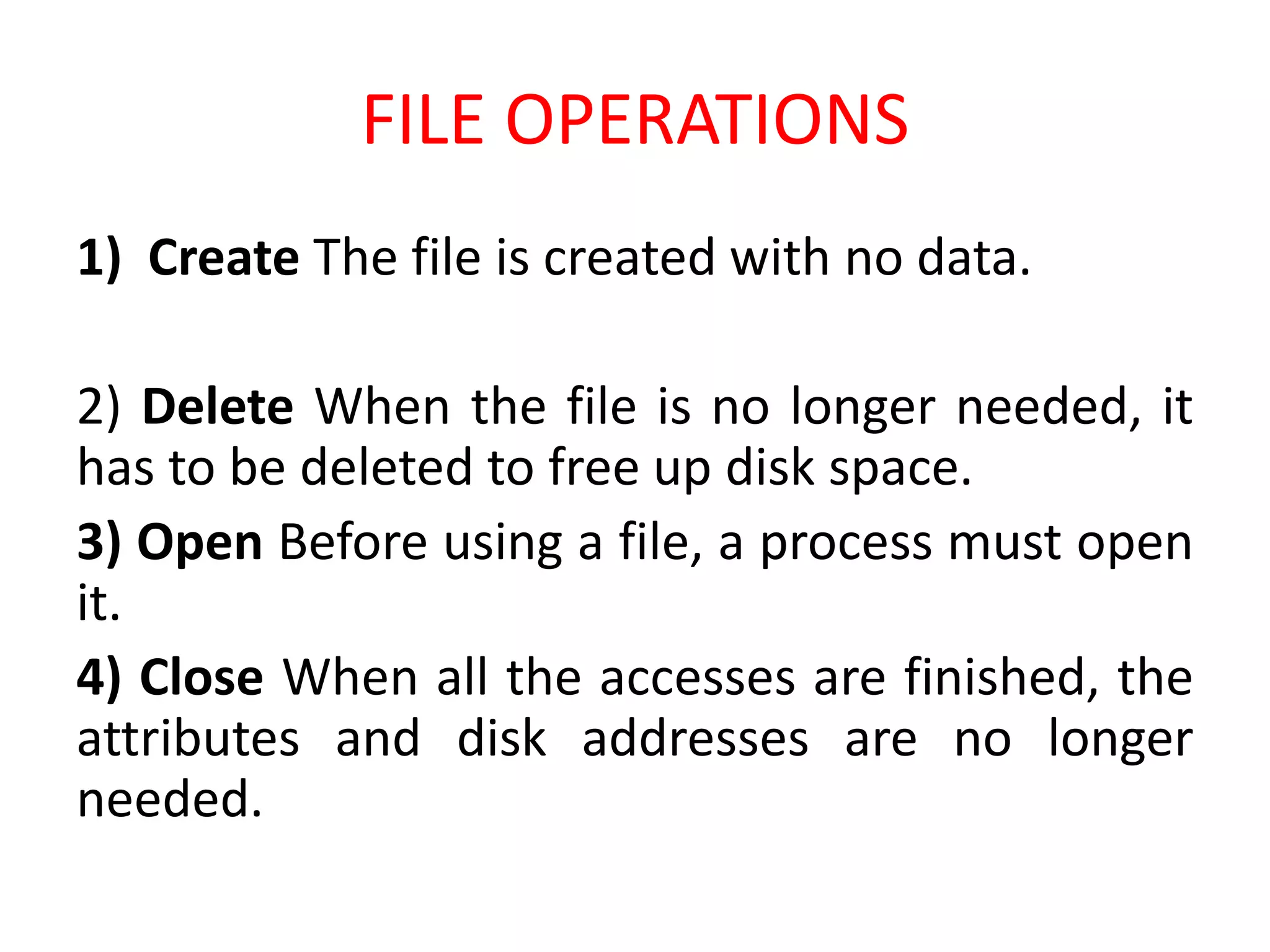
FILE OPERATIONS
FILE OPERATIONS
1) Create The file is created with no data.
2) Delete When the file is no longer needed, it
has to be deleted to free up disk space.
3) Open Before using a file, a process must open
it.
4) Close When all the accesses are finished, the
attributes and disk addresses are no longer
needed.
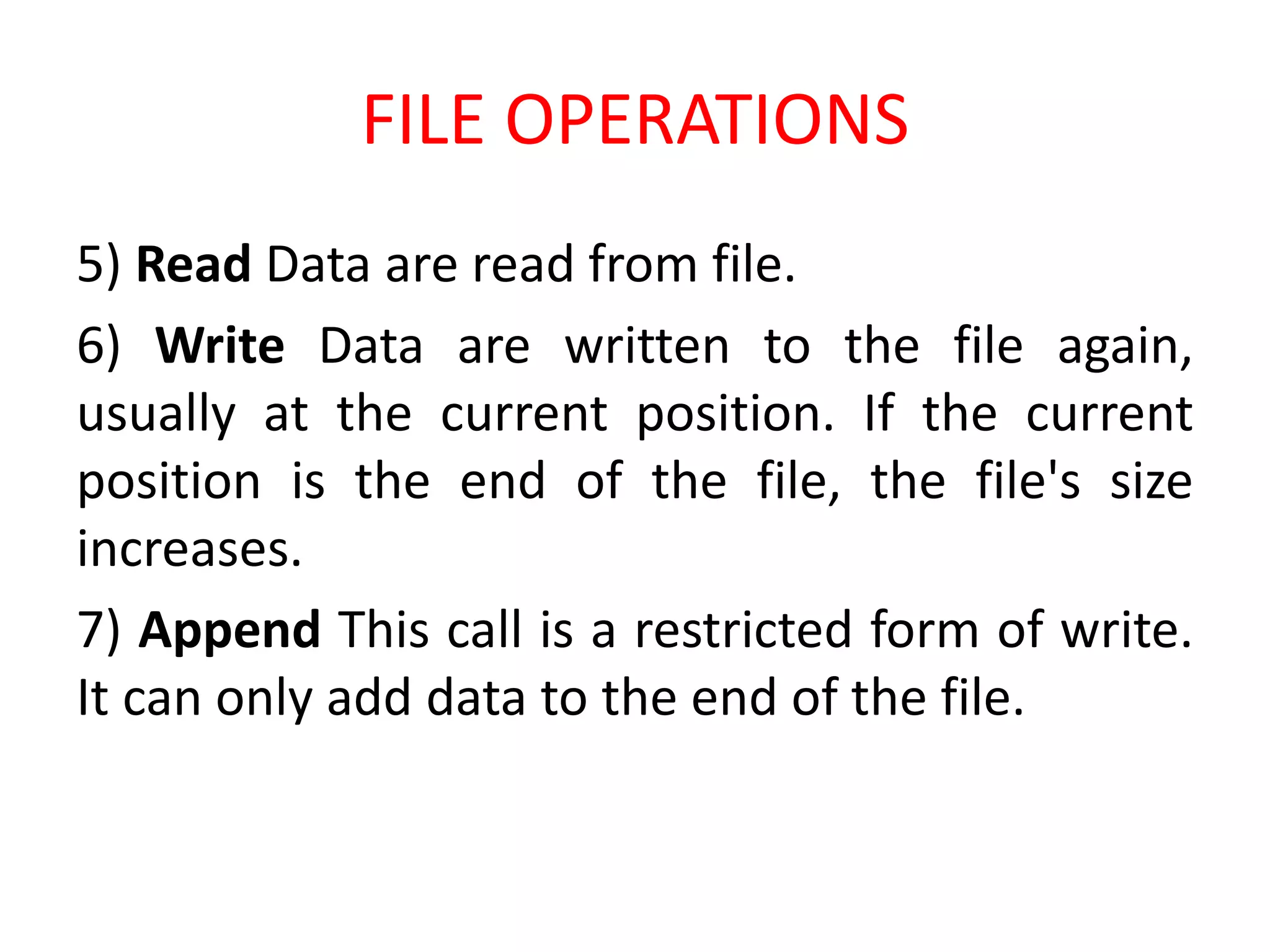
FILE OPERATIONS
5) Read Data are read from file.
6) Write Data are written to the file again,
usually at the current position. If the current
position is the end of the file, the file's size
increases.
7) Append This call is a restricted form of write.
It can only add data to the end of the file.
FILE OPERATIONS
8) Rename It frequently happens that a user
needs to change the name of an existing file.
9) Seek For random access files, a method is
needed to specify from where to take the data.
10) Get attributes Modification times of all the
source and object files.
FILE OPERATIONS
11) Set attributes Some of the attributes are
user settable and can be changed after the file
has been created.
(Ex) The protection mode information.
Read Only, Password Protection, Hidden Mode
FILE ACCESS
The contents stored in the file, If the user wants
to access the file it can accessed either by
Sequential, Random or Direct Access.
FILE ACCESS
1) Sequential access
In these systems, a process could read all the
bytes or records in a file in order, starting at the
beginning, but could not skip around and read
them out of order.
FILE ACCESS
2)Random Access
When disks came into use for storing files,
it became possible to read the bytes or records
of a file out of order, or to access records by key
rather than by position. Files whose bytes or
records can be read in any order are called
random access files.
FILE ACCESS
(Ex of Random Access)
If an airline customer calls up and wants to
reserve a seat on a particular flight, the
reservation program must be able to access the
record for that flight without having to read the
records for thousands of other flights first.

FILE SYSTEMS IN WINDOWS OPERATING SYSTEMS

  • 1.
  • 2.
    FILE A file isthe common storage unit in a computer. A folder holds one or more files, and it can be empty with just a name.
  • 3.
    FILE IN COMPUTERTERMS Files are the logical unit of information created by the process. Information present in the file must be Persistent (i.e.) not affected by process creation and termination.
  • 5.
    FILE NAMING A fileis named for the convenience of the users. Whenever process creates a file, it gives file a name. When the process terminates the file continues to exist and can be accessed by other process. In UNIX OS File System the file names are Case sensitive. (i.e.) Ram, ram, RAM are different files.
  • 6.
    FILE NAMING But inMS DOS and other Windows OS ram, RAM, ram are same. In MS DOS OS file names are upto 8 Characters and the extension is upto 1-3 characters.
  • 7.
    FILE EXTENSION All theOS aware of the extensions and the assigning meaning is very important. When a user Double click a file name first the OS see the name of the extension and loads the corresponding application. (For Ex) if it is Sam.doc it loads MS Office application.
  • 8.
  • 9.
  • 10.
  • 11.
  • 12.
    FILE ATTRIBUTES The FileAttributes vary from one OS to another but these attributes are common for all OS. 1) Name: File Name Human Readable Format. 2) Type: What the name of the file system (i.e.) doc, text, xls,mp3. 3) Location: To know where the file is stored. 4) Size: To know the size in terms of Bytes.
  • 13.
    FILE ATTRIBUTES 5) Protection:It determines who can execute, read and write the corresponding file. 6) Time Date and User Information like Last Accessed time, Last Modified time etc.
  • 14.
  • 15.
    FILE OPERATIONS 1) CreateThe file is created with no data. 2) Delete When the file is no longer needed, it has to be deleted to free up disk space. 3) Open Before using a file, a process must open it. 4) Close When all the accesses are finished, the attributes and disk addresses are no longer needed.
  • 16.
    FILE OPERATIONS 5) ReadData are read from file. 6) Write Data are written to the file again, usually at the current position. If the current position is the end of the file, the file's size increases. 7) Append This call is a restricted form of write. It can only add data to the end of the file.
  • 17.
    FILE OPERATIONS 8) RenameIt frequently happens that a user needs to change the name of an existing file. 9) Seek For random access files, a method is needed to specify from where to take the data. 10) Get attributes Modification times of all the source and object files.
  • 18.
    FILE OPERATIONS 11) Setattributes Some of the attributes are user settable and can be changed after the file has been created. (Ex) The protection mode information. Read Only, Password Protection, Hidden Mode
  • 19.
    FILE ACCESS The contentsstored in the file, If the user wants to access the file it can accessed either by Sequential, Random or Direct Access.
  • 20.
    FILE ACCESS 1) Sequentialaccess In these systems, a process could read all the bytes or records in a file in order, starting at the beginning, but could not skip around and read them out of order.
  • 21.
    FILE ACCESS 2)Random Access Whendisks came into use for storing files, it became possible to read the bytes or records of a file out of order, or to access records by key rather than by position. Files whose bytes or records can be read in any order are called random access files.
  • 22.
    FILE ACCESS (Ex ofRandom Access) If an airline customer calls up and wants to reserve a seat on a particular flight, the reservation program must be able to access the record for that flight without having to read the records for thousands of other flights first.