File Management – File Concept,
access methods, File types and
File Operation
 Introduction to File and File Management
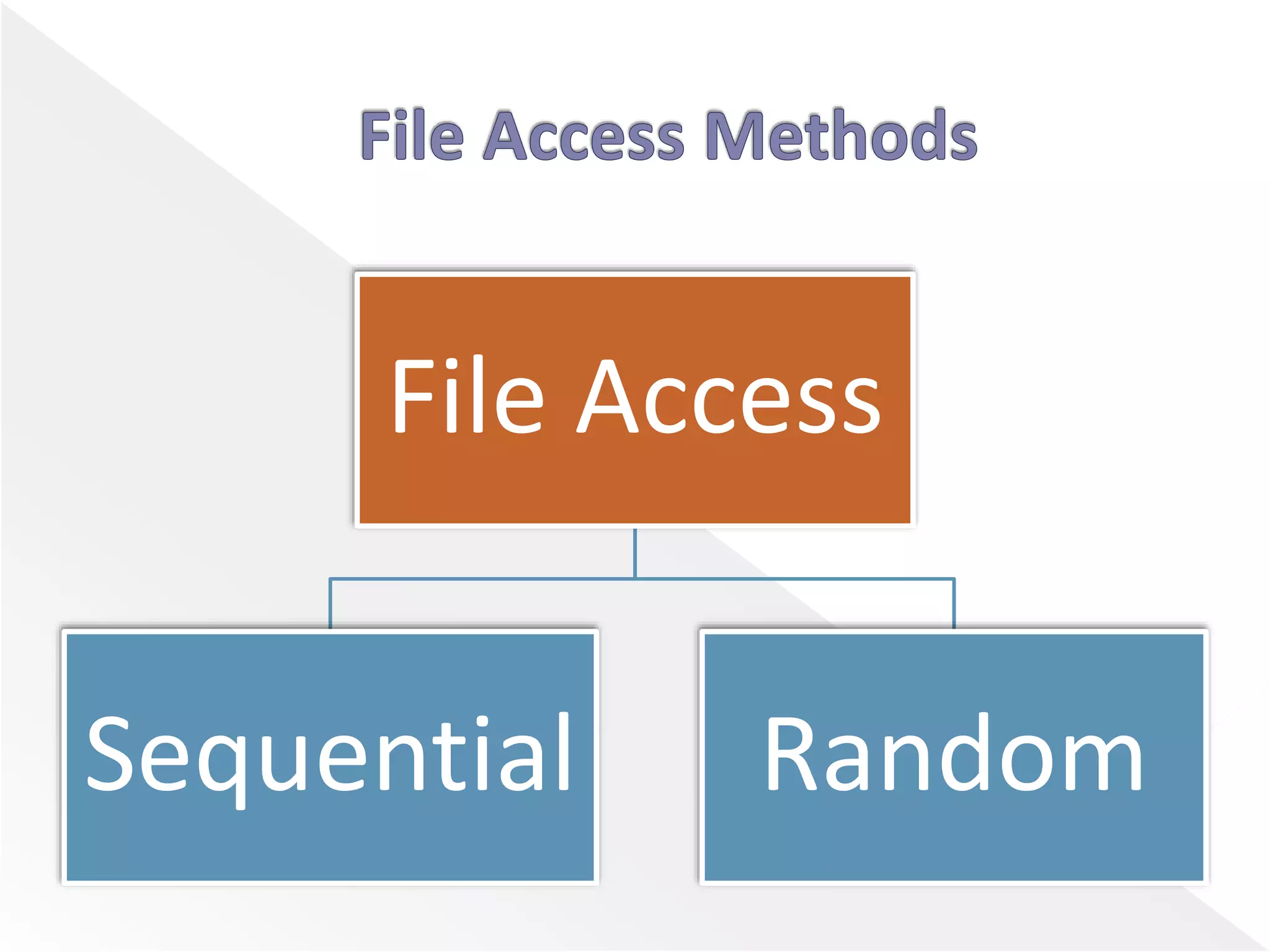
 File Access Methods
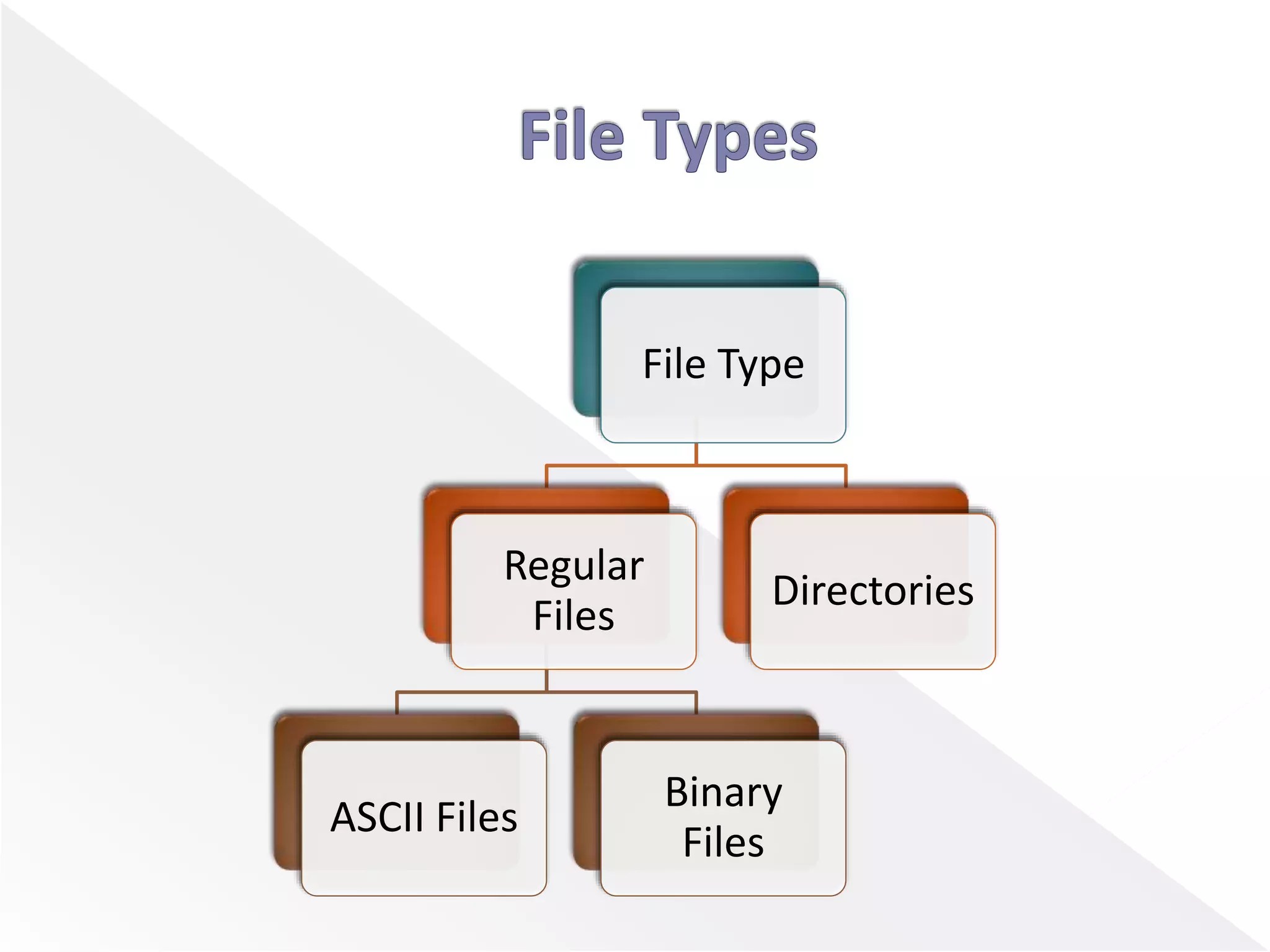
 File Types
 File Operations
 A file is a unit of storing data on a secondary
storage device such as a hard disk or other
external media.
 Every file has a name and its data. Operating
system associates various information with
files. For example the date and time of the last
modified file and the size of file etc.
 This information is called the file’s attributes or
metadata.
File Access
Sequential Random
 In Sequential access, process could read all the
bytes or records from a file in order, starting at
the beginning, but could not skip around and
read them out of order.
 Sequential files could be rewound, however, so
they could be read as often as needed.
 These files were convenient when the storage
medium was magnetic tape or CD-ROM.
 Files whose bytes or records can be read in any
order are called random access files.
 Random access files are essentials for many
applications, for example, data base systems.
 If an airline customer calls up and wants to
reserve a seat on a particular flight, the
reservation program must be able to access the
record for that flight without having to read the
records for thousands of other flights.
File Type
Regular
Files
ASCII Files
Binary
Files
Directories
 Regular files are the ones that contain user
information.
 Regular file, as a randomly accessible sequence
of bytes, has no other predefined internal
structure.
 Application programs are responsible for
understanding the structure and content of any
specific regular file.
 ASCII file consists of line of text.
 Advantage of ASCII files is that they can be
displayed & printed as it is & they can be edited
with ordinary text editor.
 If number of programs use ASCII files for input
and output, it is easy to connect the output of
one program to the input of another.
 C/C++/Perl/HTML files are all examples of ASCII
files.
 Binary files contain formatted information that
only certain applications or processors can
understand.
 Binary files must be run on the appropriate
software or processor before humans can read
them.
 Executable files, compiled programs,
spreadsheets, compressed files, and graphic
(image) files are all examples of binary files.
 Directories are system files for maintaining the
structure of the file system.
 To keep track of files, file systems normally have
directories or folder.
 File exists to store information and allow it to
be retrieved later.
 Different system provides different operations
to allow storage and retrieval.
 The most common system calls are shown
below.
 Create
The purpose of the call is to announce that the
file is coming and to set some attributes.
 Delete
When the file is no longer needed, it has to be
deleted to free up disk space.
 Open
The purpose of the open call is to allow the
system to fetch the attributes.
 Close
When all accesses are finished, the attributes and
disk addresses are no longer needed, so the file
should be closed to free up table space.
 Read
Data are read from file. Usually the bytes come from
the current position.
 Write
Data are written to the file, usually at the current
position.
 Append
This call is restricted form of write. It can only
add data to the end of file.
 Seek
For a random access files, a method is needed to
specify from where to take the data. Seek
repositions the file pointer to a specific place in
the file.
 Get attributes
Processes often need to read the file attributes
to do their work.
 Set attributes
Some of the attributes are user settable and can
be changed after the file has been created. This
system call makes that possible.
 Rename
It frequently happens that a user needs to
change the name of an existing file. This system
call makes it possible.
 Inspiration from Prof. Tejas Bhatt and Prof. Bijal
Talati
 Notes of OS
 Textbook of OS
 Images from Google Images
 Some my own Knowledge
File Management – File Concept, access methods,  File types and File Operation

File Management – File Concept, access methods, File types and File Operation

  • 2.
    File Management –File Concept, access methods, File types and File Operation
  • 3.
     Introduction toFile and File Management  File Access Methods  File Types  File Operations
  • 4.
     A fileis a unit of storing data on a secondary storage device such as a hard disk or other external media.  Every file has a name and its data. Operating system associates various information with files. For example the date and time of the last modified file and the size of file etc.  This information is called the file’s attributes or metadata.
  • 5.
  • 6.
     In Sequentialaccess, process could read all the bytes or records from a file in order, starting at the beginning, but could not skip around and read them out of order.  Sequential files could be rewound, however, so they could be read as often as needed.  These files were convenient when the storage medium was magnetic tape or CD-ROM.
  • 7.
     Files whosebytes or records can be read in any order are called random access files.  Random access files are essentials for many applications, for example, data base systems.  If an airline customer calls up and wants to reserve a seat on a particular flight, the reservation program must be able to access the record for that flight without having to read the records for thousands of other flights.
  • 8.
  • 9.
     Regular filesare the ones that contain user information.  Regular file, as a randomly accessible sequence of bytes, has no other predefined internal structure.  Application programs are responsible for understanding the structure and content of any specific regular file.
  • 10.
     ASCII fileconsists of line of text.  Advantage of ASCII files is that they can be displayed & printed as it is & they can be edited with ordinary text editor.  If number of programs use ASCII files for input and output, it is easy to connect the output of one program to the input of another.  C/C++/Perl/HTML files are all examples of ASCII files.
  • 11.
     Binary filescontain formatted information that only certain applications or processors can understand.  Binary files must be run on the appropriate software or processor before humans can read them.  Executable files, compiled programs, spreadsheets, compressed files, and graphic (image) files are all examples of binary files.
  • 12.
     Directories aresystem files for maintaining the structure of the file system.  To keep track of files, file systems normally have directories or folder.
  • 13.
     File existsto store information and allow it to be retrieved later.  Different system provides different operations to allow storage and retrieval.  The most common system calls are shown below.
  • 14.
     Create The purposeof the call is to announce that the file is coming and to set some attributes.  Delete When the file is no longer needed, it has to be deleted to free up disk space.  Open The purpose of the open call is to allow the system to fetch the attributes.
  • 15.
     Close When allaccesses are finished, the attributes and disk addresses are no longer needed, so the file should be closed to free up table space.  Read Data are read from file. Usually the bytes come from the current position.  Write Data are written to the file, usually at the current position.
  • 16.
     Append This callis restricted form of write. It can only add data to the end of file.  Seek For a random access files, a method is needed to specify from where to take the data. Seek repositions the file pointer to a specific place in the file.
  • 17.
     Get attributes Processesoften need to read the file attributes to do their work.  Set attributes Some of the attributes are user settable and can be changed after the file has been created. This system call makes that possible.
  • 18.
     Rename It frequentlyhappens that a user needs to change the name of an existing file. This system call makes it possible.
  • 19.
     Inspiration fromProf. Tejas Bhatt and Prof. Bijal Talati  Notes of OS  Textbook of OS  Images from Google Images  Some my own Knowledge