FILE SYSTEM
By Didar Hussain
Bacha Khan University Charsadda
By Didar Hussain
 FILE CONCEPT
 FAT-16
 FAT-32
 NTFS
 REISER FILE SYSTEM
 JOURNALING FILE SYSTEM
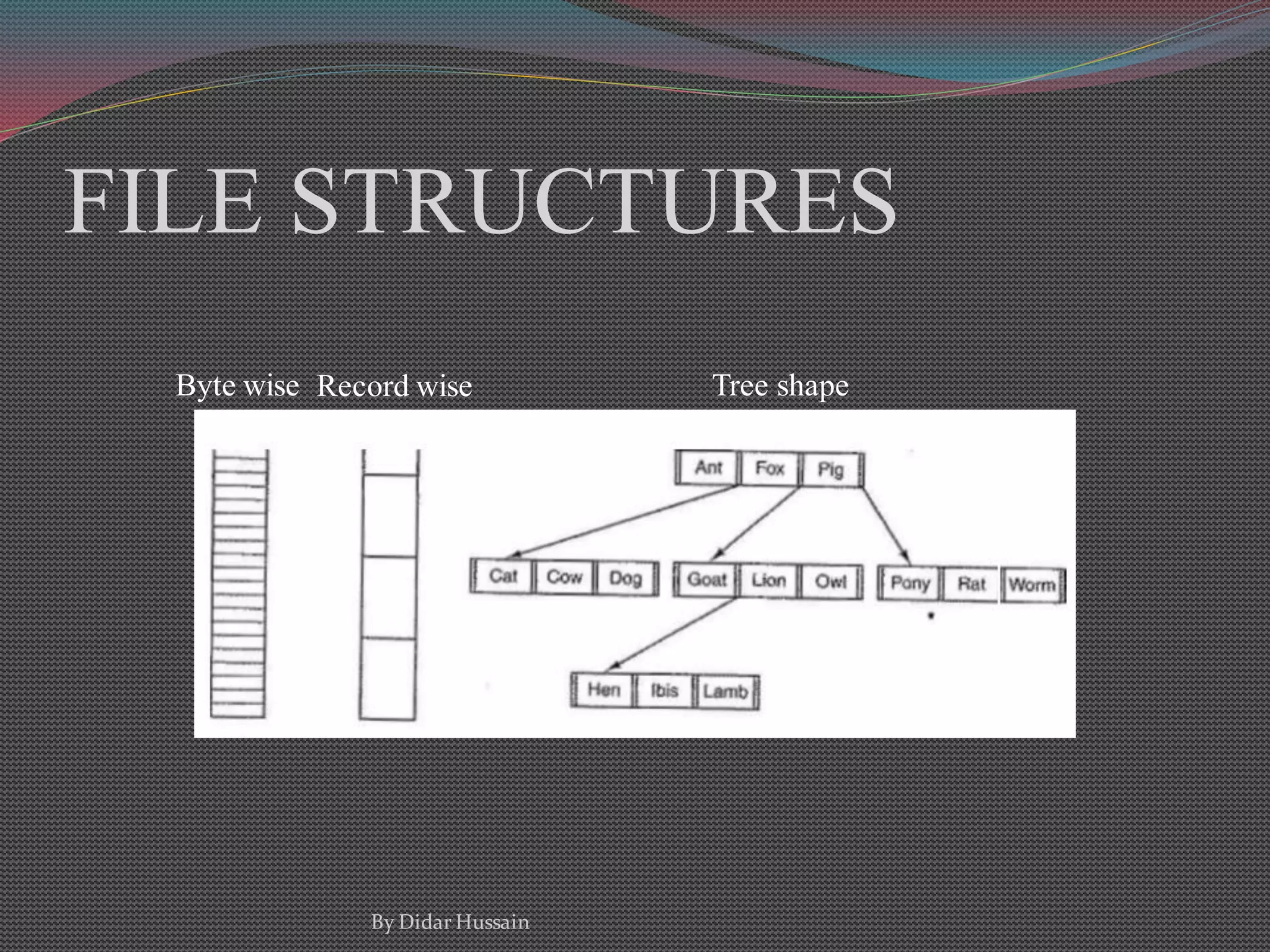
 FILE STRUCTURE
 FILE ACCESS
 FILE OPERATIONS
By Didar Hussain
CONTENTS
FILE CONCEPT
 All computer applications need to store and retrieve information.
 While a process is running, it can store a limited amount of
information within its own address space.
 However, the storage capacity is too small for some applications
such that corporate record keeping etc.
 Magnetic disks, optical disks and tapes are used for this long-term
storage, but they have much lower performance
By Didar Hussain
FILE CONCEPT
 So to overcome these problems the concept of files are come.
 Files are logical units of information created by processes.
 A disk will usually contains thousands or even millions of them,
each one independent of the others.
 Files are managed by the operating system.
 How they are structured, named, accessed, used, protected, and
implemented.
By Didar Hussain
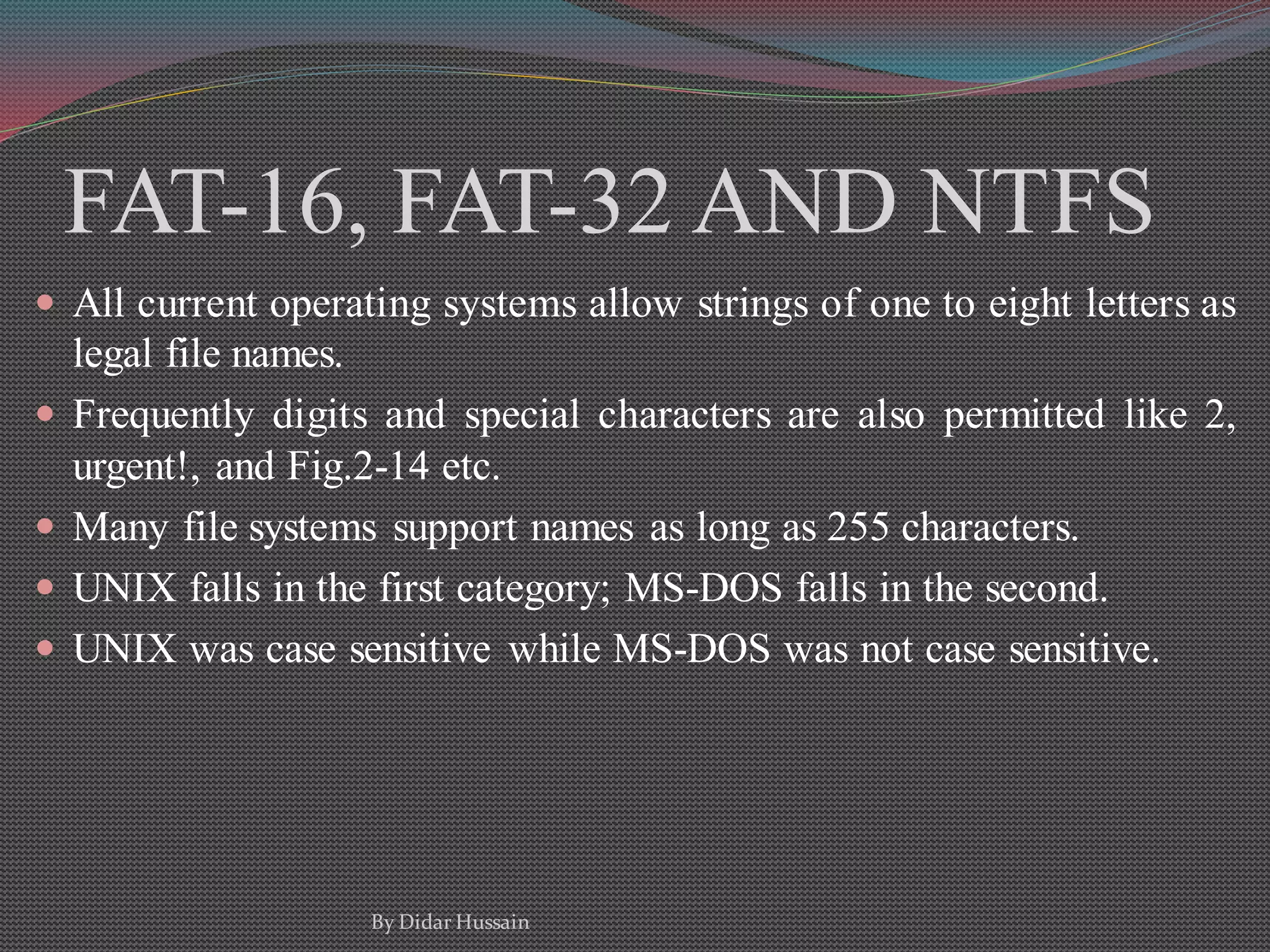
FAT-16, FAT-32 AND NTFS
 All current operating systems allow strings of one to eight letters as
legal file names.
 Frequently digits and special characters are also permitted like 2,
urgent!, and Fig.2-14 etc.
 Many file systems support names as long as 255 characters.
 UNIX falls in the first category; MS-DOS falls in the second.
 UNIX was case sensitive while MS-DOS was not case sensitive.
By Didar Hussain
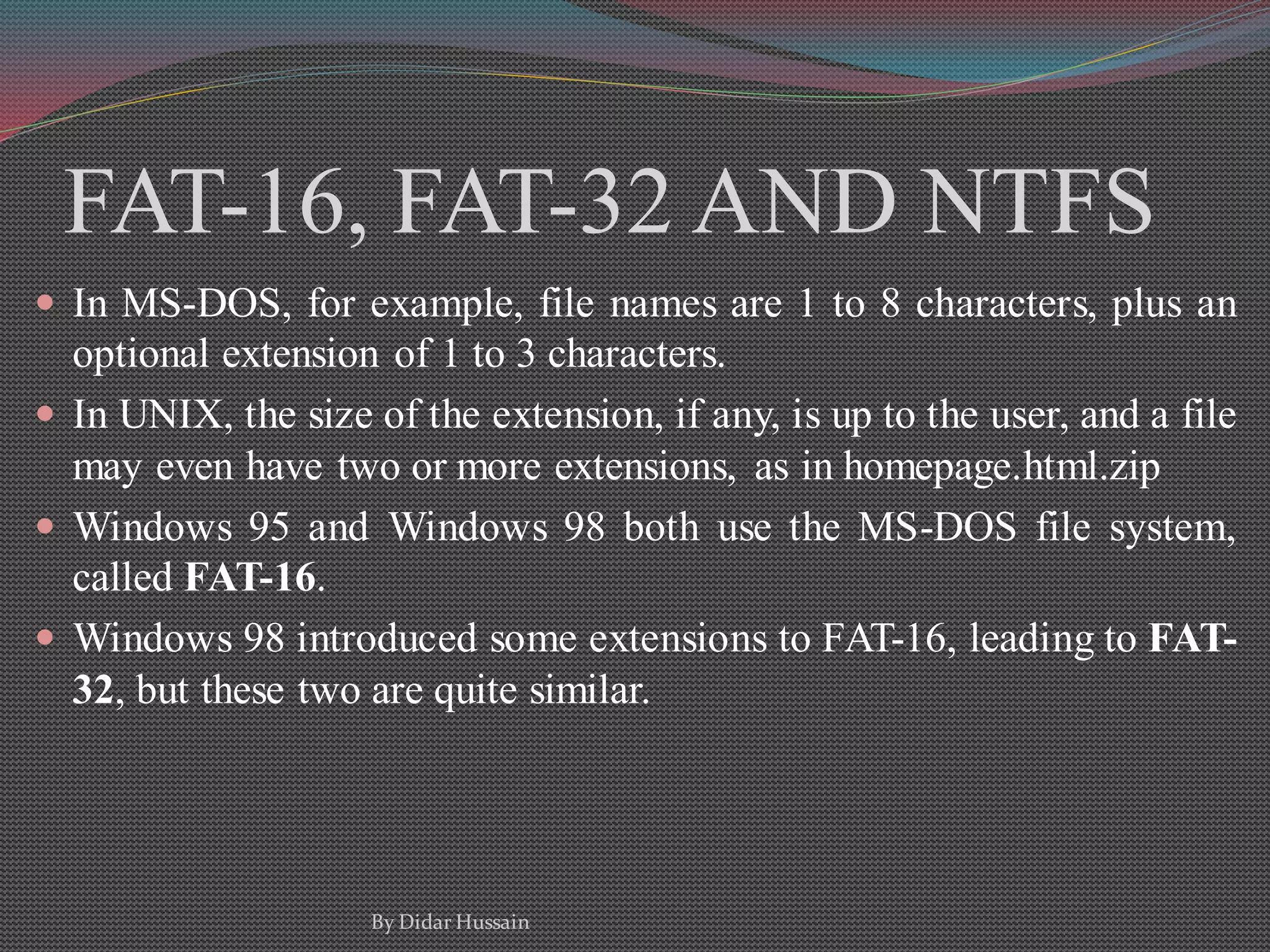
FAT-16, FAT-32 AND NTFS
 In MS-DOS, for example, file names are 1 to 8 characters, plus an
optional extension of 1 to 3 characters.
 In UNIX, the size of the extension, if any, is up to the user, and a file
may even have two or more extensions, as in homepage.html.zip
 Windows 95 and Windows 98 both use the MS-DOS file system,
called FAT-16.
 Windows 98 introduced some extensions to FAT-16, leading to FAT-
32, but these two are quite similar.
By Didar Hussain
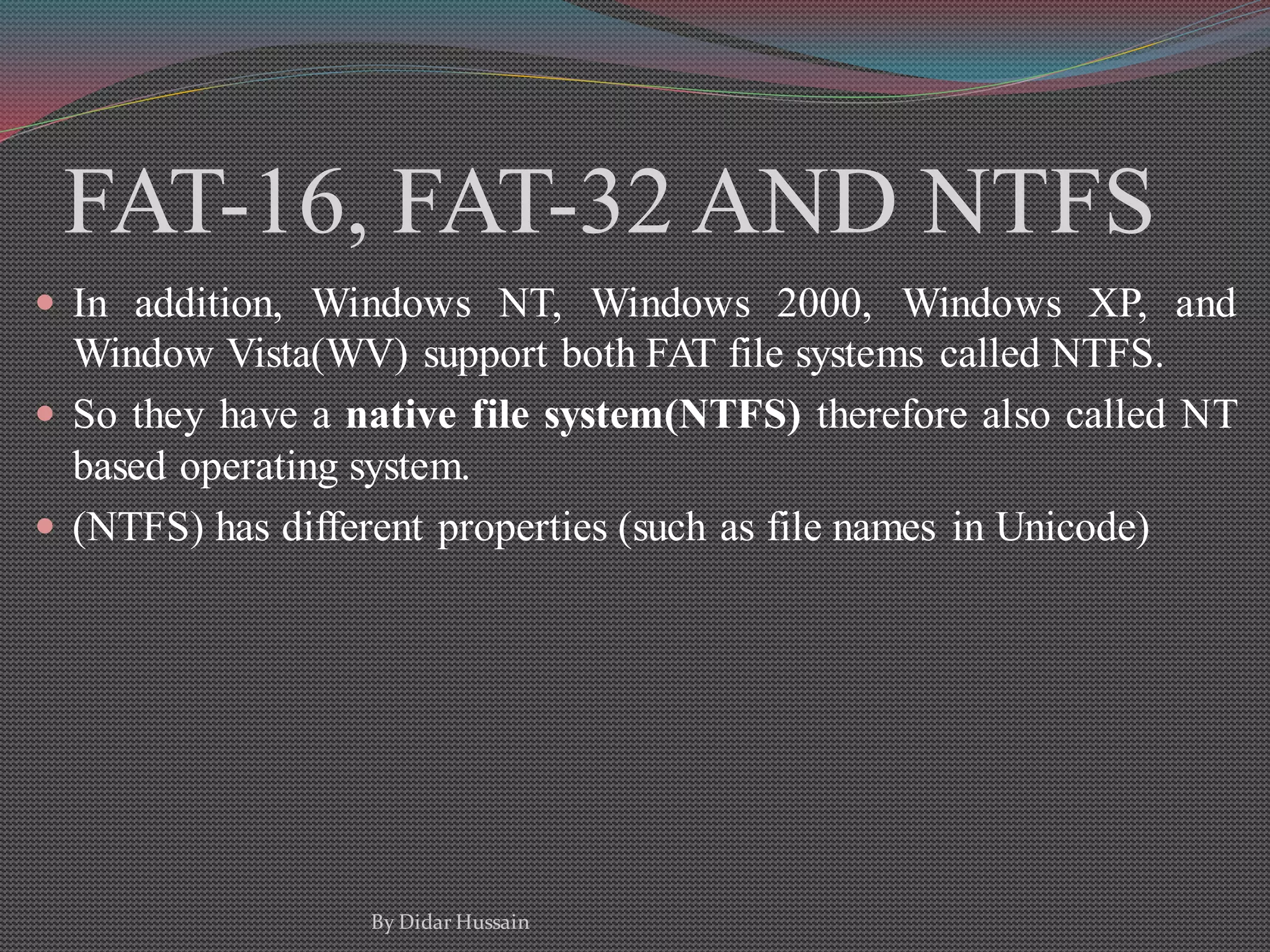
FAT-16, FAT-32 AND NTFS
 In addition, Windows NT, Windows 2000, Windows XP, and
Window Vista(WV) support both FAT file systems called NTFS.
 So they have a native file system(NTFS) therefore also called NT
based operating system.
 (NTFS) has different properties (such as file names in Unicode)
By Didar Hussain
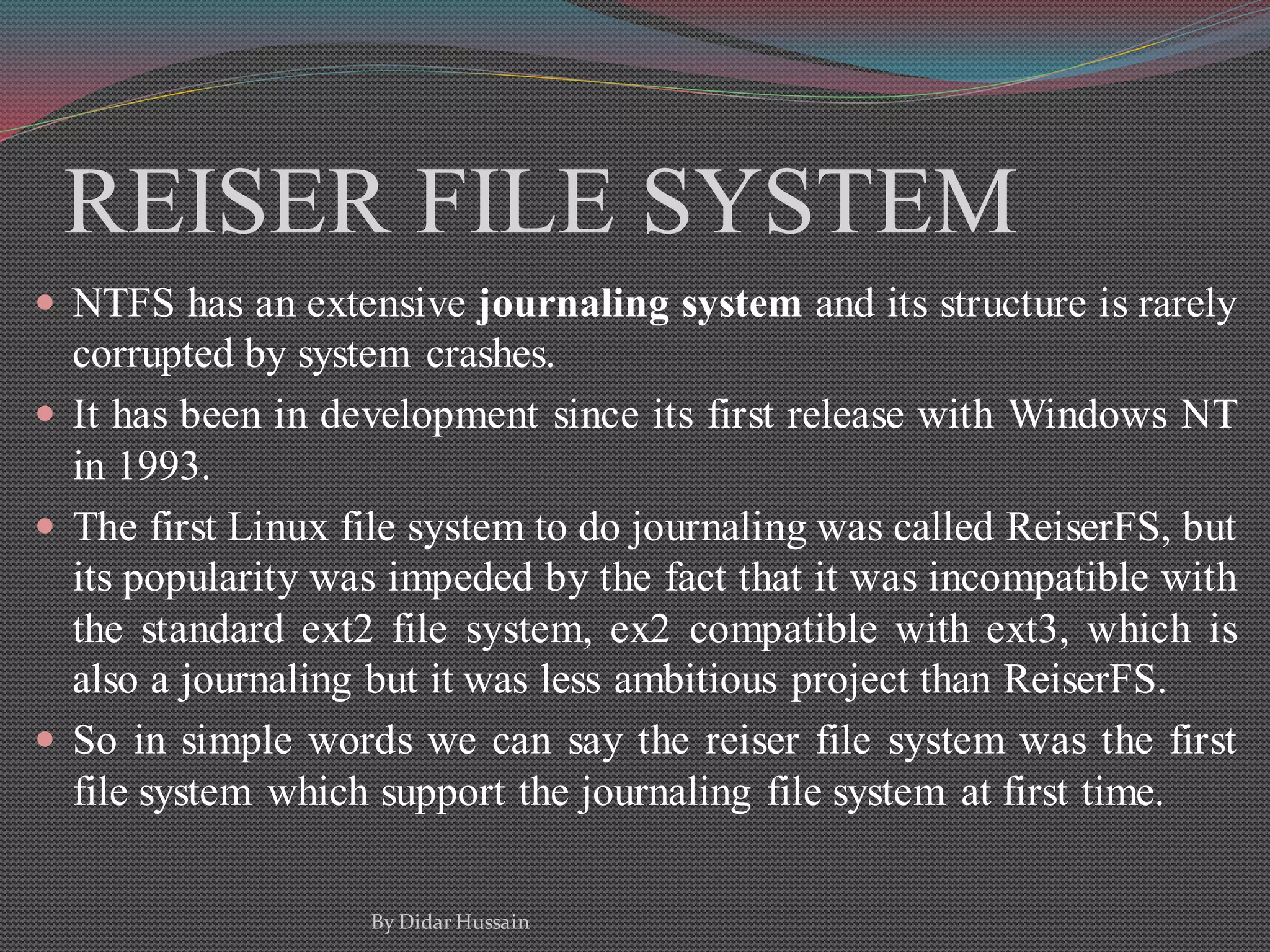
REISER FILE SYSTEM
 NTFS has an extensive journaling system and its structure is rarely
corrupted by system crashes.
 It has been in development since its first release with Windows NT
in 1993.
 The first Linux file system to do journaling was called ReiserFS, but
its popularity was impeded by the fact that it was incompatible with
the standard ext2 file system, ex2 compatible with ext3, which is
also a journaling but it was less ambitious project than ReiserFS.
 So in simple words we can say the reiser file system was the first
file system which support the journaling file system at first time.
By Didar Hussain
JOURNALING FILE SYSTEM
 The basic idea here is to keep a log of what the file system is going
to do before it does it, so that if the system crashes before it can do
its planned work, upon rebooting the system can look in the log to
see what was going on at the time of the crash and finish the job.
 Such file systems, called journaling file systems, are actually in use.
 Microsoft's NTFS file system and the Linux ext3 and ReiserFS file
systems use journaling
By Didar Hussain
FILE STRUCTURES
Byte wise Record wise Tree shape
By Didar Hussain
FILE ACCESS
1. Sequence access
 No jumping, will be access from start to end in a sequence
2. Random access
 Processor rapidly can jump from one process to another
By Didar Hussain
FILE OPERATIONS
1. Create
 The file is created with no data. The purpose of the call is to
announce that the file is coming and to set some of the attributes.
2. Delete
 When the file is no longer needed, it has to be deleted to free up
disk space. There is always a system call for this purpose.
3. Open
 Before using a file, a process must open it. The purpose of the
open call is to allow the system to fetch the attributes and list of
disk addresses into main memory for rapid access on later calls.
By Didar Hussain
FILE OPERATIONS
4. Close
 When all the accesses are finished, the attributes and disk
addresses are no longer needed, so the file should be closed to
free up internal table space.
5. Read
 Data are read from file.
6. Write
 Data are written to the file again, usually at the current position.
7. Append
 It can only add data to the end of the file.
By Didar Hussain
FILE OPERATIONS
8. Seek
 For random access files, a method is needed to specify from
where to take the data. One common approach is a system call,
that repositions the file pointer to a specific place in the file.
After this call data can be read from, or written to, that position.
9. Get attributes
 Processes often need to read file attributes to do their work.
10. Set attributes
 Some of the attributes are user settable and can be changed after
the file has been created.
By Didar Hussain
FILE OPERATIONS
11. Rename
 It frequently happens that a user needs to change the name of an
existing file.
By Didar Hussain
ANY QUESTION ?
THANK YOU
By Didar Hussain

File system

  • 1.
    FILE SYSTEM By DidarHussain Bacha Khan University Charsadda By Didar Hussain
  • 2.
     FILE CONCEPT FAT-16  FAT-32  NTFS  REISER FILE SYSTEM  JOURNALING FILE SYSTEM  FILE STRUCTURE  FILE ACCESS  FILE OPERATIONS By Didar Hussain CONTENTS
  • 3.
    FILE CONCEPT  Allcomputer applications need to store and retrieve information.  While a process is running, it can store a limited amount of information within its own address space.  However, the storage capacity is too small for some applications such that corporate record keeping etc.  Magnetic disks, optical disks and tapes are used for this long-term storage, but they have much lower performance By Didar Hussain
  • 4.
    FILE CONCEPT  Soto overcome these problems the concept of files are come.  Files are logical units of information created by processes.  A disk will usually contains thousands or even millions of them, each one independent of the others.  Files are managed by the operating system.  How they are structured, named, accessed, used, protected, and implemented. By Didar Hussain
  • 5.
    FAT-16, FAT-32 ANDNTFS  All current operating systems allow strings of one to eight letters as legal file names.  Frequently digits and special characters are also permitted like 2, urgent!, and Fig.2-14 etc.  Many file systems support names as long as 255 characters.  UNIX falls in the first category; MS-DOS falls in the second.  UNIX was case sensitive while MS-DOS was not case sensitive. By Didar Hussain
  • 6.
    FAT-16, FAT-32 ANDNTFS  In MS-DOS, for example, file names are 1 to 8 characters, plus an optional extension of 1 to 3 characters.  In UNIX, the size of the extension, if any, is up to the user, and a file may even have two or more extensions, as in homepage.html.zip  Windows 95 and Windows 98 both use the MS-DOS file system, called FAT-16.  Windows 98 introduced some extensions to FAT-16, leading to FAT- 32, but these two are quite similar. By Didar Hussain
  • 7.
    FAT-16, FAT-32 ANDNTFS  In addition, Windows NT, Windows 2000, Windows XP, and Window Vista(WV) support both FAT file systems called NTFS.  So they have a native file system(NTFS) therefore also called NT based operating system.  (NTFS) has different properties (such as file names in Unicode) By Didar Hussain
  • 8.
    REISER FILE SYSTEM NTFS has an extensive journaling system and its structure is rarely corrupted by system crashes.  It has been in development since its first release with Windows NT in 1993.  The first Linux file system to do journaling was called ReiserFS, but its popularity was impeded by the fact that it was incompatible with the standard ext2 file system, ex2 compatible with ext3, which is also a journaling but it was less ambitious project than ReiserFS.  So in simple words we can say the reiser file system was the first file system which support the journaling file system at first time. By Didar Hussain
  • 9.
    JOURNALING FILE SYSTEM The basic idea here is to keep a log of what the file system is going to do before it does it, so that if the system crashes before it can do its planned work, upon rebooting the system can look in the log to see what was going on at the time of the crash and finish the job.  Such file systems, called journaling file systems, are actually in use.  Microsoft's NTFS file system and the Linux ext3 and ReiserFS file systems use journaling By Didar Hussain
  • 10.
    FILE STRUCTURES Byte wiseRecord wise Tree shape By Didar Hussain
  • 11.
    FILE ACCESS 1. Sequenceaccess  No jumping, will be access from start to end in a sequence 2. Random access  Processor rapidly can jump from one process to another By Didar Hussain
  • 12.
    FILE OPERATIONS 1. Create The file is created with no data. The purpose of the call is to announce that the file is coming and to set some of the attributes. 2. Delete  When the file is no longer needed, it has to be deleted to free up disk space. There is always a system call for this purpose. 3. Open  Before using a file, a process must open it. The purpose of the open call is to allow the system to fetch the attributes and list of disk addresses into main memory for rapid access on later calls. By Didar Hussain
  • 13.
    FILE OPERATIONS 4. Close When all the accesses are finished, the attributes and disk addresses are no longer needed, so the file should be closed to free up internal table space. 5. Read  Data are read from file. 6. Write  Data are written to the file again, usually at the current position. 7. Append  It can only add data to the end of the file. By Didar Hussain
  • 14.
    FILE OPERATIONS 8. Seek For random access files, a method is needed to specify from where to take the data. One common approach is a system call, that repositions the file pointer to a specific place in the file. After this call data can be read from, or written to, that position. 9. Get attributes  Processes often need to read file attributes to do their work. 10. Set attributes  Some of the attributes are user settable and can be changed after the file has been created. By Didar Hussain
  • 15.
    FILE OPERATIONS 11. Rename It frequently happens that a user needs to change the name of an existing file. By Didar Hussain
  • 16.
    ANY QUESTION ? THANKYOU By Didar Hussain