Welcome!
LEARN TO DO MORE WITH LESS Free Web-Based Tools to Improve Student Achievement Kati Searcy, NBCT  www.fetc2010.pbworks.com
GOALS Create a collaborative online environment Use still and video images to document learning Record and edit sound to document achievement See the possibilities of using free online applications to document and improve student achievement

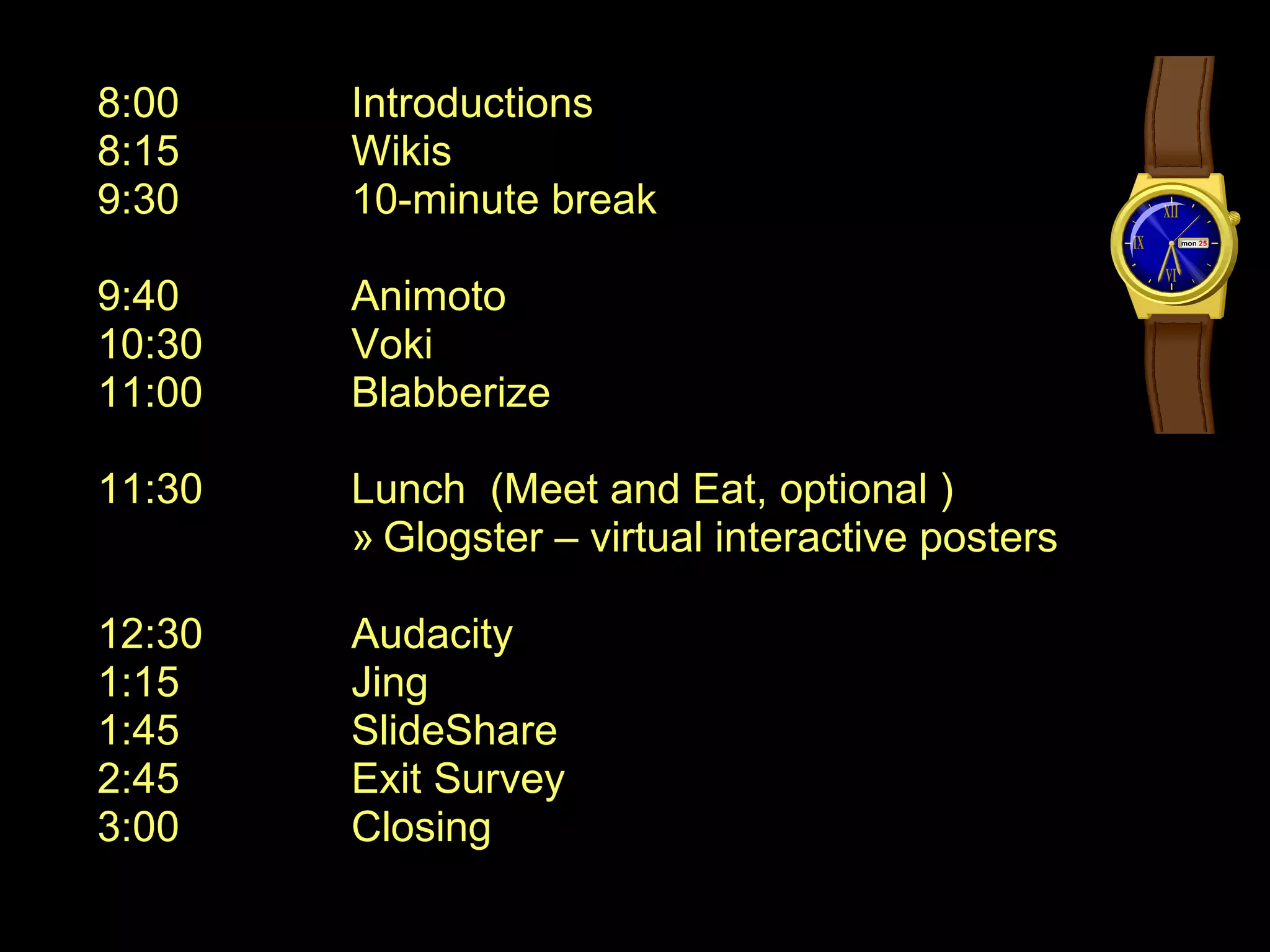
8:00 Introductions 8:15 Wikis 9:30 10-minute break 9:40 Animoto 10:30 Voki 11:00 Blabberize 11:30 Lunch  (Meet and Eat, optional ) Glogster – virtual interactive posters 12:30 Audacity 1:15 Jing 1:45 SlideShare 2:45 Exit Survey 3:00 Closing
Would you like to . . . . . design and easily update your own webpage ? increase student engagement using a safe online environment ? showcase your students work online ? eliminate excuses of lost homework or confusion on assignments ? have a central location for any group to collaborate ? put your thoughts and files in a place that is accessible anytime, anywhere ? to have all of this at no charge  ?
Samples of student wikis: Wiki as a  professional learning “text” Wiki as a  knowledge management system Wiki as an  online learning unit Wiki as a  student research center Wiki as a  student portfolio
Let’s Make  a Wiki www.pbworks.com
BREAK –  10 minutes LET’S MAKE A WIKI !!!
Turn your photos & videos into pure amazing movies. Animoto  automatically produces beautifully orchestrated, completely unique video pieces from your photos, video clips and music. Fast, easy, and free.  
Animoto Examples
s Let’s create an Animoto video and add it to your wiki. STEPS
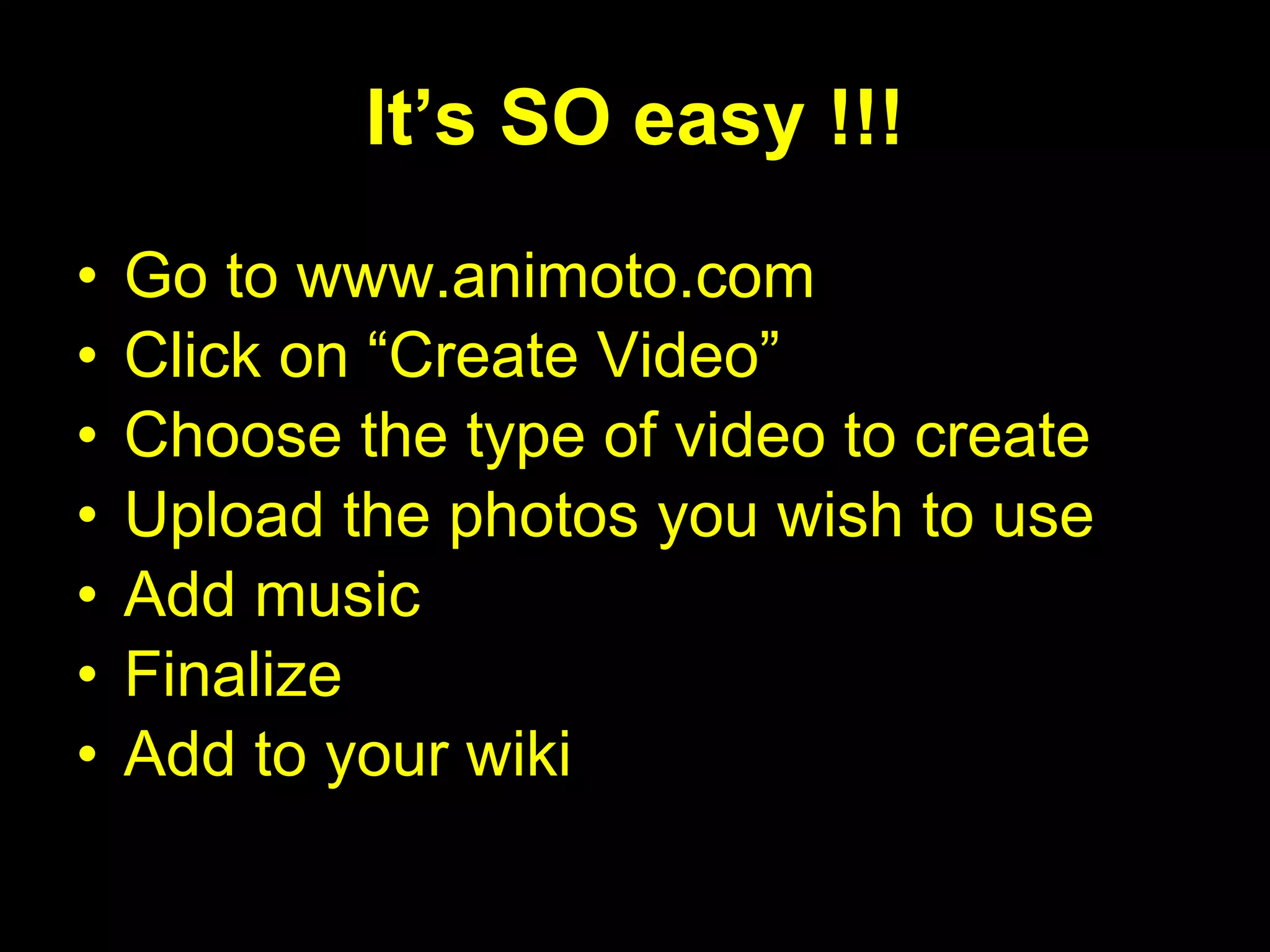
It’s SO easy !!! Go to www.animoto.com Click on “Create Video” Choose the type of video to create Upload the photos you wish to use Add music Finalize Add to your wiki
Let’s Share . . . How might you use Animoto?
V O K I
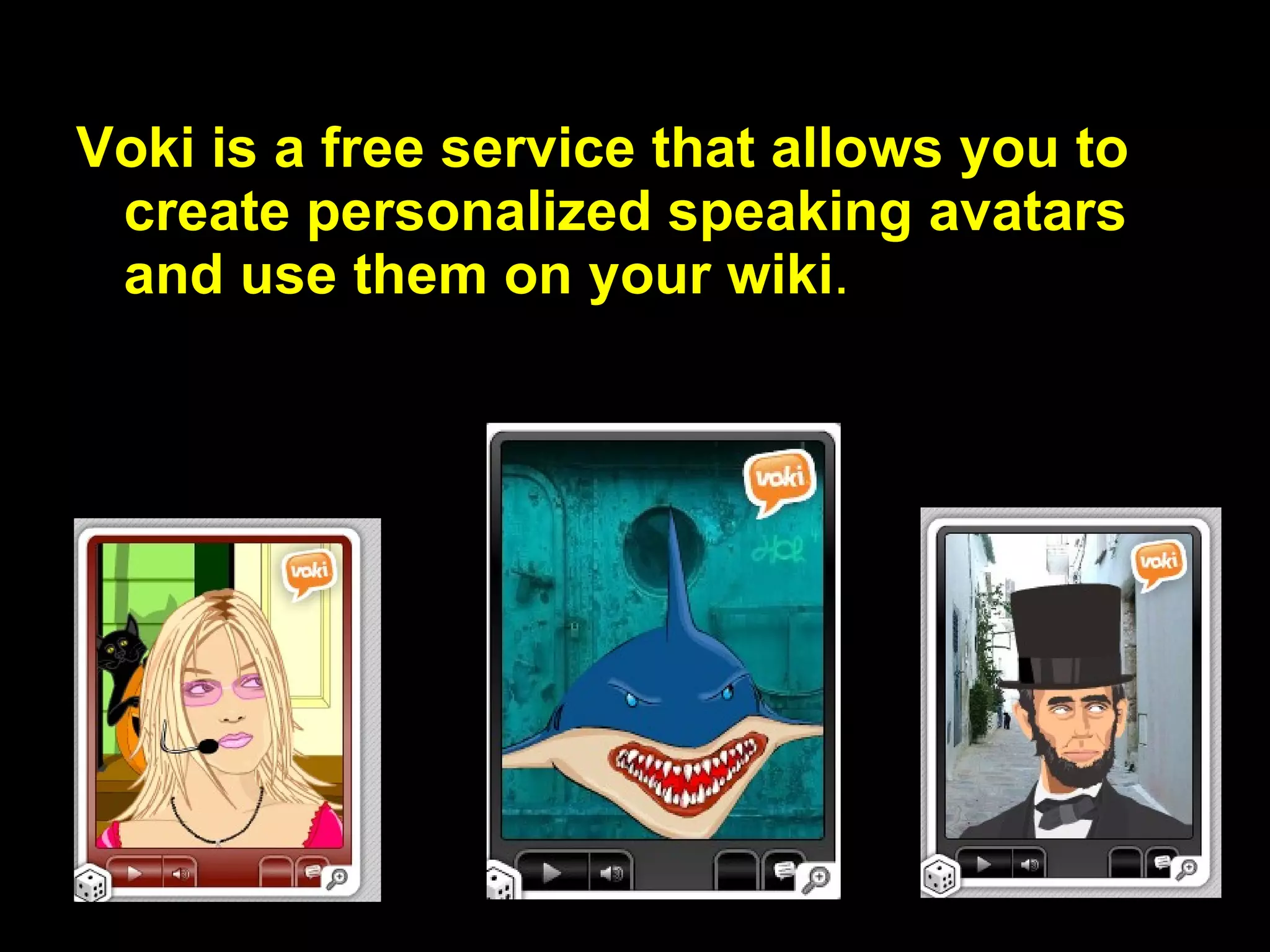
Voki is a free service that allows you to  create personalized speaking avatars and use them on your wiki .
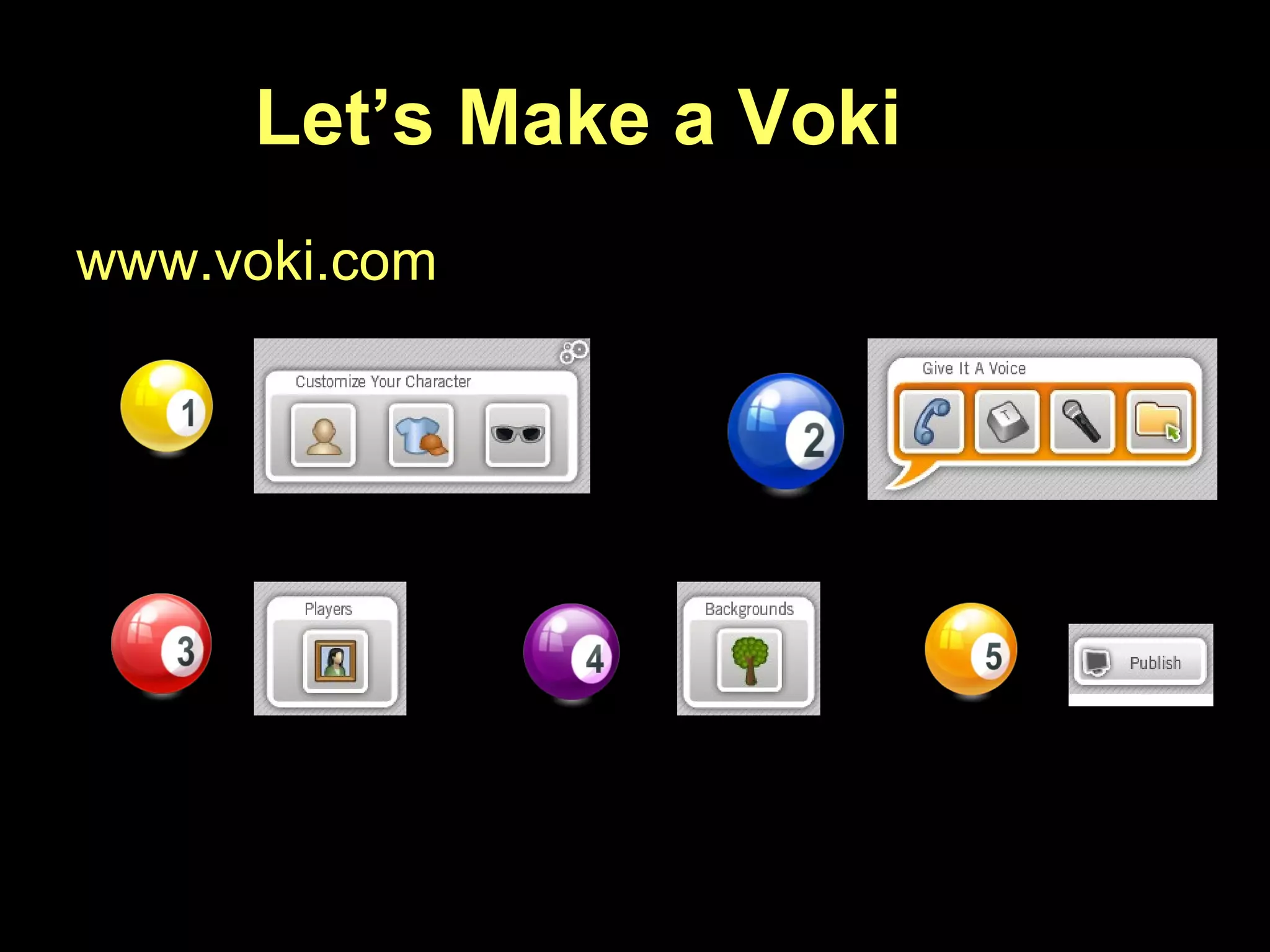
Let’s Make a Voki www.voki.com
Let’s Share . . . How would you use  with your students?
B L A B B E R I Z E
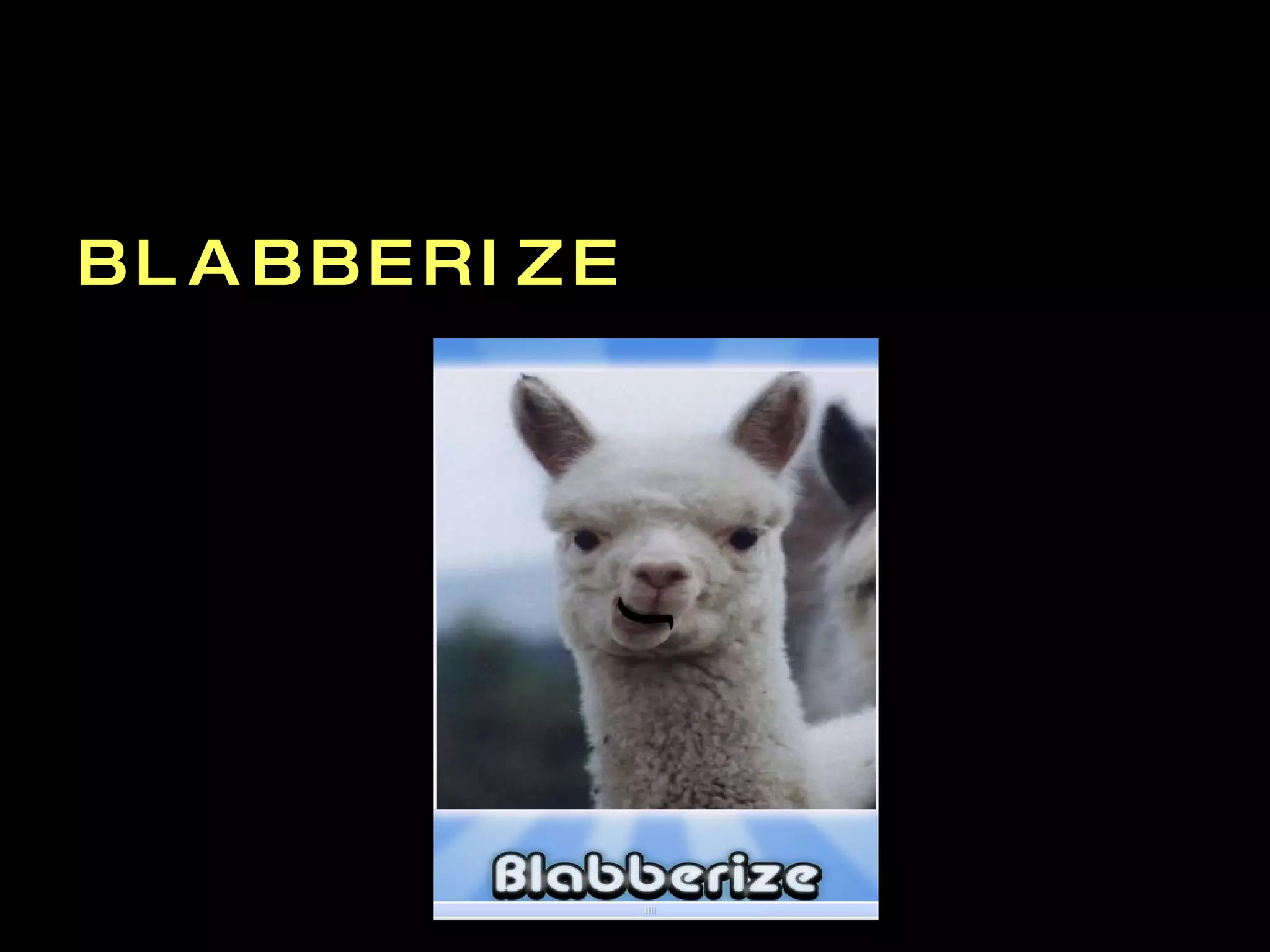
Blabberize www.blabberize.com Sign up for a free account Make Find a photo / Crop that image if you wish Place the mouth (hardest part) Record sound  Preview / Finish Save Share it (embed on your wiki)
Let’s Share How might you use Blabberize?
LUNCH BREAK –  One Hour Meet and Eat (optional) Glogster – make interactive posters from images, text, music and video
G L O G S T E R Student Example  – Jane Goodall Student Example  – Bacteria / E-Coli Play Around  http://fetc.edu.glogster.com   Get an account:  www.glogster.com/edu
Welcome Back !!!
 
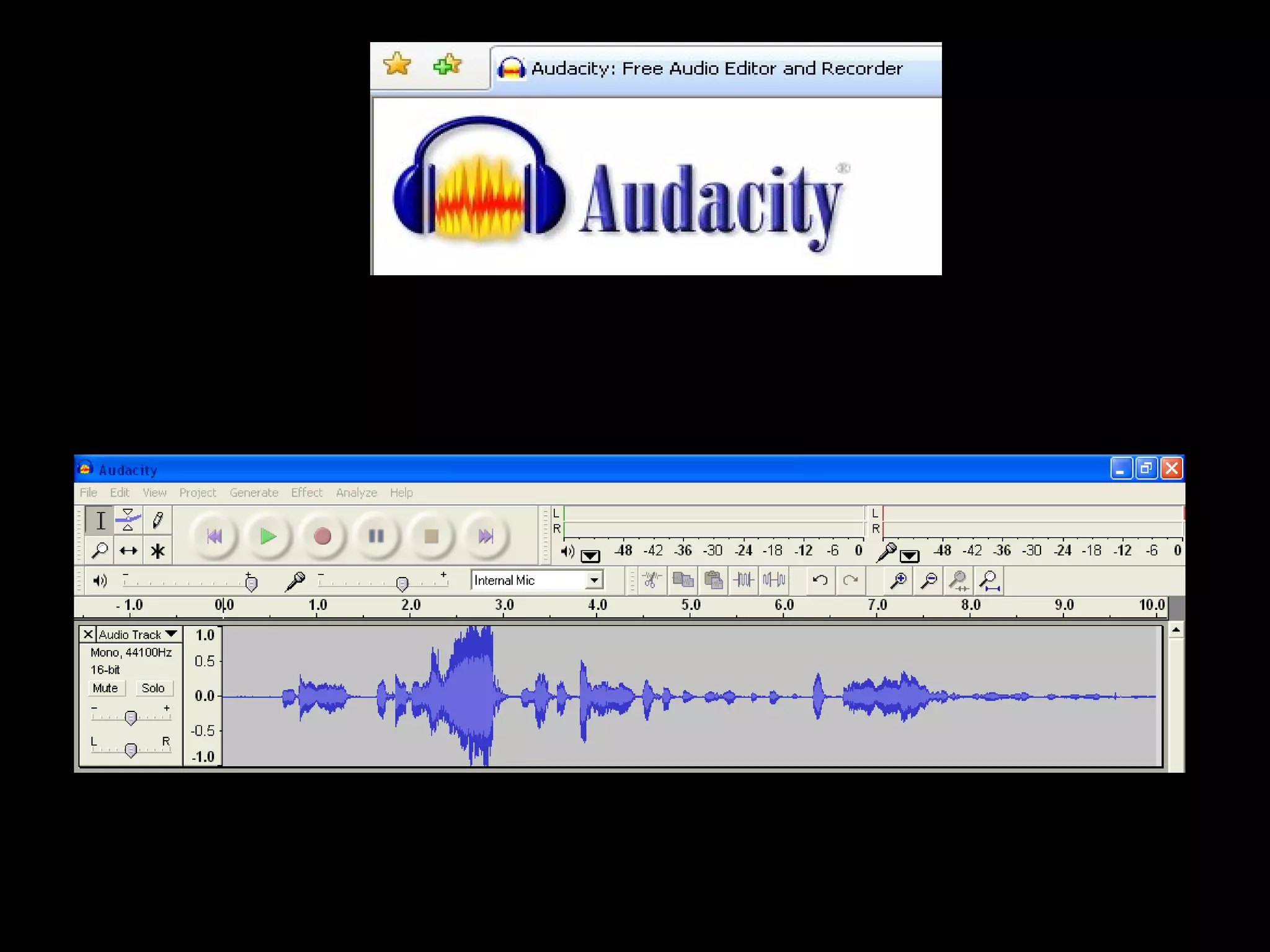
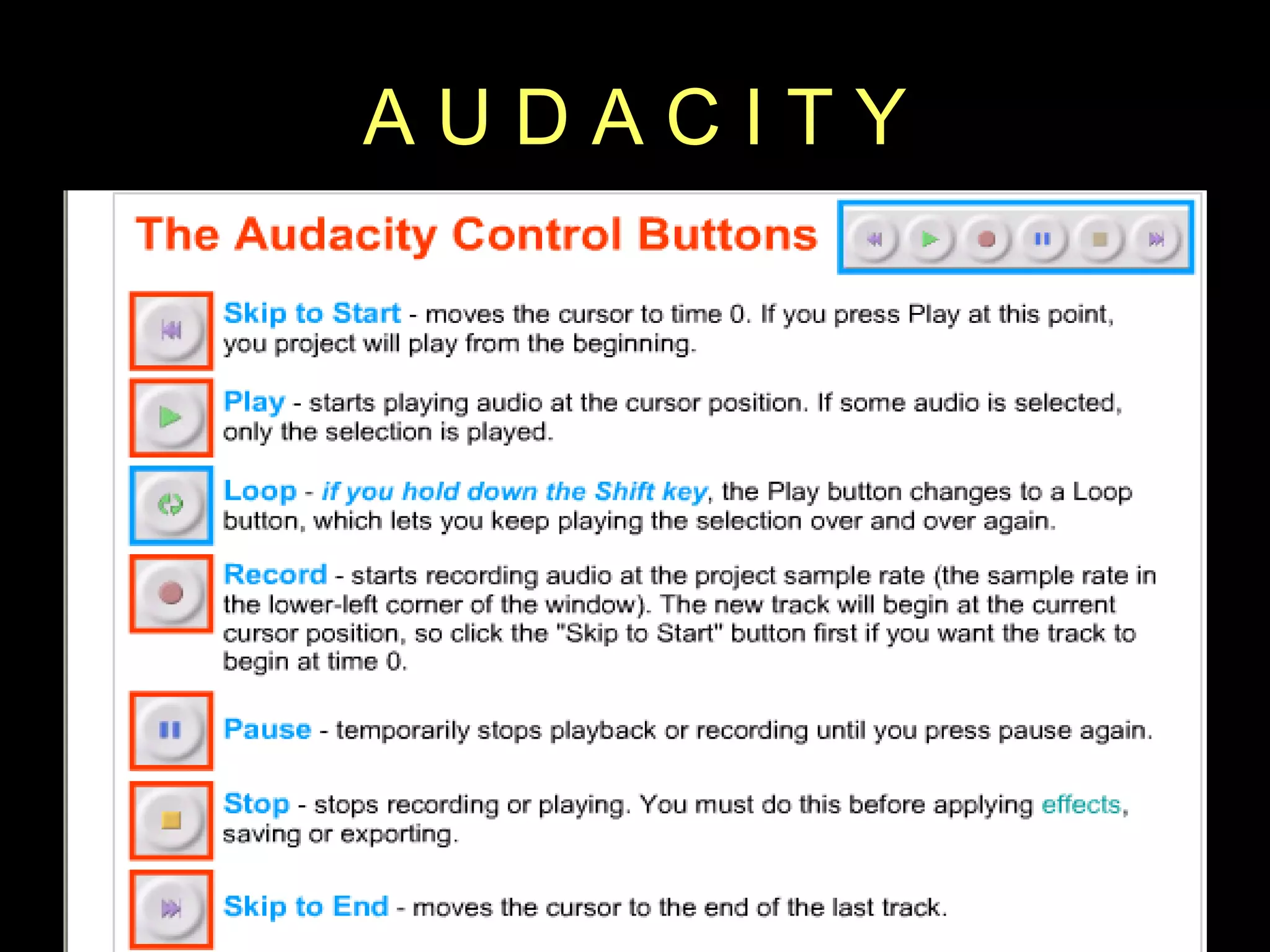
A U D A C I T Y
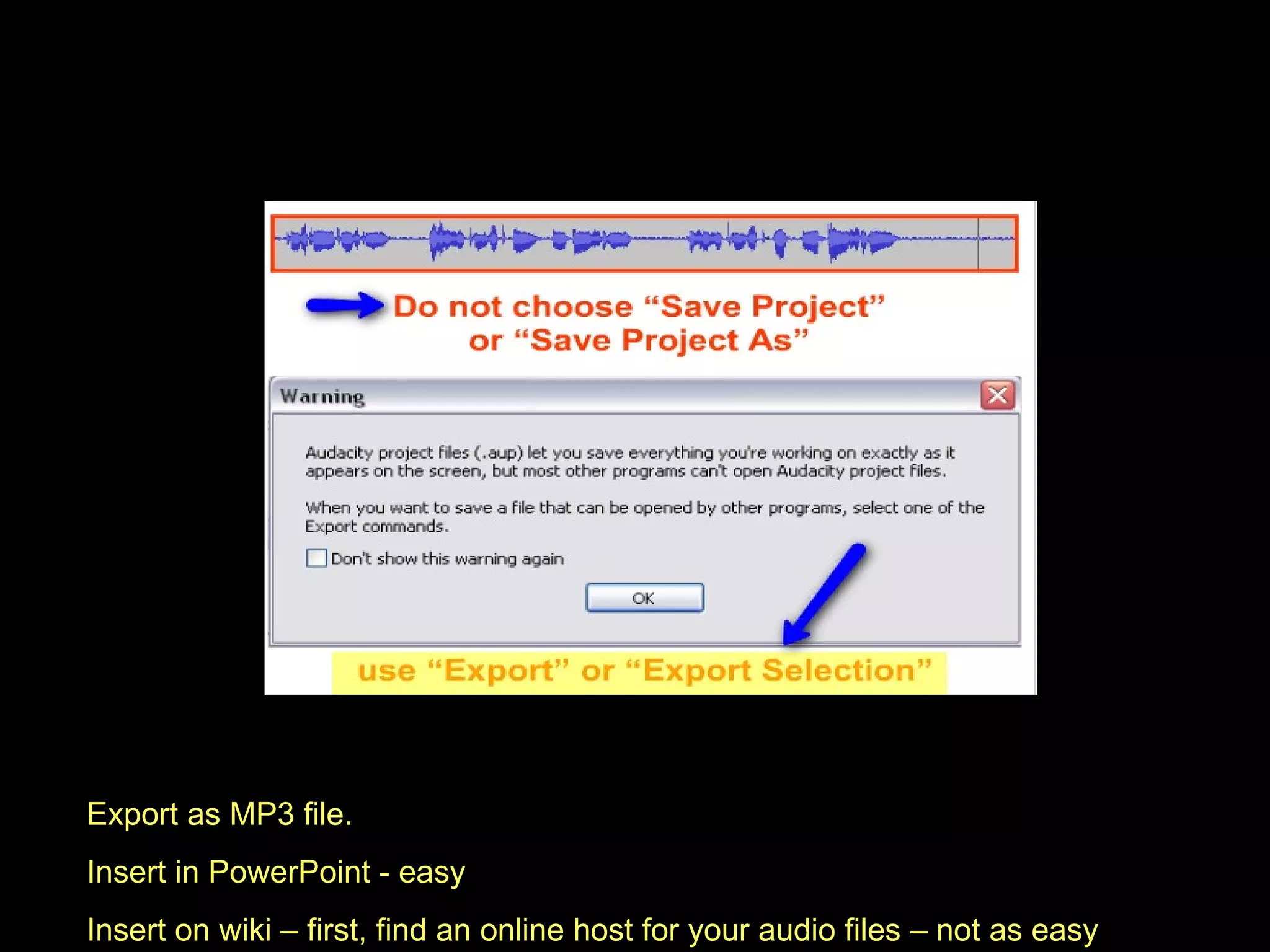
Export as MP3 file.  Insert in PowerPoint - easy Insert on wiki – first, find an online host for your audio files – not as easy
 
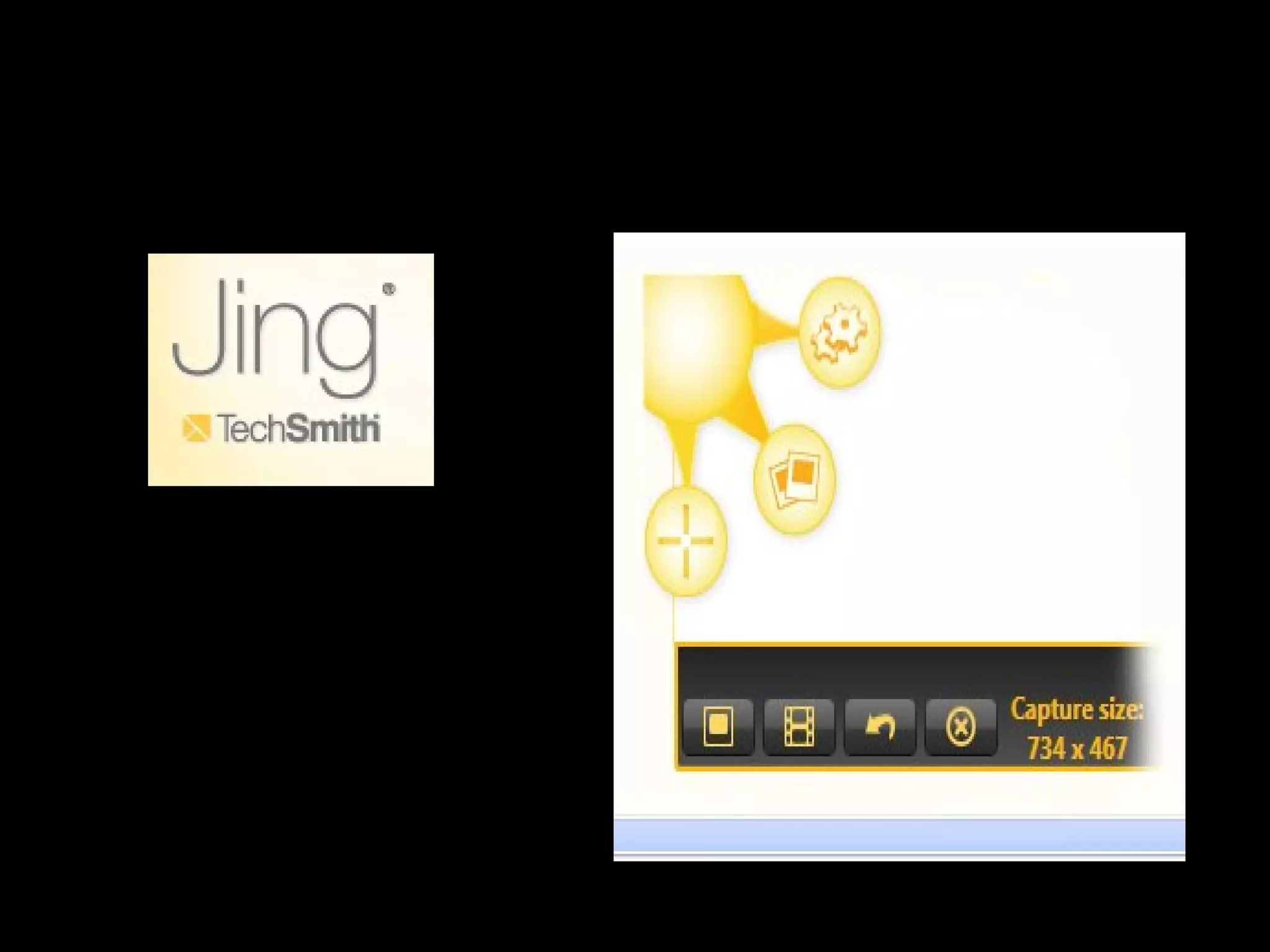
J I N G http://jingproject.com/   Snap a picture of your screen.  Record video of onscreen action.  Share instantly over the web or email.
 
www.slideshare.net Upload your own slideshows and get an embed code Put your slideshows on your wiki Search and find slide shows uploaded by others Download Embed on your wiki
Wrapping it up . . .
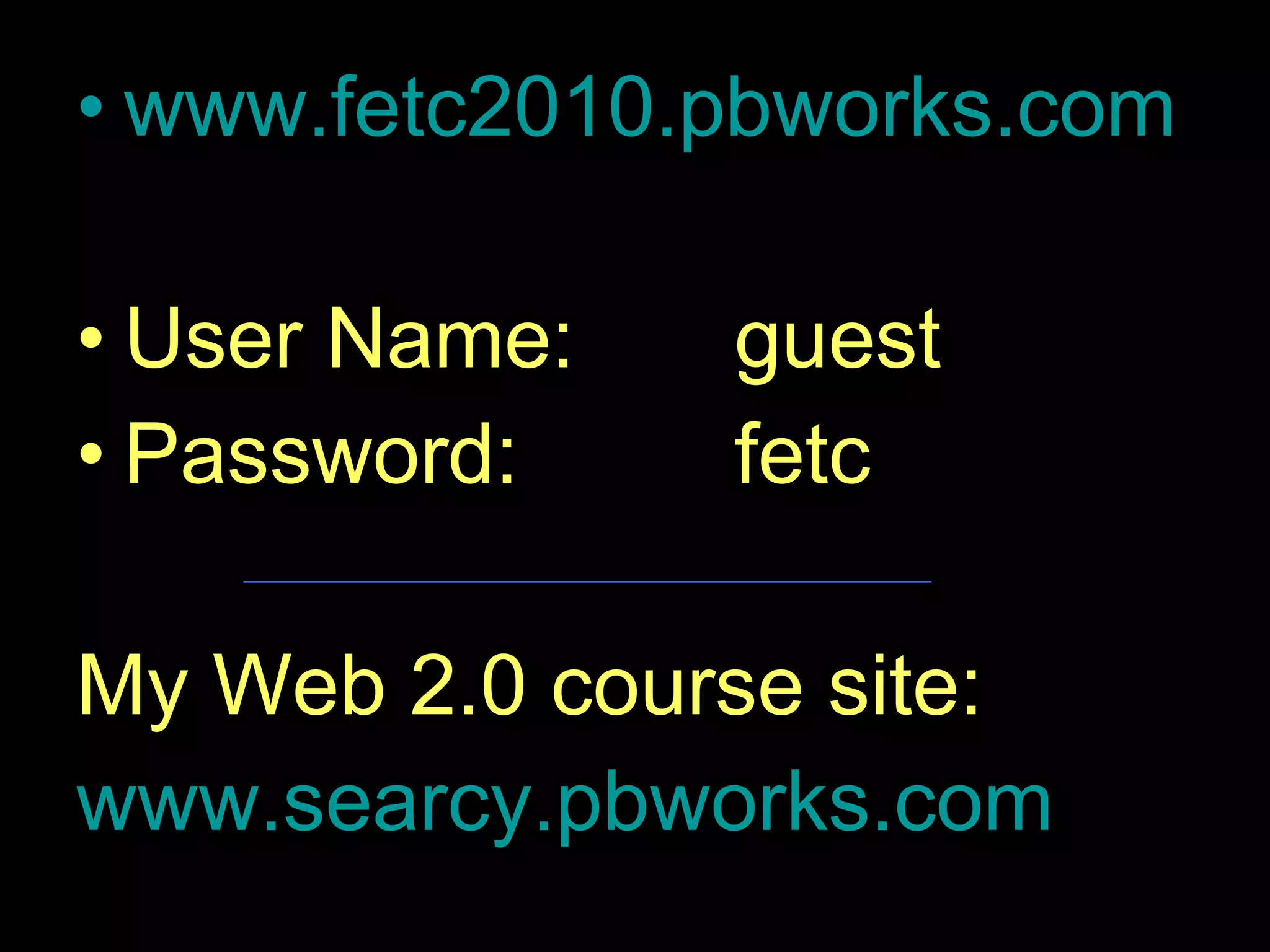
www.fetc2010.pbworks.com   User Name:   guest Password:   fetc My Web 2.0 course site: www.searcy.pbworks.com
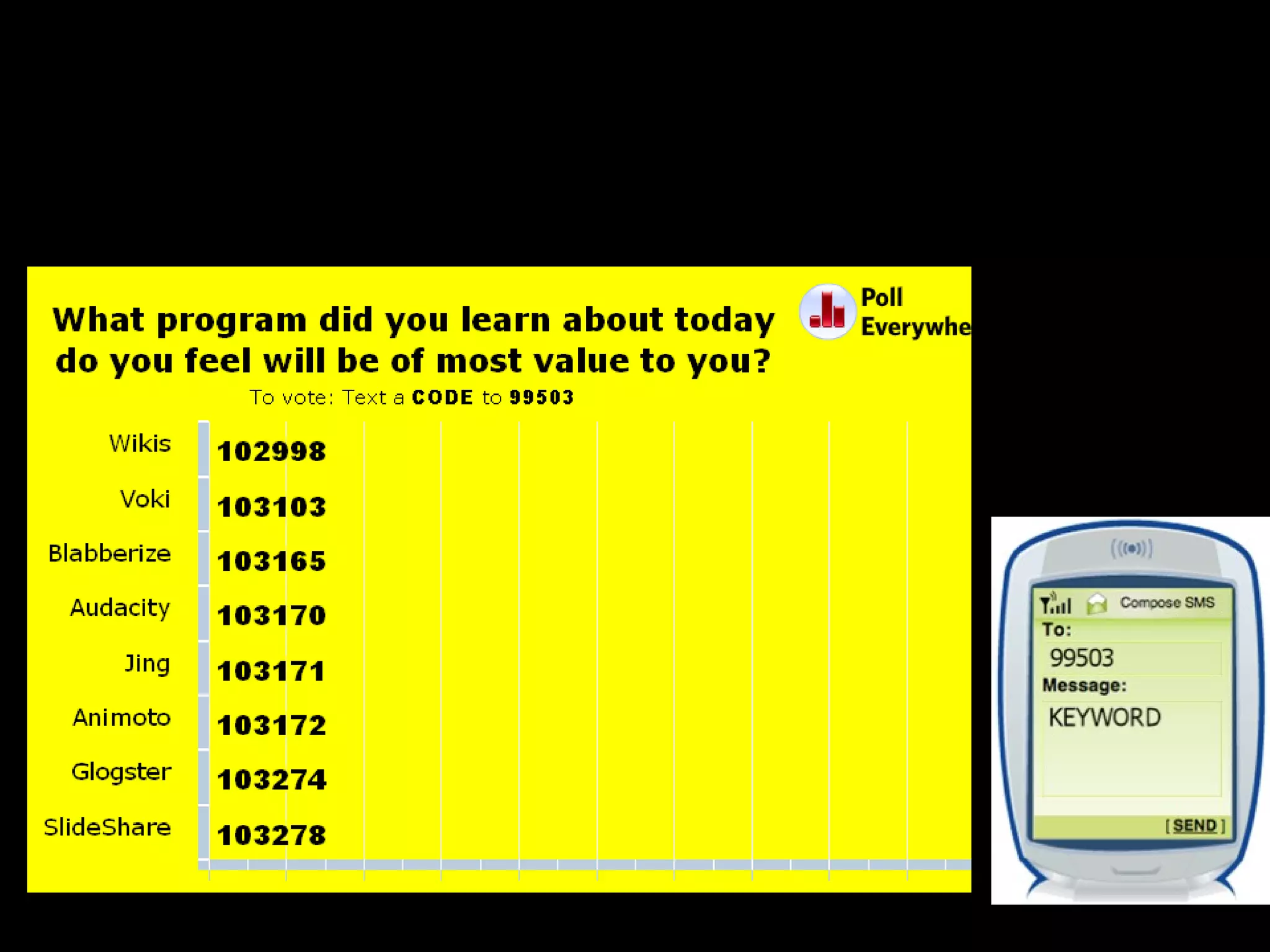
Don’t forget: You can copy-paste this slide into other presentations, and move or resize the poll.
Live Audience Polling www.polleverywhere.com
Exit Survey  http://www.surveymonkey.com/s/D6YKJR3 s/D6YKJR3
 
www.fetc2010.pbworks.com   User Name:   guest Password:   fetc My Web 2.0 course site: www.searcy.pbworks.com

Fetc 2010

  • 1.
  • 2.
    LEARN TO DOMORE WITH LESS Free Web-Based Tools to Improve Student Achievement Kati Searcy, NBCT www.fetc2010.pbworks.com
  • 3.
    GOALS Create acollaborative online environment Use still and video images to document learning Record and edit sound to document achievement See the possibilities of using free online applications to document and improve student achievement
  • 4.
    8:00 Introductions 8:15Wikis 9:30 10-minute break 9:40 Animoto 10:30 Voki 11:00 Blabberize 11:30 Lunch (Meet and Eat, optional ) Glogster – virtual interactive posters 12:30 Audacity 1:15 Jing 1:45 SlideShare 2:45 Exit Survey 3:00 Closing
  • 5.
    Would you liketo . . . . . design and easily update your own webpage ? increase student engagement using a safe online environment ? showcase your students work online ? eliminate excuses of lost homework or confusion on assignments ? have a central location for any group to collaborate ? put your thoughts and files in a place that is accessible anytime, anywhere ? to have all of this at no charge ?
  • 6.
    Samples of studentwikis: Wiki as a professional learning “text” Wiki as a knowledge management system Wiki as an online learning unit Wiki as a student research center Wiki as a student portfolio
  • 7.
    Let’s Make a Wiki www.pbworks.com
  • 8.
    BREAK – 10 minutes LET’S MAKE A WIKI !!!
  • 9.
    Turn your photos& videos into pure amazing movies. Animoto automatically produces beautifully orchestrated, completely unique video pieces from your photos, video clips and music. Fast, easy, and free.  
  • 10.
  • 11.
    s Let’s createan Animoto video and add it to your wiki. STEPS
  • 12.
    It’s SO easy!!! Go to www.animoto.com Click on “Create Video” Choose the type of video to create Upload the photos you wish to use Add music Finalize Add to your wiki
  • 13.
    Let’s Share .. . How might you use Animoto?
  • 14.
  • 15.
    Voki is afree service that allows you to create personalized speaking avatars and use them on your wiki .
  • 16.
    Let’s Make aVoki www.voki.com
  • 17.
    Let’s Share .. . How would you use with your students?
  • 18.
    B L AB B E R I Z E
  • 19.
    Blabberize www.blabberize.com Signup for a free account Make Find a photo / Crop that image if you wish Place the mouth (hardest part) Record sound Preview / Finish Save Share it (embed on your wiki)
  • 20.
    Let’s Share Howmight you use Blabberize?
  • 21.
    LUNCH BREAK – One Hour Meet and Eat (optional) Glogster – make interactive posters from images, text, music and video
  • 22.
    G L OG S T E R Student Example – Jane Goodall Student Example – Bacteria / E-Coli Play Around http://fetc.edu.glogster.com Get an account: www.glogster.com/edu
  • 23.
  • 24.
  • 25.
    A U DA C I T Y
  • 26.
    Export as MP3file. Insert in PowerPoint - easy Insert on wiki – first, find an online host for your audio files – not as easy
  • 27.
  • 28.
    J I NG http://jingproject.com/ Snap a picture of your screen. Record video of onscreen action. Share instantly over the web or email.
  • 29.
  • 30.
    www.slideshare.net Upload yourown slideshows and get an embed code Put your slideshows on your wiki Search and find slide shows uploaded by others Download Embed on your wiki
  • 31.
  • 32.
    www.fetc2010.pbworks.com User Name: guest Password: fetc My Web 2.0 course site: www.searcy.pbworks.com
  • 33.
    Don’t forget: Youcan copy-paste this slide into other presentations, and move or resize the poll.
  • 34.
    Live Audience Pollingwww.polleverywhere.com
  • 35.
    Exit Survey http://www.surveymonkey.com/s/D6YKJR3 s/D6YKJR3
  • 36.
  • 37.
    www.fetc2010.pbworks.com User Name: guest Password: fetc My Web 2.0 course site: www.searcy.pbworks.com

Editor's Notes

  • #34 Press F5 or use the tool bar to enter presentation mode in order to see the poll. If you like, you can use this slide as a template for your own voting slides. You might use a slide like this if you feel your audience would benefit from the picture showing a text message on a phone.
  • #36 `