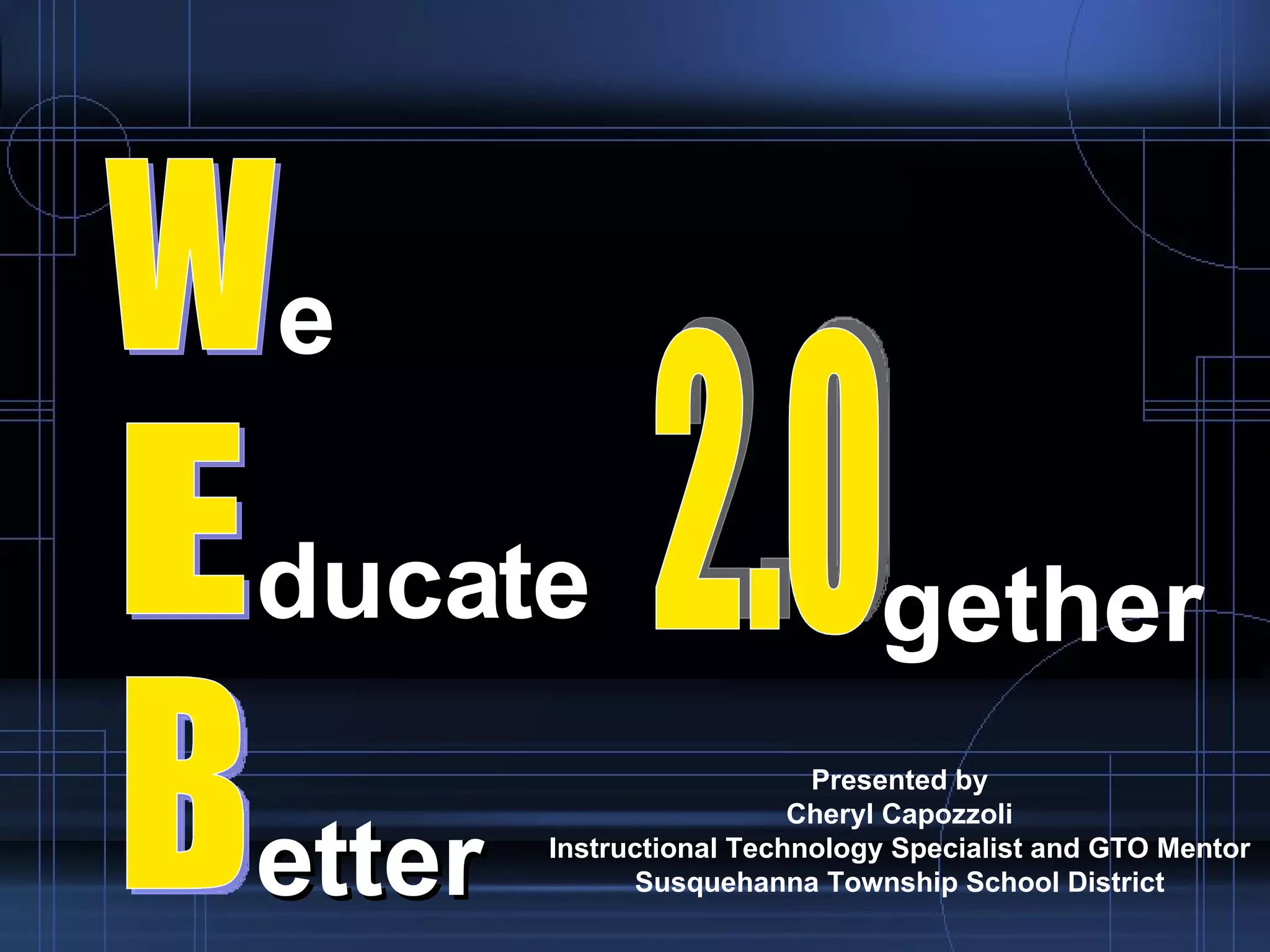

Presented by Cheryl Capozzoli Instructional Technology Specialist and GTO Mentor Susquehanna Township School District W E B e ducate etter 2.0 gether
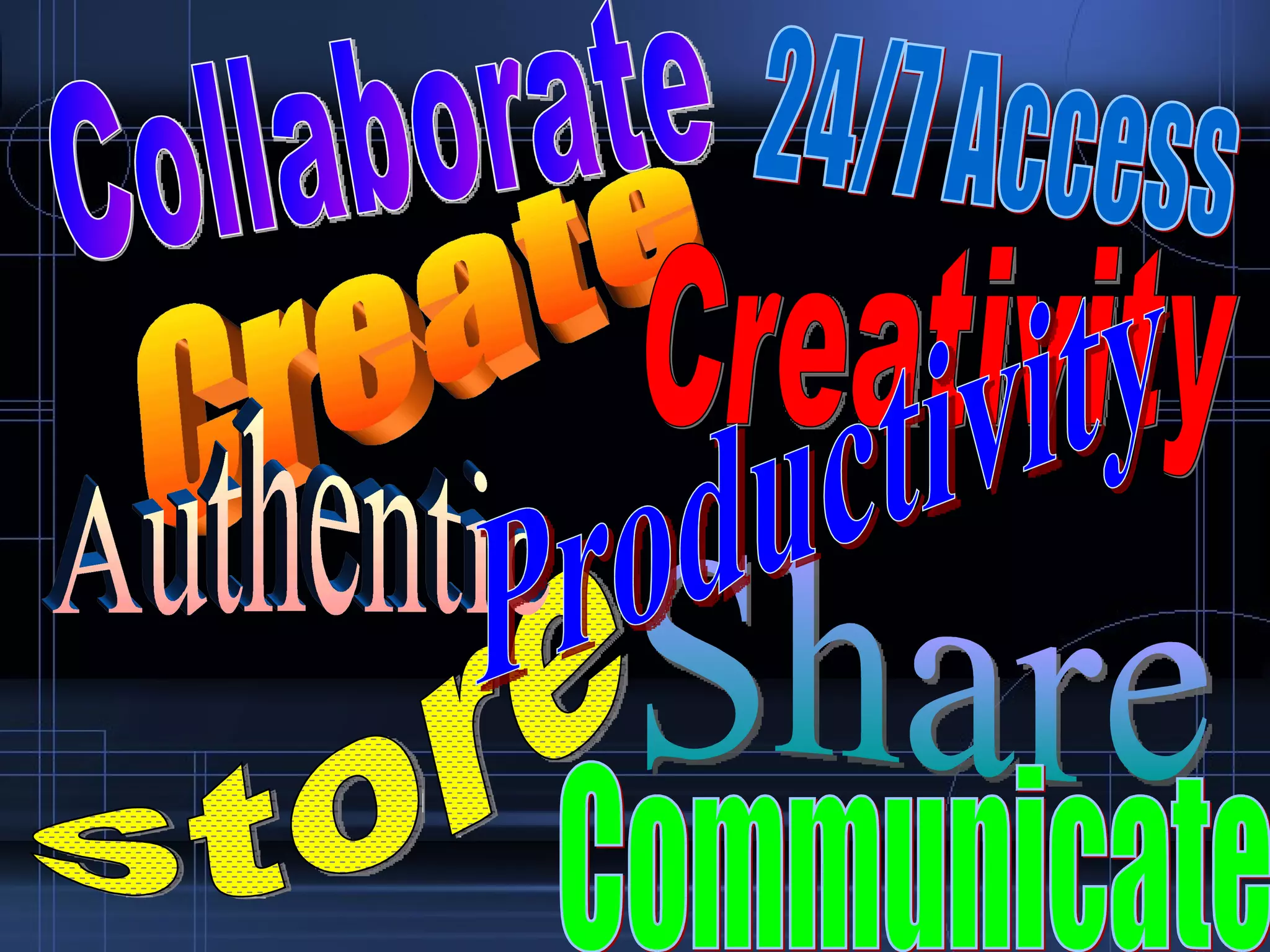
Collaborate Share Create Store Communicate Creativity Authentic 24/7 Access Productivity
Changing  Instructional Practices Think
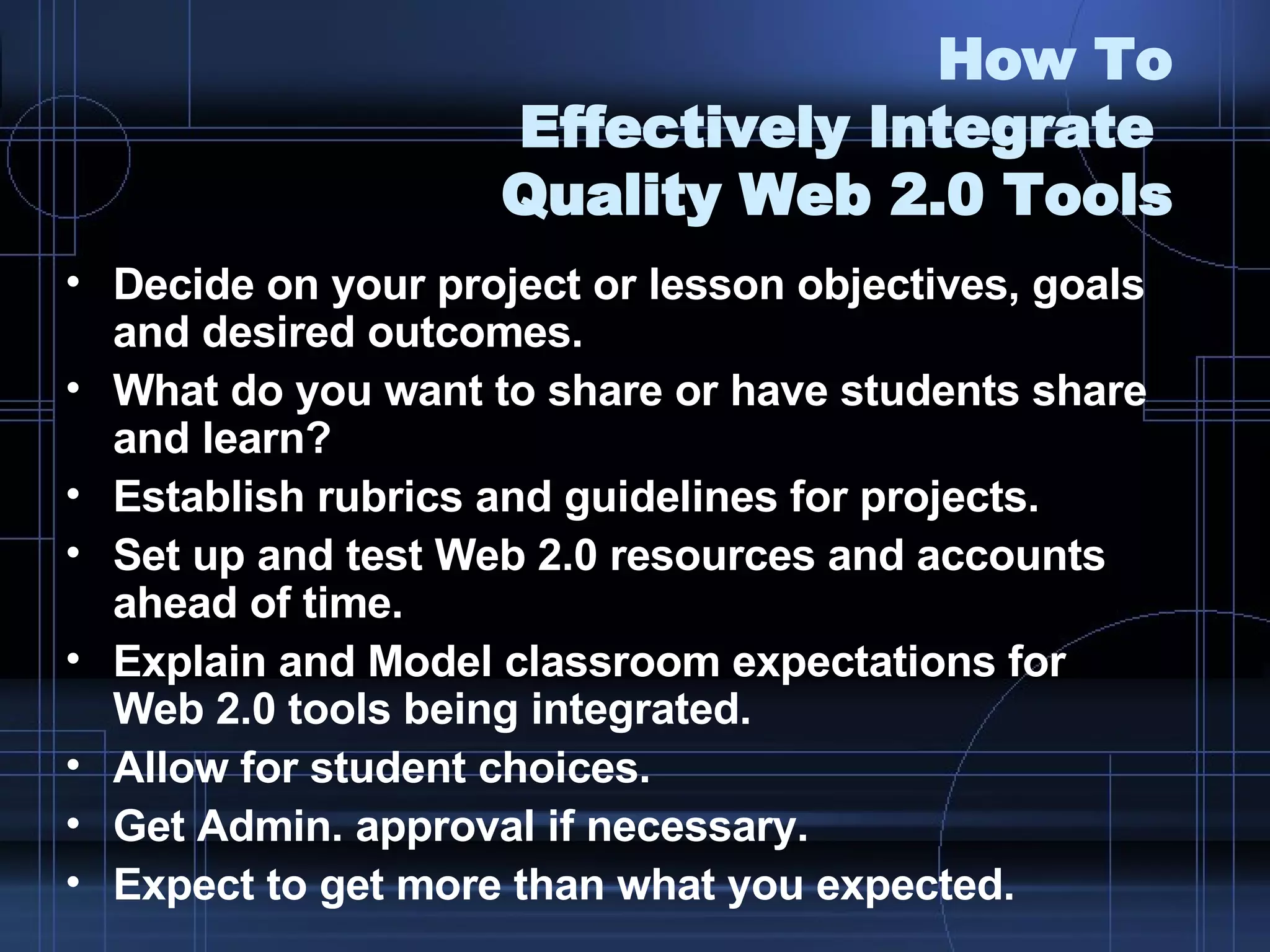
How To Effectively Integrate  Quality Web 2.0 Tools Decide on your project or lesson objectives, goals and desired outcomes. What do you want to share or have students share and learn? Establish rubrics and guidelines for projects. Set up and test Web 2.0 resources and accounts ahead of time. Explain and Model classroom expectations for  Web 2.0 tools being integrated. Allow for student choices. Get Admin. approval if necessary.  Expect to get more than what you expected.
Keep In Mind Integrating technology should be seamless not forced opportunities. Find the right tool to assist with meeting the needs of your lessons, activities, and students. Student, or digital natives always prove to be invaluable resources.  Students will respect you more if they are asked to assist with the technology.  Don’t give up if things don’t go the way you planned.  Evaluate and Revise!!!
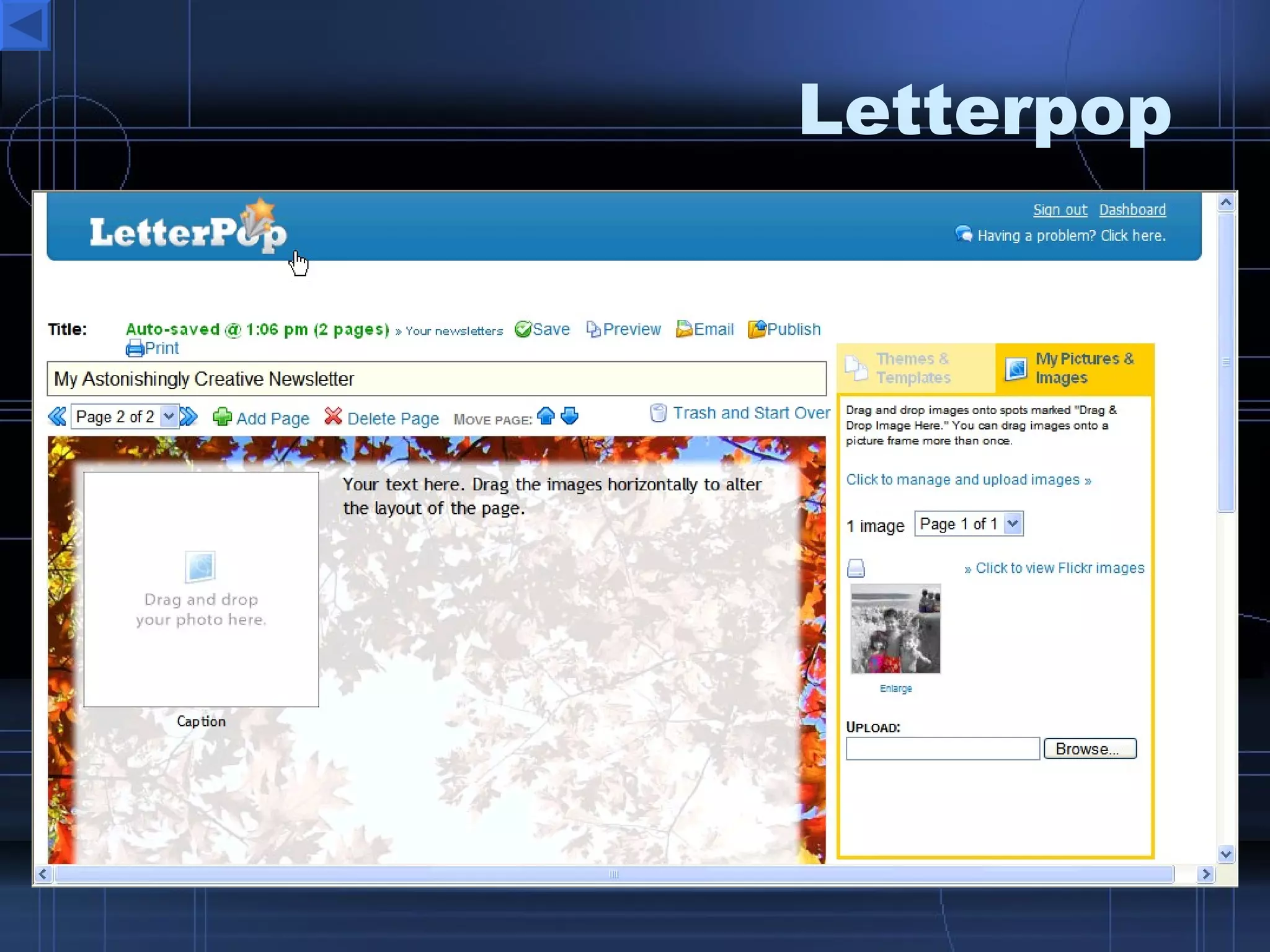
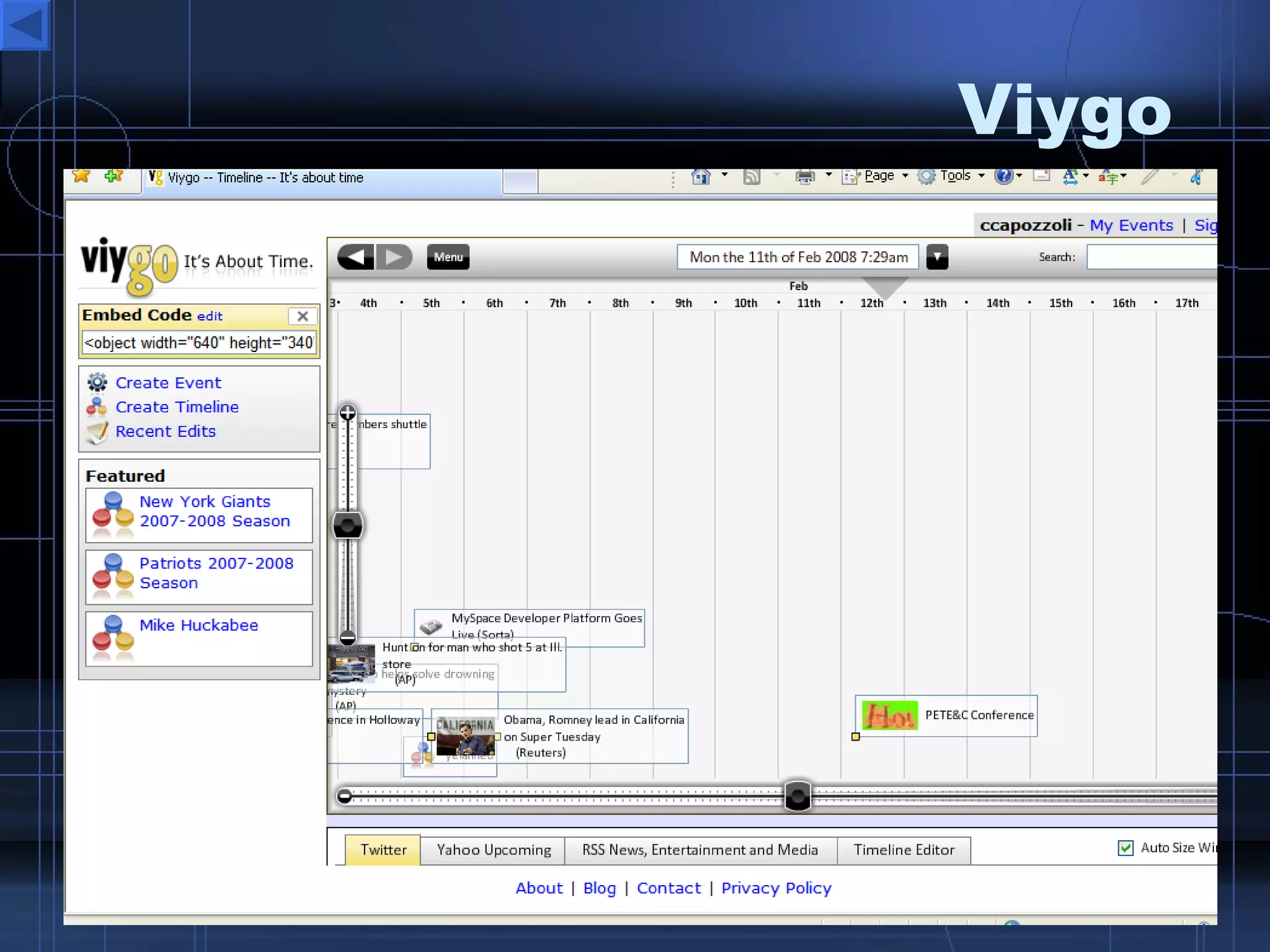
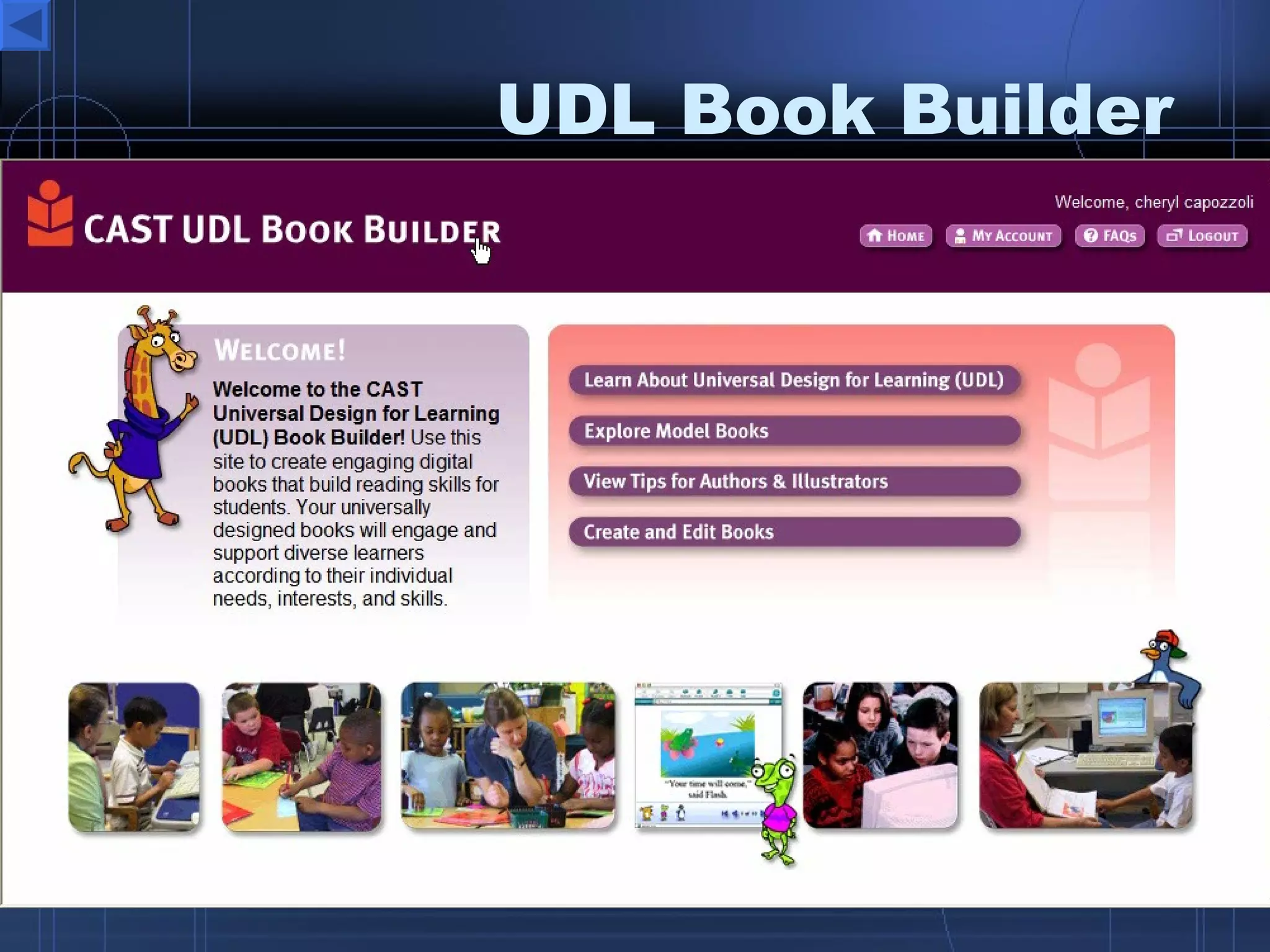
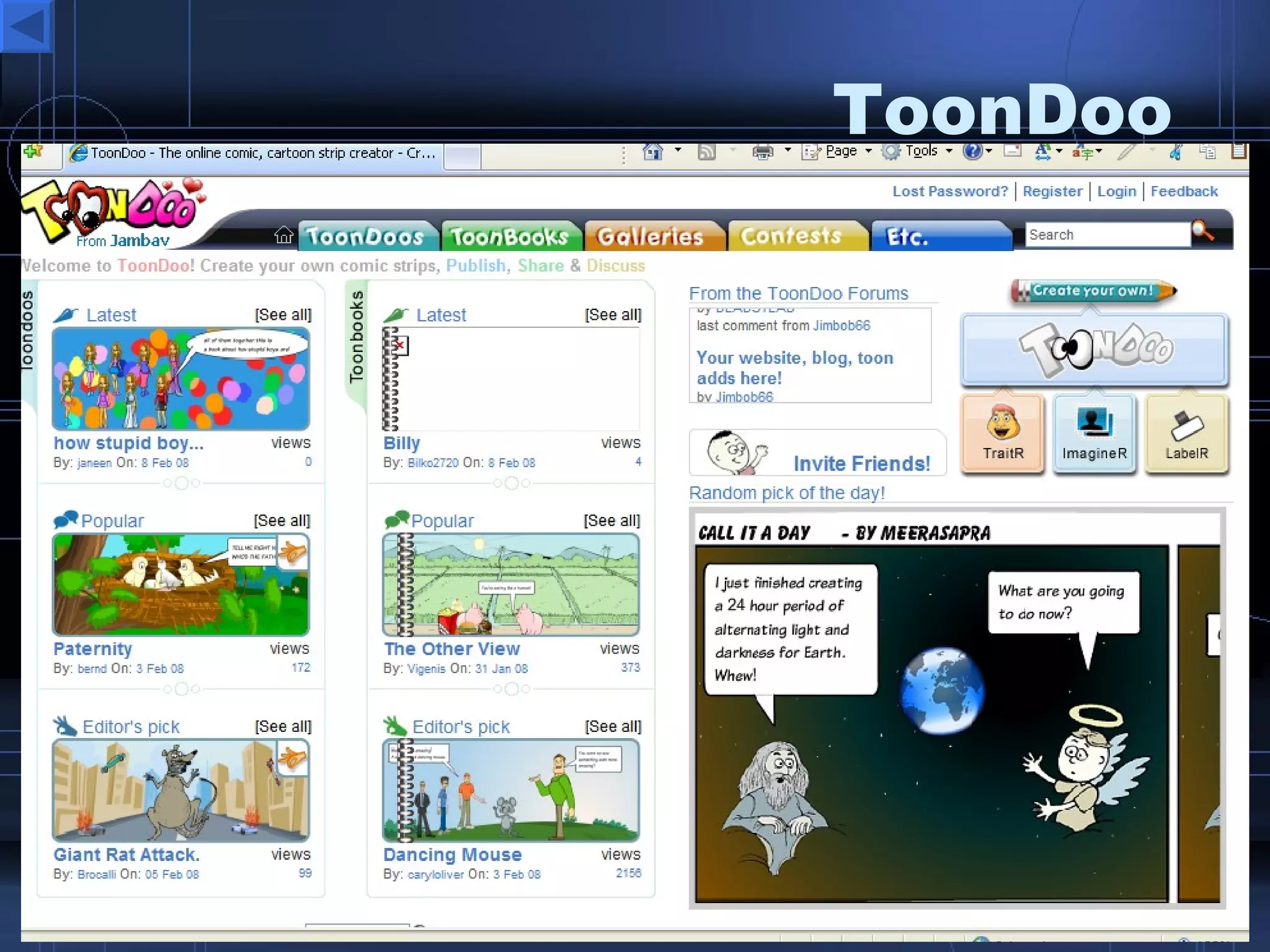
Interactive Desktop  Publishing Tools Google Docs  – online docs and more Zoho  – docs, presentations, sharing, collaboration Letterpop  – create free great looking newsletters MaiNada  – create fun animated comic strips ToonDoo  – create cartoons and comic strips Comiqs  – comic strips Viygo  – timeline wiki BookBuilder  – Create kids ebooks Writing is Fun  – write various text types, tips and examples
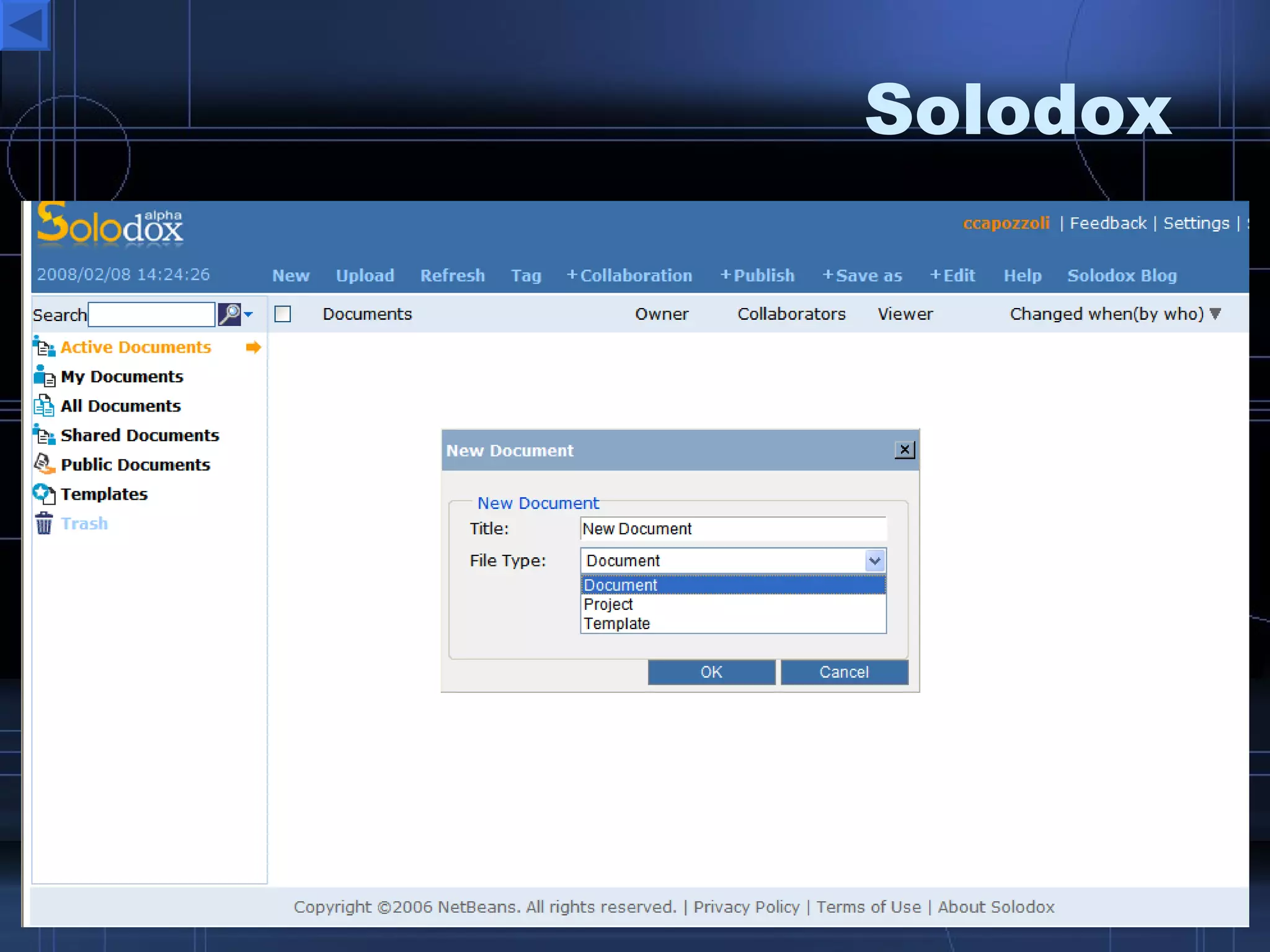
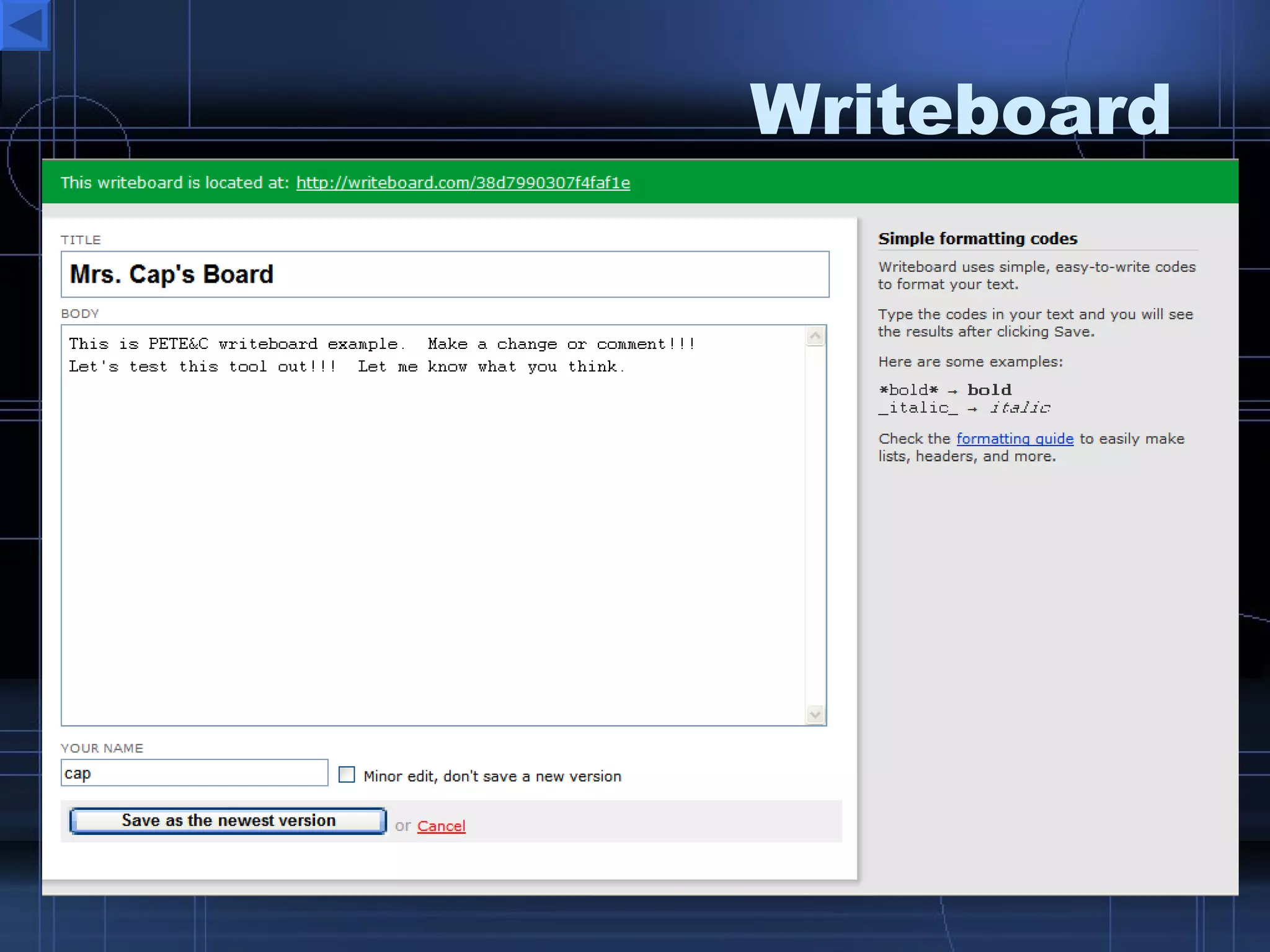
Collaboration  Tools Scriblink  - take online notes together Writeboard  – share a web based notepad  See PETE sample Voice Thread  –photo content and allow people to comment or discuss it.  Sample Kaltura  – create and collaborate video Solodox  – create, share, collaborate on documents, templates, and projects.
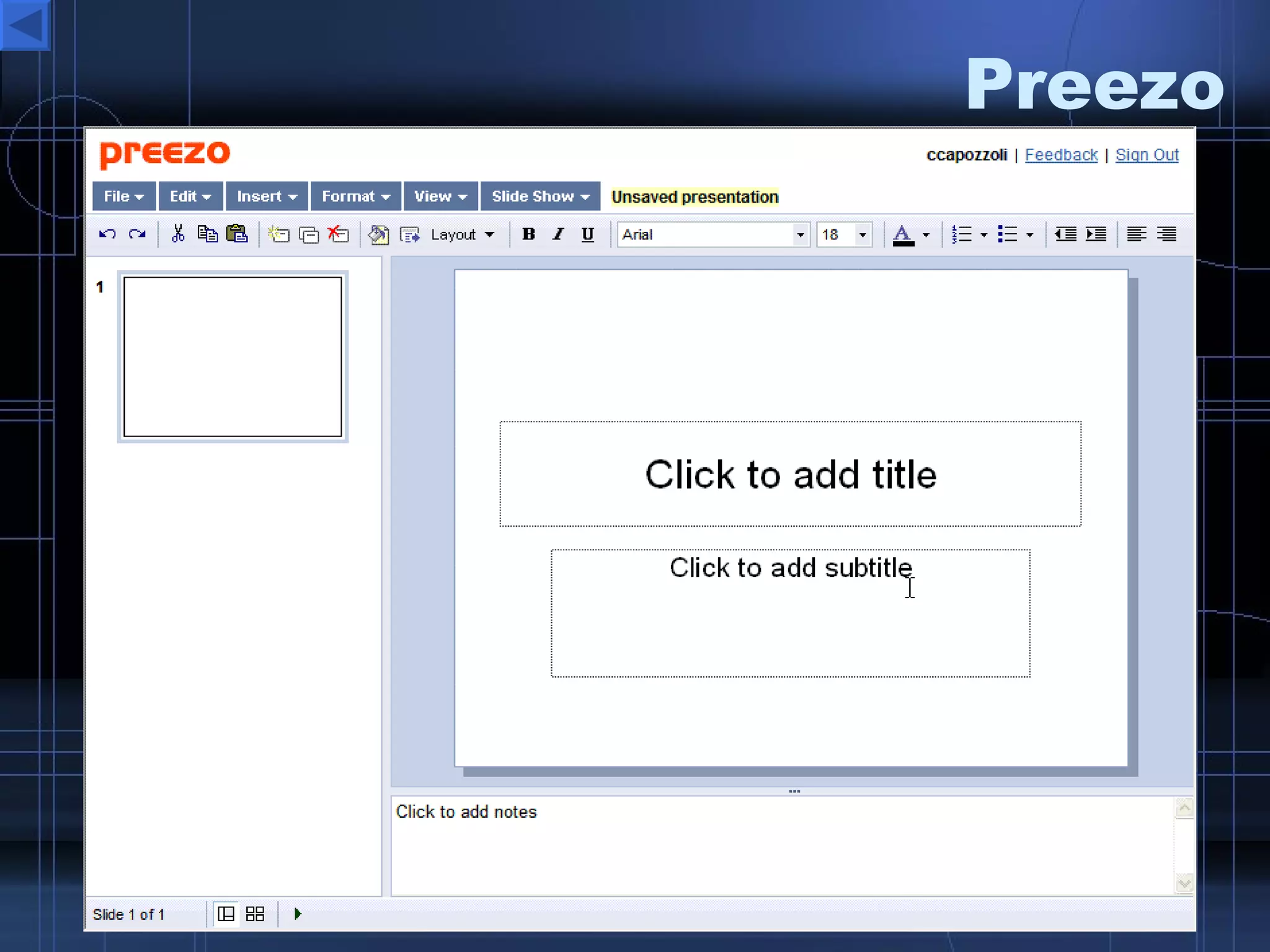
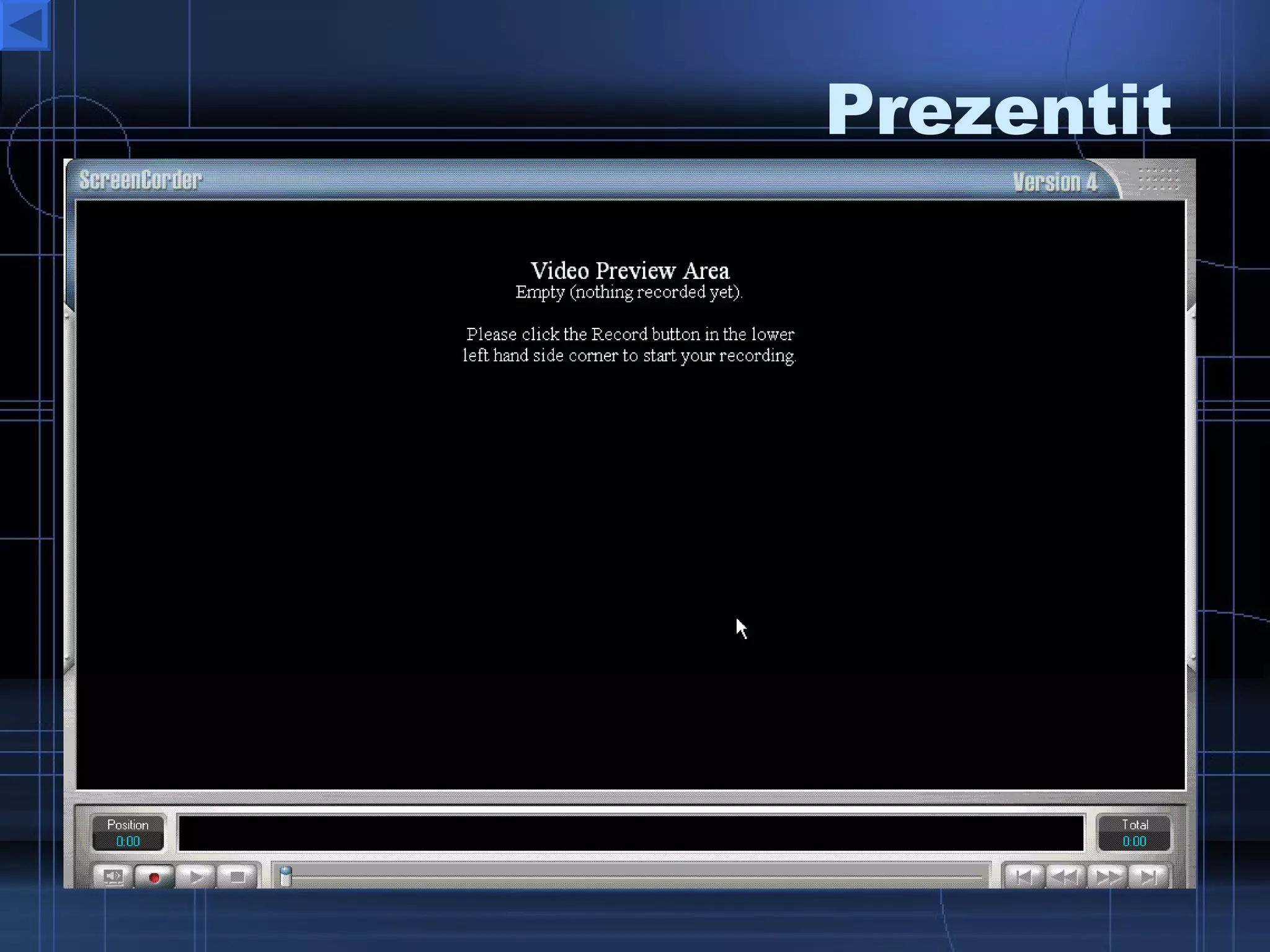
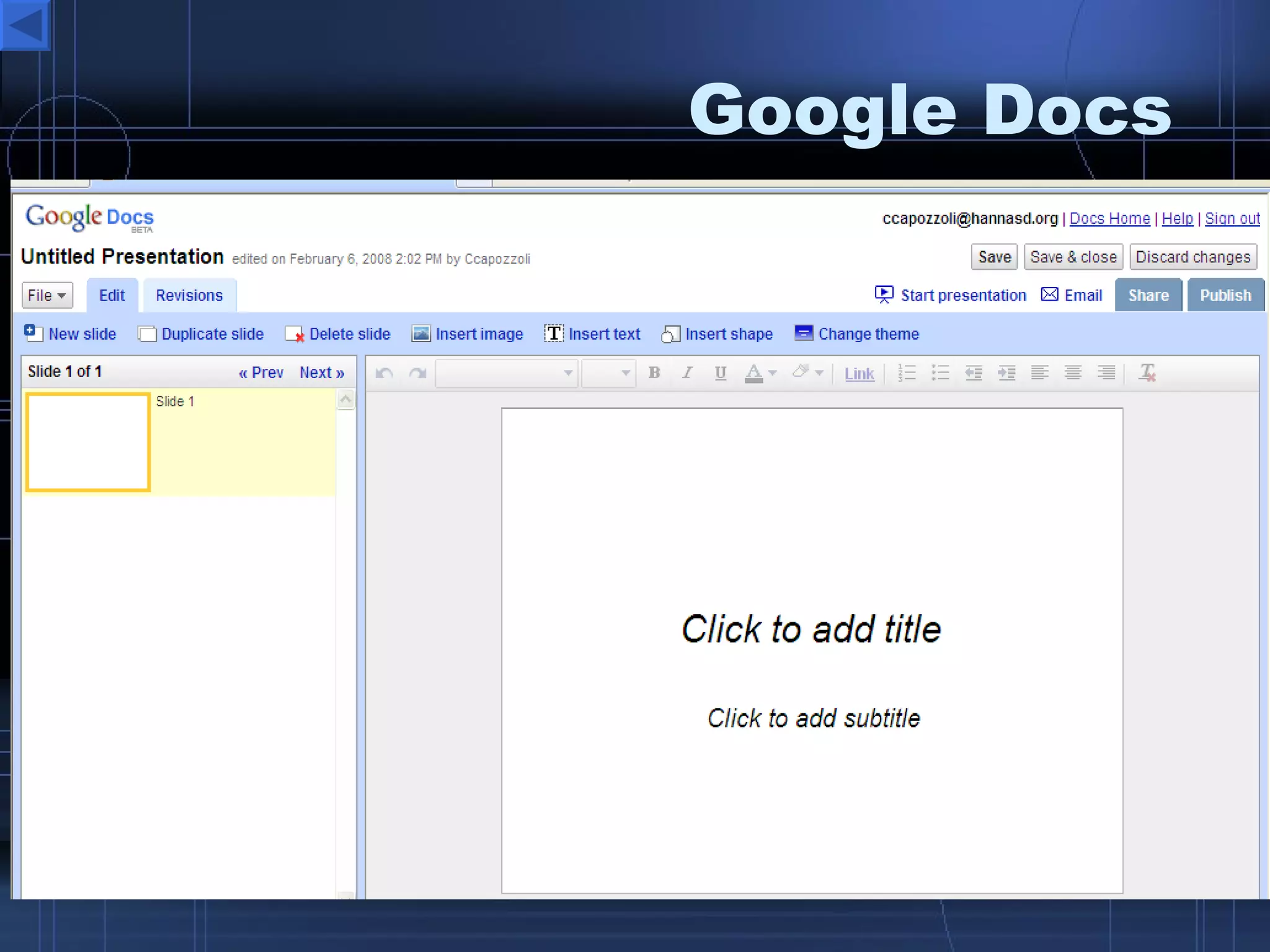
Presentation  Tools Create, store, embed and share online presentations  Zoho  Show Google Docs Preezo   Prezentit Empressr Spresent Slideshare  – upload and share ppts.
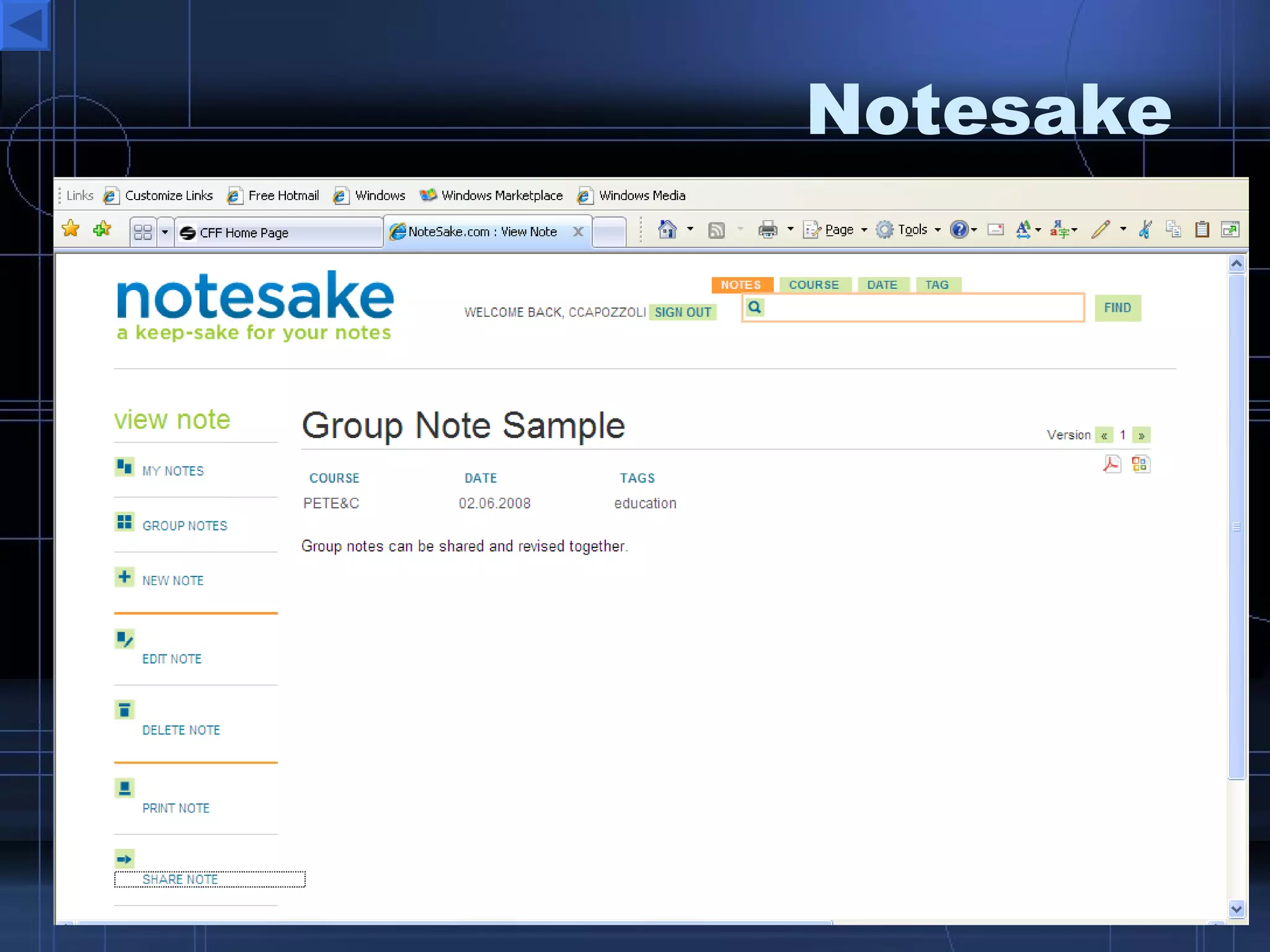
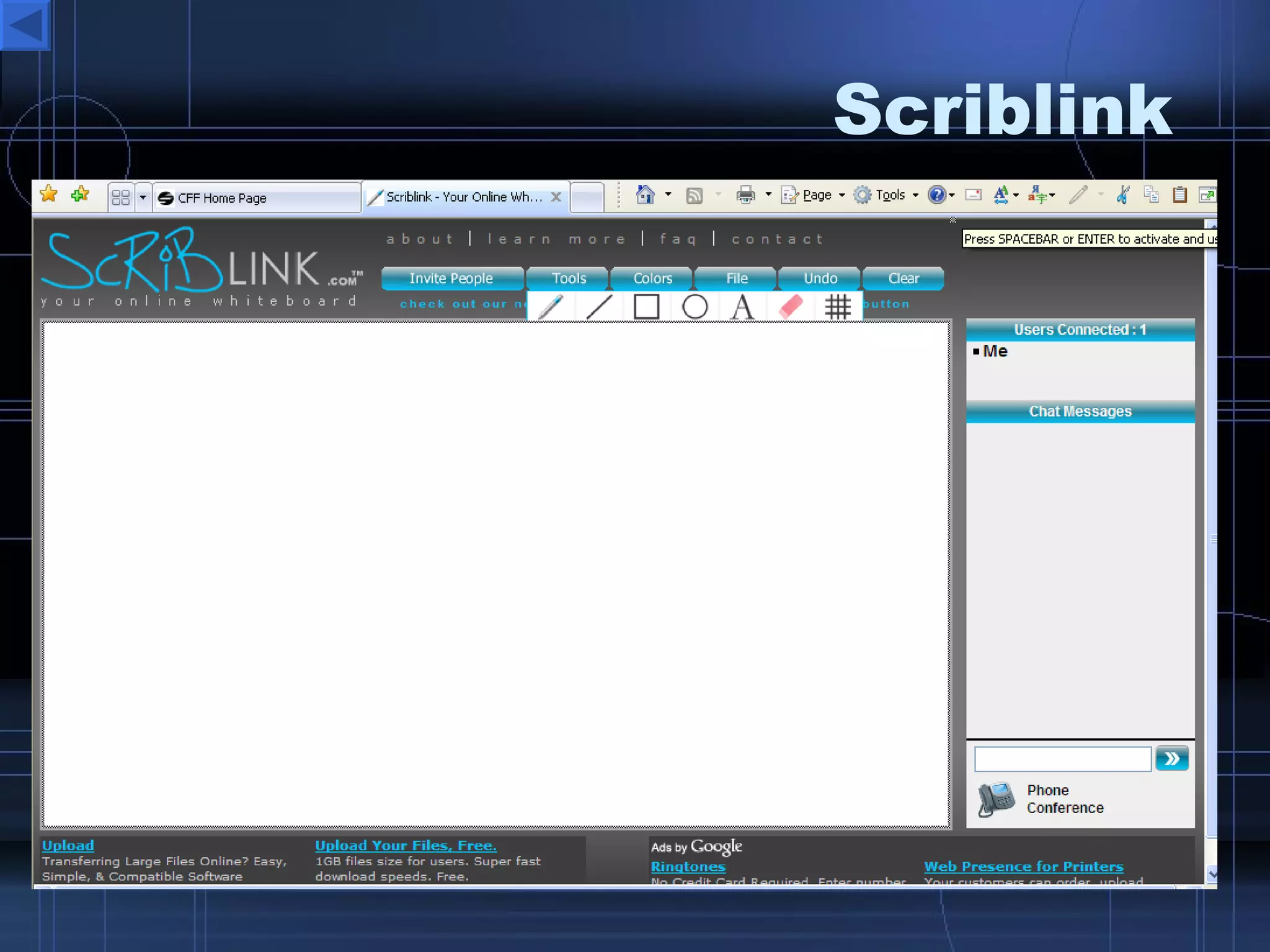
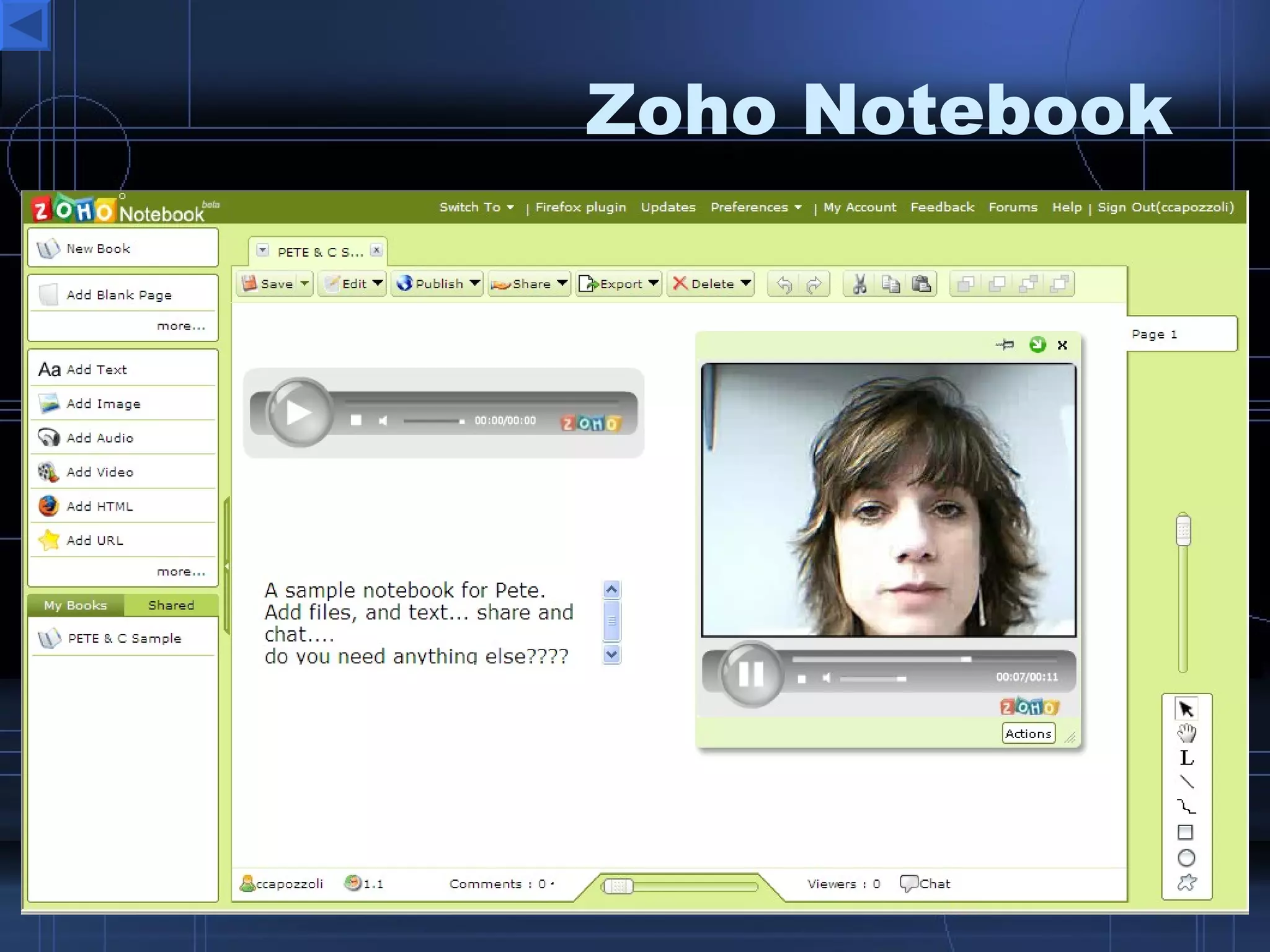
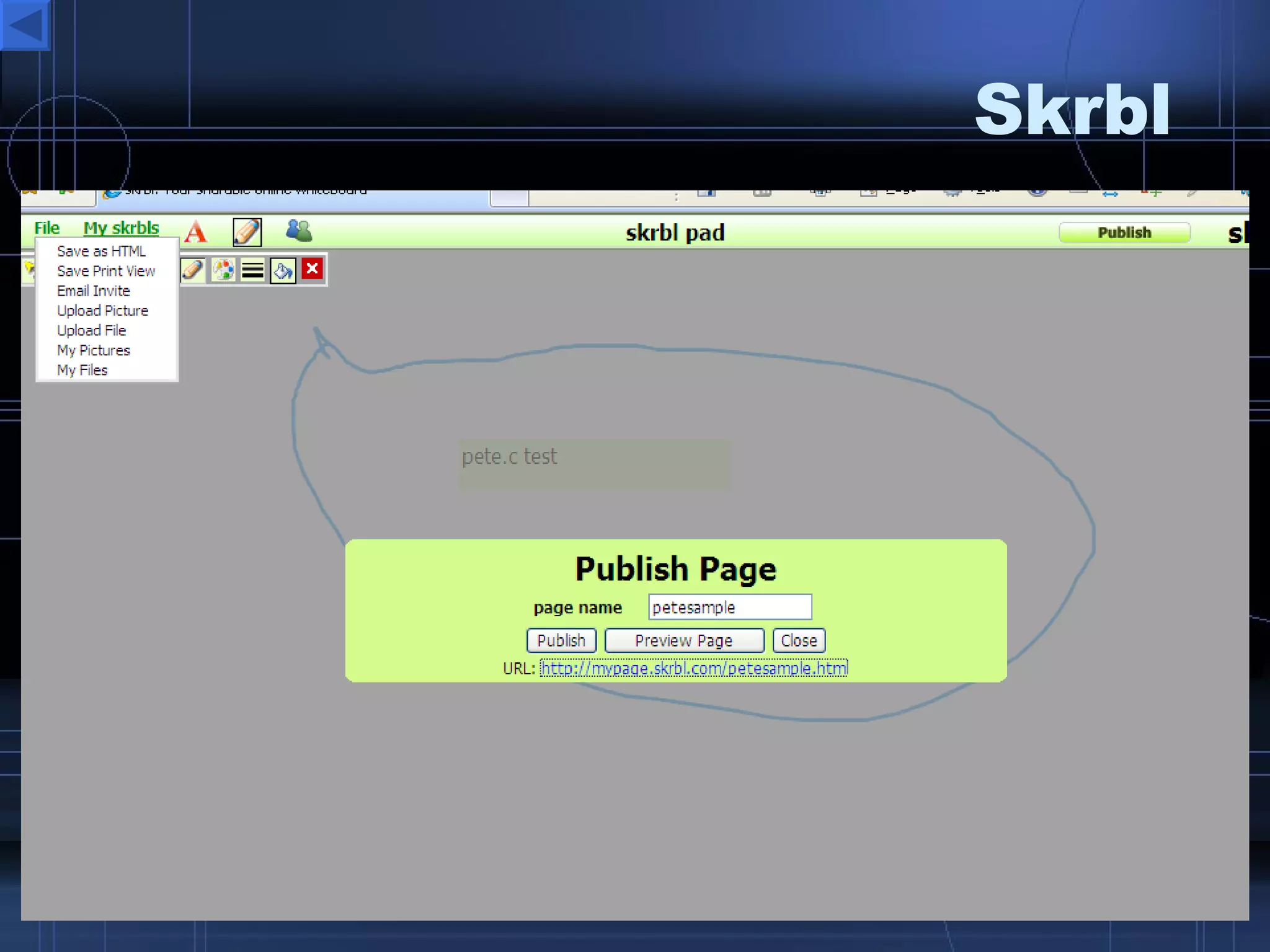
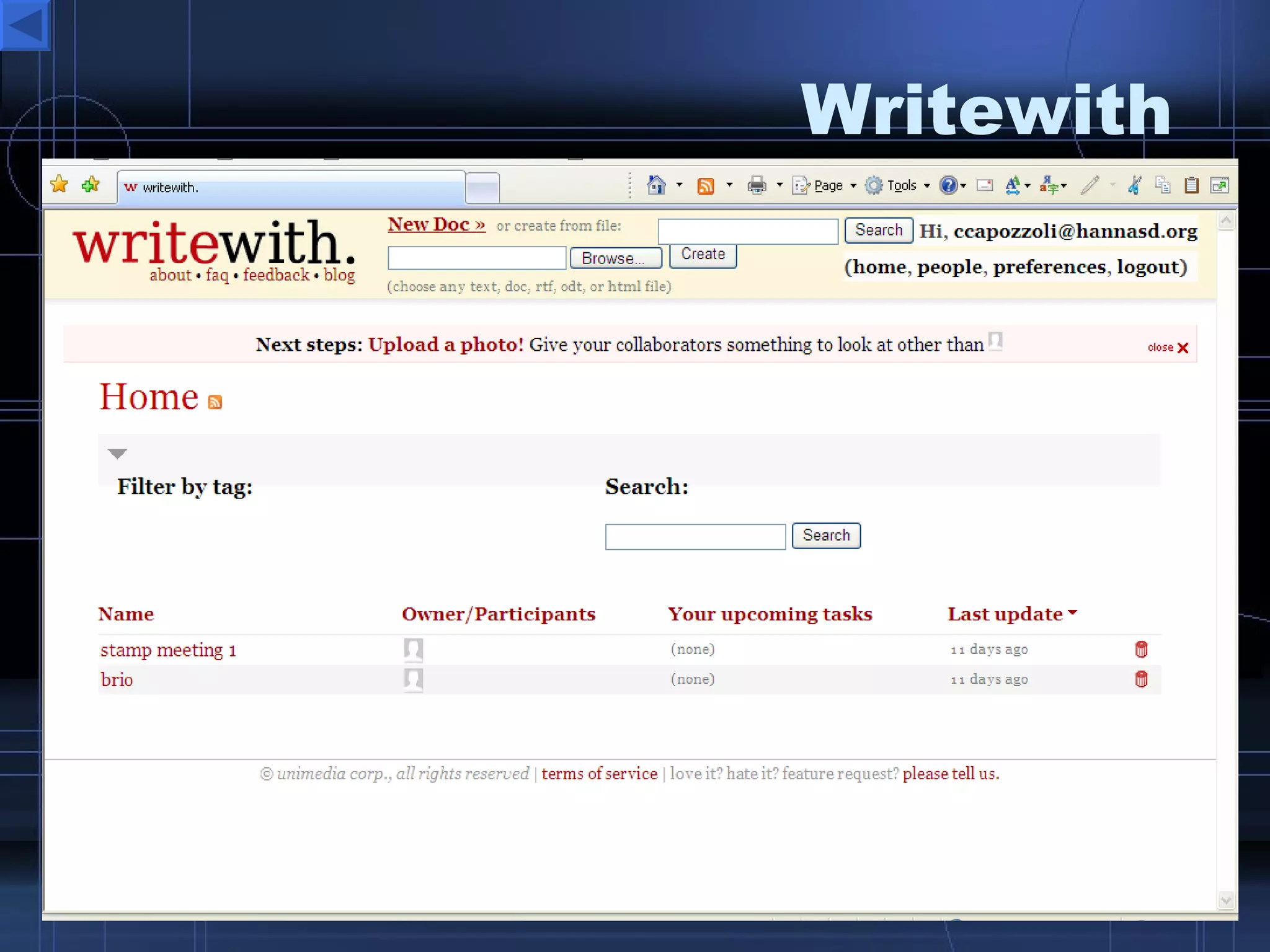
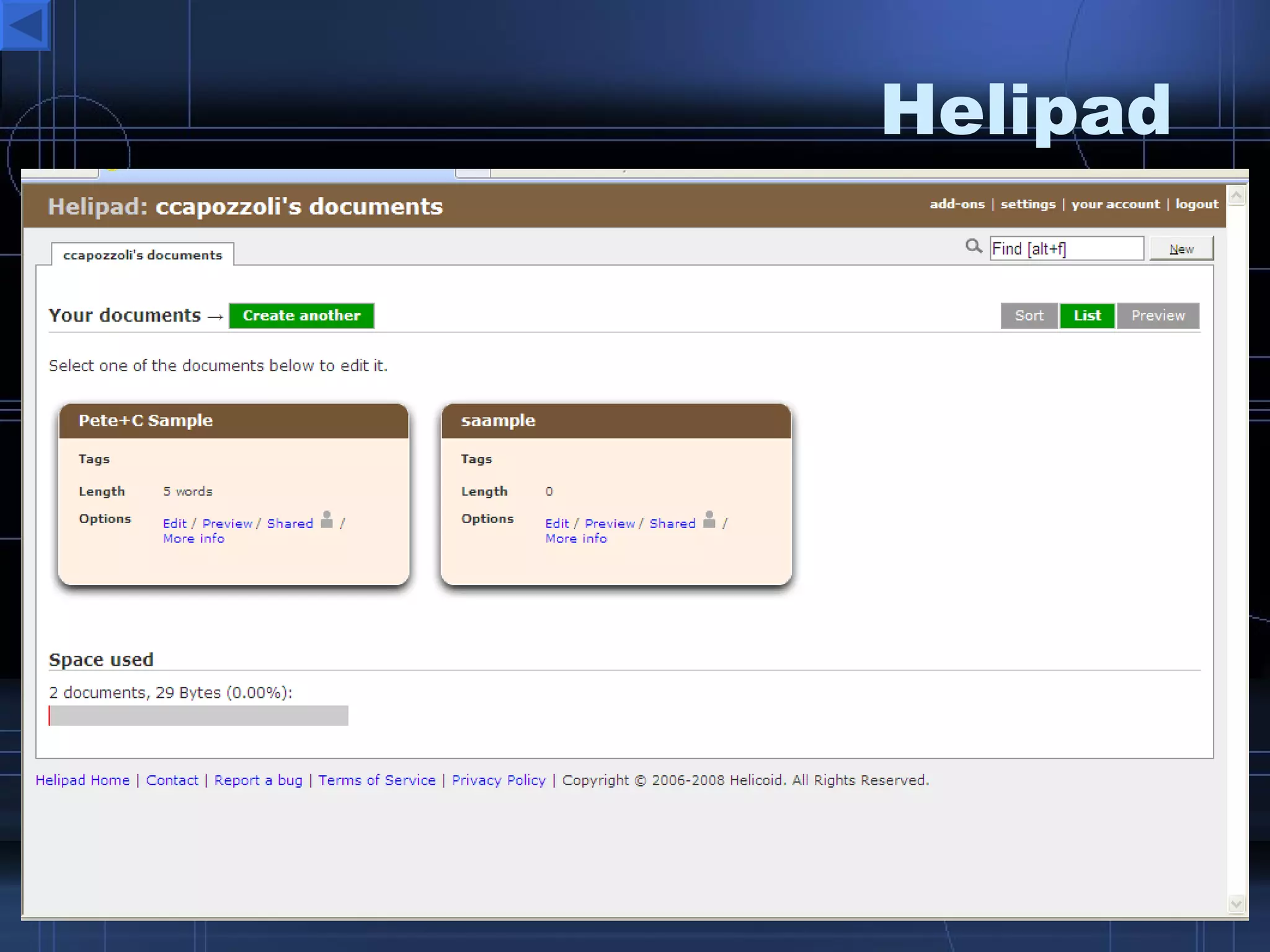
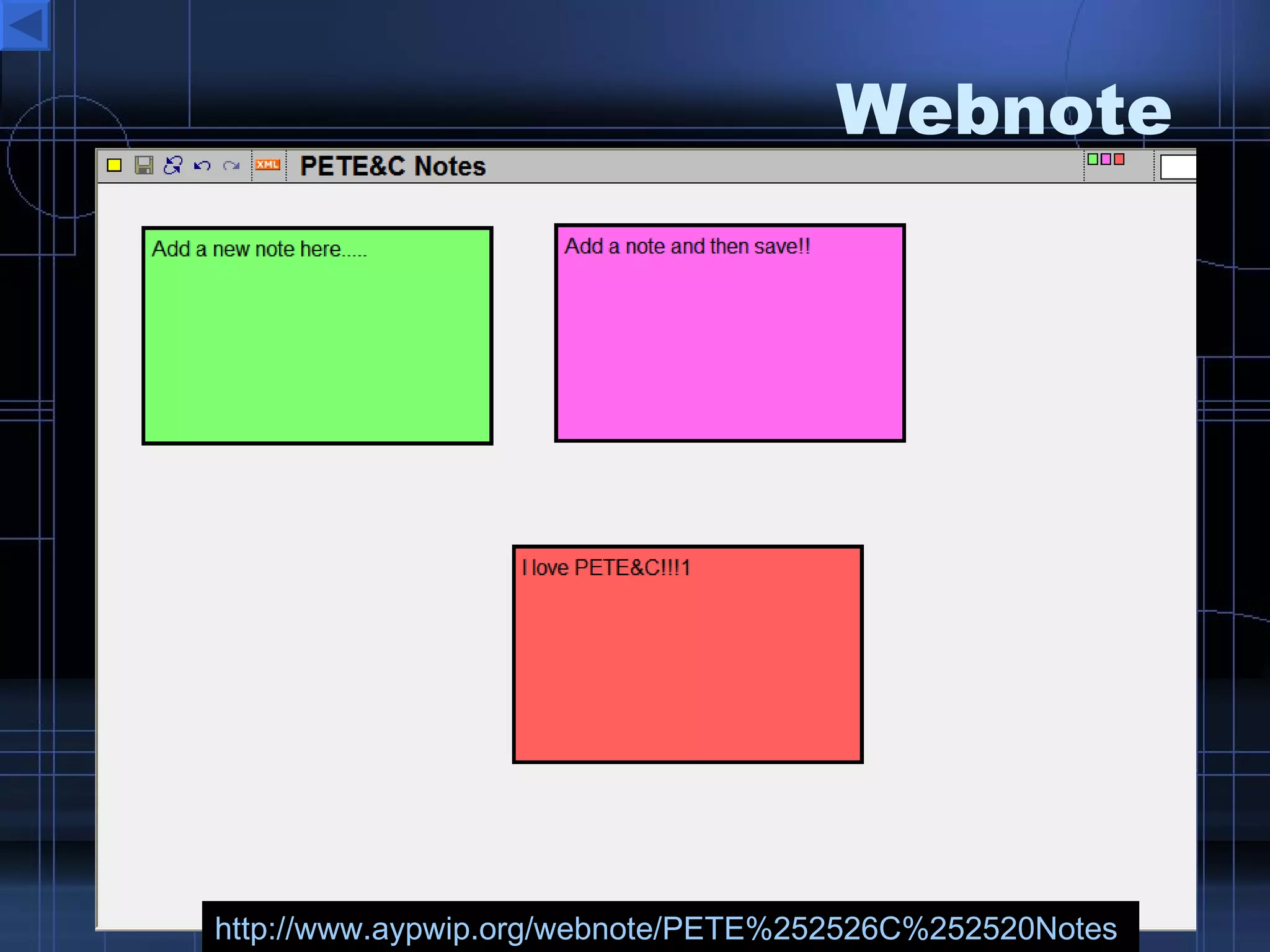
Note taking  Tools Zoho  Notebook  – Notetaking with a Punch!! Google Notebook  – take and create mobile notes Webnote  – create and share instant notes with no installation or accounts Sample Scriblink  – an instant interactive whiteboard, invite and use.  Skrbl   - a web whiteboard Writewith   – create online docs invite other members to edit, review, and revise  Notesake  – create individual and group notes to share, revise independently of your own notes. Helipad  – share notes with a url link
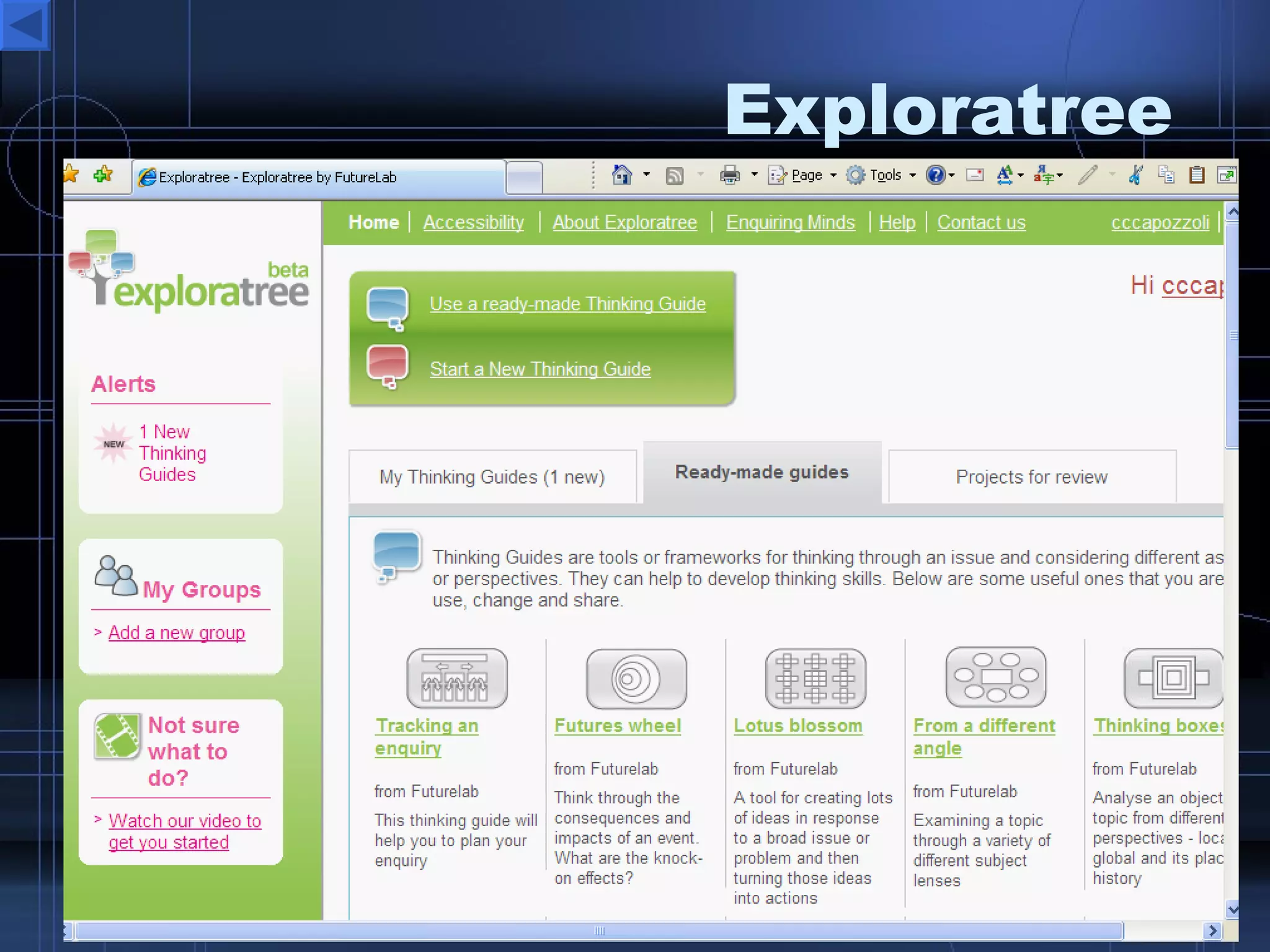
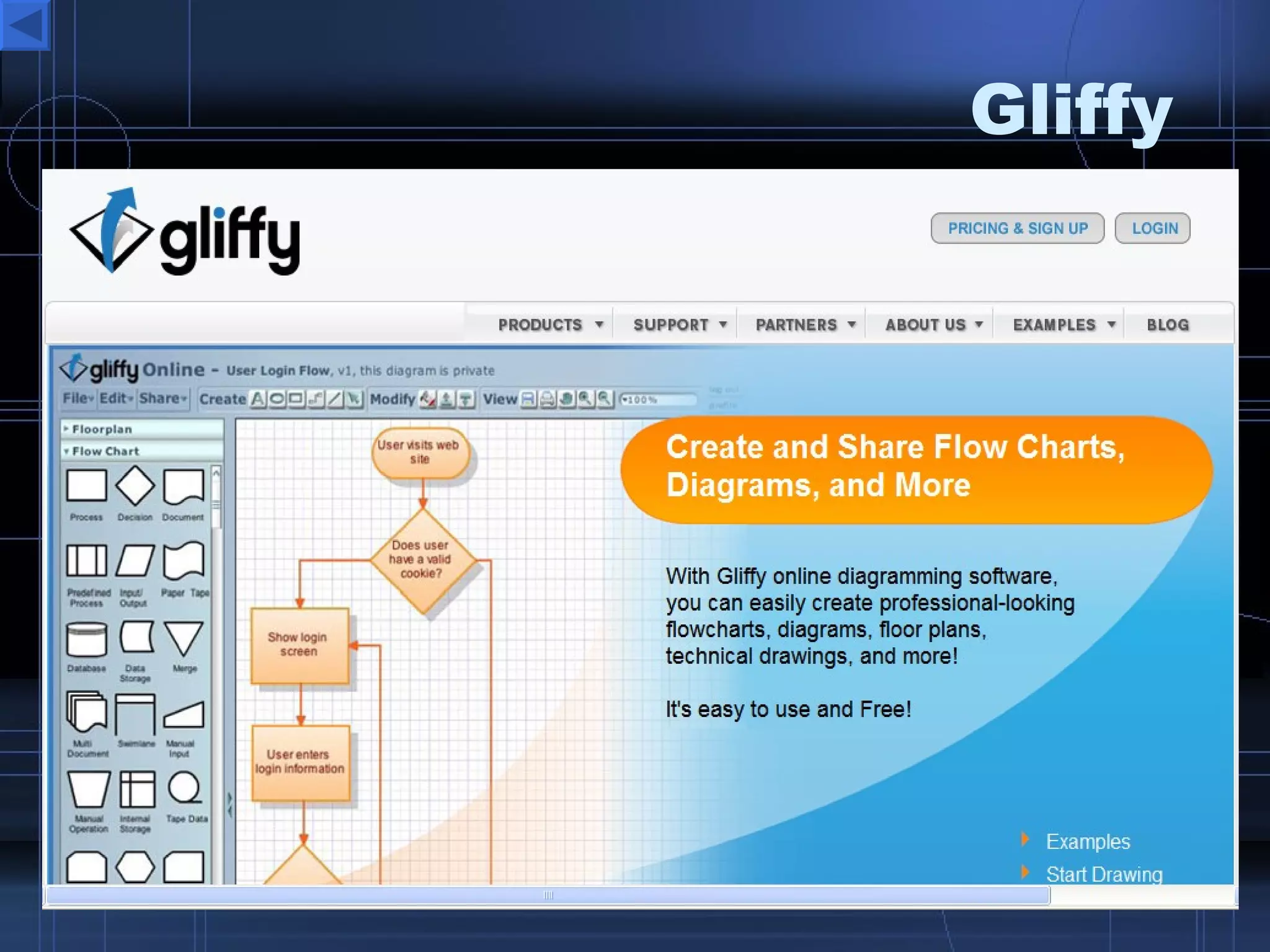
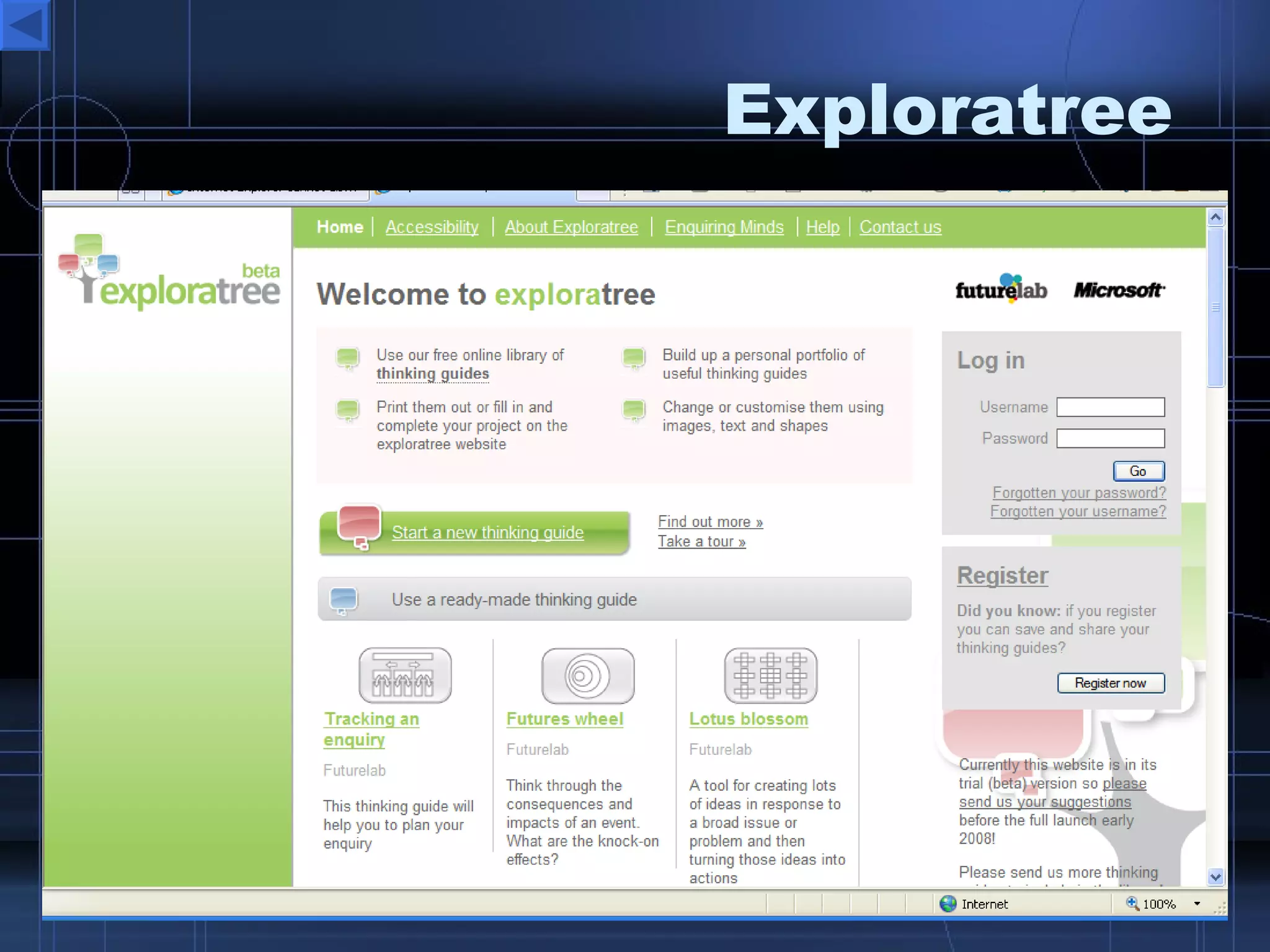
Mind Mapping  Tools Drawanywhere  – Excellent interactive resource for graphical concept maps Mind42  – create great looking interactive concept maps.  Gliffy  – simple concept maps Mindmeister  – simple concept maps Exploretree  – Excellent for mind maps and graphic organizers
Forms, Polls, Survey  Tools Surveymonkey Zoomerang Questionform Buzzvote 99Polls Polldaddy Wufoo Free-Website-Polls
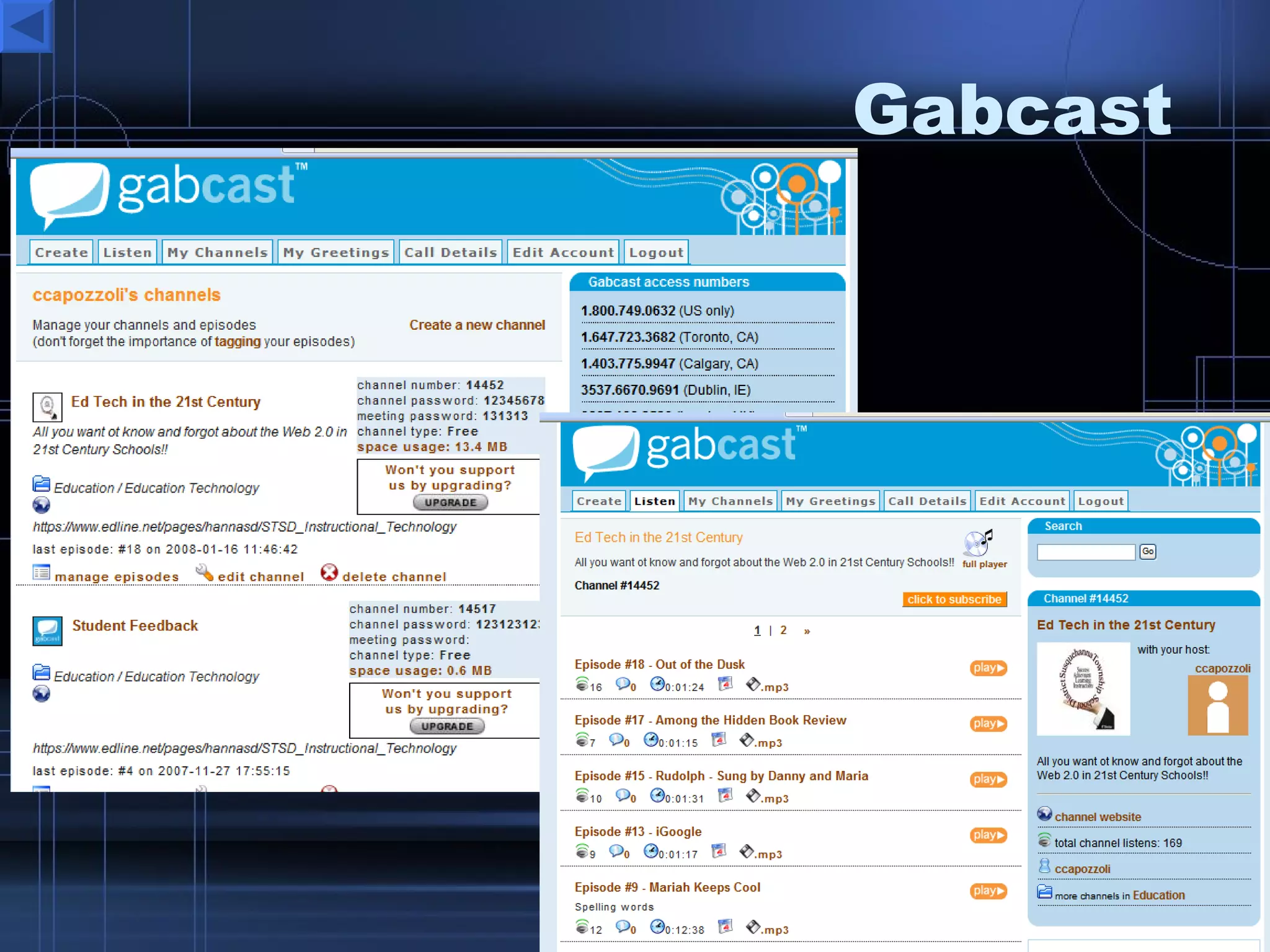
Podcast  Tools Gabcast  – call from any phone 1-888 Splashcast  – audio cast channel Gcast   – create and mix audio podcasts Odeo  – record and share auido Podomatic  – create, send, share podcasts Springdoo  – send audio/video emails Evoca  – create audio streams Podcast  People  – create podcast channels  http:// capscast.podcastpeople.com / EPN – Education  Podcast  Network
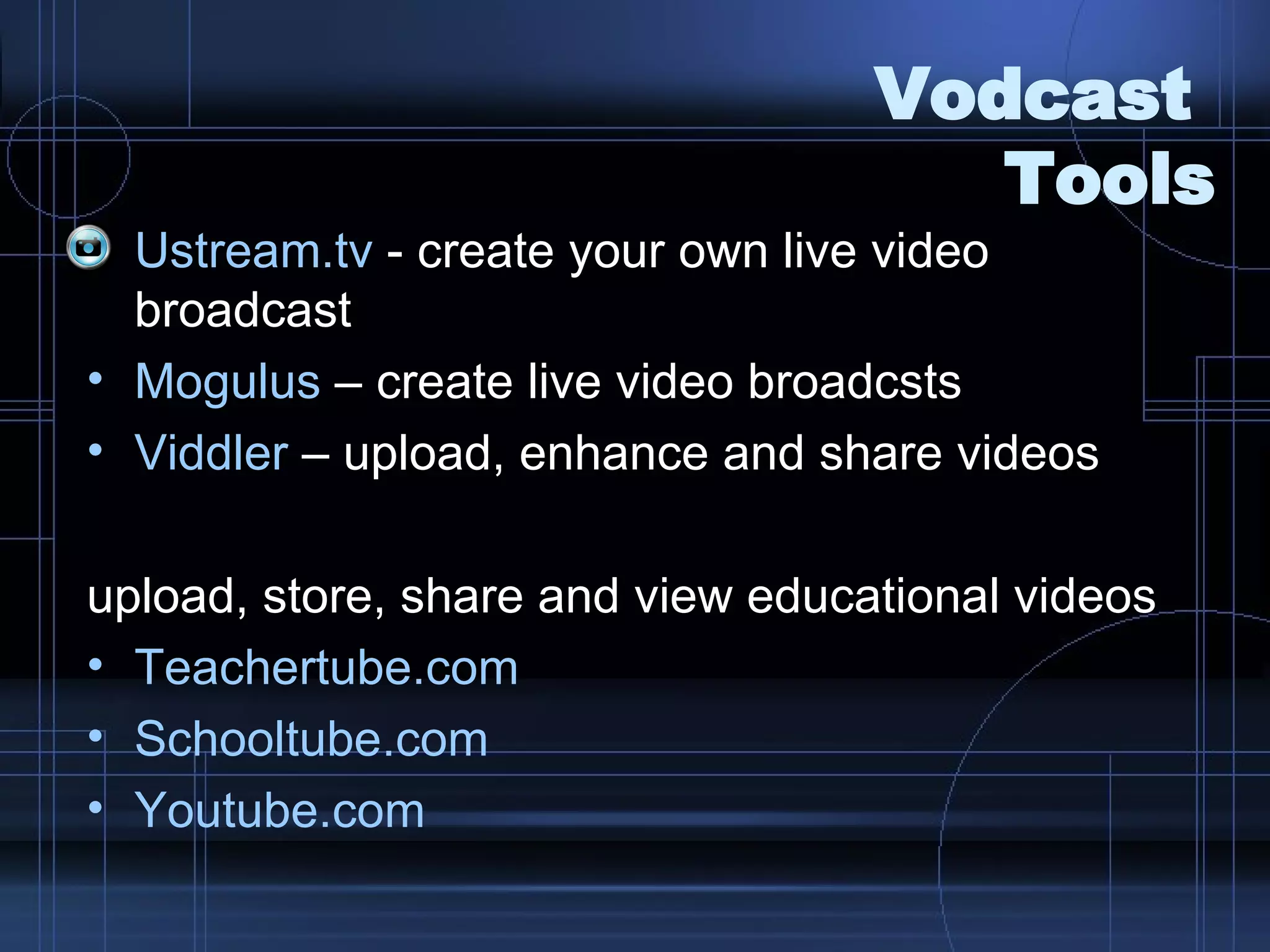
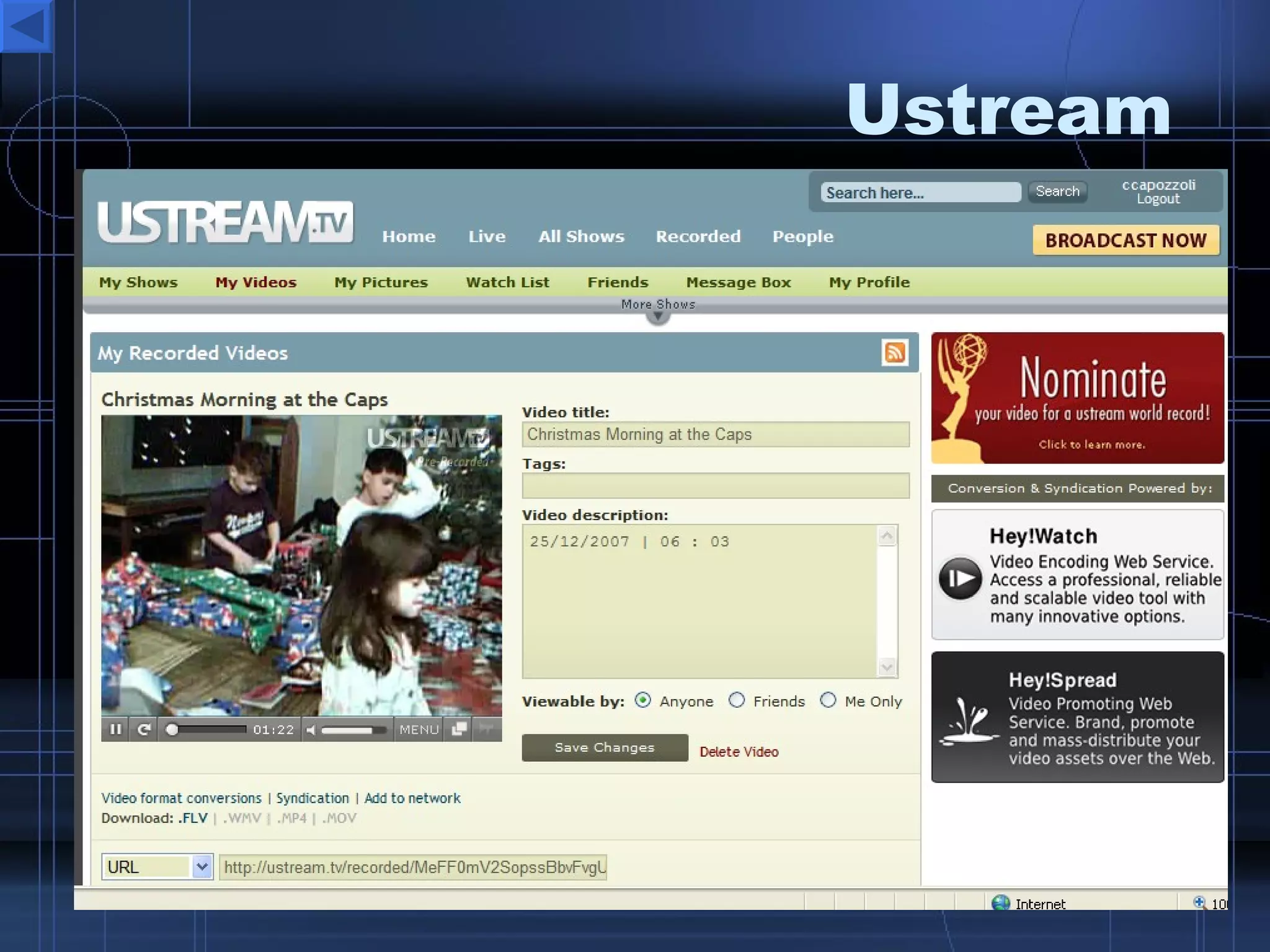
Vodcast  Tools Ustream.tv  - create your own live video broadcast Mogulus  – create live video broadcsts Viddler  – upload, enhance and share videos upload, store, share and view educational videos Teachertube.com Schooltube.com   Youtube.com
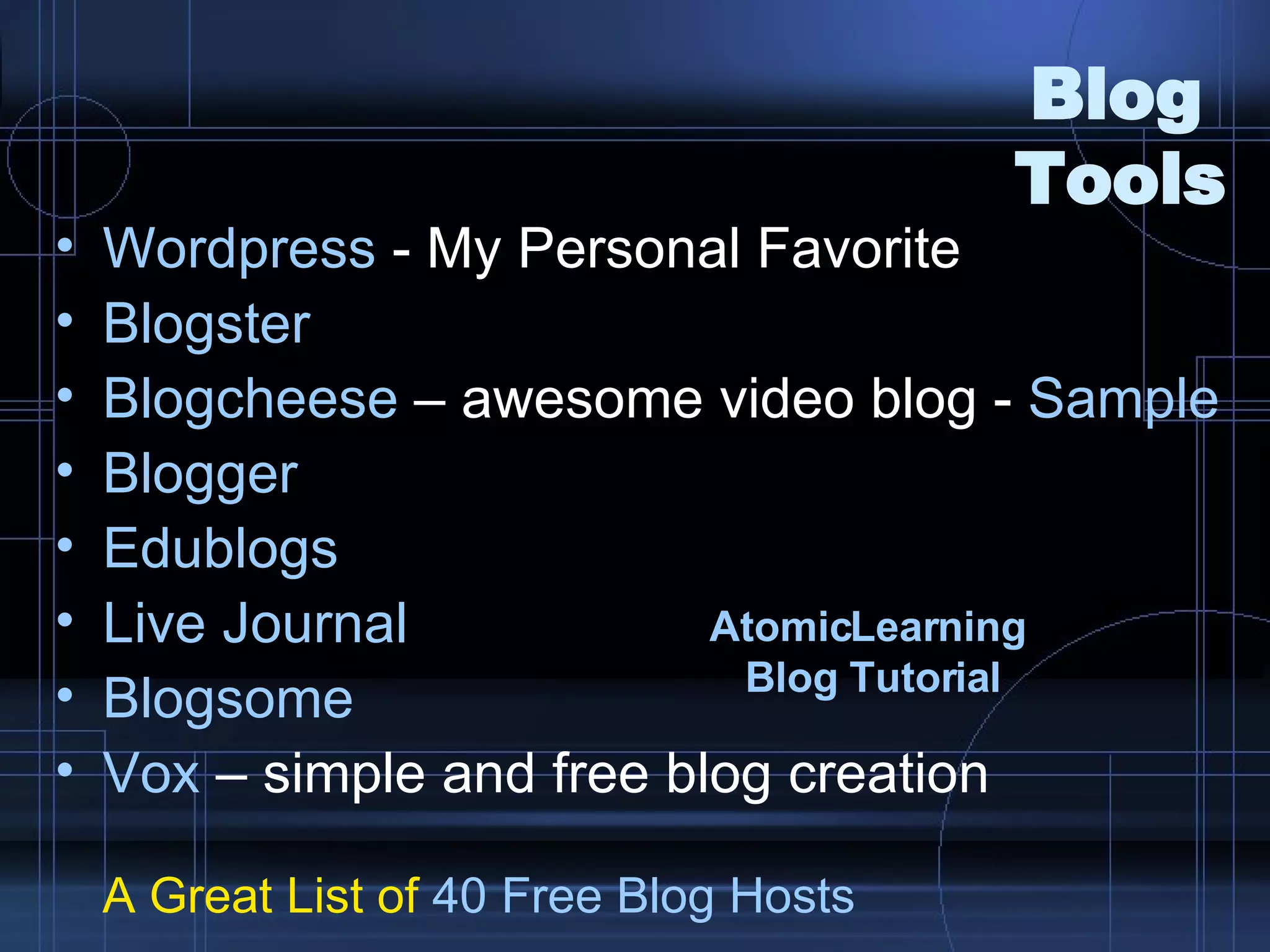
Blog  Tools Wordpress  - My Personal Favorite Blogster   Blogcheese  – awesome video blog -  Sample Blogger Edublogs Live Journal Blogsome Vox  – simple and free blog creation A Great List of  40 Free  Blog  Hosts AtomicLearning   Blog  Tutorial
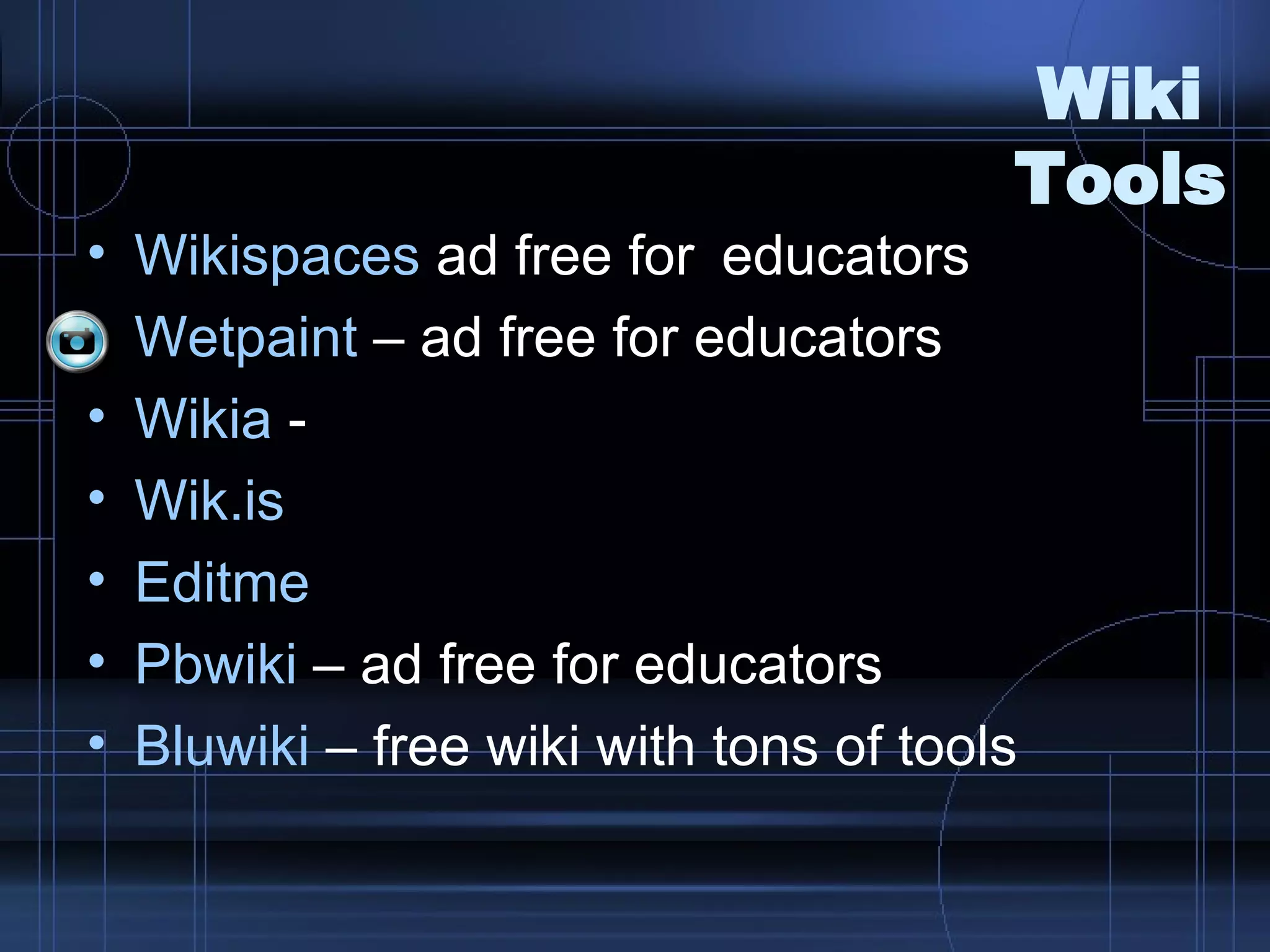
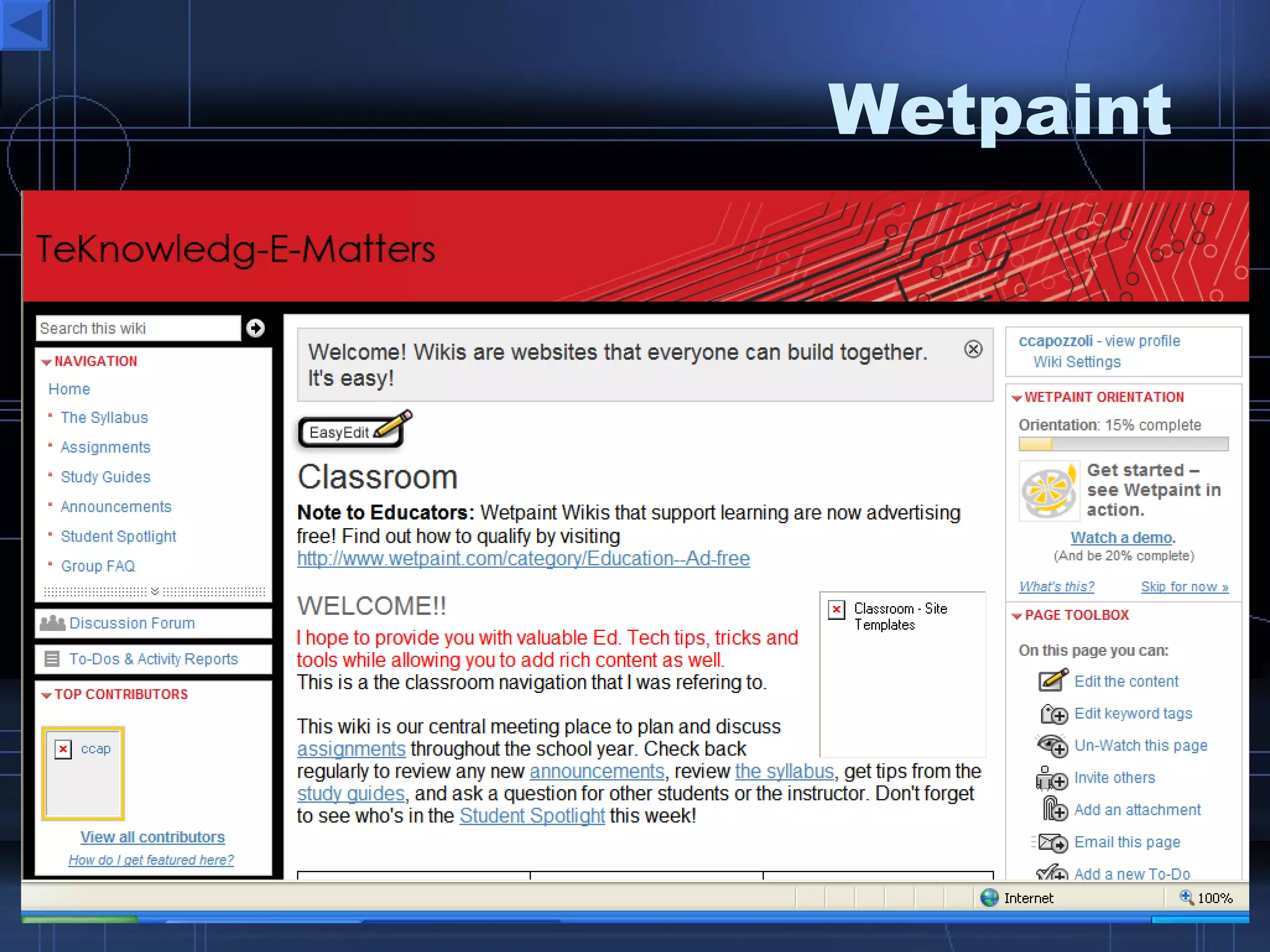
Wiki  Tools Wikispaces  ad free for  educators Wetpaint  – ad free for educators Wikia  -  Wik.is Editme Pbwiki  – ad free for educators Bluwiki  – free wiki with tons of tools
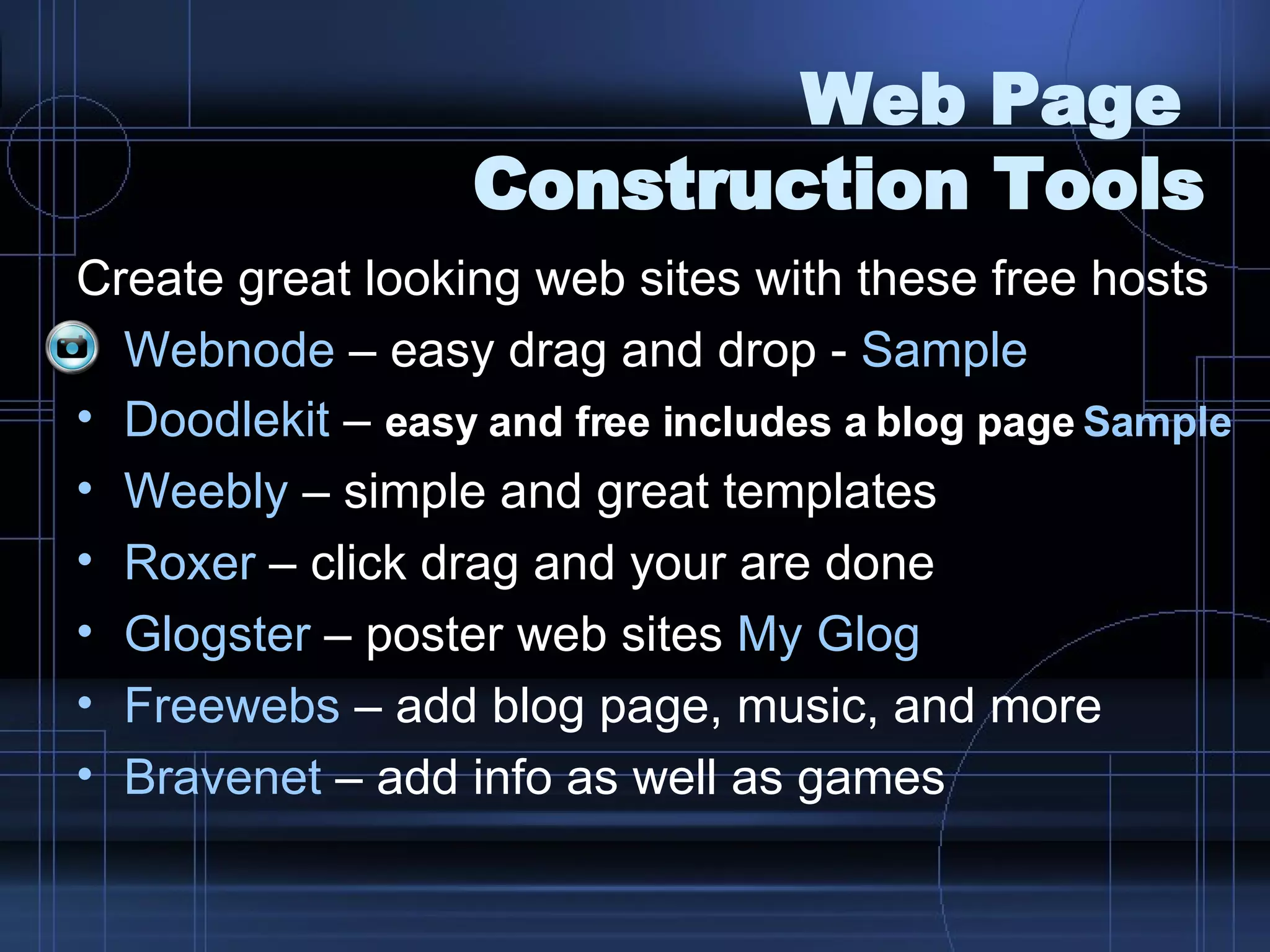
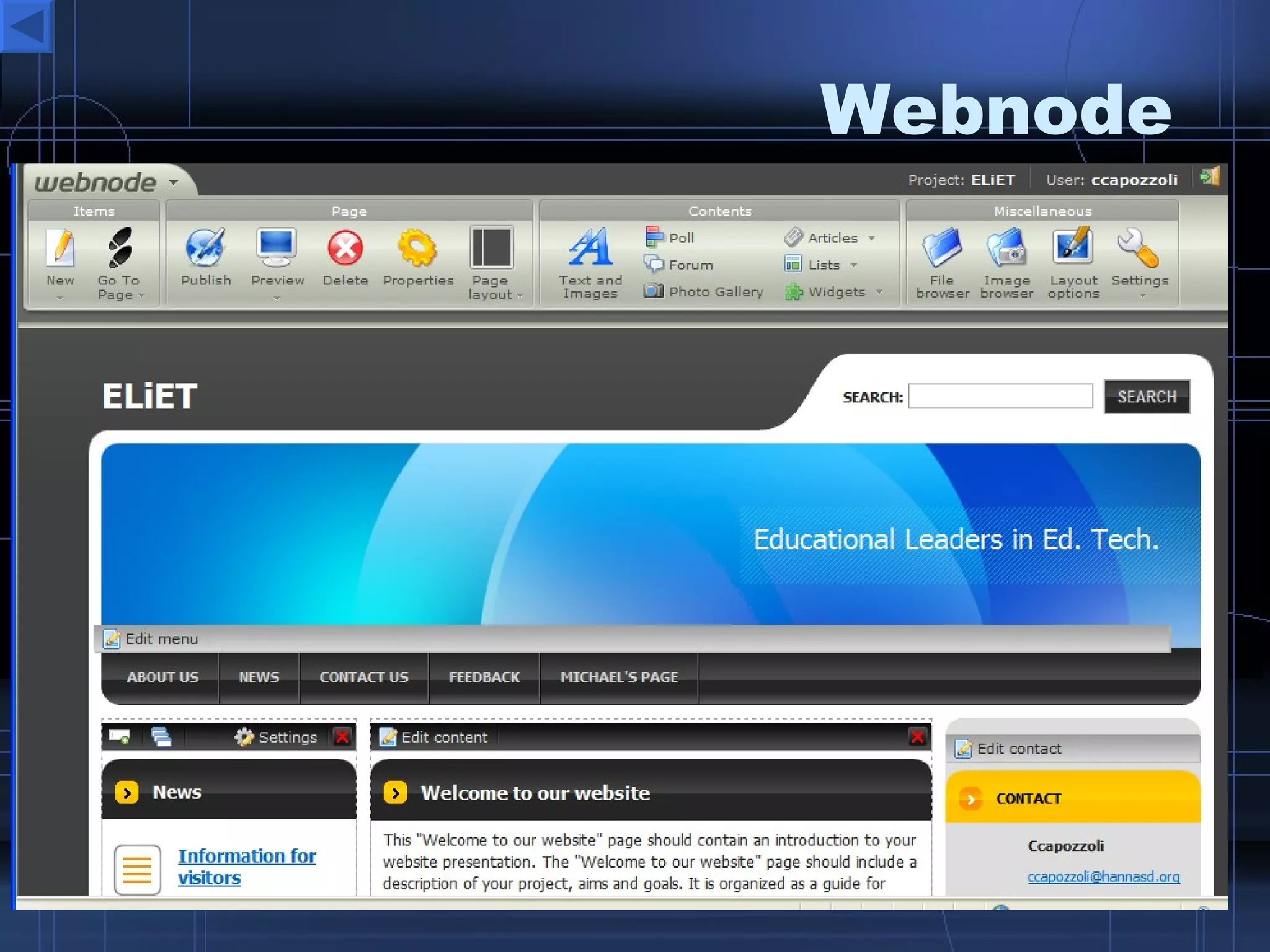
Web Page  Construction Tools Create great looking web sites with these free hosts Webnode  – easy drag and drop -  Sample Doodlekit  –  easy and free includes a blog page   Sample Weebly  – simple and great templates Roxer  – click drag and your are done Glogster  – poster web sites  My  Glog Freewebs  – add blog page, music, and more Bravenet  – add info as well as games
Communication Tools Chat Tools for Quick Classroom Discussions   Yaplet  – allow visitors to chat on your sites GeeSee  - allow visitors to chat on your sites Mebeam - Instant Chat and Video Rooms Chatmaker  – instant free chat rooms, just copy the url or code.  PETE&C sample Karzi  – create free chat rooms with links and embedding code.  Wiki  Sample
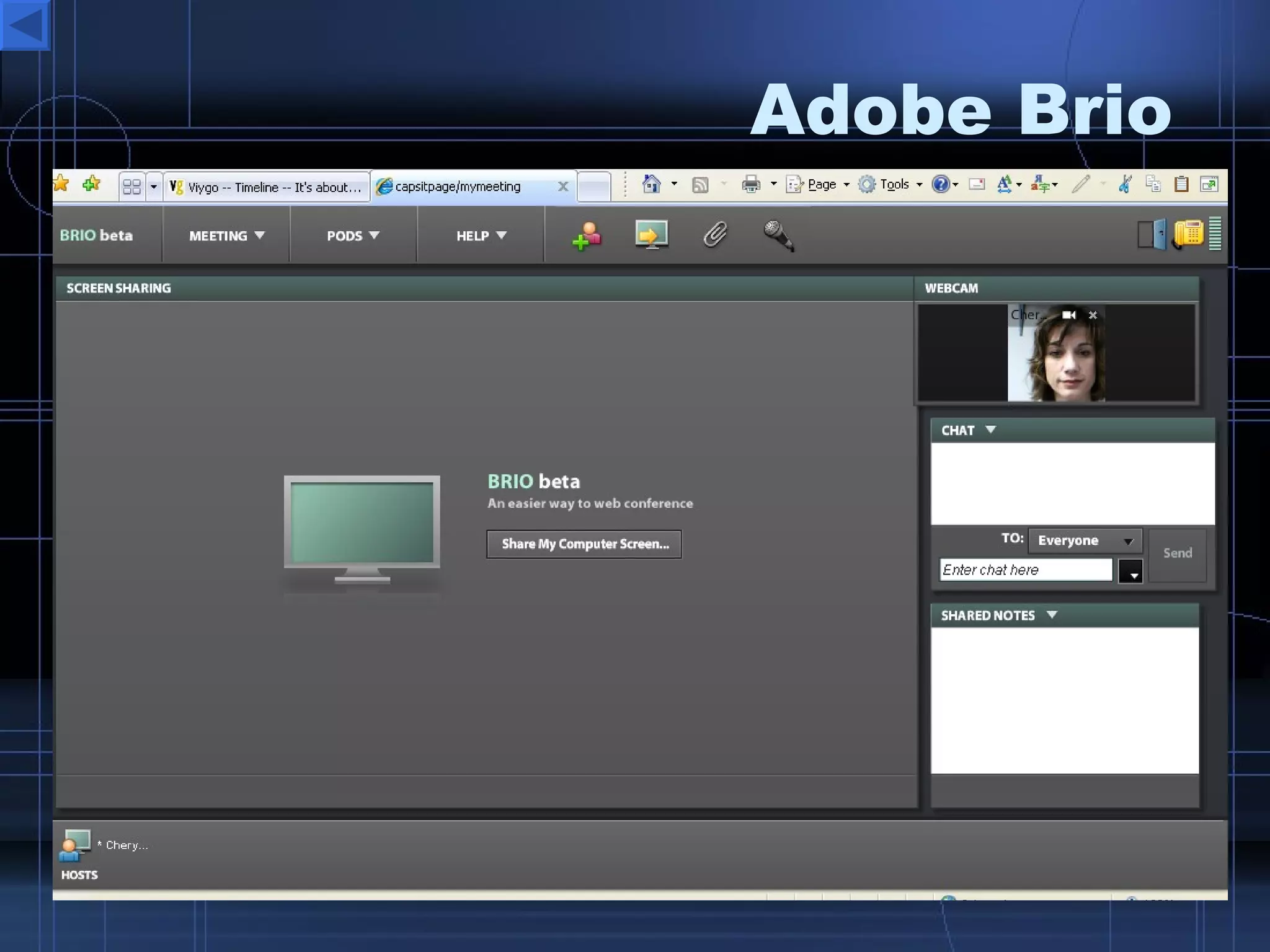
Communication  Tools Live Conferencing/Webinar Tools  Adobe Brio  – excellent webinar tool, share video, files, desktop, chat and more  (no installation required)  My Brio Meeting Page WizIQ  – online training or webinar  (no shared desktop, no installation) Skype  – Video/Audio VOIP Phone calls  (installation required) Vyew  – great webinar application  (no installation required) Zoho  Meeting  – simple web meetings  (no installation required) Yugma  – very good web conferencing tool  (installation required) PalBee  – meet on any page with up to 4 people free
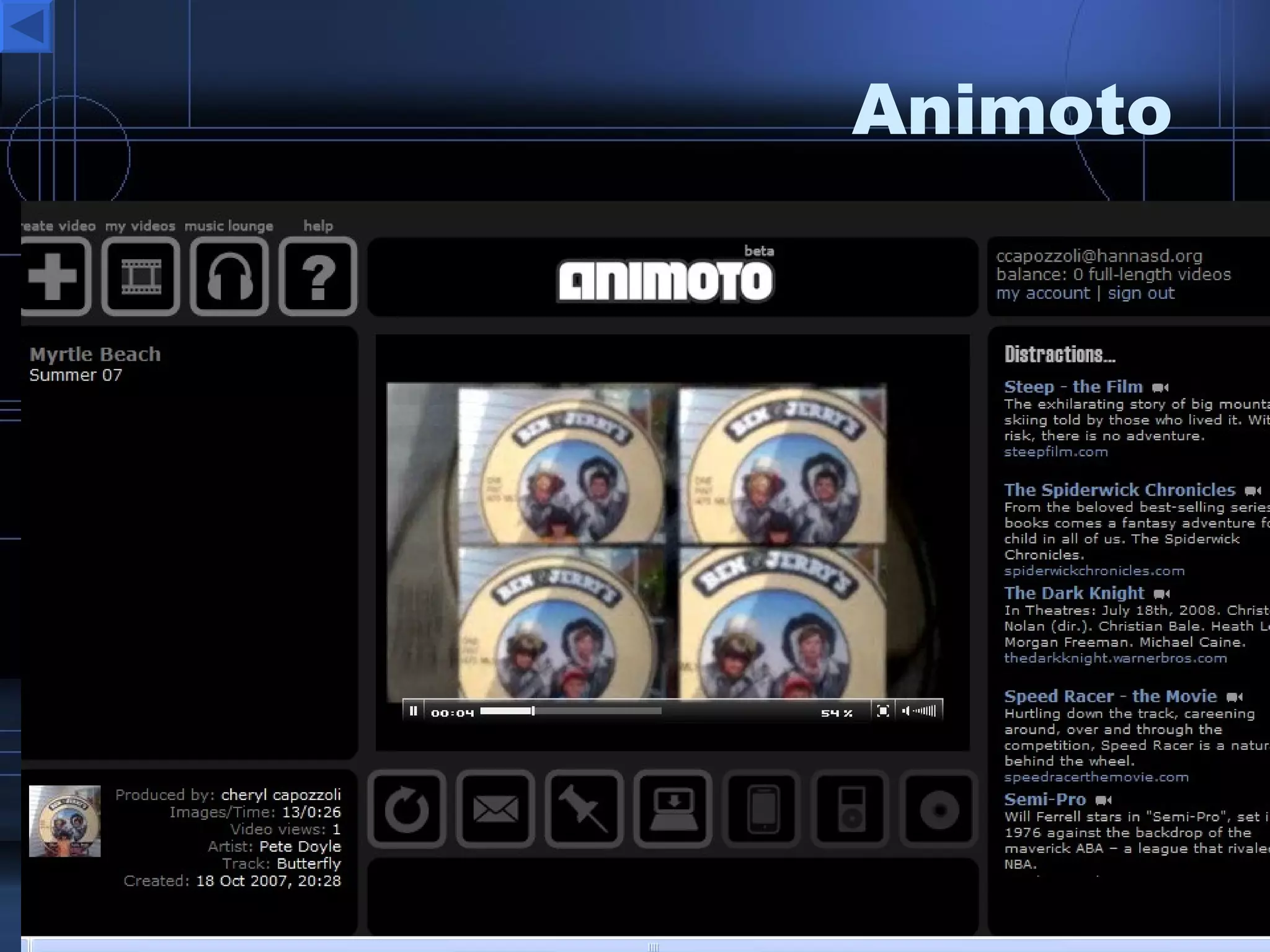
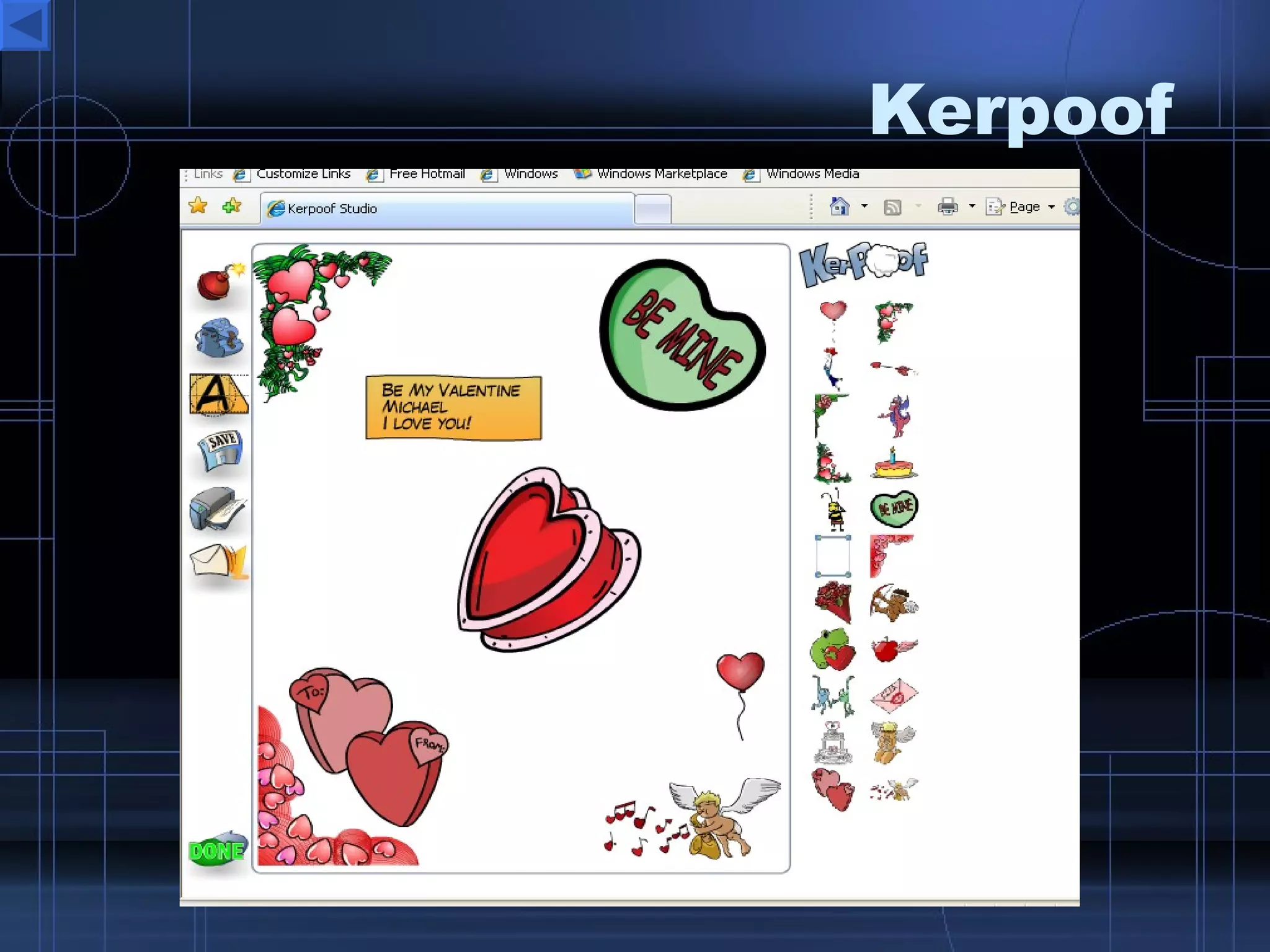
Multimedia Tools Kaltura  – collaborative video editing Animoto  - animate your photos Scivee.tv  - search for scientist approved science videos and upload you own.  Kerpoof  – fun way to build cartoon like stories and movies Voicethread  – create photo presentations where visitors can leave comments SCRATCH   - build flash animations ScreenCast-O-Matic  - capture your desktop Cellblock  – edit images and videos VozMe  – convert text to mp3
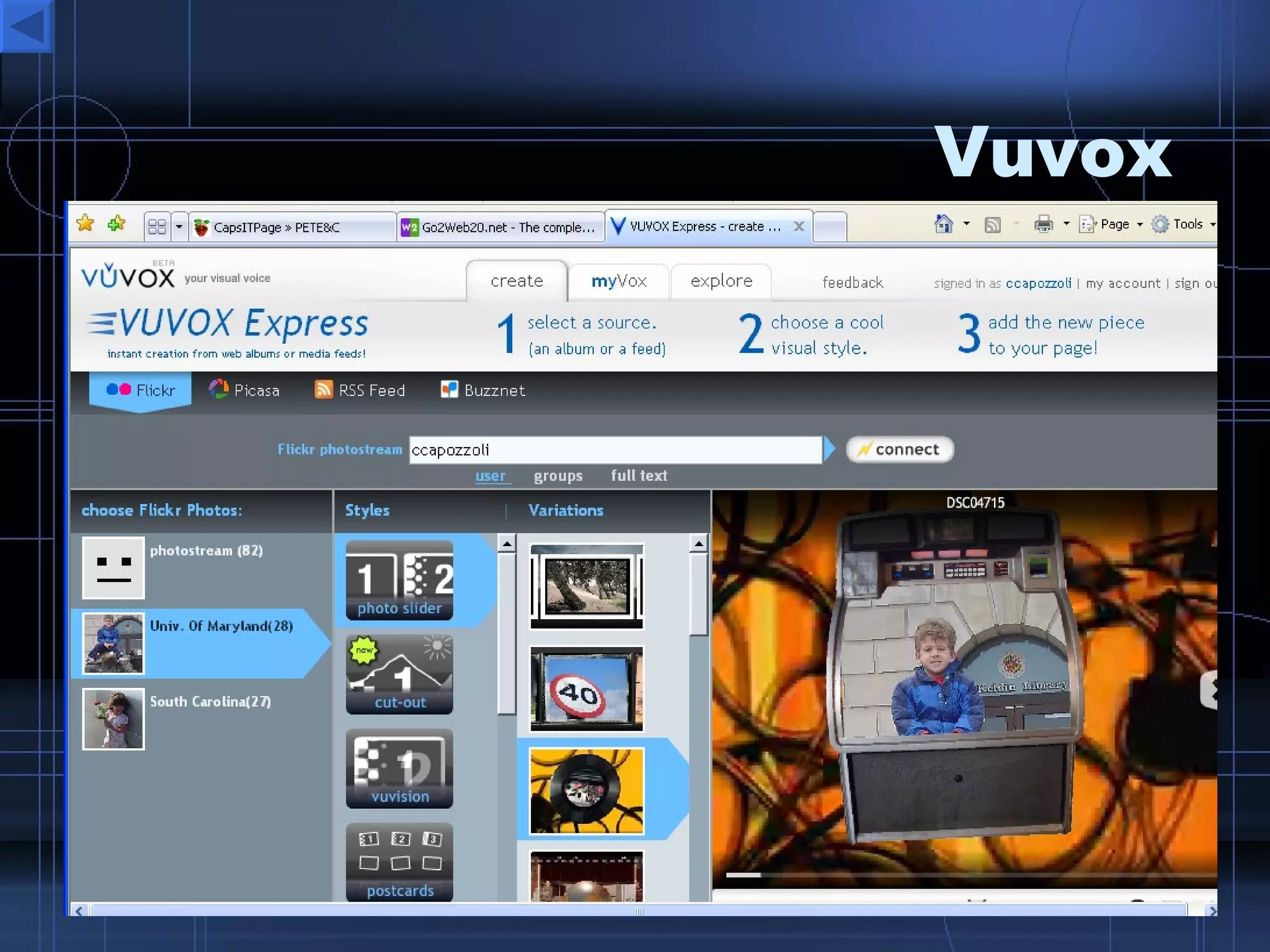
Photo Sharing /Editing  Tools TuxPaint  – create and edit images  Splashup  (Fauxto) – create and edit images Rsizr - resize photos instantly Fixpicture  – edit your photos Voki  – create a talking avatar for your website Vuvox  –cool cutouts for photo shows  Picasa  – install and edit photos Flickr  – upload, store, share embed photos PicResize  – resize photos ScrapEase  – create an online scrapbook Fotowoosh  – create 3d images Mixbook  – create online ebooks and order hardcopies Cozimo  – photo and video collaboration and editing
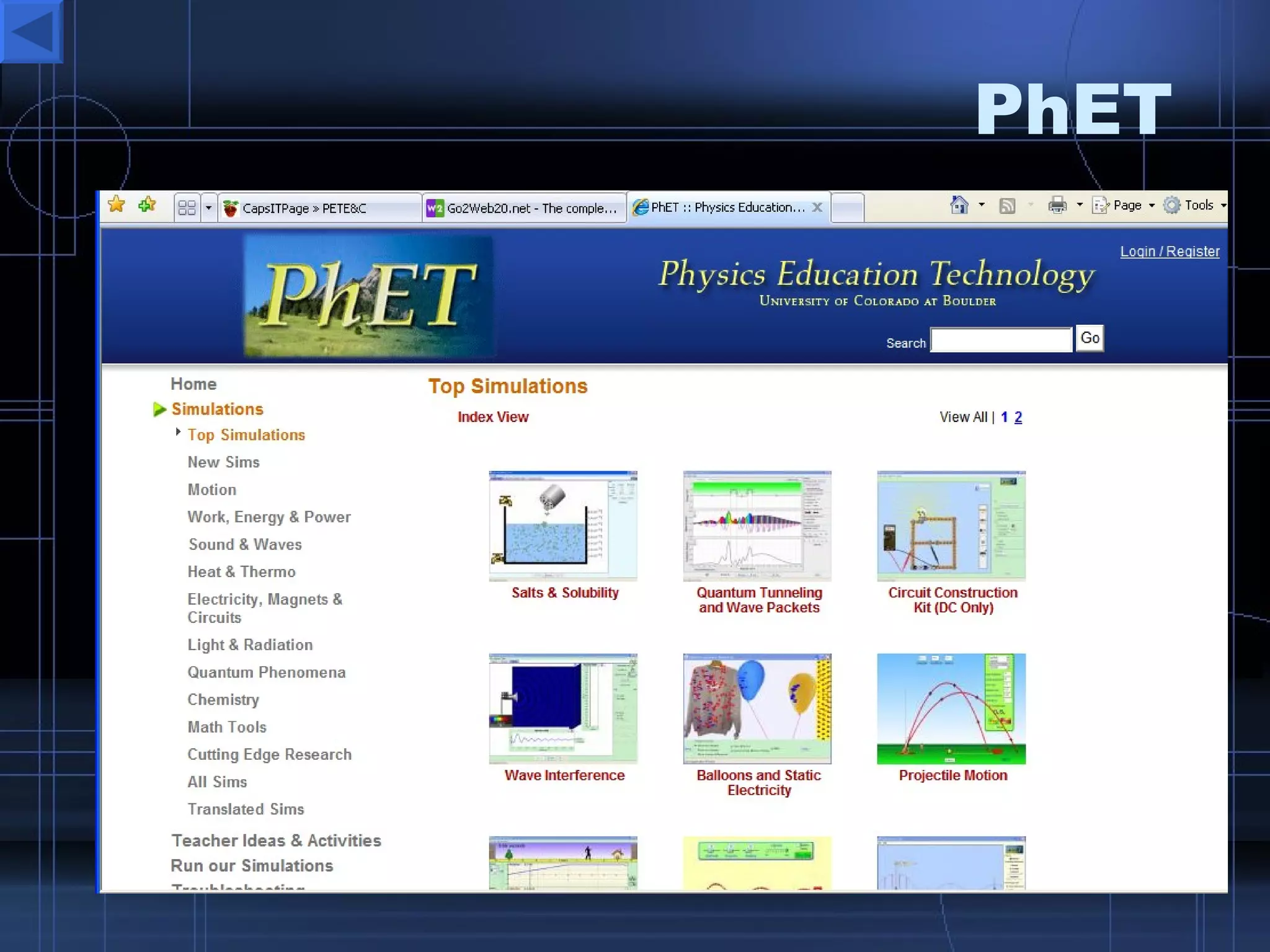
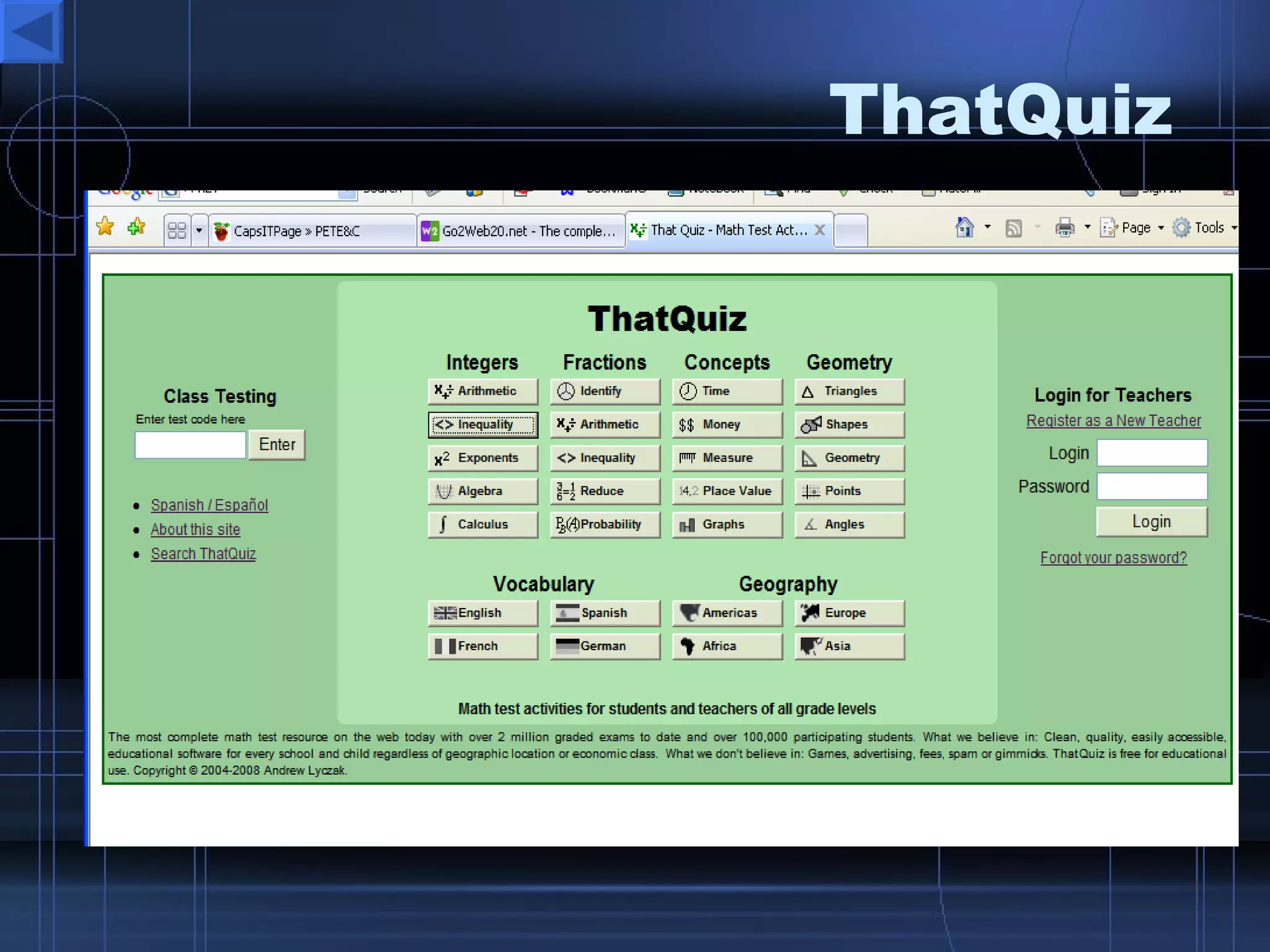
Simulation  Tools IMMEX at UCLA PhET  research based simulations Explore Learning -  Gizmozs NCTM Illuminations Maths  Dictionary Rainforest Math Interactive  Timers Quizzes –  Thatquiz ,  quizlet ,
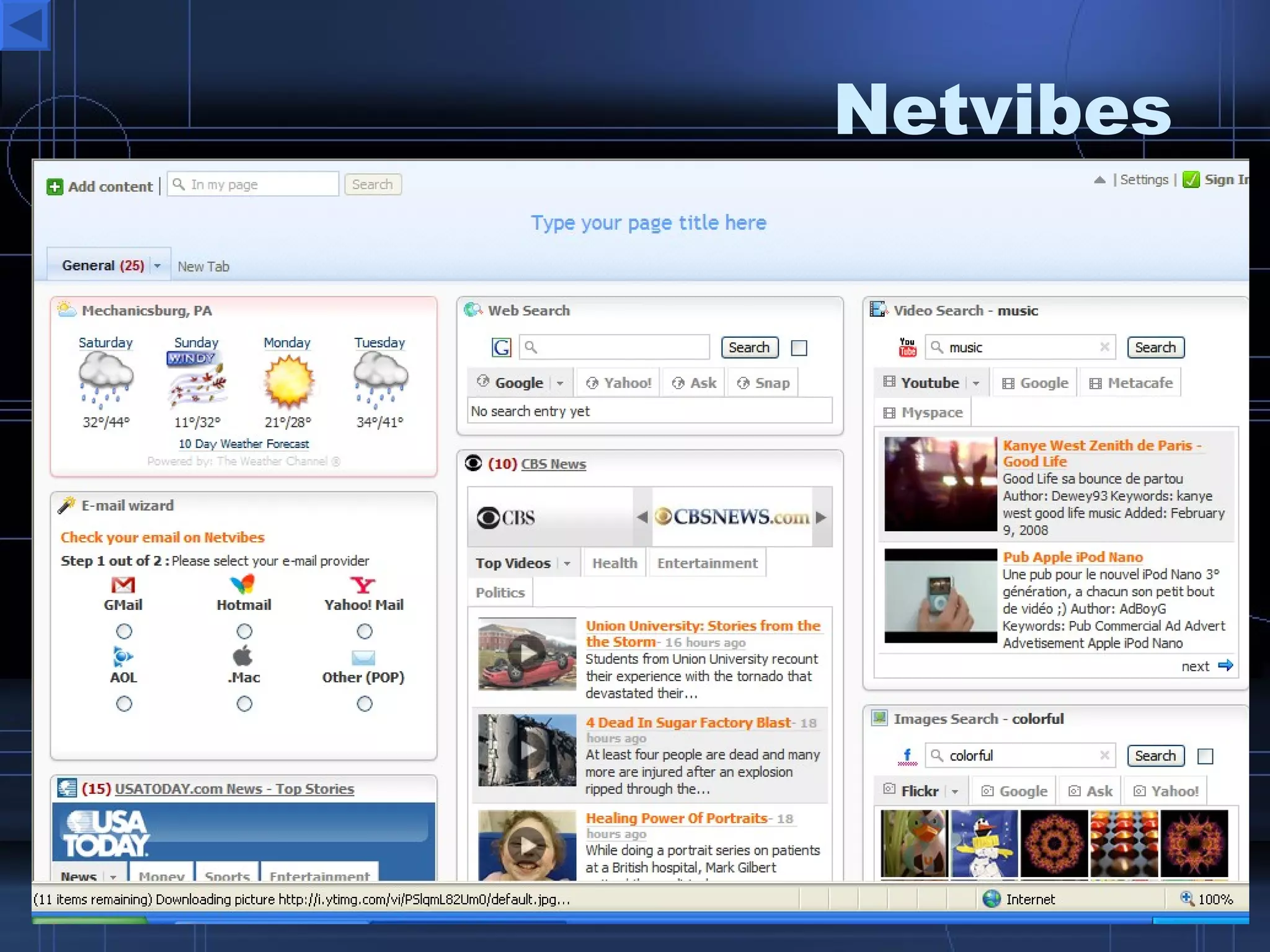
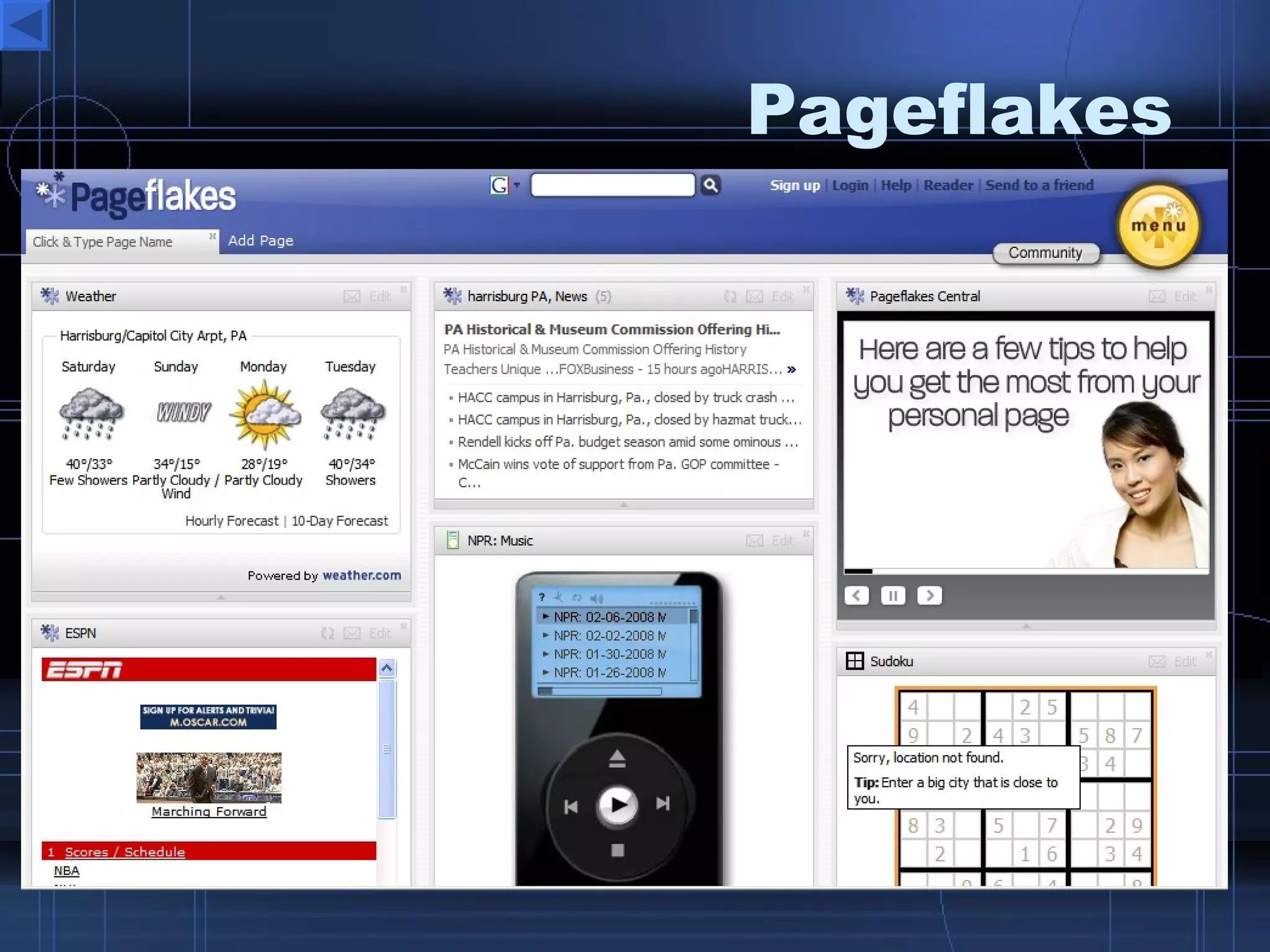
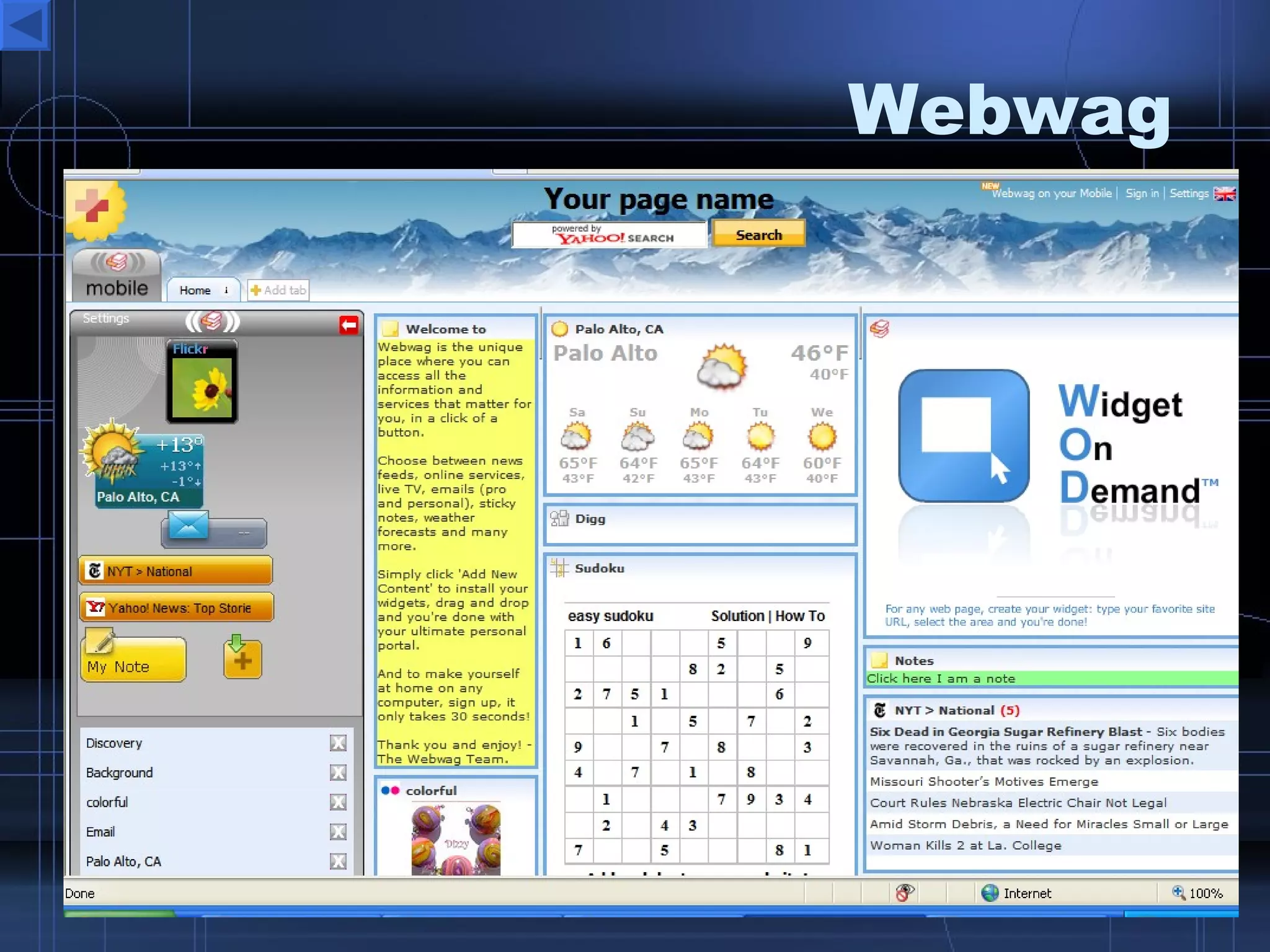
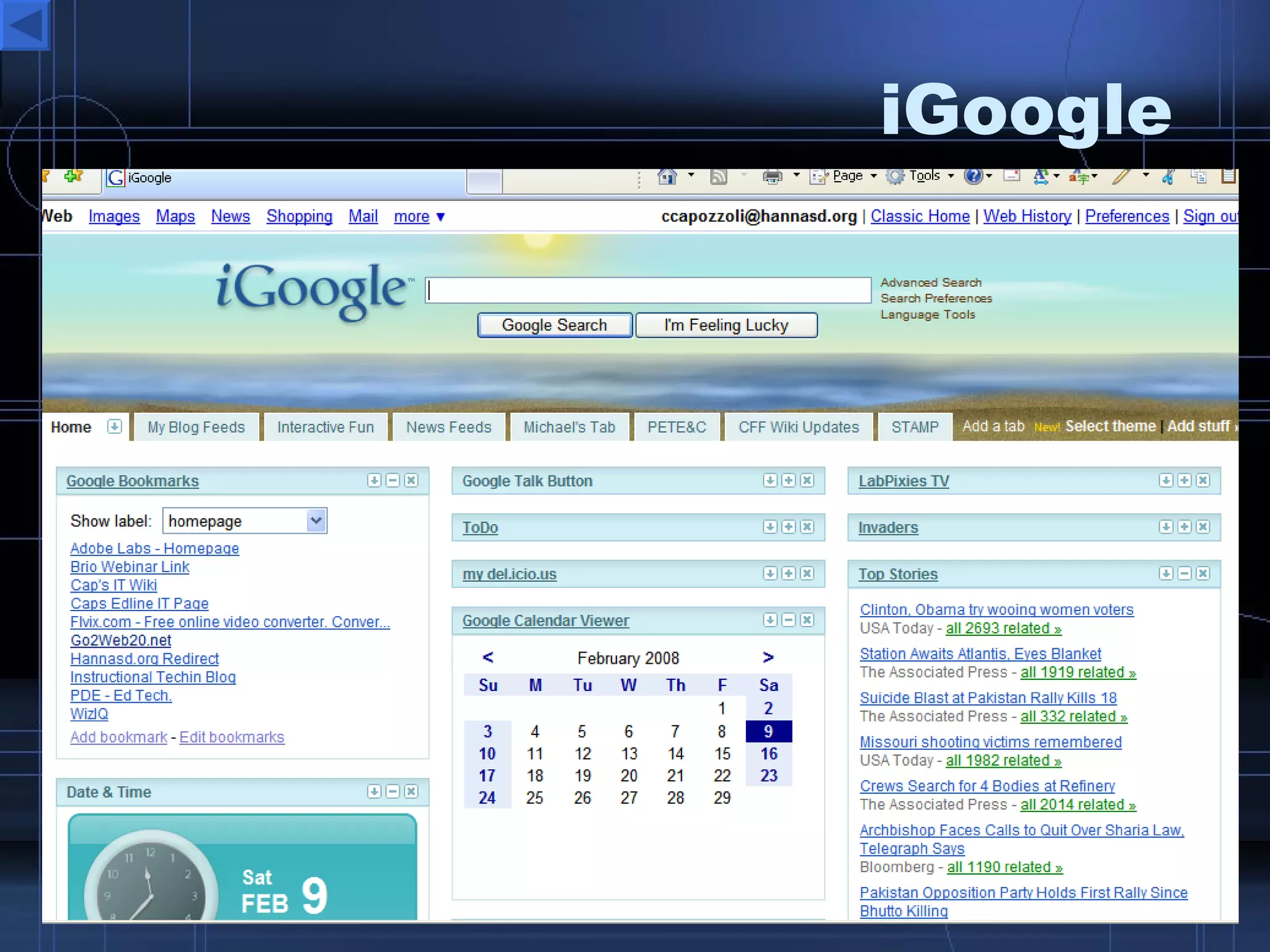
Personalized Browser Start Page Tools Personalize and share your web startup page iGoogle   Pageflakes Netvibes Webwag MyGetgo Protopage AwesomeStart Speedymarks
Global Network  Connections Educatorslog.in Classroom 2.0  a  Ning  Network WikiEducator  – Google Group The Educators Network Taking It Global
Web 2.0  Directories & Resources Web 2.0 Directory Web 2.0  eConsultant All Things Web 2.0 http://www.listio.com/web20/
What Does the  Future Hold?
e volve E B W ill ndlessly y xpand righter ngage veryone ducate 1 st  Century Learners uilding day ith Thank you for coming today. I hope that you have enjoyed the information and will be able to put it to good use in your classrooms.  0 2.
Where You Can Find Me
Notesake
Ustream
Vuvox
PhET
ThatQuiz
Animoto
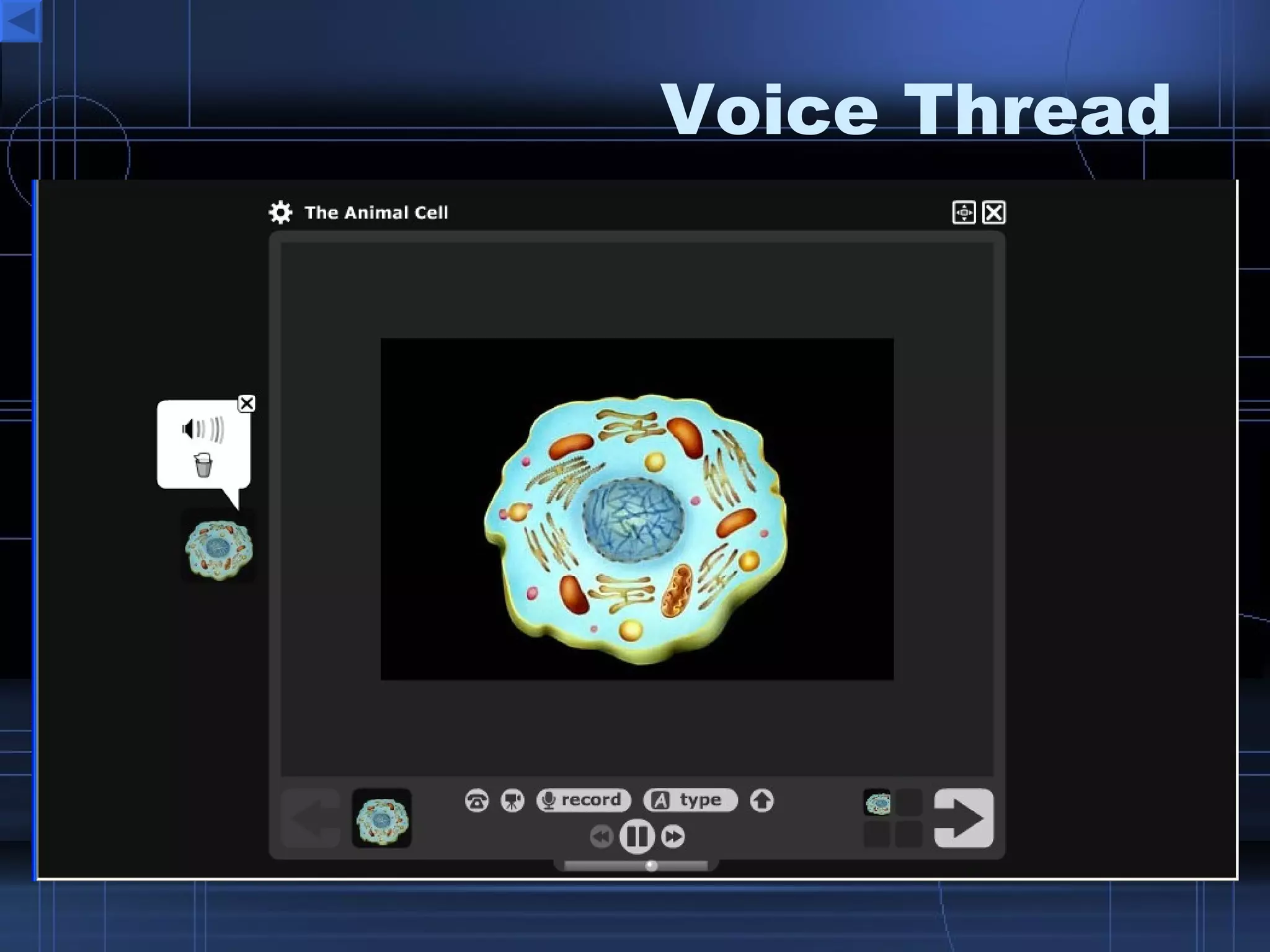
Voice Thread
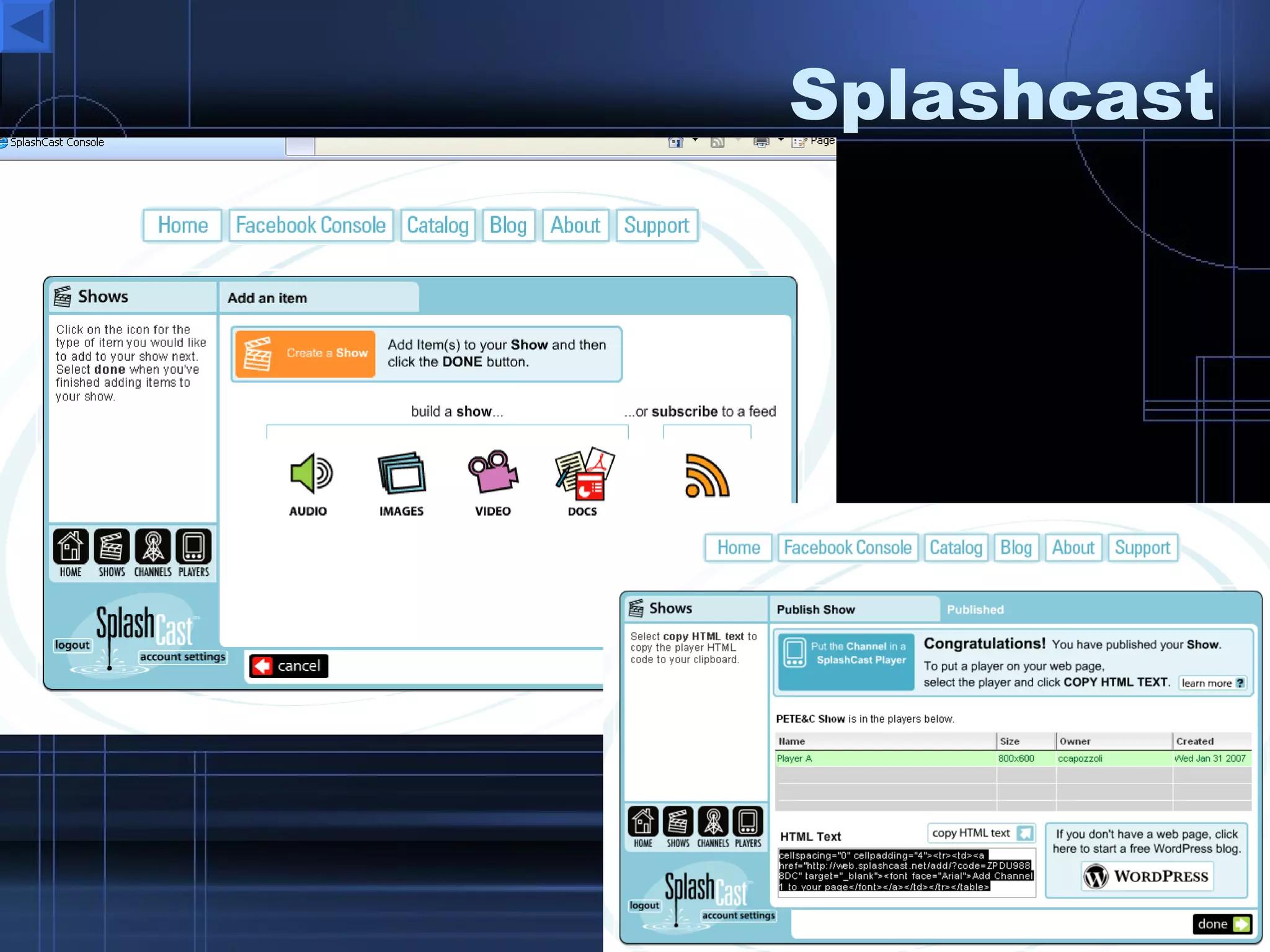
Splashcast
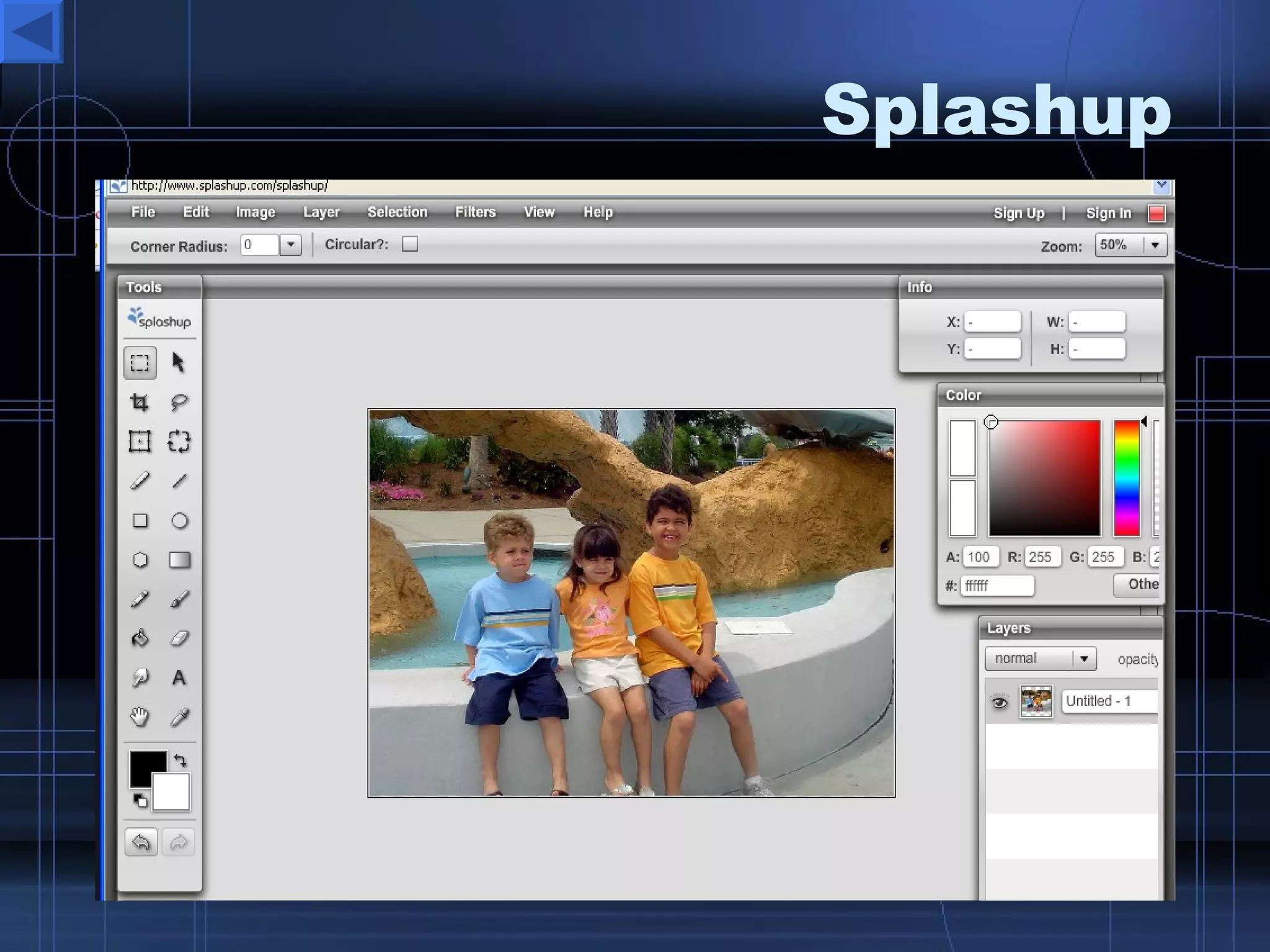
Splashup
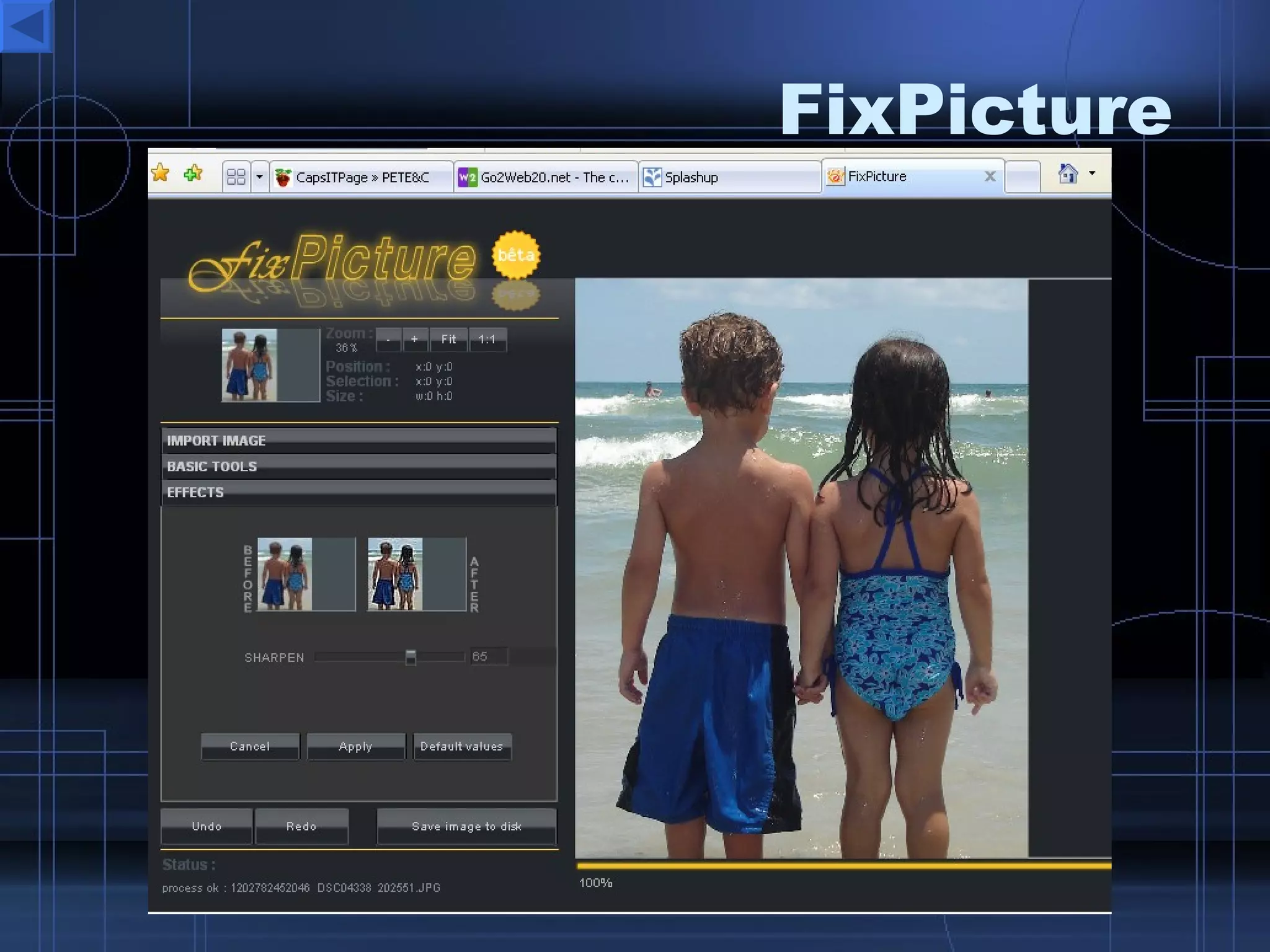
FixPicture
Webnode
Gabcast
Netvibes
Scriblink
Pageflakes
Zoho Notebook
Skrbl
Writewith
Helipad
Preezo
Prezentit
Google Docs
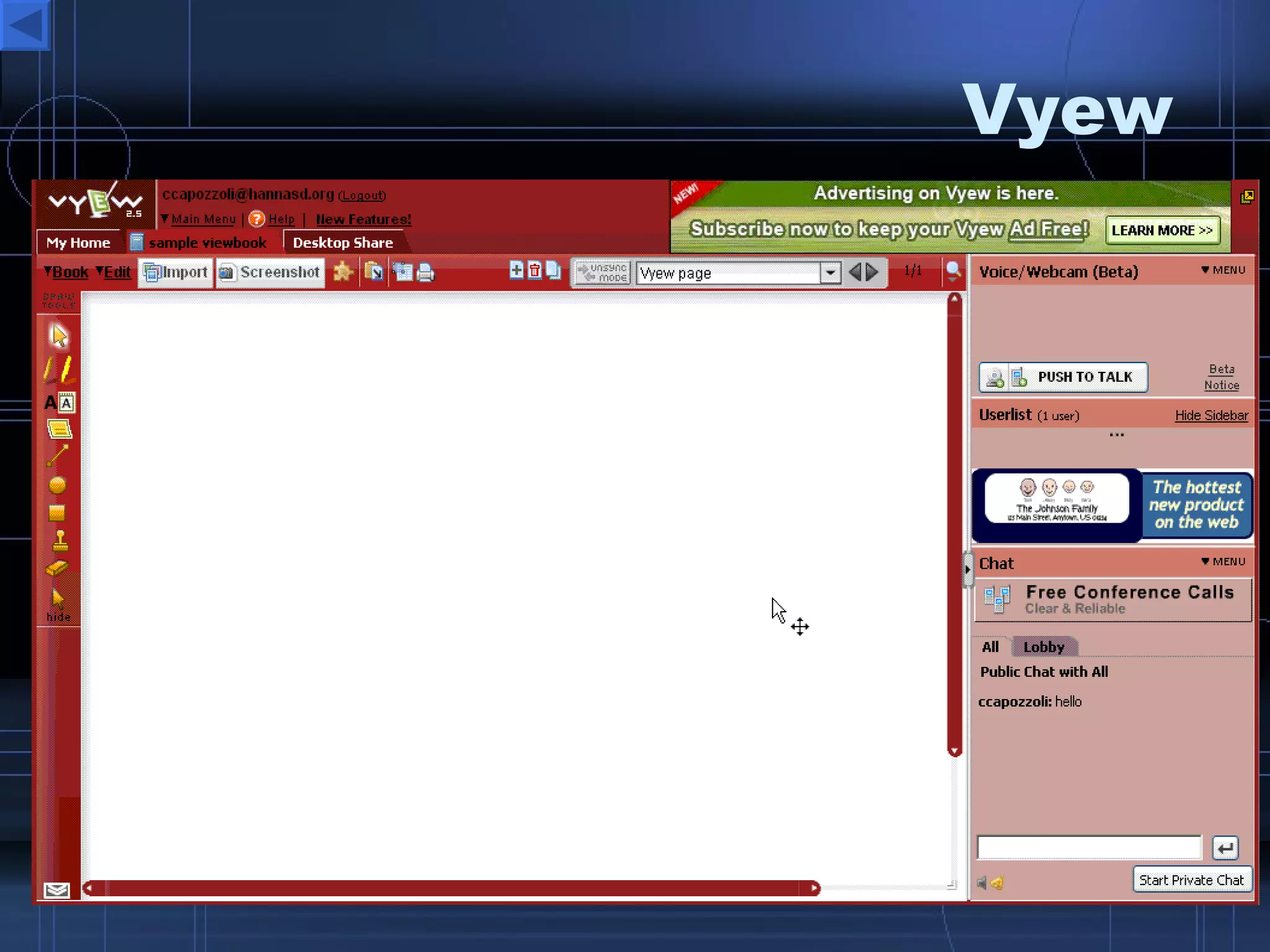
Vyew
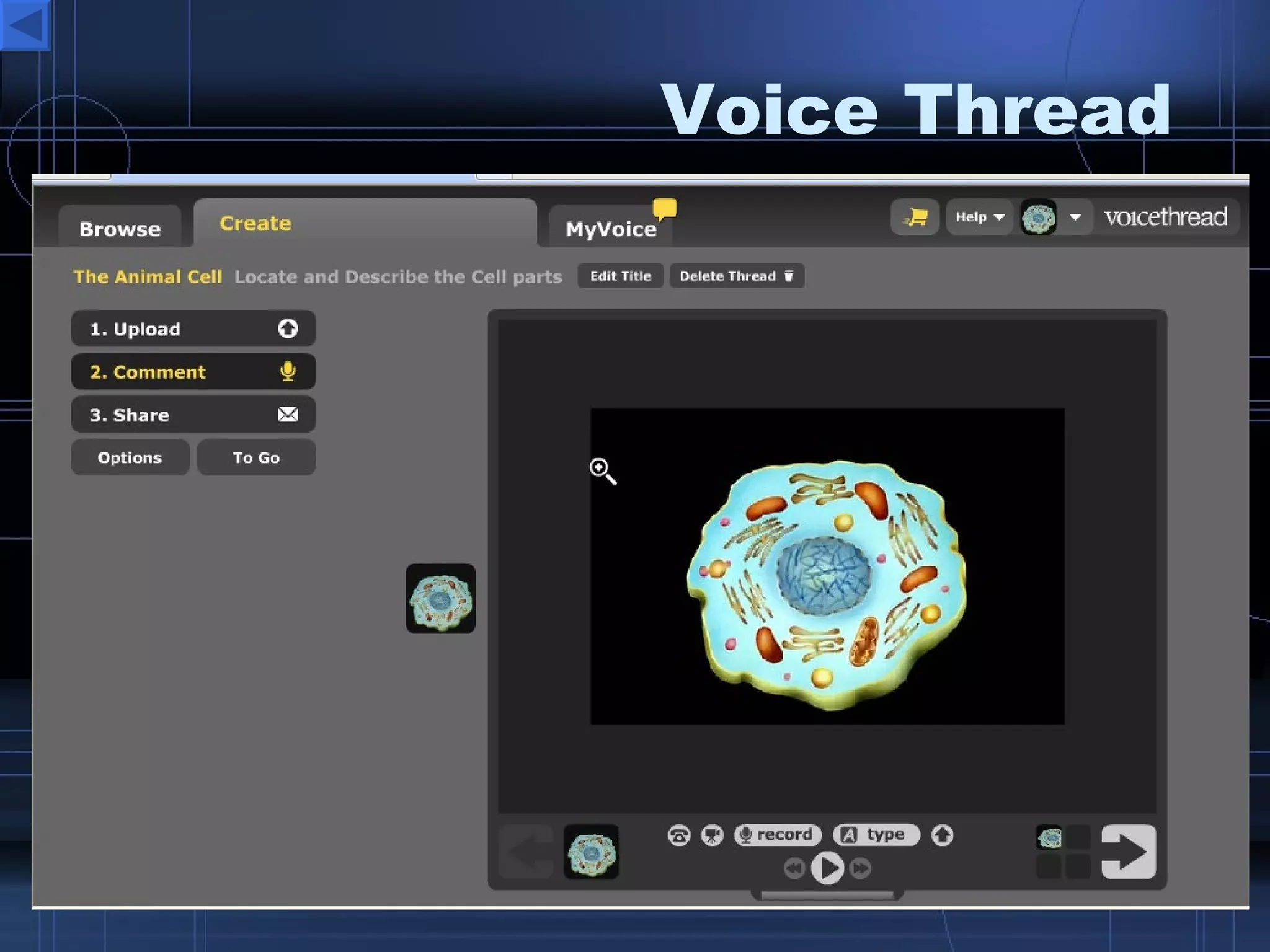
Voice Thread
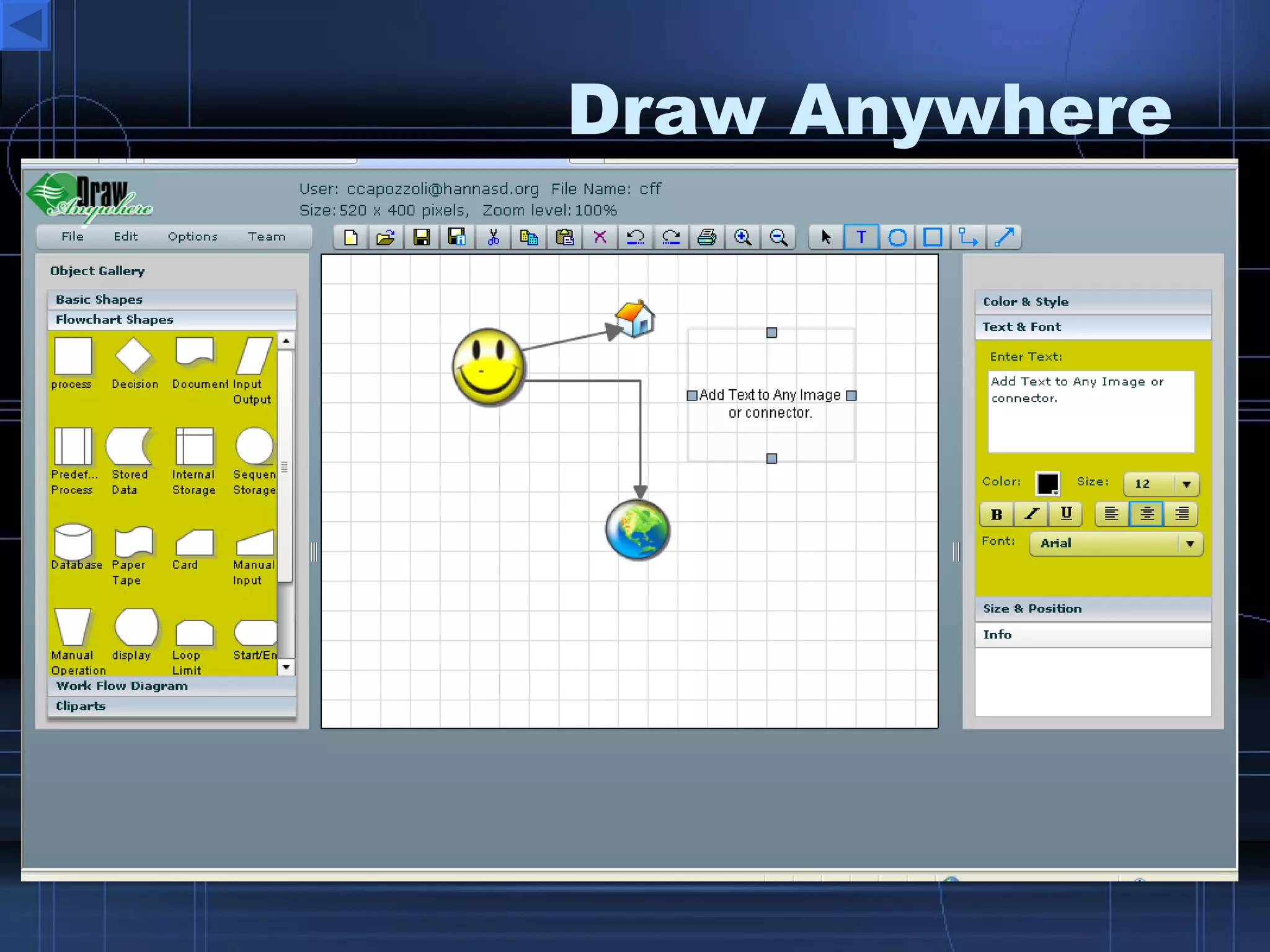
Draw Anywhere
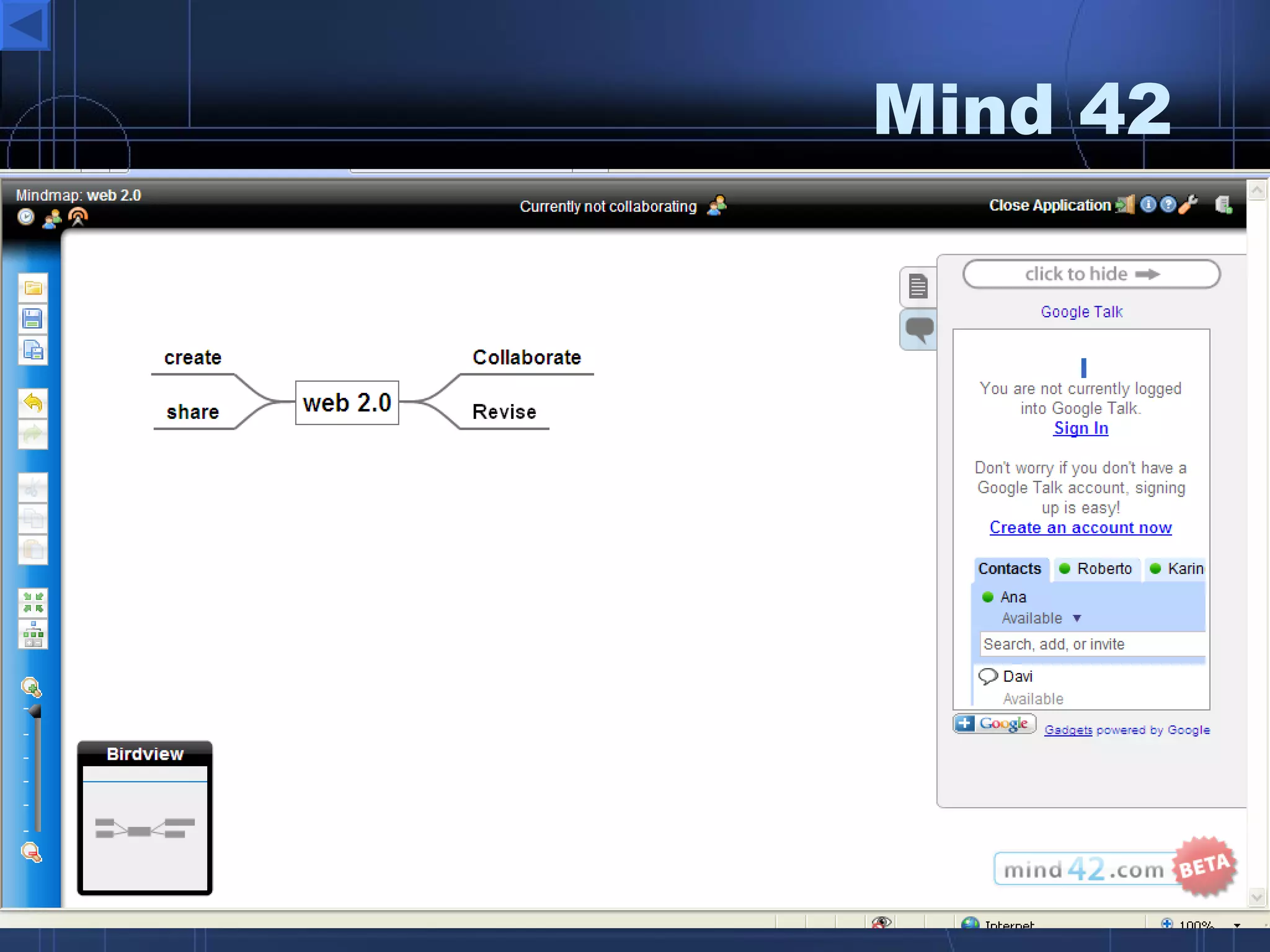
Mind 42
Exploratree
Letterpop
Viygo
UDL Book Builder
Adobe Brio
Wetpaint
Solodox
Webnote http://www.aypwip.org/webnote/PETE%252526C%252520Notes
Webwag
ToonDoo
iGoogle
Writeboard
Gliffy
Exploratree
Kerpoof
 

W Eb 2.0 Aps For Differentiated Instruction

  • 1.
    Presented by CherylCapozzoli Instructional Technology Specialist and GTO Mentor Susquehanna Township School District W E B e ducate etter 2.0 gether
  • 2.
    Collaborate Share CreateStore Communicate Creativity Authentic 24/7 Access Productivity
  • 3.
    Changing InstructionalPractices Think
  • 4.
    How To EffectivelyIntegrate Quality Web 2.0 Tools Decide on your project or lesson objectives, goals and desired outcomes. What do you want to share or have students share and learn? Establish rubrics and guidelines for projects. Set up and test Web 2.0 resources and accounts ahead of time. Explain and Model classroom expectations for Web 2.0 tools being integrated. Allow for student choices. Get Admin. approval if necessary. Expect to get more than what you expected.
  • 5.
    Keep In MindIntegrating technology should be seamless not forced opportunities. Find the right tool to assist with meeting the needs of your lessons, activities, and students. Student, or digital natives always prove to be invaluable resources. Students will respect you more if they are asked to assist with the technology. Don’t give up if things don’t go the way you planned. Evaluate and Revise!!!
  • 6.
    Interactive Desktop Publishing Tools Google Docs – online docs and more Zoho – docs, presentations, sharing, collaboration Letterpop – create free great looking newsletters MaiNada – create fun animated comic strips ToonDoo – create cartoons and comic strips Comiqs – comic strips Viygo – timeline wiki BookBuilder – Create kids ebooks Writing is Fun – write various text types, tips and examples
  • 7.
    Collaboration ToolsScriblink - take online notes together Writeboard – share a web based notepad See PETE sample Voice Thread –photo content and allow people to comment or discuss it. Sample Kaltura – create and collaborate video Solodox – create, share, collaborate on documents, templates, and projects.
  • 8.
    Presentation ToolsCreate, store, embed and share online presentations Zoho Show Google Docs Preezo Prezentit Empressr Spresent Slideshare – upload and share ppts.
  • 9.
    Note taking Tools Zoho Notebook – Notetaking with a Punch!! Google Notebook – take and create mobile notes Webnote – create and share instant notes with no installation or accounts Sample Scriblink – an instant interactive whiteboard, invite and use. Skrbl - a web whiteboard Writewith – create online docs invite other members to edit, review, and revise Notesake – create individual and group notes to share, revise independently of your own notes. Helipad – share notes with a url link
  • 10.
    Mind Mapping Tools Drawanywhere – Excellent interactive resource for graphical concept maps Mind42 – create great looking interactive concept maps. Gliffy – simple concept maps Mindmeister – simple concept maps Exploretree – Excellent for mind maps and graphic organizers
  • 11.
    Forms, Polls, Survey Tools Surveymonkey Zoomerang Questionform Buzzvote 99Polls Polldaddy Wufoo Free-Website-Polls
  • 12.
    Podcast ToolsGabcast – call from any phone 1-888 Splashcast – audio cast channel Gcast – create and mix audio podcasts Odeo – record and share auido Podomatic – create, send, share podcasts Springdoo – send audio/video emails Evoca – create audio streams Podcast People – create podcast channels http:// capscast.podcastpeople.com / EPN – Education Podcast Network
  • 13.
    Vodcast ToolsUstream.tv - create your own live video broadcast Mogulus – create live video broadcsts Viddler – upload, enhance and share videos upload, store, share and view educational videos Teachertube.com Schooltube.com Youtube.com
  • 14.
    Blog ToolsWordpress - My Personal Favorite Blogster Blogcheese – awesome video blog - Sample Blogger Edublogs Live Journal Blogsome Vox – simple and free blog creation A Great List of 40 Free Blog Hosts AtomicLearning Blog Tutorial
  • 15.
    Wiki ToolsWikispaces ad free for educators Wetpaint – ad free for educators Wikia - Wik.is Editme Pbwiki – ad free for educators Bluwiki – free wiki with tons of tools
  • 16.
    Web Page Construction Tools Create great looking web sites with these free hosts Webnode – easy drag and drop - Sample Doodlekit – easy and free includes a blog page Sample Weebly – simple and great templates Roxer – click drag and your are done Glogster – poster web sites My Glog Freewebs – add blog page, music, and more Bravenet – add info as well as games
  • 17.
    Communication Tools ChatTools for Quick Classroom Discussions Yaplet – allow visitors to chat on your sites GeeSee - allow visitors to chat on your sites Mebeam - Instant Chat and Video Rooms Chatmaker – instant free chat rooms, just copy the url or code. PETE&C sample Karzi – create free chat rooms with links and embedding code. Wiki Sample
  • 18.
    Communication ToolsLive Conferencing/Webinar Tools Adobe Brio – excellent webinar tool, share video, files, desktop, chat and more (no installation required) My Brio Meeting Page WizIQ – online training or webinar (no shared desktop, no installation) Skype – Video/Audio VOIP Phone calls (installation required) Vyew – great webinar application (no installation required) Zoho Meeting – simple web meetings (no installation required) Yugma – very good web conferencing tool (installation required) PalBee – meet on any page with up to 4 people free
  • 19.
    Multimedia Tools Kaltura – collaborative video editing Animoto - animate your photos Scivee.tv - search for scientist approved science videos and upload you own. Kerpoof – fun way to build cartoon like stories and movies Voicethread – create photo presentations where visitors can leave comments SCRATCH - build flash animations ScreenCast-O-Matic - capture your desktop Cellblock – edit images and videos VozMe – convert text to mp3
  • 20.
    Photo Sharing /Editing Tools TuxPaint – create and edit images Splashup (Fauxto) – create and edit images Rsizr - resize photos instantly Fixpicture – edit your photos Voki – create a talking avatar for your website Vuvox –cool cutouts for photo shows Picasa – install and edit photos Flickr – upload, store, share embed photos PicResize – resize photos ScrapEase – create an online scrapbook Fotowoosh – create 3d images Mixbook – create online ebooks and order hardcopies Cozimo – photo and video collaboration and editing
  • 21.
    Simulation ToolsIMMEX at UCLA PhET research based simulations Explore Learning - Gizmozs NCTM Illuminations Maths Dictionary Rainforest Math Interactive Timers Quizzes – Thatquiz , quizlet ,
  • 22.
    Personalized Browser StartPage Tools Personalize and share your web startup page iGoogle Pageflakes Netvibes Webwag MyGetgo Protopage AwesomeStart Speedymarks
  • 23.
    Global Network Connections Educatorslog.in Classroom 2.0 a Ning Network WikiEducator – Google Group The Educators Network Taking It Global
  • 24.
    Web 2.0 Directories & Resources Web 2.0 Directory Web 2.0 eConsultant All Things Web 2.0 http://www.listio.com/web20/
  • 25.
    What Does the Future Hold?
  • 26.
    e volve EB W ill ndlessly y xpand righter ngage veryone ducate 1 st Century Learners uilding day ith Thank you for coming today. I hope that you have enjoyed the information and will be able to put it to good use in your classrooms. 0 2.
  • 27.
  • 28.
  • 29.
  • 30.
  • 31.
  • 32.
  • 33.
  • 34.
  • 35.
  • 36.
  • 37.
  • 38.
  • 39.
  • 40.
  • 41.
  • 42.
  • 43.
  • 44.
  • 45.
  • 46.
  • 47.
  • 48.
  • 49.
  • 50.
  • 51.
  • 52.
  • 53.
  • 54.
  • 55.
  • 56.
  • 57.
  • 58.
  • 59.
  • 60.
  • 61.
  • 62.
  • 63.
  • 64.
  • 65.
  • 66.
  • 67.
  • 68.
  • 69.